
Nobody likes to wait - not for the advertisement to pass, not for the movie to load, not for the movie to finally be uploaded to the server.

Internet from the provider
Yes, yes, first of all, you should pay attention to what type of Internet connection from your provider you have, and then choose a router.
The most popular way to connect tothe Internet in Ukraine today is ETTH (Ethernet-To-The Home) technology, when a twisted-pair cable with an RJ-45 connector comes to your house. Most wireless routers with an Ethernet WAN port are suitable for this connection option. Here, the choice is primarily determined by your tariff plan: up to 100 Mbit / s, available options (RT-AC1200 V2) are suitable, above 100 Mbit / s, you should already pay attention to powerful routers with gigabit Ethernet ports (RT-AC66U B1).
Still common but losingA popular Internet connection option is an ADSL dial-up connection. Alas, the bandwidth of such a connection does not correspond to modern requests for access speed. Router models for such a connection can still be found on the market (DSL-N16, DSL-AC68U), but their number is gradually decreasing.

And here is the FTTH (Fiber-To-The-Home) connectionon the contrary, it is rapidly gaining user sympathy. In this case, an optical fiber comes to the subscriber's house. Usually, the Internet provider provides the subscriber with an optical terminal (ONU or Optical Network Unit), which converts the data transmission medium from optical fiber to twisted pair. This allows you to use any wireless router with an Ethernet WAN port for connection. It is worth purchasing a router with an optical WAN port yourself if you know exactly what hardware architecture and type of connection you need. Otherwise, the router may be incompatible with the provider's equipment.
To use a wireless connection tonetworks of mobile operators 3G / 4G / 5G, you can choose a router with a built-in 3G / 4G-modem, or "upgrade" your usual router with a USB-port connected to a 3G / 4G-modem.
Wi-Fi standard in the router
With the way the Internet comes into the routerWe figured it out, the next step is how the router copes with the distribution. Let's start with the most convenient and frequently used wireless connection. Current Wi-Fi standards now look like this:
– Wi-Fi 4 (802.11n);
– Wi-Fi 5 (802.11ac);
– Wi-Fi 6 (802.11ax).
We say goodbye to Wi-Fi 4, but supportWi-Fi 6 is getting more and more devices. Accordingly, when choosing a router, it is better to give preference to a model supporting the newest standard (ZenWiFi XT8).
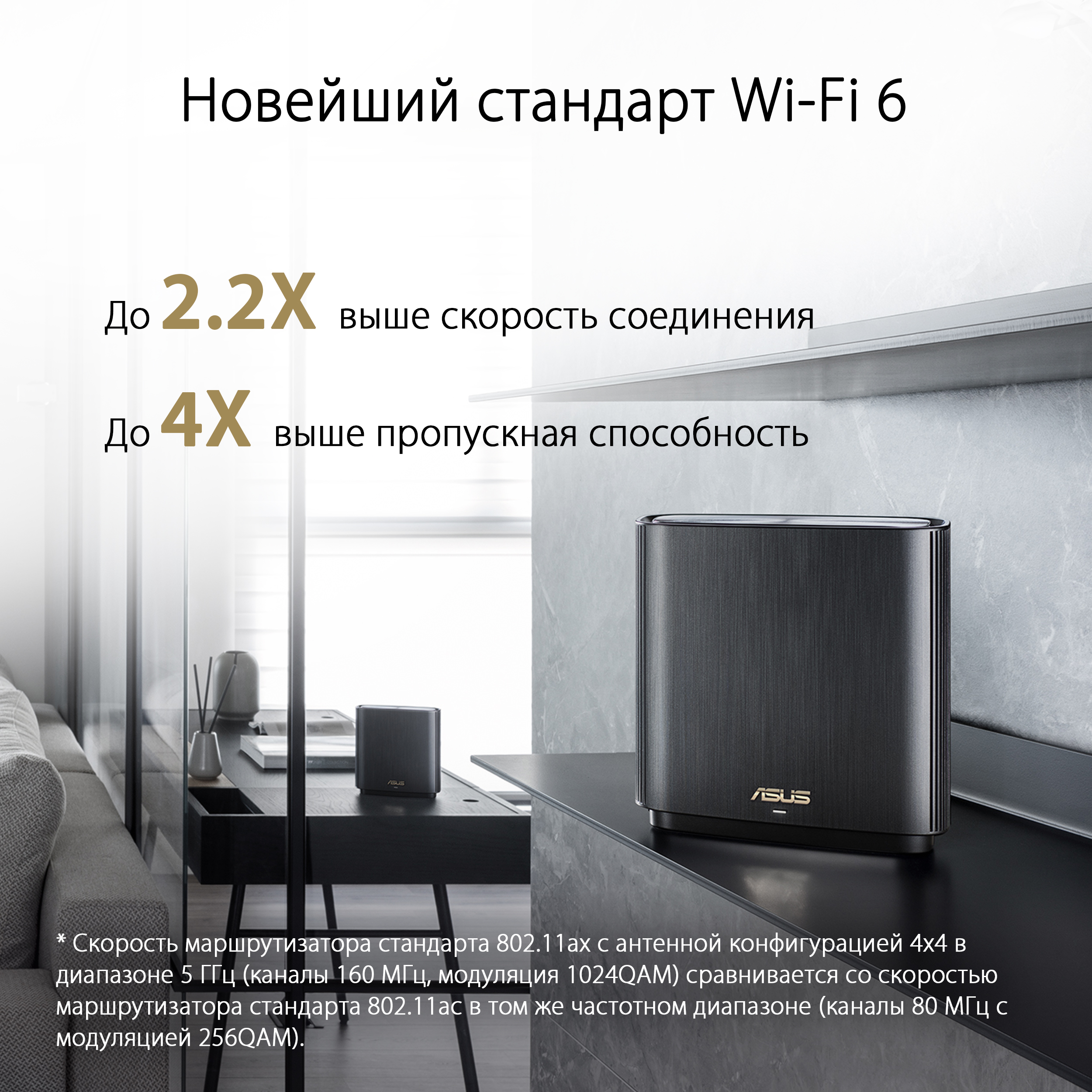
If the budget is already limited or somespecific functions or capabilities are not available in existing Wi-Fi 6 routers, then you can take a Wi-Fi 5 router. This standard will still be on the market in the next few years.
Ethernet connection
Another data transfer option where the routercan perform miracles of speed - this is the good old wired connection over Ethernet. Typically, the router is equipped with 100 Mbps or 1 Gbps Ethernet ports. Some top models may, in addition to gigabit ports, have one or more 2.5 Gbps (RT-AX86U) or even 10 Gbps (RT-AX89X) ports. If you already have or plan to have home devices with 1, 2.5 or 10 Gbps LAN ports, then it is worth considering support for such speeds in your home router. Yes, it’s also worth paying attention to the number of LAN ports initially - if necessary, you can find models with 8 LAN ports (RT-AX88U).
