</ img>
The Philips 50PUS8545 TV is part of the second generation Performance line. This means we are talking about the maximum
Philips 50PUS8545 4K TV with Ambilight
The pumped-up TV 2020 on Android TV
Performance Series Android TVsecond generation. It features improved brightness, contrast and black depth thanks to a VA matrix that outperforms traditional IPS panels. The swivel stand is adapted for use with the soundbar. Supports bluetooth connections to headphones and external speakers. Like all Philips TVs, it compares favorably with the competition with the branded Ambilight lighting, which received new features.

we recommend
5 reasons to buy a Philips 50PUS8545 TV
- Android TV is the best platform for smart TVs today;
- VA-matrix with improved color gamut and indicators of brightness, contrast and black depth;
- proprietary Ambilight lighting;
- the ability to connect bluetooth headphones and speakers
- advanced settings for sound, image and lighting.
2 reasons not to buy a Philips 50PUS8545 TV
- your budget allows you to buy an OLED TV;
- you are looking for the TV with the lowest price.
Video review of Philips 50PUS8545 TV
What you need to know about the appearance of the Philips 50PUS8545 TV
All screen manufacturers, large and small,compete for thin frames. The frame of this TV cannot be called record-breaking thin, but it is really small and, what is even more interesting - metal, with a practical matte sheen.

</ img>

</ img>

</ img>



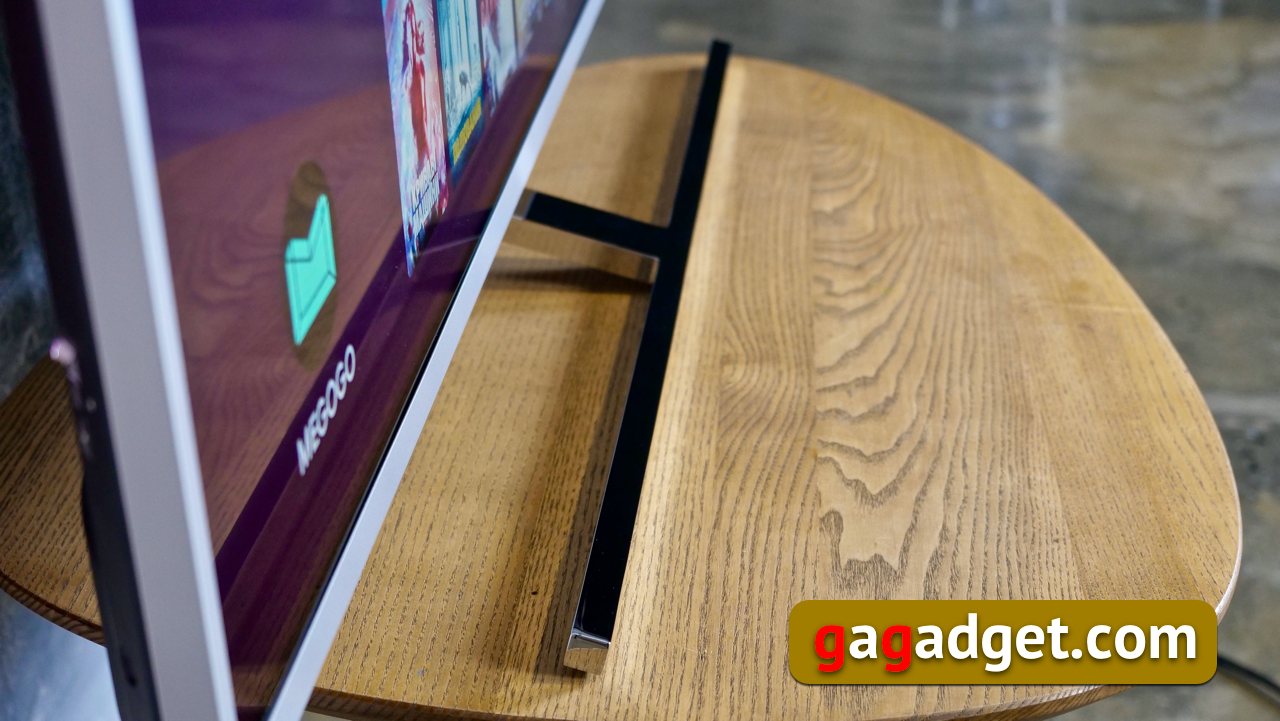
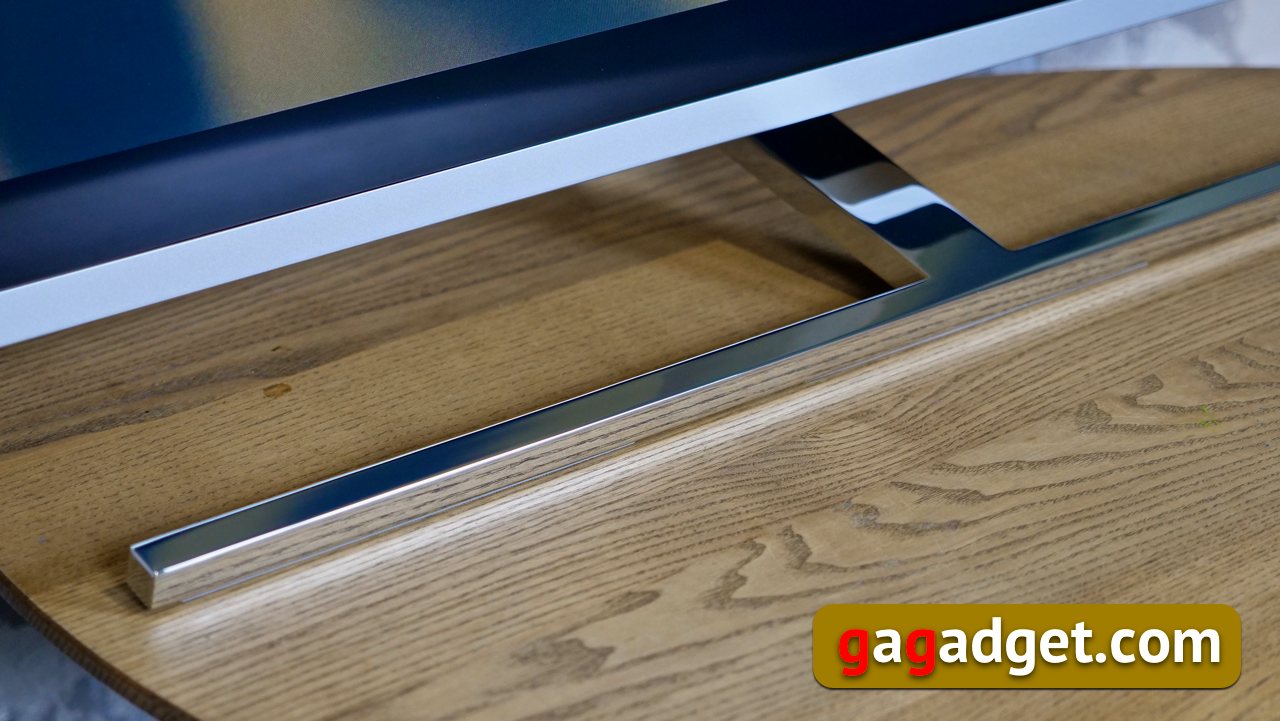
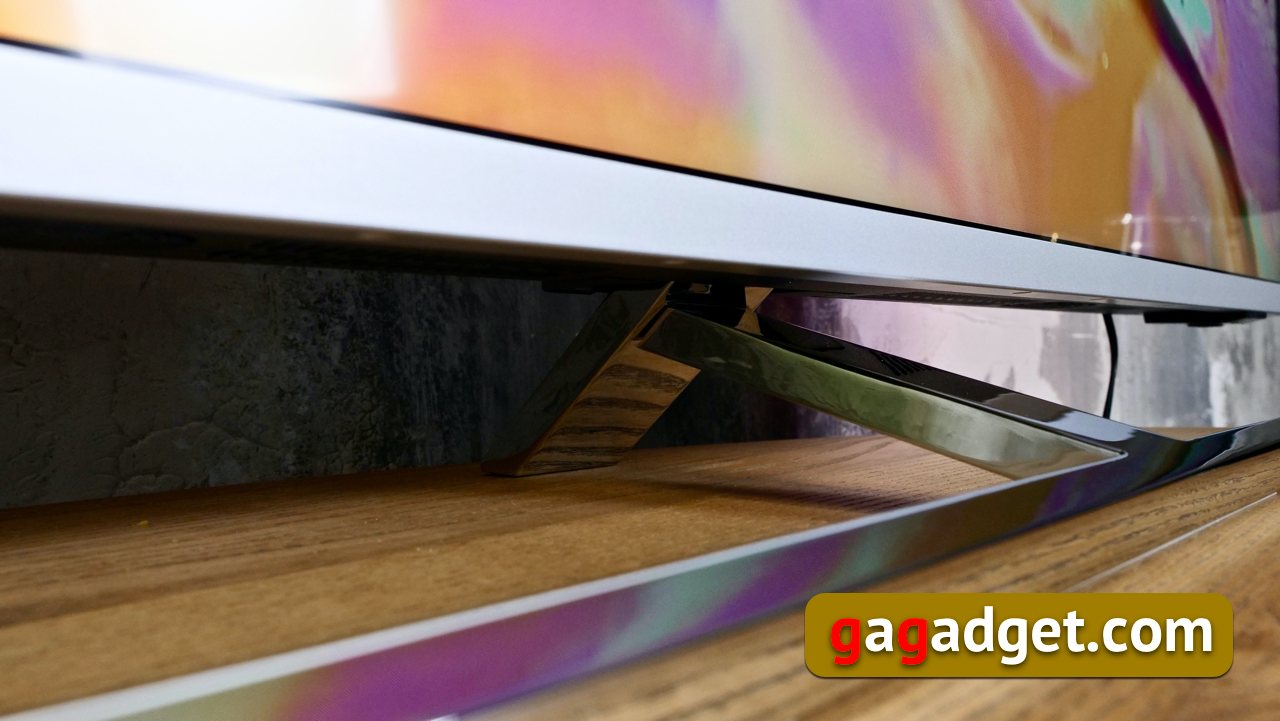
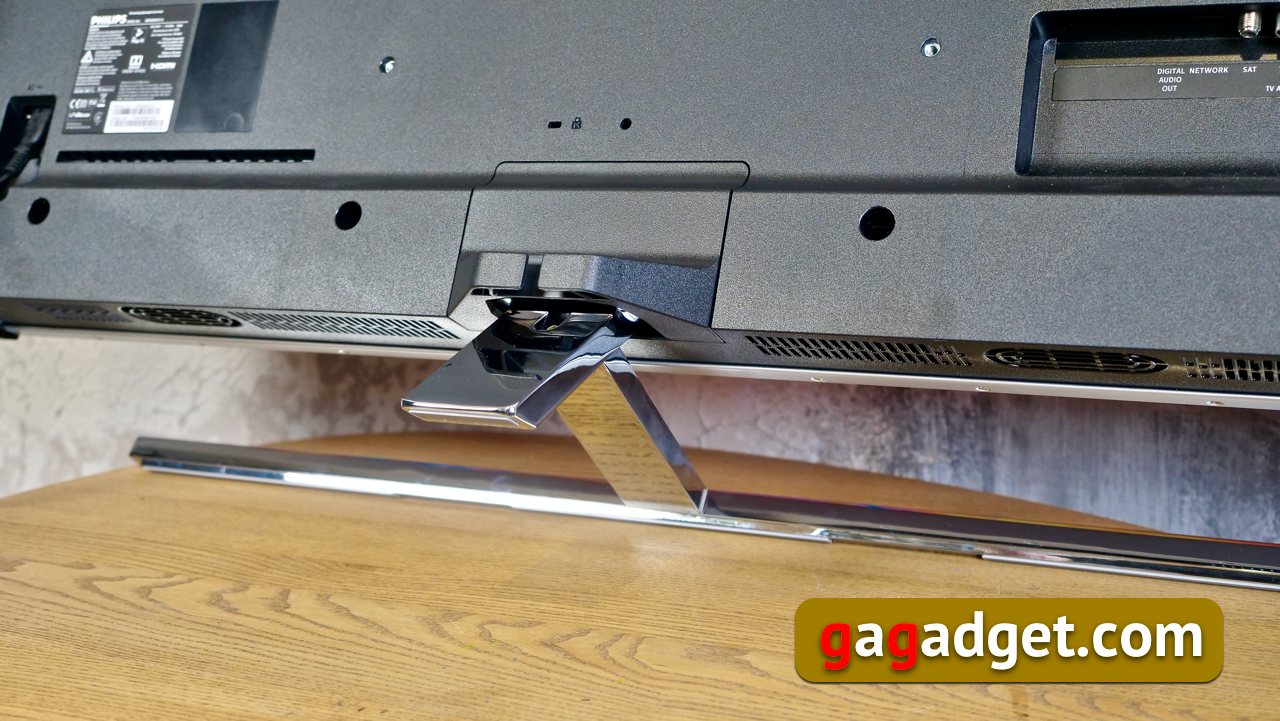
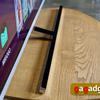
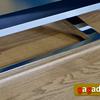
The design of the stand that produced on usimpression with its design last year, this year has undergone changes. In general, it should be said that all manufacturers have very little room for maneuver with the design of TVs - in fact, they have to work just with a rectangular screen, so they direct all the main design delights to the stands. But the stand changes this year had practical reasons. The fact is that buyers of Performance TVs often augmented them with the purchase of soundbars. And the spectacular stand with a low panel fit simply did not allow for convenient placement of the soundbar. Therefore, this year, the stand was raised just enough so that the soundbar, adjusted for the corresponding diagonal of the TV, would best fit in the gap between it and the TV. At the same time, the stand received another support at the back, which added an additional 600 grams of weight to it compared to its predecessor. And she still has the ability to rotate the LCD panel around the vertical axis, which will never be superfluous.
</ img>
</ img>
</ img>
</ img>

</ img>


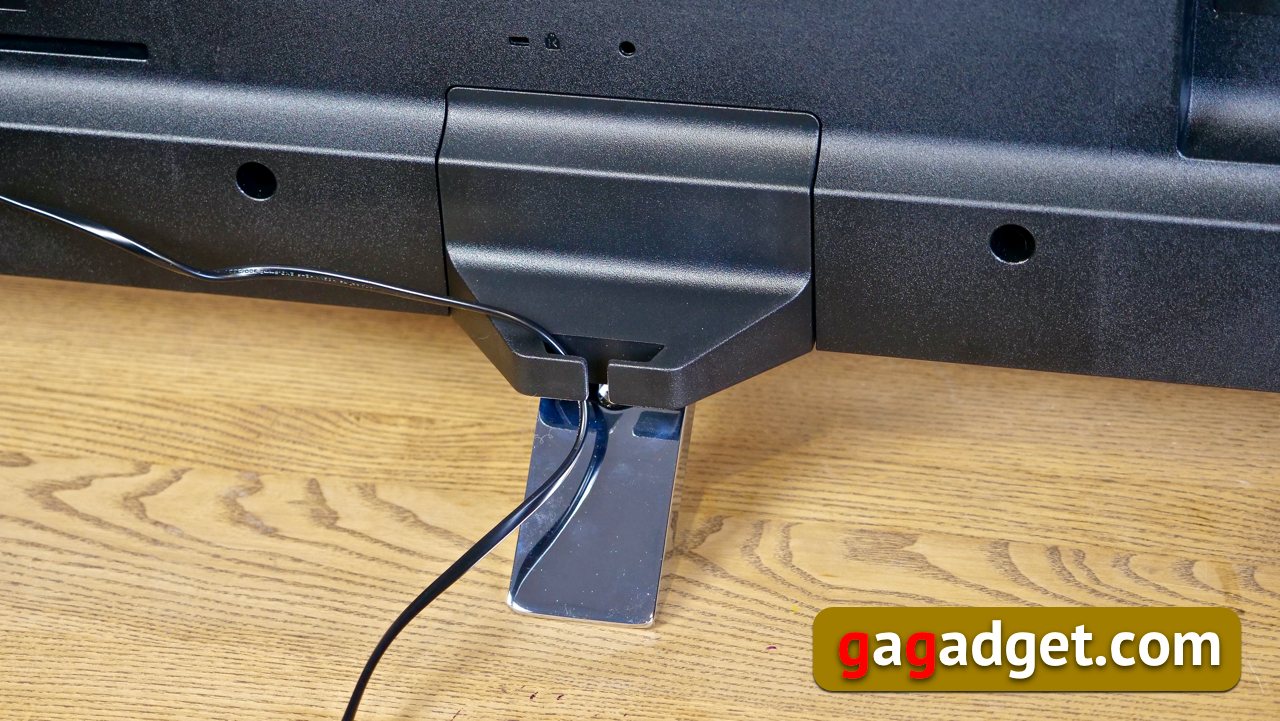
In the cover that locks the mounting of the stand, brackets were placed to help neatly route the power cable.
</ img>
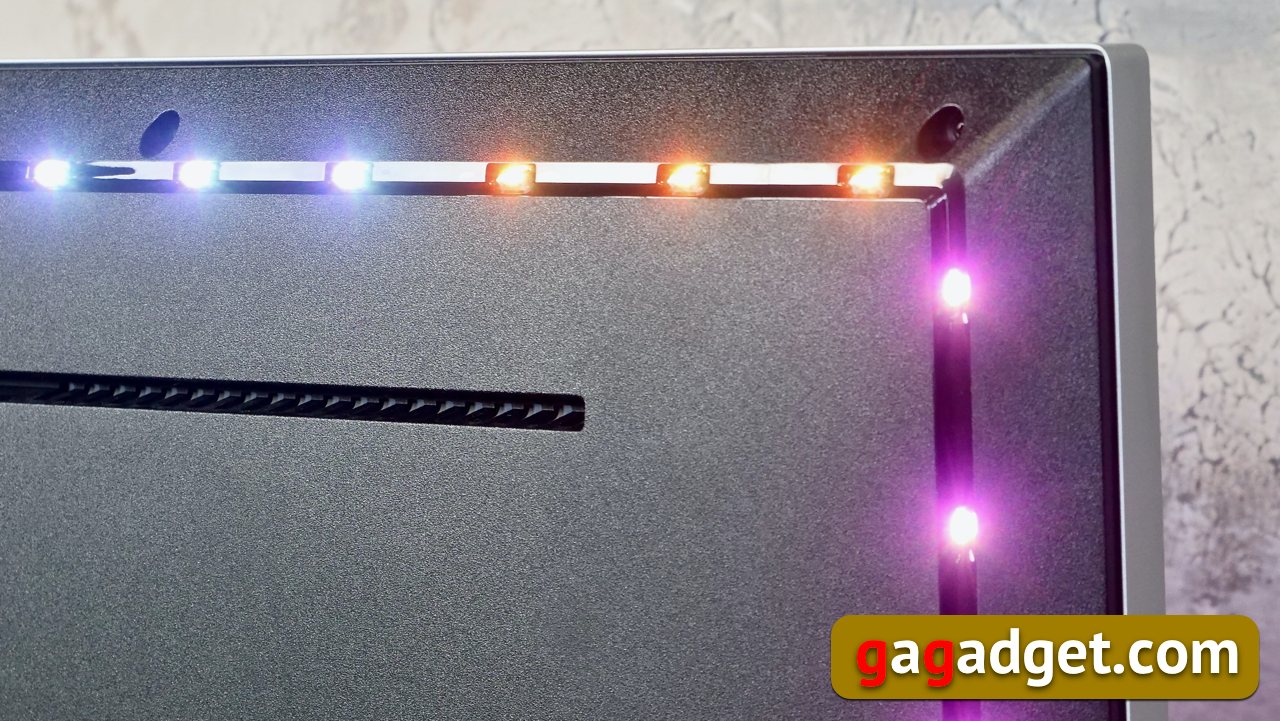
On the back on three sides of the perimeterAmbilight LEDs are placed. They are completely open and are not protected by anything from external influences, which looks unusual. On the other hand, no transparent plastic elements stand in the way of the light emitted by the LEDs. Yes, and TVs are usually placed against the wall or even on the wall, so the possibility of damaging them is questionable.

</ img>

</ img>
</ img>
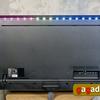
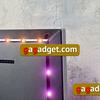
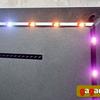
External connection options
The connection block has not changed much over the year(the YPbPr component inputs have disappeared, which have become archaic) and consists of two modules: one is located on the left (when looking at the screen) panel of the TV. The other is on the back. On the side there is a CI slot for cable operator cards, a headphone output, one HDMI input and one USB module. By the way, it supports USB 3.0 specifications and can be used to connect flash drives or external hard drives with music, photos and videos, and also for gamepads. The TV has a total of 4 HDMI connectors, all with support for ARC (Audio Return Channel) - an audio feedback channel that allows you to reduce the number of cables when connecting the receiver. And transmit sound from the TV to external speakers via the HDMI cable of the receiver using this feedback. On the rear panel there is also a digital audio output, a second USB port, an Ethernet input, an antenna input and a satellite signal input.

</ img>
The live back panel looks like this:
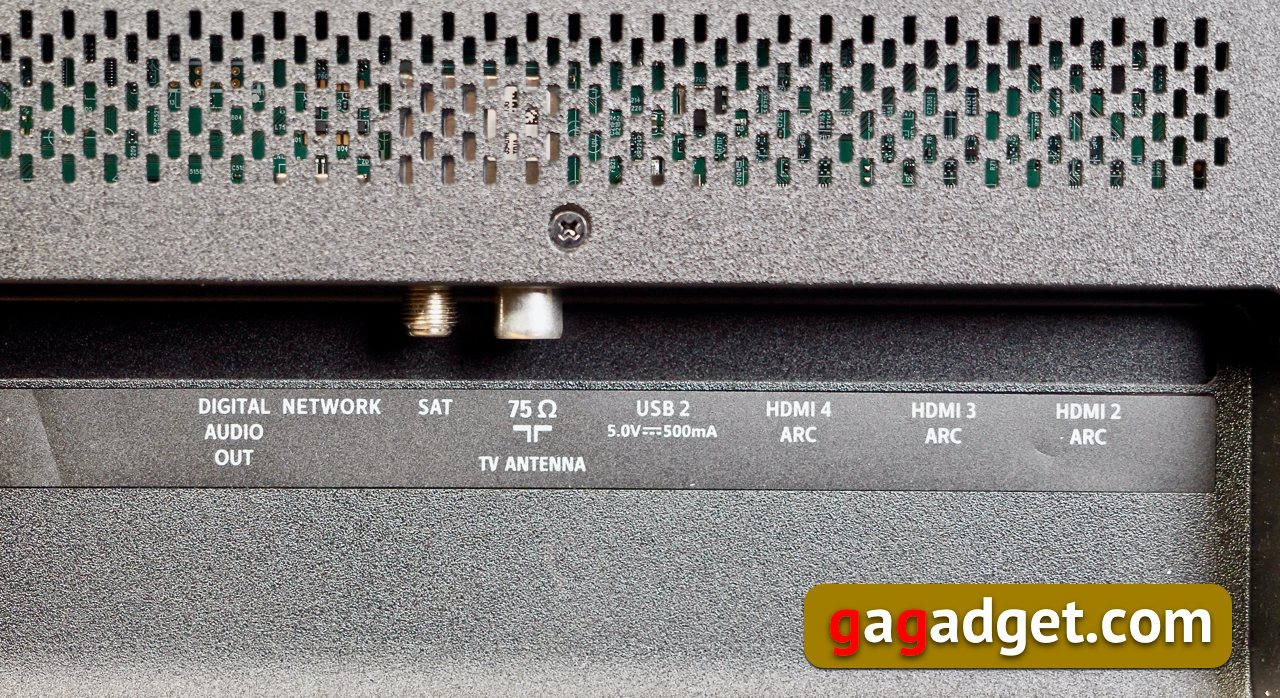
</ img>
Image: What's new on the Philips 50PUS8545 TV

</ img>
What do you need to know about the matrix of this TV?Instead of IPS, a version of the matrix with vertical alignment (vertical align or VA) of pixels with an expanded color gamut is used - wide color gamut - it is increased to 90% of the DCI-P3 color space compared to 75% for 1st generation Performance TVs. It is worth saying that this year’s older models of the Performance series with diagonals of 65 and 75 inches can use IPS matrices with an expanded color gamut, but the 50-inch TV uses VA. The VA matrix itself is a development of IPS technology, which has its advantages in the form of deeper black color transmission, higher brightness and contrast. What has the downside is a reduction in viewing angles compared to IPS. This happens due to the technological features of pixel placement. When vertically aligned, the crystals are located closer to each other, which allows them to block light more effectively (hence the better black depth) and better influence such important indicators for the image as brightness - it, remember, has increased from 350 to 400 nits - contrast and clarity. The crystals of a traditional IPS matrix, on the contrary, are able to transmit more light, which gives better viewing angles. Both technologies (as always in such cases) have supporters and opponents. Subjectively, I liked the picture even more than last year’s series, and I had no complaints about the viewing angles at all. There is a suspicion that buyers will not even realize that such a technological dilemma, in principle, exists.
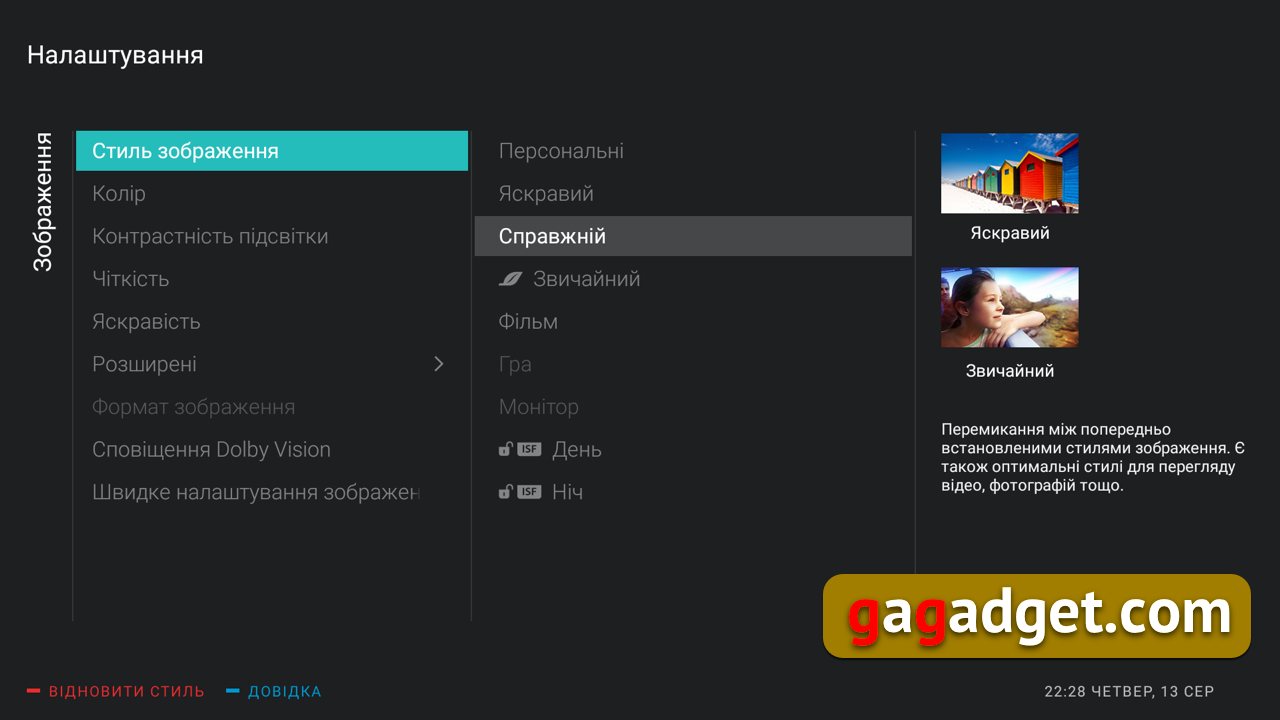
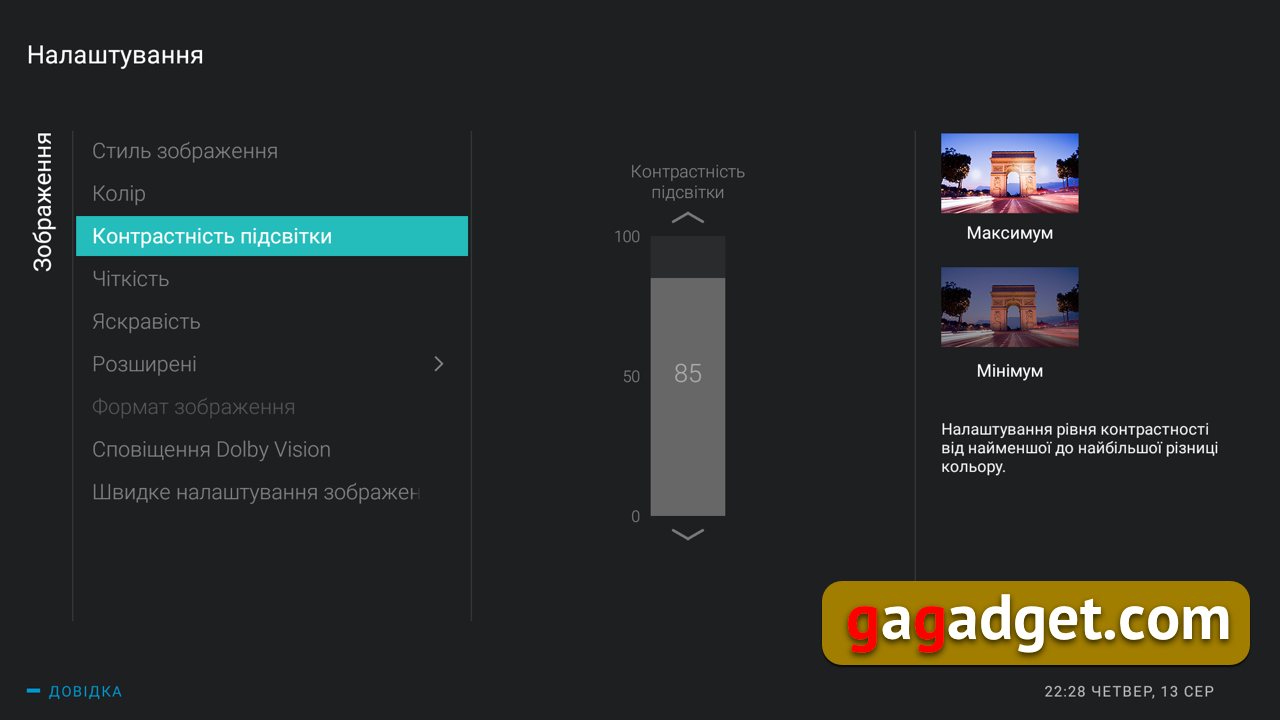
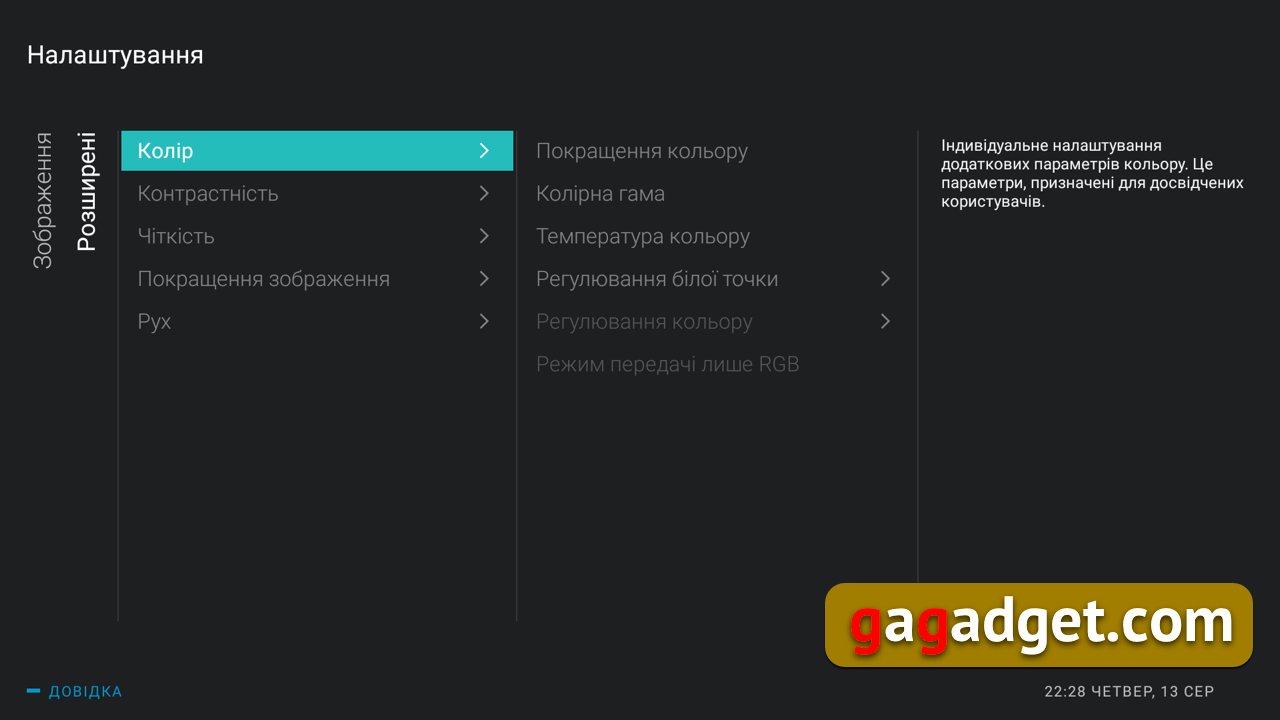
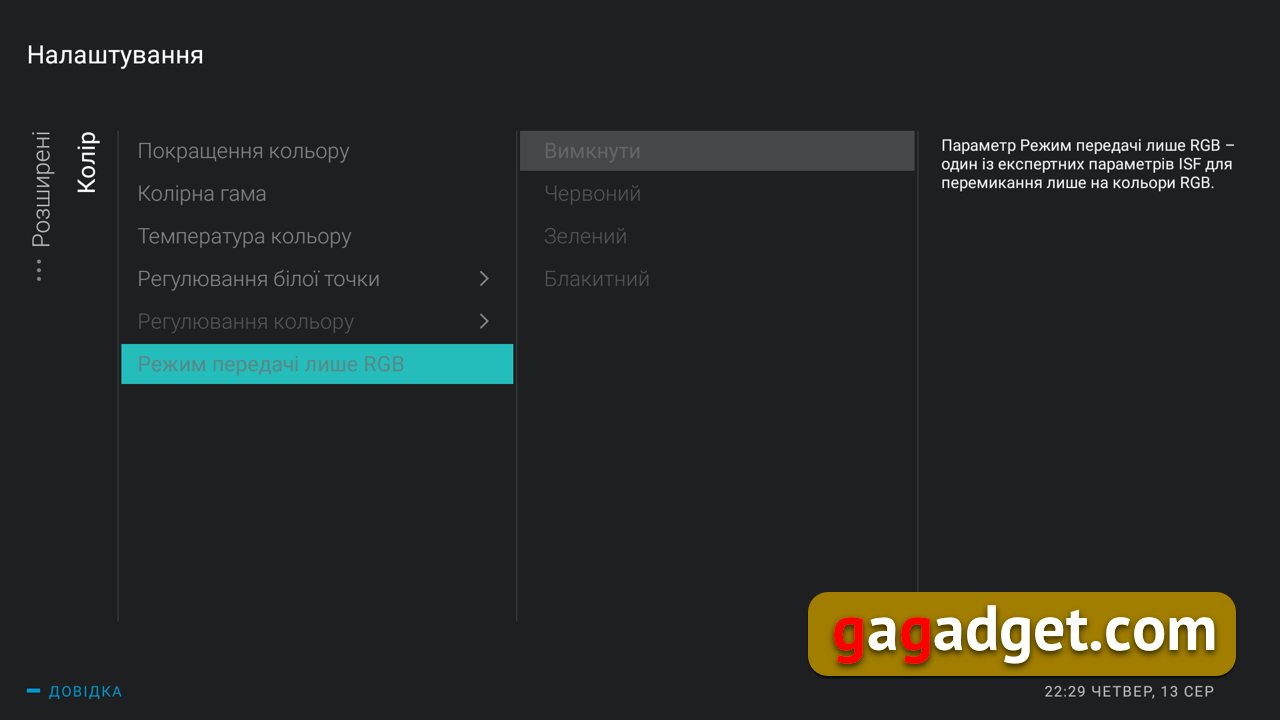
Image settings are heaven forlovers to dig deeper into them with playful little hands. Perhaps no other TV manufacturer has such a variety in image control. In addition to all these simple options for adjusting brightness, color and contrast, there are also options for choosing a color temperature, an extended color gamut. It is possible to adjust the white point by 20 points and all these tricks are not for the average mind with ISF settings for adepts of THX cinemas. I'm not talking about support for Dolby Vision and other HDR options - this is a matter of course for TVs of this class.
</ img>

</ img>
</ img>

</ img>

</ img>
</ img>

</ img>

</ img>

</ img>

</ img>
</ img>










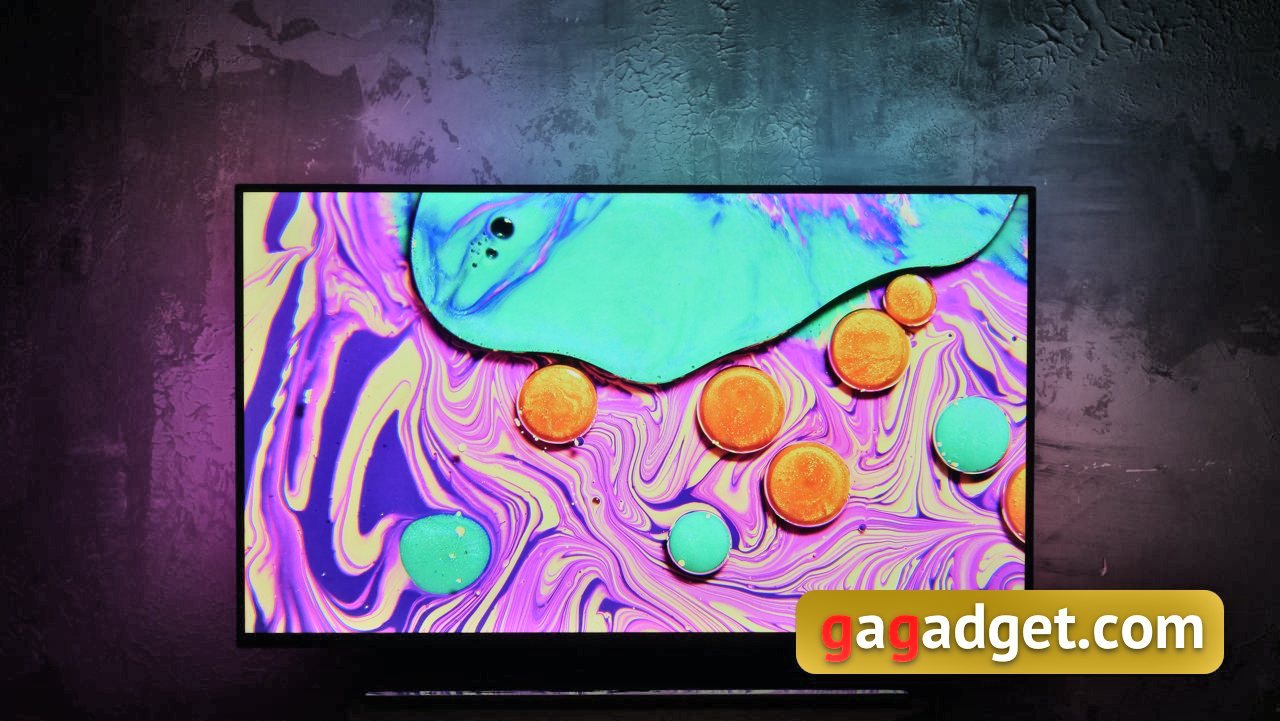
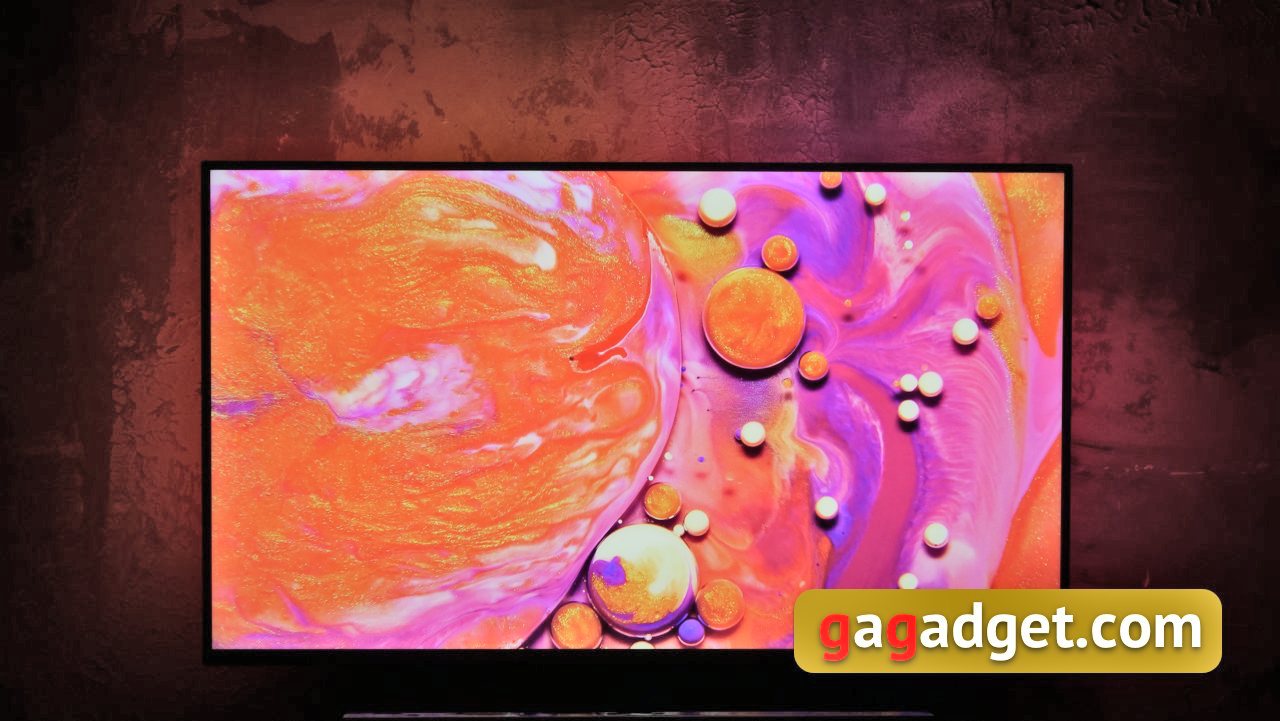
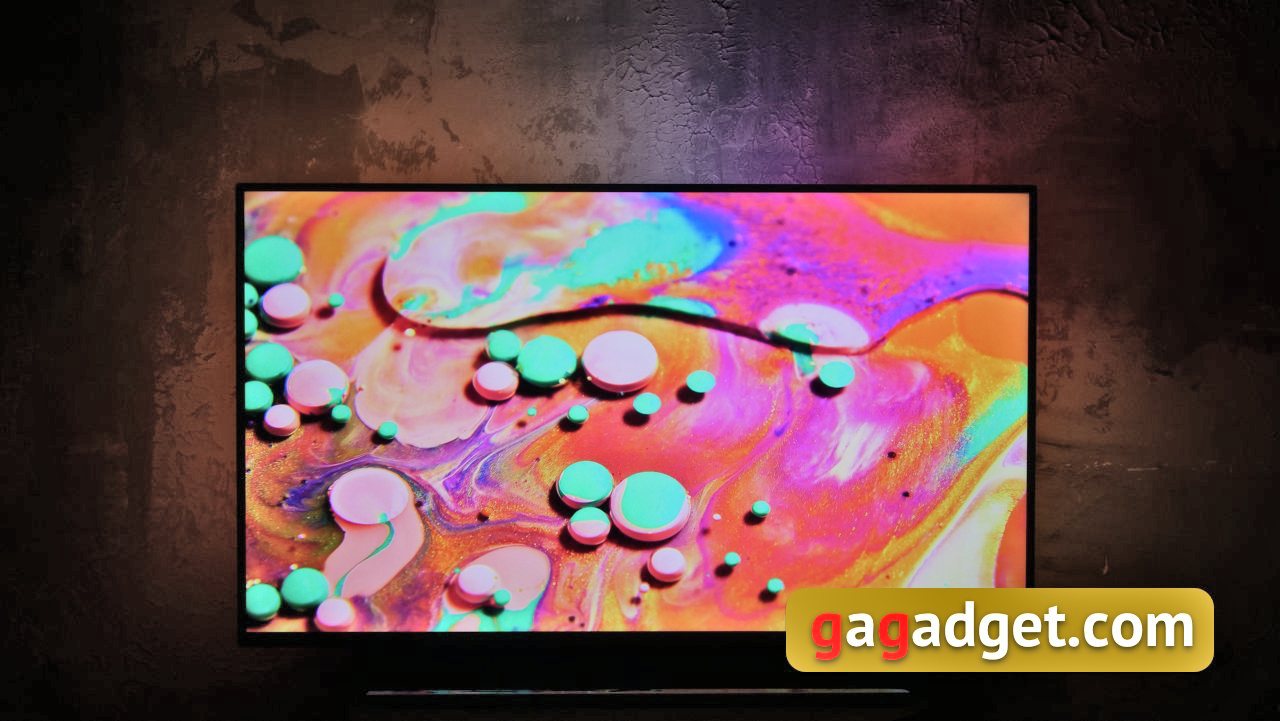
Ambilight: the lighting that makes Philips TVs unique
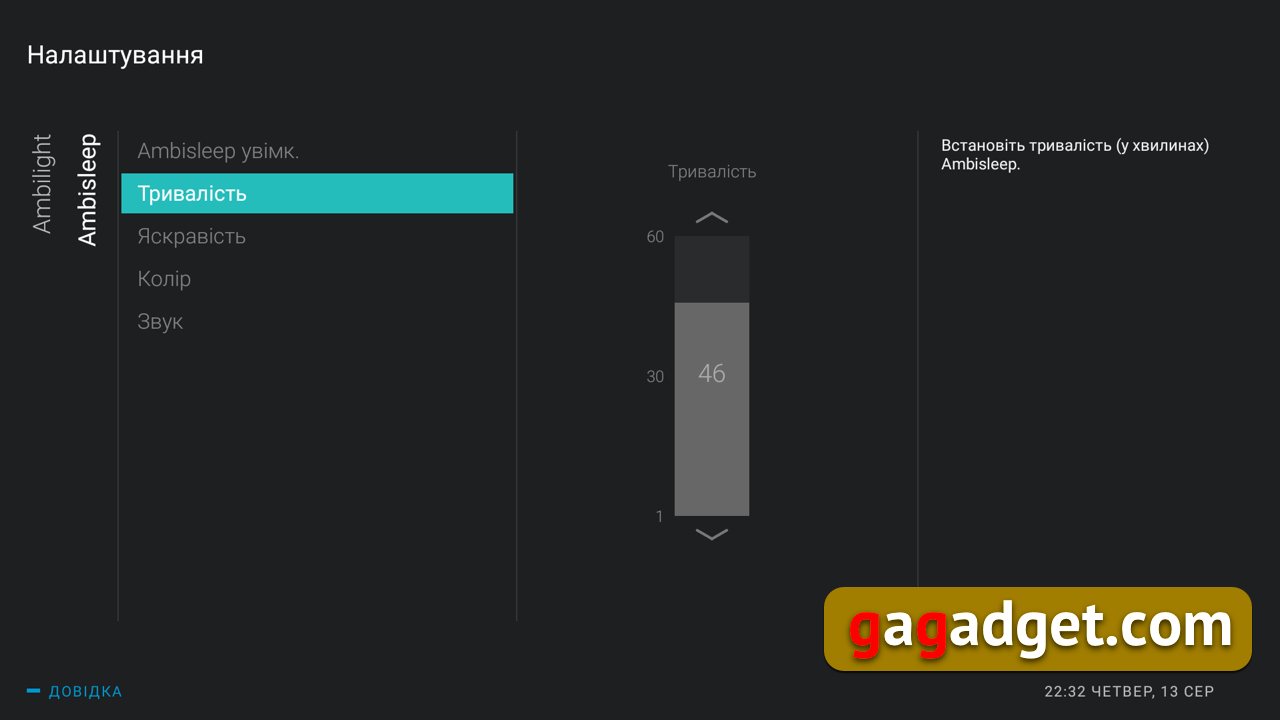
Ambilight is excellent as always.And every year, engineers working on the development of Philips TVs come up with more and more new uses for it. Last year there was a mode for sports fans, displaying the country's flag in the backlight, as well as an AmbiWakeup mode combined with an alarm clock on the TV (you can see how this works in our video from last year). This year they added a new AmbiSleep mode, which allows you to fall asleep under the slowly fading backlight when the TV screen is turned off to the sounds of nature.

</ img>

</ img>
</ img>
</ img>

</ img>
</ img>

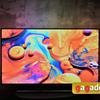

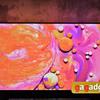


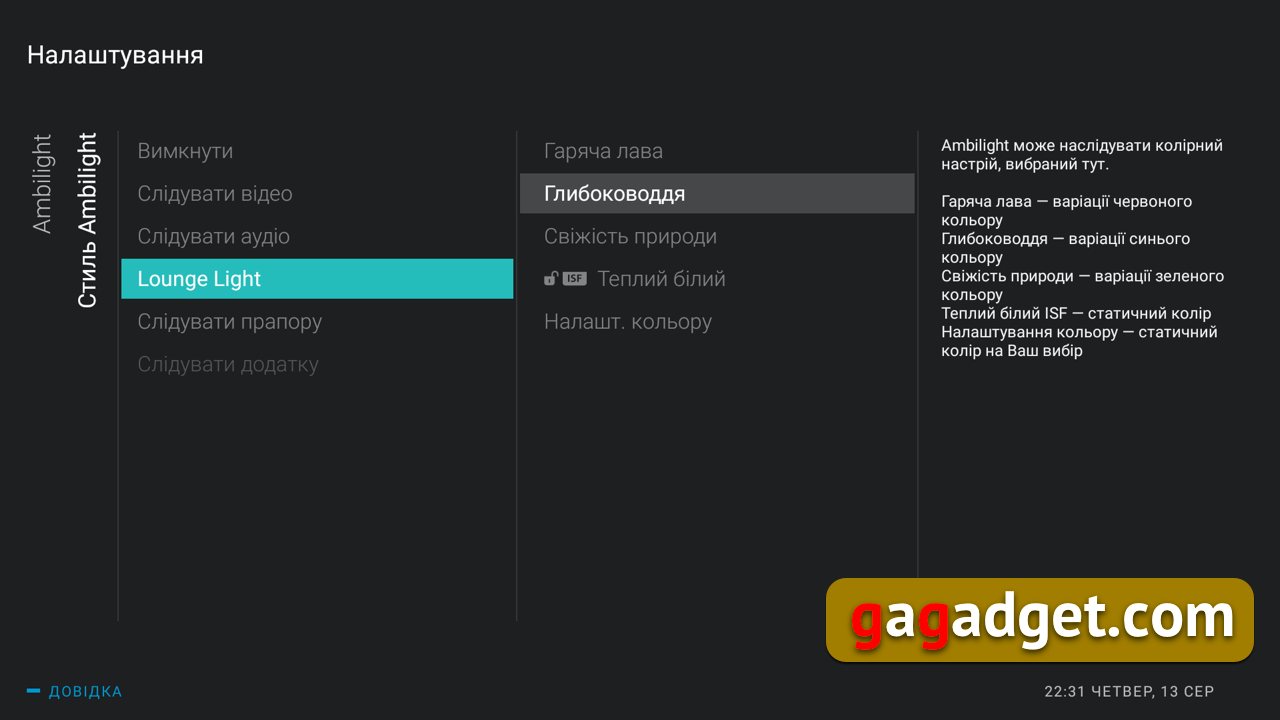
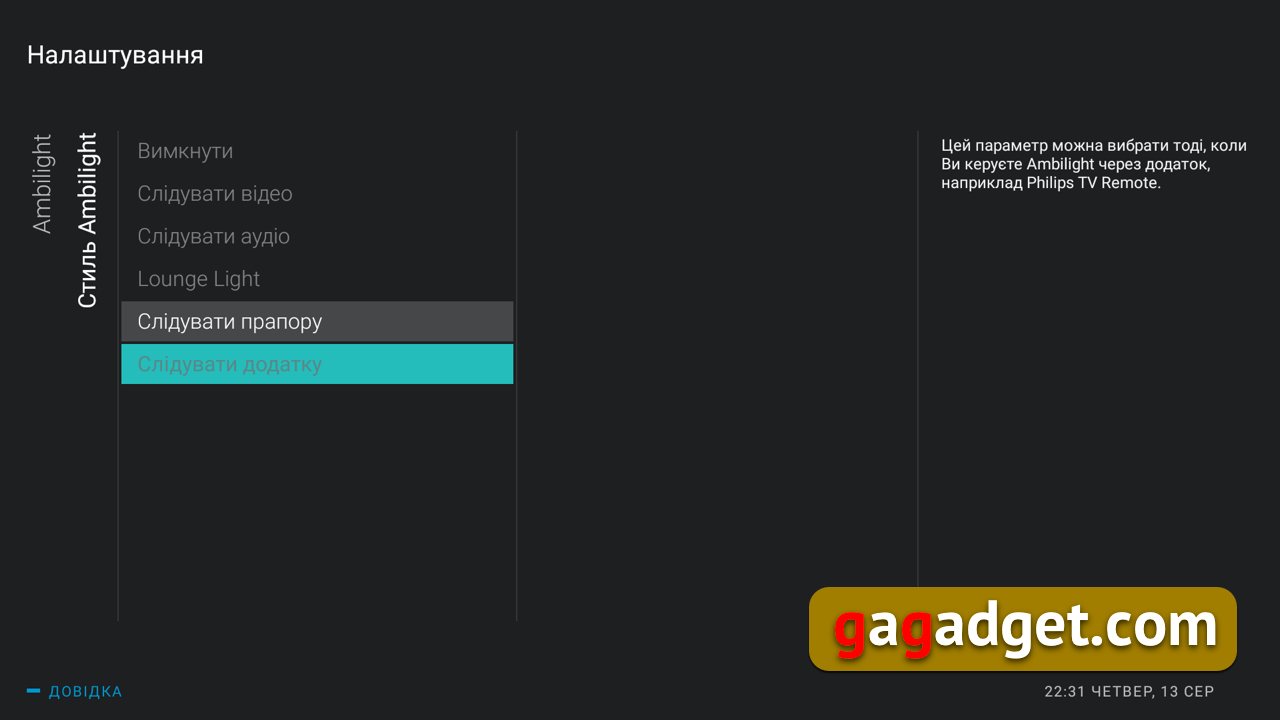
Since Ambilight is one of the keyThe advantages of this TV, and even the fact that it provides a simple and visual difference from TVs from other manufacturers, is worth dwelling on it in more detail, despite the fact that we have already done this more than once. Ambilight settings allow you to choose the lighting style - to adapt it to the image or audio track (for example, if you decide to organize a disco at home and launch, for example, Spotify). You can simply choose a single color scheme. The list of all modes is in the screenshots below; there is no need to list them again.

</ img>
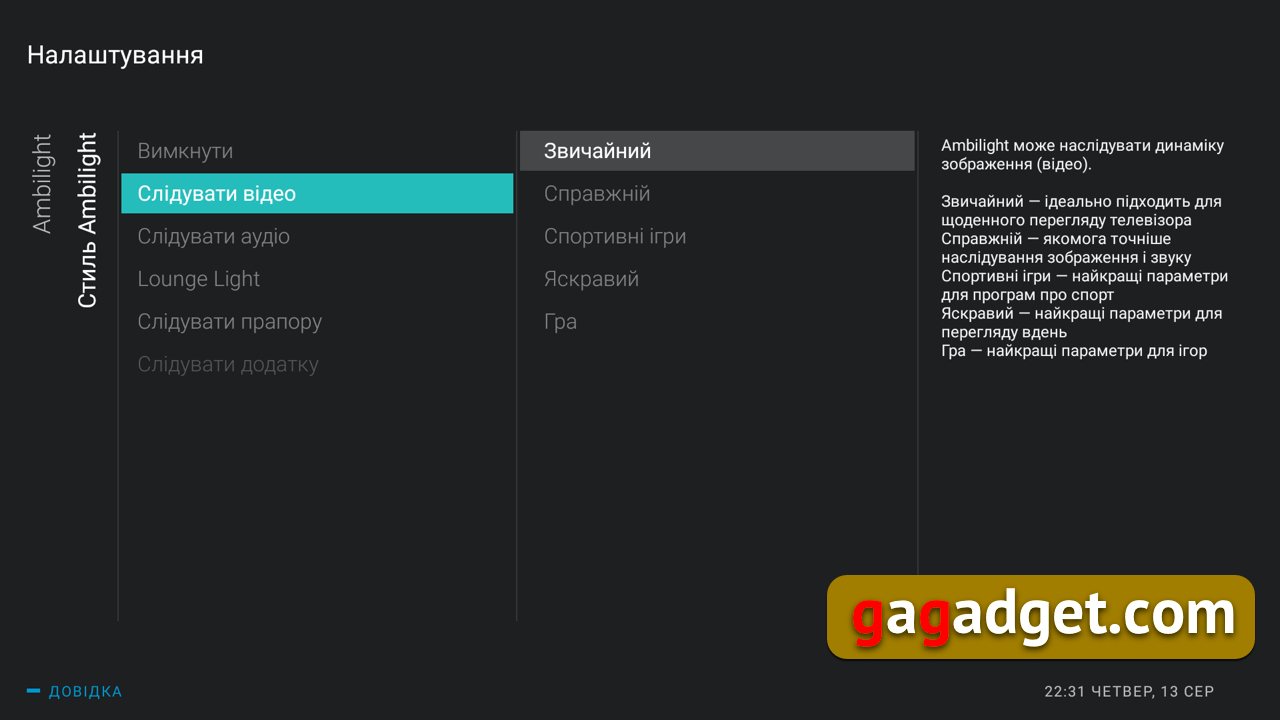
</ img>
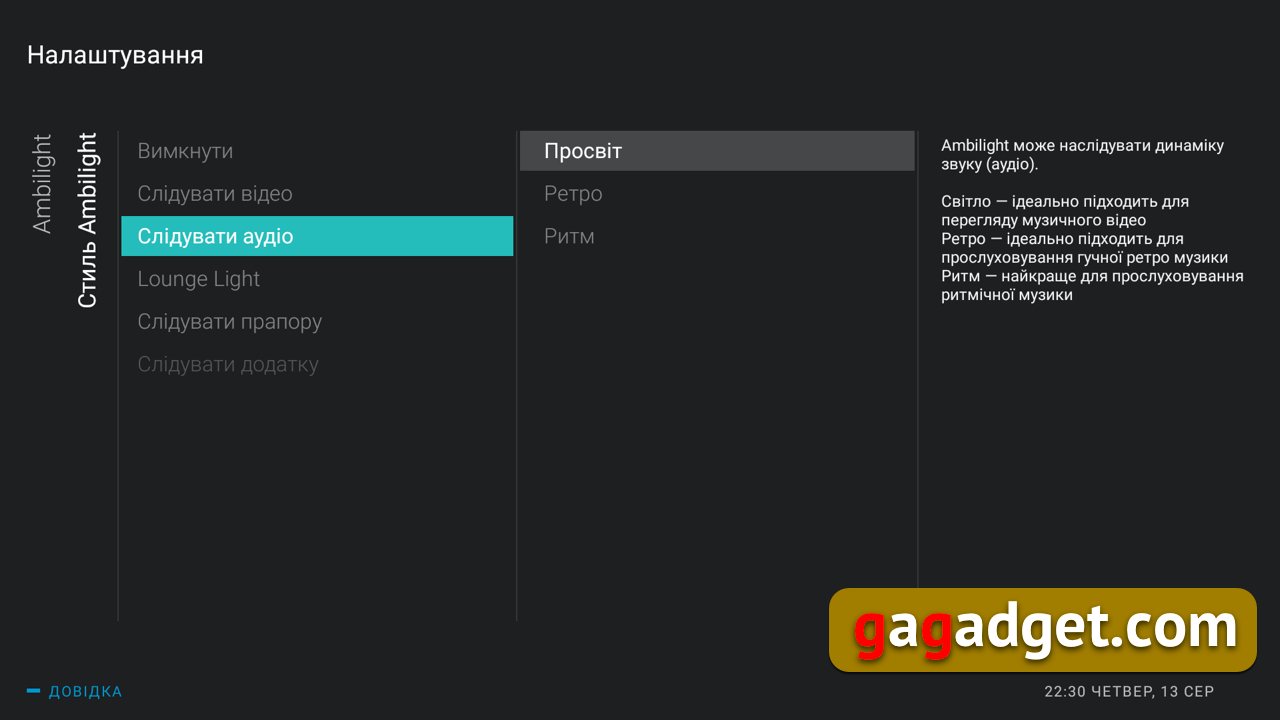
</ img>
</ img>

</ img>

</ img>
</ img>






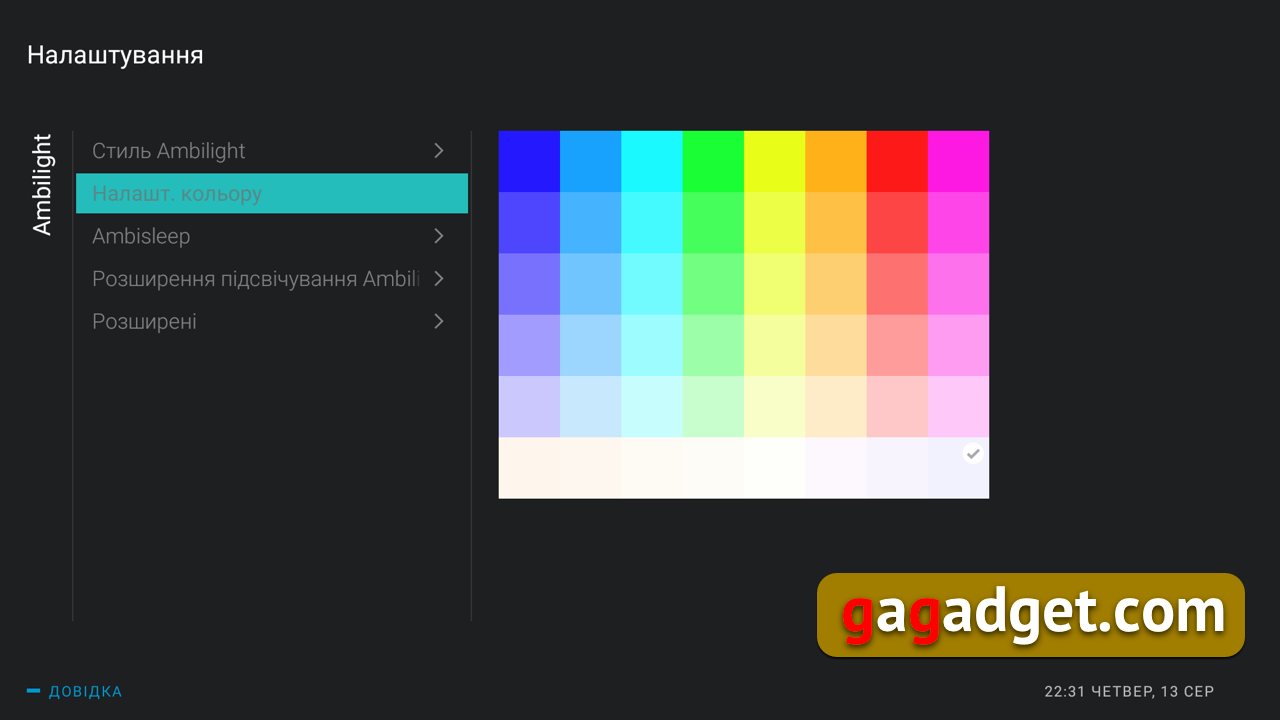
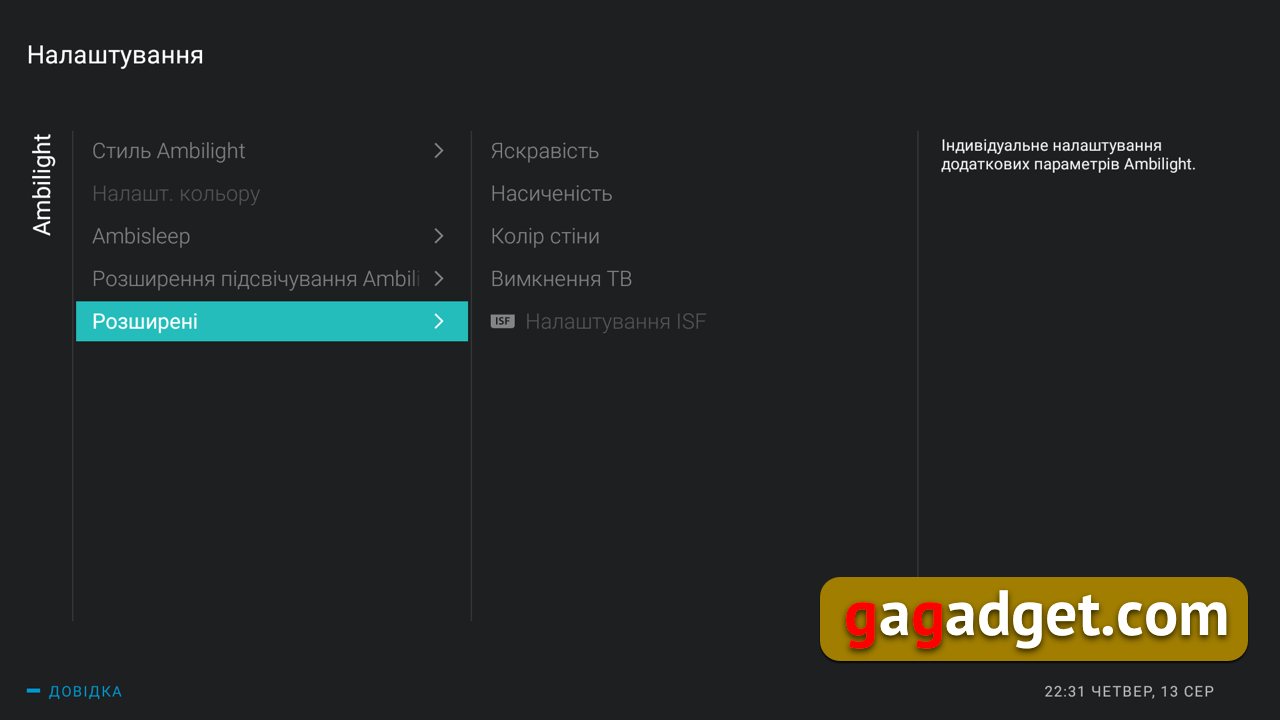
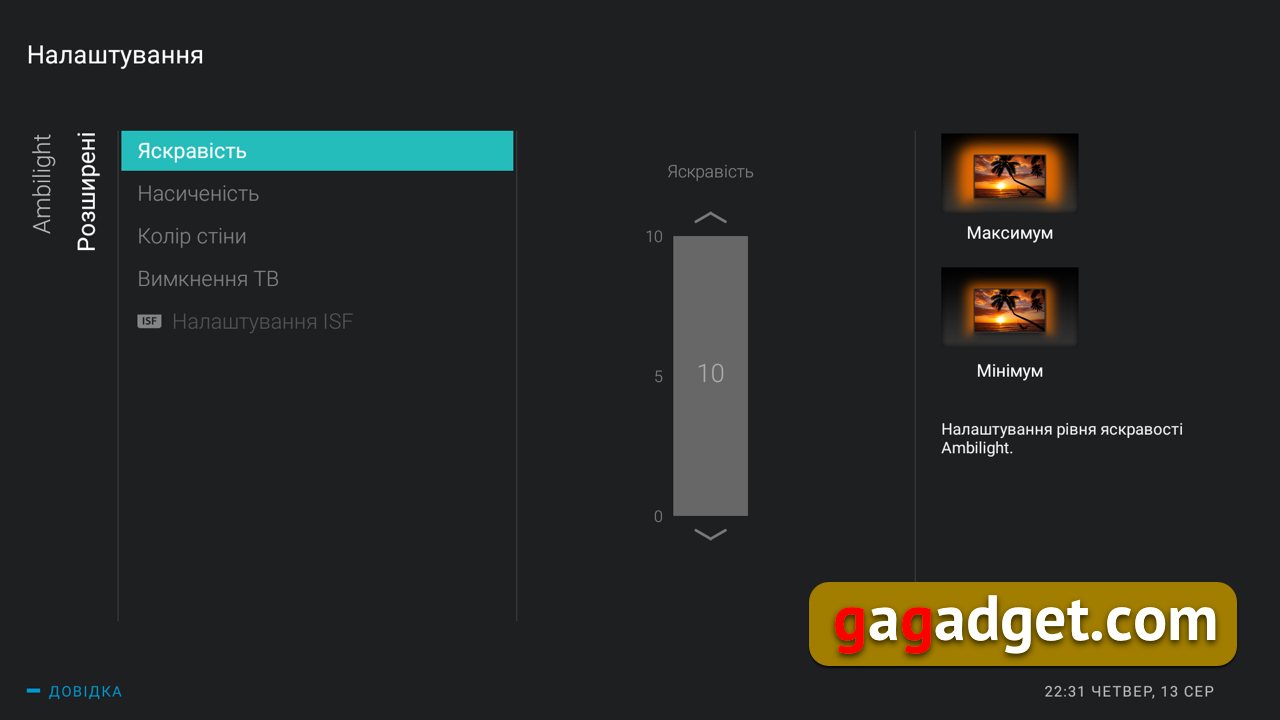
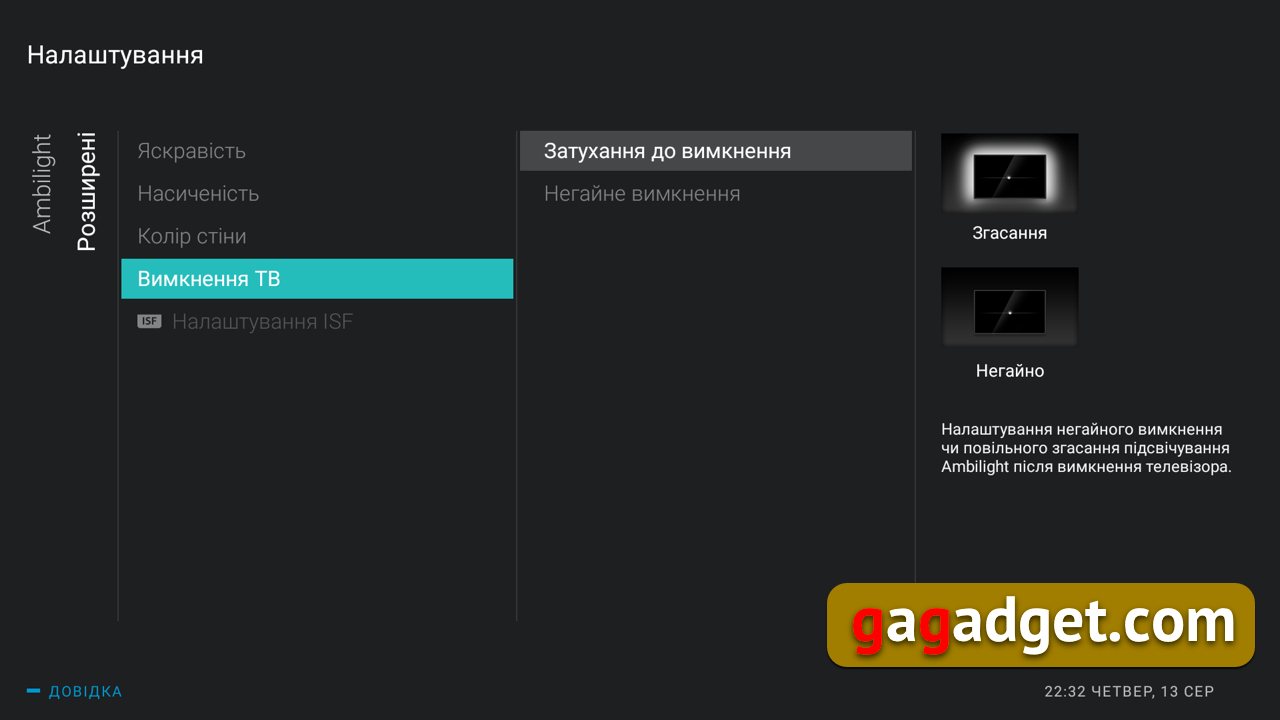
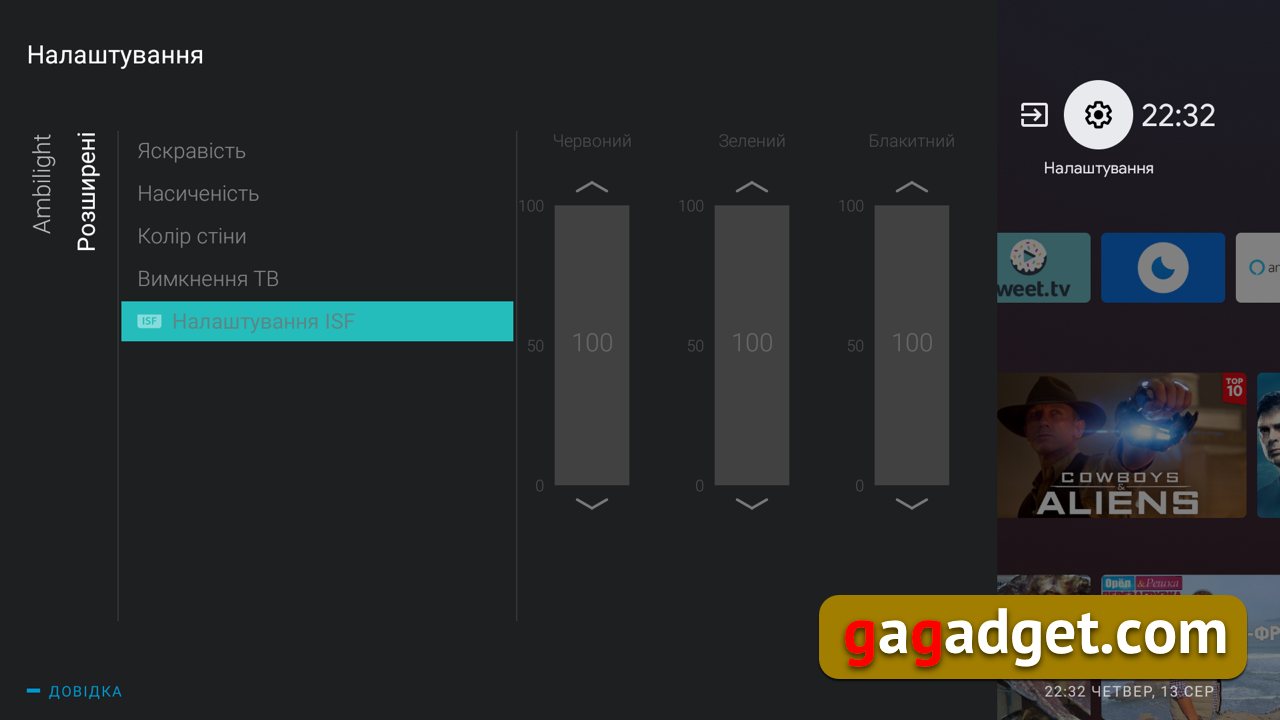
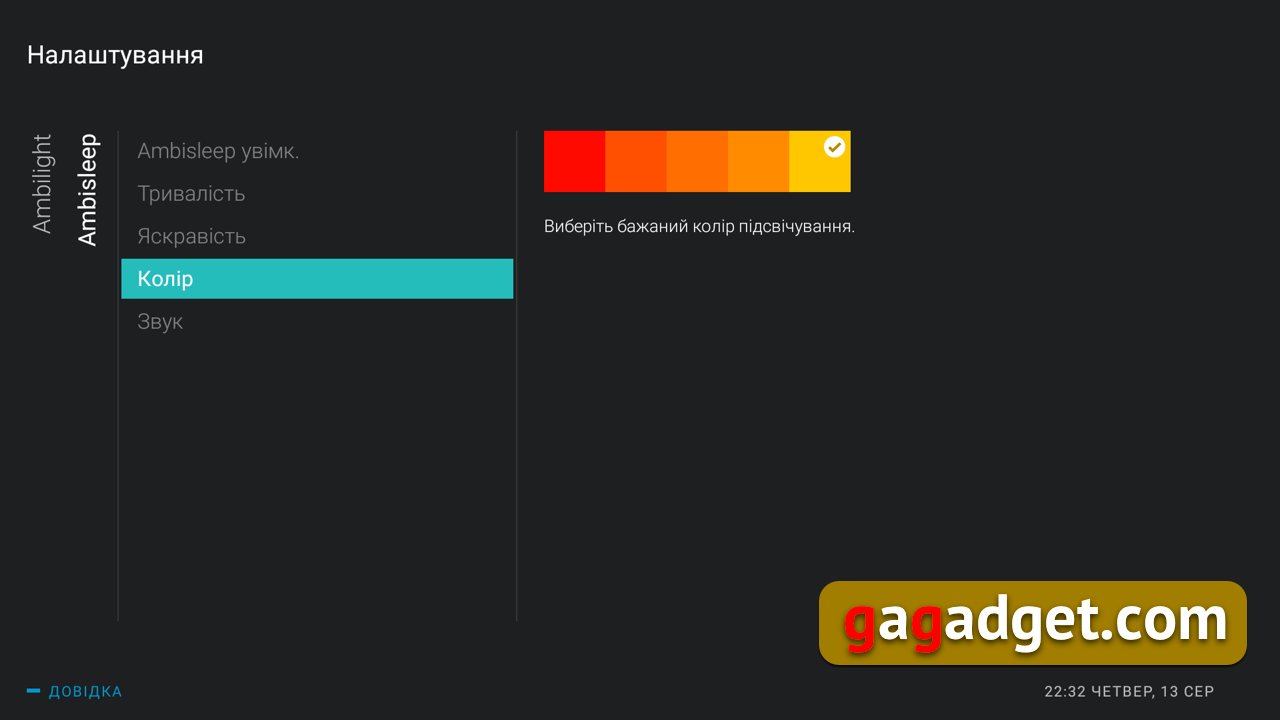
The settings take into account the color of the wall on which it hangs.TV. You can choose the brightness and saturation of the backlight. And also choose the option for the backlight to work when turning off the TV: turn off the backlight instantly or softly, with a smooth fading. You can even set up an ISF profile, although I have no idea who needs to bother like that. The backlight control options are clearly redundant.
</ img>
</ img>
</ img>

</ img>

</ img>
</ img>
</ img>




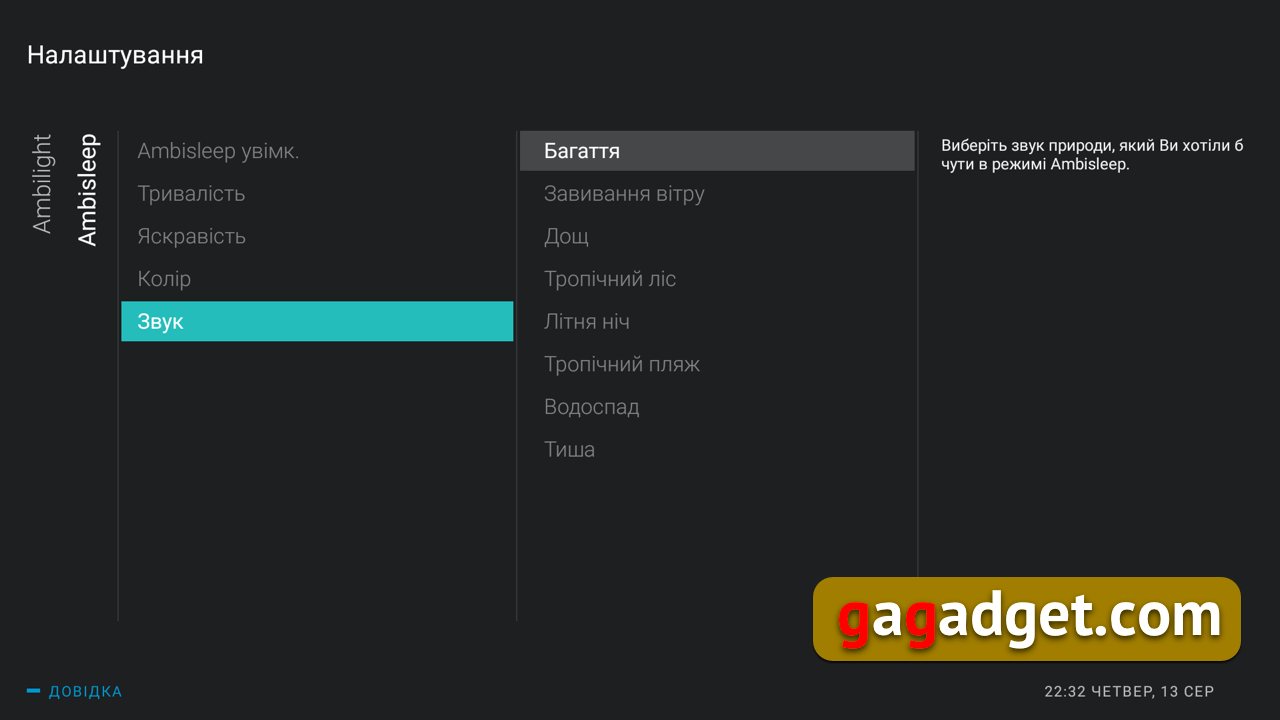
Finally, there is a new one in the Ambilight settingssection for AmbiSleep, which allows you to select (yes, sound has appeared in the backlight control, such a curious paradox) one of the sound options to which you want to fall asleep: the crackling of a fire, the howling of the wind, the sound of rain or a tropical forest, the sounds of a waterfall, a summer night or just silence.

</ img>
</ img>

</ img>
</ img>
</ img>


Sound control: customize everything
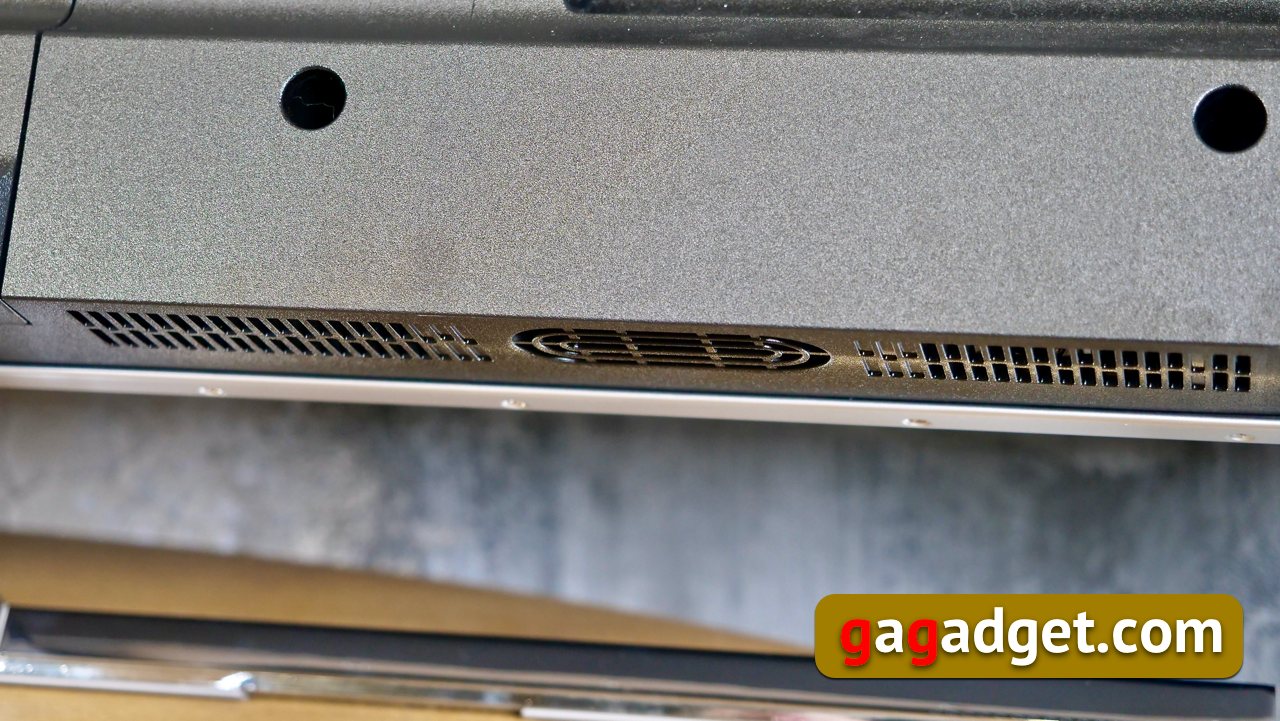
The sound capabilities of modern TVs are alreadyhave long surpassed the unpretentious needs of ordinary buyers. This TV has a pair of 10-watt speakers located at the bottom of the panel and pointing downwards. As I already said, buyers of Performance TVs prefer not the simplest solutions and love to buy soundbars for them. I would consider such a possibility as some kind of TV upgrade over time. It's always nice to get even more out of your purchase by purchasing something meaningful. The difference in sound with a soundbar, of course, will be noticeable to the naked ear, but, in principle, the sound of the TV is good in itself and has a huge headroom.
</ img>
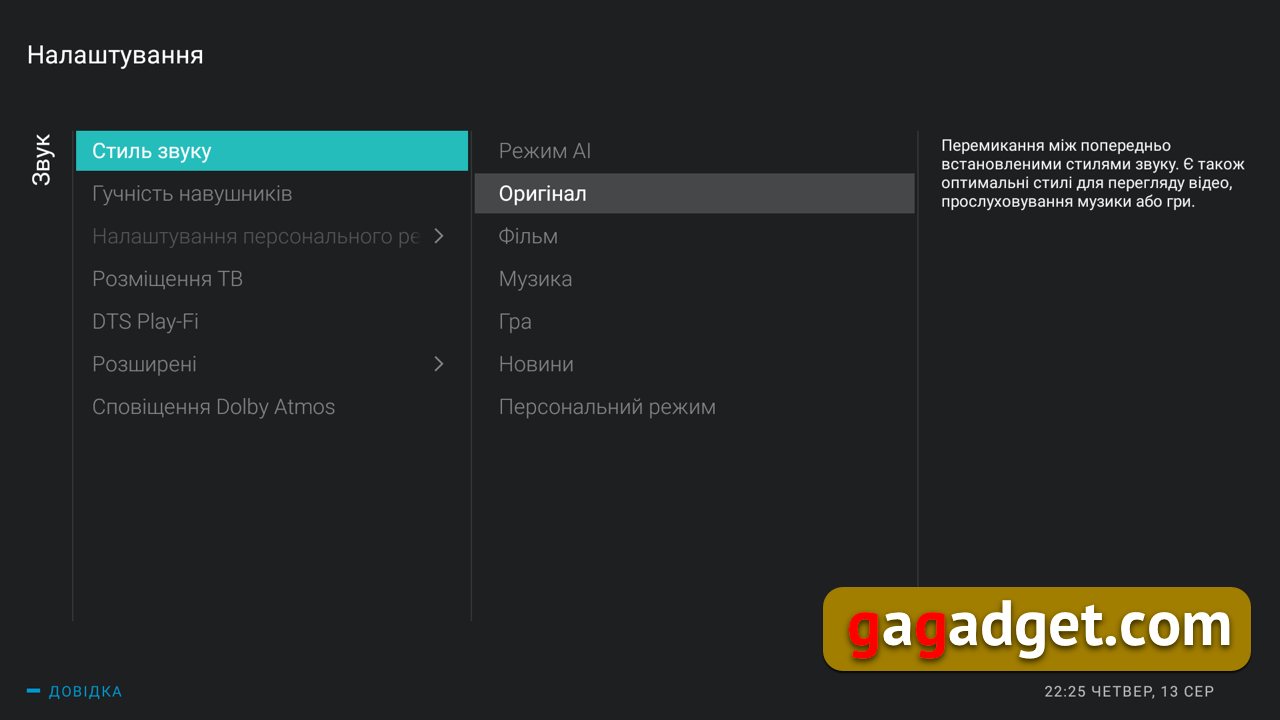
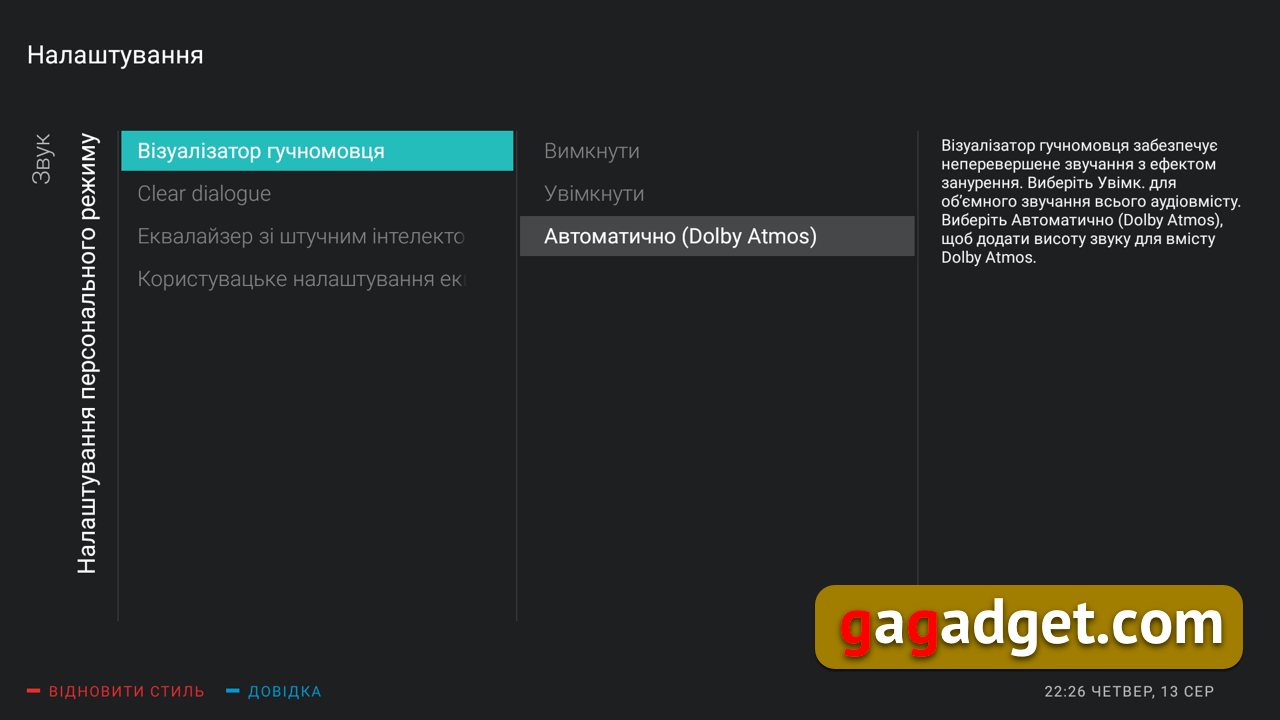
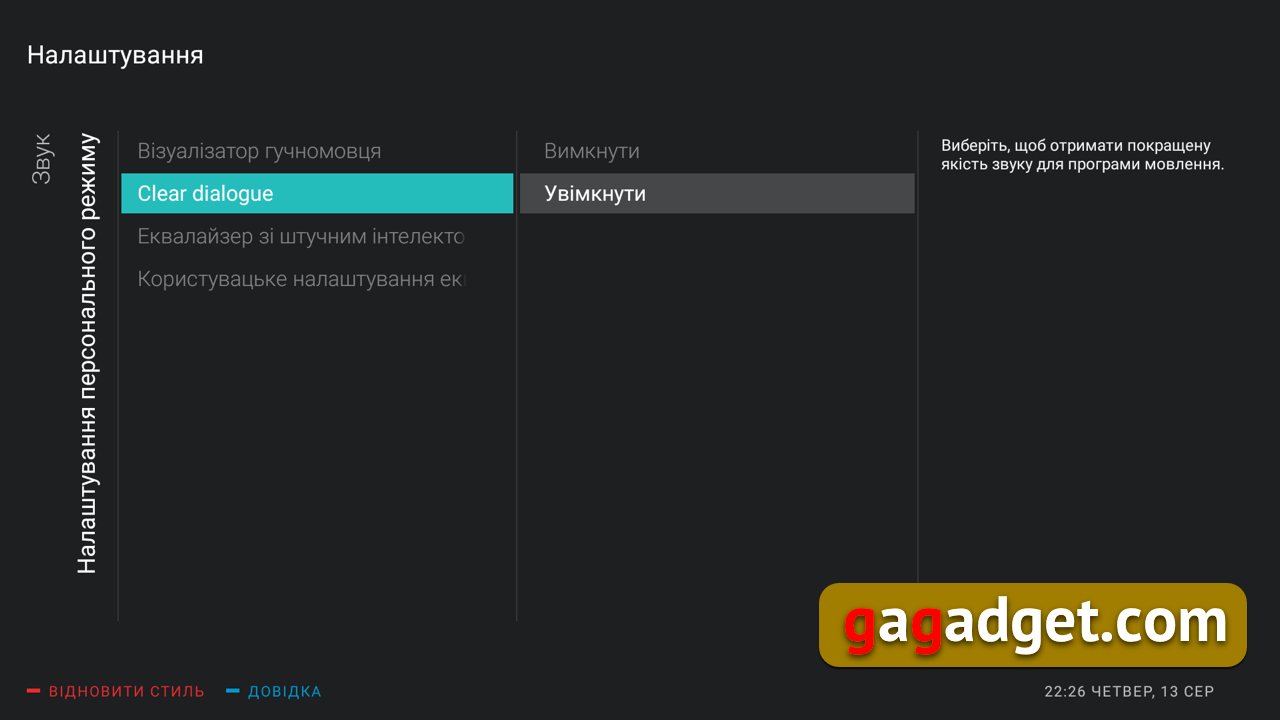
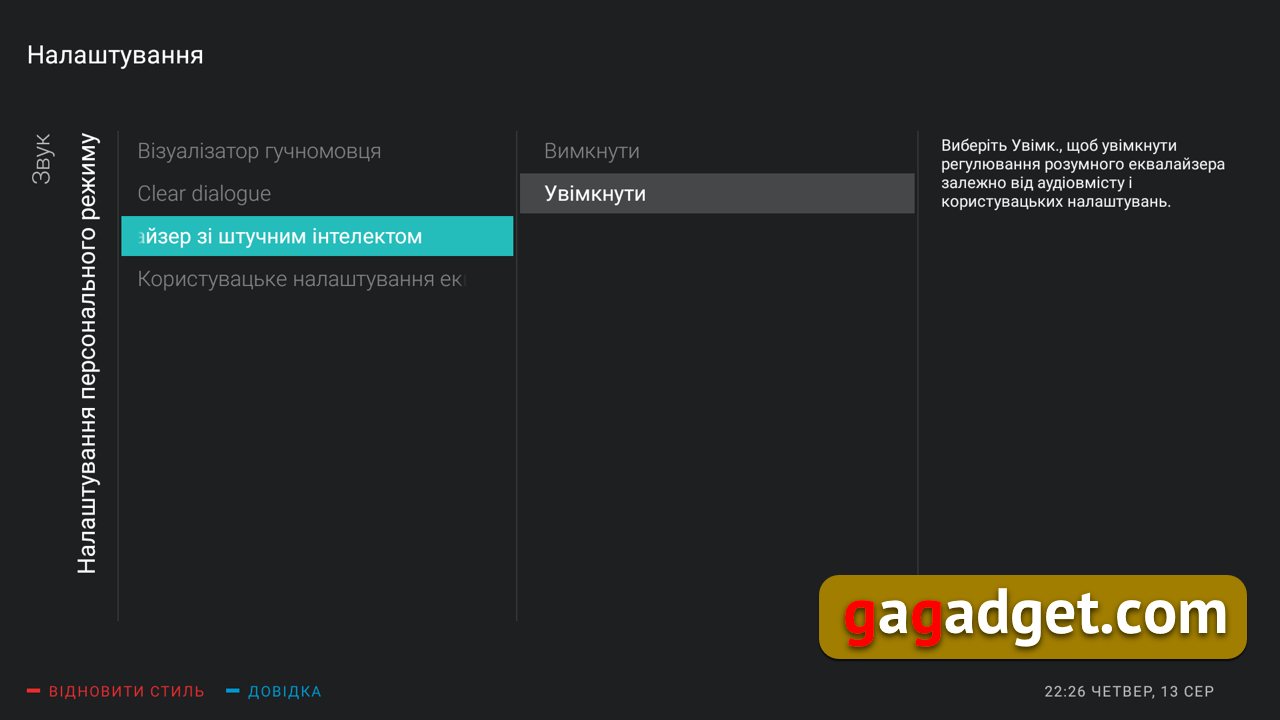
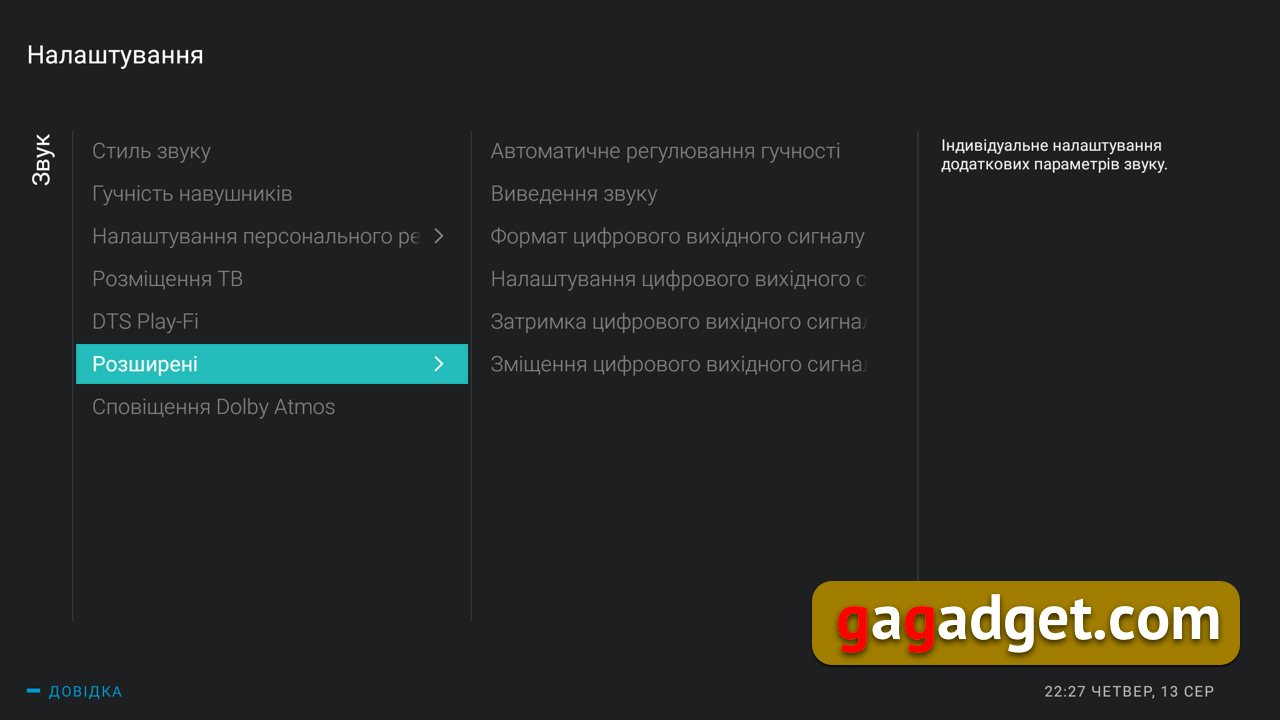
Sound settings are also a separate story, pleasingthe heart of anyone who at least somehow considers themselves an audiophile. Well, or at least he is not content to listen to music with supplied headphones or headphones bought in an underground passage. In the screenshots below you can appreciate all this beauty. Personally, what surprises me most is not all these sound improvers, but the good old five-band equalizer, which allows you to change the sound of your TV in a clear way.
</ img>
</ img>
</ img>
</ img>

</ img>
</ img>






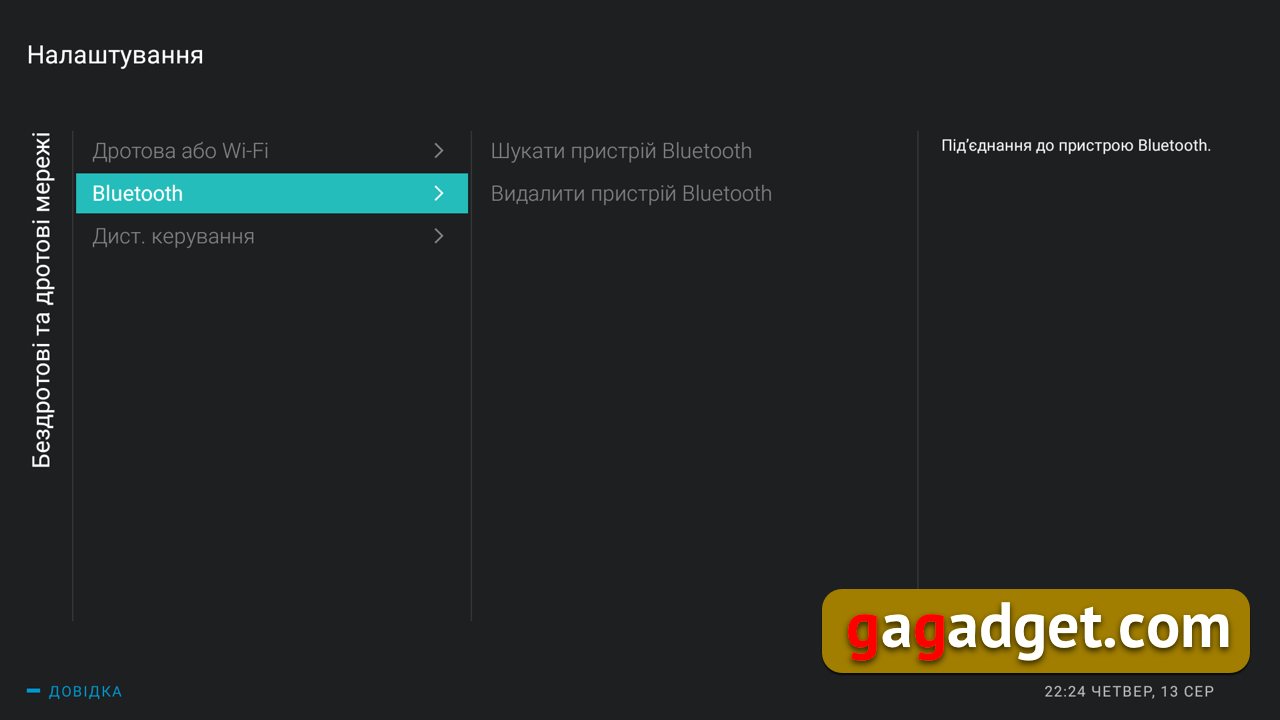
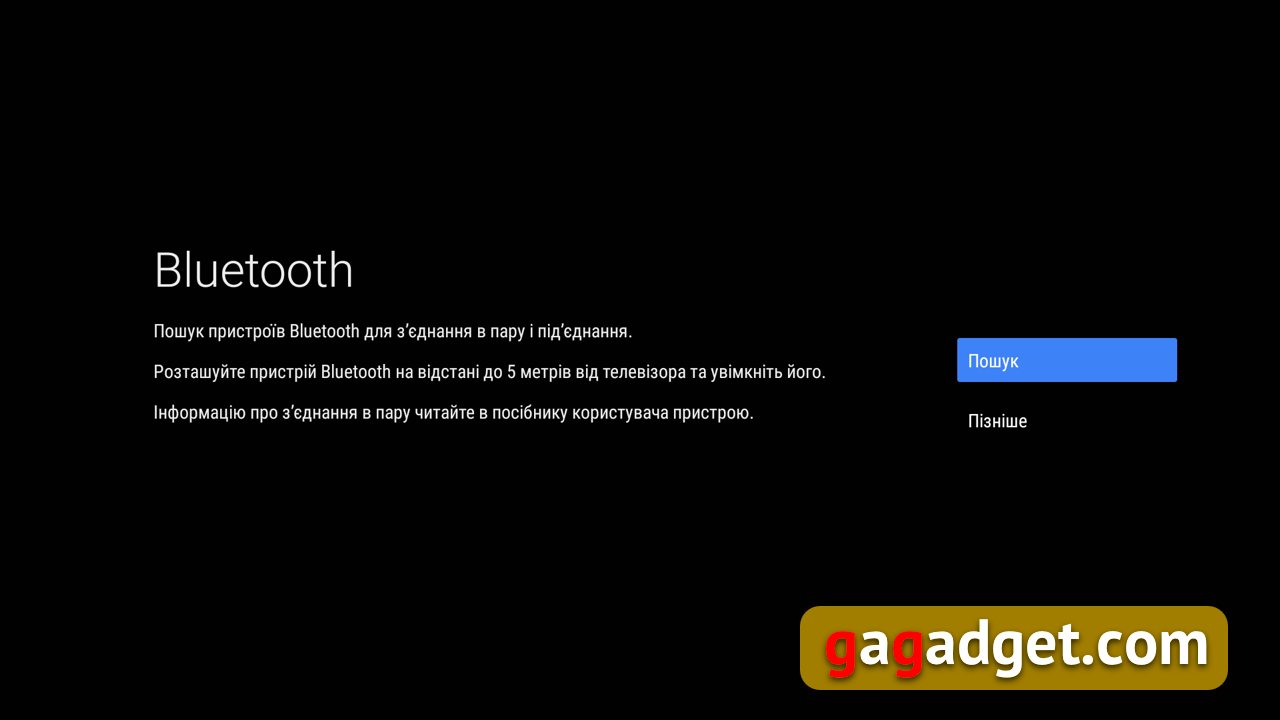
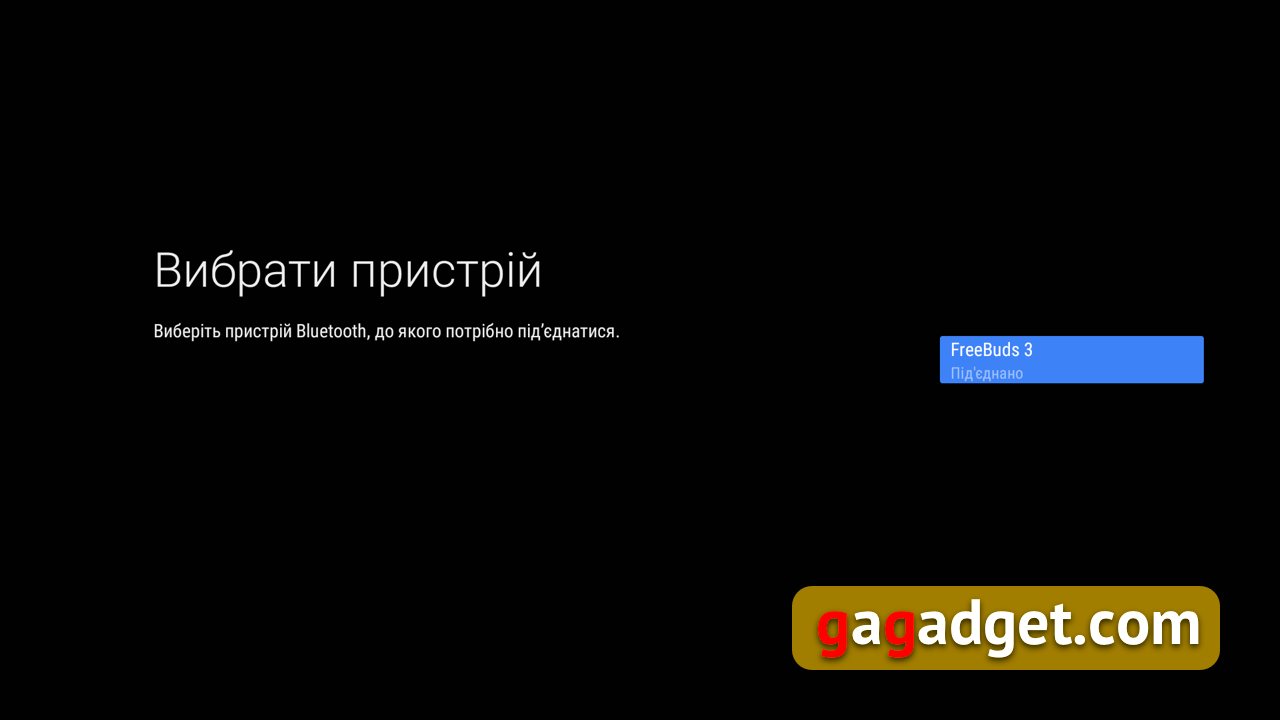
Special thanks to the developers for the impeccablework of Bluetooth-connections and the ability to listen to sound from the TV through wireless headphones. Here is a big gratitude from the father of a small child. Of course, the Bluetooth connection can also be used to connect wireless speakers or soundbars, should someone suddenly have such a desire.
</ img>
</ img>
</ img>

</ img>

</ img>





Remote control: give commands by voice
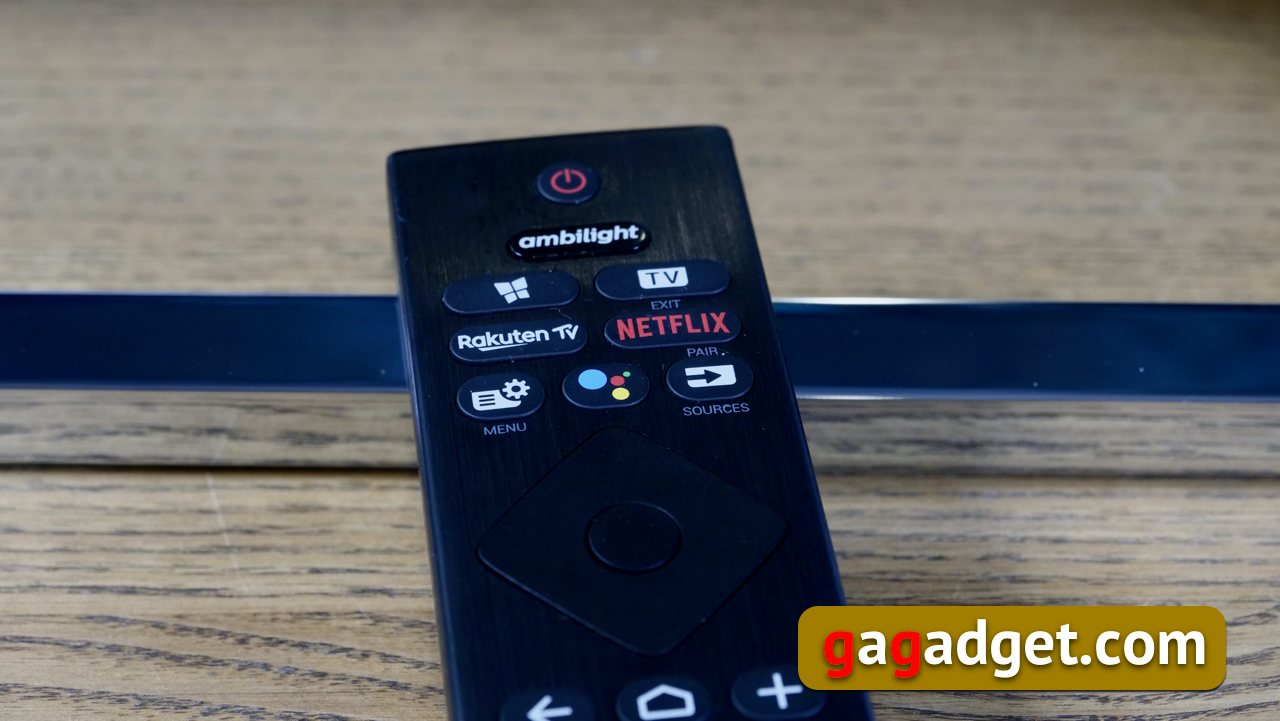
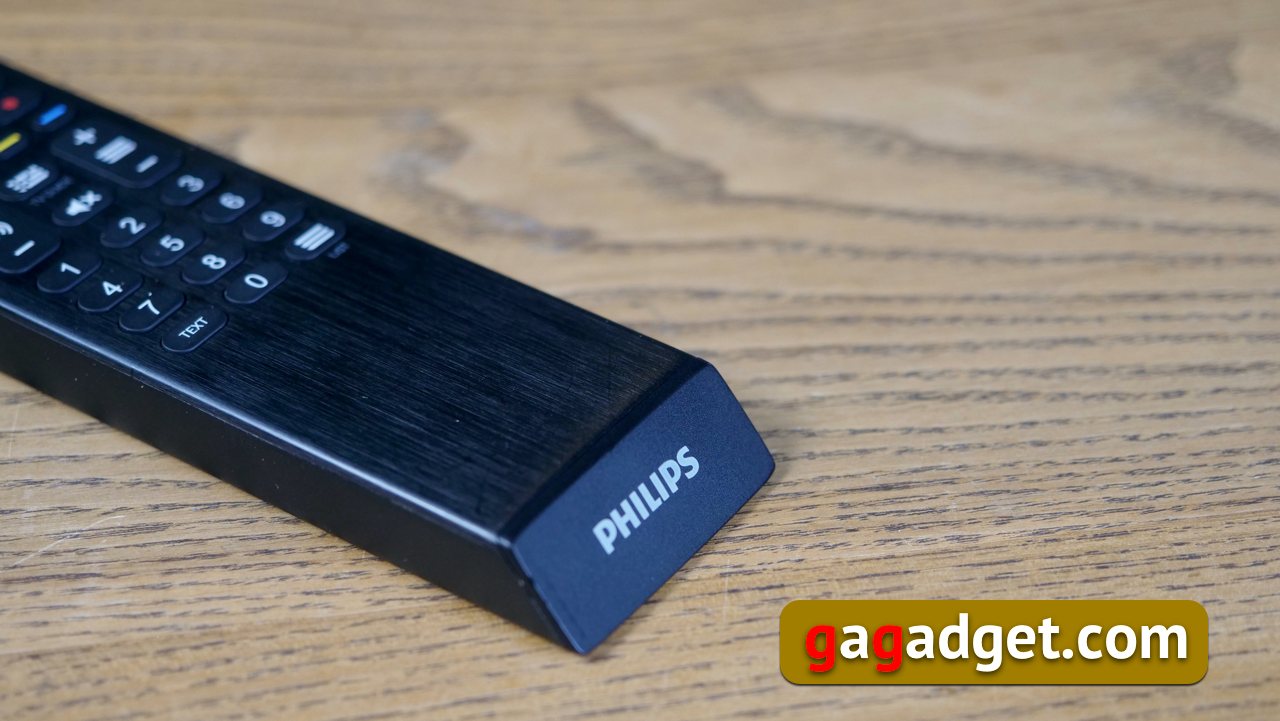
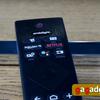
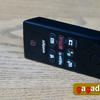
This year, changes have also been made to the remote control. The traditional two-sidedness - a QWERTY keyboard was placed on the back of the console - was abandoned. Probably, in the era of voice commands (they went their hard way from a badly working toy in the first smart TV models to flawlessly working with any Google voice recognition language), there is no point in typing from the keyboard. The microphone is located on the front of the console in the upper left corner. To communicate with the TV, a Bluetooth connection is used (the remote control will need to be paired, but the procedure will not cause problems for anyone who has paired Bluetooth devices at least once in their life, and the TV itself displays prompts in the process). Some inconveniences arise, for example, when entering a password for Wi-Fi, for this, an on-screen keyboard is used, which must be controlled from the remote control. But, in all honesty, at home you will do it only once. So does it make sense to make a QWERTY keyboard for this one operation only? Traditionally, the Netflix application is brought to the remote control with a separate button - the service has more and more localized films and TV series, its popularity is significant even in our area.

</ img>

</ img>
</ img>

</ img>
</ img>

Captain Obvious Reminds: The Benefits of Android TV
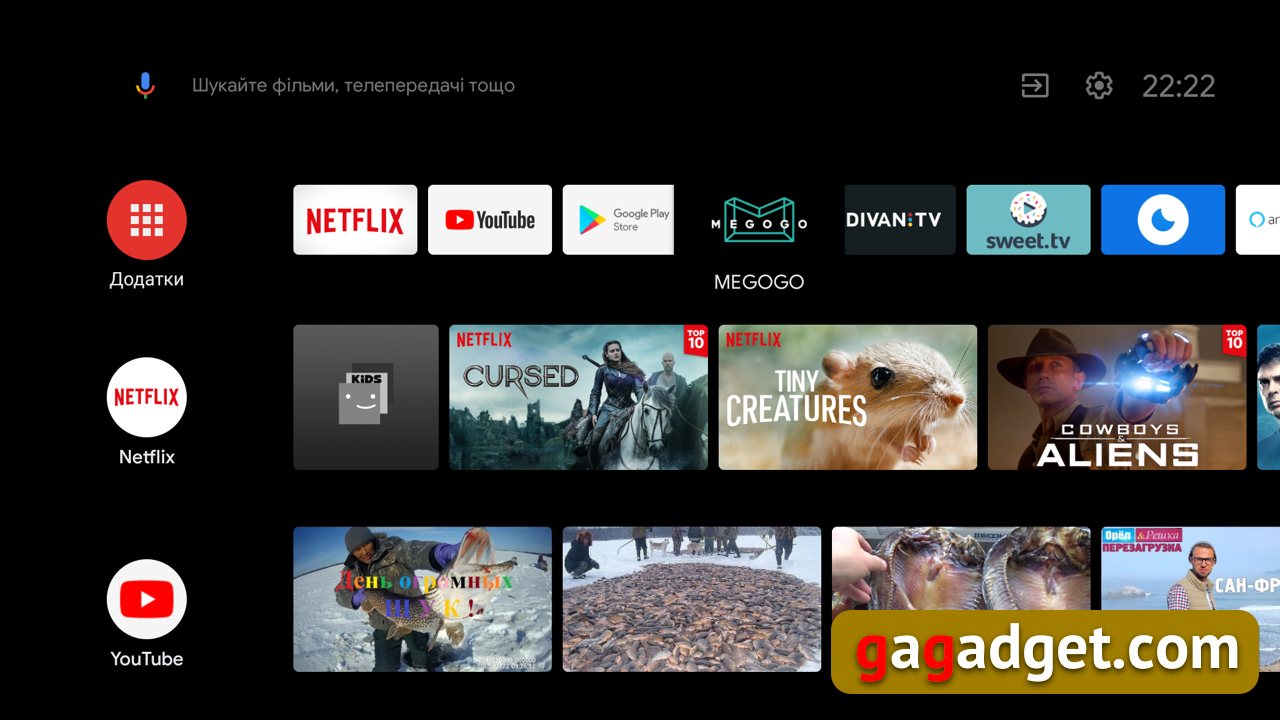
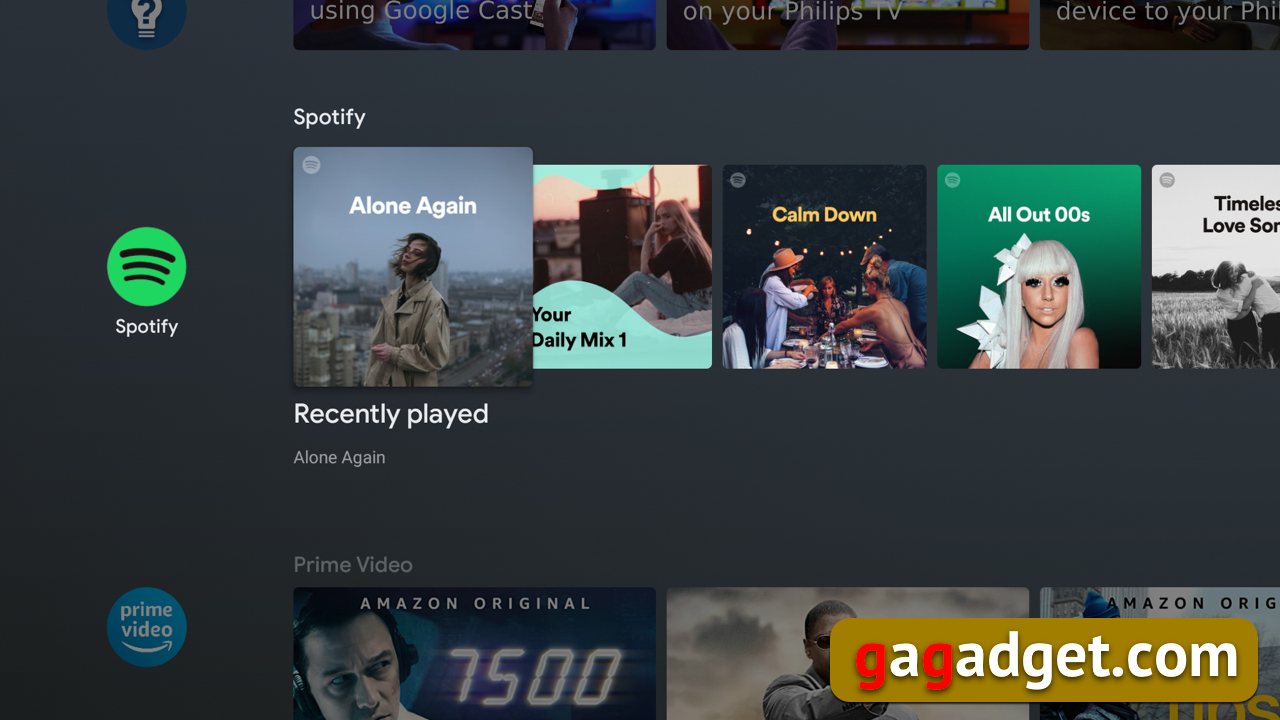
It is worth mentioning the main advantagesAndroid TV for those who for some reason are not familiar with them. This is a separate version of the Android operating system specially adapted for large TV screens - that is, you will not see the same menu on your TV as on your phone. But you will notice certain similarities and some common logic or common elements. Starting from a Google account, which, by the way, can be activated from a smartphone or computer by simply going to a special web page and entering the code offered by the TV there. No complex passwords are required. This will automatically activate your YouTube account, allowing you to immediately see your watched lists, snooze lists, favorite channels, and so on. In the application store you will see a large (much larger than on any other Smart TV platform) selection of applications and, especially, games. There are games available for Android TV that can often replace the console and entertain you, your children and guests. Some games support gamepads (both USB and wireless). Some games (usually racing) have a multiplayer mode with split screen into 2, 3 and even 4 parts. Of course, if you have a purchased game on Google Play and it has an Android TV version, you can play it on your TV and save your game progress.
Android TV has customization options(individual settings) desktop, that is, the first screen that appears after turning on the TV. We told and showed more details about how to do this, how to set up preference channels for each application, in last year’s review. Android TV has a new feature this year: previewing digital channels as you scroll through them. Unfortunately, we were unable to reproduce this function due to the lack of terrestrial television in the editorial office (we switched to OTT broadcasting a long time ago), but visually it looks like playing a channel in a preview window directly on the system desktop. Here's a video to see the demonstration (scroll down to 24:10):
In addition, Android TV is the only platformwhich has shown not only reliability and stability, but also makes it possible to install applications not from the Google Play store. To do this, it is enough to allow the installation of applications from unknown sources in the TV settings and install the one you need from an apk file saved, for example, on a USB flash drive. It is also worth mentioning that Android TV is well updated, so the buyer of such a TV has the right to count on its updates, thanks to which you can get new features provided by the latest versions of the operating system. TVs run the original version of Android TV, which gives you much more confidence in future updates than when buying an Android TV from small manufacturing companies that have appeared like mushrooms after rain in the last few years. It’s also worth paying attention to the fact that Philips TVs have 3 gigabytes of RAM, which is more than the amount of RAM on most Android TVs. This is also worth remembering for those who like to make purchases “without overpayments”.
</ img>

</ img>
</ img>



Basic technical characteristics of the TVPhilips 50PUS7334
Screen
50″ (126 cm), VA matrix, 3840x2160, 400 nits, LED backlight
Dimensions (without stand)
1120x659x113 mm
Dimensions (with stand)
1120x681x 254 mm
Weight
13.9 kg / 16.9 kg with stand
HDR
HDR10/HLG, HDR10+/Dolby Vision
Android version
9.0 Pie
CPU
P5 Perfect Picture
Memory
16 GB
Communications
dual-band Wi-Fi 802.11ac, Bluetooth 4.2, Chromecast
Connectors
HDMIx4, USBx2, Ethernet, 3.5 mm headphone
Sound
2x10 W, Dolby Atmos, 5-band equalizer
Remote control
with Bluetooth and microphone for voice commands
Energy consumption
86W (< 0.3W standby), energy efficiency: Class A
Ambilight backlight
adaptive, 3-sided, AmbiWakeup, Ambisleep
Price
21,999 UAH
The bottom line: the three main things to remember about the Philips 50PUS8545 TV
- Philips 50PUS8545 isTV on the best platform - Android TVwith its advantages in the form of a large numberapplications and games, the ability to install applications, stability, customization and ease of use in general and voice control in particular. Well, we remember about updates.
- Philips 50PUS8545excellent LCD with wide color gamut, increased black depth and moreadvanced contrast and brightness capabilities (up to 400 nits). In essence, it loses in image quality only to more expensive OLED matrices or quantum dot matrices.
- Philips 50PUS8545equipped with Ambilight- a unique advantage of televisions of this brand, creating new sensations from watching TV.
If you read this text to the end, then you now understand why the editorsggI couldn't help but award the Philips 50PUS8545 TV, and in fact the entire 2020 Philips Performance series TV line, with the editorial "we recommend" award.