If you liked the previous iPhone customization using jailbreak and best tweaks, then we are sure you will
Lock screen

Advertising
Advertising
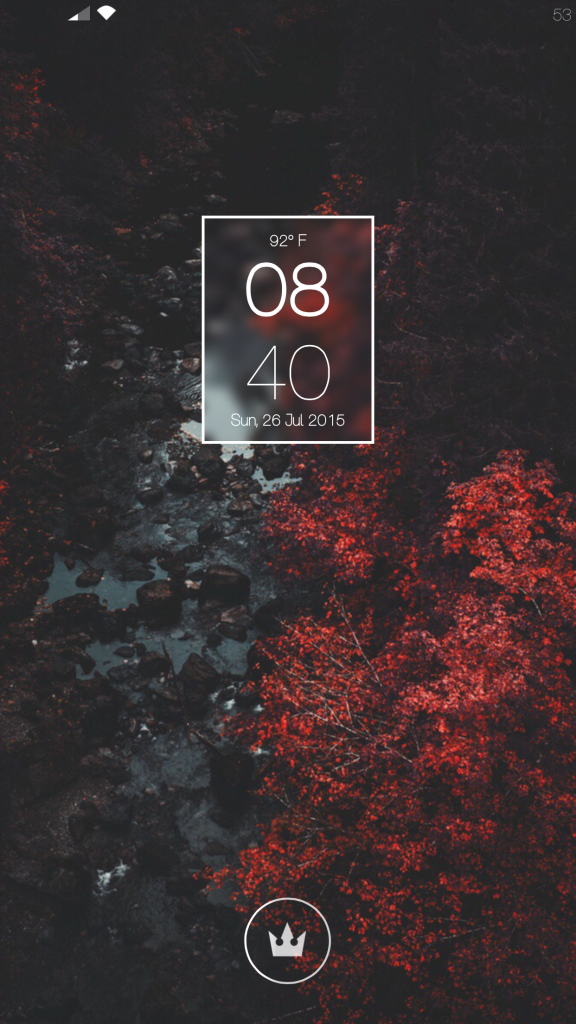
- Lockglyph— a tweak allows you to change the unlock animation.
- Kingdom Hearts LockGlyph Theme(repository: repo.tsunderedev.moe).
- GroovyLockAllows you to add widgets to your lock screen.
- Cataracs(GroovyLock Theme) (repository: http://repo.winneon.moe/)
- To configure Cataracs using iFile, go to /var/mobile/Library/GroovyLock/Cataracs.theme/options.js and open this file with a text editor, you can make changes there.
- HideMe8to hide all items from the lock screen (or use HideMe8 Lite).
Lock screen password:
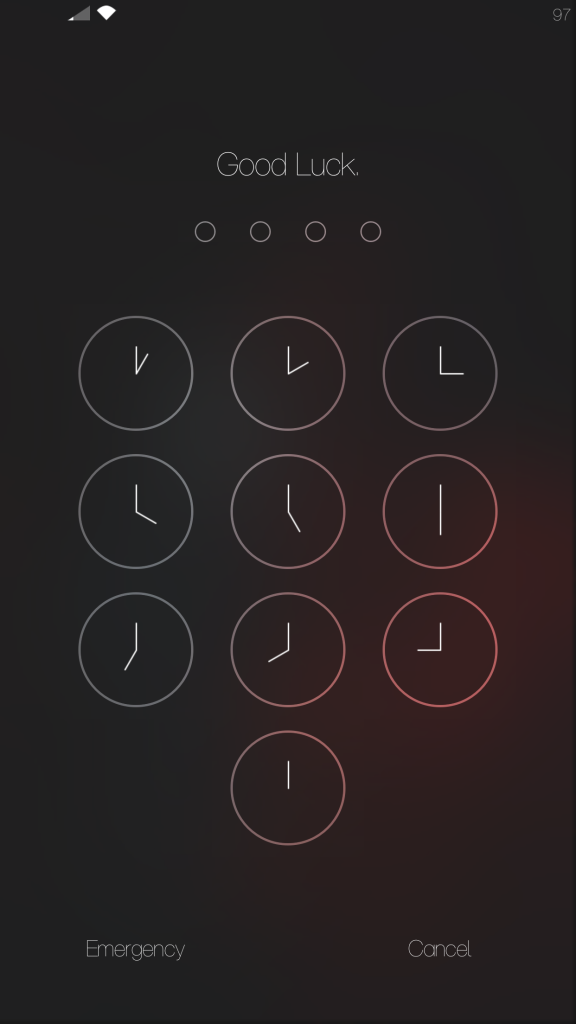

- Hot dog– The tweak allows you to change the text on the password entry screen.
- Clocks Keypad– for a password entry screen with a clock instead of numbers (repository: djaovx.github.io/repo/).
Status Bar


- Protean
- HideMe8
- Wifi and Data indicators:ZOOBHOY (theme): ZB8 alternative status bar including various indicators for Wi-Fi, 3G, 4G, EDGE.
Home screen

Advertising
Advertising
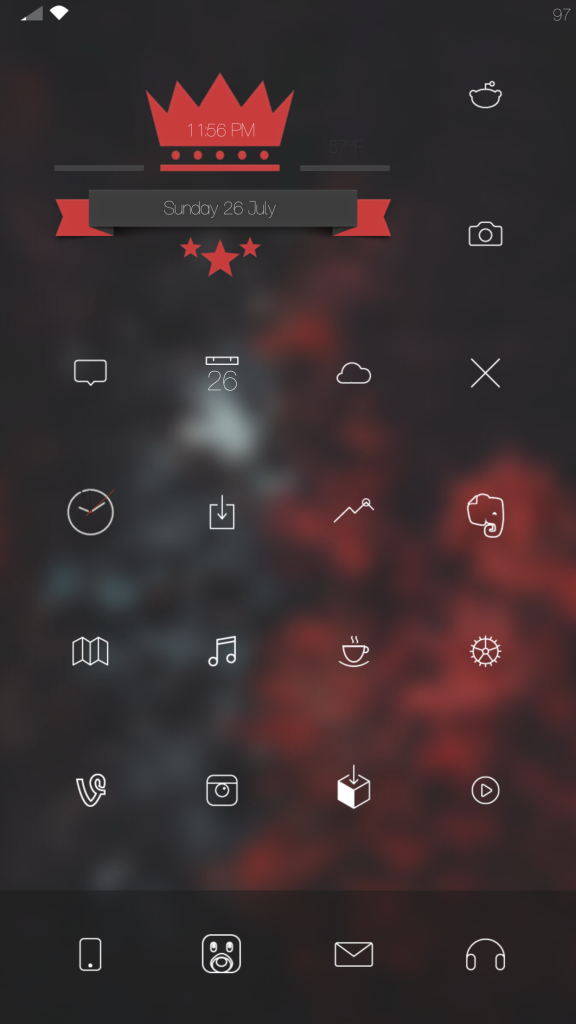
- Subject:Gotham glyphs
- Download Gotham Glyphs Theme
- After downloading, open the archive using iFile and unzip it
- Copy the folders “Gotham” by clicking “Edit”(Edit), then selecting the Gotham folders, copy to the clipboard (bottom right copy button)
- Go to /Library/Themes then click “Edit”(Edit), then clipboard and paste the folders. Thus, the Gotham Glyphs theme will appear in Winterboard.
- Also make sure you have downloaded and installed “IconBundles“
- AnchorAllows you to move icons freely.
- HideMe8will disable the wallpaper gradient and hide icon labels
- NoSlowAnimationswill speed up system animation.
- iWidgetsPress and hold anywhere on the springboard (desktop) to activate the tweak.
- Ribbon iWdget from ZOOBHOY EightWinterboard theme.
Settings
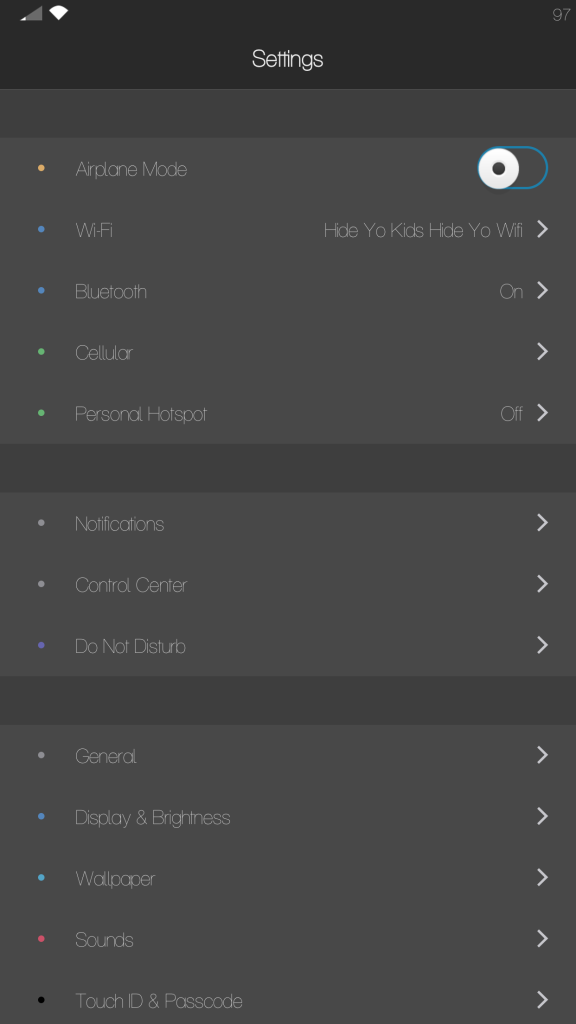

- Eclipse 2gives the settings a dark style.
- Arketyp Settings(repository: repo.elletricity.com)
Control center


- CCBackgroundAllows you to add a control center background image.
- CCBackgroundWallpaper used in the example: http://i.imgur.com/ApurKLH.jpg.
- Acapellaadds control gestures to the multimedia panel.
- AlbumArtCenteradds album art to Control Center.
- Roundificationrounds out the controls in the control center.
- Uniformity 2– The tweak allows you to change the colors of the control center (repository: repo.pnre.co)
- Arketyp– Winterboard theme (repository: repo.elletricity.com)Note:This add-on must be installed so that you can set text on control center switches and icons.
- Arketyp CC(repository: repo.elletricity.com)Note:Apply this theme to WinterboardafterArketyp installations.
Messages

Advertising
Advertising
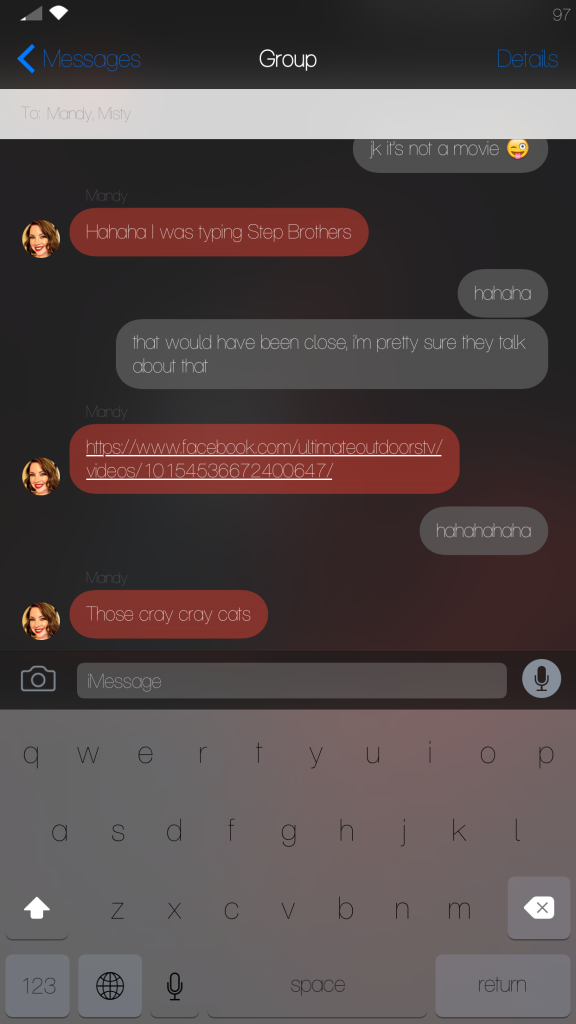
- MessagesCustomiser(repository: chewitt.me/repo/) allows you to customize the appearance of the Messages app.
- SleekKey(if you have problems, remove Flurry/Turn off Eclipse 2 for Messages)
- ShowcaseIt's easier to understand whether you're typing in capital letters or lowercase
Wallpaper
Original:


With blur: