Want to add music to your Instagram stories feed?a little trick, you can easily
Social media fans will notice thatadding music to your Instagram story is similar to a similar process of adding music to Snapchat video service, except that we do it on Instagram service, which is a completely different social network.
Advertising
Advertising
How to add a music track to your Instagram story feed
Here's the easiest way to add music to your Instagram story feed from your iPhone:
- Open the “Music” or “Spotify” application, add to the queue for listening the musical composition that you want to add to the Instagram story feed as a music track.
- Now open the Instagram app andmake sure that you are logged in to the account in the history feed of which you want to add a music track (if you use several accounts in the Instagram service).
- Click on the “Camera” icon in the upper left corner of the Instagram application to activate the “History” mode.


- In the “Camera” mode window, swipe to the iOS Control Center, and then swipe to the “Music” control window and click the “Play” button to play your music.
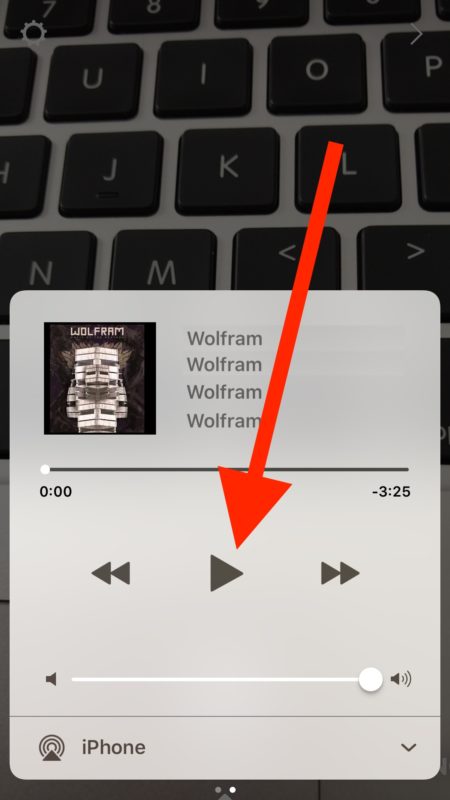

- Return to the Instagram app in Camera mode and record your video story in the usual way, along with the background music being played.


- Post this post on Instagram.
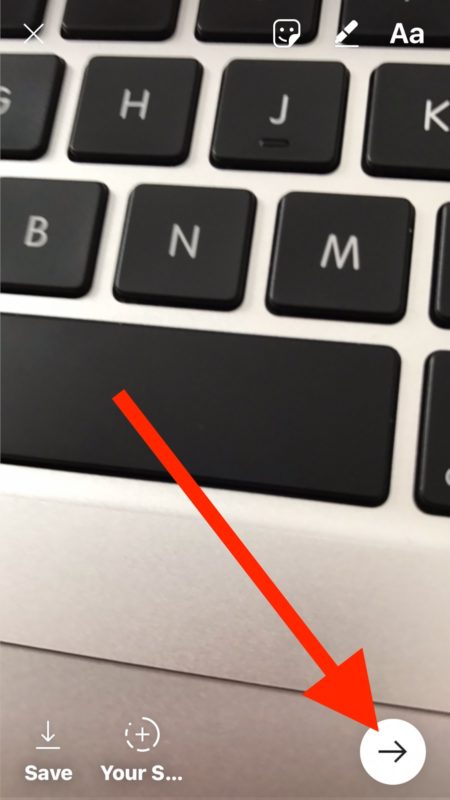

Now your impeccable musical addictions, together with an excellent video recording, published in the Instagram service history feed, will leave an indelible impression in the ranks of your followers.