You can block your Apple Card at any time if you suddenly lose it or it is stolen. When
Advertising
Advertising
About the Apple Card Physical Card
When you apply for a digital Apple Card,You can also request a physical titanium version of the credit card to pay for purchases at stores that support Mastercard. This is very convenient if the stores do not support Apple Pay. In addition, with every purchase made with a physical card, you get 1% cashback.
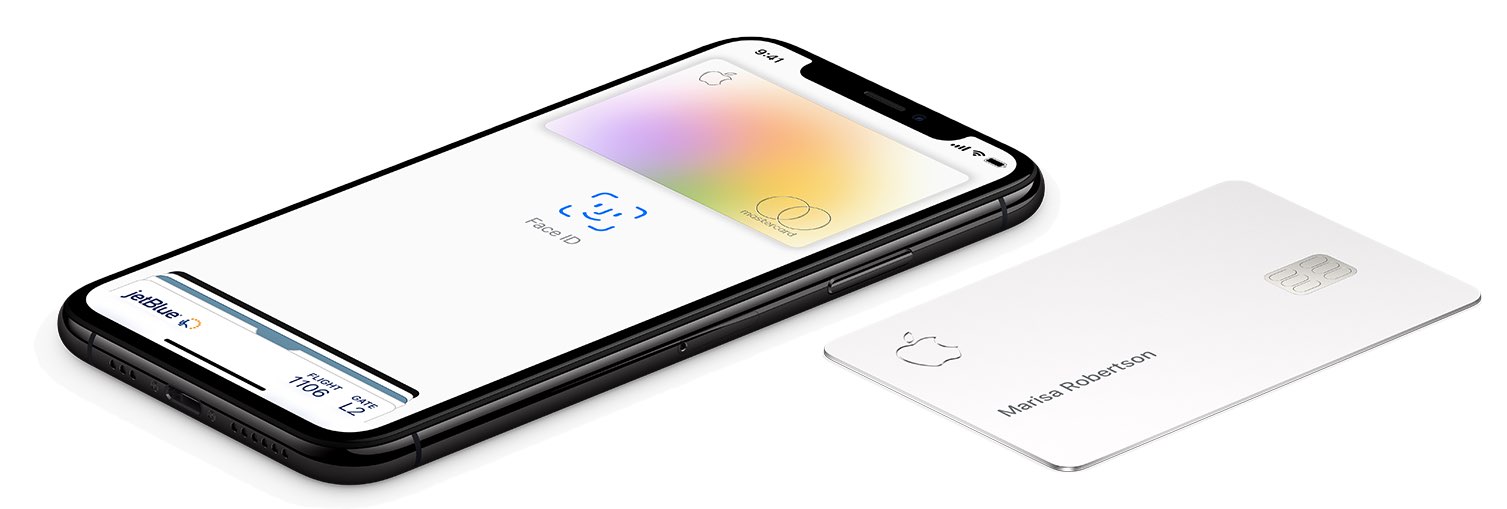

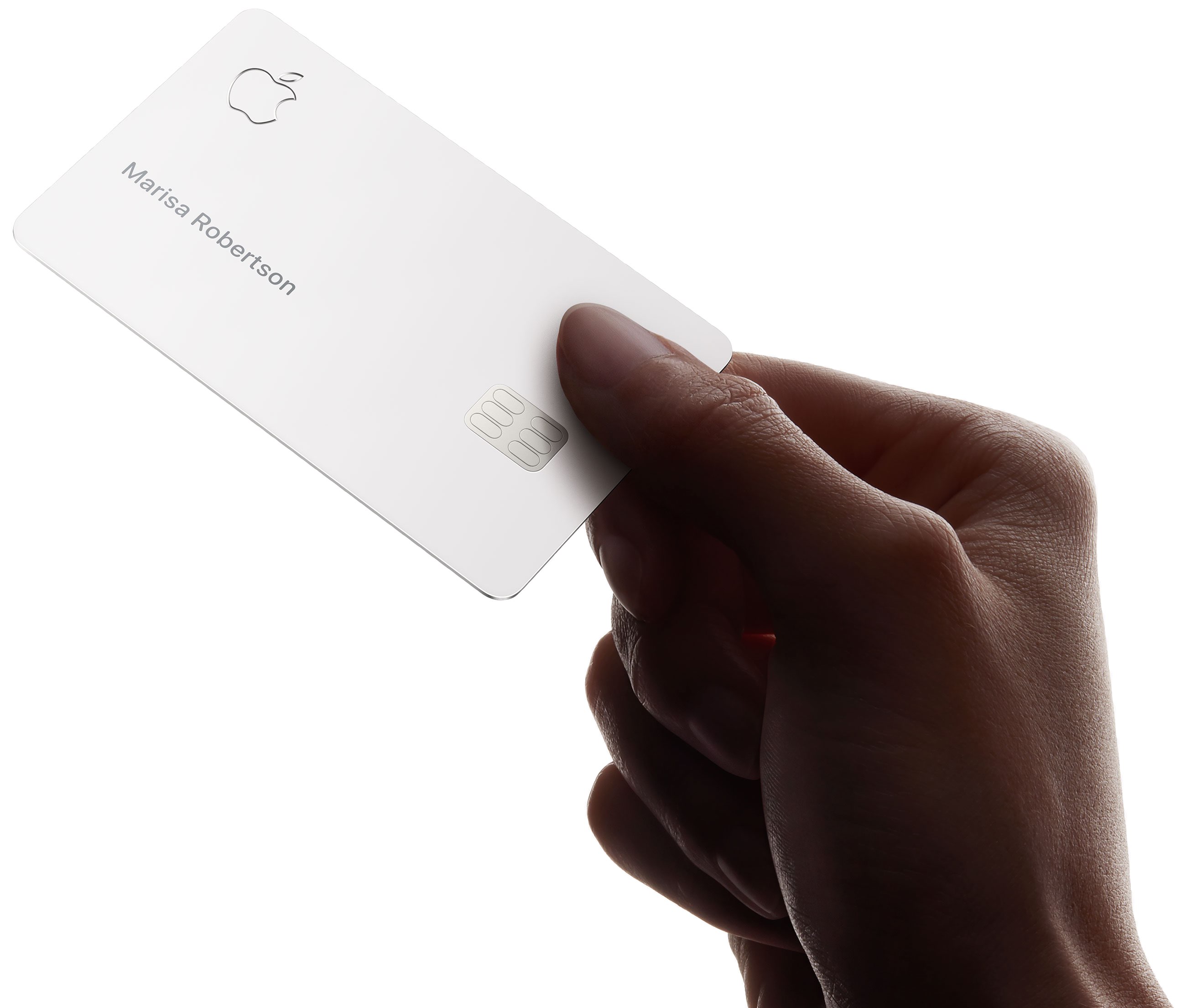
For your safety on the Apple physical mapCard its number, security code and expiration date are not printed. Your signature on it is also not. Thanks to all this, the Apple Card is safer than other cash cards. Anyone can remember your other card number and use it.
Advertising
Advertising
This does not mean that the titanium card is not at allnumber linked—you can view the number and other information about your Apple Card in the Wallet app. Your Apple Card is associated with a 16-digit number encrypted in a code that only Apple and Goldman can read.
In other words, if your card number pops up somewhere else, Apple will immediately realize that it has been stolen and block the card. In addition, if you lose your physical card, you can request a new one.
How to lock an Apple Card
You may need to block the physical Apple Card if you lost it or it was stolen. After that, she will not be able to pay for purchases.
one)Open the appWalleton your iPhone with iOS 12.4 or later.
2)SelectApple card.
3)Click the buttonStillin the form of three dots at the top of the screen.
four)Scroll down to sectionPhysical Card(Physical map)and then clickLock Card(Block).
five)Follow the instructions on the screen.
No one can pay with your Apple Card until you unlock it.
How to unlock Apple Card
one)Open the appWalleton your iPhone with iOS 12.4 or later.
2)SelectApple Card.
Advertising
Advertising
3)Click the buttonStillin the form of three dots at the top of the screen.
four)Scroll down to sectionPhysical Card(Physical map)and then clickUnlock Card(Unlock).
5)Follow the onscreen instructions.
You may need to enter your Apple ID password and other details. When you unlock the card, you will again be able to pay for purchases with it.
How to request a new card
If you have lost a card, it is better to immediately request a new one. The same applies if the card was stolen or you damaged it.
one)Open the appWalleton your iPhone with iOS 12.4 or later.
2)SelectApple Card.
3)Click the buttonStillin the form of three dots at the top of the screen.
four)Scroll down to sectionPhysical Card(Physical map)and then clickRequest Replacement Card(Request new).
five)Follow the instructions on the screen.
You will need to choose a reason for replacing the card, as well as confirm your address and other details.

You can also cancel the application for a new card by writing to the support service. Even if you do this by accident, you can always send a new request at any time.