At the beginning of Android, this system was extremely slow and unstable. Even top smartphones couldn't
Although modern Android smartphones work morefaster and smoother than flagships just a few years ago, iPhones still almost always win in speed tests. The only exception to this rule – comparison of OnePlus 5T with iPhone X, which was published on his EverythingApplePro channel last November. Below you can take a look at the extremely unexpected defeat of the iPhone X.
Advertising
Advertising
Why do iPhones run so incredibly smooth?There are a number of reasons for this. Firstly, Snapdragon or even Exynos processors are not yet capable of matching Apple A chips. Secondly, software optimization plays a huge role. However, in the latest iOS update, Apple did not do the best job – and this is partly what justifies the success of OnePlus 5T in the already mentioned comparison. But there is one more, third thing, thanks to iOS it feels so comfortable. And the point here is not at all about top-end chips or complex algorithms. The point is faster animation when opening and closing applications, as well as when switching between them.
It would seem that such a simple thing will not affectimpression of using the system, but believe me, this plays a huge role. Just think about how you use your smartphone. How often do you open applications from the desktop, close them, scroll through screens, switch between open applications and all that stuff. Each time you do this, the speed of the animation affects how fast and smooth you perceive the system as a whole.
Advertising
Advertising
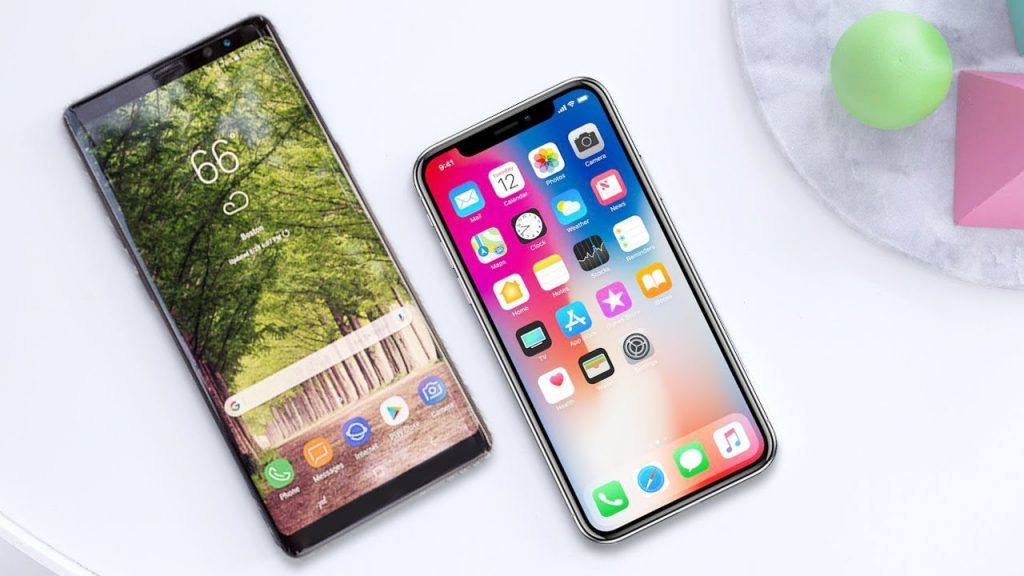

On Apple devices these animations are lightning fastfast and perfectly polished. Of course, modern Android flagships have already come close to a similar effect, but so far the animation on iPhones remains the best. However, there is no point in denying that Android – a more flexible operating system than iOS. And few people know that you can even adjust the speed of such animations.
Advertising
Advertising
Want to try it yourself? It is quite simple and does not require superuser privileges. You only need to access the hidden menu of developers. To do this, do the following:
Advertising
Advertising
- Go toSettingsand select menu itemAbout smartphone. If your device's Android version is 8.0 or higher, in the settings, first selectSystemand already inside this category click on the itemAbout smartphone.
- Scroll down to Model Number.
- Touch this item 7 times. You should see a message that you have become a developer,
Ready! Now when you return to the previous screen you will see a new menu itemFor developers. This section has access to many hidden features. If you are new to this, we do not recommend changing anything other than the settings described.
To speed up the animation, you need to scroll through the For Developers menu until you see the following items:
- Window animation
- Transition Animation
- Animation duration
By default, next to each of these items there should be a value of 1x – that is, standard speed. We just need to toucheach of these points and change1xon.5x, after which you can exit the menu.Please note that you need to select exactly .5x (with a dot), and not 5x – on some smartphones this is displayed as 0.5x or 0.5x. This means that the animation will play twice as fast.
This simple instruction will allow you to visually speed up the system. Try and see how noticeable the difference.