iOS 13 introduces a new portrait lighting effect called "High-Key Mono."With it, photos on your iPhone will become even more
Advertising
Advertising
The effect converts portrait shots to monochromegamut on a white background that looks very stylish. The new effect is a great feature because it is very easy to use. With one click you can change the mood of your picture.
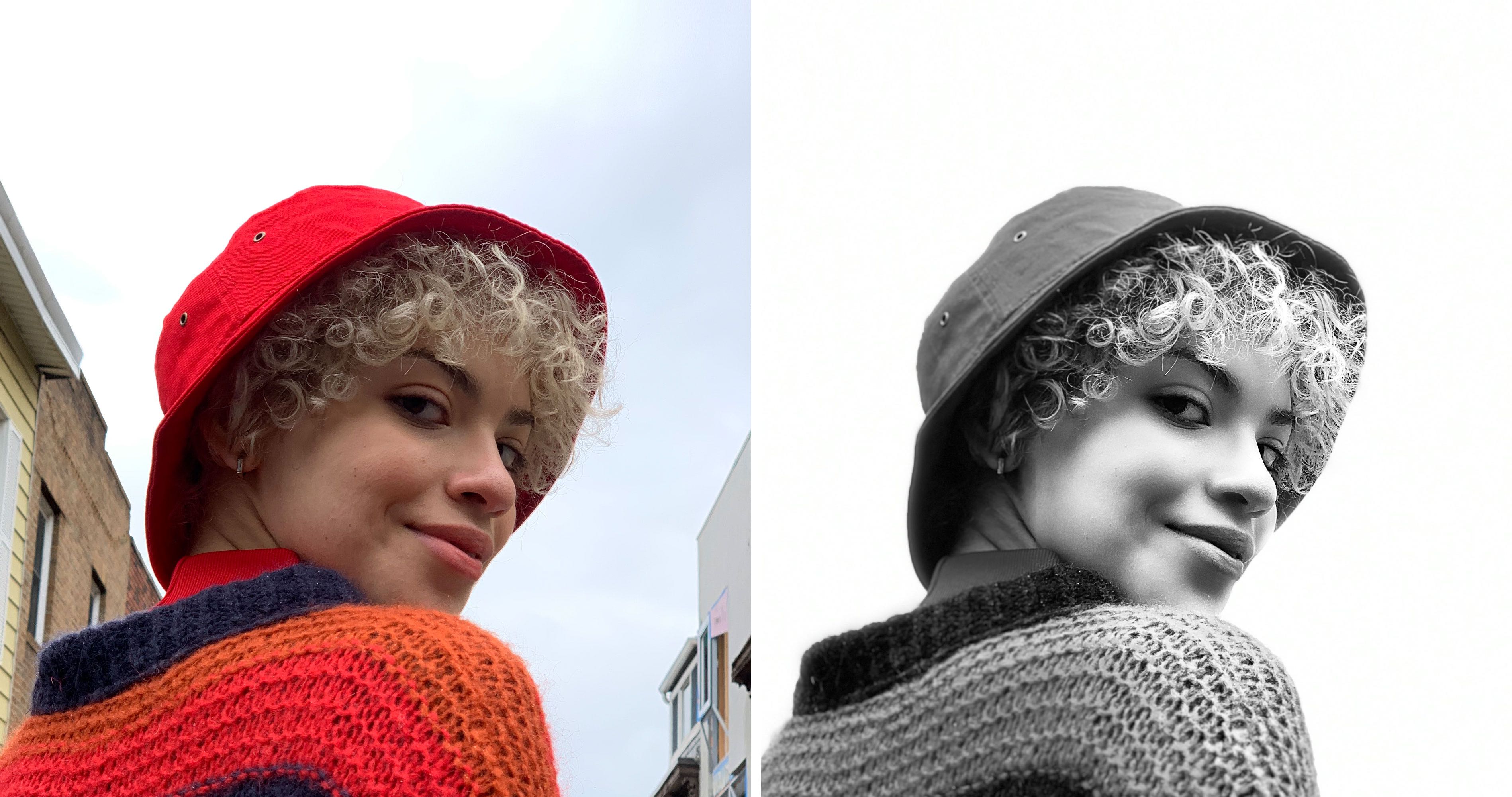

High-Key Mono is the sixth portrait lighting effect. Below we will tell you how to use it.
Advertising
Advertising
Requirements for the High-Key Mono Effect
The High-Key Mono effect is only available on iPhone and iPad with an A12 processor or later. In other words, you must have an iPhone model of 2018 and newer: iPhone XR, iPhone XS or iPhone XS Max.
You can adjust the intensity of the High-Key Mono effect and change the effect on the photo after you have made it in High-Key Mono mode. However, the effect cannot be applied to old portrait shots.
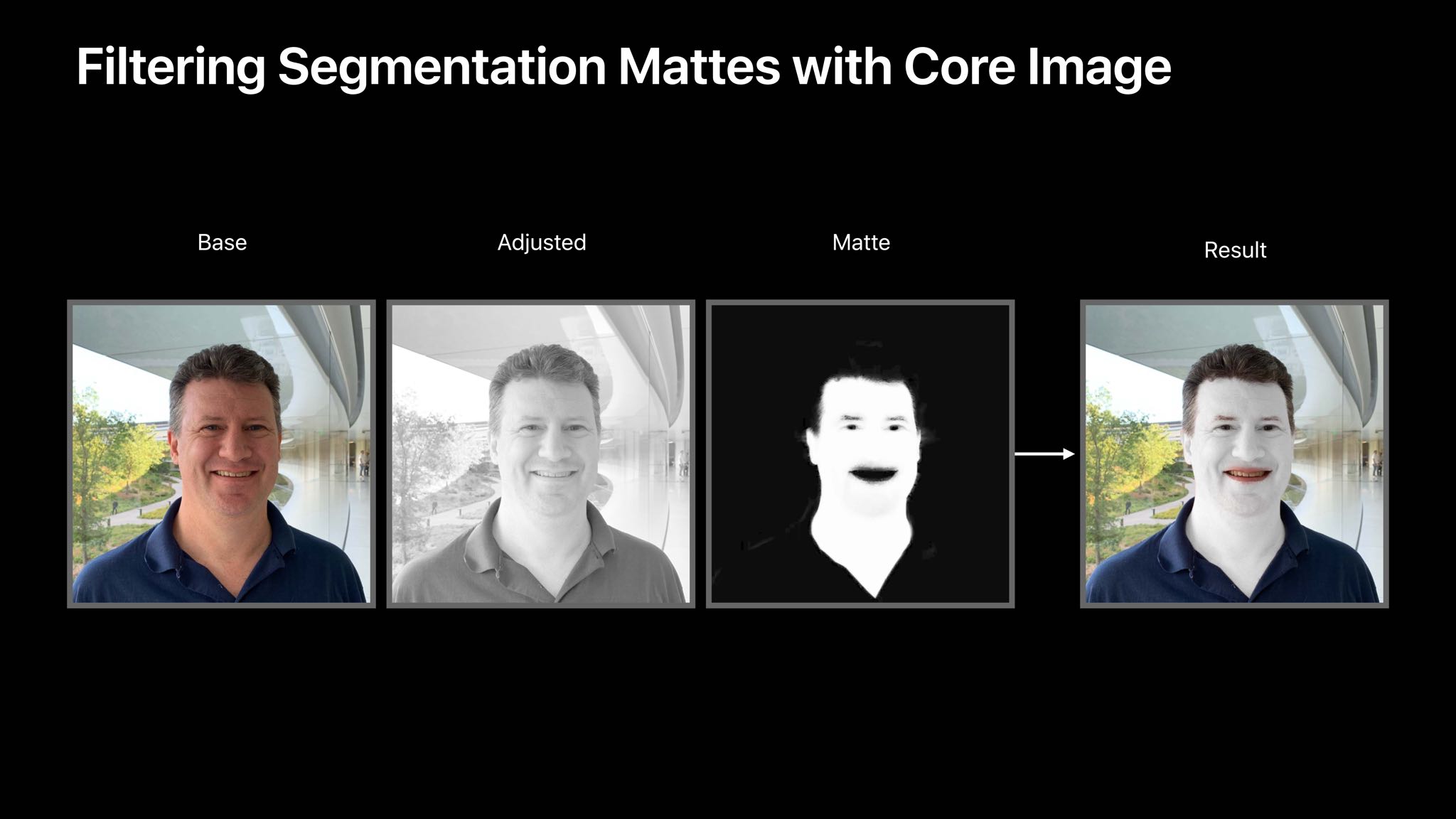

iOS 13 also features a new monochrome effect called “Stage Light Mono”.
How to use the High-Key Mono effect
A preview of the High-Key Mono effect in the Camera can be seen in real time. In addition, it can be configured on an already prepared picture in the Photos application.
one)Open the appCameraon your iPhone XS/XR or later with iOS 13 or later.
2)Select modePortrait.
3)Now select an effectHigh–Key Mono.
four)Take a photo.
You will see a preview of the photo before you take it. The camera will also notify you if you are too close or far from the subject, or if the lighting is too dark.
How to customize the High-Key Mono effect
In iOS 13, you can adjust the intensity of portrait lighting effects using a special slider. You can do this in the Photos application even after you take a picture.
one)Open the appA photoon your iPhone or iPad with iOS 13 or later.
2)Select the portrait photo you want to customize.
3)ClickTo rule.
four)Use the slider under the photo to movea virtual light source closer to the subject to smooth out the skin and highlight facial features with eyes. If, on the contrary, you move the source further away, you get a different effect.
five)When you're done, clickIs done.
We also recommend that you read about the new features of the Photos app in iOS 13.