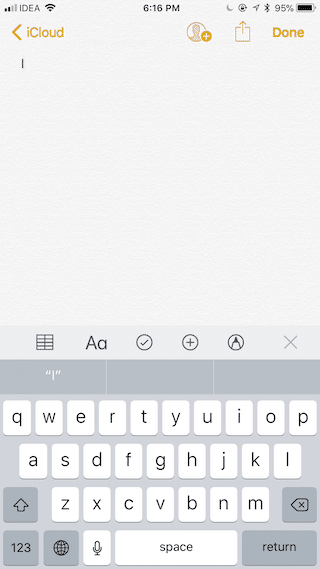
Recently, a strange bug was discovered in iOS 11.1 related to the auto-correct feature. If you enter on the keyboard
If you also get this error, then know that Apple is already aware of the problem and will fix it in the next update. In the meantime, we’ll talk about how to get rid of the bug yourself.
Advertising
Advertising
What is the reason
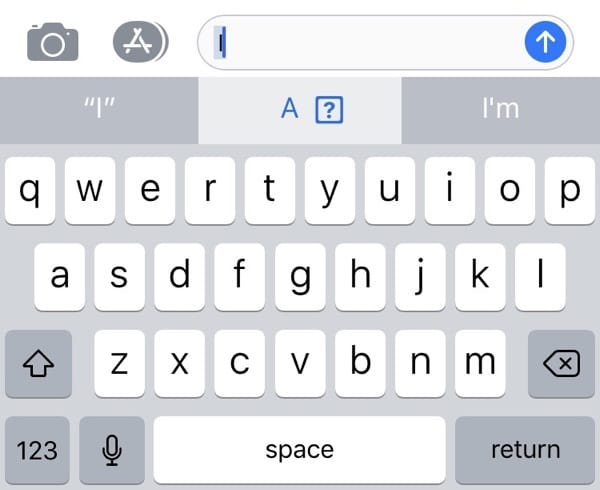

Jeremy Burge of Emojipedia explains: "The reason is that the letter 'I' is associated with an invisible symbol calledVariation Selector16that appears when the keyboard wants to fix a small “i” to a large one.
An invisible character is used tothe previous character looked like an emoji. In the absence of a bug, it should simply be ignored. Obviously, for some reason this is not the case, and users get an error.
Advertising
Advertising
how to fix bug
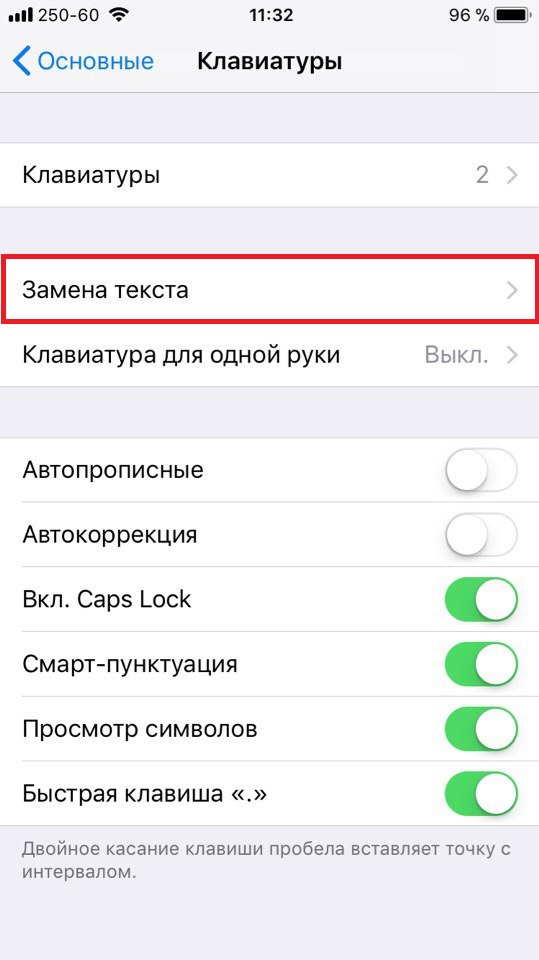
Step 1: Go toSettings->Main->Keyboard->Text Replacement.

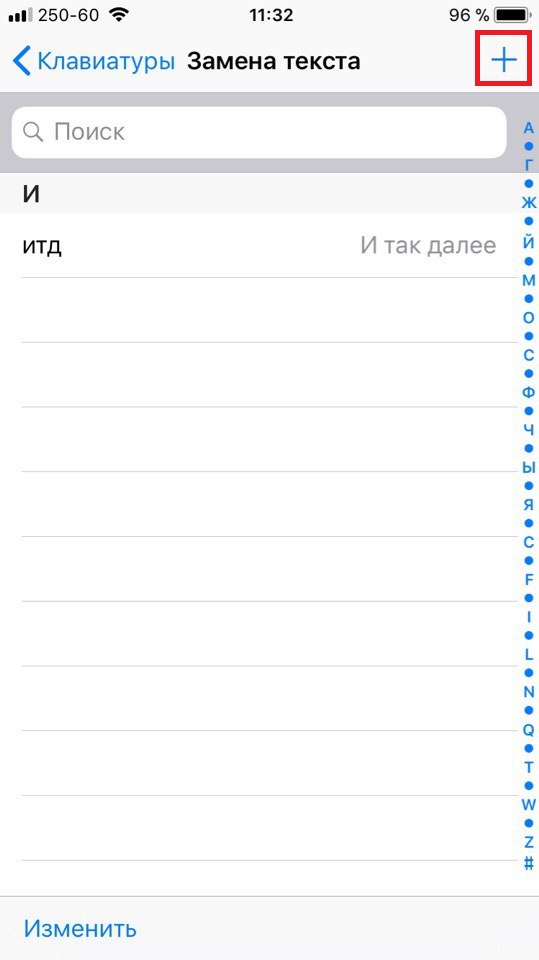
Step 2: Press+at the top of the screen.

Step 3: Then to the sectionPhraseenter “I",and to the sectionReduction–"I".
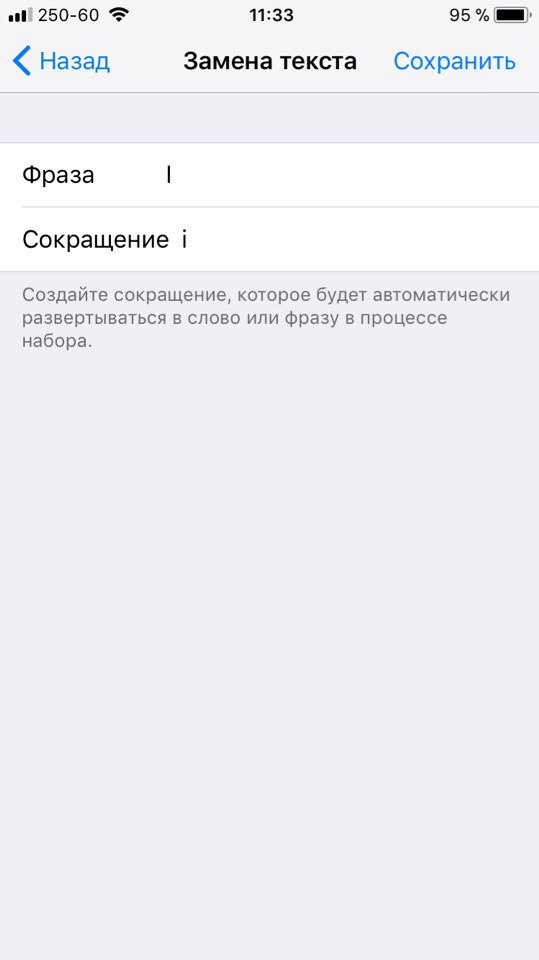

Step 4: ClickSave, and after that the bug should disappear.

Download another keyboard
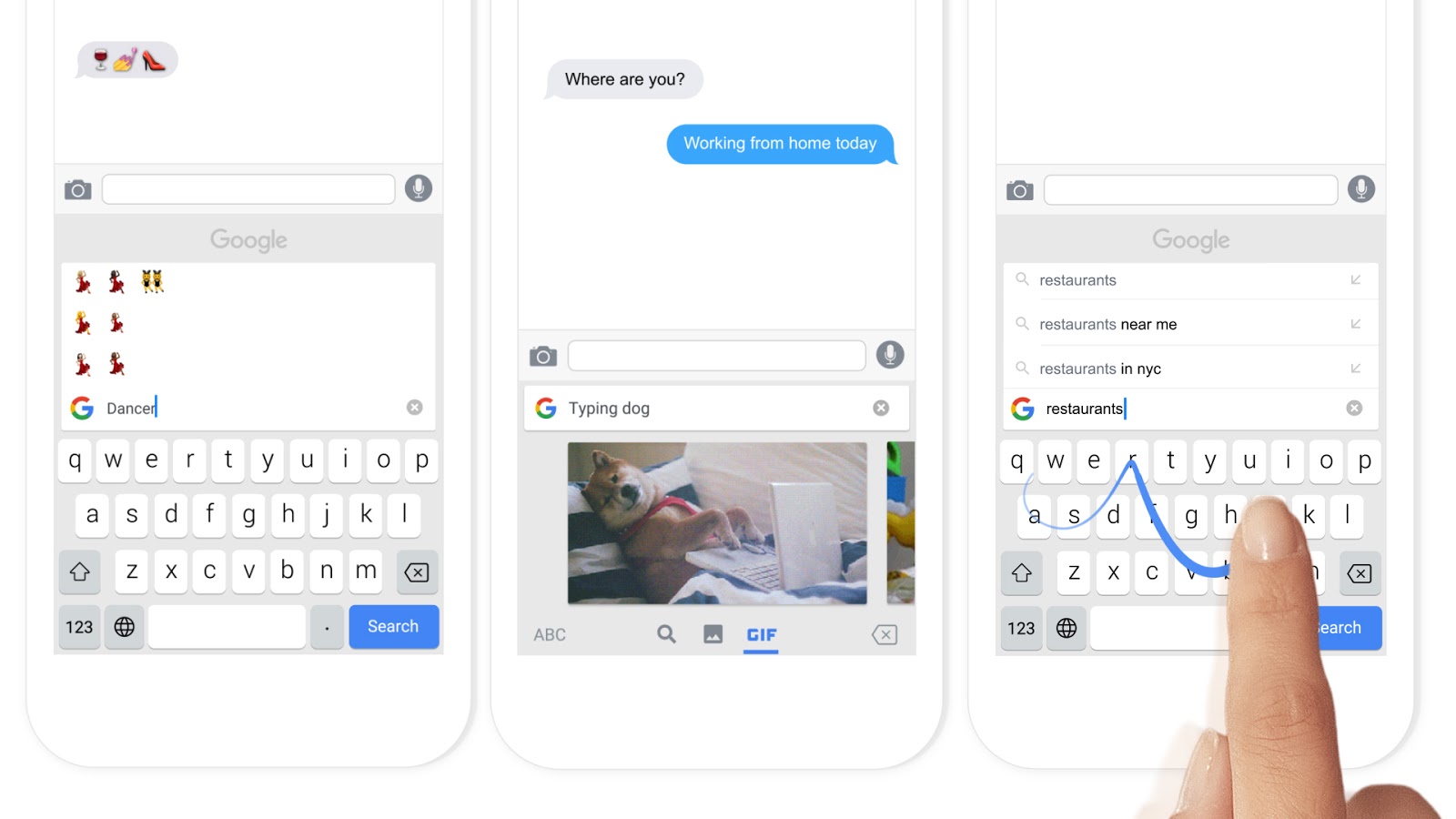

It is likely that replacing the text will not fixbug on some devices. In this case, you can download a third-party keyboard and use it until Apple solves the problem. If you are an advanced user, then most likely you are already using a third-party keyboard with a wider selection of functions.
We recommend downloadingGboard. It has sections with emoji, GIFs and Google search, as well as support for gestures. You can also downloadSwiftkeyorSwype.