Have you noticed that your iPhone has started displaying requests to connect to Wi-Fi networks? From these requests you can
How to disable a connection request
one)Open the appSettings.
2)In the list, selectWi–Fi.
3)At the very bottom of the screen, click on the switch next toConnection requestso that it turns gray.
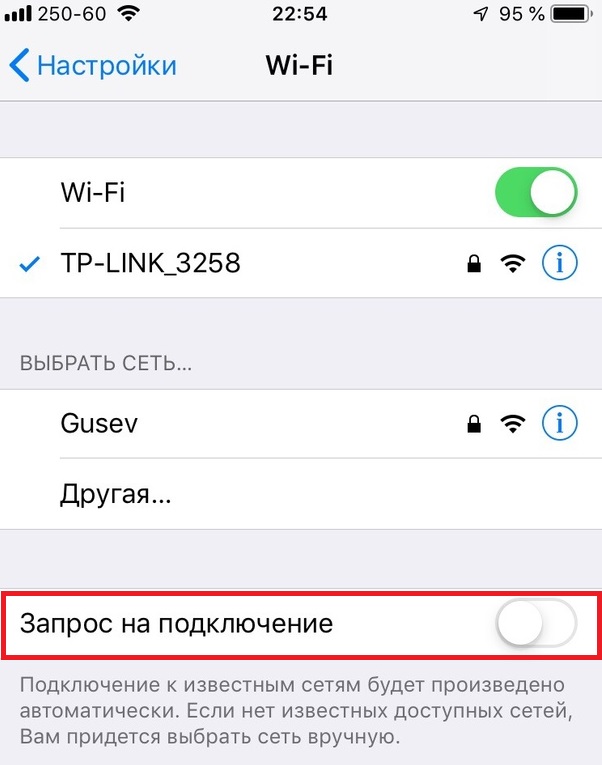

After that, your smartphone will continue to automatically connect to the saved networks, but if these are not available, you will have to connect to the new ones manually, and not through a request.