Some people may find the ability to rotate the Mac screen strange. However, if you are developing
Advertising
Advertising
You can rotate the image on the screen to become vertical, or flip the screen upside down.
Mac screen rotation
First, go to System Preferences through the menu bar.
one)Press the keys simultaneouslyCommand+Option.
2)Select sectionMonitors.
3)Select a tabMonitor, where the option is locatedTurn.
four)Click the rotation menu and choose 90, 180 or 270 degrees.
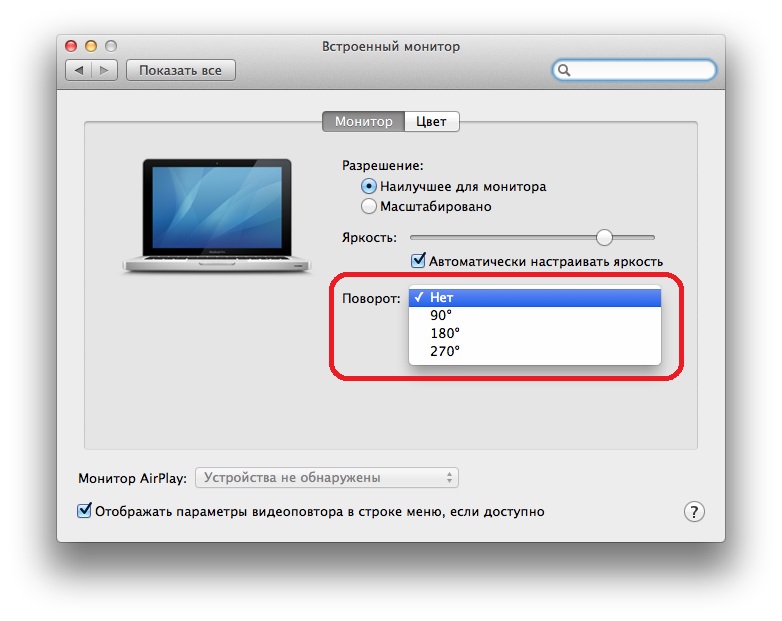

The computer screen will turn black for a moment, and then turn on with a new orientation.
Please note that not only does the screen look different, the mouse or trackpad will also move differently. You have to get used to the fact that the cursor moves in accordance with the orientation of the screen.
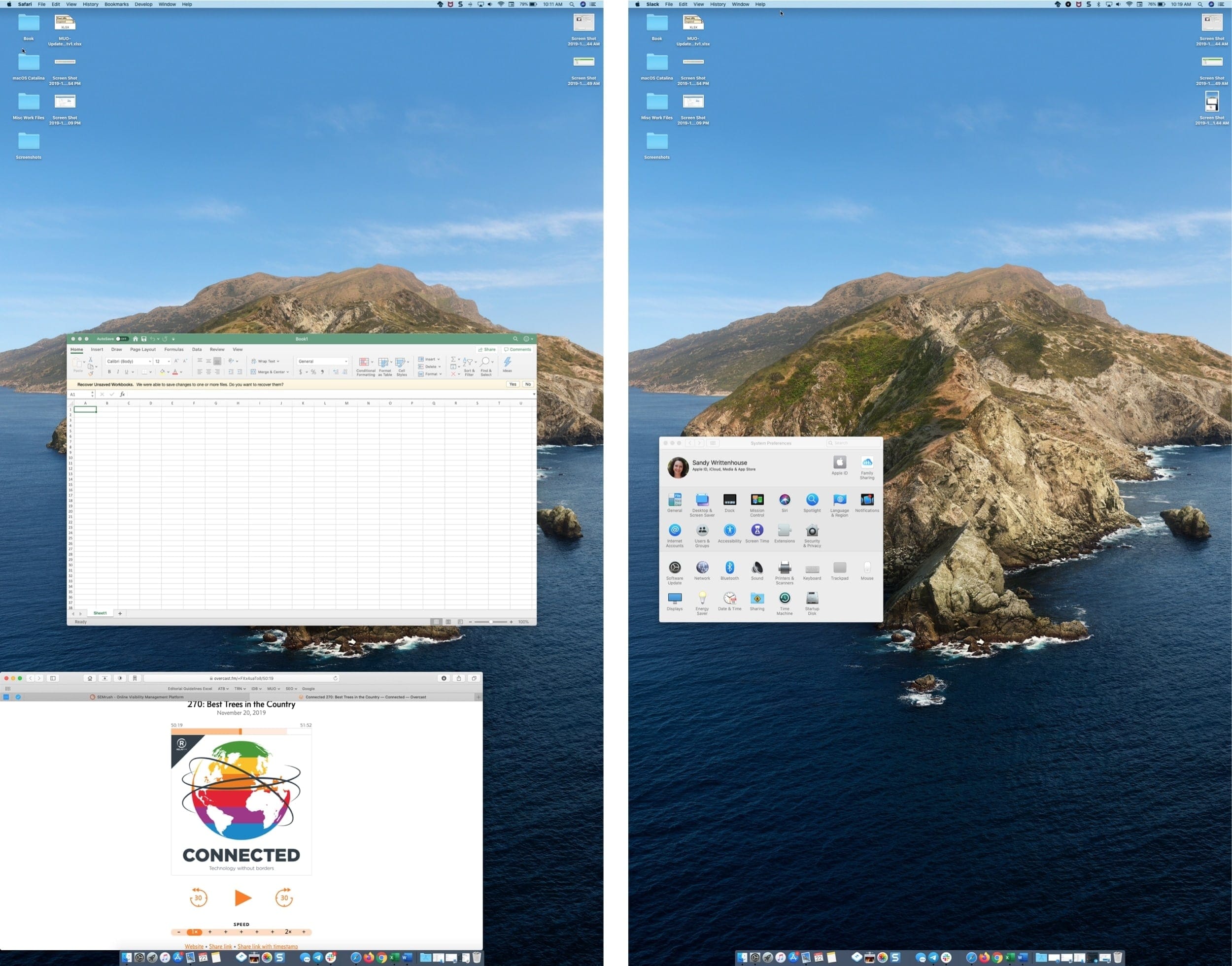

When you finish your work, you can go back to System Preferences and change the orientation to the standard one.
It is clear that you are unlikely to need to regularly rotate the screen, but now you at least know how to do it. In some situations, this can be very convenient.