Face ID is Apple's newest attempt to revolutionize the smartphone world, and the technology seems real
It seems that the only option is to blockphone, and then try to authenticate again. It really works, but it’s a long and awkward way. Fortunately, there is another way to make a second authentication attempt after a Face ID error.
Advertising
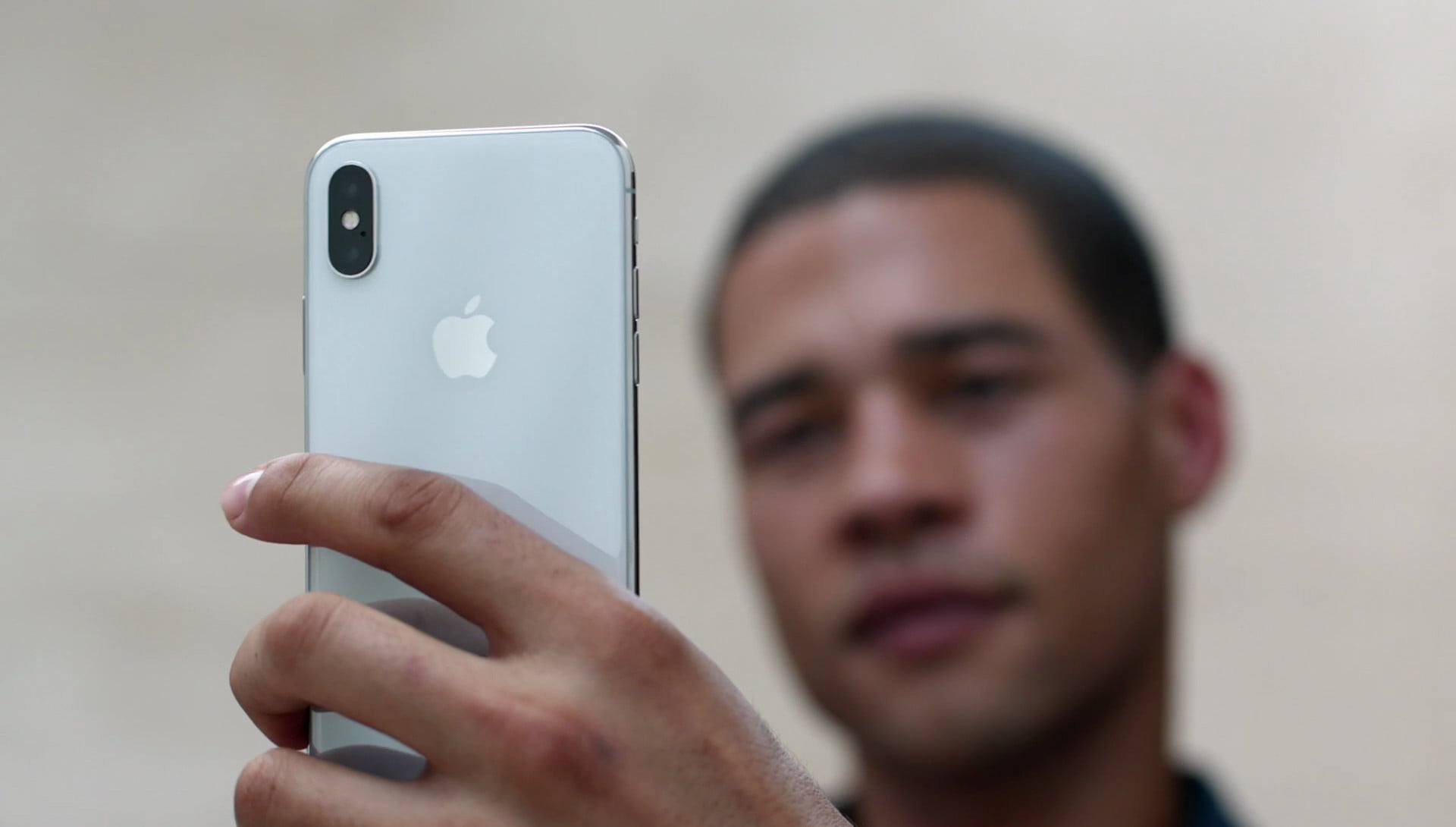

After an unsuccessful attempt, you can make a second one using a gesture that at first seems quite difficult to you. After an error on the lock screenpull the indicatorHomea little up and then down. It will be difficult at first, but when you canperform that gesture, then get used to it over time. If after such a gesture you successfully unlock the phone, a screen with your notifications will open.
It is unclear whether this function was intentionally added, but it is very quick and convenient to open notifications after failed authentication.