Several updates have recently been released for the unc0ver jailbreak.Access to
Advertising
Advertising
In this article, we'll show you how to install unc0ver jailbreak on an iPhone or iPad running iOS 11.0-11.4 beta 3 without a computer.
How to install unc0verwithout computer
1)Paste the following link into your browser's address barSafariOn your device:
https://www.ignition.fun/
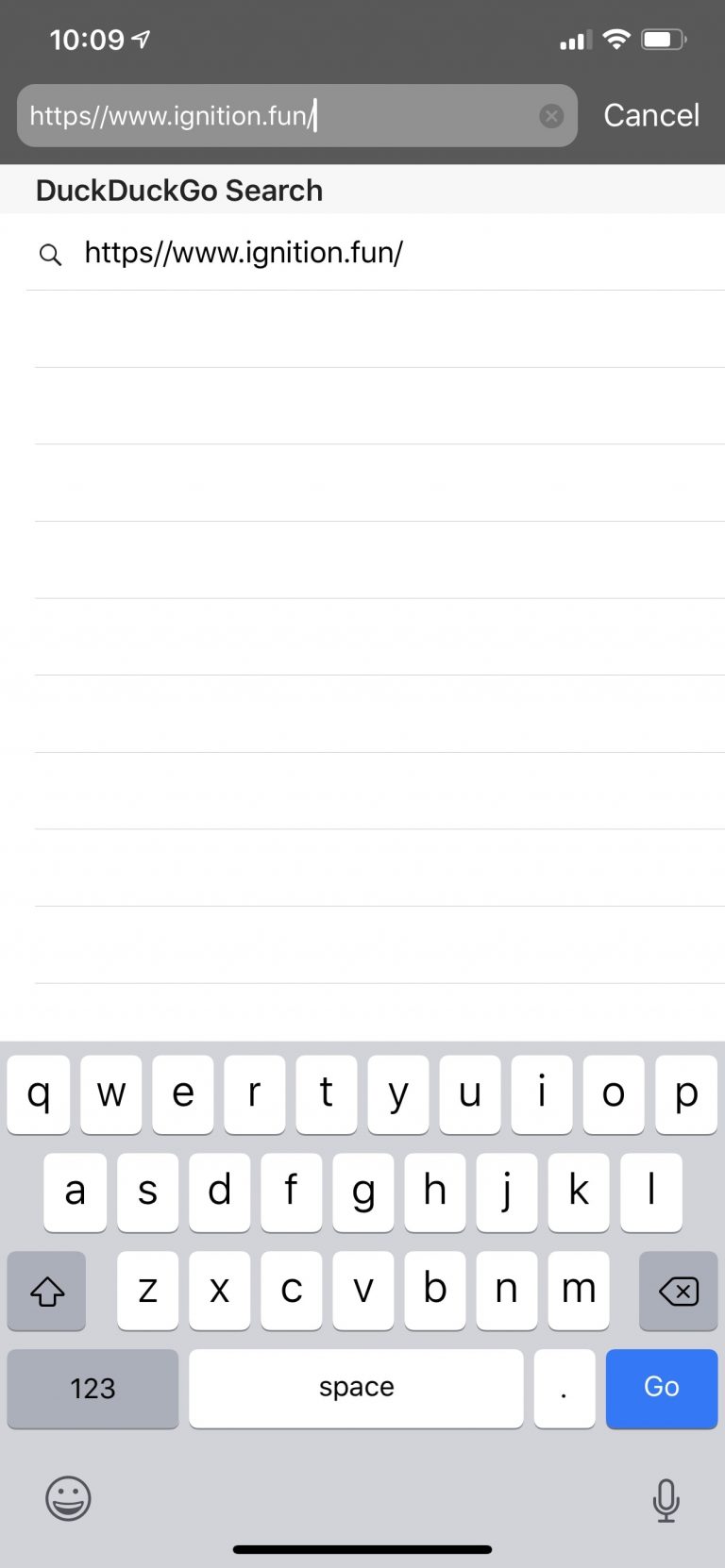

2)Wait for the loading screen to disappear.


3)Close the advertisement that appears on the site.
4)Choose an optionunc0ver (Proper).


5)ClickInstall.
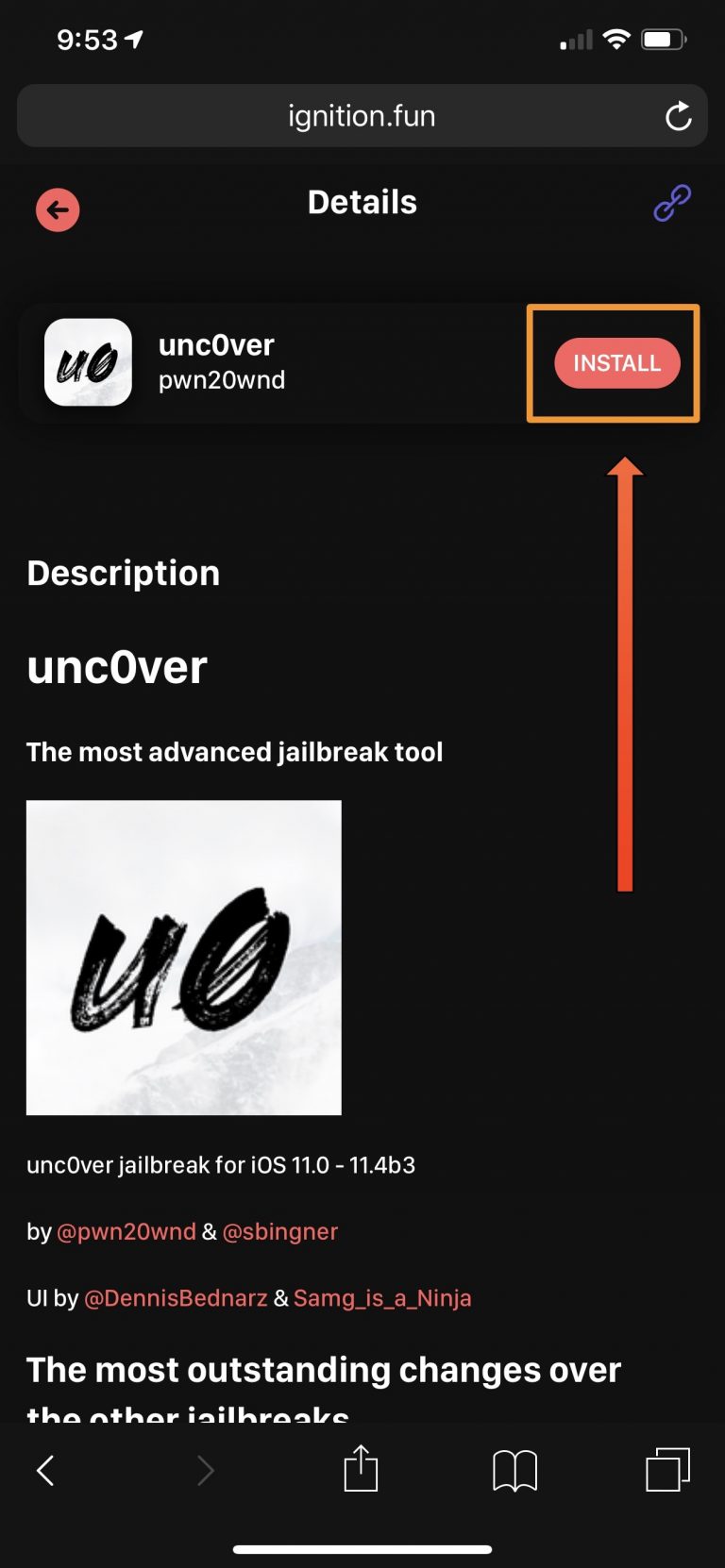

6)Confirm the installation of the unc0ver jailbreak by clickingTo installon the window that appears.
7)This will install the unc0ver app on your home screen.


8)Now go toSettings→ Basic→ Profiles and device managementand click on the profile that appears there.
9)Click the blue buttonTrustand then red on the window that appears.
10)Now you can open unc0ver app and jailbreak as usual.


If you do not know how to install unc0ver jailbreak, use our step by step instructions.