The Installer 5 tweak manager is available as a final version, which means everyone can install it and
Advertising
Advertising
In this article, we will talk about how to install Installer 5 on a device with jailbreak iOS 10 - 13.
How to install installer 5
one)Launch the Cydia app from your home screen.


2)Select a tabSources(Sources)below and then click the buttonEdit(Change)in the upper right corner of the screen.


3)Now click the buttonAdd(Add)in the upper left corner.


four)In the window that appears, enter the following link and click the buttonAdd Source(Add source):
https://apptapp.me/repo/


five)Cydia will download the repository. When the process is complete, clickReturn to Cydia(Return toCydia).


6)Go to the tabChanges(Changes)and selectInstallerat the top of the list.
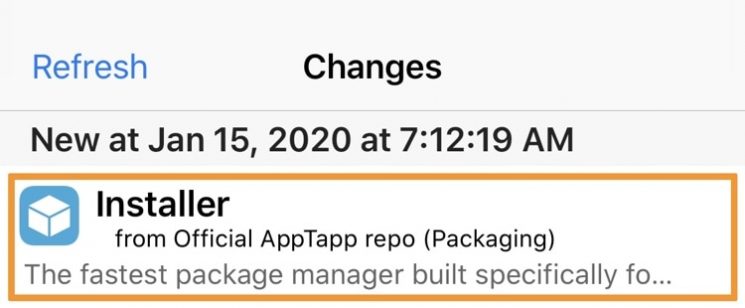

7)Now click the buttonInstall(Install)in the upper right corner of the screen.


eight)Click againInstall (To install)on the window that appears.
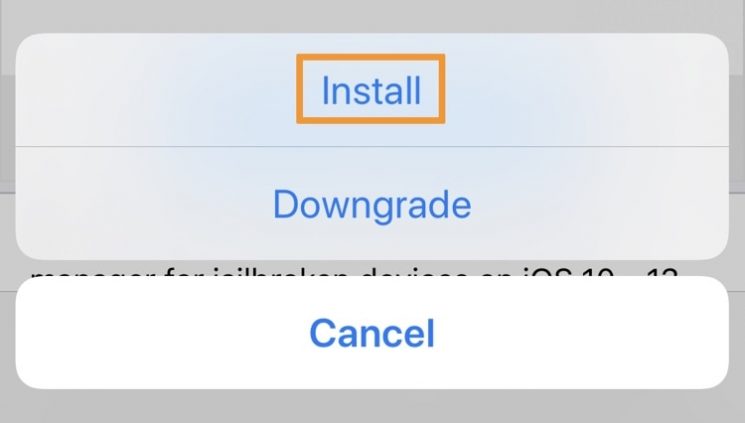

9)Click the buttonConfirm (Confirm)in the upper right corner of the screen.


ten)When the installation is complete, click the buttonReturn to Cydiaat the bottom.
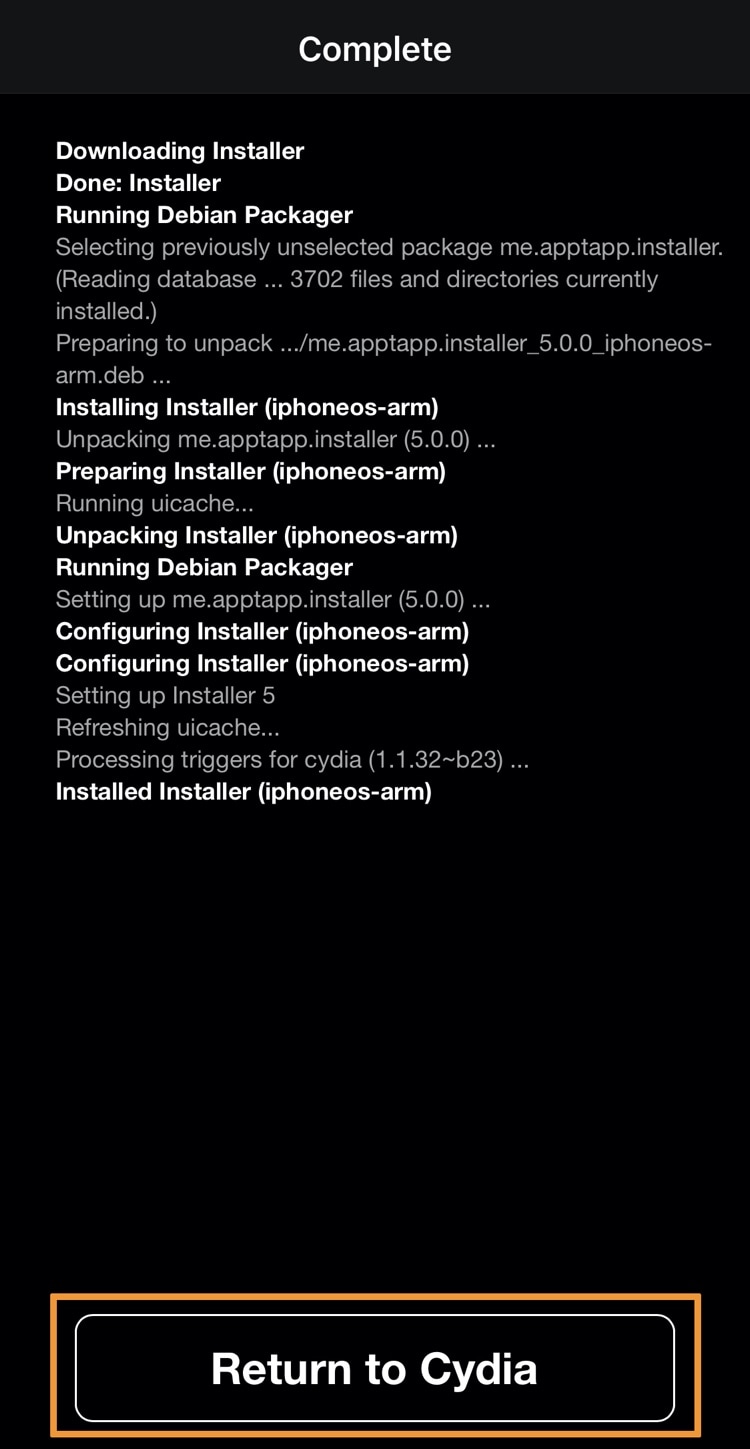

eleven)Return to your home screen, where Installer will appear.


Congratulations, you have installed Installer 5 tweak manager!
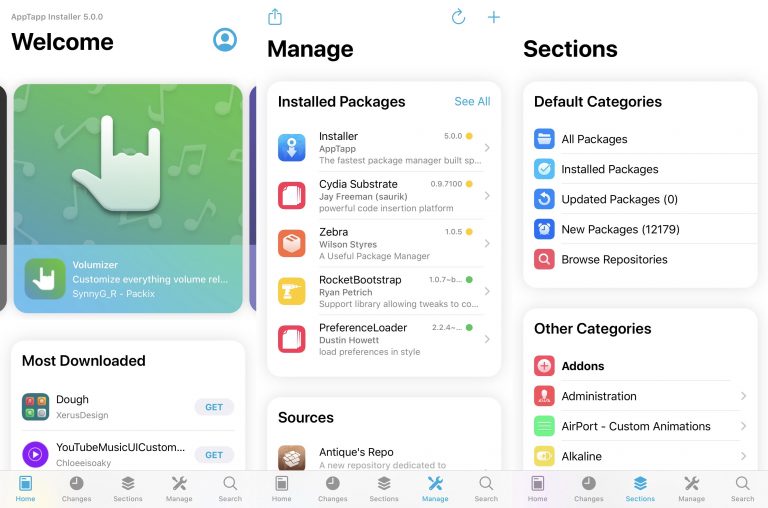

Installer 5 developers claim that thisThe fastest tweak manager, and it has more features than Cydia, Sileo, and even Zebra. Recall that it supports all devices with jailbreak iOS 10 - 13.