The Zebra Tweak Manager is officially out of beta, so the installation process has become significantly more
Advertising
Advertising
How to install the Zebra app
one)To get started, launch the Cydia application.


2)Select the tab belowSources/ Sourcesand press the buttonEdit/ Editin the upper right corner of the screen.
3)Now click the buttonAdd/ Addin the upper left corner of the screen.
four)Paste the following link and clickAdd Source/ Add source.
https://getzbra.com/repo
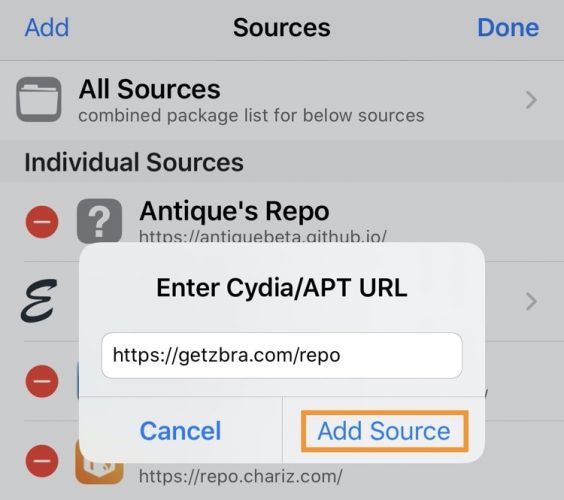

five)Cydia will download the repository. After that, click the buttonReturn to cydia.


6)Go to the tabChanges/ Changesand select tweak managerZebraat the top of the list.
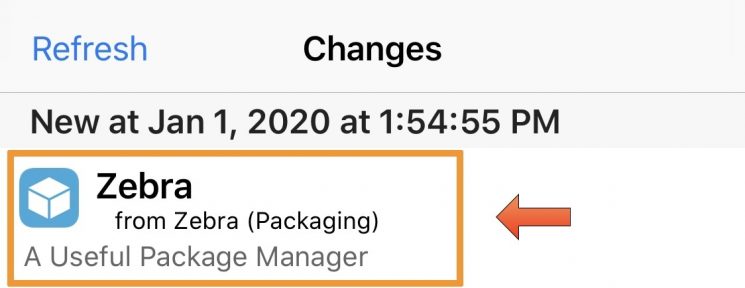

7)In the upper right corner of the screen, clickModify.
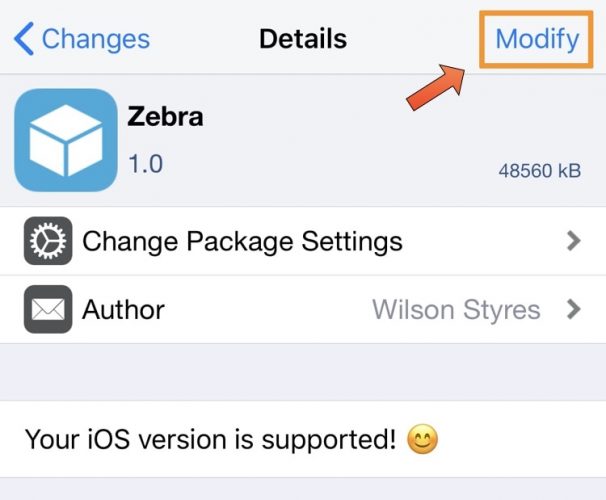

eight)Now click the buttonInstall/ Install.
9)Click the buttonConfirm/ Confirmin the upper right corner of the screen.
ten)When the installation is complete, click the buttonReturn to Cydia.


eleven)The Zebra app should appear on your home screen.
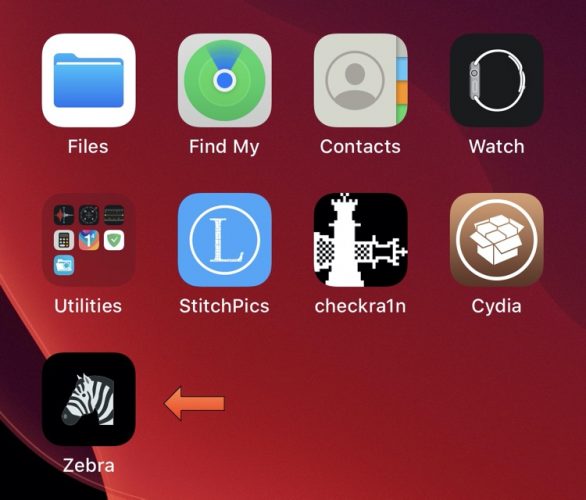

Congratulations! Now you can start using the new Zebra tweak manager!
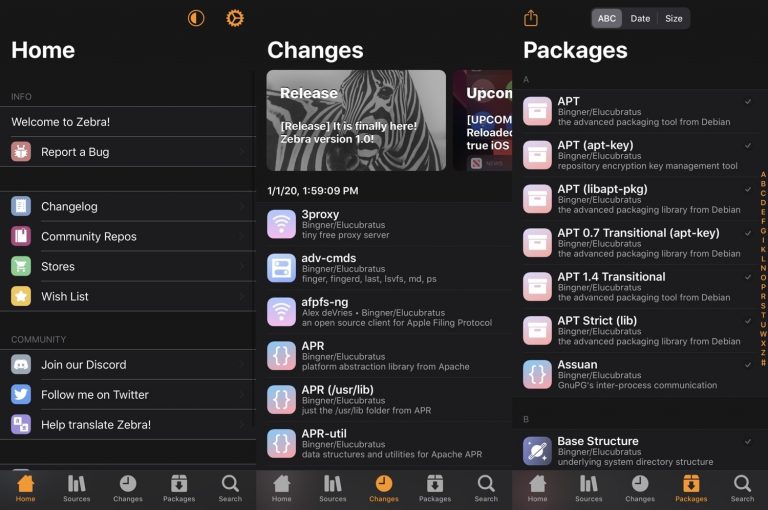

Zebra is a tweak manager with useful features, support for Dark Mode and third-party repositories.