Fascinated by the race of processors and graphics cards, gamers often forget the importance of an SSD.And
We will talk about the key criteria for choosing an SSD for a gaming computer or laptop.
The best choice
Samsung 980 Pro 1TB is one of the fastest andthis moderately hot SSD. Compatible with gaming PCs and laptops, as well as PlayStation 5. Made from 100% components of Samsung's own design and production (controller, flash memory, RAM buffer). Its read speed reaches 6800 MB / s, which is very close to the peak bandwidth of the PCIe 4.0 bus. And the declared rewriting resource is about one and a half times more than that of competitors.
SSD Selection Tips
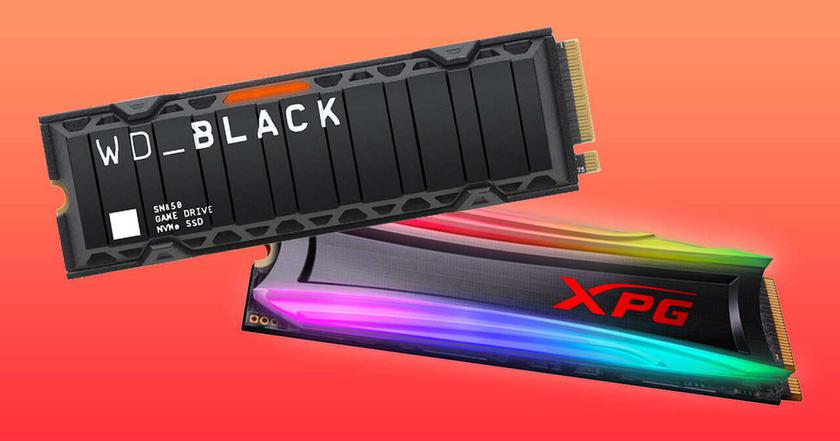
If you do not take into account purely server U.2 SSDs, then there are two main types of solid state drives.
Which SSD format to choose?
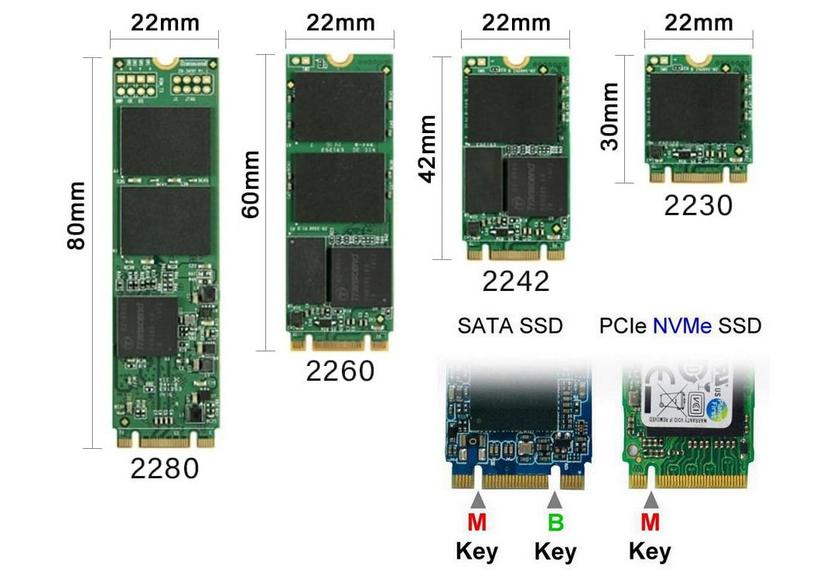
Classic 2.5-inch models are still relevant for upgrading an old PC or laptop.In addition, they are cheaper than M.2 on average, especially with a large 2 TB capacity.The newfangled M.2 isn't always faster than 2.5", but it's definitely more compact and thinner, which makesIn addition, the M.2 is divided by length: 3, 4, 6 or 8 centimeters, the latest sizethe most common.
Will an SSD work for my PC?
M format solids.2 may differ in connection bus: SATA or PCI-Express, which, taking into account the software driver, are called NGFF or NVMe, respectively. The first option is equal in speed to 2.5″ SSD (500 MB/s), and the second is two to thirty times faster, depending on the PCIe generation. It is easy to distinguish between NGFF and NVMe by the pinout of the M.2 slot: Key-B&M with two missing pins or Key-M with only one.
How fast is an SSD needed?
Drives with legacy PCIe 2.0 slots are no longer available for sale, but PCs and laptops available to users may have just such a slot. Fortunately, all versions of PCI-Express are backward compatible with each other, but in the case of 2.0, the speed will be low - 1000 MB / s. While PCIe 3.0 SSDs deliver up to 3600 MB/s, PCIe 4.0 up to 7400 MB/s, PCIe 5.0 up to 13500 MB/s. The latter, however, are hellishly hot, so they need active cooling.
Advantages of SSD over HDD
Speed— a solid-state drive is at least five times faster in read and write speed than a hard drive, and the difference in responsiveness is a hundredfold.
Reliability— SSDs are not afraid of shock and vibration, and are also capable of operating at higher temperatures than HDDs.
Security— the SSD controller encrypts information in real time using the AES-256 cryptography algorithm.
Compactness— in the case of a laptop, using an SSD instead of a HDD reduces the weight and especially the thickness of the device.
TOP 6 best solid state drives
Kingston A400 480GB
The cheapest
Solidigm P41 Plus 1TB
Most versatile
ADATA XPG Spectrix S40G 1TB
The most beautiful
Samsung 980 Pro 1TB
The most reliable
WD Black SN850X 1TB
The fastest
Crucial P3 2TB
The most spacious
Comparative characteristics of SSD
SSD Model
Format
Reading, MB/s
Write, MB/s
Kingston A400
2.5″ SATA
500
450
Solidigma P41 Plus
M.2 PCIe 4.0
4100
3000
ADATA XPG Spectrix S40G
M.2 PCIe 3.0
3500
3000
Samsung 980 Pro
M.2 PCIe 4.0
6800
5000
WD Black SN850X
M.2 PCIe 4.0
7300
6300
Crucial P3
M.2 PCIe 3.0
3500
3000
Kingston A400 480GB
The cheapest
</ img>
</ img>
</ img>

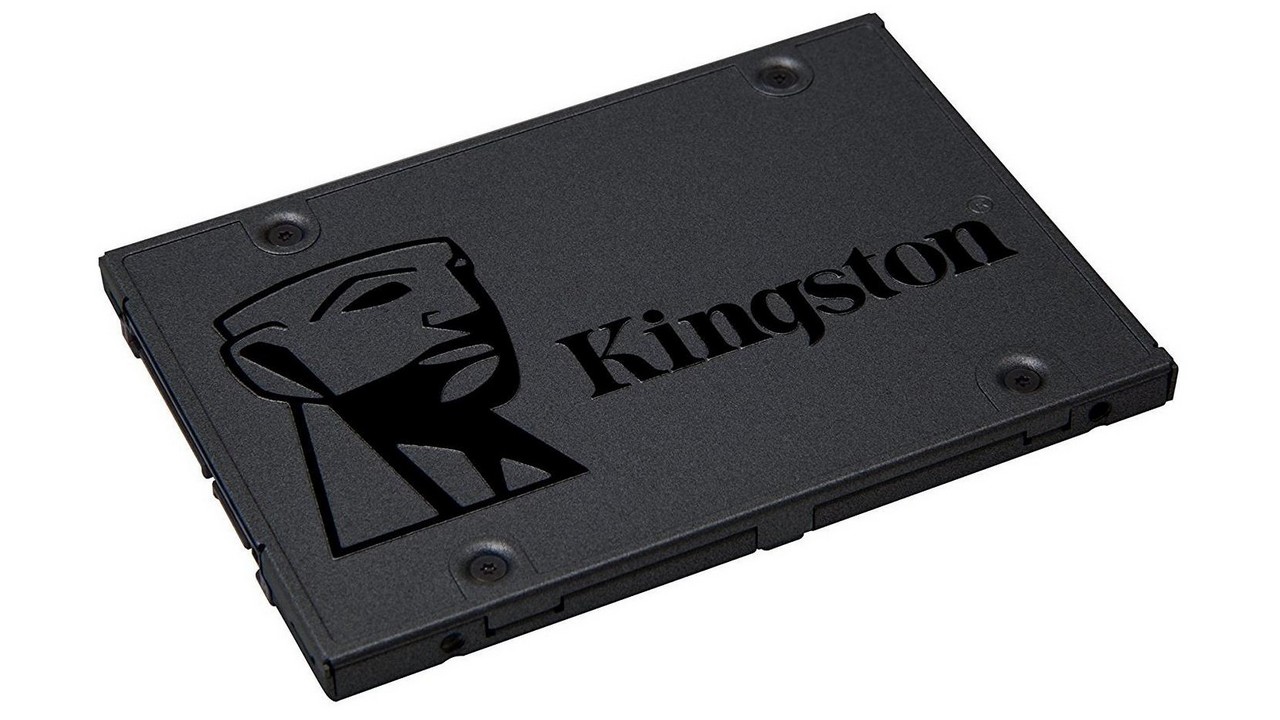
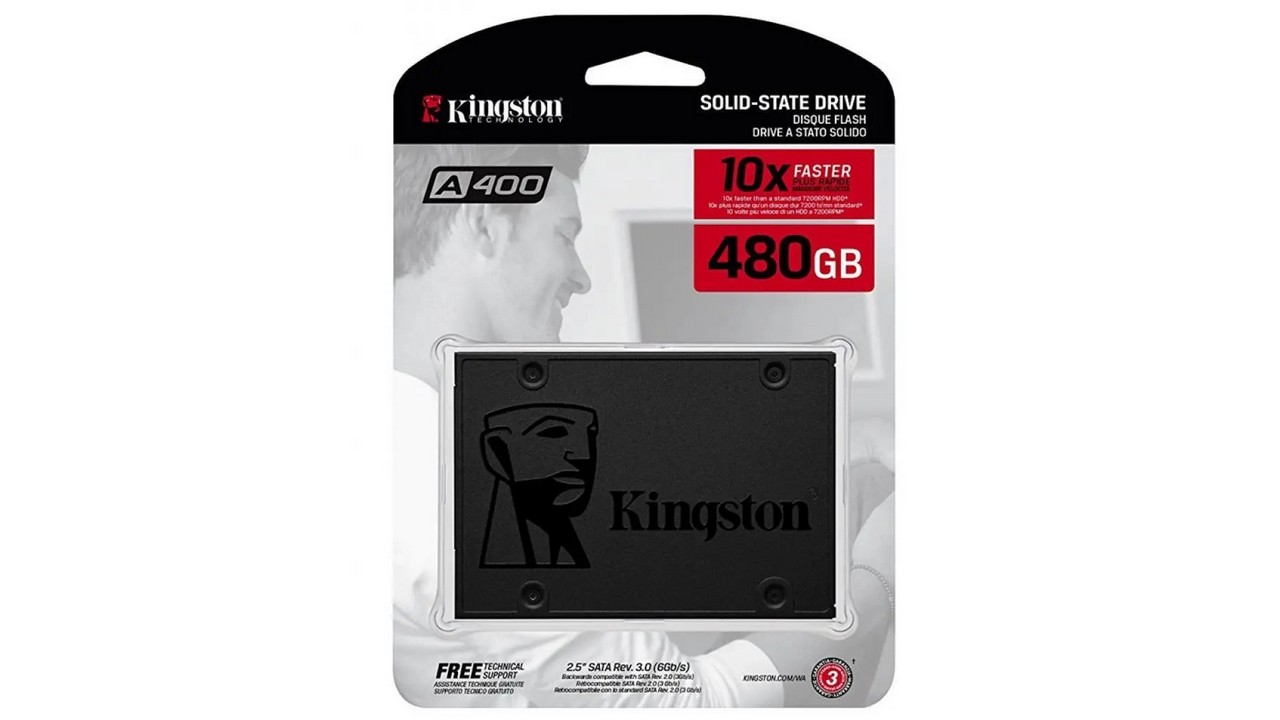
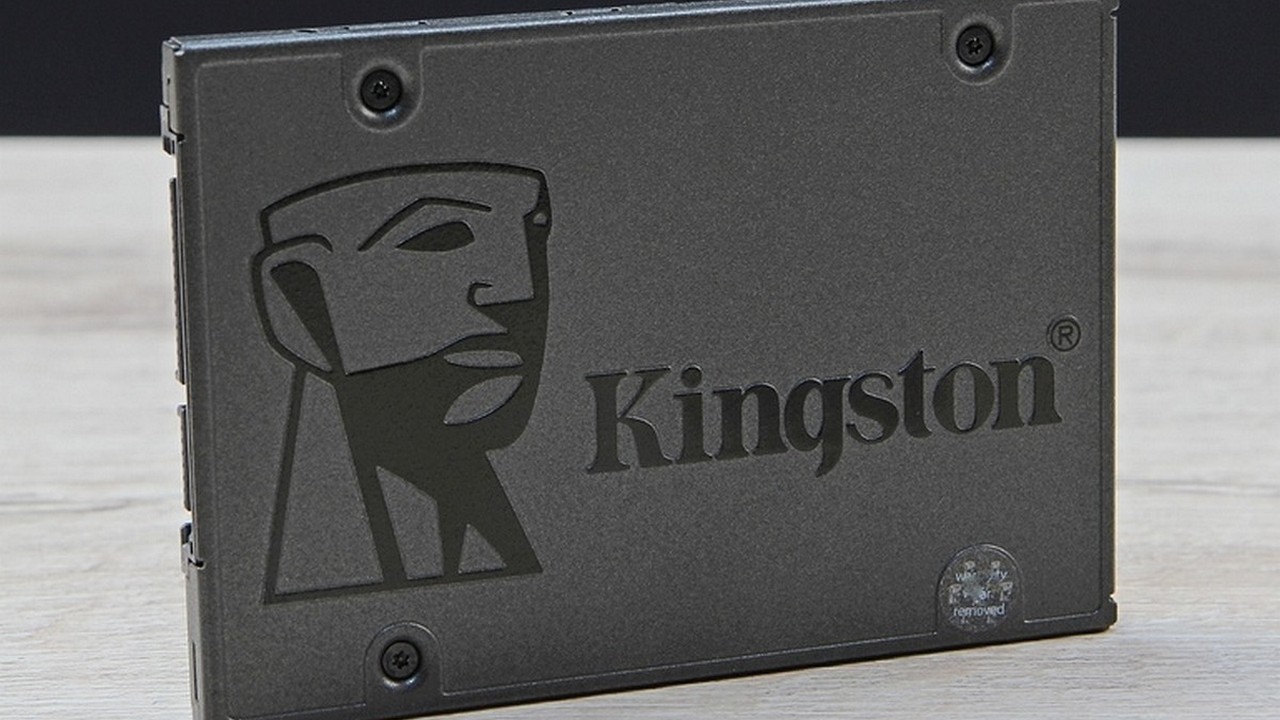
Kingston A400 480GB- one of the most affordable solid statedrives with a capacity of half a terabyte. More precisely, 480 gigabytes, because 32 GB are locked for automatic replacement of worn-out memory cells. Made in the classic M.2 SATA format and provides a stable read speed of about 500 MB/s. Whereas the recording speed depends on the amount of information at one time. A file of several gigabytes will be written at the same speed of 500 MB/s. But a folder with files totaling several tens of gigs is already ten times slower.
The reason for this is the virtual SLC algorithmcaching, which combines memory cells by three or four to speed up writing. This is typical of all, without exception, modern SSDs, both TLC and QLC. The Kingston A400 is dressed in a metal case, which adds visual gloss and slightly reduces the operating temperature. It is optimal for upgrading an old computer or laptop that lacks an M.2 slot, or as a second drive in a new PC, especially for games.
Pros:
- Very low price
- Compatible even with old PCs and laptops
- metal body
Minuses:
- Speed is much slower than M.2 NVMe
Conclusion.A worthy choice for your first SSD.Half a terabyte is enough for the operating system, all the necessary work applications and two or three games. And only then decide whether you need a larger and faster disk.
Solidigm P41 Plus 1TB
Most versatile
</ img>
</ img>
</ img>
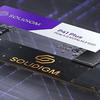
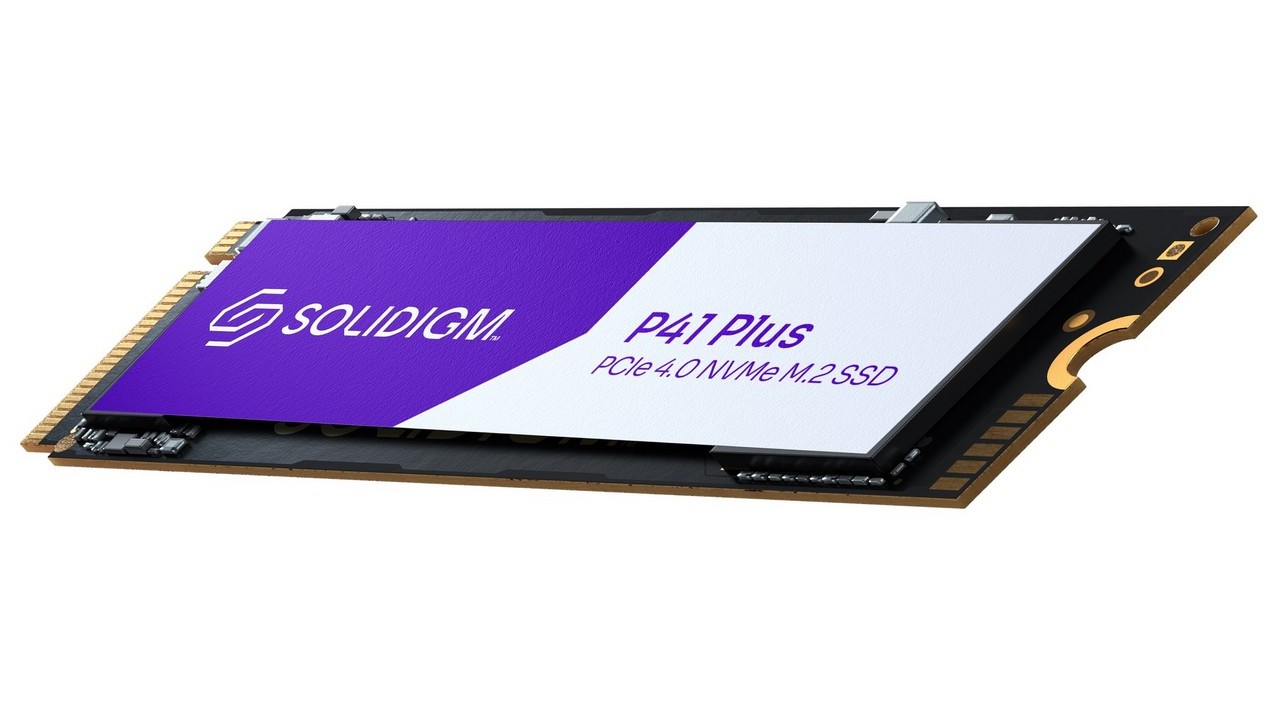
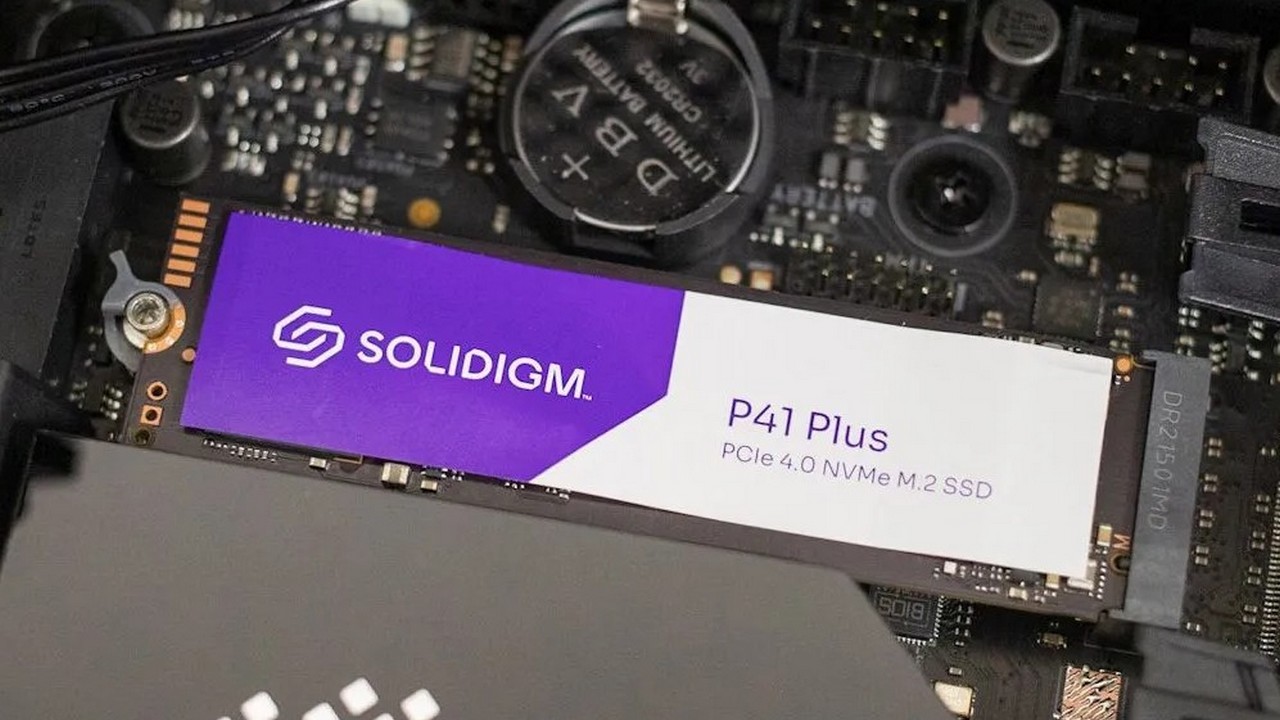
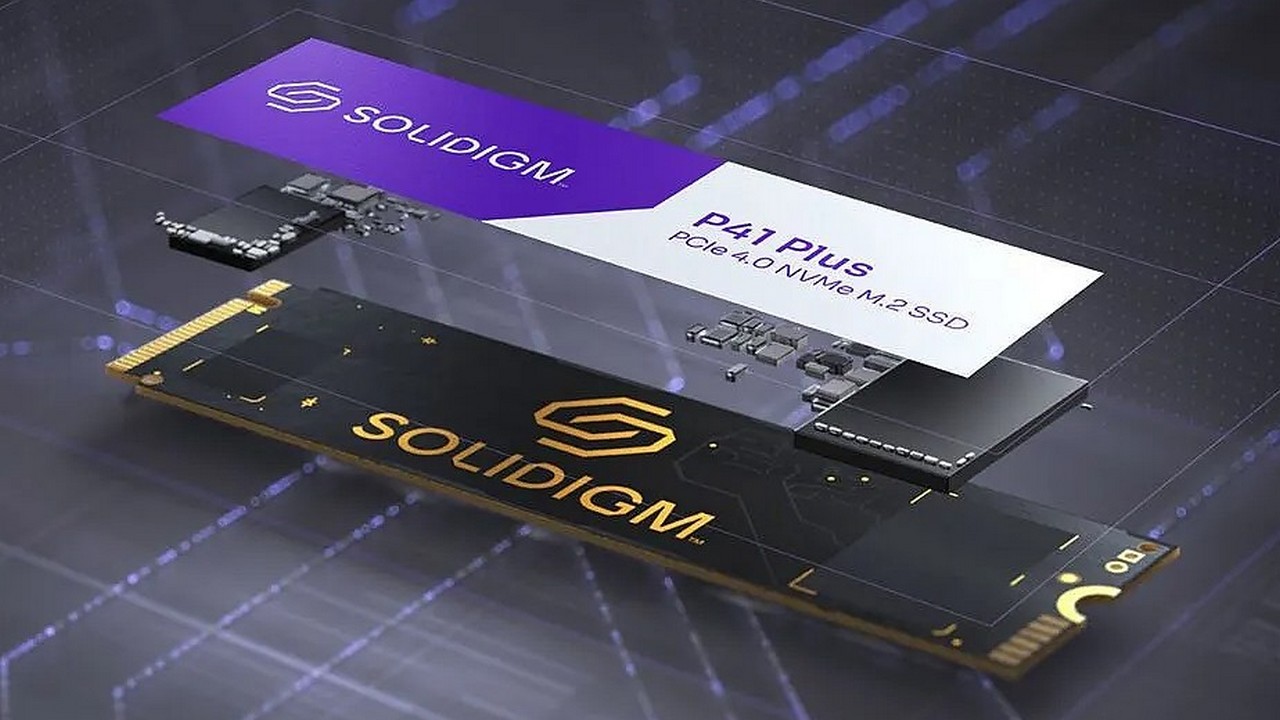
Solidigm P41 Plus 1TB- a young American brand of solid statedrives created by former Intel and Hynix engineers. Their first terabyte SSD is manufactured in the M.2 PCIe 4.0 format and accelerates over 4000 MB/s. This is only slightly more than the flagship PCIe 3.0 SSDs, which, however, are more expensive and hotter. In addition, the P41 Plus, thanks to the PCIe 4.0 bus, is compatible not only with desktop PCs and laptops, but also with the PlayStation 5 game console. While expanding the memory of the Xbox Series S and Series X requires Seagate external drives with a proprietary connector.
Solidigm P41 Plus became the first SSD among allbrands, which is built on the new SM2269XT controller from Silicon Motion (not to be confused with the Silicon Power drive manufacturer). Thanks to the modern process technology, this controller is very cold. And the XT index means that there is no mandatory need for a RAM buffer chip, which reduces the cost of SSD. But the Host Memory Buffer technology is supported, which uses part of the PC's system-wide RAM as an SSD buffer.
Pros:
- Weakly heats up
- Progressive PCIe 4.0 bus
- Suitable also for PlayStation 5
Minuses:
- Only slightly faster than PCIe 3.0
Conclusion.A successful first product of a young Americanstartup Solidigm. Quite fast and heats up slightly, so it’s suitable for thin ultrabooks. And the PCIe 4.0 bus allows it to be installed even in the PlayStation 5 game console, although it is a little slower than Sony’s official recommendations.
ADATA XPG Spectrix S40G 1TB
The most beautiful
</ img>
</ img>
</ img>



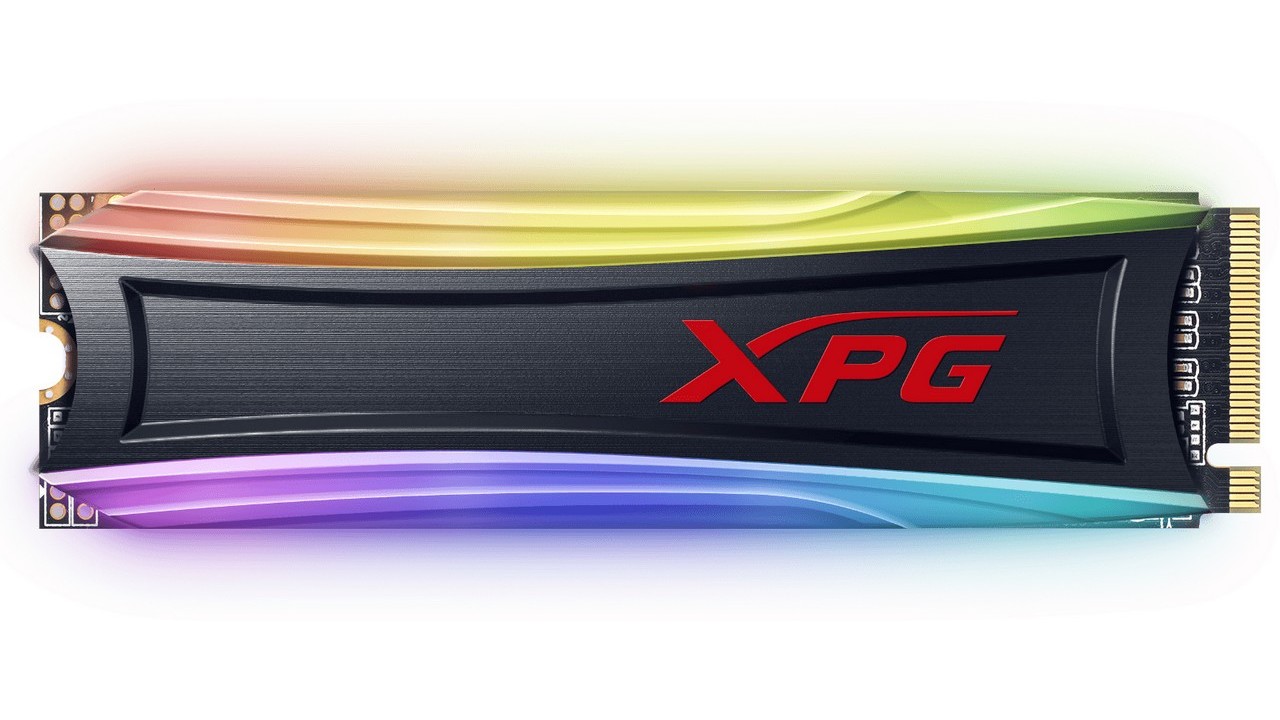
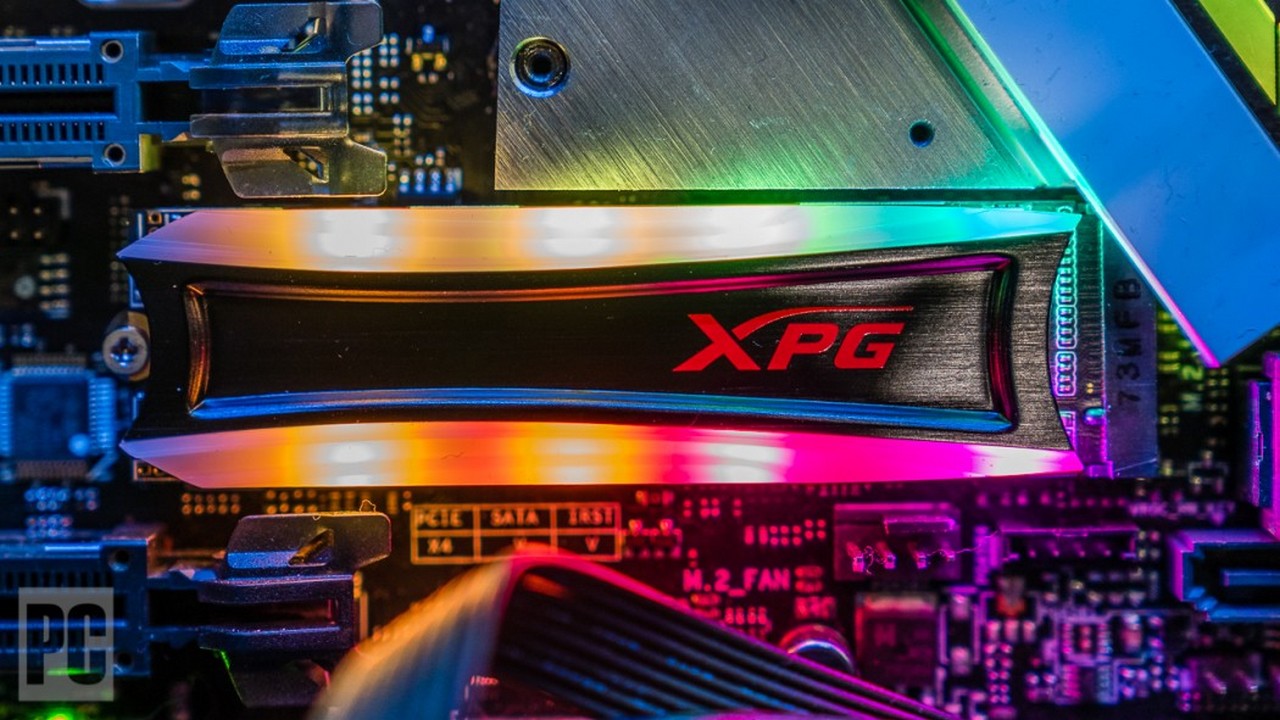
ADATA XPG Spectrix S40G 1TB— representative of the company’s gaming sub-brandADATA. And as befits everything gaming, it is decorated with customizable multicolor lighting. Moreover, there are very few competing SSDs with RGB on the market: only Patriot Viper and AddLink. The fact is that synchronizing the backlight with the motherboard eats up part of the PCIe bus bandwidth. And this negatively affects the speed of the solid-state drive. Other PC components, such as fans, connect the backlight through a separate connector.
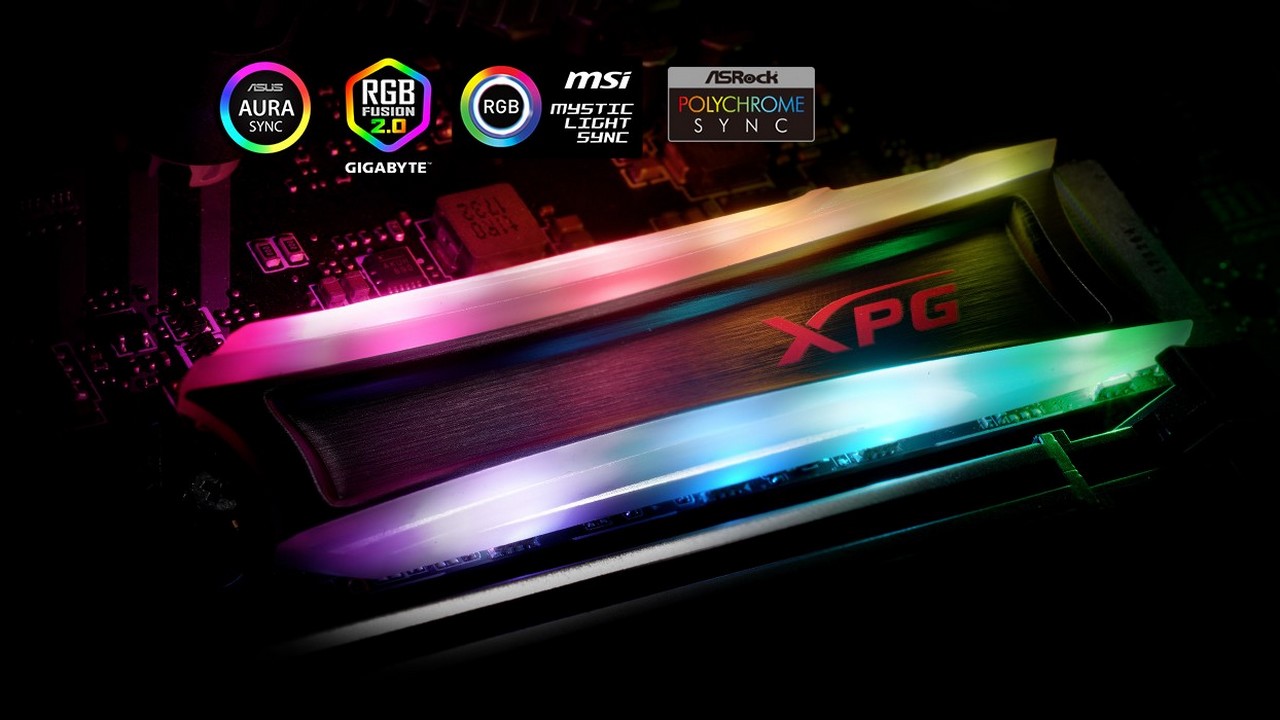
Supports glow synchronization with allpopular motherboards: ASUS Aura, MSI Mystic, Gigabyte Fusion, ASRock Polychrome and Biostar Vivid. Built XPG Spectrix S40G controller Realtek RTS5762. ADATA is the only major SSD manufacturer that uses Realtek controllers. More this brand is known for its network and sound chips. The speed is 3500 MB / s for reading and 3000 MB / s for writing. Including due to the backlight, the SSD is quite hot.
Pros:
- Customizable RGB lighting
- Good choice for PC modding
- Synchronizes with motherboards of all brands
Minuses:
- The backlight eats up some of the speed of the SSD
Conclusion.A bright representative of the ADATA XPG gaming series -fast and with multi-color RGB lighting. Which can also be synchronized with other luminous PC components, not only from ADATA. It heats up a little hotter than average, but in a gaming PC there will be strong through-flow in any case.
Samsung 980 Pro 1TB
The most reliable
</ img>
</ img>
</ img>
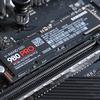
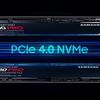
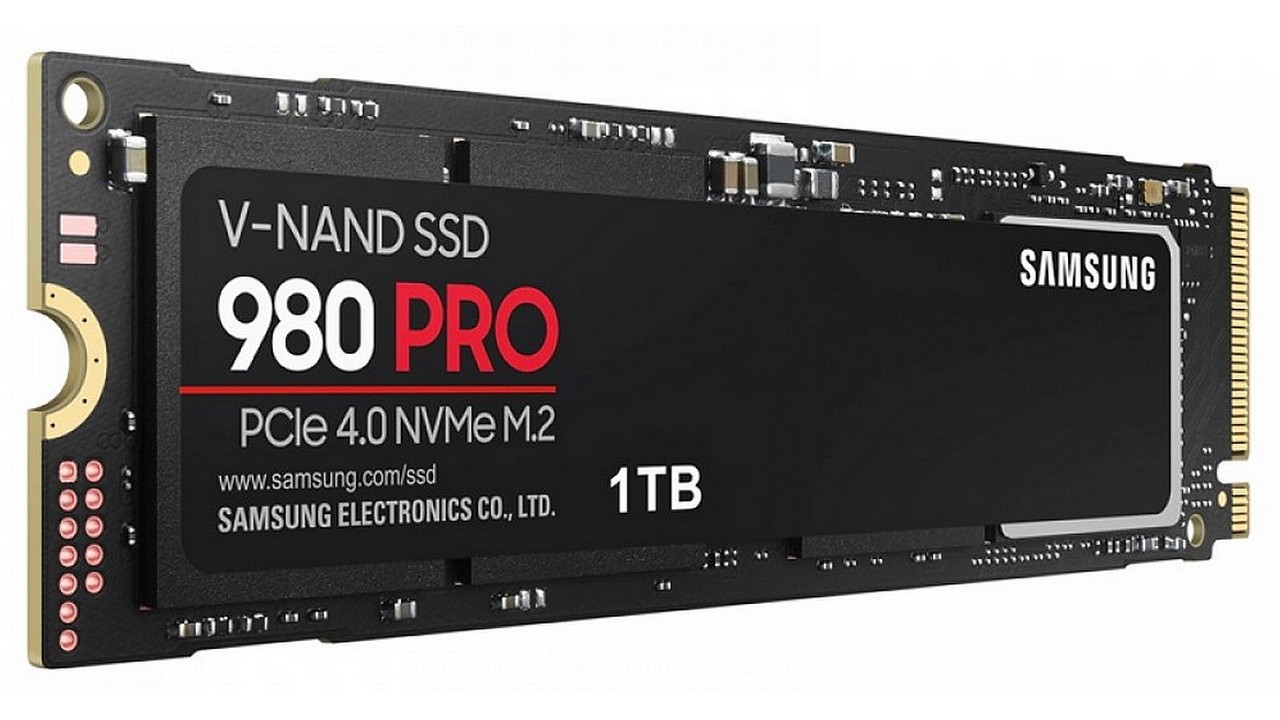
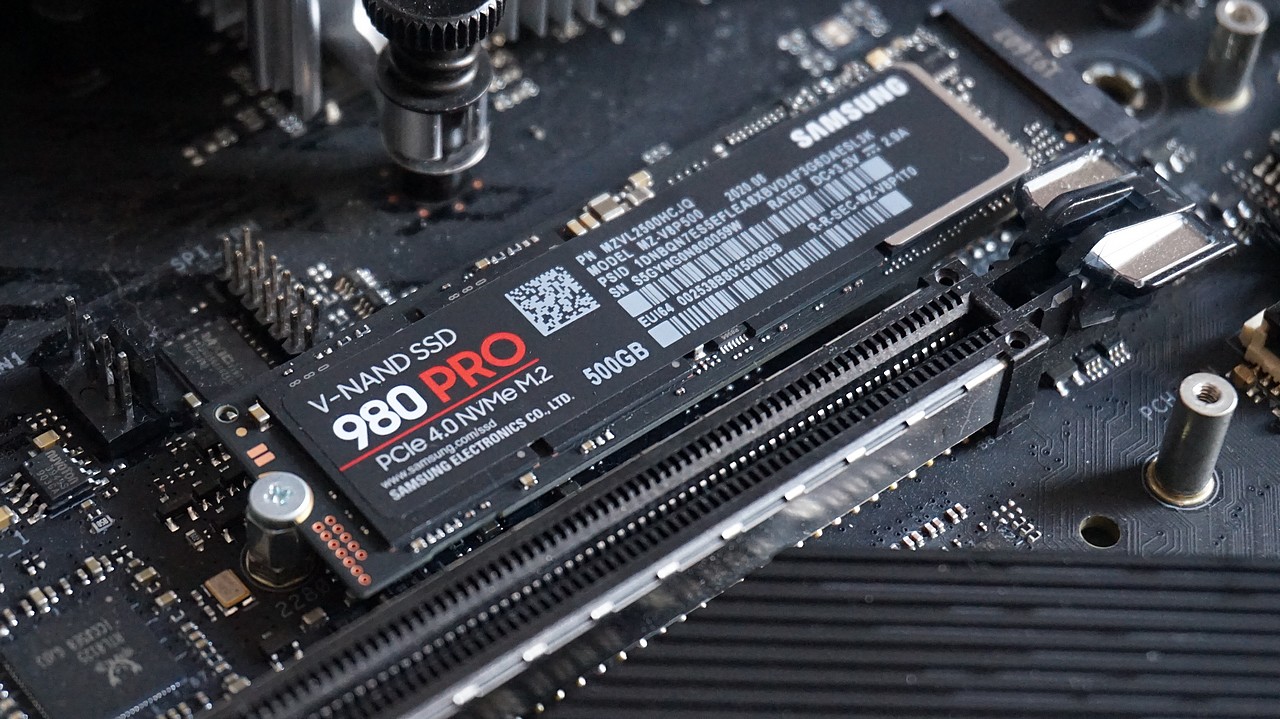
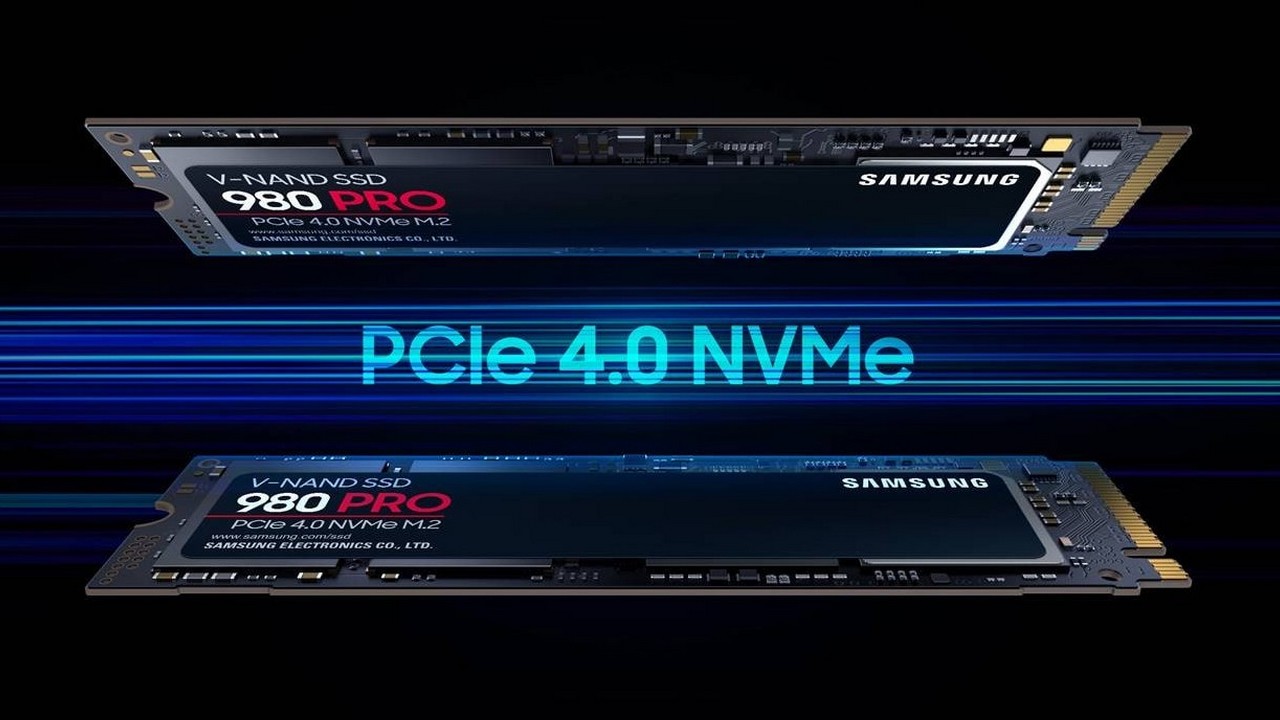
Samsung 980 Pro 1TB- solid state drive completely internalproduced by the South Korean tech giant. After all, only Samsung produces SSD controllers, flash memory and RAM, and also develops firmware for them. While other SSD manufacturing companies are forced to purchase at least some components externally. Therefore, Samsung drives are more stable and last longer than most competitors. Thus, the 990 Pro model has a rewriting resource that is approximately one and a half times greater than the market average.
Built SSD on Samsung Elpis controller,which has a nickel-plated heat-spreading cover for better cooling. The memory chips are officially referred to as 3-bit MLCs (the first letter stands for Multi), i.e. TLC in a progressive 3D layout. Multilayer lithography makes it possible to increase the recording density, thereby fitting more information into one chip and increasing the speed characteristics. Reading is 7000 MB/s, writing is 5000 MB/s, and after cache overflow is 2000 MB/s.
Pros:
- Consists of 100% Samsung components
- High read and write speed
- Great rewrite resource.
Minuses:
- Relatively high cost
Conclusion.The company's exemplary productSamsung, which has a complete closed-loop production cycle for solid-state drives. Close to the speed record among PCIe 4.0 SSDs, moderately hot and with a very large rewrite resource. For those who value reliability first and then speed.
WD Black SN850X 1TB
The fastest
</ img>
</ img>
</ img>

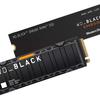
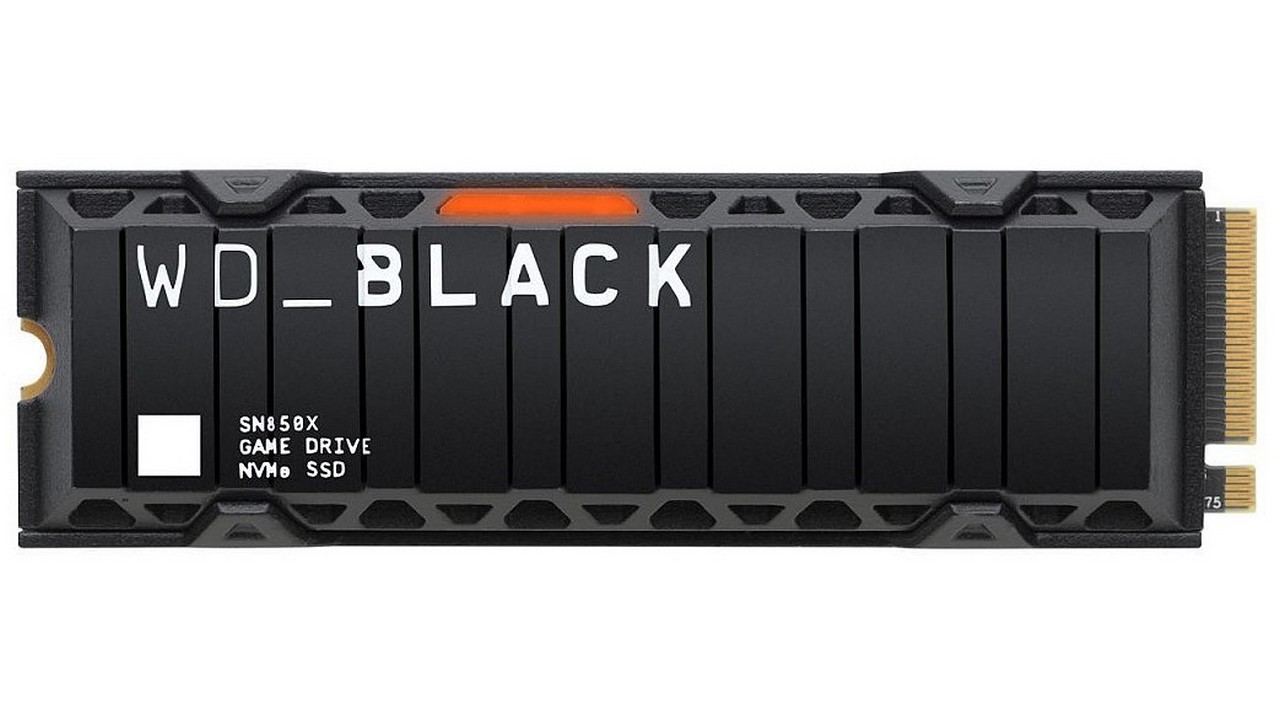
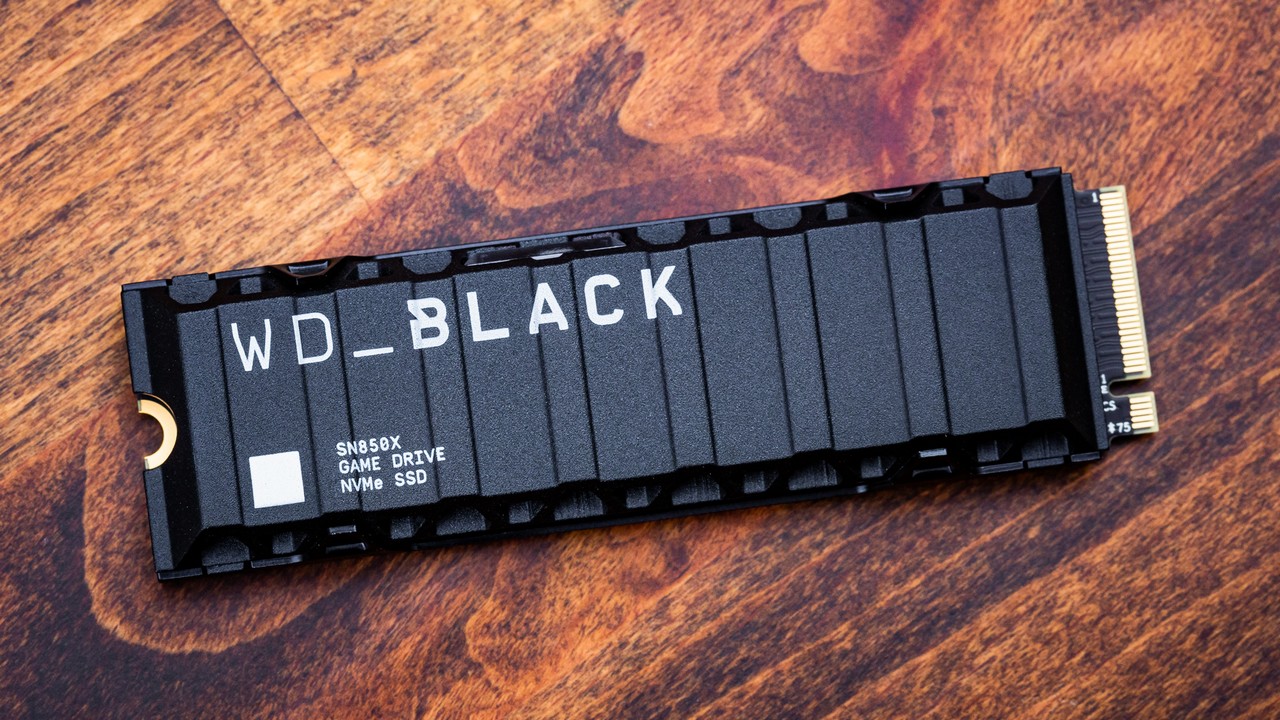
WD Black SN850X 1TB— to complement your hard drive portfolioand solid-state drives, Western Digital had to buy out SanDisk. As a result, WD ended up with a flash memory production plant and a laboratory for the development of SSD controllers. But WD is forced to buy RAM from competitors: Samsung or Micron (SSD Crucial). However, the Black SN850X is one of the fastest PCIe 4.0 SSDs. Its speed is 7300 MB/s read, 6300 MB/s write and 2700 MB/s after cache overflow.
And his cache is very capacious - not much, notlittle, a third of the amount of free disk space, that is, 333 GB in the case of a completely empty terabyte. There are two versions of the drive to choose from: with and without a heatsink. The first one is decorated with backlighting, though only one-color, and the second one allows you to choose the cooling yourself. Complete from the motherboard or purchased separately, for example, the German brand be quiet!. Also worth noting is the handy WD Dashboard utility for monitoring disk health.
Pros:
- Record-breaking PCIe 4.0 speed
- Cache third of the volume of the entire disk
- Variants immediately with and without a radiator
Minuses:
- Relatively high cost
Conclusion.A solution for maximalists who are readypay extra for record speed. But WD’s own SSD controller heats up less than the reference solutions from Phison and InnoGrit. A choice is offered: with a radiator glued to a thermal pad or without a complete cooler. In the second case, the user will have more room for experimentation.
Crucial P3 2TB
The most spacious
</ img>
</ img>
</ img>
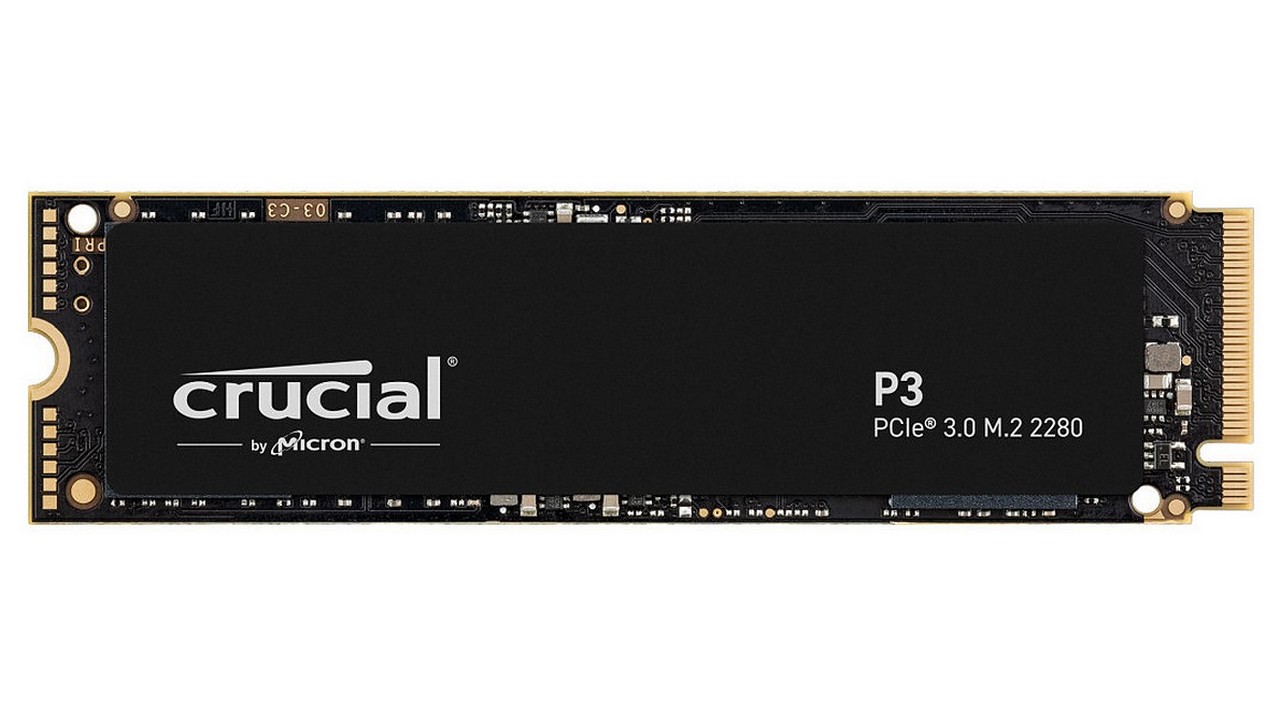
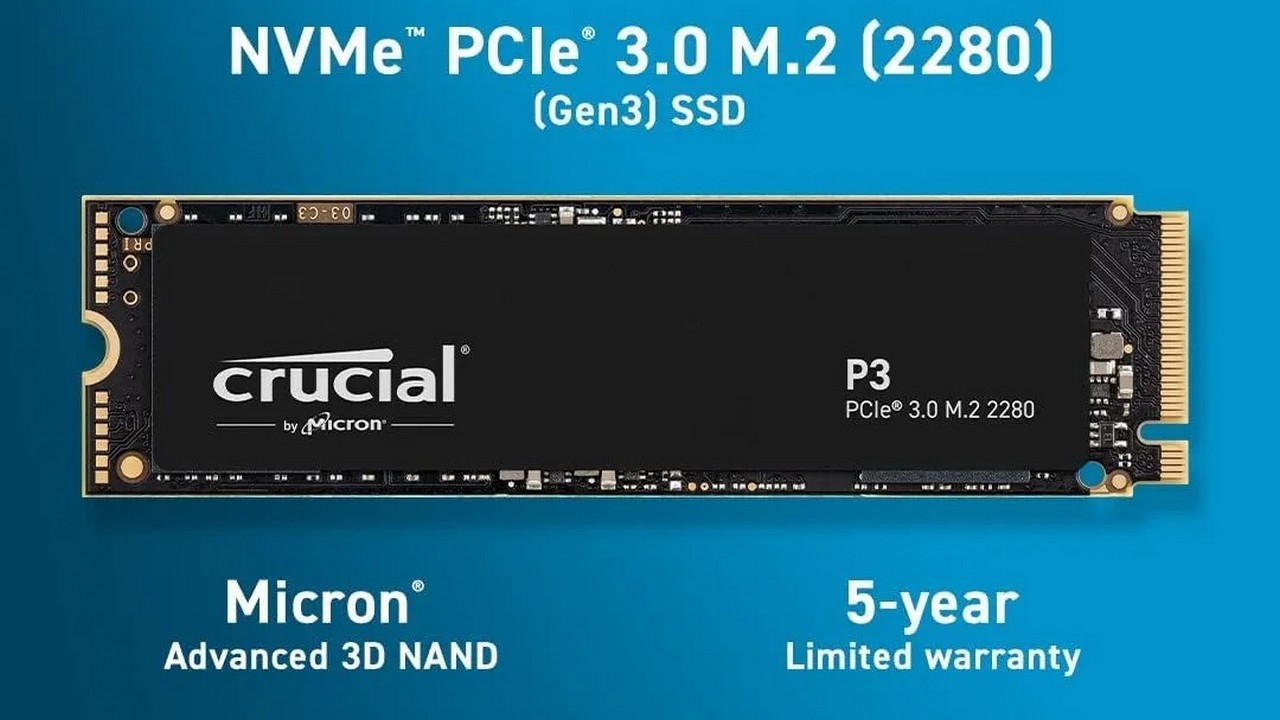
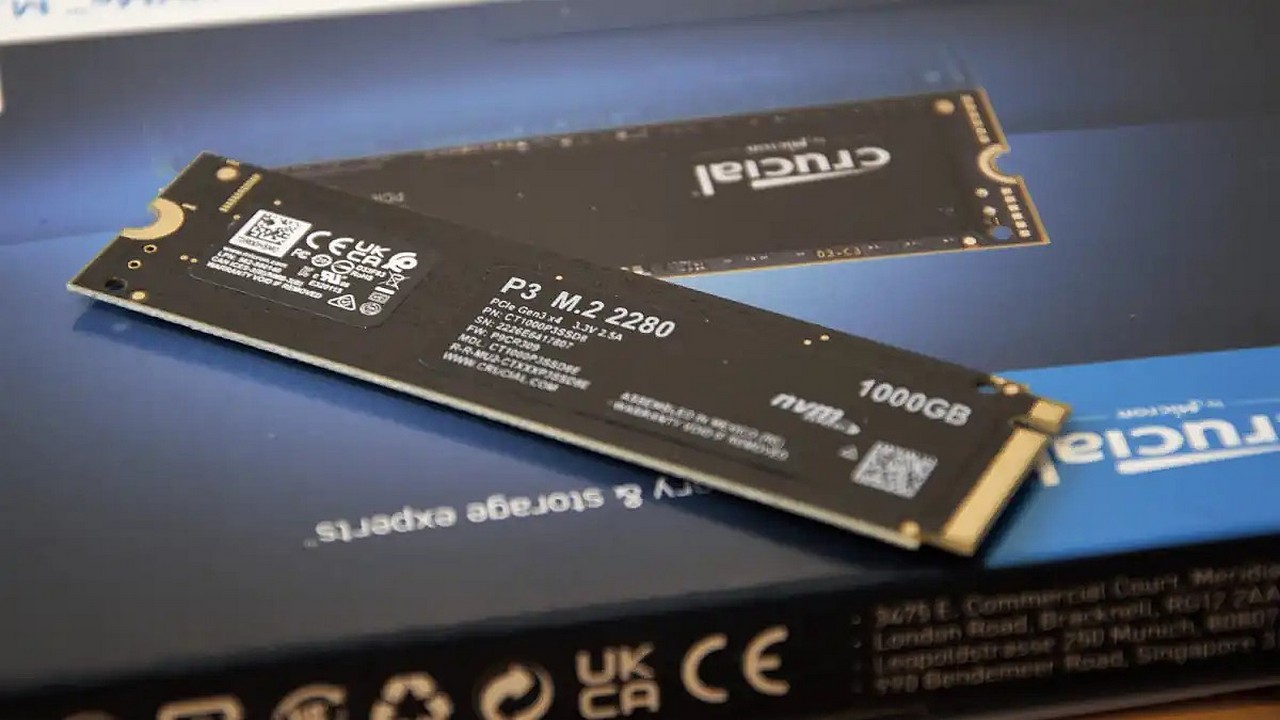
Crucial P3 2TB- solid state drive from Micron,which, like Samsung, produces its own flash memory chips. This allows it to sell SSDs almost at cost. Thus, the Crucial P3 model with a capacity of 2 terabytes costs only slightly more than drives from other brands with half the volume. Naturally, it uses cheaper QLC memory. But the 176-layer layout and parallelization across several chips made it possible to achieve the maximum speed of PCIe 3.0.
Namely, 3500 MB / s for reading and 3000 MB / s forзаписи, естественно с последующим замедлением на очень крупных файлах. Контроллер используется Phison E21T, который также встречается в начальных PCIe 4.0 SSD. Он нагревается средне, поэтому Crucial применила компромиссное охлаждение. Вместо ребристого радиатора здесь применяется тонкая пластина из графена. Этот сплав алюминия с углеродом является одним из лучших теплопроводников. А чтобы уж точно не волноваться о малом ресурсе QLC памяти, Crucial дает на свое творение гарантию целых 5 лет.
Pros:
- Very good value for money ratio
- The controller is installed with a margin
- Full 5 year warranty
Minuses:
- Not suitable for PlayStation
Conclusion.Why buy a very fast terabyte SSD,if you can buy 2 TB, albeit twice as slow. PCIe 3.0 speed is enough for lightning-fast loading of the operating system and games. Moreover, many PCs and especially laptops still do not support the fourth generation of PCI-Express.
How to check SSD wear?
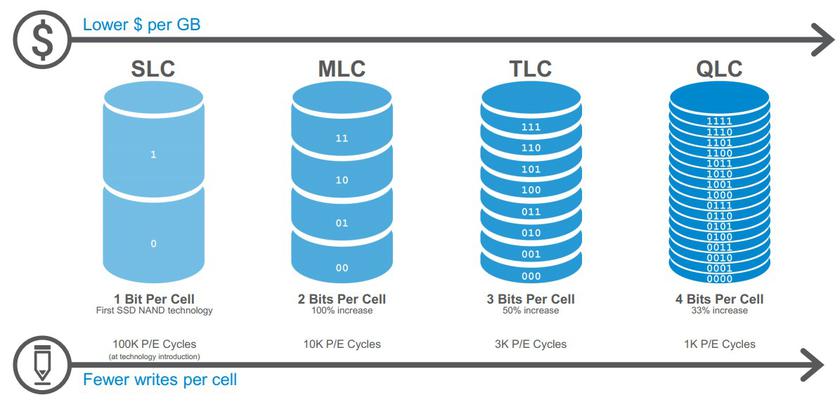
Maximum wear-resistant MLC chips,recording only two bits in one memory cell, completely disappeared from sale. You have to choose between TLC and QLC, three or four bits, respectively. Between them, the difference in the rewriting resource is approximately three times. But if the manufacturer claims a resource, for example, 500 terabytes, then this does not mean at all that after exceeding it, the SSD will stop working. It will simply begin to gradually lose weight in volume, because worn-out memory cells will be automatically blocked. You can check the wear level of an SSD using the Crystal Disk Info, HD Tune, and SSD Life utilities.
Will an SSD run at full speed?
Apart from PCI-Express version, SSD speed dependsalso on the number of lines. For example, the energy-efficient Intel Celeron N and Pentium Silver processors are limited to only PCIe 3.0 x1, which equals a speed of 800 MB / s. Competing AMD Athlons already support PCIe 3.0 x2, i.e. 1600 MB/s. Intel Core up to 10th generation and AMD Ryzen with index G - PCIe 3.0 x4 (3600 MB / s). Well, the processors are newer and more powerful - PCIe 4.0 x4 (7400 MB / s). In addition to the processor, the motherboard chipset can also limit the SSD.
How to measure SSD speed?
The main speed characteristics of SSDare linear read-write and random read-write. The first means the processing speed of one large file and is measured in megabytes per second. The second speaks of the processing speed of a large number of small files and is measured in IOPS (the number of input / output operations per second). You can test the speed of your SSD using benchmark applications: Crystal Disk Mark, ATTO Disk Benchmark, and AS SSD Benchmark.
The best choice
Samsung 980 Pro 1TB