If you are familiar with jailbreaking, then you probably know about one tweak that you cannot do without. Called
Advertising
Advertising
You can install Activator tweak through Cydia, but first you need to add a new repository:
- Launch the Cydia app and select the sources tab.
- ClickUpdate > Addand paste the following link:http: //rpetri.ch/repo
- Click "Add Source" and wait. When the source is added, you can download Activator.
How to install Activator jailbreak tweak
- Launch the Cydia app.
- Select a tabChanges.
- ClickRefreshin the upper left corner of the screen.
- Wait for the list to refresh.
- Find the Activator tweak using the search bar or open the BigBoss repository and download it from there.
- ClickTo installin the upper right corner of the screen.
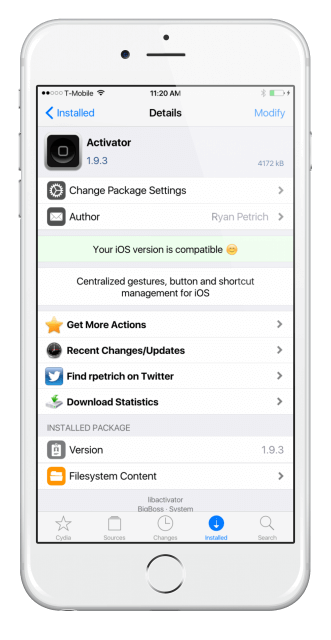

Advertising
Advertising
Activator for iOS supports iPhone, iPad andiPod touch with jailbreak. Tweak allows you to select and set different gestures with saipes to change the screen brightness, launch specific applications, etc. In addition, it works with many other tweaks. Activator is also capable of the following:
- Respring a device by double-clicking the Home button.
- Switch tracks with volume buttons.
- Quickly create emails.
- Configure enable and disable options, like Wi-Fi, on a schedule.
- Quickly open application switcher.
- Vibrofidbek when locking and unlocking the device.
- Automatically decrease the volume when headphones are connected.
Activator is a very powerful tweak with many useful features, which became even more with the update. It requires Cydia Substrate to work, so not all jailbreak tools support it.