</ img>
Gaming laptops have long been used not only for games: they are great for any work purpose,
- What is it?
- What is interesting ASUS ROG Zephyrus G14?
- What is in the box?
- What with the look and design?
- How convenient is it to use the ASUS ROG Zephyrus G14?
- How good is the screen?
- What about performance and autonomy?
- In the dry residue
What is it?
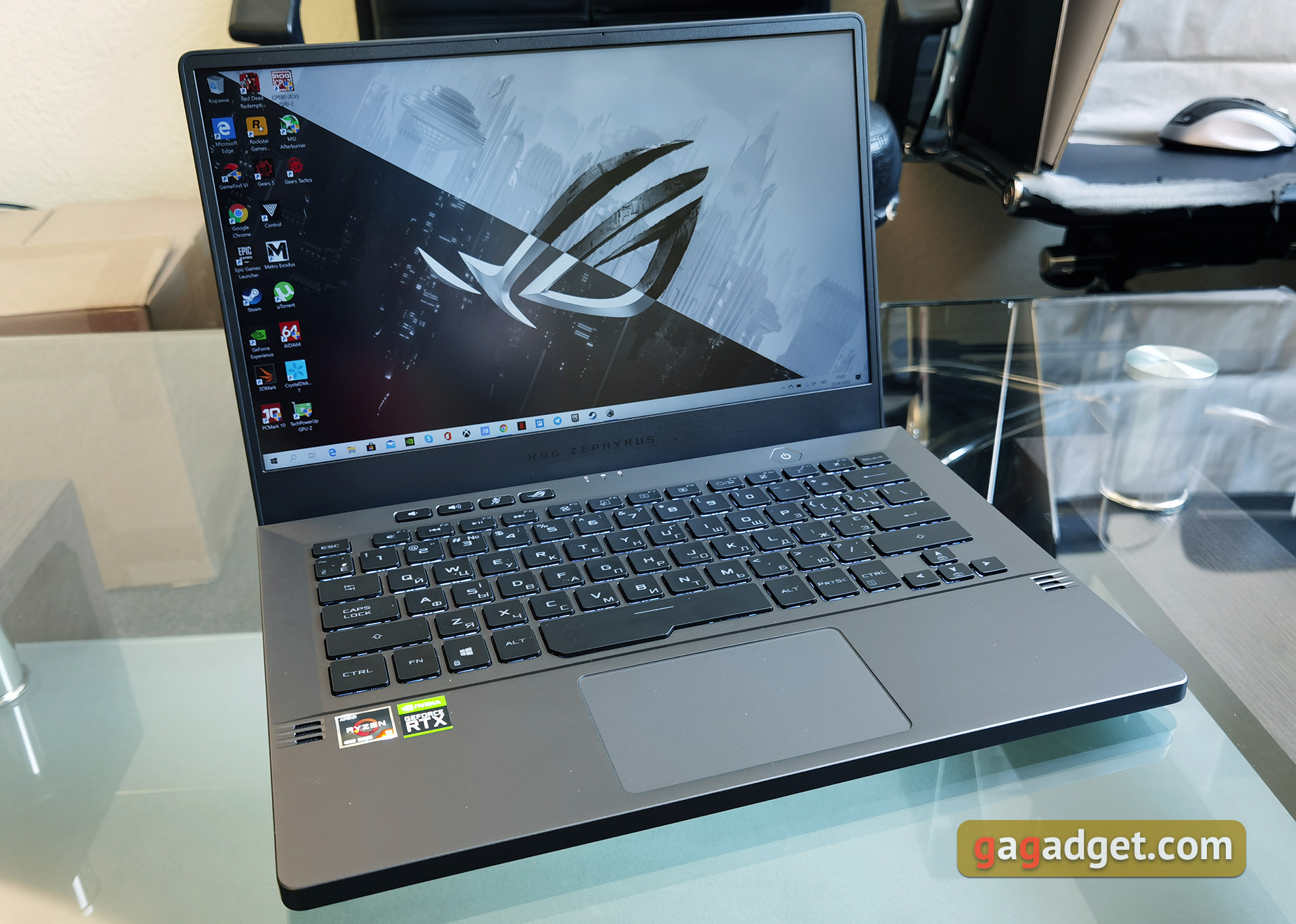
ASUS ROG Zephyrus G14 - gaming laptop withA 14-inch IPS display, mobile 7nm processors from the AMD Renoir line, up to 32 GB of RAM, discrete nVidia GeForce graphics cards, up to RTX 2060 Max-Q, fast SSD drives and a compact, lightweight body.
</ p>What is interesting ASUS ROG Zephyrus G14?

</ img>
The laptop is equipped with exclusively newmobile 7-nanometer AMD processors, starting with the AMD Ryzen 5 4600H and ending with the top eight-core AMD Ryzen 9 4900HS with a frequency of 3.0-4.6 GHz and integrated Radeon Vega 8 graphics. This is what is installed in our version of the ASUS ROG Zephyrus G14 GA401IV. Of course, the built-in graphics for games is not enough and models from NVIDIA GeForce from GTX 1650 to RTX 2060 in the Max-Q design (in our configuration) are used as a discrete video accelerator. RAM in some configurations can be installed up to 32 GB DDR4 with a frequency of 3200 MHz; we received a configuration with 16 GB. The available screen options are clearly divided by potential audience: FullHD with a refresh rate of 60 or 120 Hz is available for gamers; for work purposes, 2560x1440 is available, but only 60 Hz. All options mention Pantone certification. In terms of communications, in addition to wireless Wi-Fi 6 and Bluetooth 5.0, there are USB Type-C 3.2 Gen 2, USB Type-C USB 3.2 Gen 2 ports with support for Power Delivery, as well as a Display Port with G-Sync, 2xUSB Type-A 3.2 Gen 1 and combined 3.5 mm. The laptop is powered by a 76 Wh battery. All this stuff is packaged in an unusually compact and lightweight case made of aluminum and magnesium alloy in gray or white, like for a gaming model, with optional AniMe Matrix LED backlighting.
</ p>What is included?
</ img>
</ img>

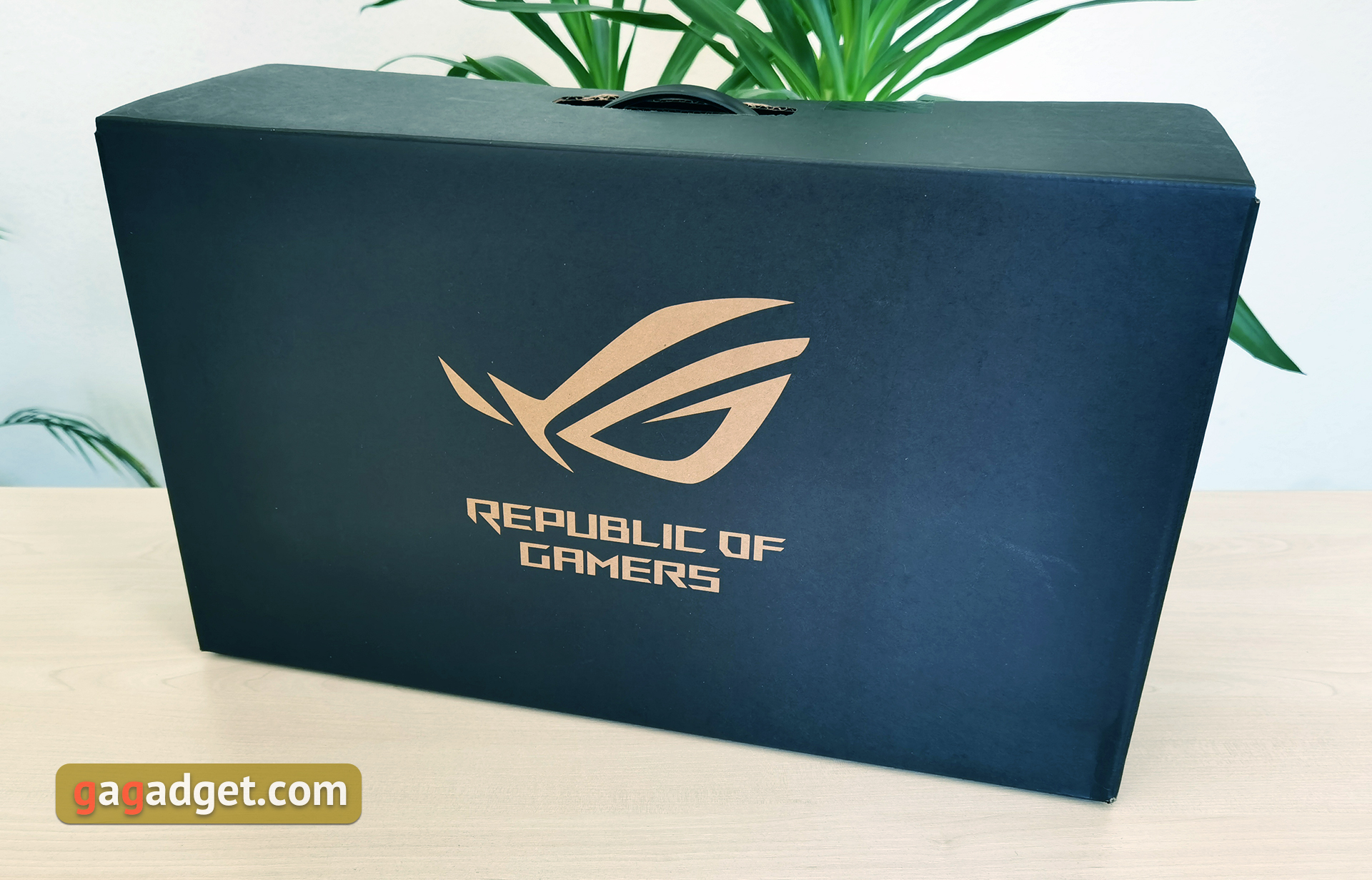
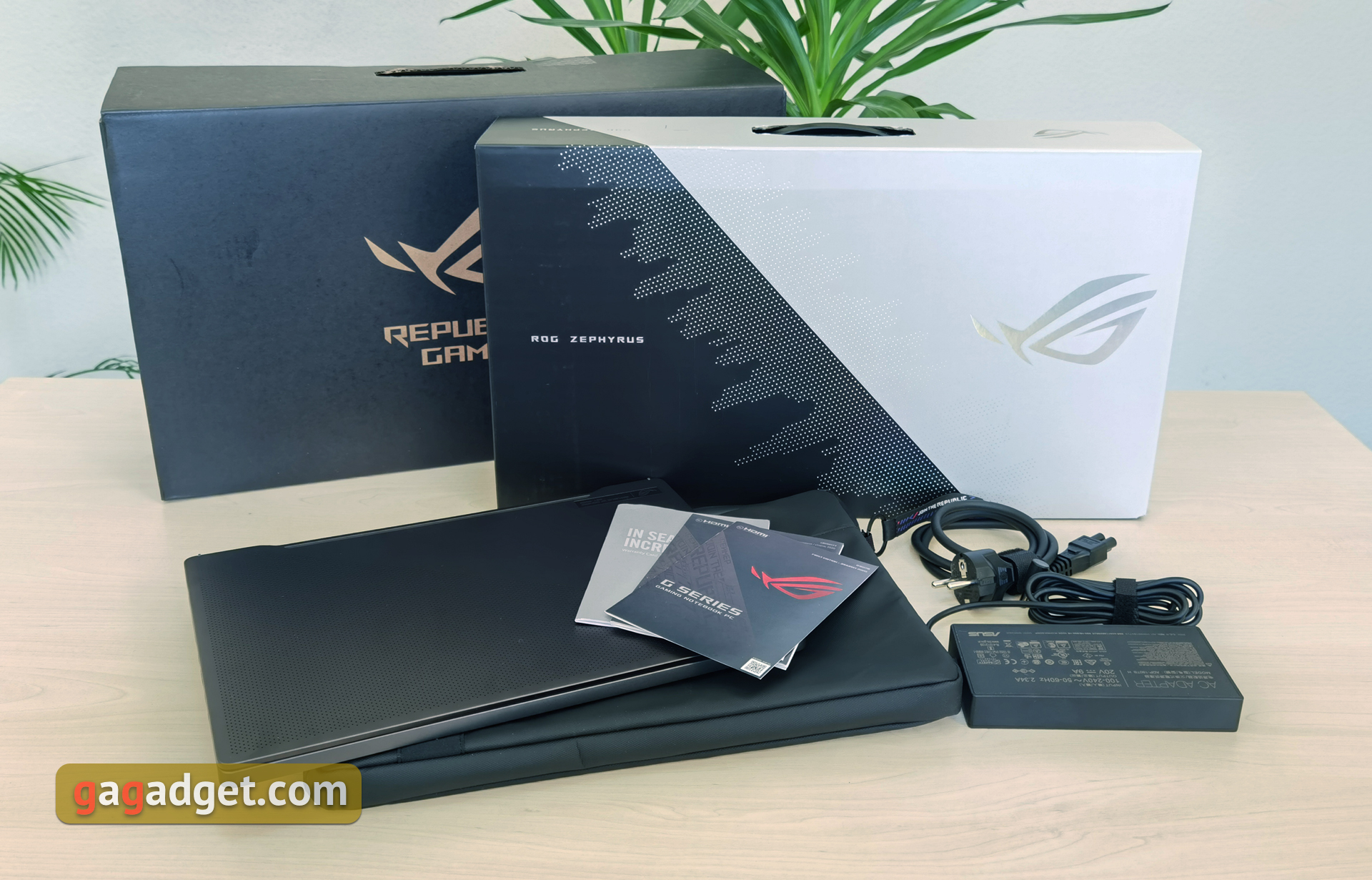
In addition to various configurations, ASUS ROG ZephyrusThe G14 may also have different configurations. In our case, the laptop was packed in a large black box with the logo of the ROG gaming line, inside which were hidden two more smaller boxes. The smaller box contained a branded zippered case, and the larger black and white box contained the rest of the kit: the laptop itself, power cable, power supply and documentation.
</ img>
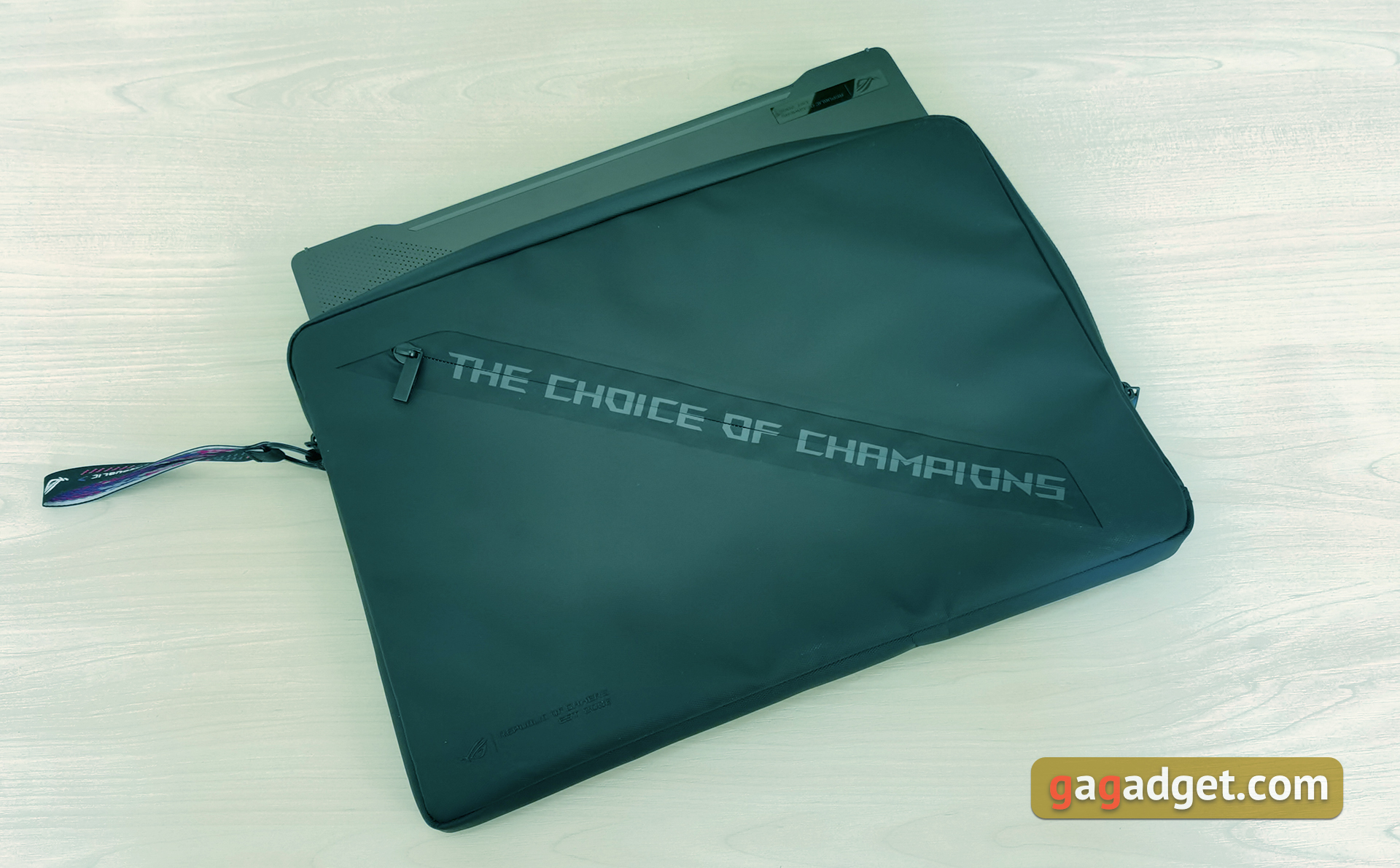
The complete ROG Sleeve case is of very good quality, with additional soft inserts and a pair of pockets for every little thing.
</ img>
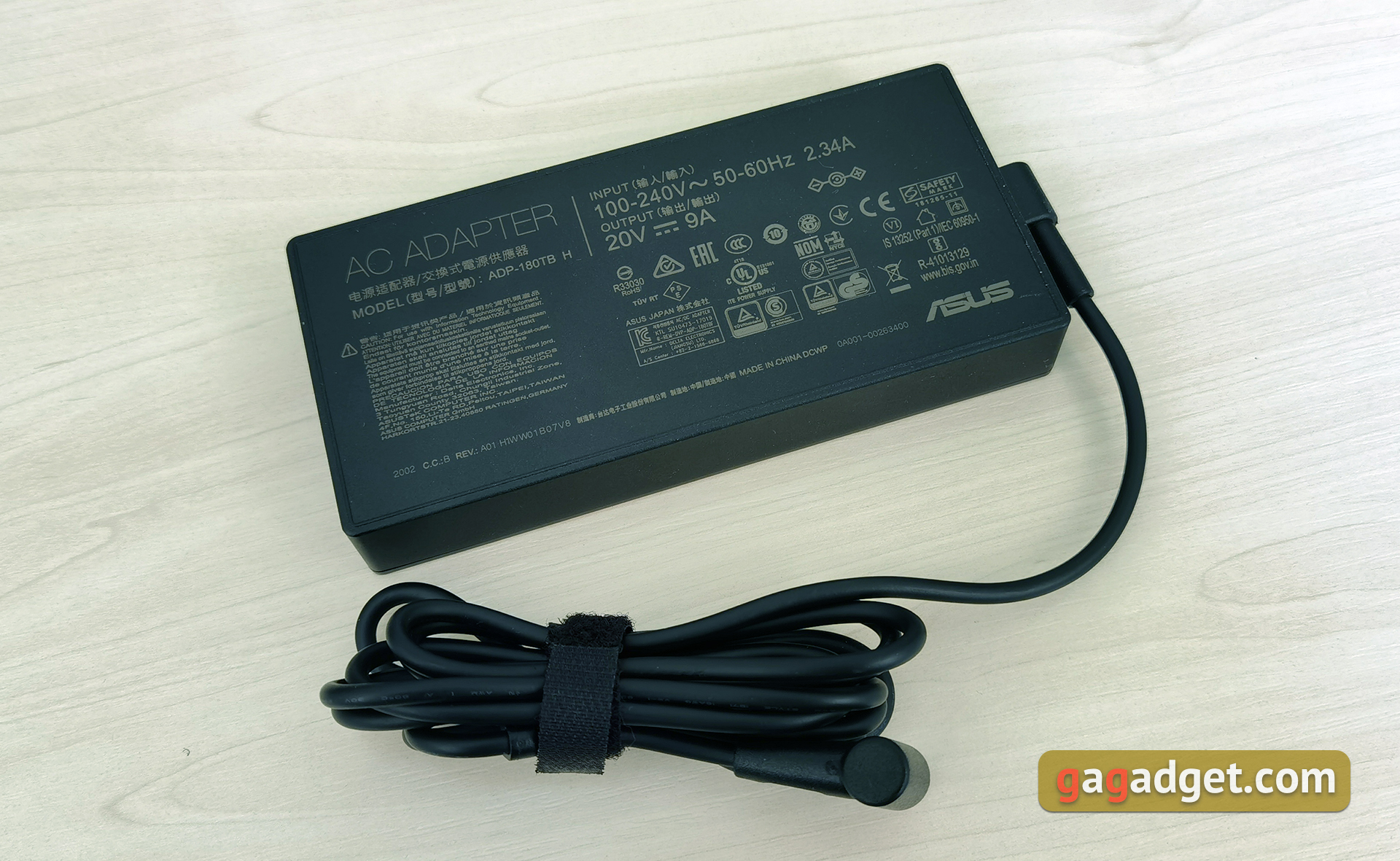
The laptop comes with a power supplywith a power of 180 W, it weighs 300 g and is quite compact for a gaming model. Plus, thanks to support for USB Power Delivery 3.0, you can purchase a compact 65 W power supply and use it, for example, at work when you don’t need extreme gaming performance.
</ p>What with the look and design?

</ img>
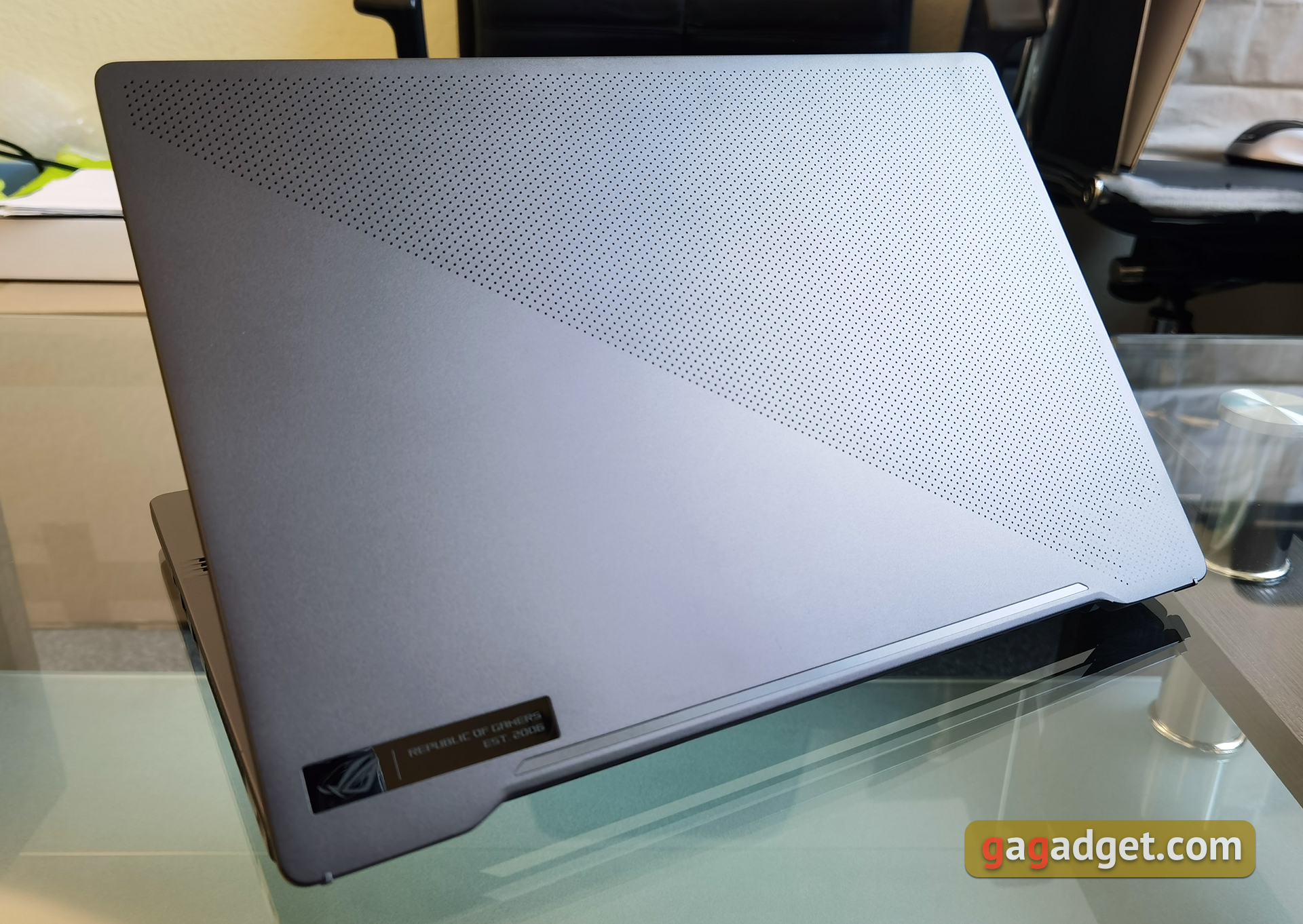
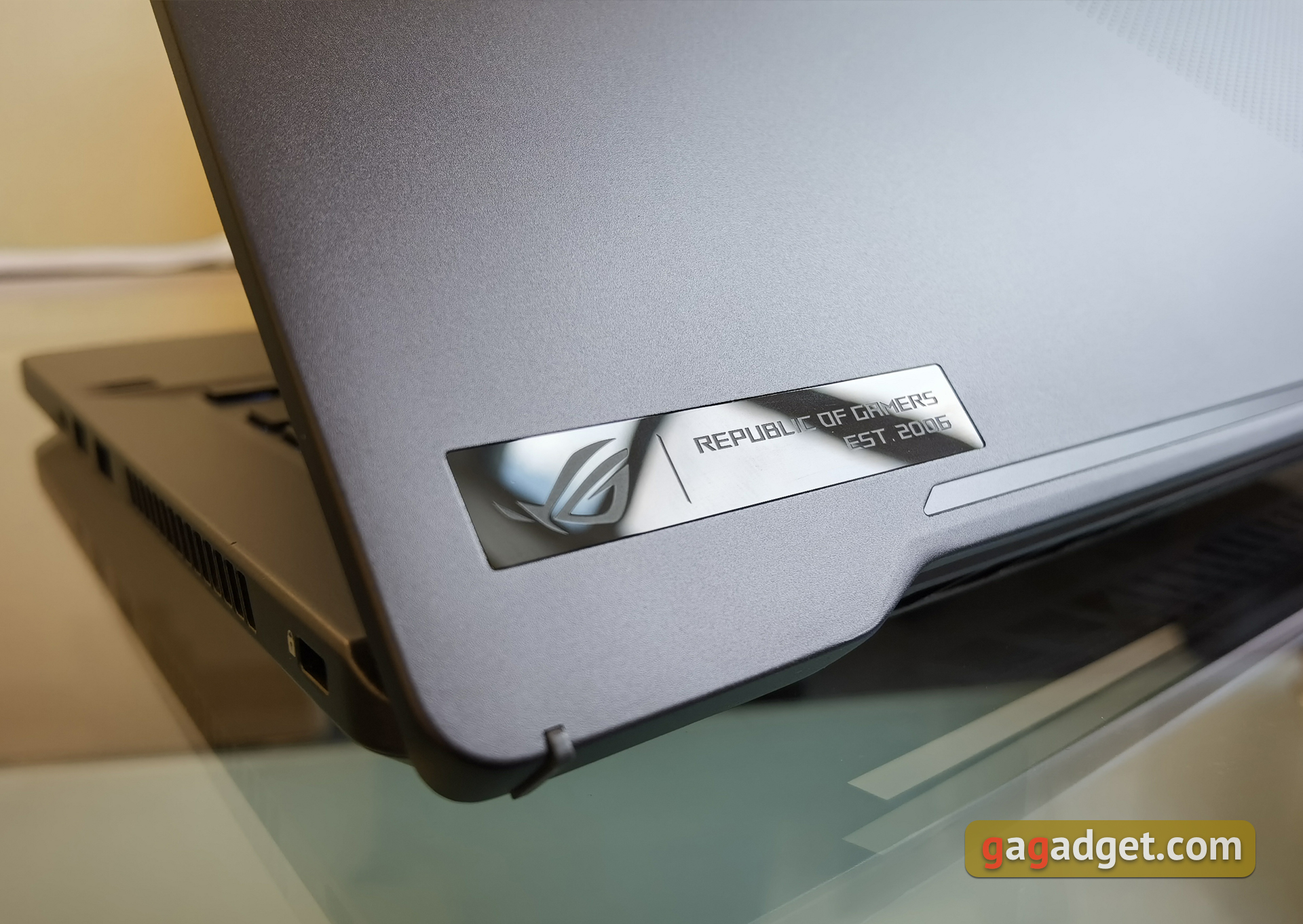
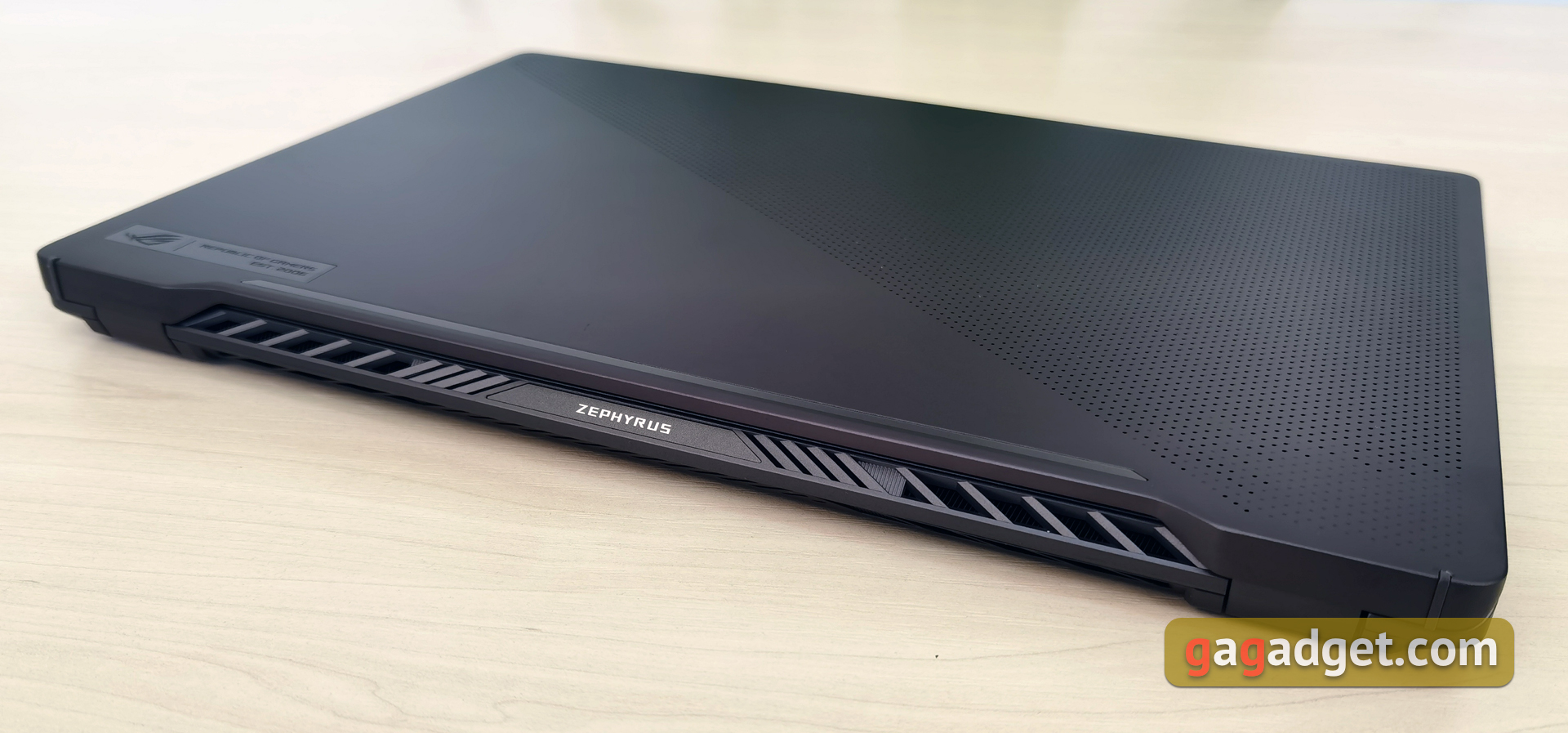
Externally, it is clear that the laptop is a gaming laptopthe ROG Zephyrus line, but there are also plenty of innovations. The overall first impression is very pleasant: the laptop looks very stylish and strict, which is not entirely usual for gaming models. No bright design elements or eye-catching RGB lighting. The working surface of the laptop is made of magnesium alloy, thanks to which it was possible to slightly reduce the weight of the laptop. It has an interesting coating that tactilely resembles Soft-Touch, but practically does not collect fingerprints. The top cover is made of brushed aluminum. Like other models in the Zephyrus line, it is divided into two parts diagonally. But this time there is no grinding on the lid, and the upper part is covered with perforations, which consists of 6536 miniature holes. The bottom of the lid is matte, with only a small logo and Republic of Gamers lettering on it.
</ img>
</ img>
Under those very small holes on the lid inSome configurations of the Zephyrus G14 hide 1215 LEDs, which are the same AniMe Matrix backlight. Using it, you can display any image or GIF animation, text messages, battery level, and so on on the laptop lid. The configuration with AniMe Matrix is a little thicker and heavier, although the difference is not significant. In any case, options are available both with and without AniMe Matrix. Choice is always good. We reviewed the version without AniMe Matrix, so there was no opportunity to play with this thing.
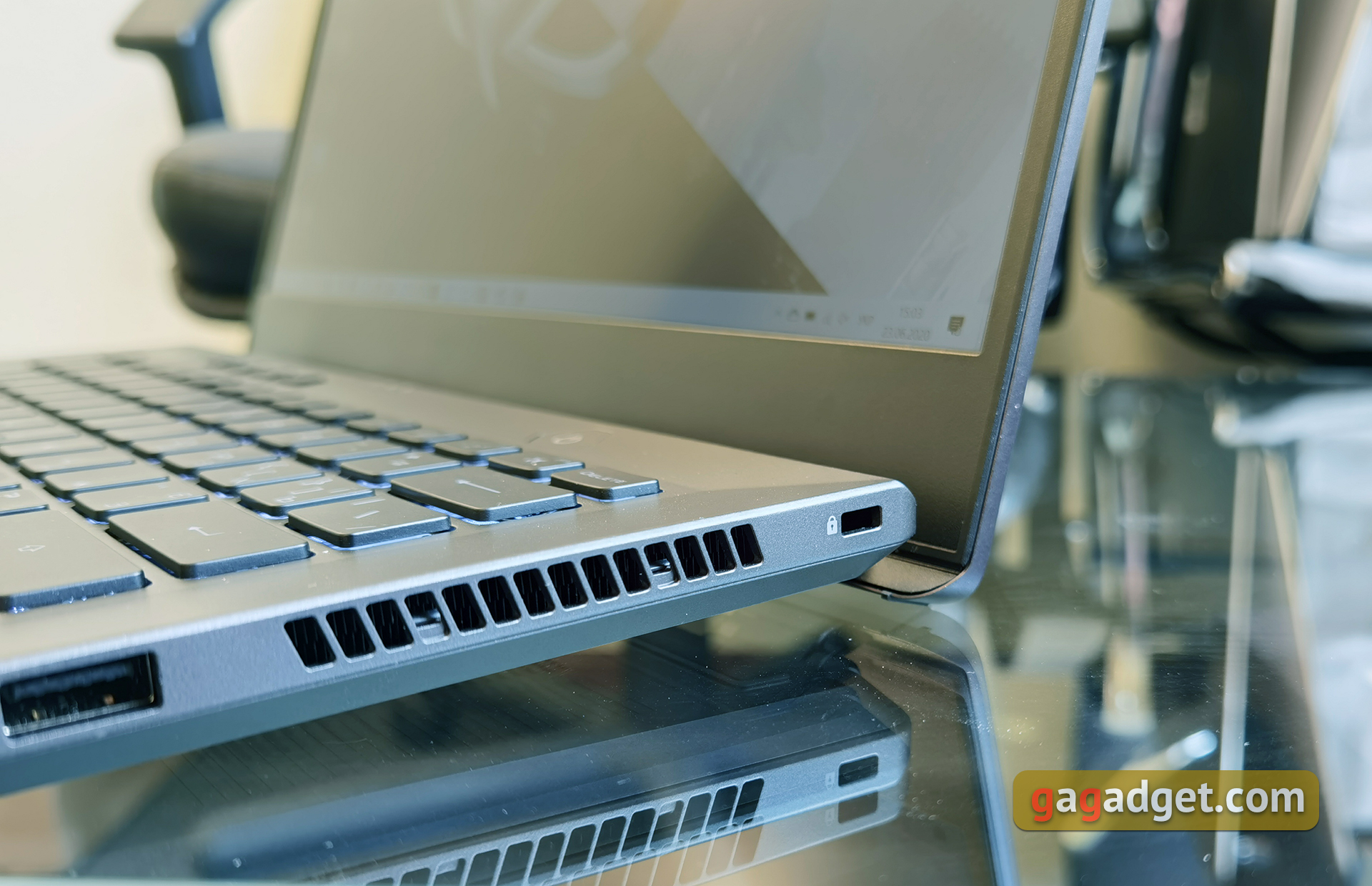
Some laptop design featuresmigrated from the ultraportable ZenBook line. This applies in particular to the use of the ErgoLift mechanism, which lifts the rear part of the housing in the working position.
</ img>
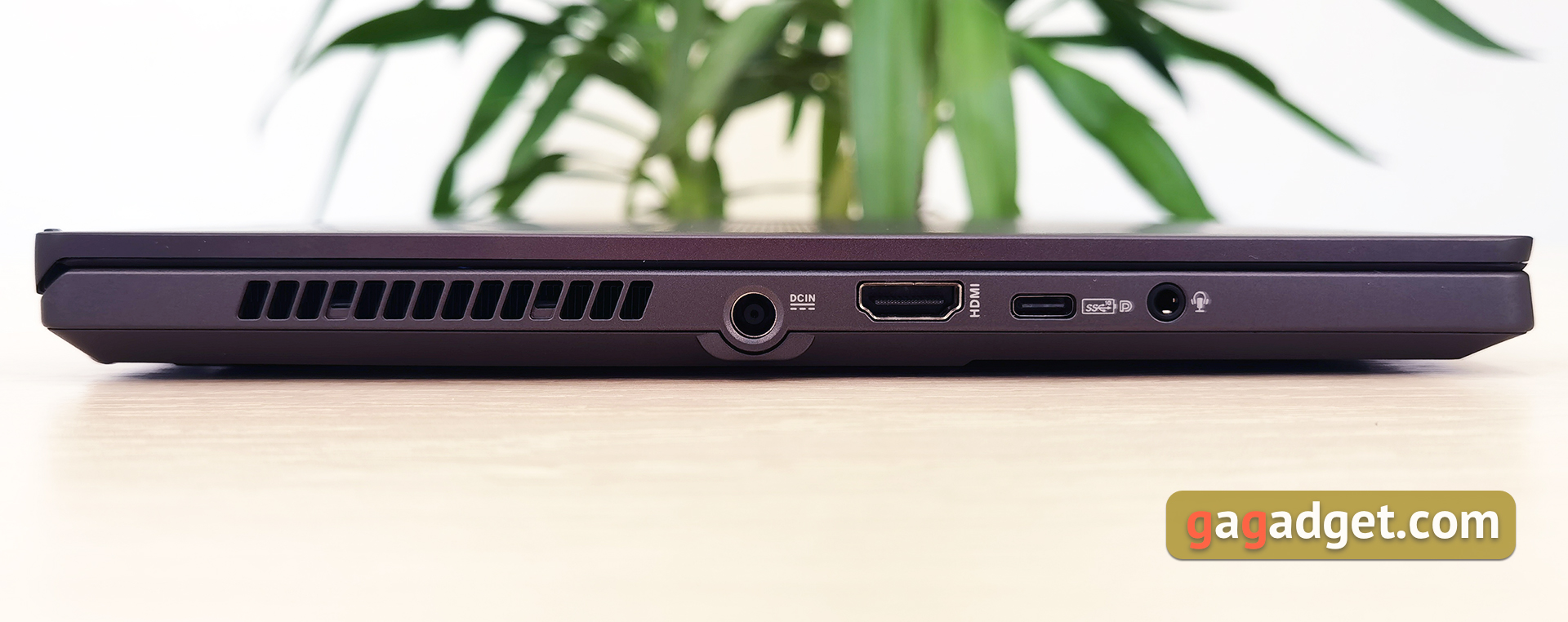
The presence of powerful components inside impliesthe need for good ventilation. The ASUS ROG Zephyrus G14 has an abundance of ventilation holes, including on the sides. All connectors are located on the side faces. On the left there is a power port, HDMI 2.0b, USB Type-C with support for DisplayPort 1.4 (and G-Sync) and Power Delivery 3.0 and a combined 3.5 mm audio jack:
</ img>
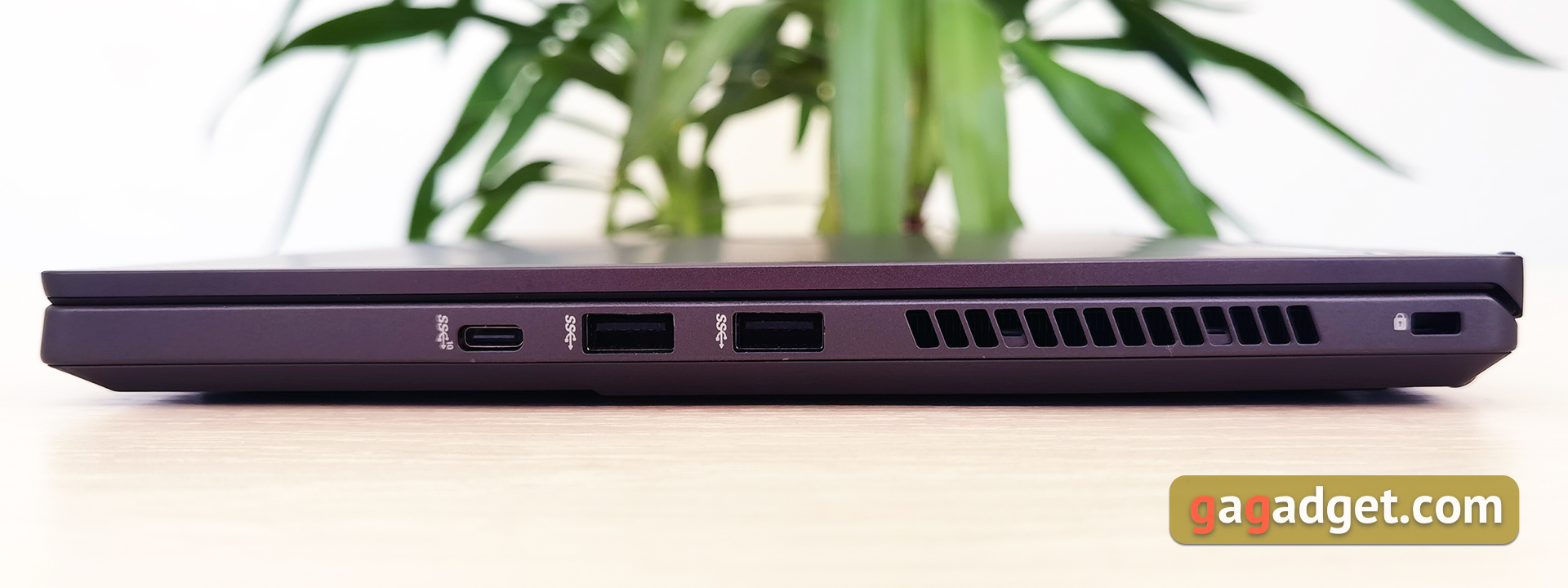
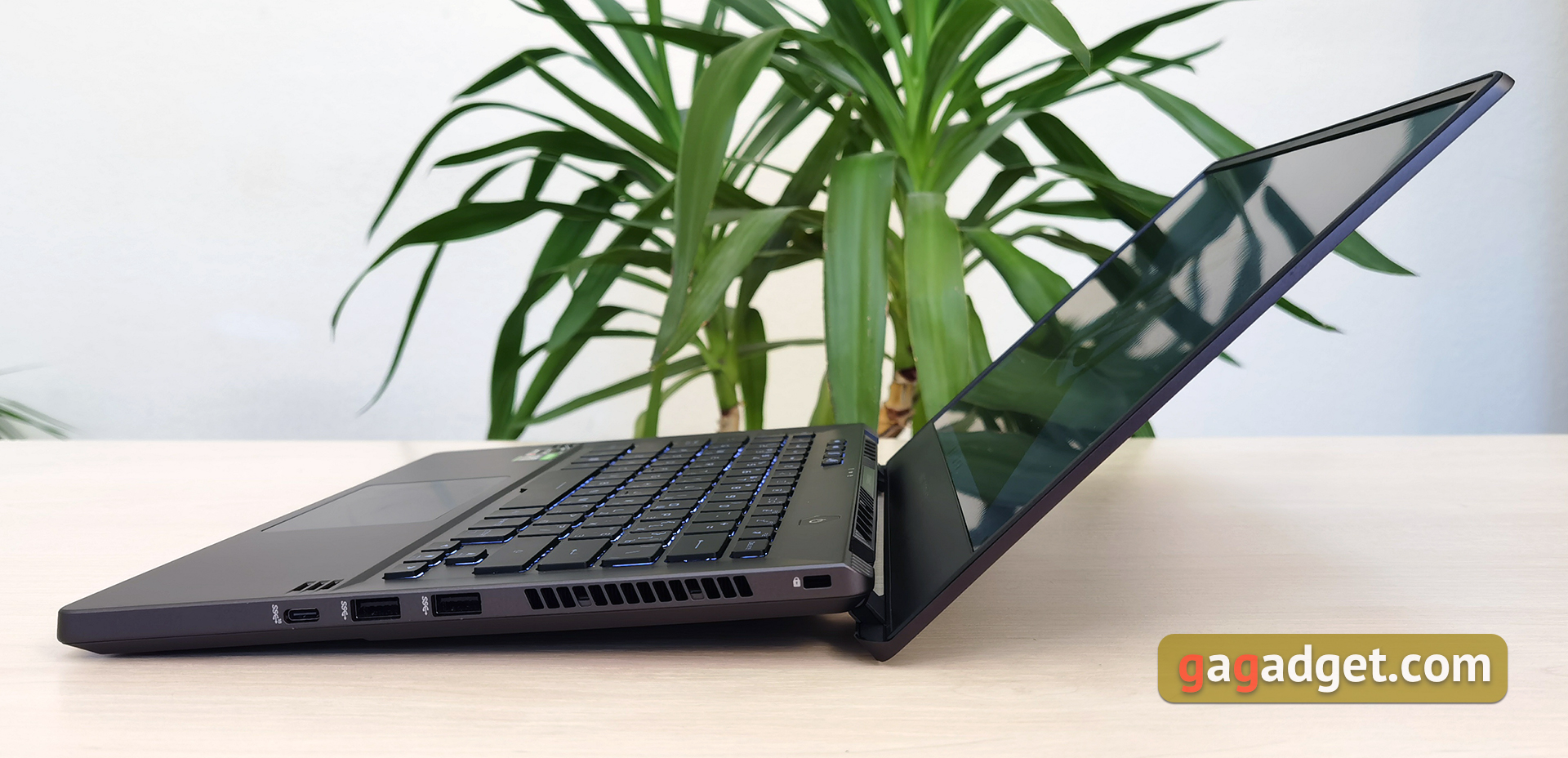
On the right are similar ventilation holes,two full-size USB 3.2 Gen 1 Type-A, one USB Type-C and a Kensington lock slot. Perhaps a card reader (considering the performance, which is sufficient for processing photos and videos) and a network connector would not be superfluous. Although no one has canceled docking stations and adapters. Due to the abundance of ventilation, all connectors are somewhat shifted forward, which may not be particularly convenient when connecting the same aforementioned docking stations:
</ img>
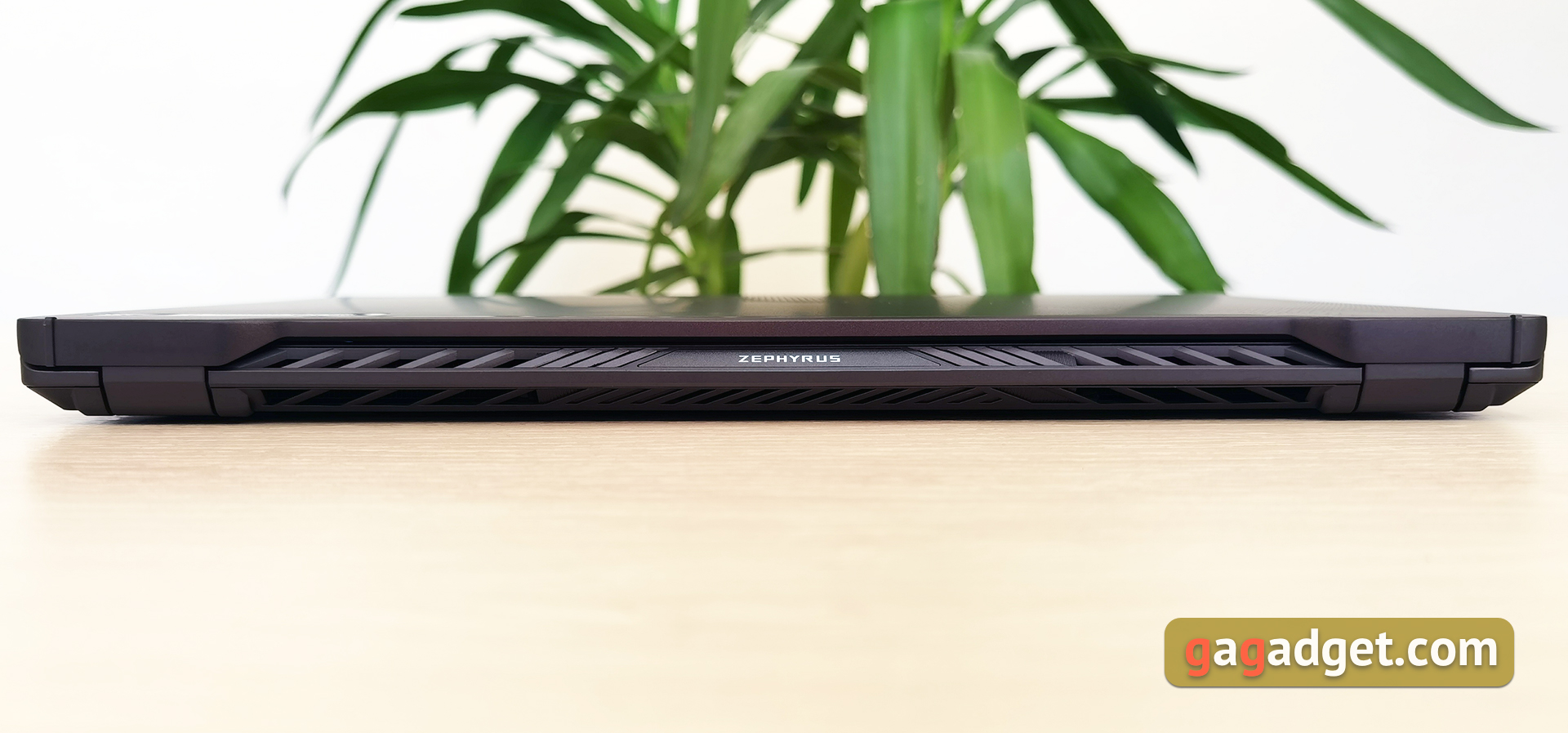
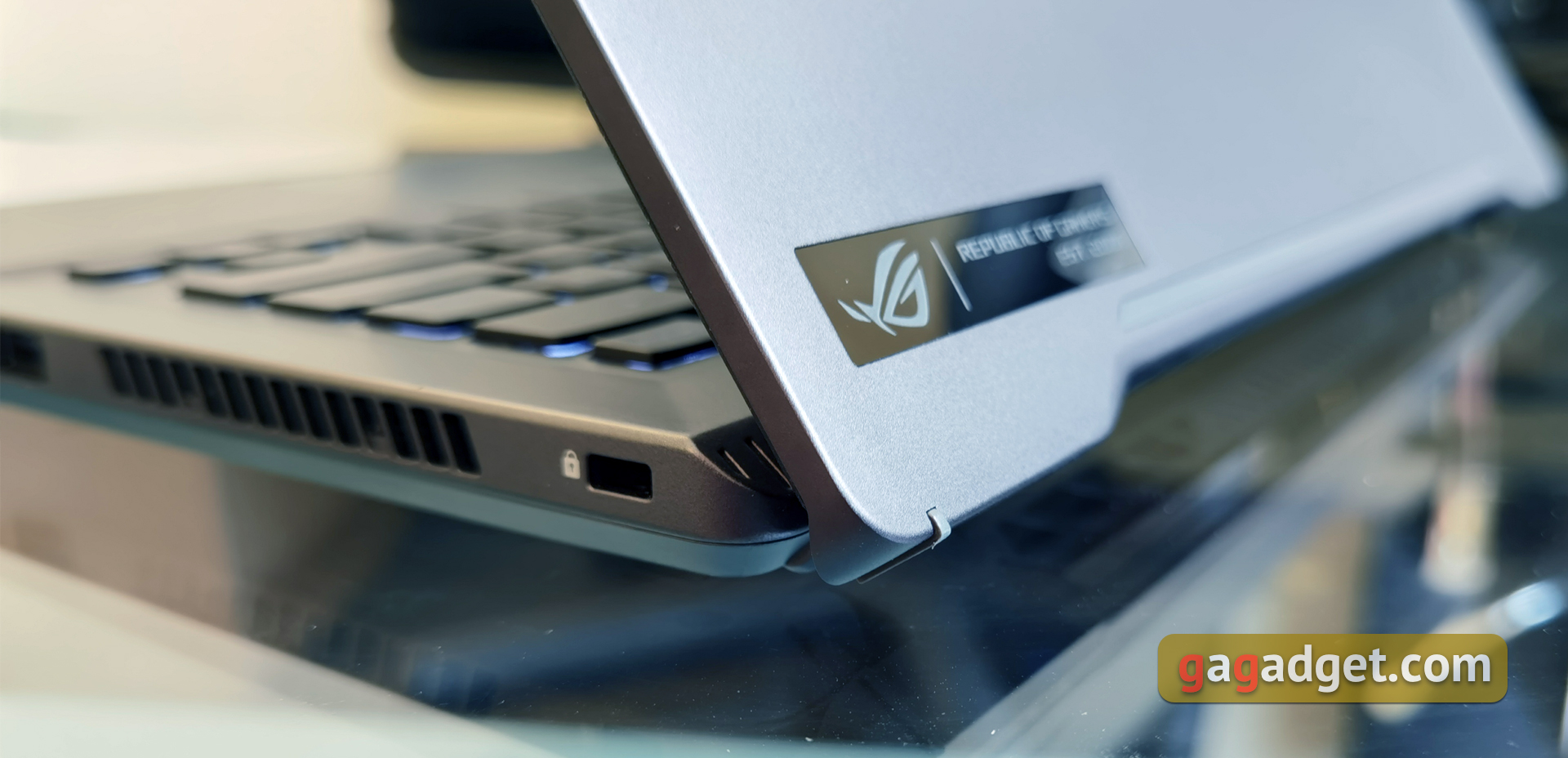
On the back there are ventilation holes, an engraving with the Republic of Gamers inscription in the middle and hinges with rubber inserts:
</ img>
</ img>

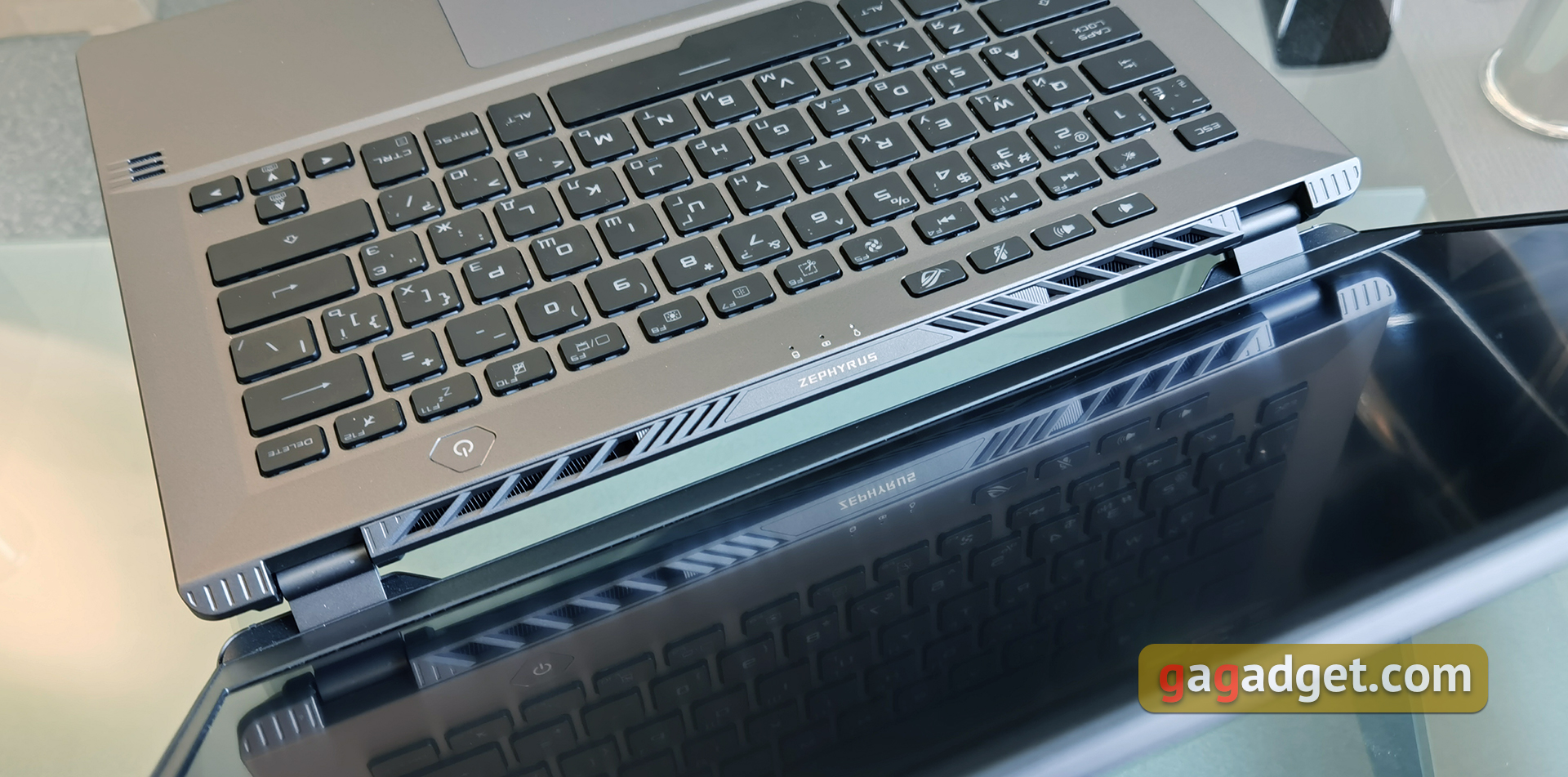
Interestingly, when you open the laptop it seems thatair blow holes are directed to the screen. In fact, as it turned out, this is not so, the air is blown out at some interesting angle and the screen does not blow hot air:
</ img>
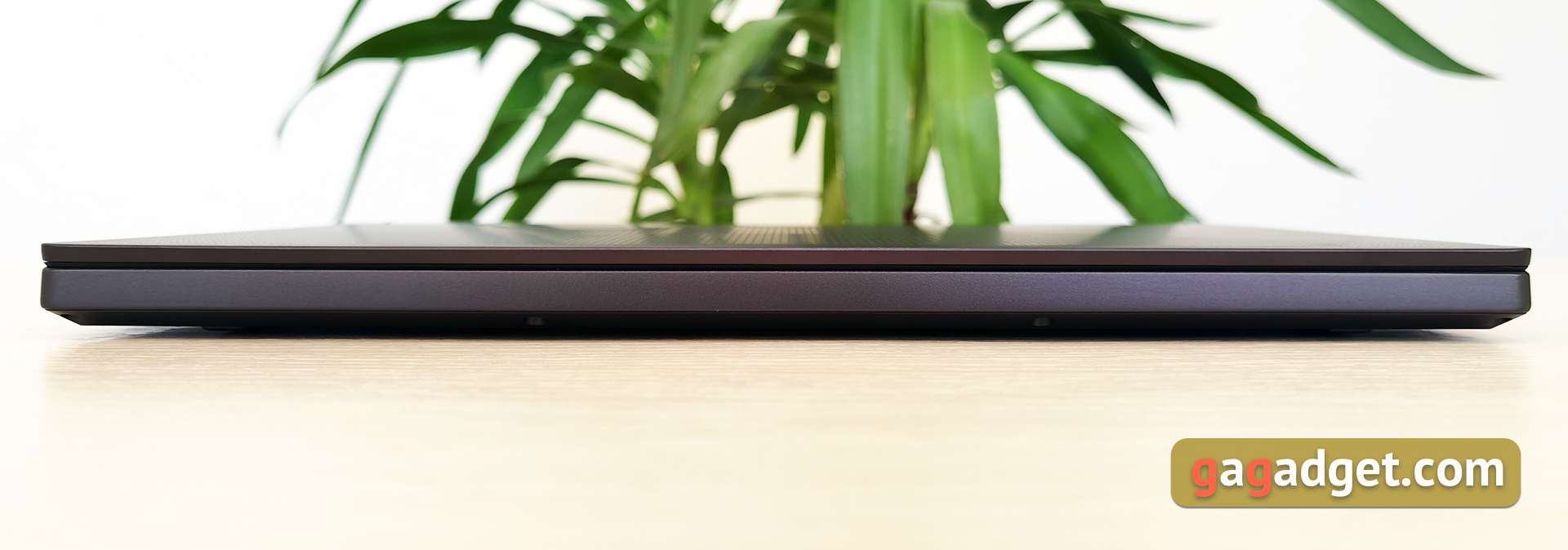
The front end has no interestingfeatures, even a cutout for opening a laptop. Although there is no particular problem in this: the slightly wedge-shaped shape of the edge of the top cover copes well with this function.
</ img>
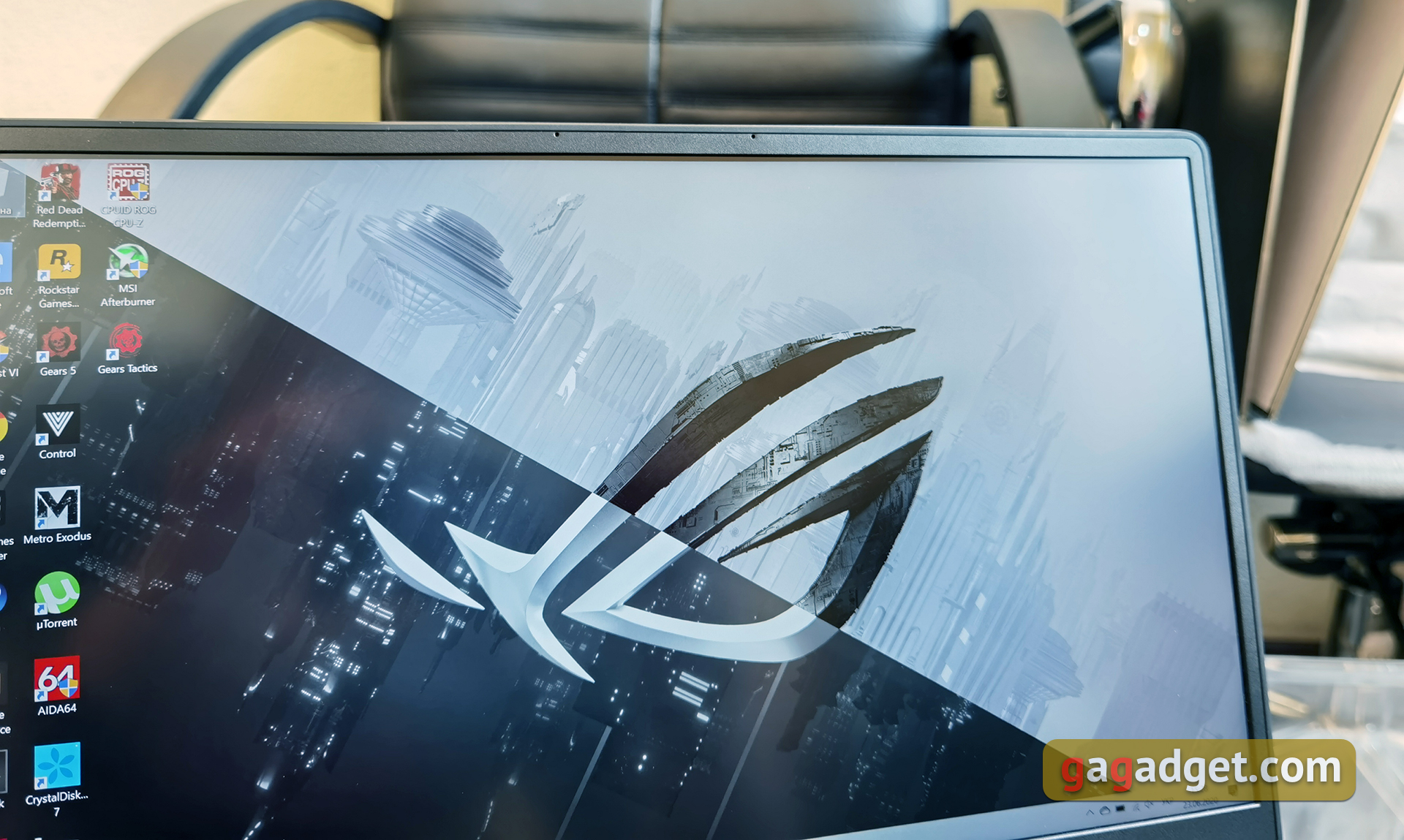
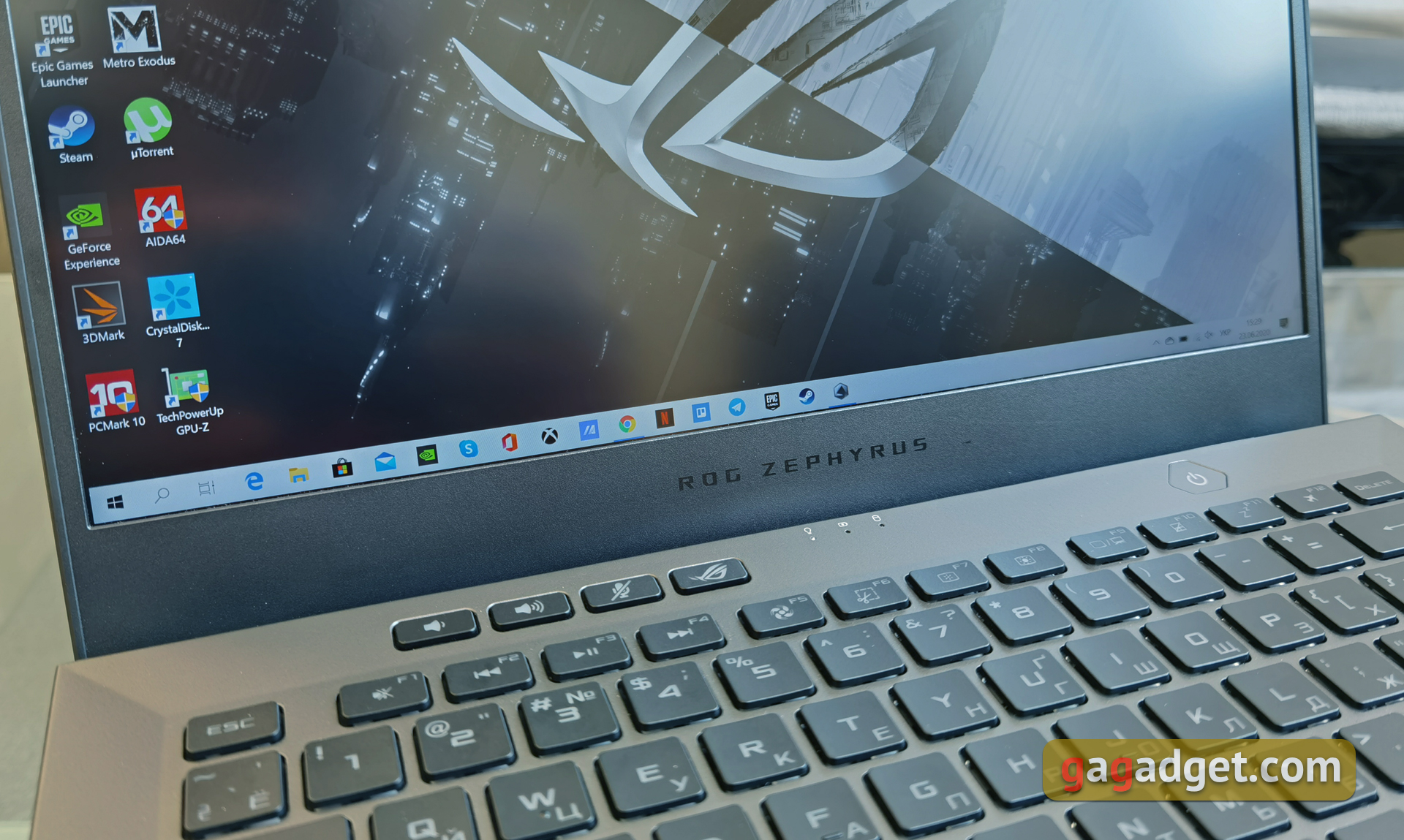
The frame is very thin on the top and sides, the bottom“chin” noticeably wider. There are only microphones above the screen; there is no webcam in the laptop. We have already seen a similar solution many times in ASUS gaming models. The company argues for this move by saying that it will not be possible to build a high-quality camera into such a limited space, and streamers mainly use external solutions. Apparently, in some configurations an external camera will be included:
</ img>
</ img>


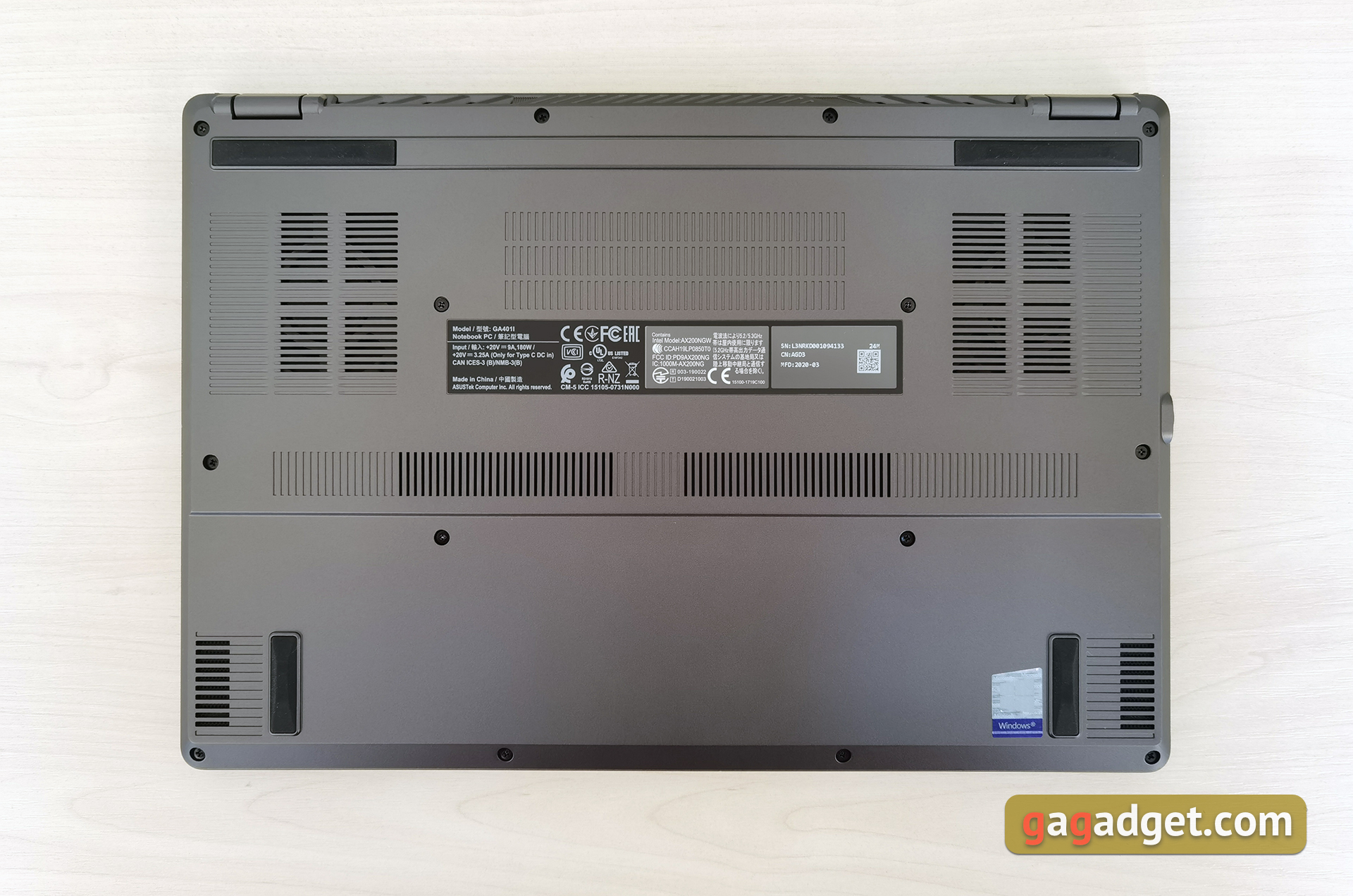
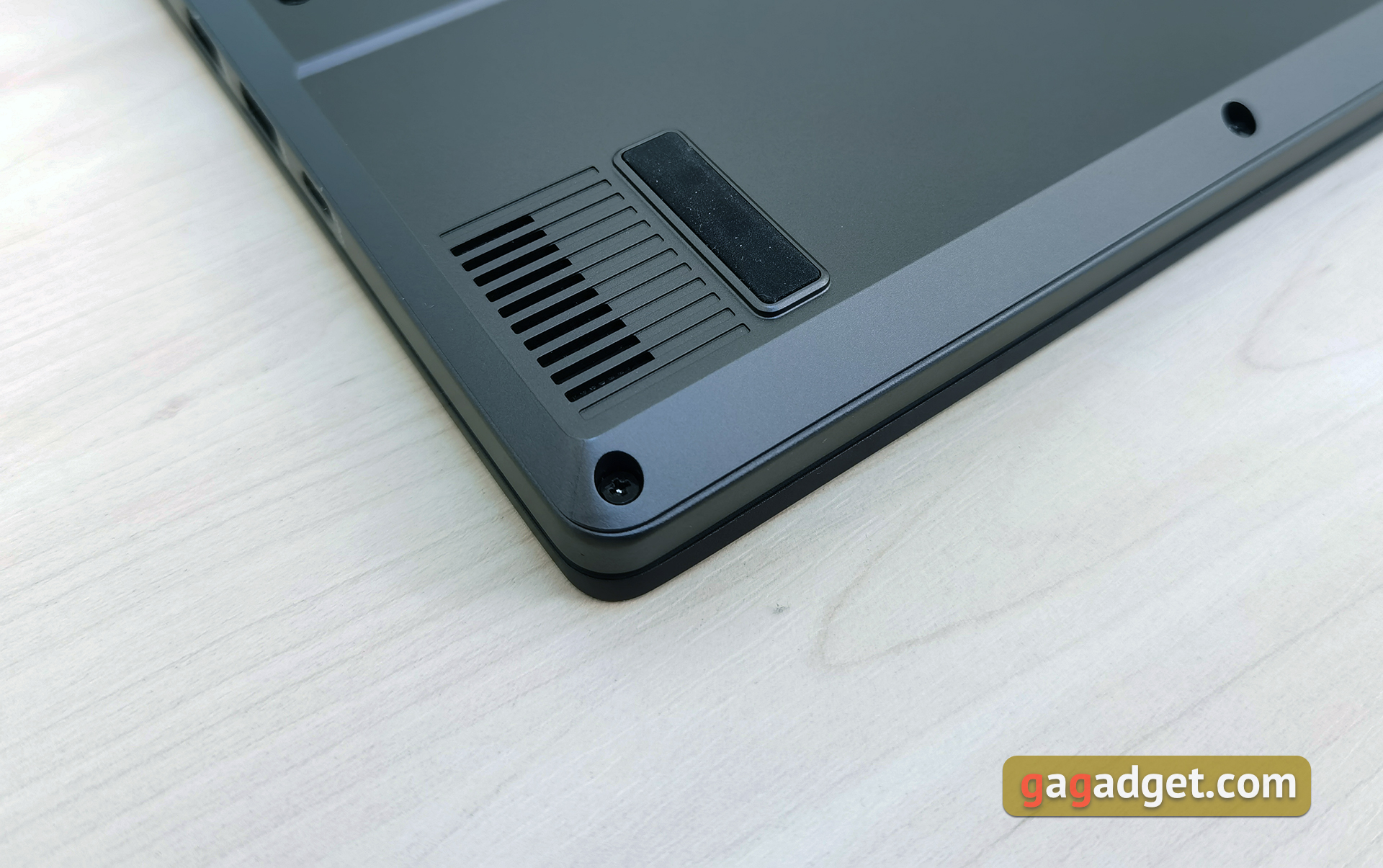
The only plastic part of the laptop isbottom cover. It has four large rubber feet for stability, a large number of cooling holes and two speakers (two more tweeters are located on the work surface).
</ img>
In appearance, ASUS ROG Zephyrus G14 is verygood. It looks more interesting than the usual ultrabooks or office models. But not as aggressive as typical gaming models. In terms of materials and assembly, everything is cool. The laptop feels expensive, the lids don't sag and nothing wobbles. The construction feels solid. Considering the laptop's hardware, the dimensions and weight of 324x222x17.9 mm and 1.6 kg, respectively, are very cool. This is already close to ultraportable models. Carrying the ASUS ROG Zephyrus G14 to work every day is not a problem at all.
</ p>How convenient is it to use the ASUS ROG Zephyrus G14?
</ img>
The hinges used in the laptop allow you to openThe laptop can be used with one hand, while the screen is fixed quite firmly. Exactly as much as necessary so that the display unit does not wobble. The maximum opening angle is 140-145°, which is quite enough, given the specifics of the model. At the same time, thanks to the ErgoLift design migrated from ultraportable models, the working surface is also slightly angled, and the holes on the bottom cover have sufficient access for air intake by the laptop cooling system.
</ img>
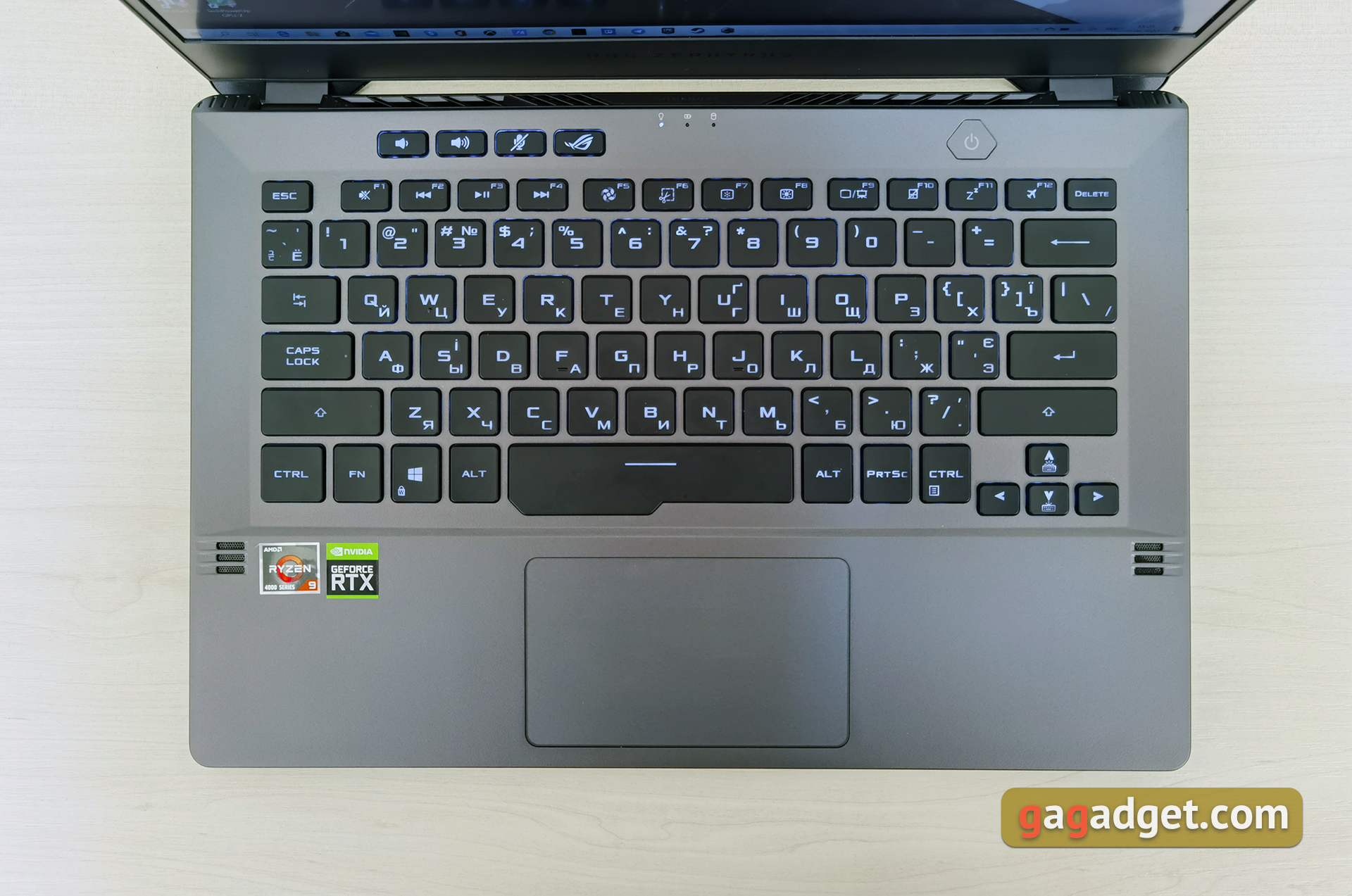
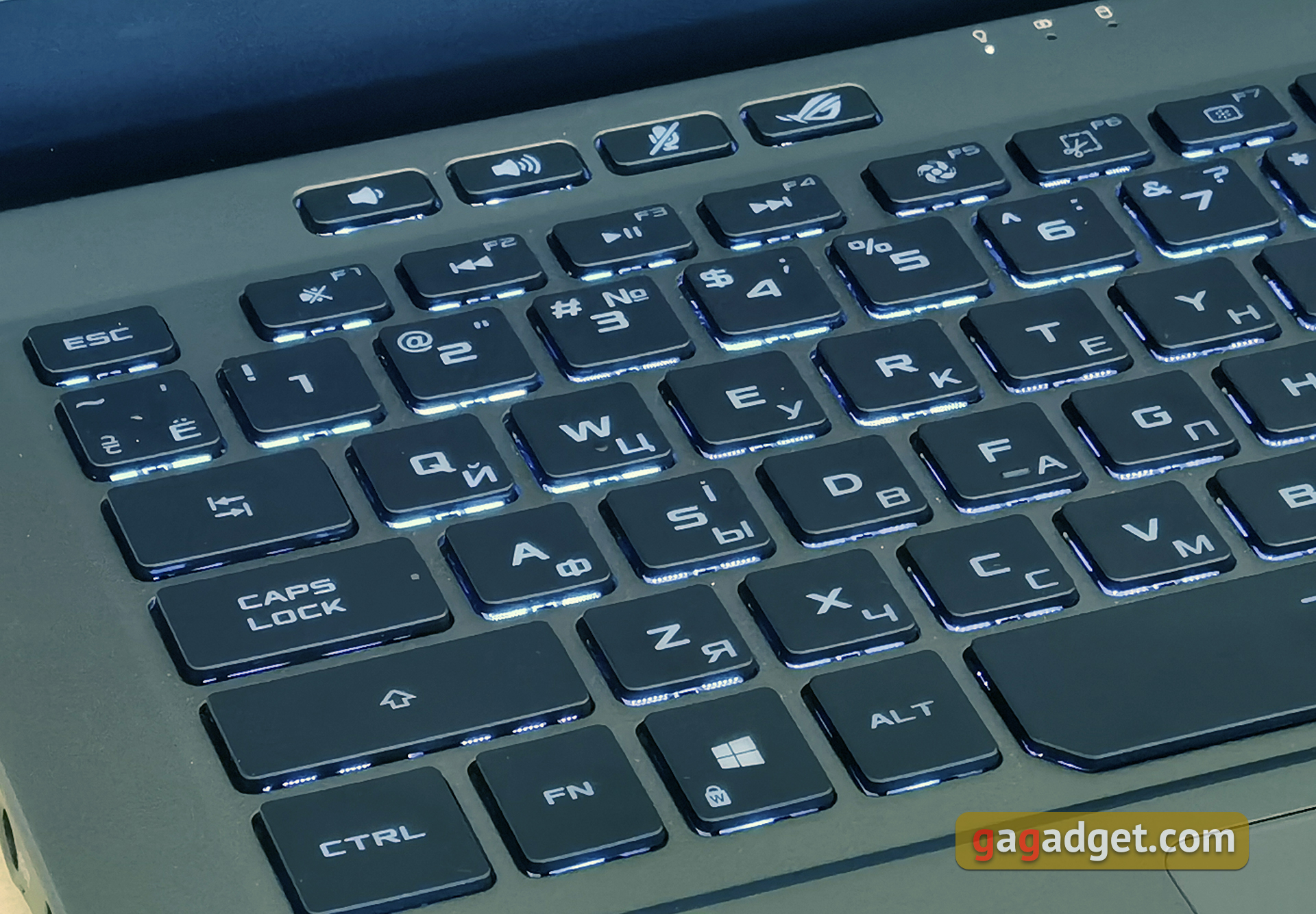
The ASUS ROG Zephyrus G14 keyboard has its advantagesand controversial decisions. The layout is very close to larger models, for example, ASUS ROG Zephyrus S. Both Shift are long, Enter is one-story, the space bar is increased in height, the arrow block is separated and slightly extended towards the user, the arrows themselves are small. Above the top row of functional buttons there are 4 additional ones: adjusting the volume, muting the microphone and launching the proprietary ROG Armory Crate application. The power button is located above the keyboard and now has a fingerprint scanner built into it. By the way, it works quickly and accurately, there were no complaints. The main difference from the aforementioned Zephyrus S is the absence of the rightmost column, in which the Home, End, PgUp, PgDown buttons were placed. The ASUS ROG Zephyrus G14 does not have them at all, even through a combination with Fn. When working with text, this causes obvious difficulties.
</ img>
On the other hand, if only to play, thenno questions will arise. The keyboard has some useful features. Firstly, any number of simultaneous clicks is correctly processed. And secondly, the progress before operation is less than that of conventional laptop keyboards, as a result of which activation is faster. The keys are very pleasant to use. According to personal feelings, they have a little more full speed than in standard laptop keyboards. The buttons are pressed gently, but informatively. The keyboard backlight is white with three brightness levels. It is not the most uniform, but in the dark it completely performs its function.
</ img>
Touchpad in ASUS ROG Zephyrus G14 is not the biggestsizes, but it compensates for this with good sensitivity and excellent comfortable coating. For working with documents, a browser and other everyday tasks, it is absolutely enough. Of course, multitouch and gestures are supported.

</ img>
How good is the screen?
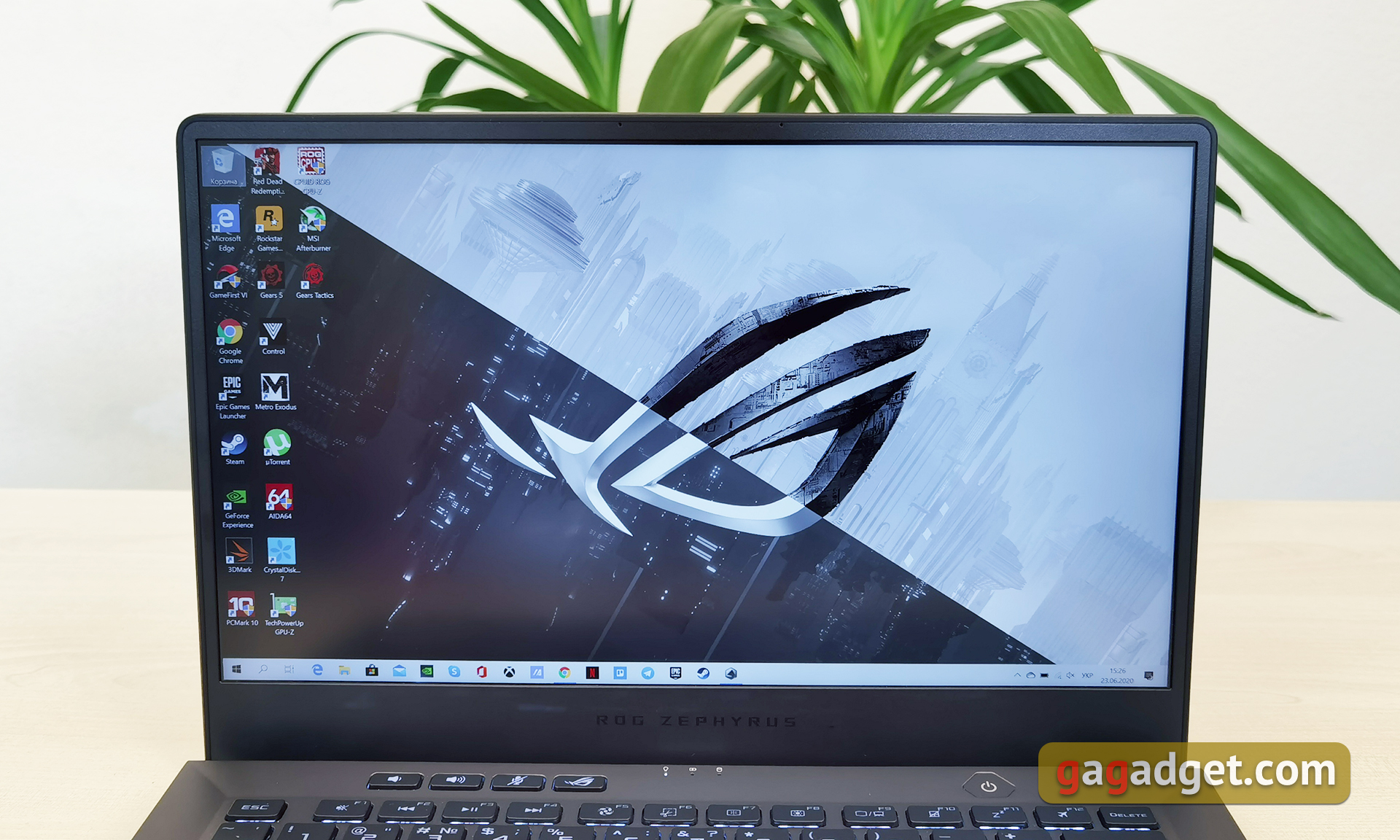
ASUS ROG Zephyrus G14 uses IPS screens withmatte finish, 14 inches diagonal and Pantone certification. There are three options: 1920x1080 at 60 Hz, 1920x1080 at 120 Hz (the best option for gaming) and 2560x1440 60 Hz. We got the last option for testing. The screen produces an excellent picture, with rich color reproduction, maximum viewing angles and a very good reserve of brightness.
</ img>
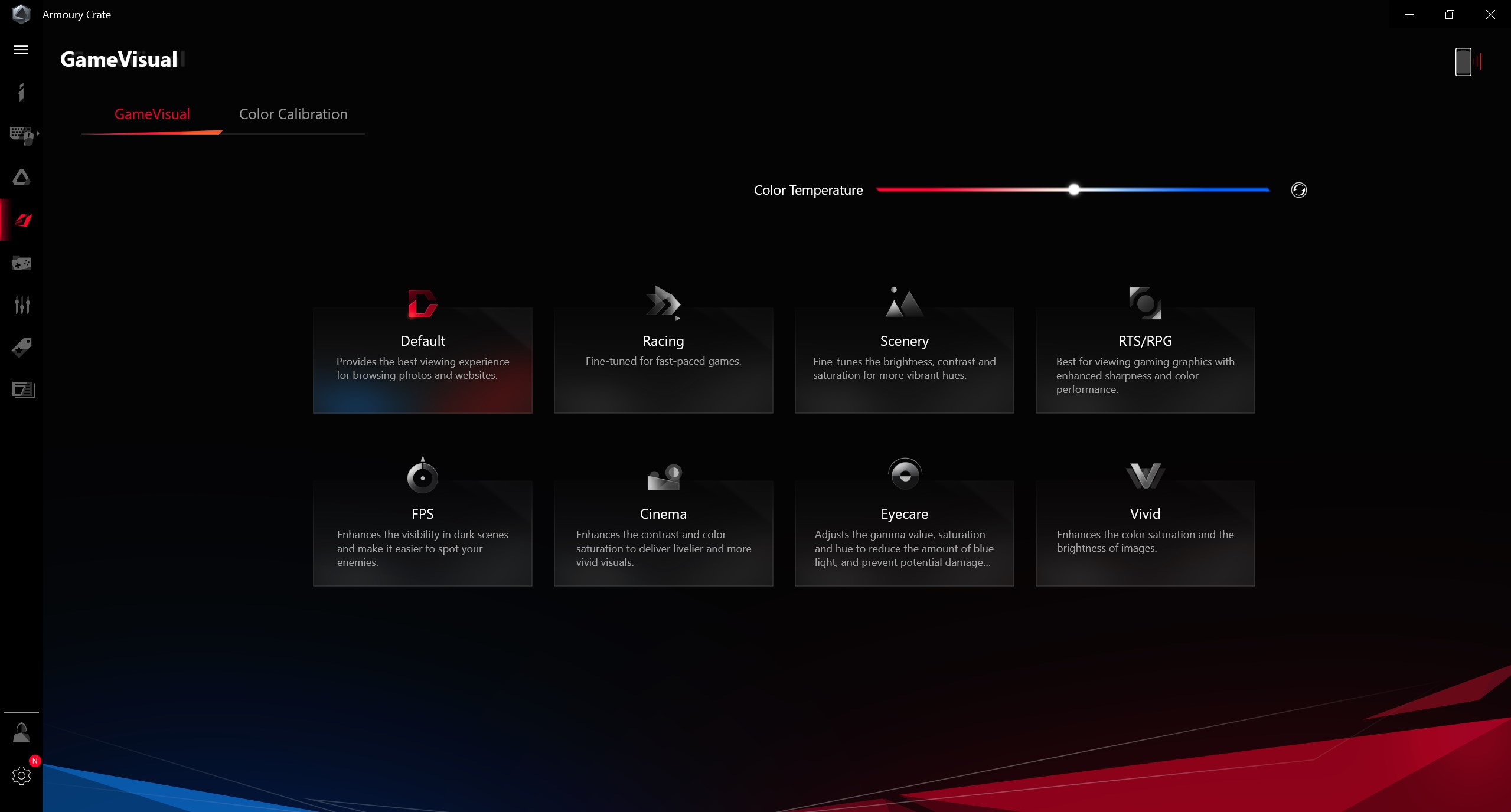
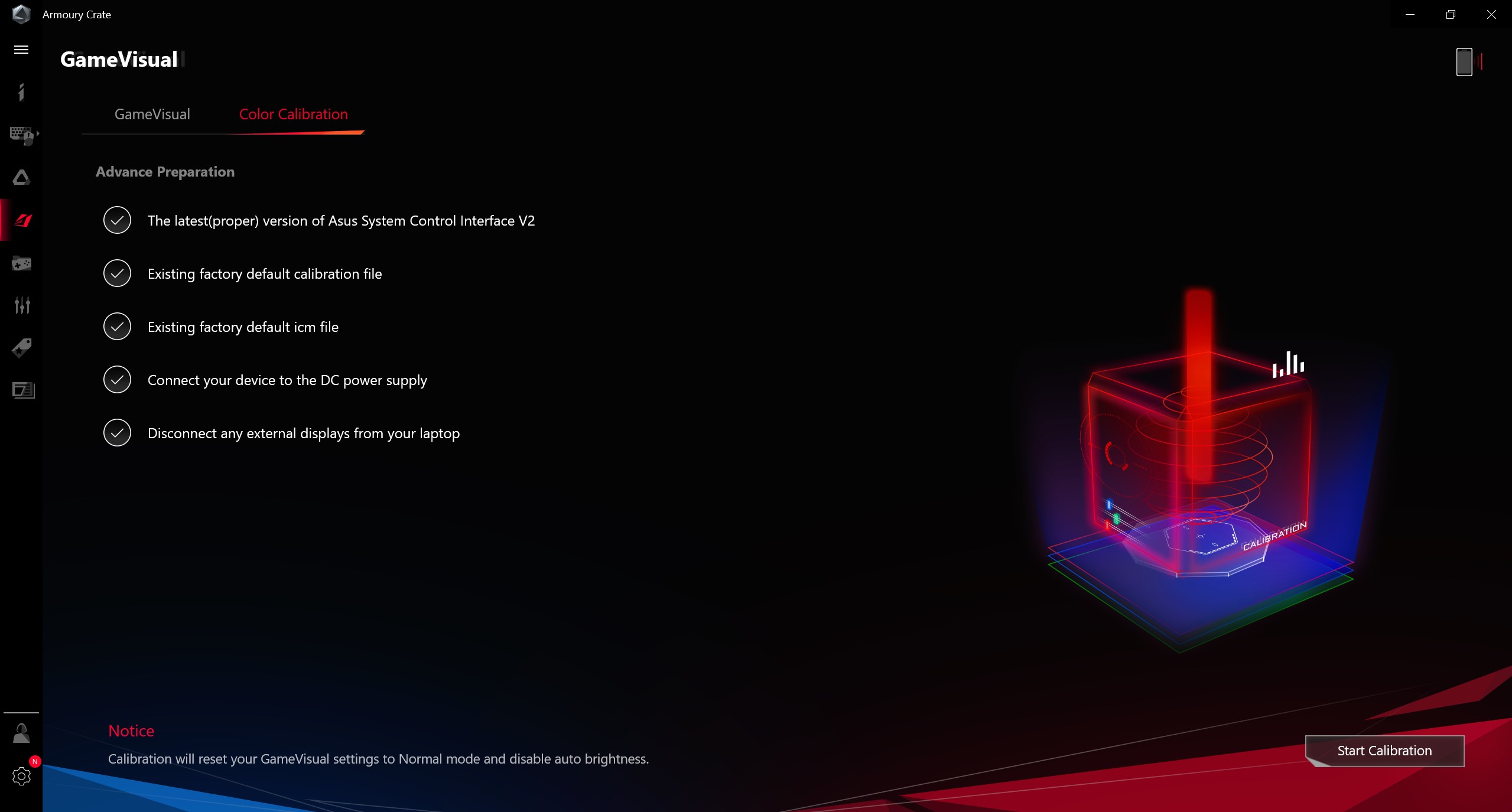
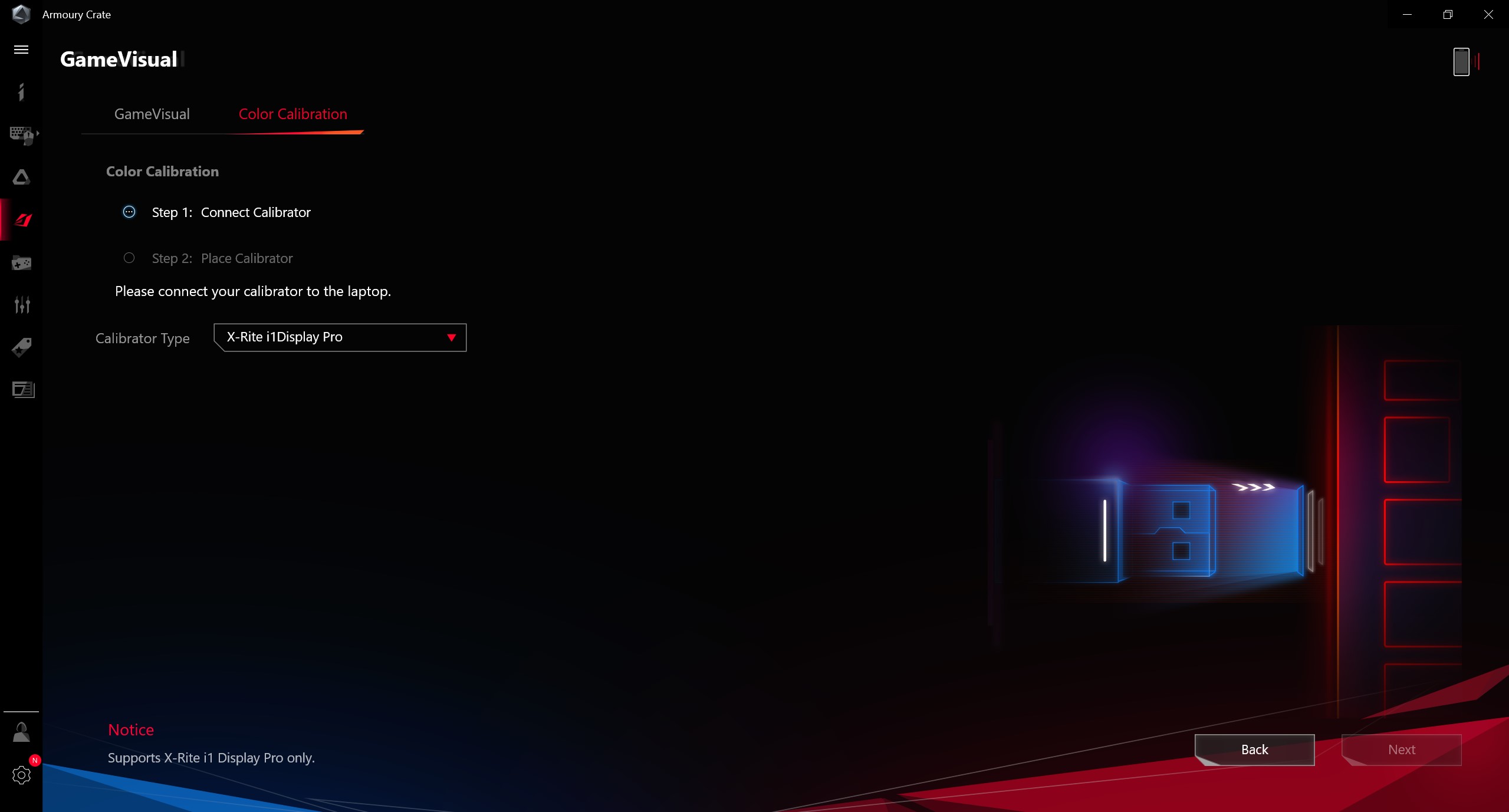
ROG Game Visual app lets you choose onefrom existing presets of the picture and manually adjust the color temperature. There is also a built-in ability to calibrate the display (with a calibrator):
</ img>
</ img>
</ img>



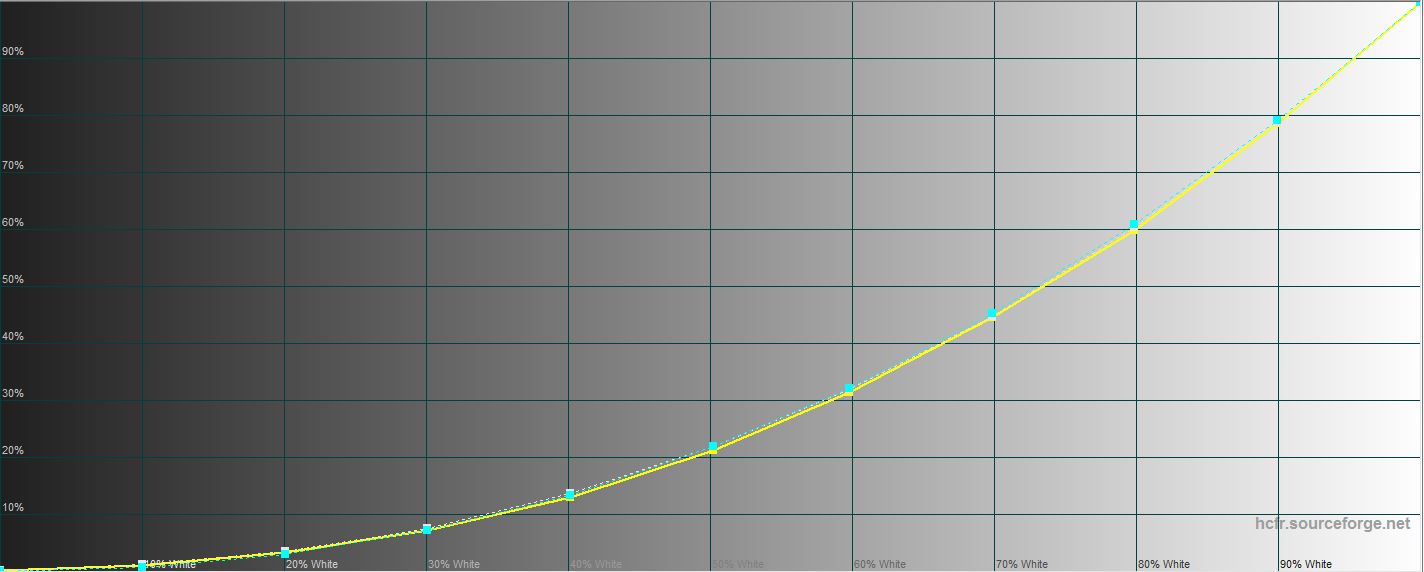
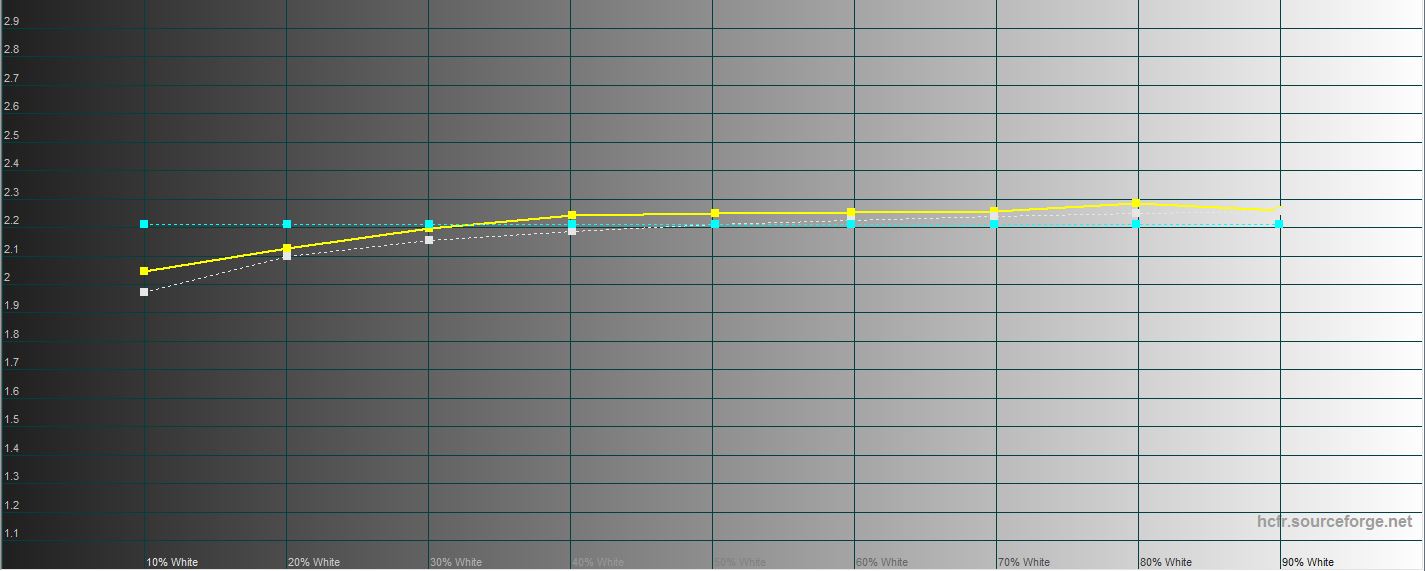
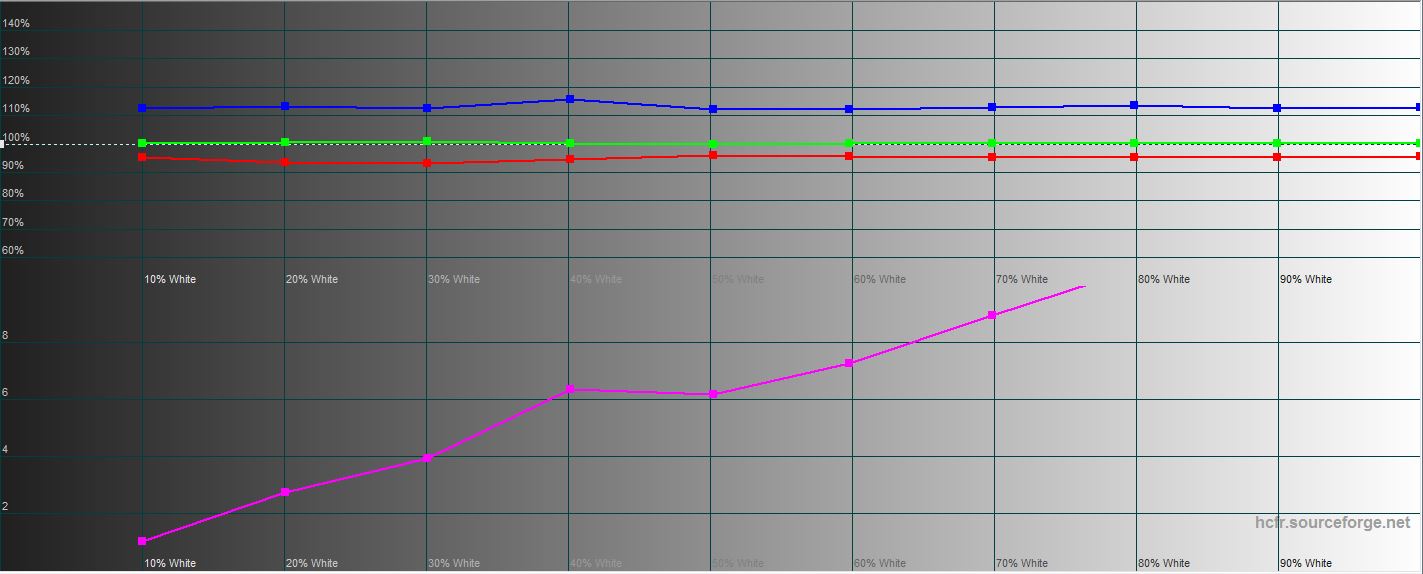
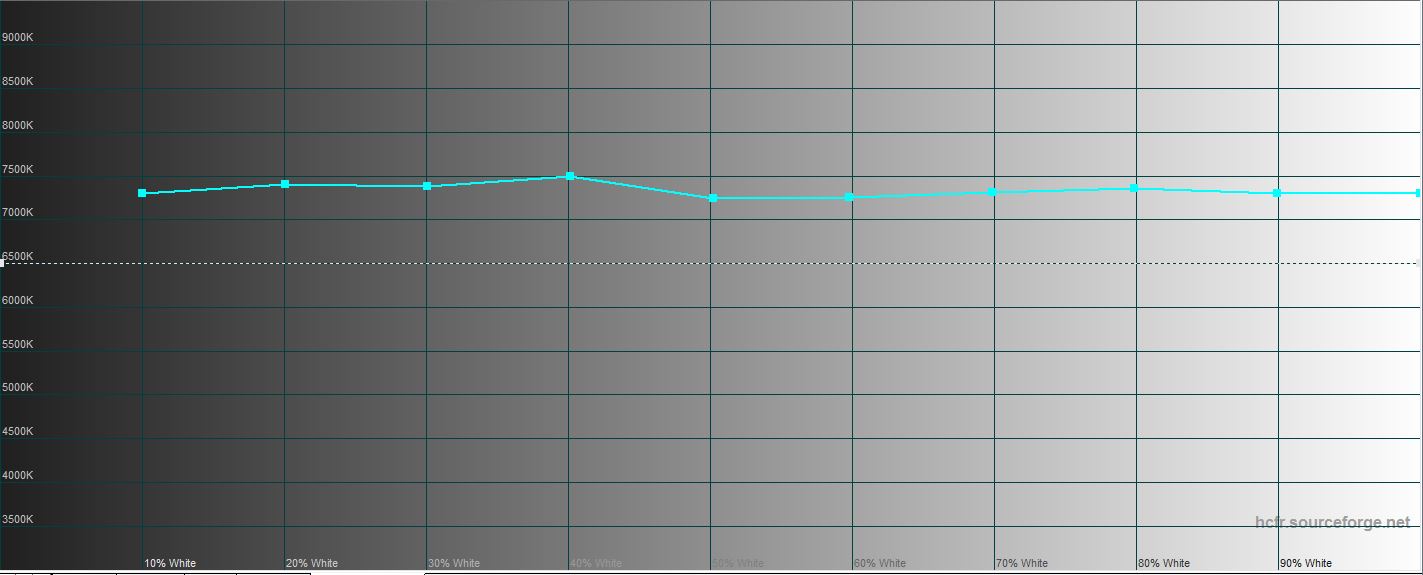
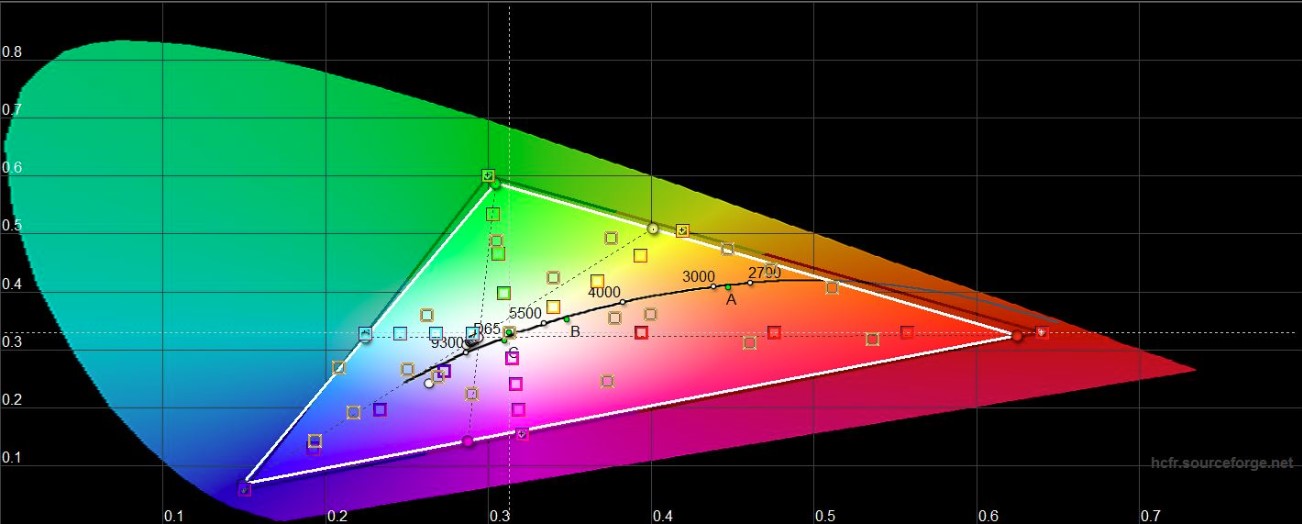
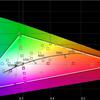
In Default mode, maximumThe brightness was 295.289 cd/m2, the black field brightness was 0.343 cd/m2 and the contrast was 861:1, which approximately corresponds to the stated figures. The color rendition of the screen is very good, deviations from the reference values are minimal, and the color gamut is almost identical to sRGB:
</ img>
</ img>
</ img>
</ img>
</ img>

What about performance and autonomy?
</ img>
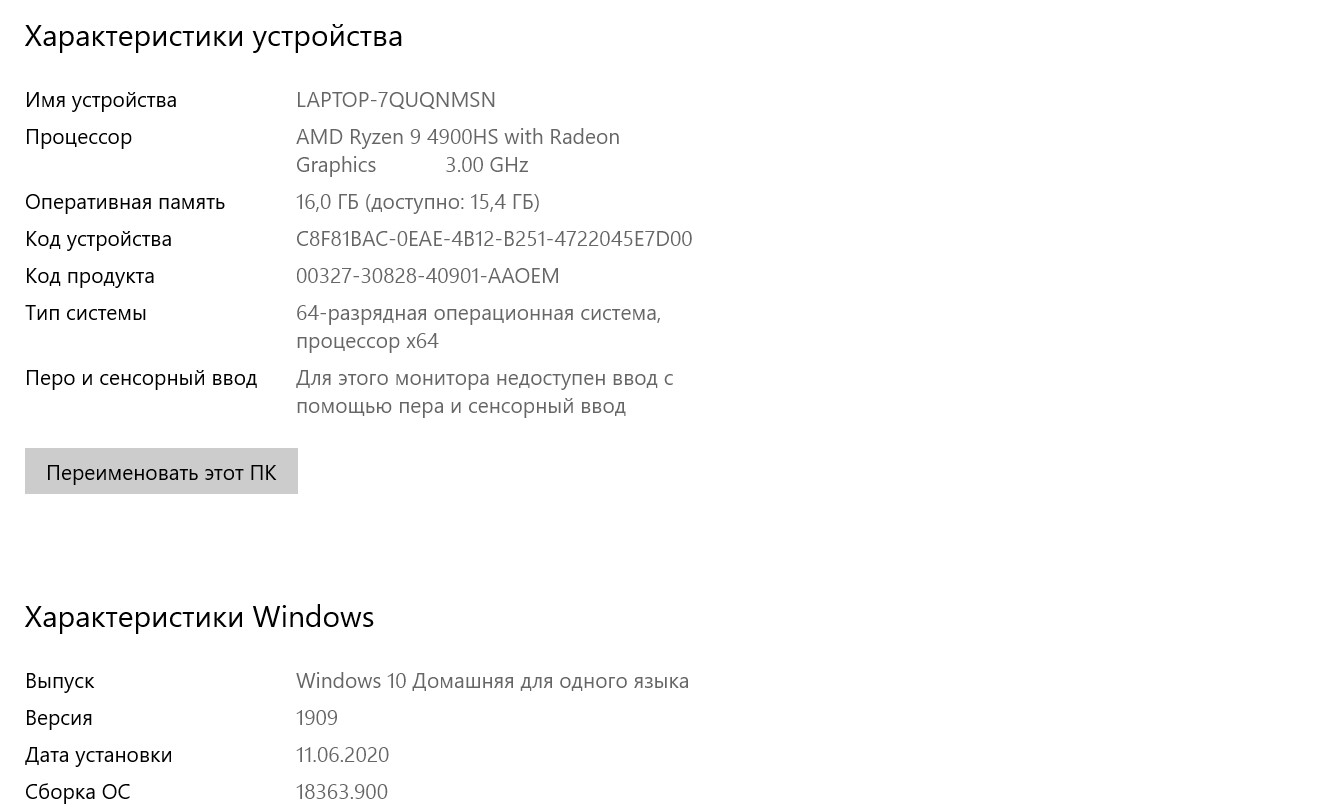
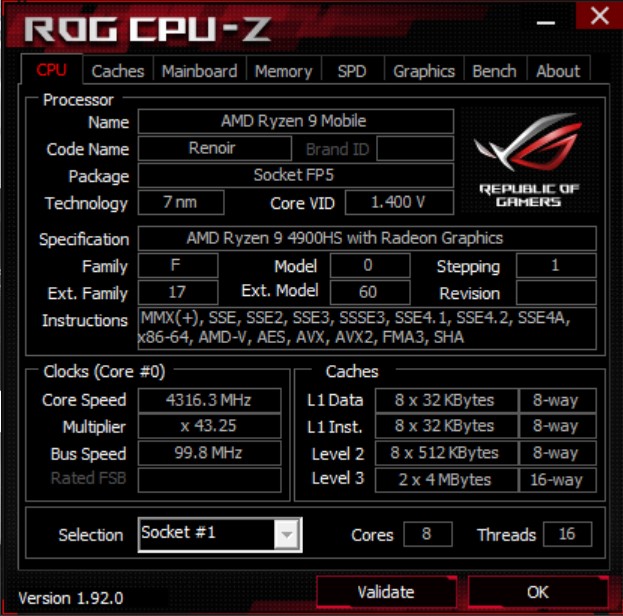
The filling is one of the most interesting featuresASUS ROG Zephyrus G14. The laptop has a top-of-the-line AMD Ryzen 9 4900HS processor. This is a mobile processor of the line codenamed AMD Renoir; it is equipped with eight cores based on Zen 2 architecture, which is made using a 7-nm process technology. The processor supports SMT technology (16 computation threads). The base clock frequency is 3.0 GHz, and the maximum clock speed is 4.3 GHz. Level 3 cache is 8 MB, TDP is 35 W. There is also a version of the AMD Ryzen 9 4900H with slightly higher frequencies, but also a higher TDP (the official website indicates 35-54 W). Integrated graphics - AMD Radeon RX Vega 8 with 512 stream processors and frequency up to 1750 MHz. It is used when the laptop is running on battery power. For discrete graphics, our configuration features NVIDIA GeForce RTX 2060 in Max-Q design with 6 GB of GDDDR6 memory. In the base, the chip frequency is 975 MHz and boost to 1185 MHz, overclocking to 1285 MHz, 65 W is supported. Judging by the offers in stores, at the moment the ASUS ROG Zephyrus G14 is the only 14-inch laptop with such a powerful graphics card. There are simpler configurations: the low-end configuration uses a GTX 1650. The laptop has 16 GB DDR4 3200 RAM and operates in dual-channel mode. From a design point of view, 8 GB are soldered on the board, and another 8 are installed in the only available slot. Thus, the maximum in a specific laptop configuration is 24 GB. But in nature there are options that support up to 32 GB (on board, respectively, 16 GB). The laptop is equipped with Wi-Fi 802.11ax and Bluetooth 5.0 modules.
</ img>
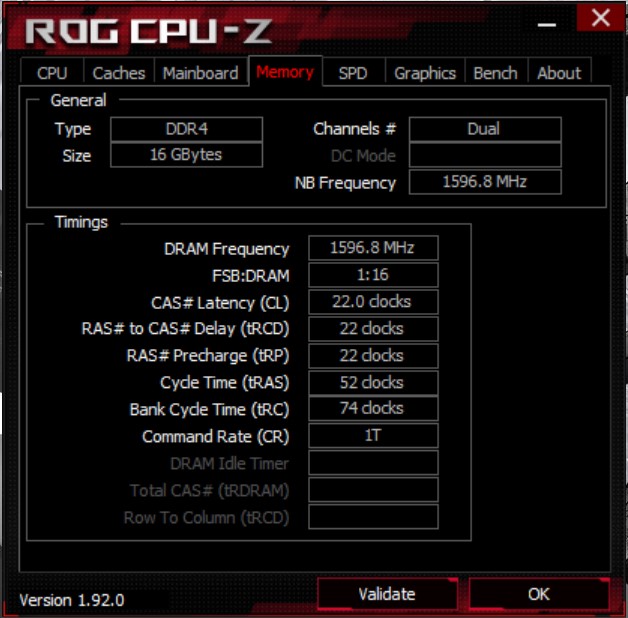
</ img>
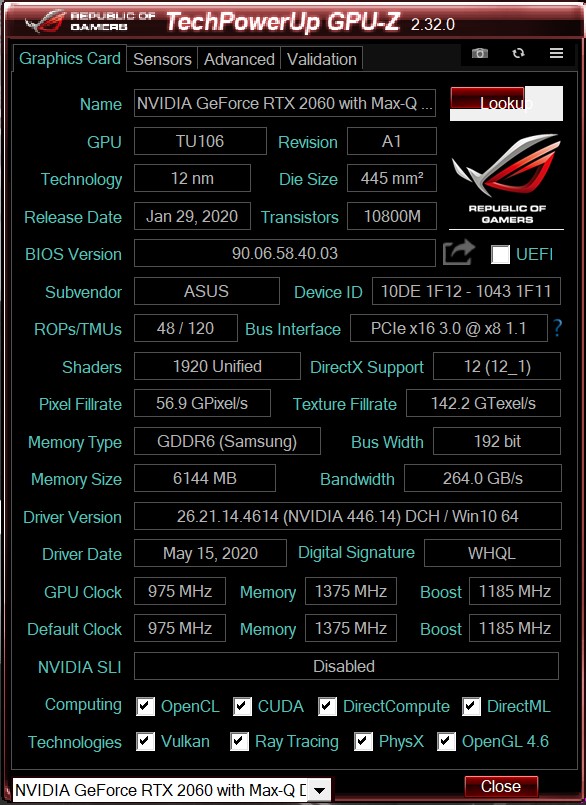
</ img>

</ img>

</ img>
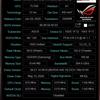

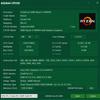
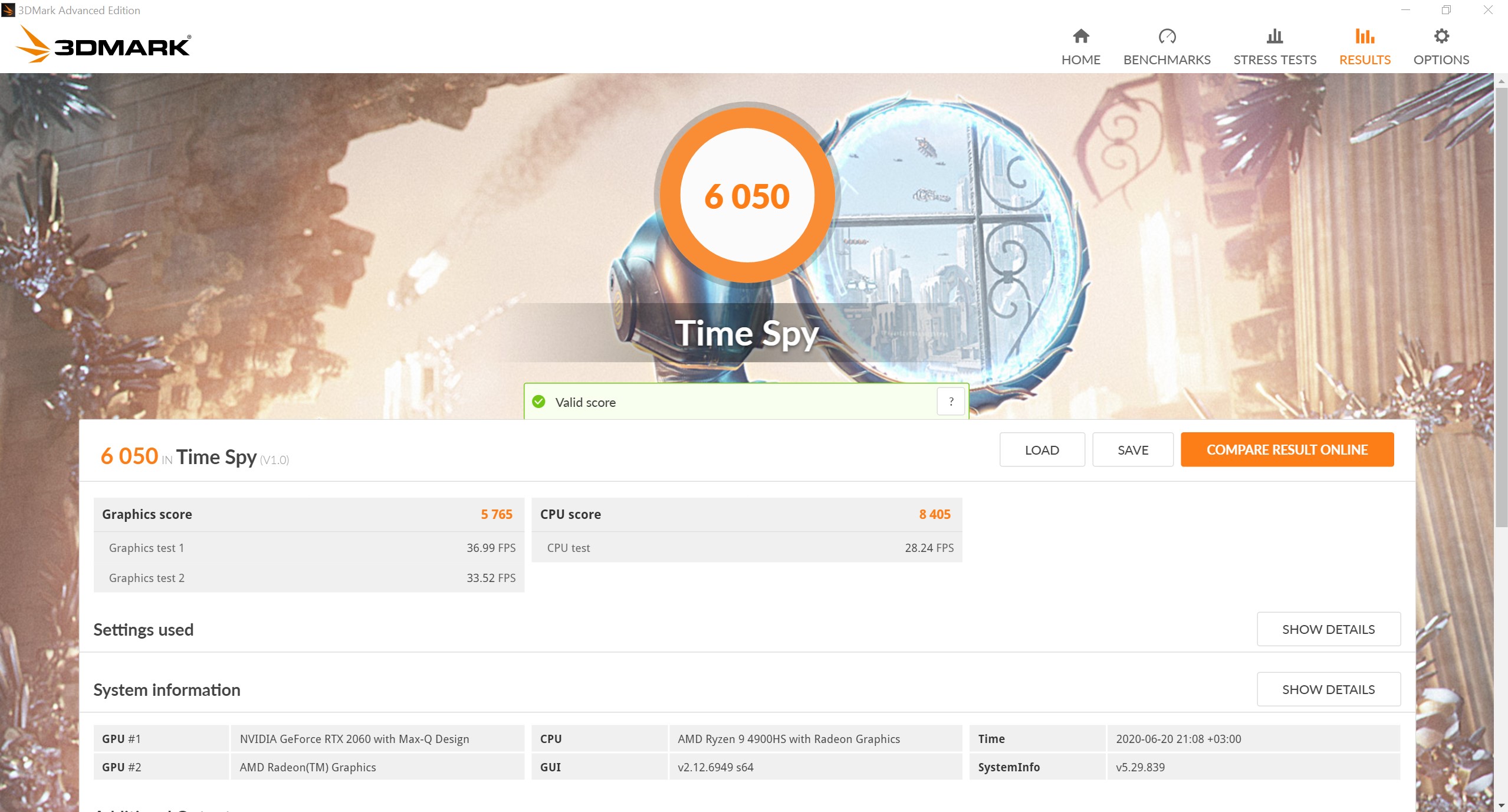
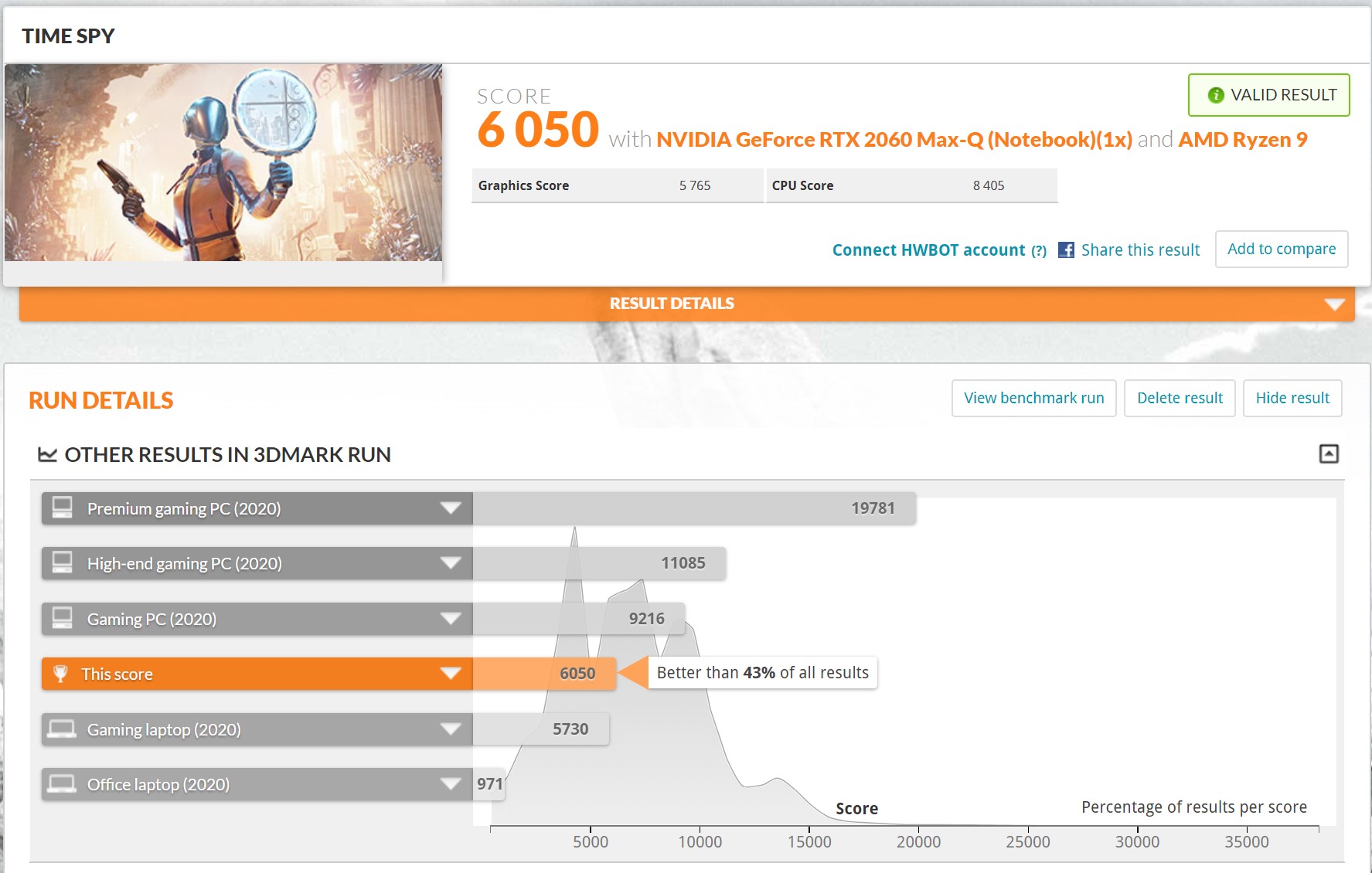
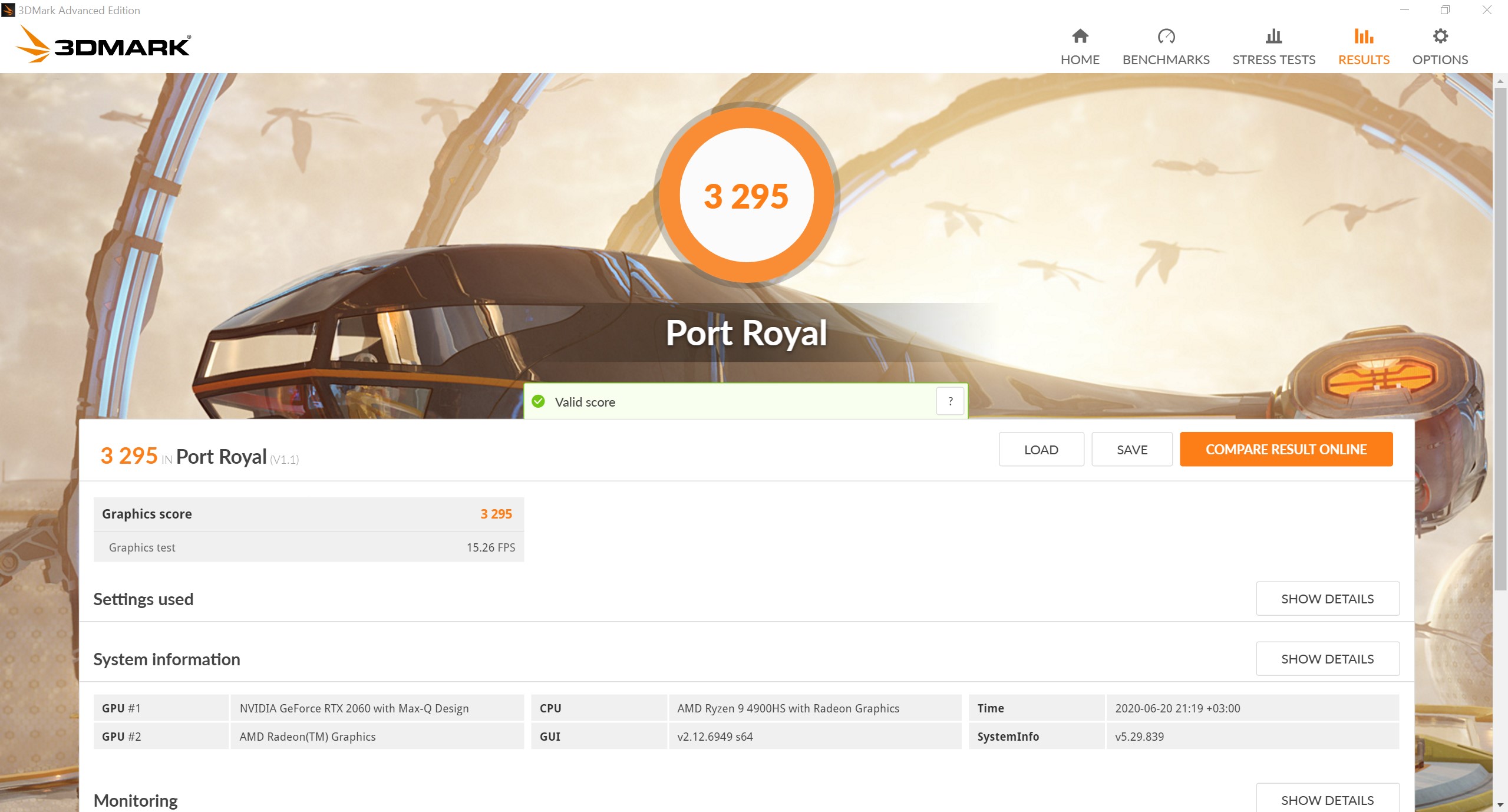
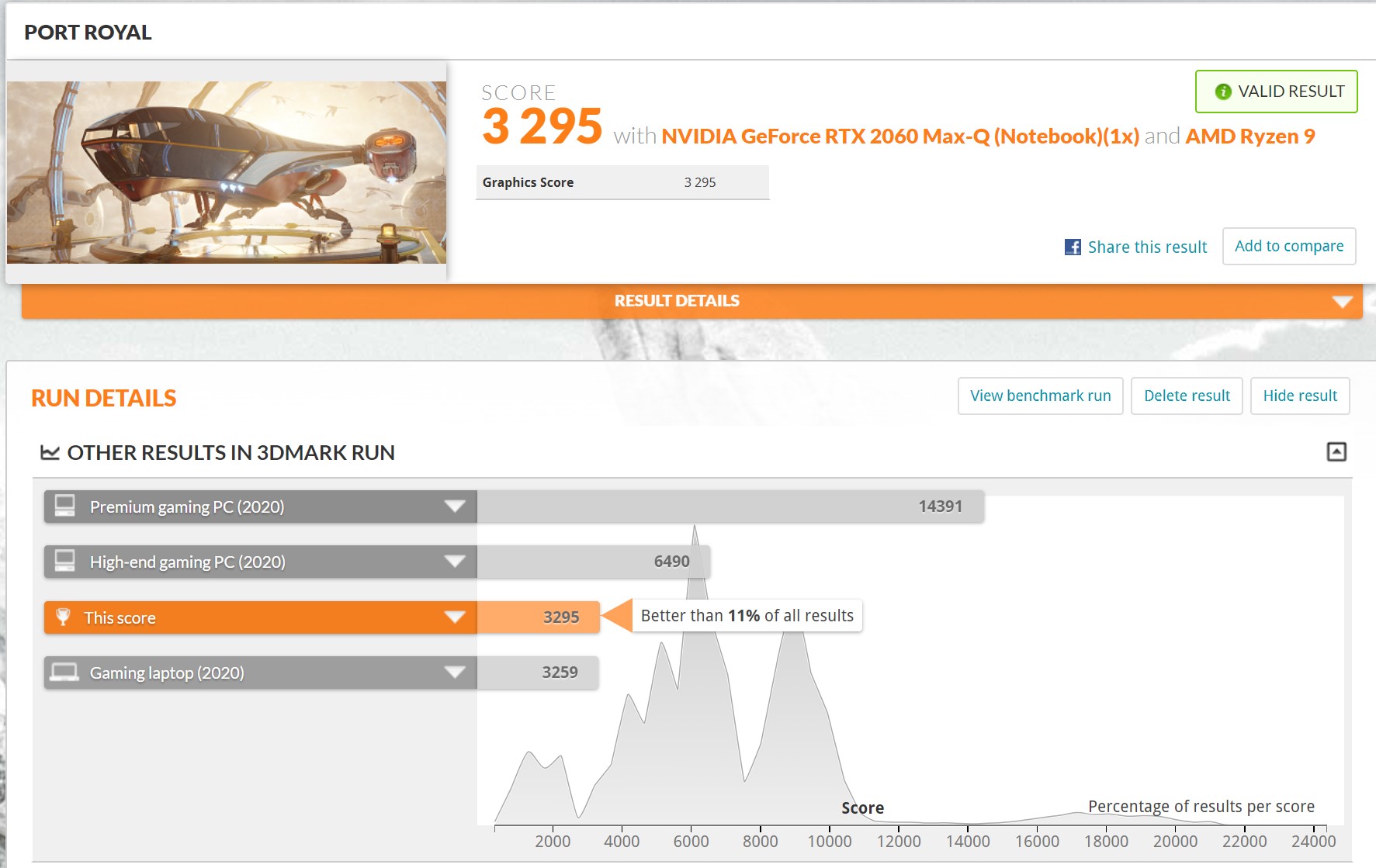
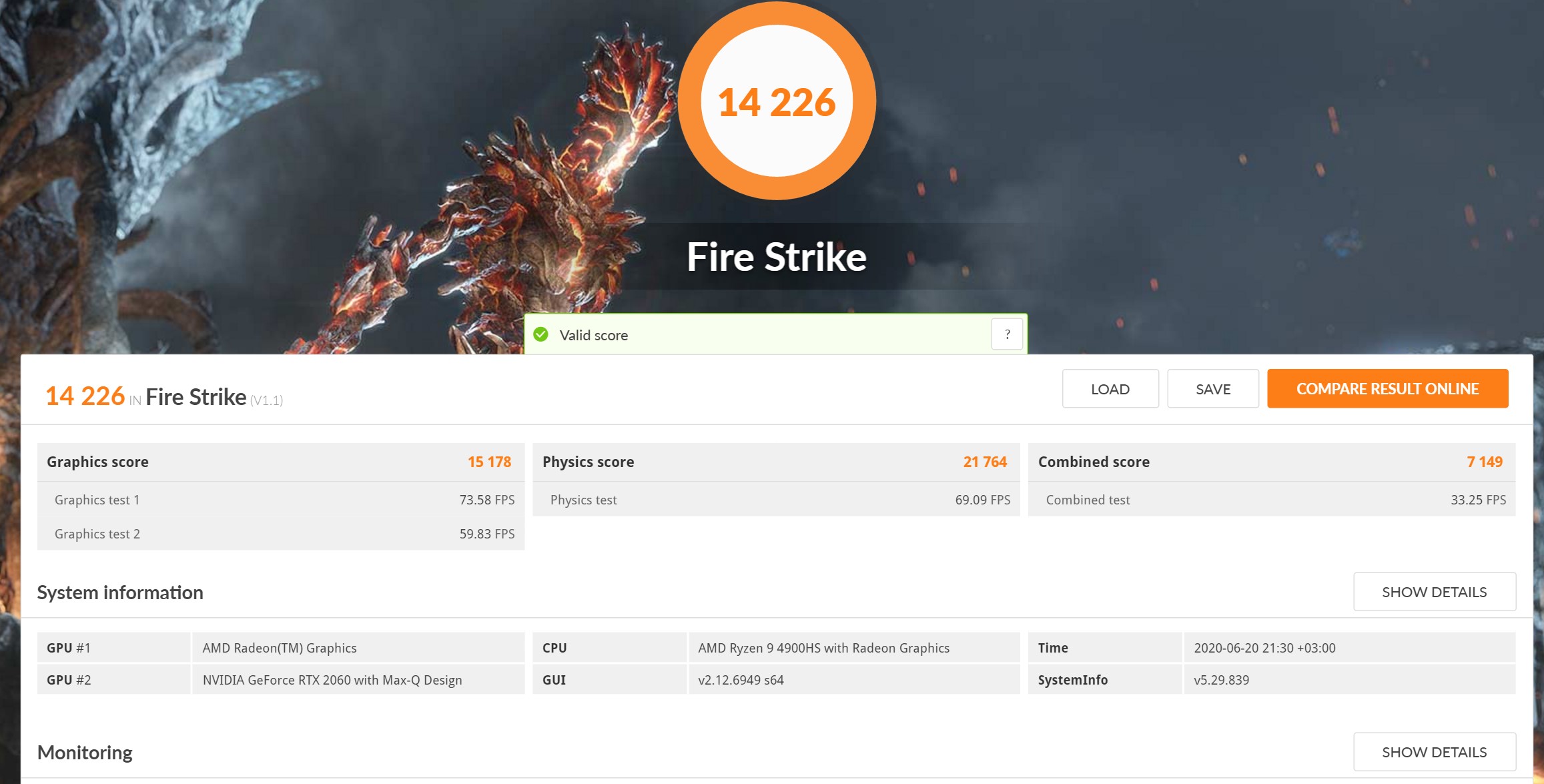
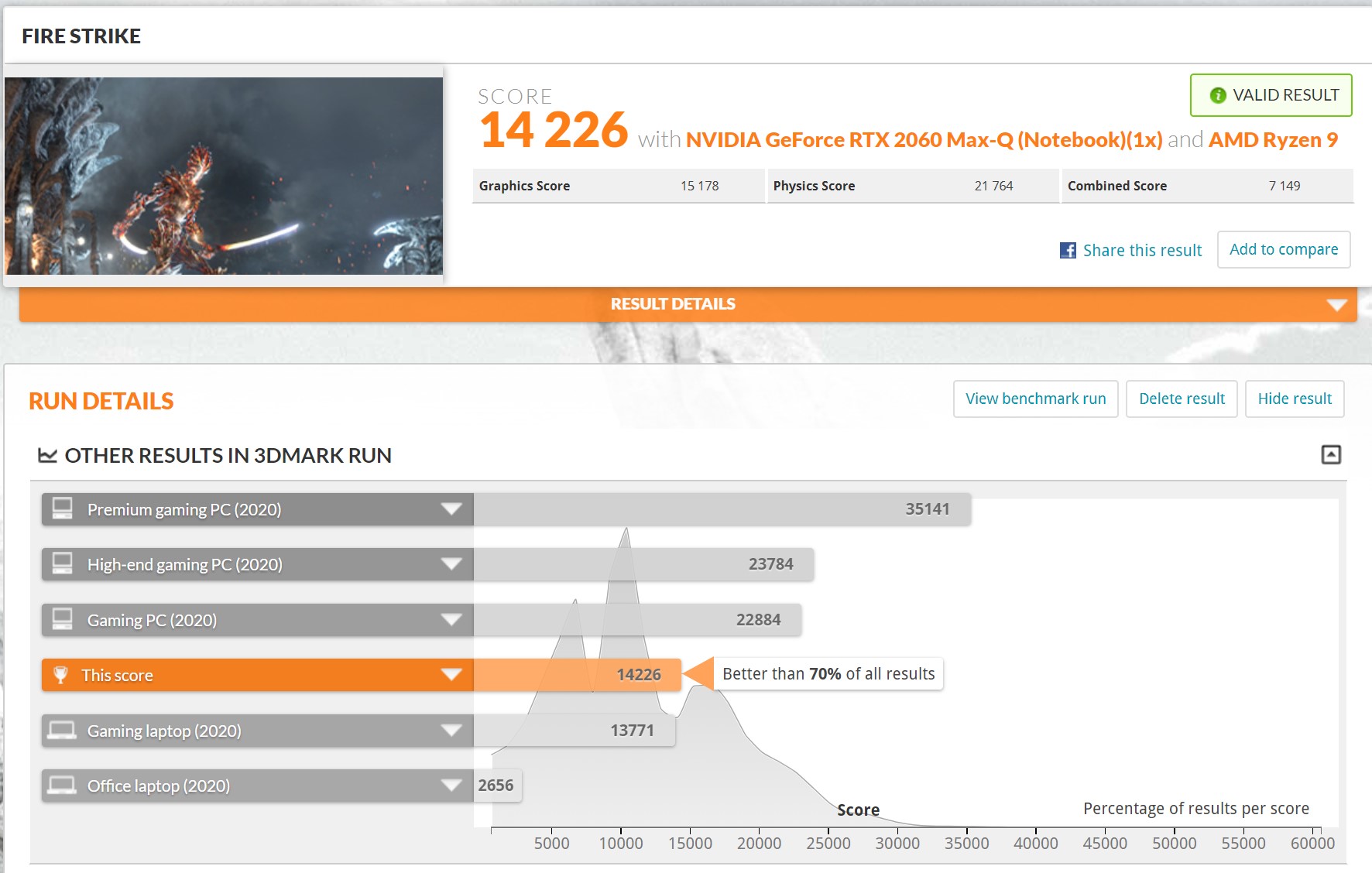
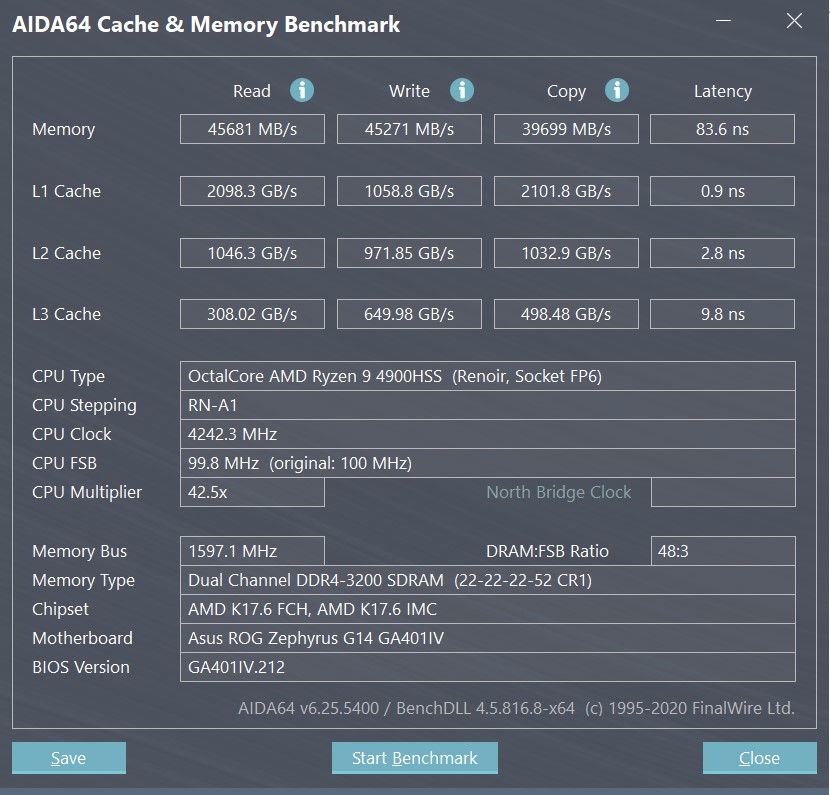
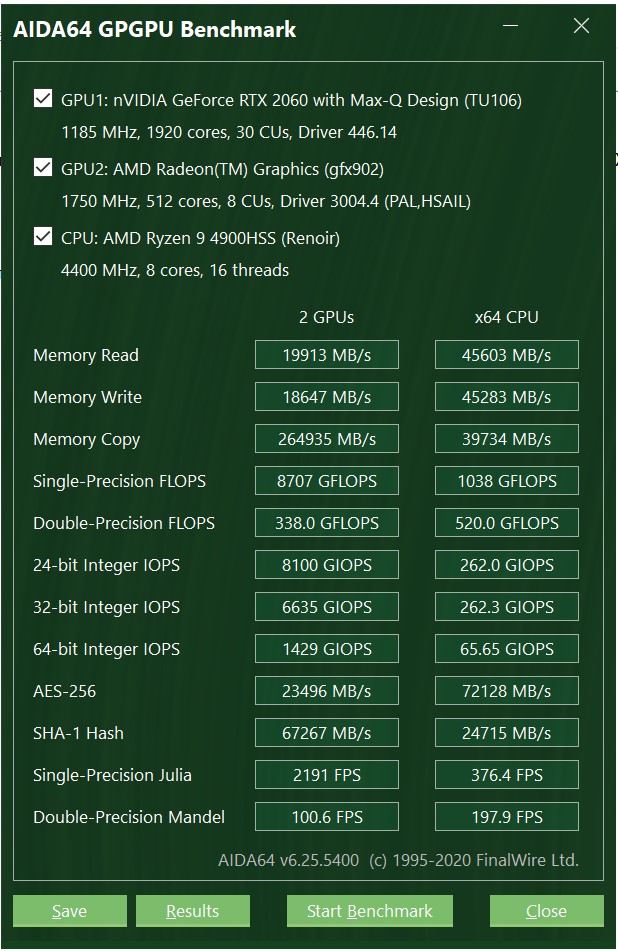
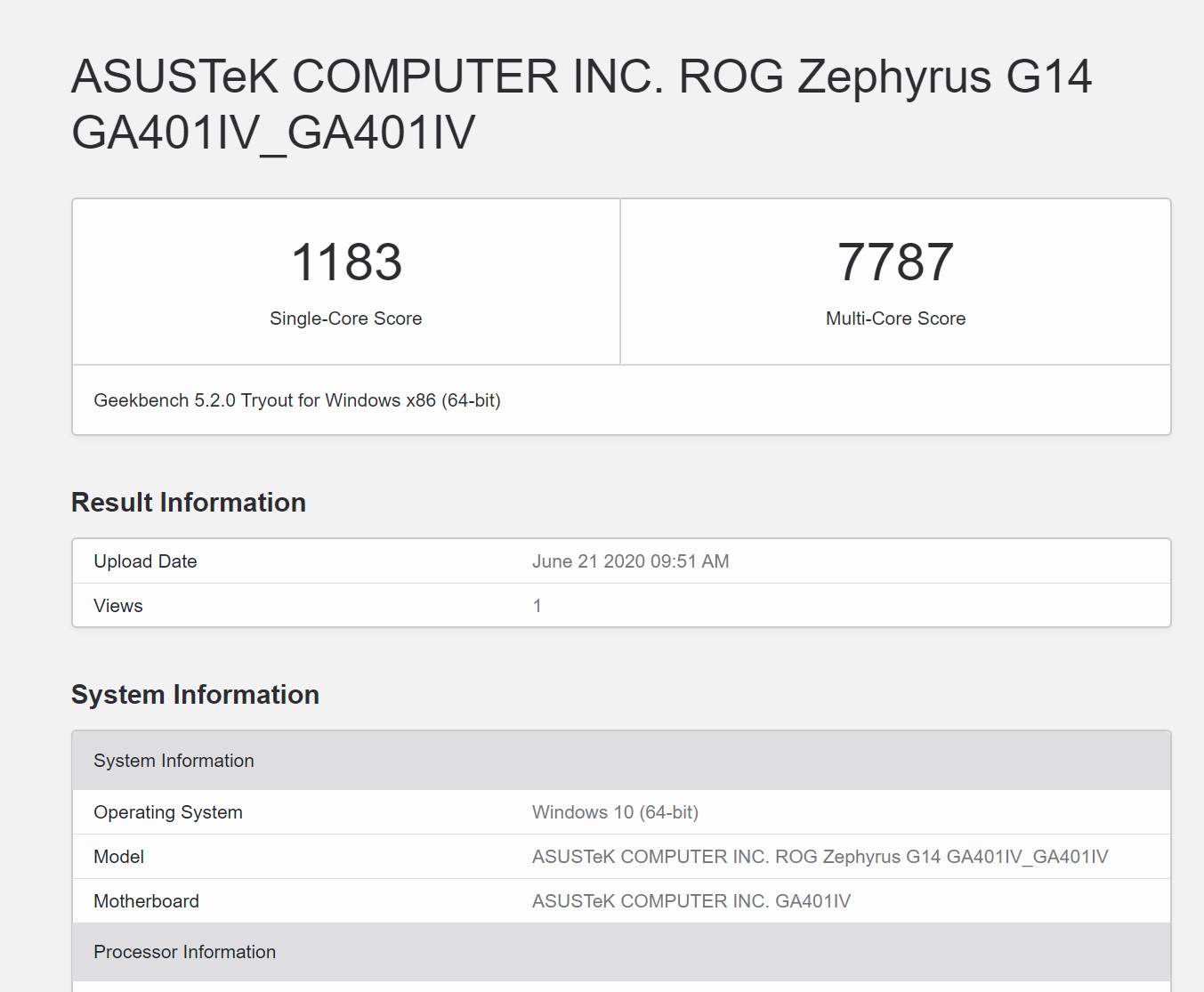
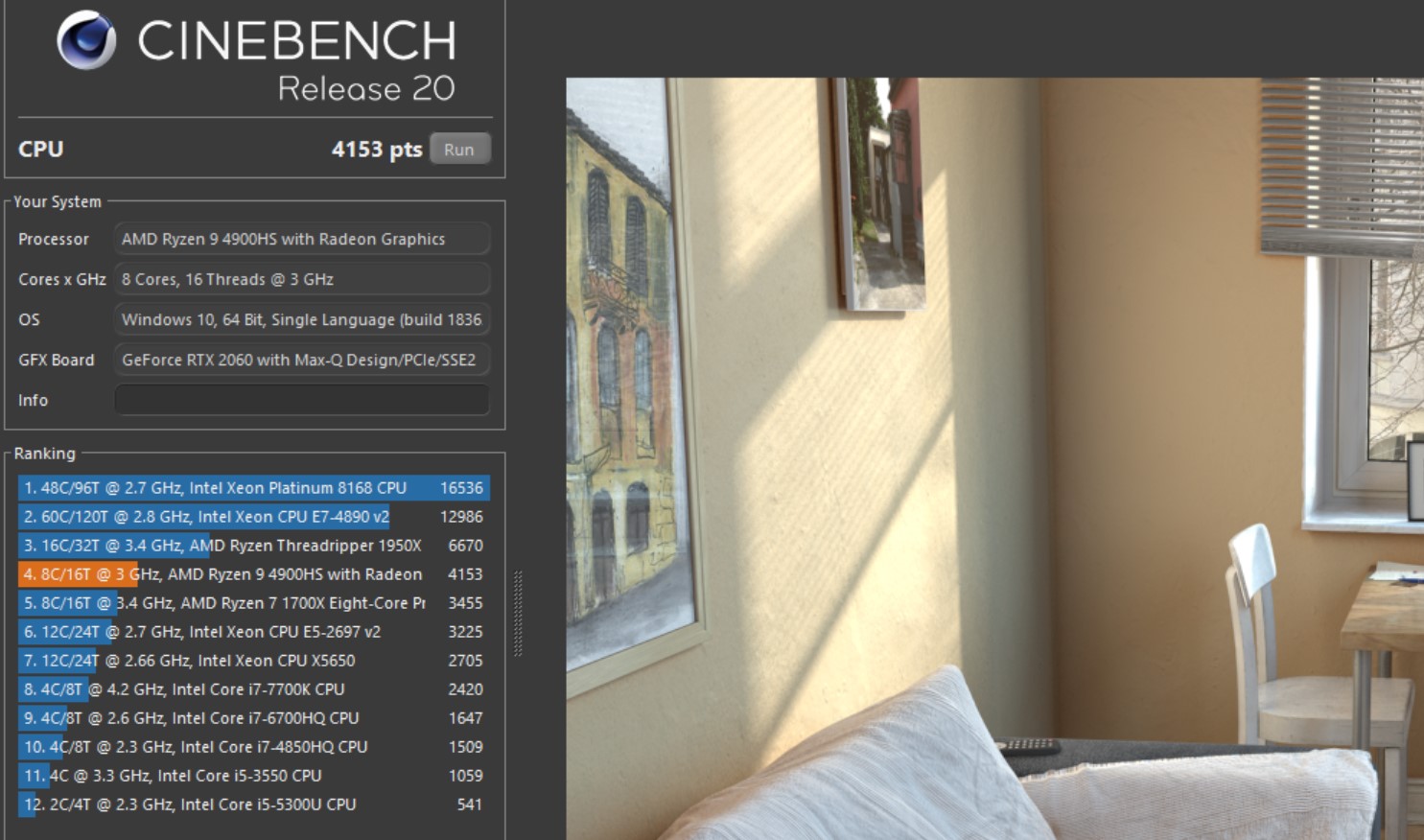
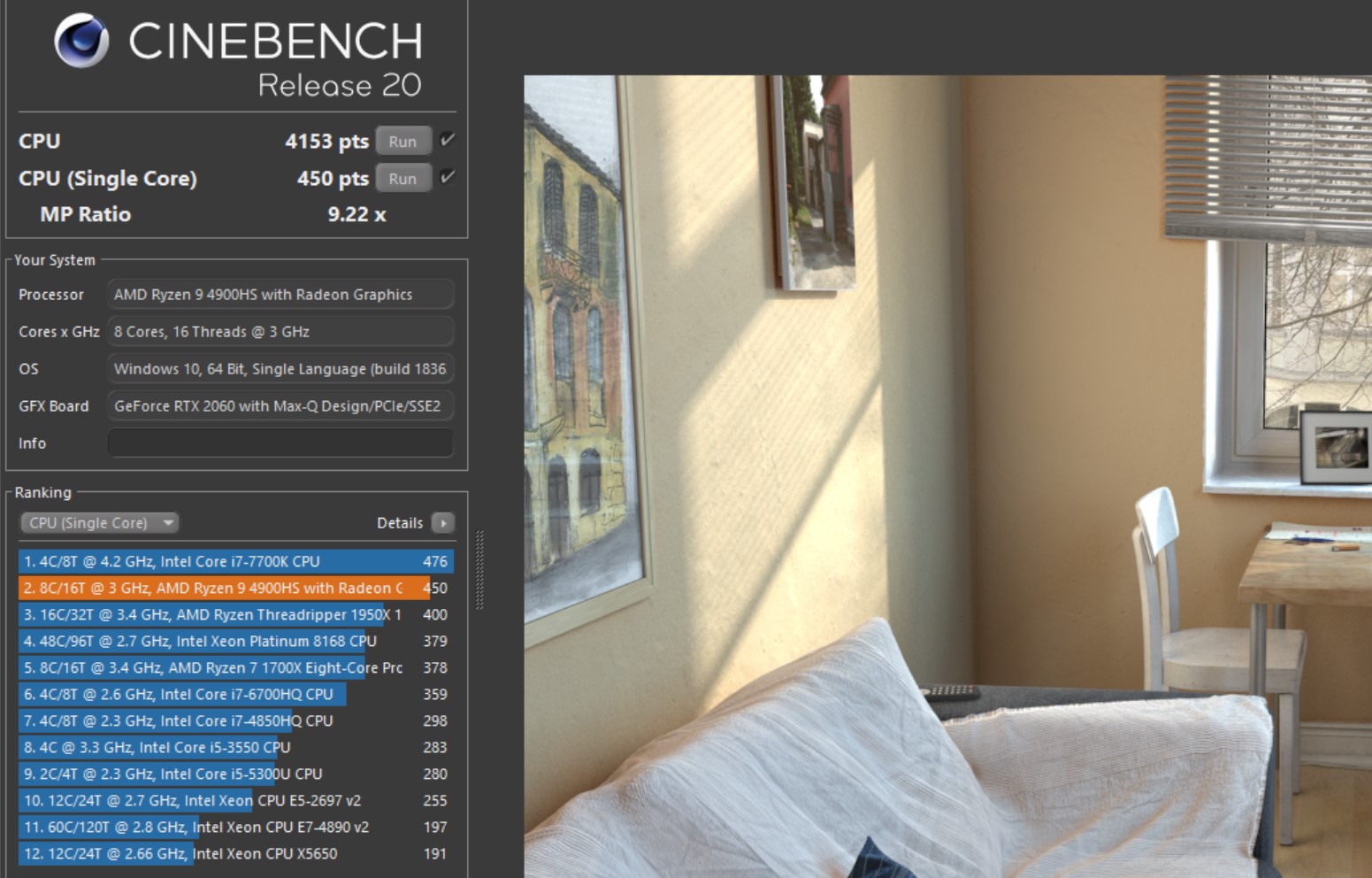
The laptop demonstrates high performance,in both CPU and graphics tests. On par with larger gaming laptops. And in terms of multi-threaded performance, the AMD Ryzen 9 4900HS outperforms a number of top Intel solutions. So the laptop is suitable for both games and heavy applications, including video and photo processing:
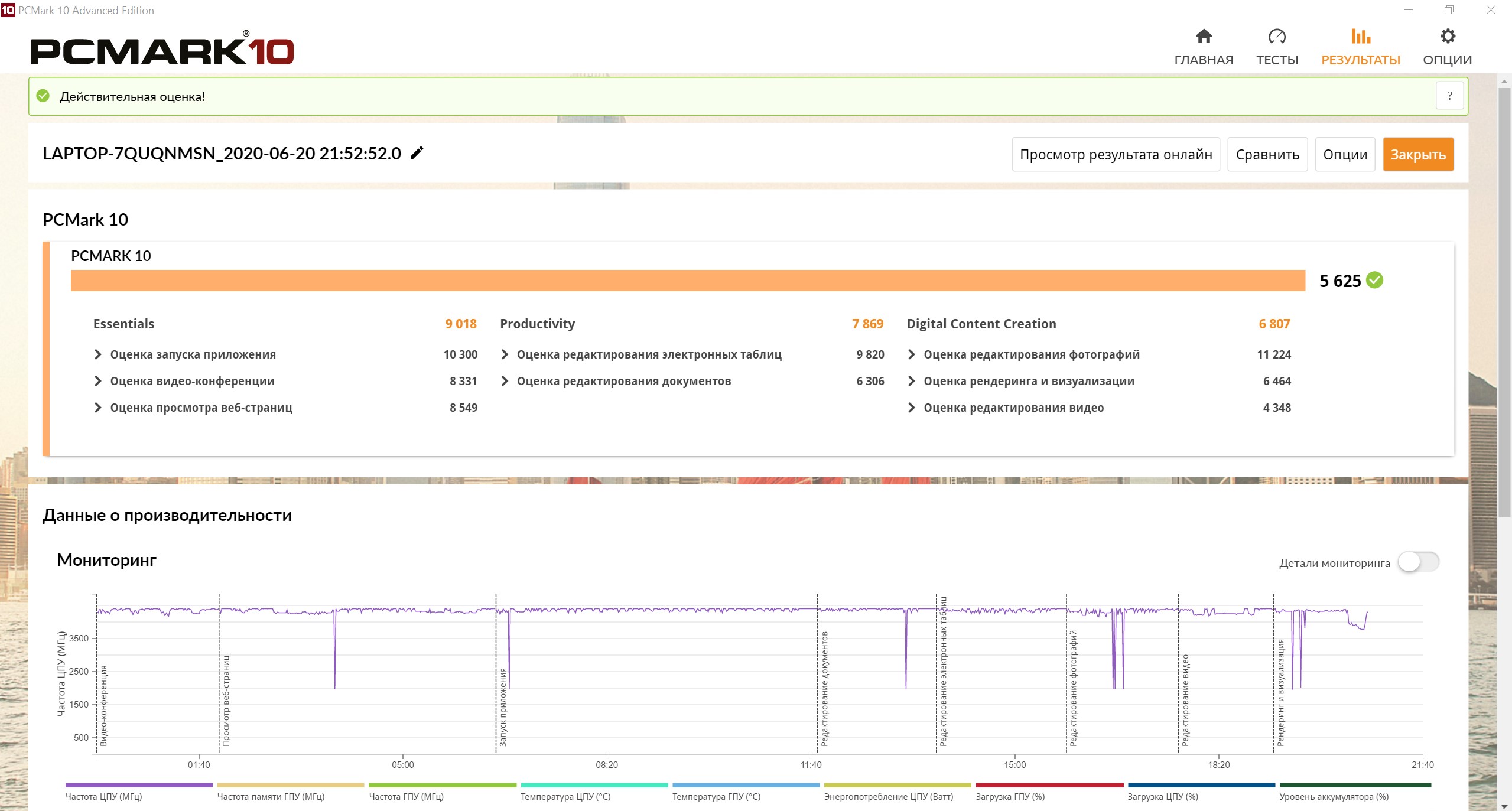
</ img>
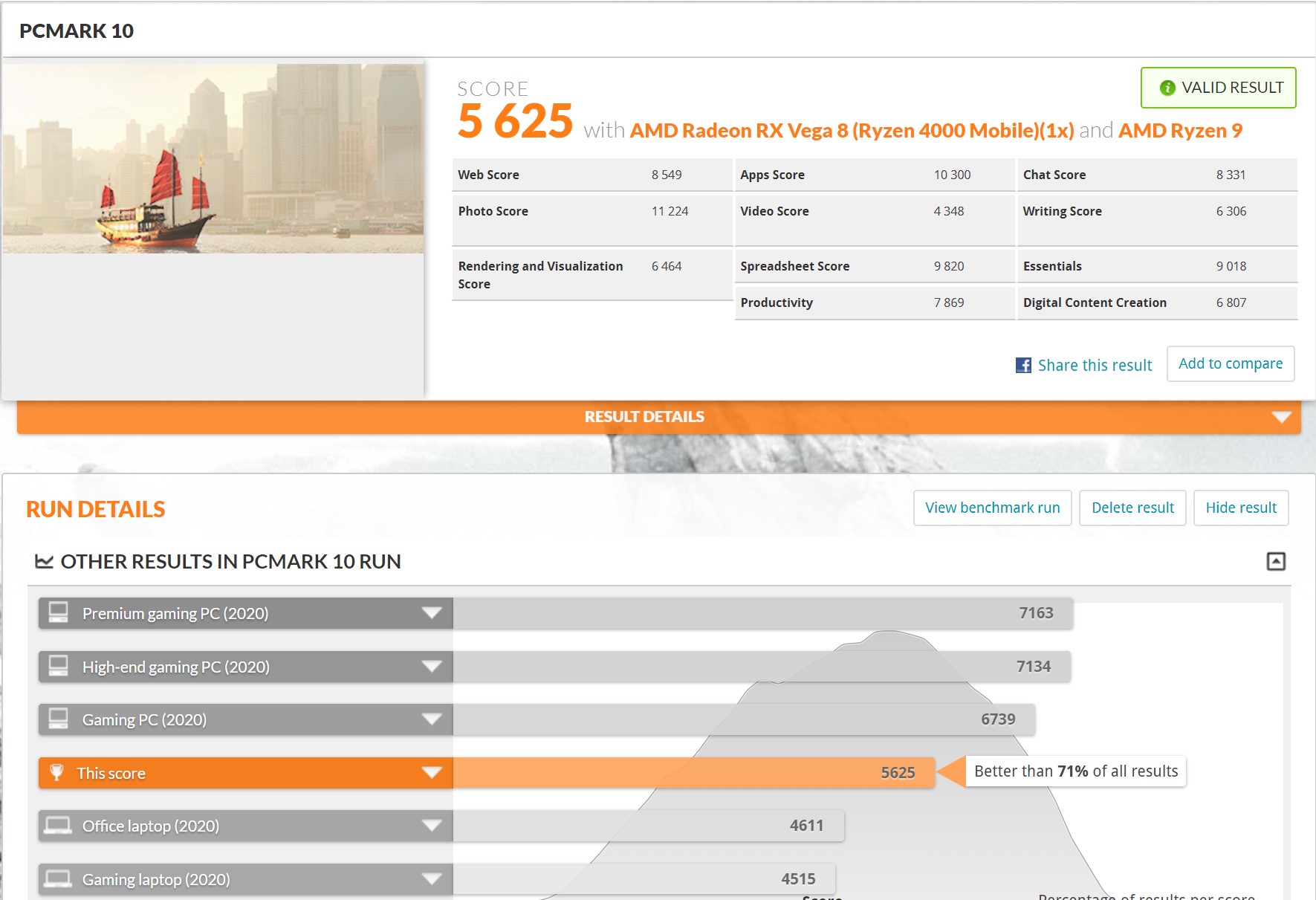
</ img>
</ img>
</ img>
</ img>
</ img>
</ img>
</ img>
</ img>
</ img>
</ img>
</ img>
</ img>









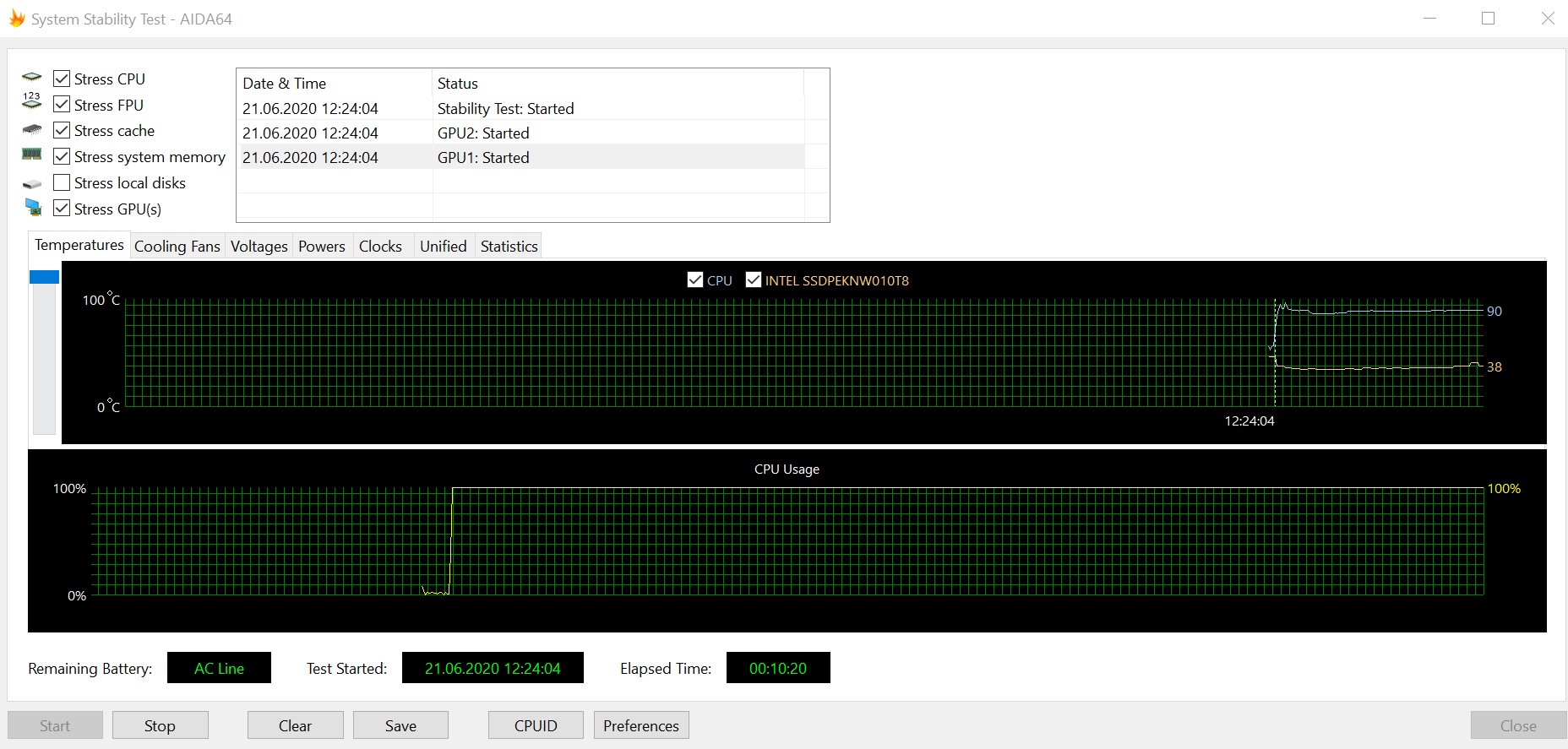
The main concerns were caused by the behavior of suchpowerful “iron” in such a compact package. Plus, it’s worth considering that the maximum temperature of the AMD Ryzen 9 4900HS processor itself is indicated at 105°. The cooling system includes five heat pipes and two n-Blade fans. The AIDA64 stress test showed that at the beginning the processor warms up to approximately 100°, then CO keeps its temperature at 90°. At the same time, the processor did not throttle at all throughout the test:
</ img>
The noise at maximum speed is noticeable.But if we compare it with a bunch of gaming models we’ve visited, including larger ones, the noise from the ASUS ROG Zephyrus G14 remains at a quite adequate level and is not too annoying. During long gaming sessions, the case heats up noticeably, mainly in the upper part of the working surface. But the keyboard does not turn into a finger grill and no discomfort is observed.
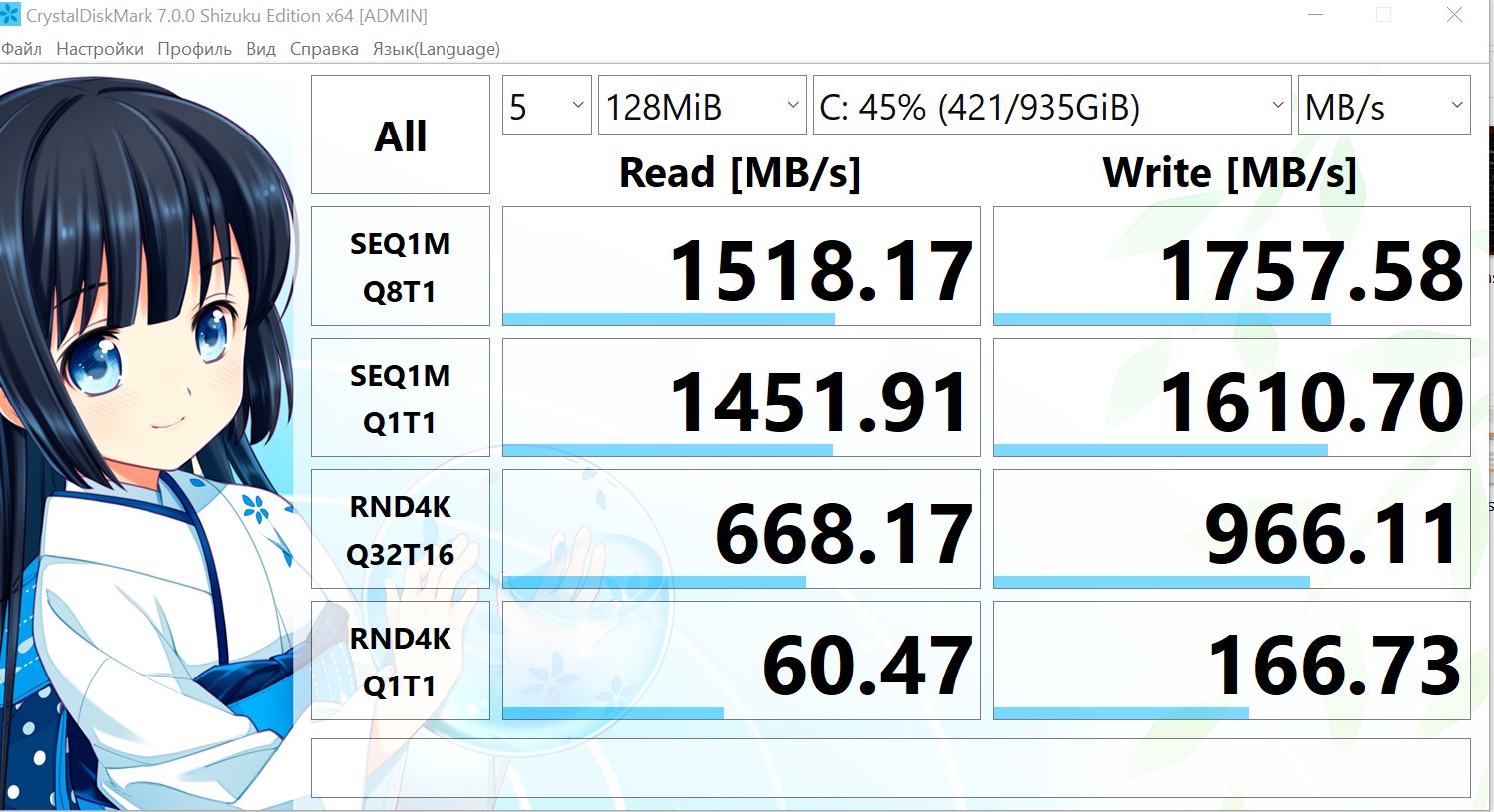
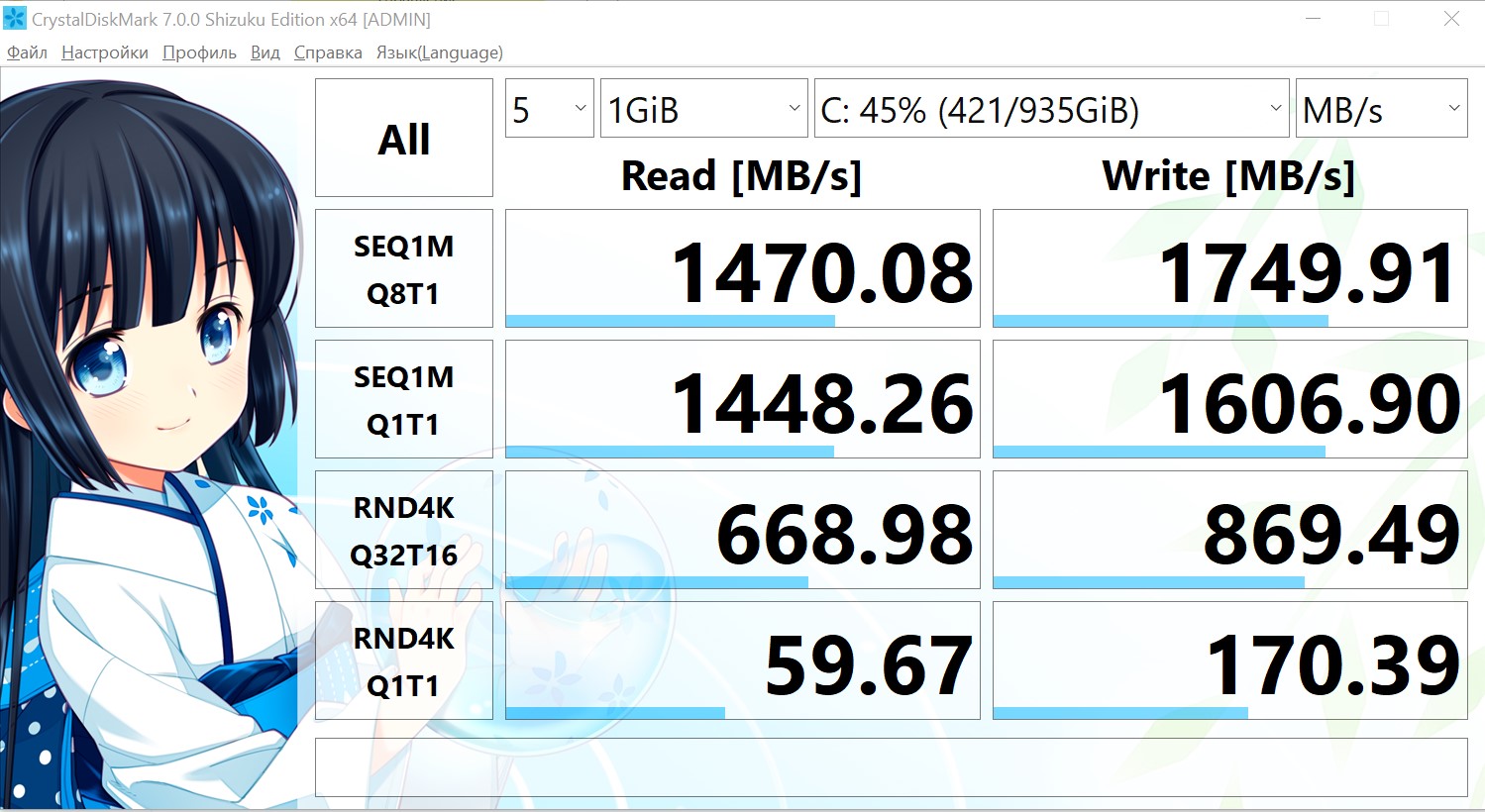
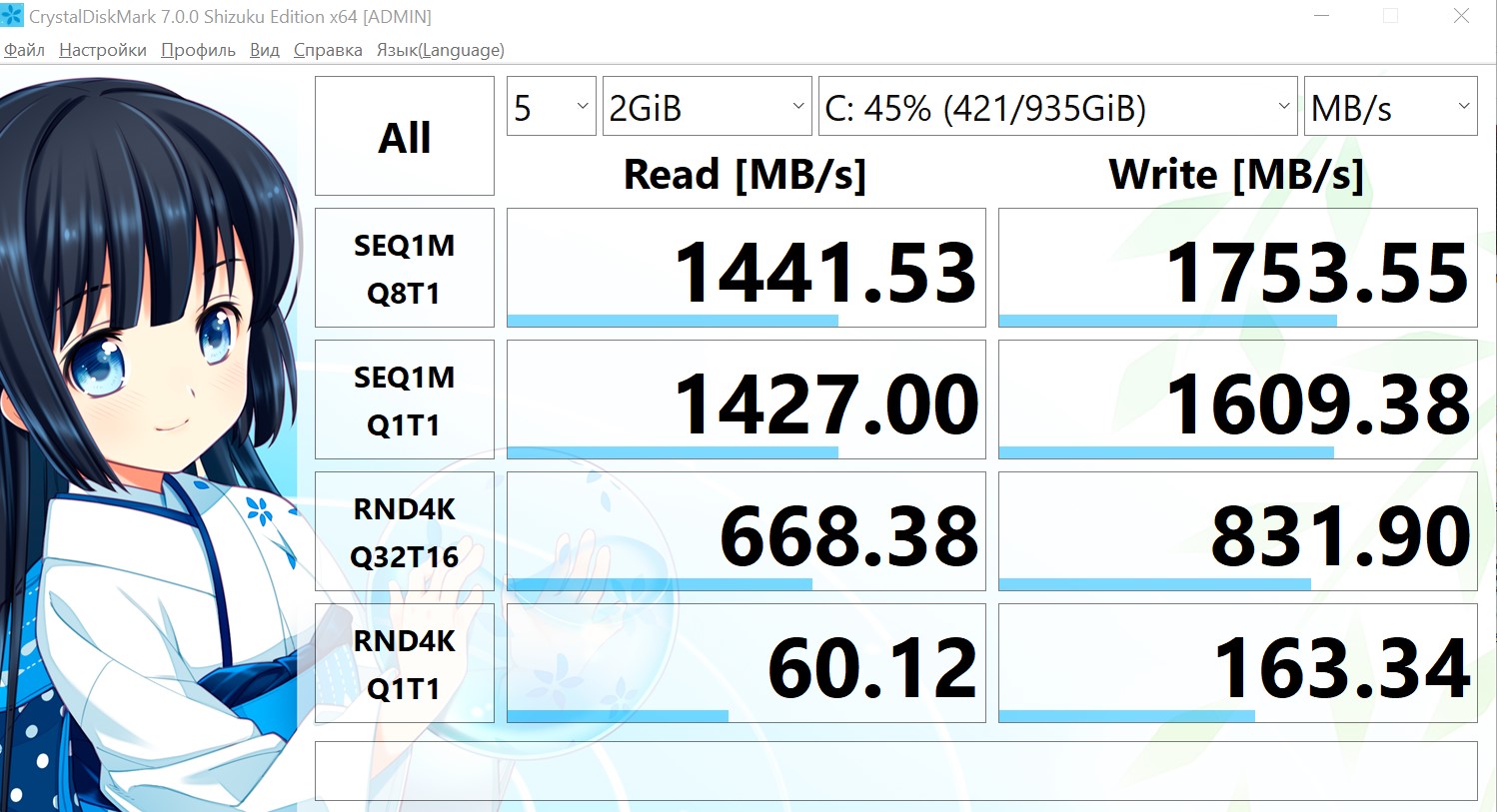
As a drive, SSD format M is used.2. In our case, this is Intel SSD 660p SSDPEKNW010T8 PCIe 3.0 x4, 1 TB NVMe, which uses memory like QLC. There is no way to install any additional drive, so the only way is to change the complete one to a larger one:

</ img>
The drive is fast. When reading, the speed reaches 1500 MB/s, and when writing – 1750 MB/s:
</ img>
</ img>
</ img>
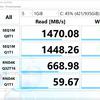
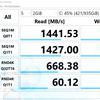
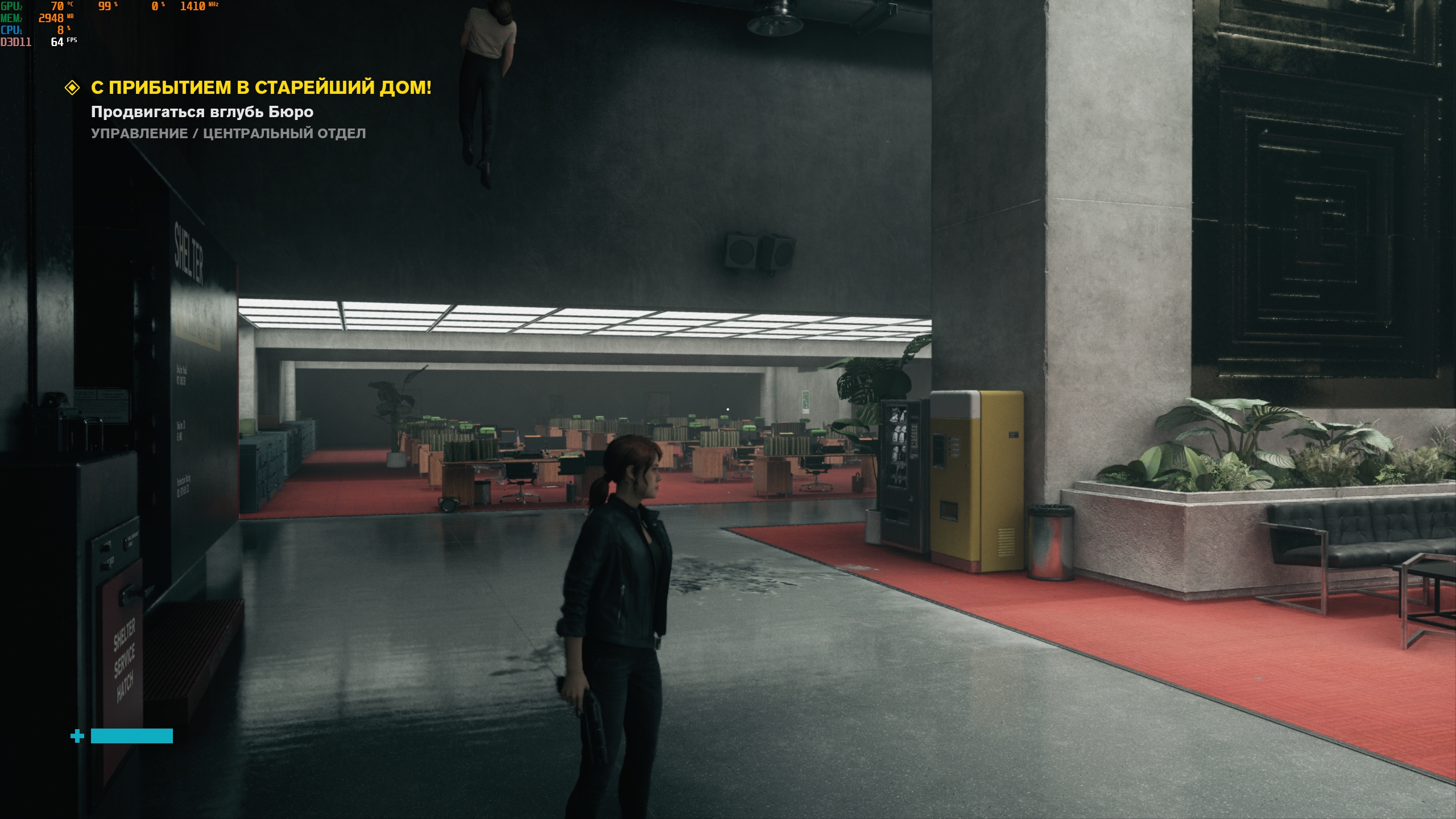
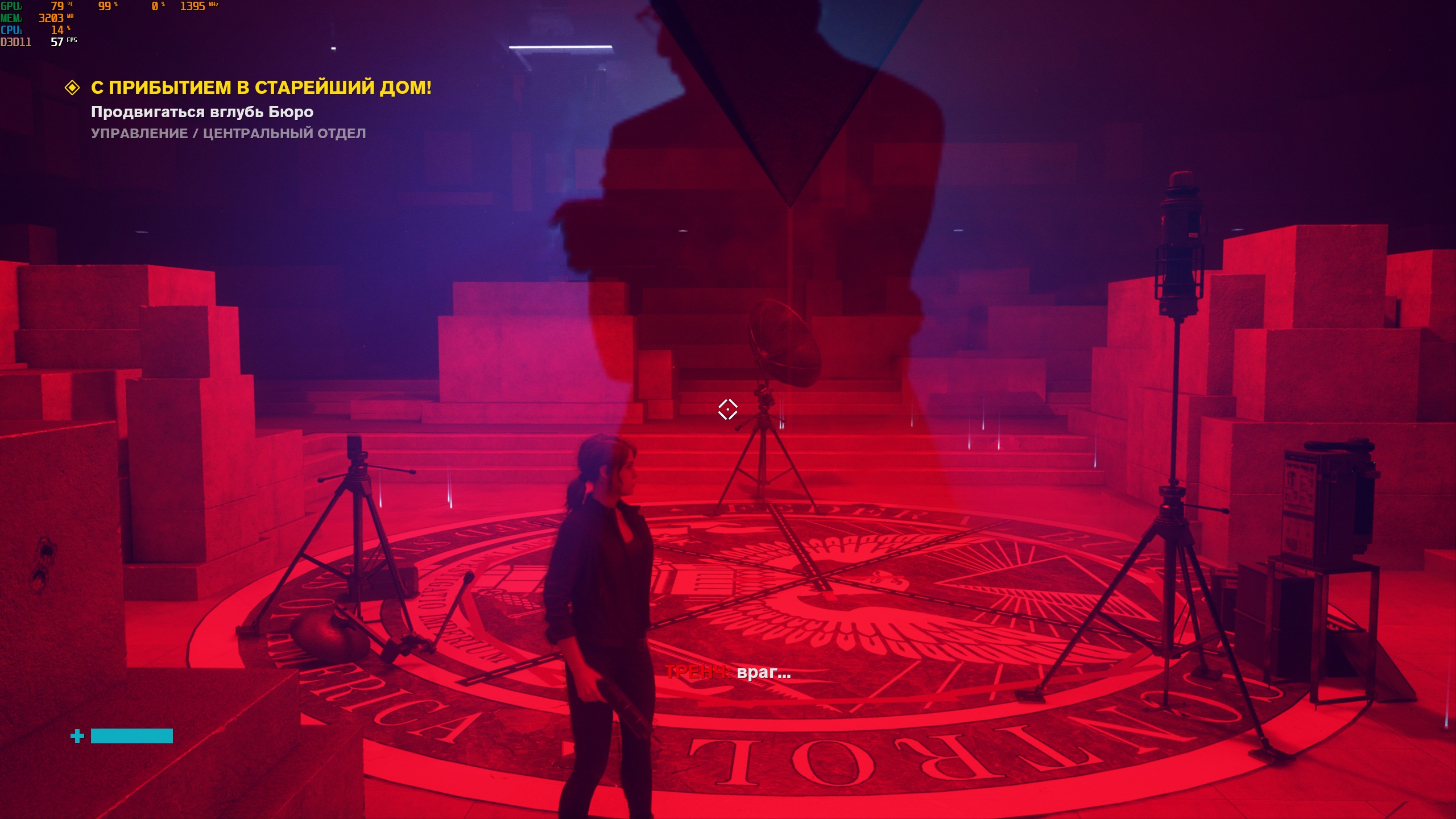
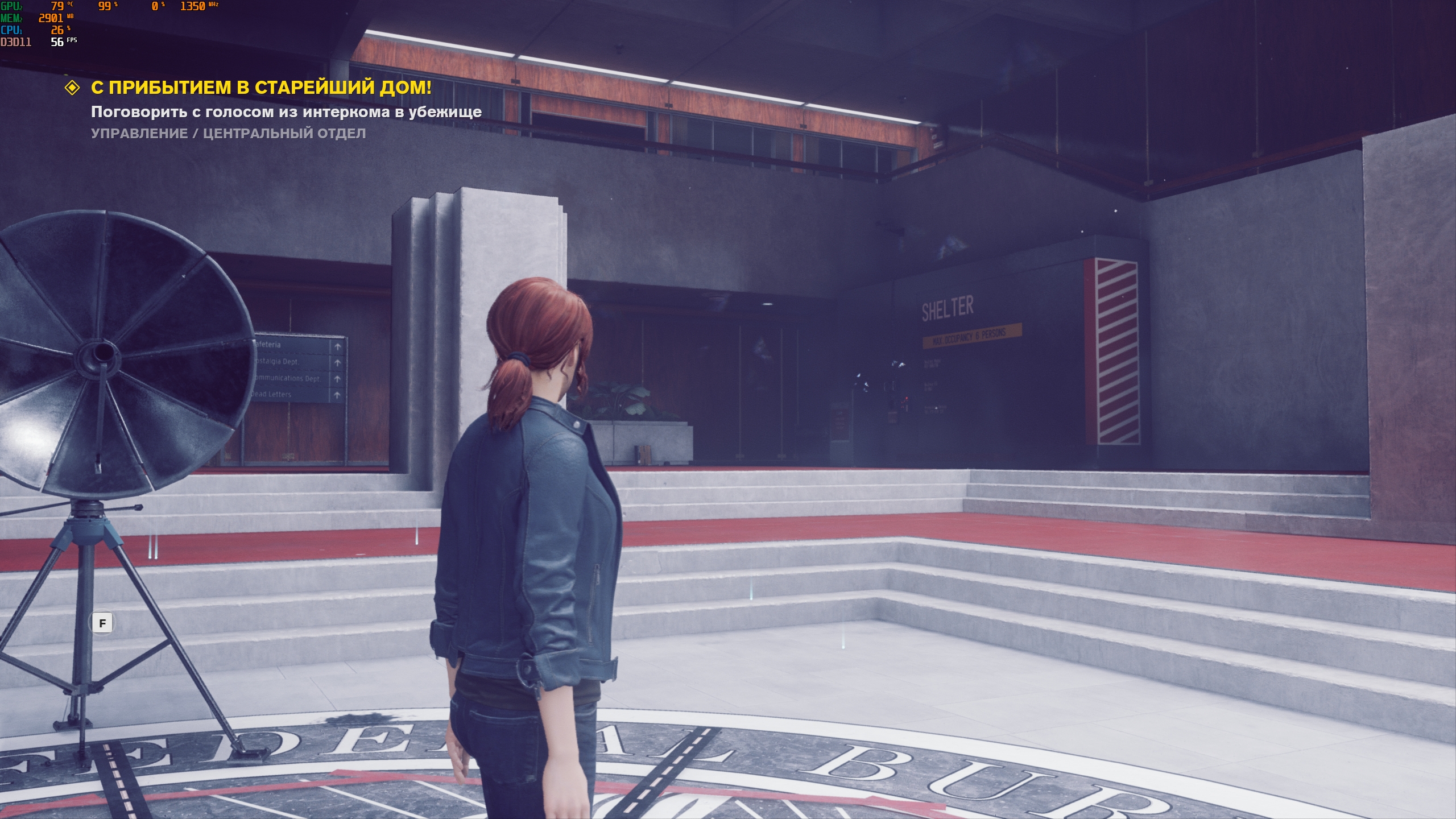
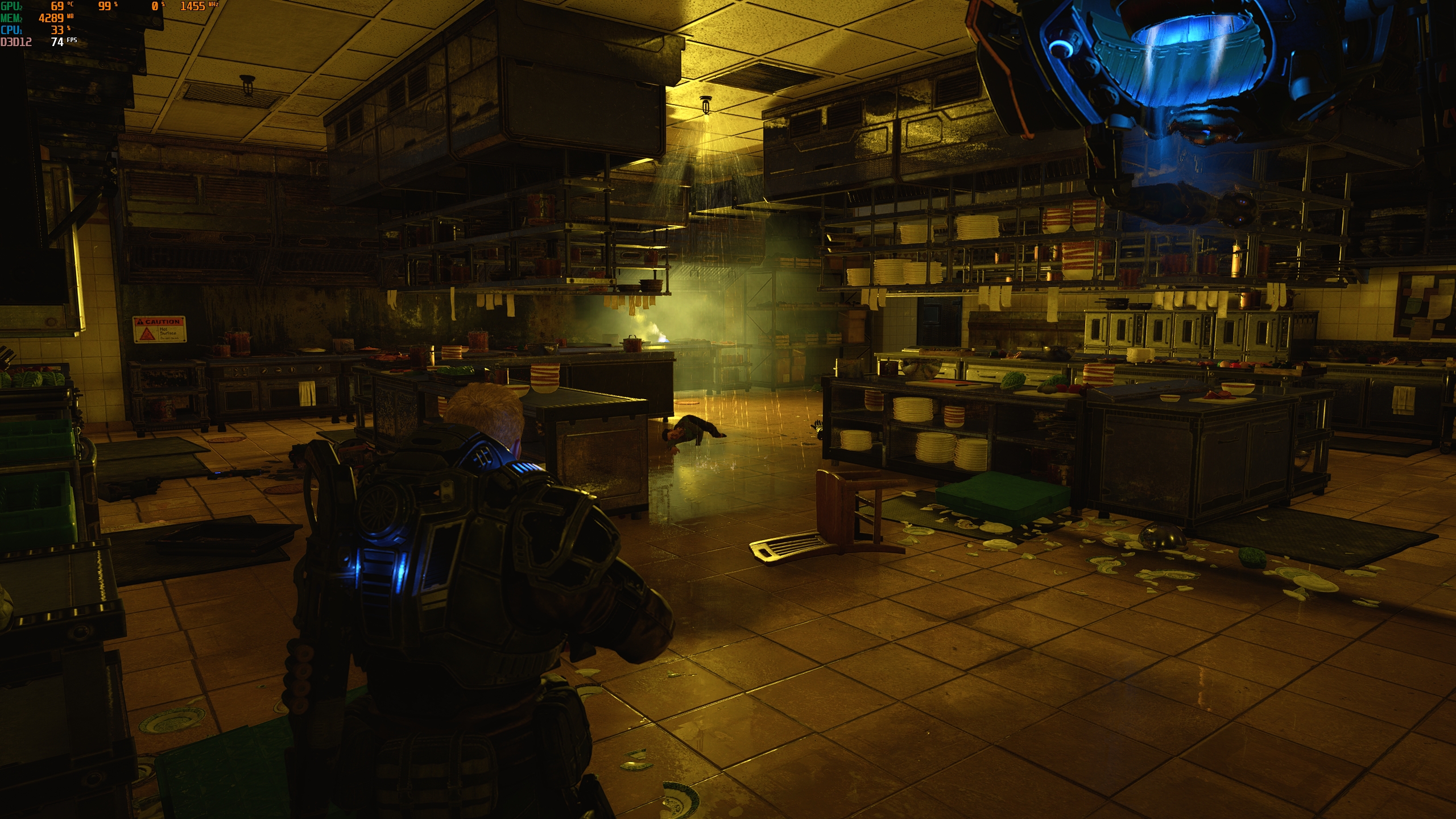
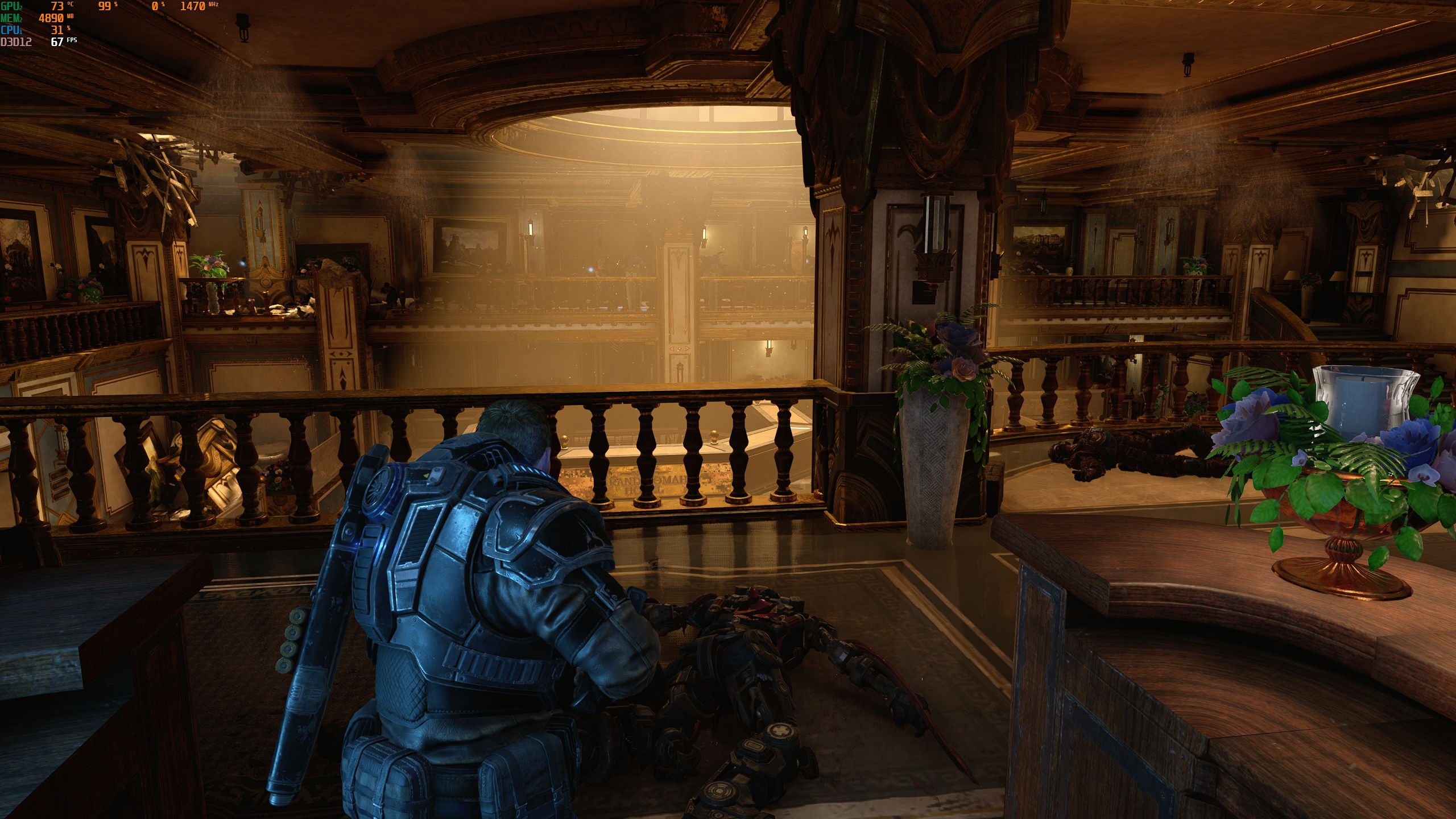
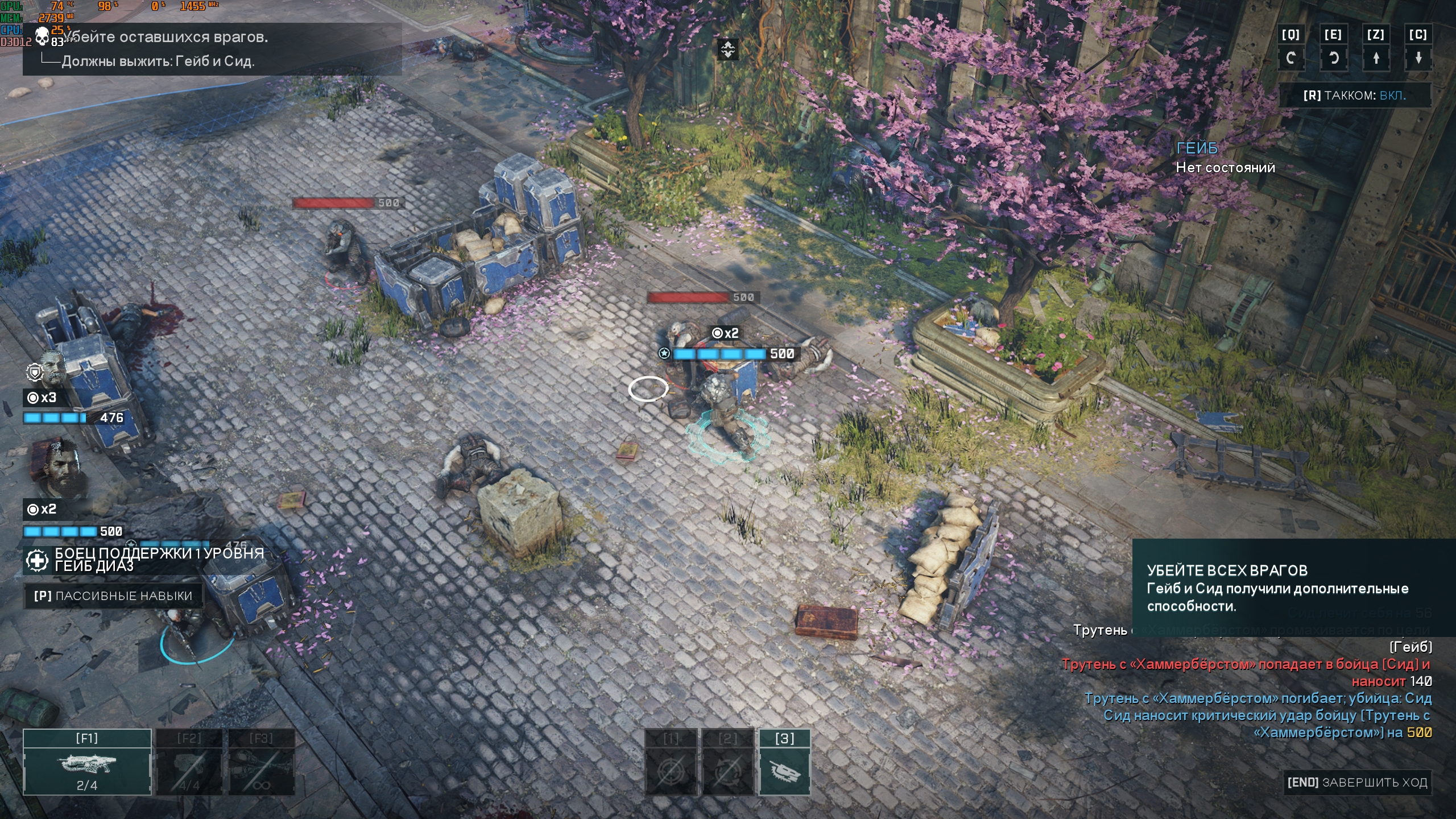
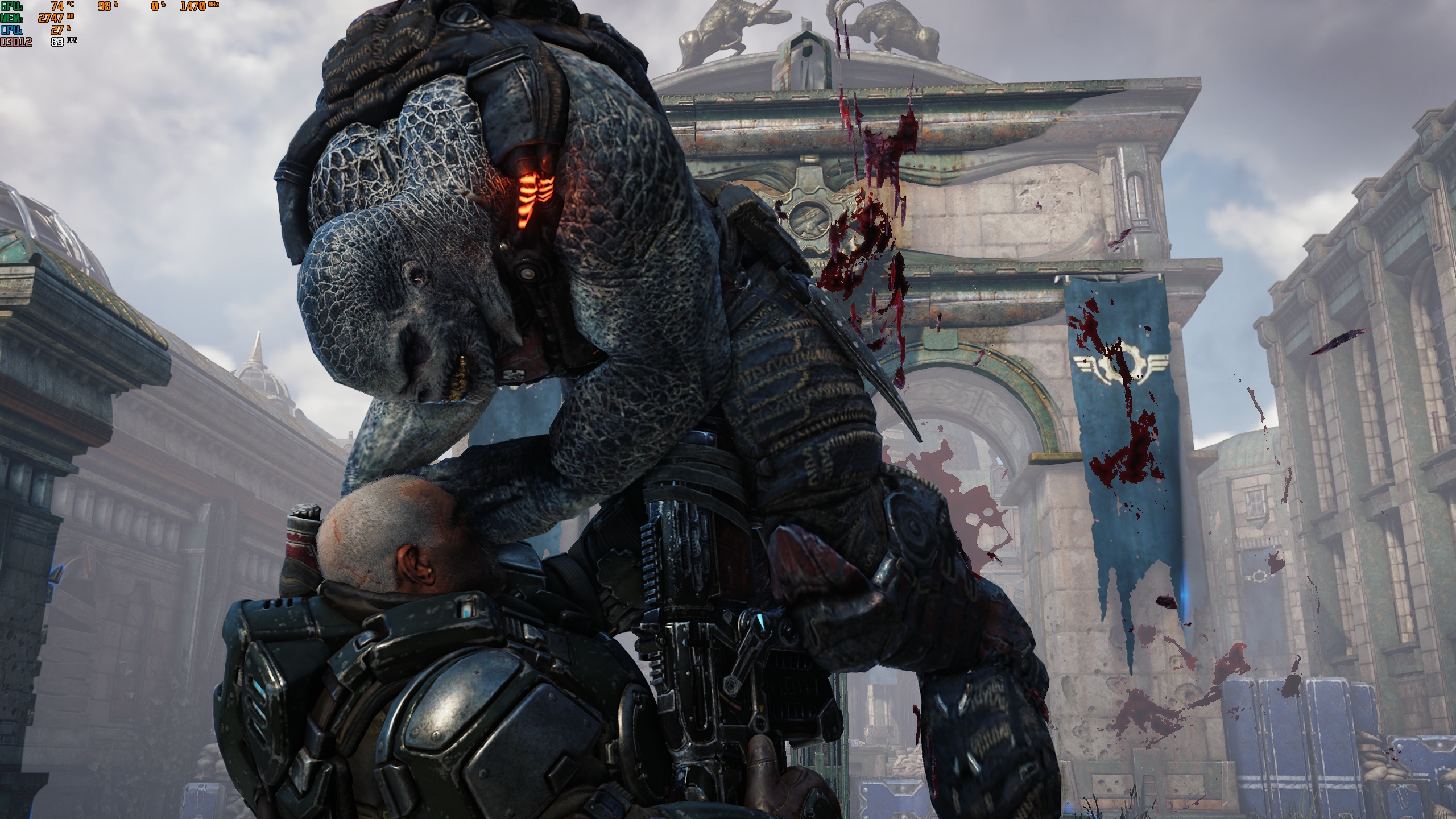
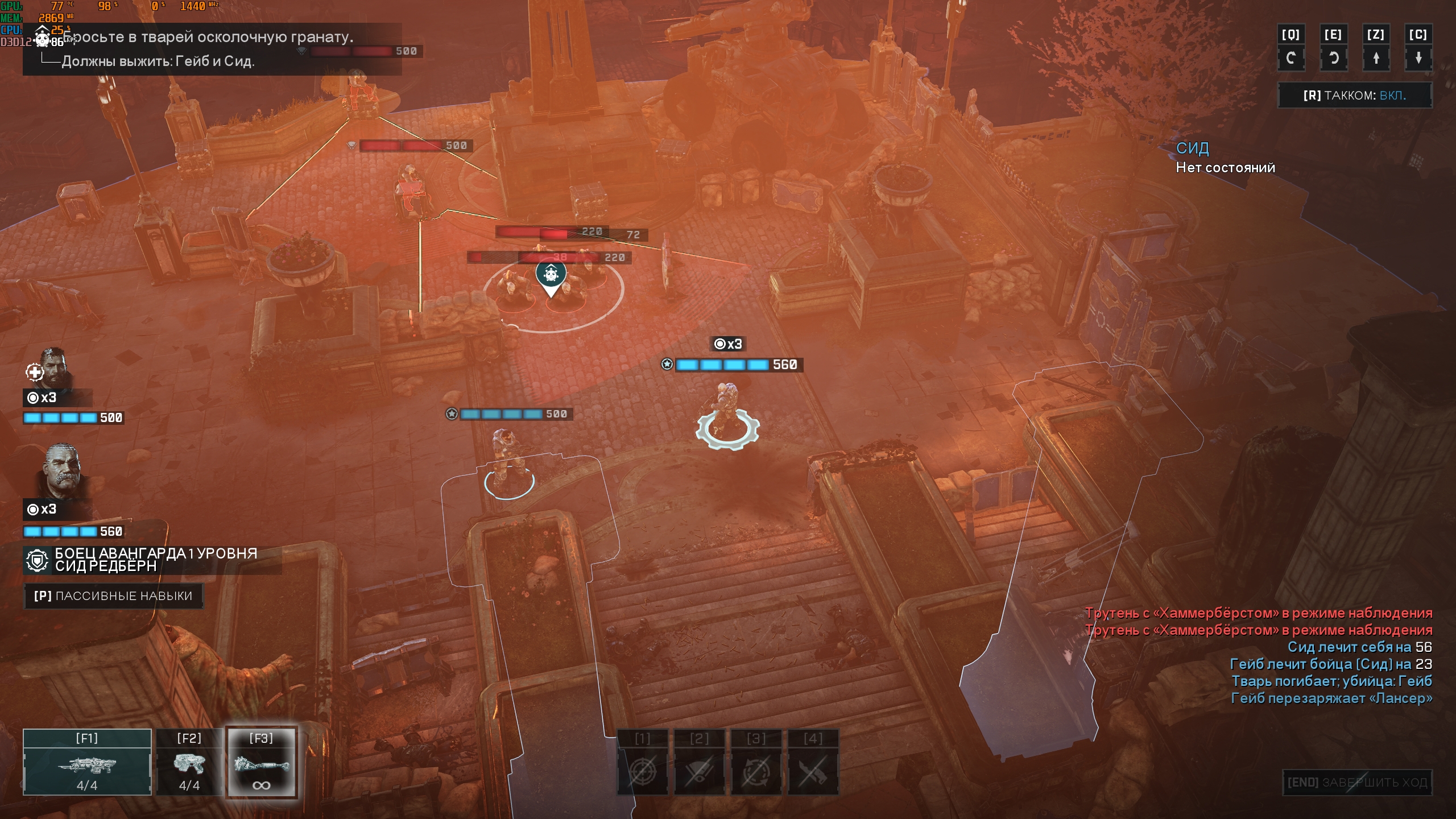
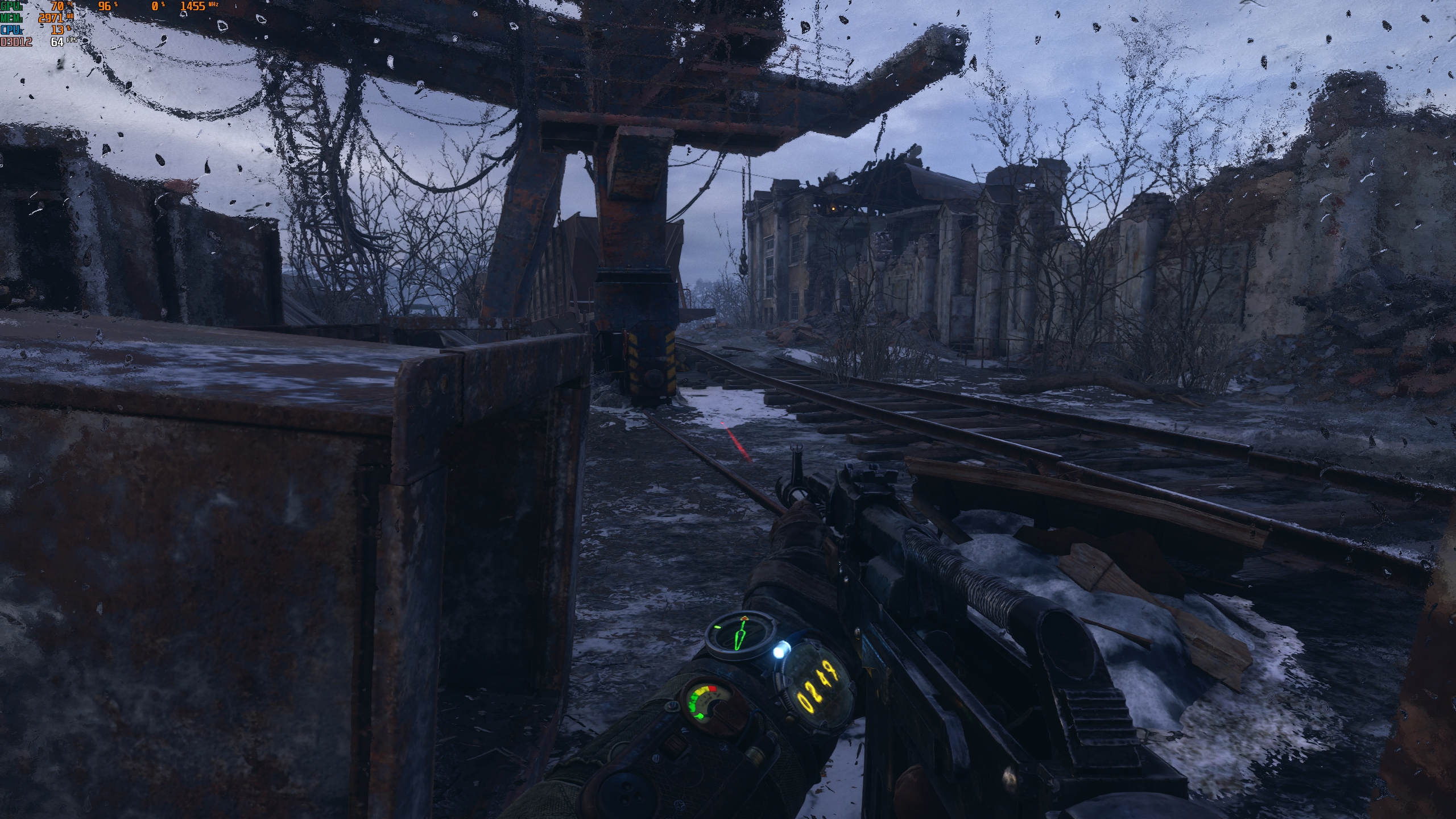
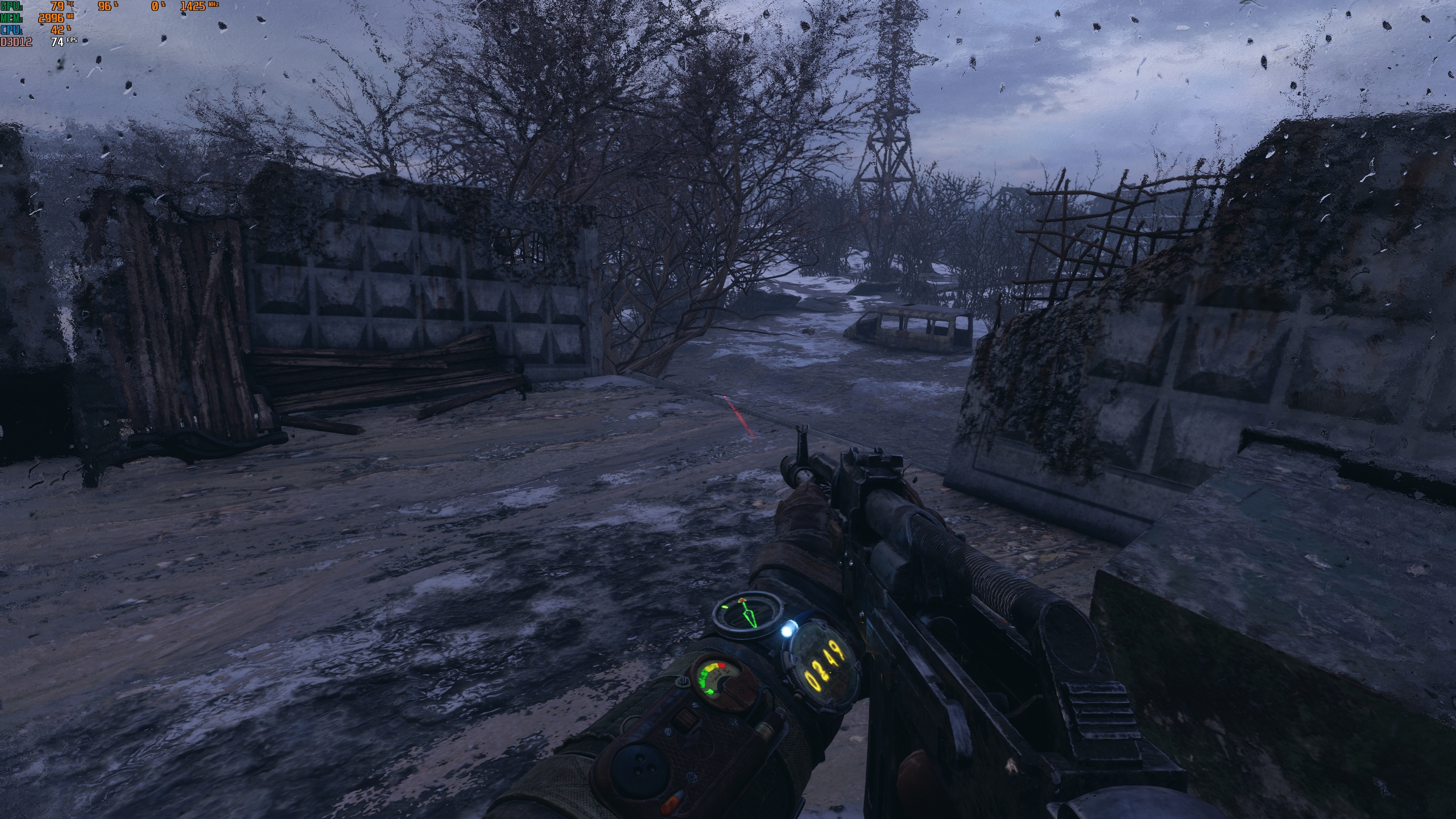
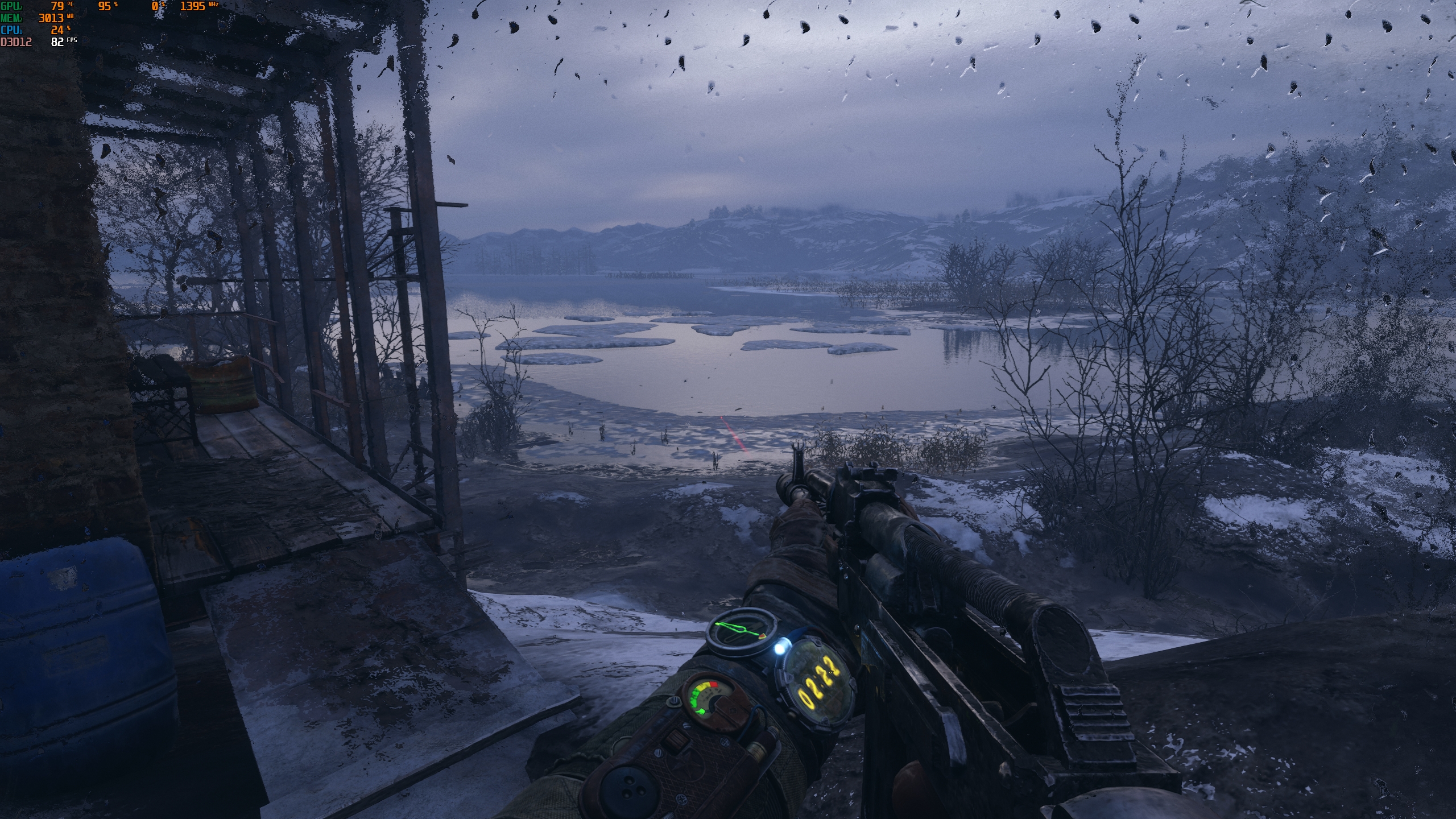
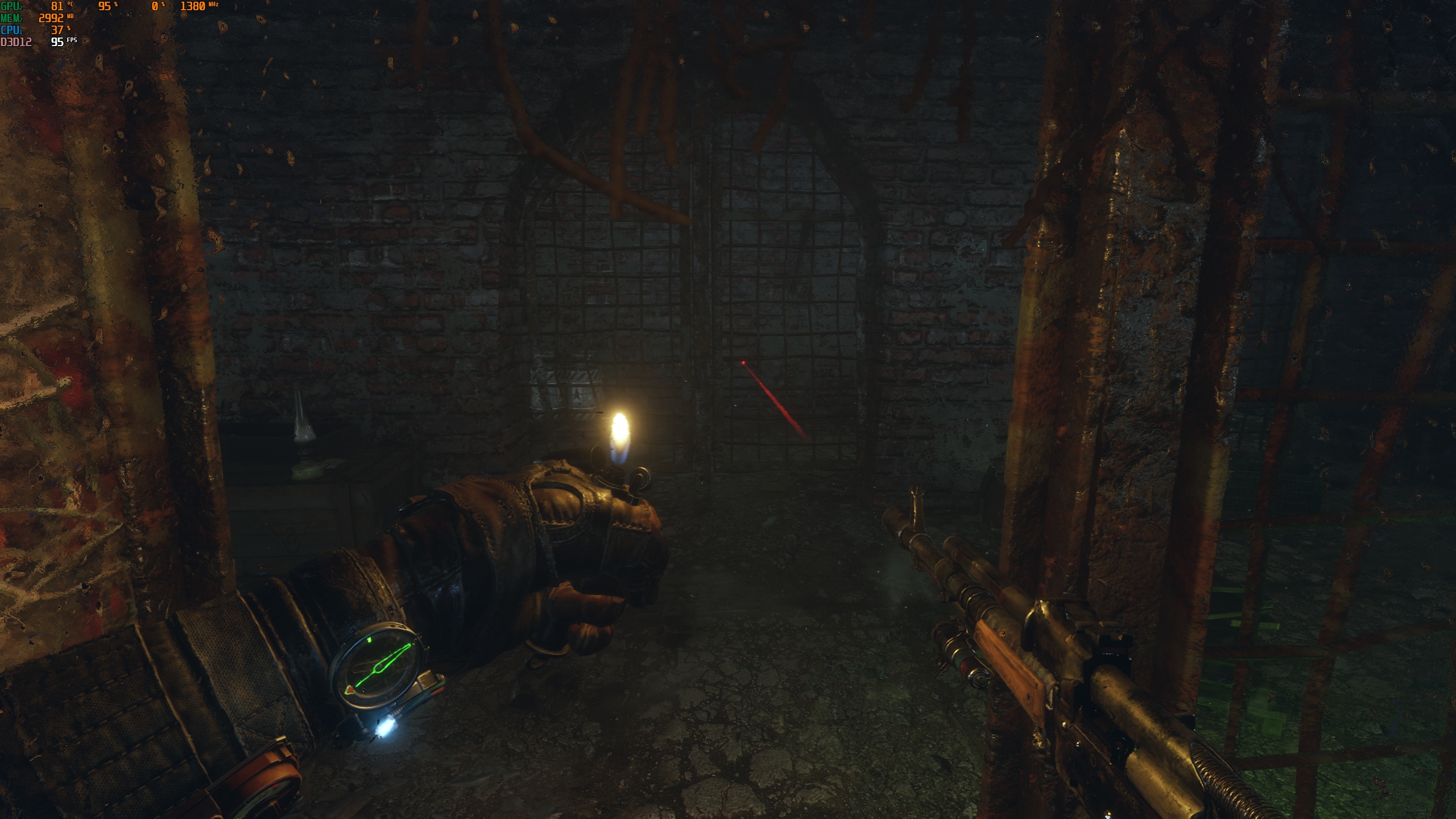
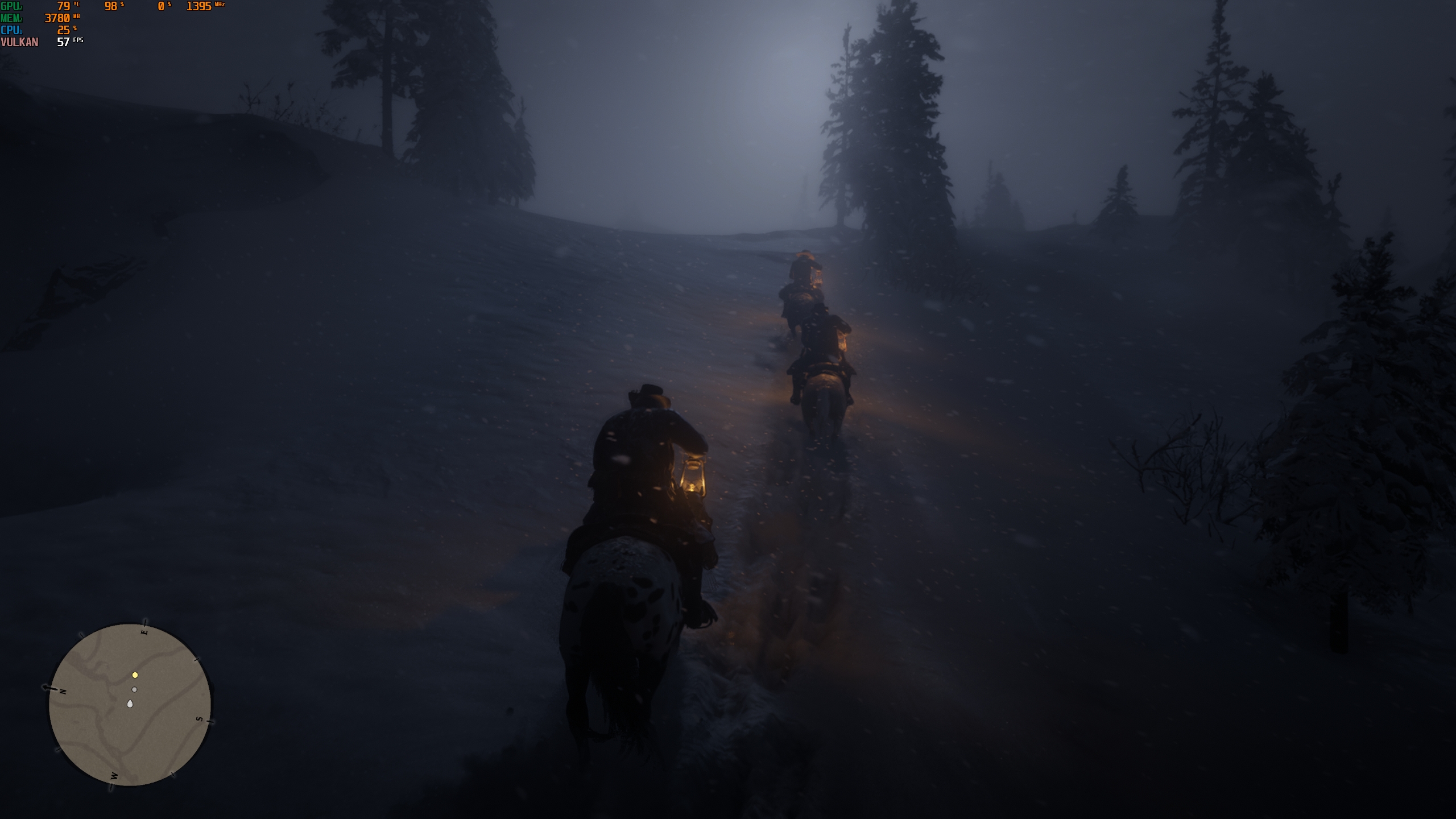
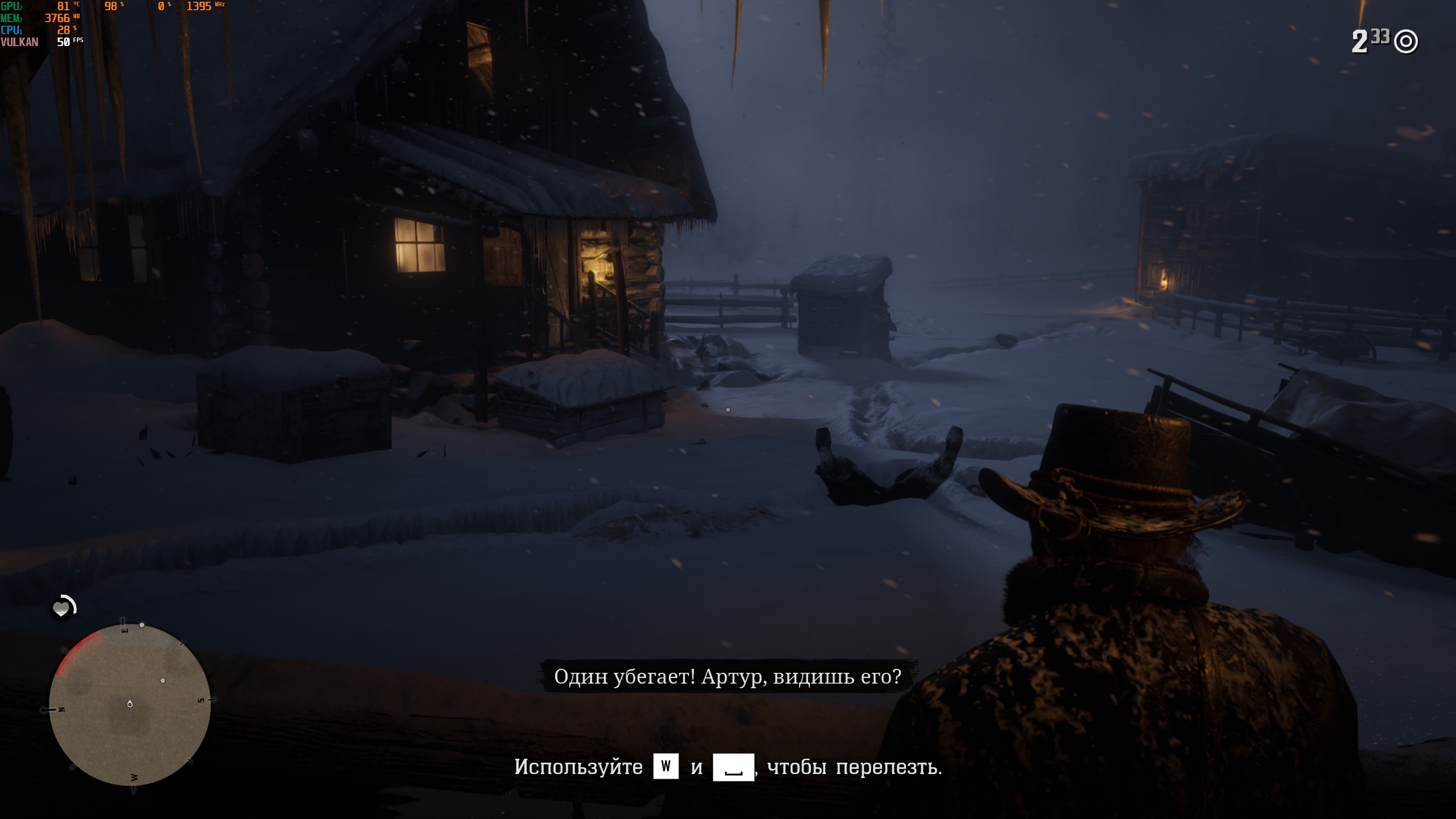
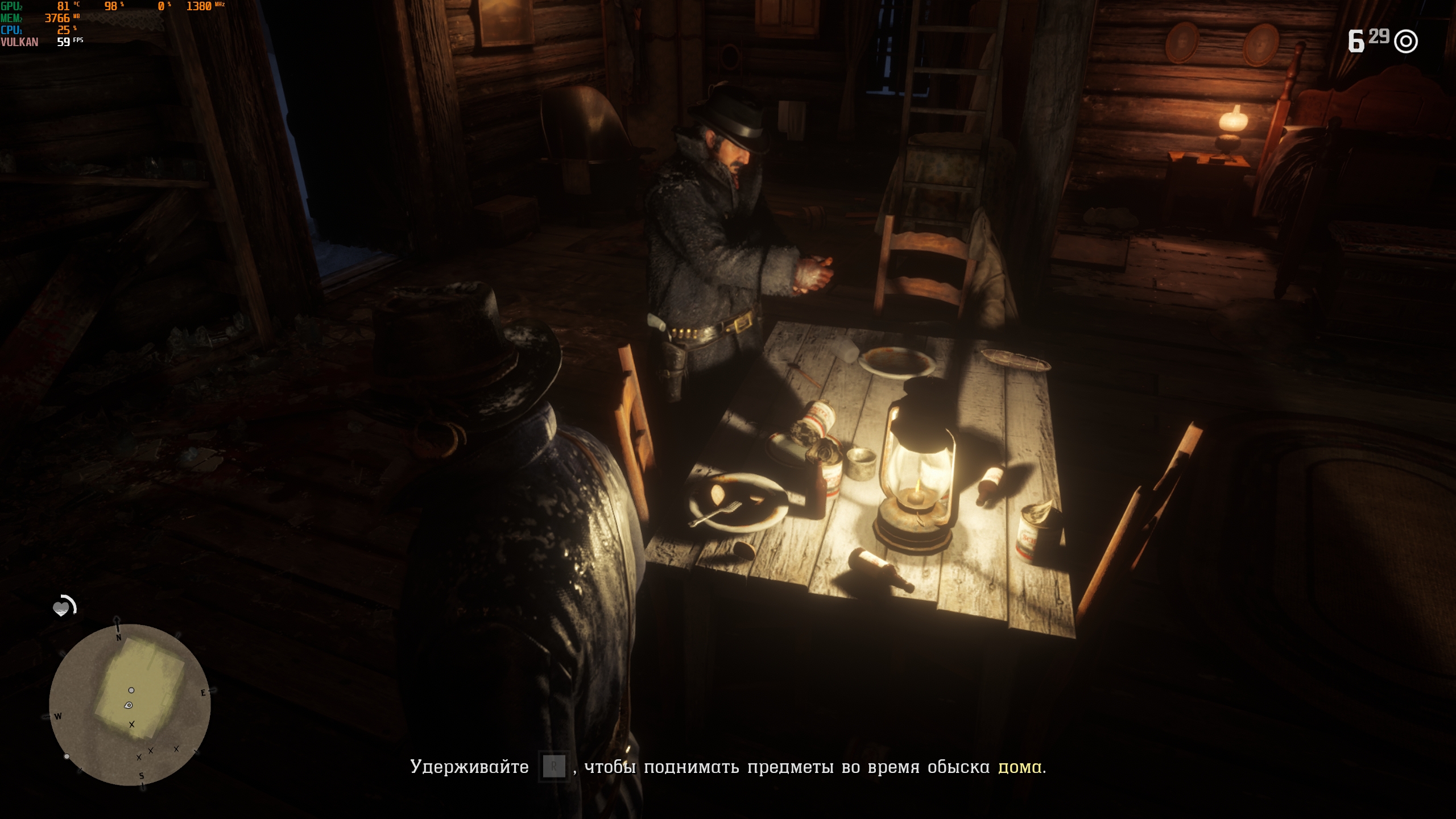
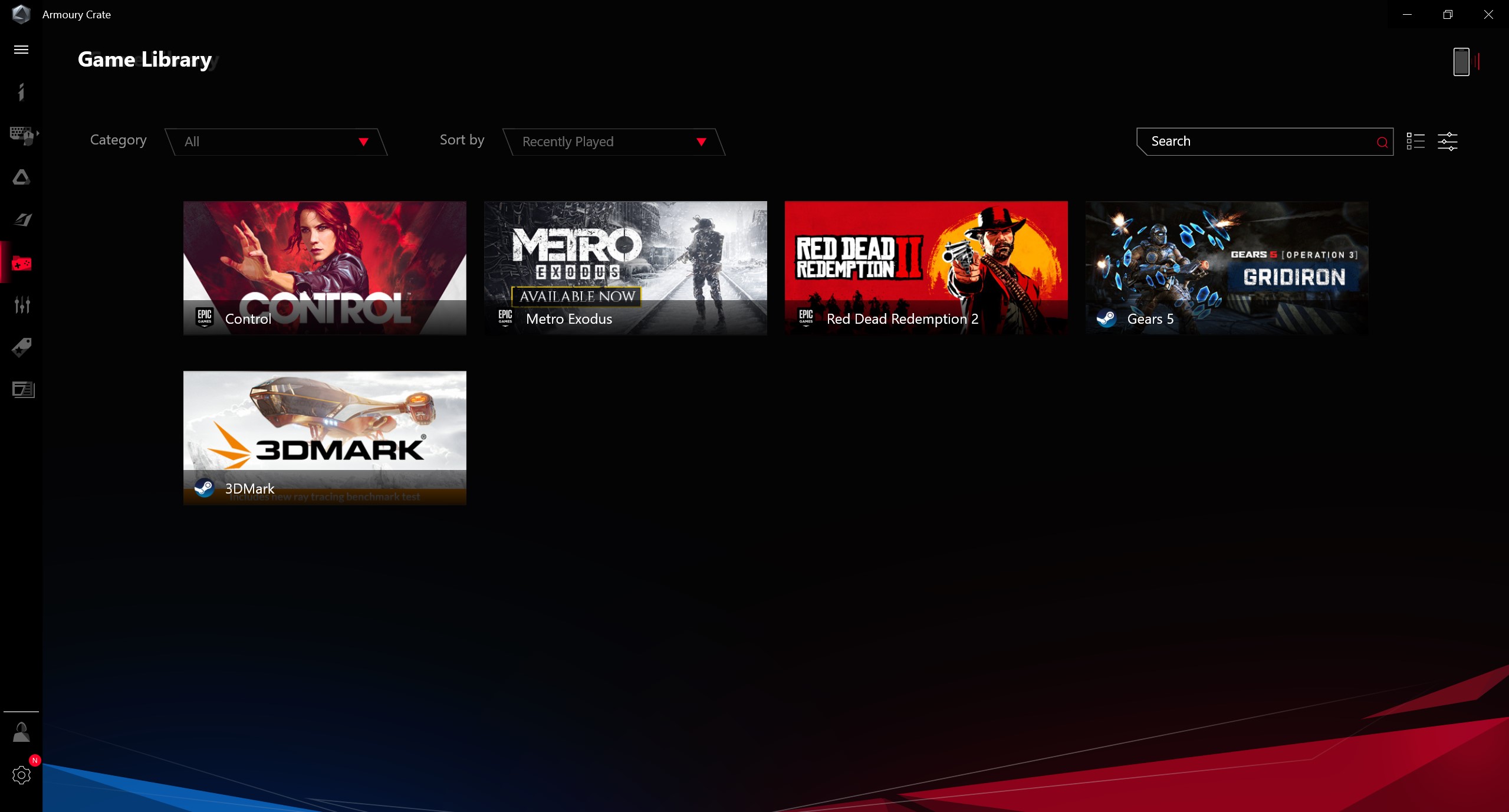
The laptop copes with games without any problems. All tested games worked in native resolution 2560x1440, the settings are high or ultra. Of course, with ray tracing, where it is supported. In Control, the frame rate value ranges from 56-64 FPS. Gears 5 - 65-75 FPS, Gears Tactics - stably slightly above 80 FPS. RDR2 - from 50 to 60 FPS. The biggest variation in Metro: Exodus: the frame rate can jump from 65 to 95 FPS:
</ img>
</ img>
</ img>
</ img>
</ img>

</ img>
</ img>
</ img>
</ img>
</ img>
</ img>
</ img>
</ img>
</ img>
</ img>
</ img>














Gaming laptops can't boast a long battery lifebattery life. But the ASUS ROG Zephyrus G14 was a very pleasant surprise in this regard. It looks like the new Ryzens turned out to be very energy efficient. The laptop uses a 76 Wh battery. In the PC Mark synthetic test, the laptop lasted just under 10 hours. Under real-life conditions of my standard office workload (Wi-Fi, low brightness, a browser with a bunch of tabs, documents, a little basic Photoshop and music on headphones), the laptop lasted just under 7 hours. Which is generally unattainable in conventional gaming models, and not all ultra-compacts can withstand that much. From the included 180 W power supply, the laptop charges in just over 2 hours. Thanks to support for Power Delivery 3.0 at 65 W, you can keep a compact power supply in the office and leave a large complete power supply at home.
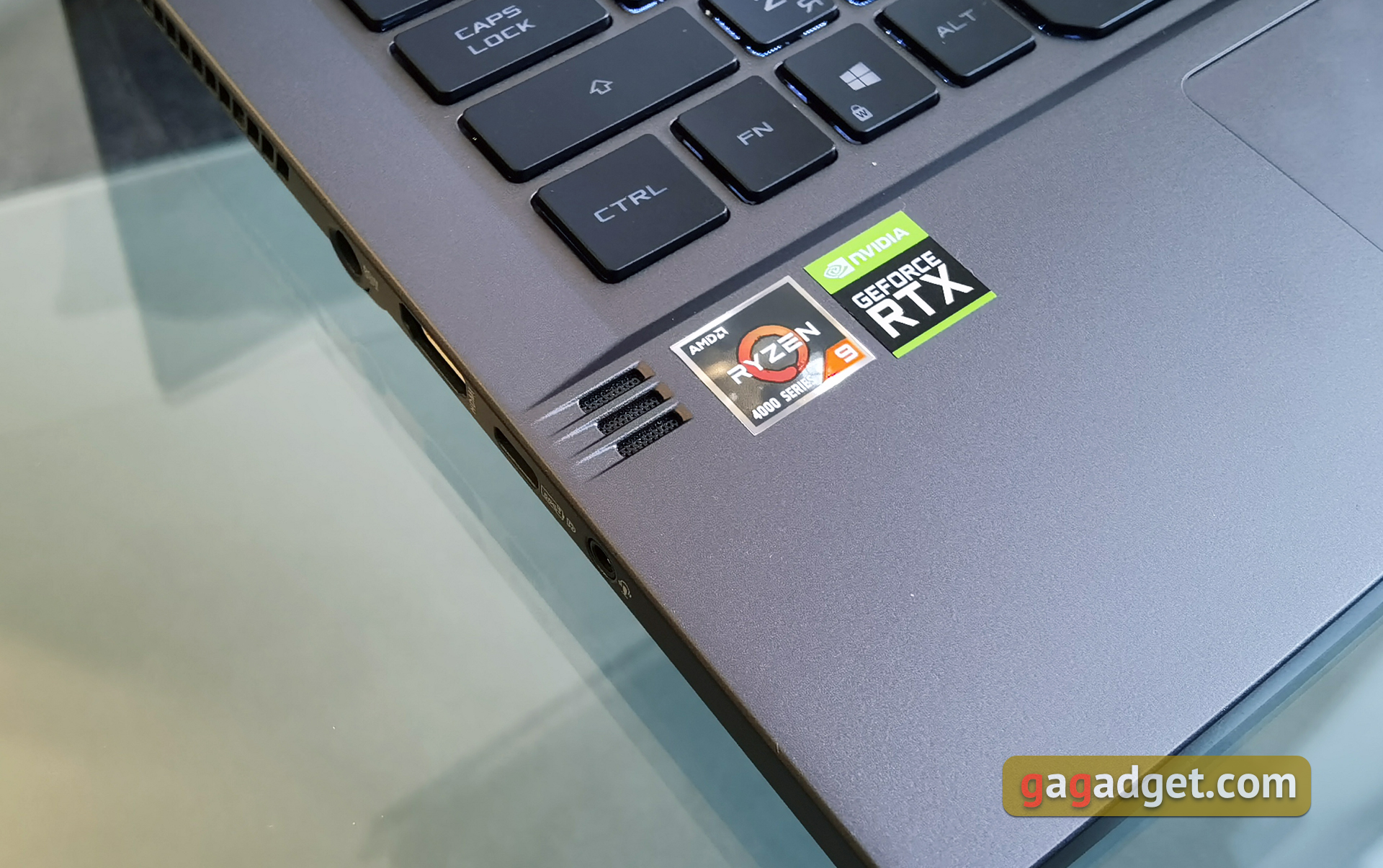
For sound in a laptop, a system of 4speakers: 2 to 2.5 watts are directed down and another 2 tweeters of 0.7 watts are located on each side of the keyboard. The sound of the laptop produces a very loud and high-quality. There is even a small amount of bass that is not so common on laptops.
</ img>
</ img>
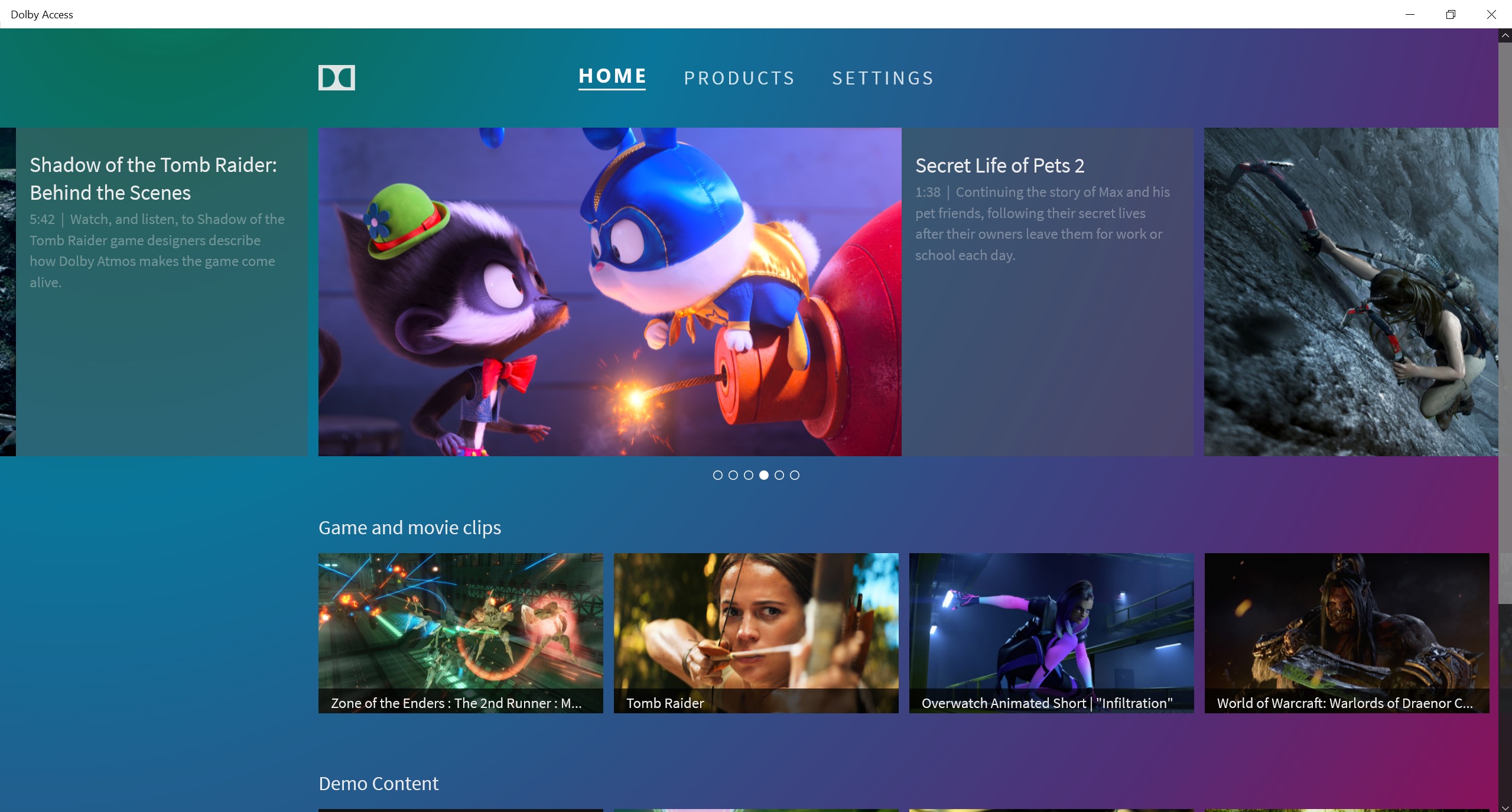
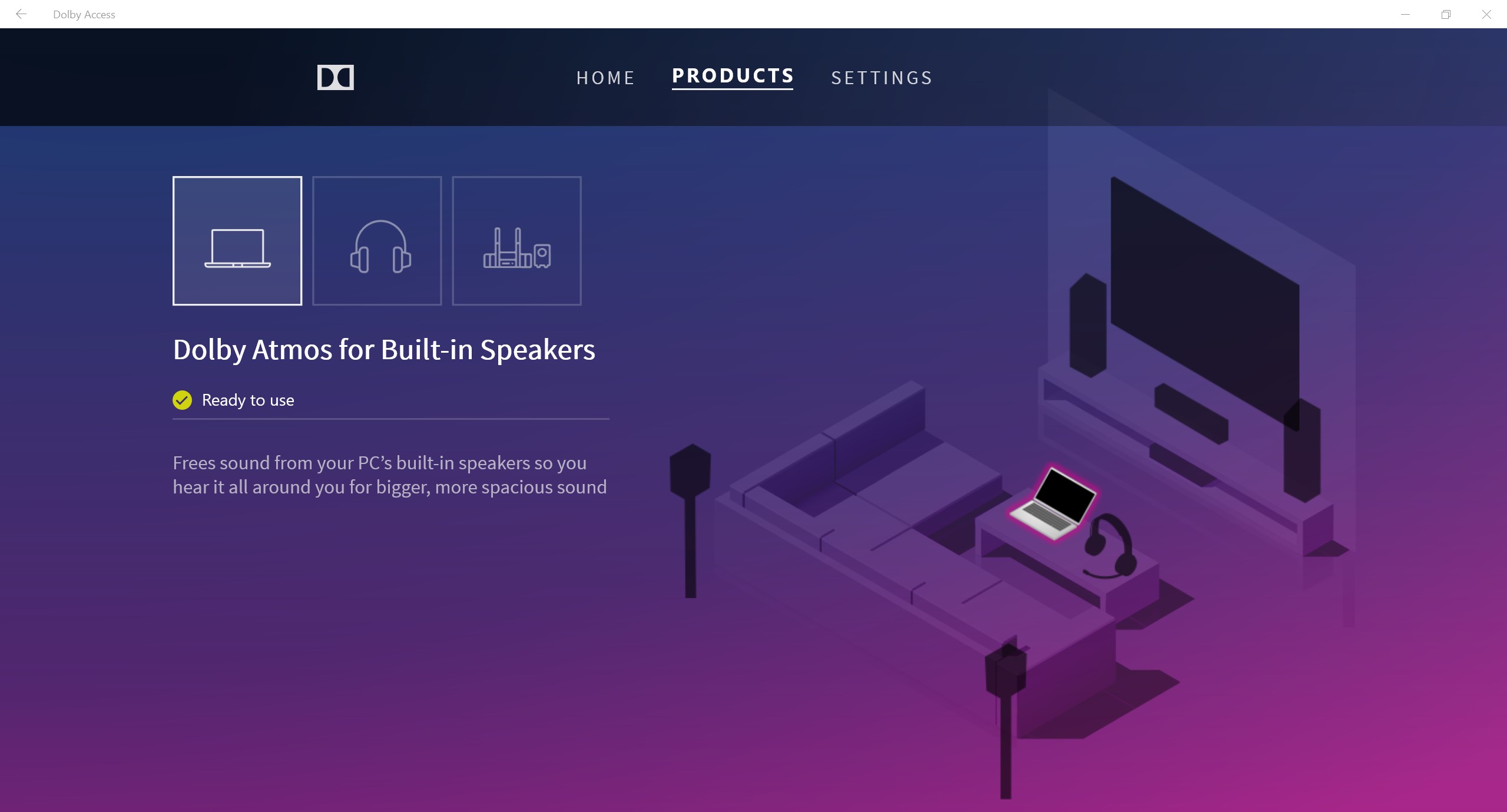
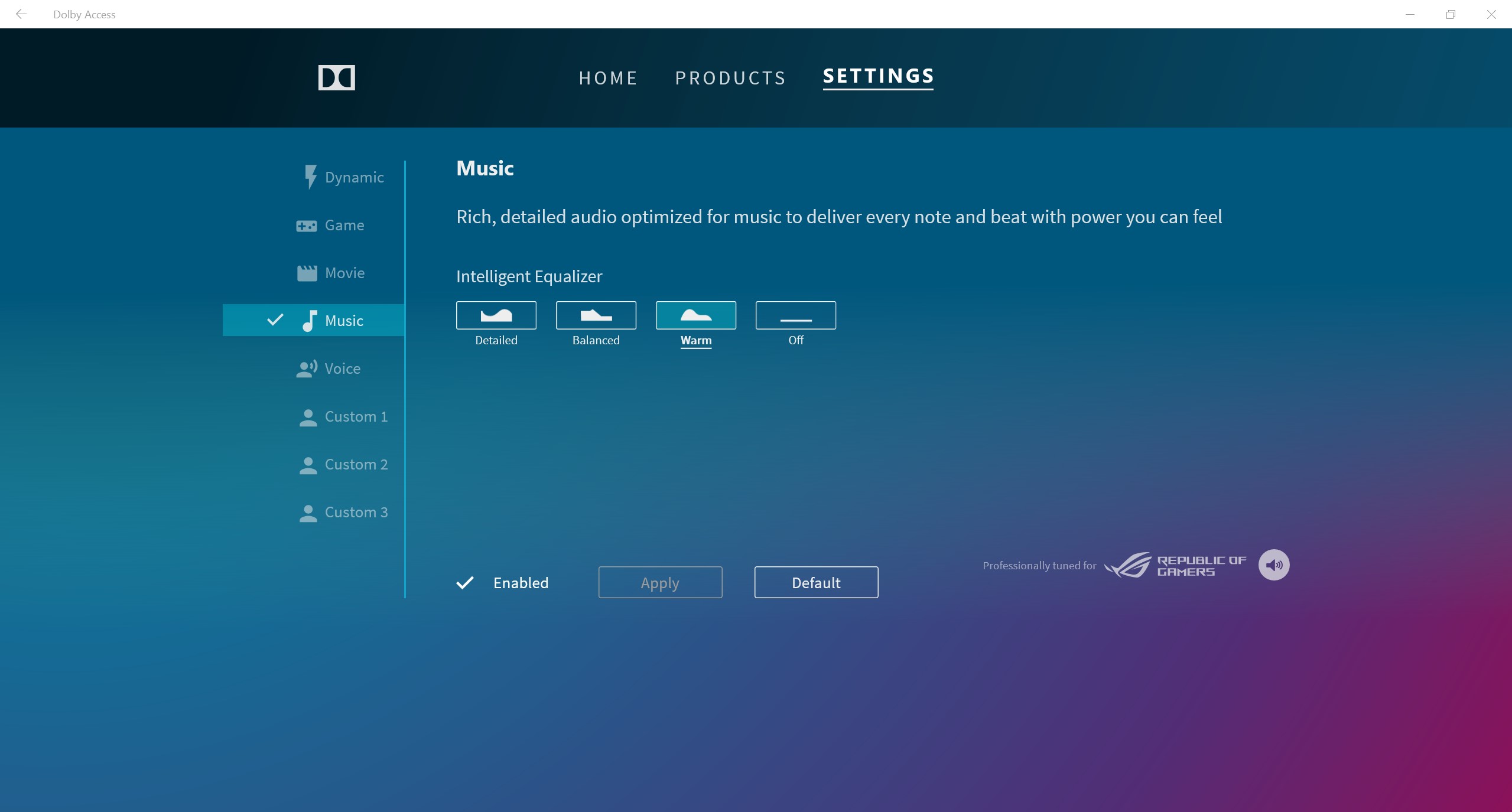
To adjust the sound there is a Dolby Access application with an equalizer and other amenities.
</ img>
</ img>
</ img>



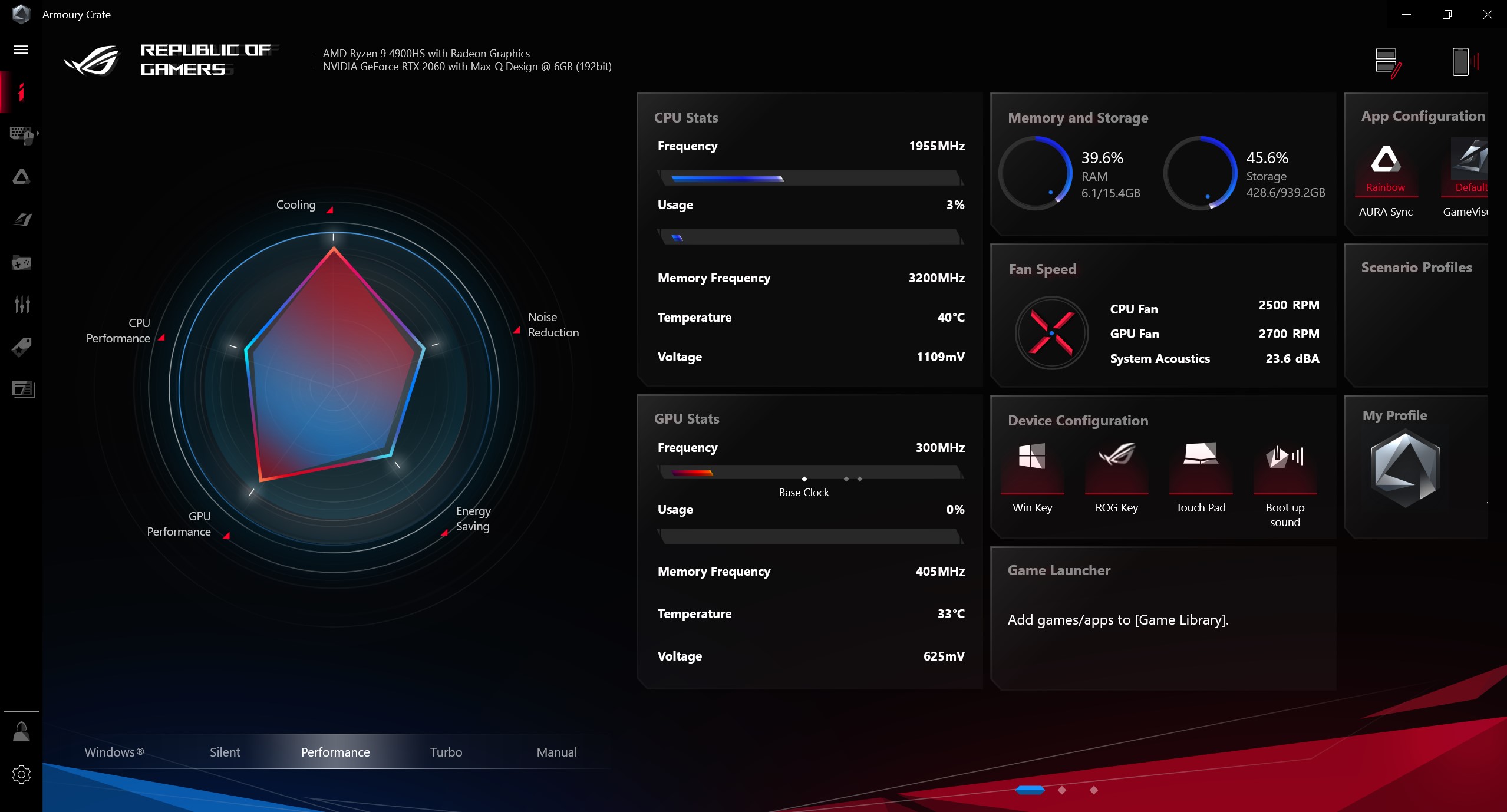
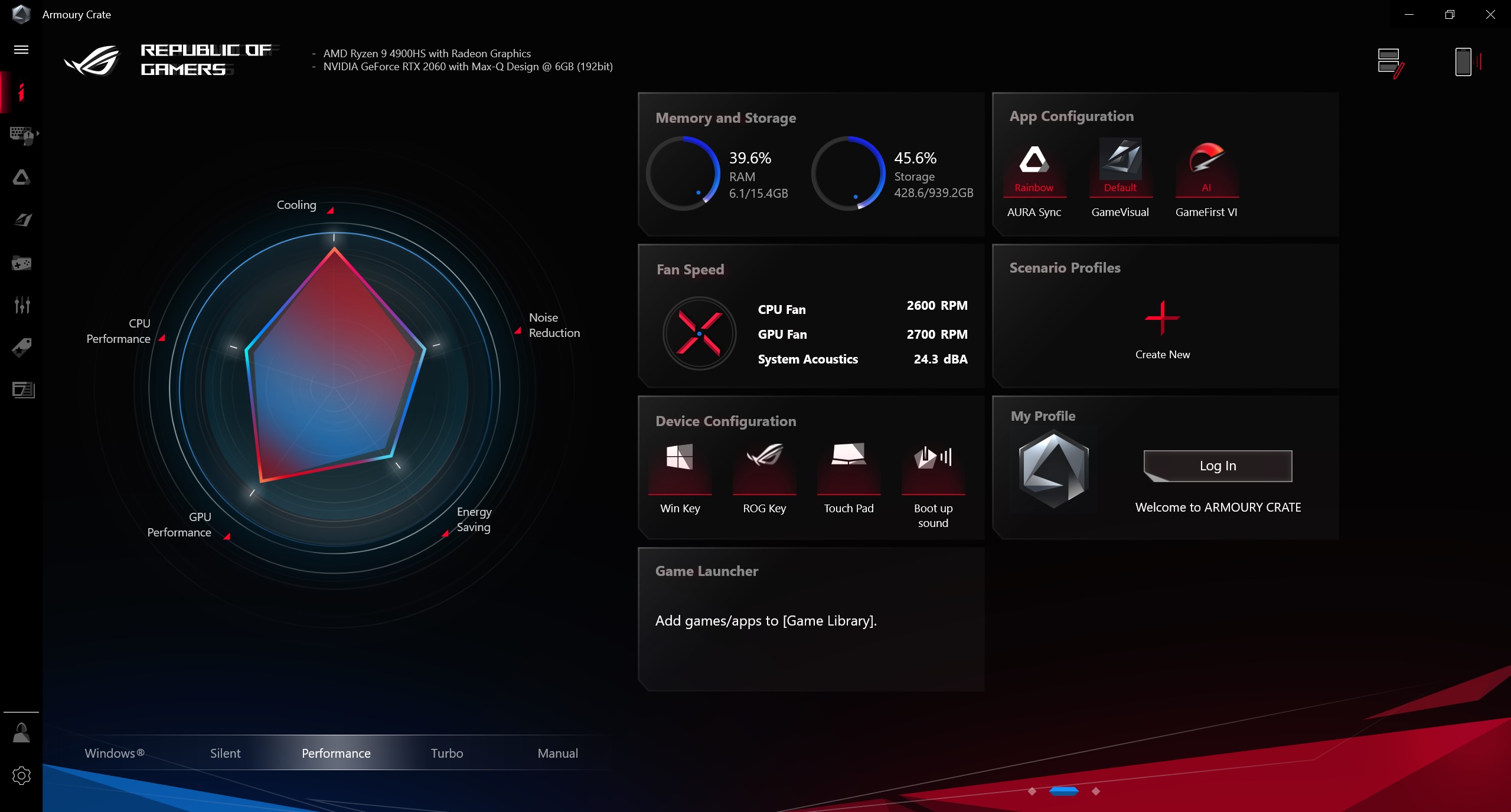
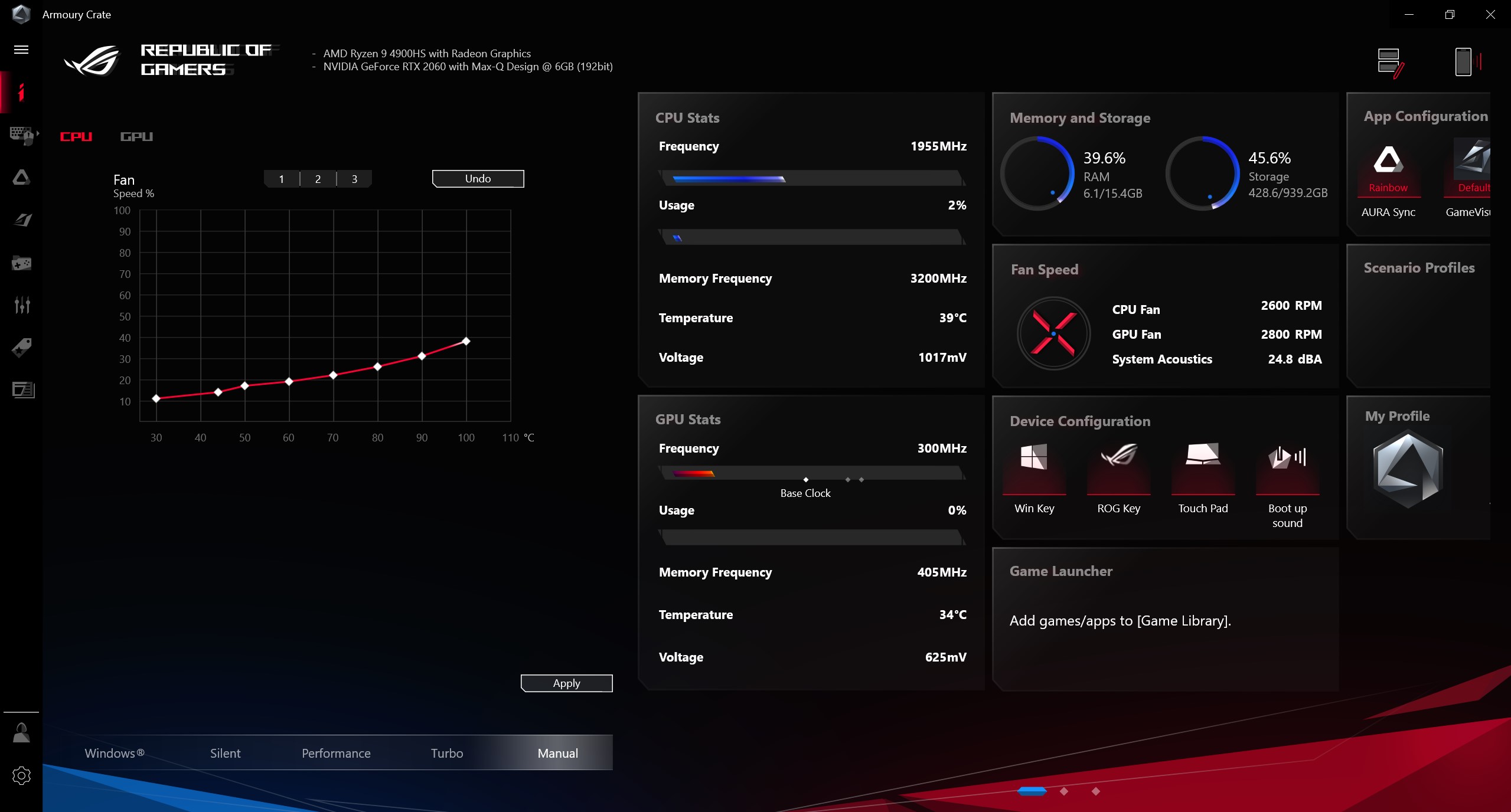
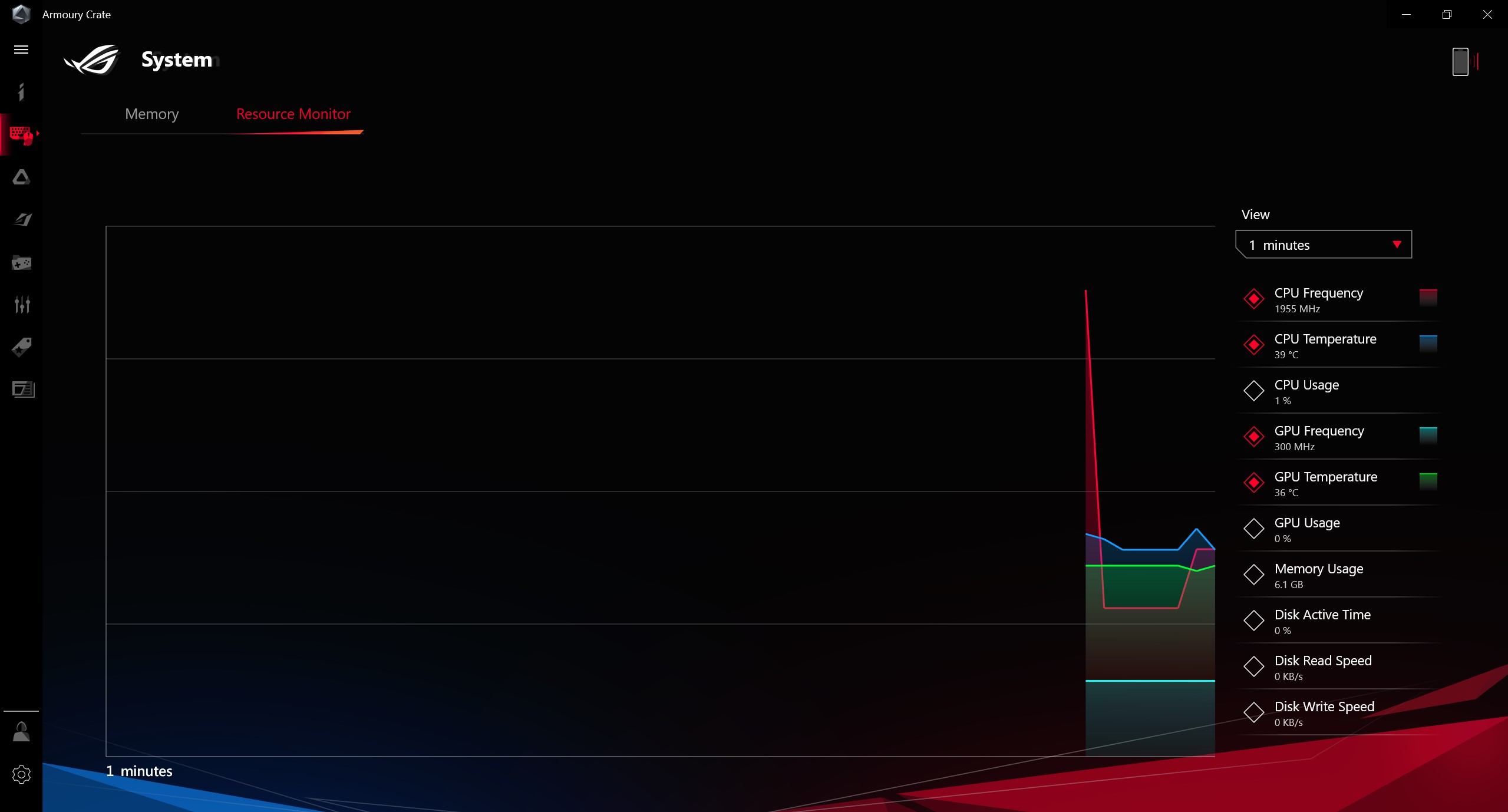
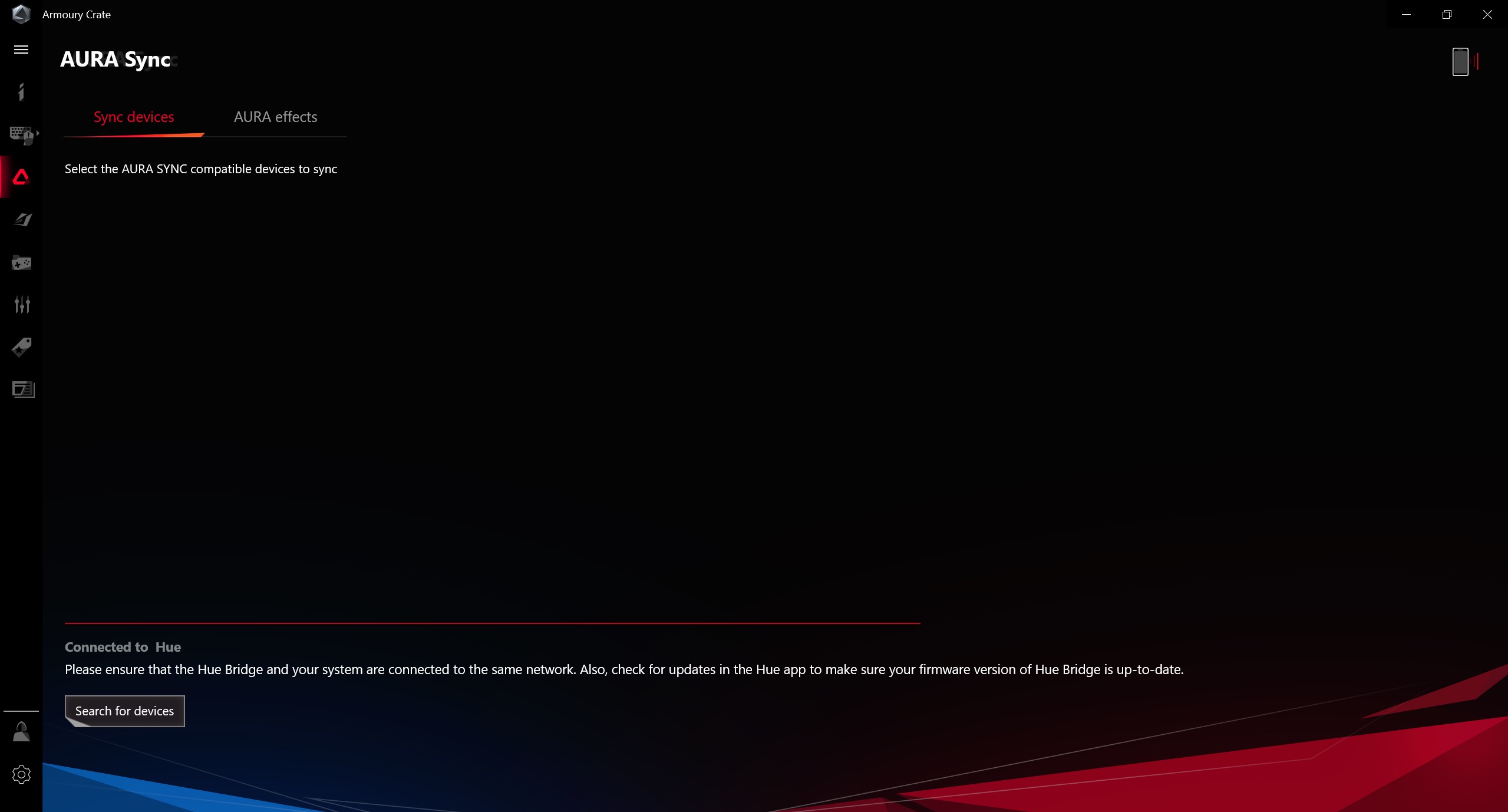
In addition to ROG Game Visual, a laptop is installedArmory Crate proprietary application for all basic laptop settings. Including operating modes (including those with manual settings), backlight, updates, and so on:
</ img>
</ img>
</ img>

</ img>

</ img>
</ img>
</ img>
</ img>
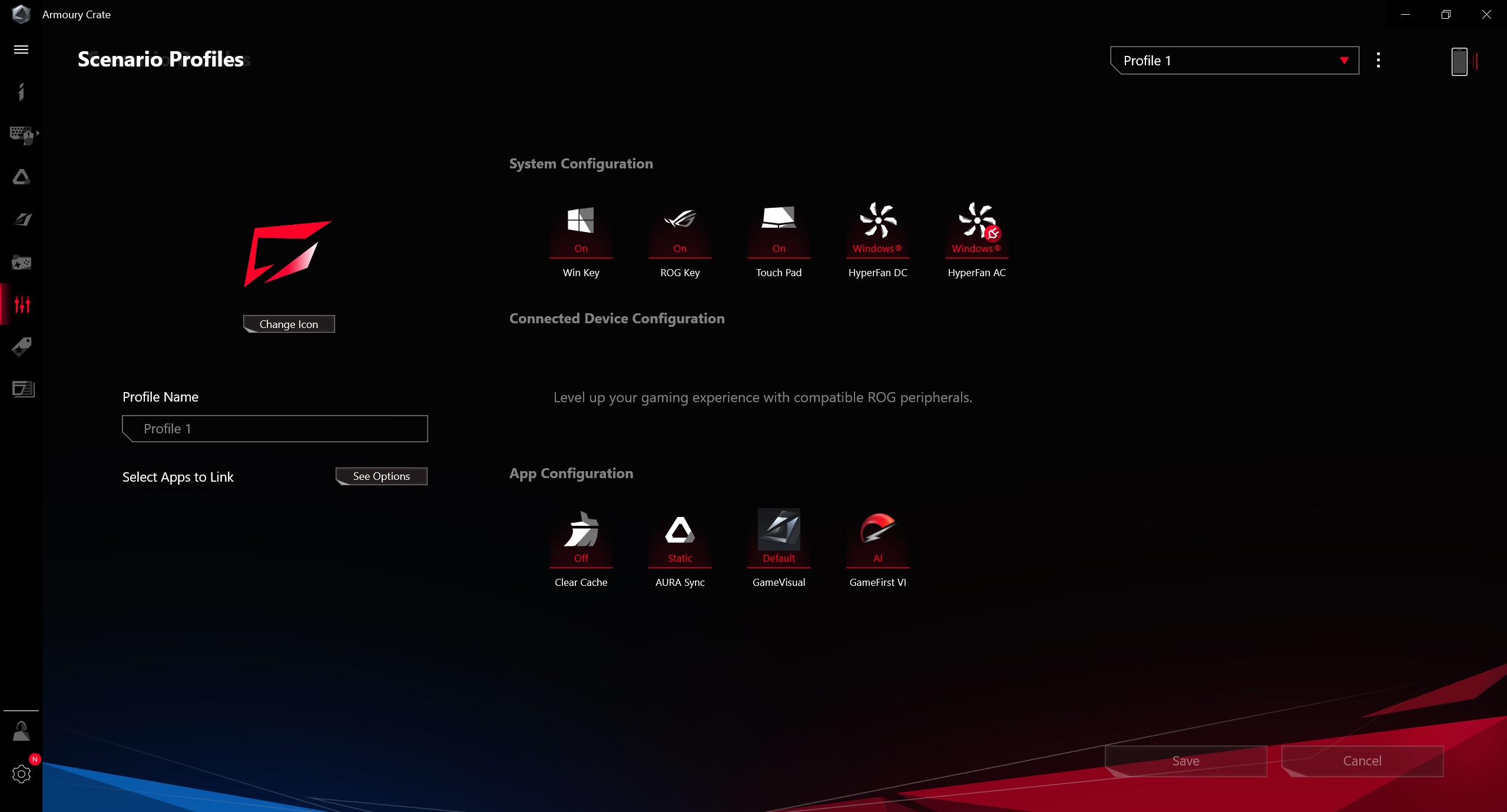
</ img>
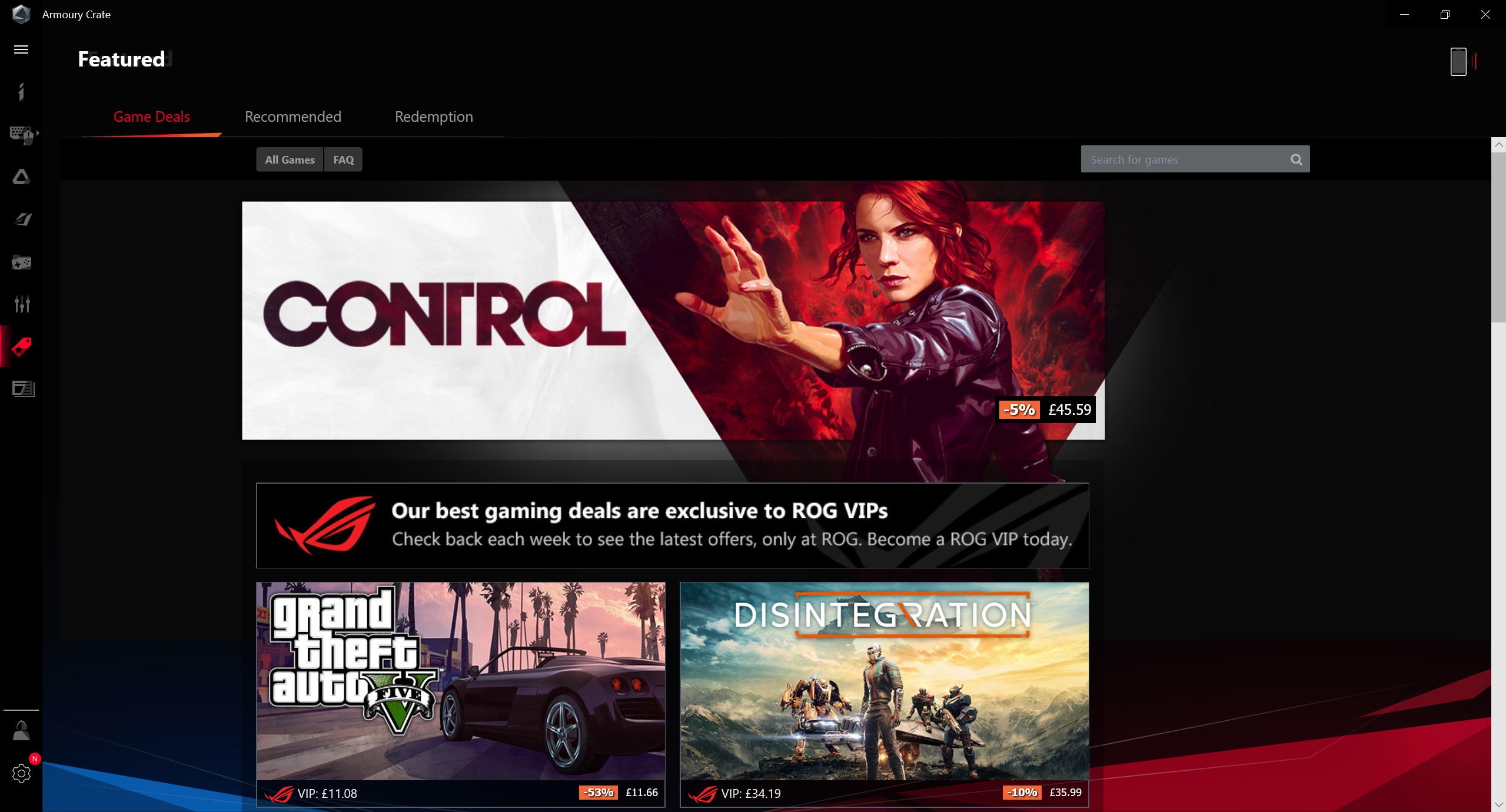
</ img>
</ img>

</ img>
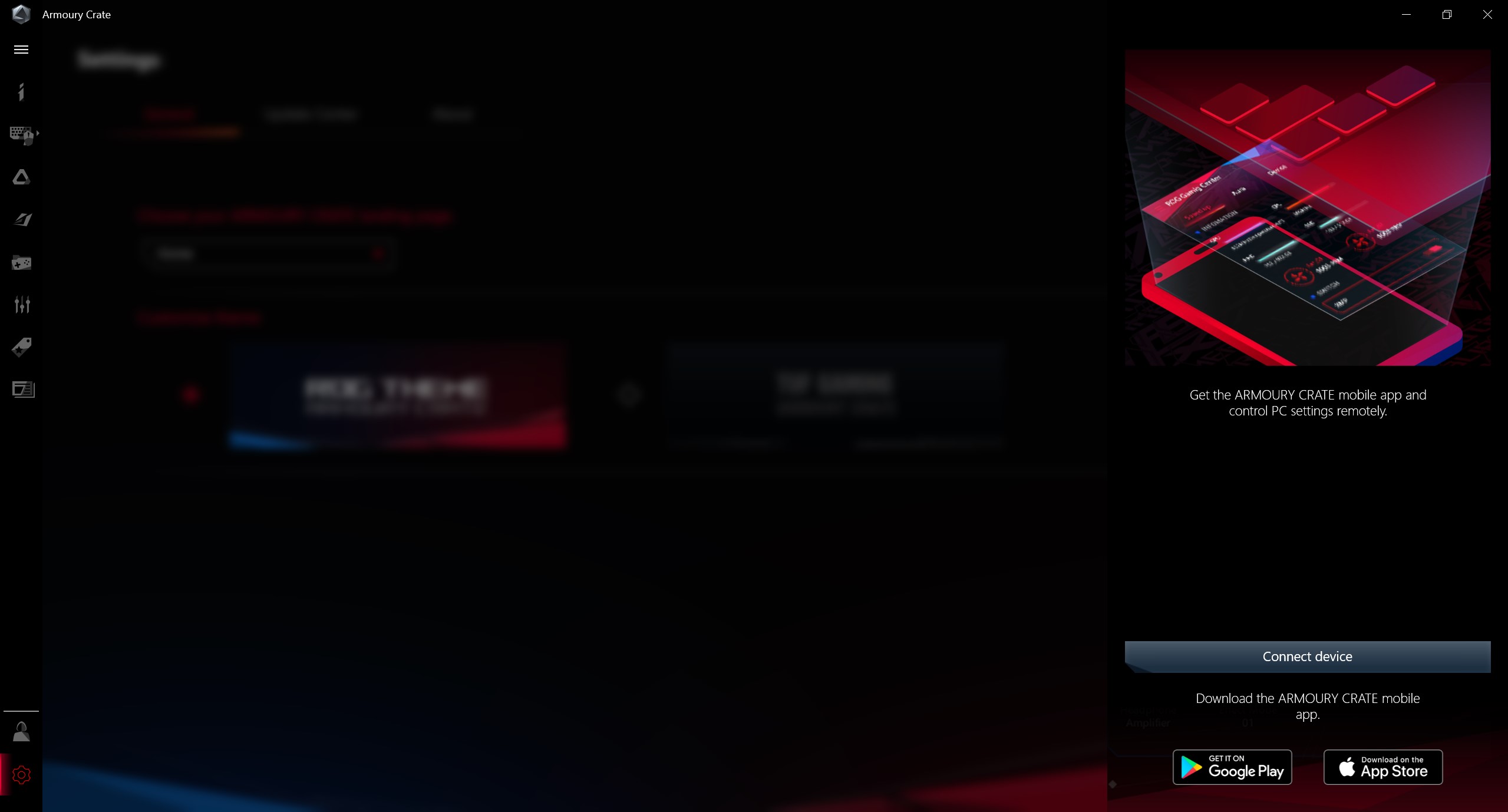
</ img>













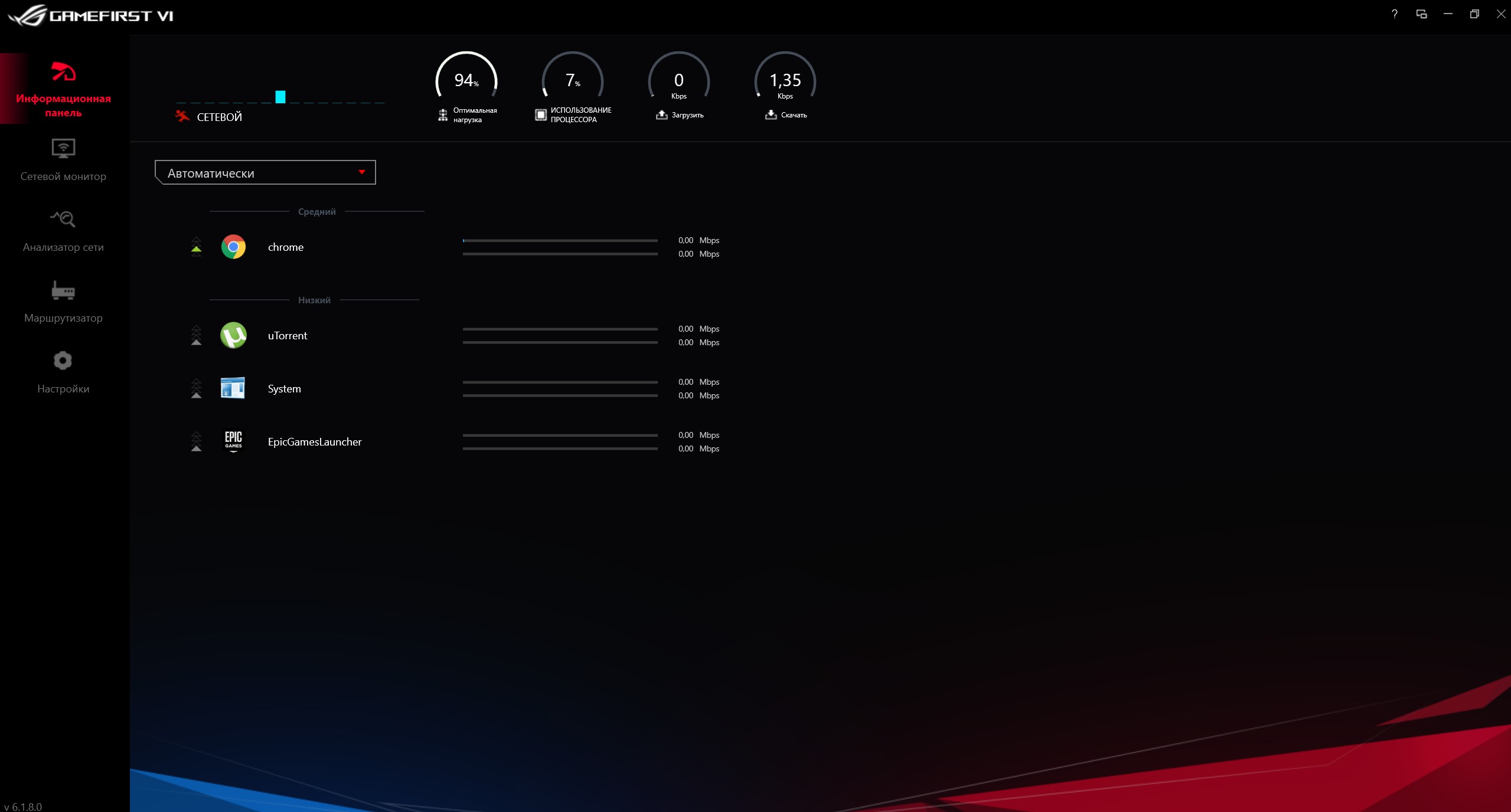
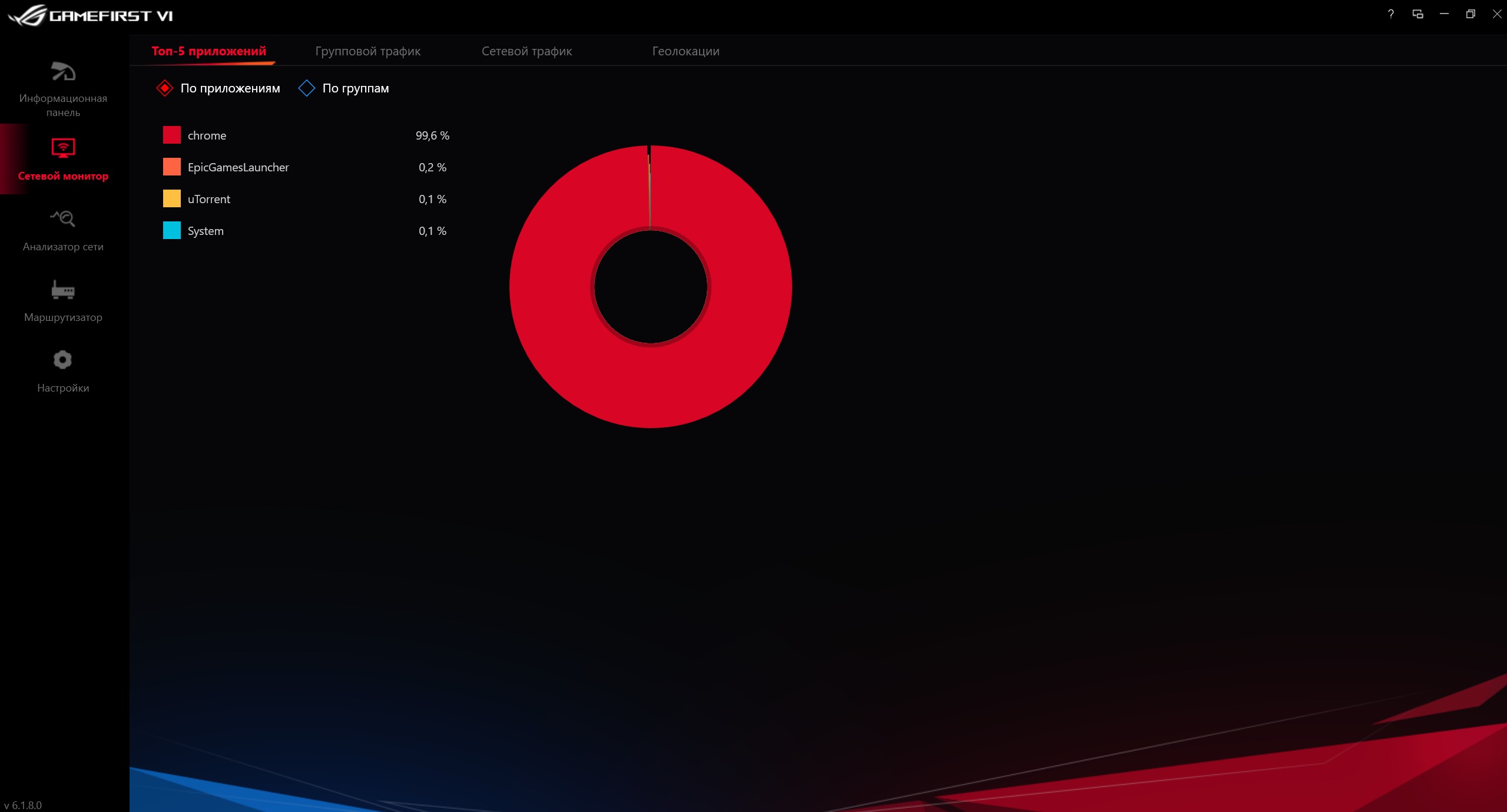
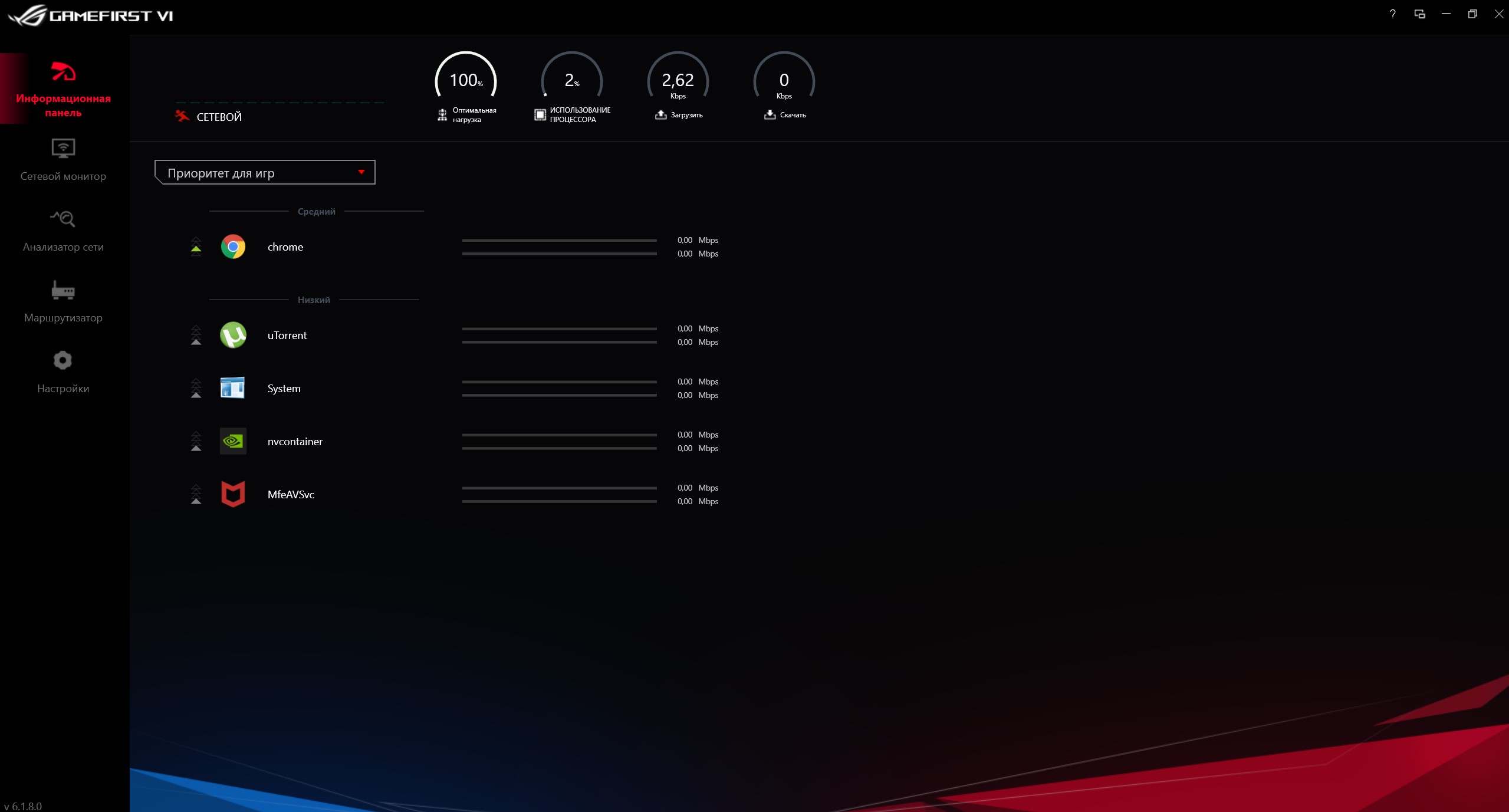
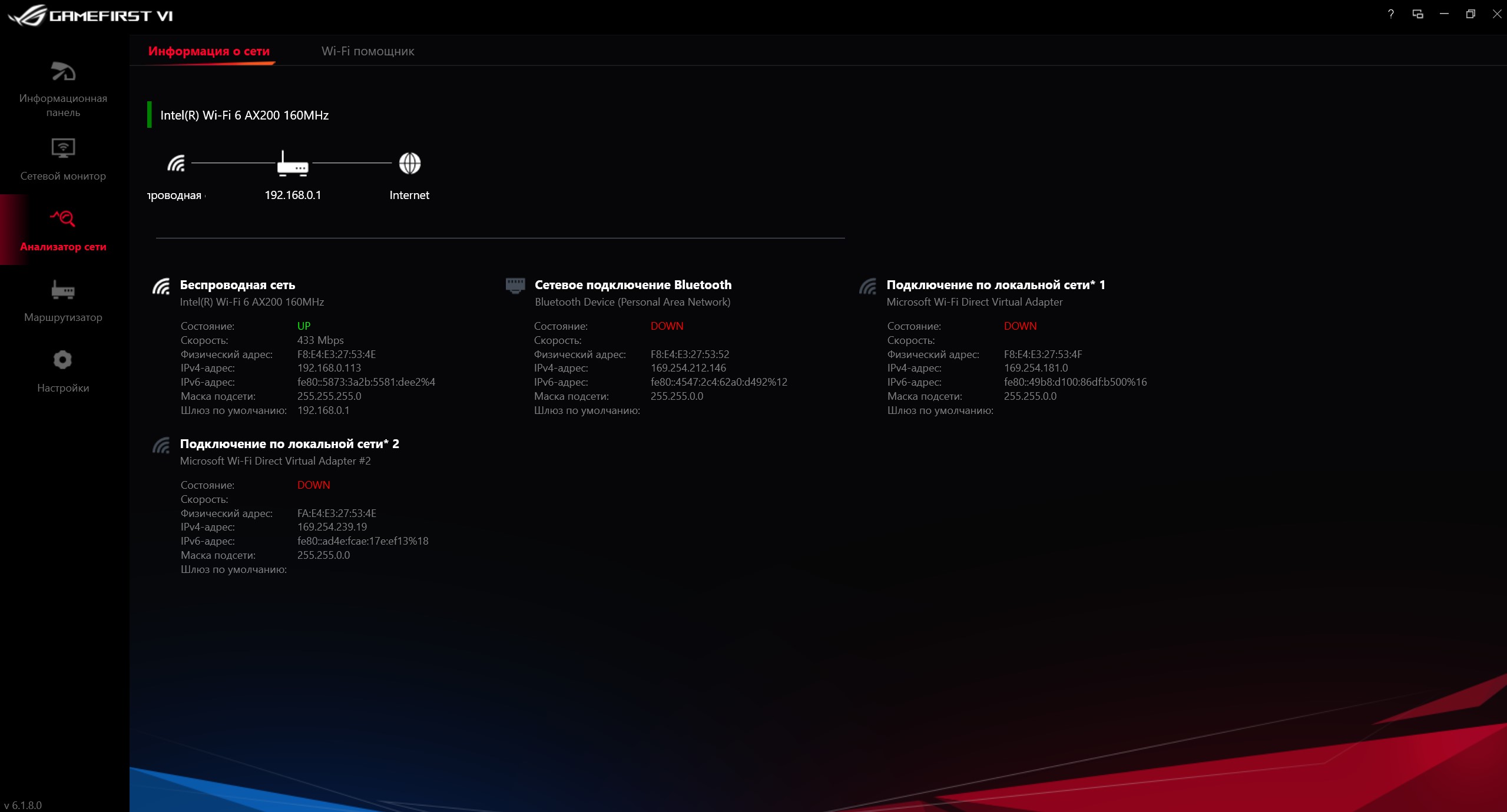
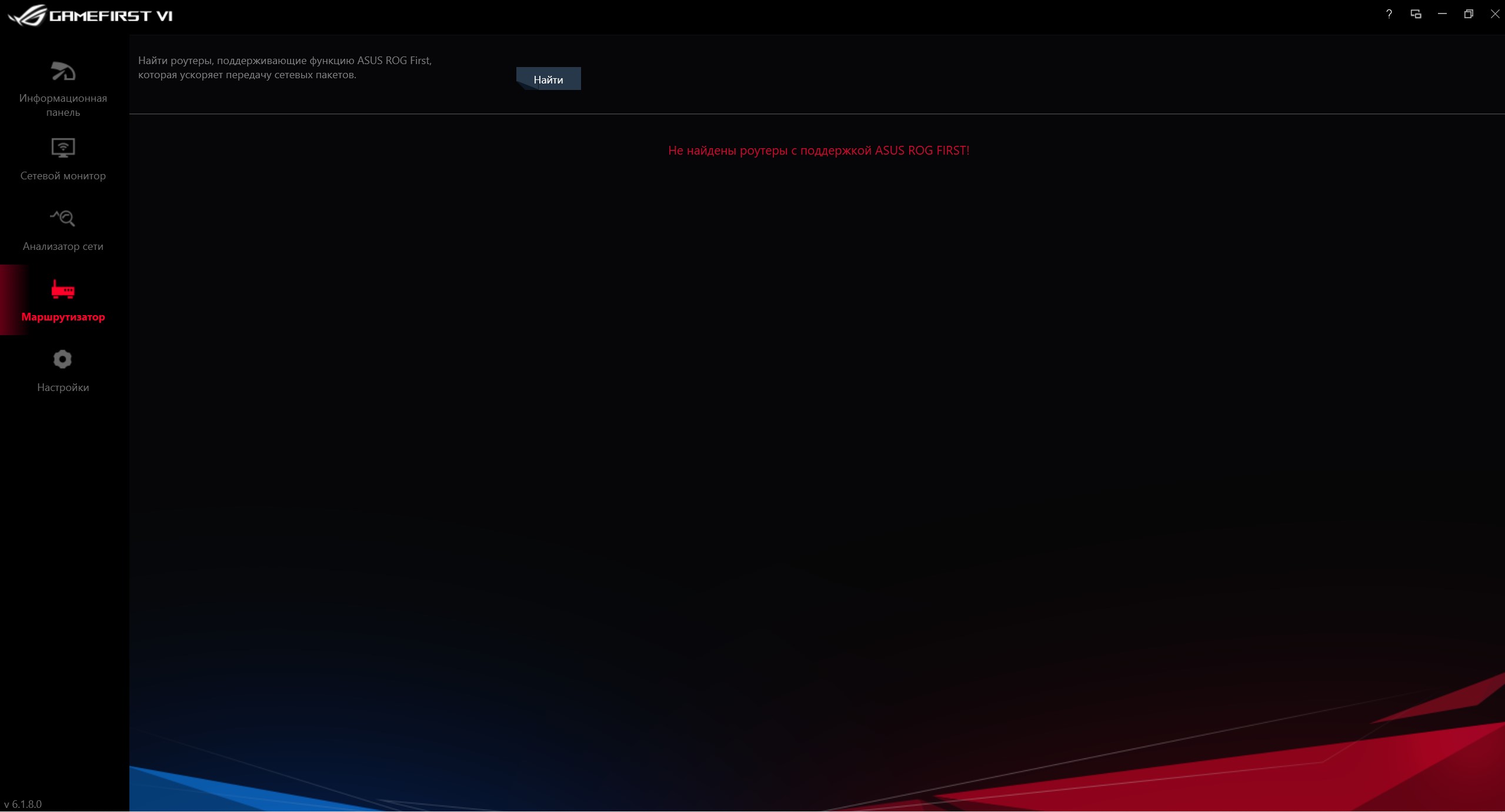
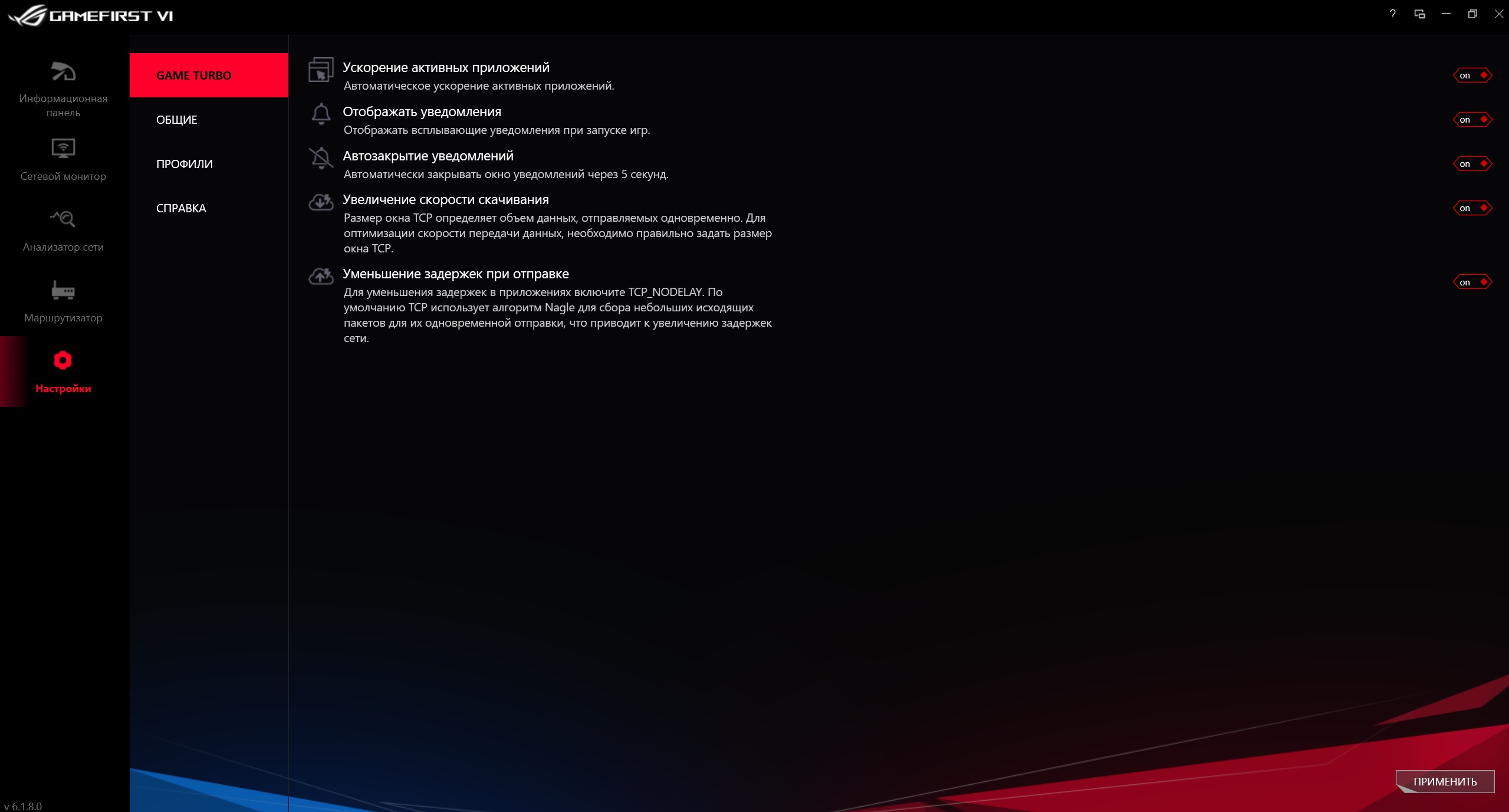
GameFirst VI - a utility for monitoring network connectivity and setting boot priorities:
</ img>
</ img>
</ img>
</ img>
</ img>
</ img>






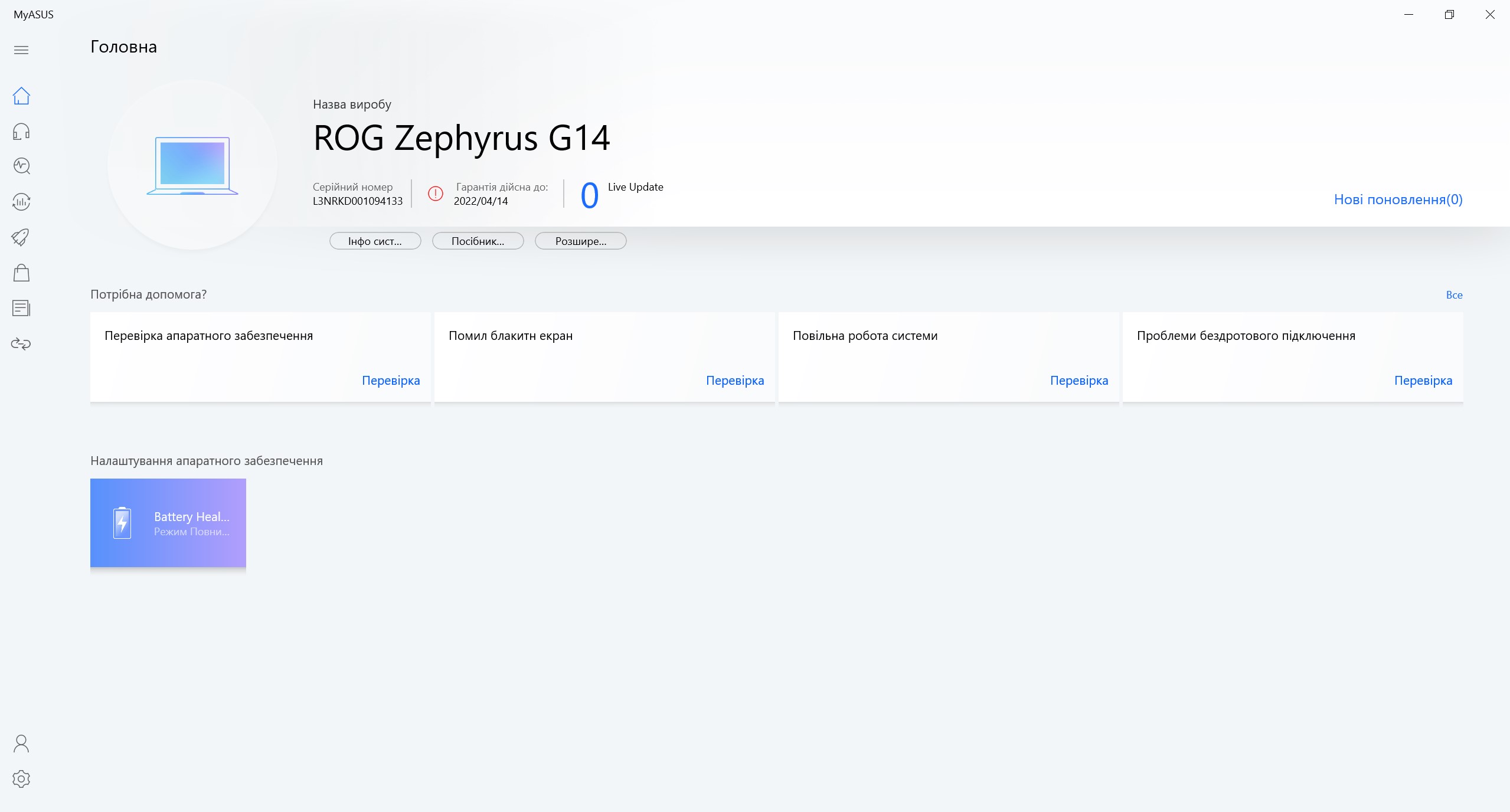
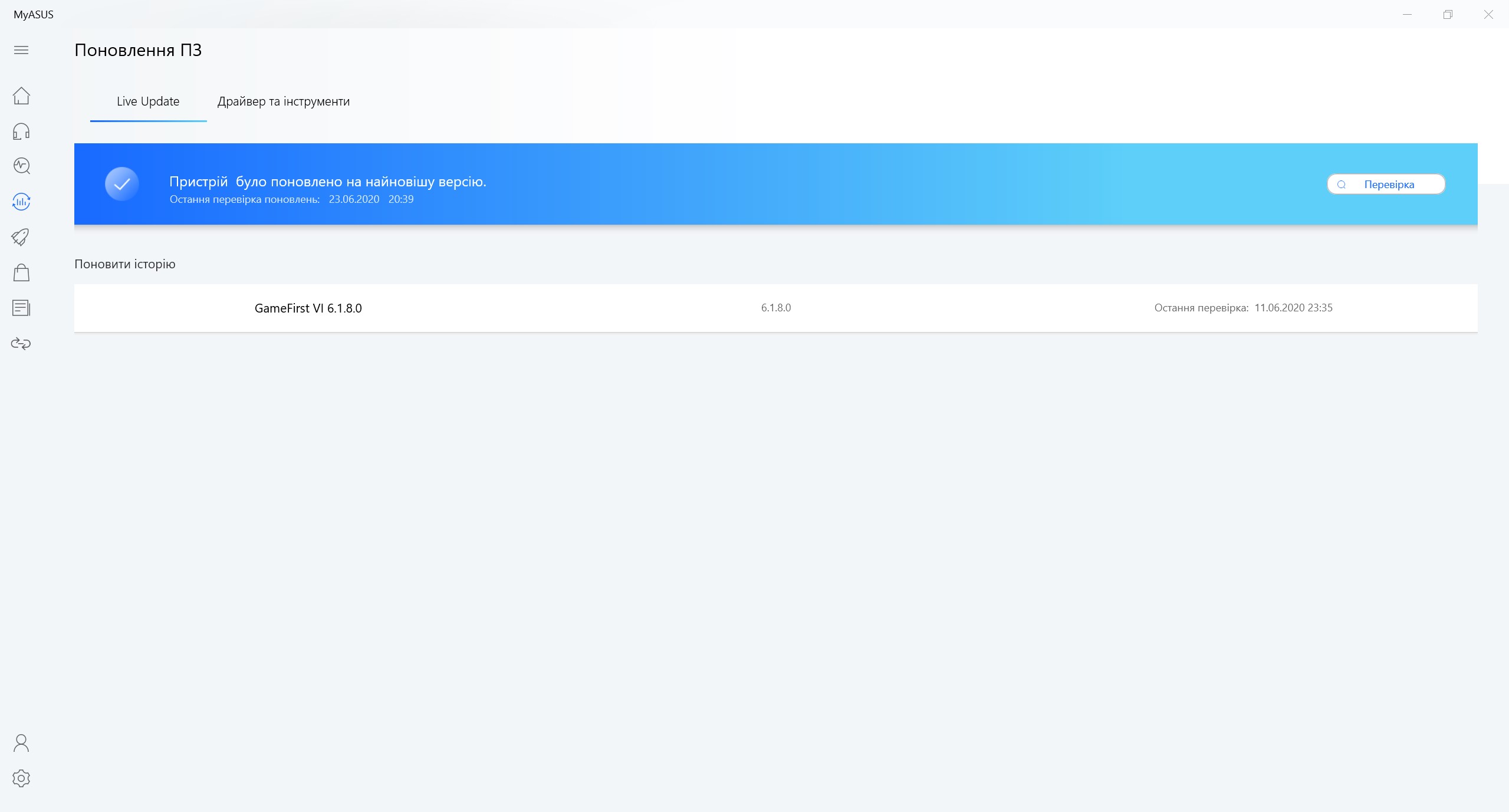
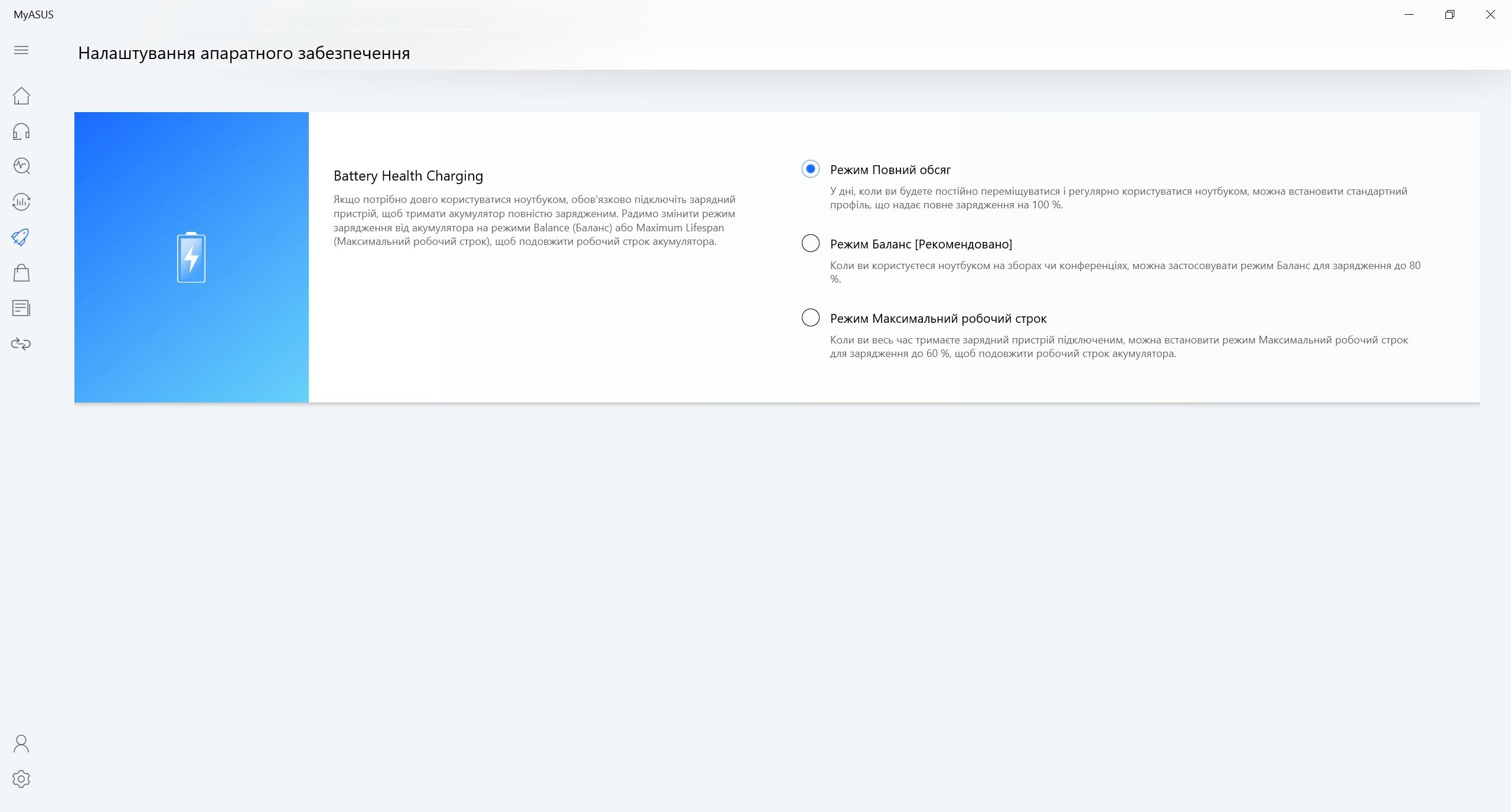
There is also a standard MyASUS application for all ASUS laptops, which allows you to make some settings and download driver updates.
</ img>
</ img>
</ img>



In the dry residue
A clear line between gaming and portablelaptops are gradually being erased and the ASUS ROG Zephyrus G14 is a great example of this. Just a couple of years ago it was difficult to imagine such productive “hardware” in a compact body weighing only 1.6 kg. The result is a completely universal laptop that can be taken to work every day without any problems, and at the same time, there is enough power not only for office applications, but also for various more demanding tasks. And in your free time, you can easily play any modern demanding game on the same laptop. At the same time, ROG Zephyrus G14 boasts very good battery life, very decent sound, and an unusual stylish design. Unfortunately, there were also some compromises, although they cannot be called critical. Such a compact case requires an extremely dense layout and upgrade options in this case are very limited. Considering the laptop's hardware, a card reader (and at the same time Thunderbolt 3 and RJ-45) would not be out of place. Well, the lack of a webcam can be quite critical for some. At the moment, only one configuration is on sale with an AMD Ryzen 7 4800HS, NVIDIA GeForce GTX 1650 Ti, 8 GB of RAM and a 60 Hz FullHD screen. She is standing40 000 UAH. In July, as many as 12 different options will be available with prices starting from 31,000 UAH.
6 reasons to buy an ASUS ROG Zephyrus G14:
- High performance;
- high-quality IPS screen;
- compact size and light weight;
- stylish design, excellent materials and build quality;
- efficient cooling system
- long battery life (considering the class of the laptop) and support for charging via USB Type-C.
3 reasons not to buy the ASUS ROG Zephyrus G14:
- no card reader, Ethernet and Thunderbolt 3;
- limited upgrade capabilities;
- You are sure that you need a built-in webcam.
ASUS ROG Zephyrus G14 GA401II-BM179T
Compact and lightweight gaming laptop with a 14-inchIPS-display, 7-nm mobile processors of the AMD Renoir line, up to 32 GB of RAM, nVidia GeForce discrete graphics cards, up to RTX 2060 Max-Q and fast SSD-drives
Citrus
We recommend
Technical specifications ASUS ROG Zephyrus G14
Display
14 inches, 2560x1440, IPS, 60 Hz, matte anti-glare coating
Dimensions
324x222x17.9 mm
Weight
1.6 kg
operating system
Windows 10 Pro 64bit
CPU
AMD Ryzen 9 4900HS (3.0-4.3 GHz), 8 cores, 16 threads, (Zen 2 Renoir, 7 nm)
Ram
16GB DDR4-3200
Graphics
nVidia GeForce RTX2060 Max-Q, 6 GB GDDR6, AMD Radeon RX Vega 8
Storage device
1 TB SSD (M.2)
Communications
Wi-Fi 802.11a/b/g/n/ac/ax, Bluetooth 5.0
Connectors
1xUSB 3.1 Gen 2 Type-C (DisplayPort 1.4, USB Power Delivery 3.0), 1xUSB 3.1 Gen2 Type-A, 2xUSB 3.1 Gen1 Type-A, HDMI 2.0b, Kensington Lock, 2x3.5 mm audio
Optical drive
No
Battery
76 Wh

For those that want to know more:
- ASUS ROG Zephyrus S GX502GW Review: Powerful Gaming Laptop with GeForce RTX 2070 weighing only 2 kg
- Review ASUS ROG Zephyrus G: compact gaming laptop with AMD and GeForce
- Logitech G305 Lightspeed Review: Wireless Gaming Mouse with Excellent Sensor
- Review Crash Team Racing Nitro-Fueled: the killer of Mario Kart from the 90s is back on track
- Review of ASUS ZenBook S13: flagship frameless ultrabook with reverse “monobrow”
- Review of ASUS ZenFone 6: “folk” flagship with Snapdragon 855 and PTZ camera
- Acer Predator Triton 500 review: gaming notebook with RTX 2080 Max-Q in a compact, lightweight case