
</ img>
The first batch on the Internet was sold out on the first day of sales.In Ukrainian retail, pre-orders are collected.
What is this?
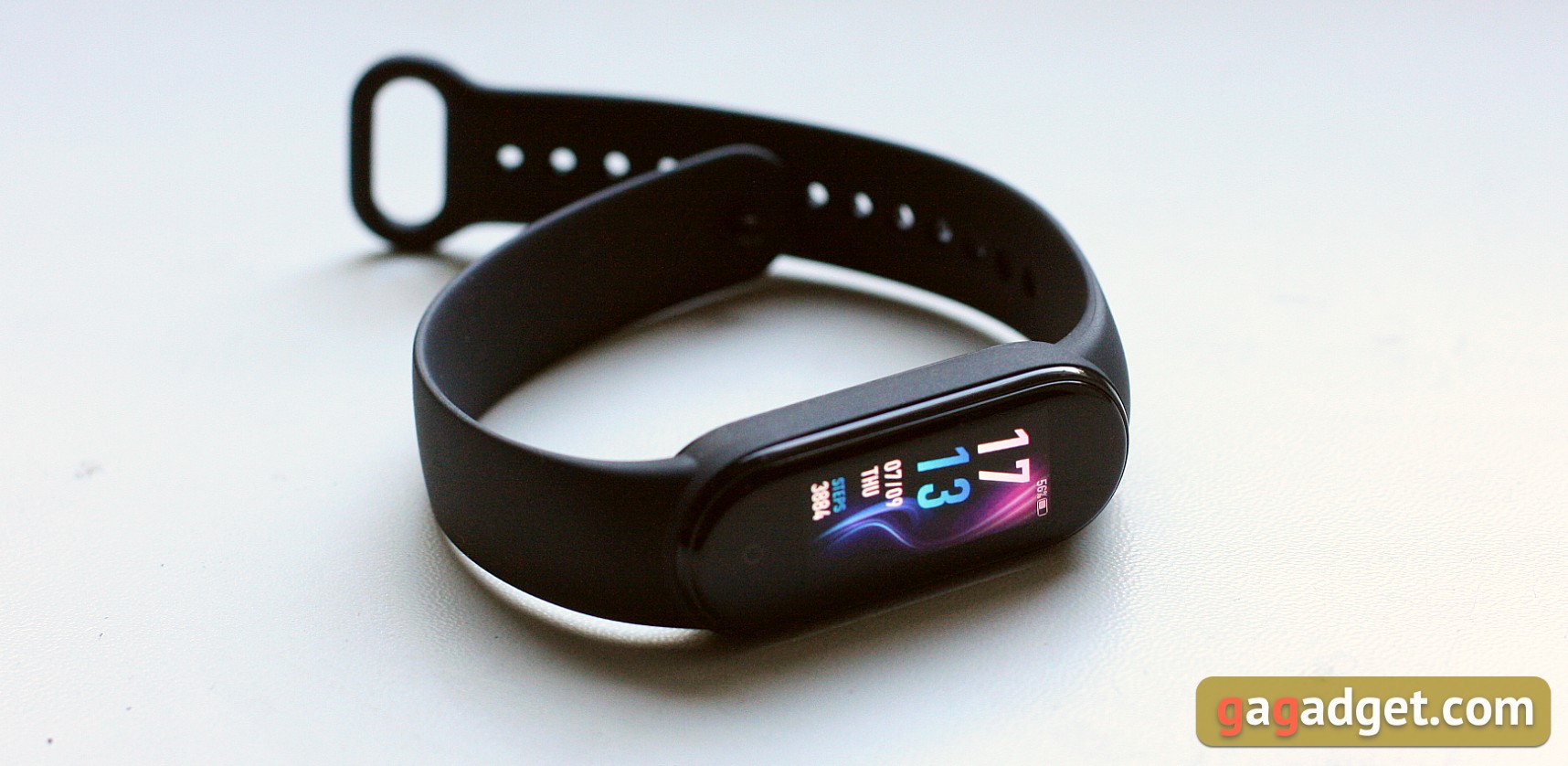
Xiaomi Mi Band 5 is a fitness bracelet with a 1.1-inch OLED touchscreen display, heart rate monitor and water resistance. No GPS and no NFC yet (but it depends on the version).
What is interesting?
The fact that it is the successor of the line of the most popularfitness trackers. Inexpensive, but functional and predictably high quality. And in the new product, everything should be slightly improved compared to its predecessor.
What is in the box?
The device itself is in the form of a traditional plastic capsule, a silicone strap where it is inserted, a USB charging cable and instructions.

</ img>
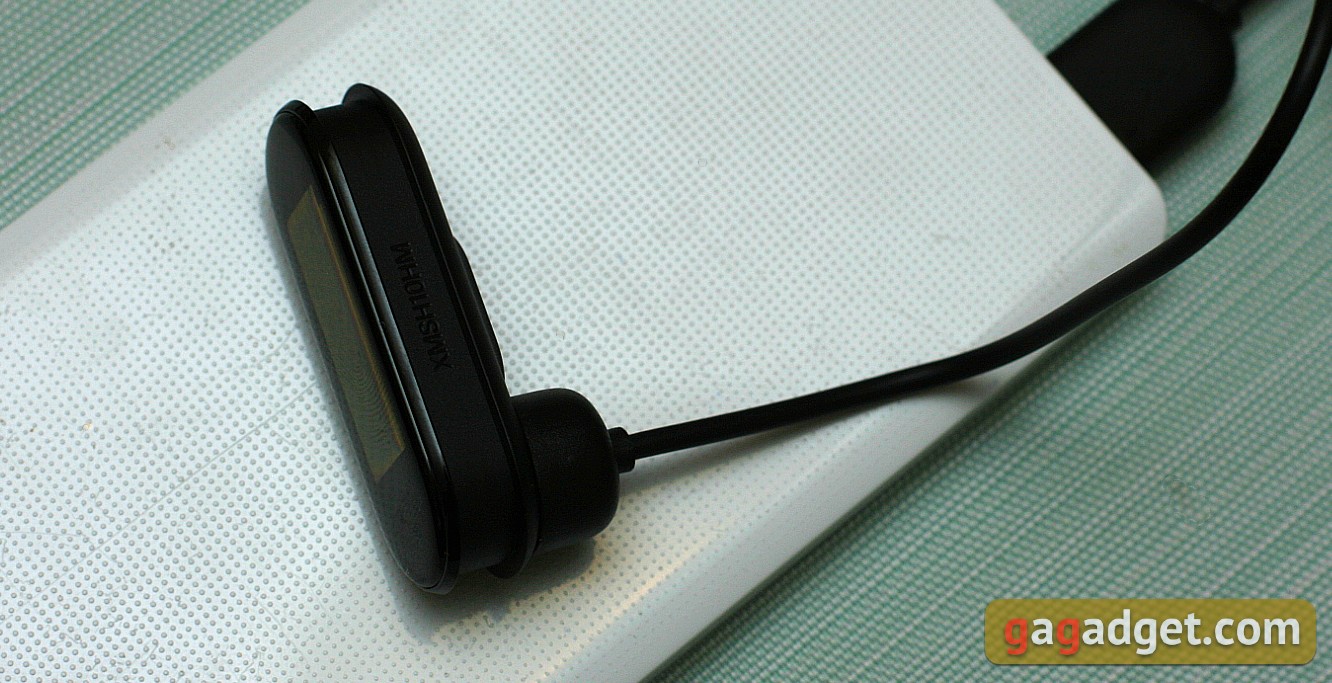
The charging cable is very different fromprevious. Now this is not a small docking station where you had to insert the bracelet capsule, but a magnetic connector that can be attached to the device without removing the strap. Conveniently!

</ img>
What does it look like?
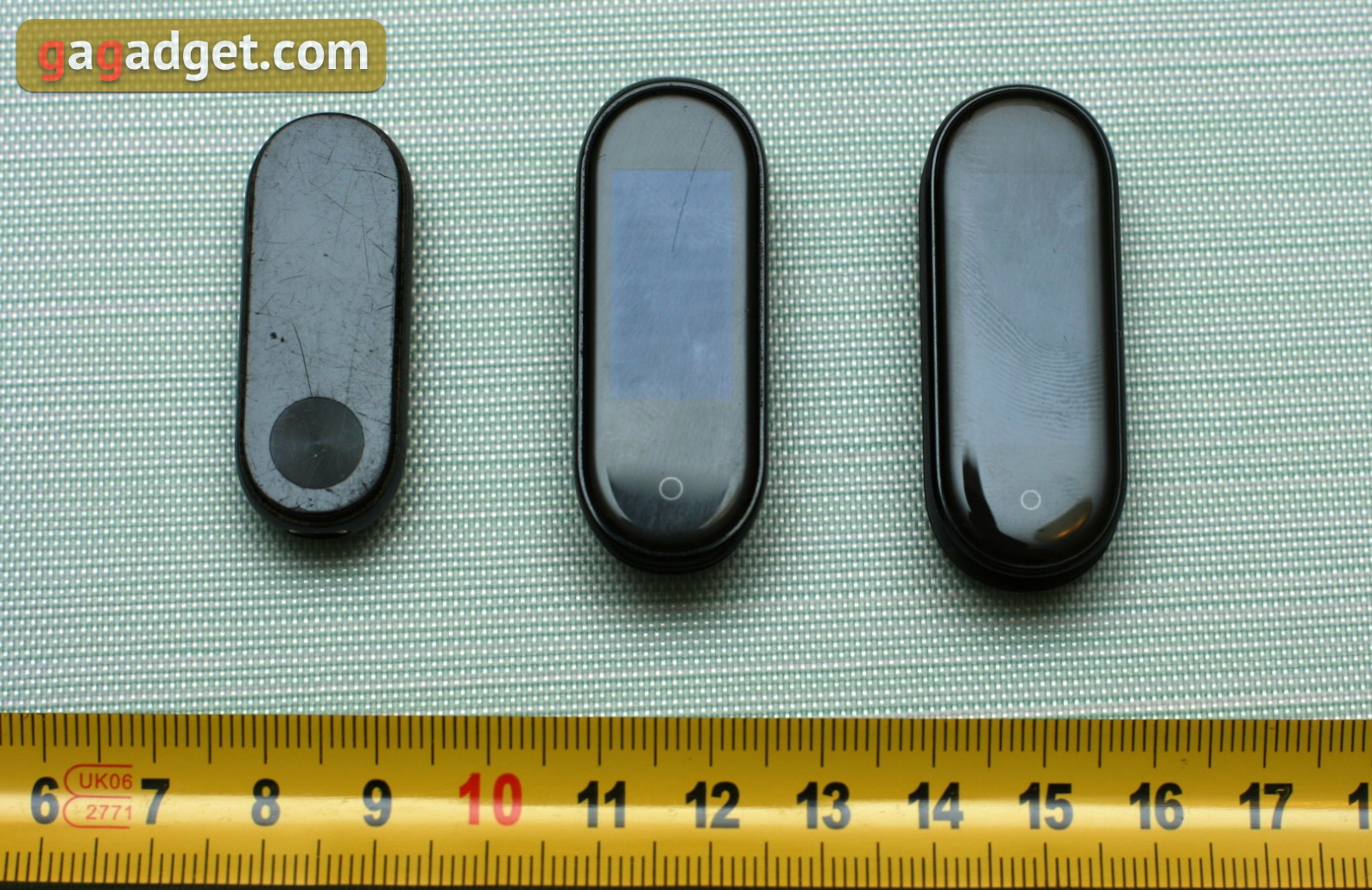
Very similar to Mi Band 4.The difference in external dimensions is minimal. But there are differences, so, alas, the old straps will not fit the new device. The photo below shows three versions of Xiaomi fitness bracelets: 2, 4 and 5 (from left to right). There was no third model at hand. The front panel, covered with glossy plastic, has a display and a touch button underneath it.
</ img>
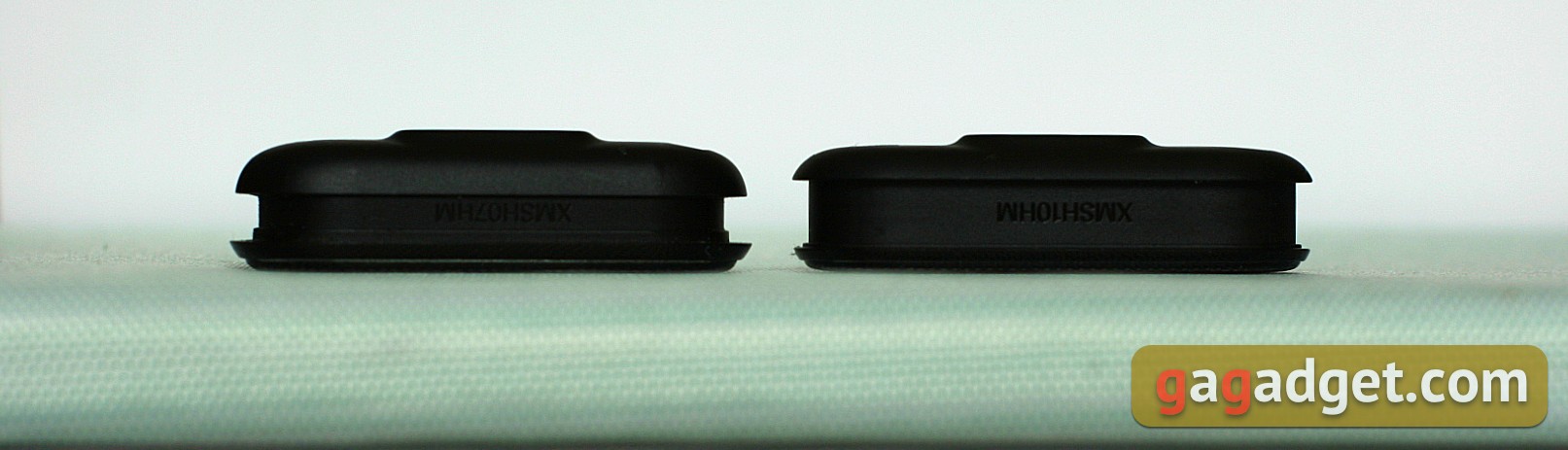
The ends of the capsule are surrounded by a recess for mounting instrap. Its contours have become more symmetrical, without rounding towards the back. Theoretically, such a design could stay in the bracelet better without falling out. Judging by the marking XMSH10HM applied here, you can understand that this is a bracelet without NFC; the version with a contactless module will be labeled XMSH11HM. The photo clearly shows the difference in design between versions 4 and 5 (new on the right).
</ img>
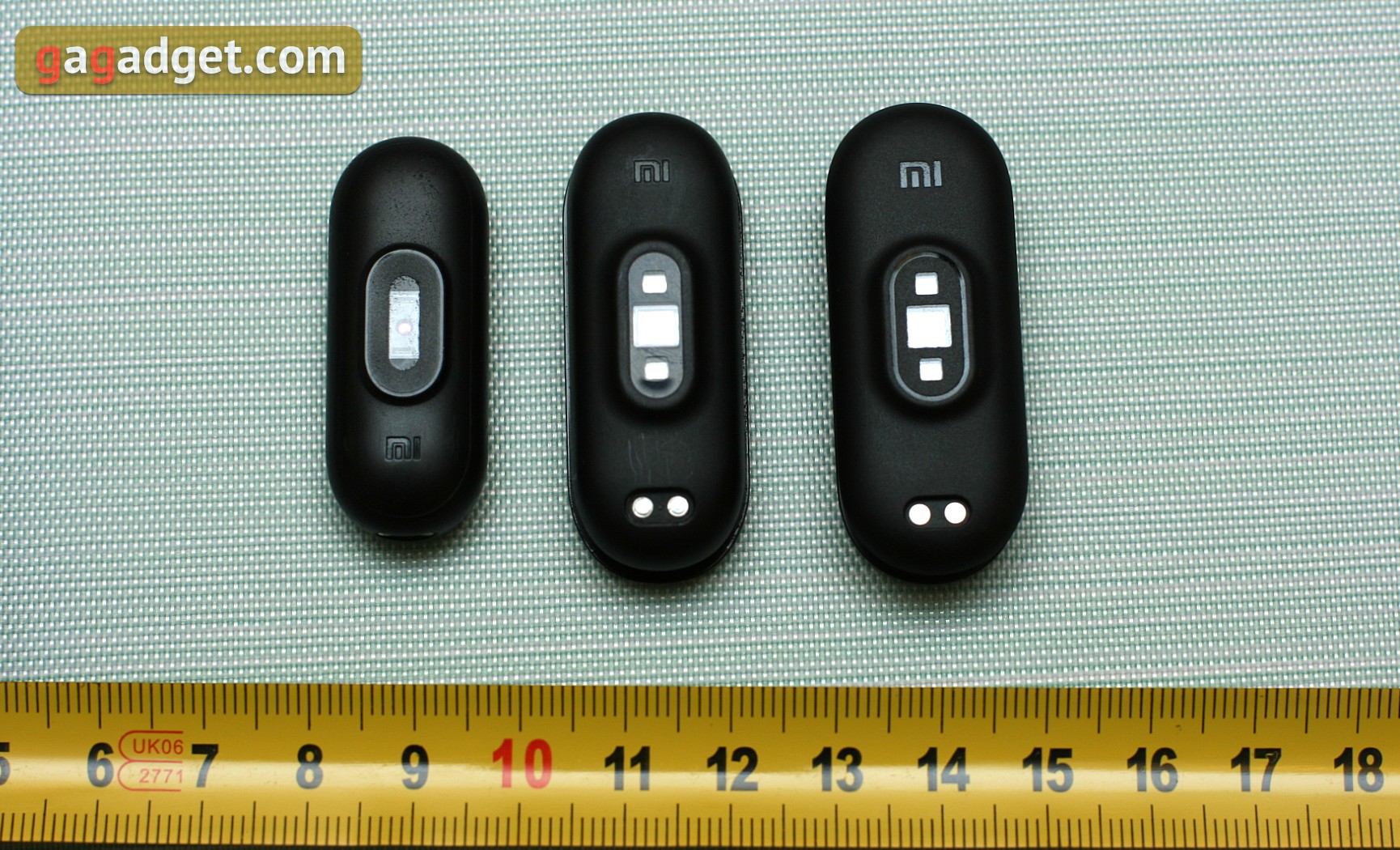
The back panel repeats that of the Mi Band 4, hereplaced an optical heart rate monitor, charging contacts and the manufacturer's logo. From this perspective, it is clear that the new product (in the photo on the far right) is only slightly larger than its predecessor. The far left in the photo shows the Mi Band 2.
</ img>
The same arrangement of charging contacts couldwould allow the use of the same accessories for versions 4 and 5, but the “five” does not fit into the charging dock from the “four”, and that, in turn, does not have a magnet on which the charging from the fifth version could cling. But if you touch the contacts with your hands, the charge goes on.
</ img>
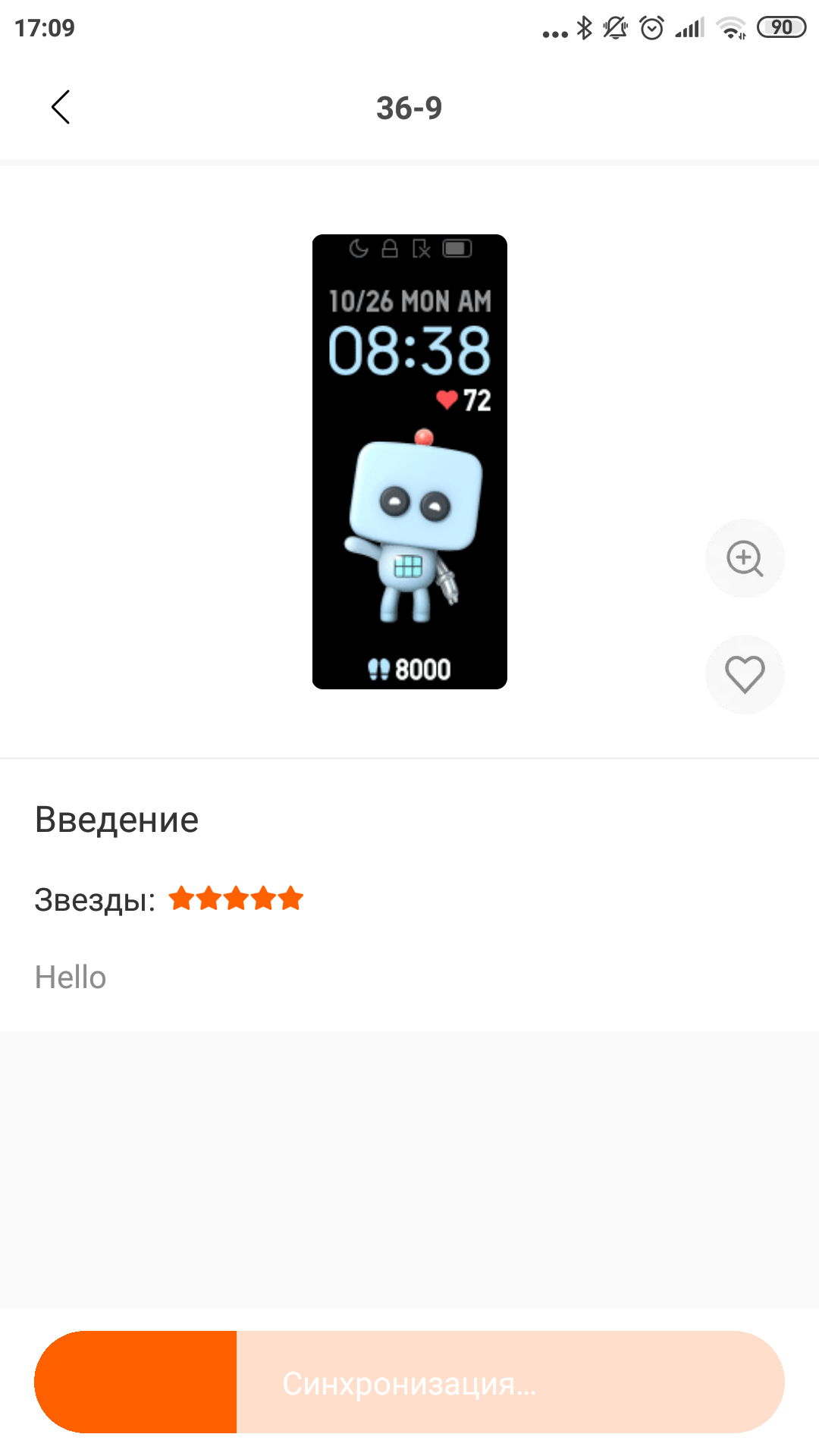
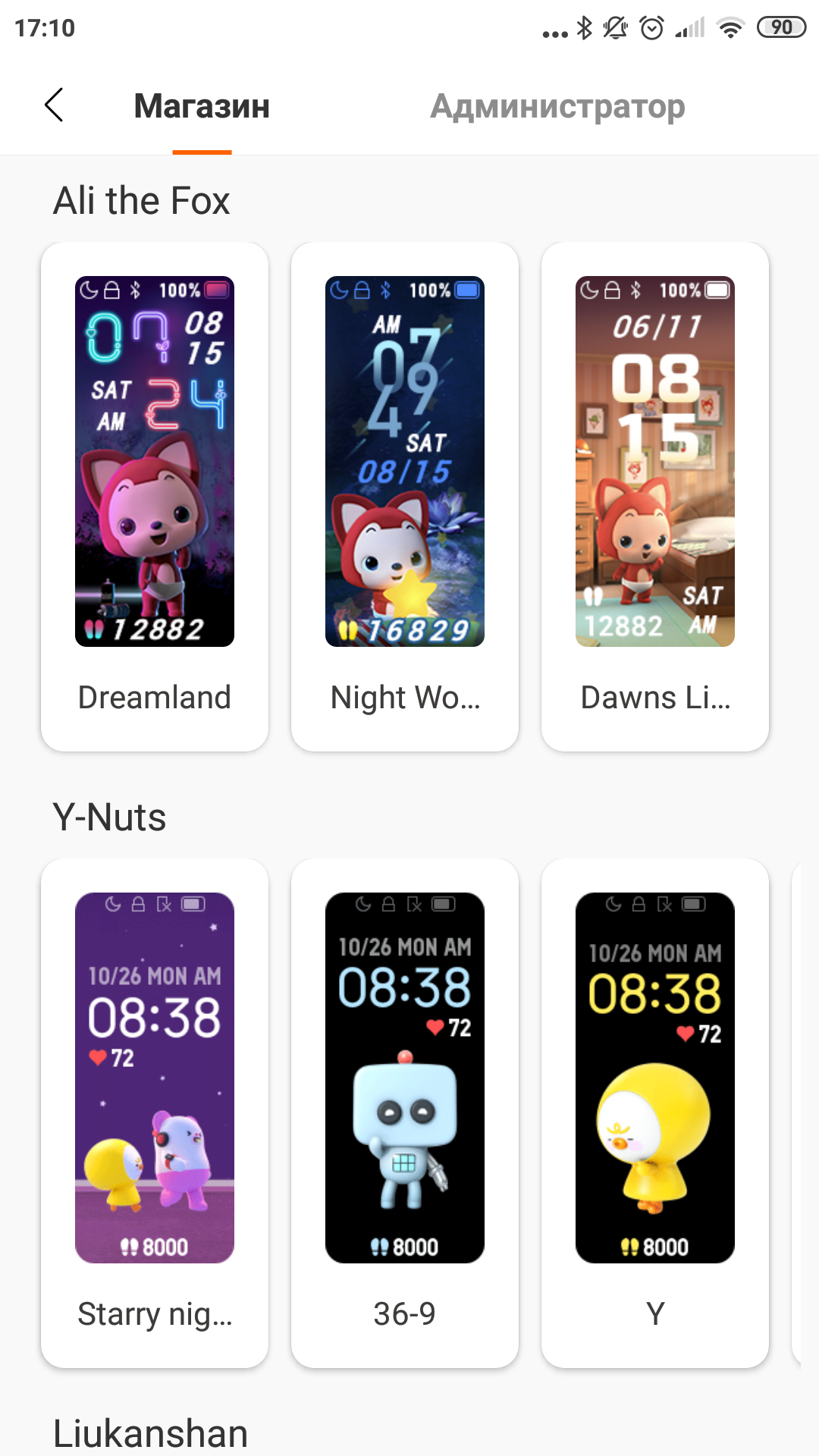
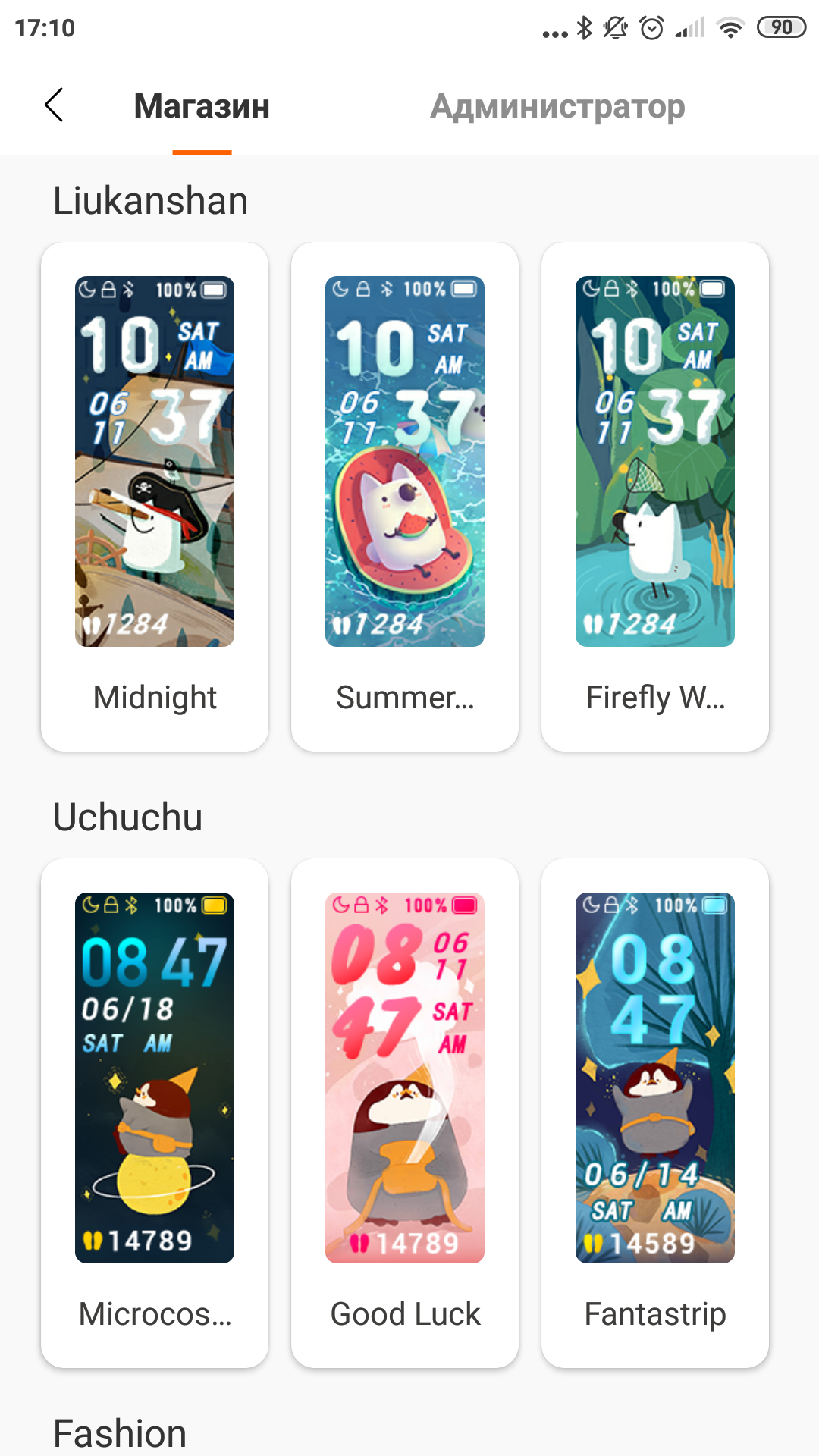
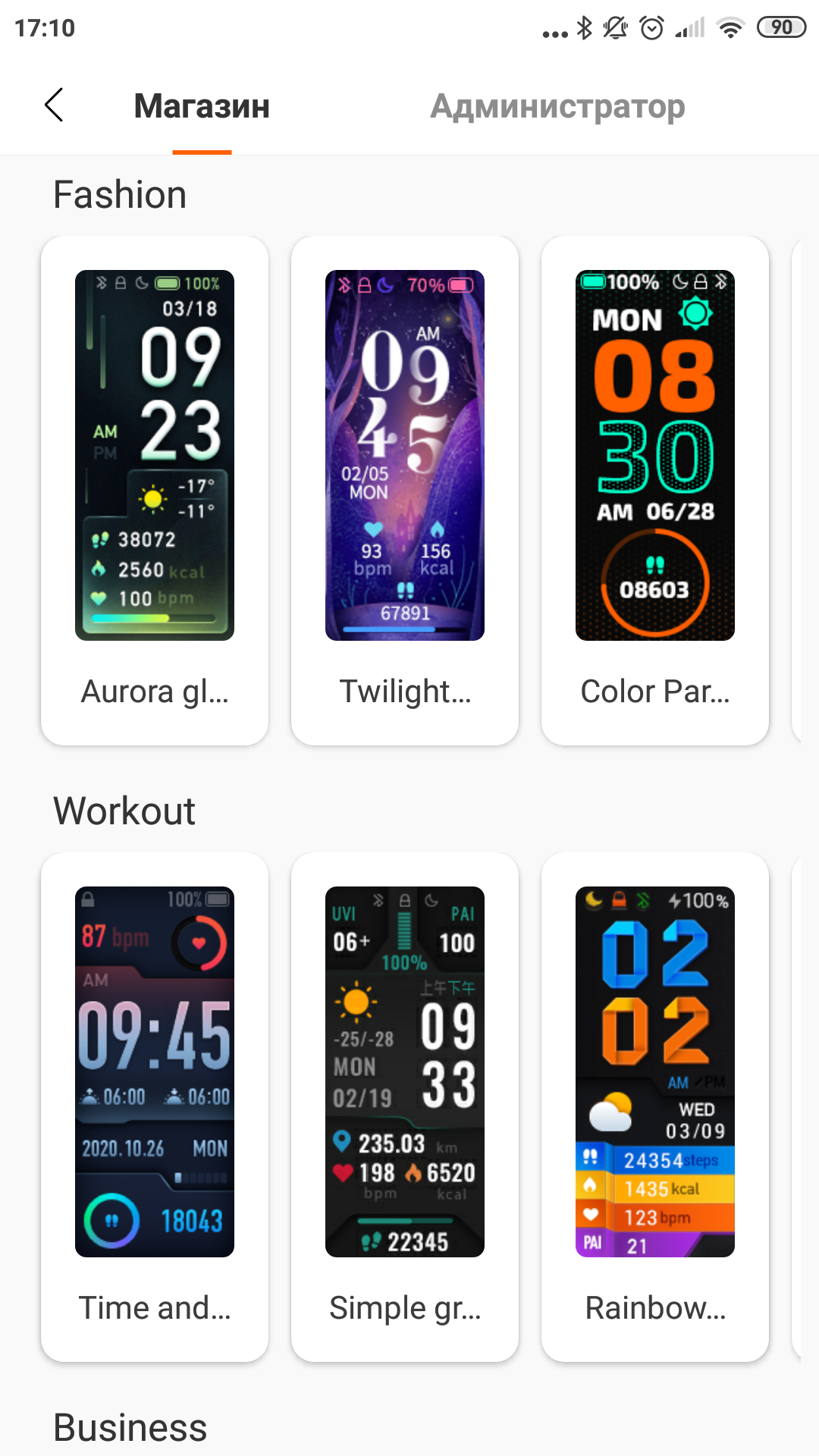
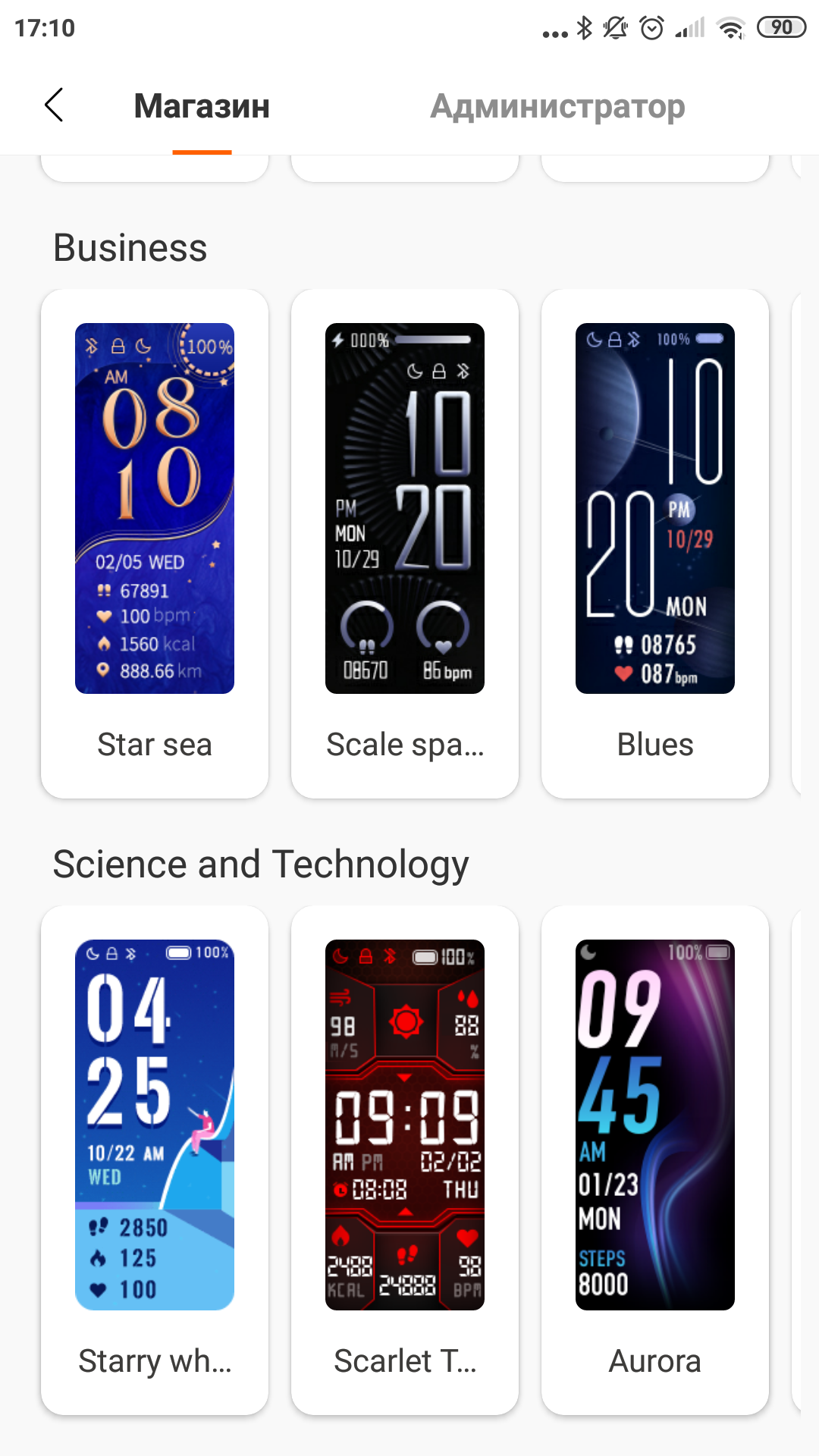
In general, those around you are unlikely to understand that you haveyou are receiving Mi Band 5, not the previous version. Until the display turns on. After all, the appearance of the device with the screen on is, of course, greatly influenced by the chosen style of the “dial.” You can choose from three options preinstalled on the bracelet itself, plus many more are available in the Mi Fit app.
</ img>
</ img>
</ img>
</ img>
</ img>
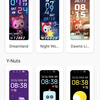
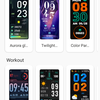
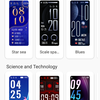
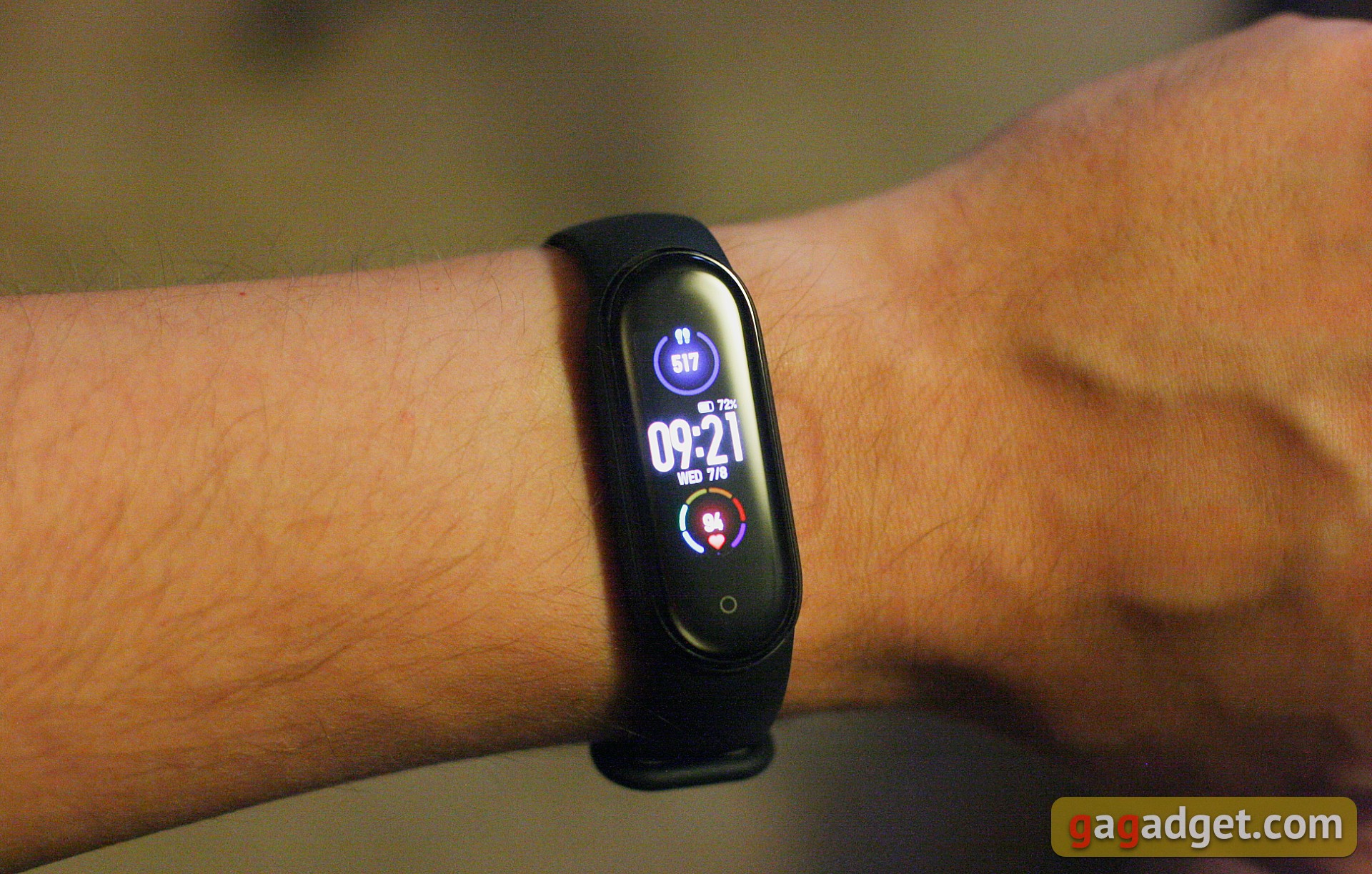
But, as usual, the simplest and most convenient, for my taste, is the default one.
</ img>
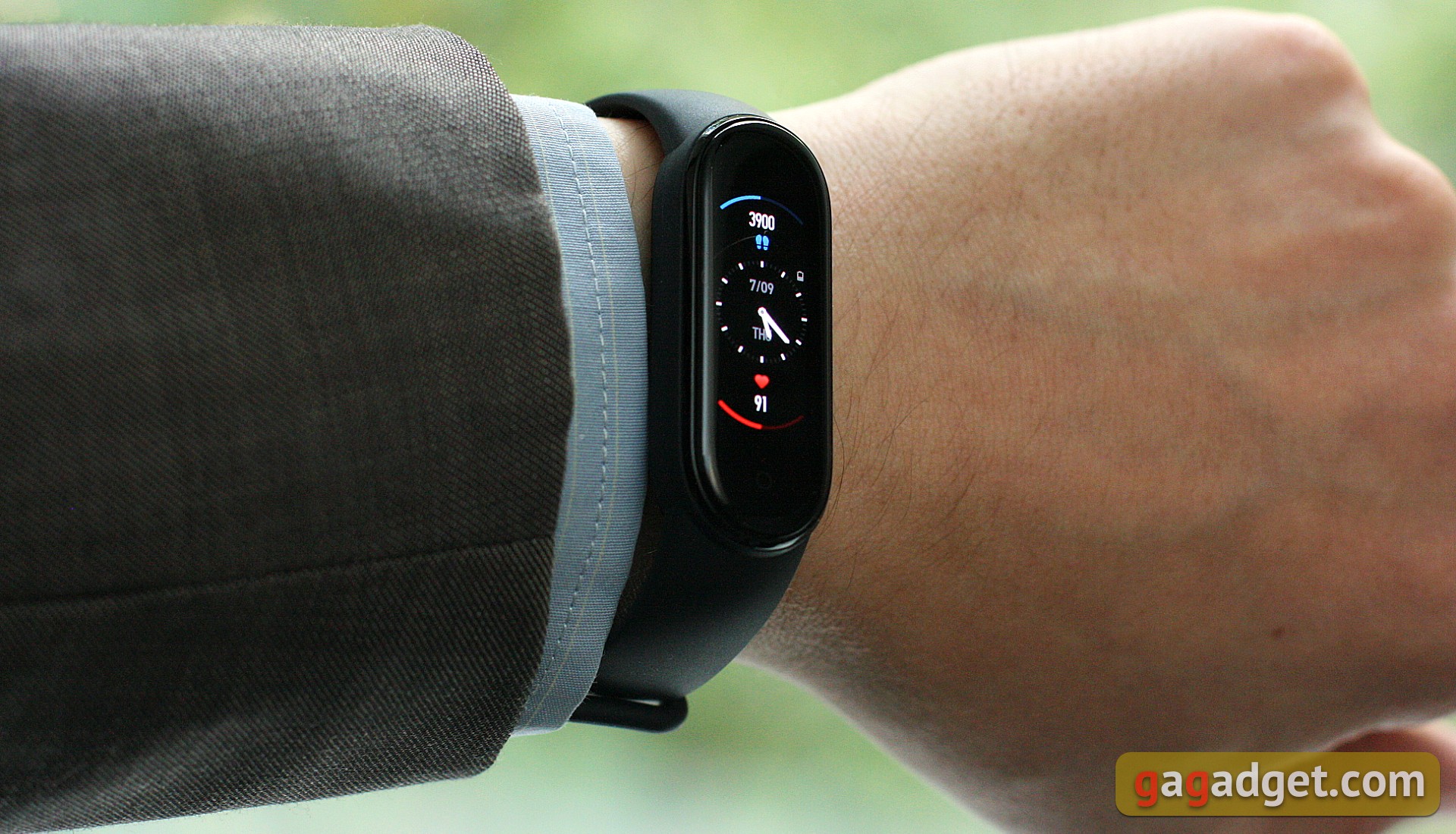
If desired, you can give the bracelet a classic look. Not a Rolex, of course, but it looks neat.
</ img>
The screen has been improved, right?
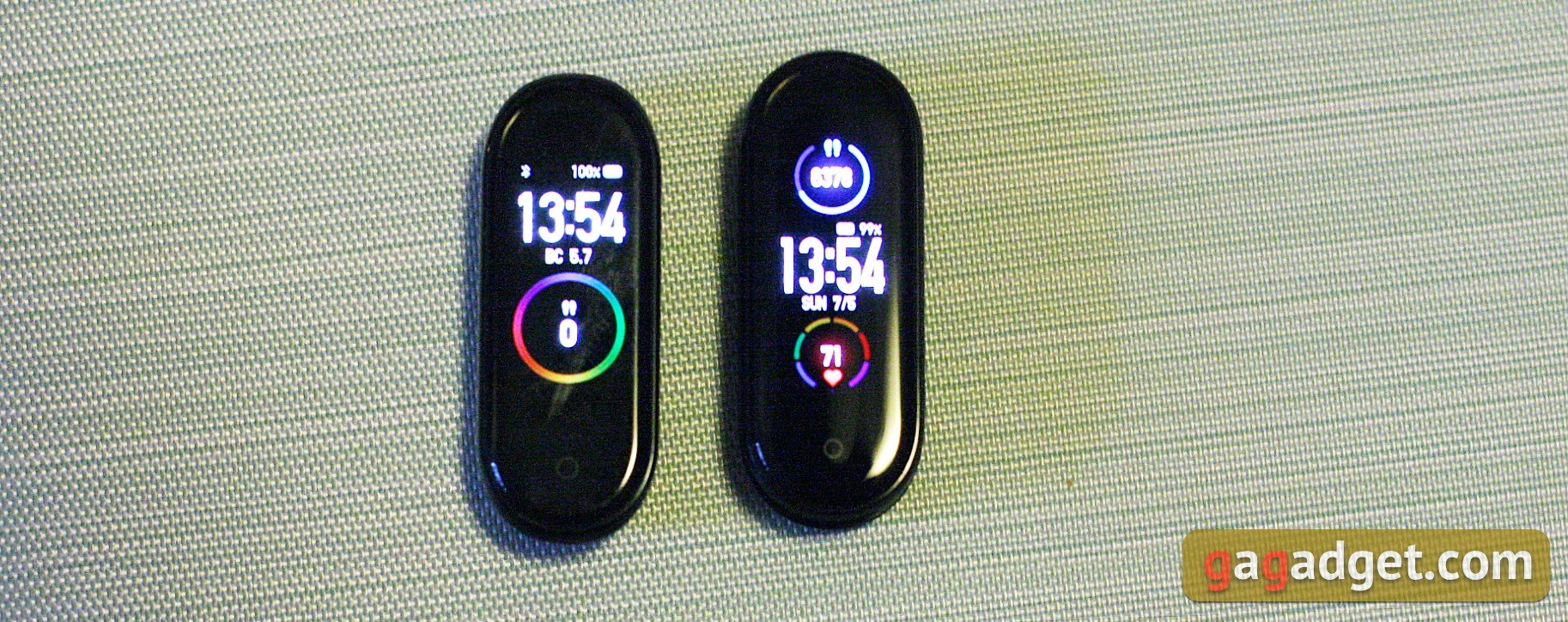
Yes.The display has become larger (1.1 versus 0.95 inches in the previous version), but this cannot be said to be immediately noticeable. The brightness is adjustable, its maximum level is enough even on a sunny day. But indoors it will be annoying, and there is no light sensor or automatic adjustment. Subjectively, in a direct comparison, the display of the “five” slightly leans towards reddish shades compared to the previous model, whose screen is slightly “green”. However, the difference is small; it is not visible in the photo.
</ img>
Comparison of the screens of Mi Band 4 (left) and the new Mi Band 5
Brightness is approximately the same level, contrastmaximum, it's OLED. The screen resolution of the new product is 126x294. Thanks to this, 12 lines of text fit on the screen versus 10 lines of its predecessor. It’s unlikely that you’ll want to read e-books from such a screen (and there’s no such option), but it’s useful for displaying notifications from instant messengers. The screen can automatically turn on when you turn your hand; this feature is enabled by default in the settings of the Mi Fit application on your smartphone. At night, the auto-on screen is deactivated, this is useful if you do not remove the bracelet while sleeping.
How to connect and configure?
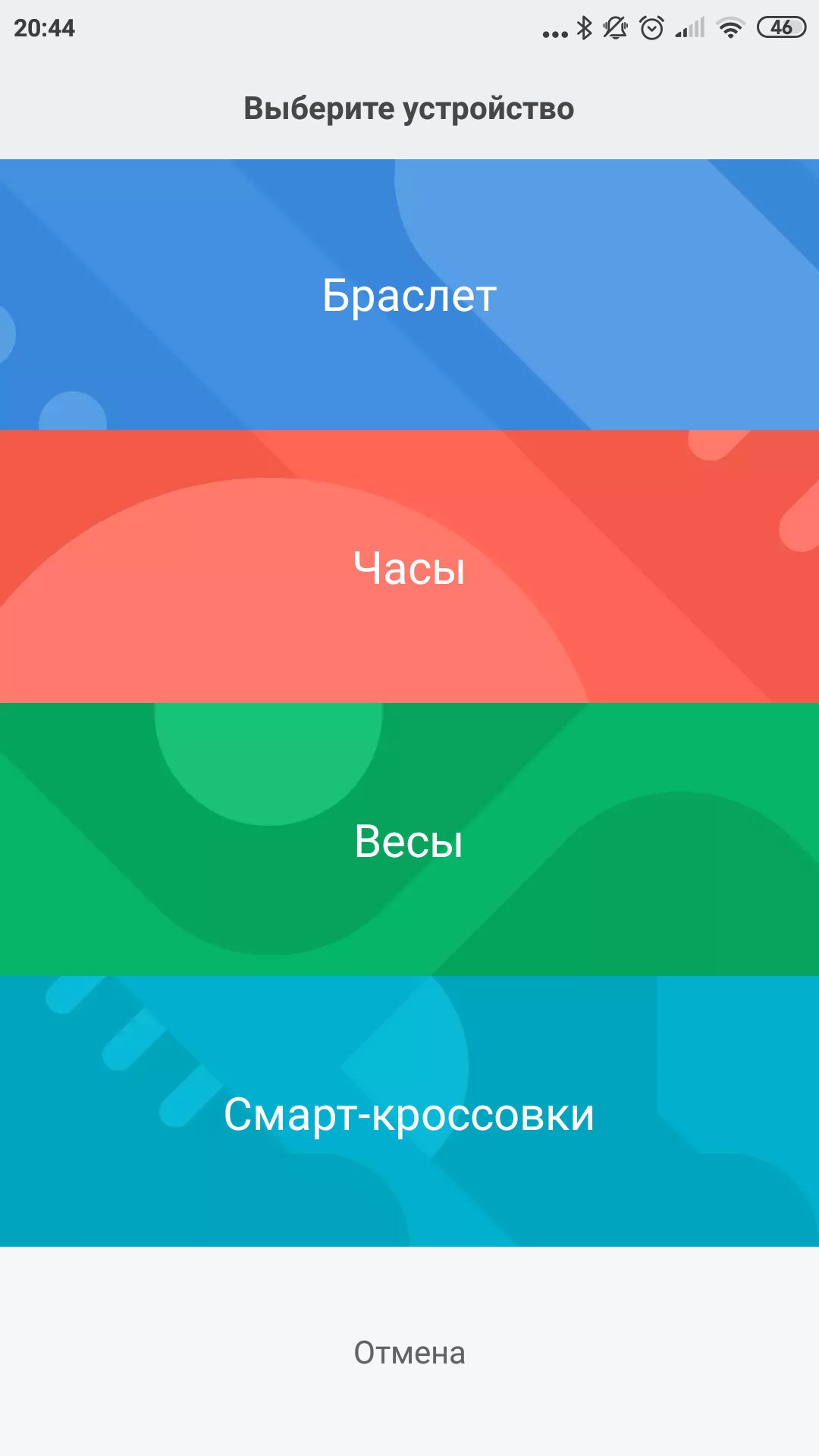
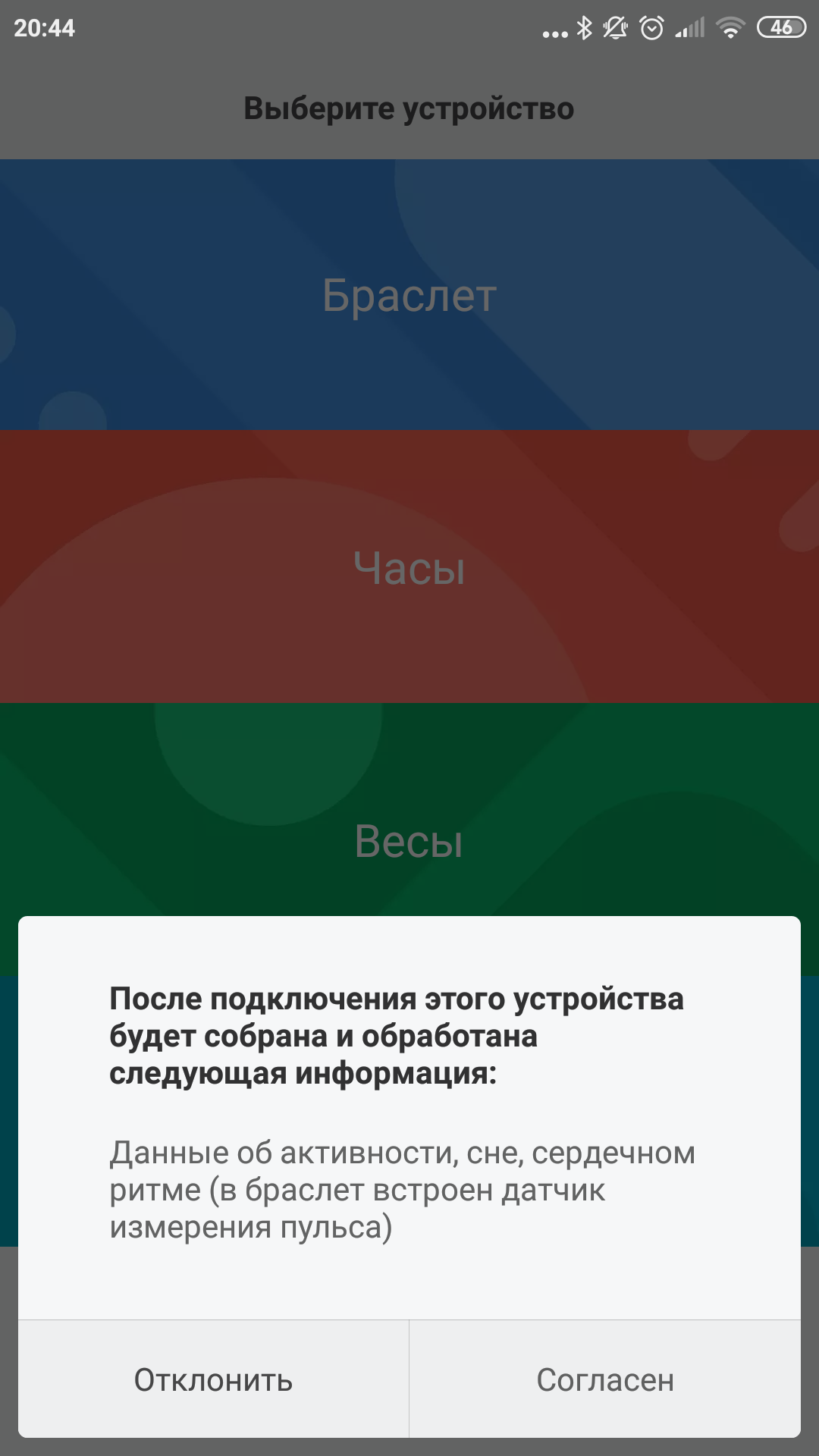
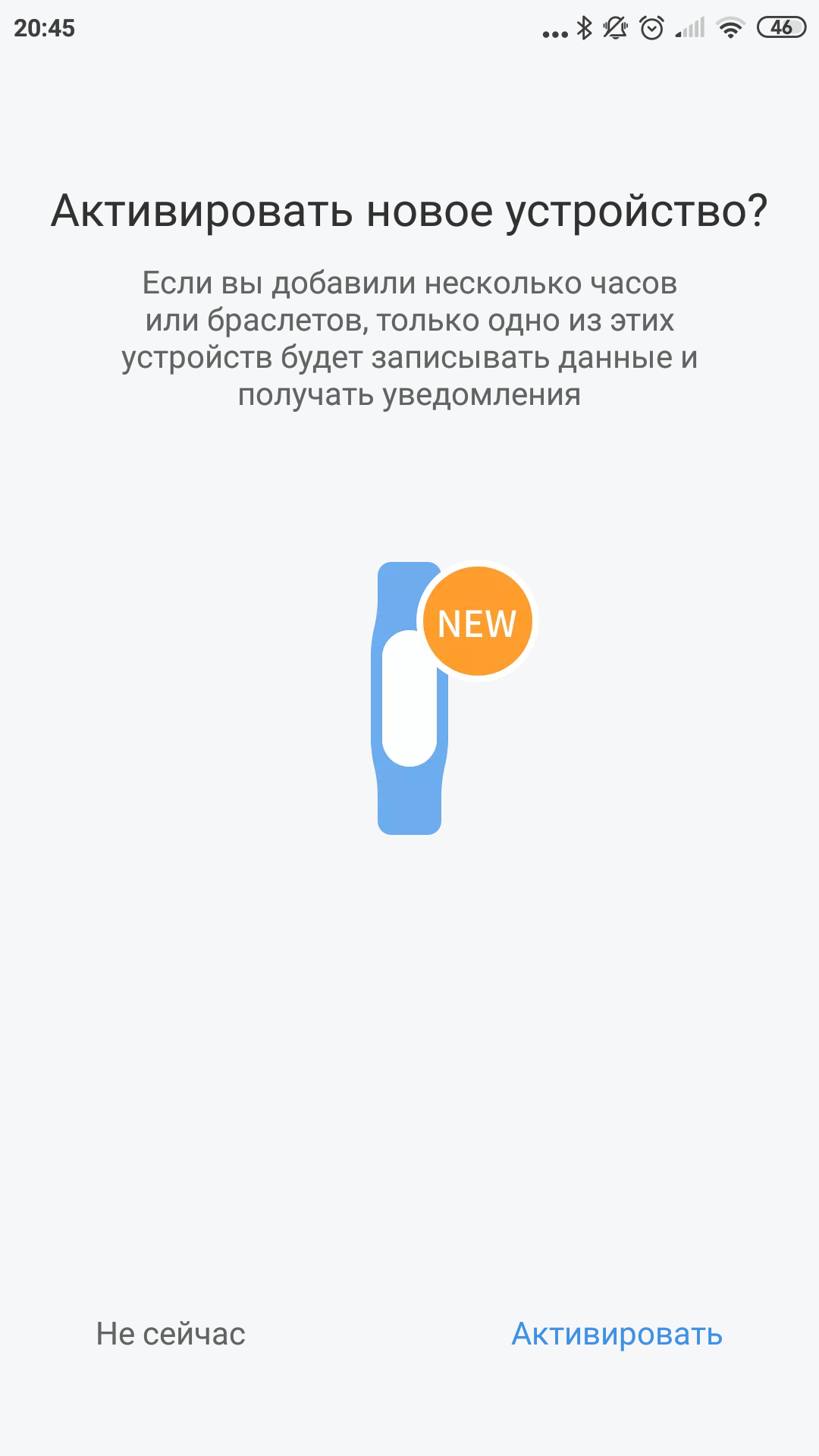
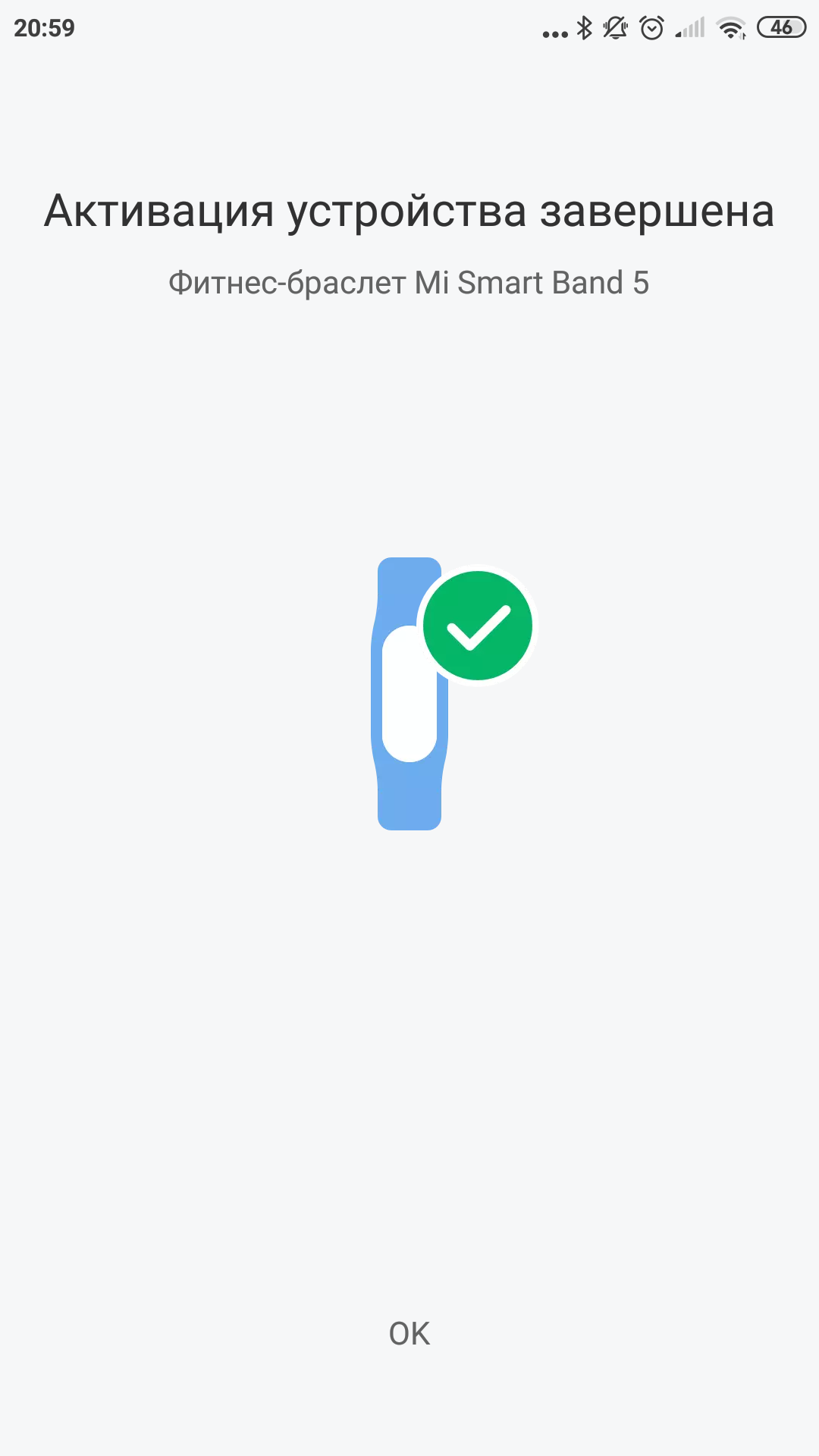
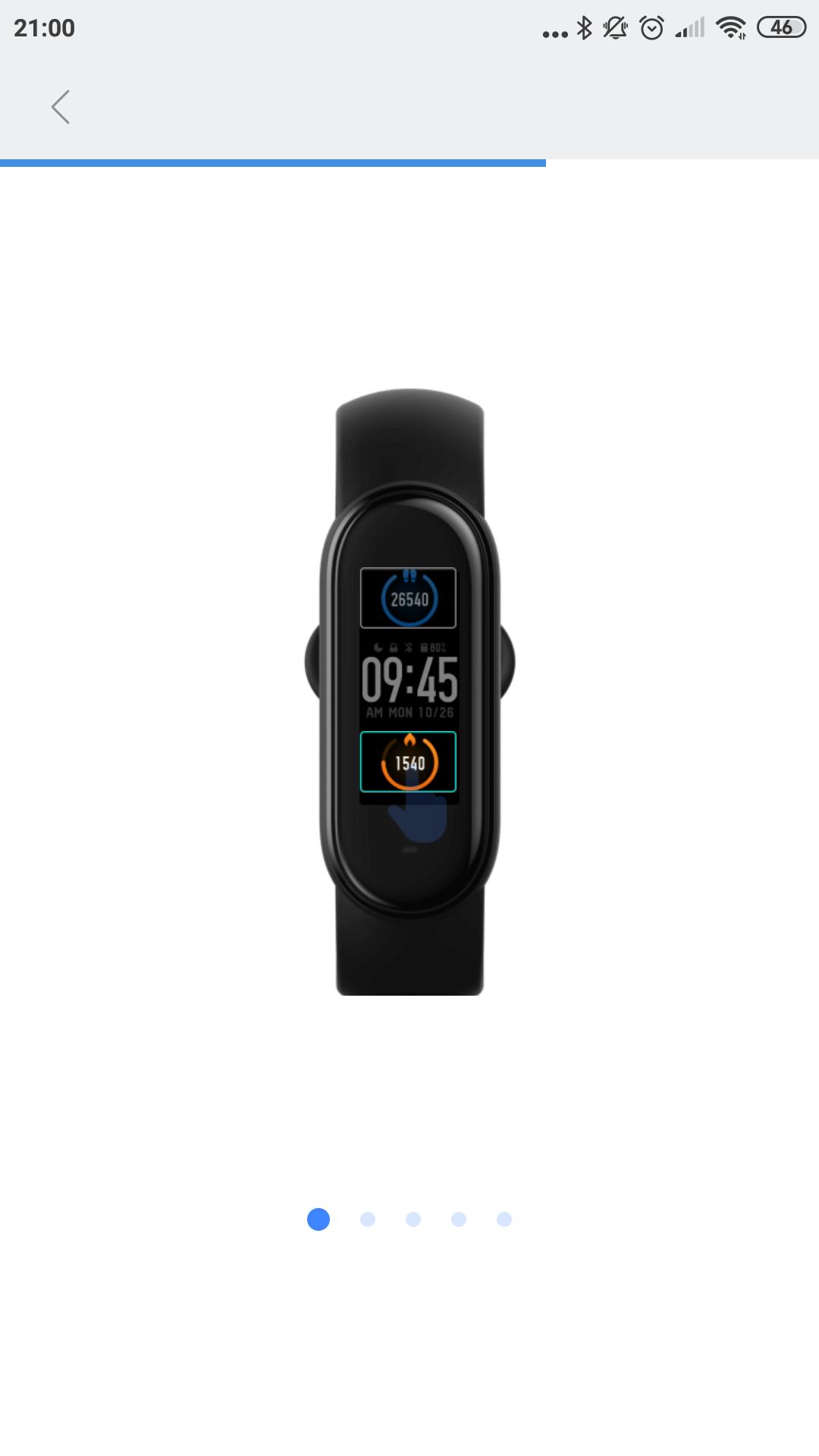
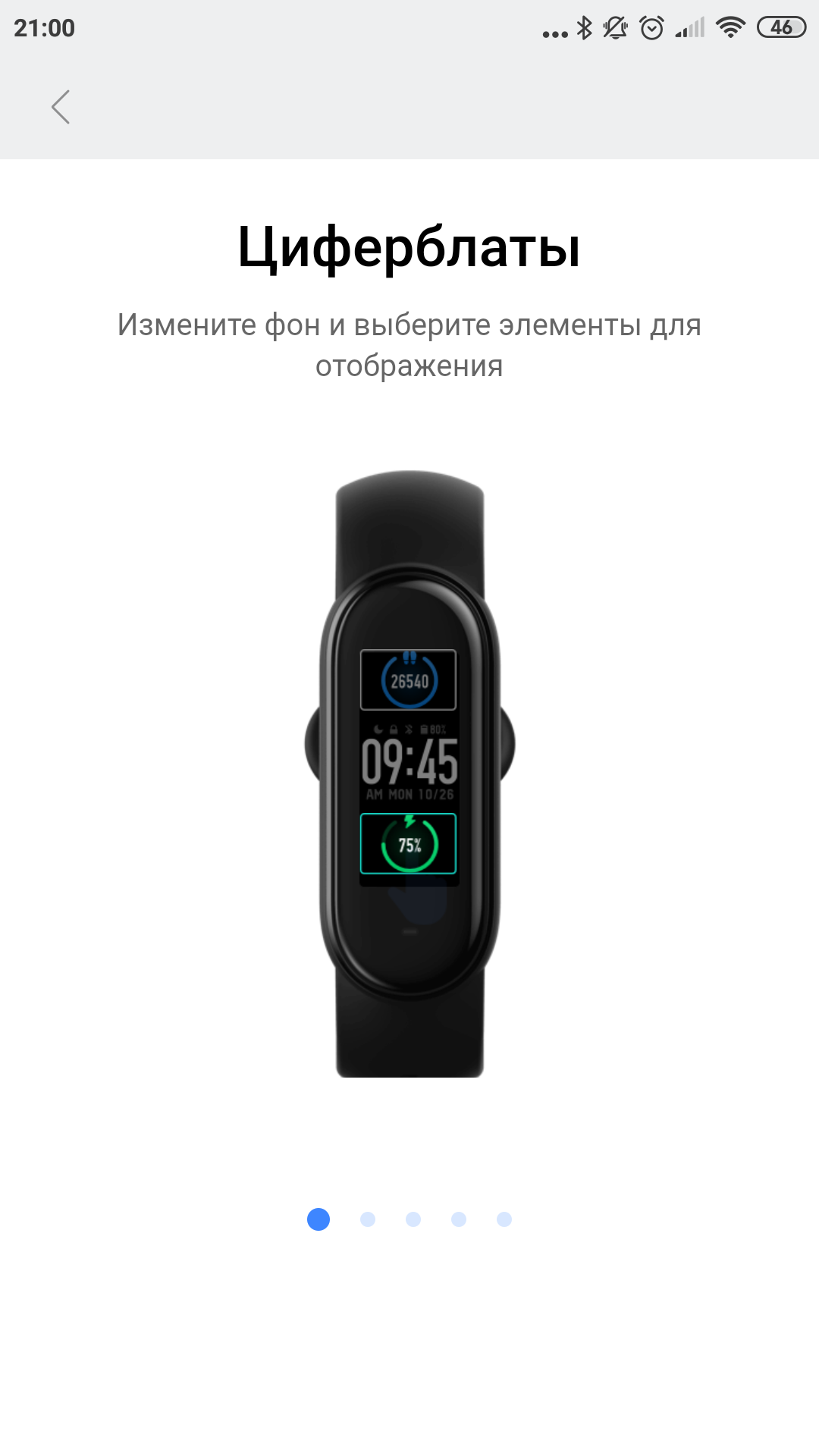
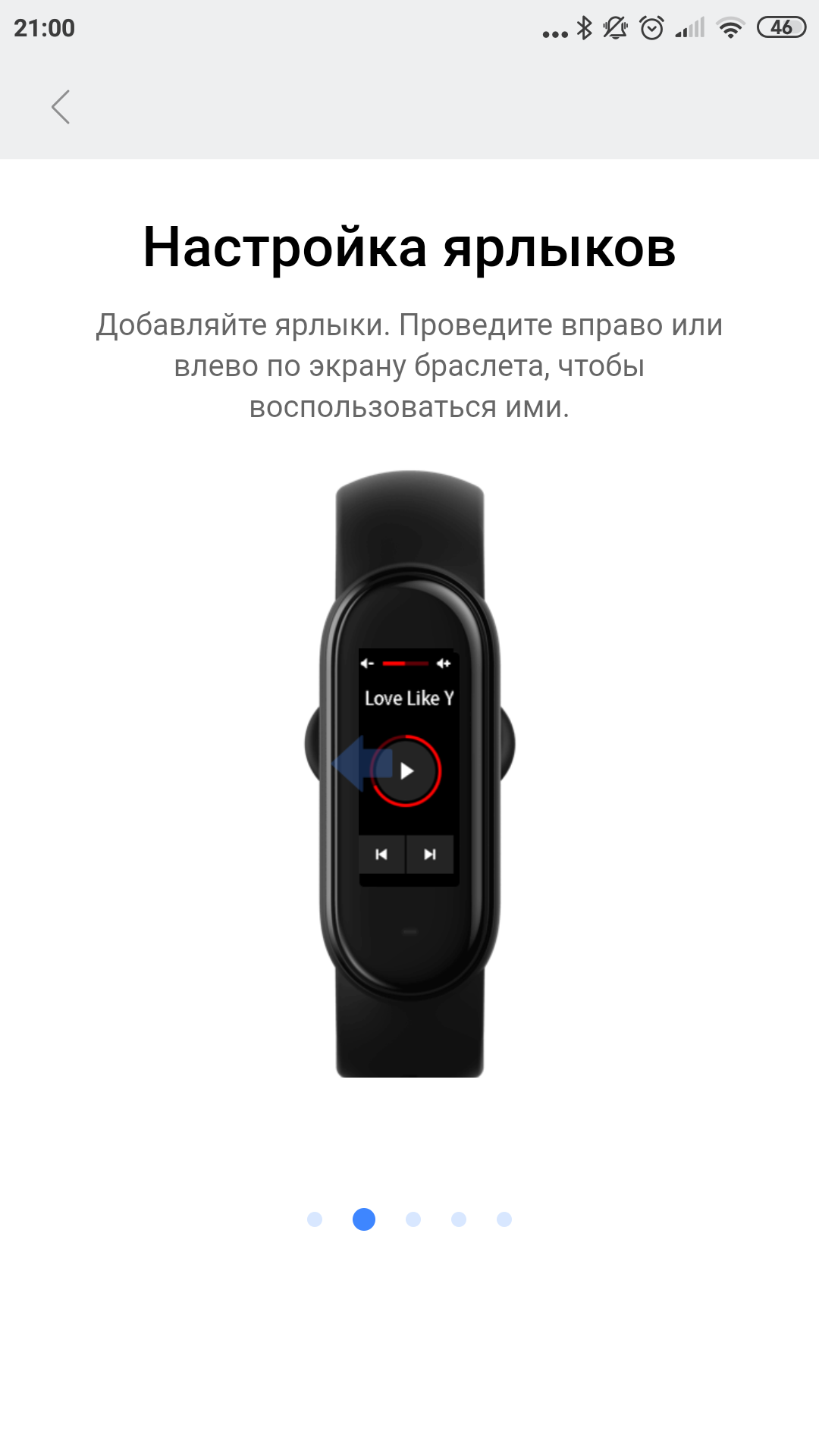
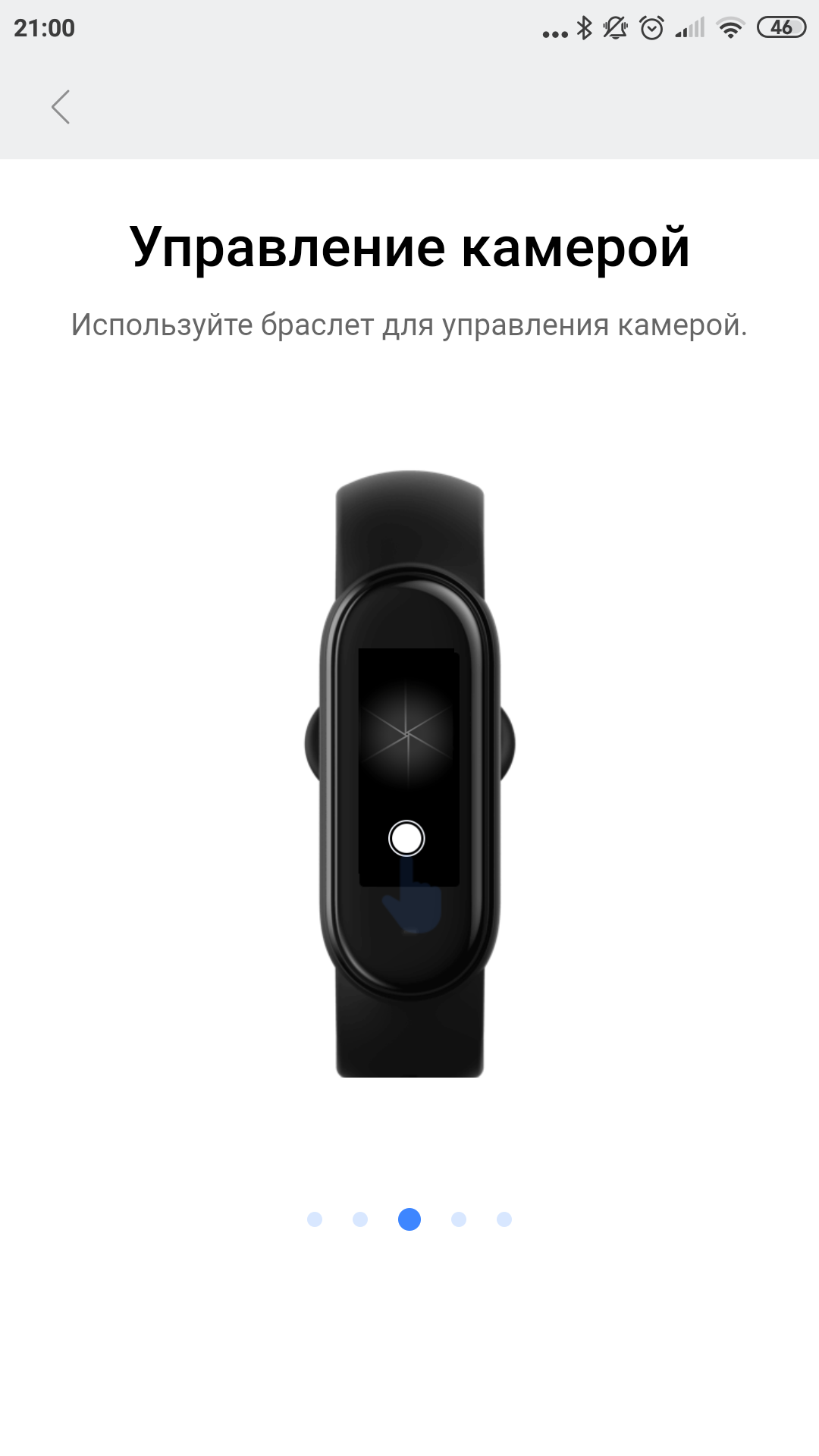
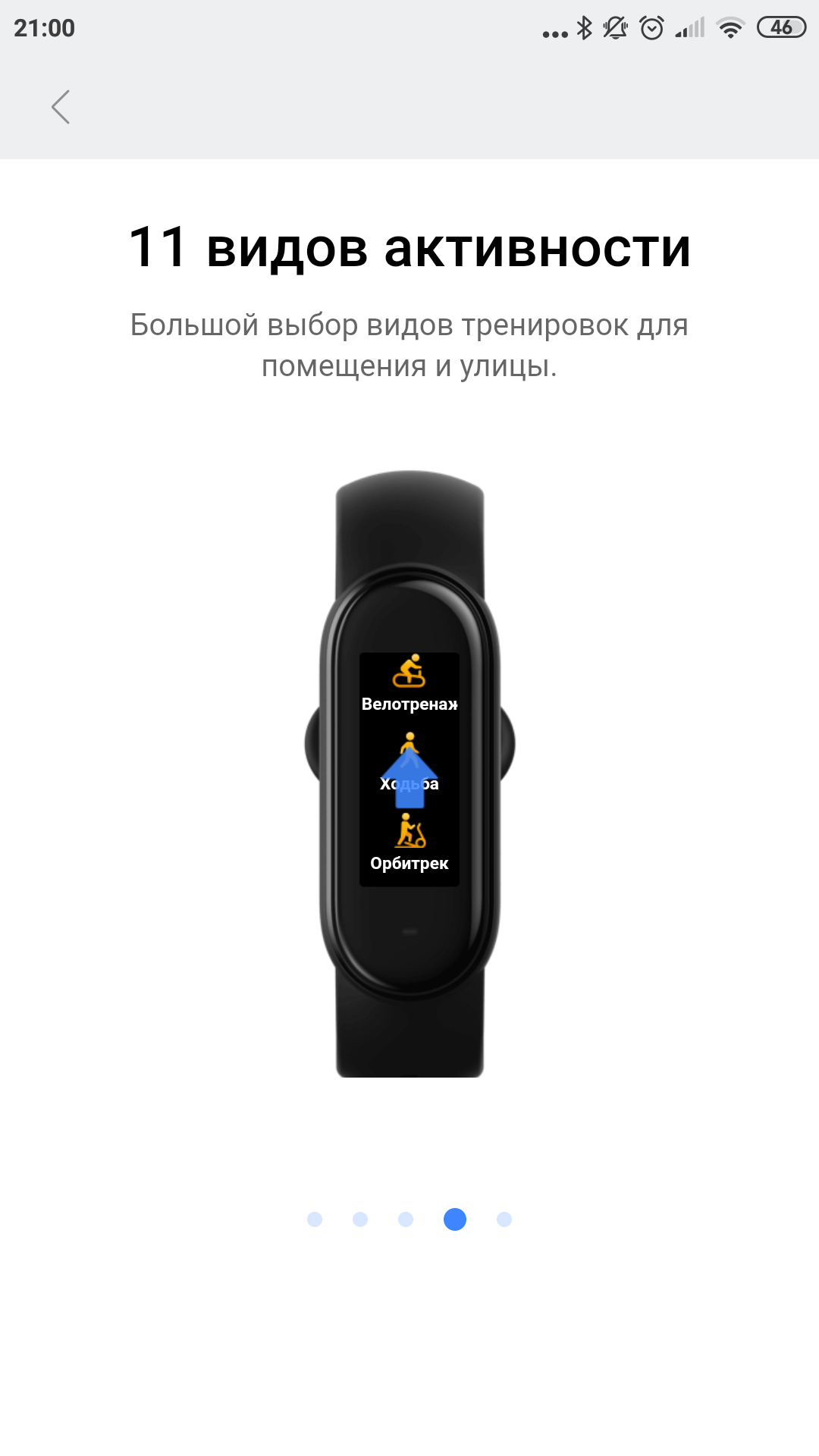
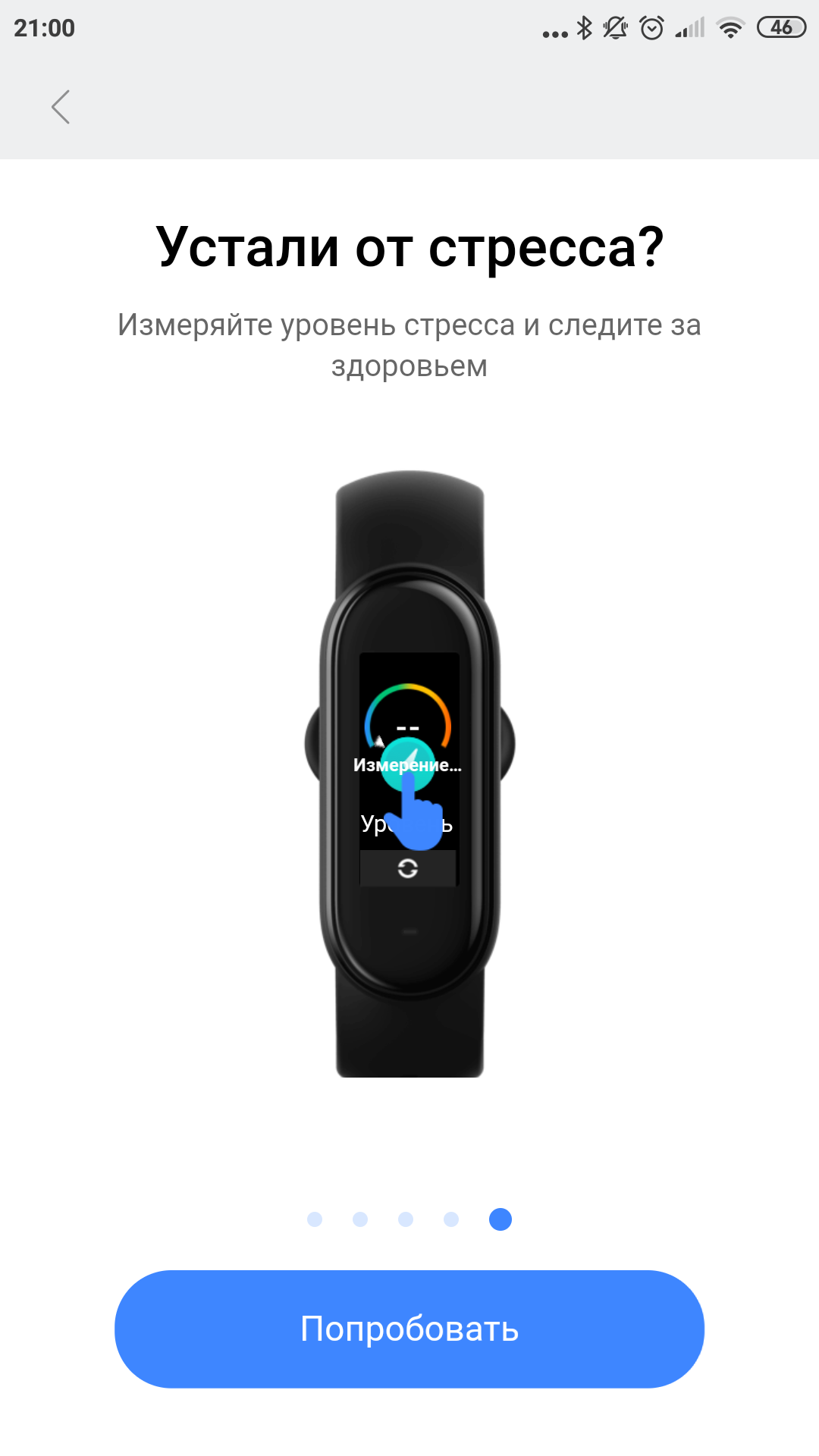
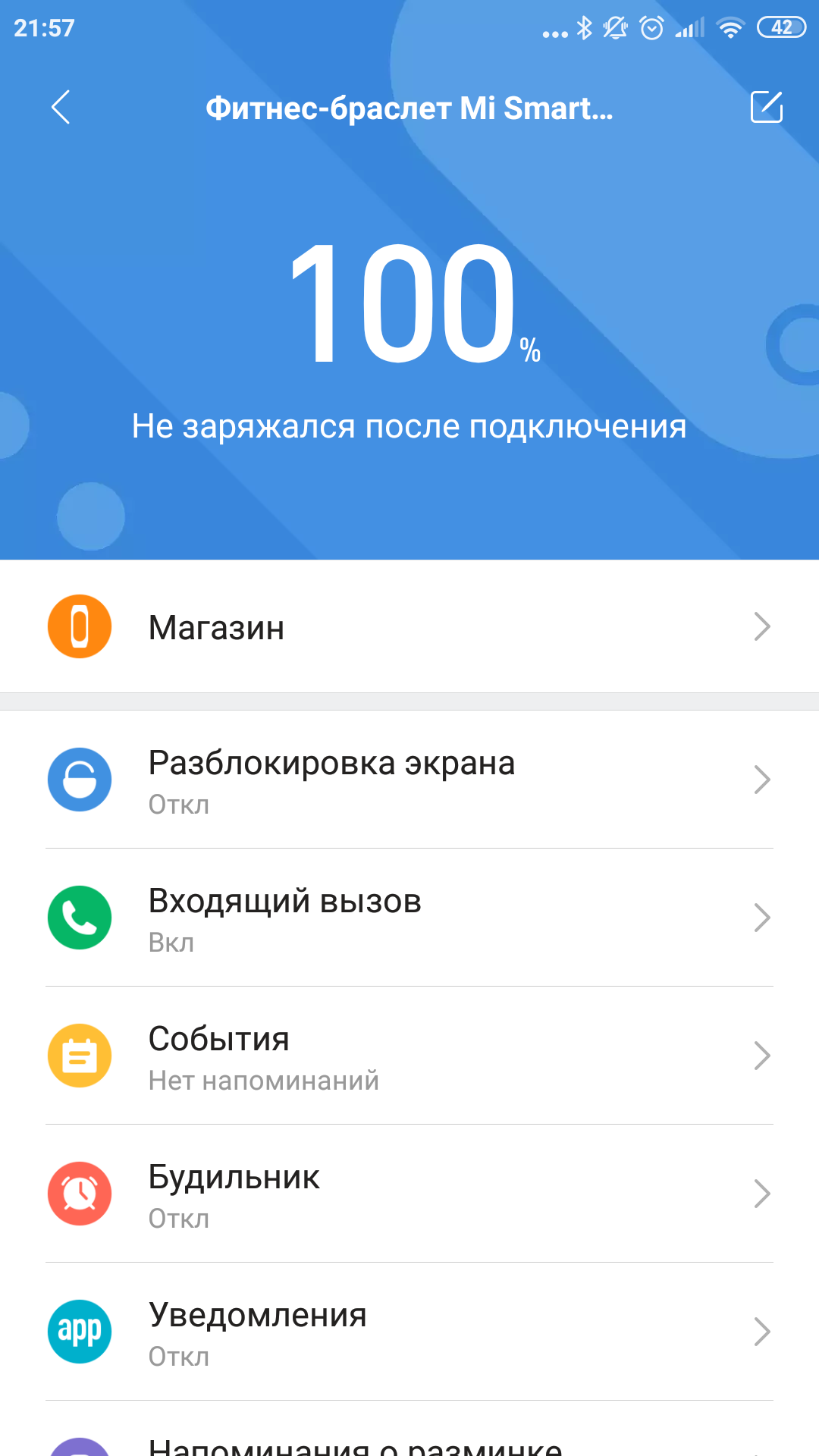
For full operation Mi Band 5 will needMi Fit mobile application. The connection process is very simple: on the application side we add a new device, the smartphone and bracelet find each other via Bluetooth, and confirm the connection. If you already have a bracelet “paired” with the application, you will need to disable it; the system cannot work with two bracelets at the same time. Further, the bracelet can work completely autonomously, periodically synchronizing with a smartphone. Everything is the same as in previous versions. When you first connect, the app will give you a brief tour of the new bracelet's features.
</ img>
</ img>

</ img>
</ img>
</ img>
</ img>
</ img>
</ img>
</ img>
</ img>
</ img>


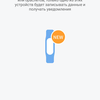

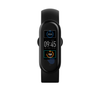
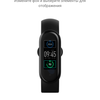
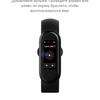
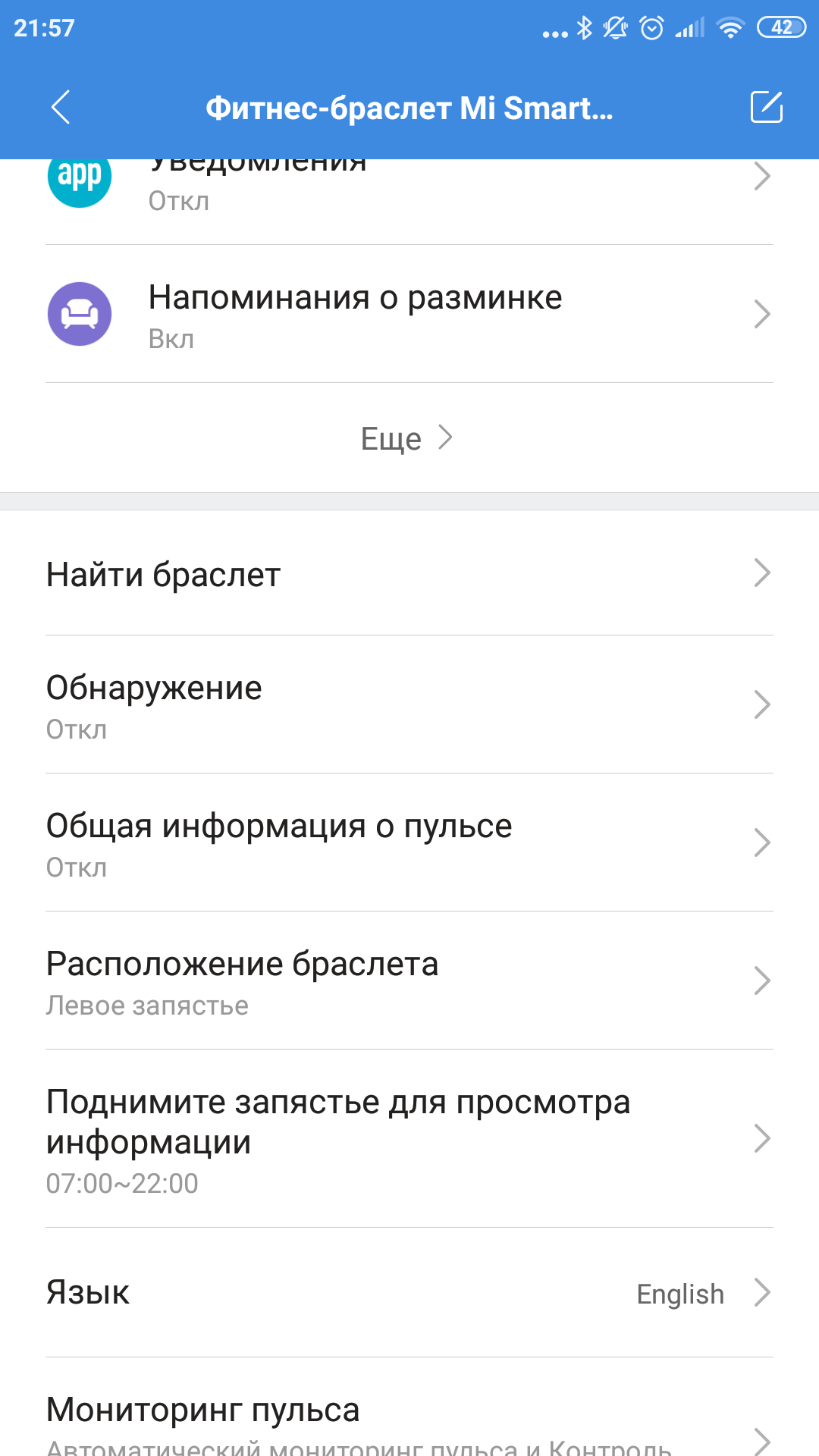
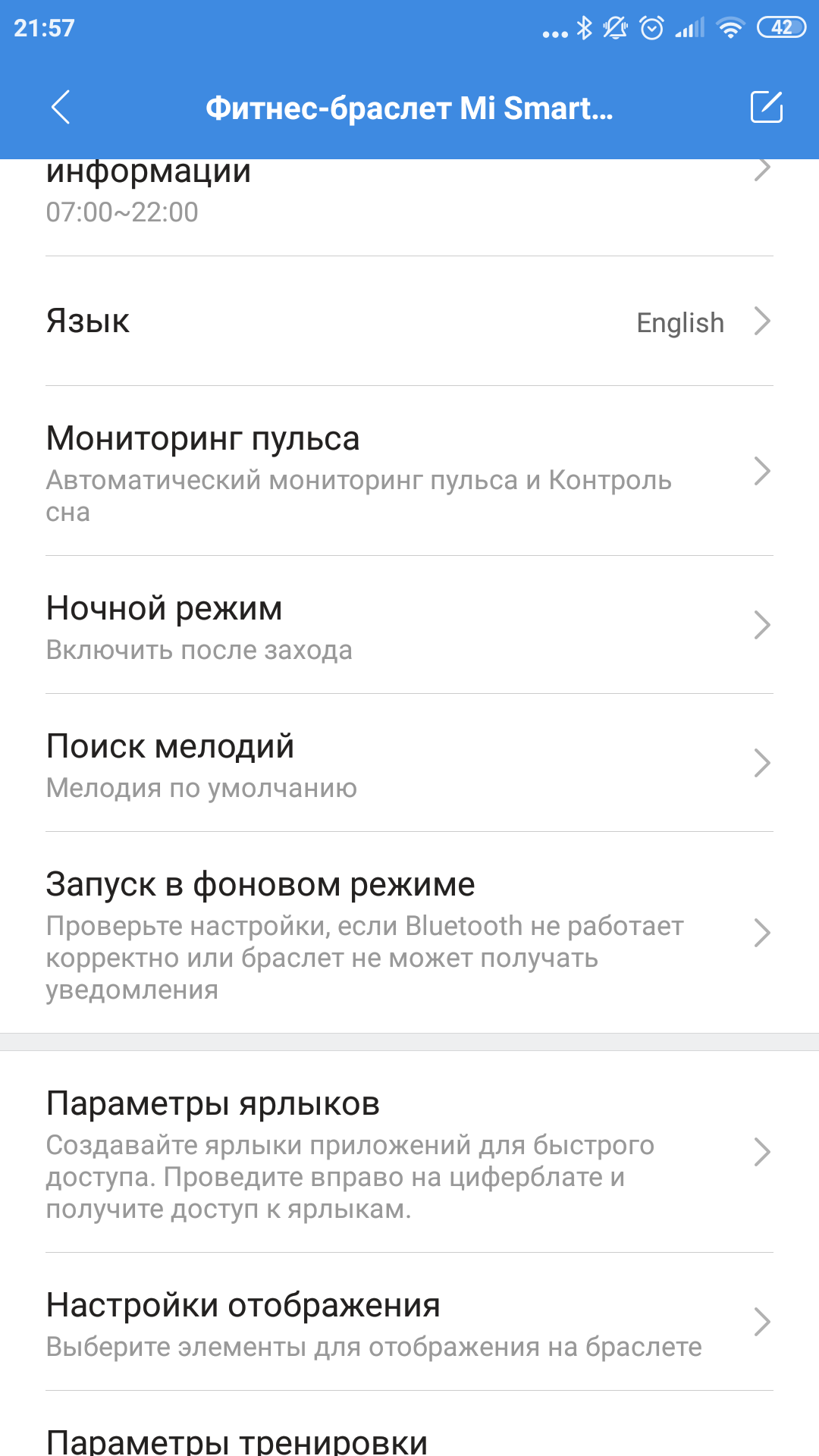
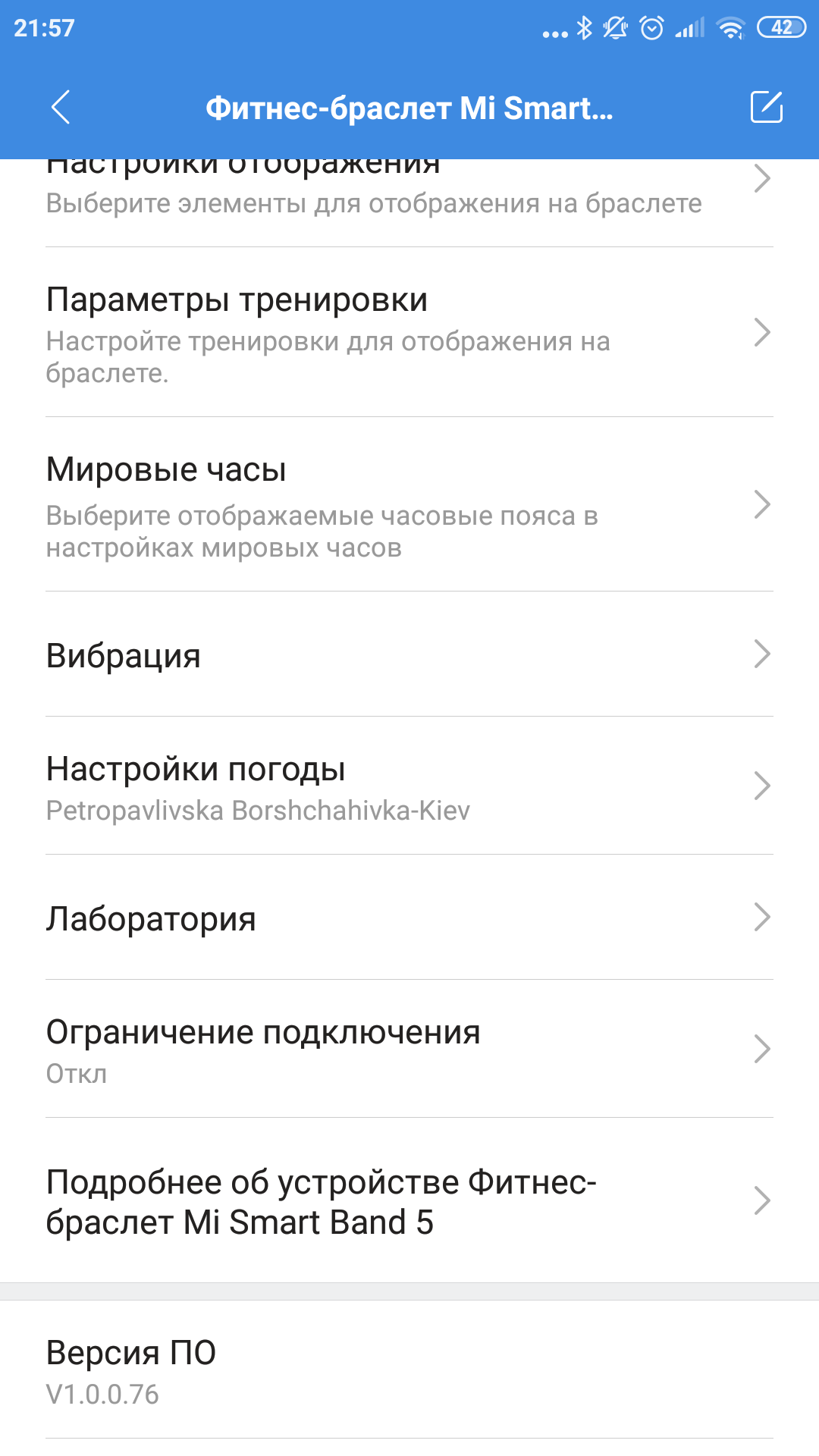
Separately, the issue of interface language should be noted.To change the language on Mi Band 5, just connect it to the application. The bracelet will automatically install the operating system language on the smartphone. But the bracelet greeted me with Chinese characters, and after connecting it did not change my mind. Well, open Mi Fit, go to “profile” - “Mi Smart Band 5 fitness bracelet” -“language” and we see there in addition to two optionsChinese only English. This is a feature of the Chinese version of the device; there will be more languages in the global firmware. However, besides the bracelet interface, localization does not affect anything else. In the application, everything is as usual, and on the bracelet itself, notifications in Cyrillic are displayed without problems.
What can Xiaomi Mi Band 5 do?
So, there are many interesting and controversial things. Let's start with the obvious and then move on to debunking myths (or creating new ones).
</ img>
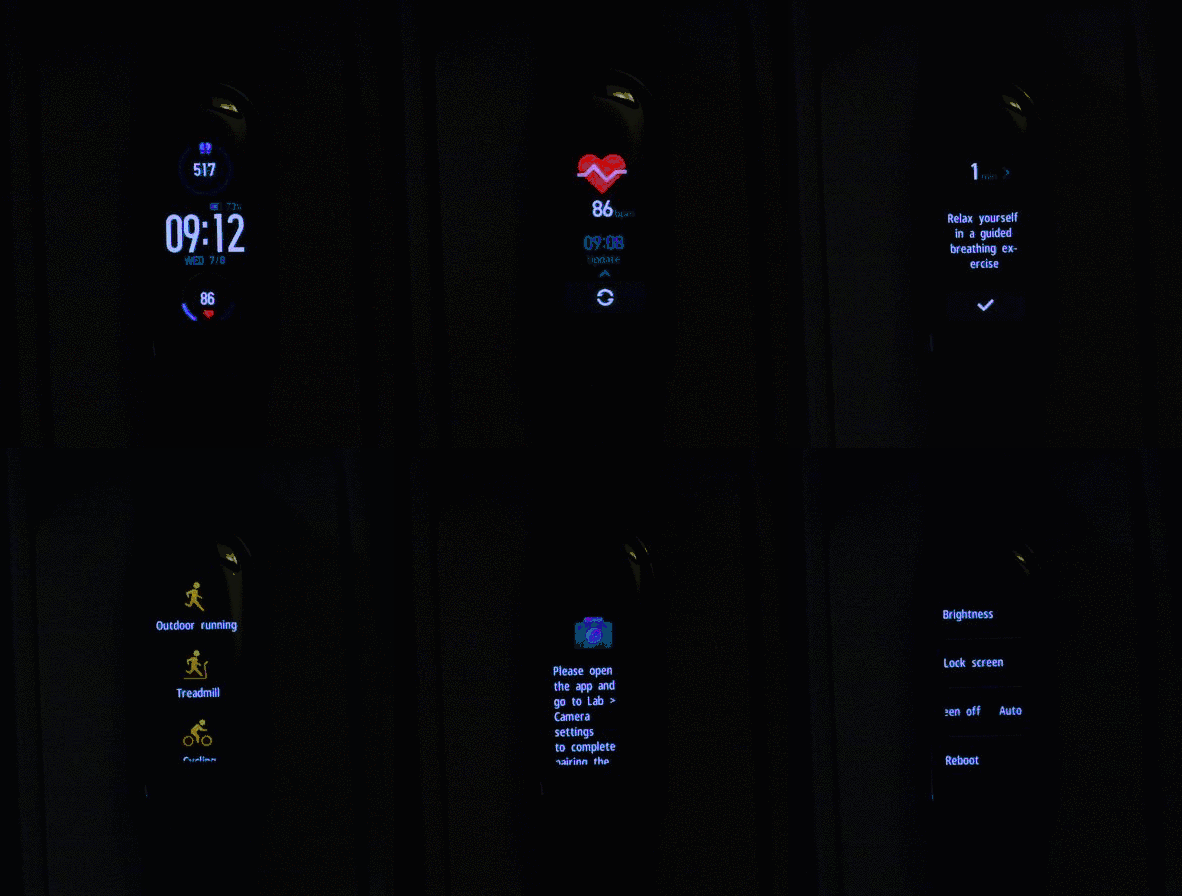
All functions of Mi Smart Band 5 in one GIF.
The main screen displays the time elapsedsteps and current heart rate. This is on the watch face by default, and there are others with different data sets. Moreover, it is possible to edit the watch face by replacing one of the “widgets” with another. Navigation is carried out by swiping across the screen. On the main screen, in addition to vertical swipes, horizontal swipes also work; they cyclically switch between screens with weather, music and notifications. The Alipay payment system screen has been removed from here, buried deeper in the other options section.
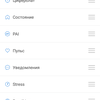
The main dial is clear, now let's move on.We rotate the screens vertically, click on the corresponding icons and see what’s there. In the “Status” section, you can see the number of steps taken today, distance, calories burned, and inactivity notification counter. Everything is the same as in Mi Band 4, but there is an interesting improvement: by scrolling a little further, you can see step statistics for the last week, separately for each day. Good idea. By the way, the step tracking accuracy of the fourth and fifth versions is almost the same; the difference in my experiments was less than 0.1%.
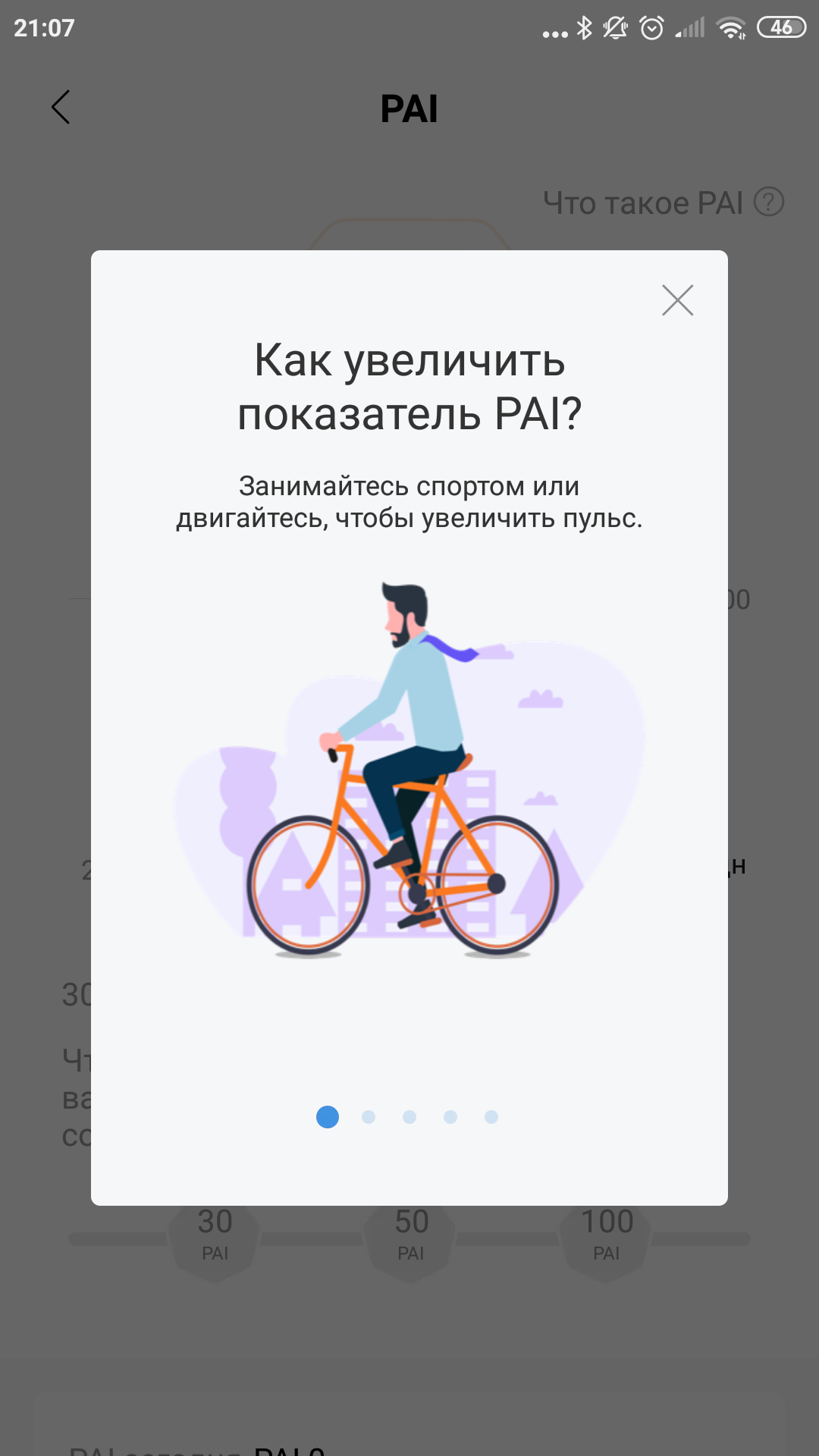
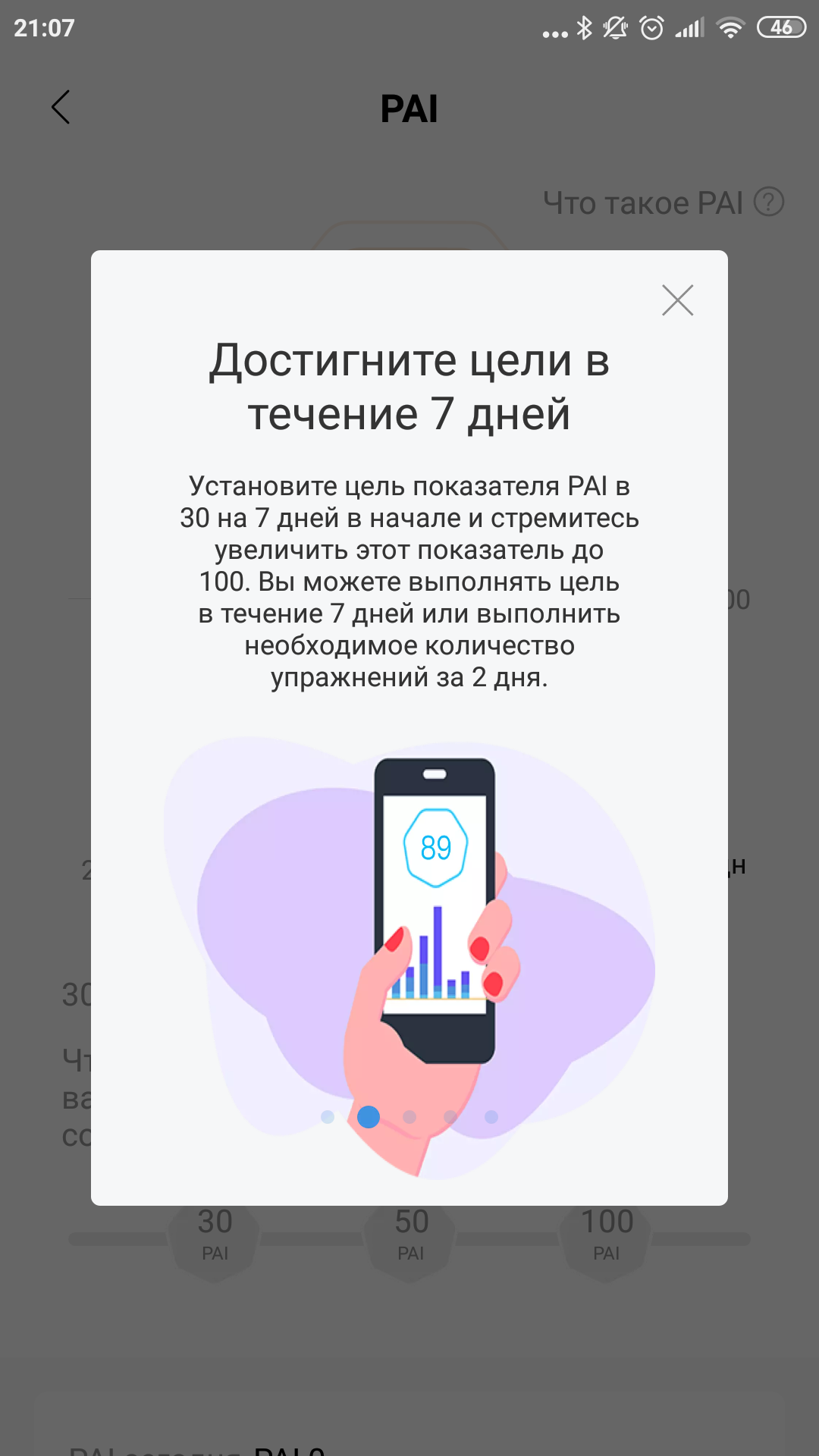
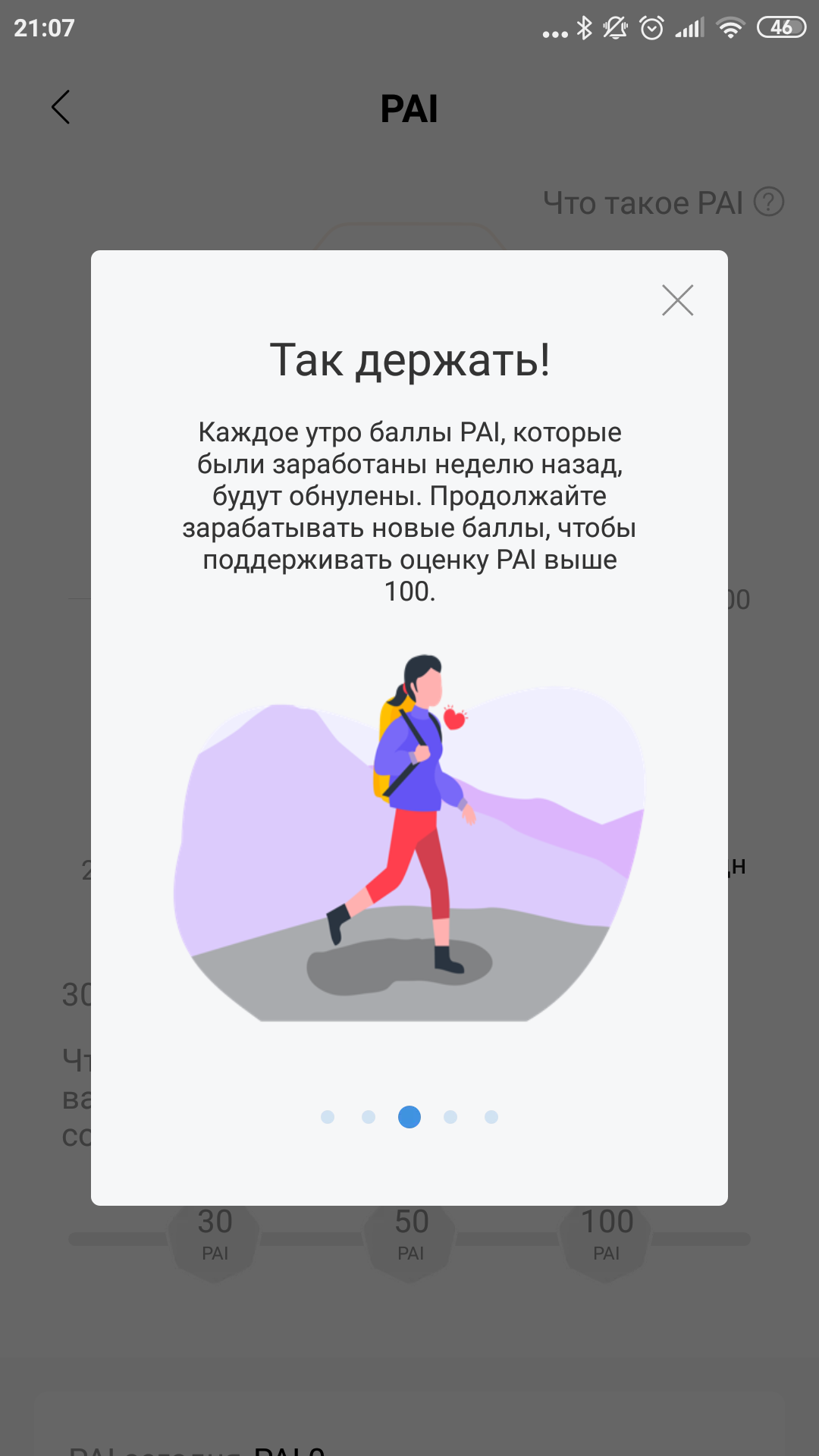
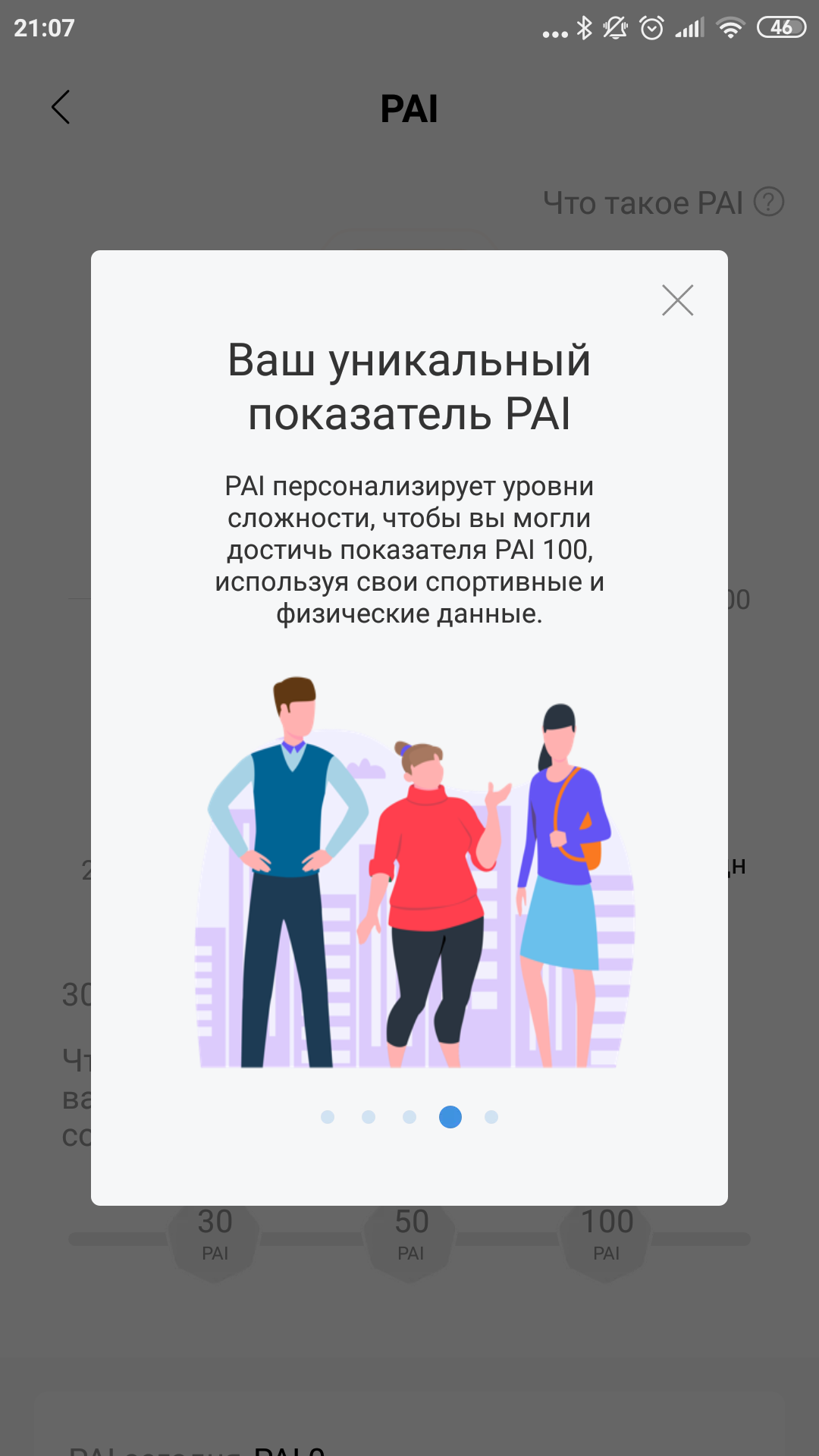
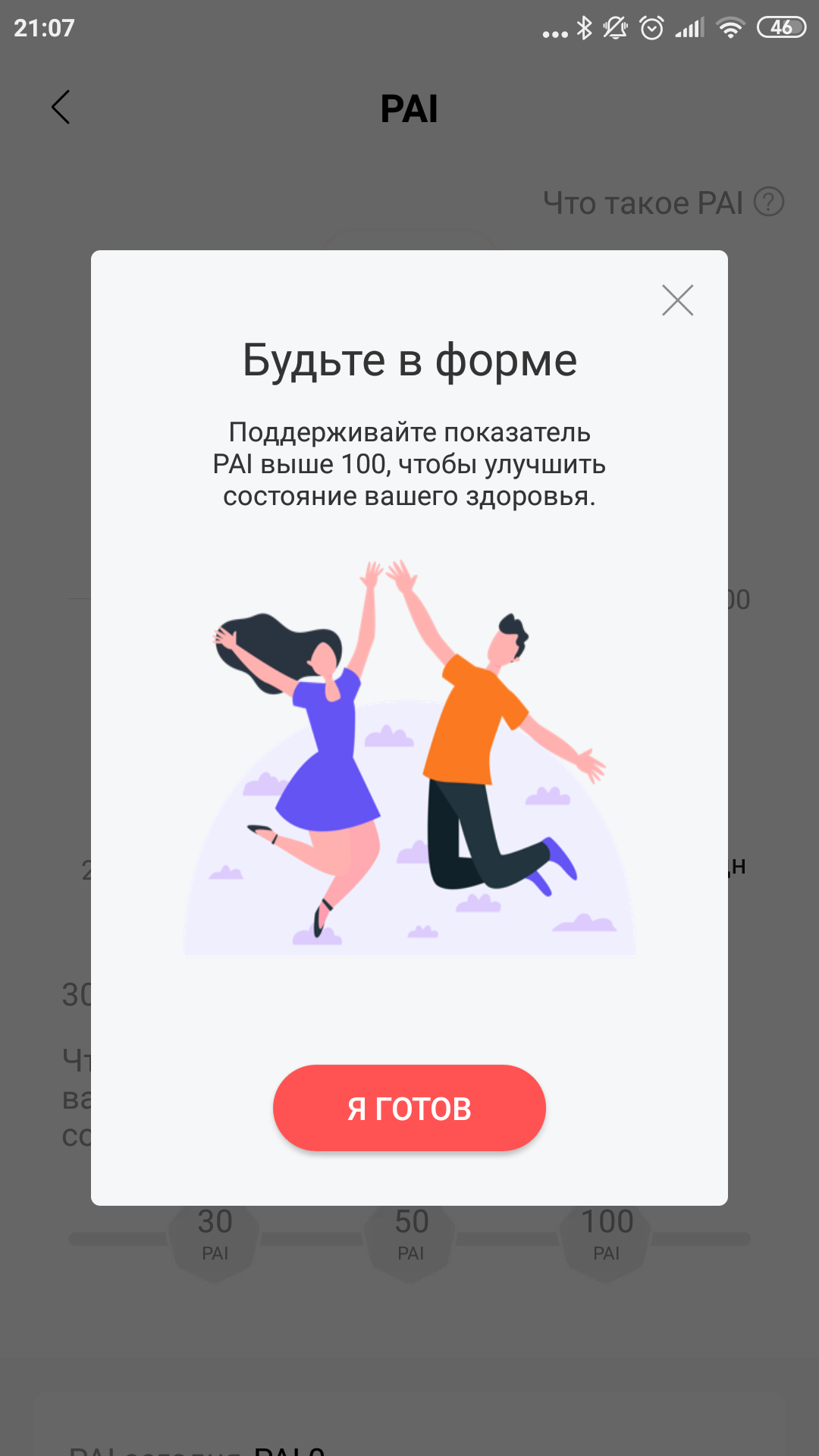
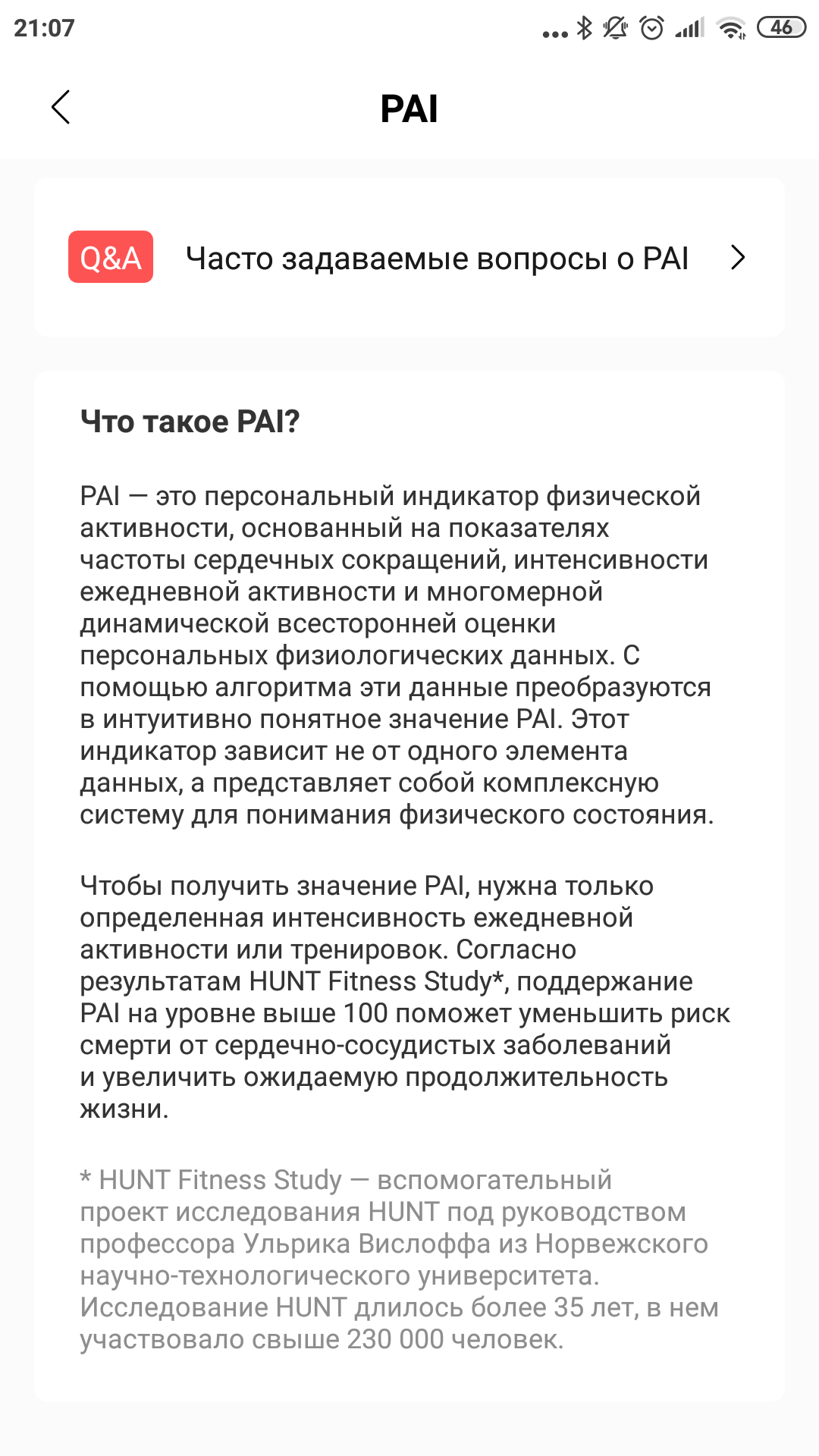
The next point isPAI. This is a personal activity index, somethinglike “cardio points” in the Google Fit app. An indicator that increases during intense exercise with an increased heart rate. It motivates you not just to walk, but to train more actively. According to the developers' calculations, the PAI value should be maintained at a level of at least 100 per week. This was not the case in the Quartet, another useful innovation. By the way, when you activate Mi Band 5, the corresponding section with the PAI indicator appears on the main Mi Fit statistics screen; you don’t need to configure anything separately.
</ img>
</ img>
</ img>
</ img>
</ img>
</ img>
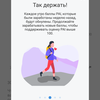

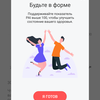

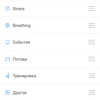
Pulse.You can measure it right here, or you can seeheart rate breakdown for the day by zones: rest, light activity, fat burning, aerobic, anaerobic, maximum oxygen consumption. Interesting, but not very informative. It’s much more useful that such a scale is now on the main screen and, of course, available on the screen in training mode.
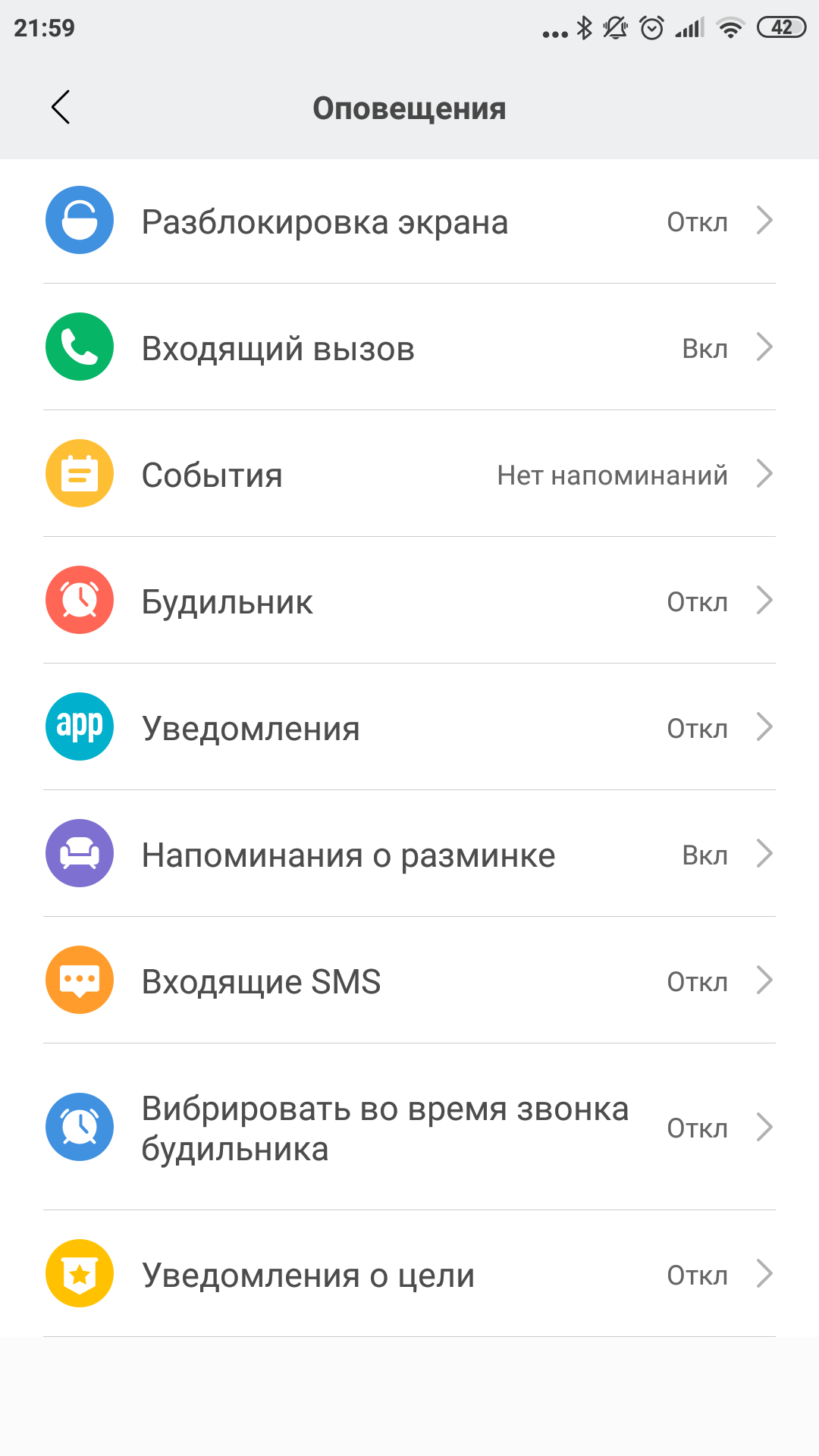
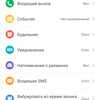
Notifications.In the Mi Fit app, you can select appsnotifications from which the bracelet will receive. So that you can read retweets without looking at your smartphone screen, for example. The function only works when the bracelet is within range of the Bluetooth connection with the phone.
Stress.New in the fifth version, there was no such function beforewas. You can measure your stress level and get a result on a scale of 100. The measurement algorithm uses the intensity of heart rate changes and may have nothing to do with reality. But it's a funny thing. The bracelet advises: If your stress level is high, take steps to reduce it. Chinese wisdom is truly inexhaustible!
Breath.Also a new feature.For a minute or other selected period of time, you are asked to breathe in and out slowly, and then the bracelet shows how your heart rate has changed after this exercise. A ready-made tool for reducing stress, almost like “breathing into a bag.”
Events.Events and reminders configured in the Mi Fit application are displayed here.
Cycles.Section for information about women's cycles. It is active (like the entire corresponding section in the application) only if the Mi Fit profile indicates female gender.
Weather.Compared to the fourth version of the bracelet, thisThe section became broader, with a forecast for several days ahead and details such as wind and ultraviolet radiation intensity. The bracelet takes all this data from the Internet through synchronization with a smartphone.
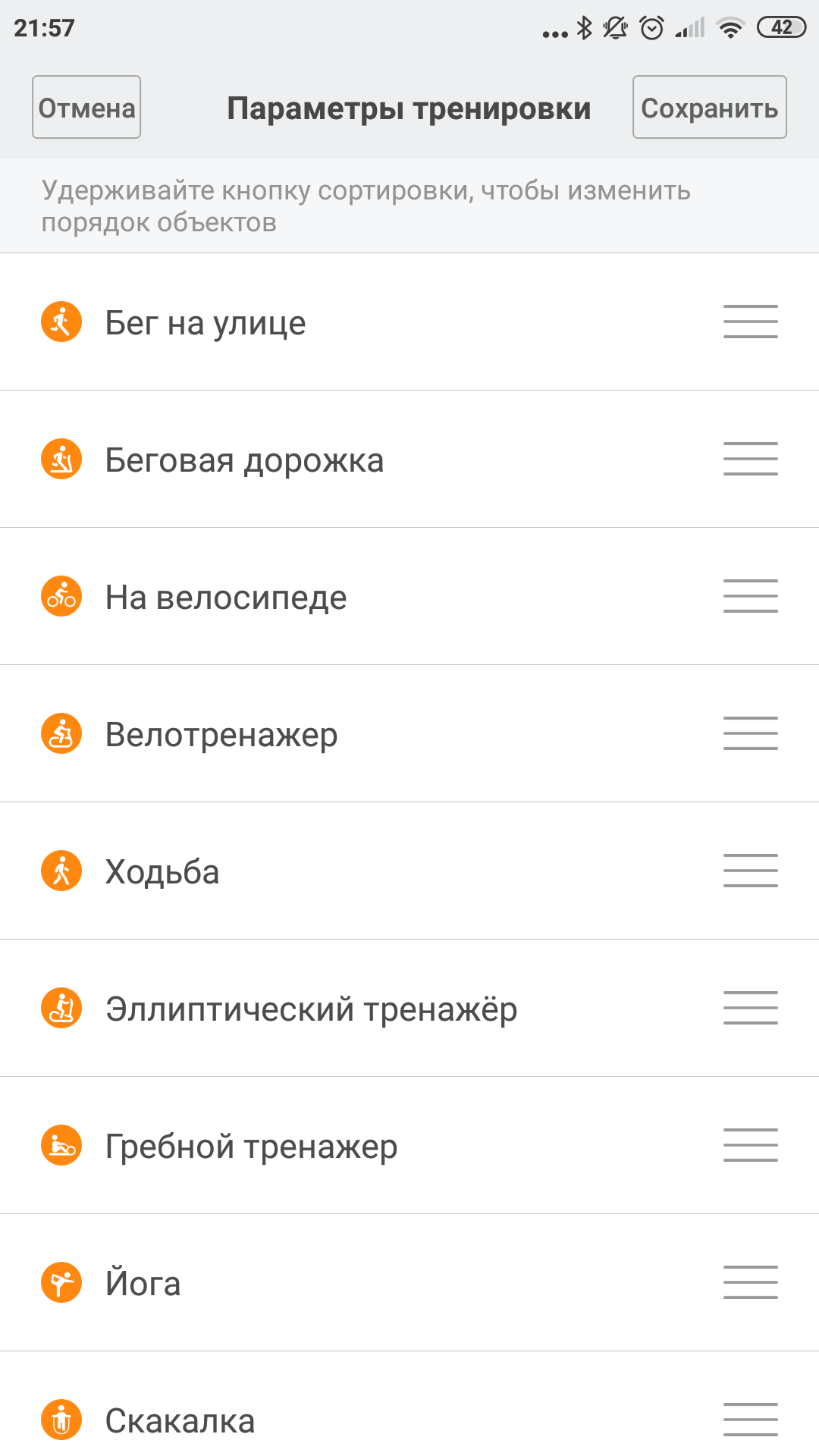
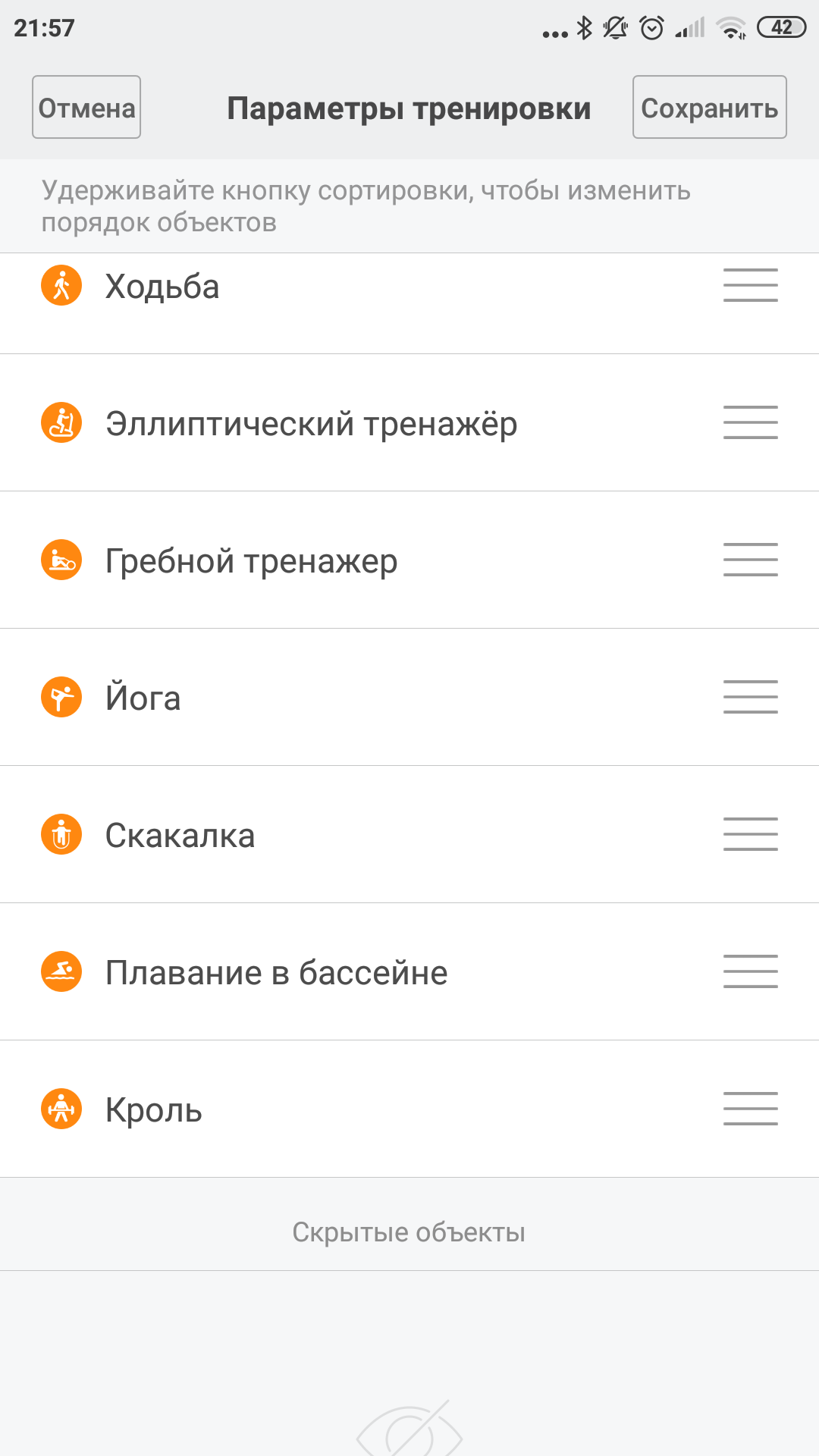
TrainingThere are more of them.There are separate modes for cycling, elliptical and rowing machines, yoga and jump rope. As in the previous version, there is swimming tracking, and the device itself, accordingly, is equipped with moisture protection and is not afraid of either a shower or immersion under water.
</ img>
</ img>
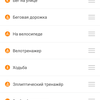
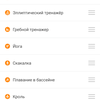
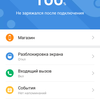
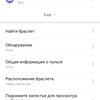
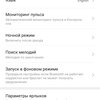
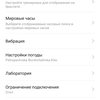
Everything else is collected in sections"More". Here are the “do not disturb” mode settingsstopwatch, timer and alarm clock, camera and player control. The “find device” function sends a sound signal to a smartphone (interestingly, you can send a similar signal from a smartphone to search for a bracelet, only the one, in the absence of a speaker, will simply vibrate). From here you can enable silent mode on your smartphone. Other things include a world clock (cities to be displayed are selected in the application), the Alipay payment system that doesn’t work for us (that’s where it was hidden, but in the “four” it flashed in the most visible place) and dial settings. Of the above, the player and camera control functions are especially interesting. The second feature is experimental; I haven’t been able to launch it yet. And the first one worked well in the previous version. You can control music either using a standard player or any other (the YouTube application also works). You can pause, move through tracks and adjust the volume. Another thing is that it’s not very convenient to do this on a tiny screen. But perhaps it’s more convenient than taking the now fashionable gigantic smartphone out of your bag. This is what ergonomics is like in 2020.
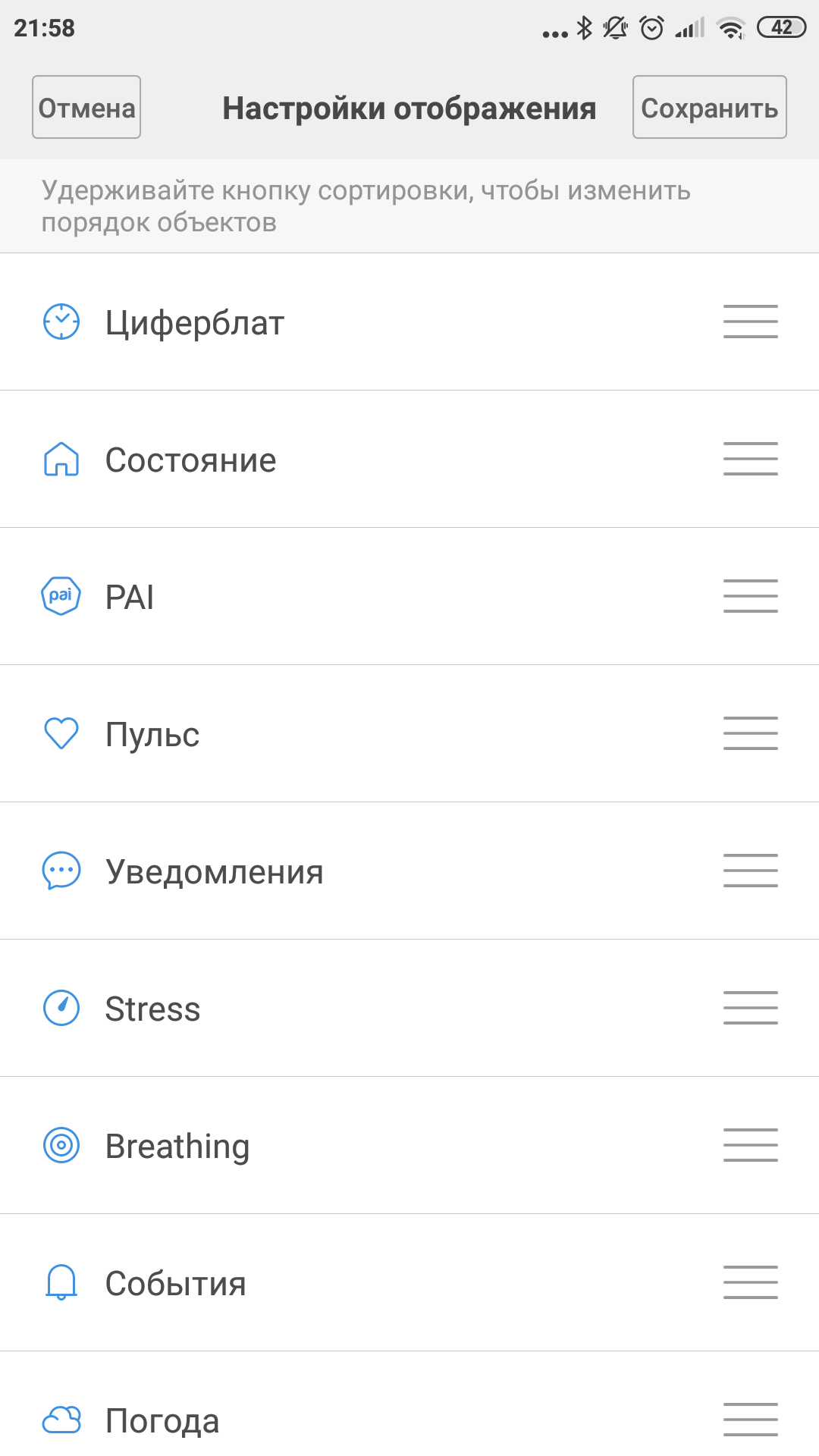
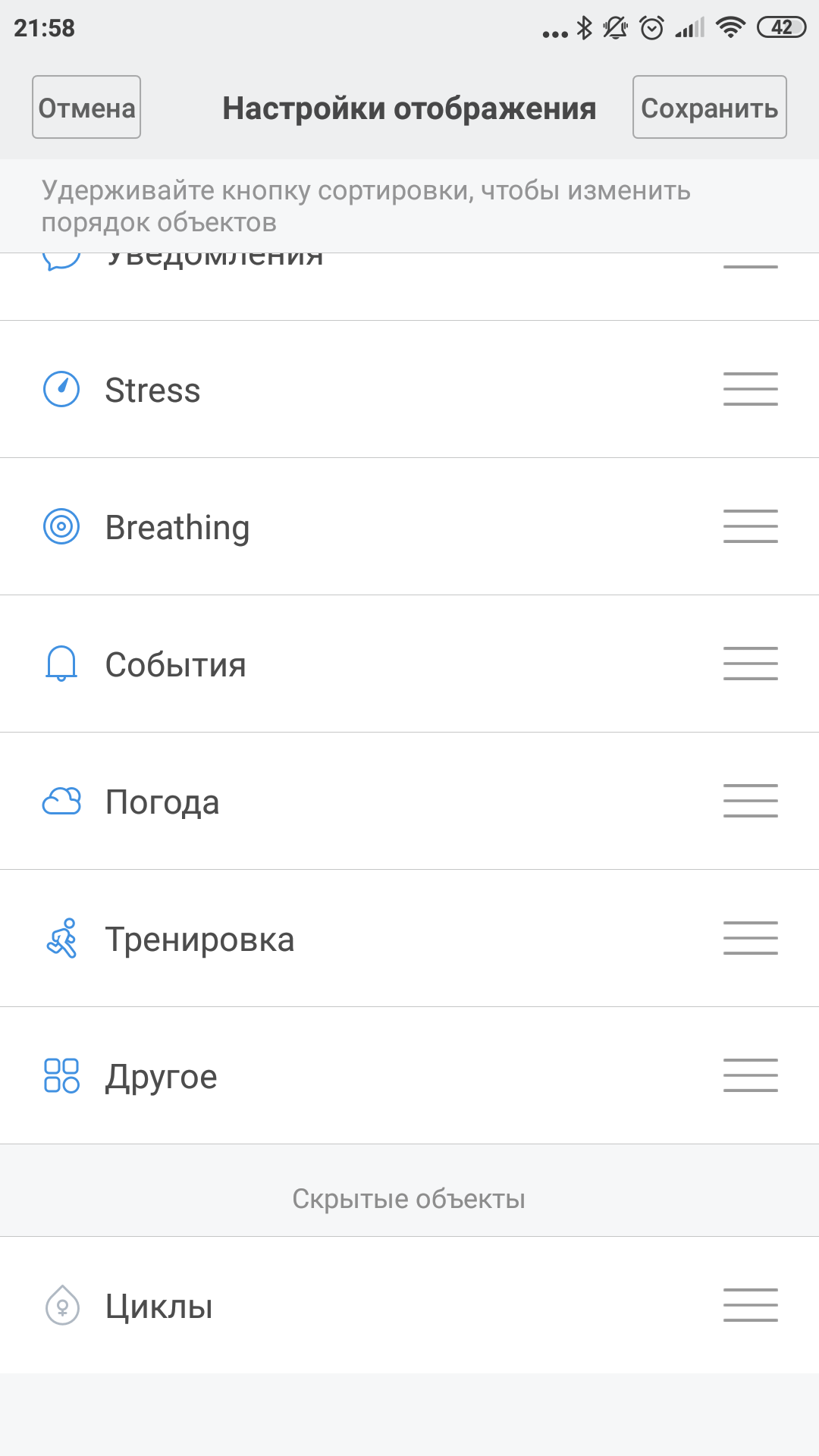
Detailed analytics and detailed settings likealways available in the Mi Fit app. The range of possibilities is very wide, from changing the sequence of menu items on the bracelet to viewing graphs of heart rate and cadence during a run. Here you can also see the statistics of sleep tracking, which has been improved in the new version of the device.
</ img>
</ img>
</ img>
</ img>
</ img>
</ img>
</ img>
What the Xiaomi Mi Band 5 cannot do?
A strange section, but without it in any way. The popularity of Xiaomi smart bracelets is inevitably generating waves of rumors about what the next version will be. And different modifications of the same device only exacerbate the situation. So a minute of destroying myths.
Mi Band 5, contrary to leaks, does not have an oximeter(a sensor that measures blood oxygen saturation). There is no NFC either, but it may appear in a special modification of the device. I couldn’t find support for voice assistants like Alexa anywhere. There is also no bezel-less screen surrounding the touch button. A picture of it has been circulating on the Internet, but you already know what the real device looks like. Mi Band 5 cannot measure blood pressure, do a cardiogram or make coffee.
What about autonomy?
Unlike smartwatches, fitness trackers are stillmore autonomous. The battery capacity of Mi Band 5 has decreased to 125 mAh compared to 135 mAh for its predecessor. A full charge takes about two hours, which is obviously a lot for such a tiny capacity. However, this will still be enough for a long time. According to the manufacturer, for 10 days. This is less than the “four” with 20 days of estimated autonomy, but still does not cause discomfort, especially if there is a magnetic charging connector. In reality, five days does eat up half the charge, but with very heavy use with notifications, continuous heart rate measurement, maximum screen brightness and the longest (10 seconds) delay for turning it off. In a more gentle mode, it is quite possible to talk about two weeks without recharging.
</ img>
In the dry residue
Xiaomi Mi Band 5 continues the series worthilybest-selling trackers. Compared to the “four”, everything here has been improved little by little. Larger display, magnetic charging, more workouts, PAI functions, stress and breathing measurements in a pouch. Smartphone camera control (still experimental) and many minor interface improvements. A step back can only be considered a little less autonomy.
There are no official Ukrainian prices yet, butpre-orders are targeted at 1,300 hryvnia ($48). The previous generation bracelet is still noticeably cheaper, about 600-700 hryvnia. The competing Honor Band 5 costs about the same. On AliExpress, the new product can be found for less than 900 UAH, and unnamed analogues are half the price there, as usual, in bulk. Something more serious and branded, like the Samsung Galaxy Fit, will cost, on the contrary, twice as much, and now I’m talking about Ukrainian prices. In general, the fifth “miband” can definitely be recommended as an upgrade to users of older versions (especially the third and older) or as an inexpensive (but not prohibitively cheap) fitness tracker for a wide range of tasks, including swimming. Those who need a standalone GPS should look at more expensive devices, and those who want to use contactless payment should wait for the NFC version.
4 reasons to buy Xiaomi Mi Band 5:
- traditionally high value for money;
- new training modes, PAI, stress measurement;
- convenient magnetic charging;
- feature-rich Mi Fit app that the bracelet works with.
2 reasons not to buy Xiaomi Mi Band 5:
- not a record autonomy
- lack of NFC (in this version)
Xiaomi Mi Smart Band 5
Great inexpensive fitness tracker
Mi Band 5 boasts quite largeOLED screen, magnetic charging, two weeks autonomy, dust and water resistant. Supports many training modes, tracks sleep and physical activity, can continuously measure the heart rate. All this data is available for viewing and analysis in the Mi Fit mobile application. There is no NFC version of the bracelet on the market yet.
Buy on AliExpress
New bestseller
Thank you
The editors would like to thank the iLounge store for kindly providing the Xiaomi Mi Band 5 fitness bracelet for review.