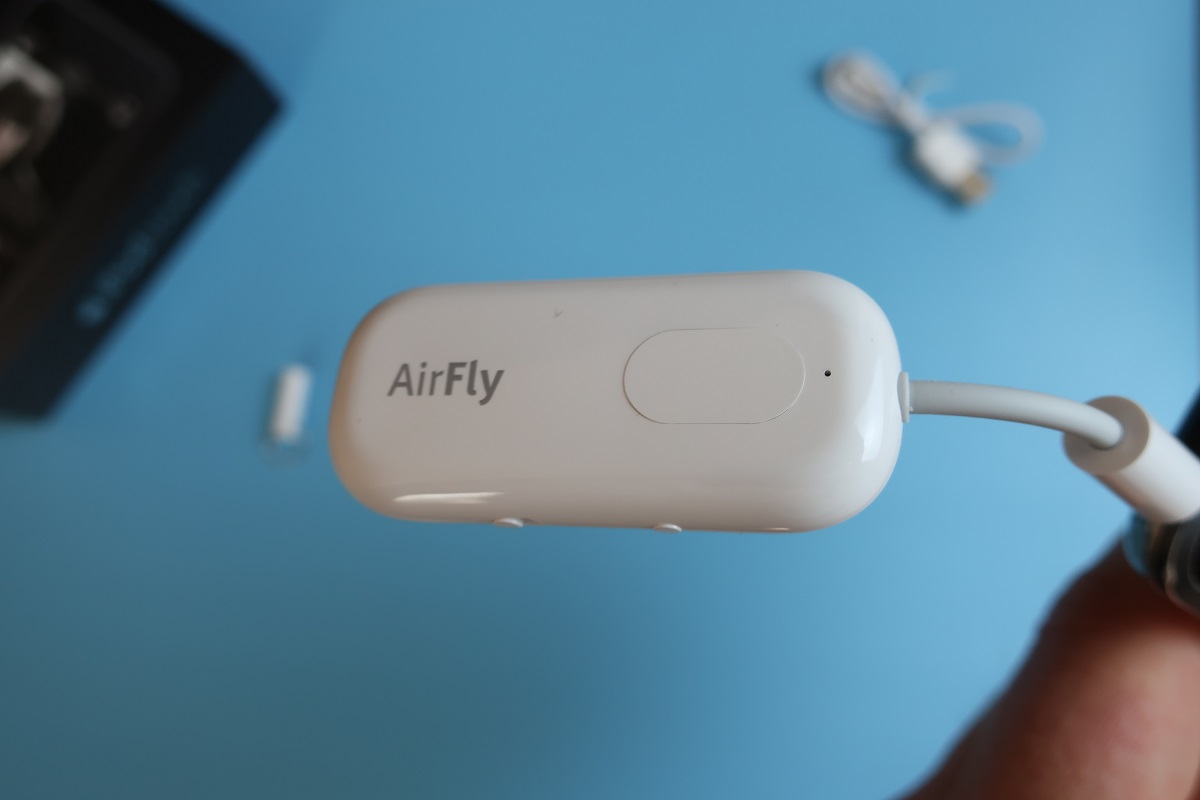
AirFly Pro is an enhanced version of the Twelve South AirFly Bluetooth Adapter with simultaneous connectivity
The Twelve South line includes three models: Duo, USB-C and Pro.
Advertising
Advertising
The main feature of the AirFly Duo version is transmissionsound from devices to two pairs of wireless headphones. AirFly USB-C also branches the audio stream into two wireless devices, but only with USB-C support (for iPad Pro). Both models work for more than 20 hours offline.
The most advanced version, AirFly Pro, can broadcast sound via AUX-IN.

Advertising
Advertising
Key features of AirFly Pro
Using the AirFly Pro Wireless Bluetooth Adapter, you can:
- transfer music from a smartphone to a car audio system that does not support Bluetooth via AUX-IN.
- listen to one audio stream on two wireless headphones,
- Connect wireless headphones to a multimedia system that does not support Bluetooth.

Usage scenarios
The main idea of the AirFly transmitter is to connect two pairs of Bluetooth headphones for sharing movies, listening to music and podcasts from any device at home or in public places.
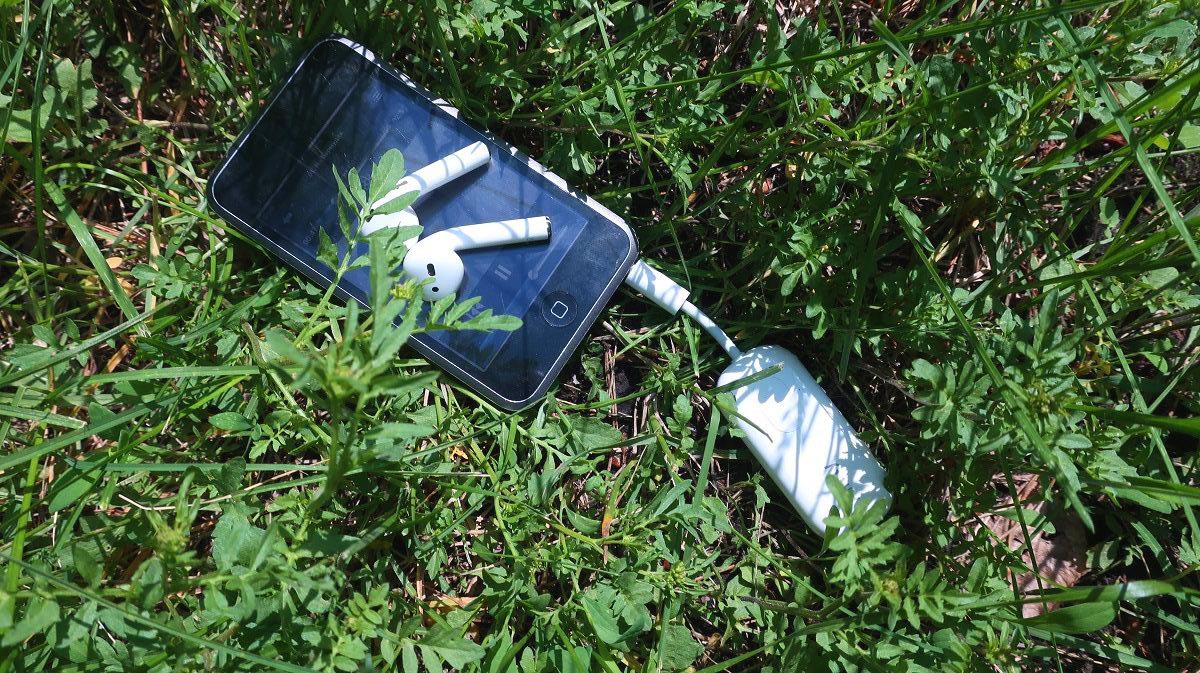
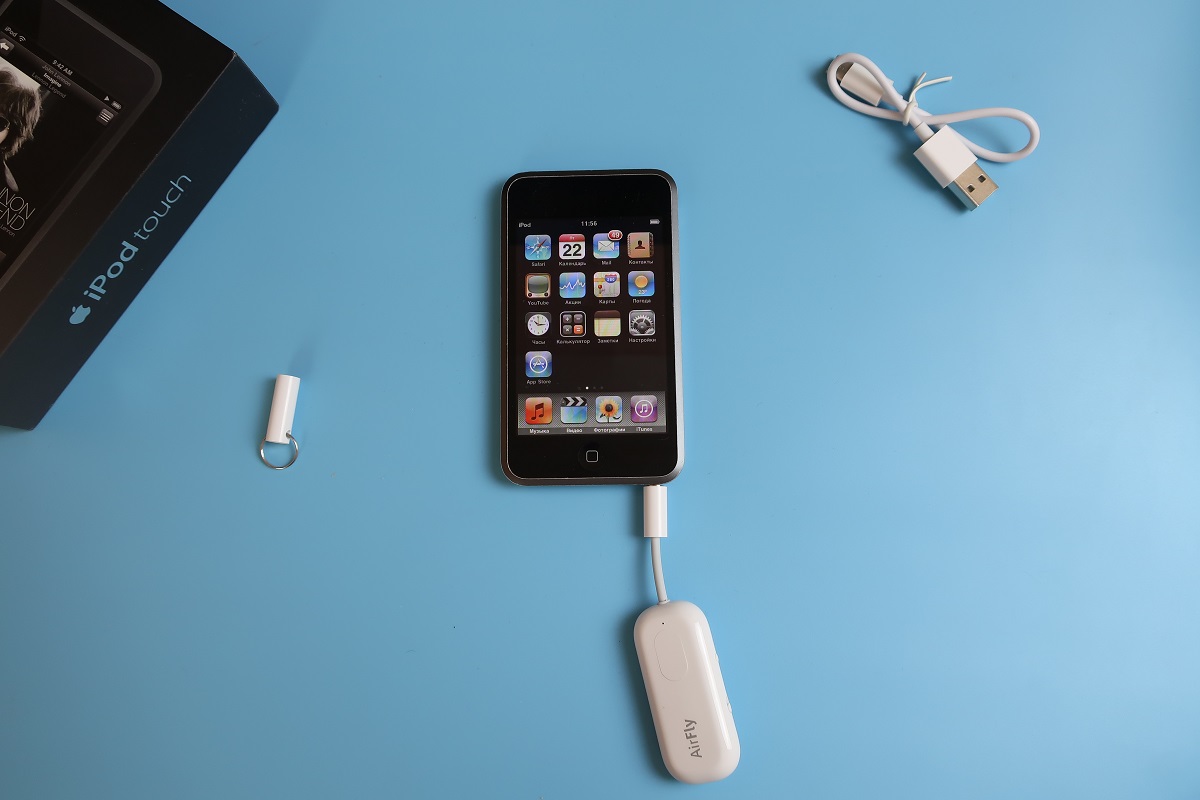
AirFly is a good reason to reviveOutdated iPod Touch. If you have the 1st generation iPod Touch at home, which has a lot of music, but there is no way to connect wireless headphones or a speaker.
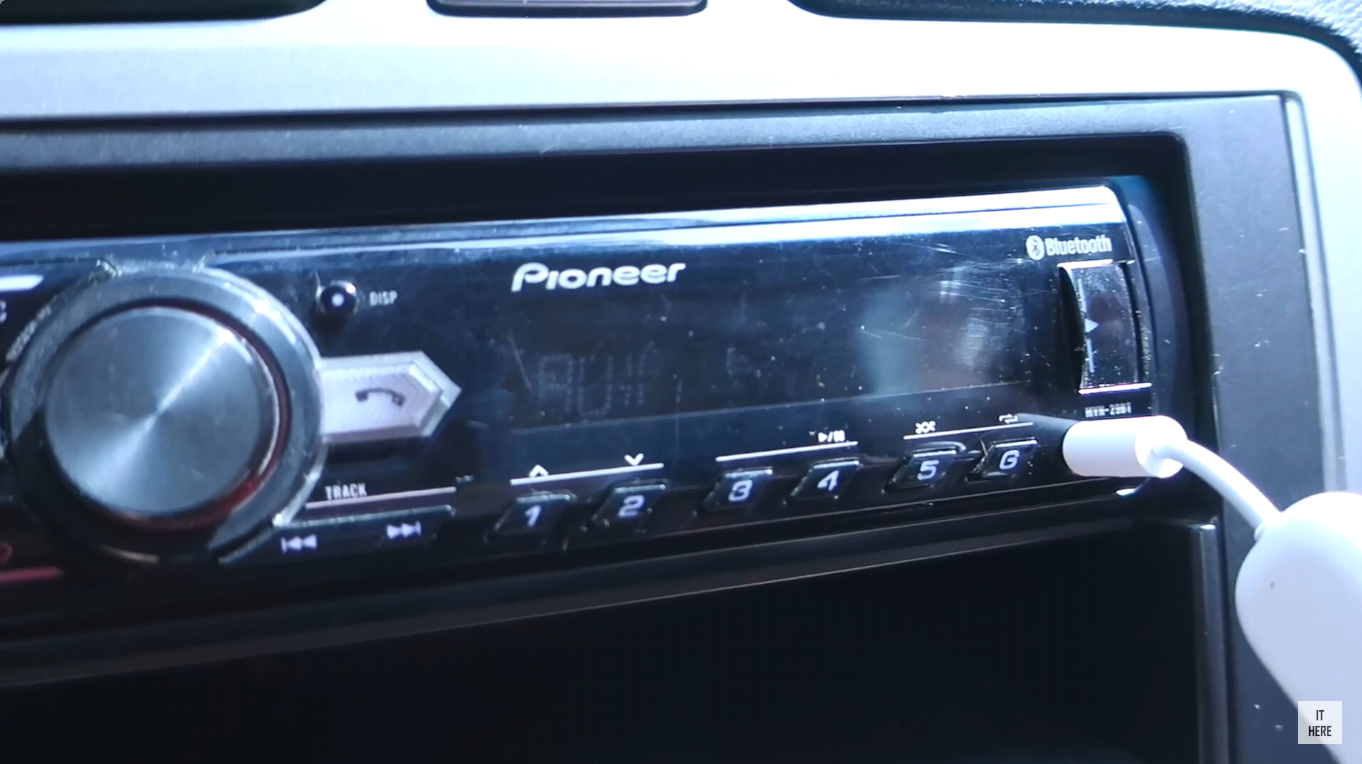
For an example, they told how to simultaneously connect AirPods and a JBL GO Bluetooth speaker to one device, as well as an AirFly Pro adapter to a Pioneer car radio:
In the airplane
AirFly adapter allows you to connect toThe multimedia system in the airplane has its own wireless headphone instead of a disposable wired one. In addition, you can watch movies together - the adapter will give out sound to two pairs of headphones at once.
Advertising
Advertising
In the gym
Another use case for the transmitter isconnecting wireless headphones to treadmills equipped with a multimedia system with the ability to connect, as a rule, only wired headphones.
While playing the Sony Playstation
Default Sony PlaystationIt has a connector for wired headphones only - it is located on the controller. With AirFly, you can connect most Bluetooth headphones to your Sony Playstation.
In car
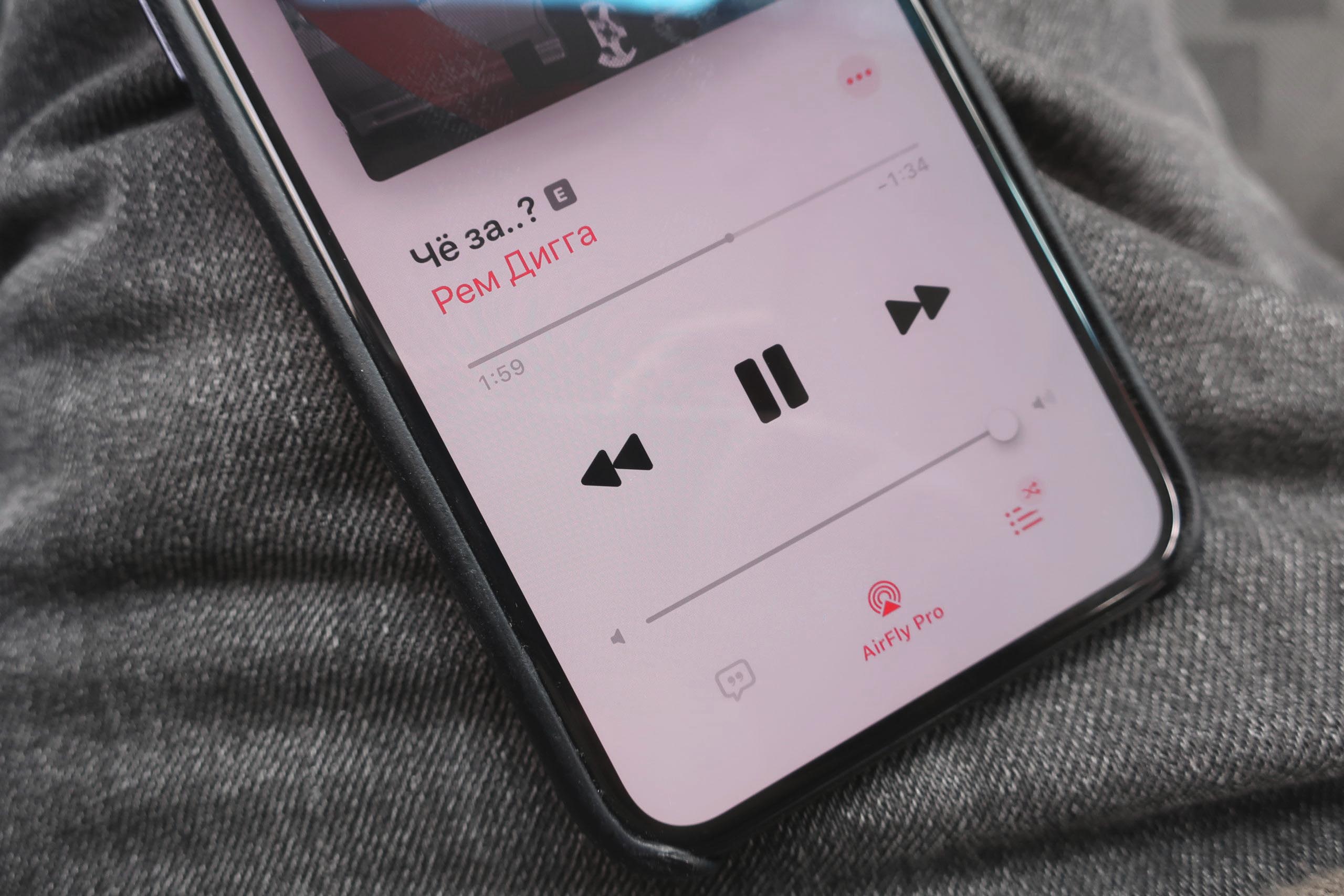
The main feature of the pro version of AirFly is the abilitybroadcast sound in two directions: not only from the tablet to the headphones, but also from the smartphone to the car radio via the AUX-IN port. So, if your car's stereo doesn't support Bluetooth connectivity, the AirFly Pro adapter makes up for it.

Advertising
Advertising
How does it workBluetoothAirFly Pro Adapter
The AirFly Pro transmitter is equipped with two modes:TX(transfer) andRx(reception).
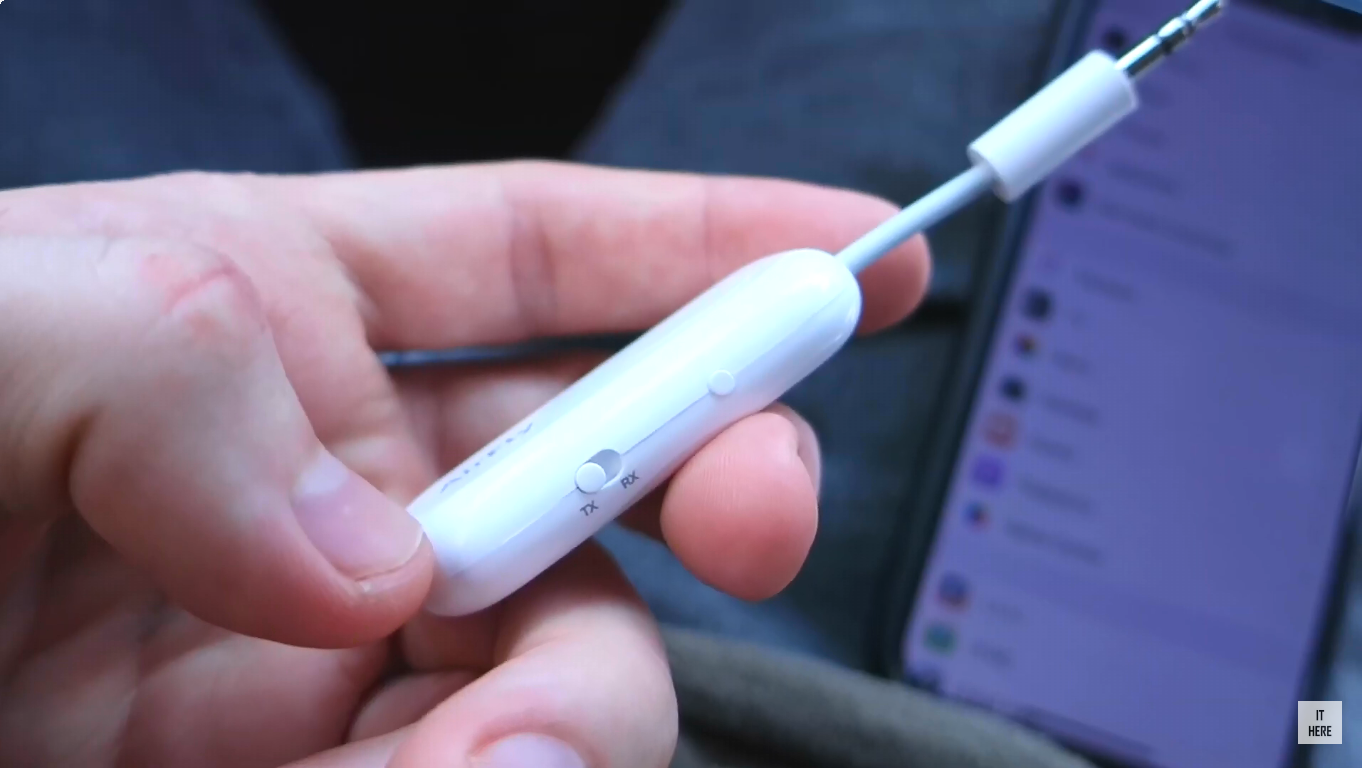
 At the bottom of the device is a TX / RX mode switch, at the top is a reset button
In TX mode, the adapter streams music from devices that do not support wireless headphones.
In RX mode, the transmitter, on the contrary, receives music from a smartphone or tablet via Bluetooth and broadcasts audio to AUX-IN (for example, a radio in a car or on a boat).
To use AirFly Pro in TX mode:
- Set the switch on the right side of the adapter to modeTX.
- Hold down the power button of the adapter for 4 seconds until the indicator starts flashing white.
- Put your device into pairing mode (for example, AirPods).
- Wait until the indicators on both devices stop flashing - the devices will connect to each other automatically.
- Insert the adapter into the connector of the desired device and put on the headphones.
To add a second pair of headphones or a second Bluetooth speaker:
- After connecting the first device, press and hold the pairing button on the adapter again.
- Put the second device into pairing mode.
- Wait until the indicators on both devices stop flashing - the devices will connect to each other automatically.
- After connecting, sound will begin to be heard from the second device.
AirFly Pro remembers the connected devices, so you won’t have to pair the devices again in the future.
To use AirFly Pro in RX mode:
- Set the switch on the right side of the adapter to modeRx.
- Hold the adapter power button for 5 seconds until the indicator starts flashing white.
- On your smartphone, in the list of connected Bluetooth devices, select AirFly Pro.
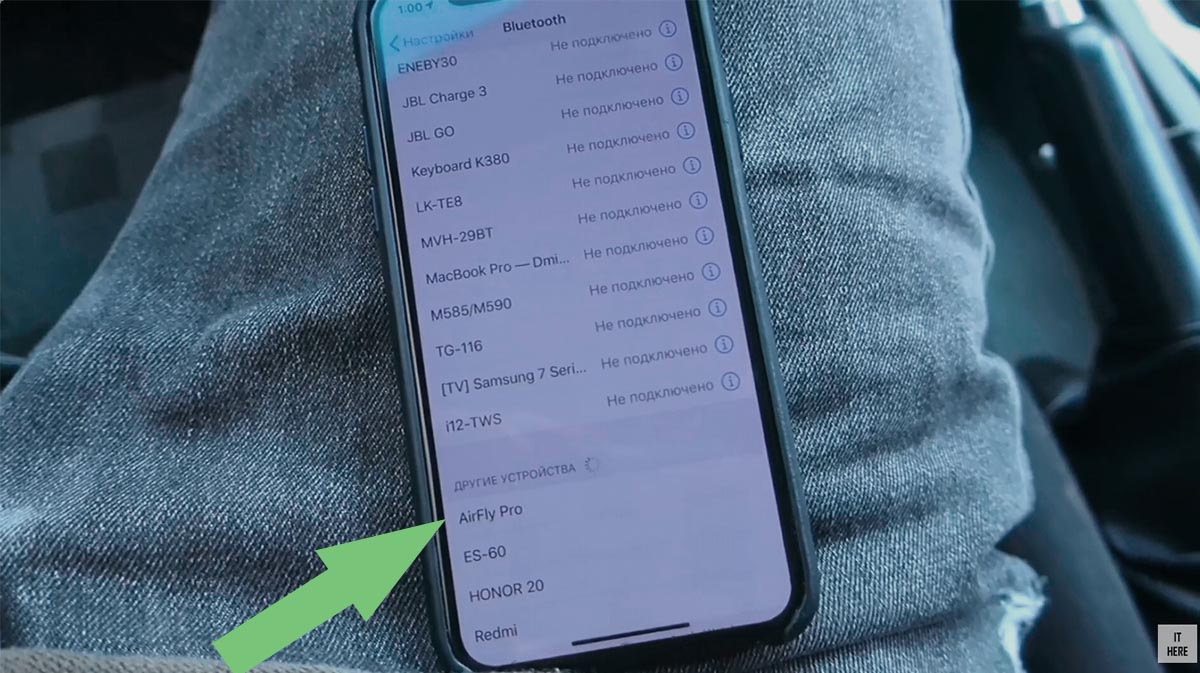

- On the radio, select AUX mode and insert the adapter into the connector. The music played on the smartphone will be broadcast to the device to which you connect the adapter.

Device compatibility
AirFly Pro is compatible with most Bluetooth, iOS- (iPhone, iPad, iPod Touch, Mac) and Android devices.
List of compatible wireless headphones
Autonomy
The transmitter works for more than 16 hours without recharging. Charges via USB-C.
EquipmentAirFly Proand cost
In addition to the device, the set includes a stylish pouch for storage and a cap that can be hung on your keys so as not to lose the device, and a USB-C cable for charging.
The cost of the Bluetooth-conductor AirFly Pro - 4 490 rubles.

Total
Twelve South AirFly Pro Adapter - Convenientcross-platform accessory that can connect simultaneously two pairs of headphones or two speakers to one iPhone, iPad or any other device via Bluetooth, transmit sound to media systems with AUX.