</ img>
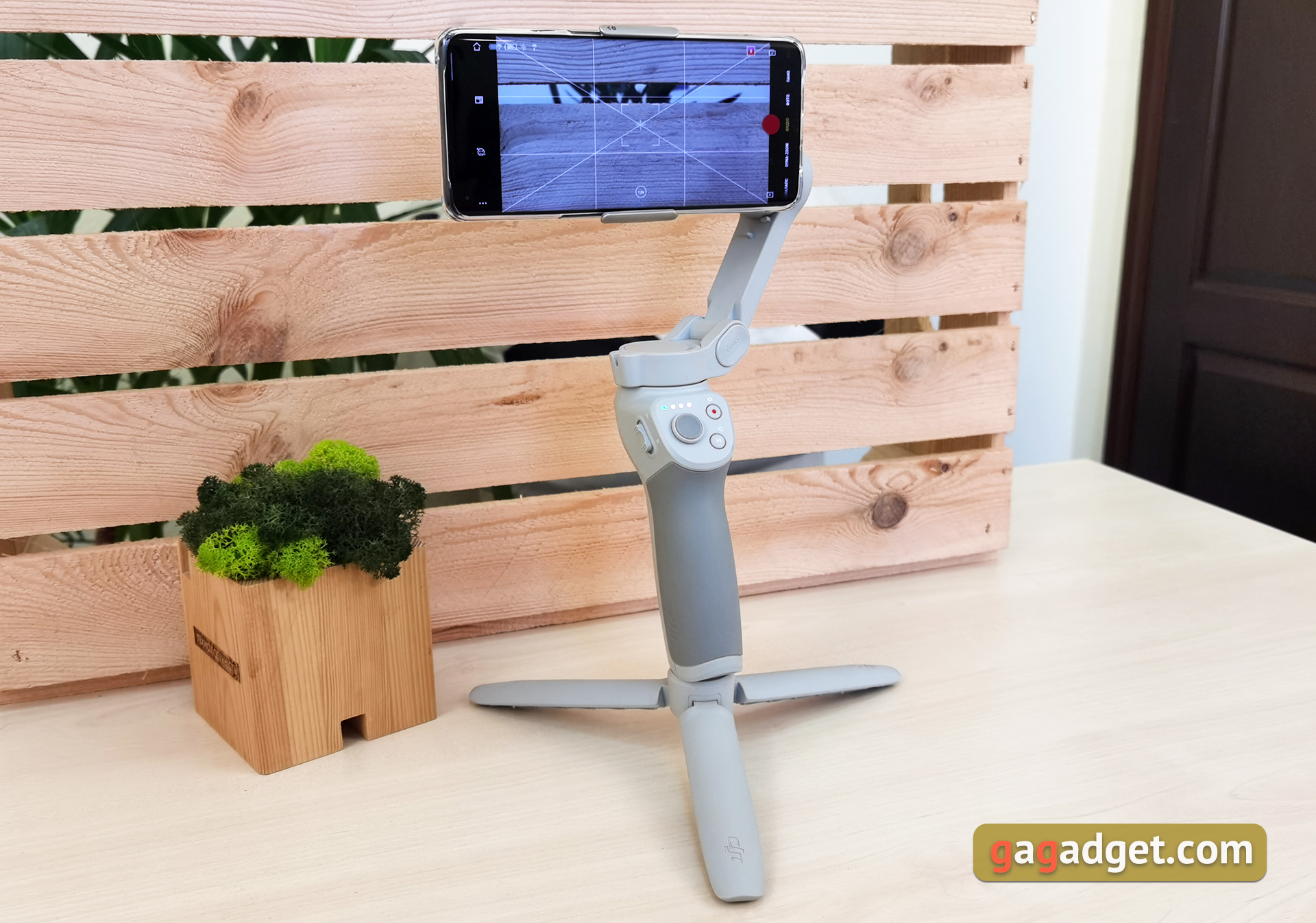
The DJI OM4 smartphone stabilizer is an extremely useful thing for those who like to shoot a lot of videos,
3-axis foldable compact stabilizer forwork with smartphones. Equipped with removable magnetic mounts, a Type-C port for charging the gimbal itself, and a USB Type-A port for charging your smartphone. Has extensive functionality that is available with the DJI MIMO app
Buy at Fly Technology store
We recommend

5 reasons to buy a DJI OM4:
- excellent stabilization;
- convenient, compact and well thought-out folding design;
- simple and intuitive control;
- a large number of modes, functions and capabilities;
- long battery life.
2 reasons not to buy DJI OM4:
- functionality varies greatly depending on the smartphone
- you already have a DJI Osmo Mobile 3.
- What is included?
- How is the DJI OM4 different from the DJI Osmo Mobile 3?
- How does the DJI OM4 look and feel?
- How convenient is it to manage and use?
- How does he behave in work and shoot?
- In the dry residue
What is included?
</ img>
</ img>
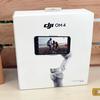
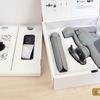
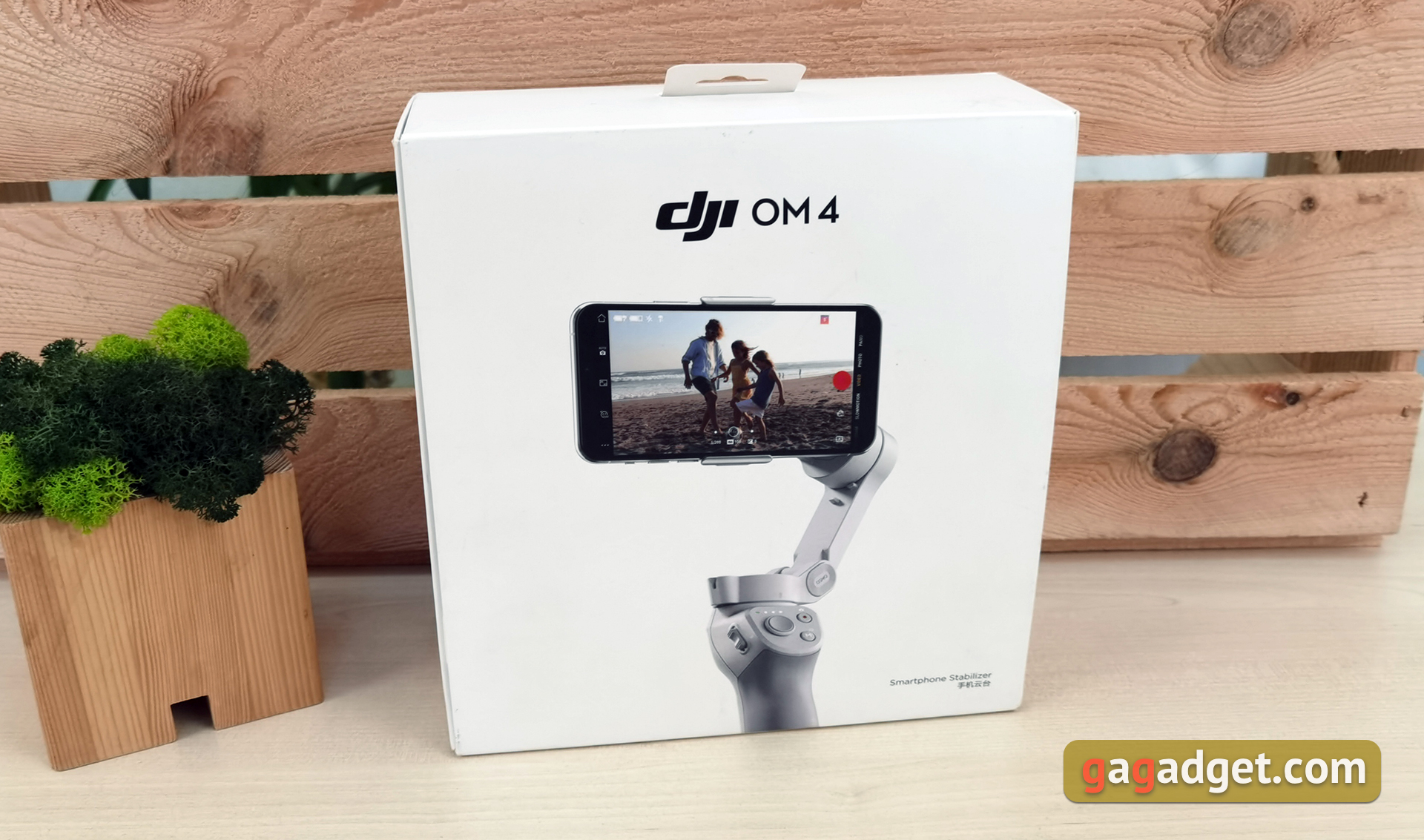
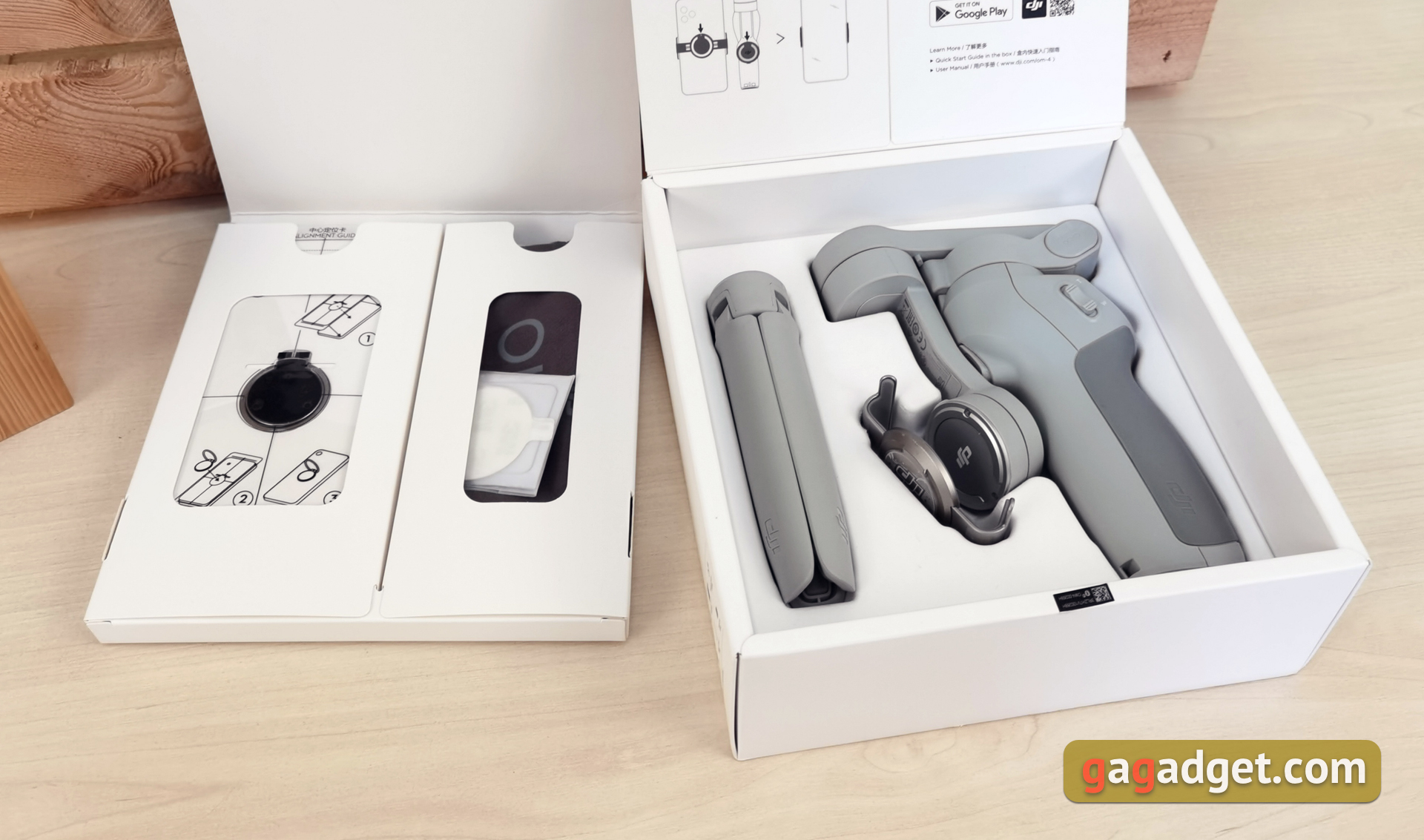
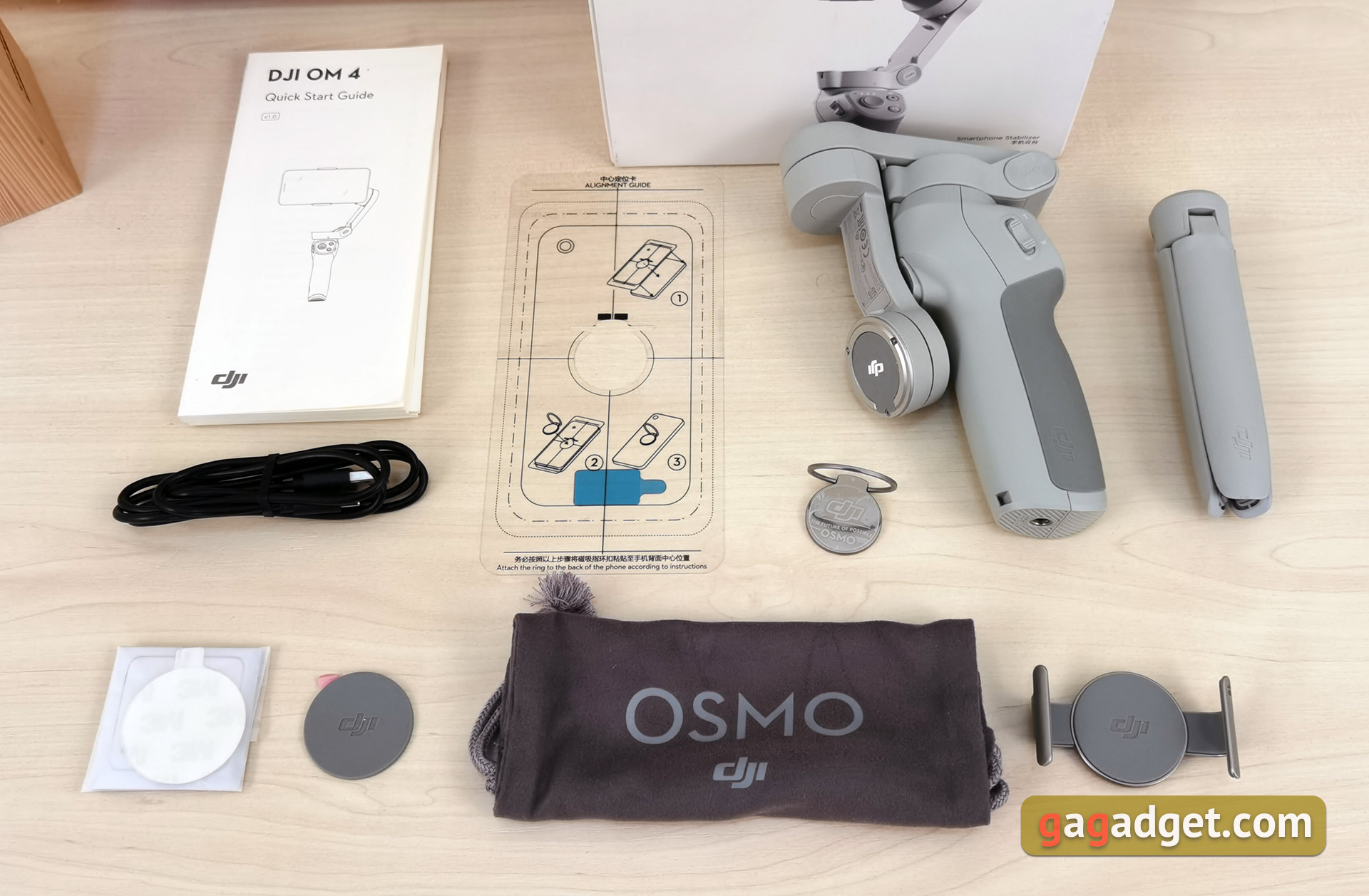
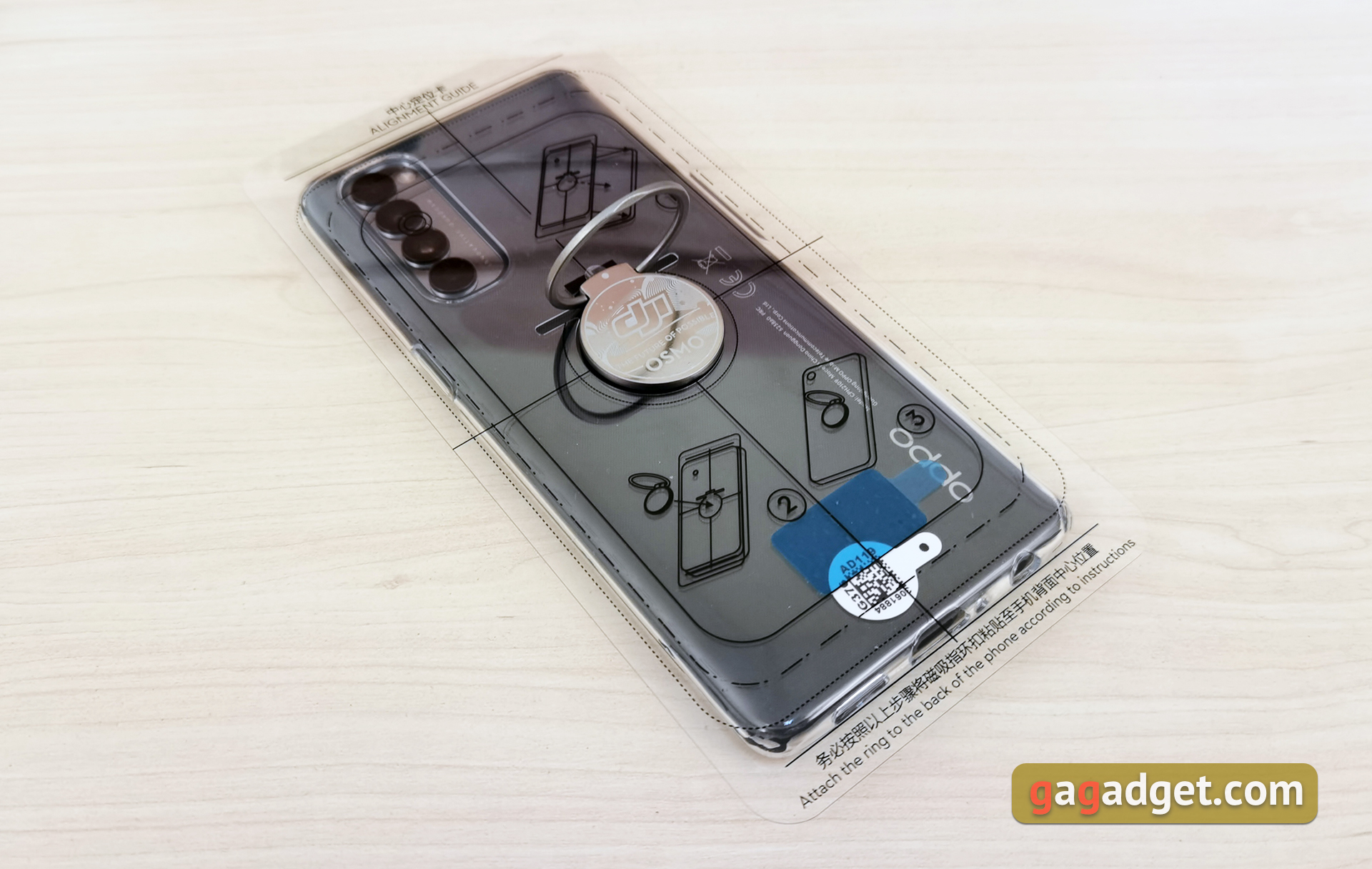
Unlike the DJI Osmo Mobile 3, which wasAvailable in two different configurations, there is only one DJI OM4 version, but it comes with everything you need. The stabilizer comes in a large white box with beautiful printing. Inside there is the DJI OM4 itself, a removable tripod, a magnetic mount-clamp, another magnetic mount in the form of a “washer” with a folding ring, a stencil for the correct positioning of the mount on the smartphone, a wrist strap (we didn’t get it), a carrying pouch, a charging cable and the necessary documentation.
</ img>
How is the DJI OM4 different from the DJI Osmo Mobile 3?
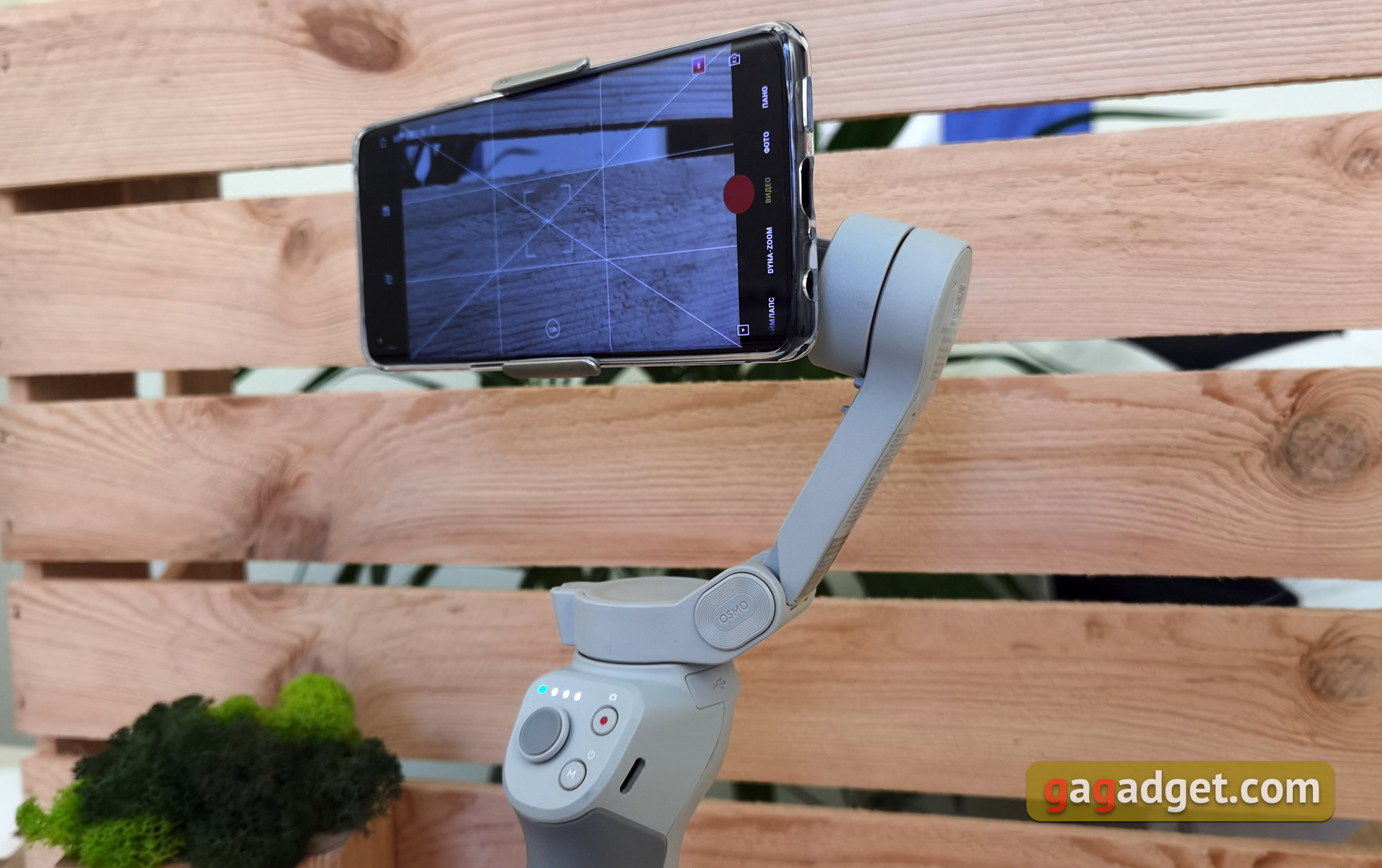
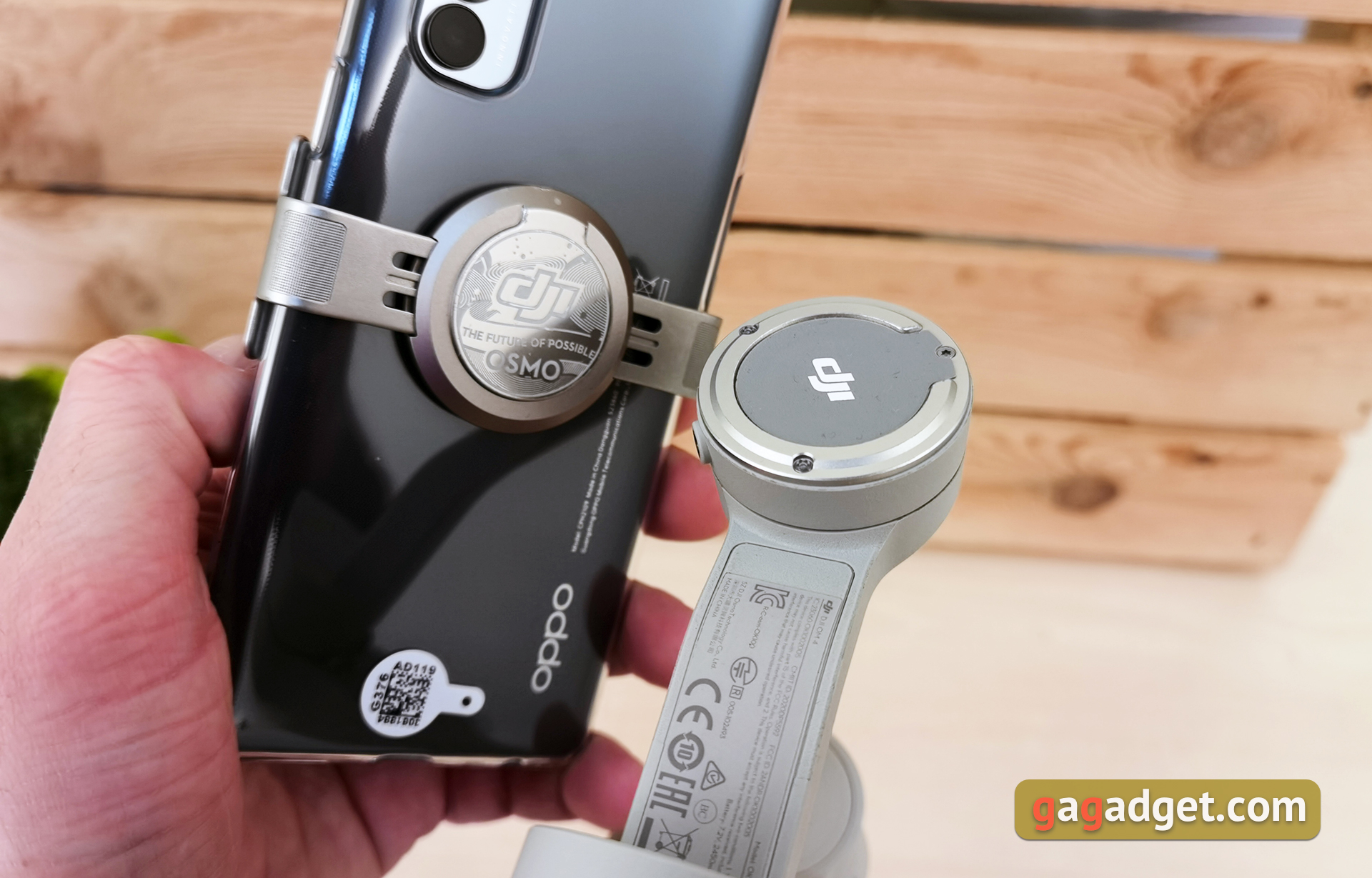
There are only fundamental differences from the previous modela couple, but they are interesting. The first is the type of fastening. The previous version used a non-removable, rather massive clamp. DJI OM4 decided to switch to a magnetic mount, thereby simplifying its use on the go. There are two mounting options: a metal clamp with a magnetic pad and just a magnetic pad with a folding ring, which is glued either to the smartphone itself or to a protective bumper. And in order not to miss a hit, you need the above stencil for smartphones of different sizes. The bottom line is that if the stabilizer is not in use, or you need to answer a call, the smartphone does not need to be pulled out of the clamp; you just need to remove it along with the mount.
</ img>
The second important innovation is reinforced motors withincreased “load capacity”. In accordance with the general trends towards increasing screen diagonals, dimensions and weight of smartphones. The stabilizer works with smartphones 230 ± 60 g, 6.9-10 mm thick and 67-84 mm wide. So, if not all, then almost all current smartphones are suitable.
</ p>How does the DJI OM4 look and feel?
</ img>
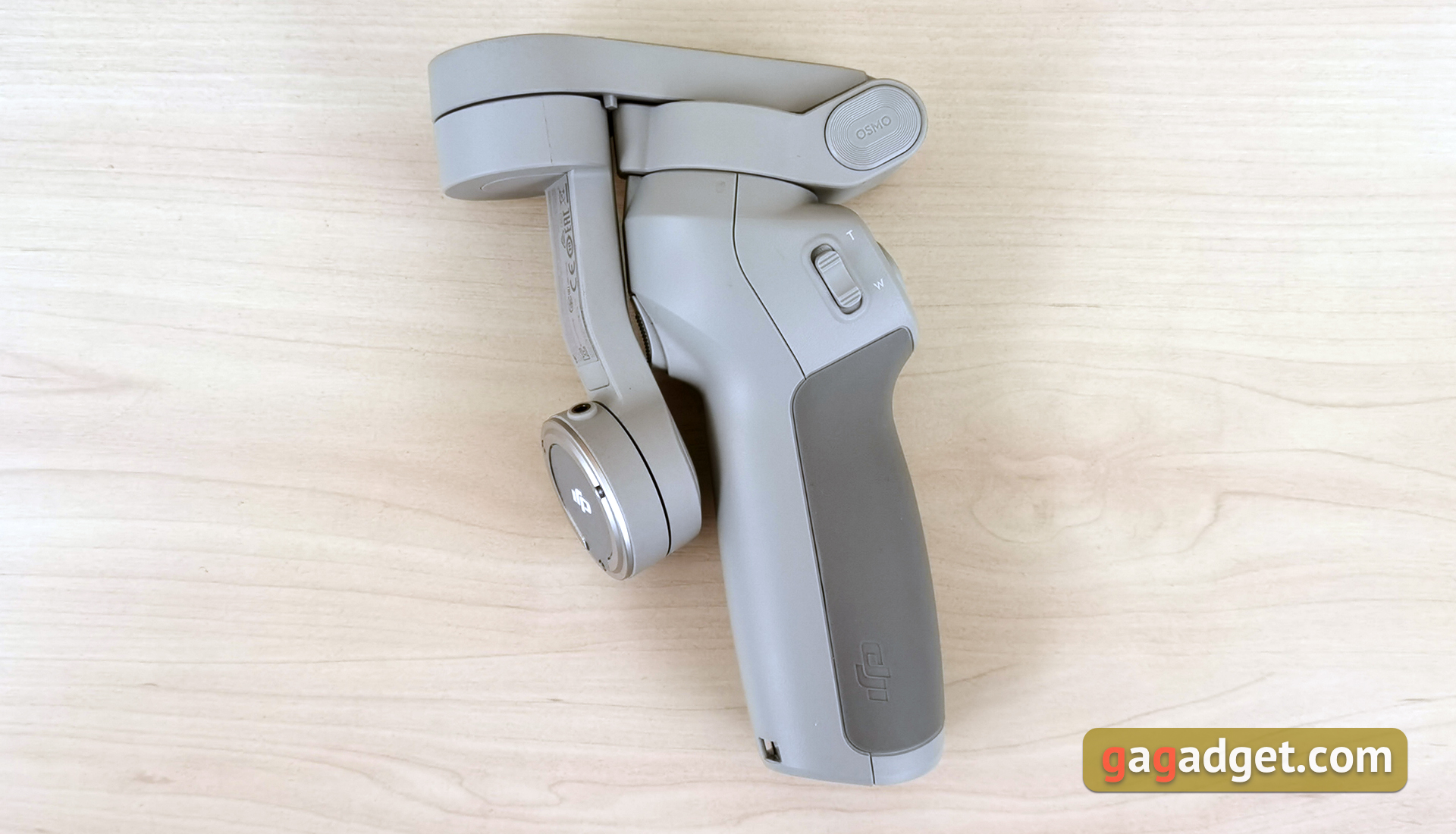
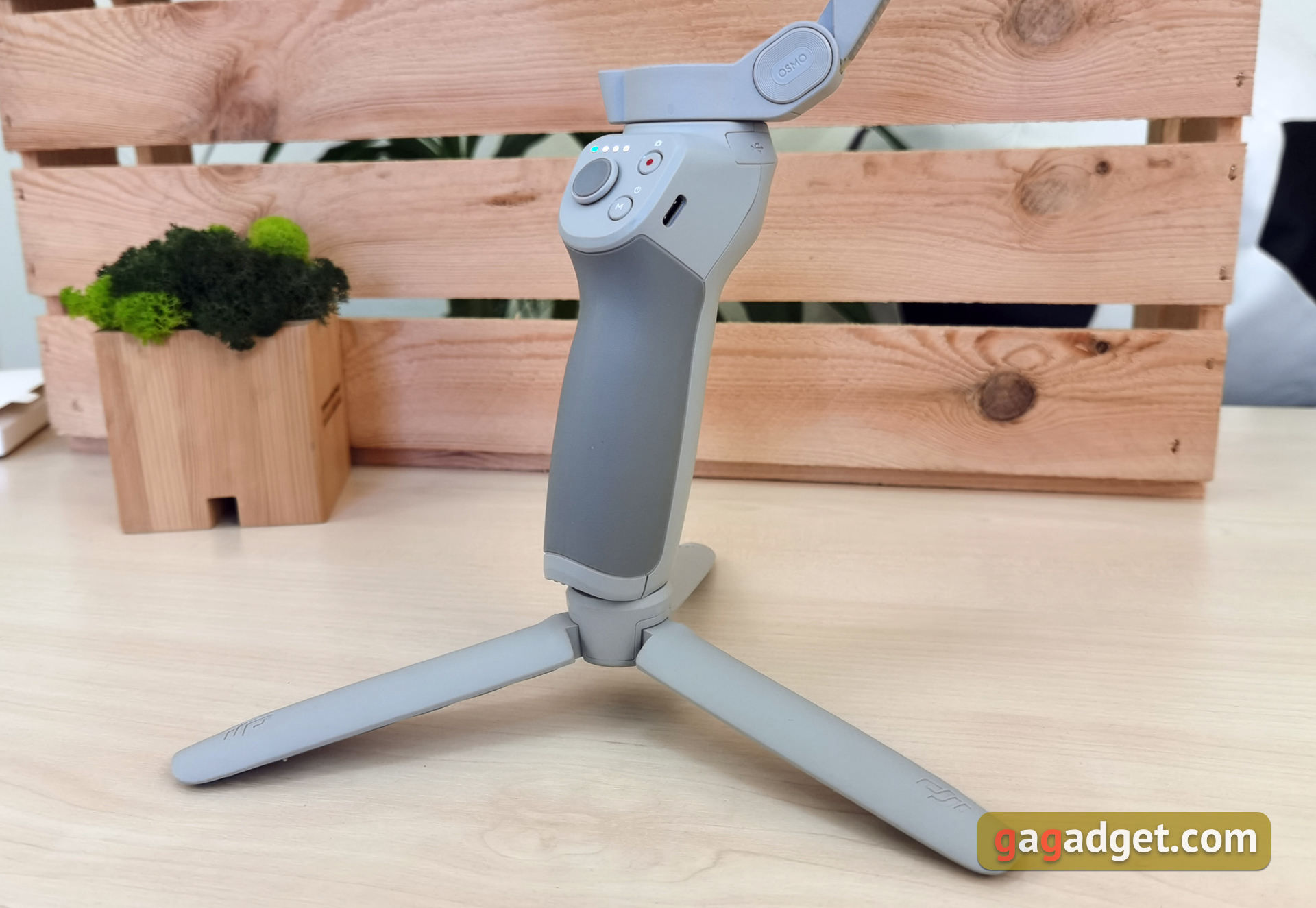
The overall design has remained virtually unchanged sinceprevious version. DJI OM4 is a three-axis folding and fairly compact stabilizer. Made primarily of rough matte light gray plastic. The handle has a rubberized pad for a more secure grip. It looks good and stylish, but the color is not the most practical: with active use, marks will be visible very quickly. When folded, the DJI OM4 takes up very little space, and is brought into “combat readiness” with just a few movements.

</ img>
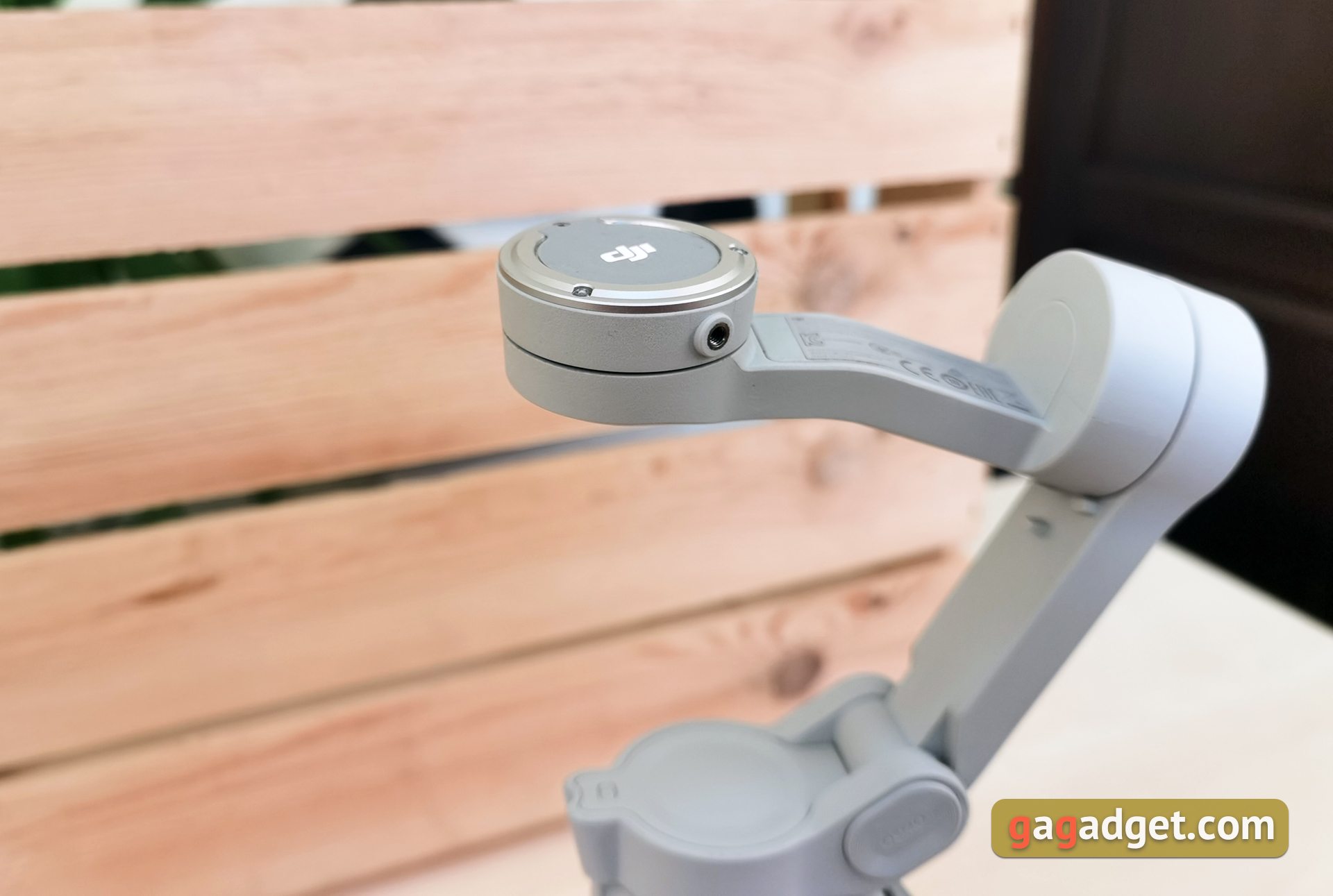
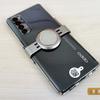
Round magnetic mounting plate decoratedwith the DJI logo and has a protrusion at the top for proper connection with the mount. There is a threaded socket on the side, which is designed for counterweights in case of using additional optics or microphones with a smartphone. In general, everything that can shift the center of gravity of the smartphone.
</ img>
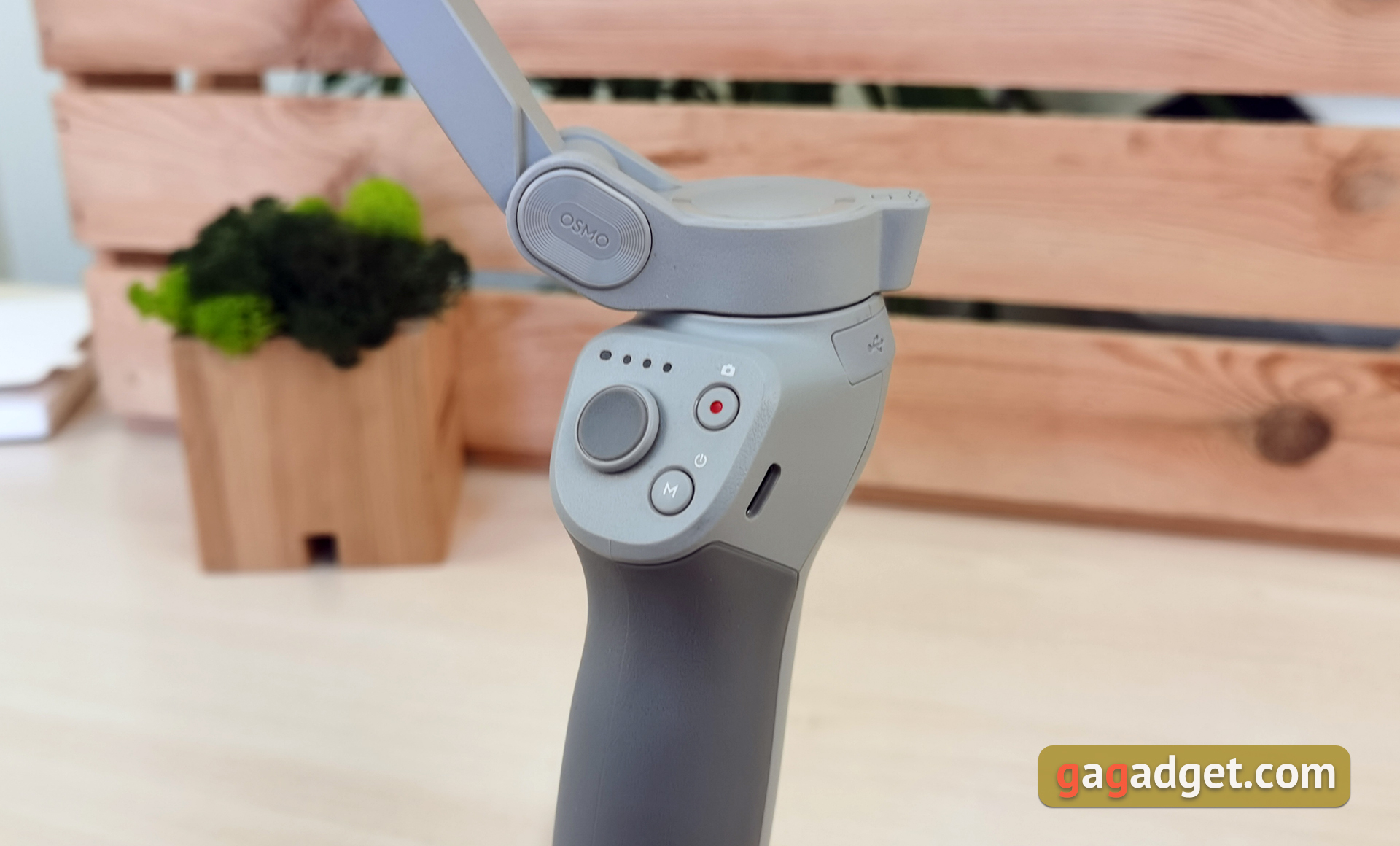
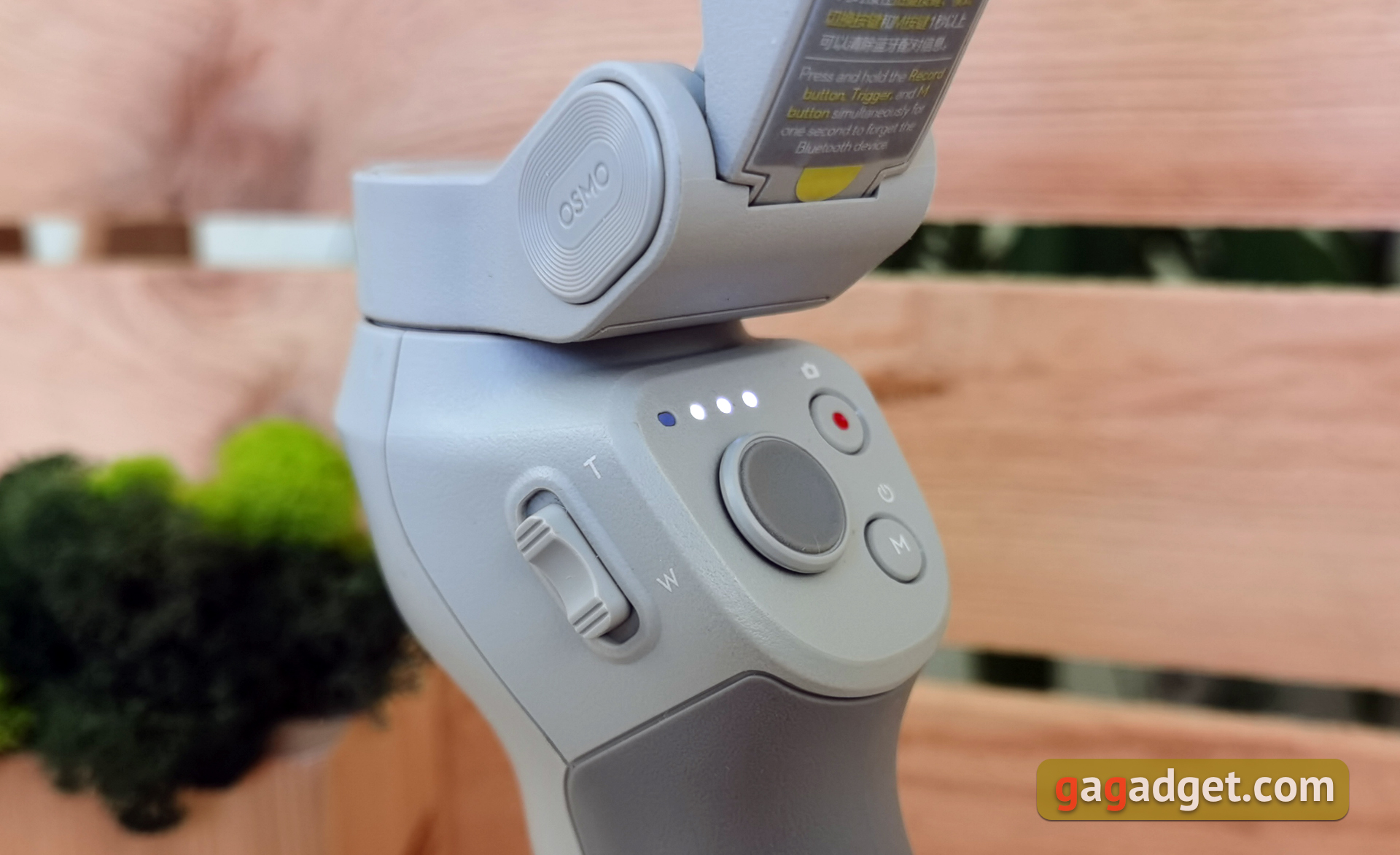
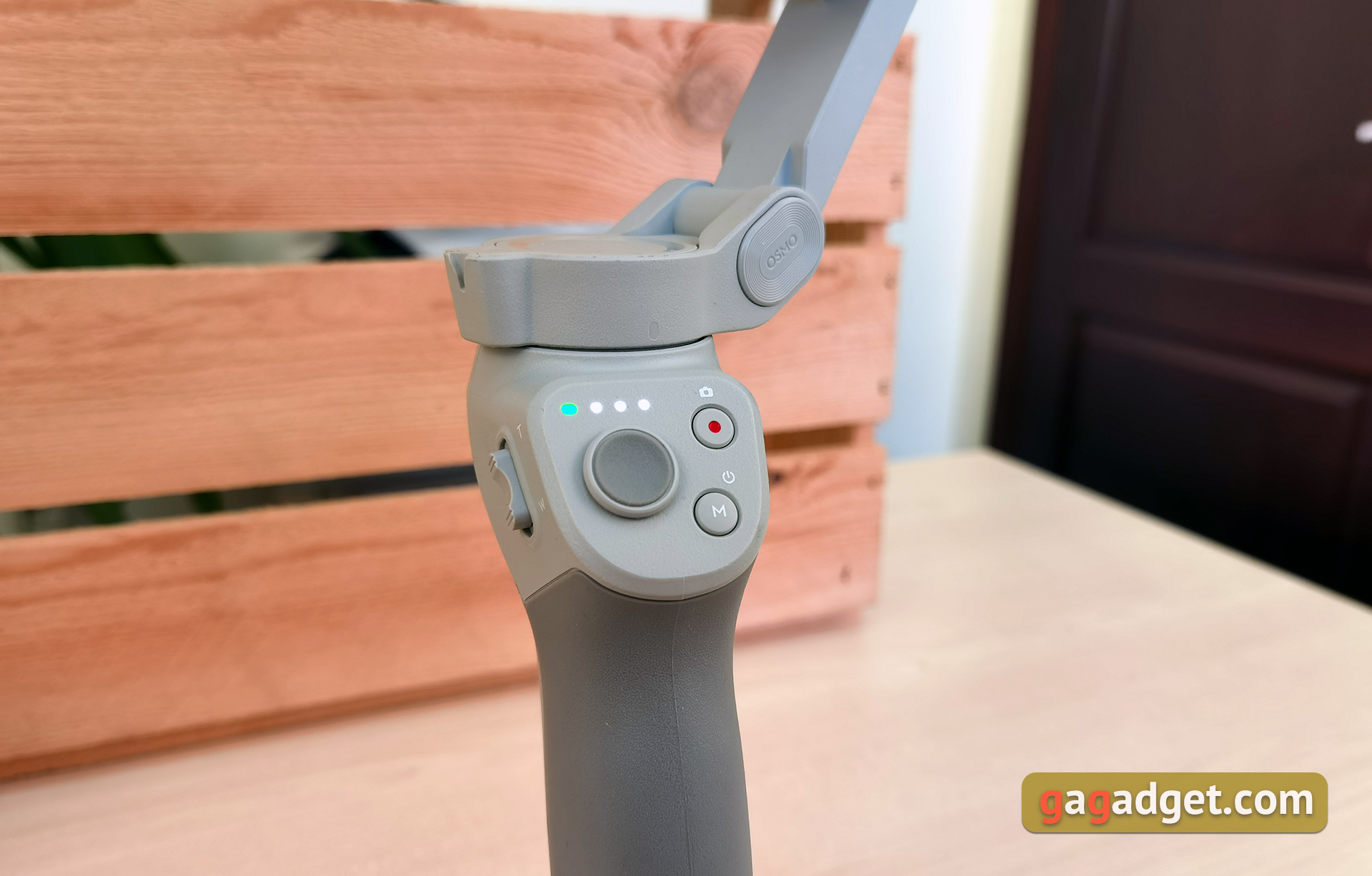
The panel, which is directed towards the owner, houses a joystick, two buttons and LED indicators for operation and charge. We will take a closer look at what and how it works in the next section of the review.
</ img>
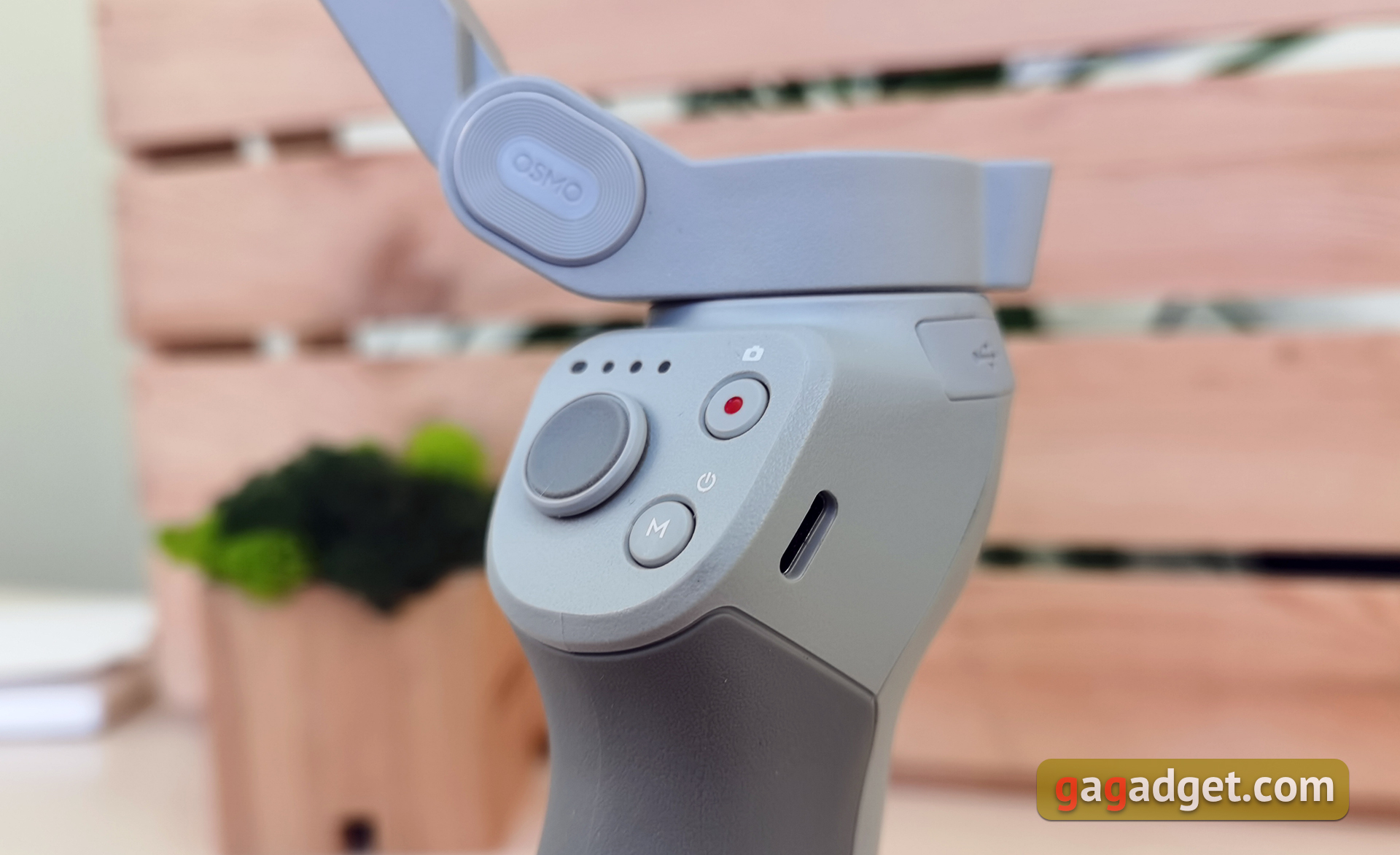
To the right of this site is the Type-C port for charging the stabilizer. To the left is a two-position zoom control slider.
</ img>
</ img>

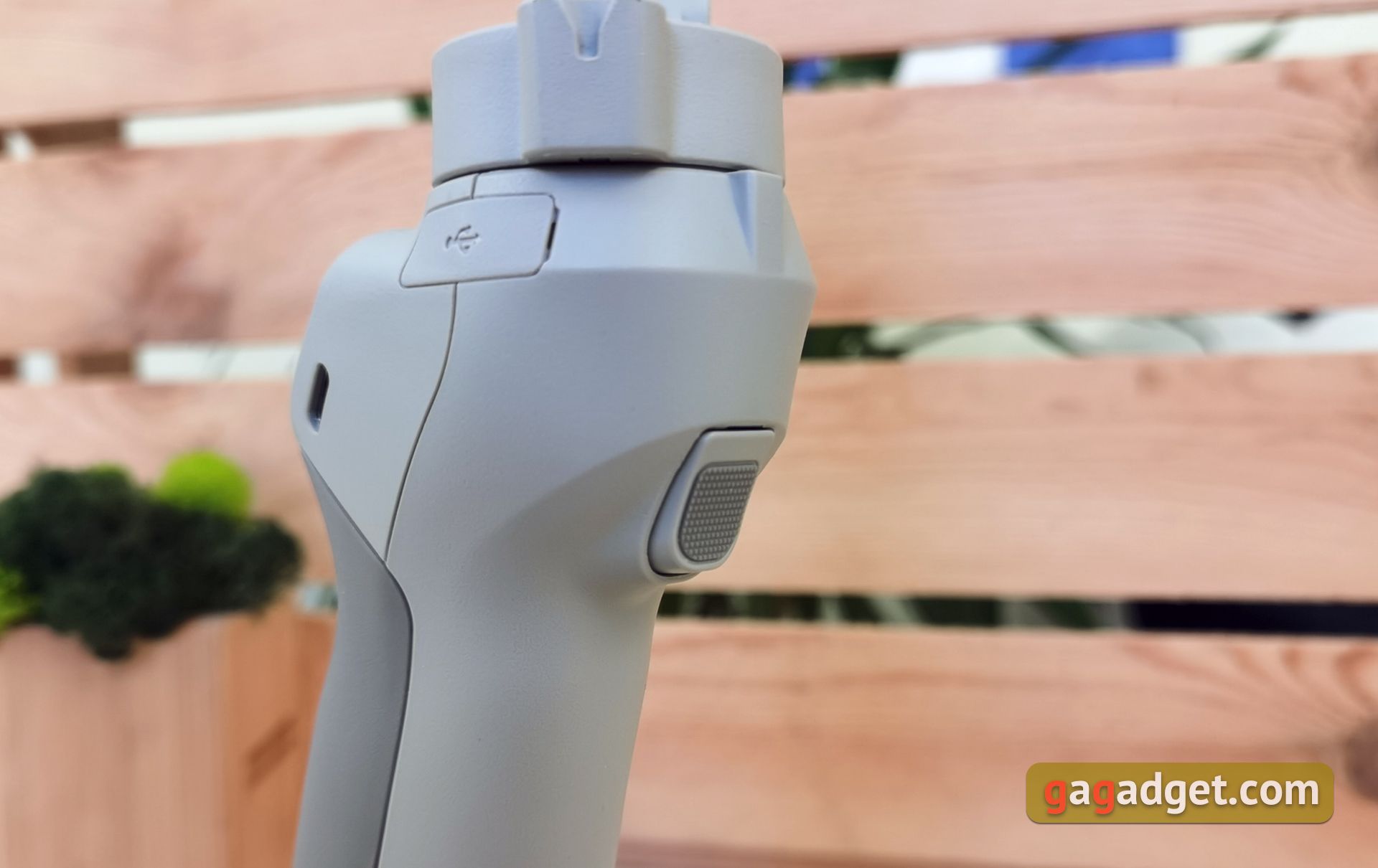
The trigger is present, as in the previous generation. It is multifunctional, responsible for tracking Active Track 3.0 objects, position alignment and stabilization modes.
</ img>
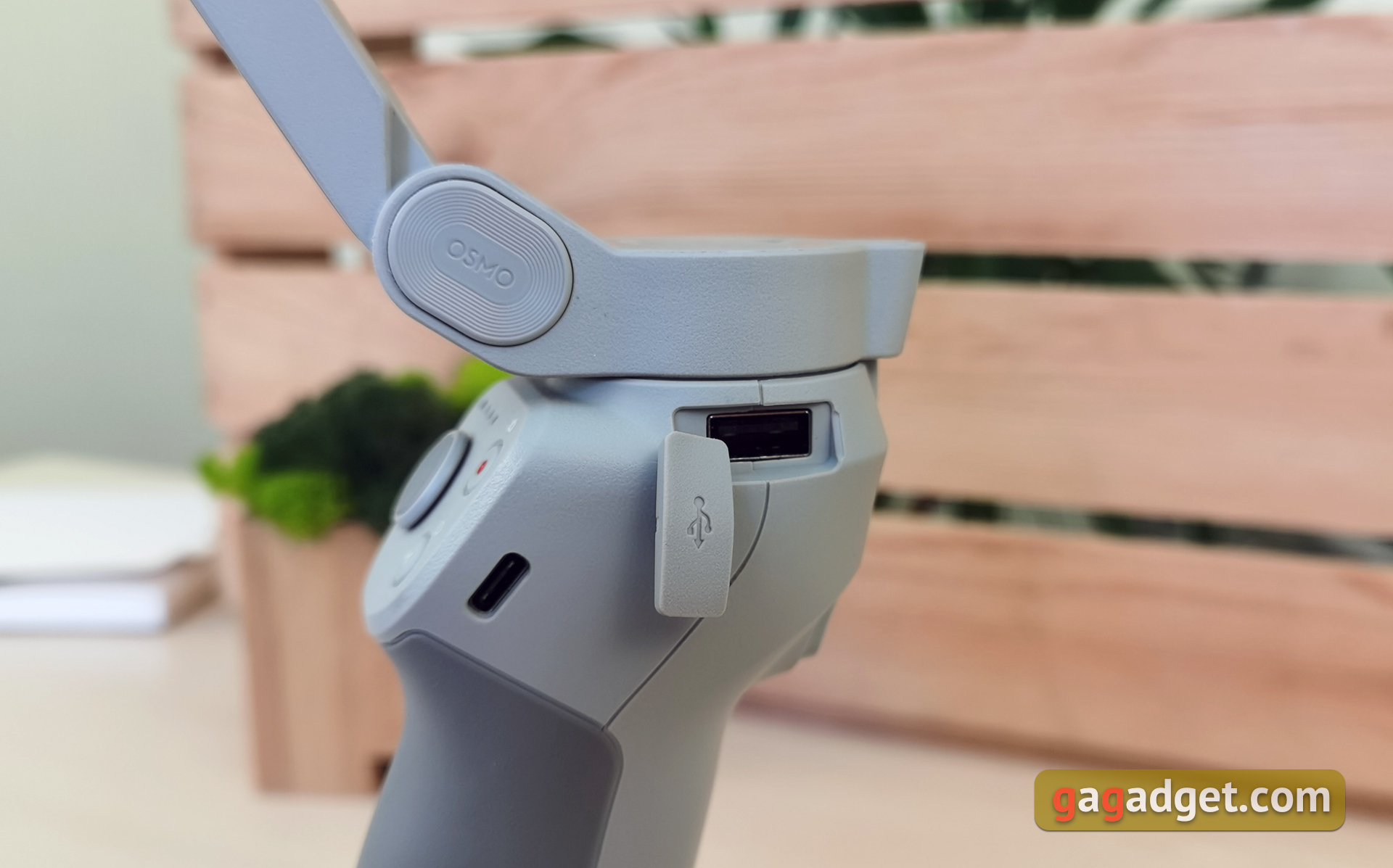
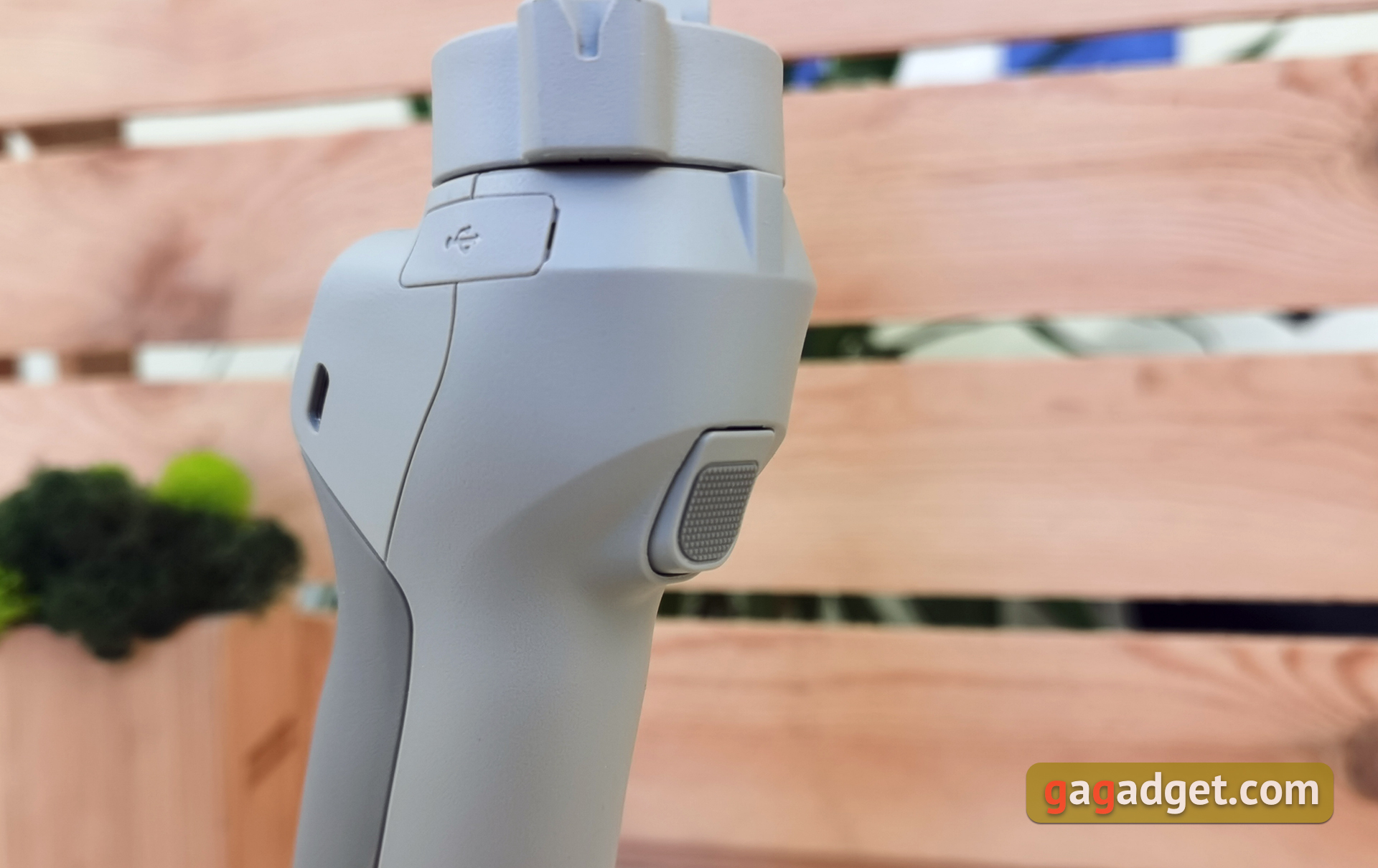
On the right side, just above the handle underUSB Type-A was hidden behind a plug. It is designed to charge a smartphone from the stabilizer during operation if necessary. By the way, the DJI OM4 itself can also be charged while in use.
</ img>
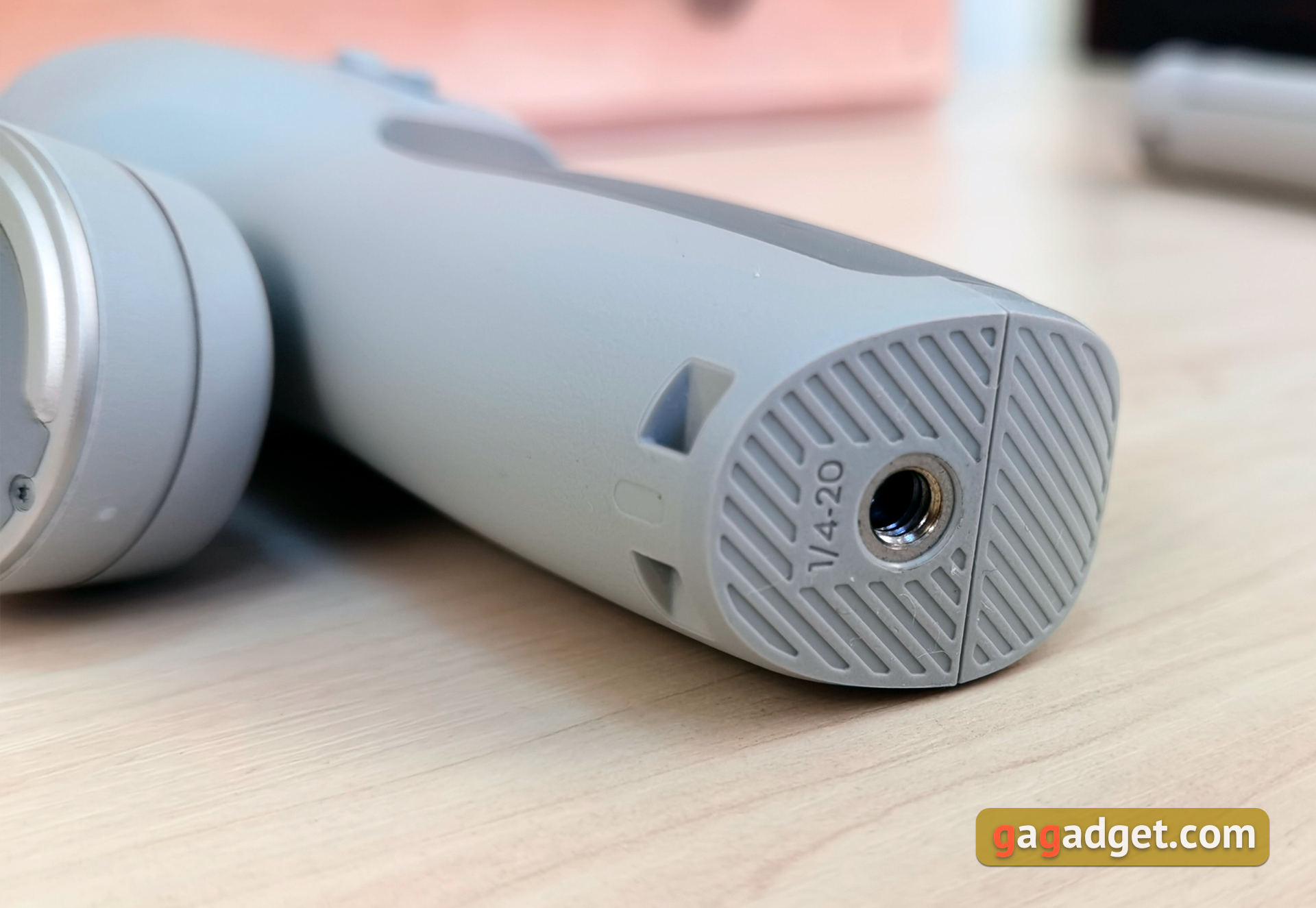
At the bottom of the handle there is a “lug”for attaching a wrist strap. And at the bottom there is a hole with a standard 1/4 tripod thread, to which you can screw either the included tripod or any other tripod with a standard thread. The included tripod can be used not only as a tripod: when folded, it can act as a small handle extension.
</ img>
</ img>

The design is comfortable, compact and well thought out. In terms of materials and assembly, traditionally for DJI devices, everything is at its best.
</ p>How convenient is it to manage and use?
</ img>
</ img>
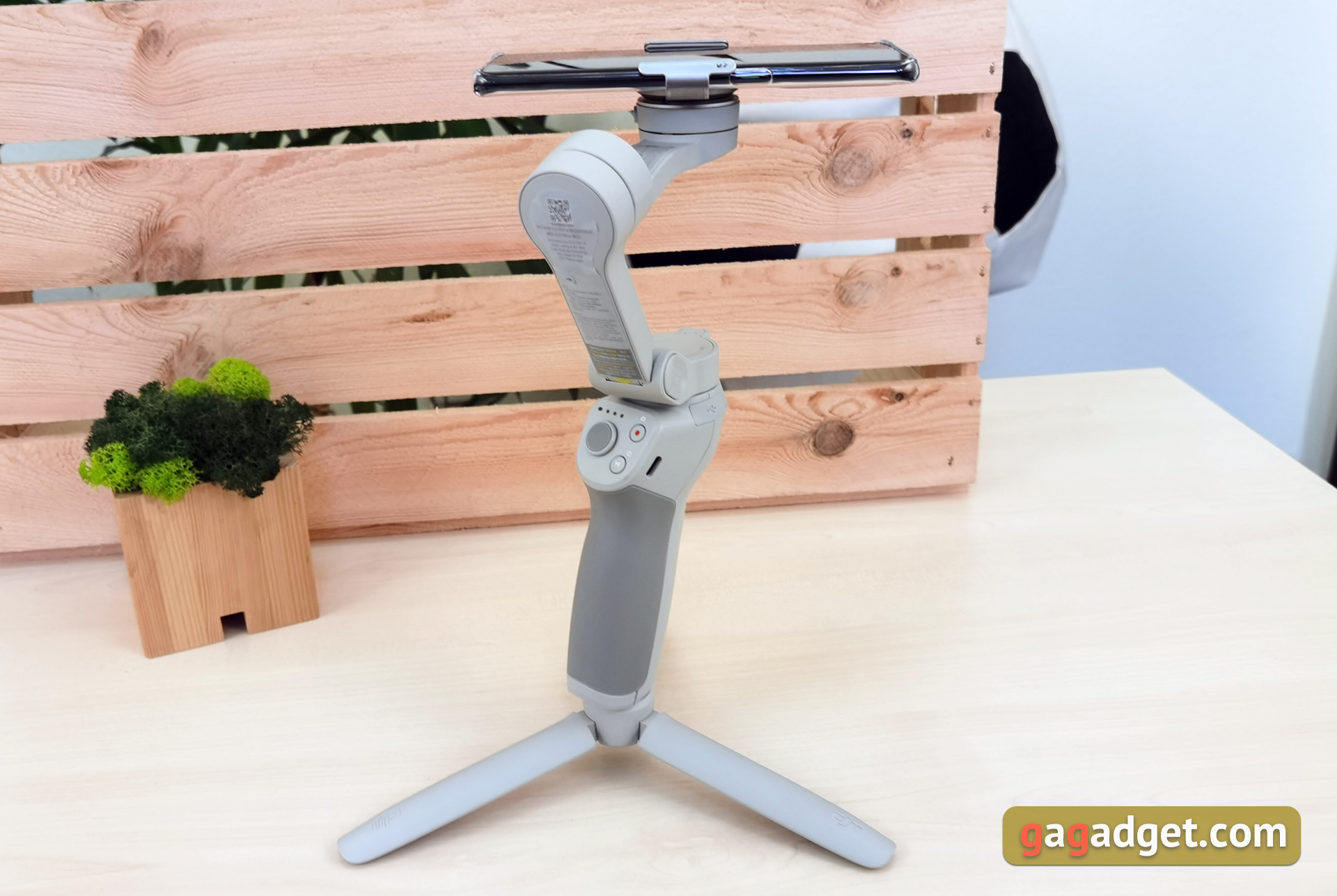
To get started, you just need to unfoldstabilizer, connect the smartphone in the desired way and turn on the stabilizer. There are corresponding protrusions on the fastening and mating platforms of the fastenings, so it will be difficult to miss. On a smartphone, this protrusion should be directed towards the top end. The magnets used are very powerful and accidental dropping of the smartphone is practically impossible. “Tear off” a smartphone can only be used consciously and purposefully.
</ img>

</ img>

Now let's move on to the controls.When the stabilizer is off, pressing the lower button shows the charge level. Long press - turn on. In working mode, a single press on it - switch between photo and video, double - switch between landscape and portrait positions, and triple - switch to standby mode. With the joystick, everything is obvious. The third button is responsible for shooting. Long pressing it in the photo mode allows you to take continuous shooting.
</ img>
The trigger also has several functions.Press and hold - stabilizer lock mode. A single tap starts or stops Active Track, a double tap aligns the gimbal, and a triple tap switches between the main and front cameras. A short and then a long press will switch to sports mode.
</ img>
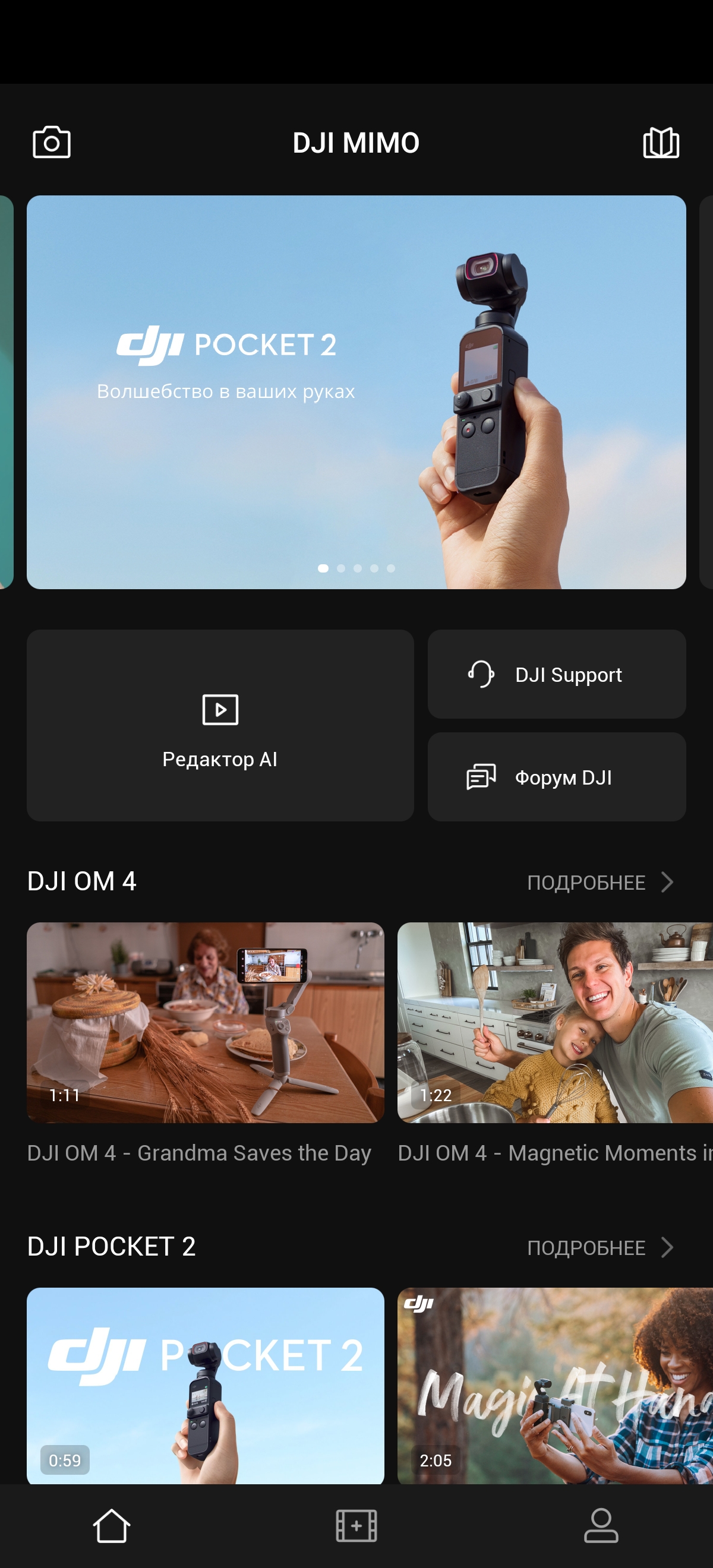
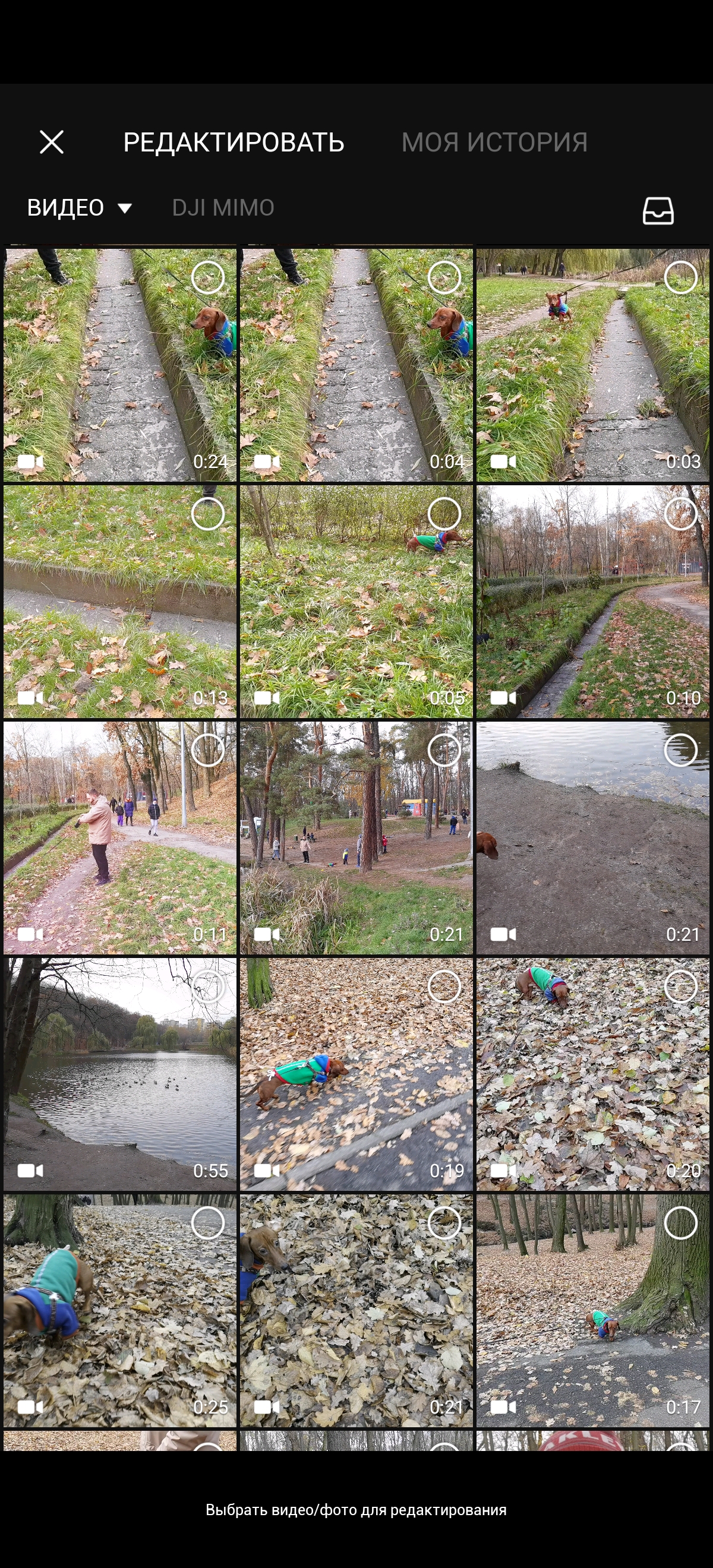
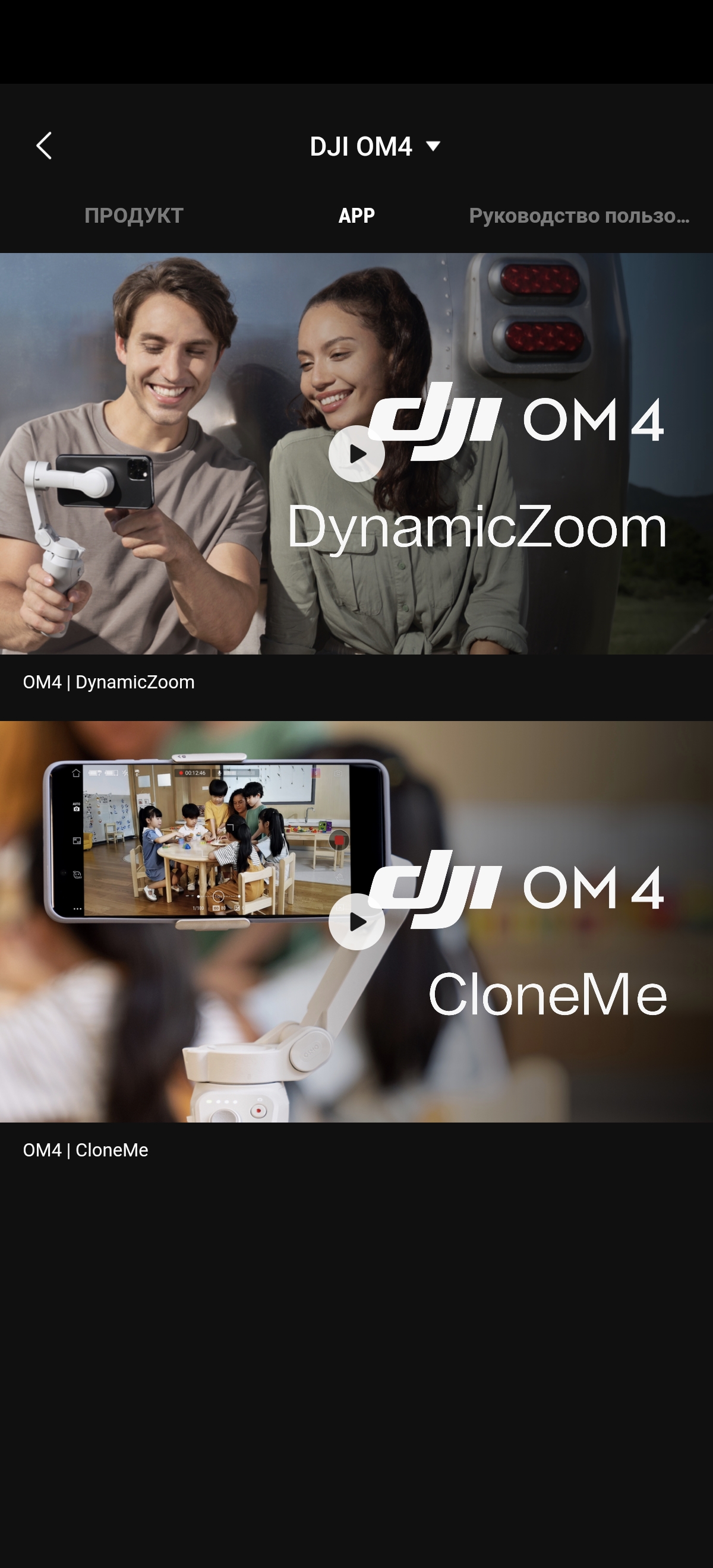
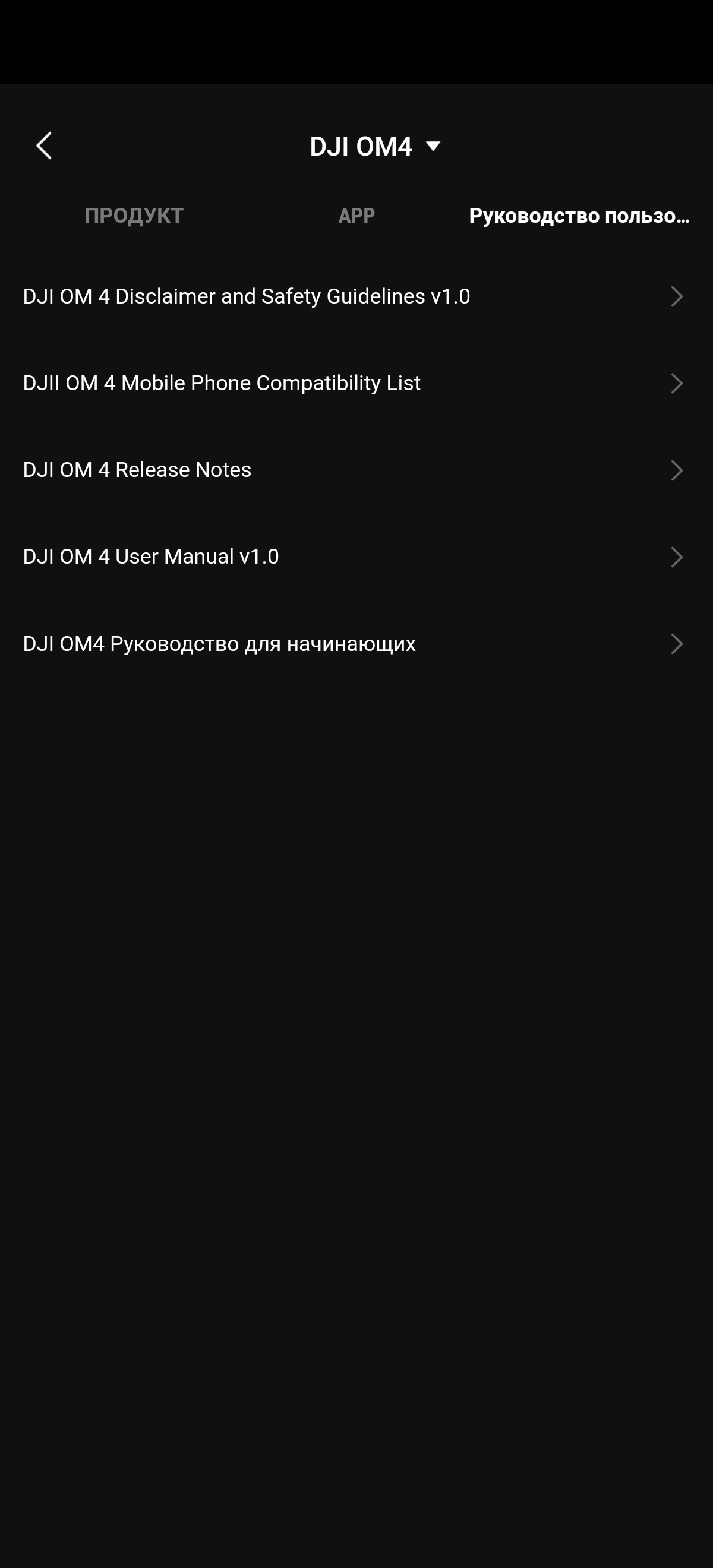
All other settings and featuresare already produced using the proprietary DJI Mimo application. And here there is a nuance: yes, how simply the DJI OM4 handheld stabilizer will work with virtually any smartphone. But the functionality differs radically from model to model. The official website has a list of compatible smartphones and a table with supported functions for each specific model. This does not mean that the stabilizer will refuse to work with a smartphone that is not on the list, but the functionality will be limited. For example, there will be support only for the main camera and FullHD 30 frames per second video, although the smartphone itself supports 4K. Judging by the list, the most extensive capabilities are on smartphones from Apple, Samsung and Huawei (the DJI OM4 was mainly tested with the P40 Pro). The application can be roughly divided into two parts. The first is common with videos published by owners of DJI gadgets, videos and text instructions for using the stabilizer, and a simple video editor.
</ img>
</ img>

</ img>

</ img>

</ img>
</ img>
</ img>





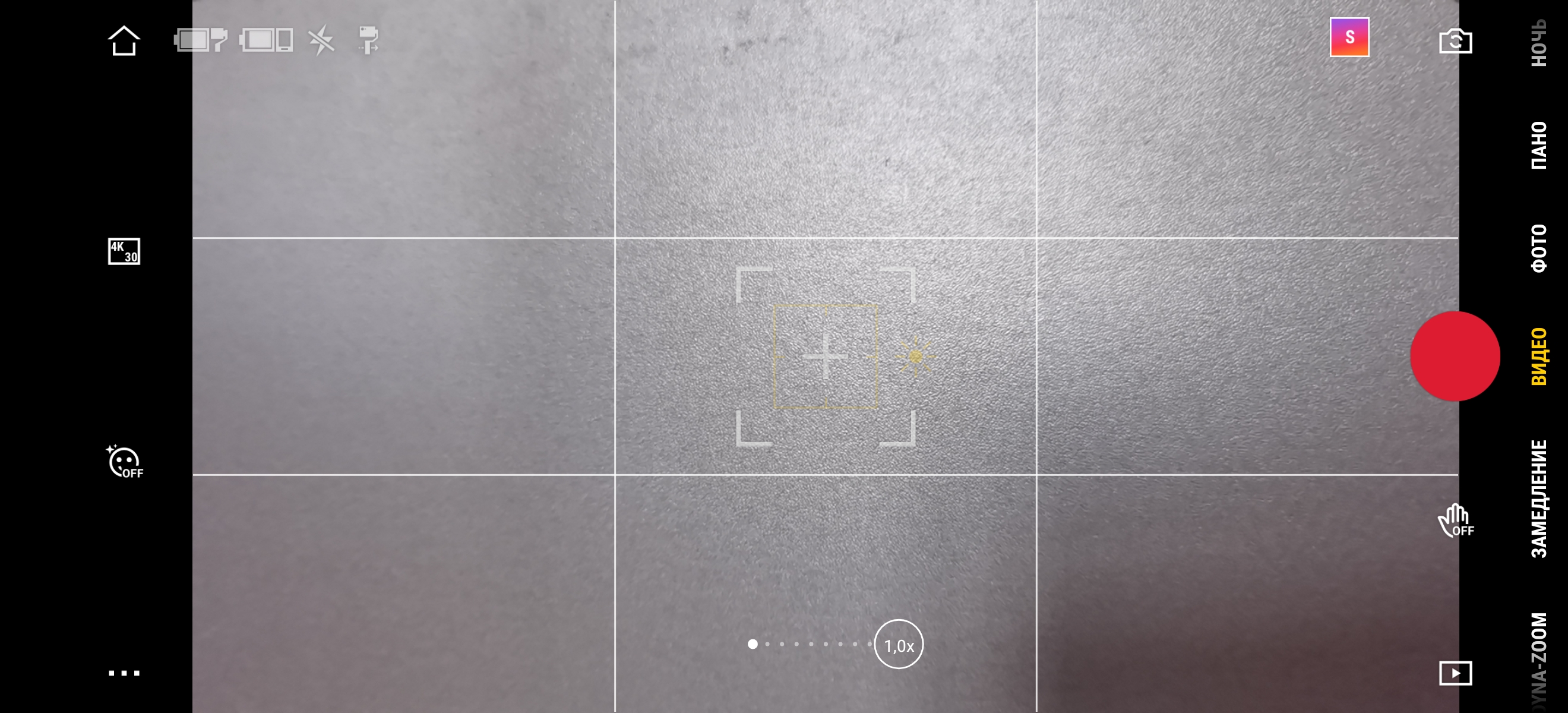
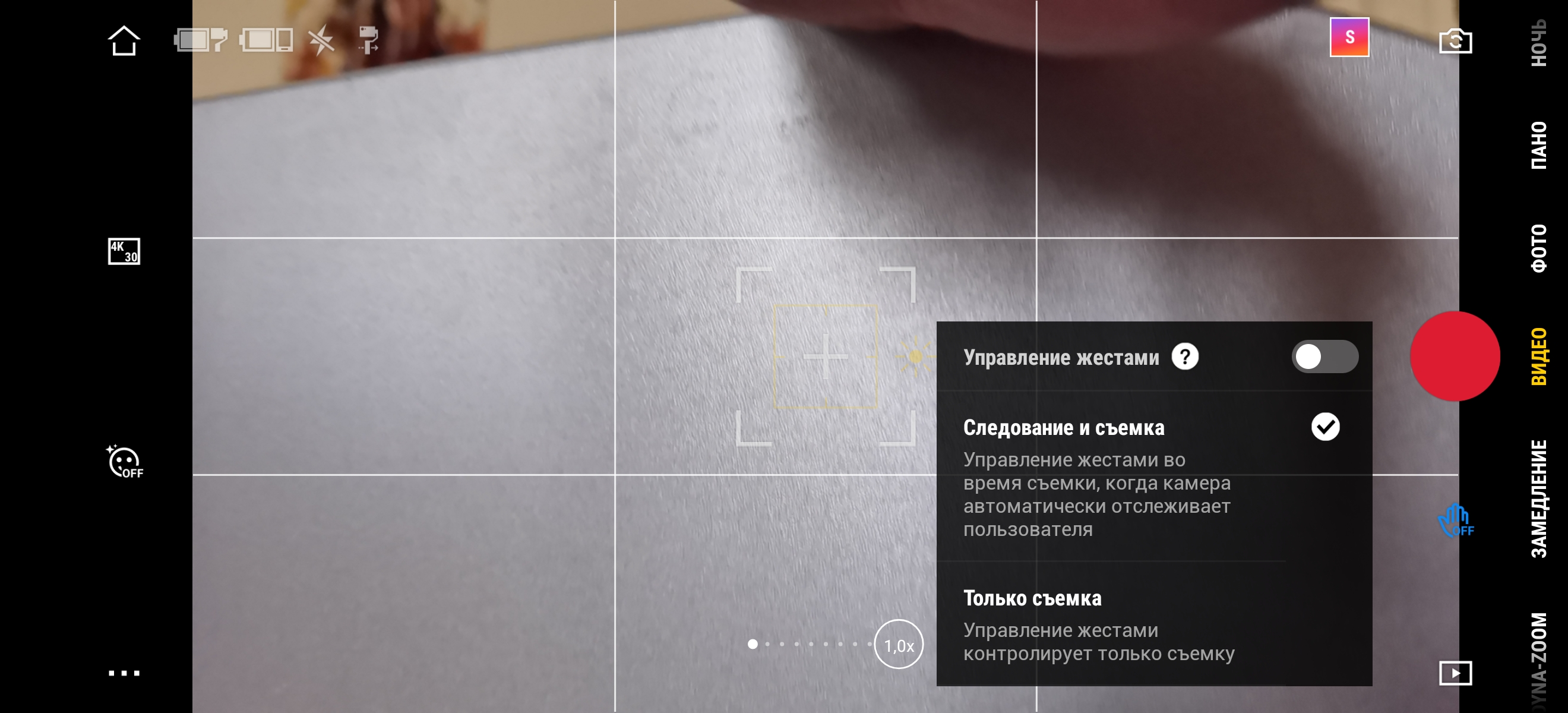
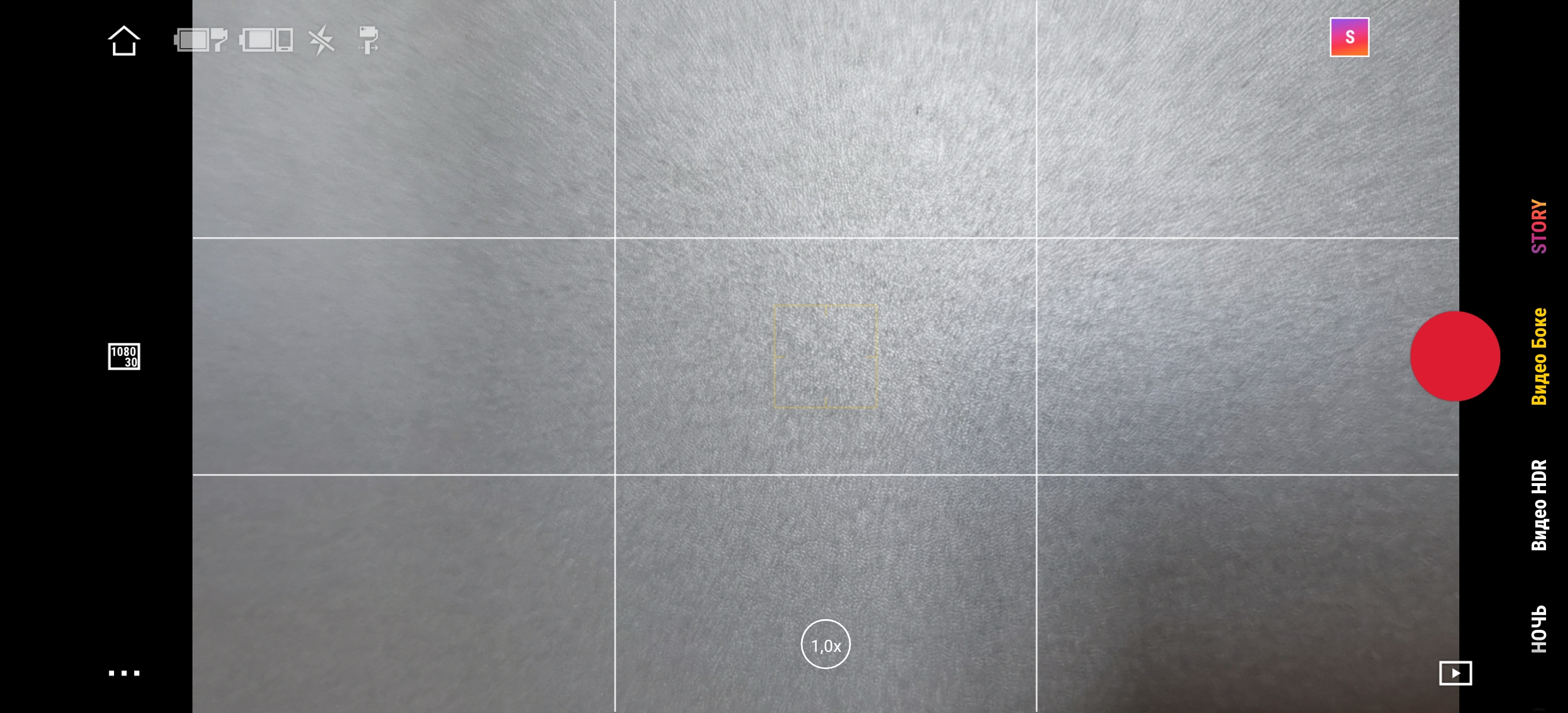
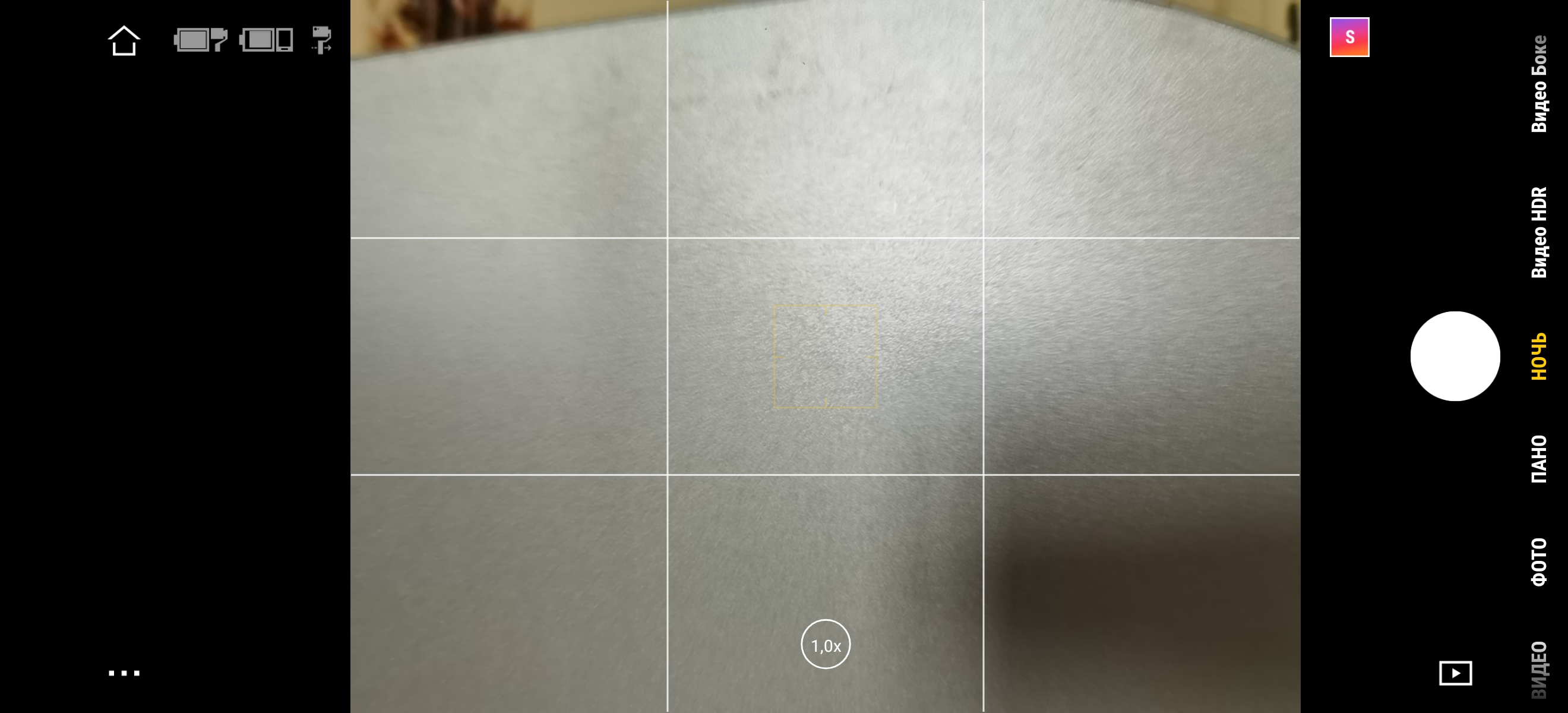
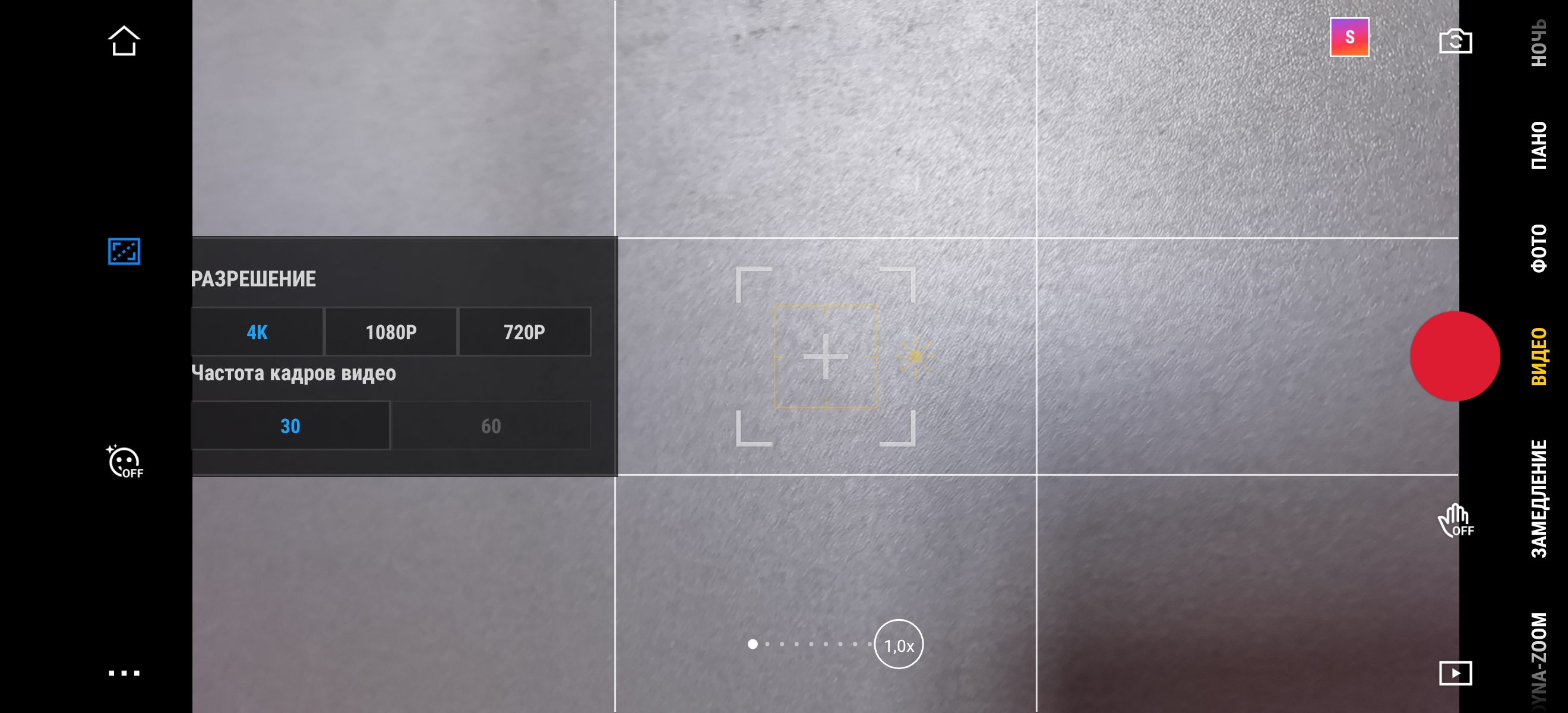
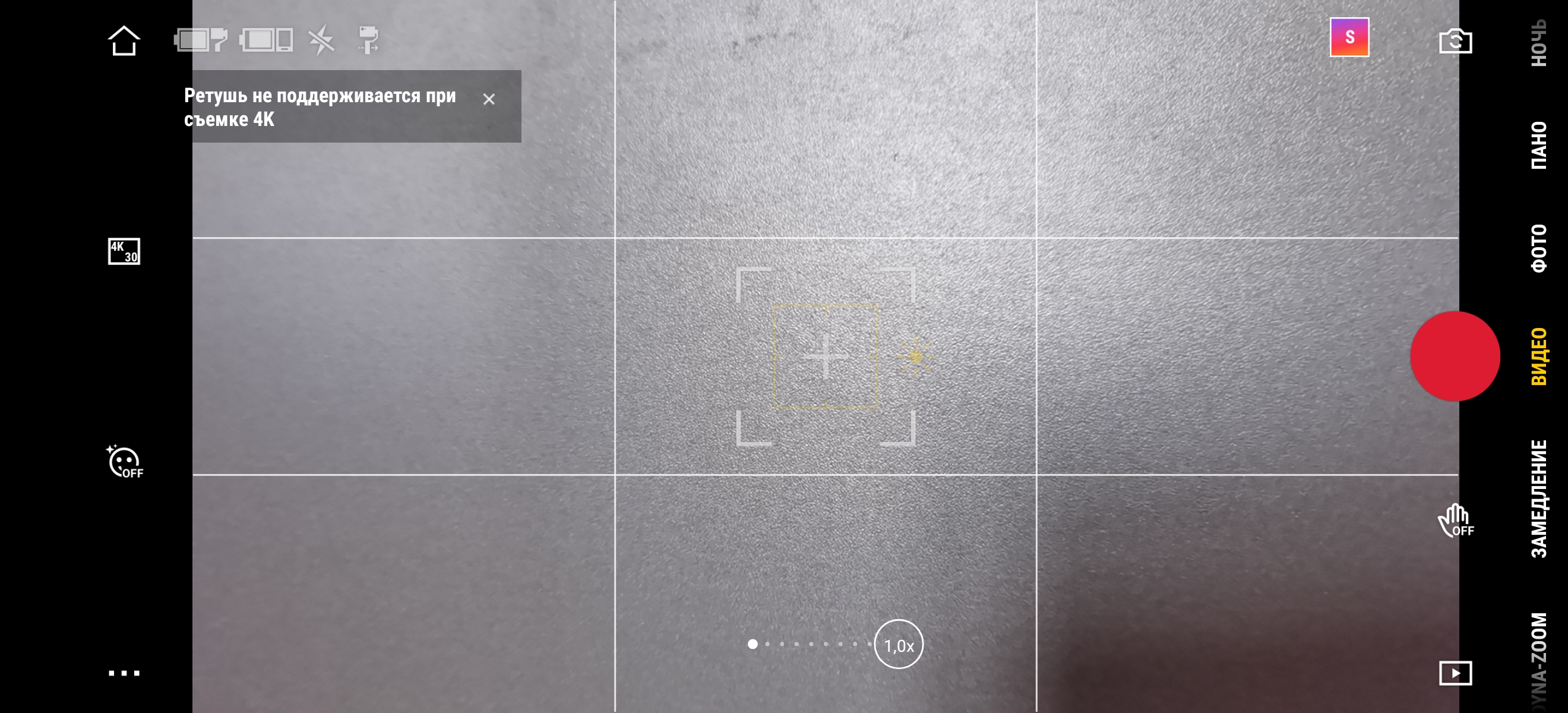
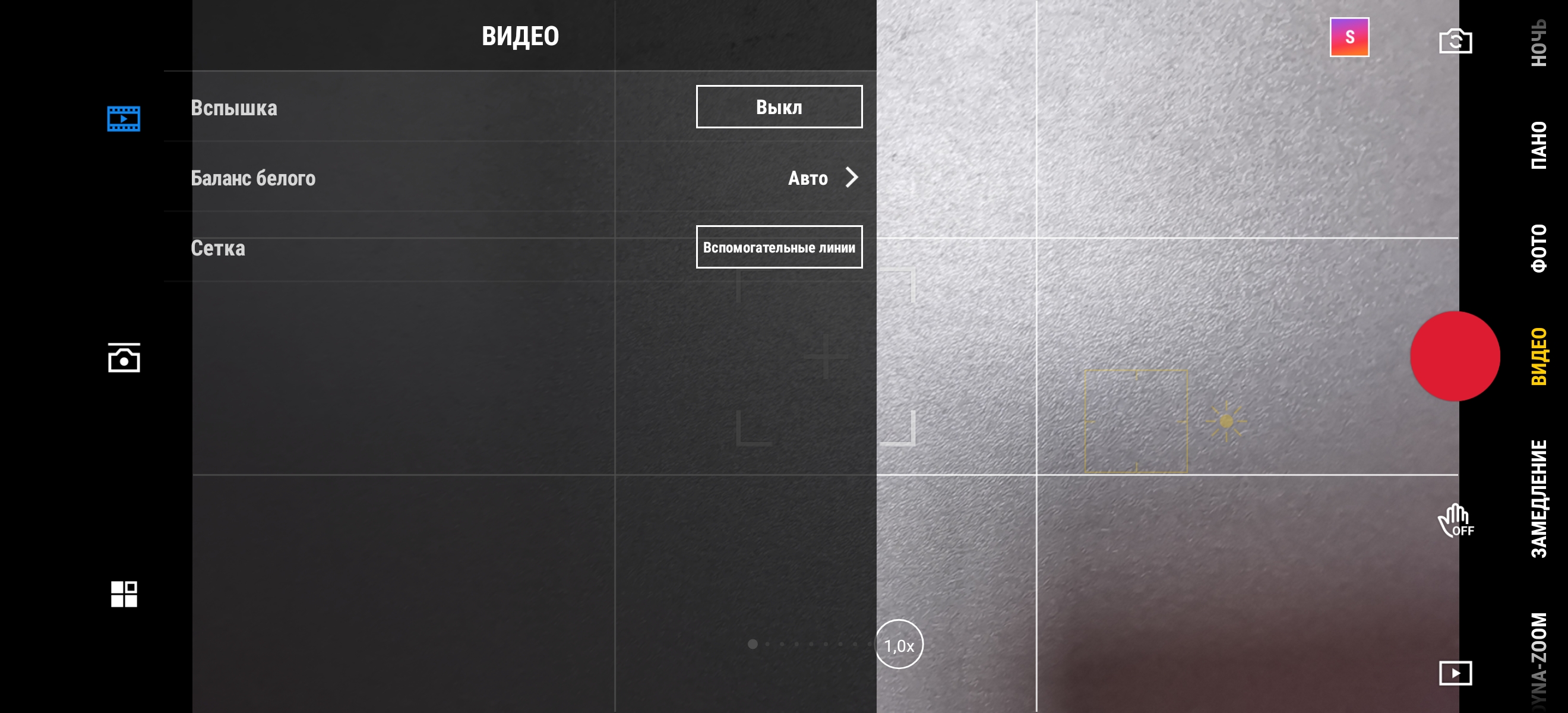
The second part is the actual shooting andsetting up the camera and stabilizer. The interface resembles a standard smartphone: “carousel” with shooting modes, zoom settings, white balance, flash, switching between the main and front cameras, video resolution and frame rate. It is noteworthy that with the Huawei P40 Pro the maximum resolution is 4K, 30 frames per second, although the smartphone itself can shoot 60 FPS. But the application can switch between cameras. For example, in the case of OPPO Reno4 Pro, DJI MIMO can only use the main camera, at “wide” you can't switch. One of the interesting features is gesture control. Just a godsend for the “mom blogger”: using a gesture you can start video recording, and the stabilizer will follow the person in the frame during recording. So you can take pictures of yourself and your loved one without additional help.
</ img>

</ img>
</ img>
</ img>
</ img>
</ img>

</ img>
</ img>
</ img>
</ img>
</ img>





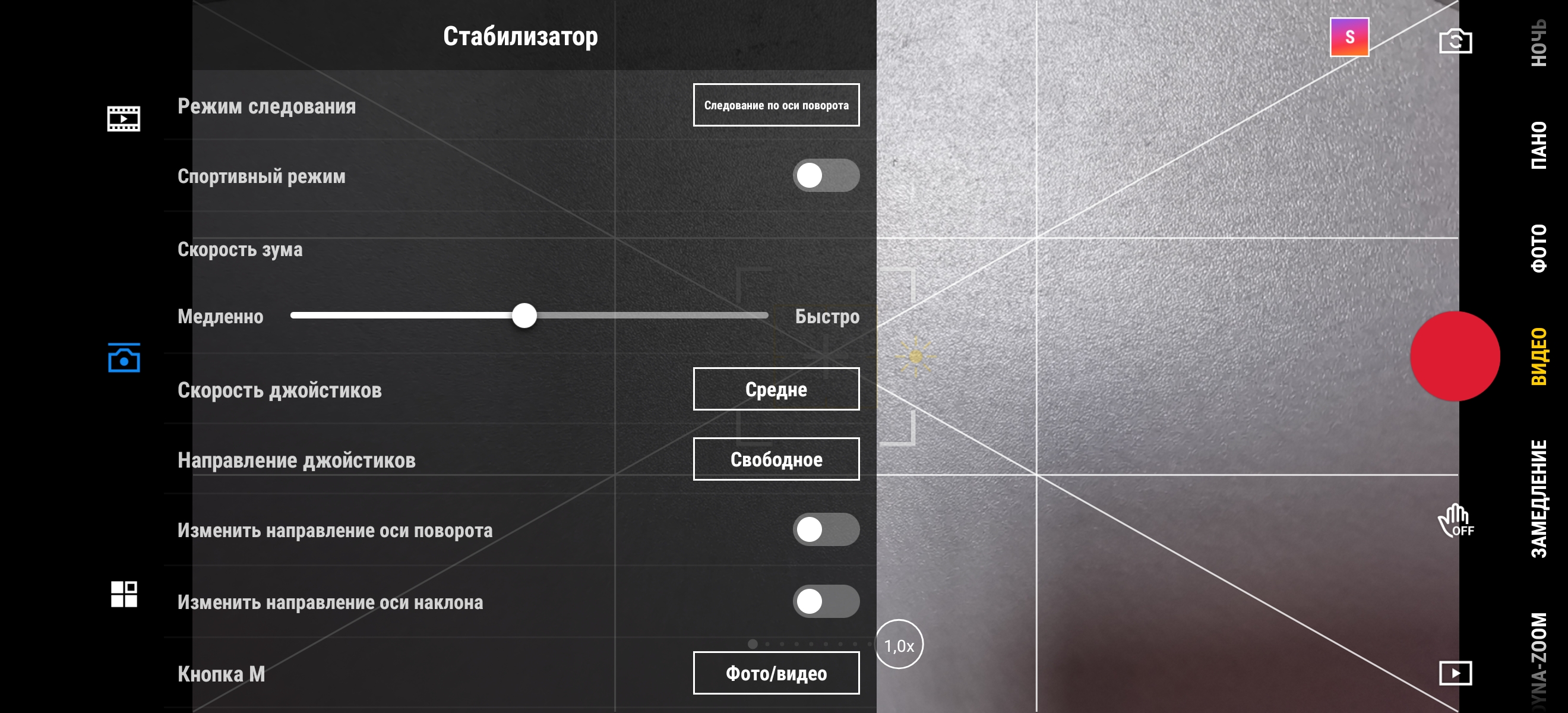
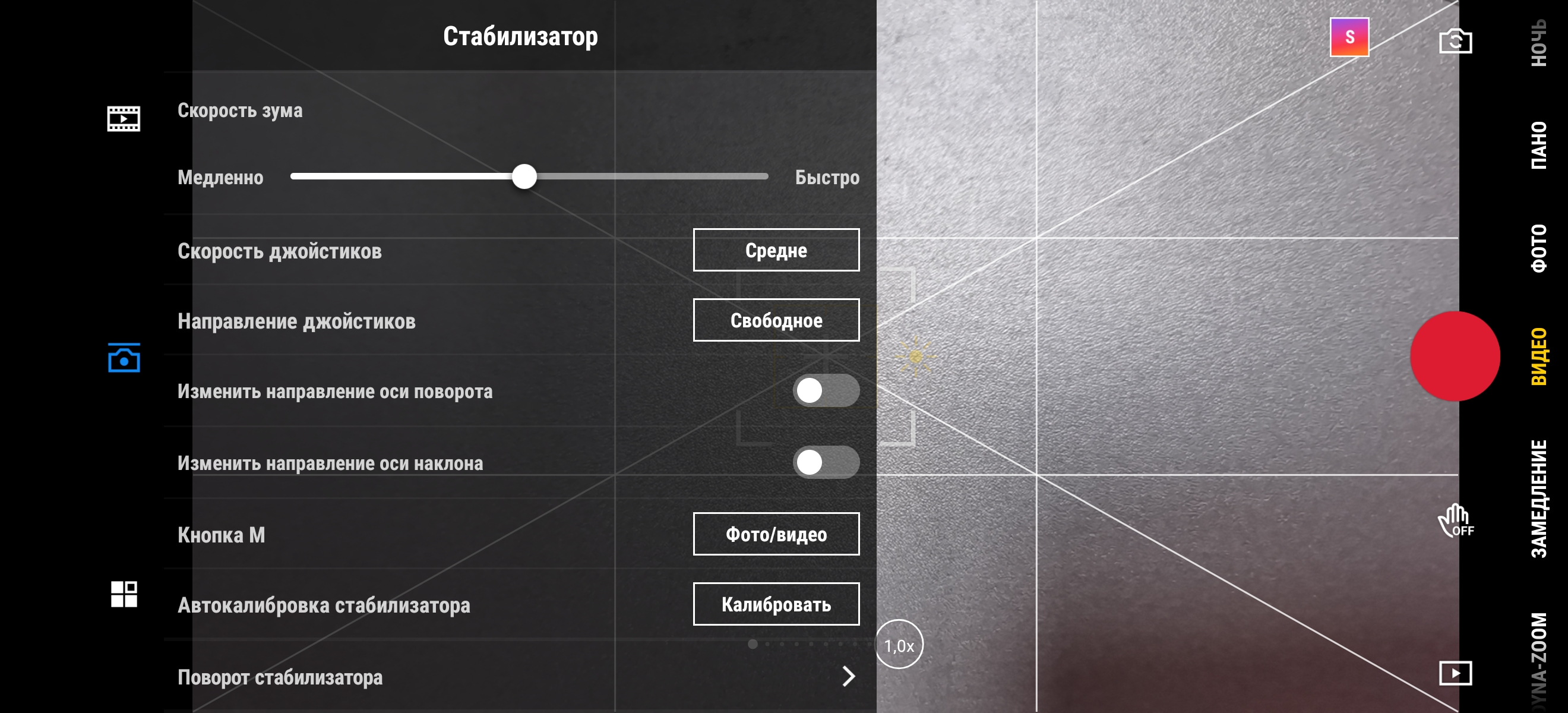
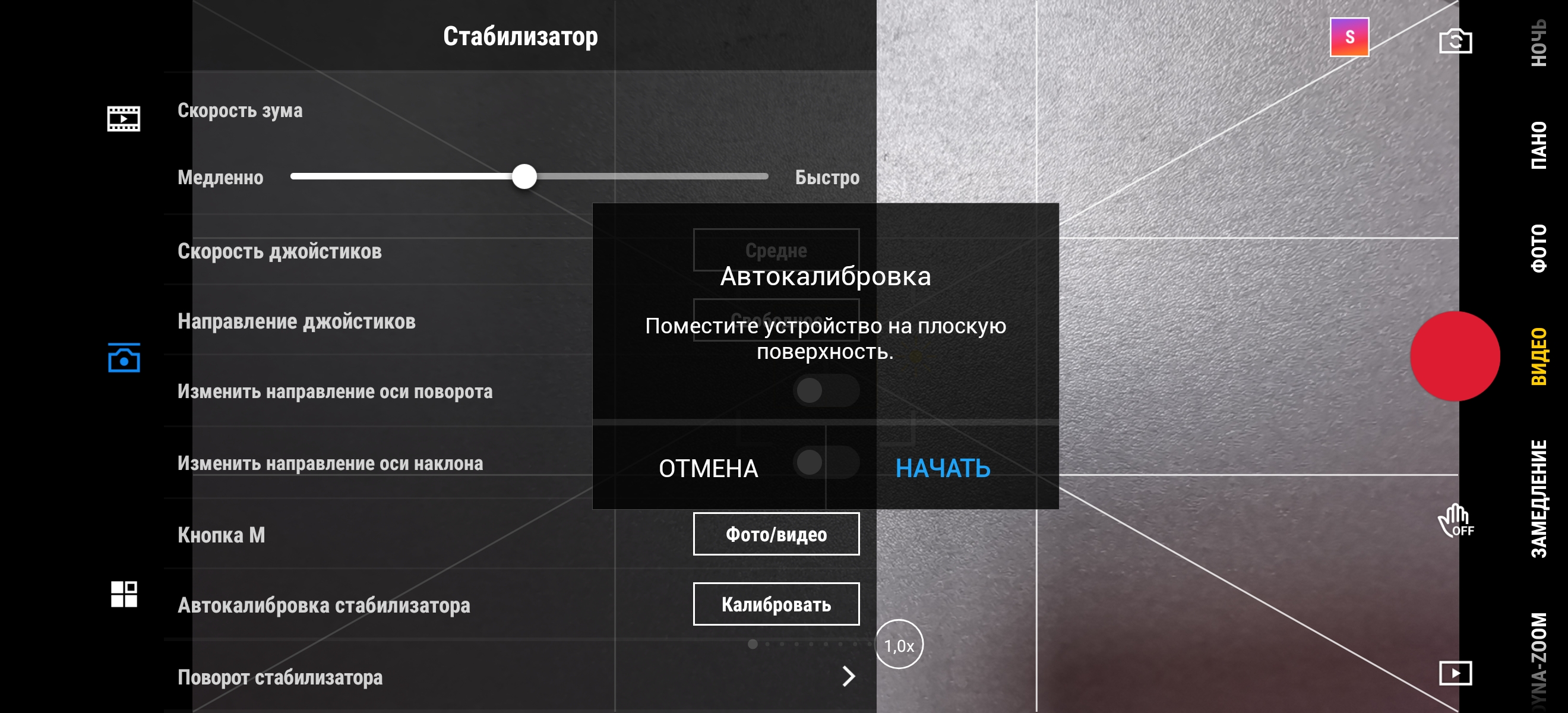
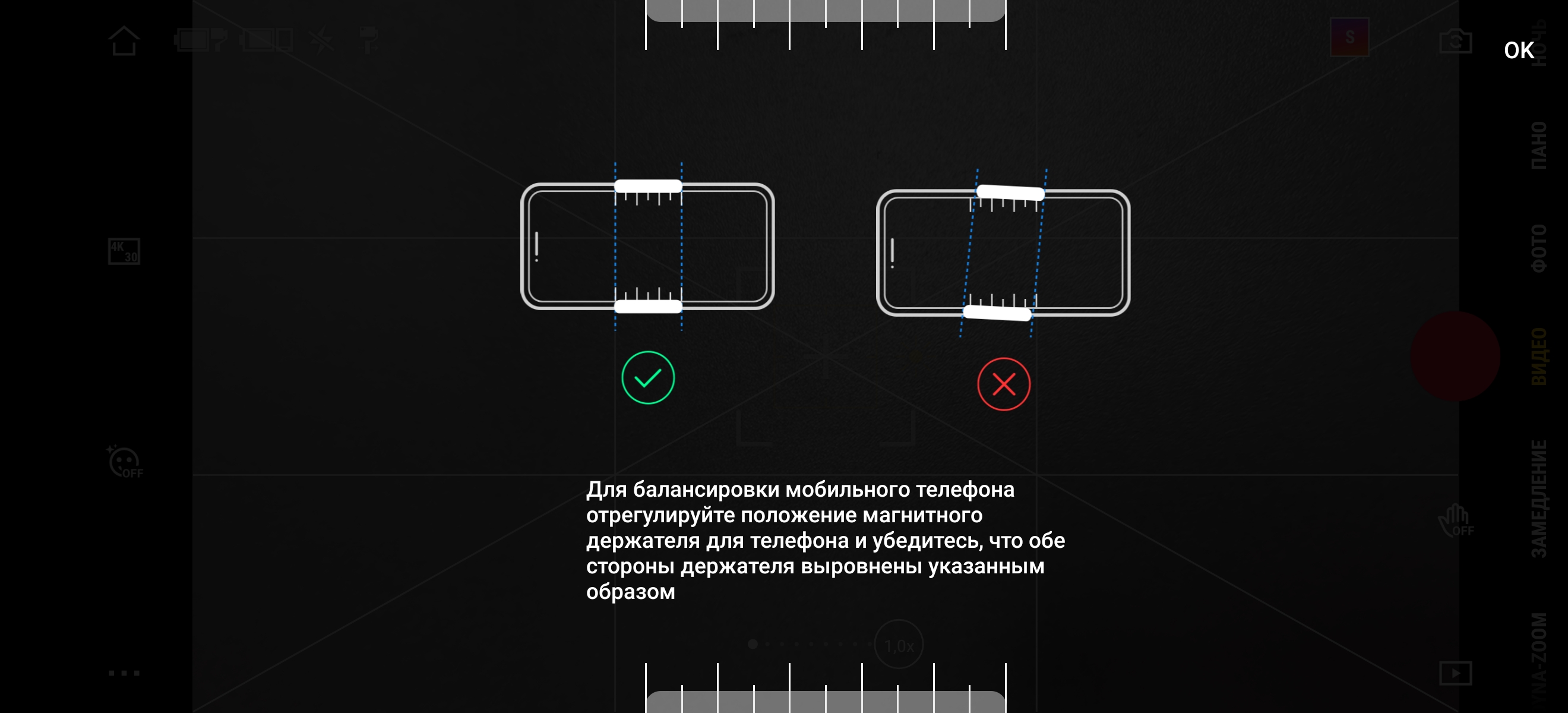
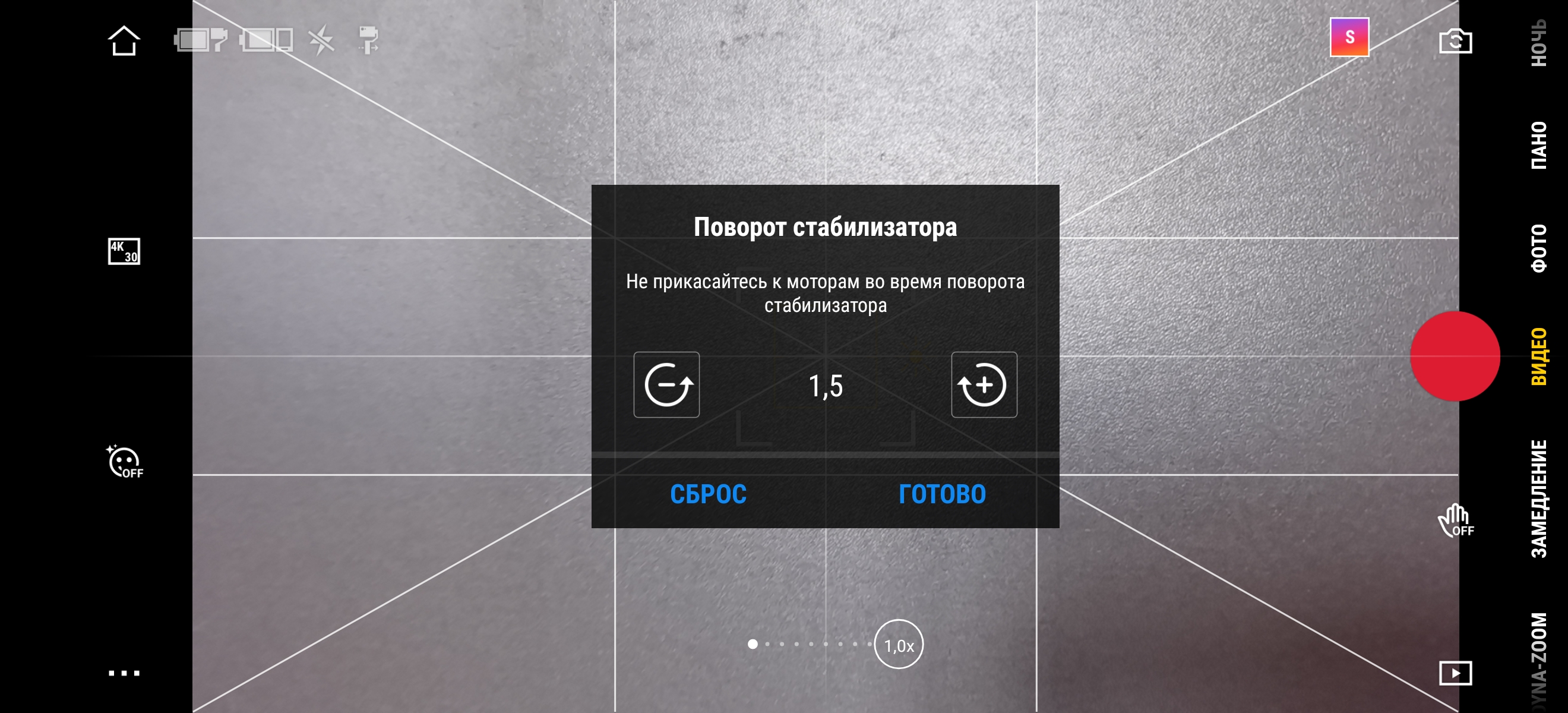
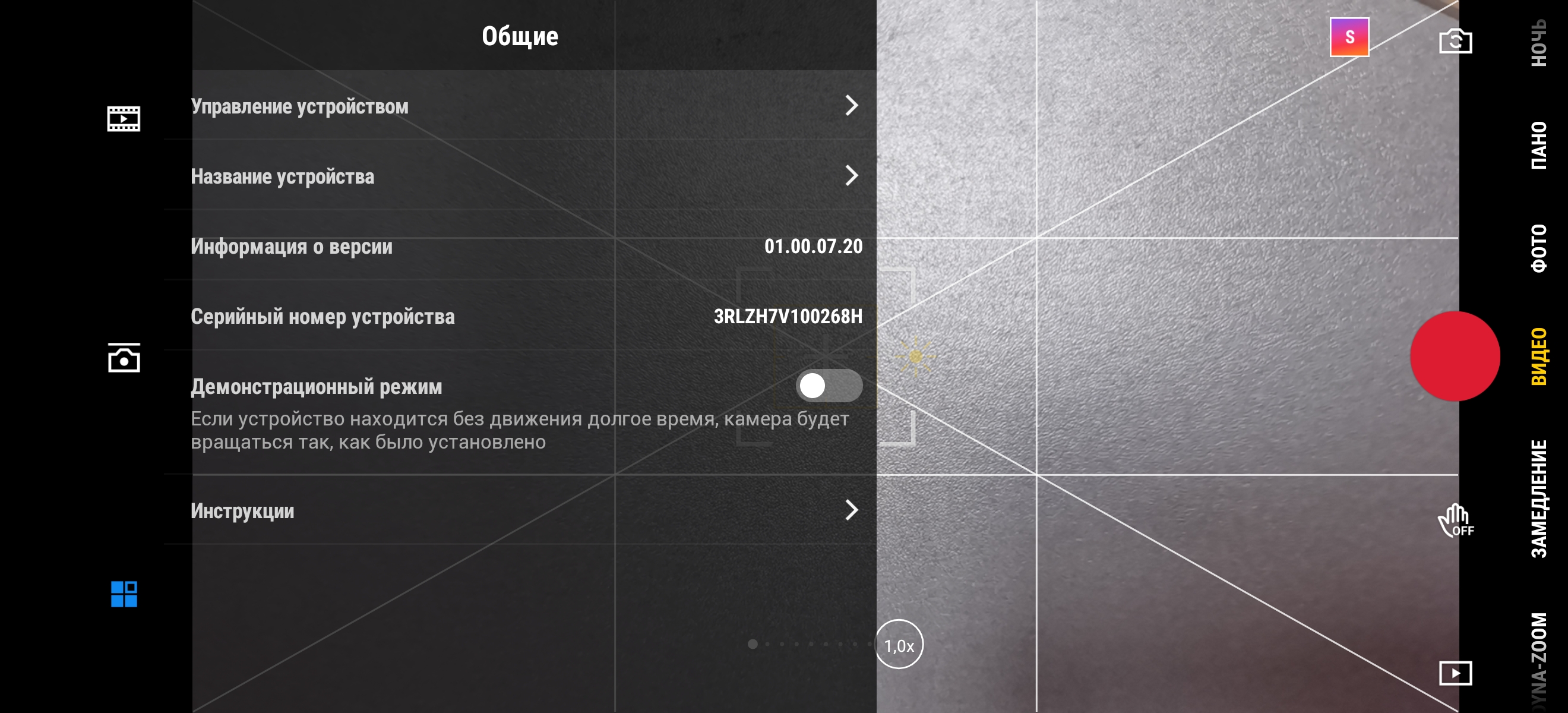
Operation settings are included in a separate menu itemthe stabilizer itself. You can select a following mode (actually the mode of operation of the stabilizer): with fixation along the tilt, along the rotation axis, in first person (the smartphone moves smoothly following the user’s movements) and compass (rotation around an axis perpendicular to the smartphone screen). You can also enable sports mode, adjust the zoom speed, sensitivity, direction and inversion of the joysticks, and calibrate the stabilizer. In case you see that the “horizon is blocked”, there is a manual adjustment of the angle.
</ img>

</ img>
</ img>
</ img>
</ img>
</ img>
</ img>


How does he behave in work and shoot?
</ img>
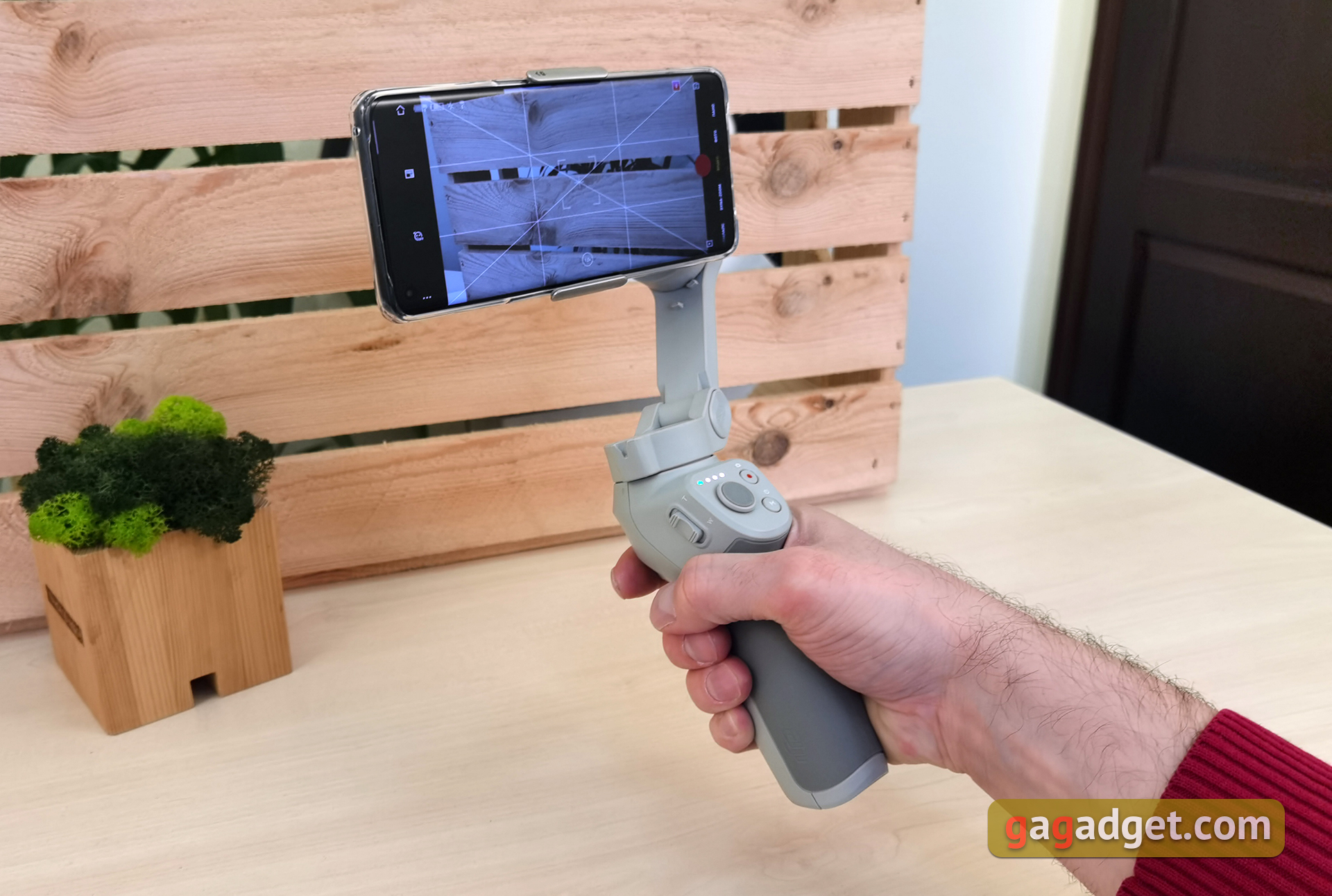
As already written earlier, in the basic versionthe stabilizer works with any smartphones. The main basic task of the gimbal is to get rid of shake when filming and make the movements smoother. Especially when shooting on the go: on foot, by bike, skateboard, car. In general, the stabilizer is extremely useful if you take any shots that require you to move your smartphone.
After a relatively short timeSpent on experimentation and training, using the DJI OM4 you can take really interesting shots. The Active Track 3.0 object tracking system also works very well and rarely misses an object. Within reasonable limits of the object's speed, of course. According to DJI, the algorithms are able to find the selected object even if it disappears from the frame for a split second.
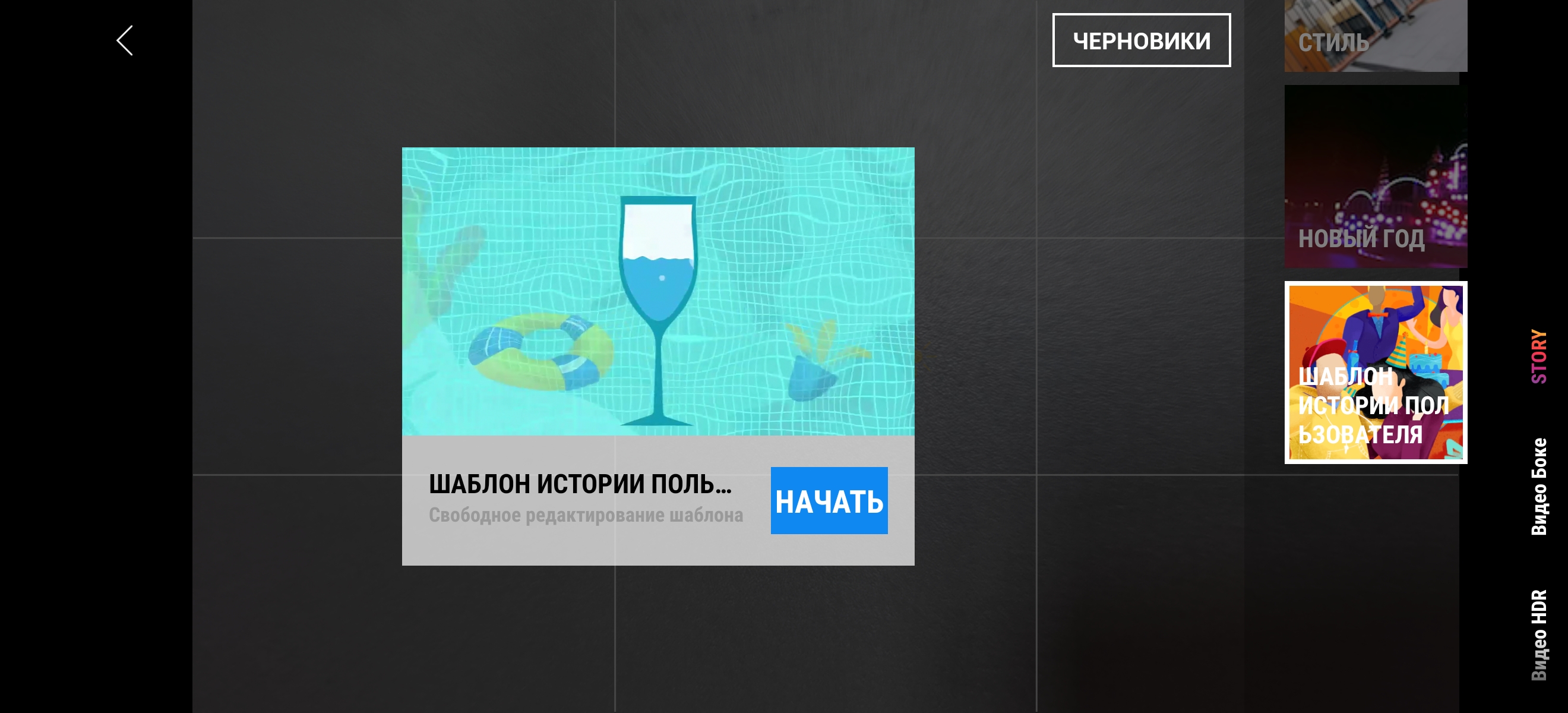
Plus, DJI OM4 has a bunch of additional features andmodes. By turning on the “Story” mode, which has prepared templates, you need to shoot several short videos, on which effects and background music are applied and everything is glued into one video. Of course, there is a slow motion mode.
And useful things for a photo.For example, night shooting with a long exposure (which is easy to do given the presence of a tripod), different panorama modes: CloneMe, this is a panorama with a delay so that the user can move to another position. As a result, when gluing on one frame, you get one person twice. And more traditional 3x3, 240 °.
</ img>
</ img>
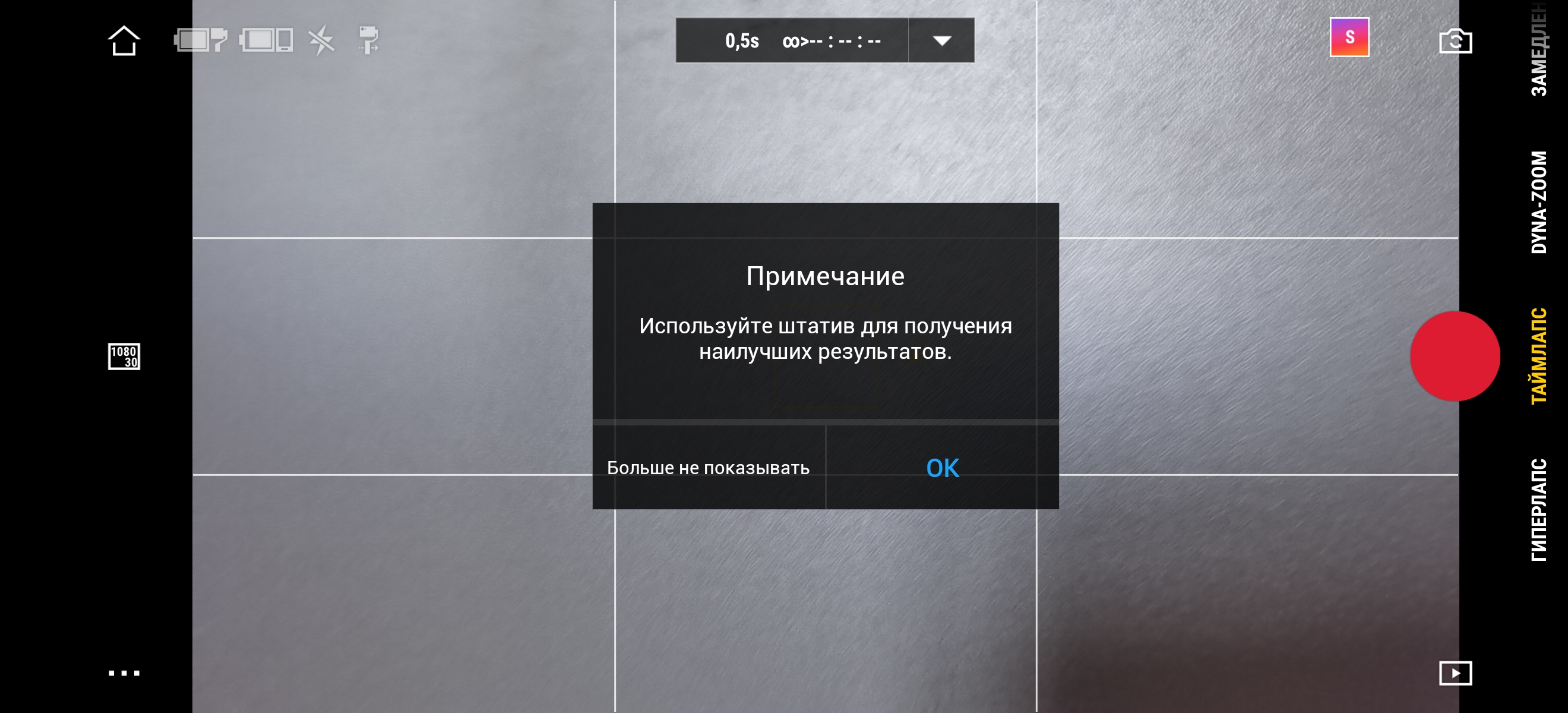
Motion Timelapse or Motionlapse producedimpression even while using the DJI Osmo Pocket. DJI OM4 also has this feature. You can set up to four “route” points. along which the camera will move, take photos at a certain frequency, and then video will be stitched together from this. You can set the frequency of photos and the duration of the process; the duration of the final video will immediately be shown on the screen.
Hyperlapse:
One of the new features is dynamic zoom, also known as“Hitchcock effect”, Vertigo effect or Dolly Zoom (or a number of other names). An optical effect in which objects in the foreground remain in place, while the background begins to move back or forward. The thing is interesting and in the original it is done by moving the camera itself while simultaneously scrolling the zoom lens. In this case, this is done digitally, plus it just takes some time for trial and error. But the thing is very interesting.
DJI OM4 does an excellent job with its maintask: the stabilizer really does a very good job of removing shaking and sudden movements. But the second extremely strong side of DJI OM4 is the abundance of different modes and functions that you can and should experiment with. Yes, the stabilizer will not make you a “Hollywood level” at the touch of a button. but with some practice, you can shoot some really cool stuff with the DJI OM4.
What about autonomy?

</ img>
The stabilizer is powered by a 2450 mAh battery.A full charge from a standard 10 W charger takes 2.5 hours. DJI promises 15 hours of battery life on a single charge “in ideal conditions”. In real life, operating time depends very significantly on a huge number of factors: the weight of the smartphone, how accurate the balancing is, what shooting modes are used, and so on. After 4 hours of shooting in different modes on the street and a two-hour Motionlapse, only one bar disappeared on the indicator. So you can safely count on 10+ hours of work.
</ p>In the dry residue. Three things to know about the DJI OM4.
- The gimbal is physically compatible with almost all modern smartphone models.
- But for maximum functionality, it is advisable to have an Apple, Samsung or Huawei smartphone (and it is advisable to check the compatibility on the website).
- The gimbal is convenient, easy to use, compact and foldable.
DJI OM4 Specifications
Housing
Unfolded: 276x119.6x103.6 mm, folded: 163x99.5x46.5 mm, Weight: 390 g, magnetic clip: 32.6 g, magnetic ring holder: 11.4 g
Compatible smartphone weight
230 ± 60 g
Compatible smartphone thickness
6.9-10 mm
Compatible Smartphone Width
67-84 mm
Battery
2450 mAh
Stabilizer charging port
USB Type-C
Smartphone charging port
USB Type-A
Tripod thread
1/4 inch
Wireless connection
Bluetooth 5.0
Angles of rotation
Panning: -161.2° – 171.95°, rotation: – 136.7° – 198°, tilt: -106.54° – 235.5°
Maximum swing speed
120°/s
application
DJI MIMO
Tripod dimensions
138x32x32 mm, weight 72 g
For those that want to know more:
- DJI Osmo Pocket Gimbal Review: A Pleasure You Can Buy
- FeiyuTech Vimble 2 Review: Selfie Stick with Motor
- FeiyuTech G6 Plus review: universal handheld gimbal for cameras and smartphones (video)
- DJI OSMO Mobile review: arm straightener
- A quick tour of the DJI Osmo handheld gimbal with 4K camera
Thank you
The editors would like to thank Fly Technology for the stabilizer kindly provided for review.