MSI Titan GT77 HX 13V – flagship gaming laptop that combines the most powerful modern components and so far
MSI Titan GT77 HX 13V
Extreme Performance
Game 17.3" laptop with top 13th Gen Intel Core i9 processor, GeForce RTX 4090 discrete graphics, 64GB RAM, 4TB dual SSD array, stunning 4K Mini LED display, and Cherry mechanical keyboard
Telemart
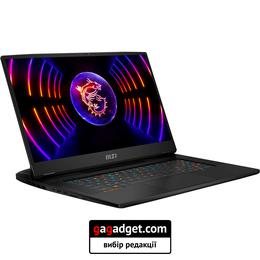
6 reasons to buy MSI Titan GT77 HX 13V:
- maximum performance;
- stunning 4K Mini-LED screen;
- Gorgeous Cherry RGB mechanical keyboard
- very fast array of SSD drives;
- the ability to upgrade drives and RAM, support for SSD with PCIe 5.0 interface;
- powerful audio system.
2 reasons not to buy MSI Titan GT77 HX 13V:
- high noise level of the cooling system at maximum loads;
- high price.
Fast passage:
- What is in the box?
- What about the appearance and design of MSI Titan GT77 HX 13V?
- How user-friendly is the MSI Titan GT77 HX 13V?
- How good is the screen?
- What about performance and autonomy?
- In the dry residue
What is included?
</ img>
</ img>

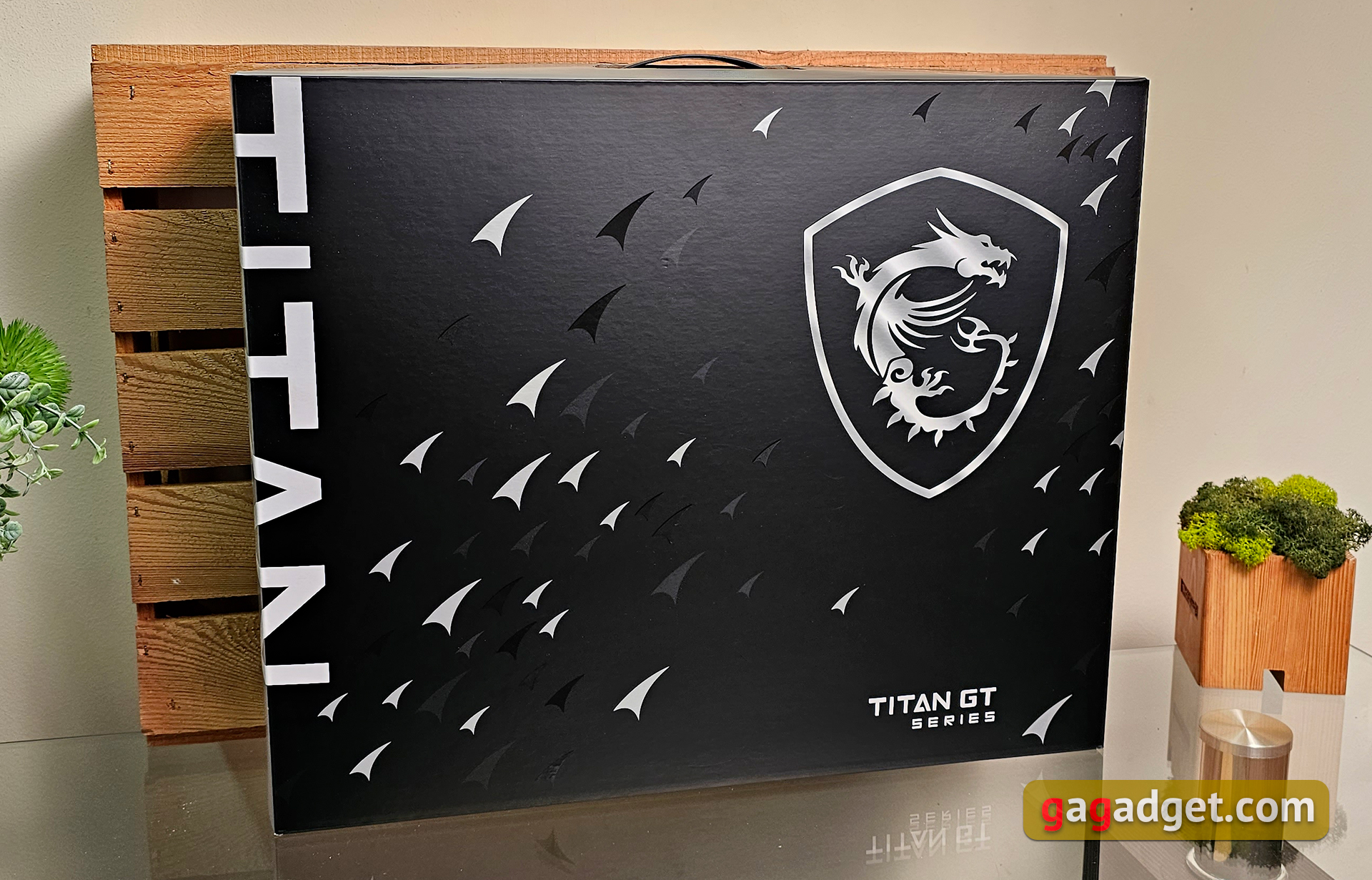
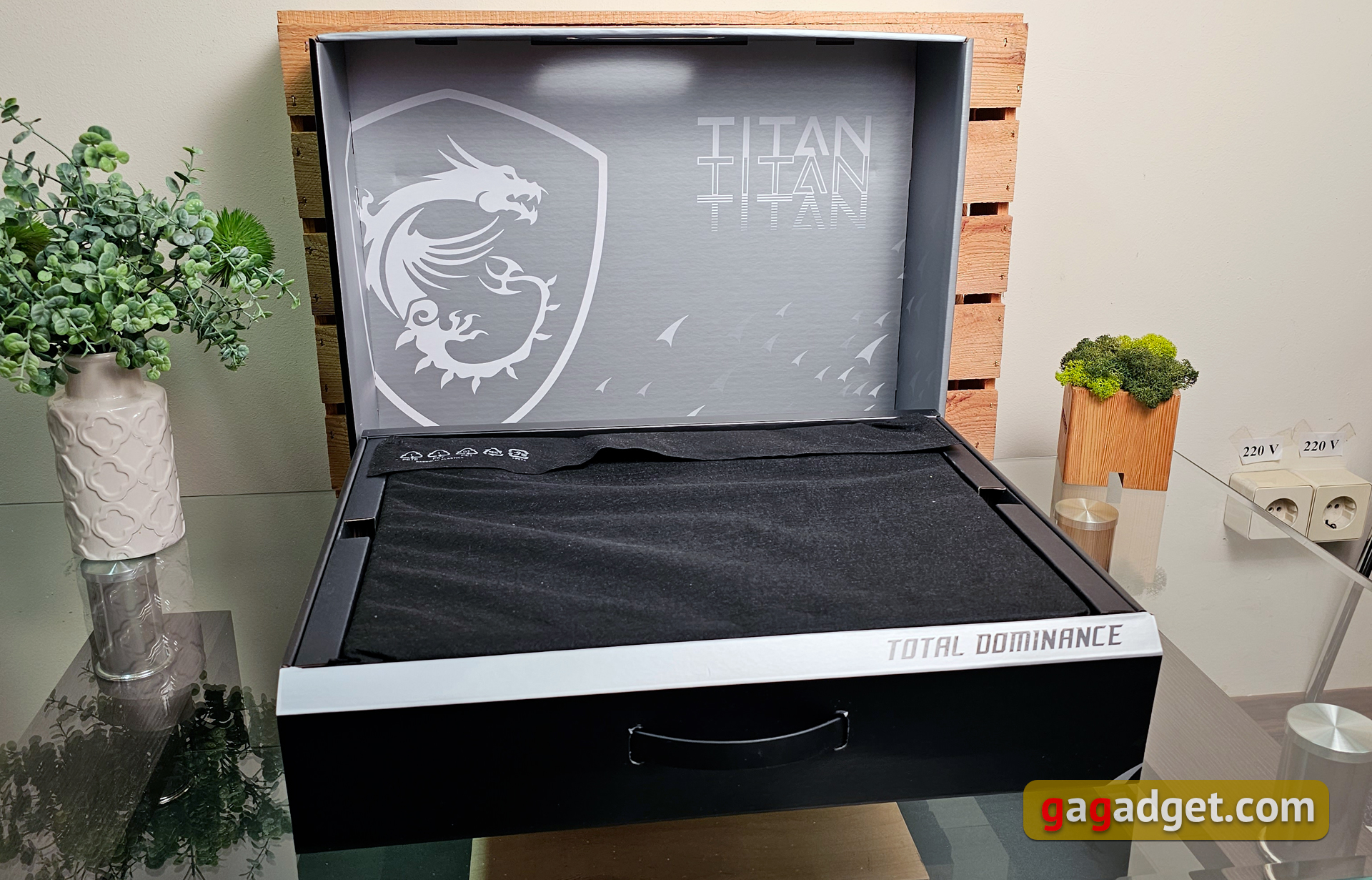
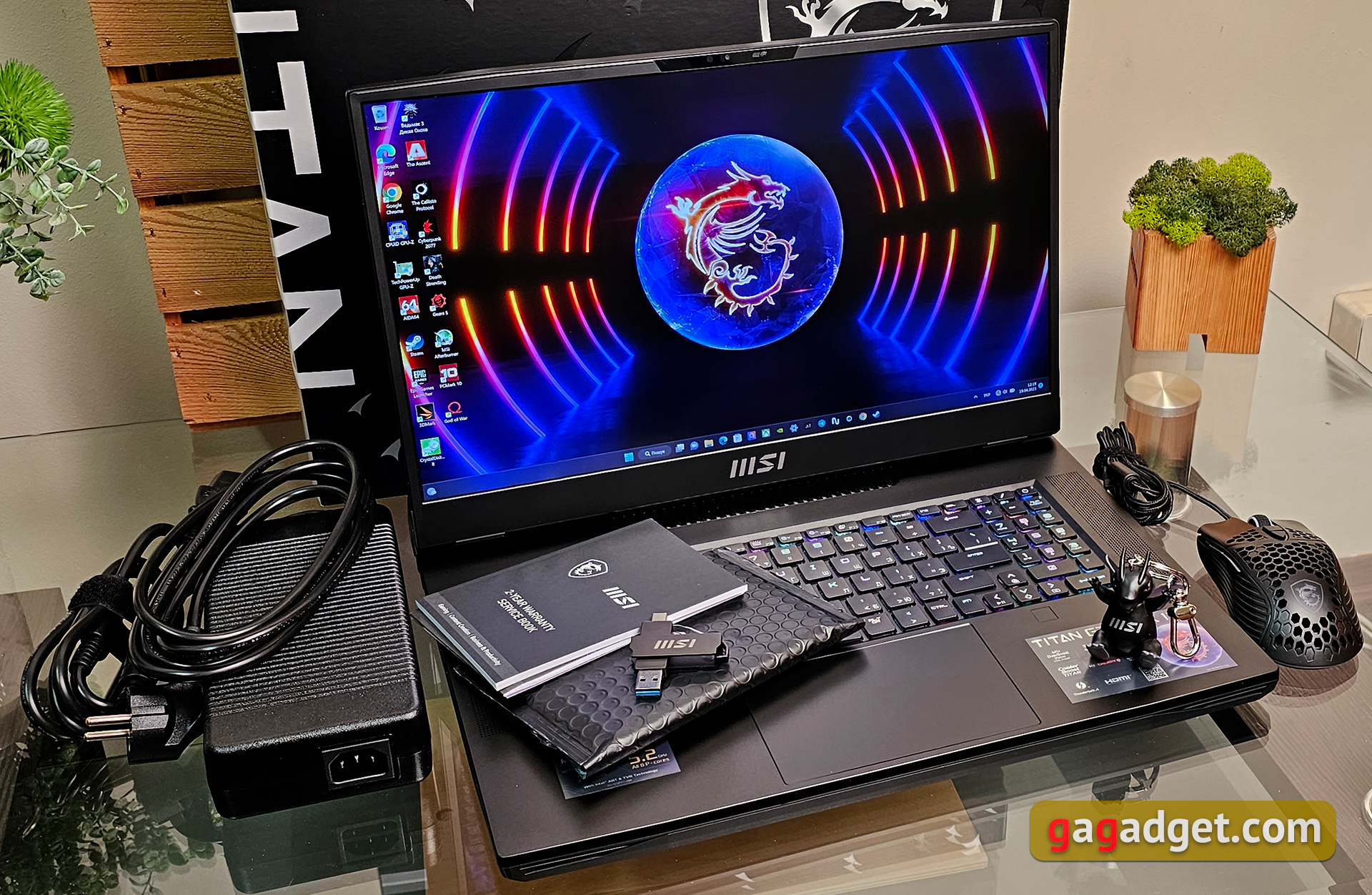
The laptop is packaged in a large black box.The delivery set is interesting, which is not surprising, given that this is – an uncompromising flagship model. Inside – the laptop itself, a massive 330 W power supply, power cable, gaming mouse, flash drive, branded keychain and documentation.
</ img>
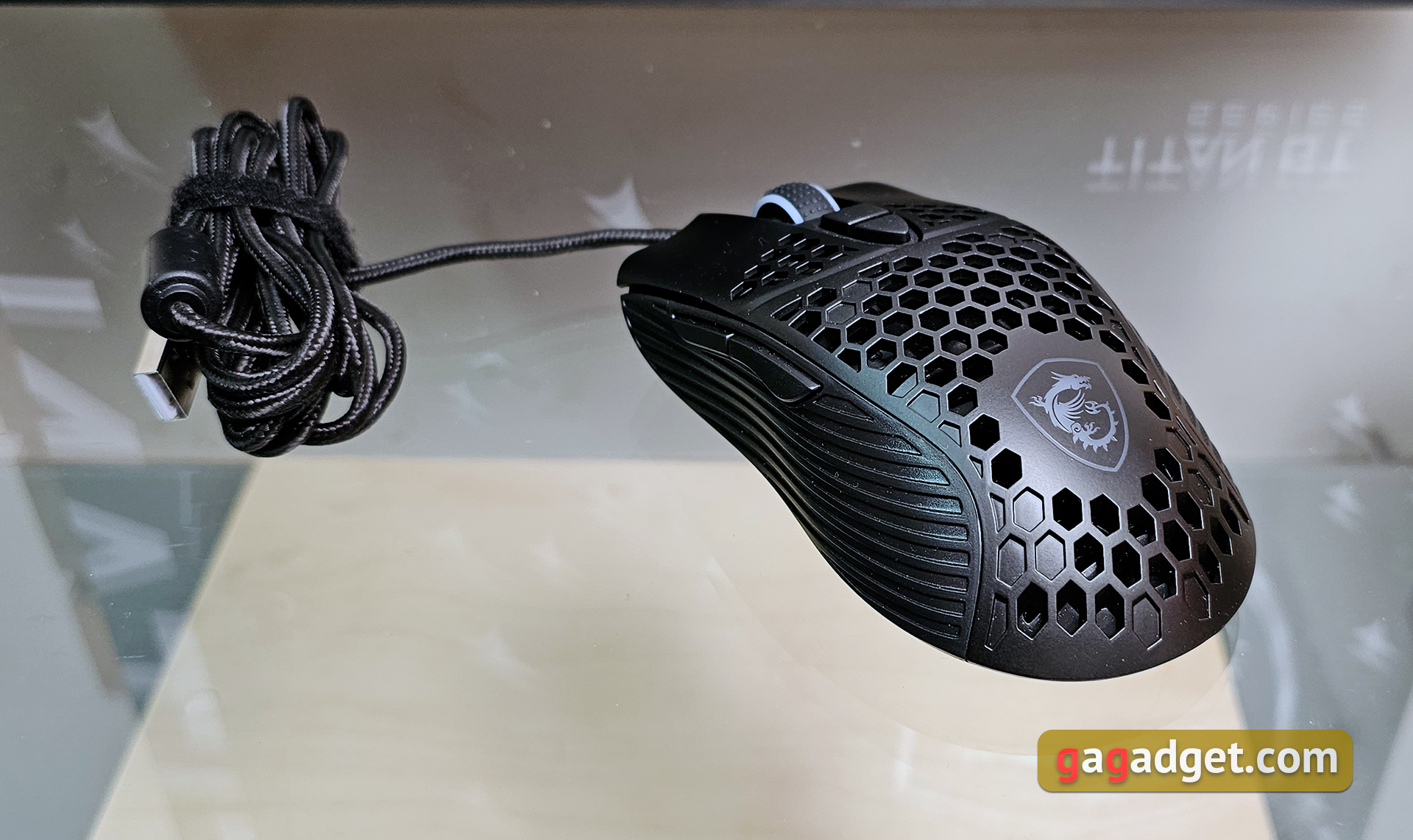
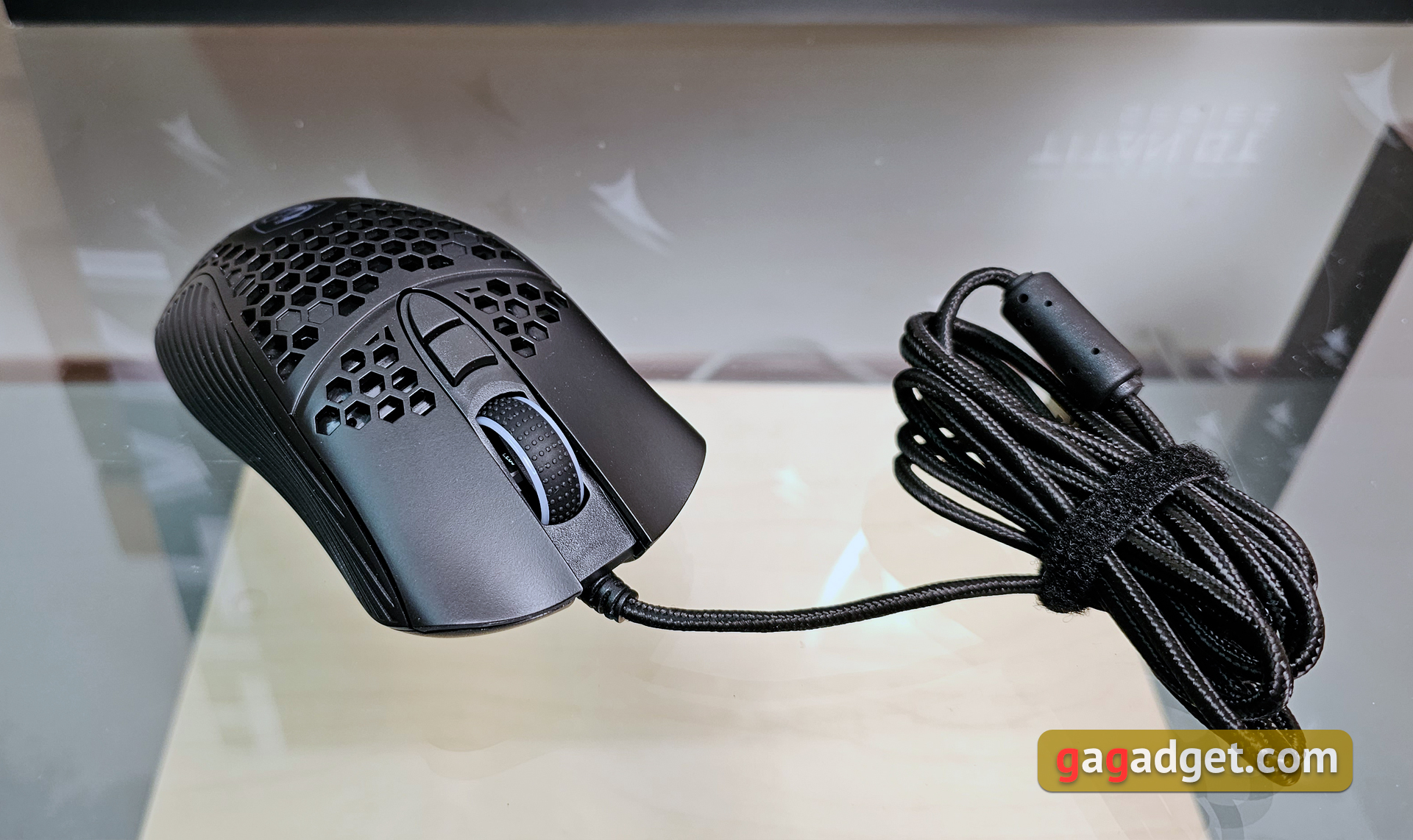
Complete mouse – MSI M99 Pro.The mouse has an asymmetrical body for right-handed use with additional buttons and honeycomb-shaped holes on the body for better ventilation and reduced weight. It is equipped with a PixArt (formerly Avago) 3050 sensor with a resolution of 4000 dpi. 500Hz polling rate, maximum tracking speed – 60 IPS. The cable has a fabric braid and a length of 1.8 m. There is RGB backlighting. The mouse has a fairly convenient shape, size and weight. The sensor cannot be called modern, but it is quite sufficient for the first time.
</ img>
</ img>

The included flash drive is quite interesting.It is made of zinc alloy and has two connectors: a full-size USB Type-A on one side and Type-C on the other. It has a capacity of 128 GB and supports USB 3.2. Reading speed – up to 110 MB/s, writes – up to 40 MB/s.
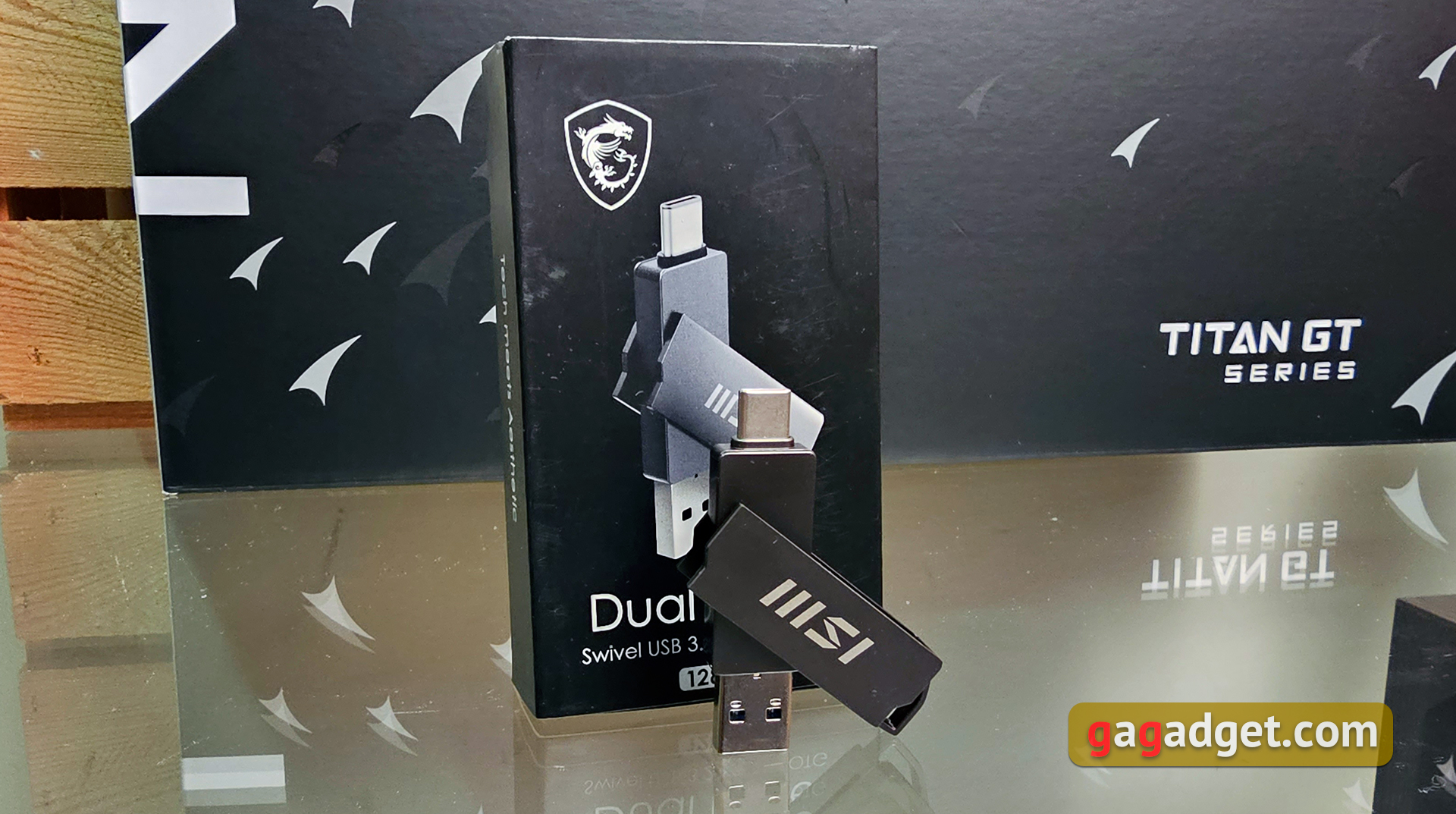
</ img>
And a kind of souvenir keychain in the form of a black dragon:
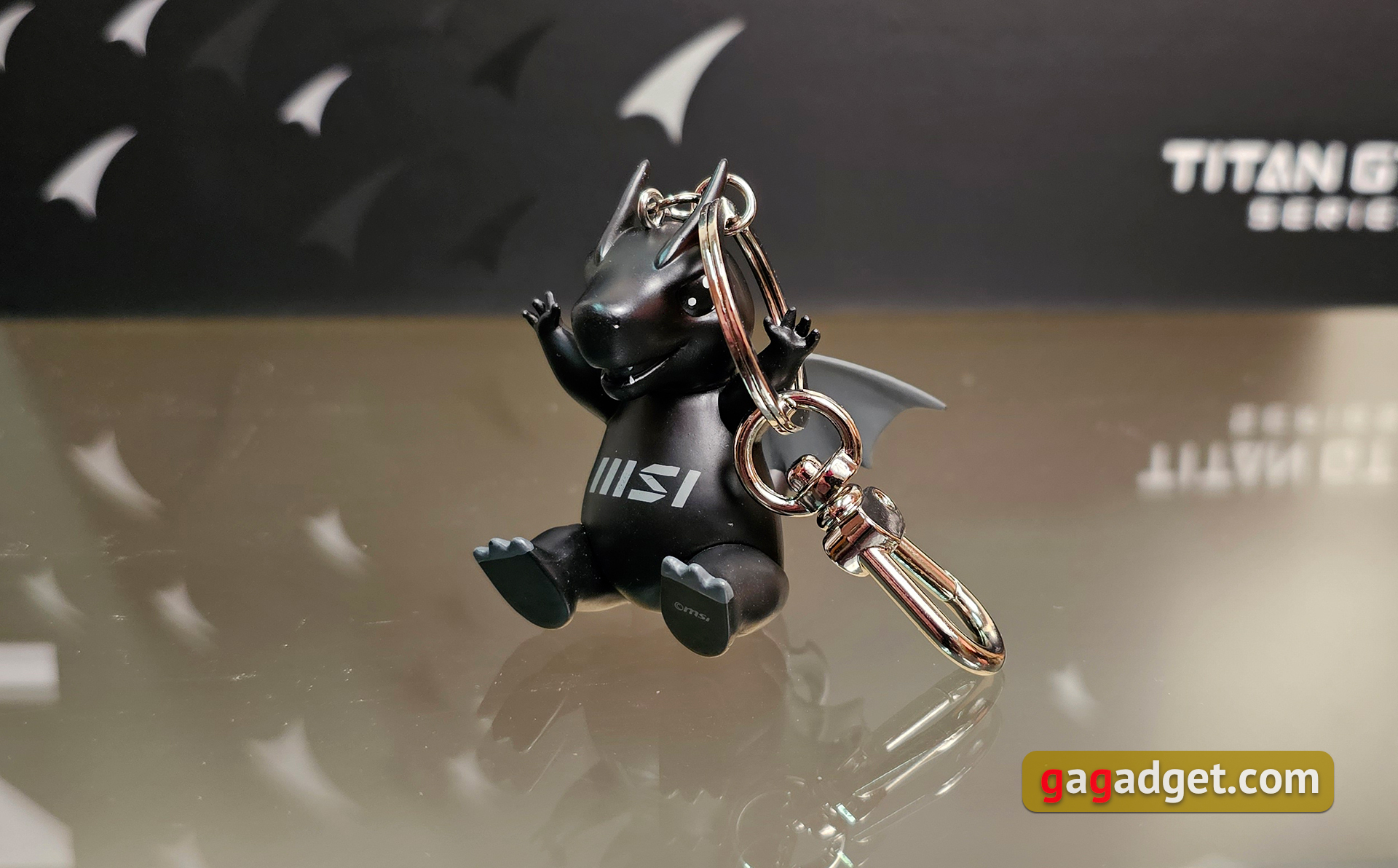
</ img>
What about the appearance and design of MSI Titan GT77 HX 13V?
</ img>
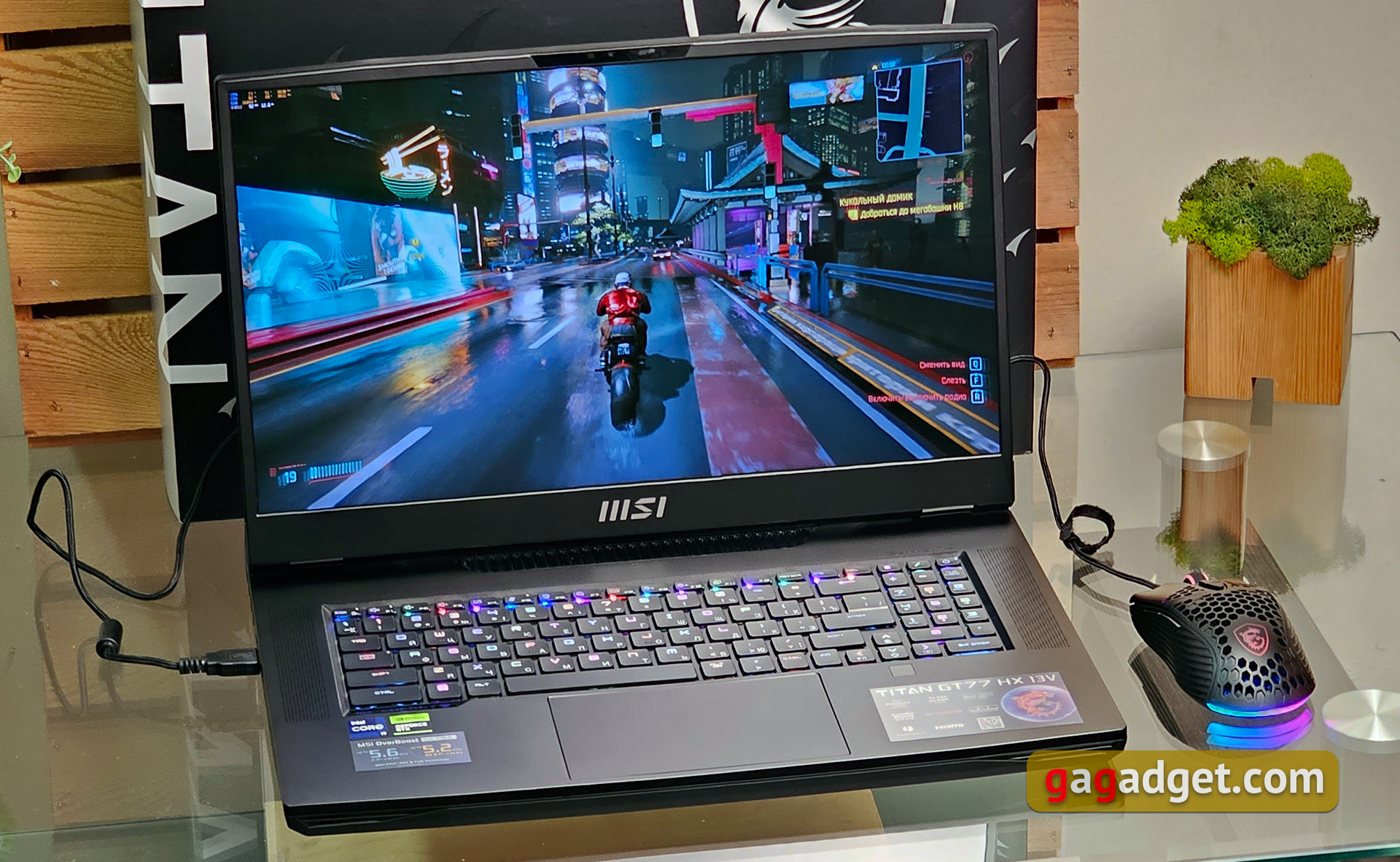
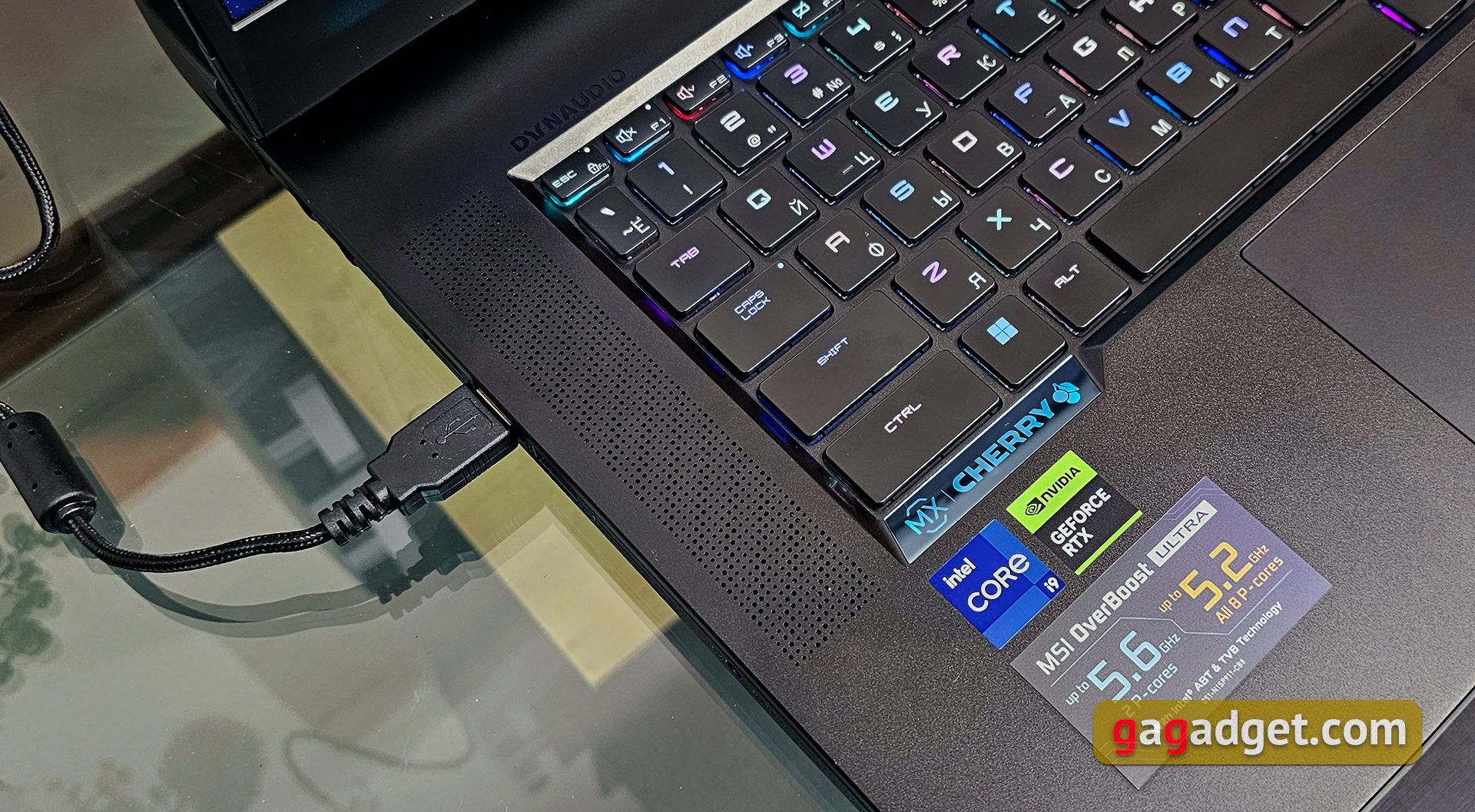
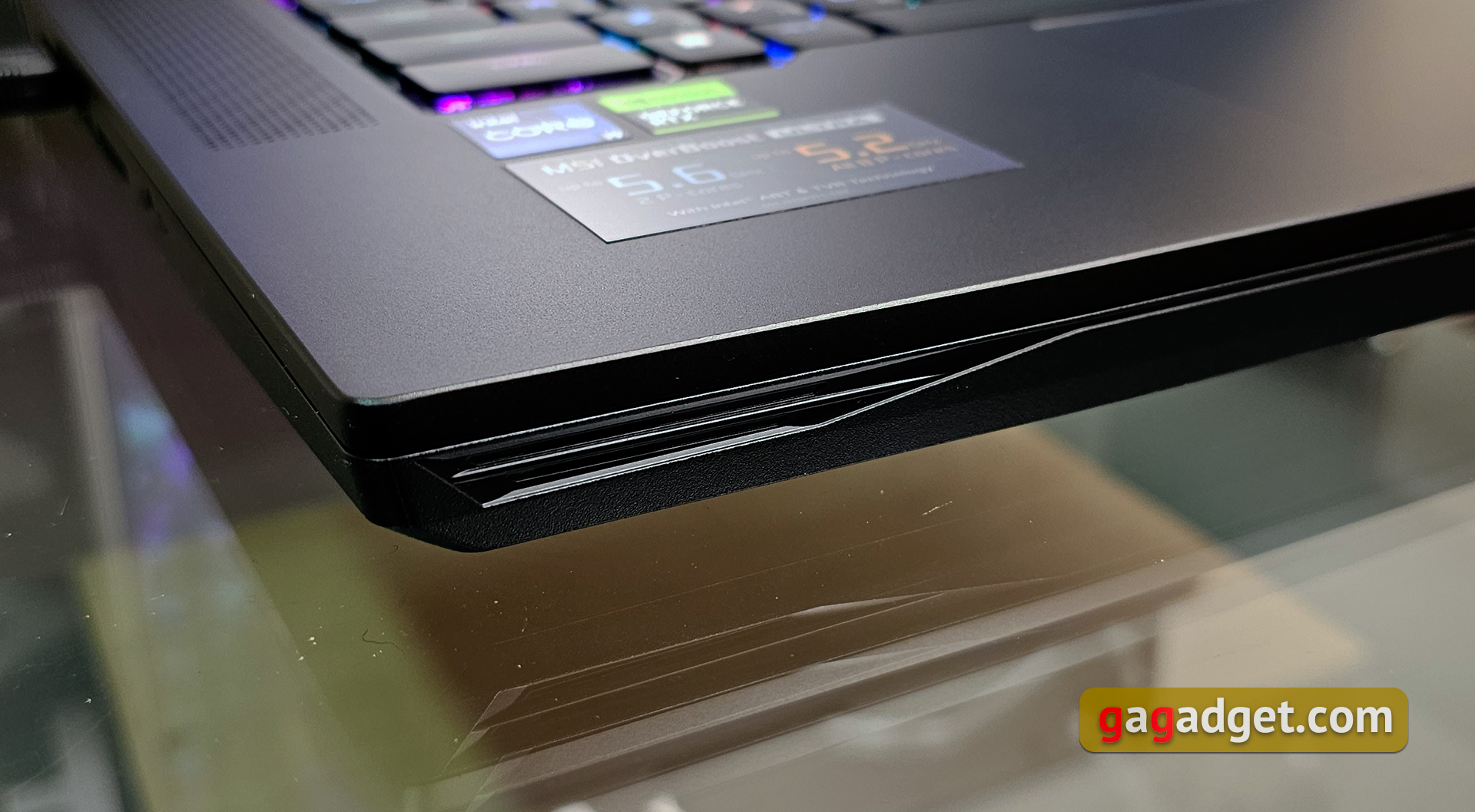
MSI Titan GT77 HX 13V – big enoughand a massive laptop, which is justified by the impressive components inside. In terms of power it is – a complete replacement for a modern gaming desktop. The laptop is completely black. The top cover and working surface are made of metal with a matte surface. But she still collects some fingerprints. Under the display – MSI logo. And below on the working surface – part of the decorative radiator extending further behind the display unit.
</ img>
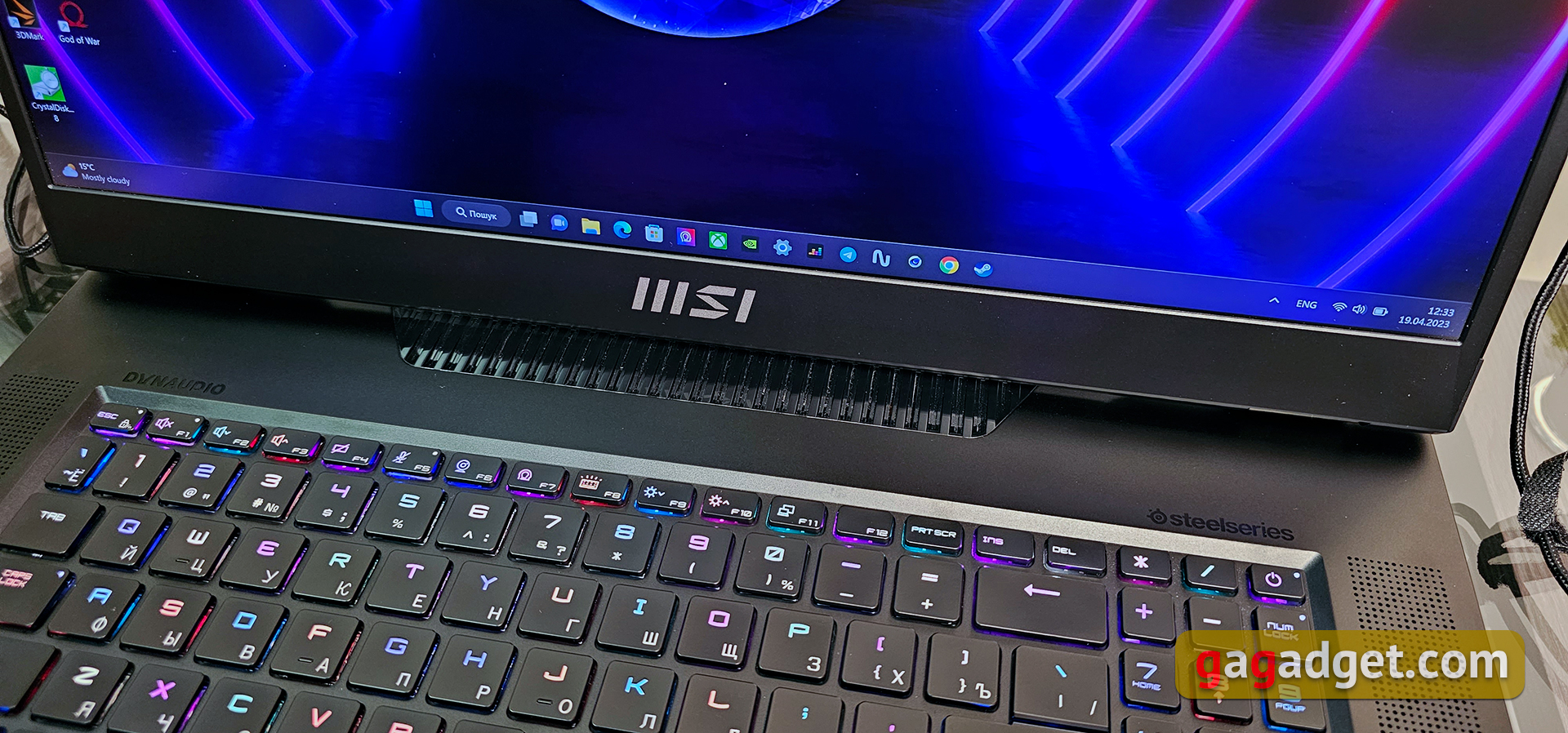
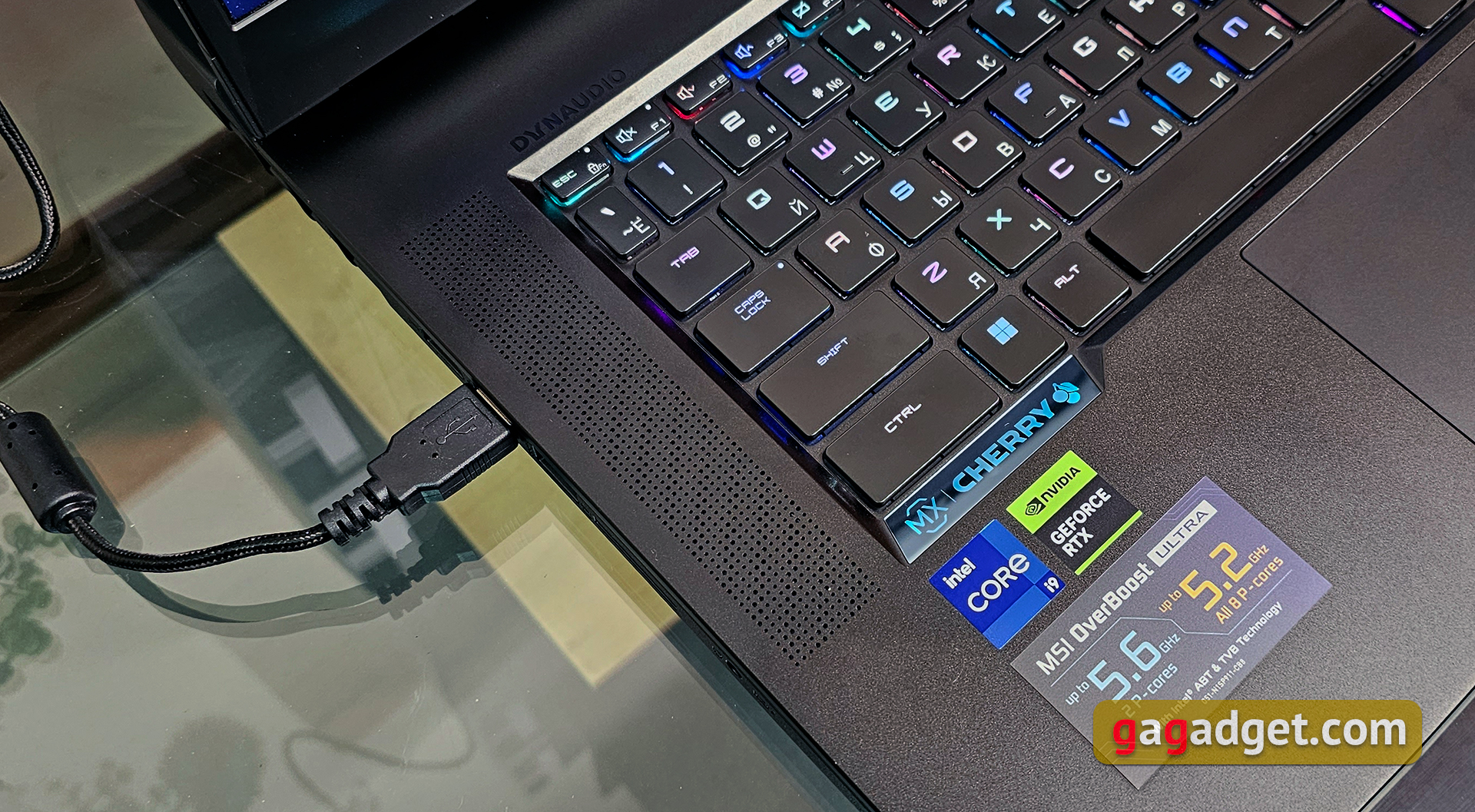
On the sides of the keyboard are the first twodynamics. In total, the Dynaudio laptop audio system includes four speakers. On the left under the keyboard is the logo of Cherry, which developed this keyboard. There is much to tell about it, and we will return to this issue later.
</ img>
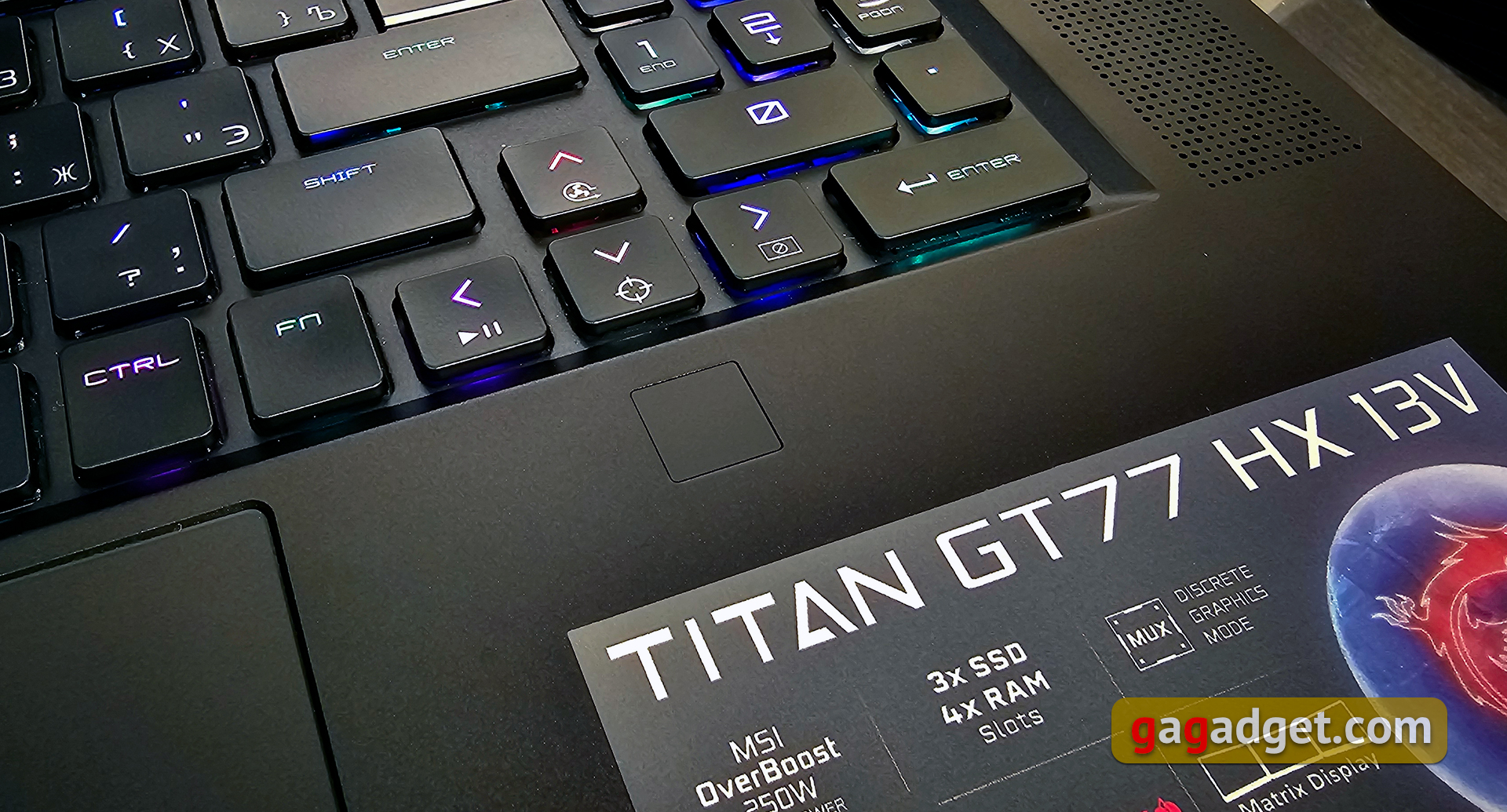
To the right of the touchpad, under the arrow block – Fingerprint scanner to identify the owner of the laptop. It works great. Fast and accurate.
</ img>
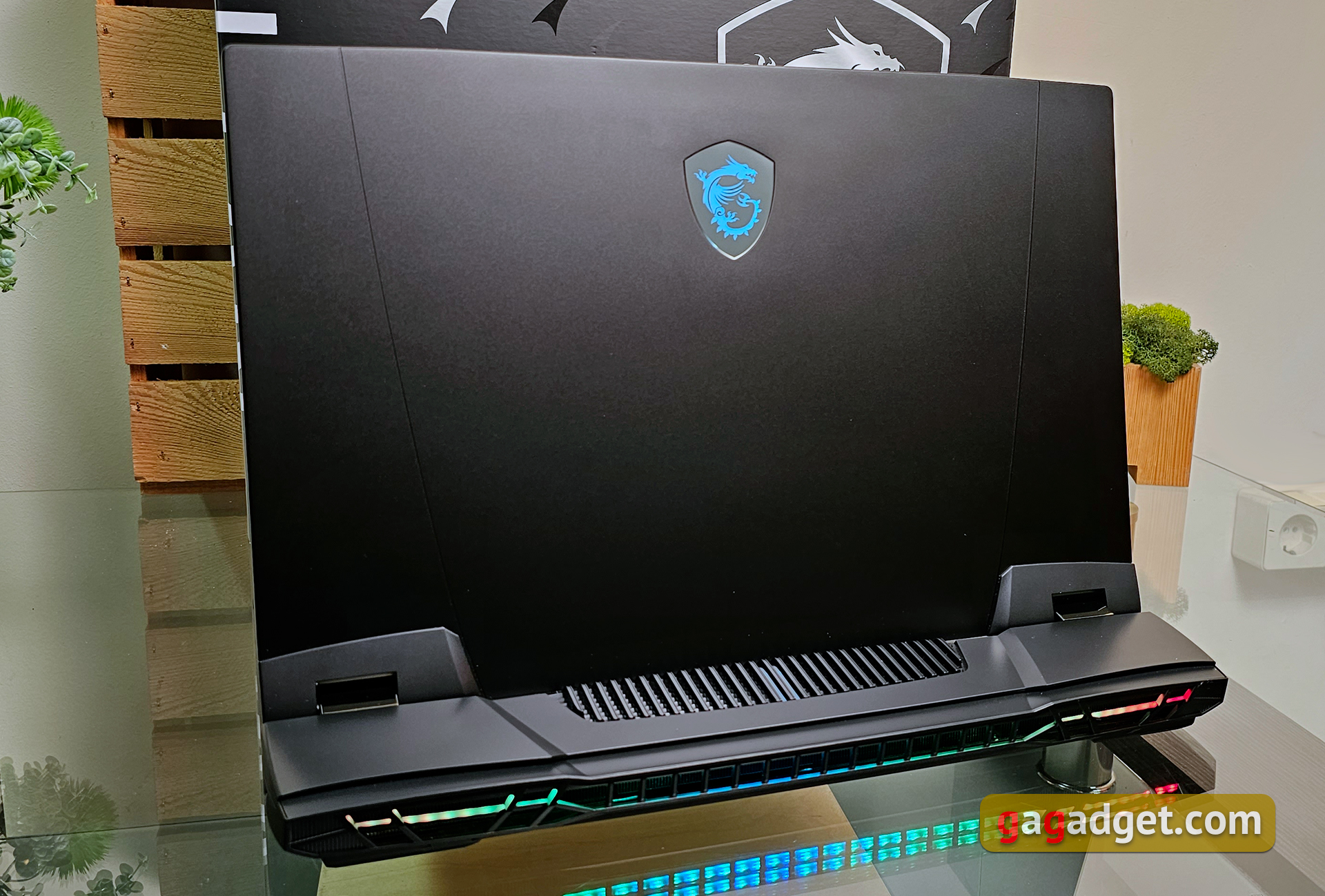
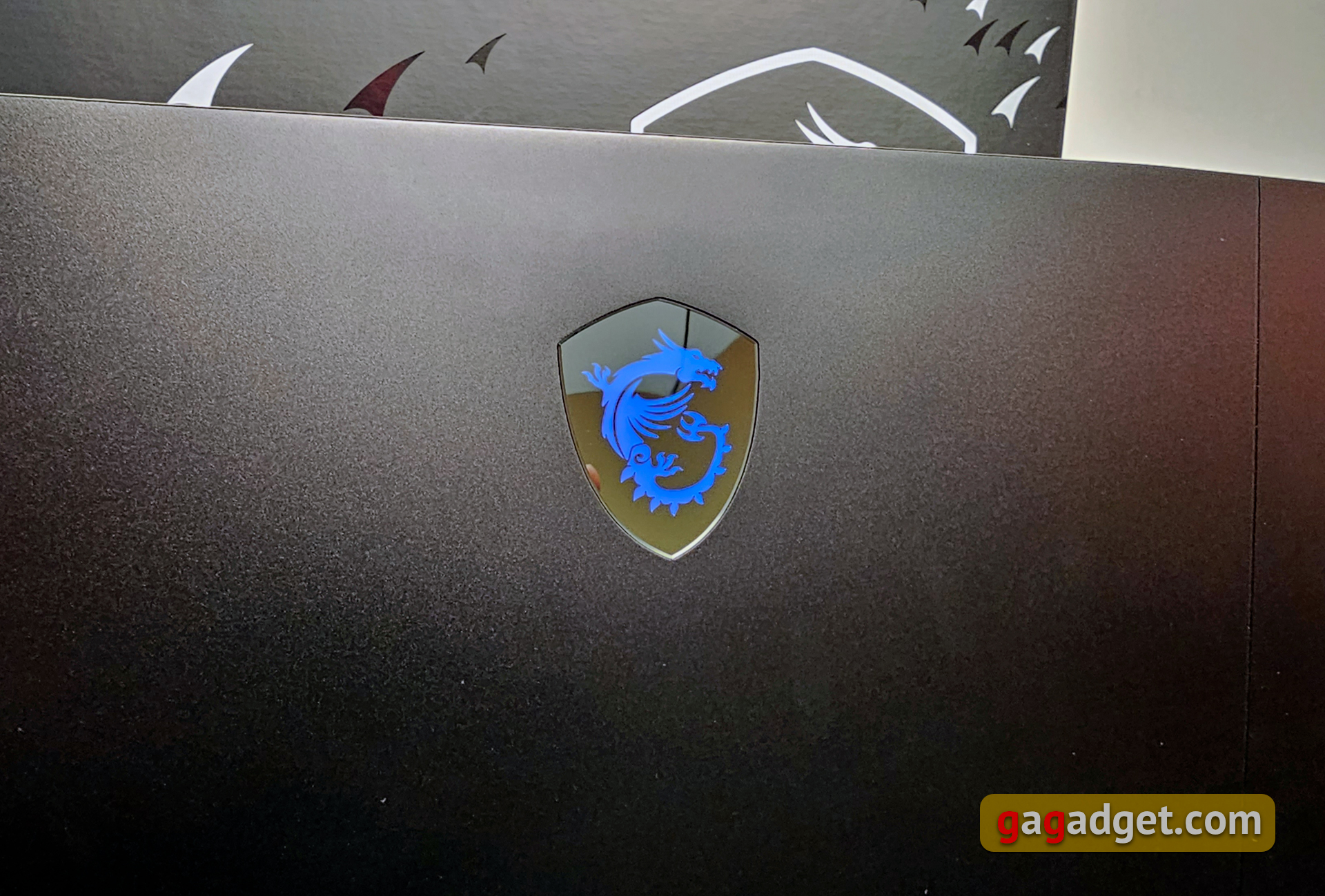
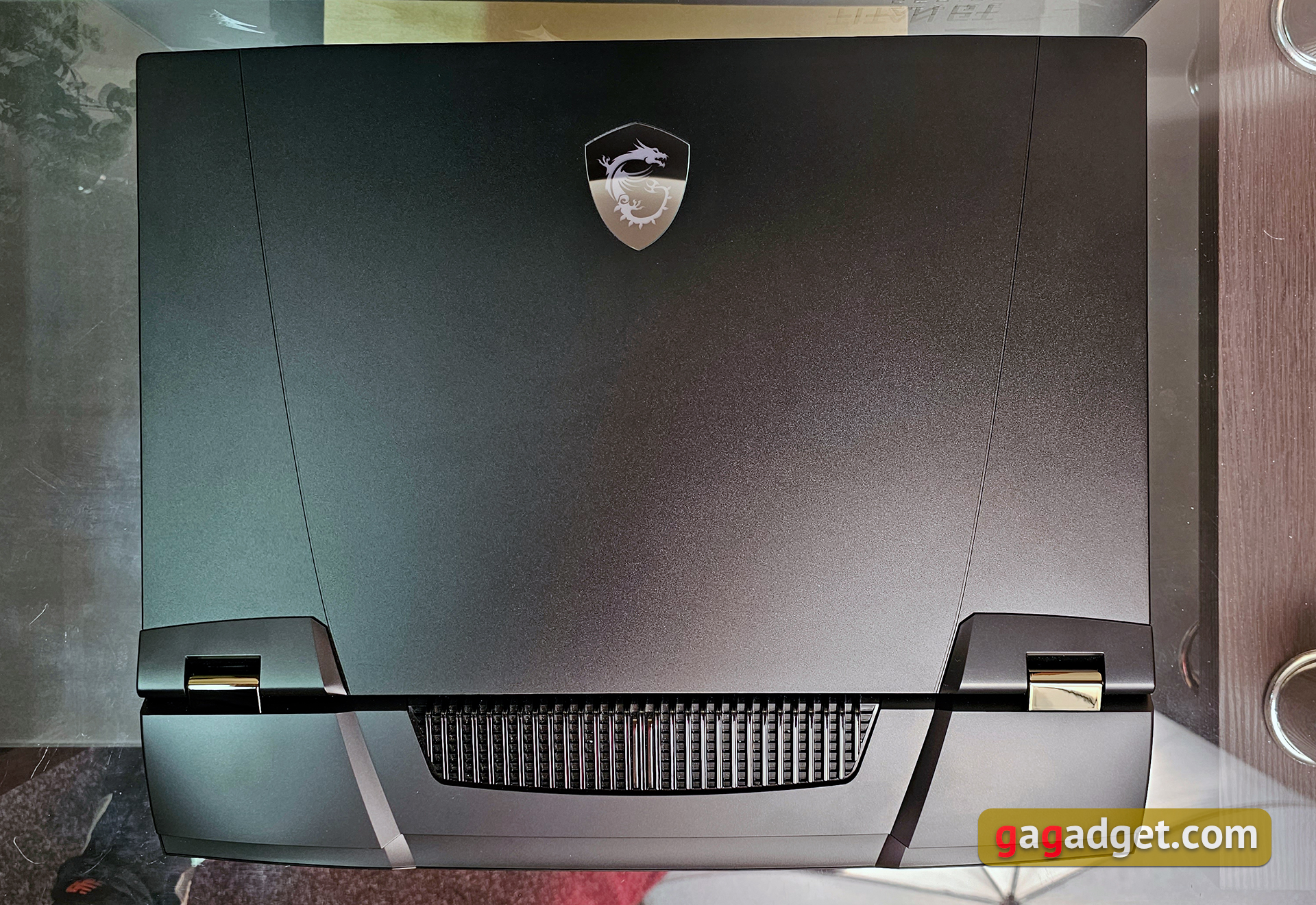
The top cover is made of a pleasant matte black metal. At the top – logo of the MSI gaming line with backlight.
</ img>
</ img>

Thanks to a slightly unusual design andmassive rear block with a cooling system, the laptop has a sufficiently large depth of 33 cm, so it will not fit into a standard laptop compartment in a backpack. But MSI has a proprietary Titan Gaming Backpack for larger GE and GT series laptops.
</ img>
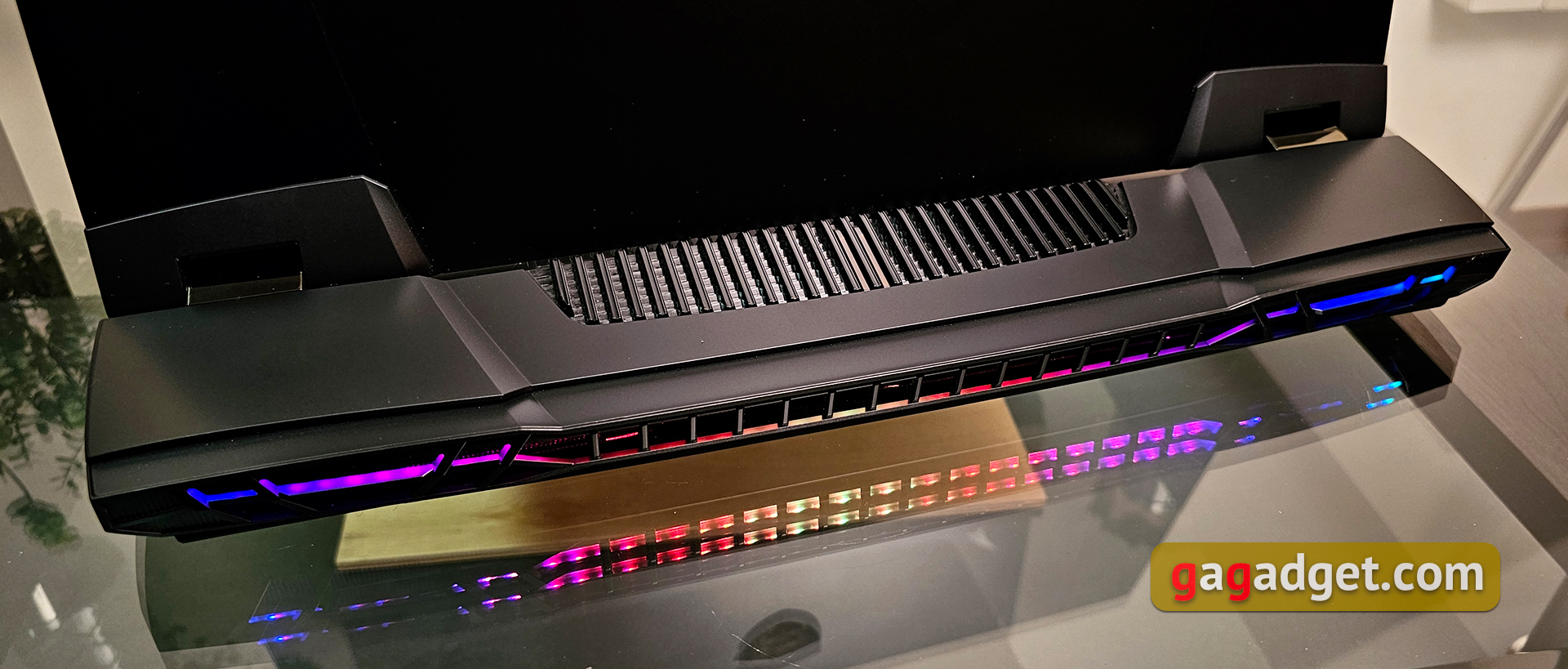
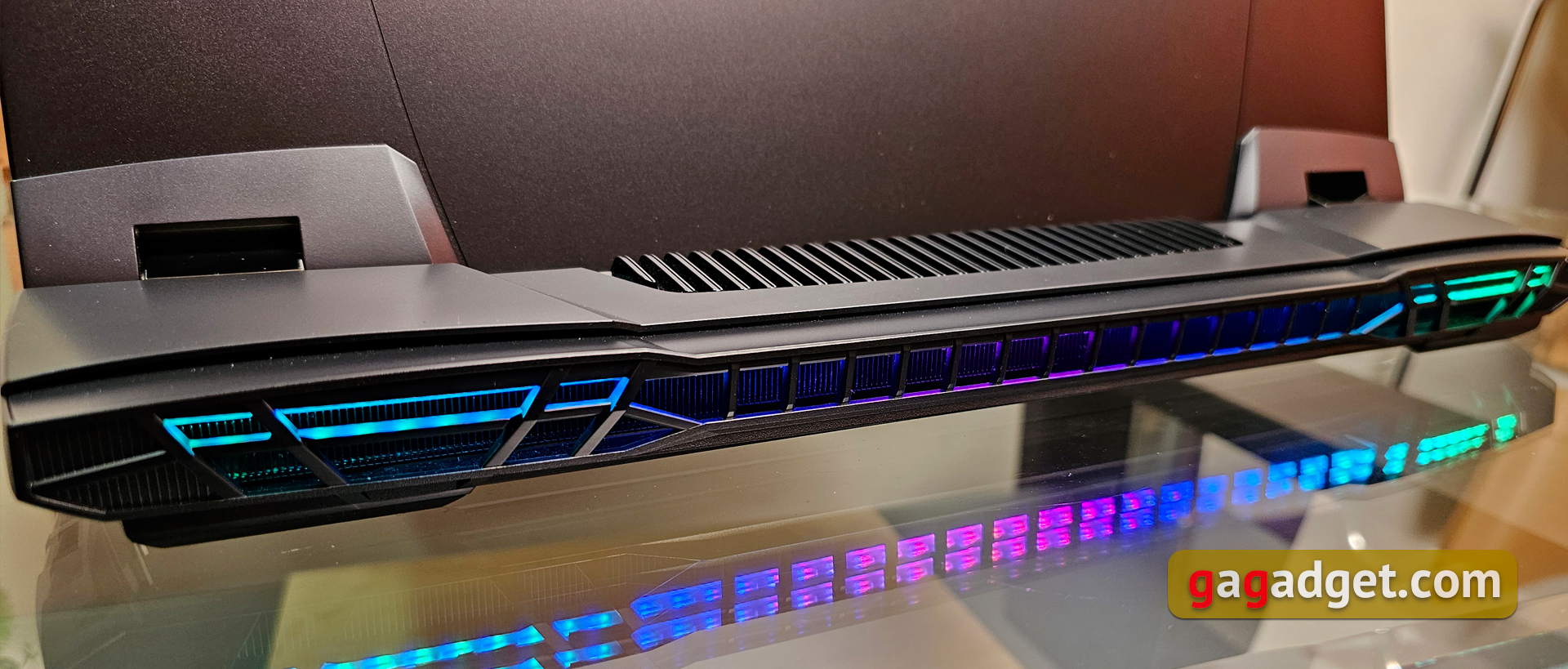
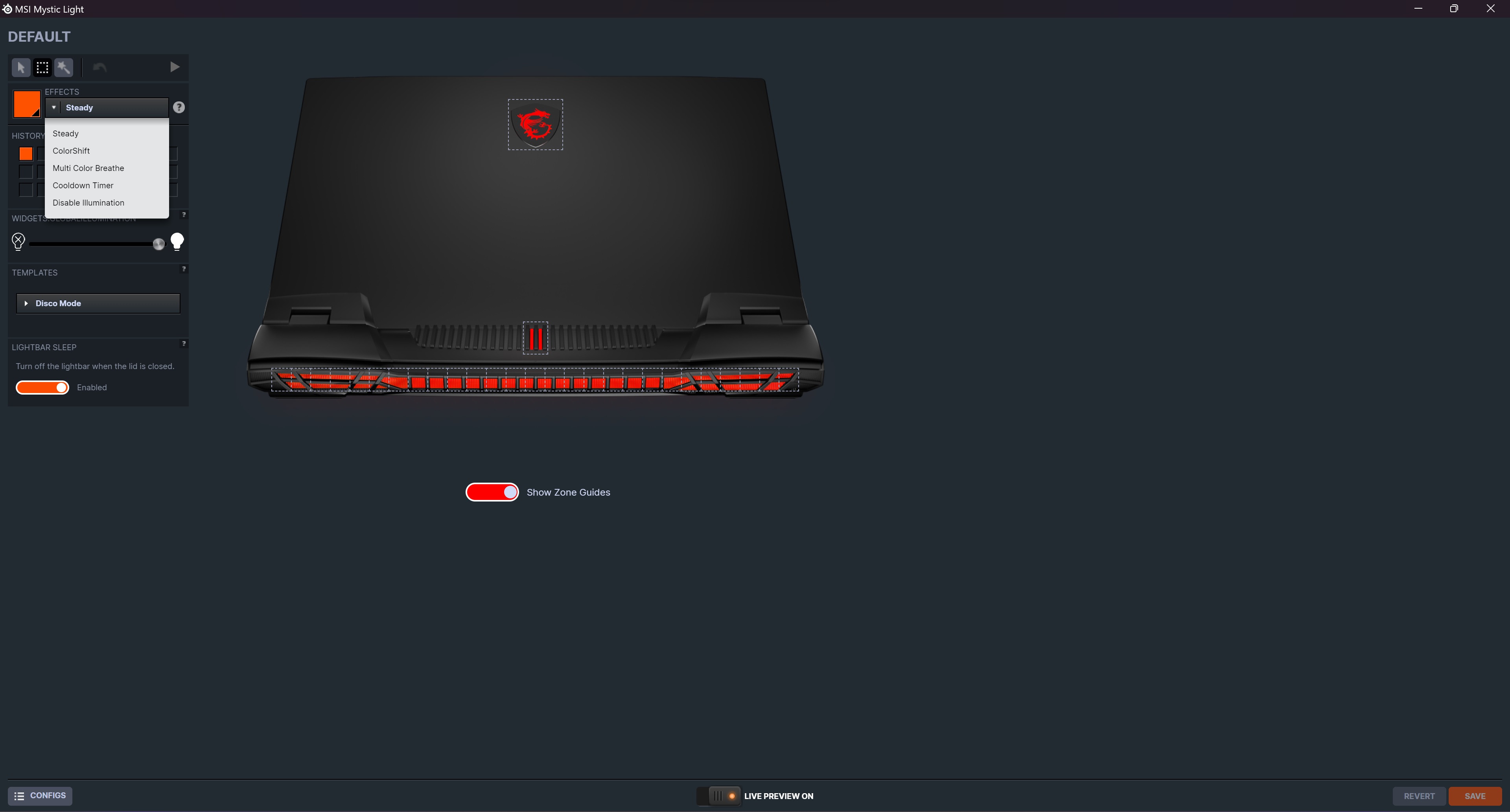
The back of the laptop is made of matte blackplastic. Rear – ventilation holes, behind which there is a cooling radiator across the entire width of the case. This entire design has RGB lighting, customizable in the MSI Center application.
</ img>
</ img>
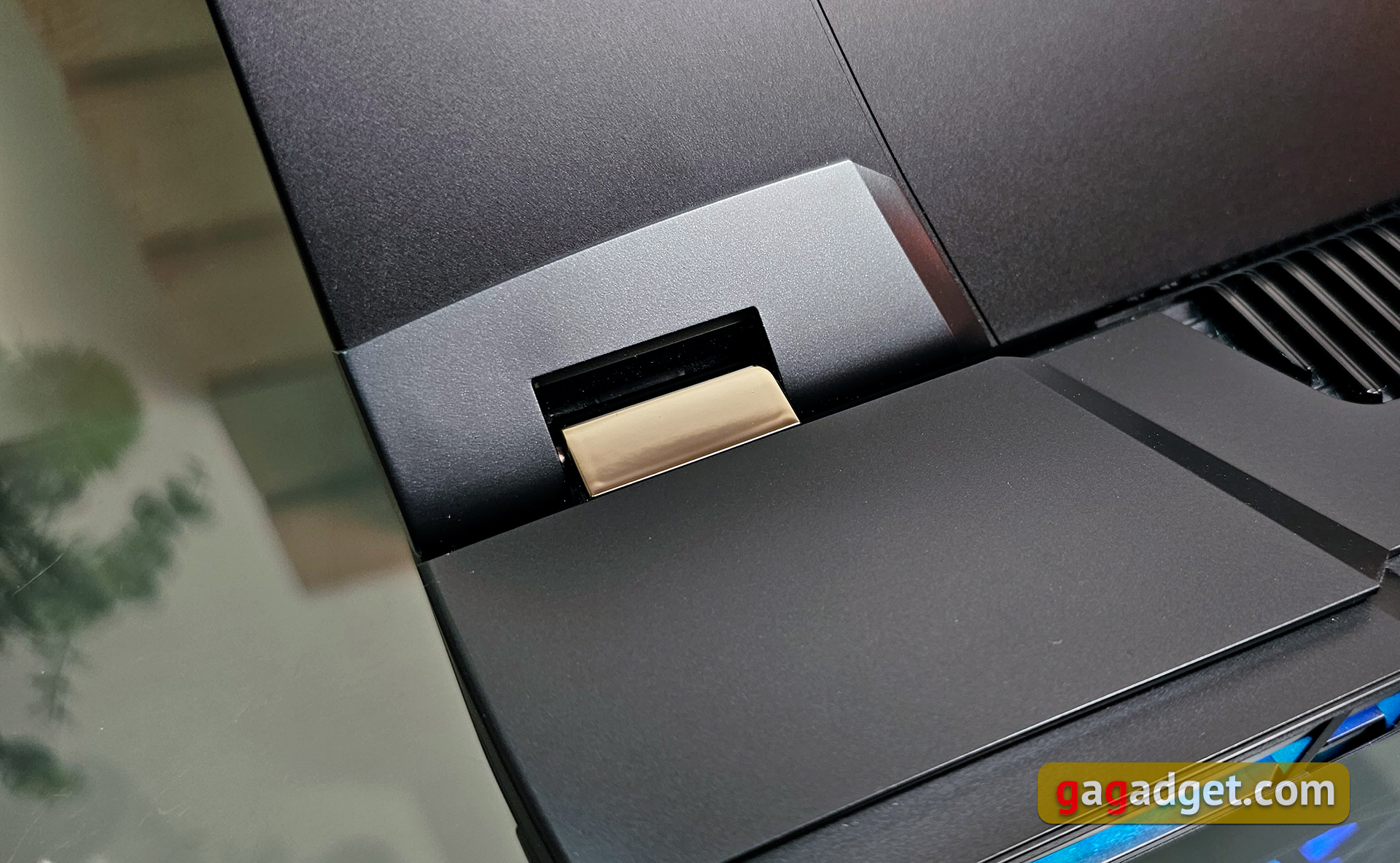
The lid is attached to the main body of the laptop with two massive bronze-colored hinges. They work very smoothly, while fixing the lid well.
</ img>
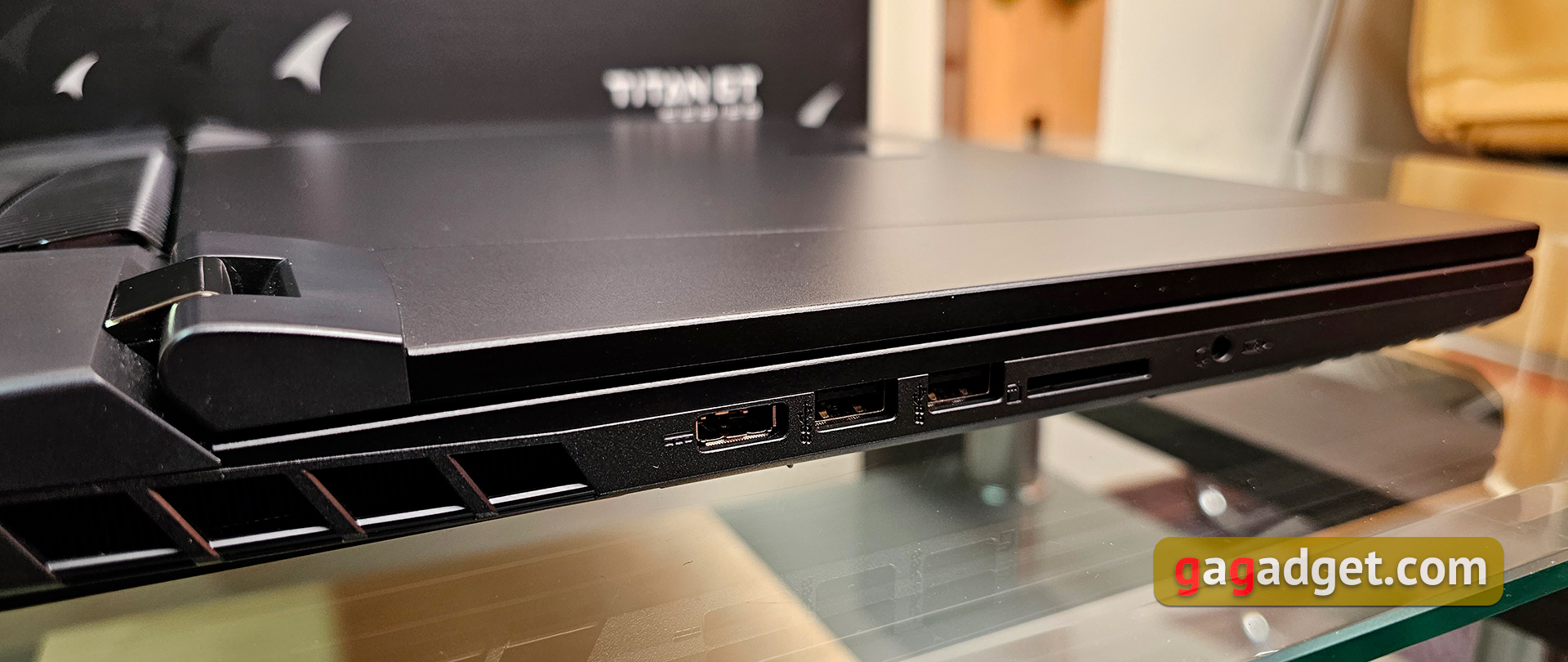
All available ports are located on the side faces.On the left there is a power supply connector, two USB Type-A 3.2 Gen2, an SD memory card reader, a combined 3.5 mm audio jack and ventilation holes:
</ img>
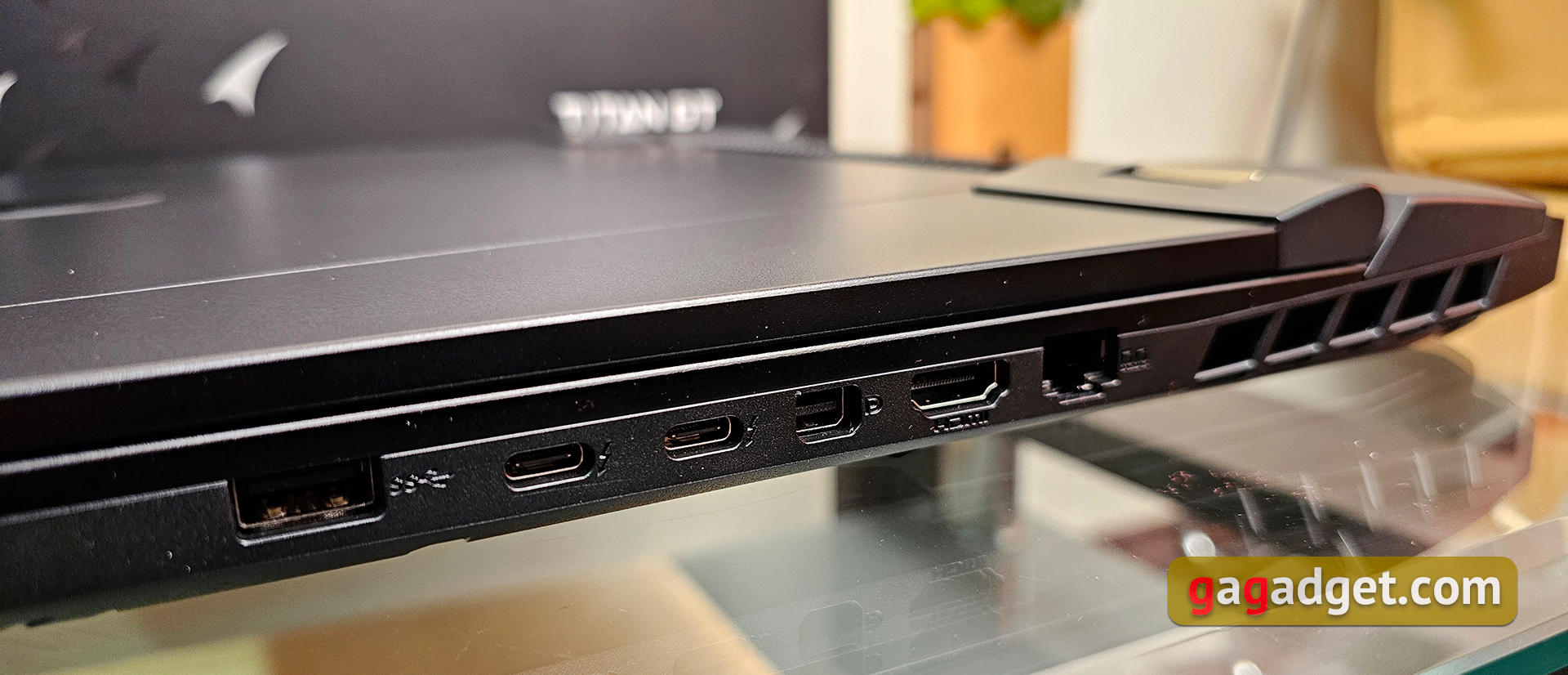
Right – another hot blowing zoneair, USB Type-A 3.2 Gen2, HDMI 2.1 (supporting 8K at 60 Hz and 4K at 120 Hz), Mini-DisplayPort, RJ-45 and two USB Type-C (Thunderbolt 4, DisplayPort), one of which also supports Power Delivery, so the laptop can be charged from a third-party power supply. But, of course, power supplies with Type-C will not allow you to use the laptop at full power, because in general the Power Delivery standard now supports no more than 240 W. And the MSI Titan GT77 HX 13V supports PSUs with Power Delivery up to 100 W.
</ img>
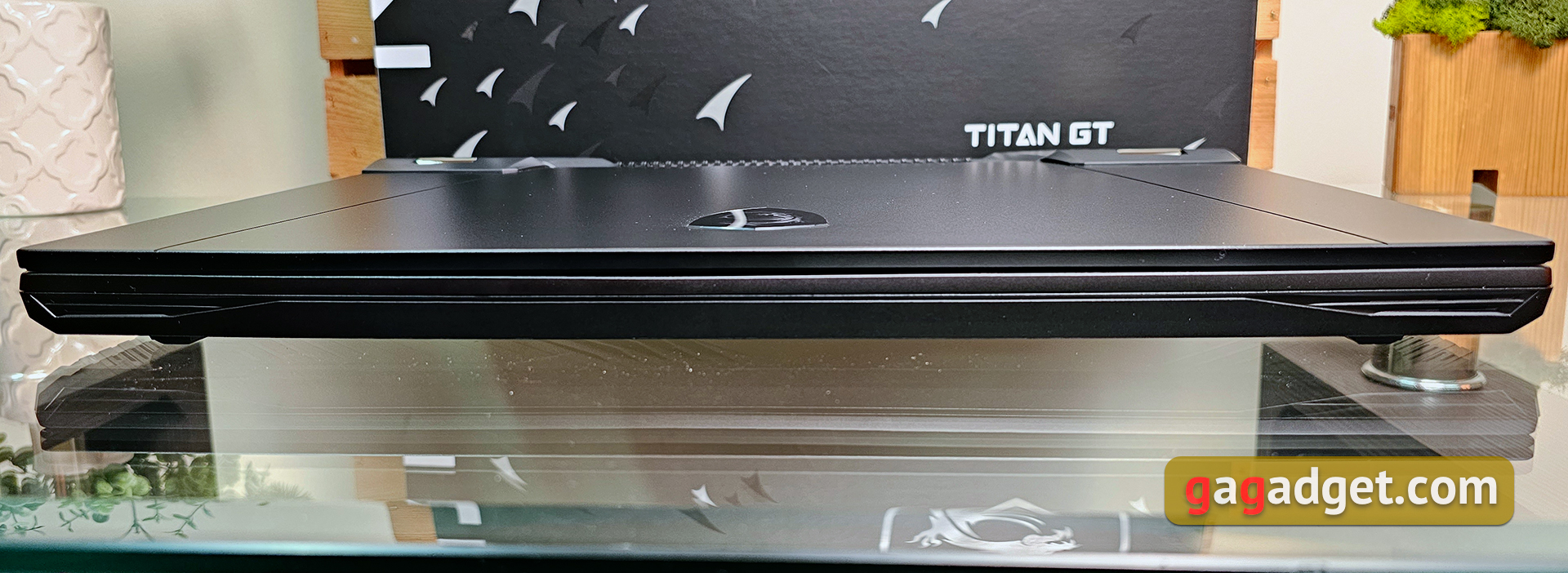
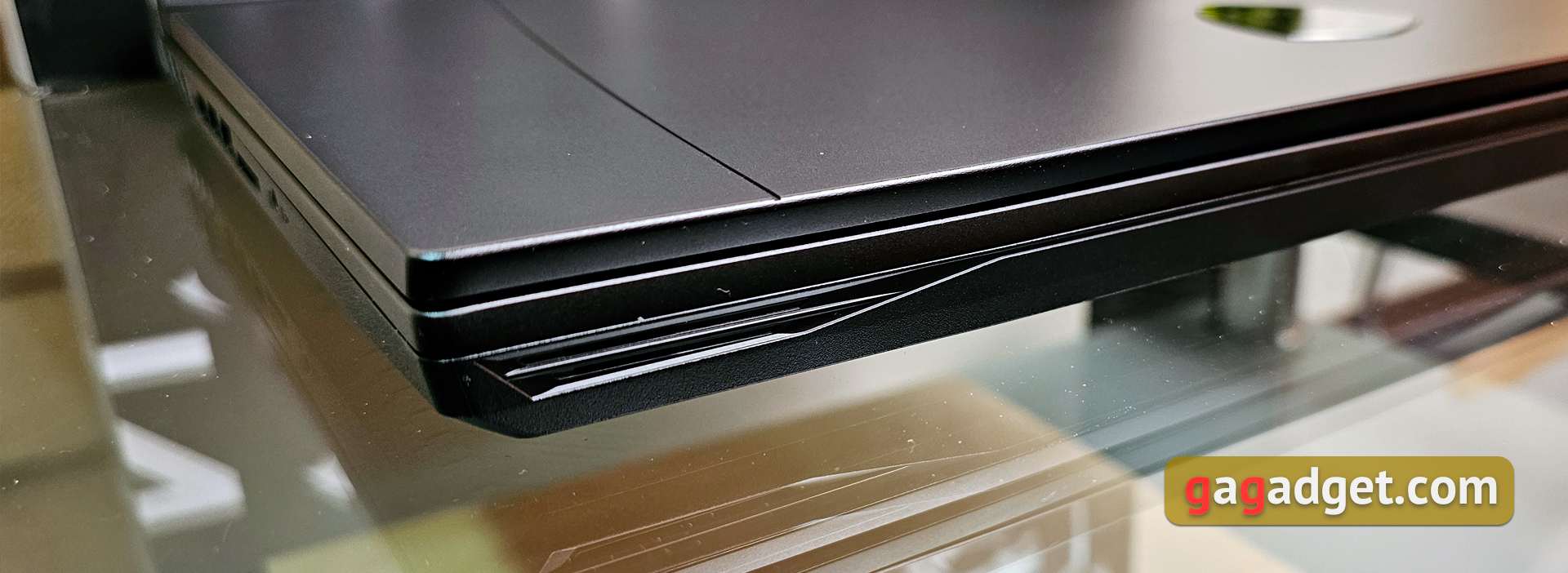
The front of the laptop is made up of functional elements – only the holes for two more speakers of the audio system.
</ img>
</ img>

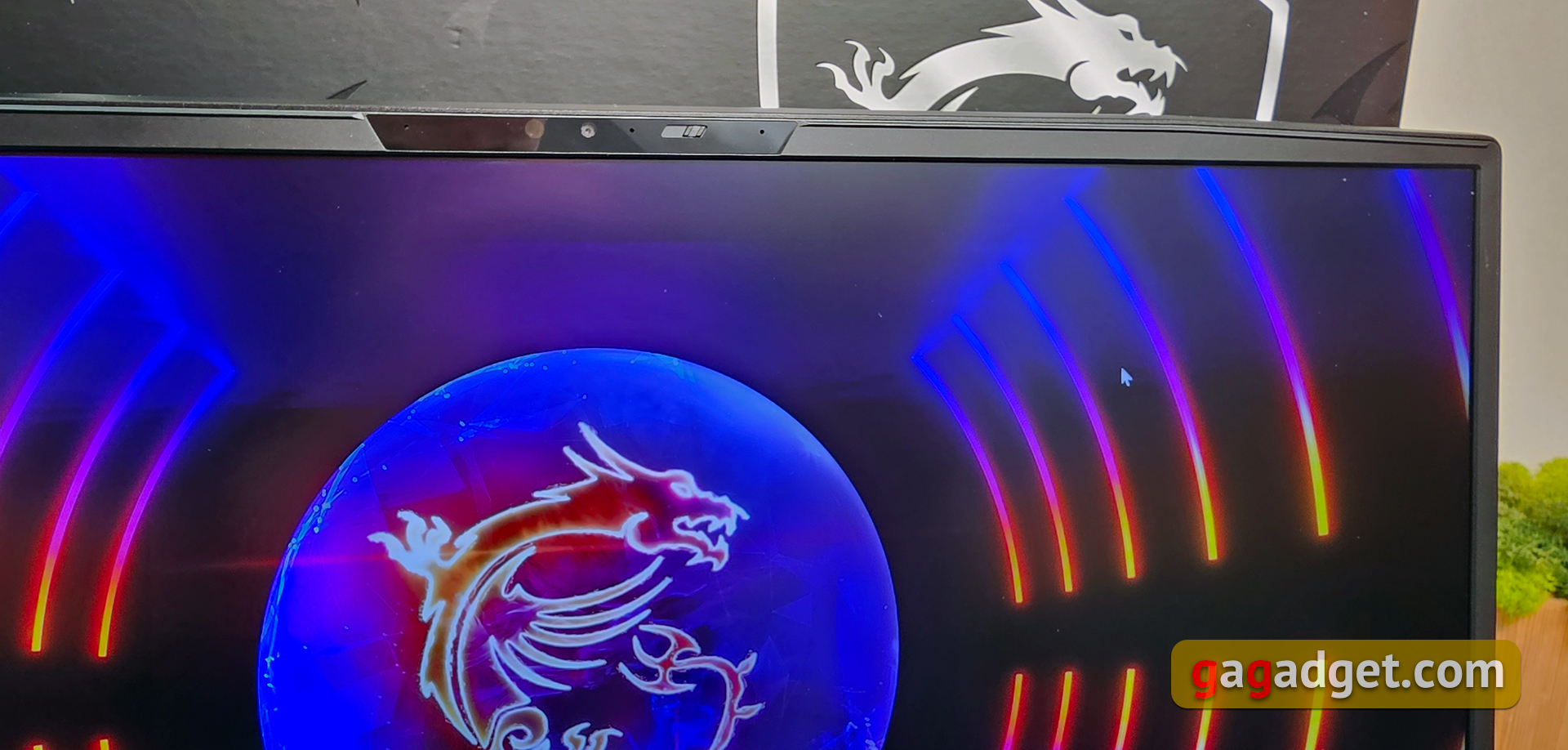
The screen has a very thin frame around the perimeter.The 720p webcam is in its usual place, above the screen. Next to it are microphones, an operation indicator, an infrared camera for identifying the owner and a physical camera shutter.
</ img>
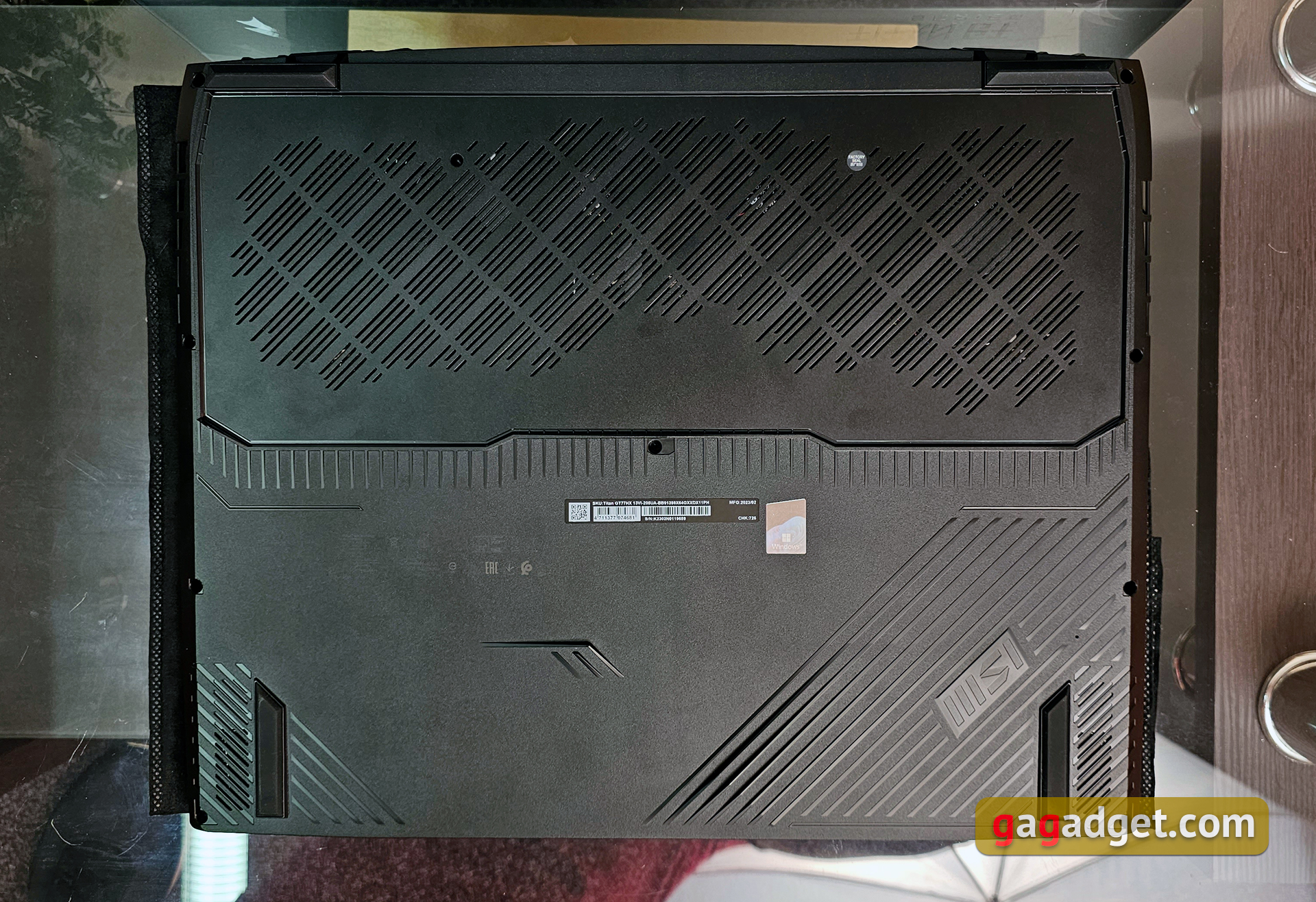
The entire bottom cover of the laptop is made of blackplastic. On her – there are many holes for the intake of cold air by the cooling system, massive rubber feet and speaker holes. The laptop has upgrade options: there are four SO-DIMM slots (supports up to 128 GB of RAM) and as many as three M.2 connectors for drives. One supports the NVMe PCIe 5.0 standard, two more – PCIe 4.0. But, given the factory seal, we can conclude that MSI does not encourage independent manipulation of the laptop’s internals.
</ img>
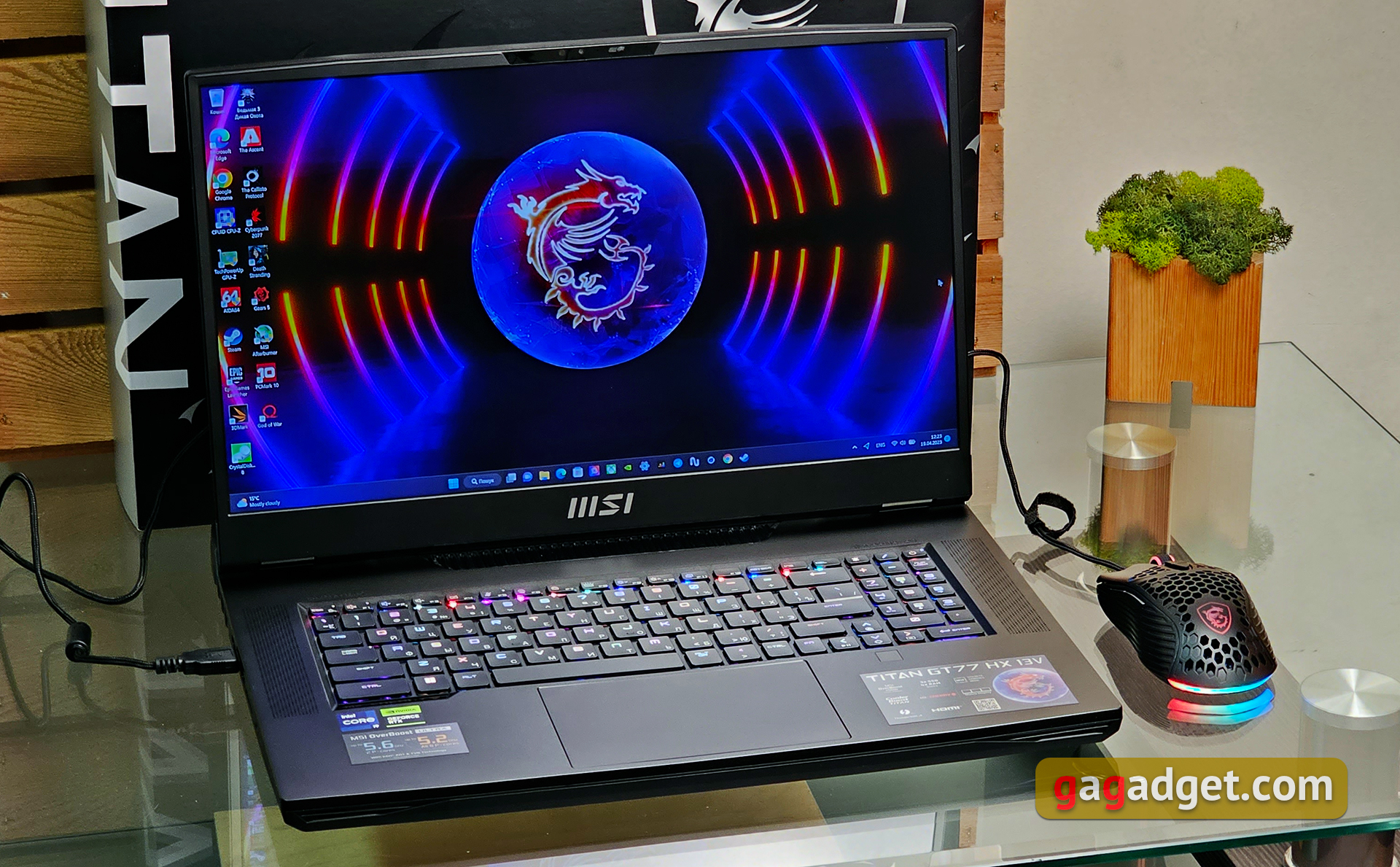
The laptop is big enough.But still, the times of giants unsuitable for transportation are over. If previously the most powerful laptops weighed 5 kg, or even more, and were as thick as a palm, now everything is much better. In fact, the MSI Titan GT77 HX 13V is the most powerful laptop available right now. At the same time, its dimensions are 397x330x23. The 23mm thickness is impressive considering the components inside. Weight – 3.3 kg. The laptop is assembled with very high quality, the panels hardly flex, and the parts fit perfectly together.
</ p>How user-friendly is the MSI Titan GT77 HX 13V?
The hinges are very nice and reliable. The display is well fixed in the desired position and hardly wobbles. Maximum opening angle – approximately 145°, which is quite enough for a gaming model.
</ img>
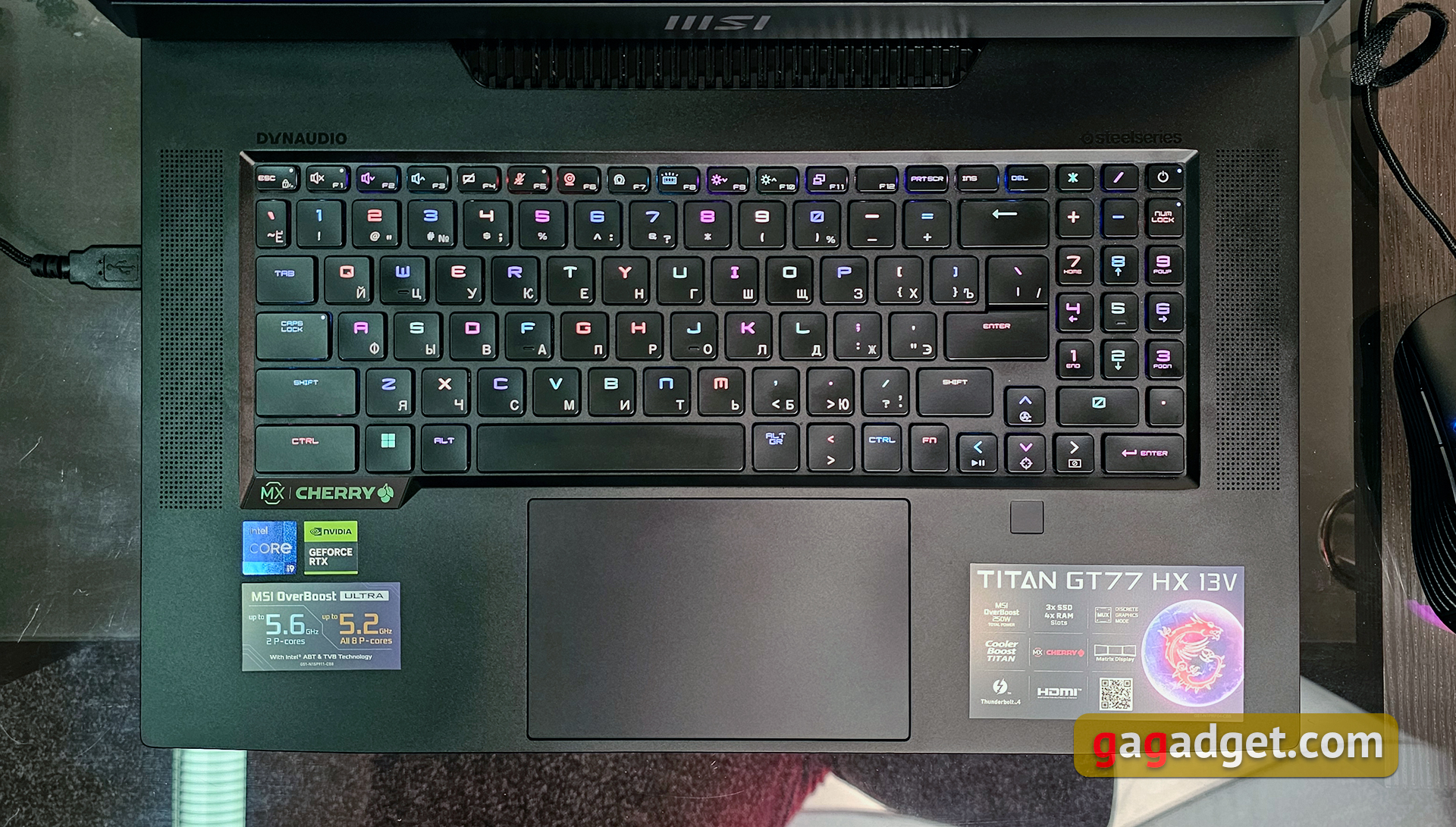
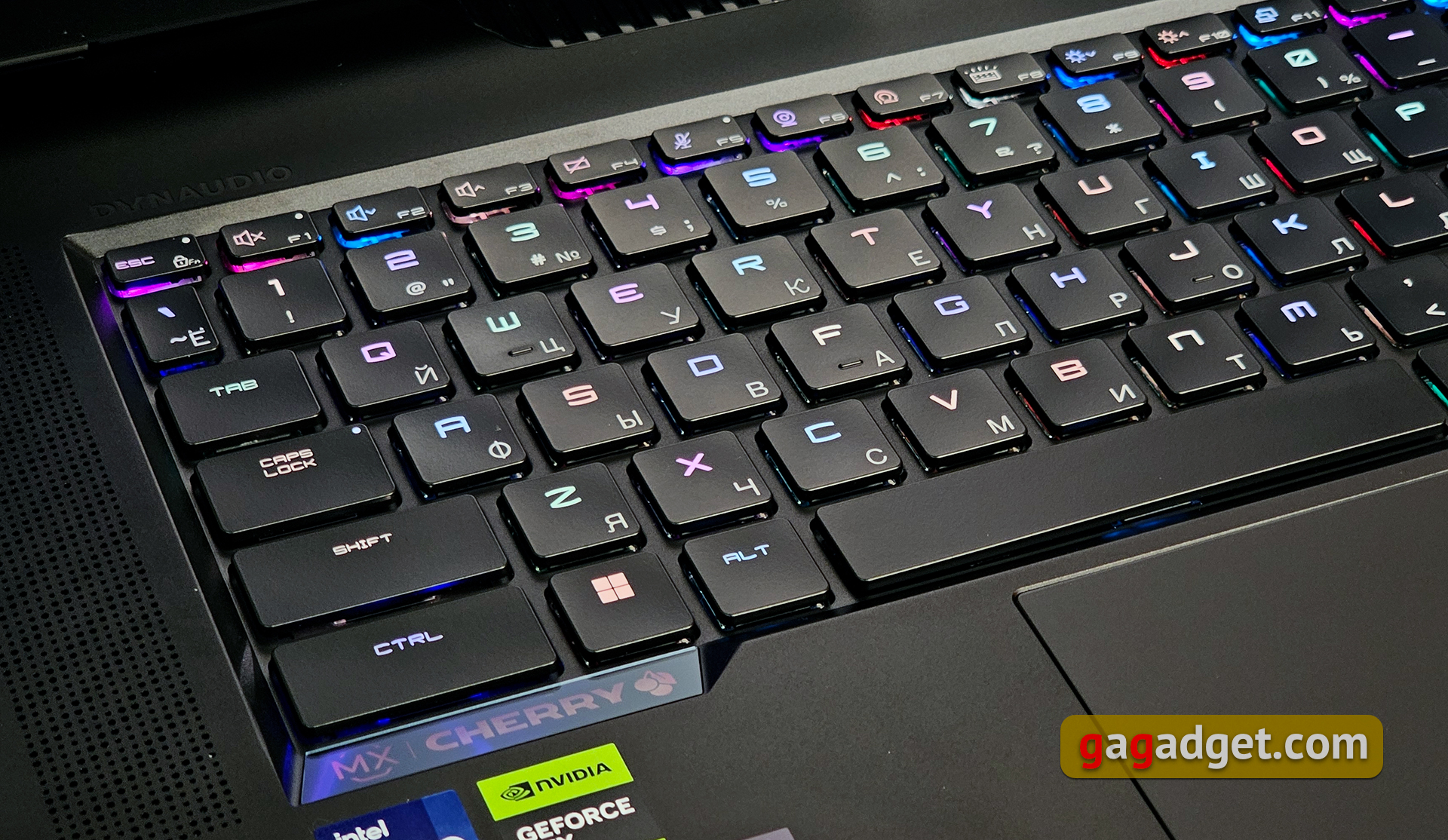
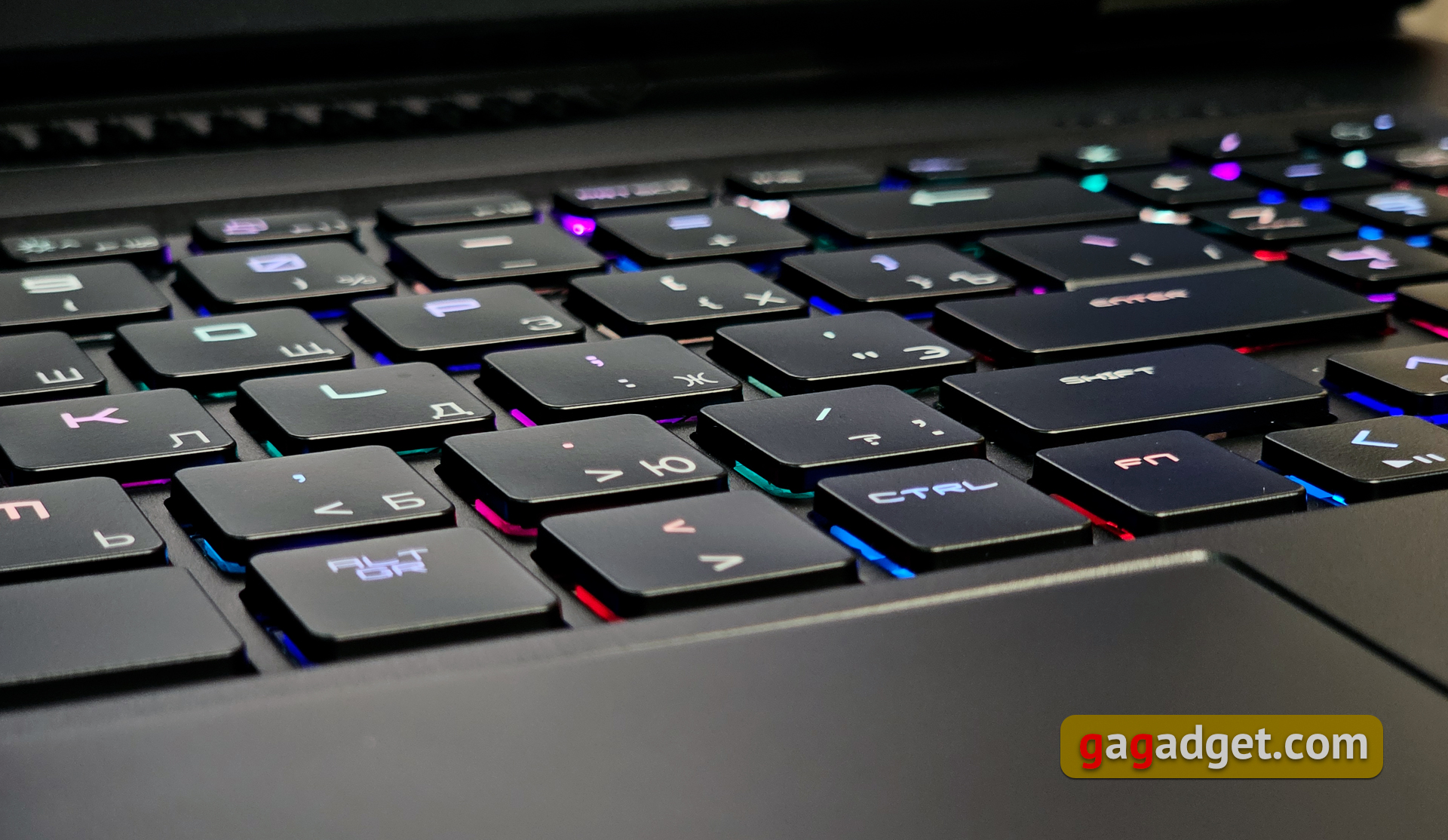
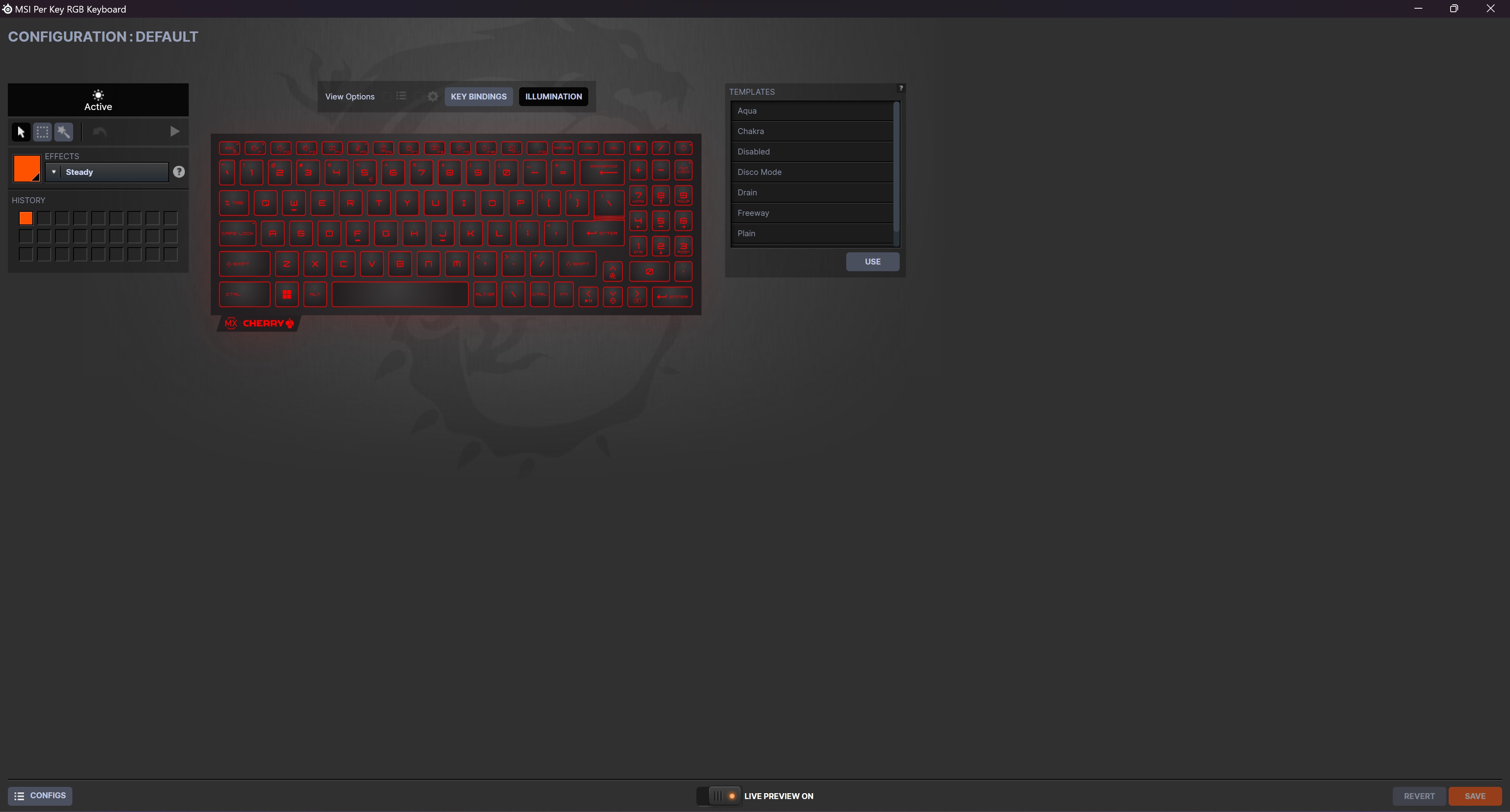
MSI Titan GT77 HX 13V keyboard layouttypical for large format MSI gaming models. It is full-size, with an additional digital pad. But with some features that you need to get used to. The top row is reduced in height and ends with a power button with a built-in LED. Left Shift is the usual length, and Ctrl is a little longer: there is no Fn button on the left, only on the right side of the main keyboard block. So when using the top row of function keys you will have to use your right hand. Enter single-level long. The navigation block is not separated from the main one and has standard size buttons. To do this, I had to slightly reduce the right Shift. The number pad has three columns. An additional Enter is placed below the block, and “+” and “-” above it, next to NumLock.
</ img>
But the most interesting – these are switches.A Cherry MX Ultra Low Profile mechanical keyboard is used, designed specifically for laptops. The keyboard features a two-piece design and a gold cross-contact system for crisp actuation. The keys have individual RGB backlighting. The keyboard has a very clear, pleasant and informative action with a click characteristic of mechanics. And using it feels very much like a full-size mechanic. It is very pleasant to use, both during games and for typing. This – One of the best laptop keyboards I've ever used. The best was, perhaps, only in the MSI GT80 Titan. But it used full-fledged full-size mechanics with the corresponding consequences in the form of a significantly greater thickness and weight of the laptop.
</ img>
</ img>


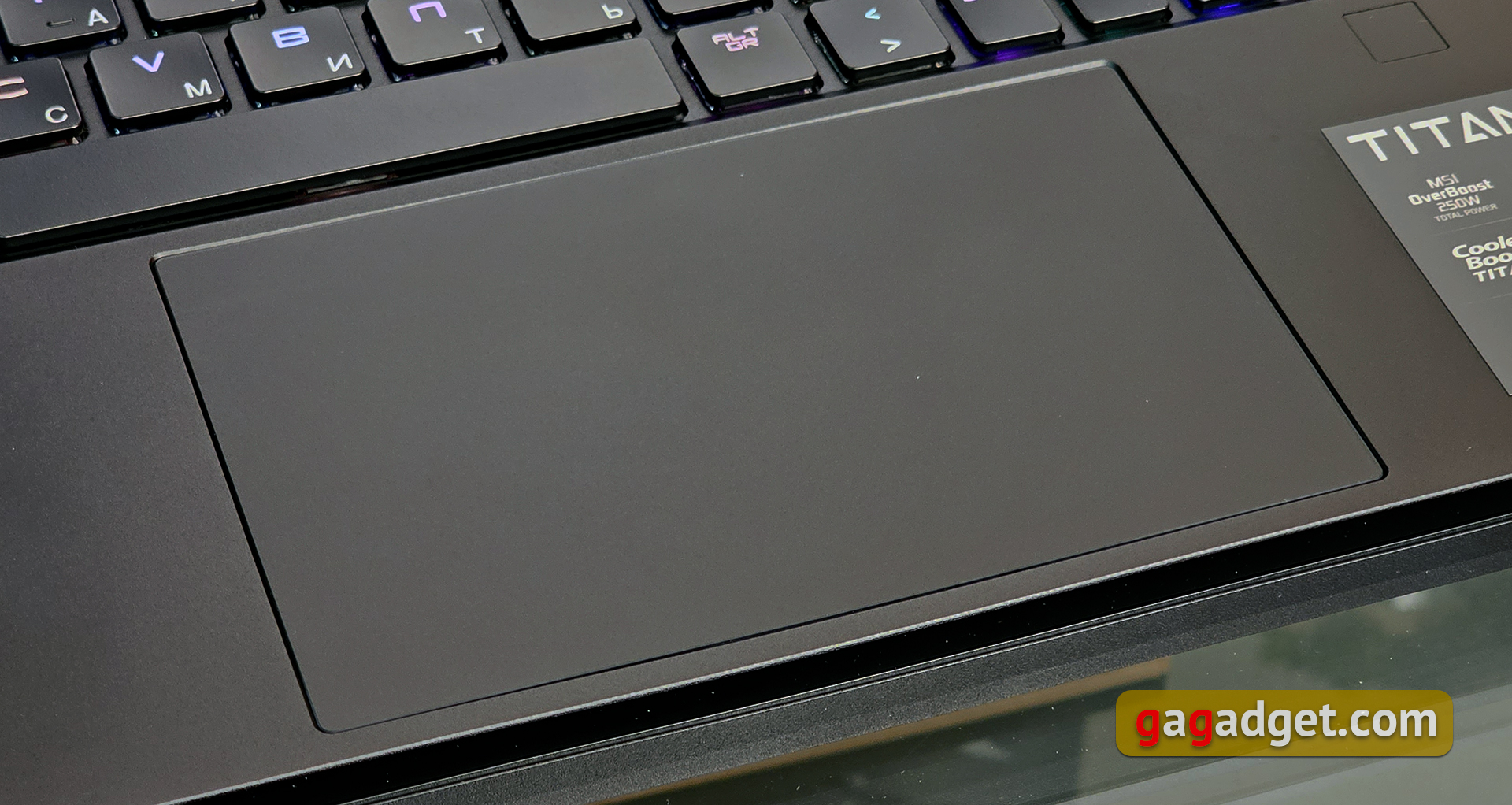
Gaming laptops are mainly used withmouse and touchpad quality is not as critical as for ultraportable models. But the MSI Titan GT77 HX 13V has a large touchpad with a good level of sensitivity. So for everyday tasks, a browser, working with documents, it is quite enough.
</ img>
How good is the screen?
</ img>
</ img>


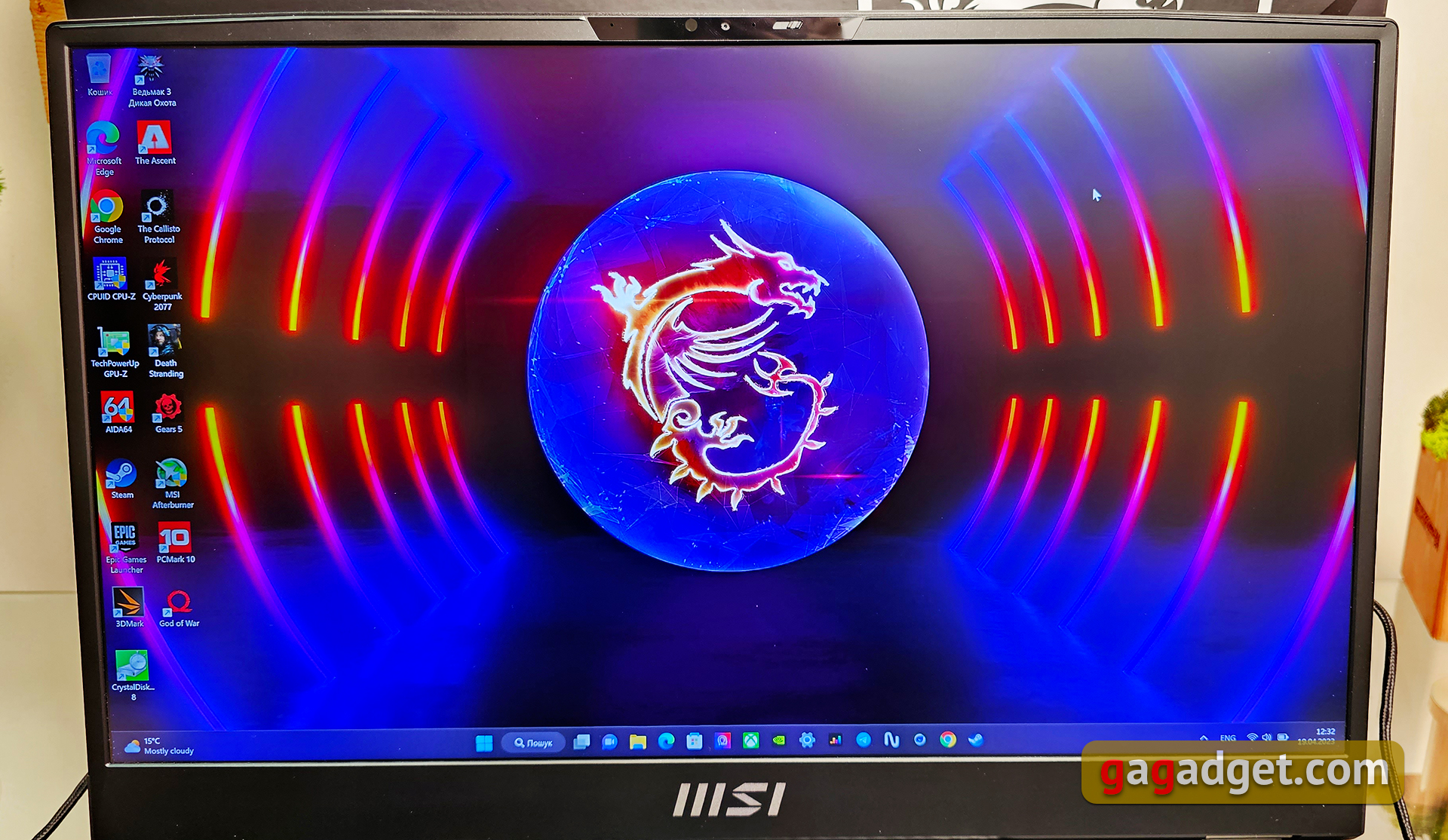
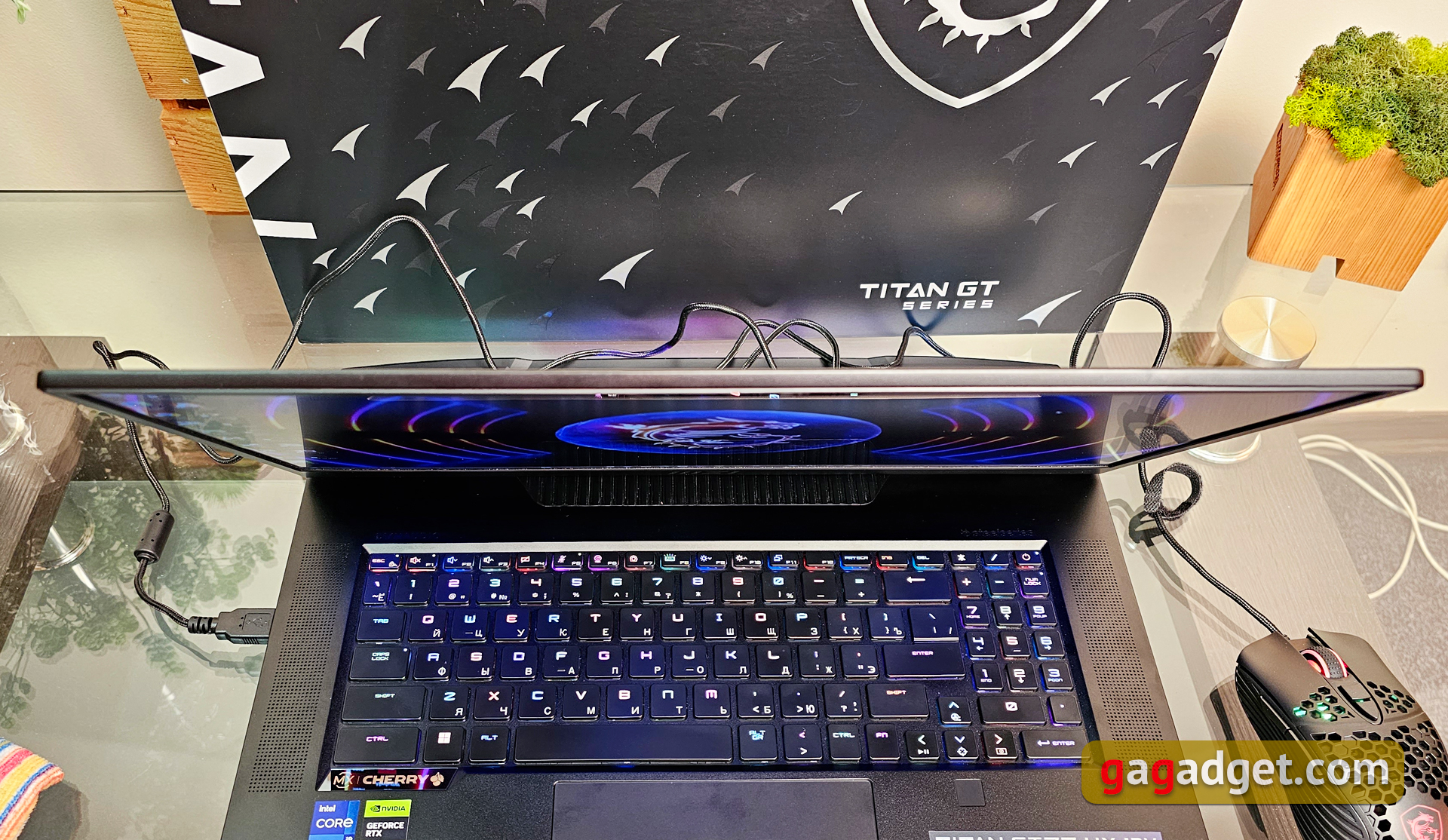
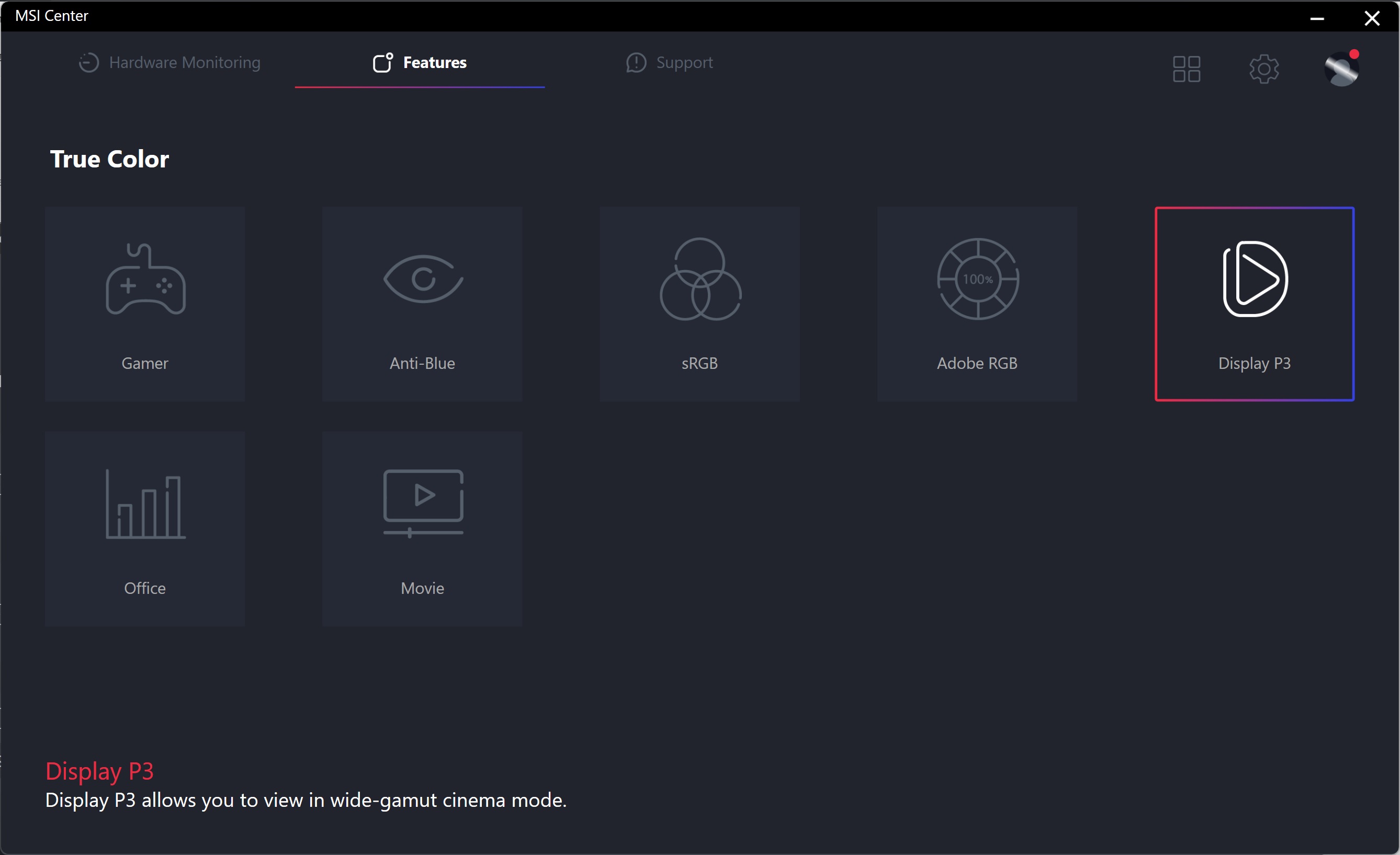
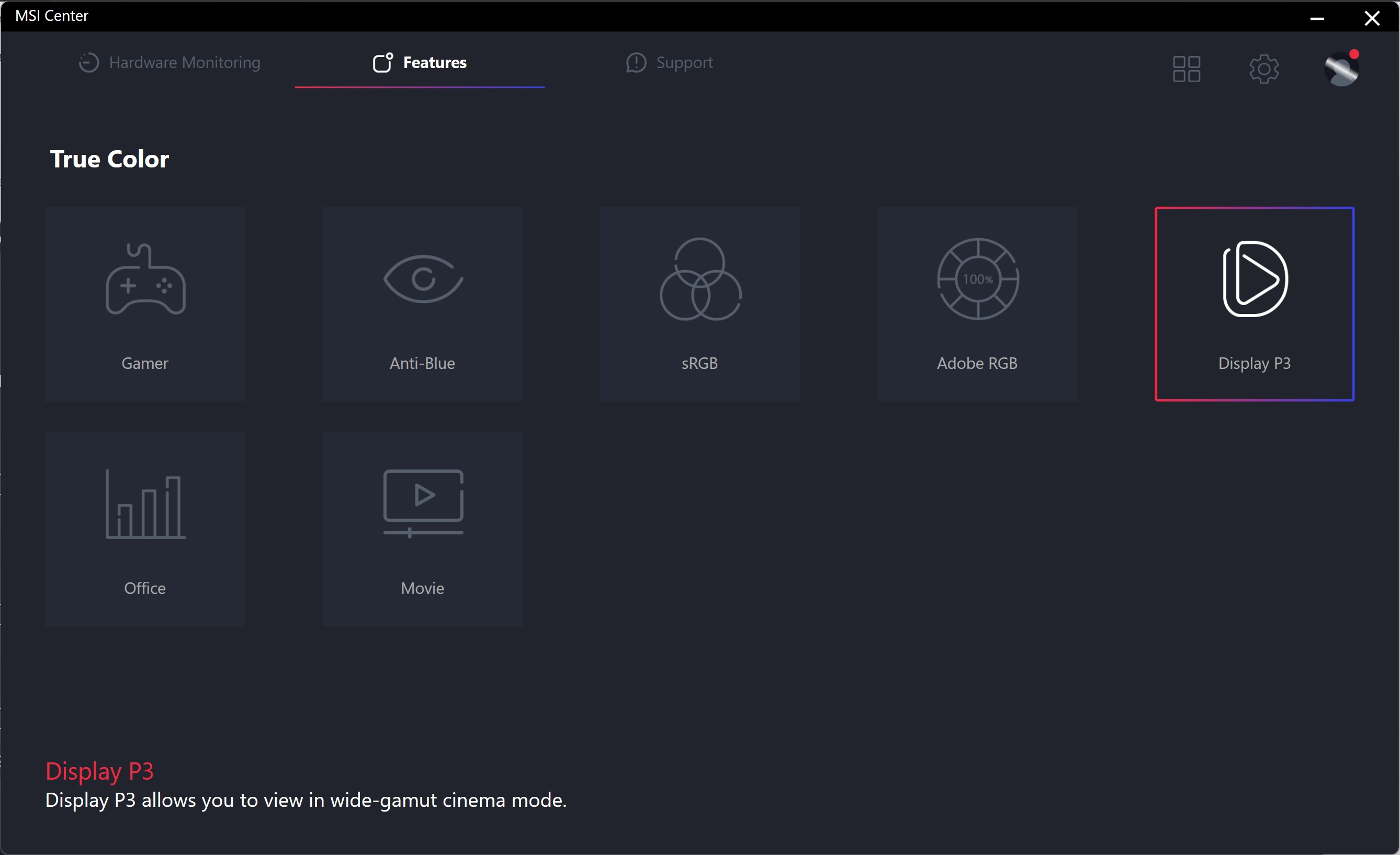
MSI Titan GT77 HX 13V has a display with17.3-inch diagonal and 4K resolution (3840×215;2160), standard aspect ratio – 16:9. A MiniLED display is used, that is, a matrix of miniature LEDs is responsible for the backlight. Thanks to this, local dimming is implemented. Therefore, the screen has a very high level of contrast, uniform and very bright backlighting. The refresh rate is 144 Hz, the maximum brightness is stated to be 1000 cd/m2, there is DisplayHDR 1000 certification. Maximum contrast – 1,000,000:1. AmLED ACR (Ambient Contrast Ratio) technology is used, which ensures brightness, saturation and clarity of colors even when used near windows or in direct sunlight. Visually, the display is of excellent quality: very bright, with rich colors and maximum viewing angles without distortion or reduced contrast. The picture is very clear thanks to the high resolution. But (subjectively), 4K is not a necessity for a laptop. There is a configuration with a QHD (2560×1440), 240 Hz screen. MSI claims that the screen is well calibrated from the factory. And in the proprietary software there are various display/color modes:
</ img>
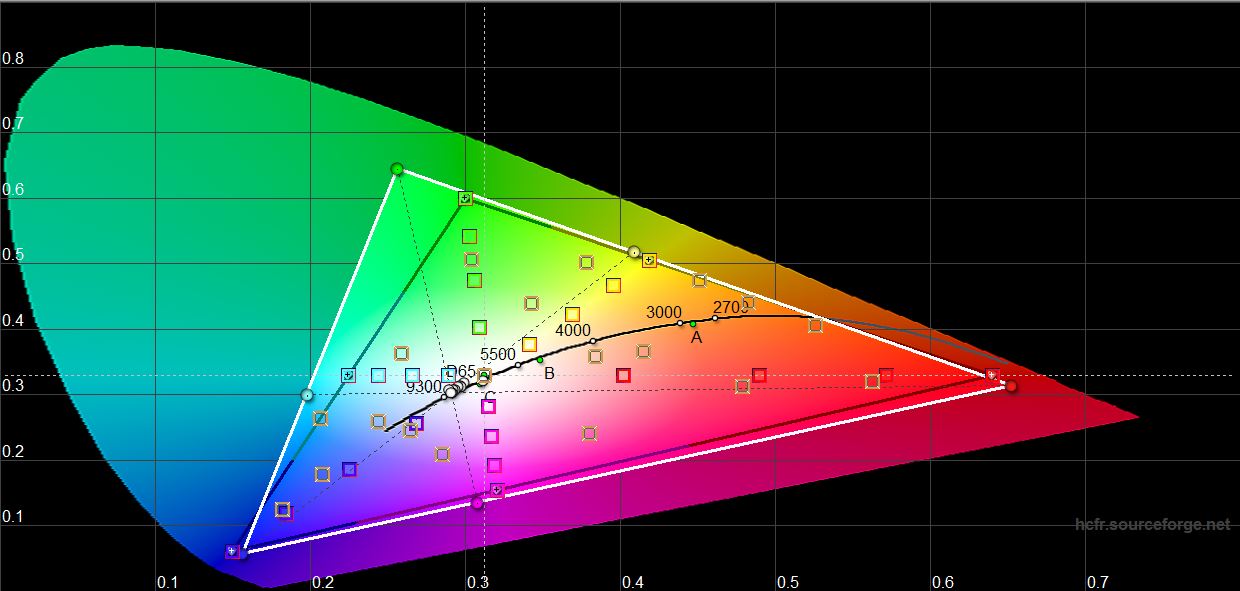
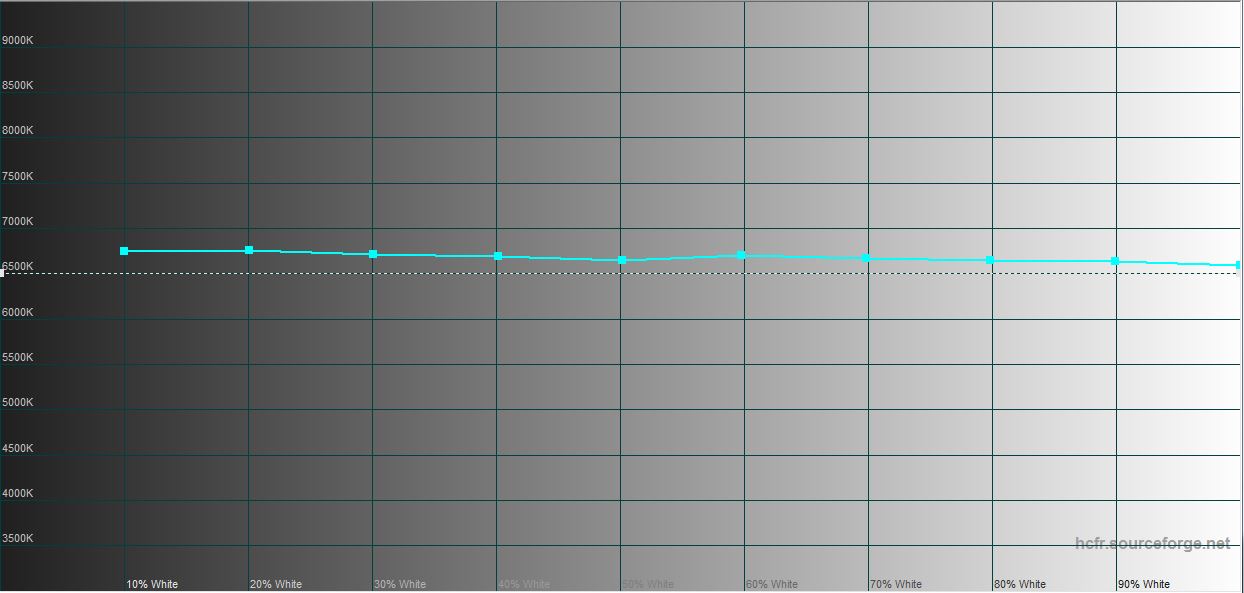
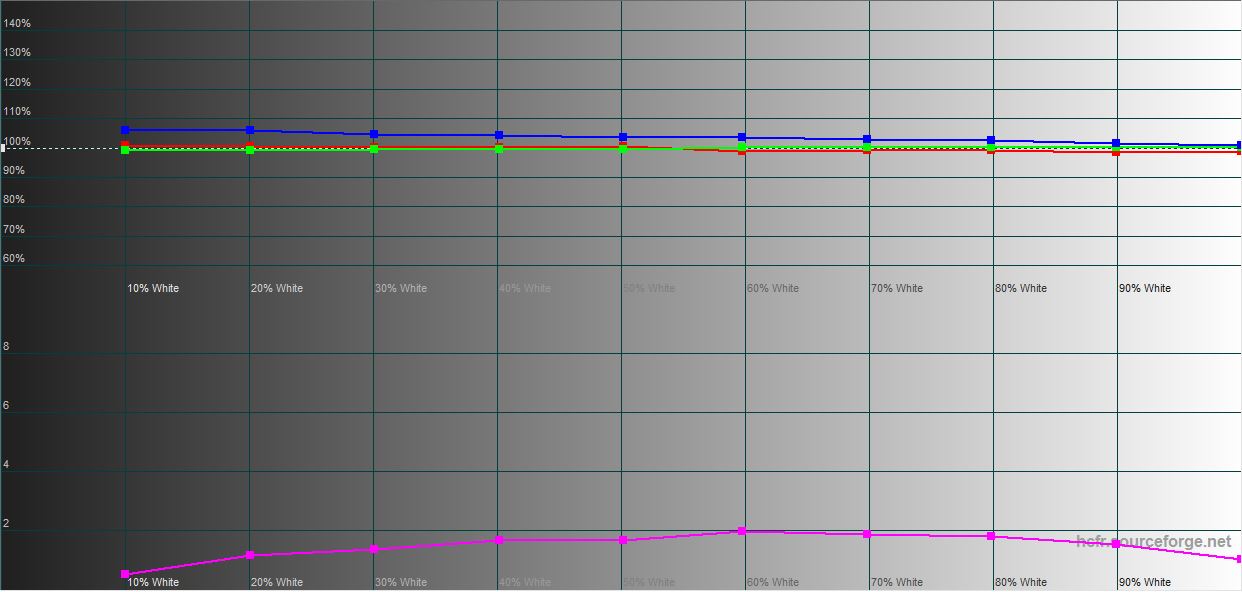
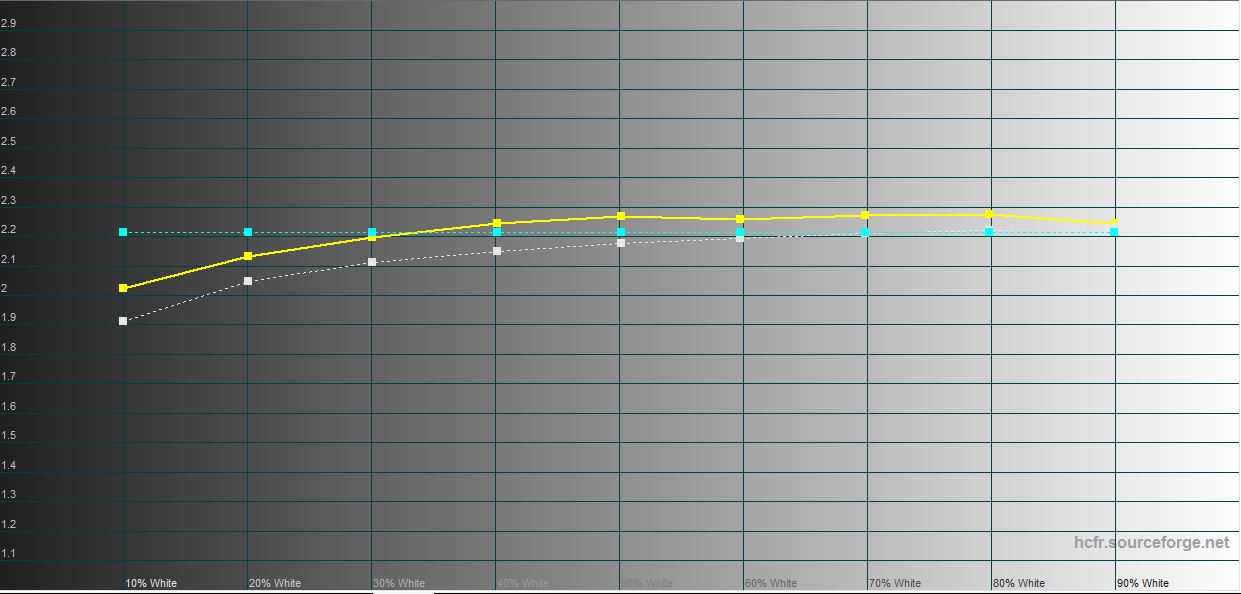
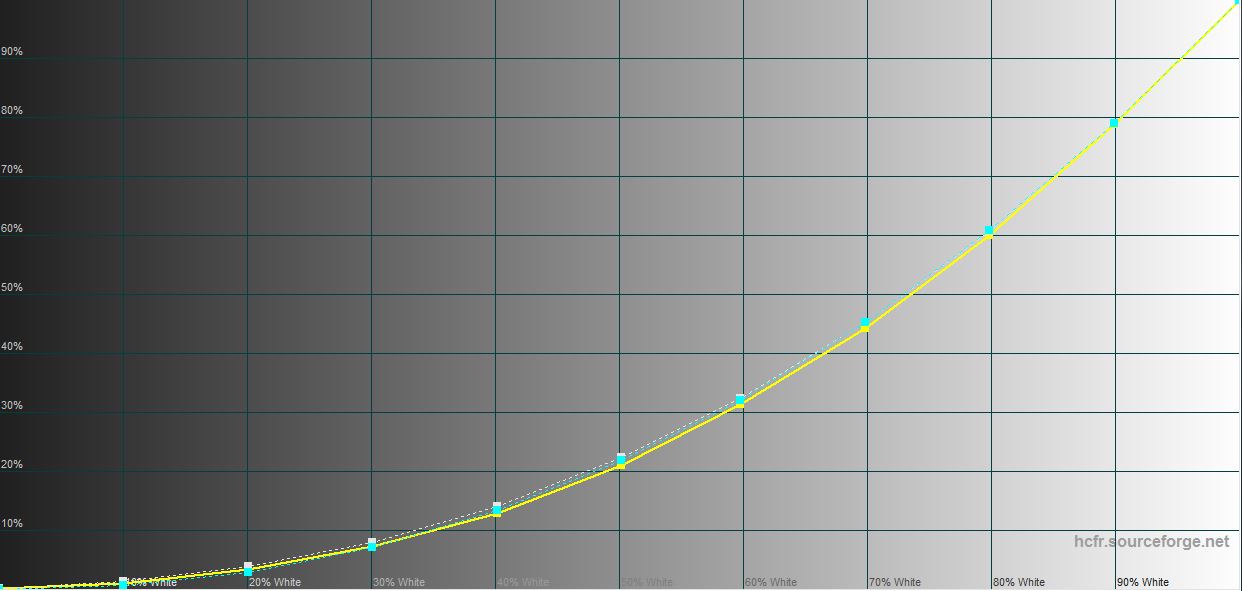
Tests using a hardware colorimeter showed thatthat the screen is truly unsurpassed, both in terms of brightness and color rendition. The maximum brightness is an impressive 948.718 cd/m2, the black field brightness is – 0.001 cd/m2, and static contrast – 948,718:1. The color gamut is much wider than the sRGB space. And the color accuracy indicators are as close as possible to the reference values. The color temperature is very close to 6500K, and the color error ΔE does not exceed 2, which is an excellent indicator. In general, this – one of the best screens in laptops.
</ img>
</ img>
</ img>
</ img>
</ img>

What about performance and autonomy?
</ img>
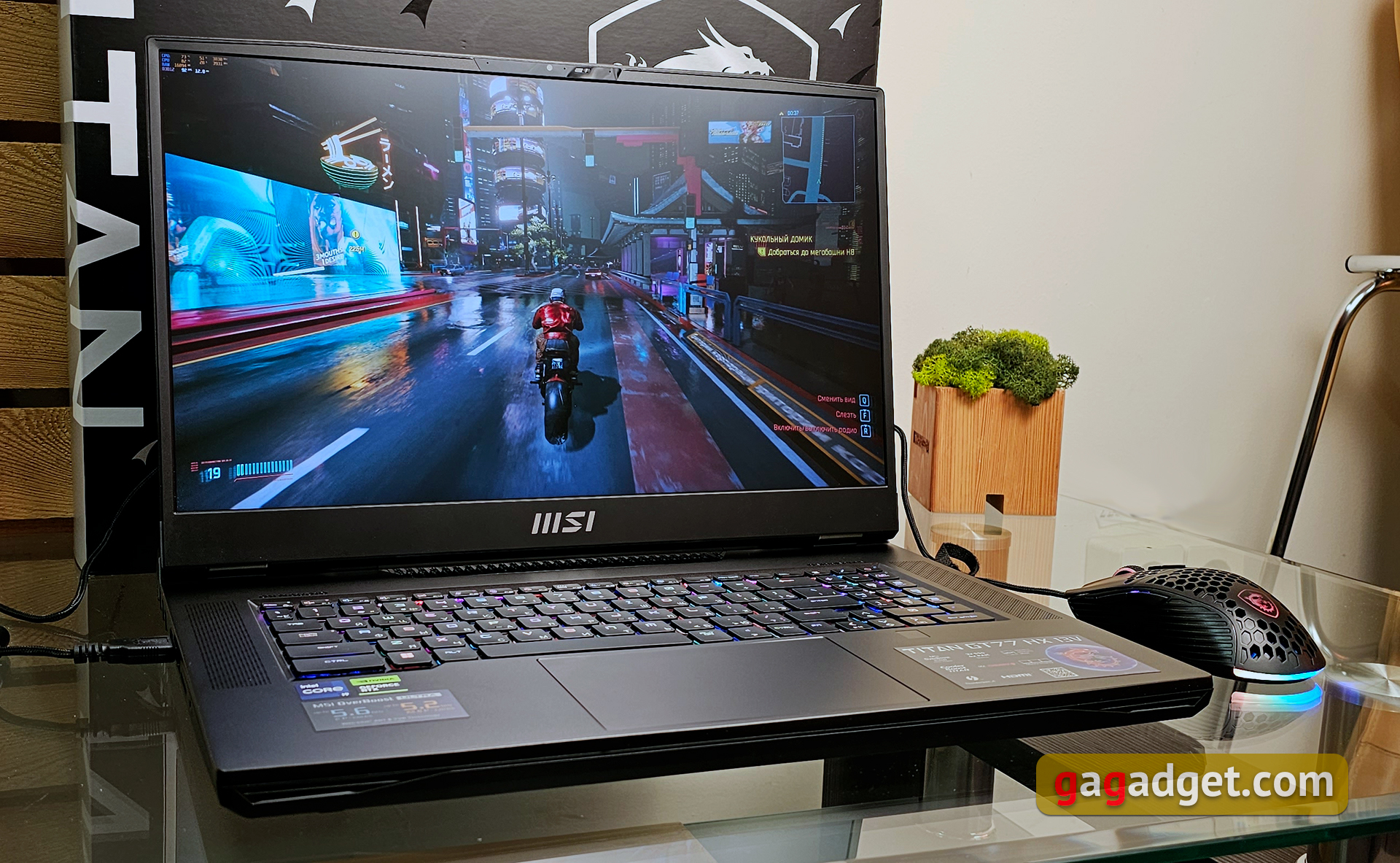
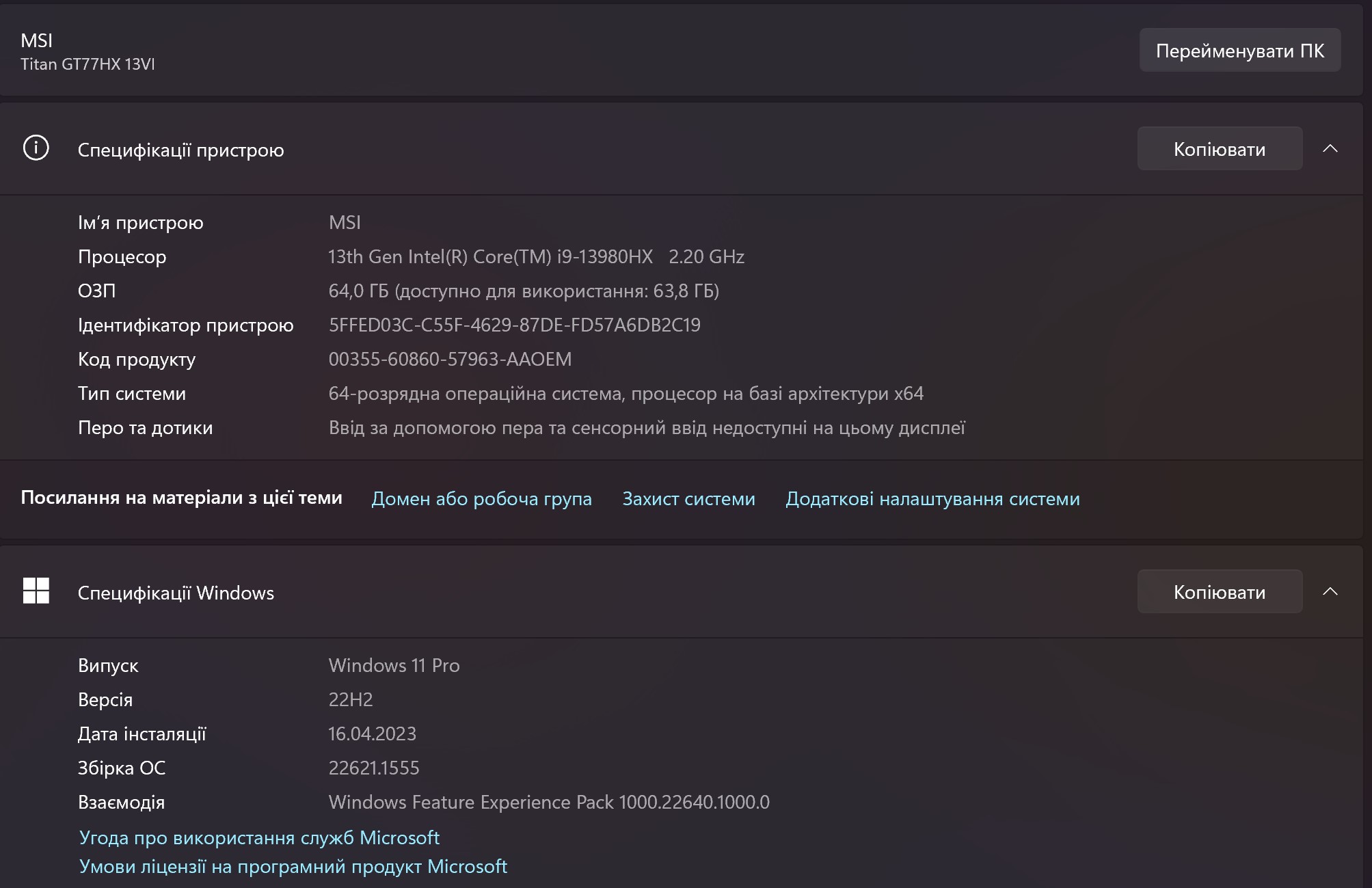
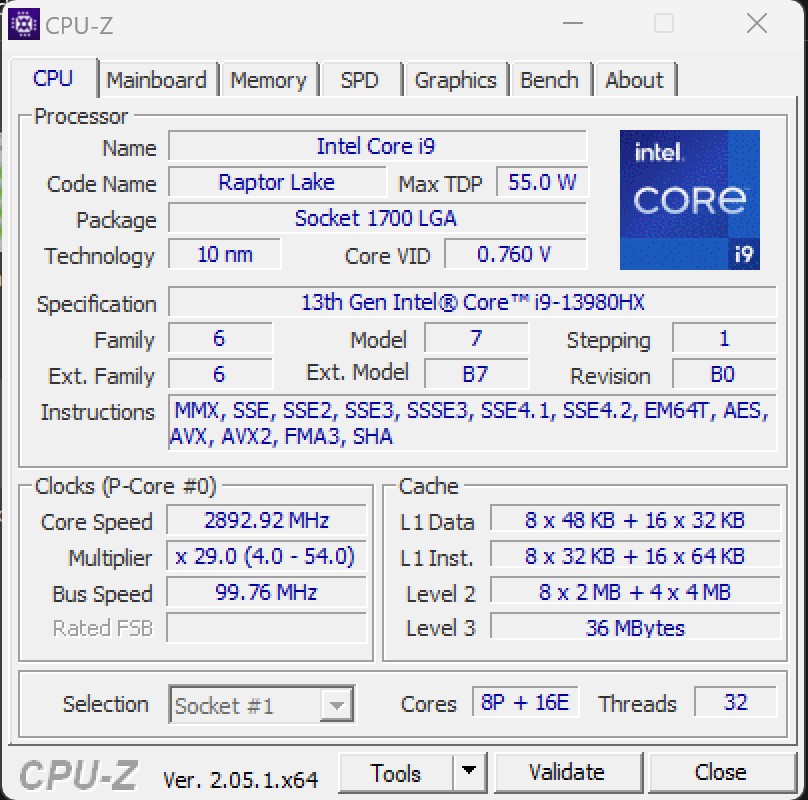
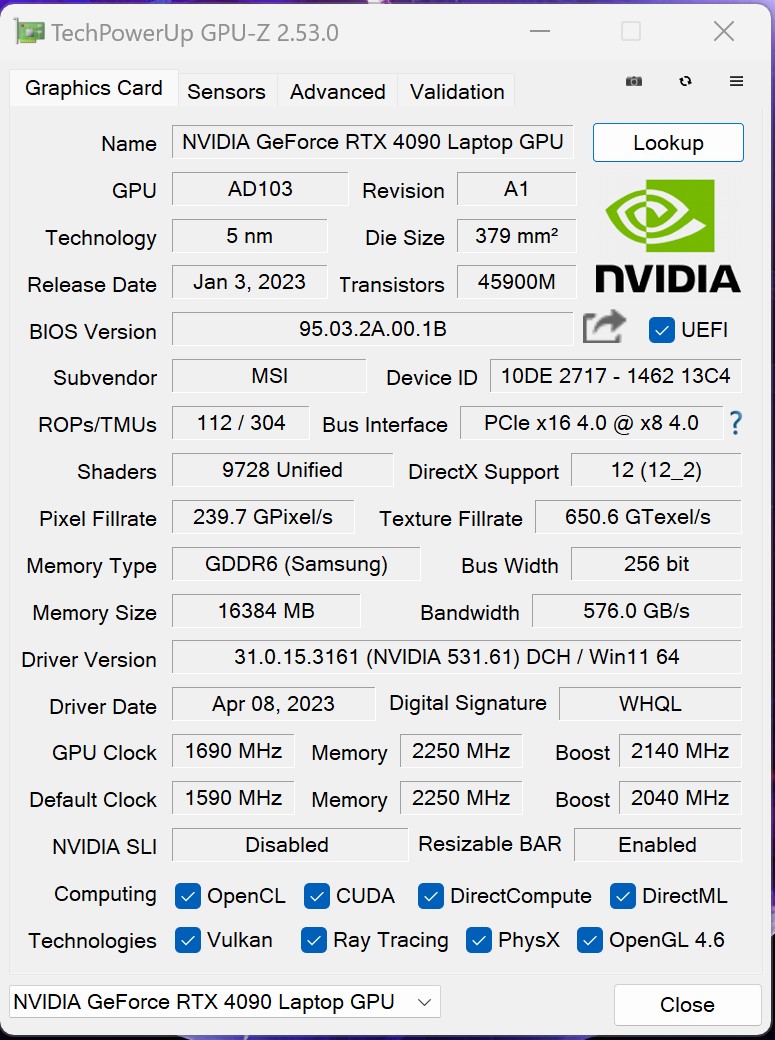
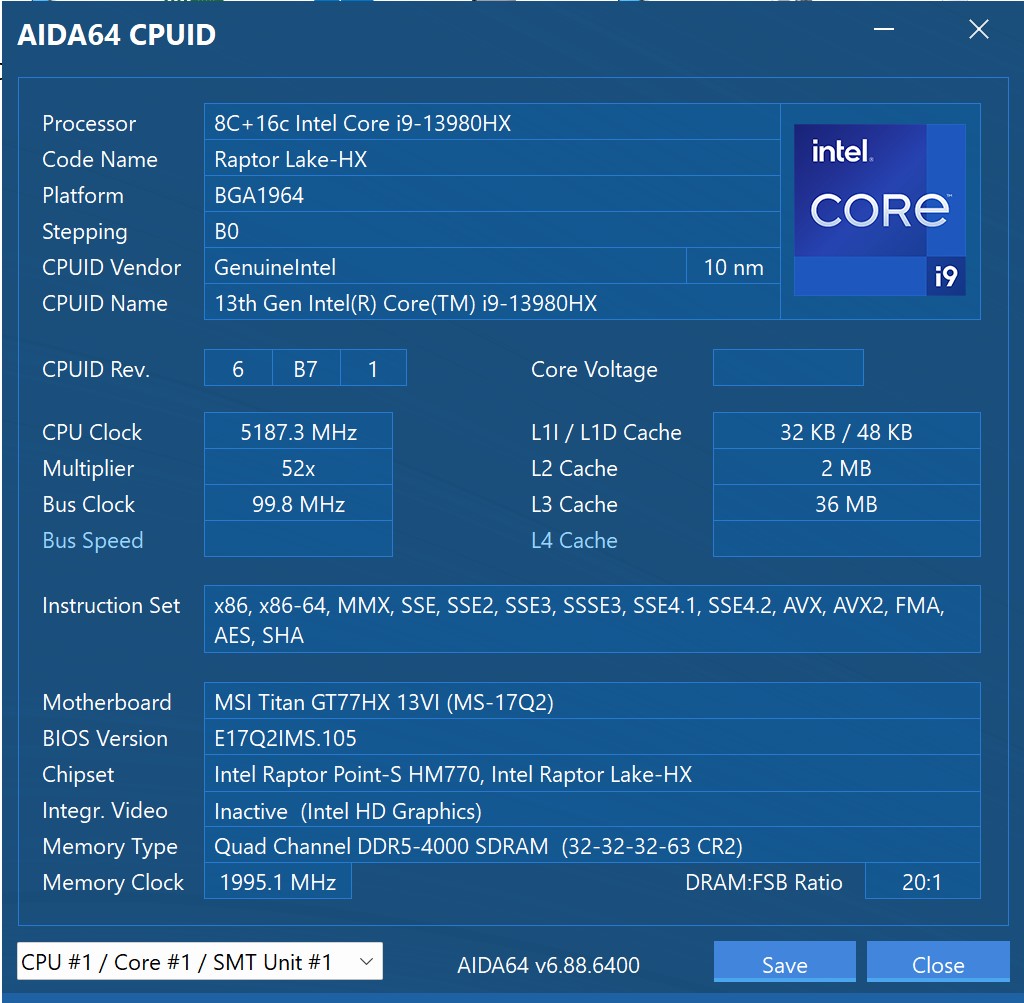
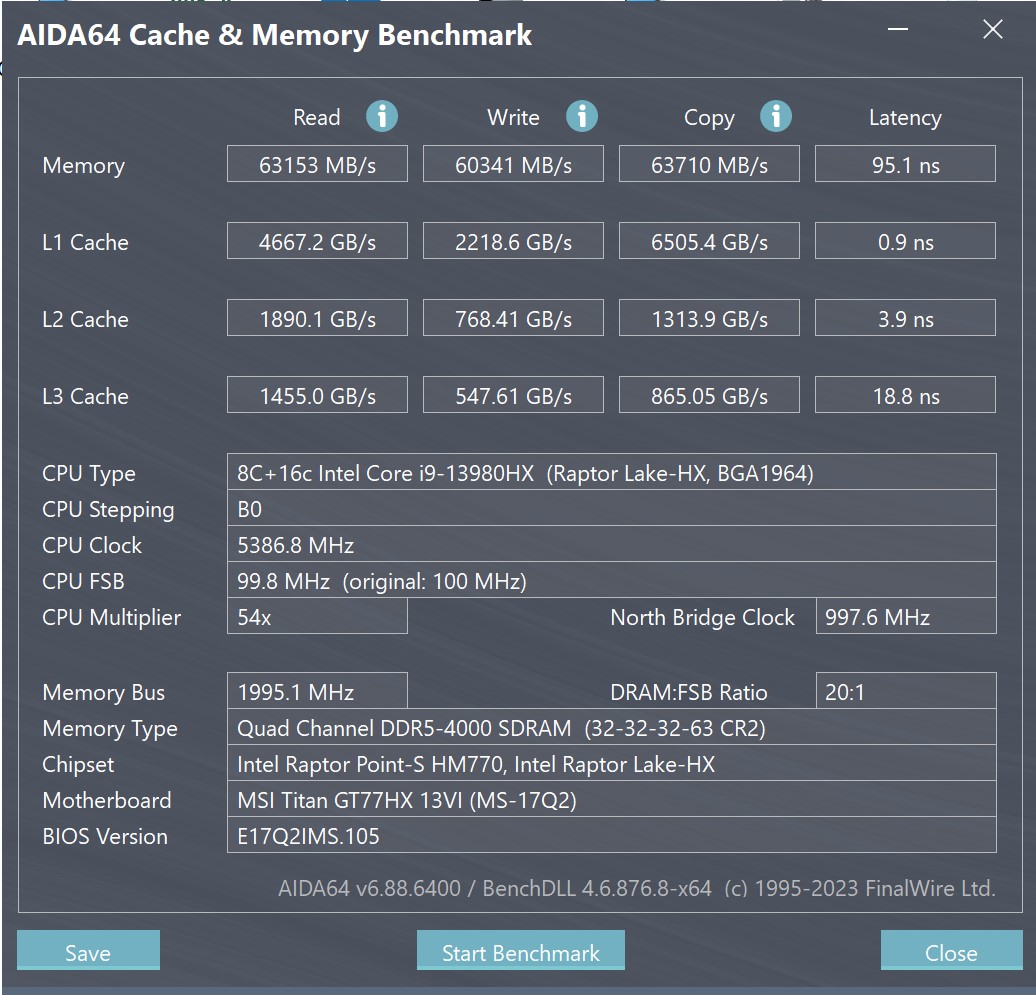
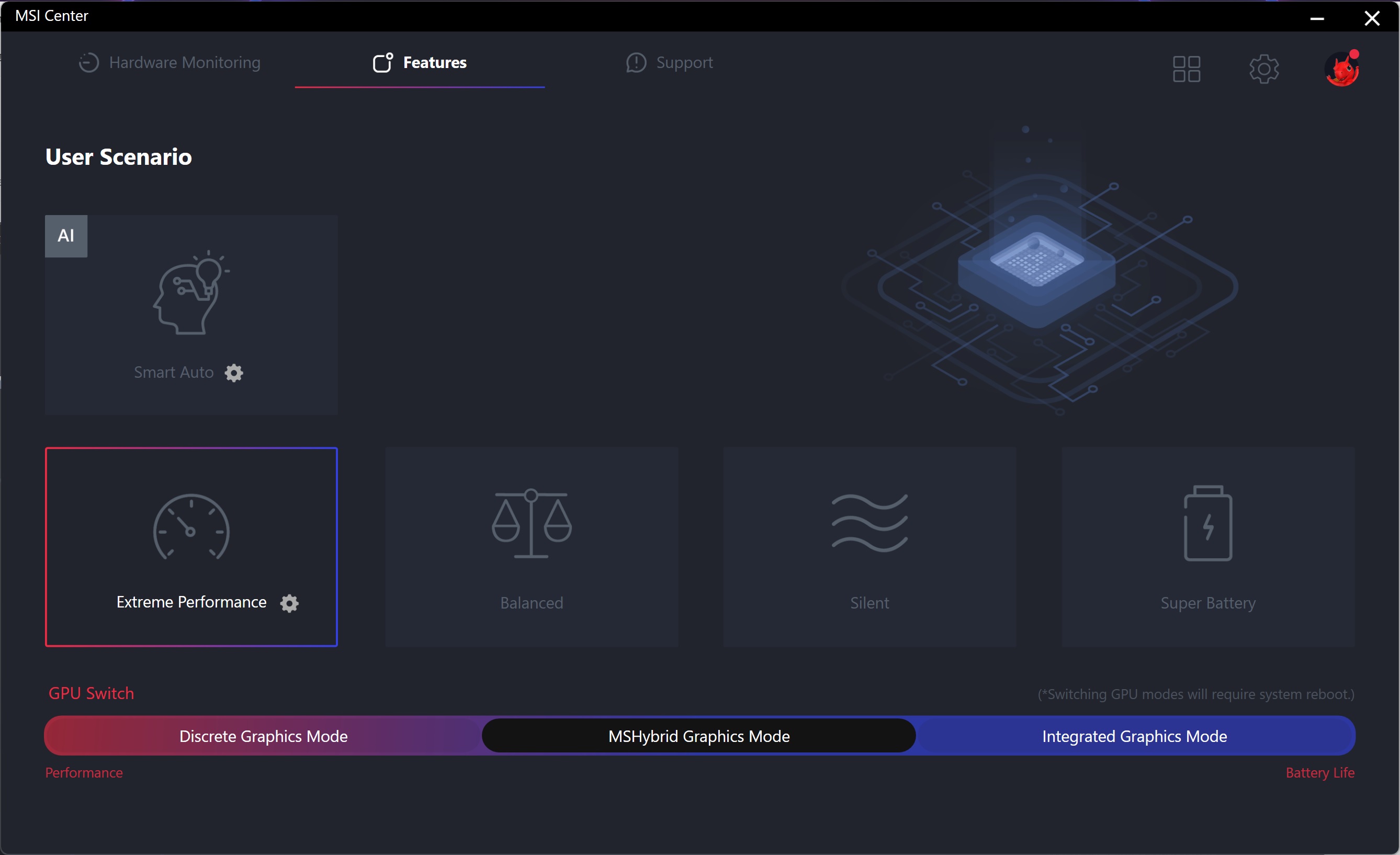
Inside the MSI Titan GT77 HX 13V are installedthe most powerful components of laptop solutions existing today: Intel 13th generation Raptor Lake processors of the HX series and GeForce RTX 4000 video cards. We received a top-end configuration with an Intel Core i9-13980HX processor, which includes 24 cores: 8 productive with a clock frequency of up to 5.6 GHz and 16 energy efficient up to 4.0 GHz. Supports up to 32 computation threads, cache – 32 MB. Intel ABT and TVB technologies are supported. Intel ABT (Adaptive Boost Technology) improves performance by increasing turbo frequency for multi-core workloads. And Intel TVB (Thermal Velocity Boost) further increases the frequency by 100 MHz. The standard TDP level is 55 W. But MSI OverBoost Ultra technology allows you to increase the figure to 75 W, and also ensure maximum combined performance of the processor and graphics card. The processor is manufactured using the Intel 7 process technology. There is integrated Intel UHD Graphics (32EU) with a frequency of up to 1.65 GHz. RAM – 64 GB DDR5-4800. Supports up to 128 GB, there are four SO-DIMM slots. The Killer DoubleShot Pro X3 gaming module is responsible for communication. There is Bluetooth 5.3, Wi-Fi 6E (802.11ax) (Dual band) 2x2, as well as a LAN port supporting speeds of up to 2500 Mbps. The top-end solution NVIDIA GeForce RTX 4090 Laptop is used as a discrete video accelerator. Base frequency – 1690 MHz, boost – up to 2140 MHz with standard TGP up to 150 W. But thanks to Dynamic Boost, TGP increases to 175 W, and the frequency to 2340 MHz. The video card has 16 GB GDDR6. The laptop is equipped with a MUX Switch to directly connect the video card to the display, disabling the integrated graphics. This reduces latency and increases performance. Switching requires a system reboot.
</ img>
</ img>
</ img>
</ img>

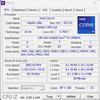
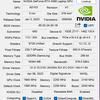
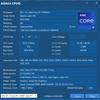
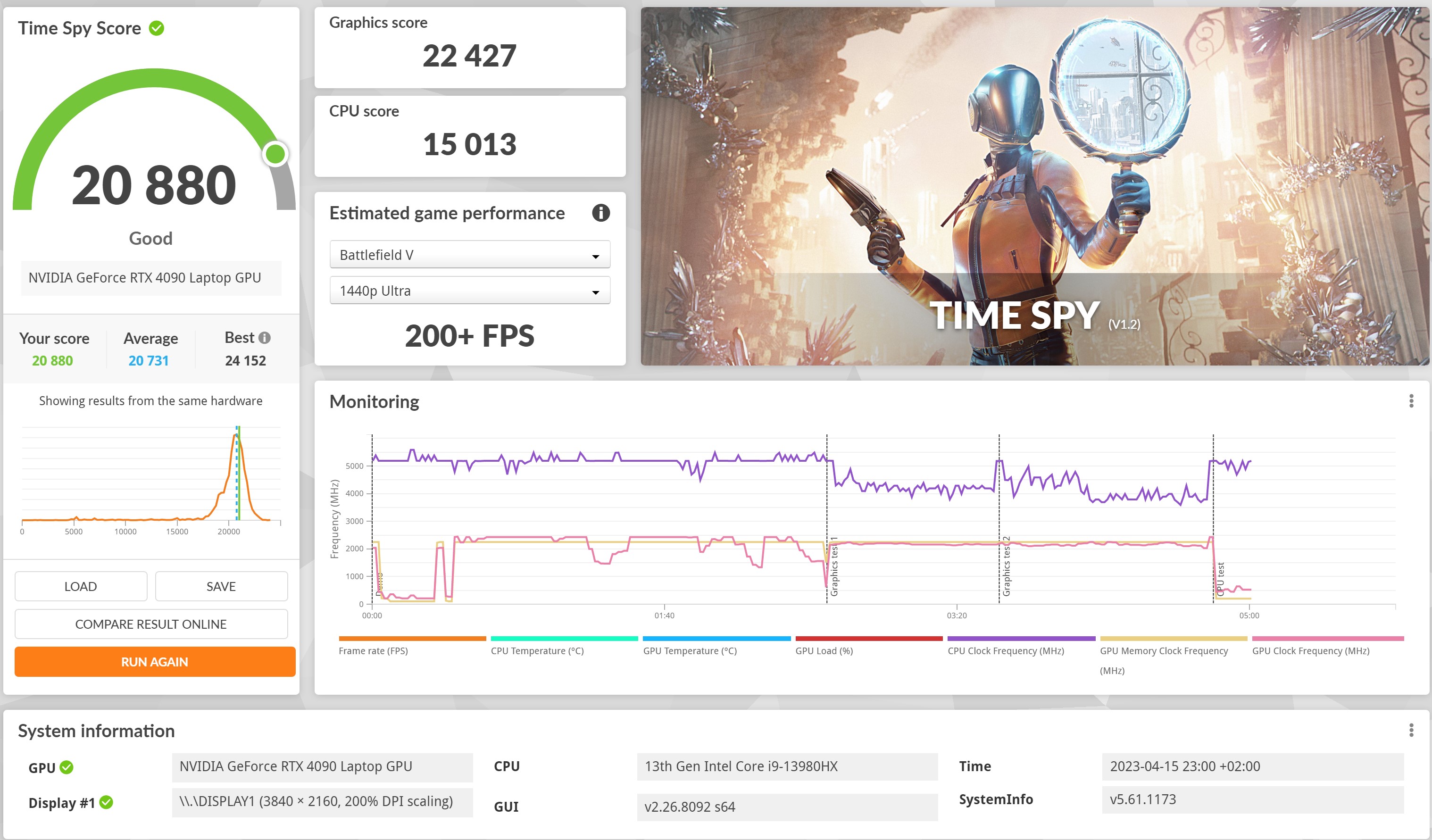
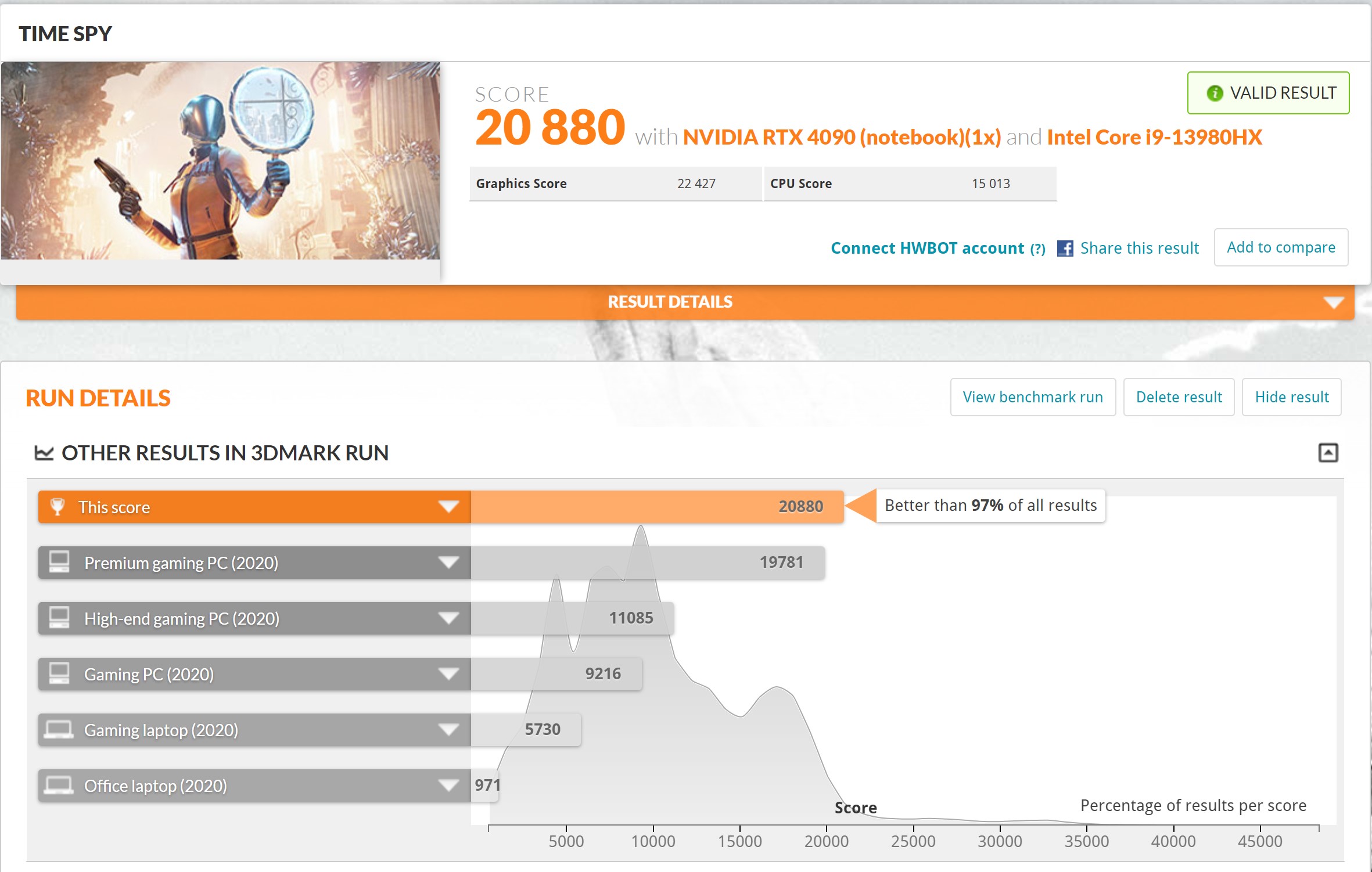
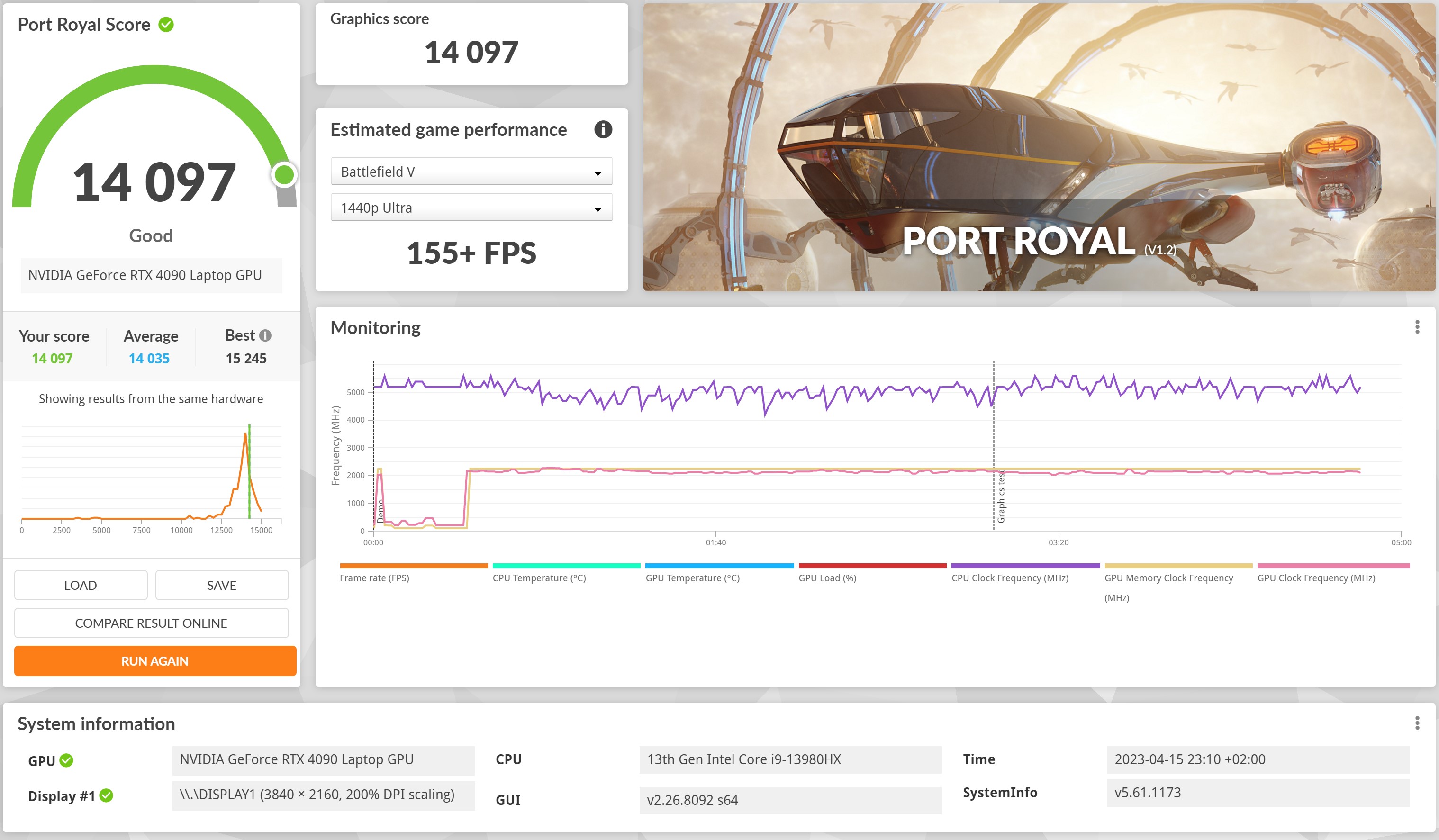
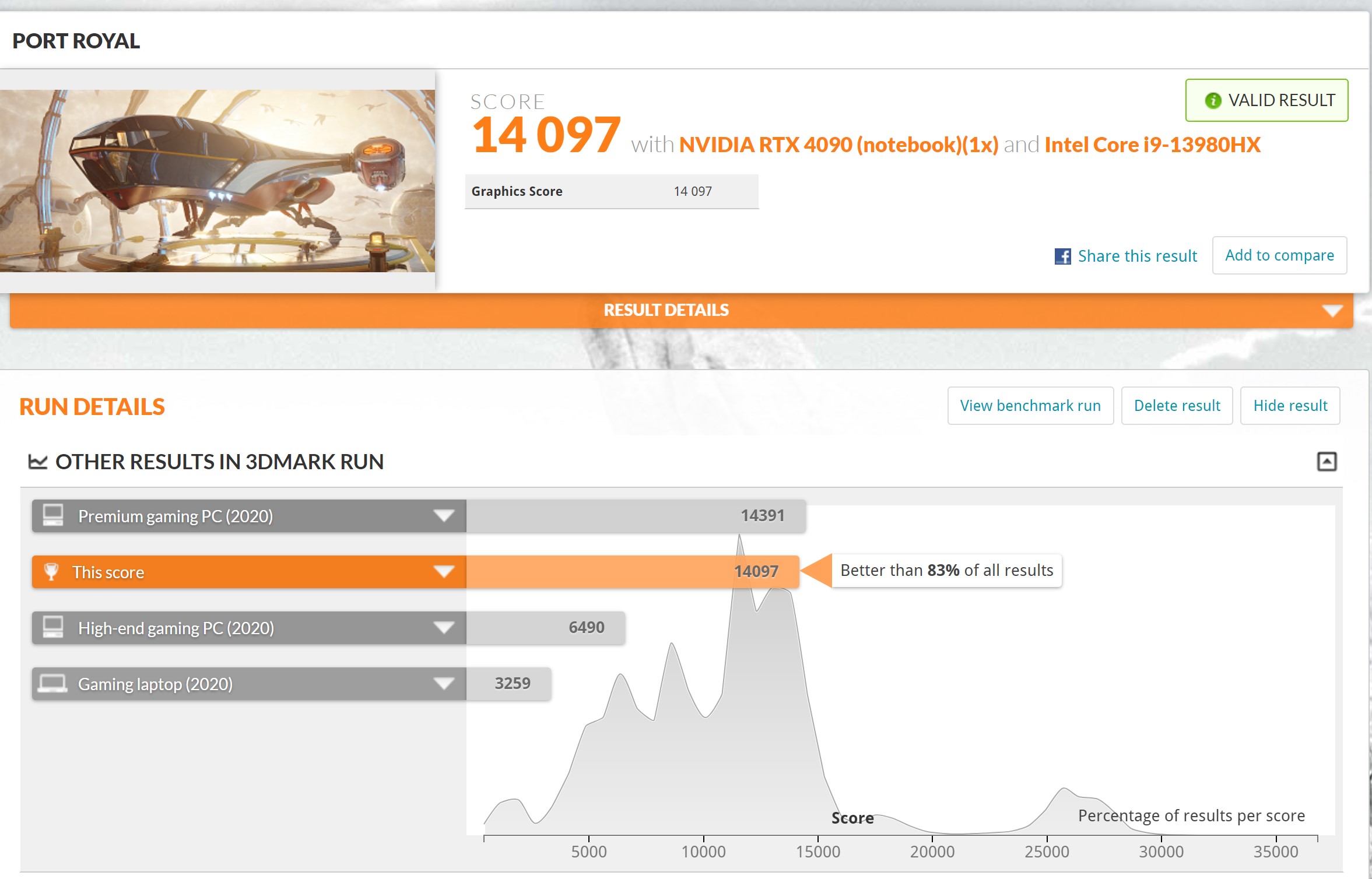
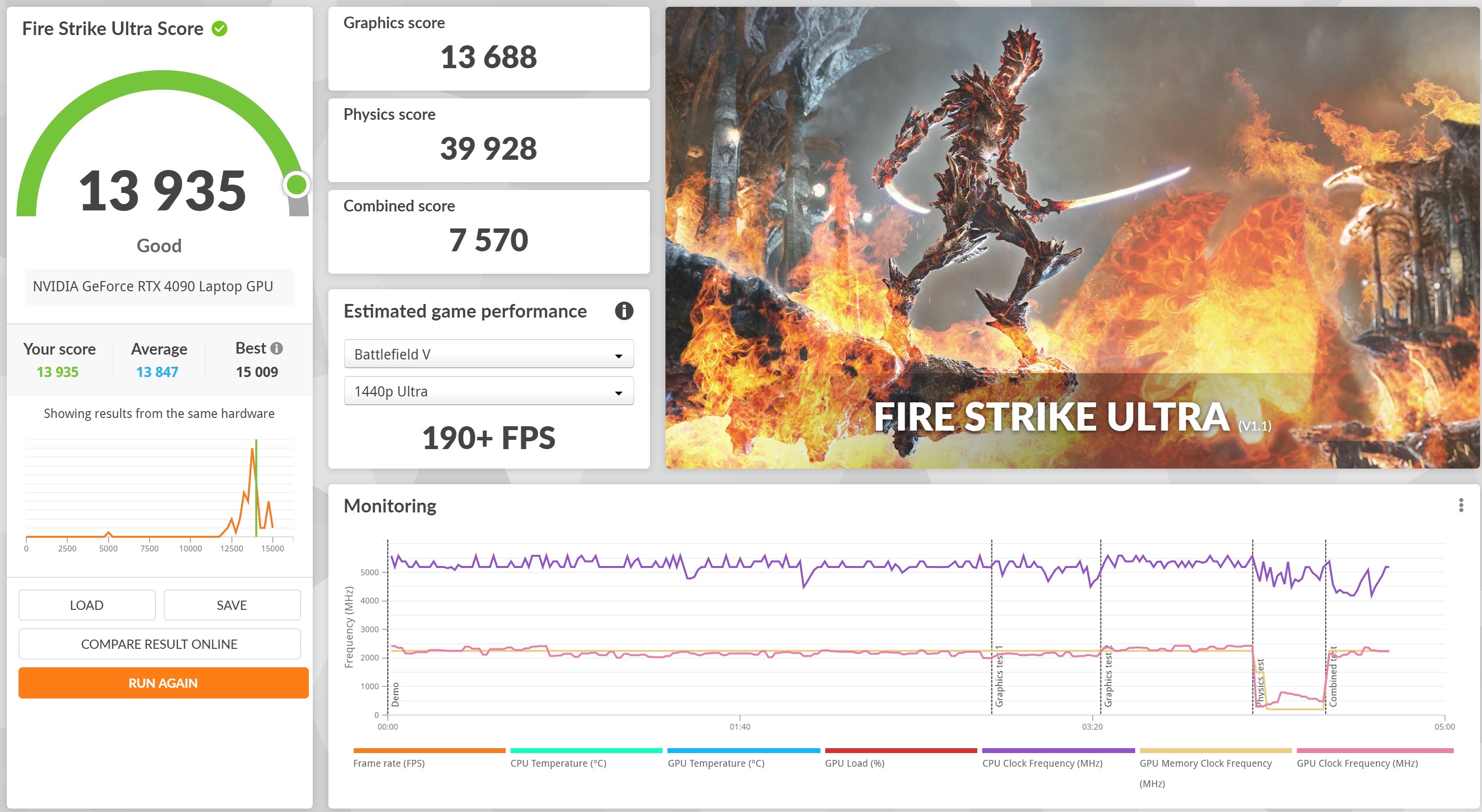
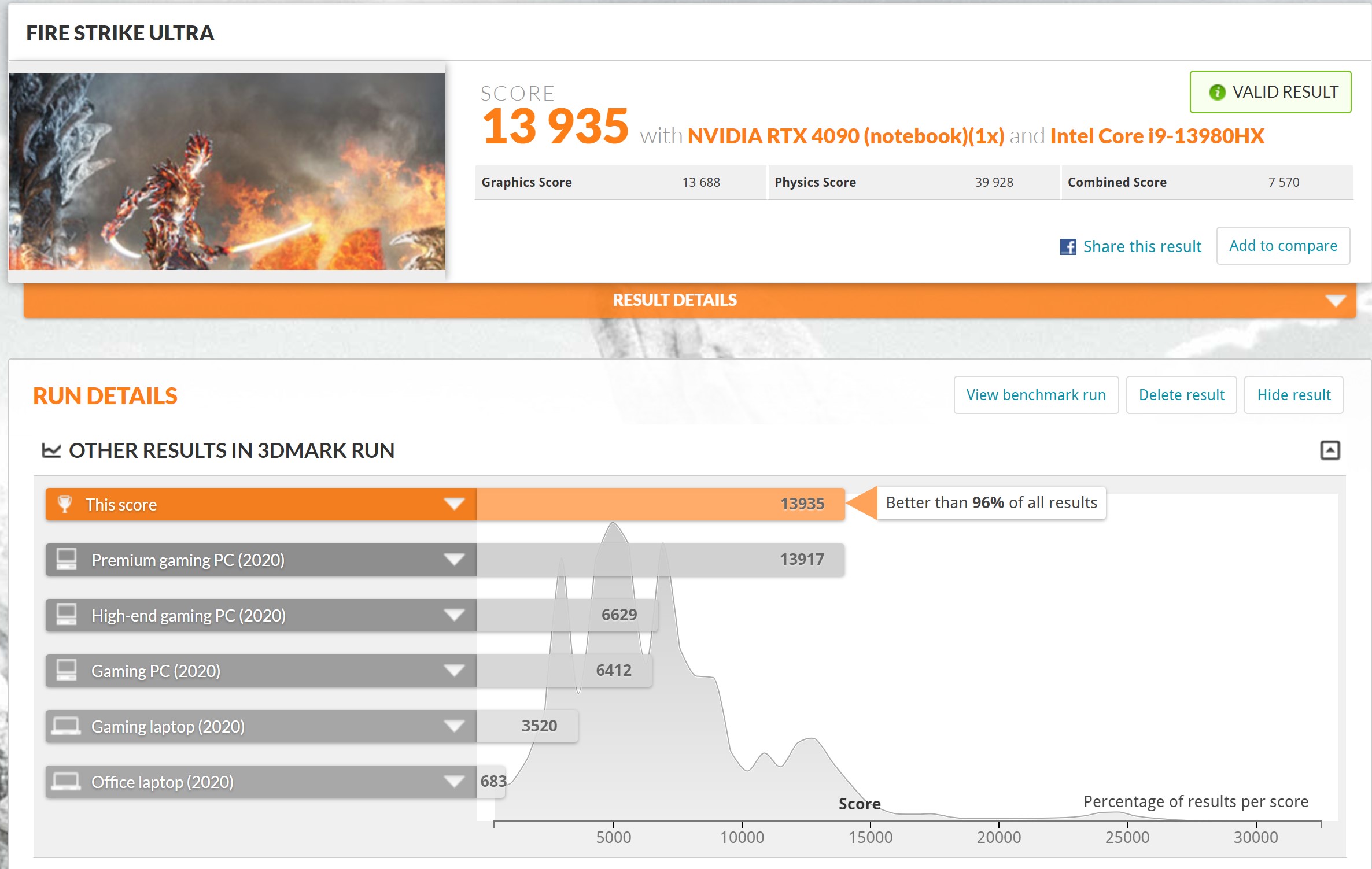
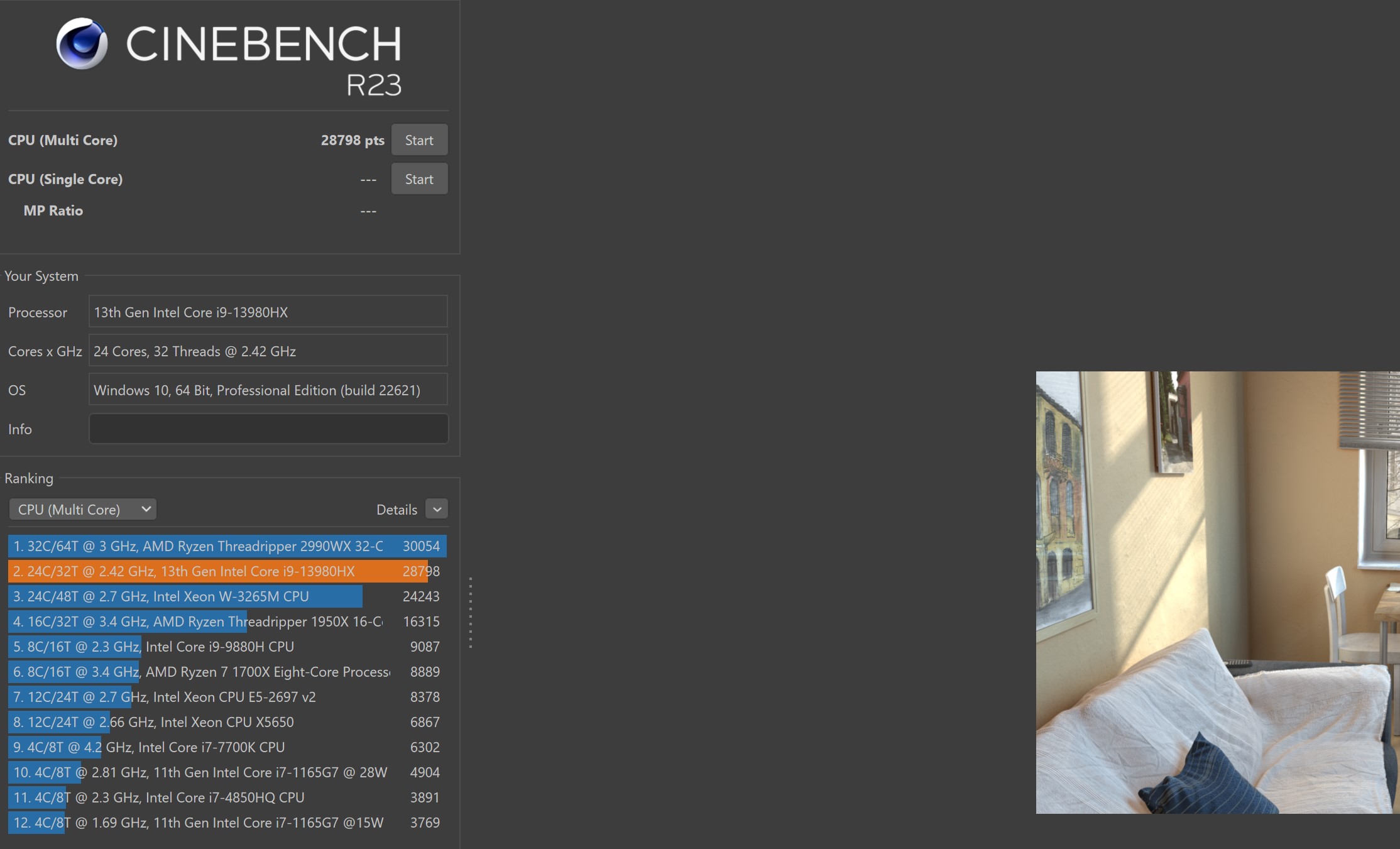
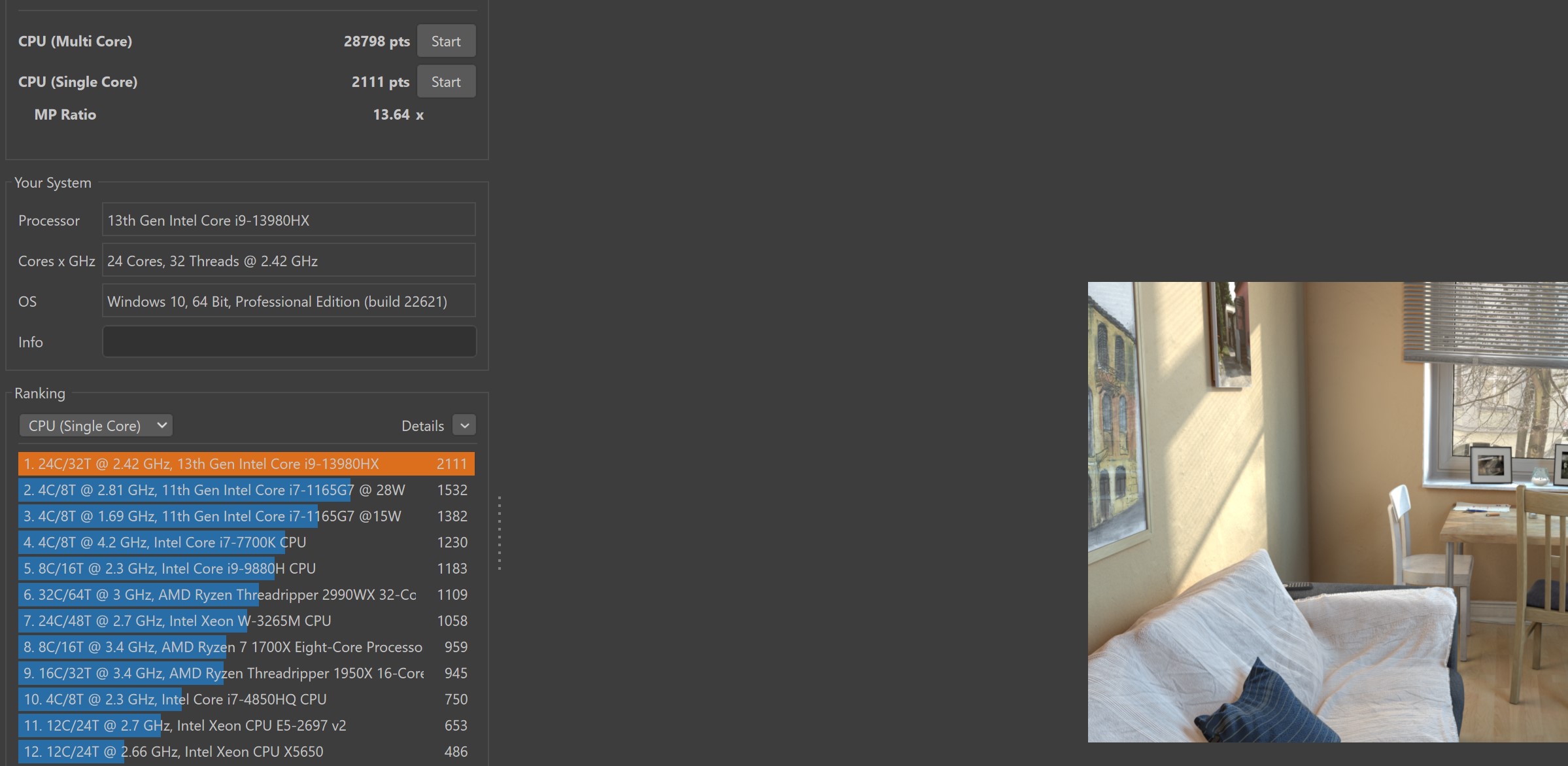
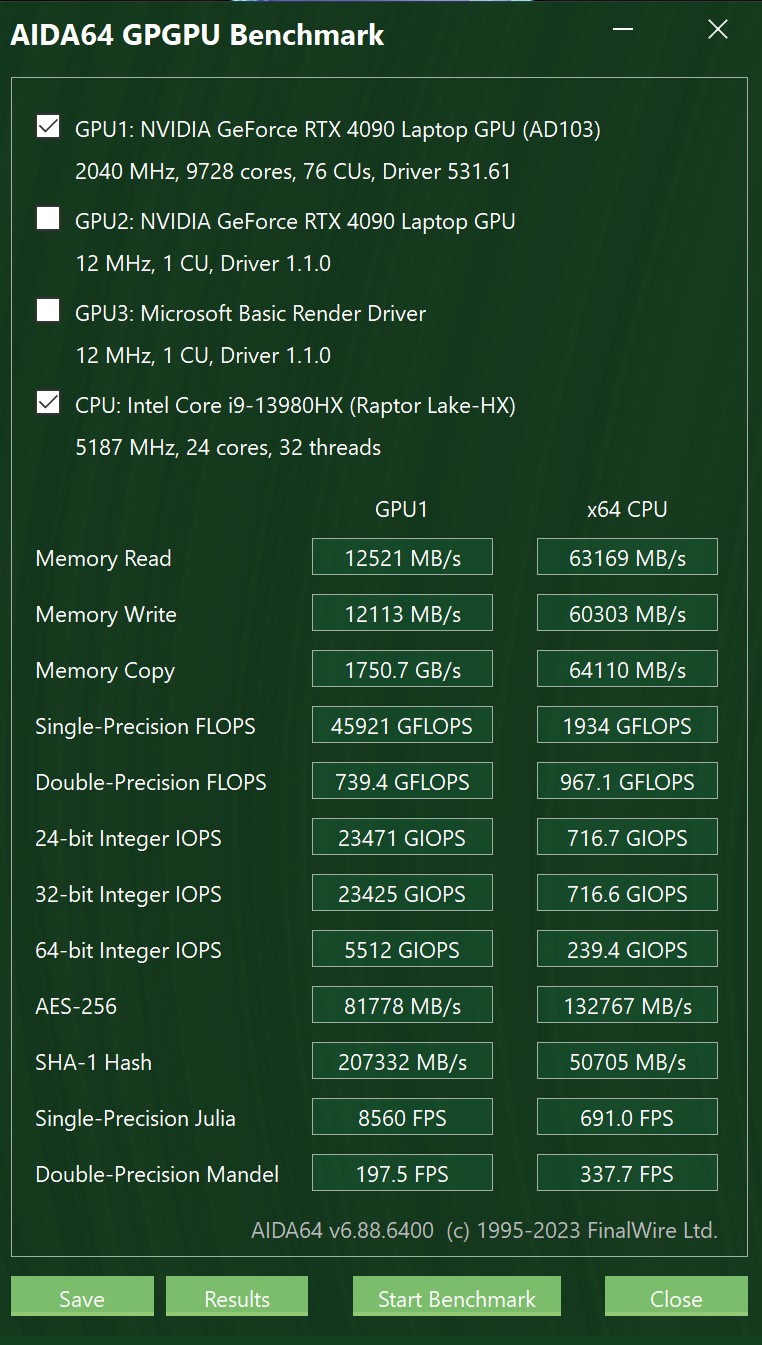
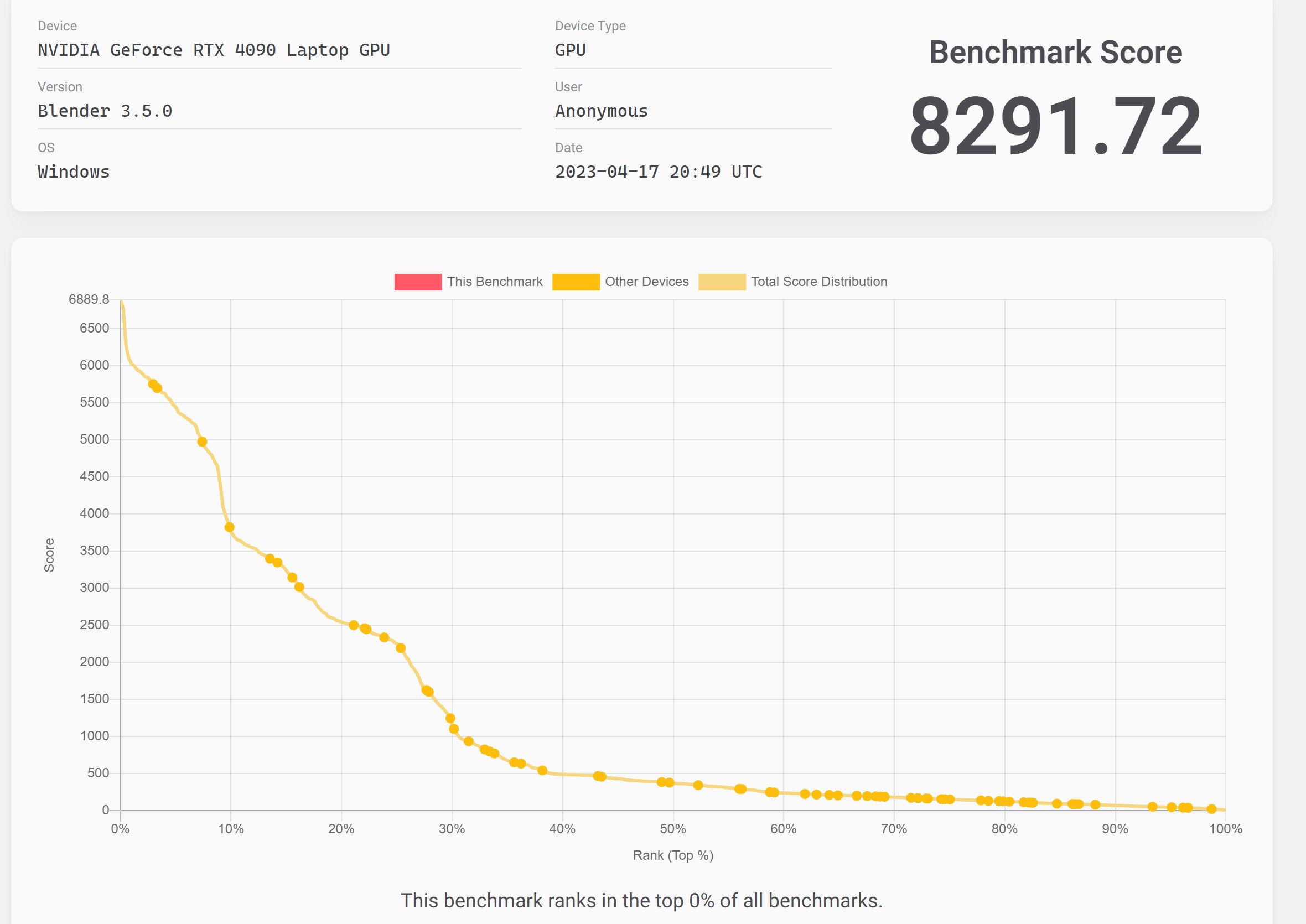
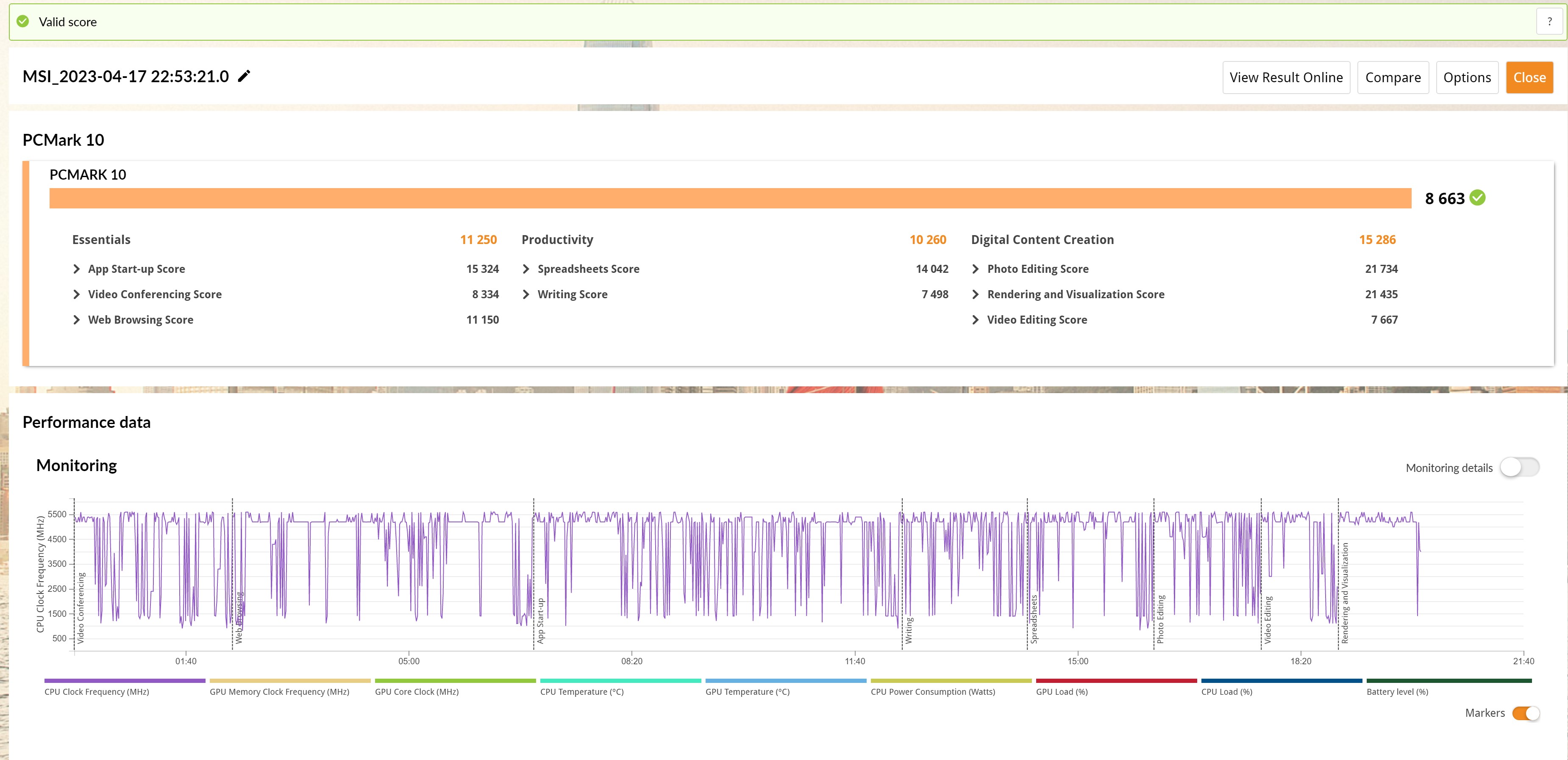
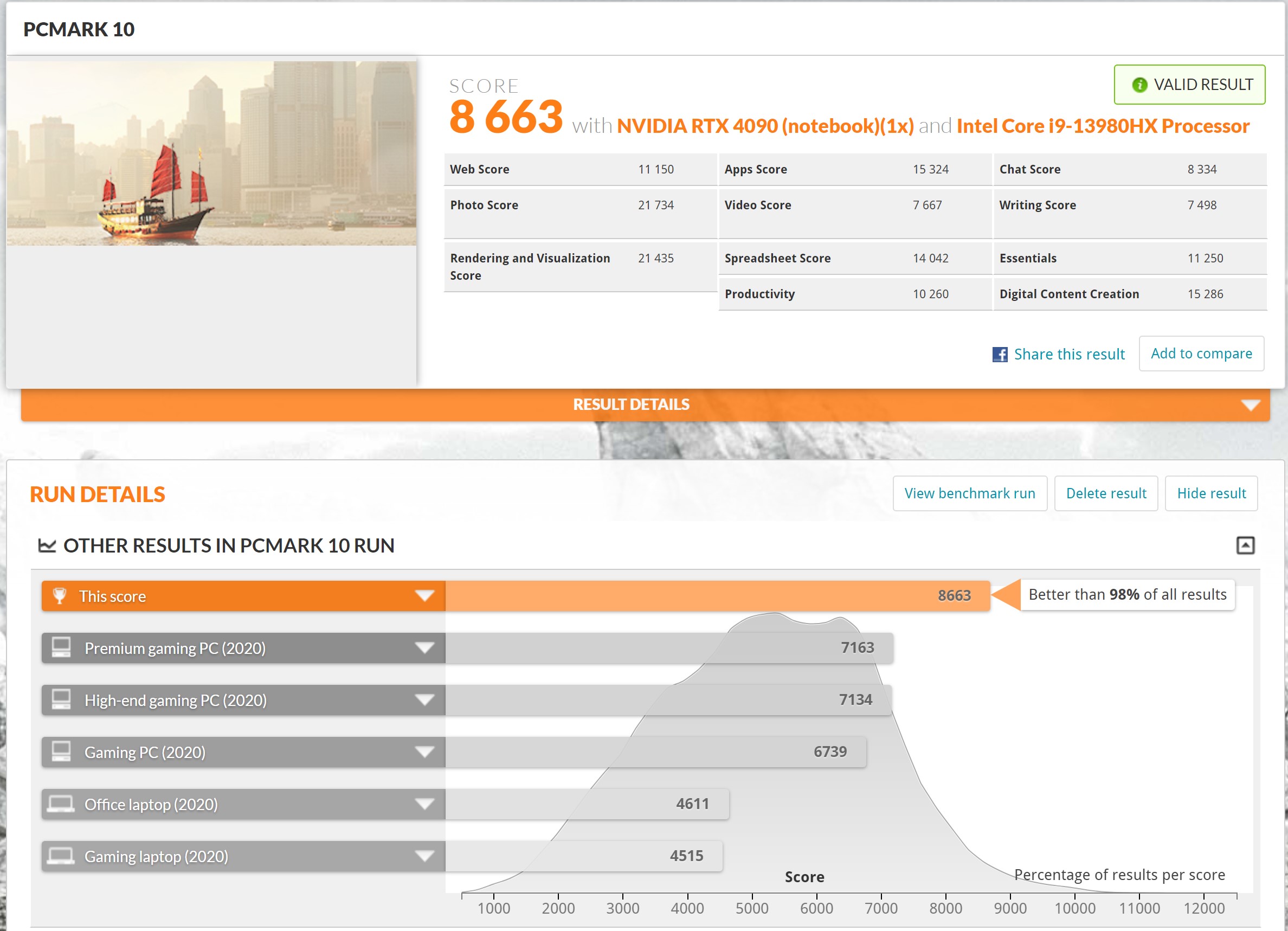
With benchmarks, everything is simple and obvious.The laptop is ahead of almost all competitors in terms of performance. With the exception of top-end stationary PCs with desktop versions of Intel Core i9 and GeForce RTX 4090. This applies to both processor and graphics tests. So MSI Titan GT77 HX 13V can easily cope not only with all modern games, but also with heavy specialized software like Blender, Maya, CAD, DaVince Resolve, Unreal Engine. And there is a performance margin for several more years.
</ img>
</ img>
</ img>
</ img>
</ img>
</ img>
</ img>
</ img>
</ img>
</ img>
</ img>
</ img>
</ img>
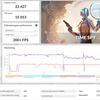
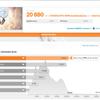
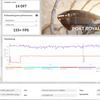
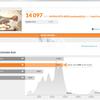
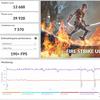
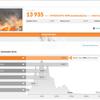


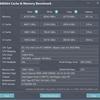
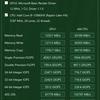
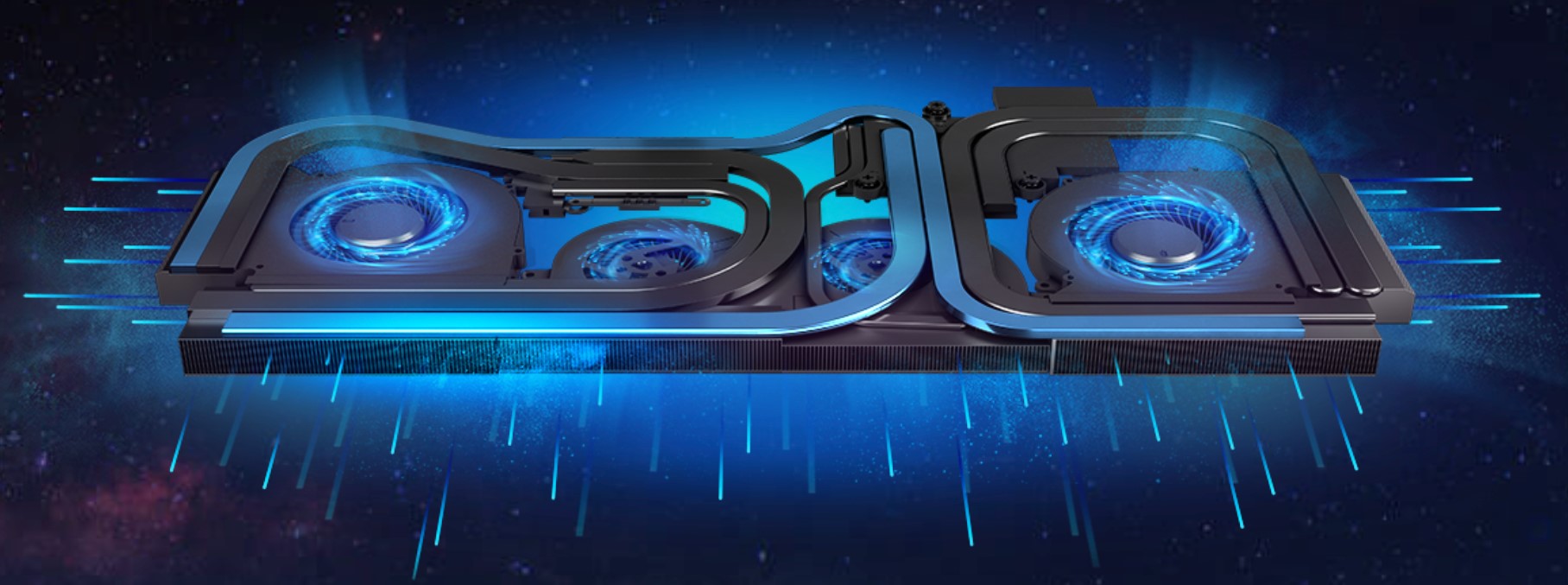
The laptop uses a powerful cooling system with a large almost full-width heatsink, 4 fans, 8 heat pipes and 6 hot air outlets.
</ img>
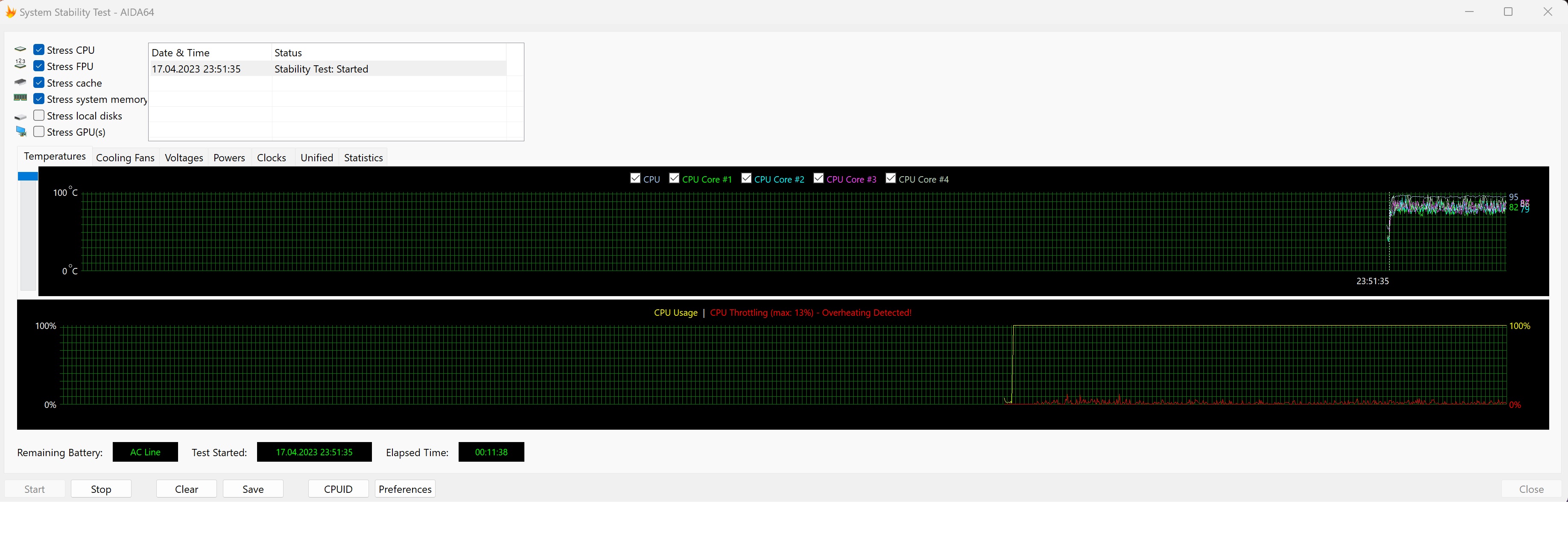
The noise level of the cooling system is significantlydepends on the load. When working with documents or a browser, the laptop is quiet. The maximum system load (and noise, respectively) was achieved only in the AIDA64 stress test. The CO is really loud at maximum speed and you will have to use headphones to play comfortably. At the same time, the keyboard and the entire working surface remain cold. Testing was carried out in maximum performance mode, the processor temperature was kept at 92-95°C, and slight throttling was observed. At the beginning of the test – up to 13%, then – no more than 5%. Although in real tasks, including the most demanding games, it was not possible to load the processor so much.
</ img>
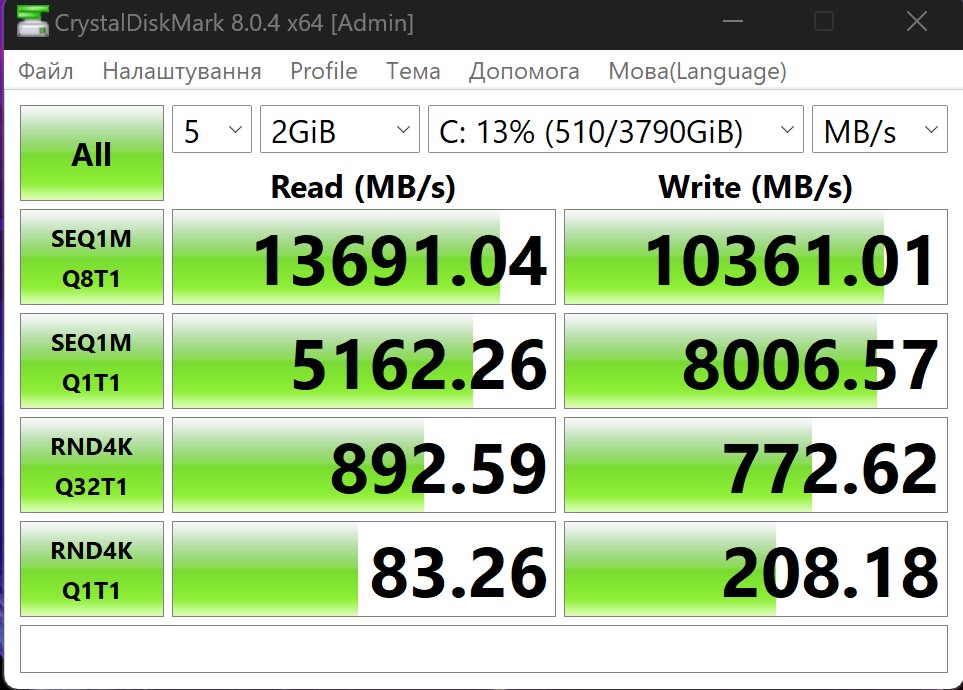
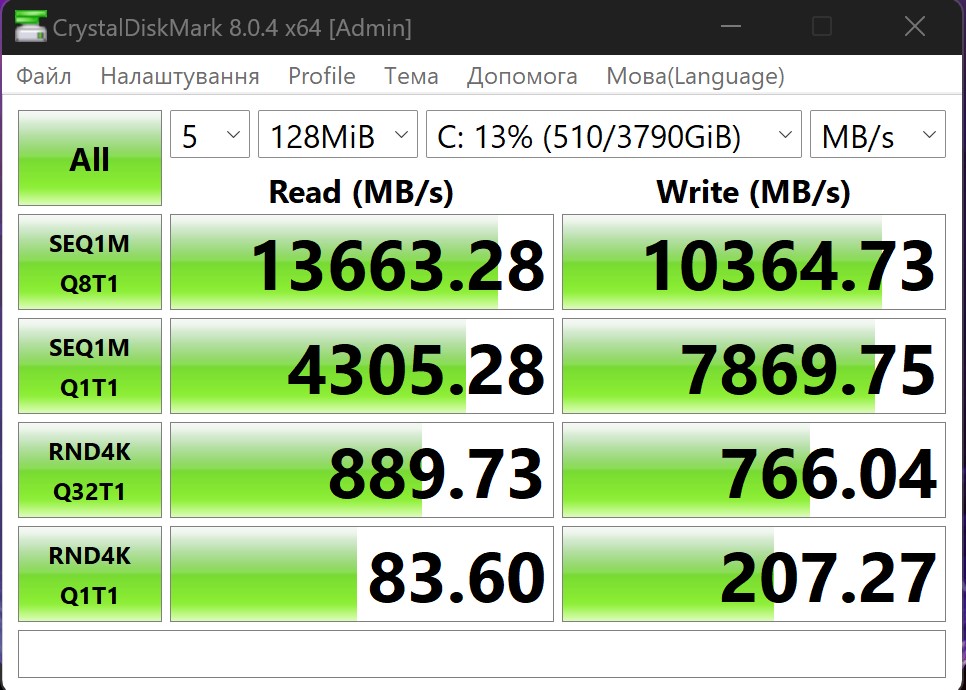
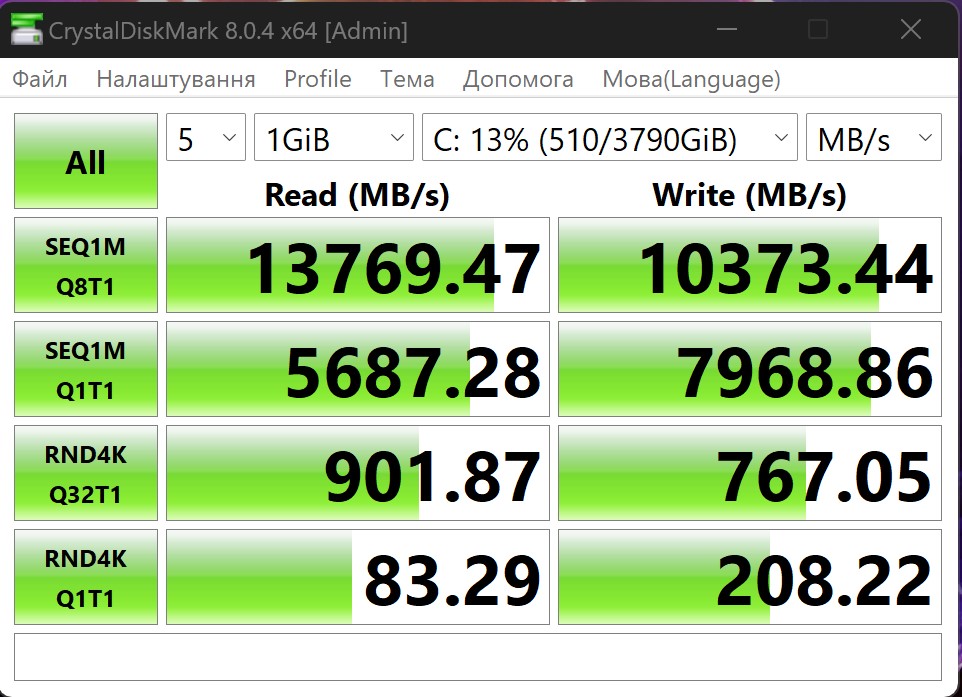
The laptop has two 2TB PCIe 4.0 x4 x4 Samsung PM9A1 SSDs in a RAID 0 array.

</ img>
The drives demonstrate impressive speedsperformance that is unattainable for all SSDs currently available on the market. Including PCIe 5.0 models. Data read speed reaches almost 13,700 MB/s, write – just over 10,000 MB/s:
</ img>
</ img>
</ img>
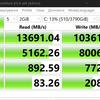
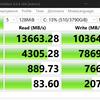
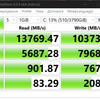
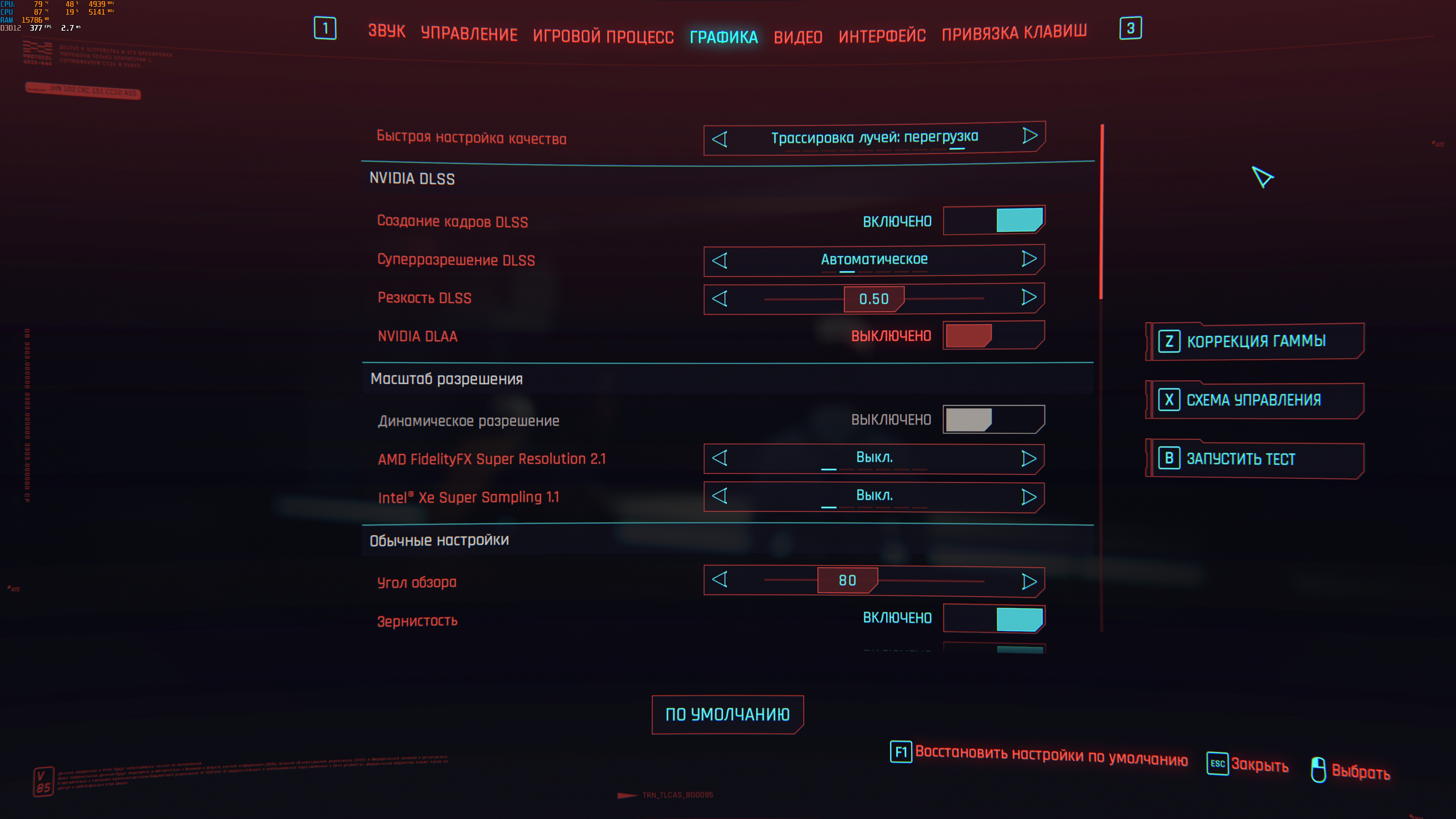
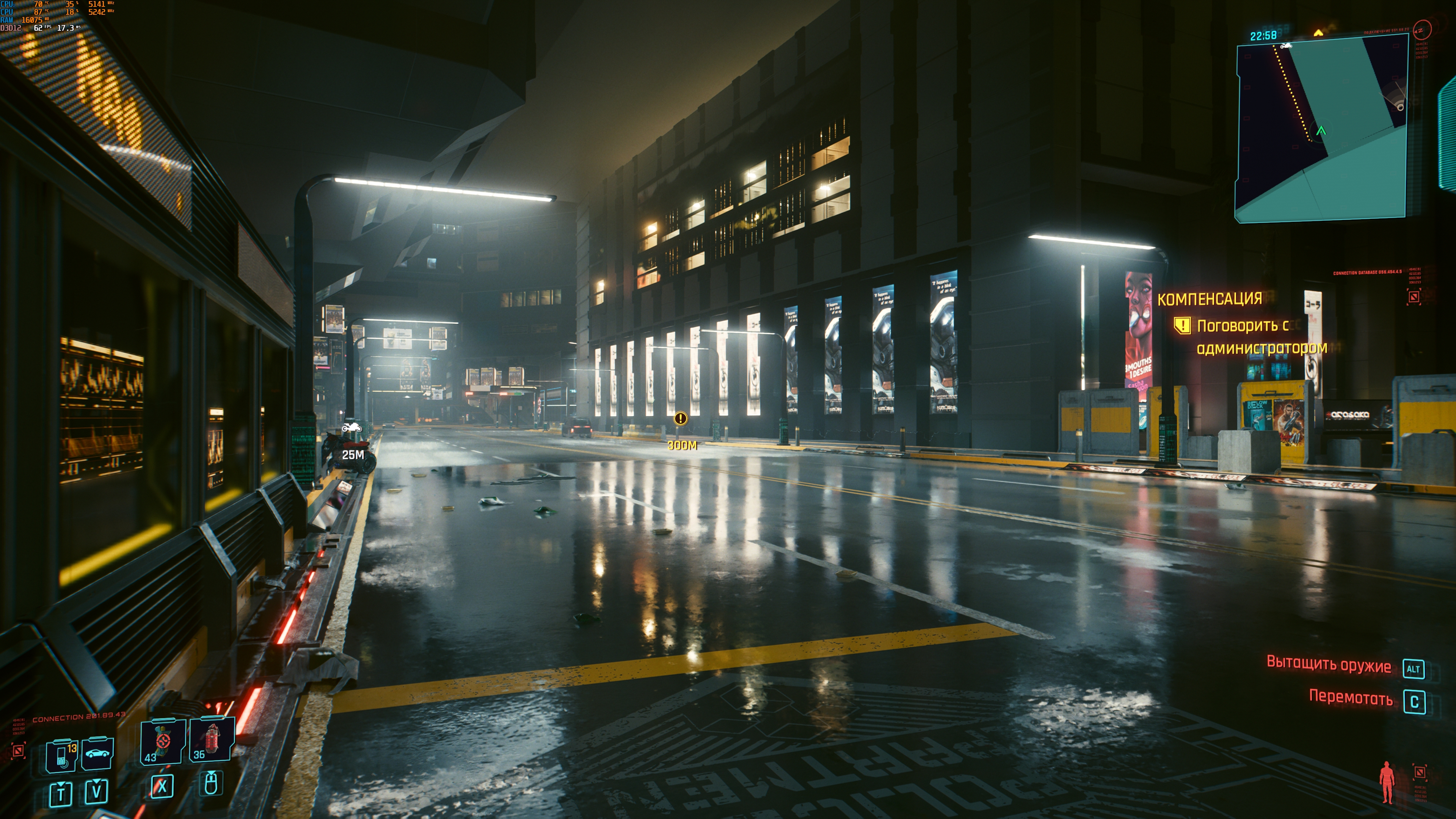
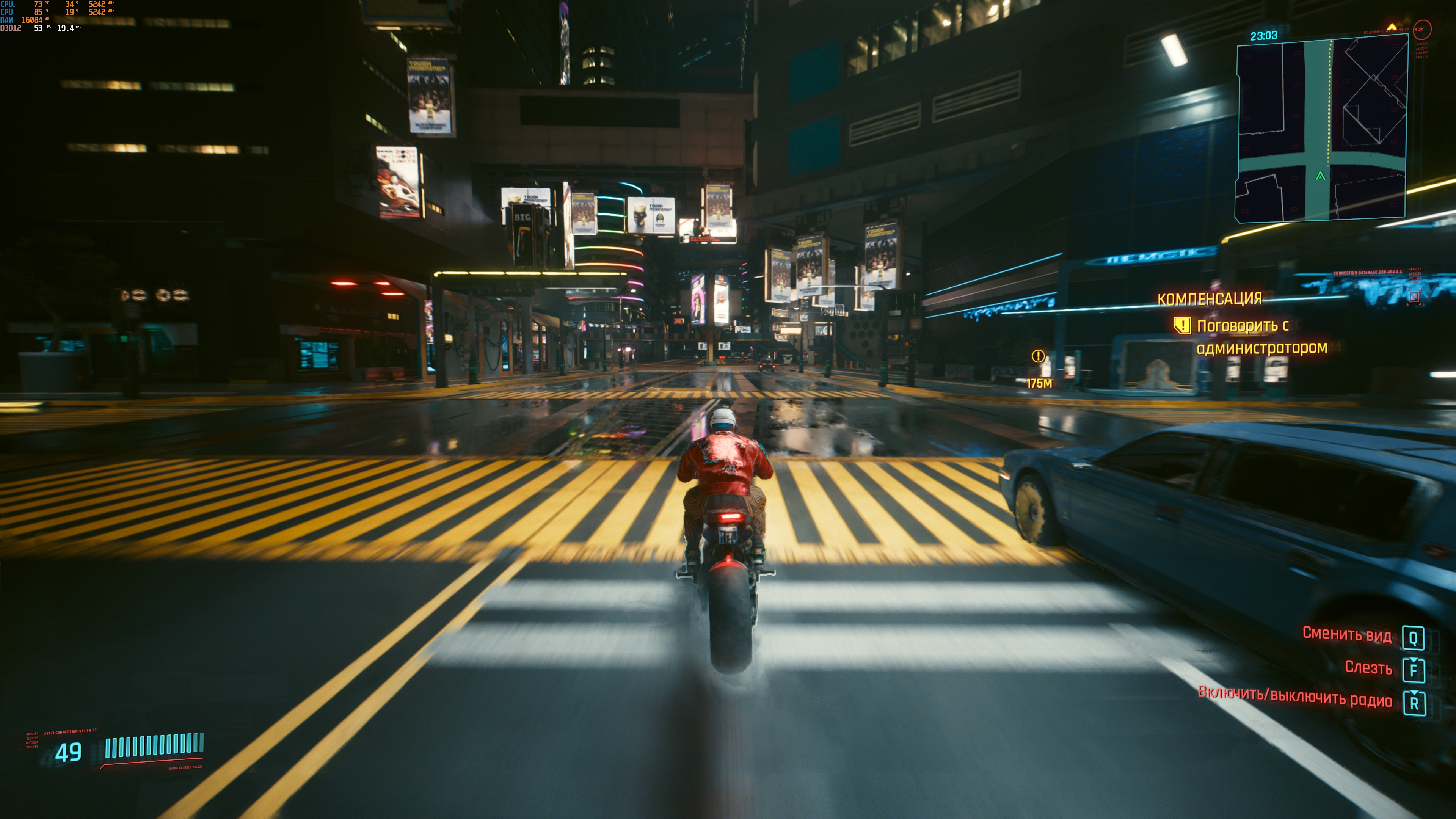
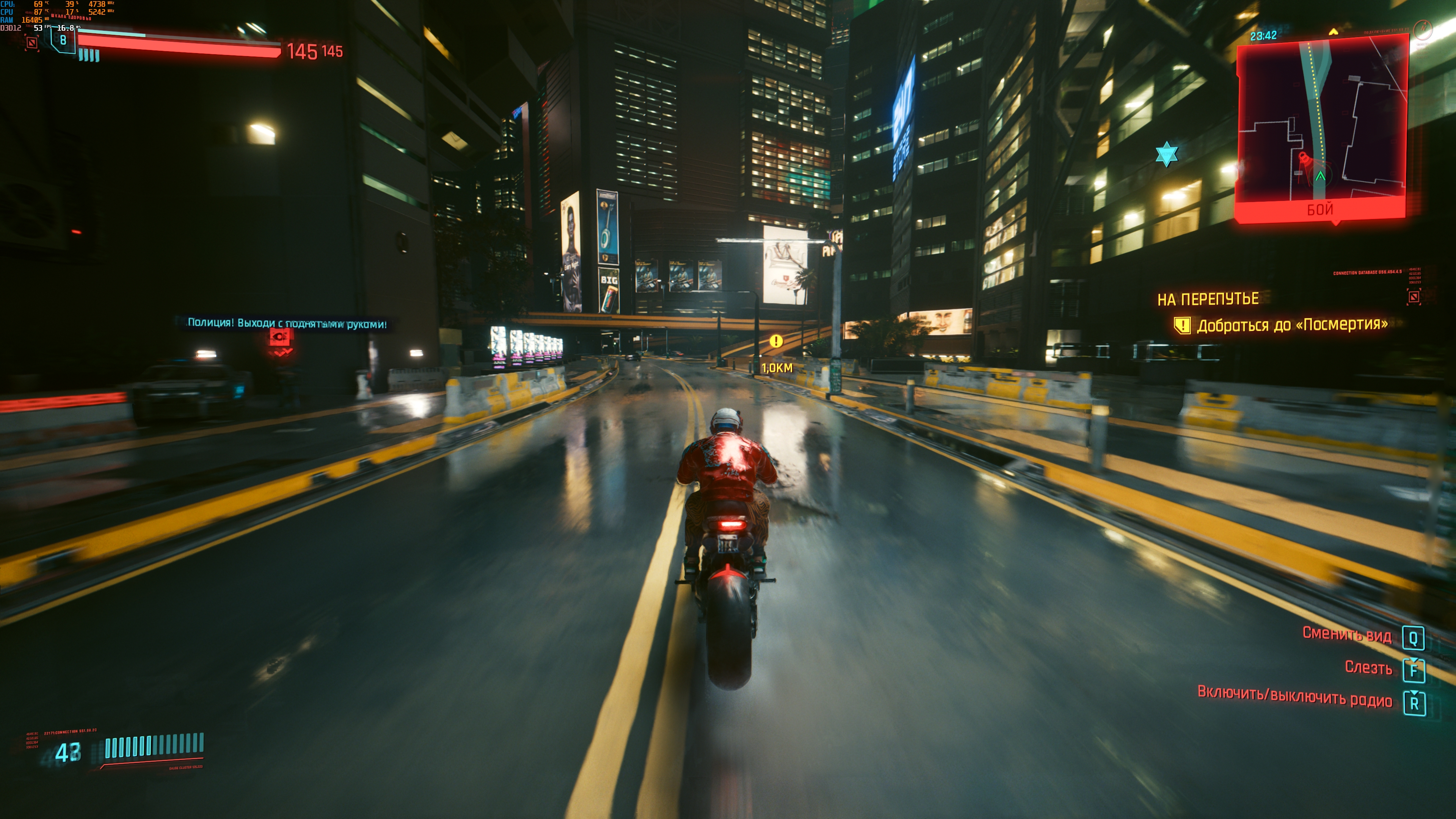
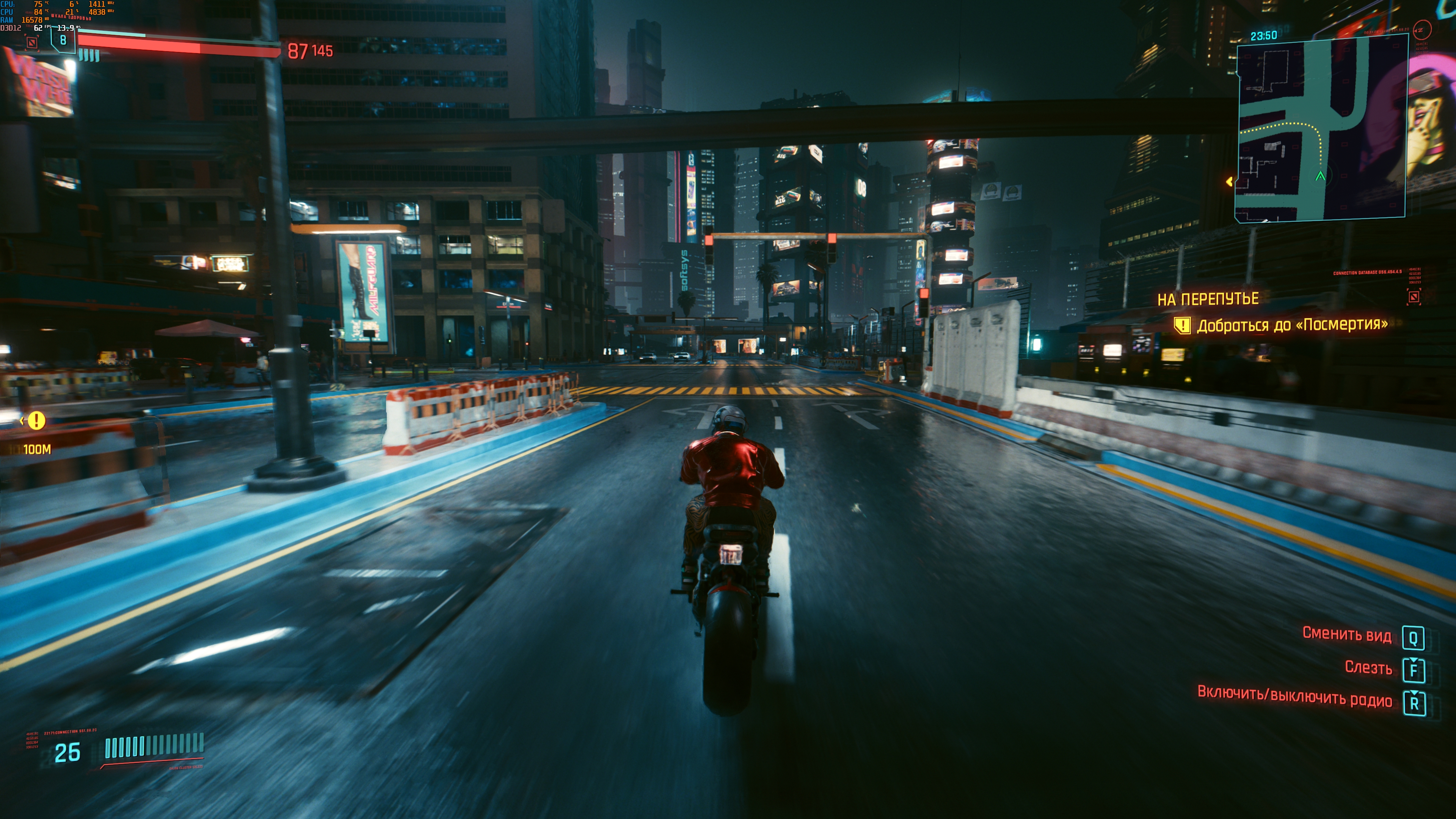
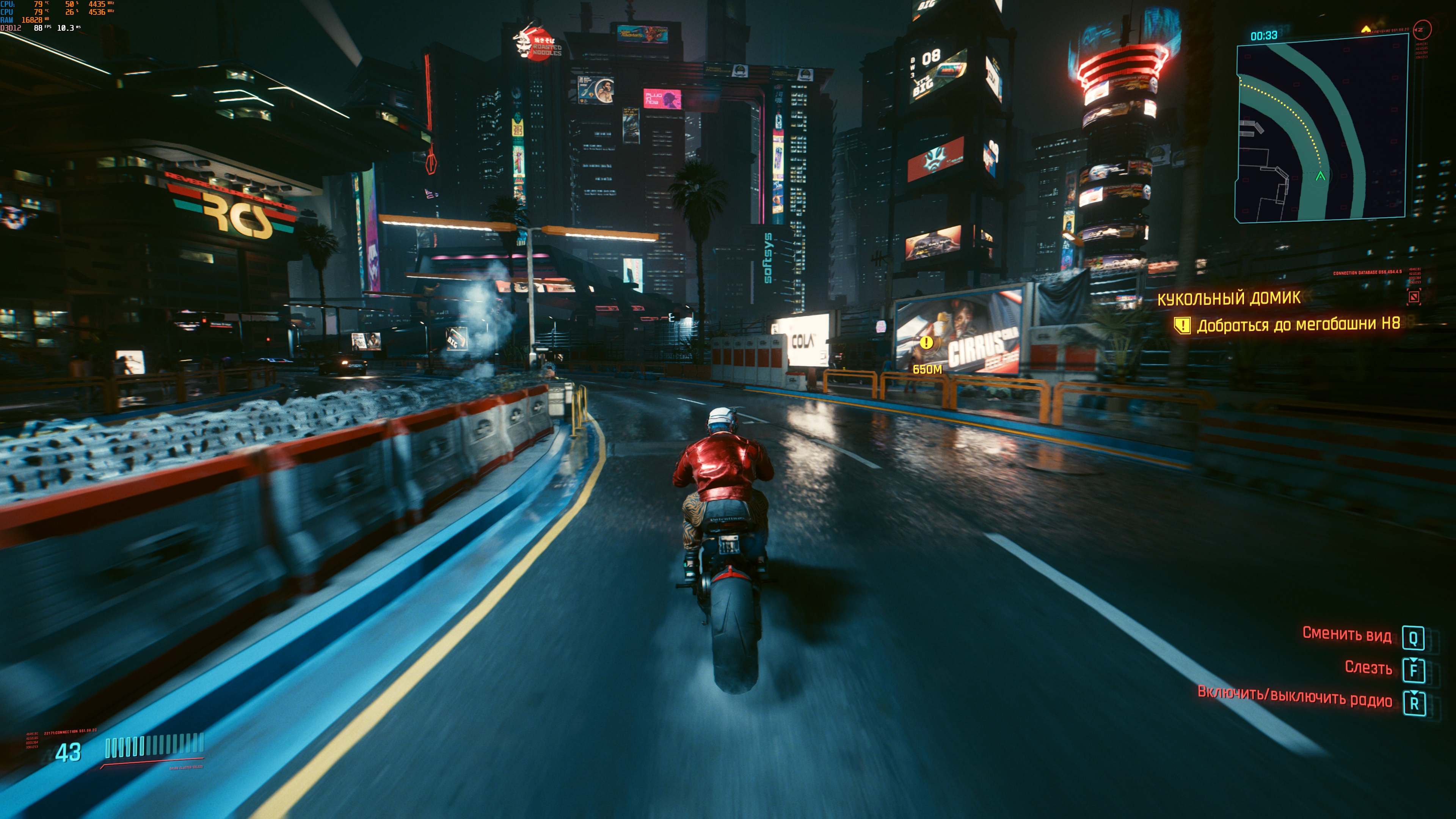
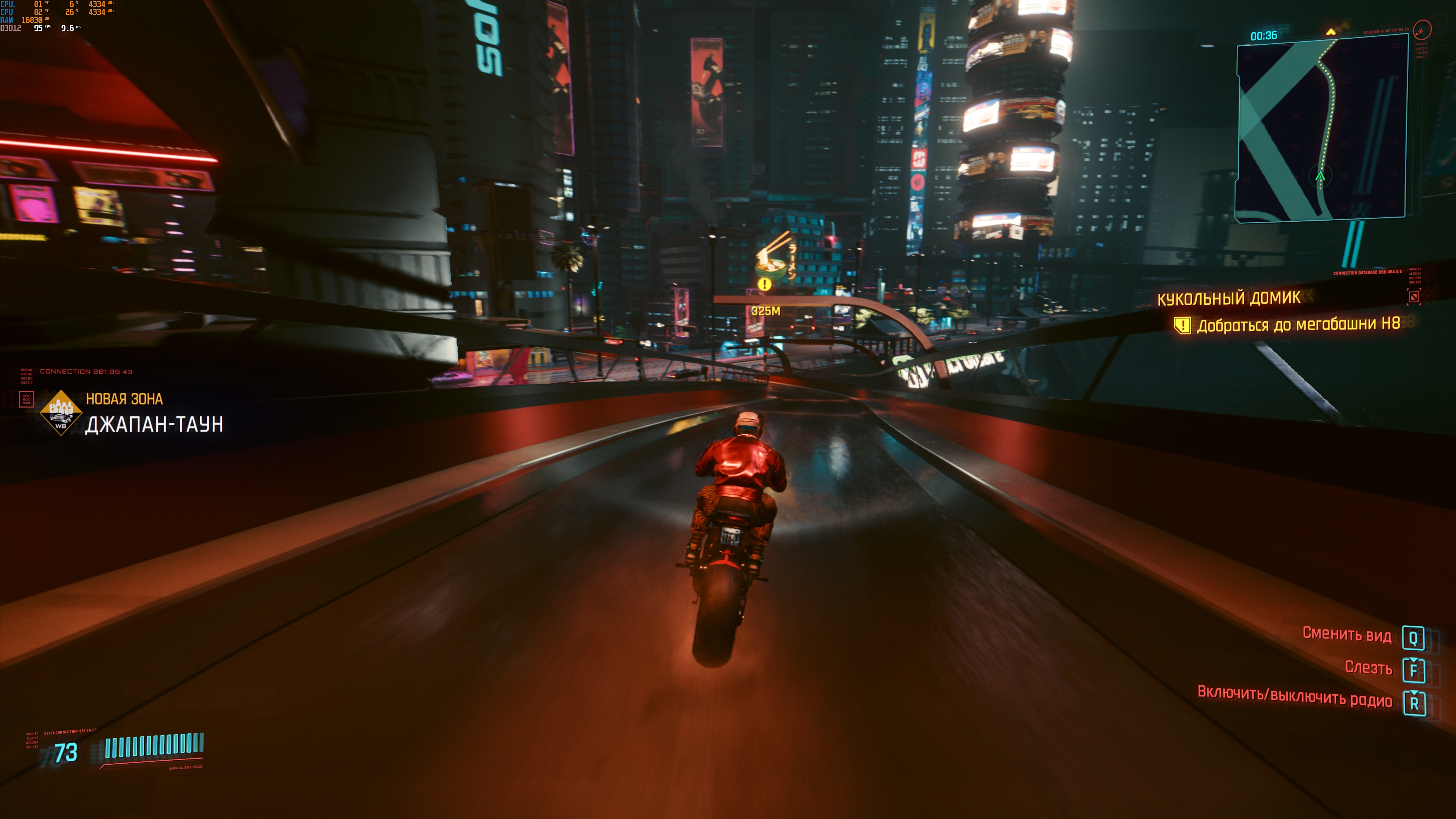
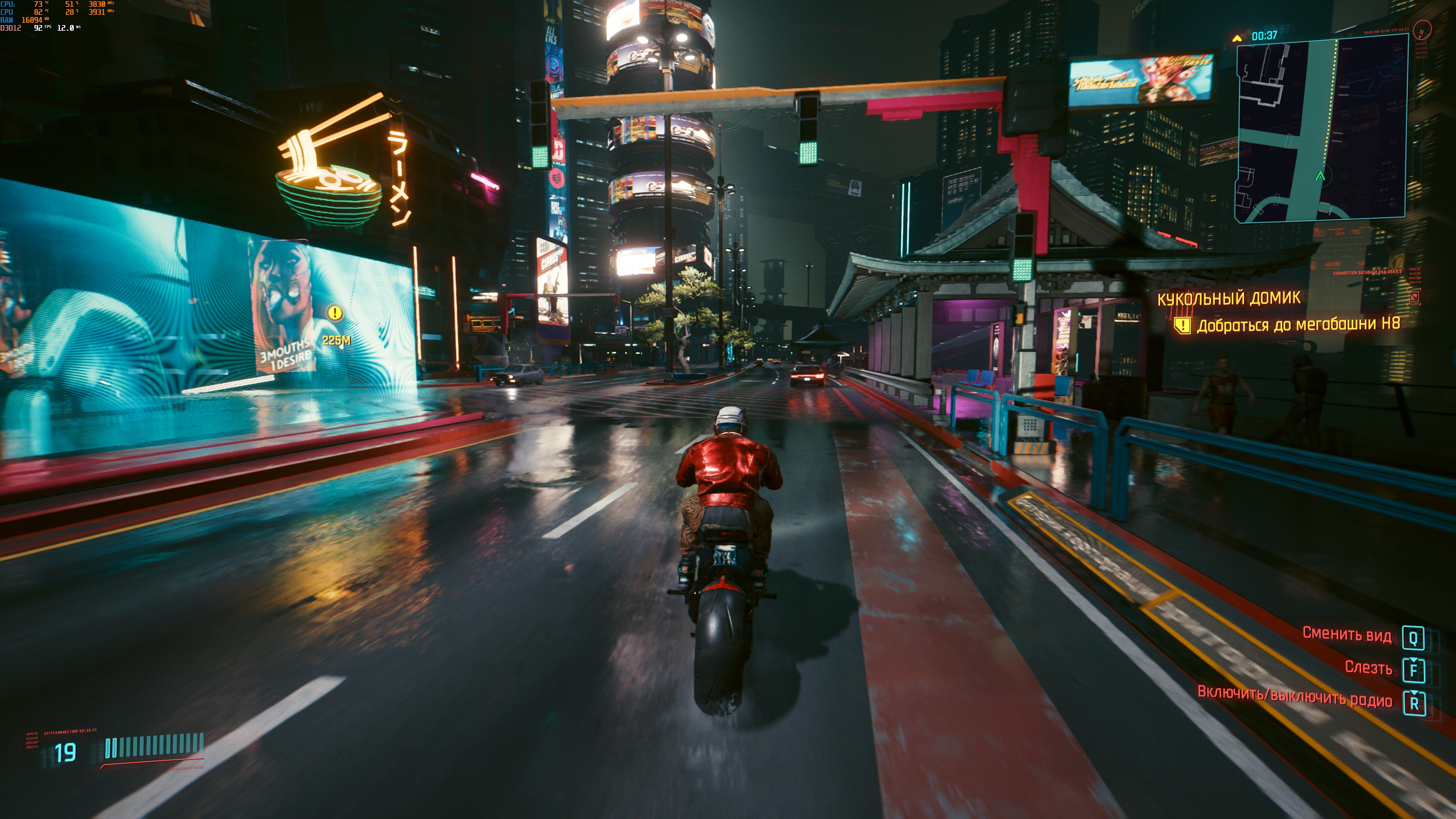
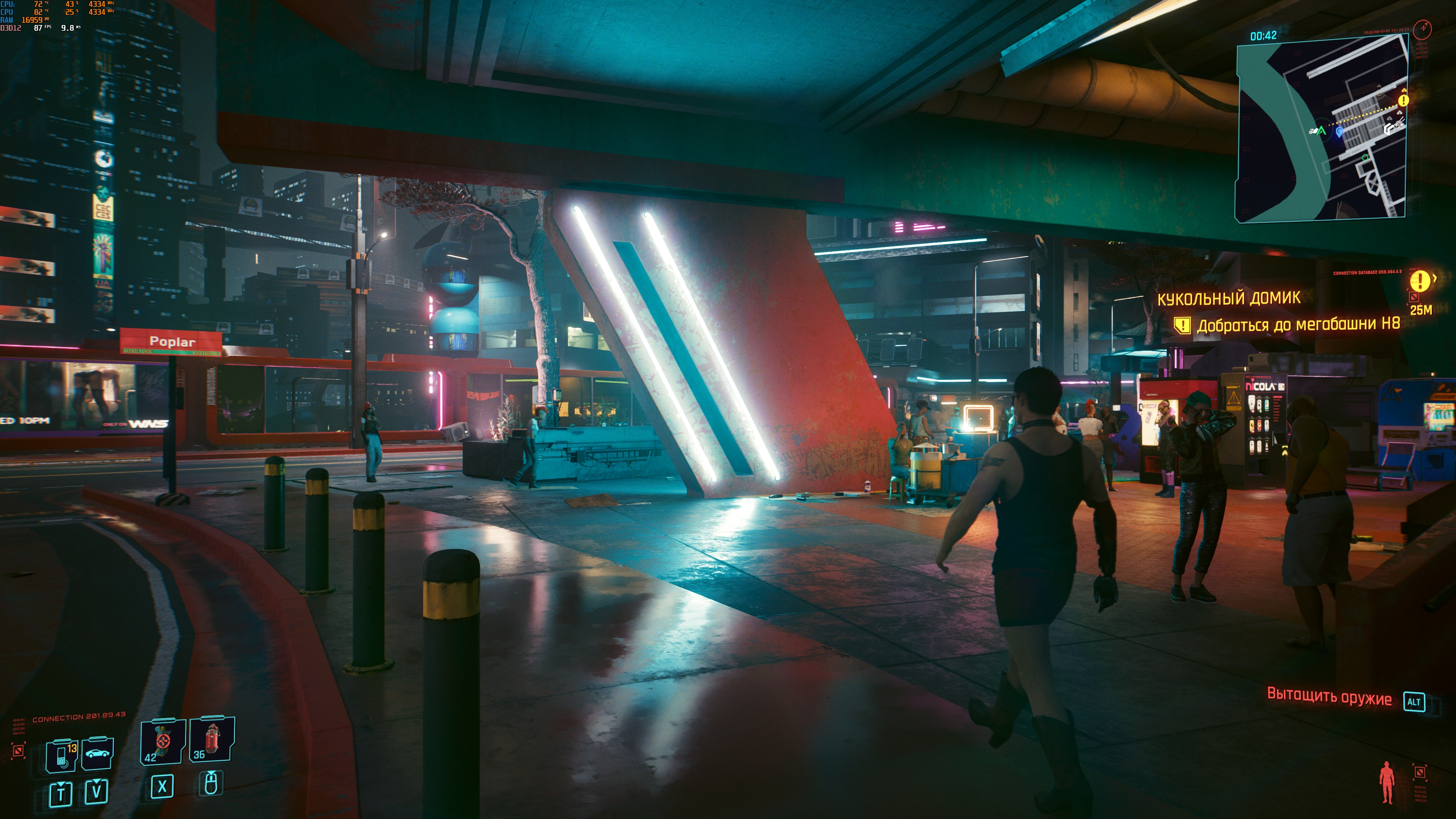
Laptop performance allows you to playall modern games with maximum graphics settings in native 4K resolution with a frame rate of more than 60 FPS. In the vast majority of cases there is no need to use DLSS. Cyberpunk 2077 is still a hardware-intensive game. Especially with the new Overdrive Mode. With the mode enabled and automatic DLSS, the FPS level is – within 50-60 frames per second.
</ img>
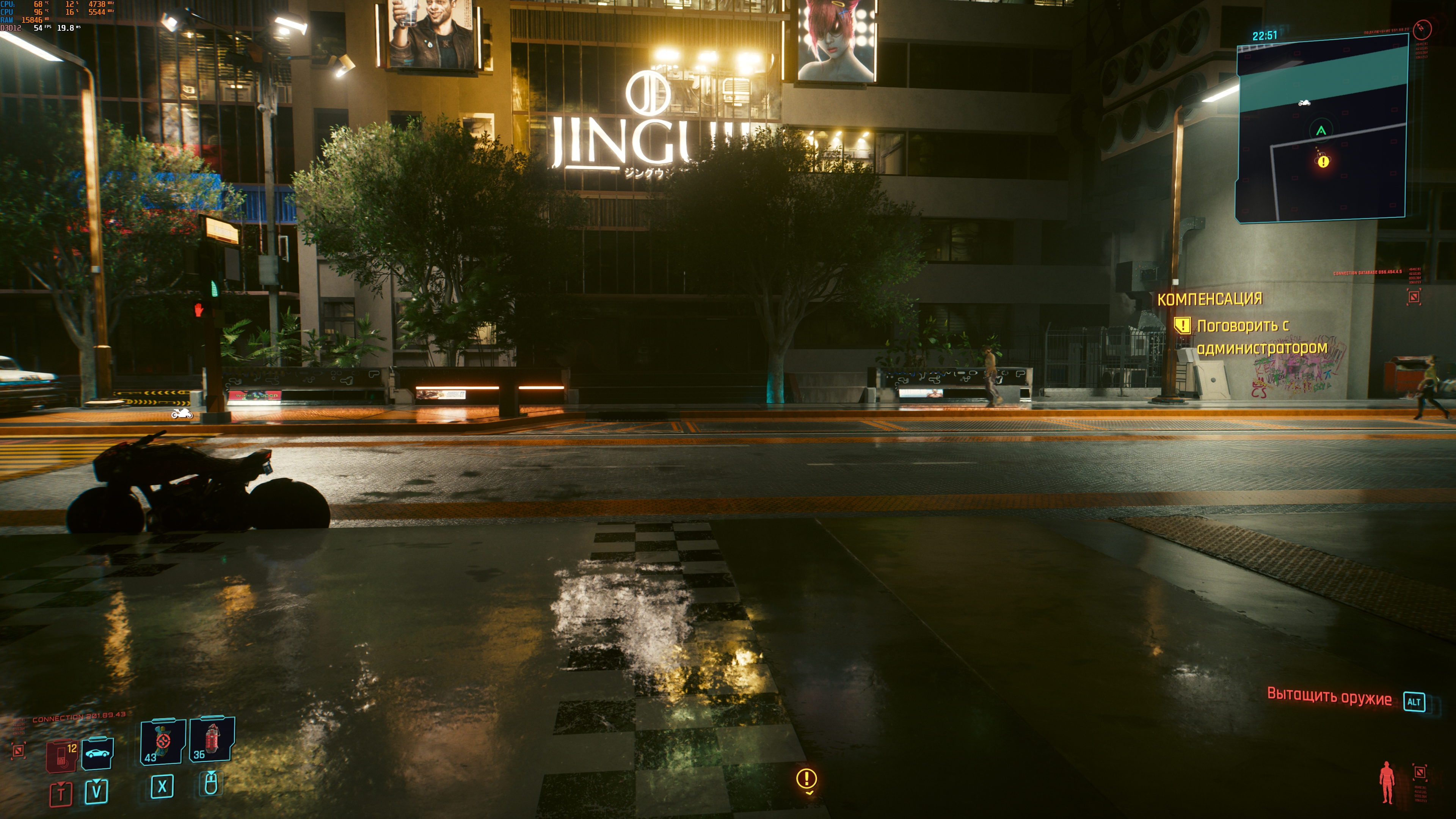
</ img>
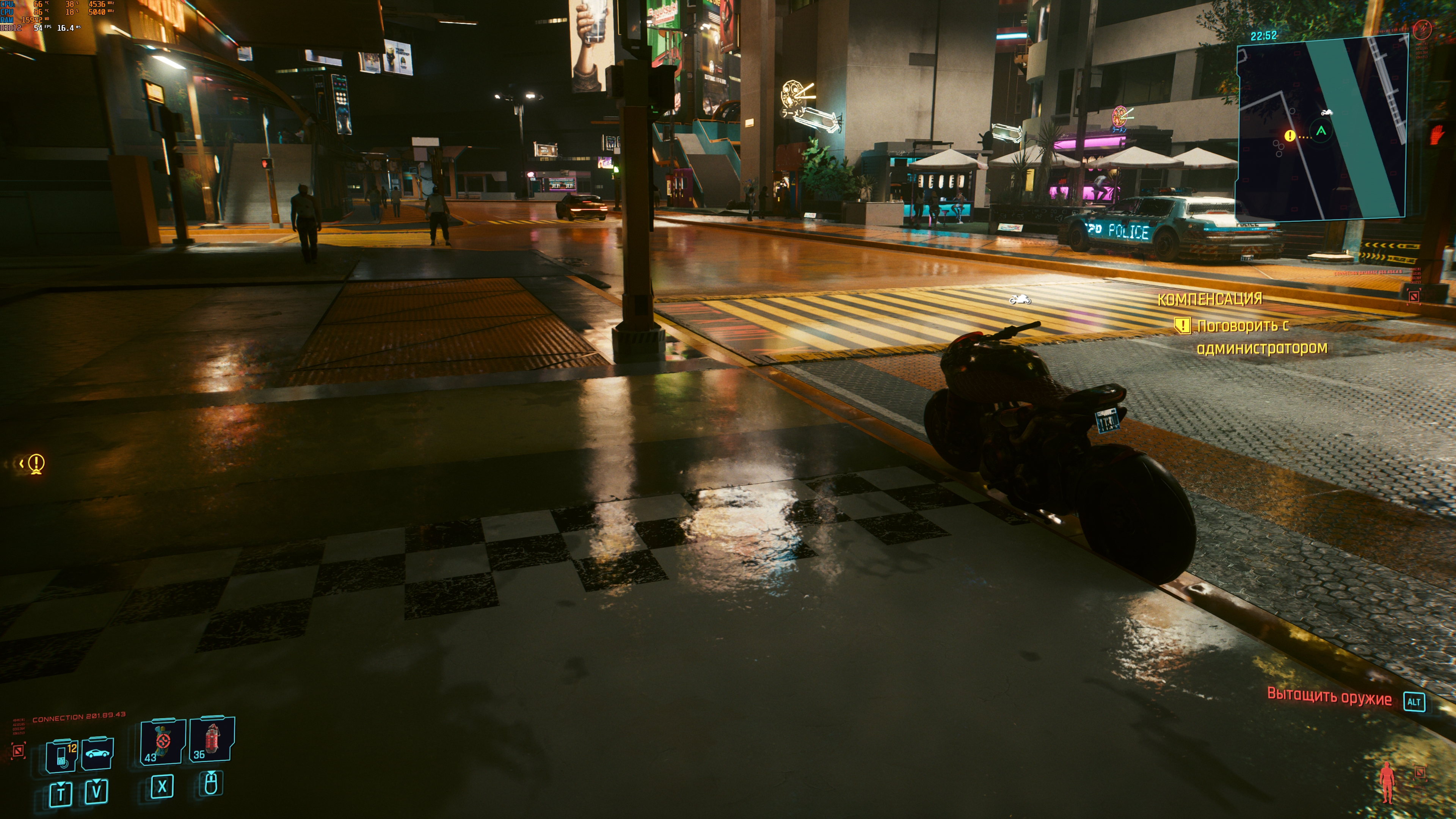
</ img>
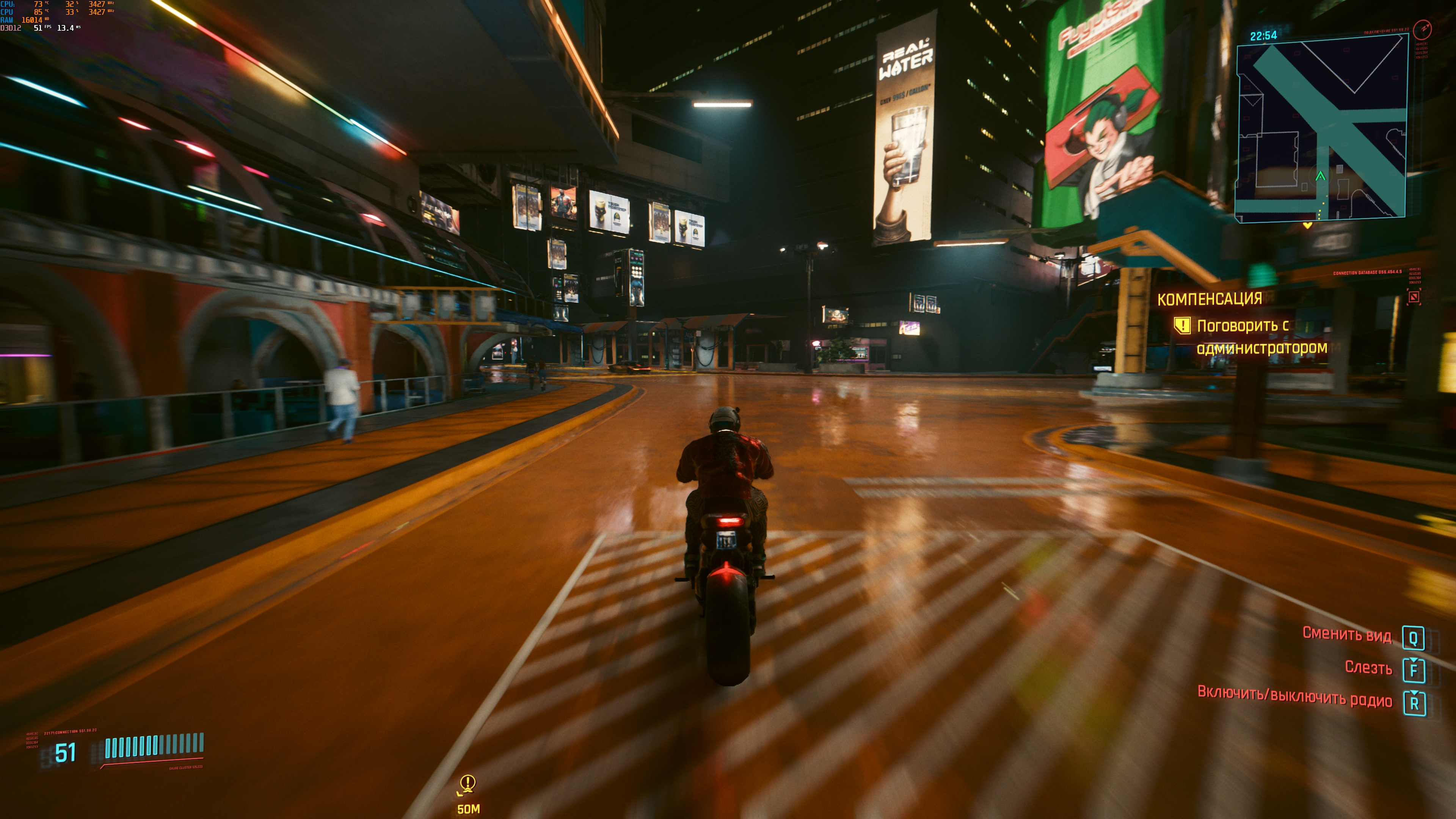
</ img>
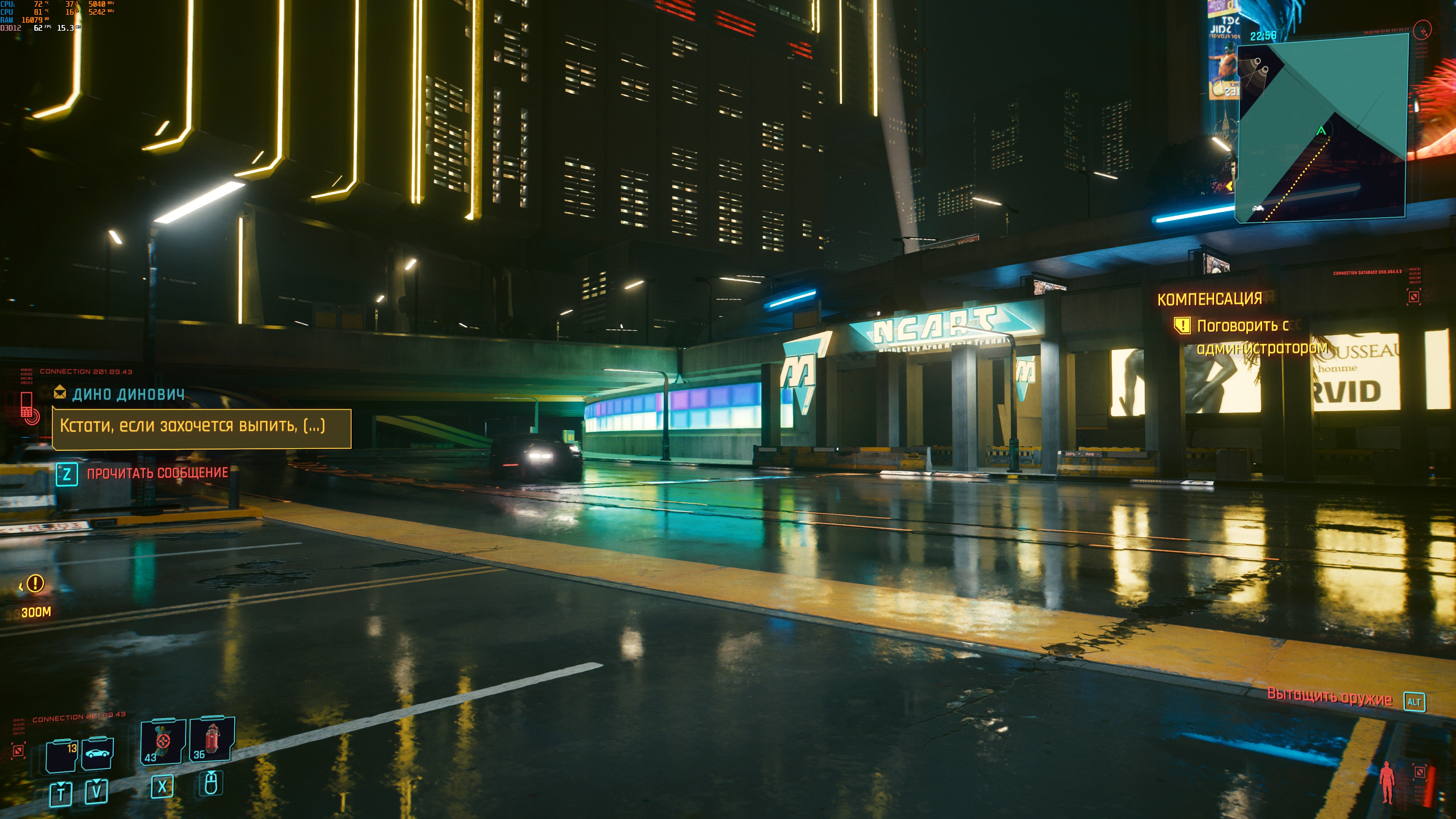
</ img>
</ img>
</ img>
</ img>
</ img>
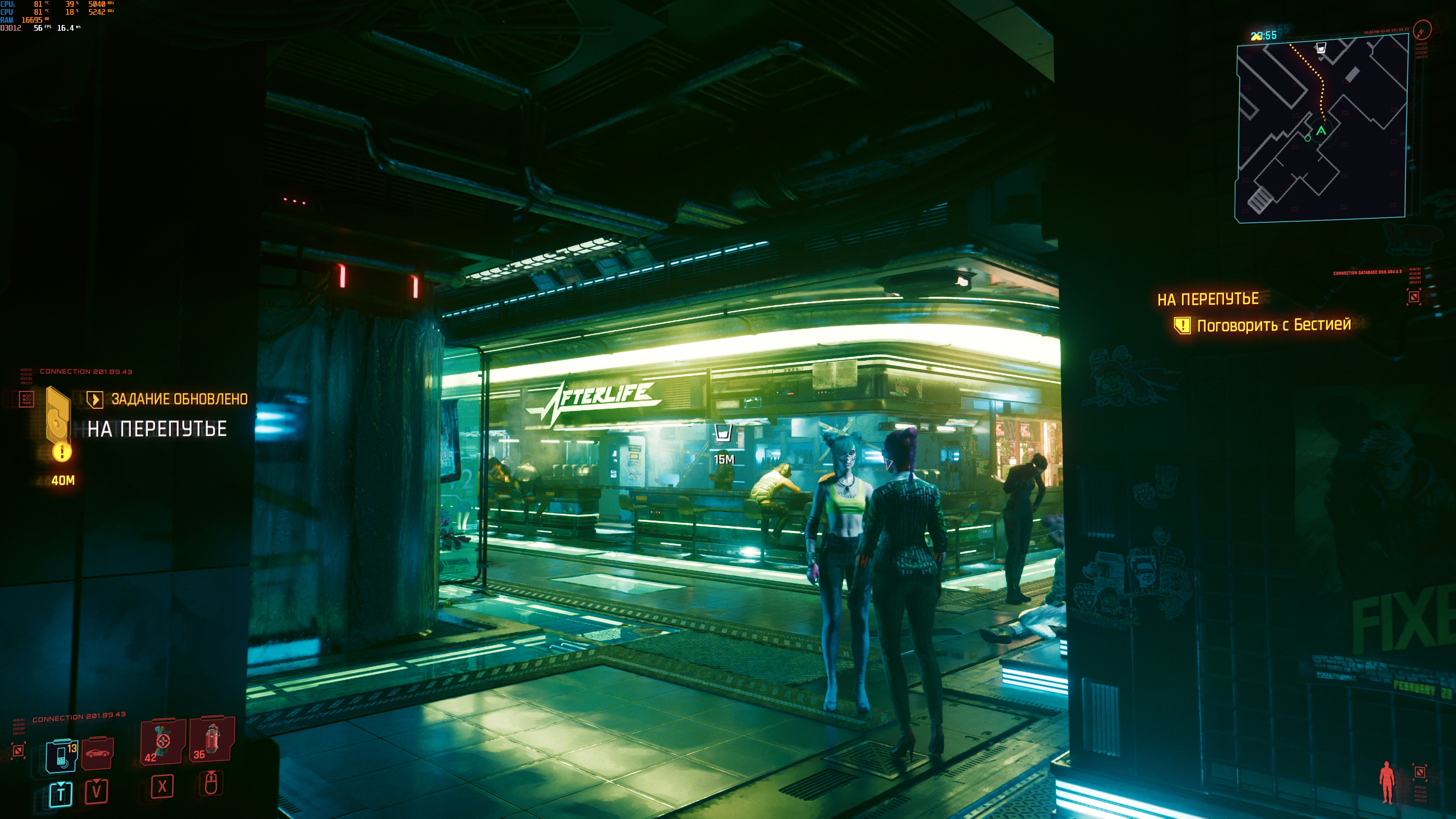
</ img>










If you turn off Overdrive Mode (while all other settings are at maximum), the FPS level increases to 80-95:
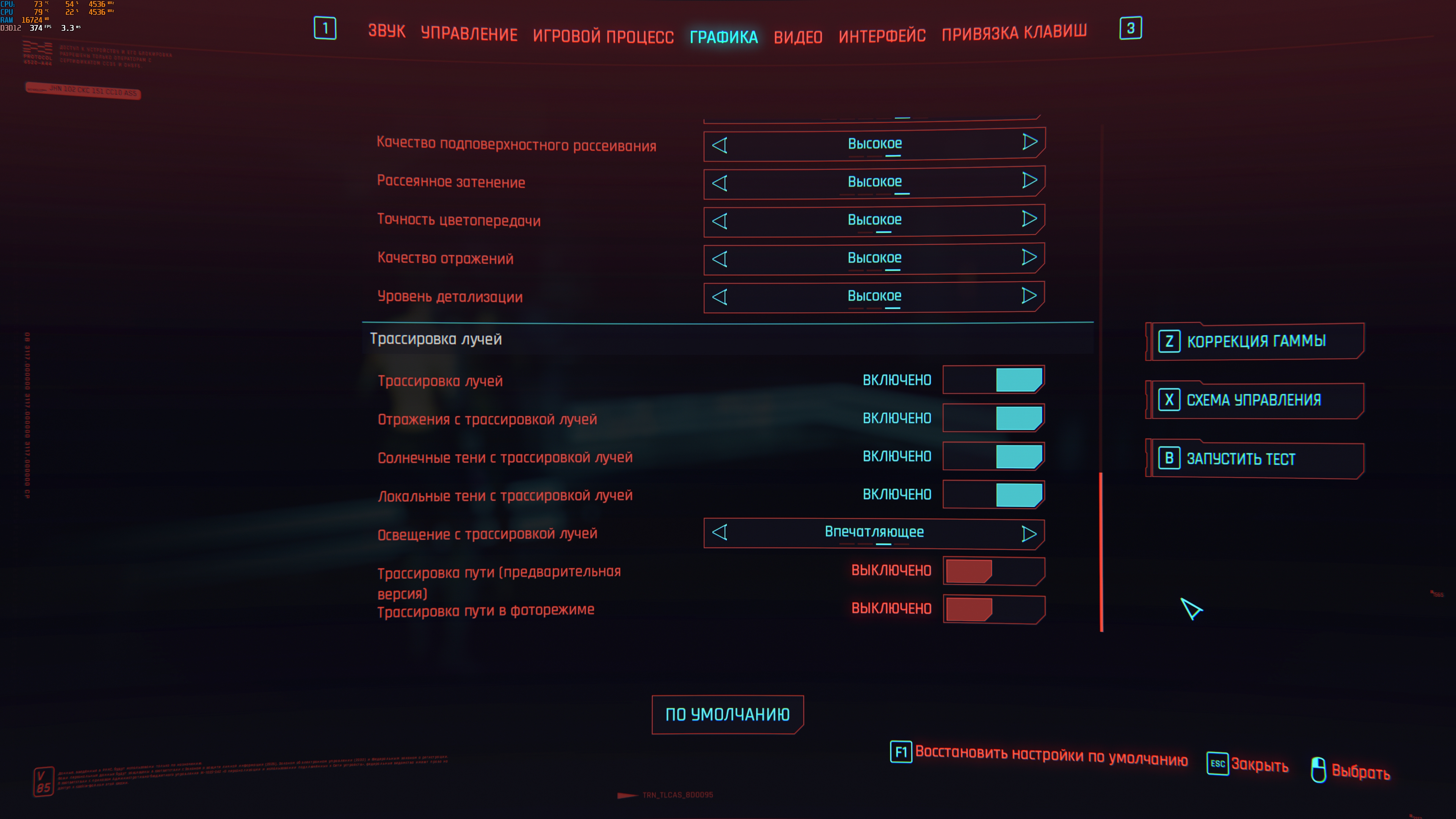
</ img>
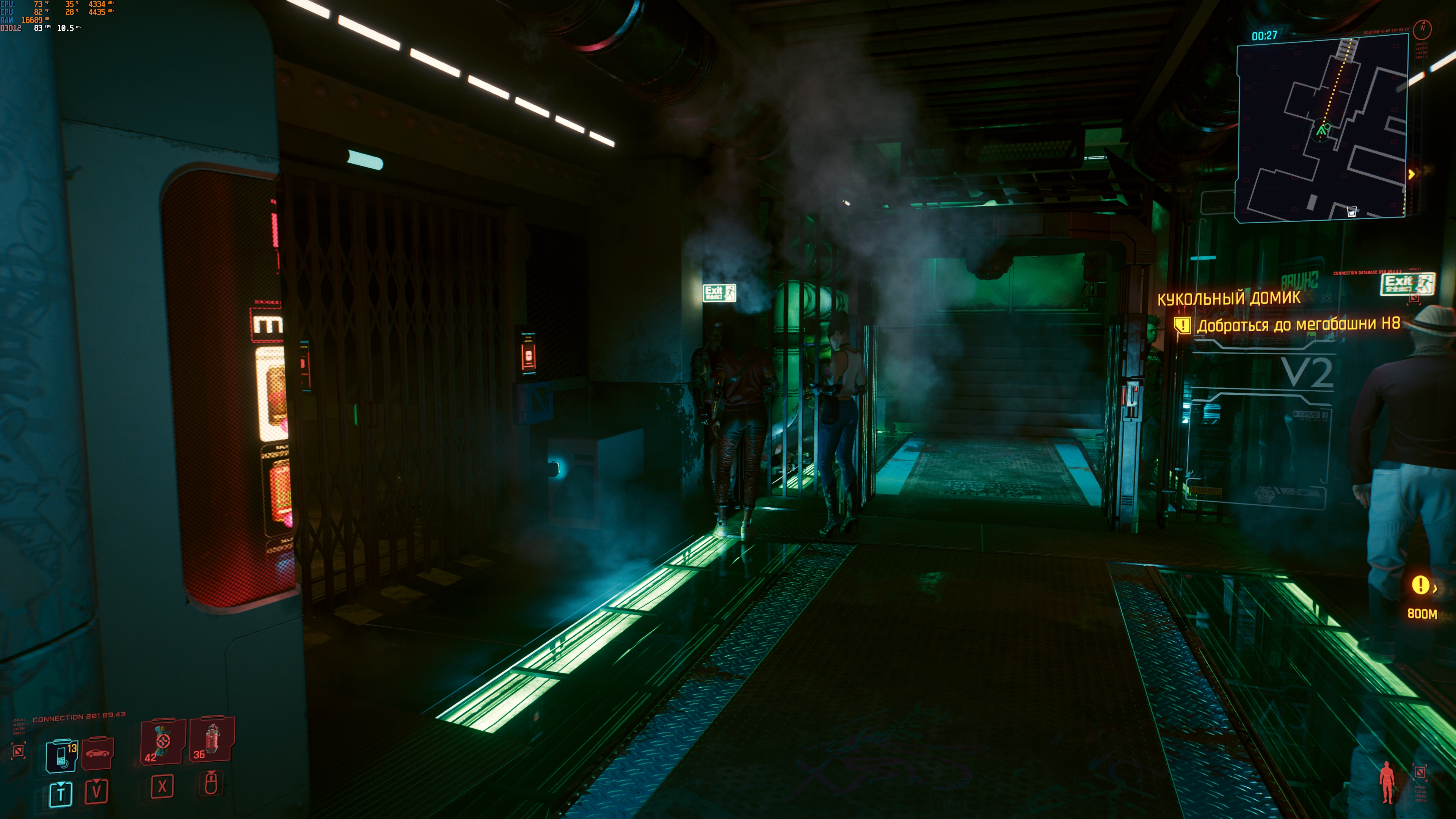
</ img>
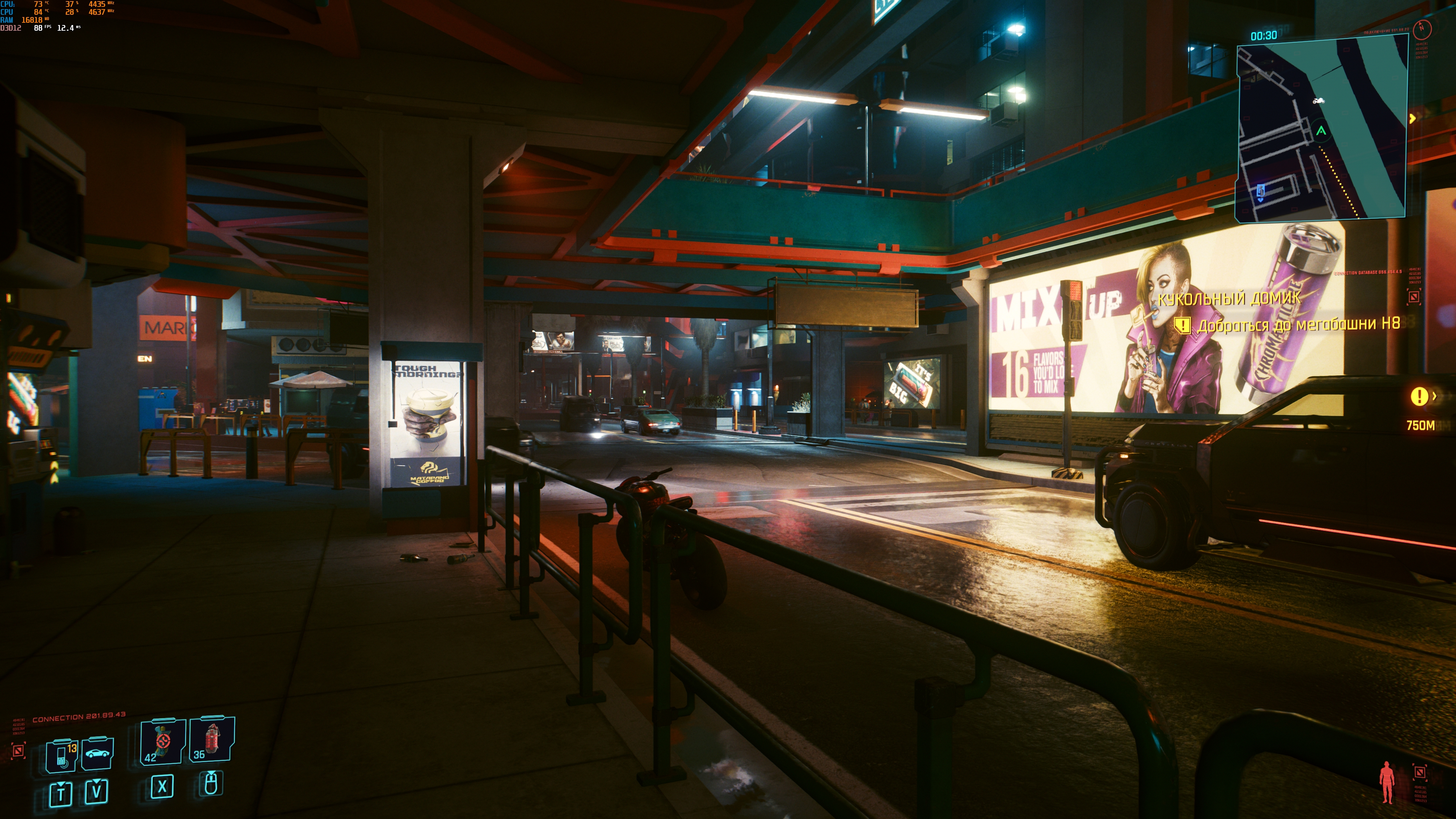
</ img>
</ img>
</ img>
</ img>
</ img>







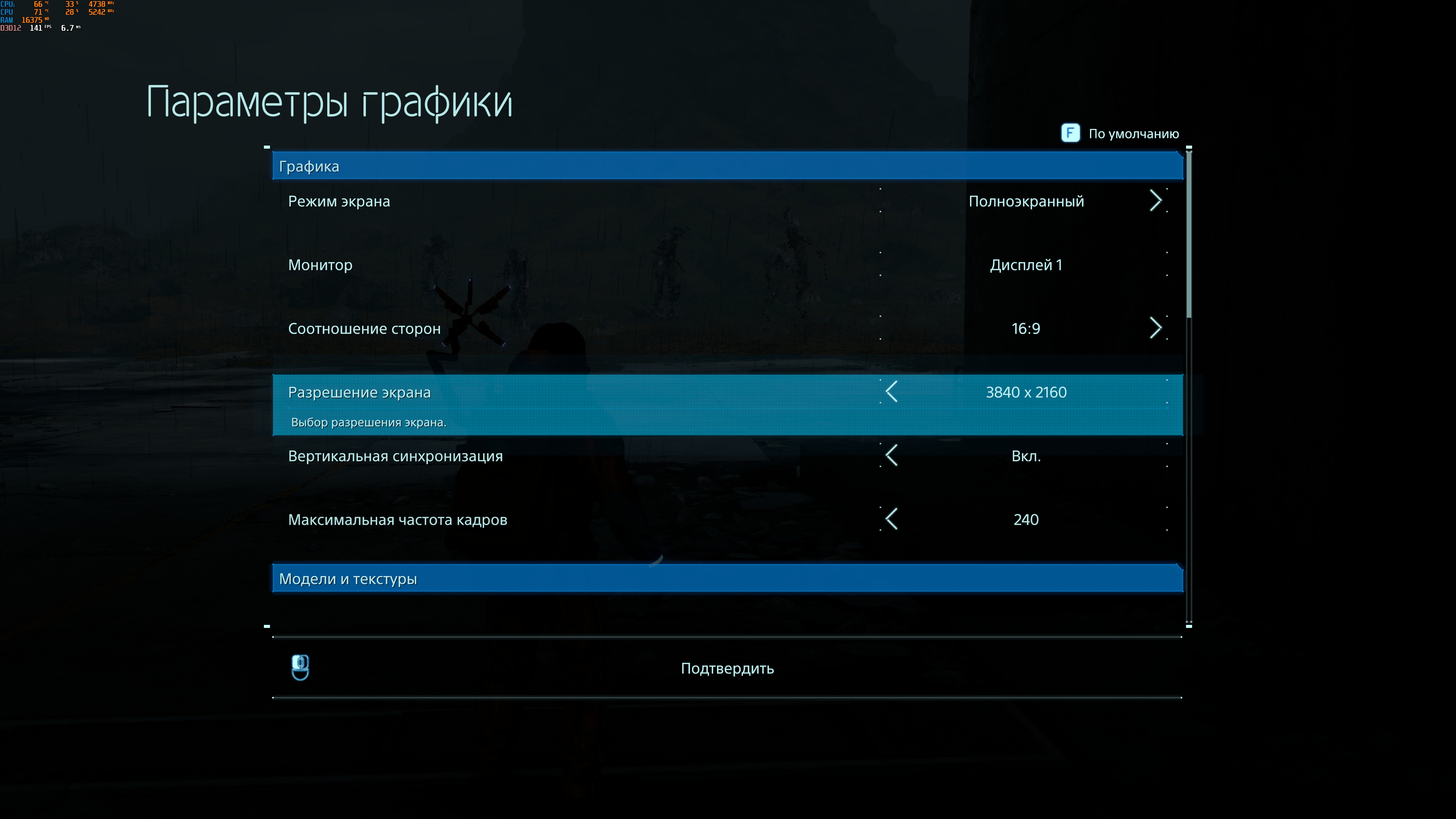
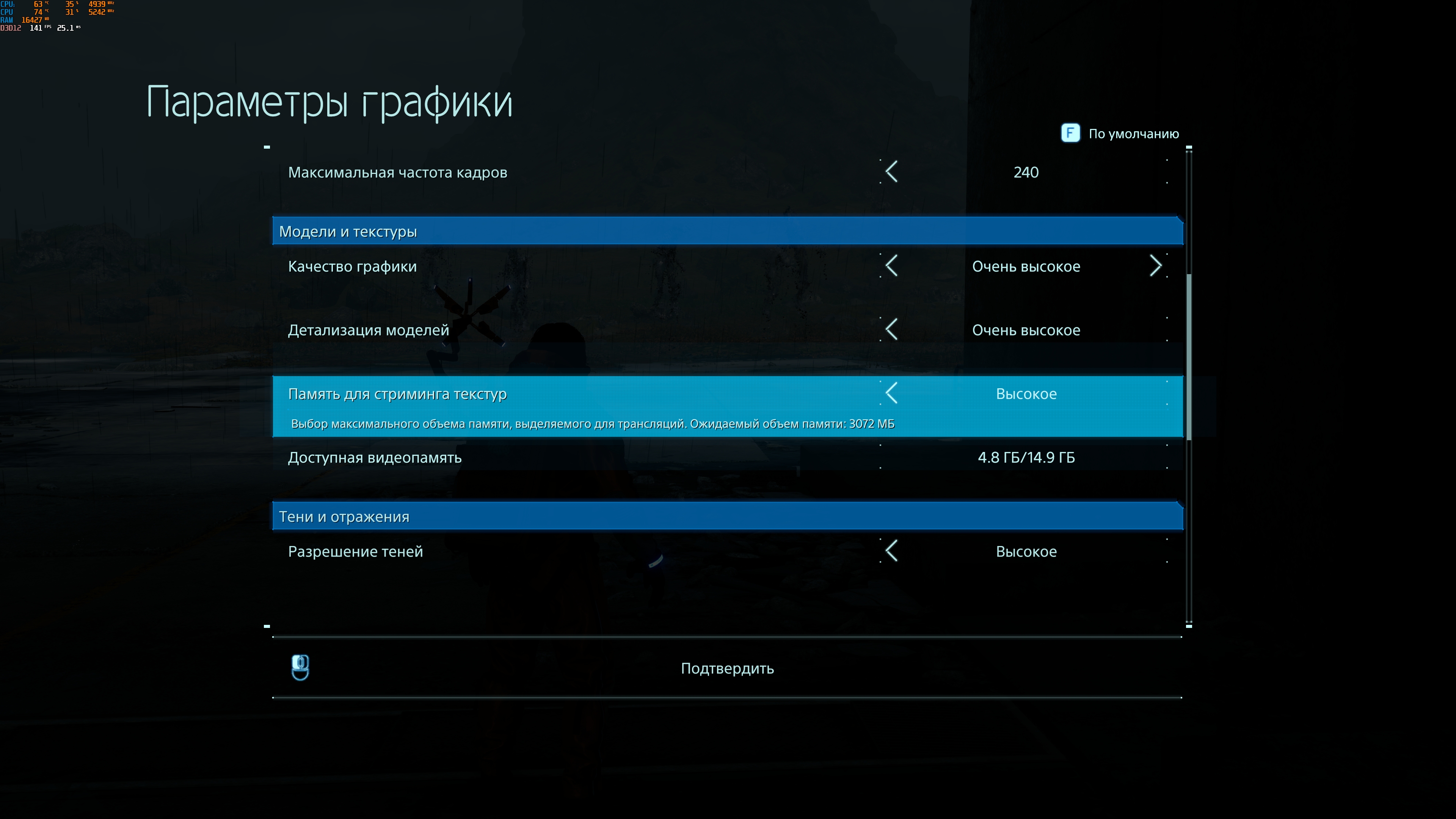
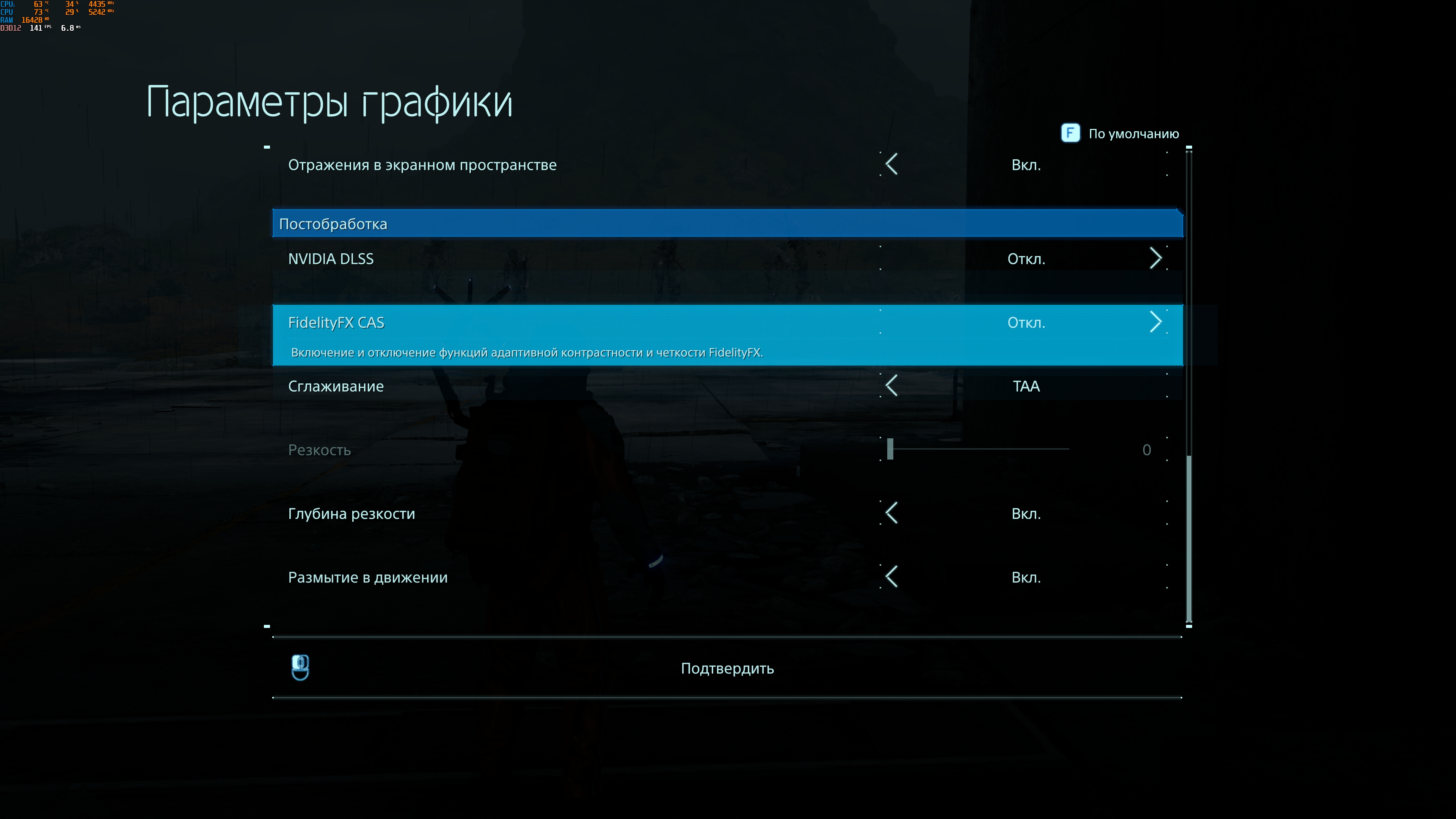
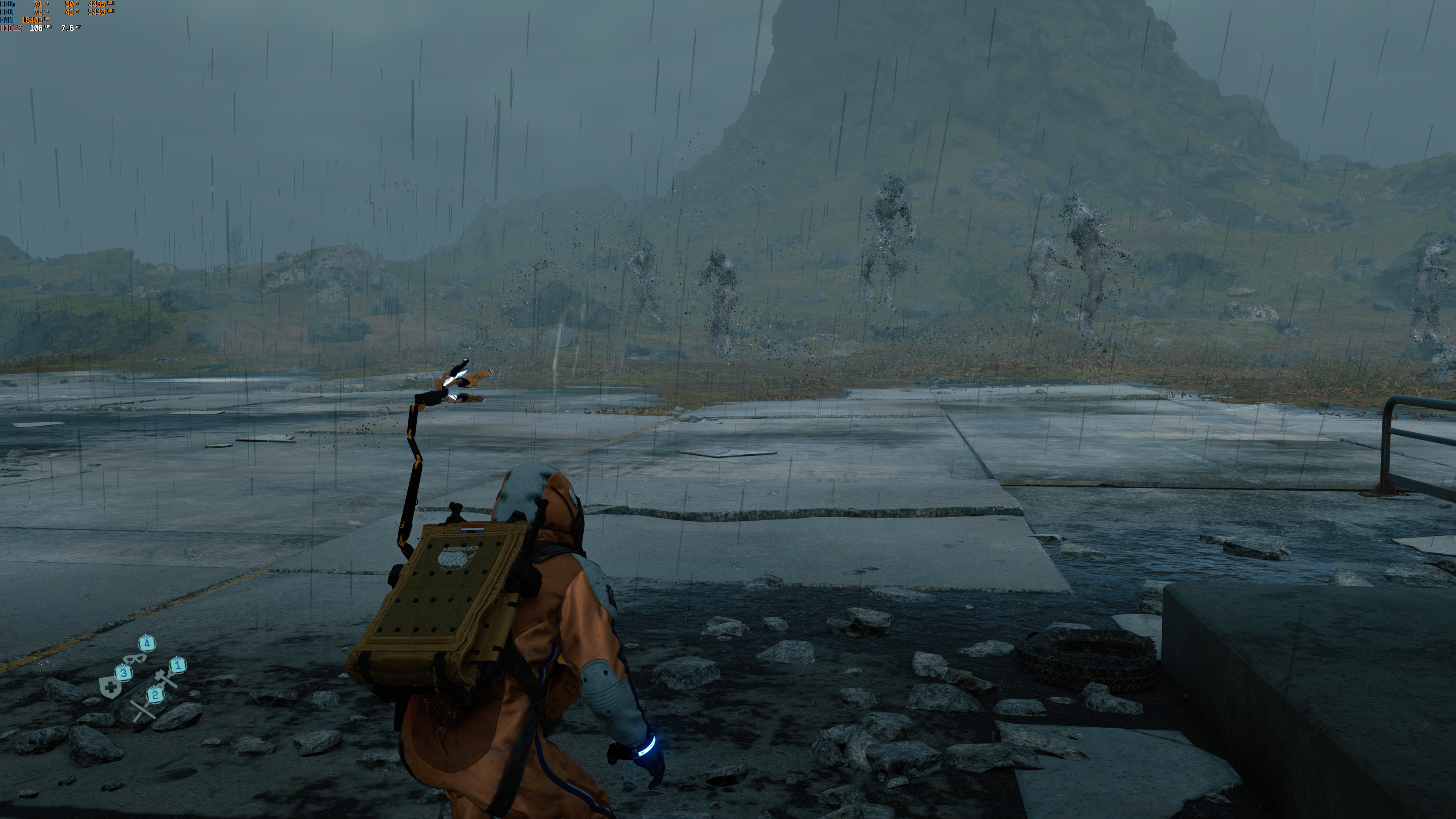
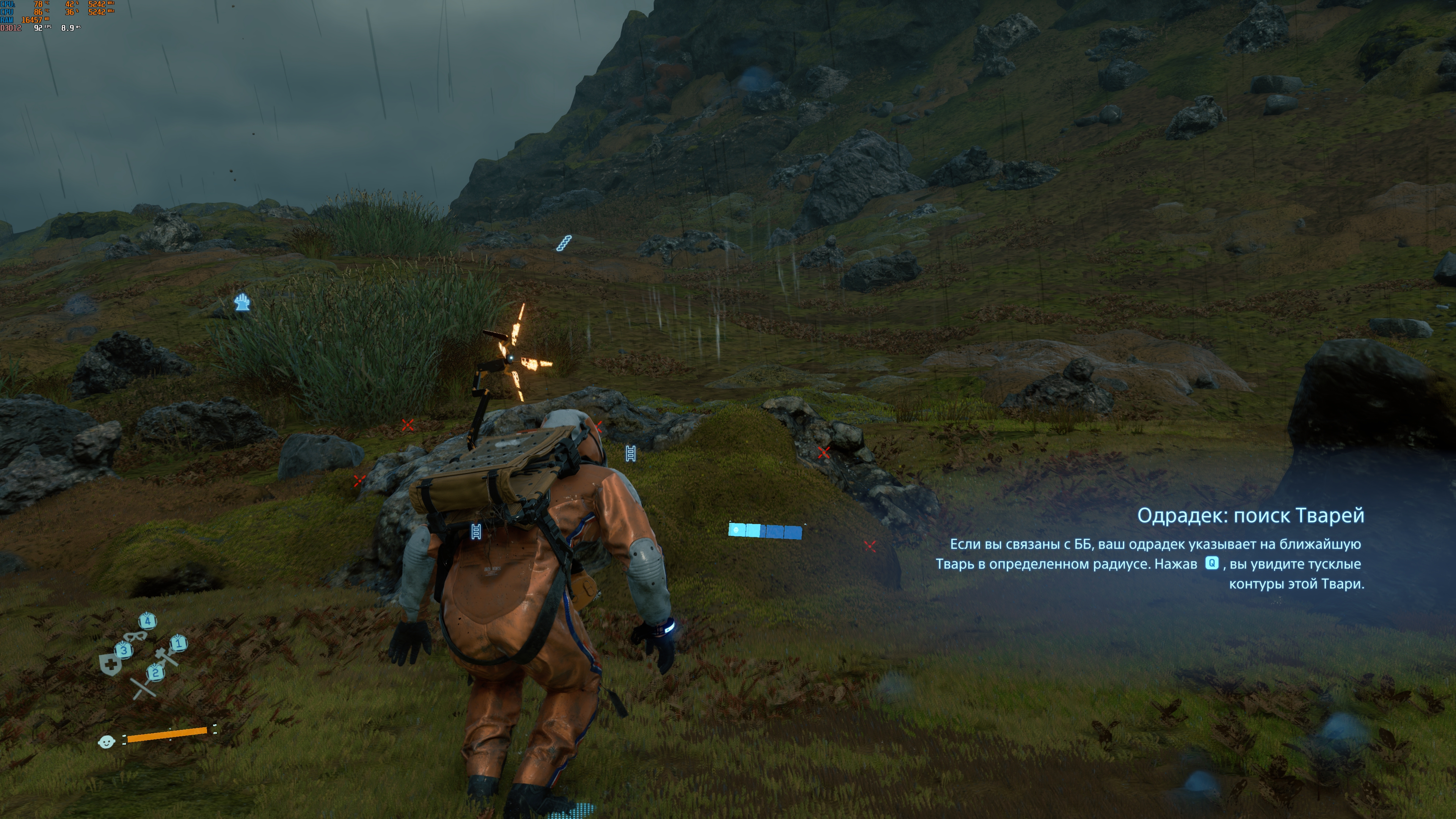
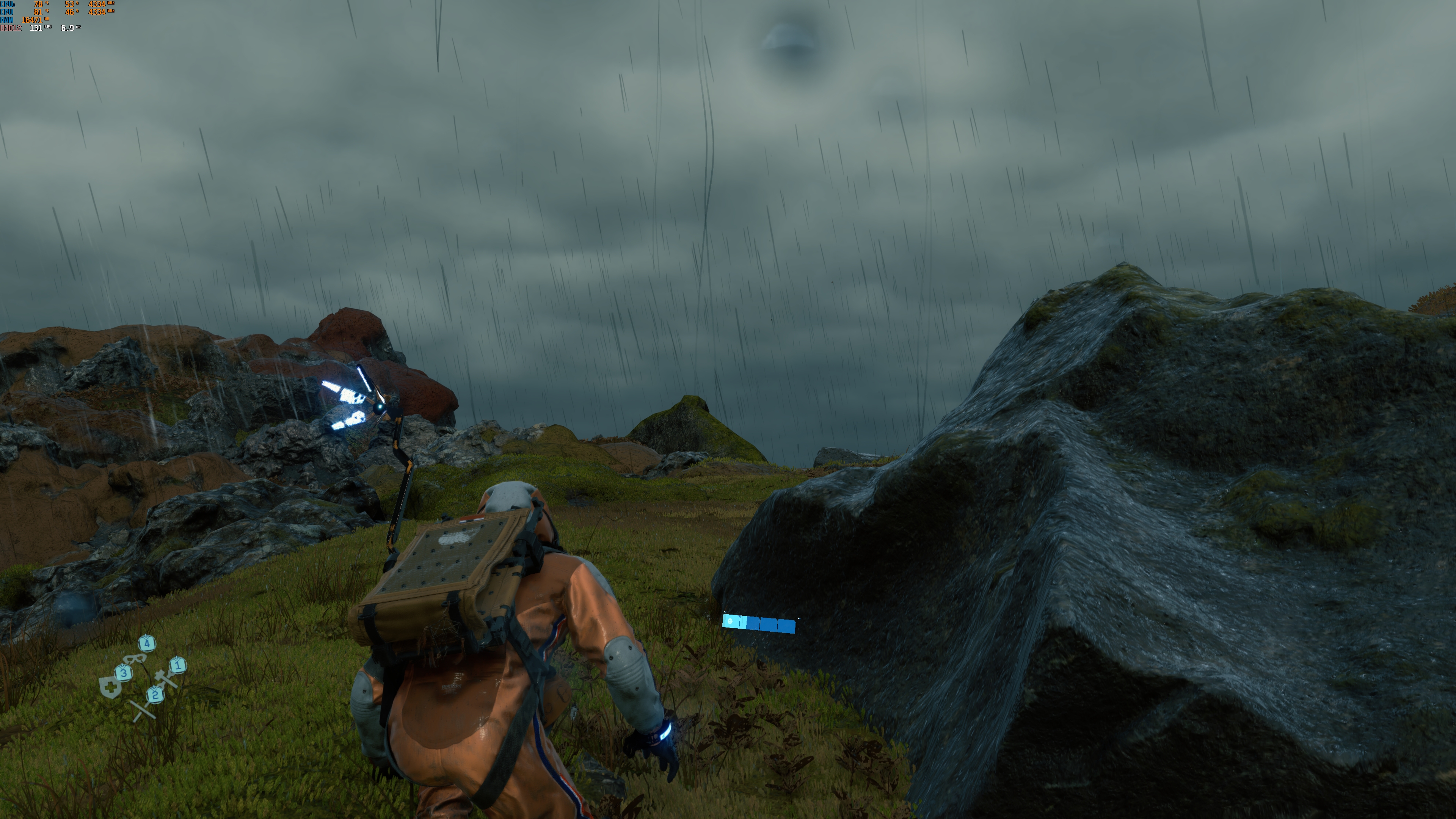
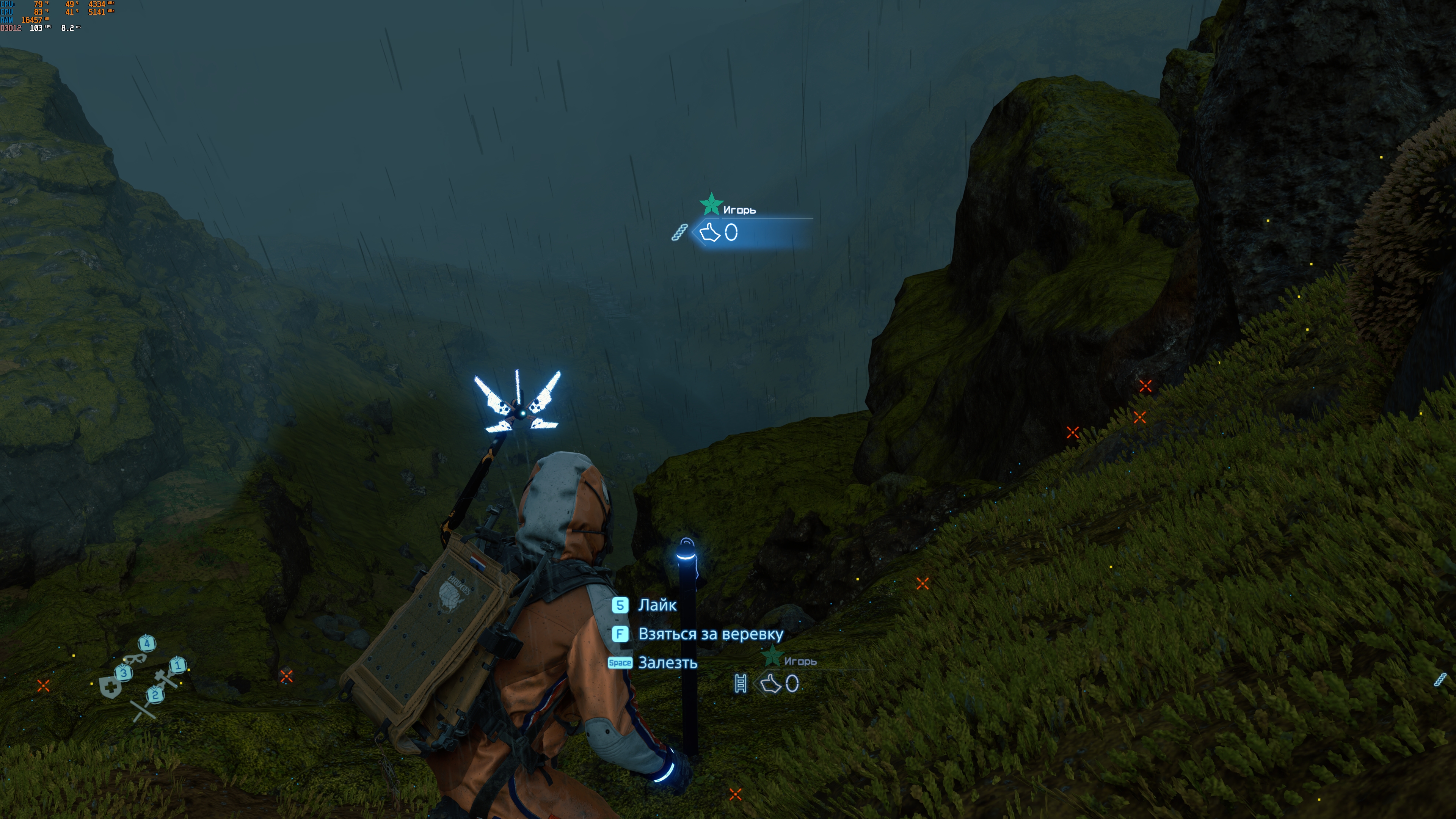
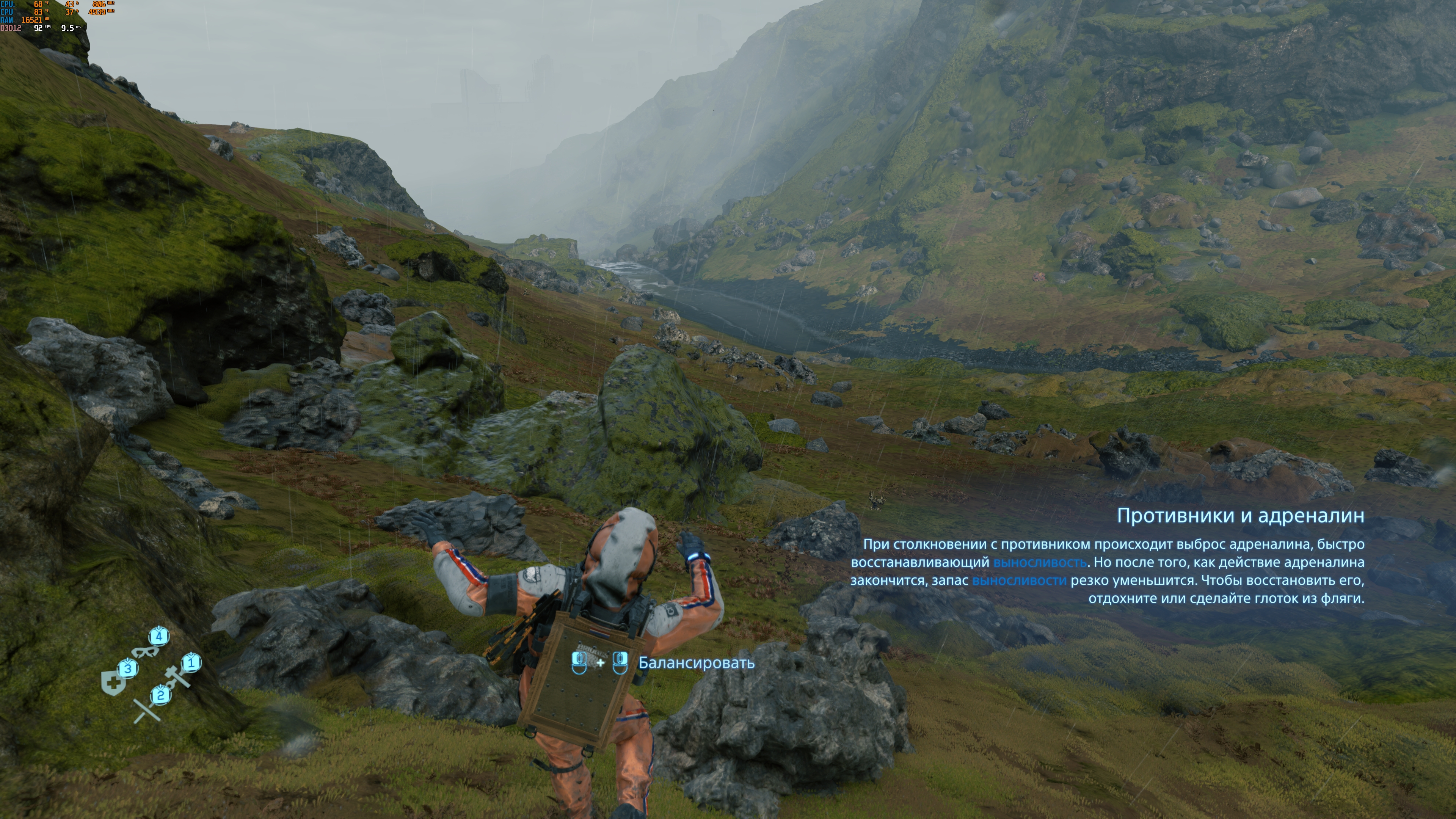
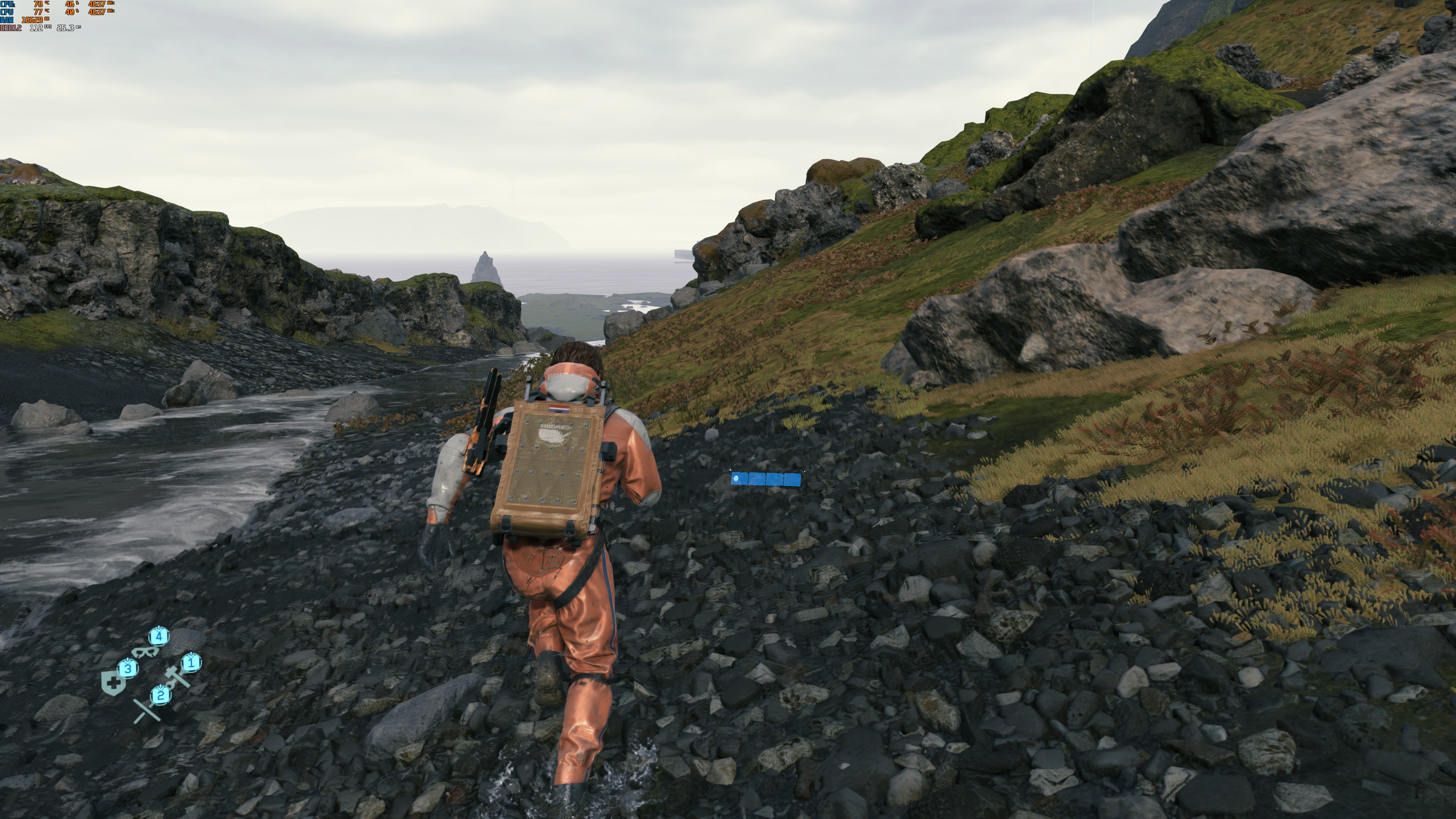
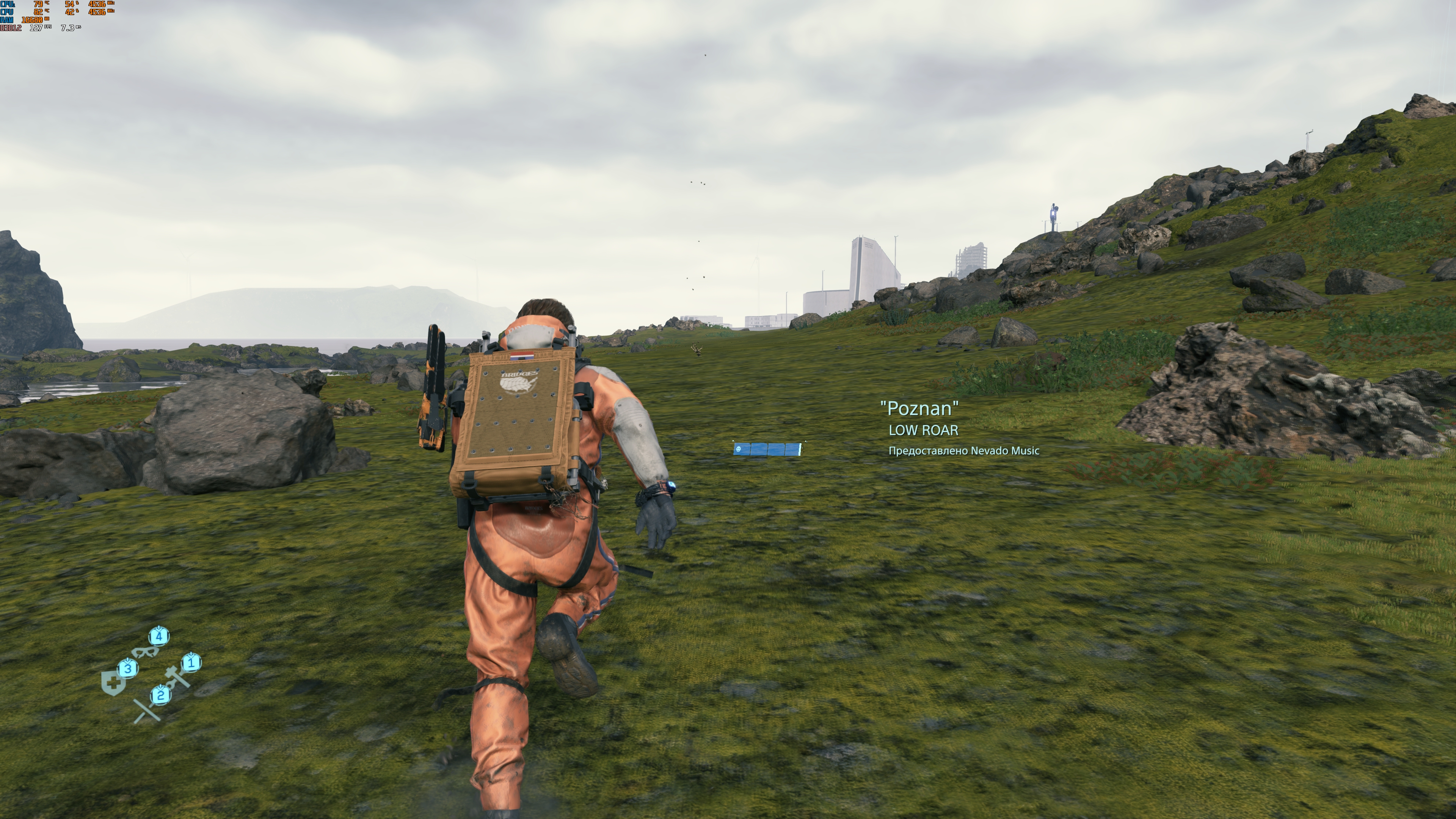
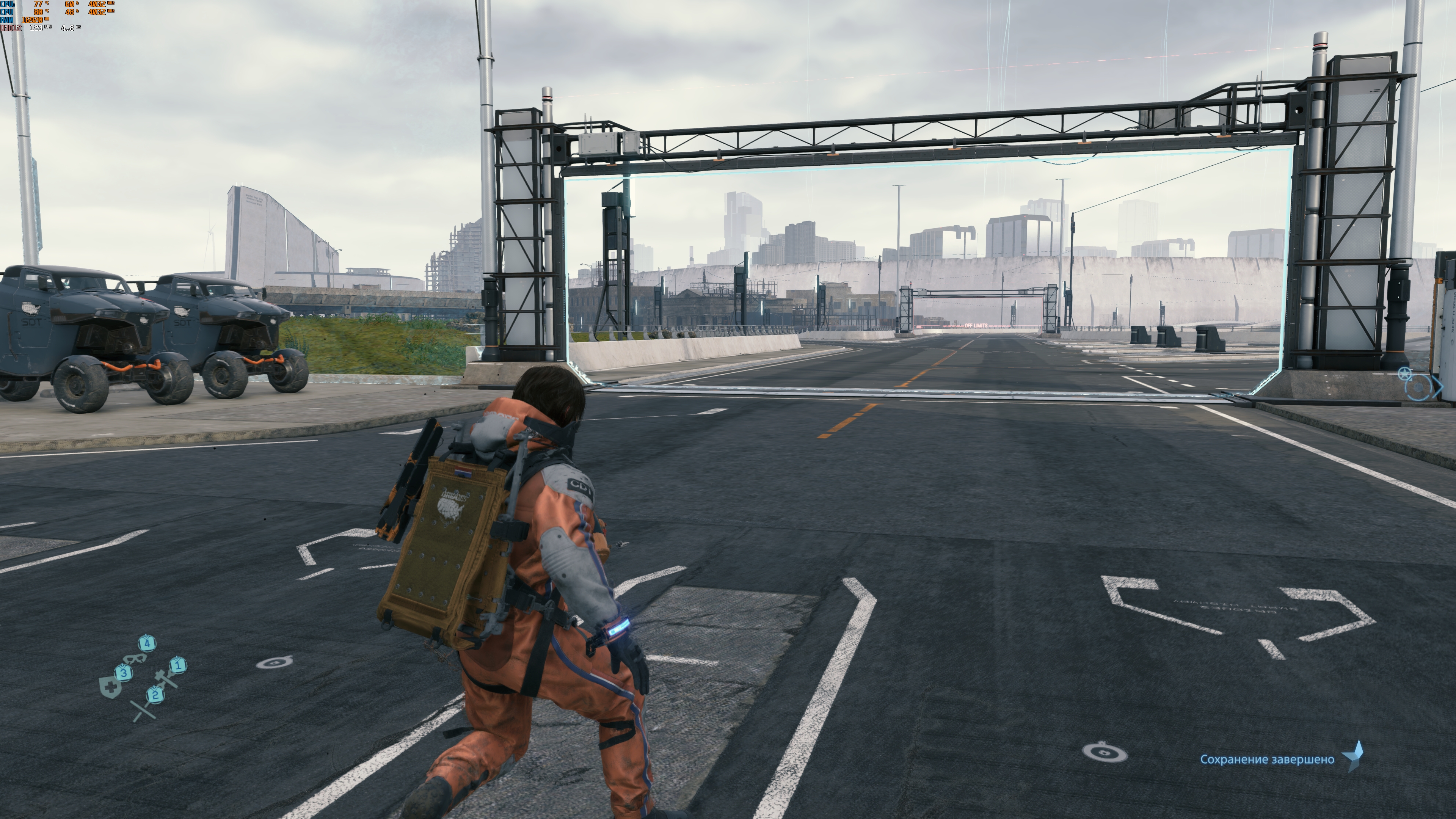
Death Stranding at maximum settings without scaling runs at a frame rate of 90-130 FPS:
</ img>
</ img>
</ img>
</ img>
</ img>
</ img>
</ img>
</ img>
</ img>
</ img>
</ img>











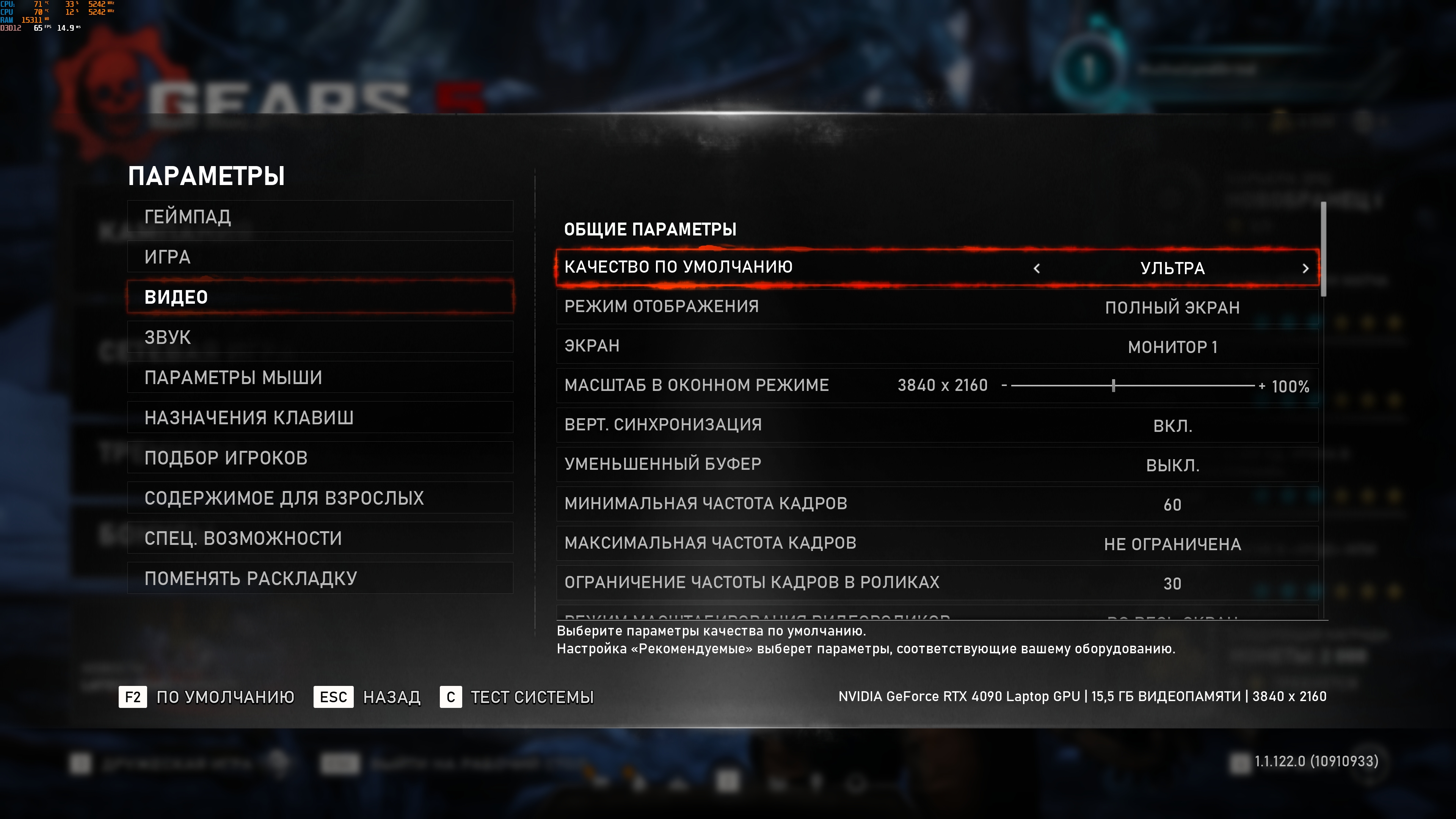
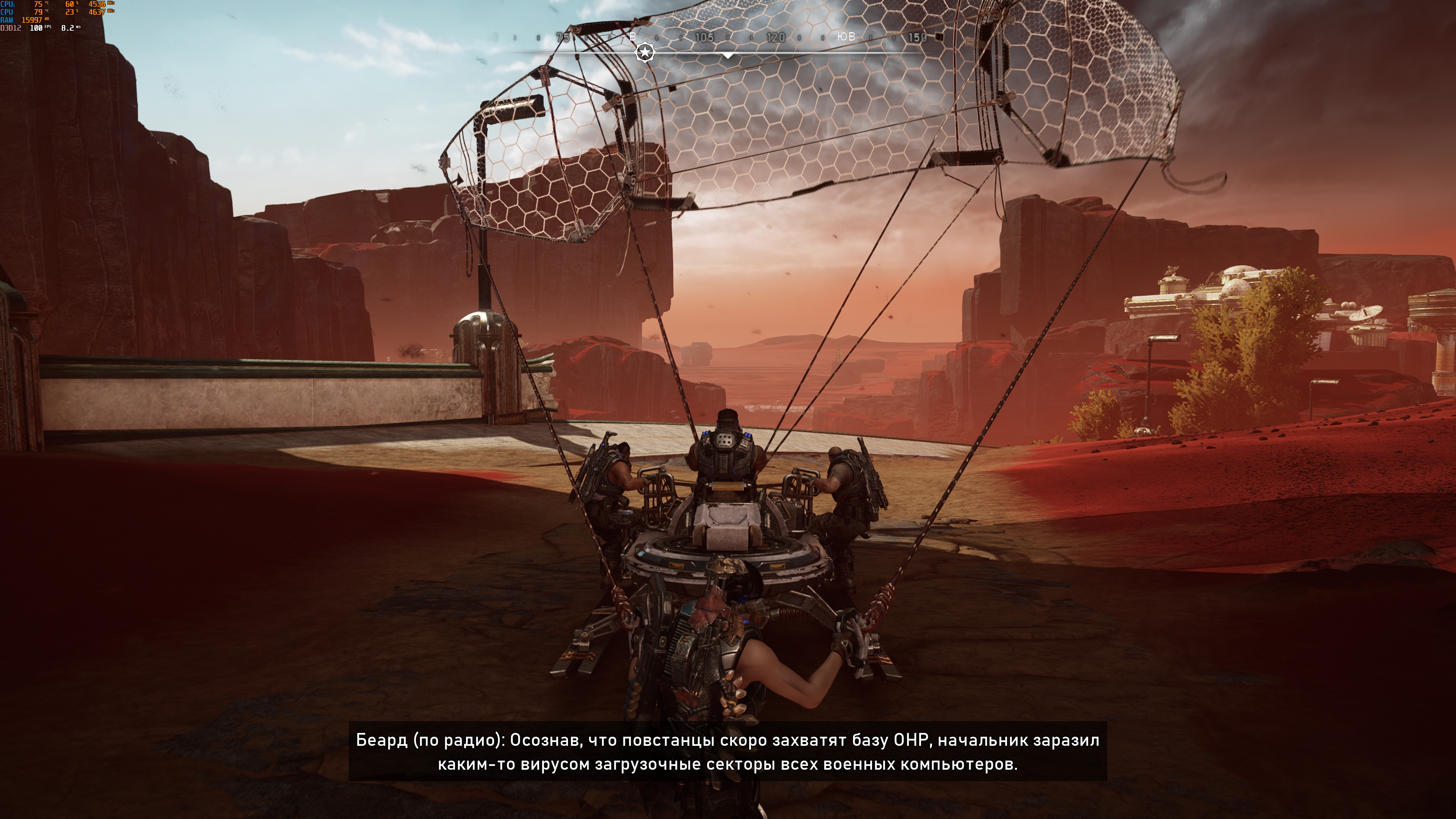
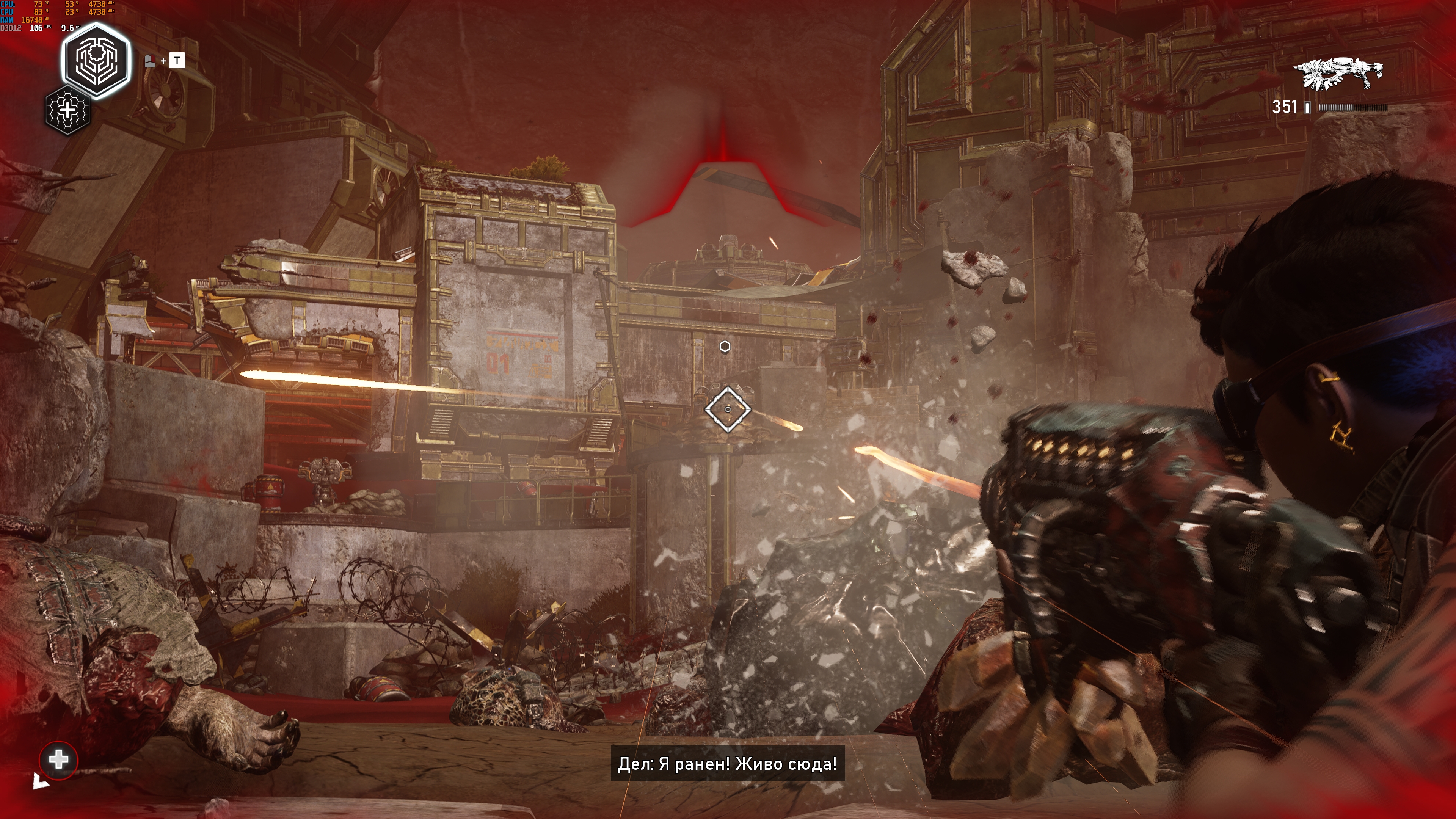
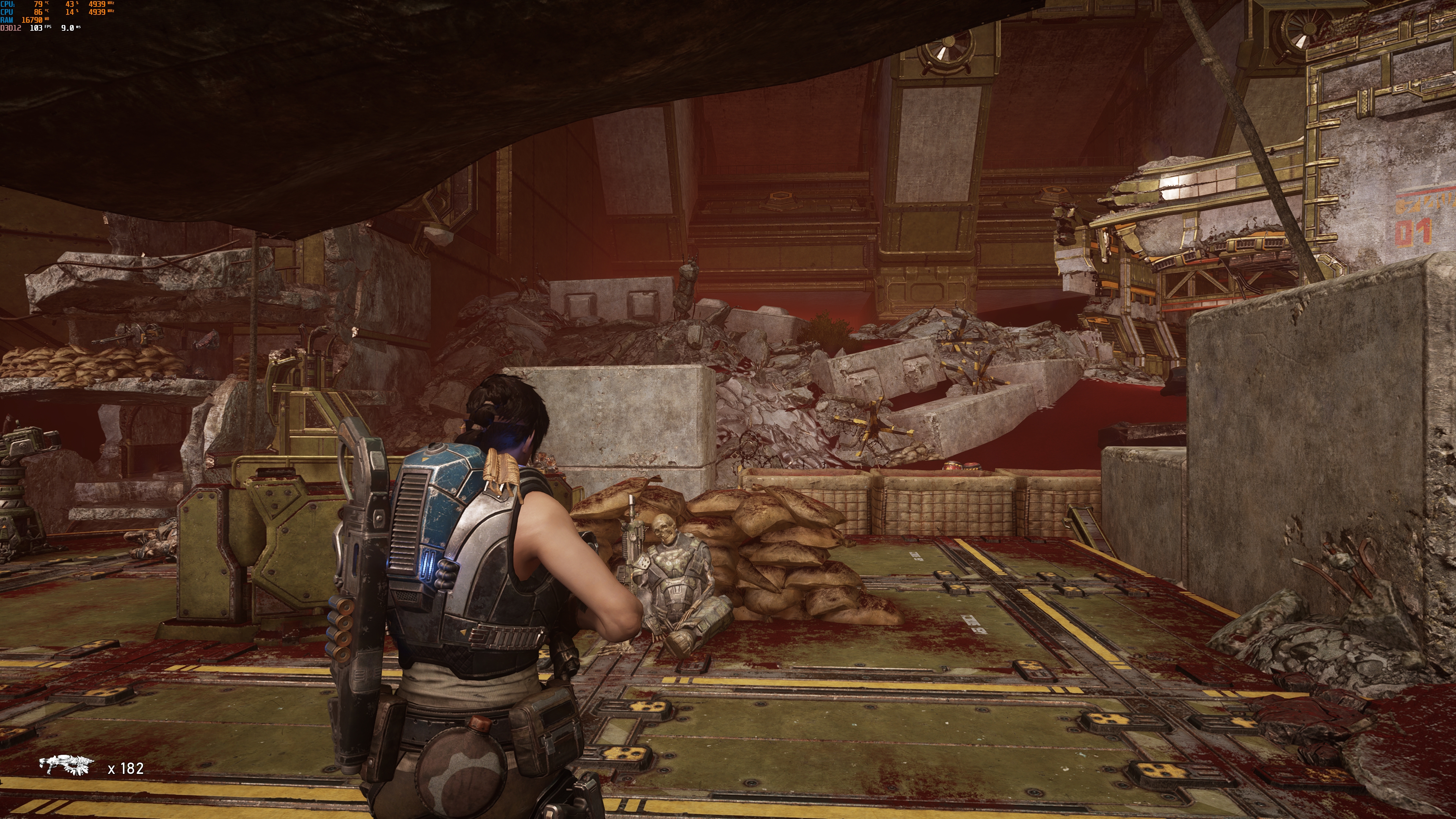
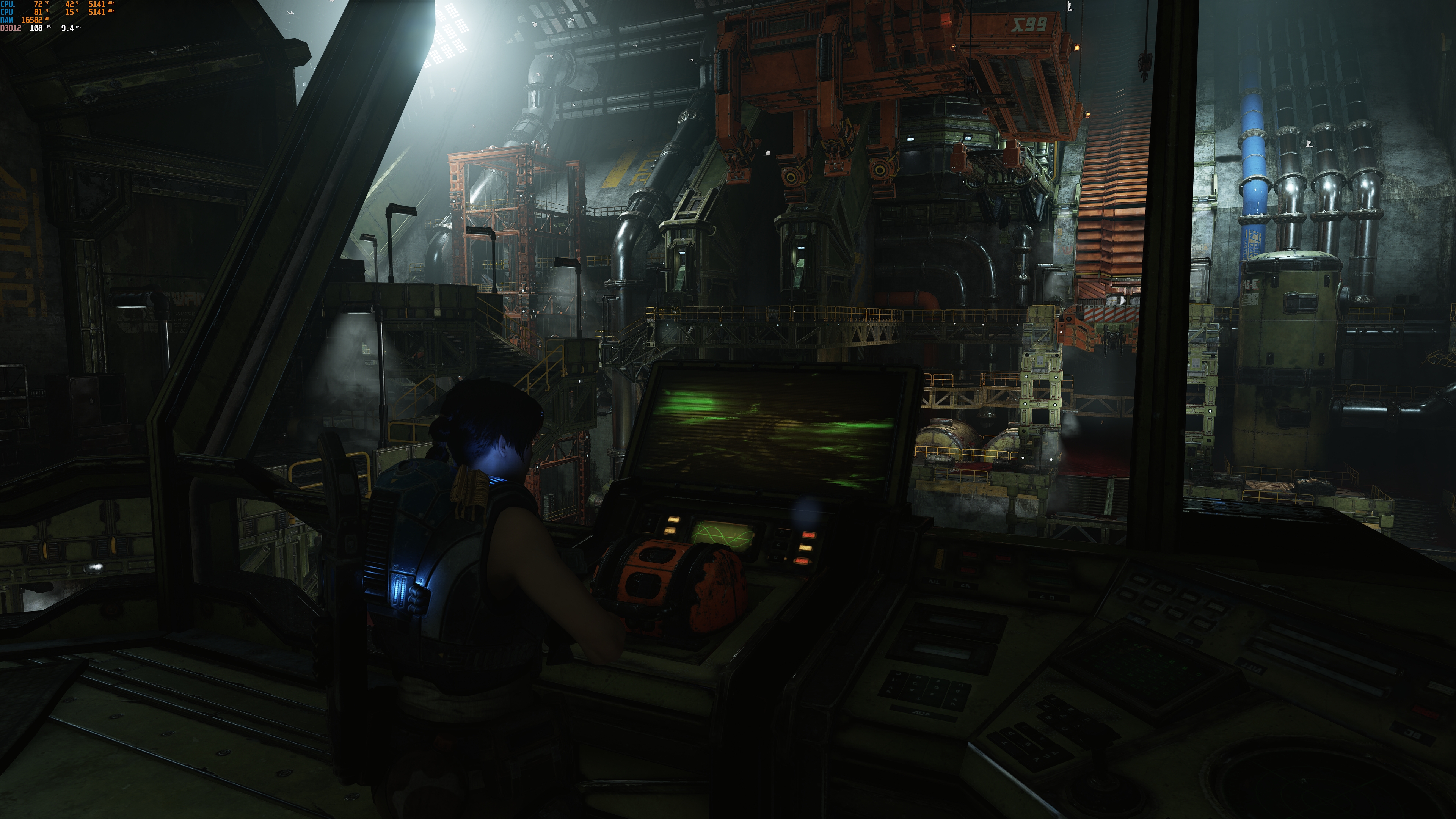
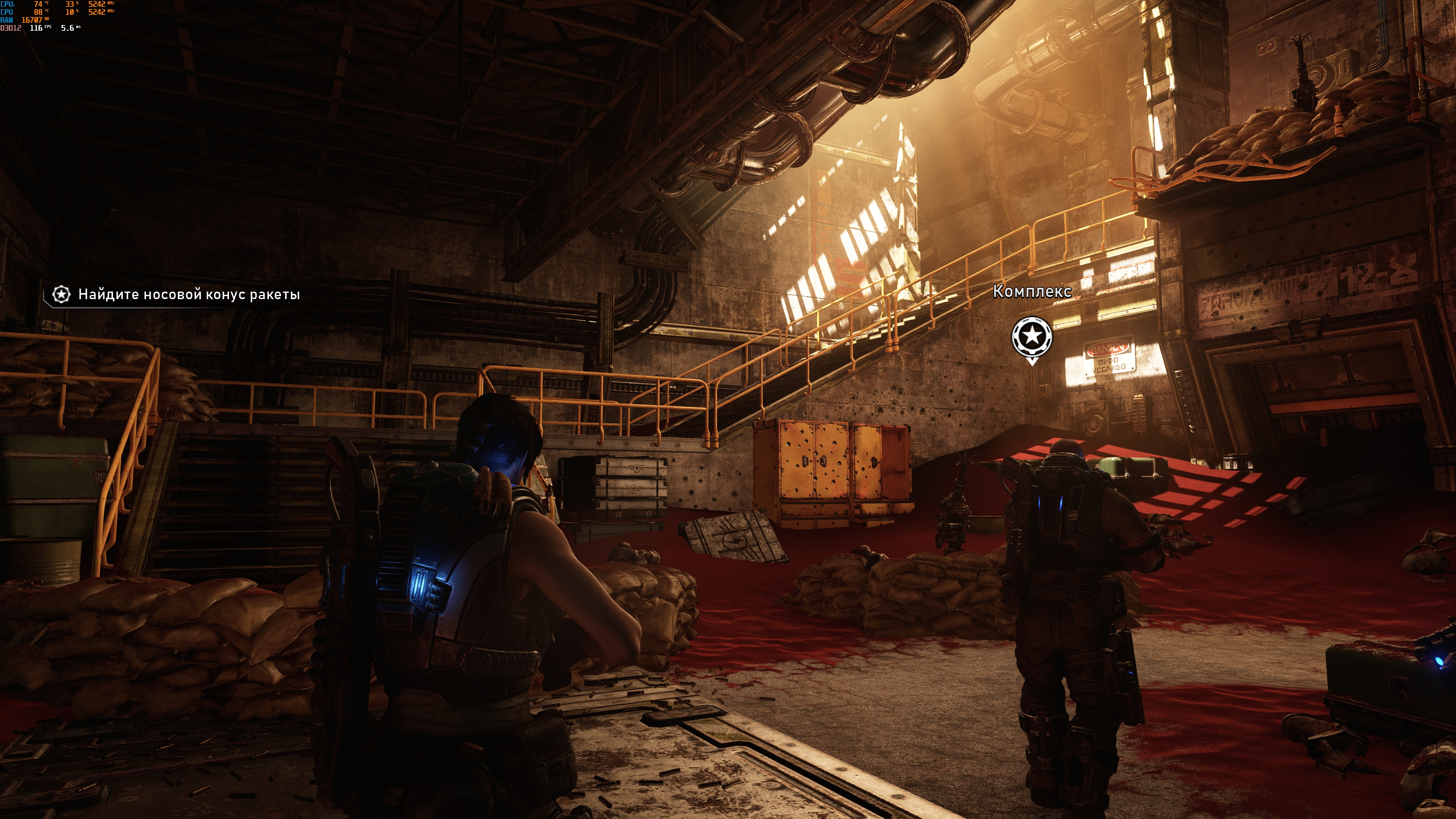
Gears 5. Ultra settings, 100-130 FPS:
</ img>
</ img>
</ img>
</ img>
</ img>
</ img>





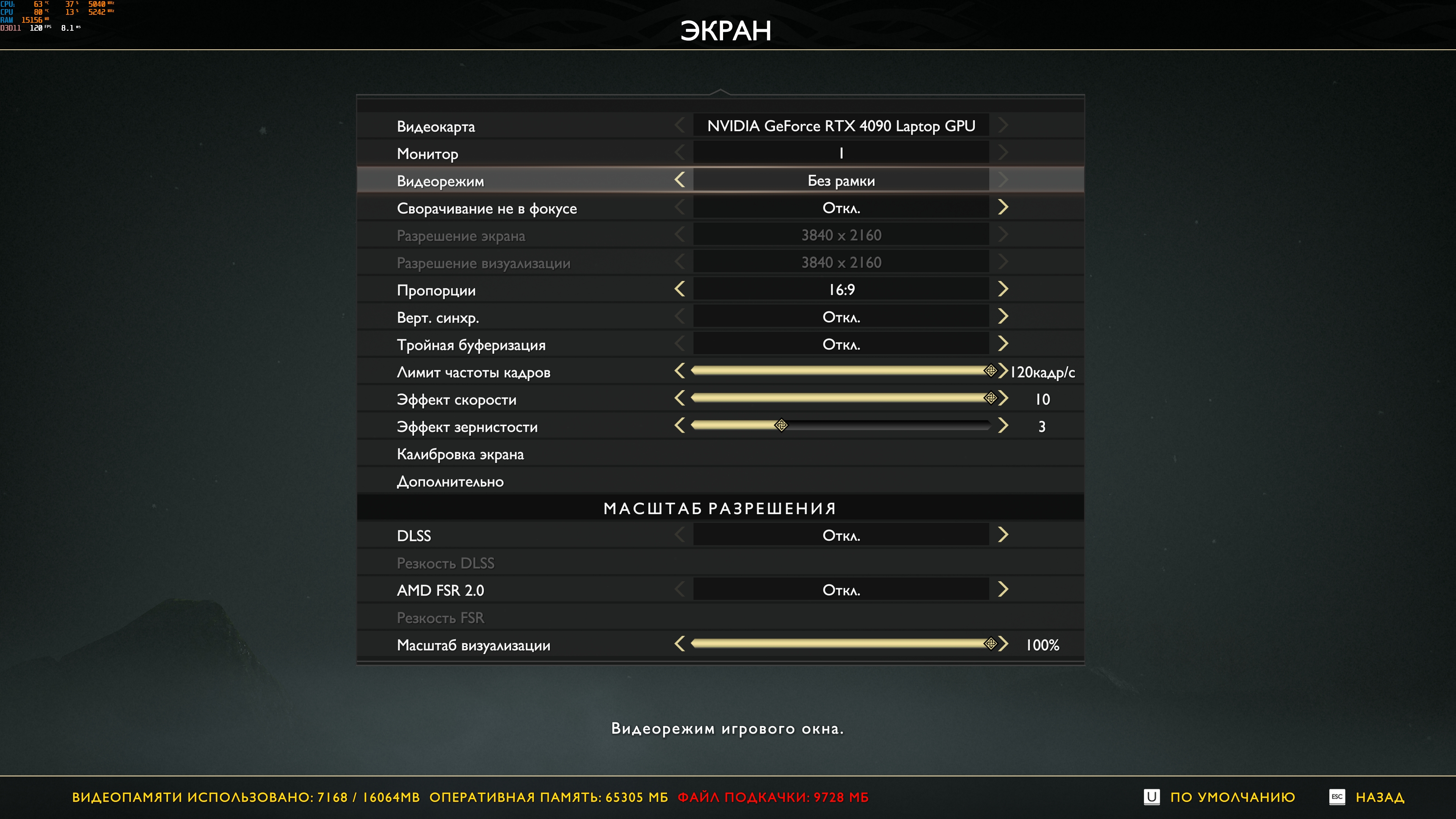
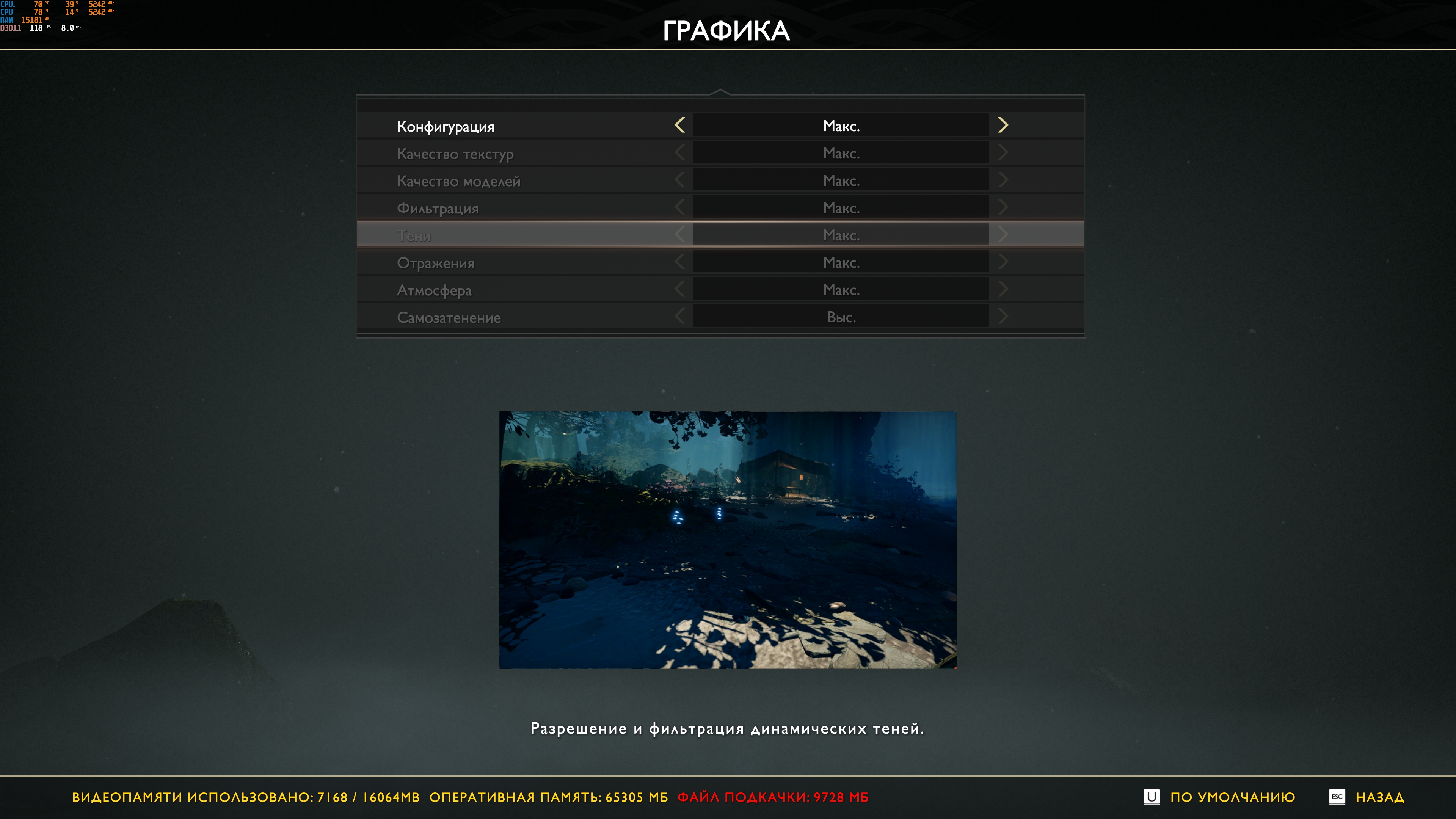
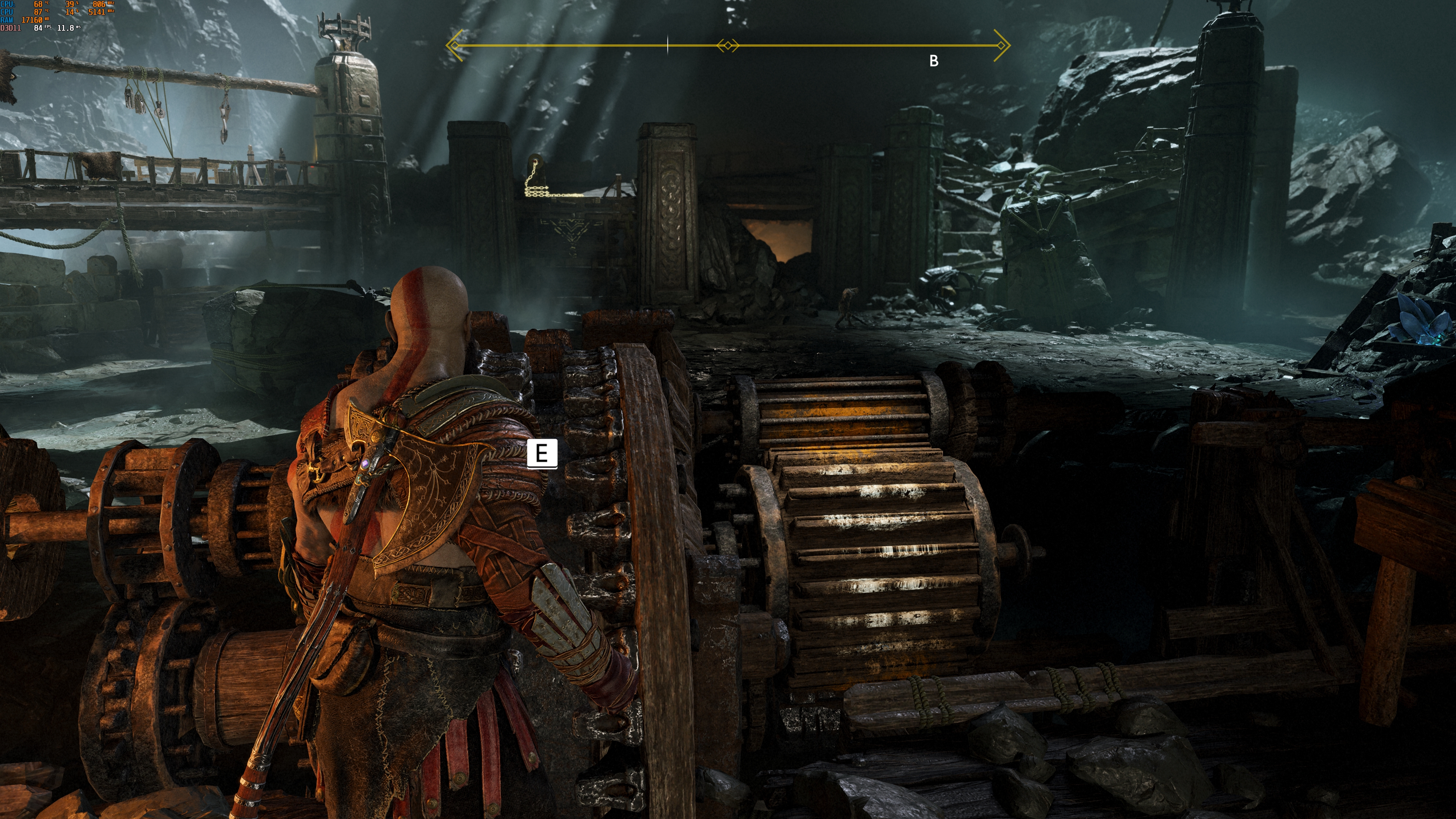
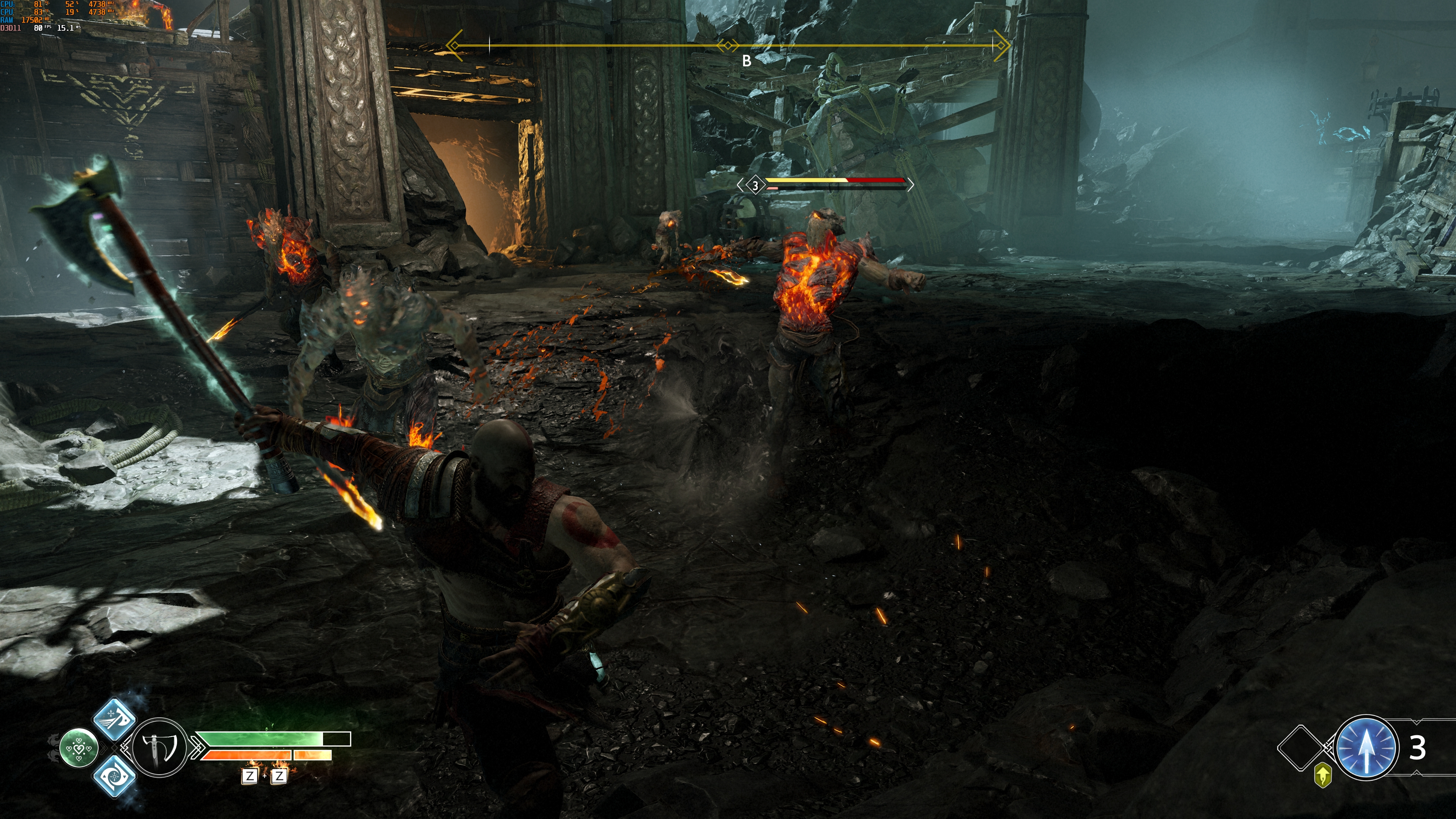
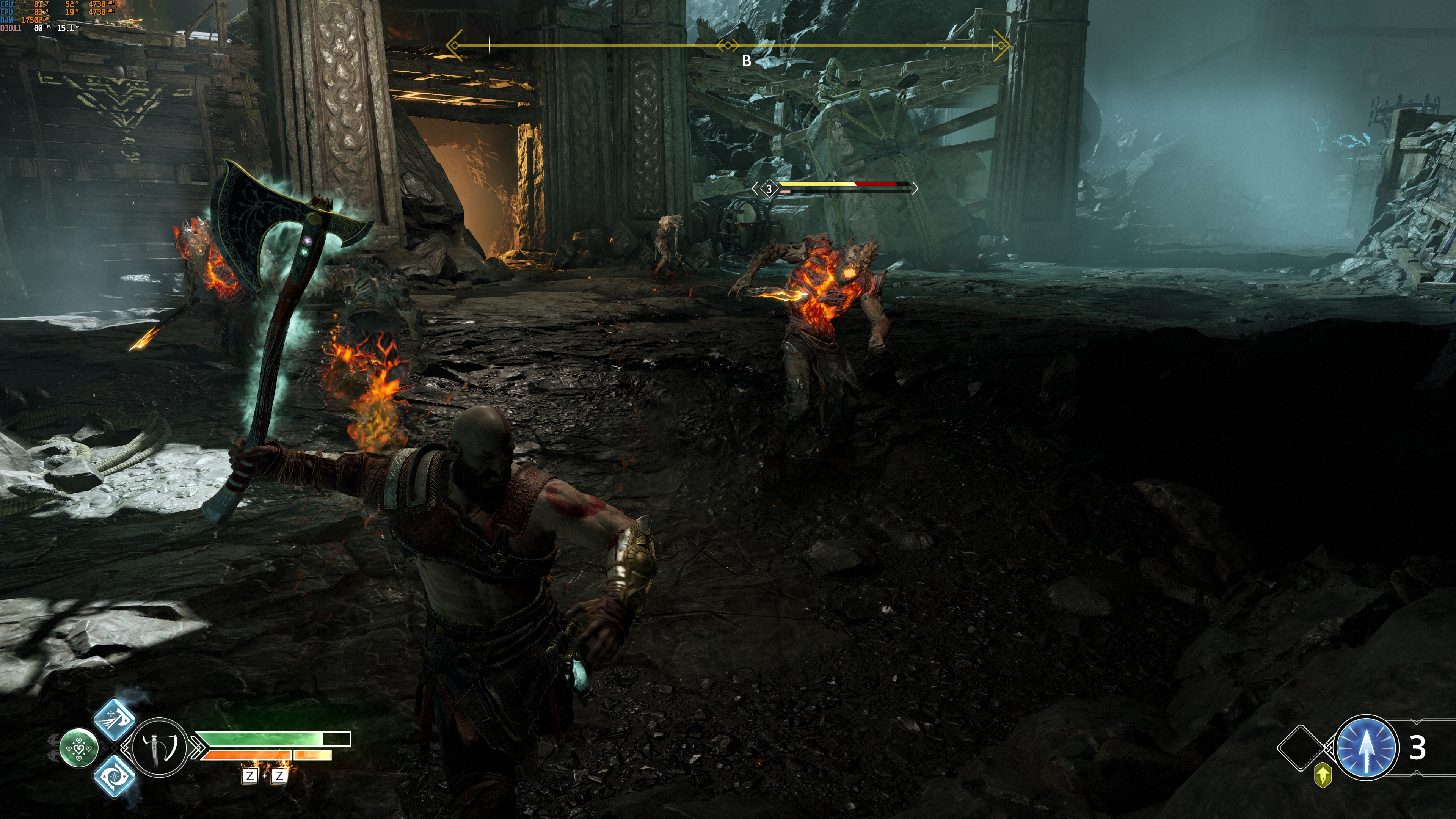
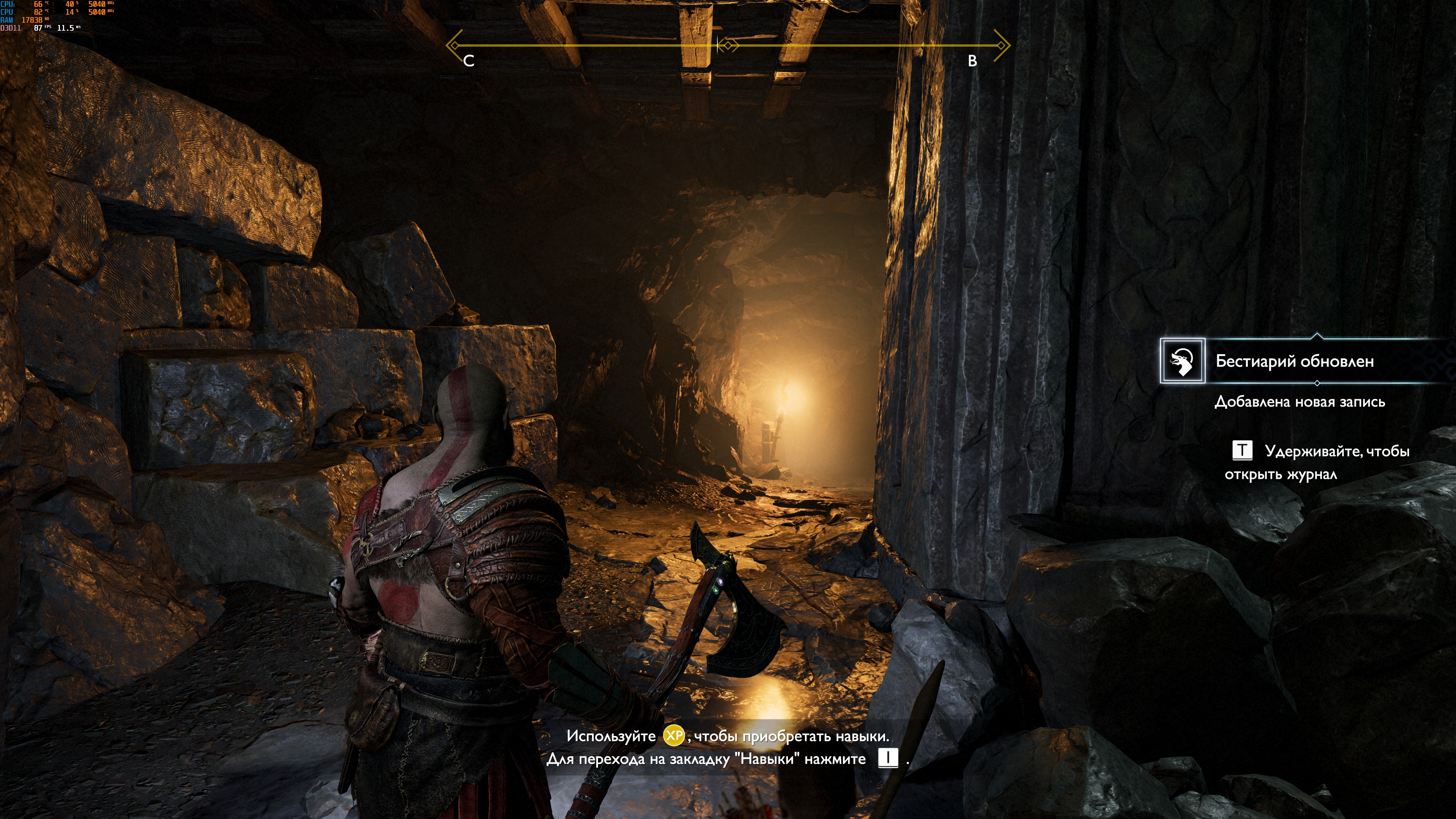
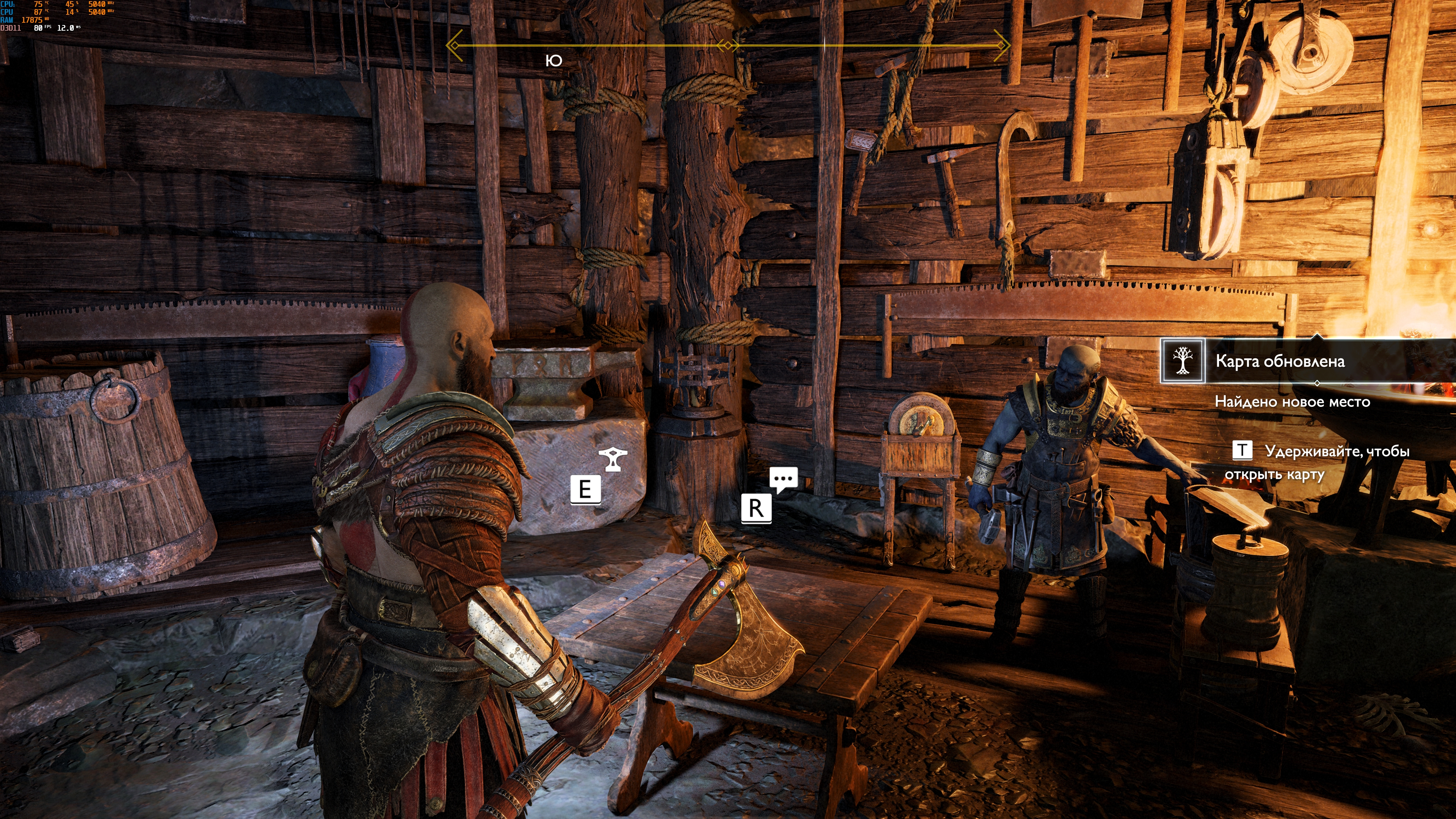
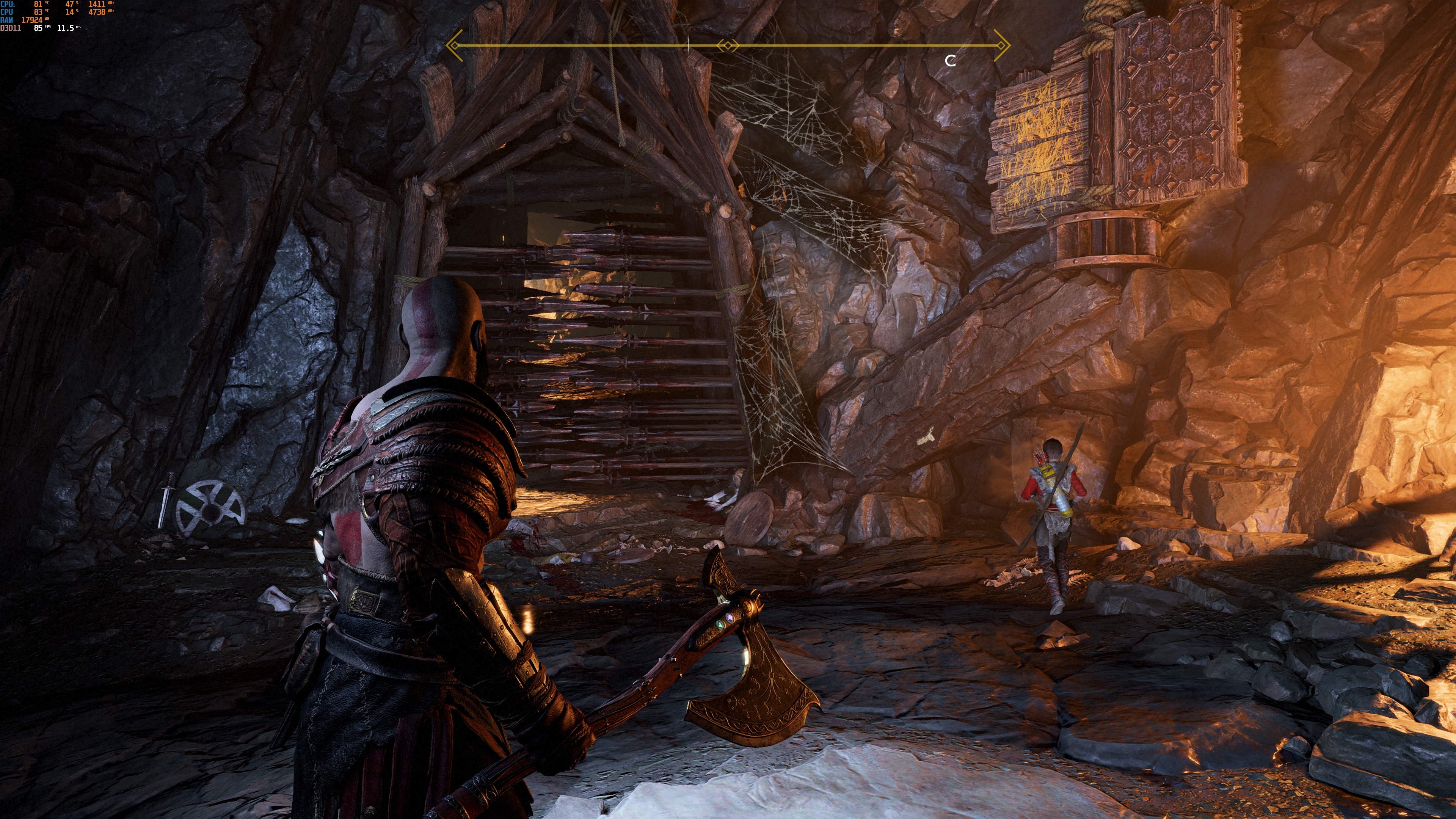
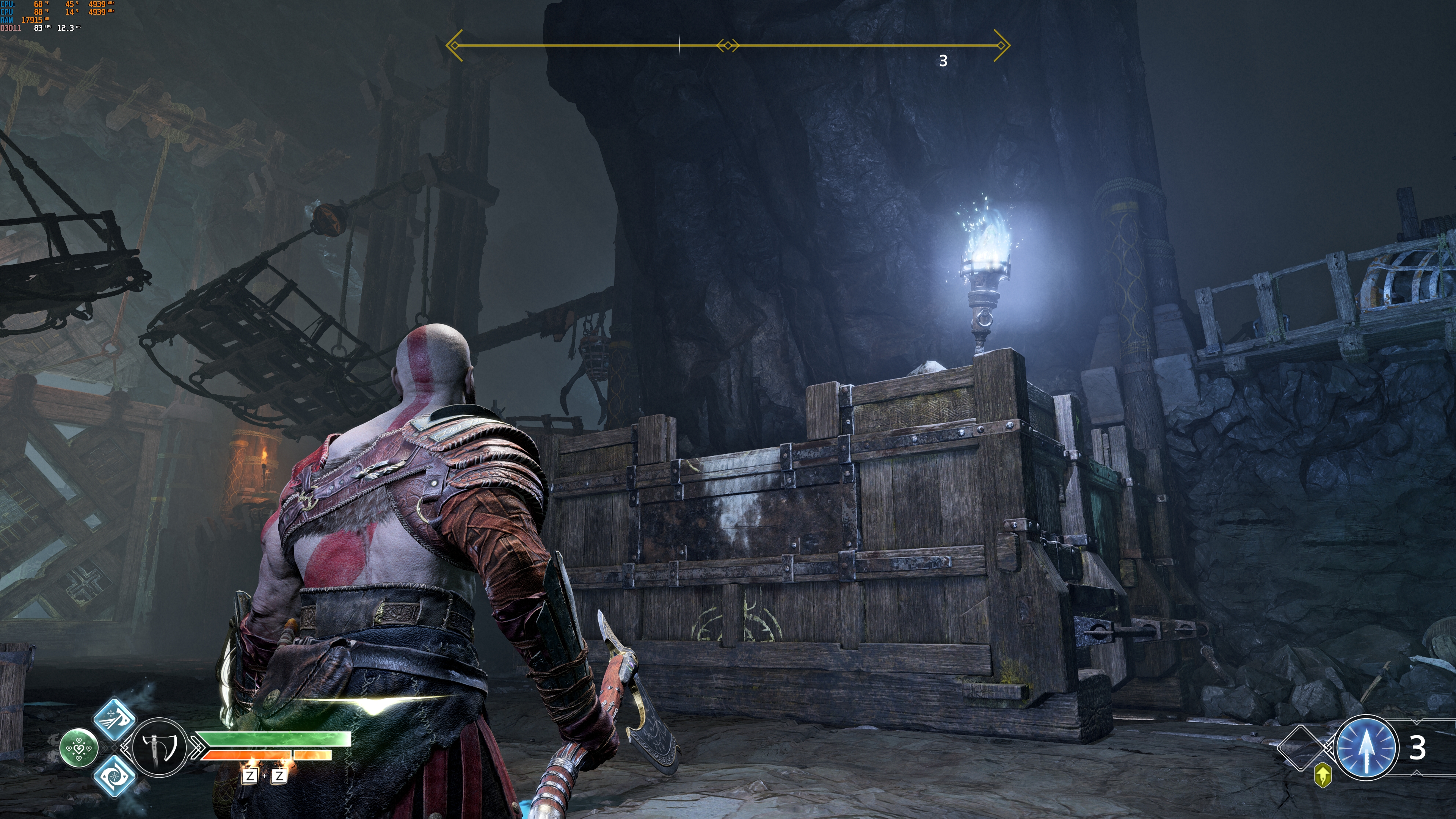
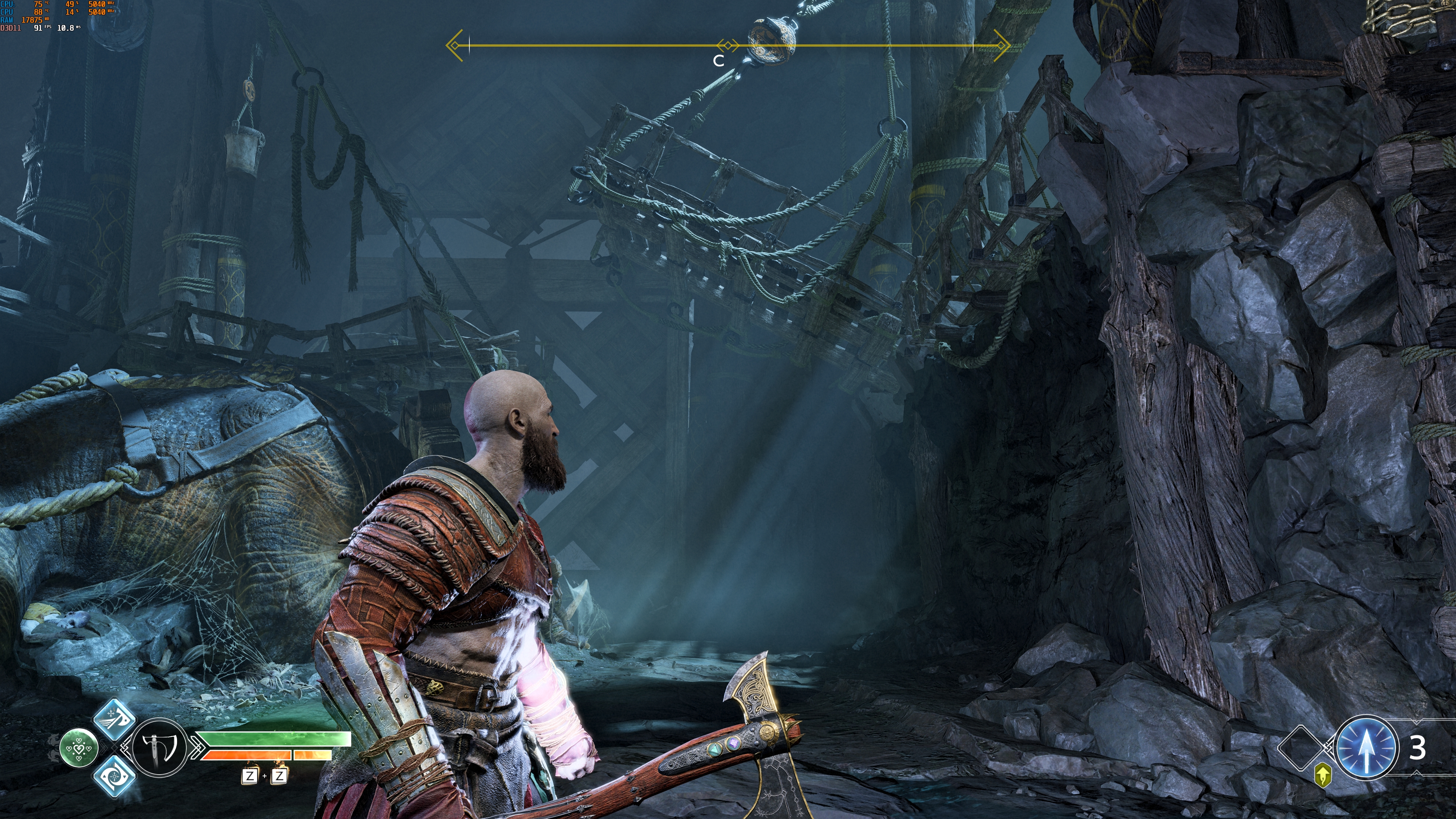
God of War. Max settings, no DLSS: 80-90 FPS
</ img>
</ img>
</ img>
</ img>
</ img>
</ img>
</ img>
</ img>
</ img>
</ img>
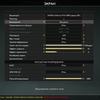
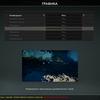








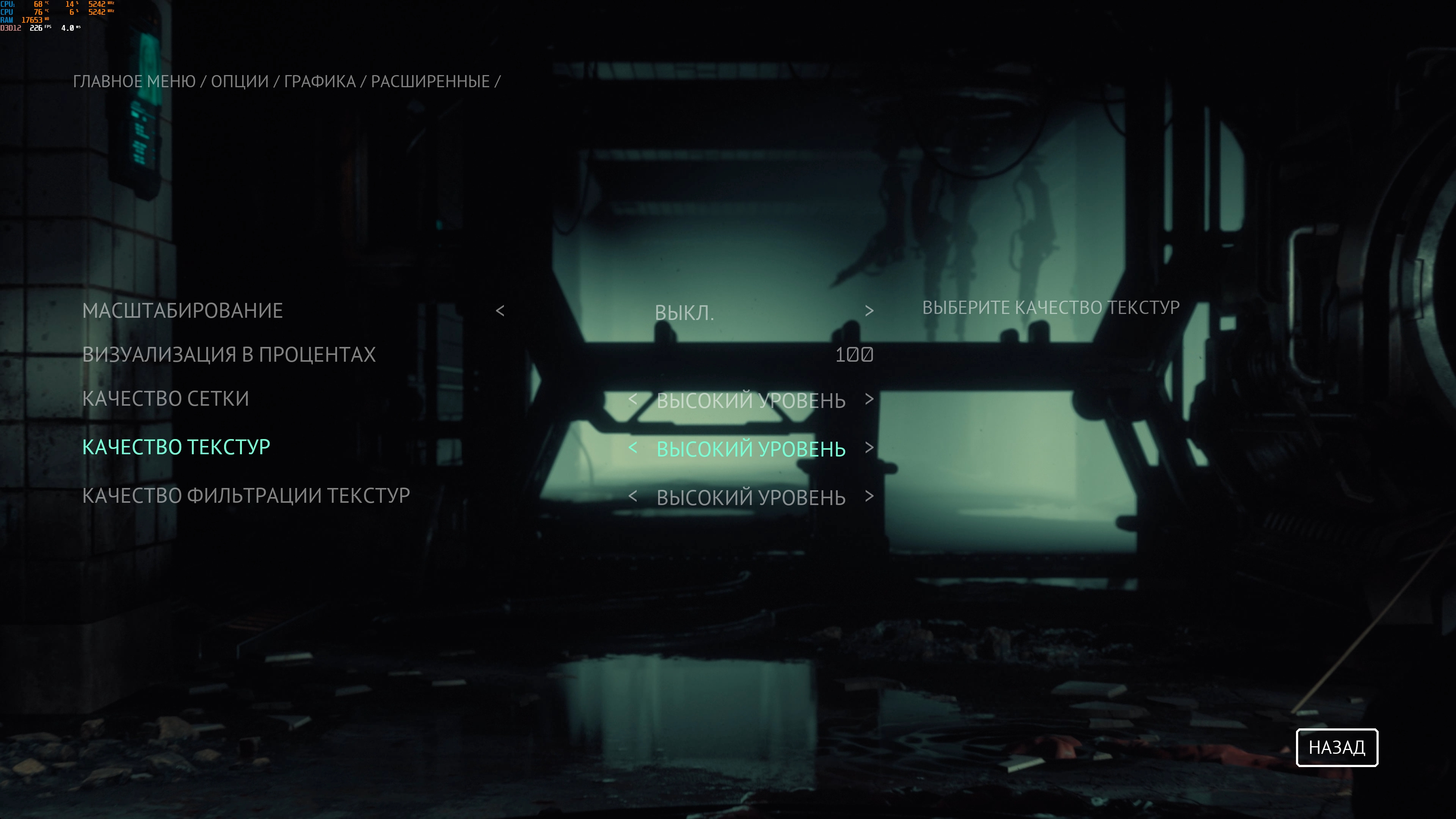
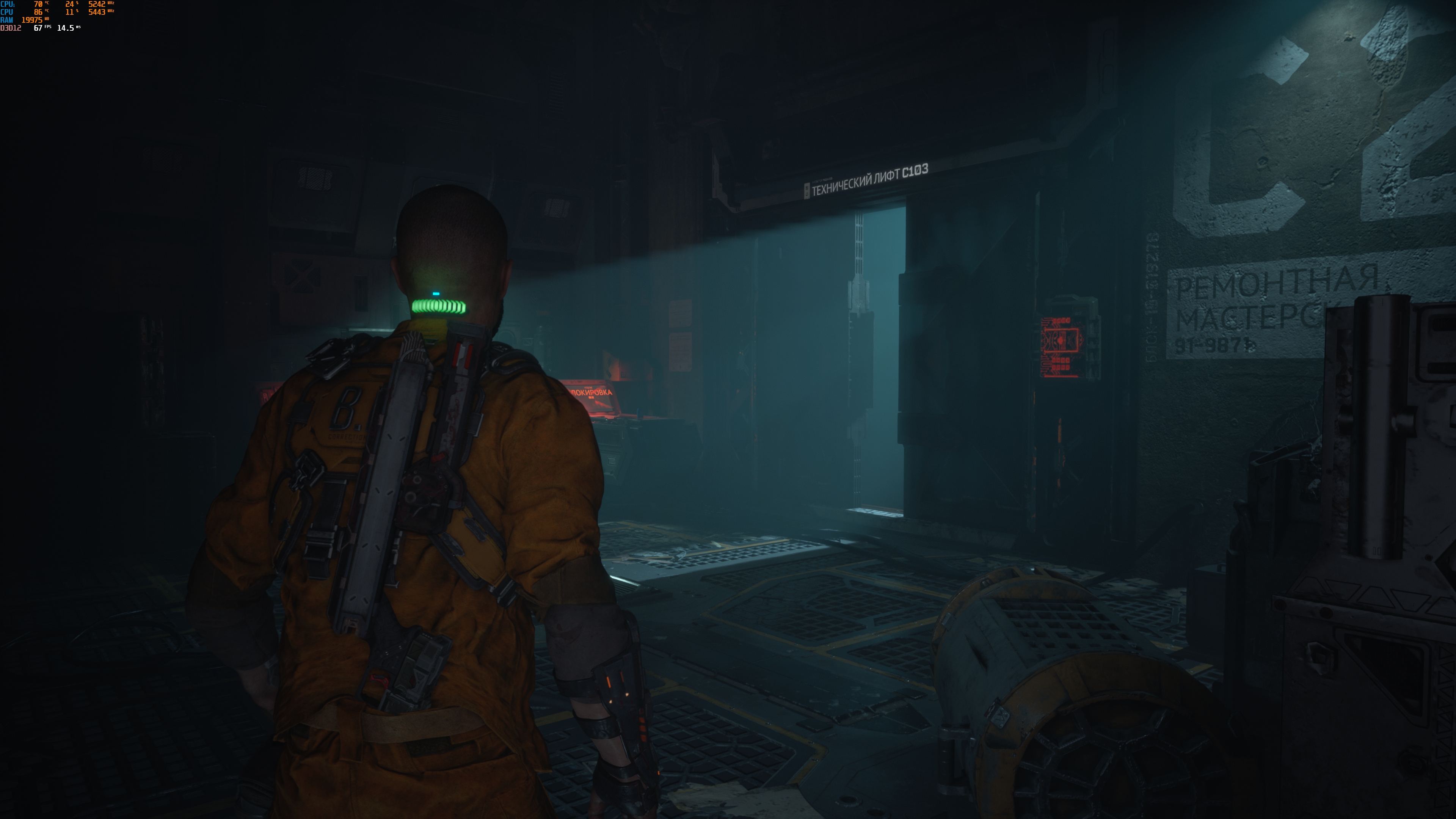
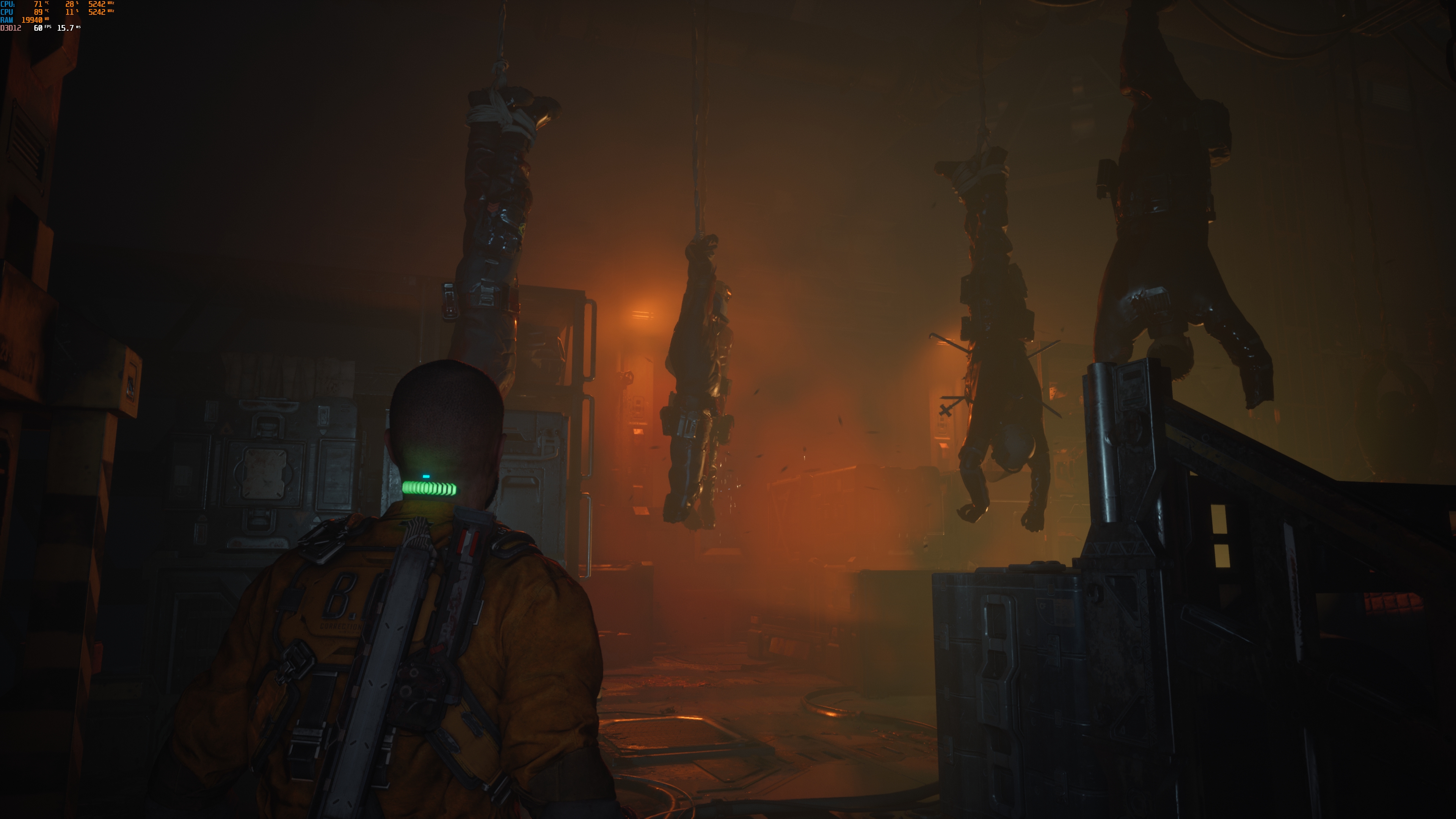
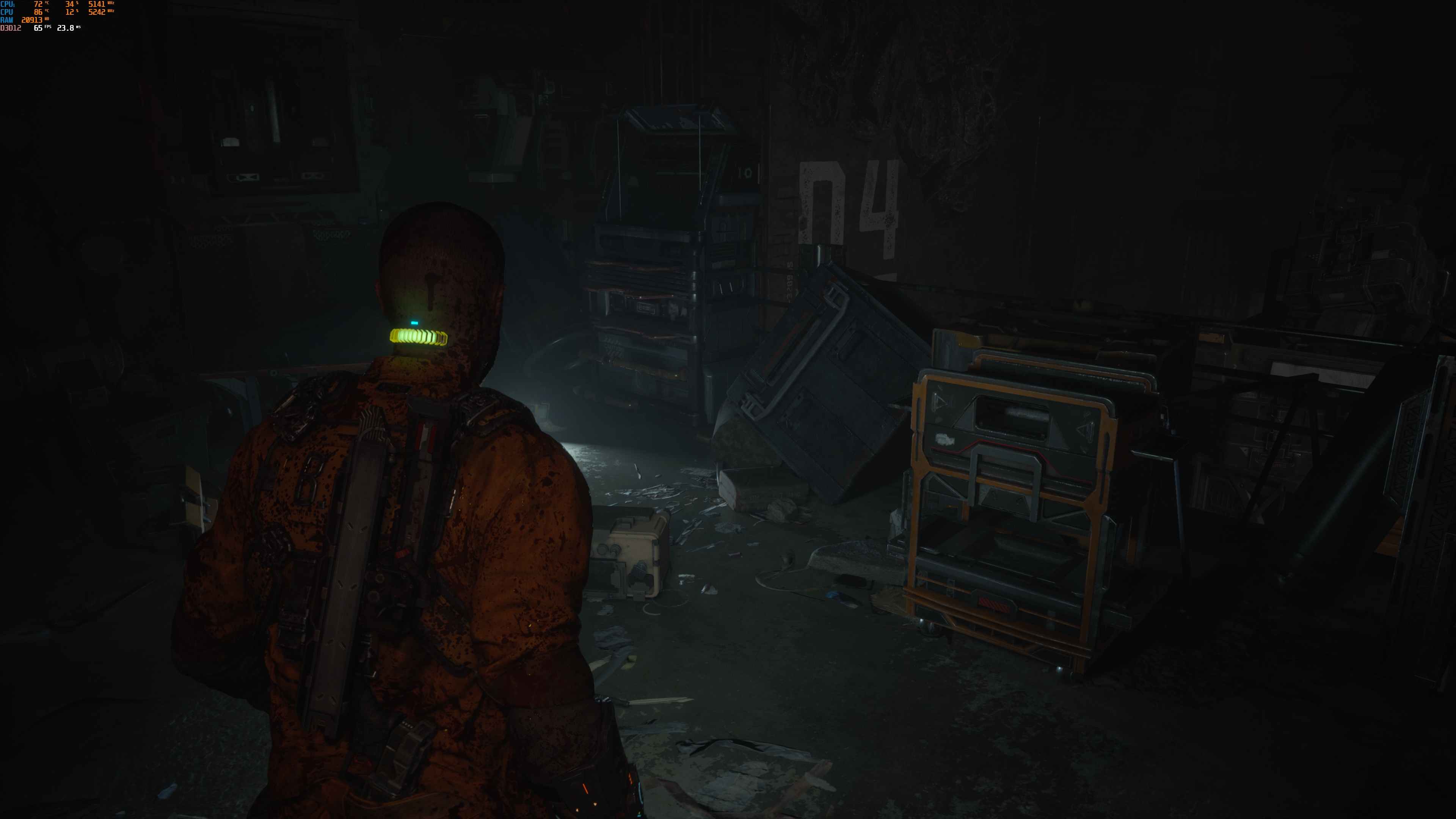
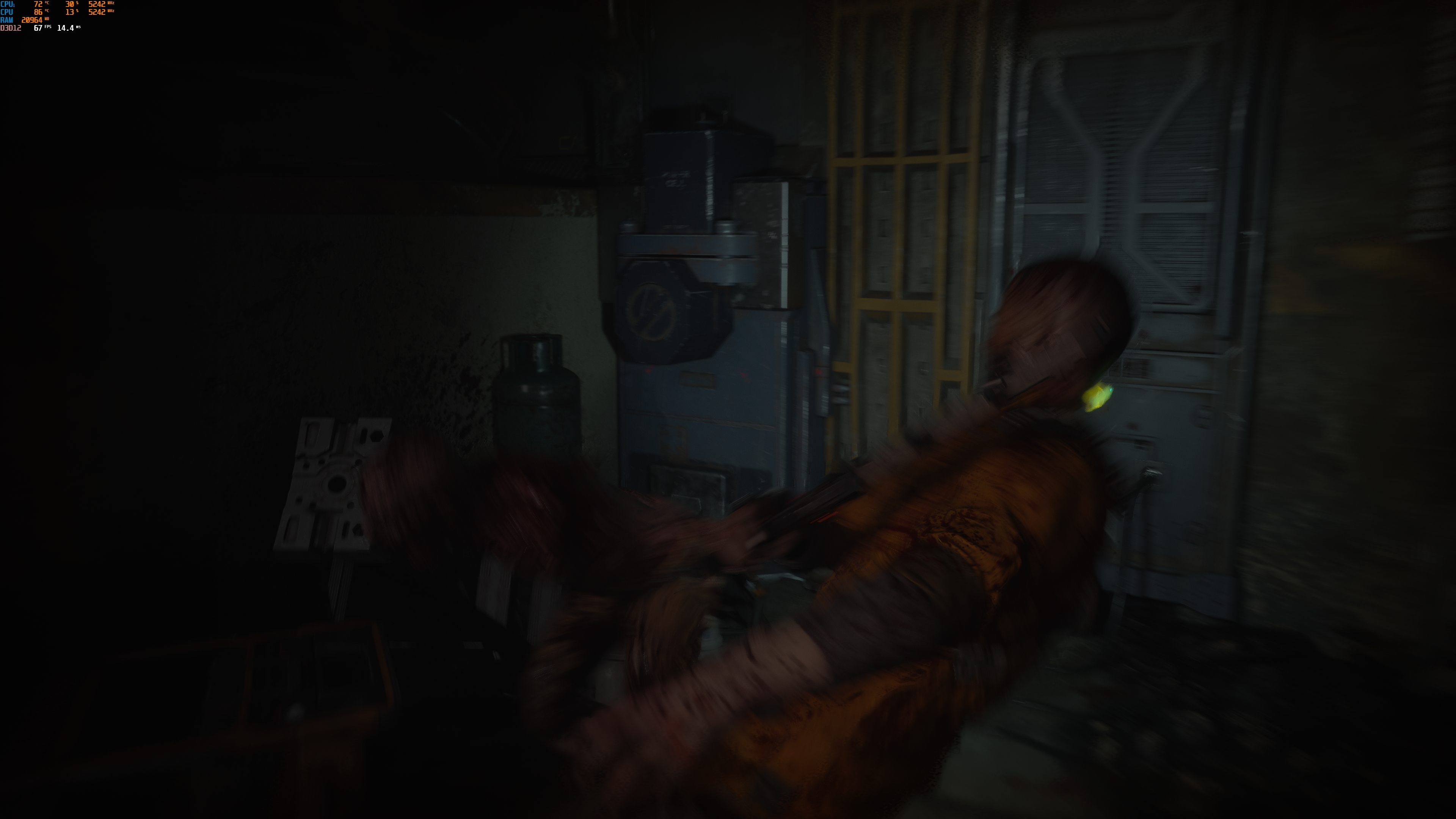
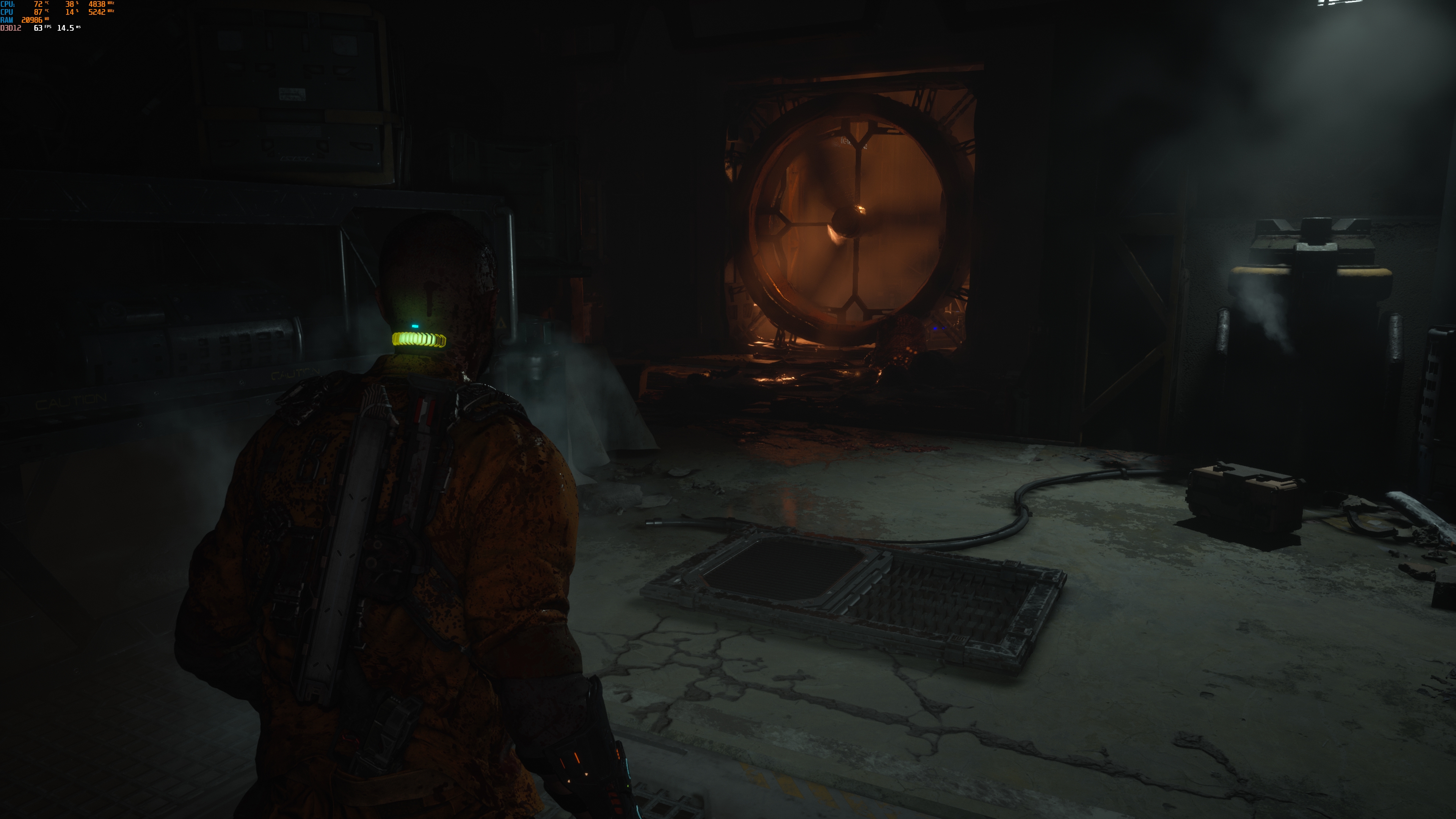
callisto protocol. Maximum settings, tracing at maximum: 60-70 FPS
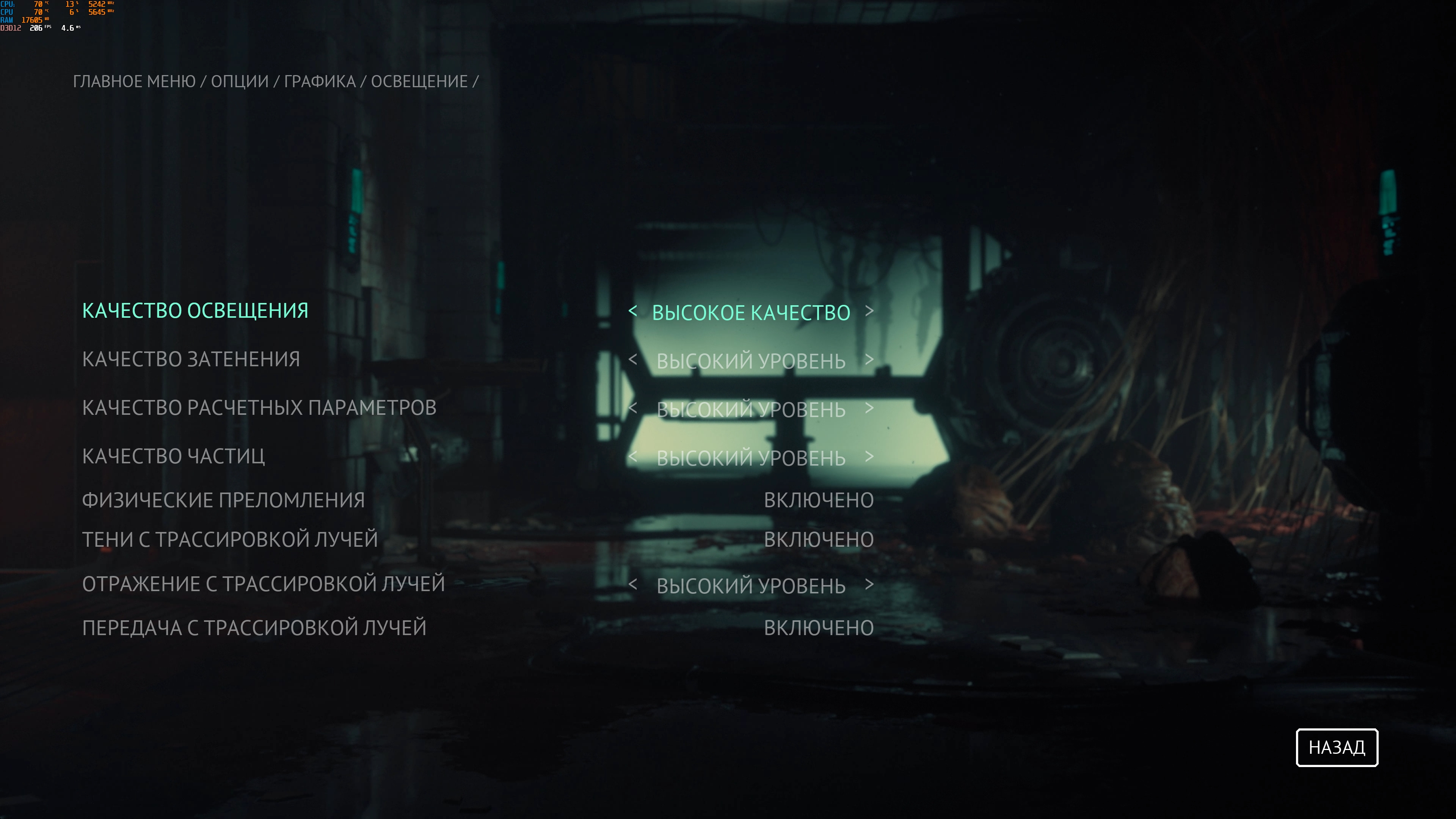
</ img>
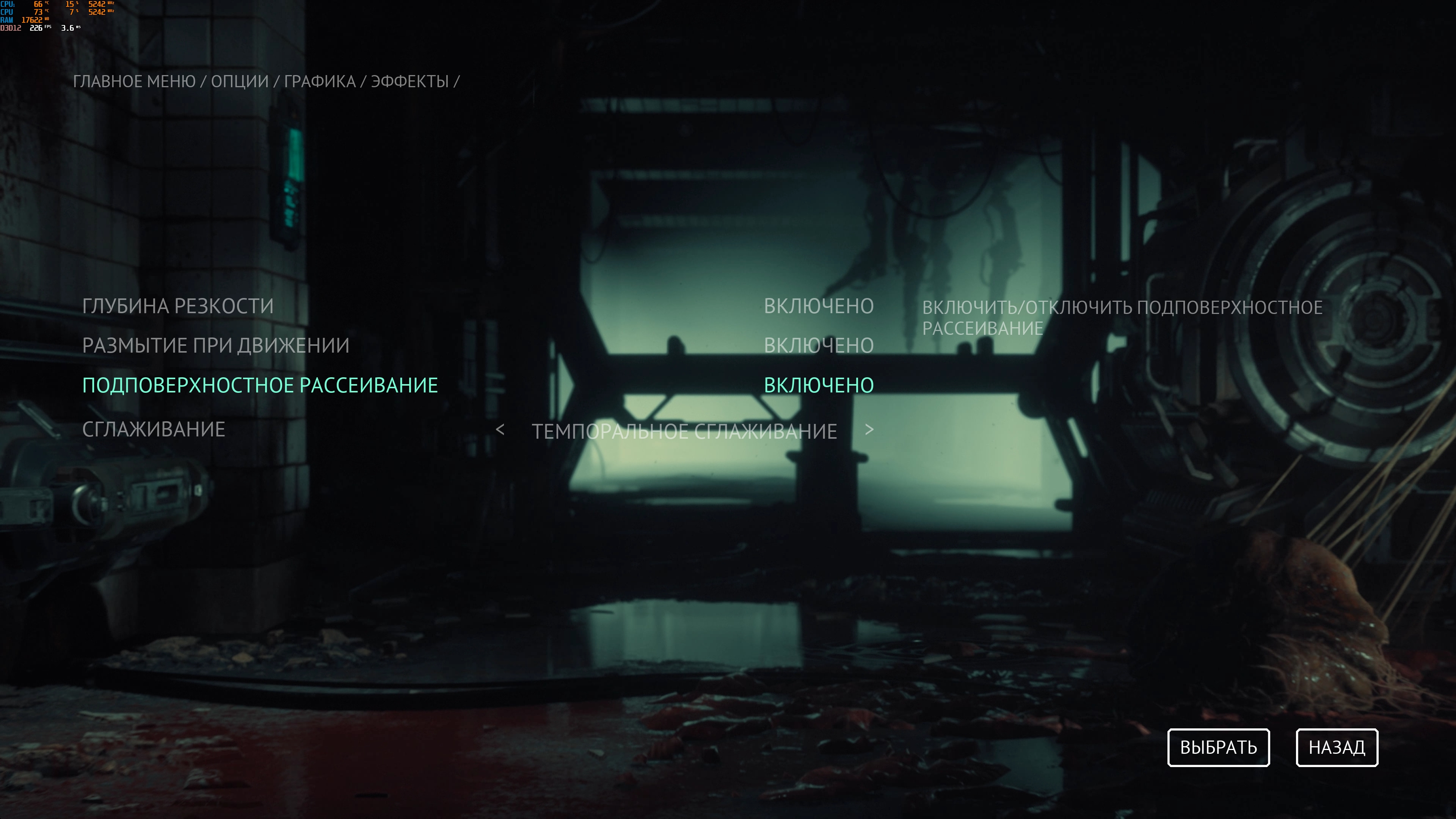
</ img>
</ img>
</ img>
</ img>
</ img>
</ img>
</ img>








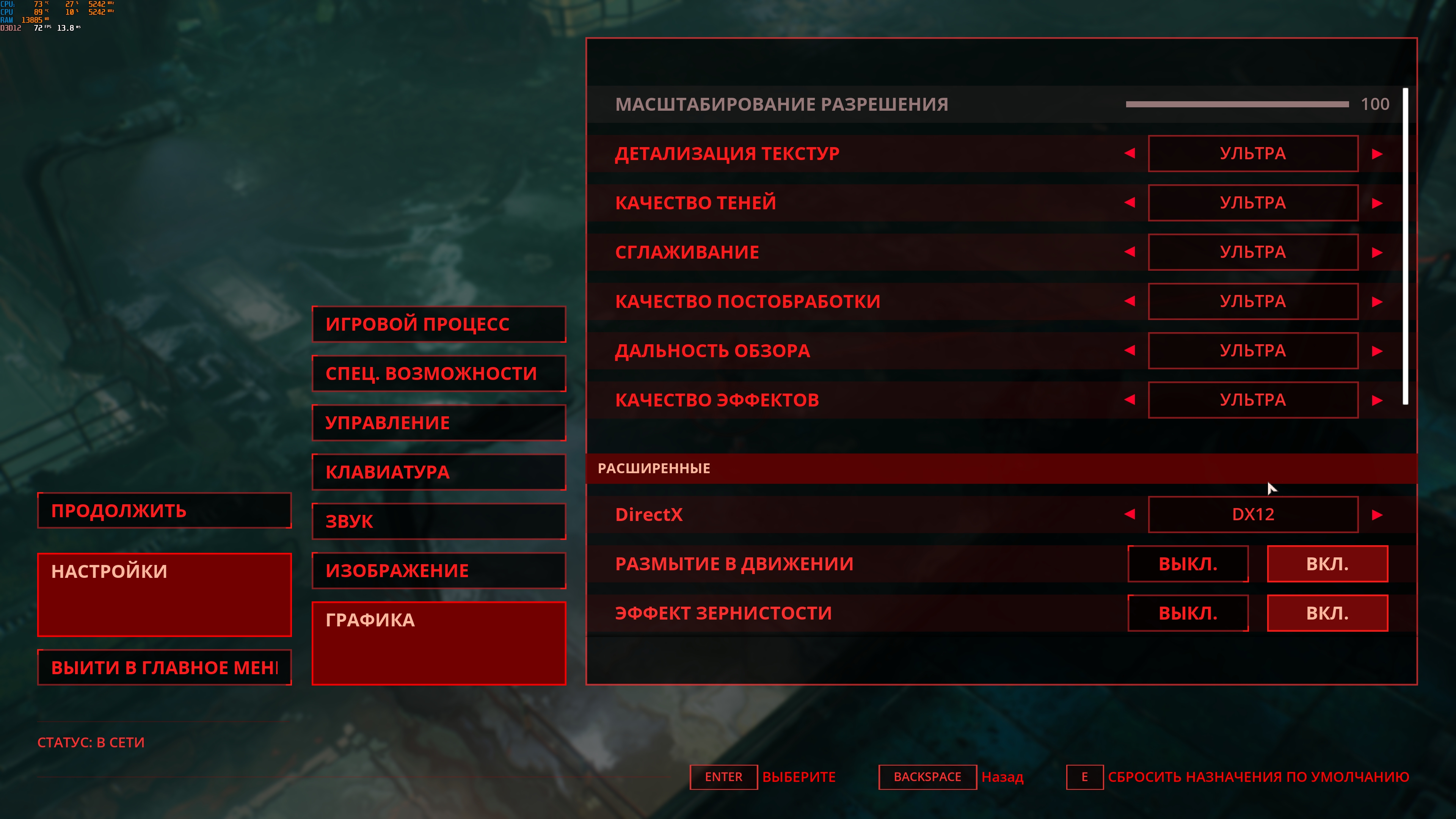
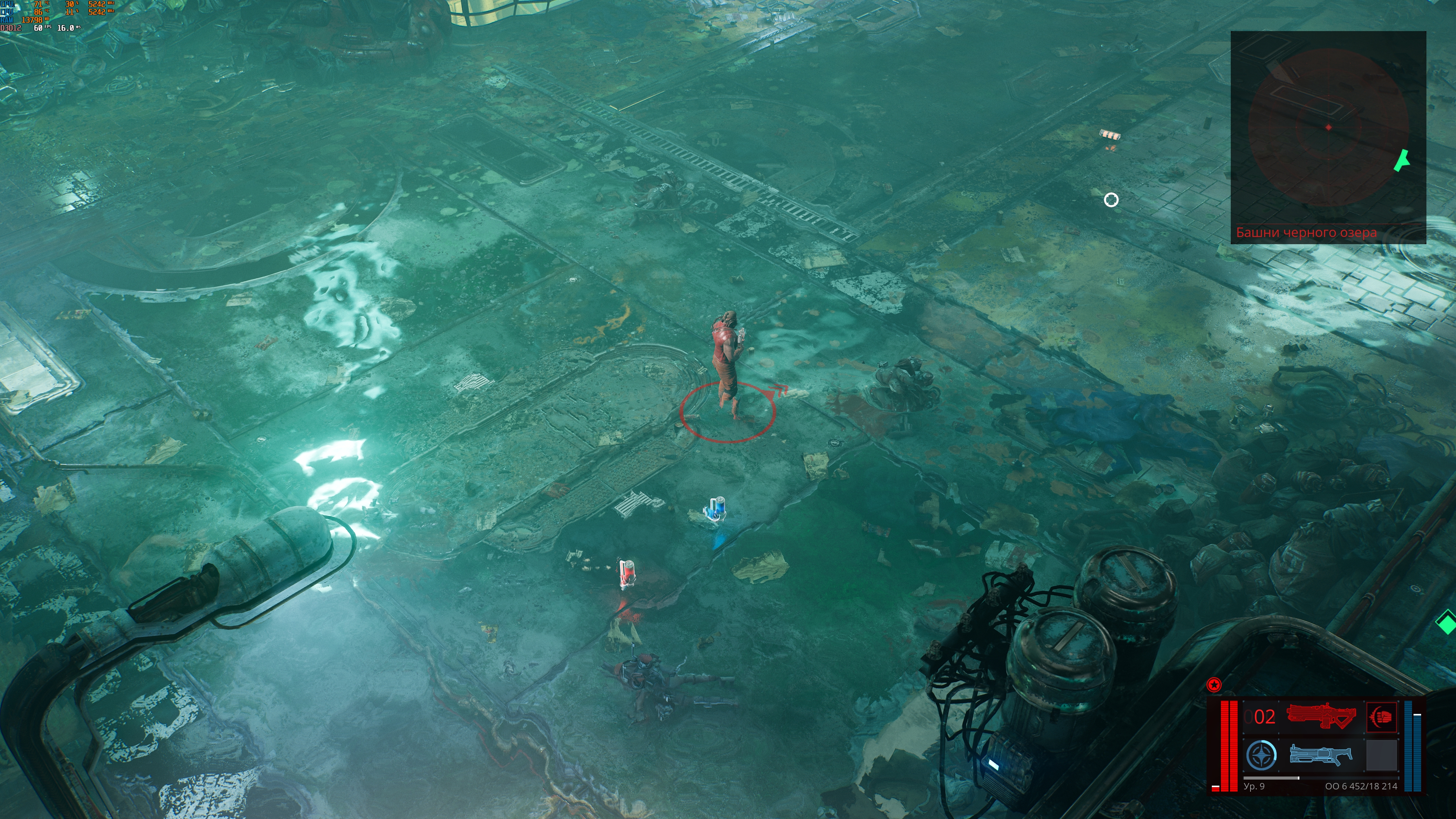
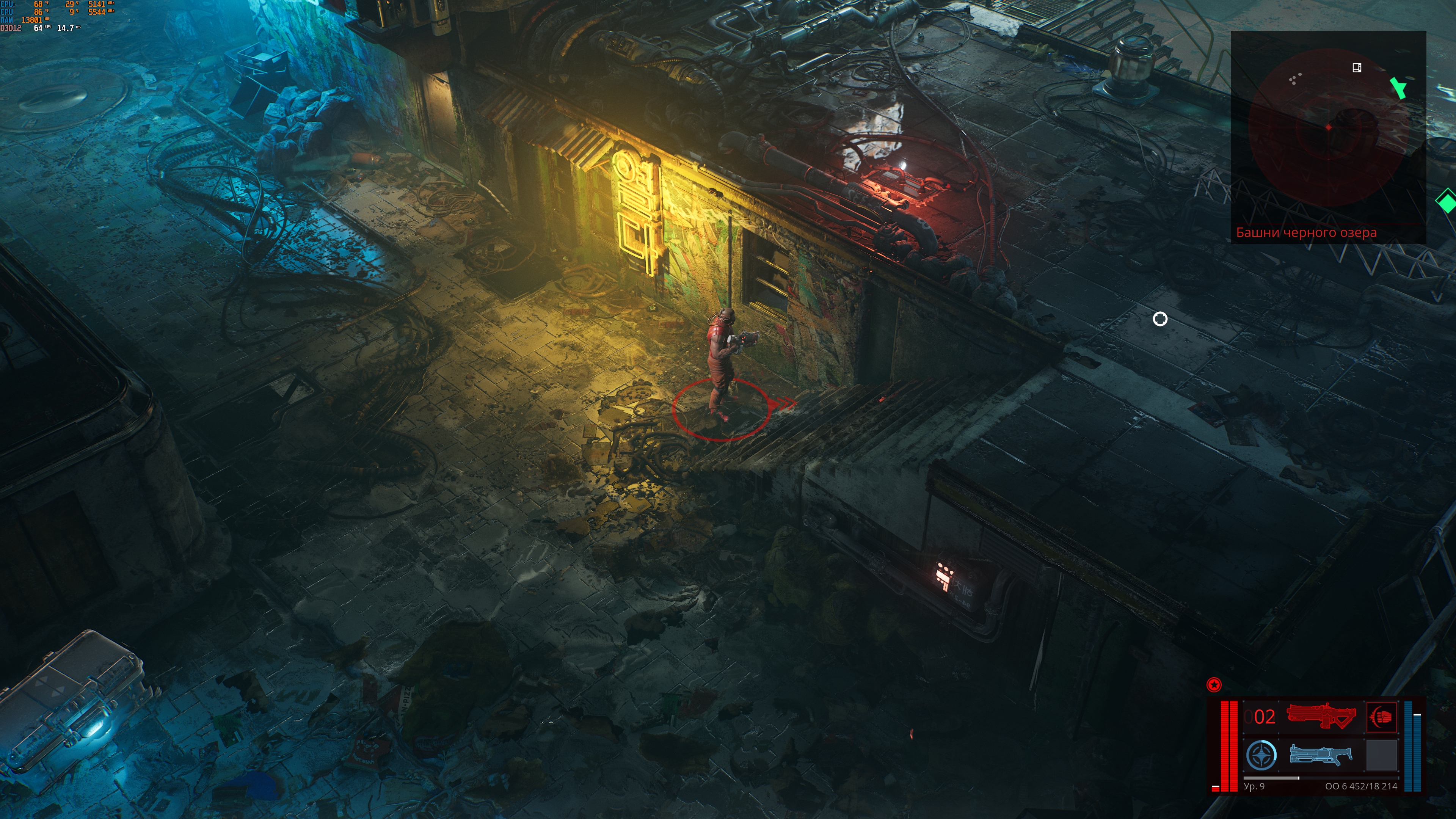
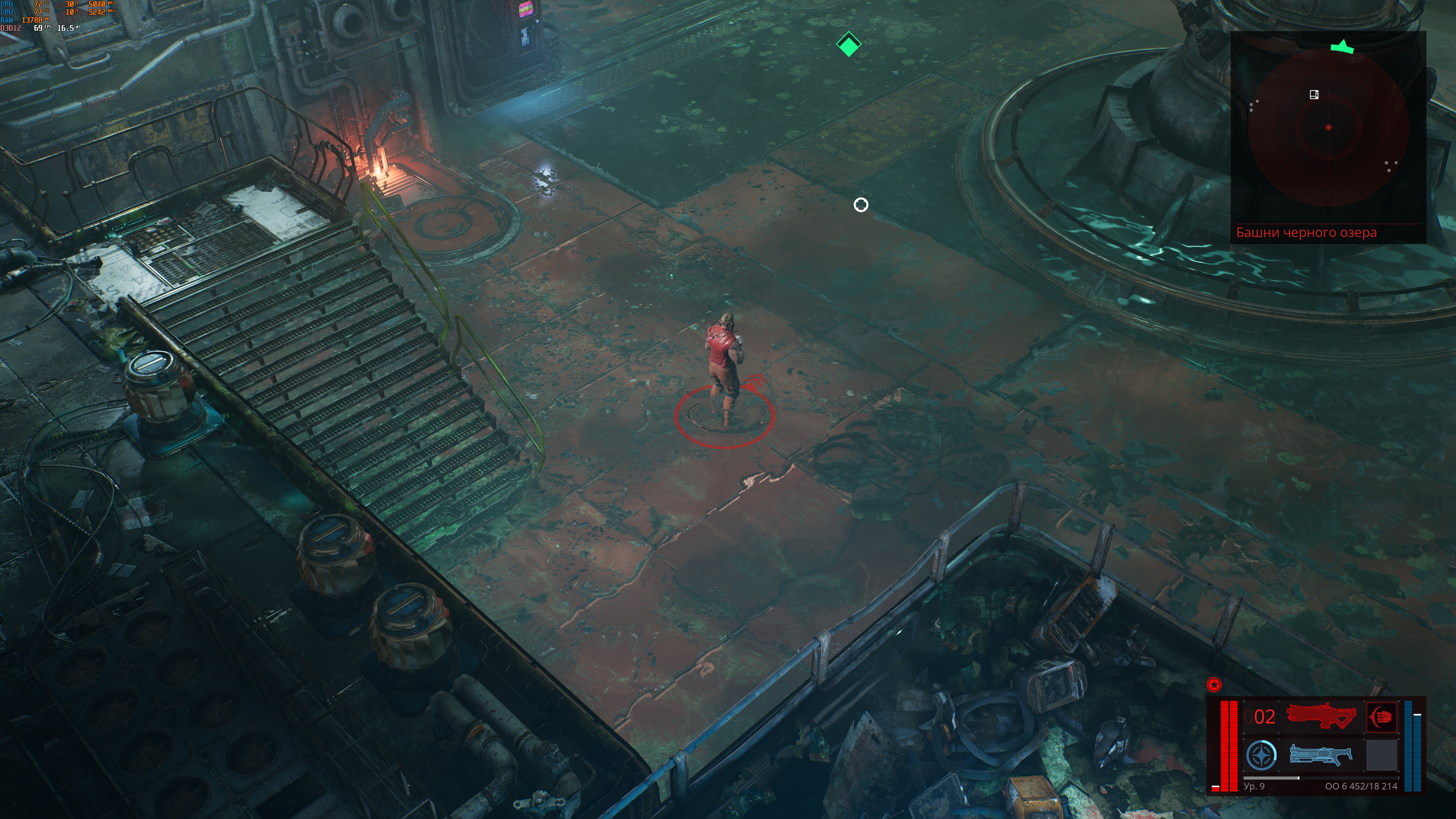
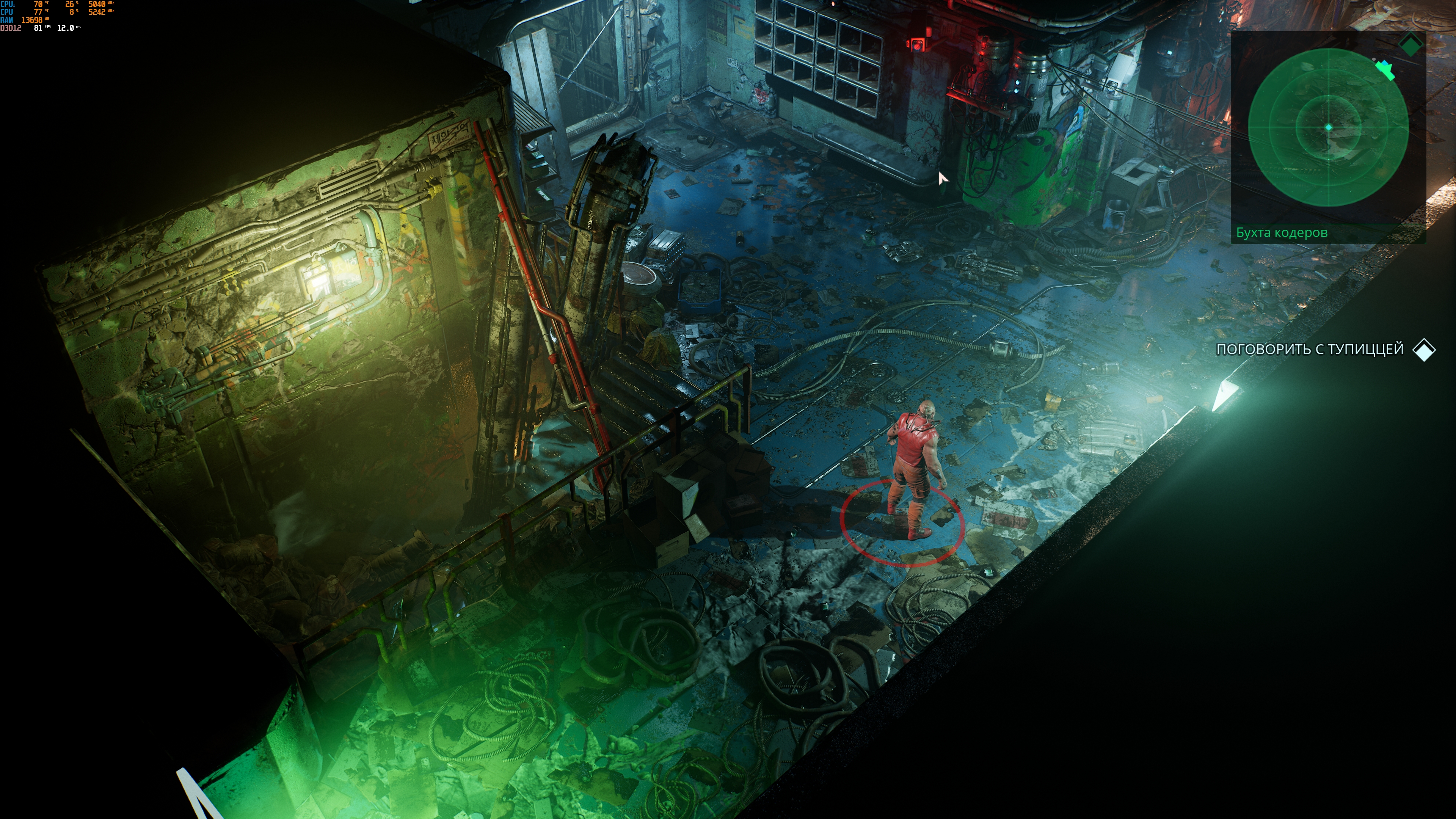
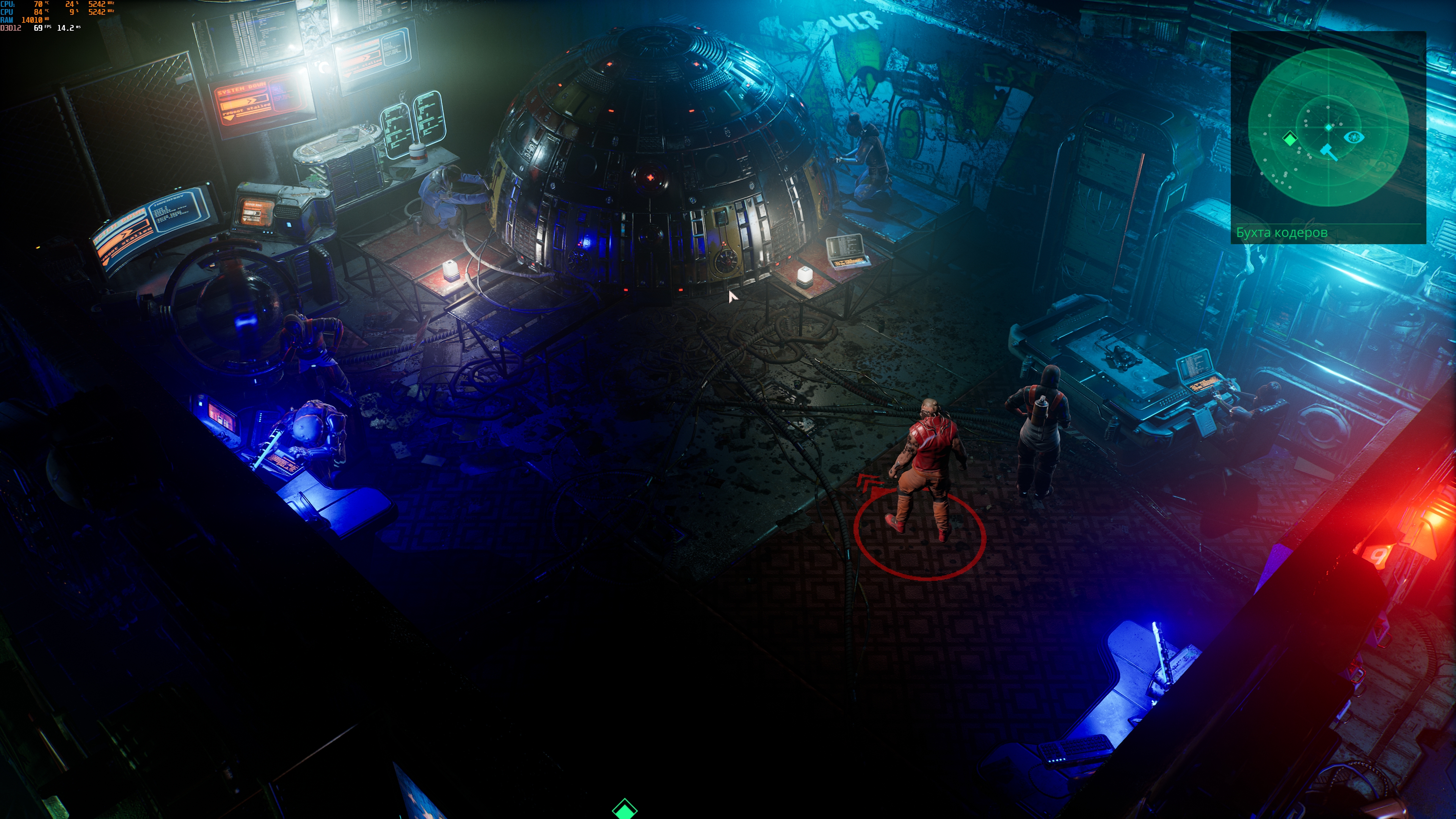
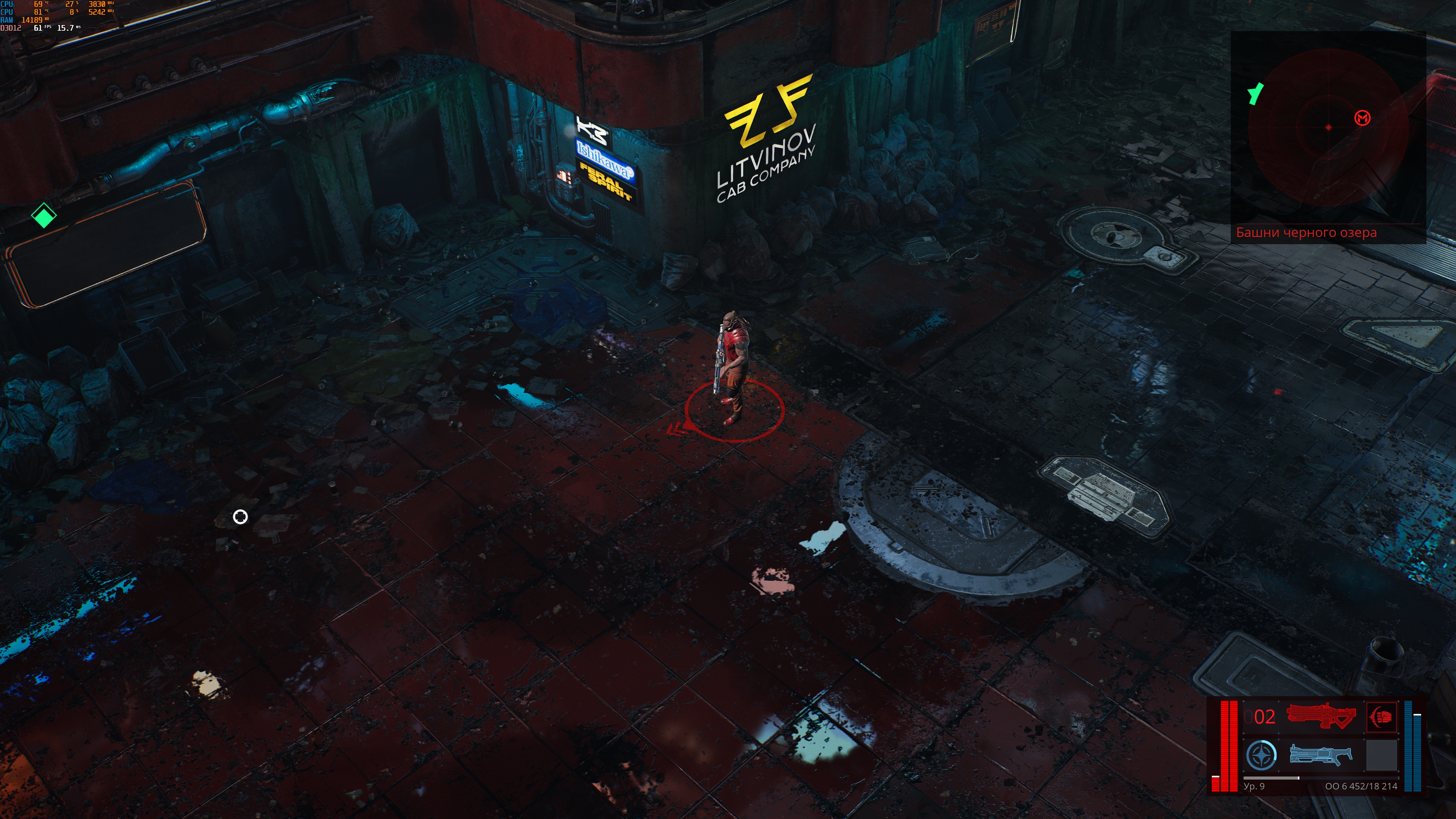
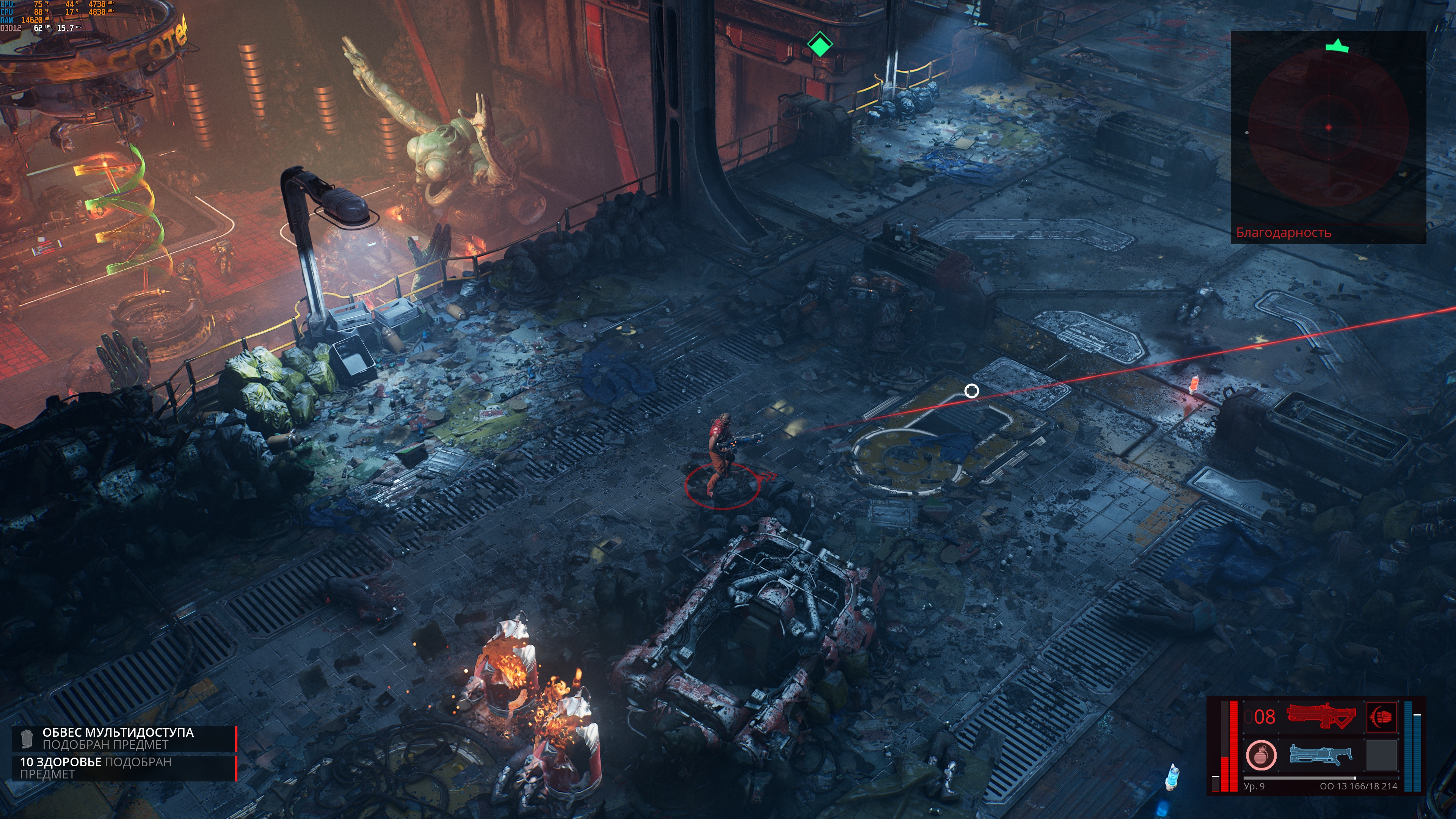
The Ascent. Maximum settings. 60-80 fps.
</ img>
</ img>
</ img>
</ img>
</ img>
</ img>
</ img>
</ img>








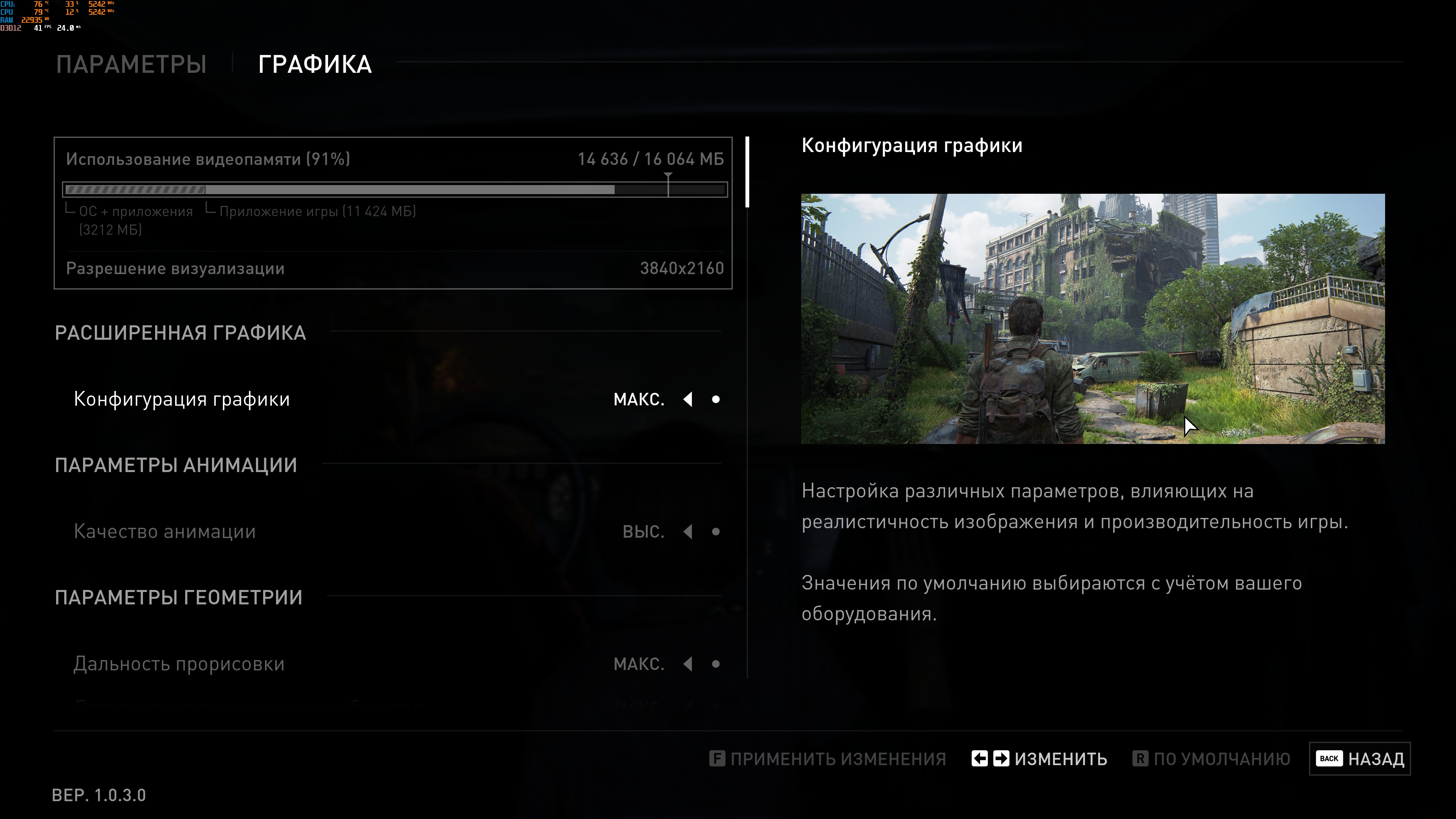
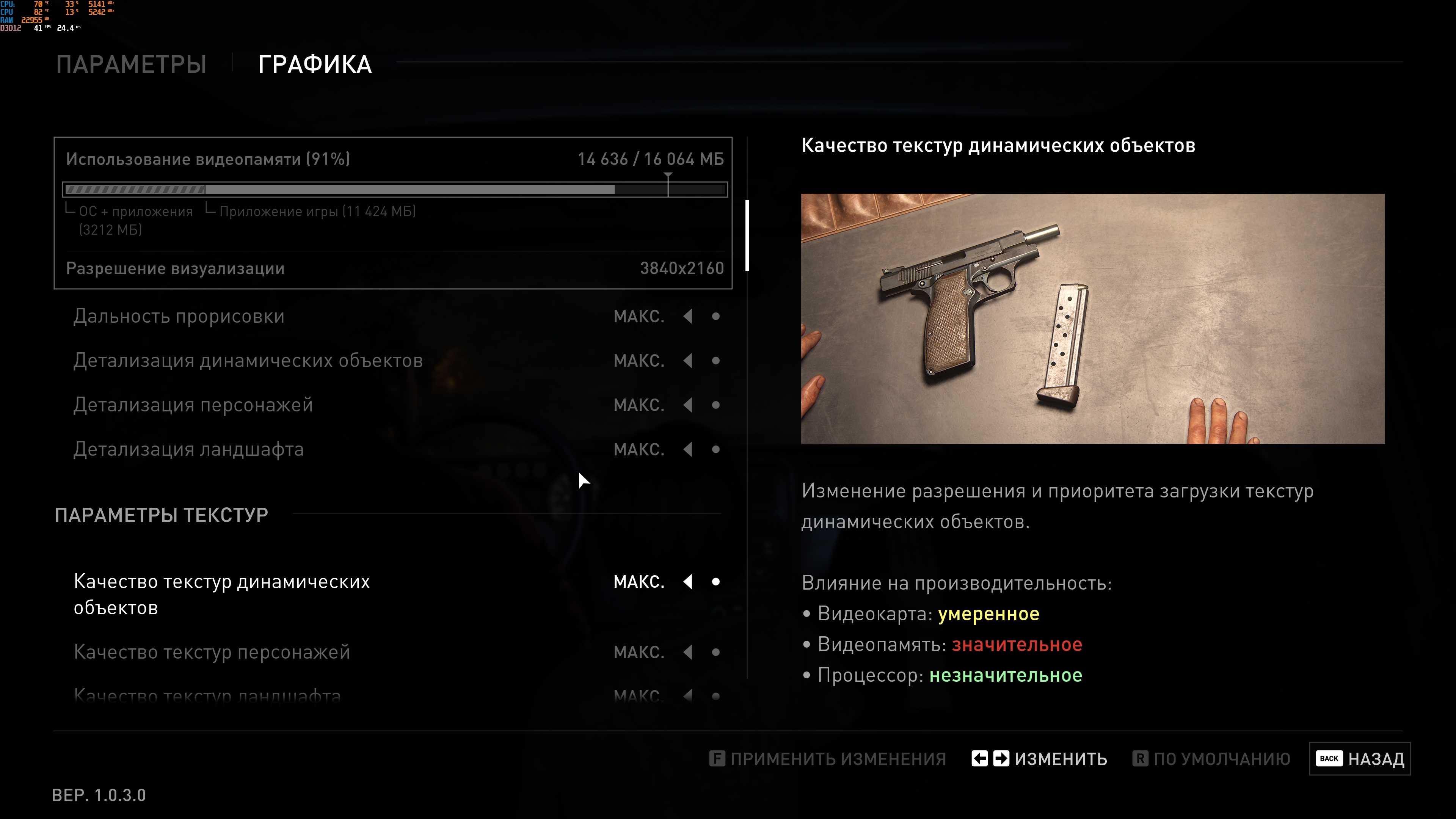
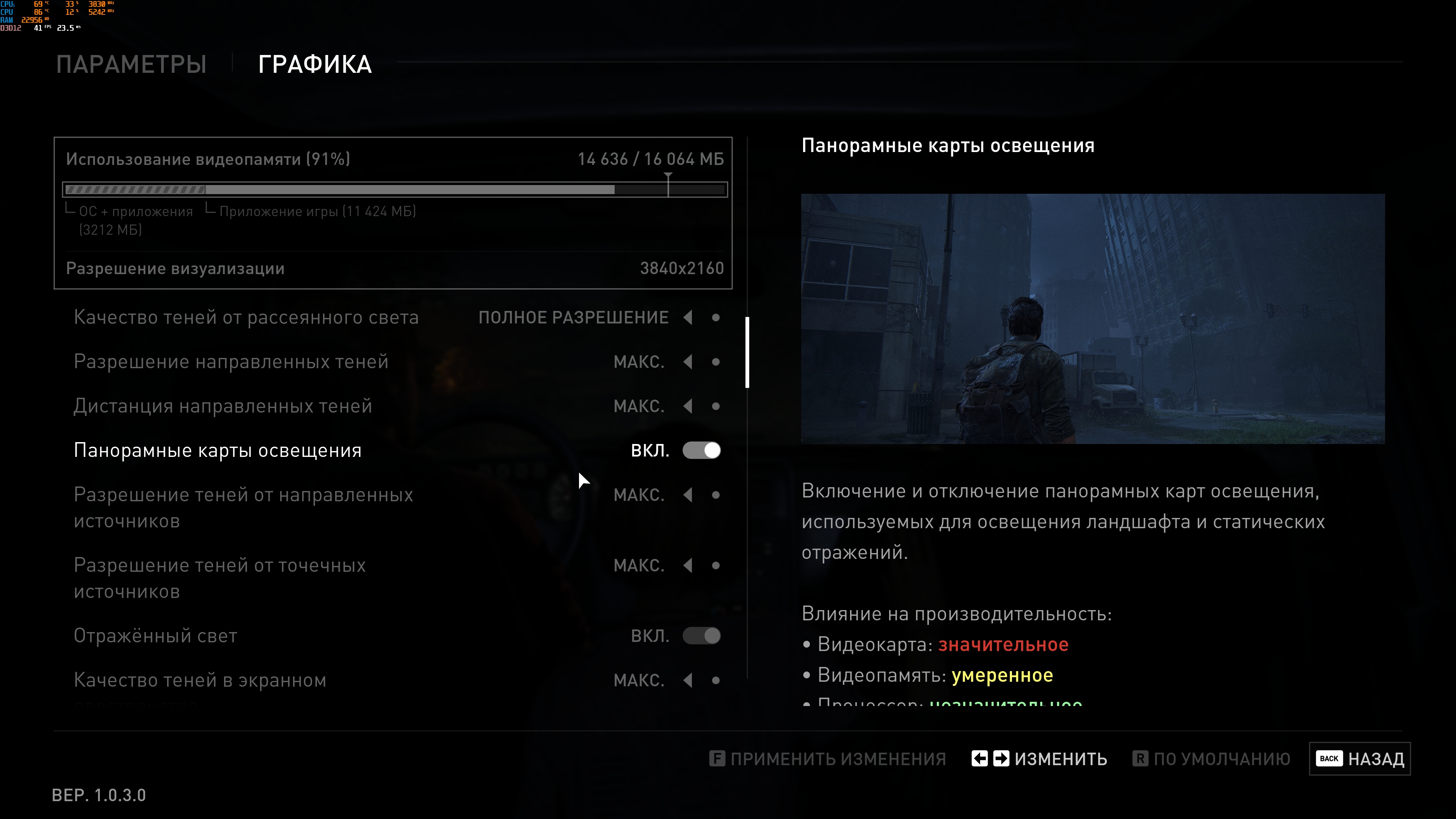
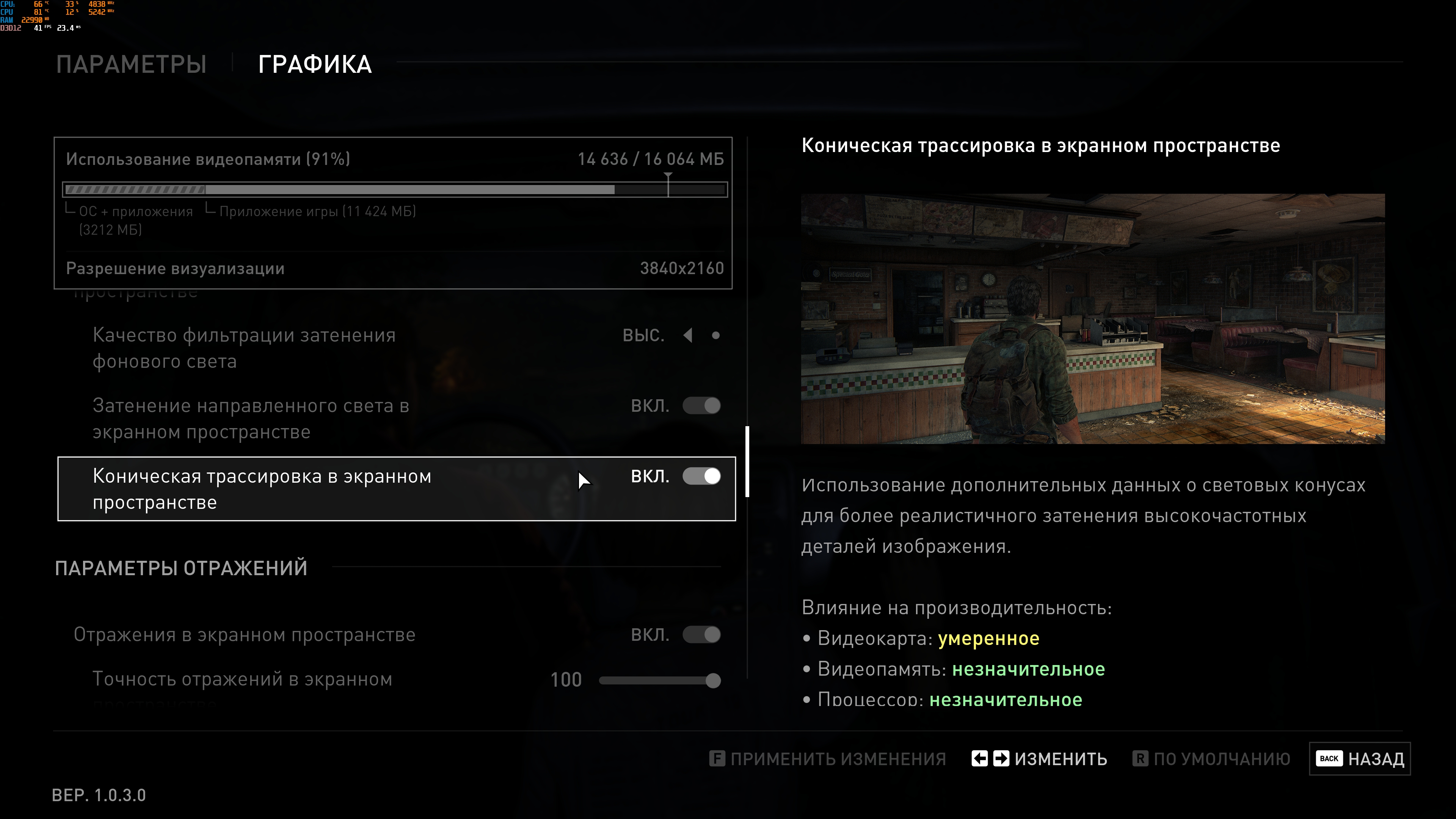
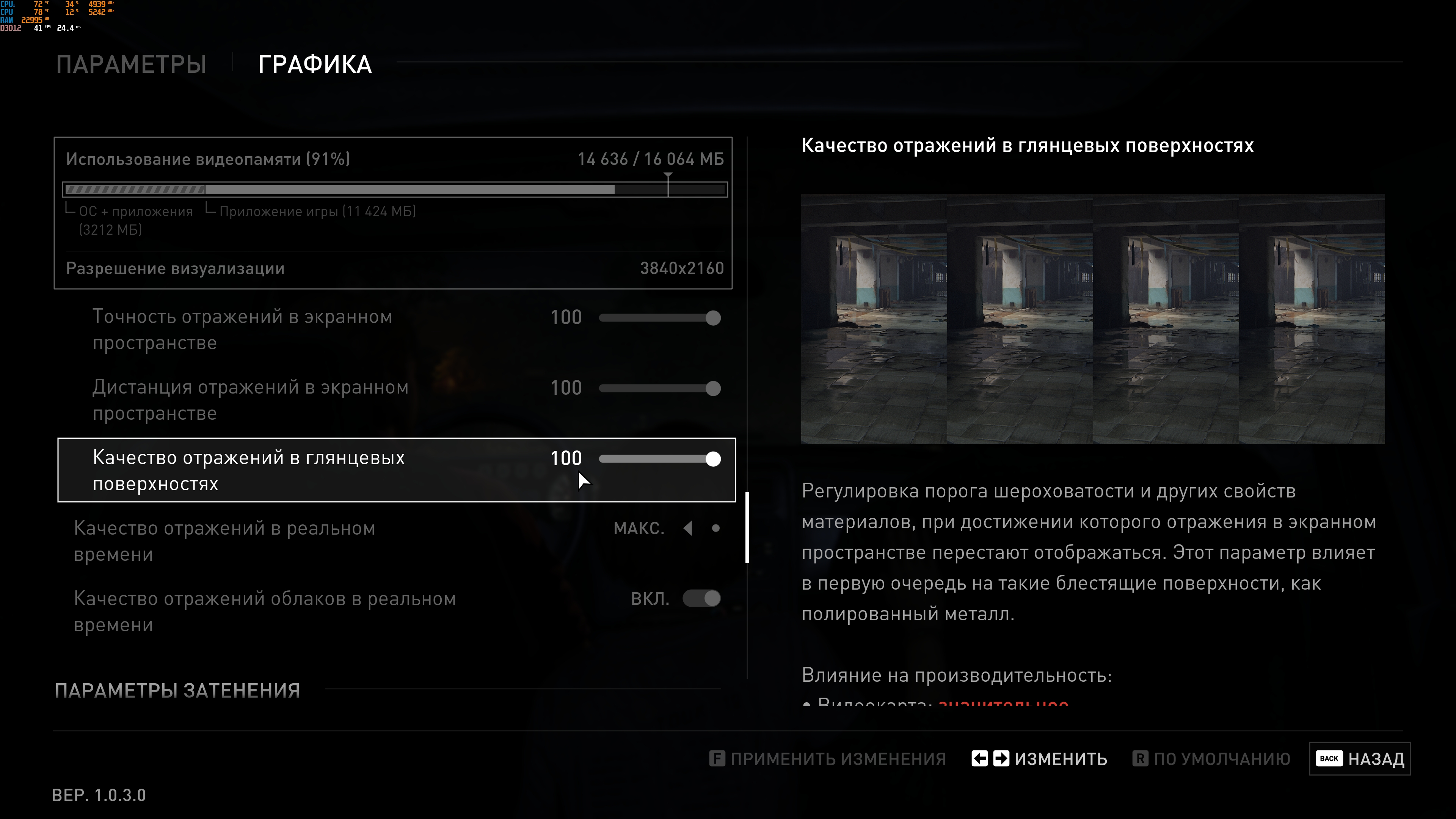
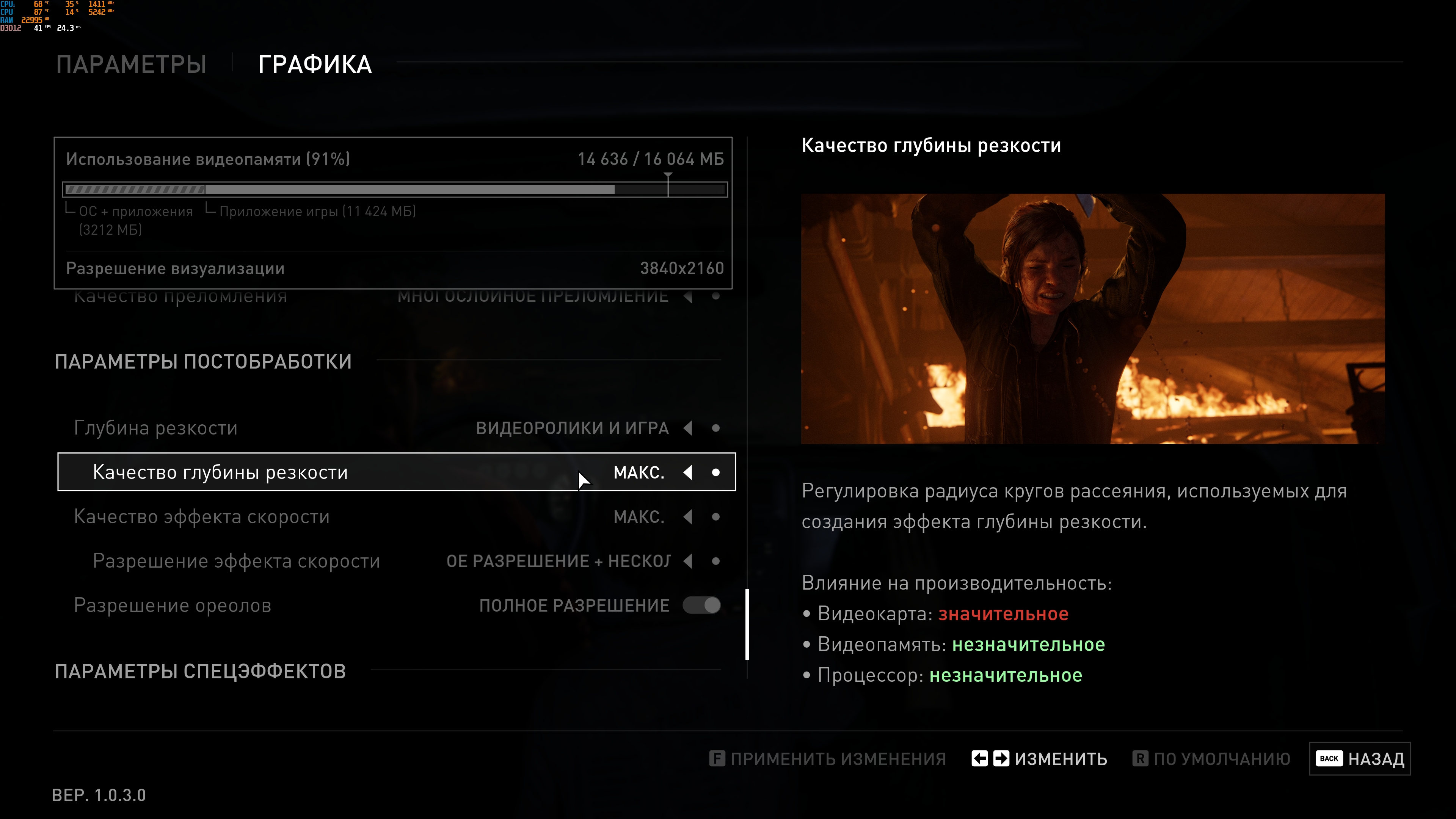
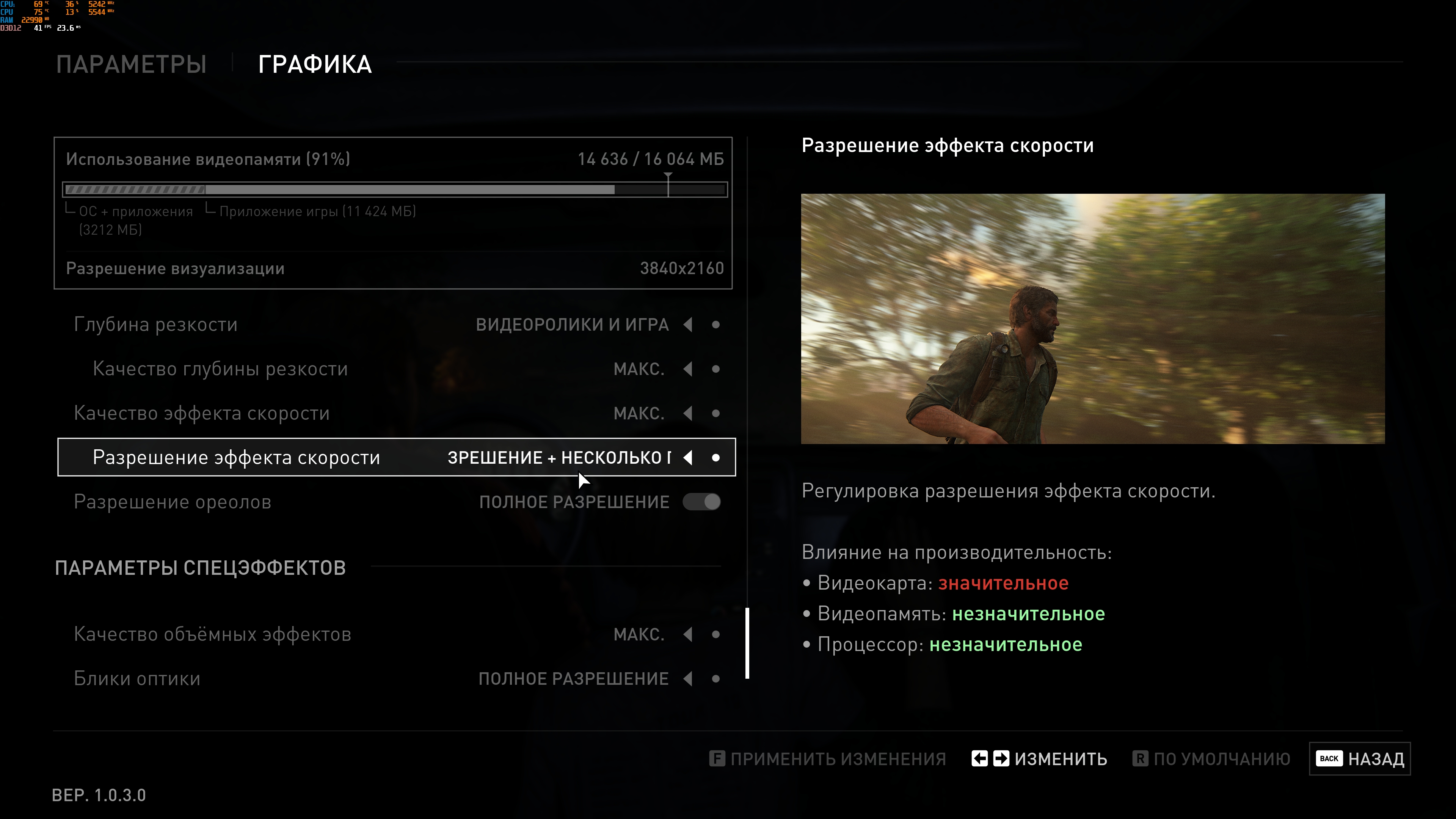
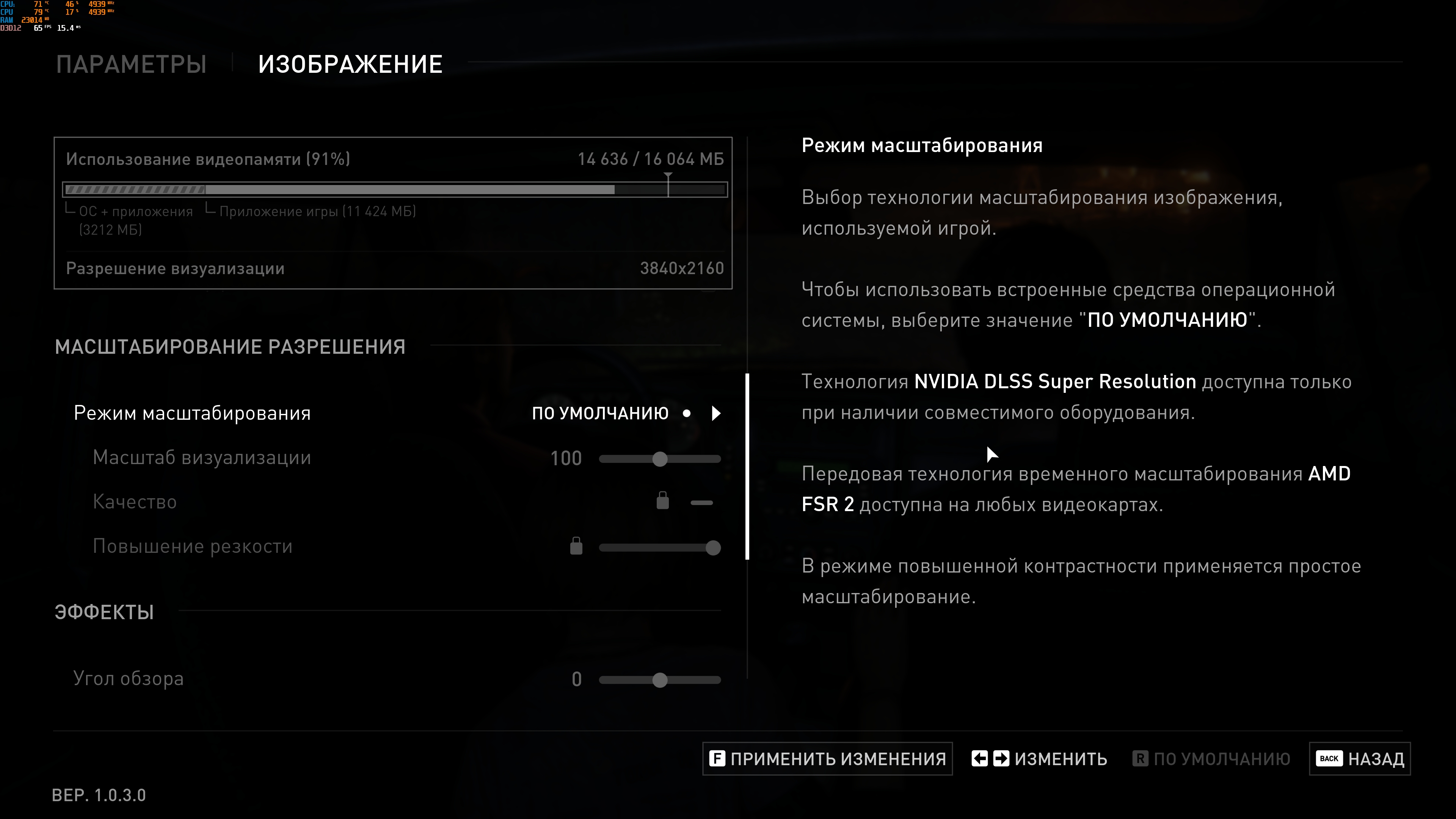
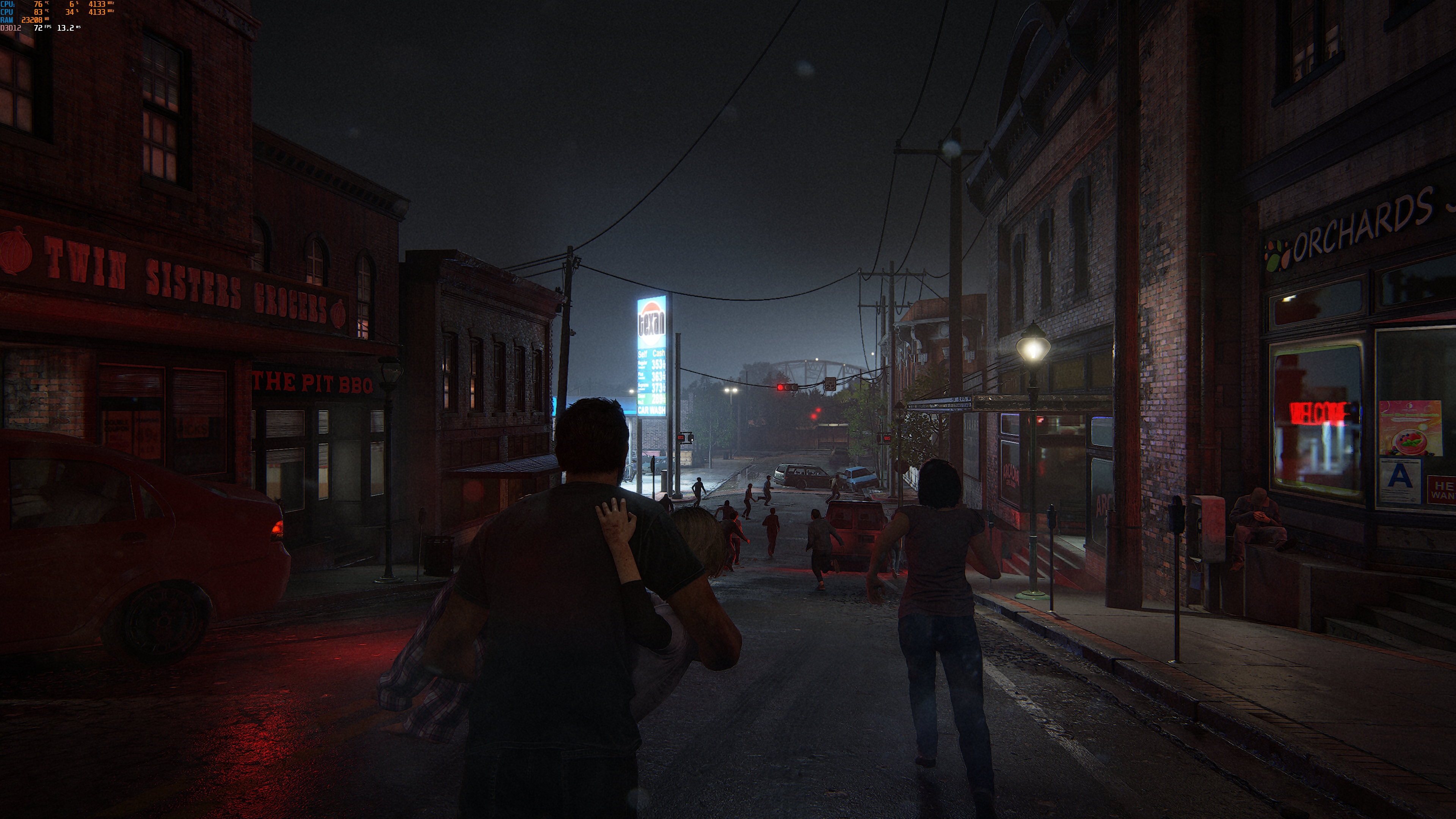
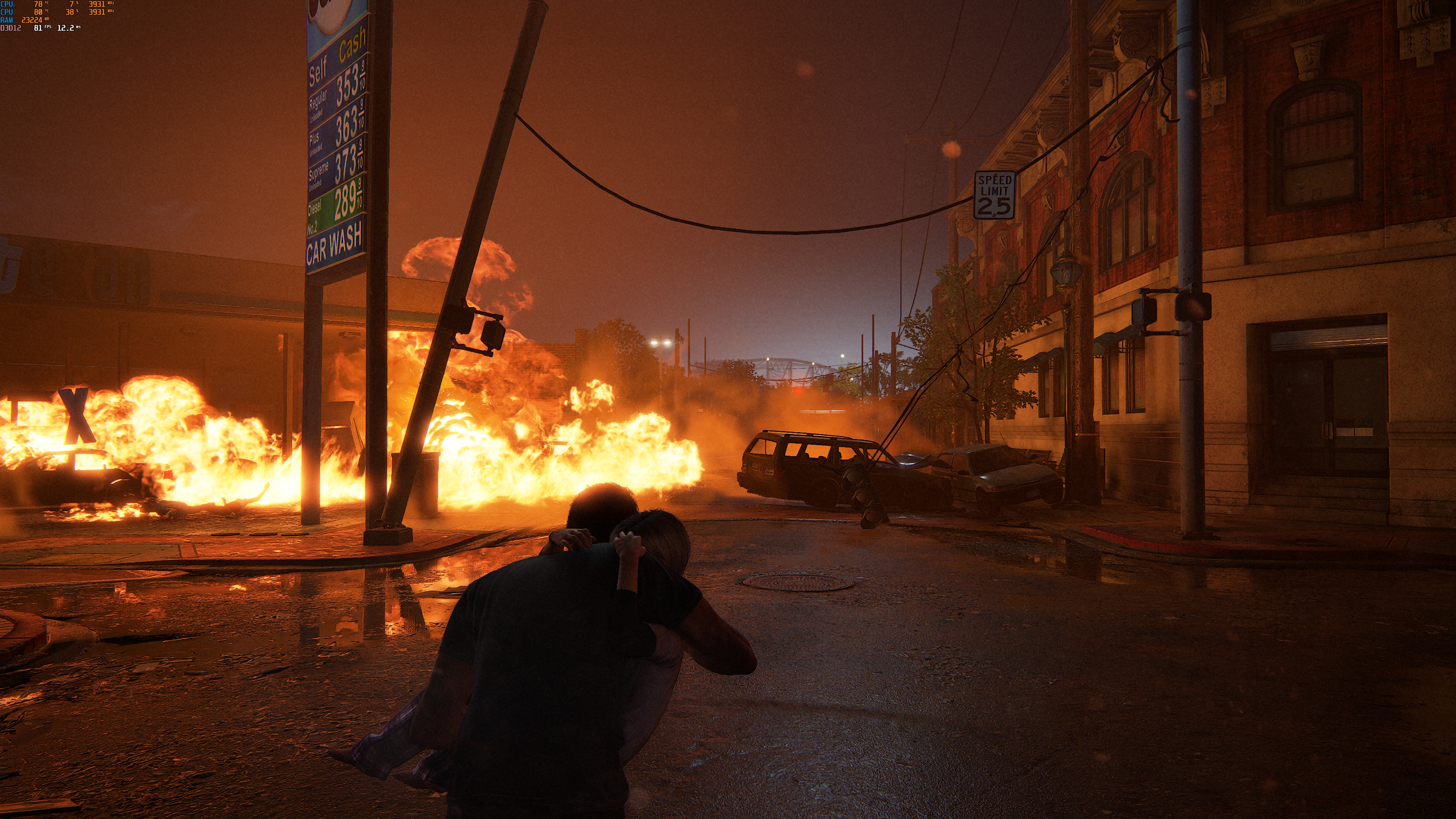
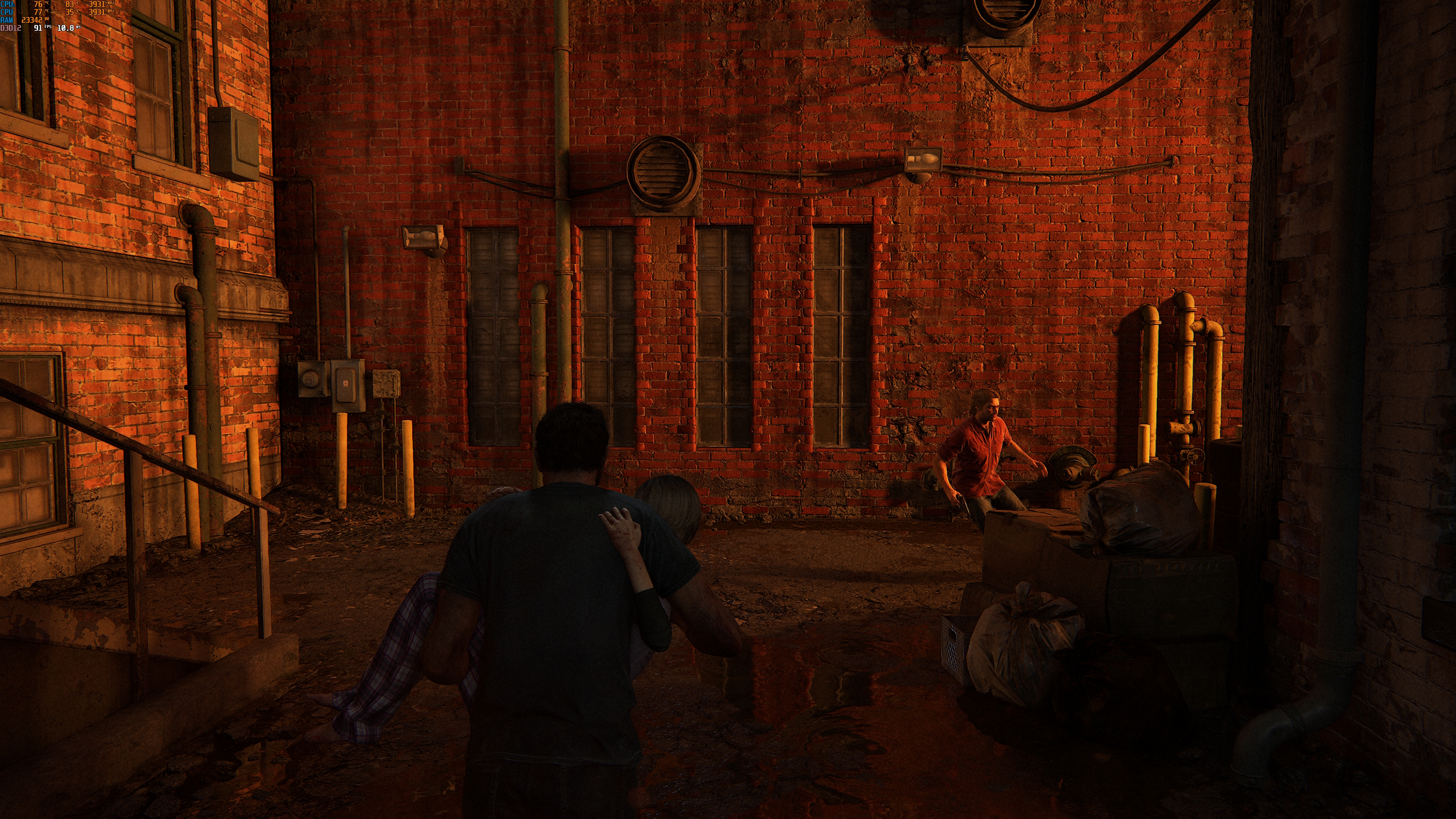
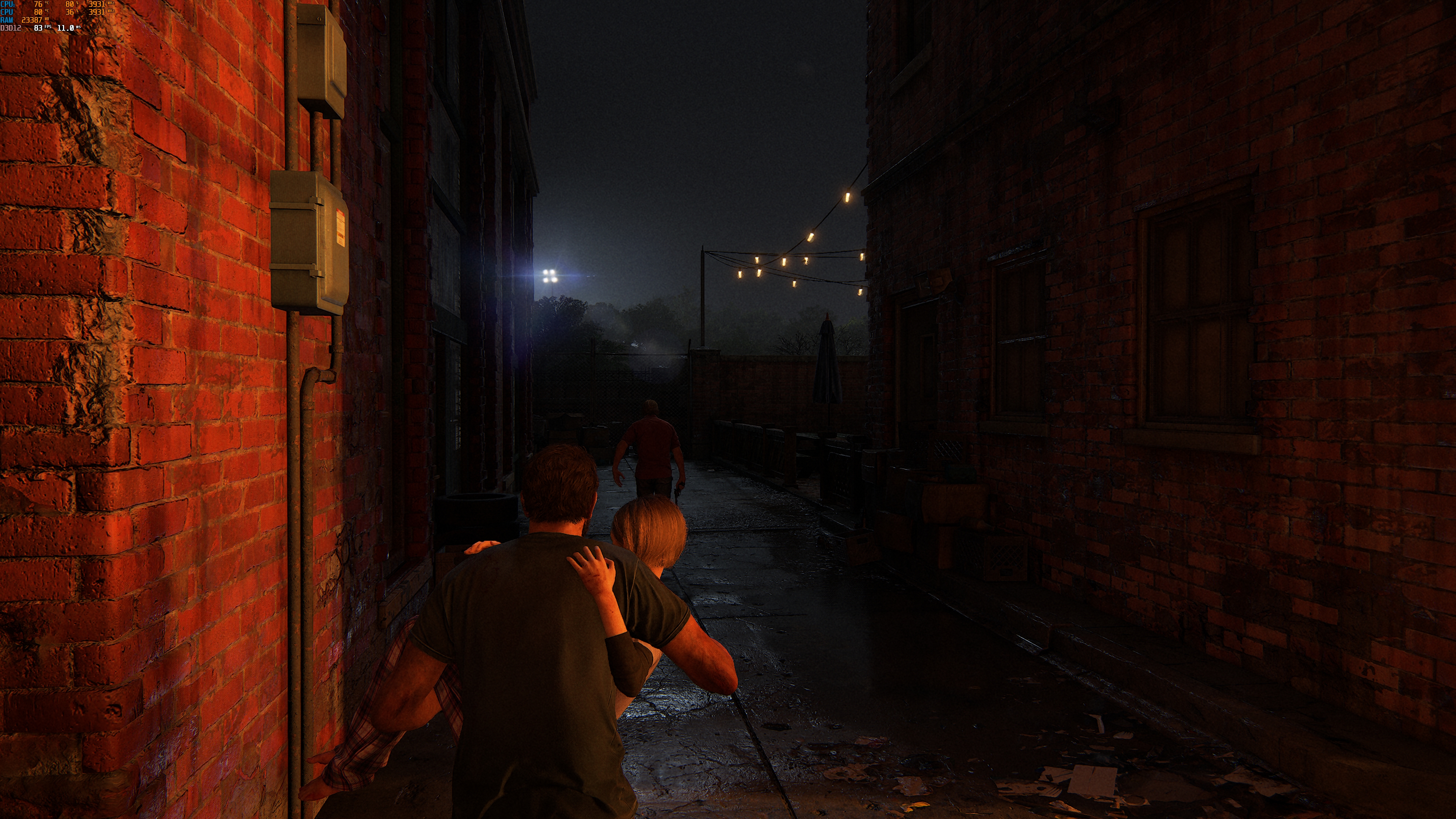
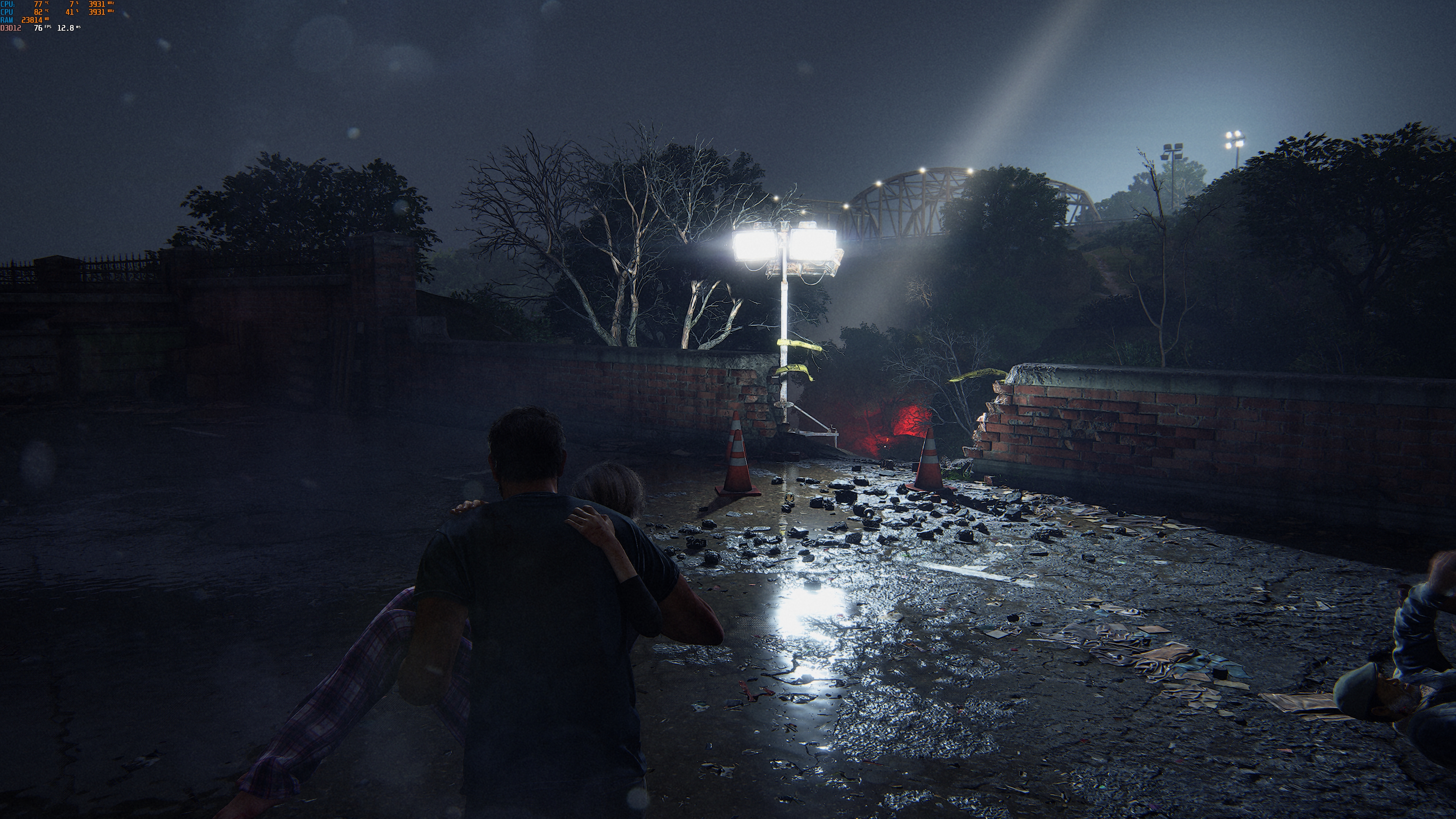
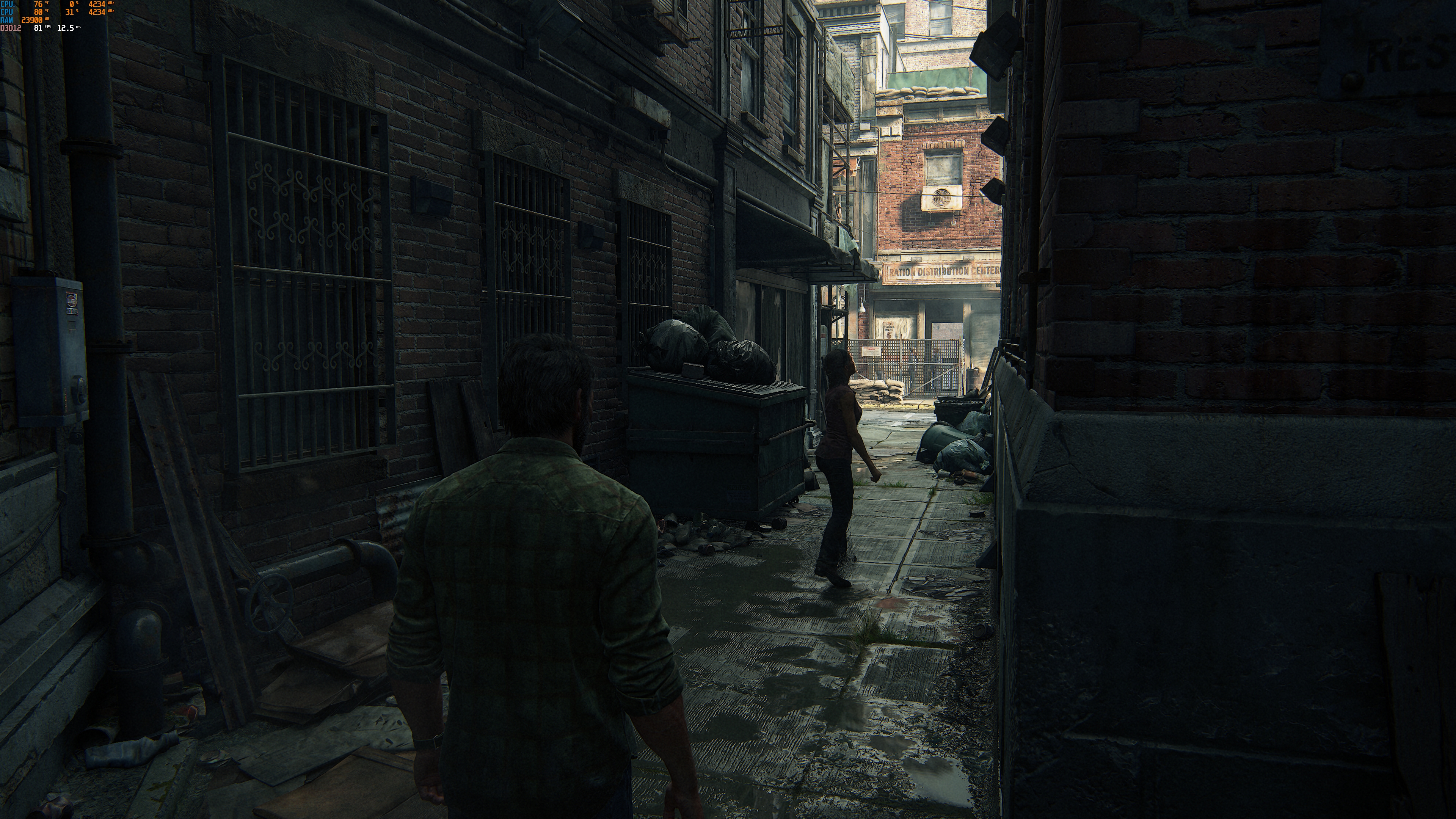
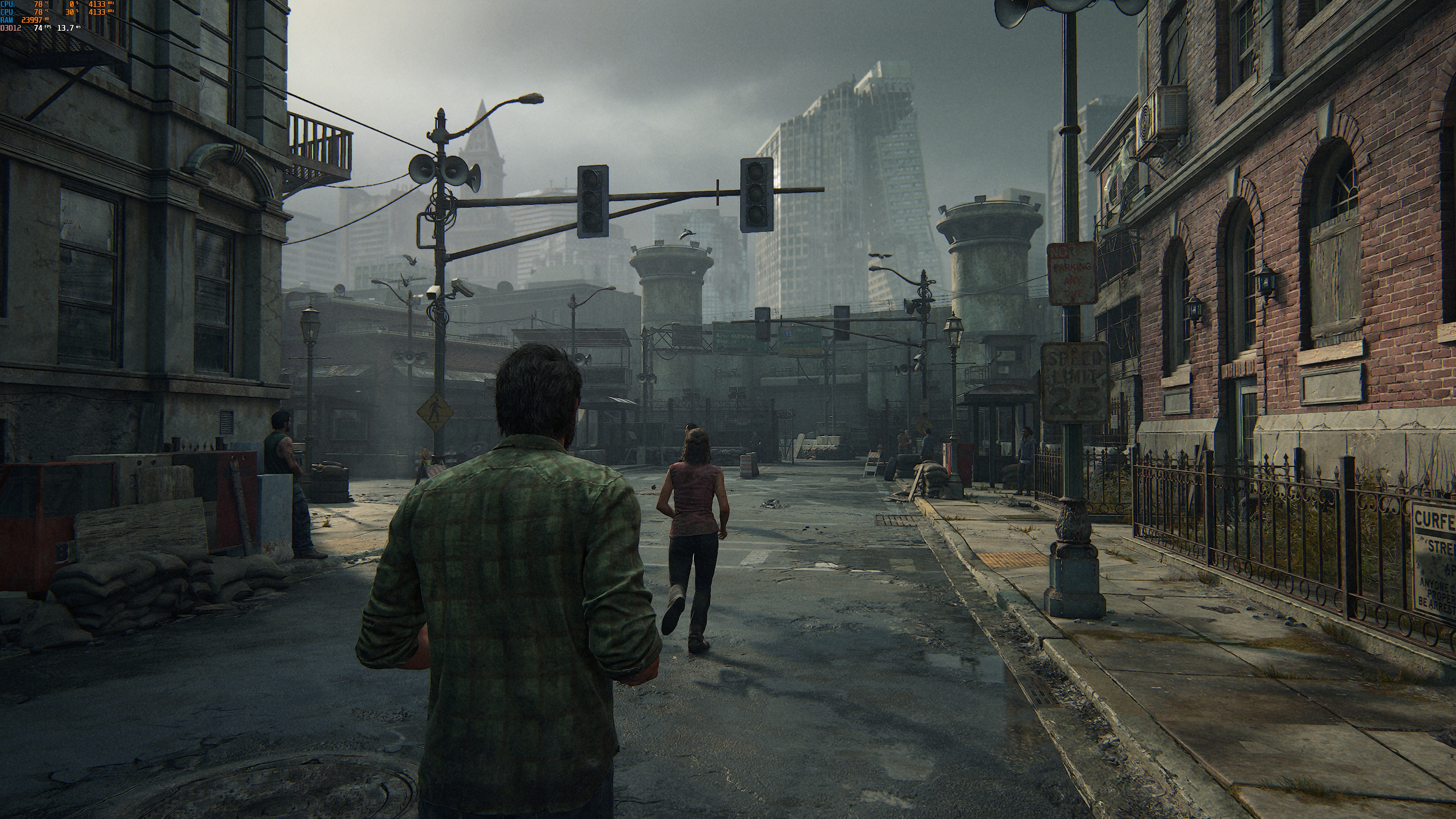
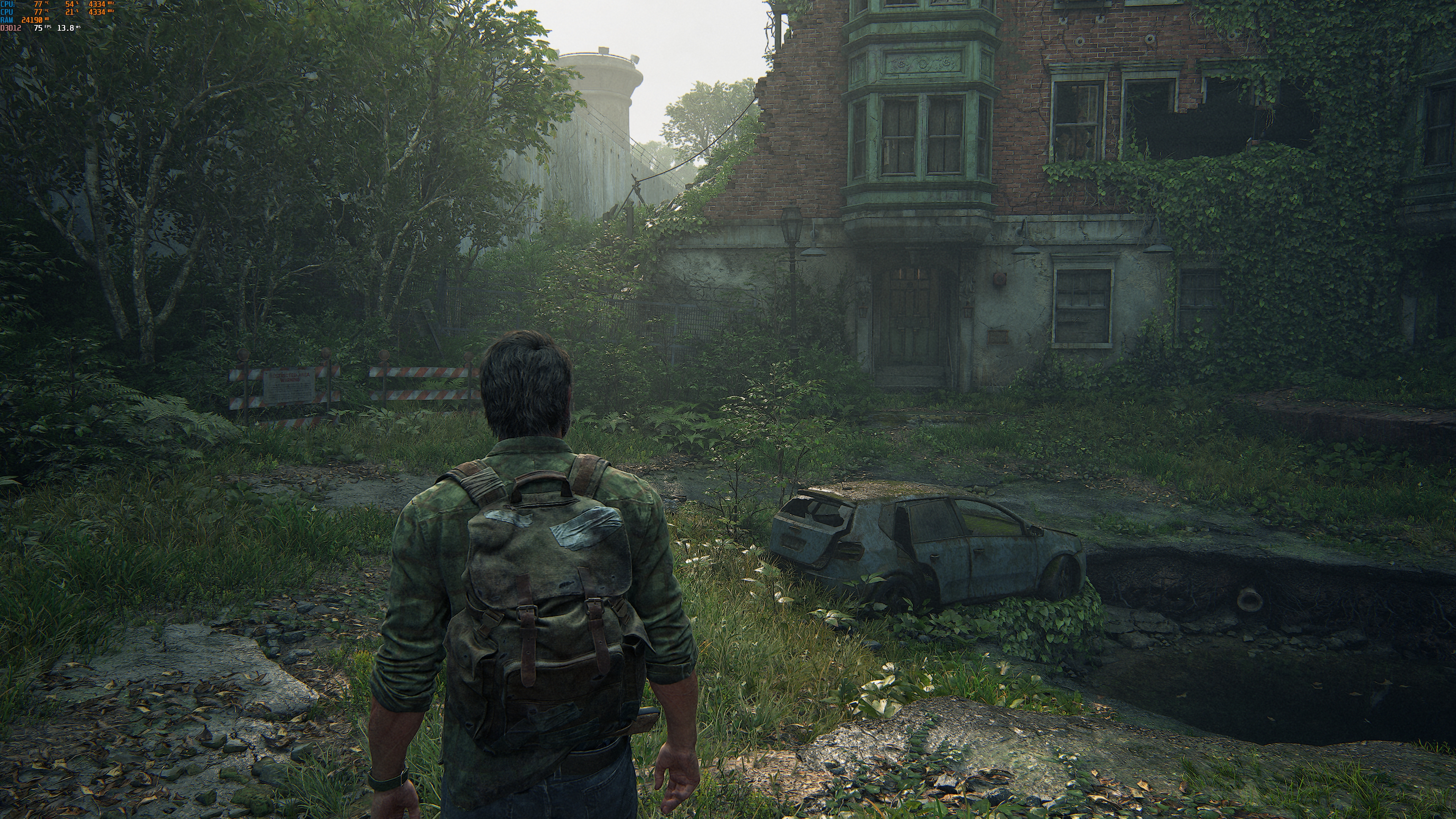
The Last of Us Part I, version 1.0.3.0. Maximum settings, no DLSS. 70-90 FPS:
</ img>
</ img>
</ img>
</ img>
</ img>
</ img>
</ img>
</ img>
</ img>
</ img>

</ img>
</ img>
</ img>
</ img>
</ img>
</ img>
</ img>

















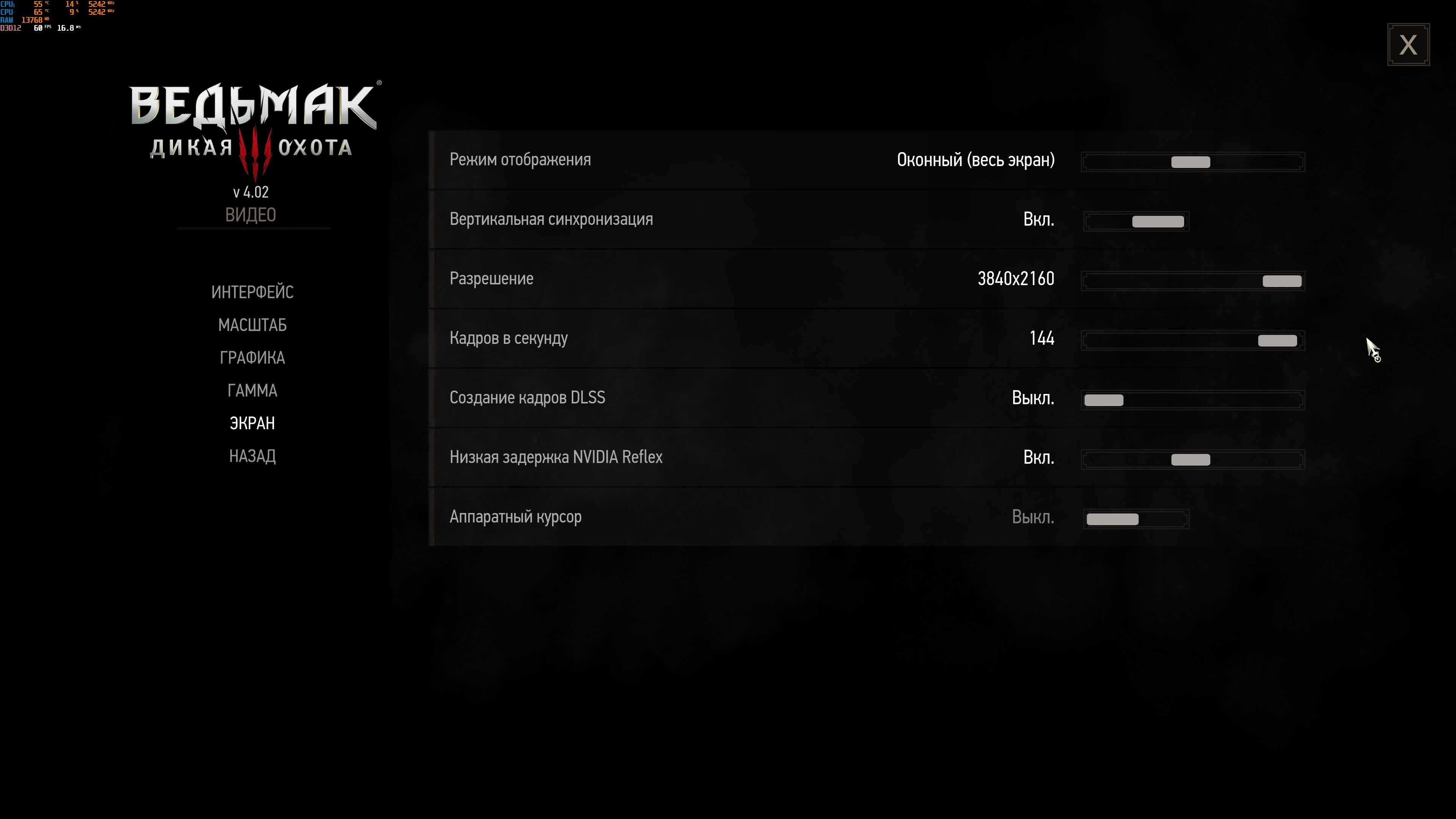
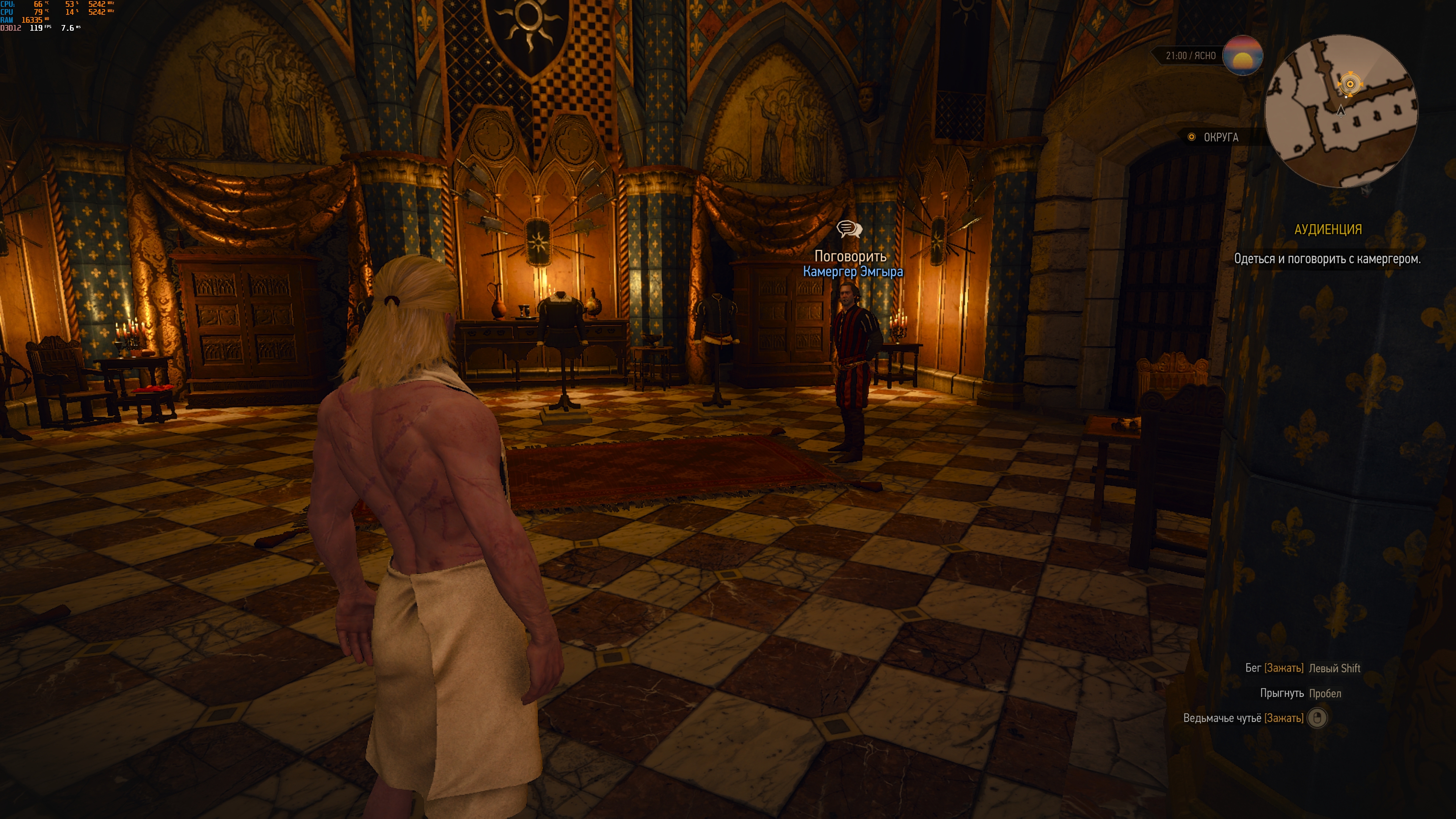
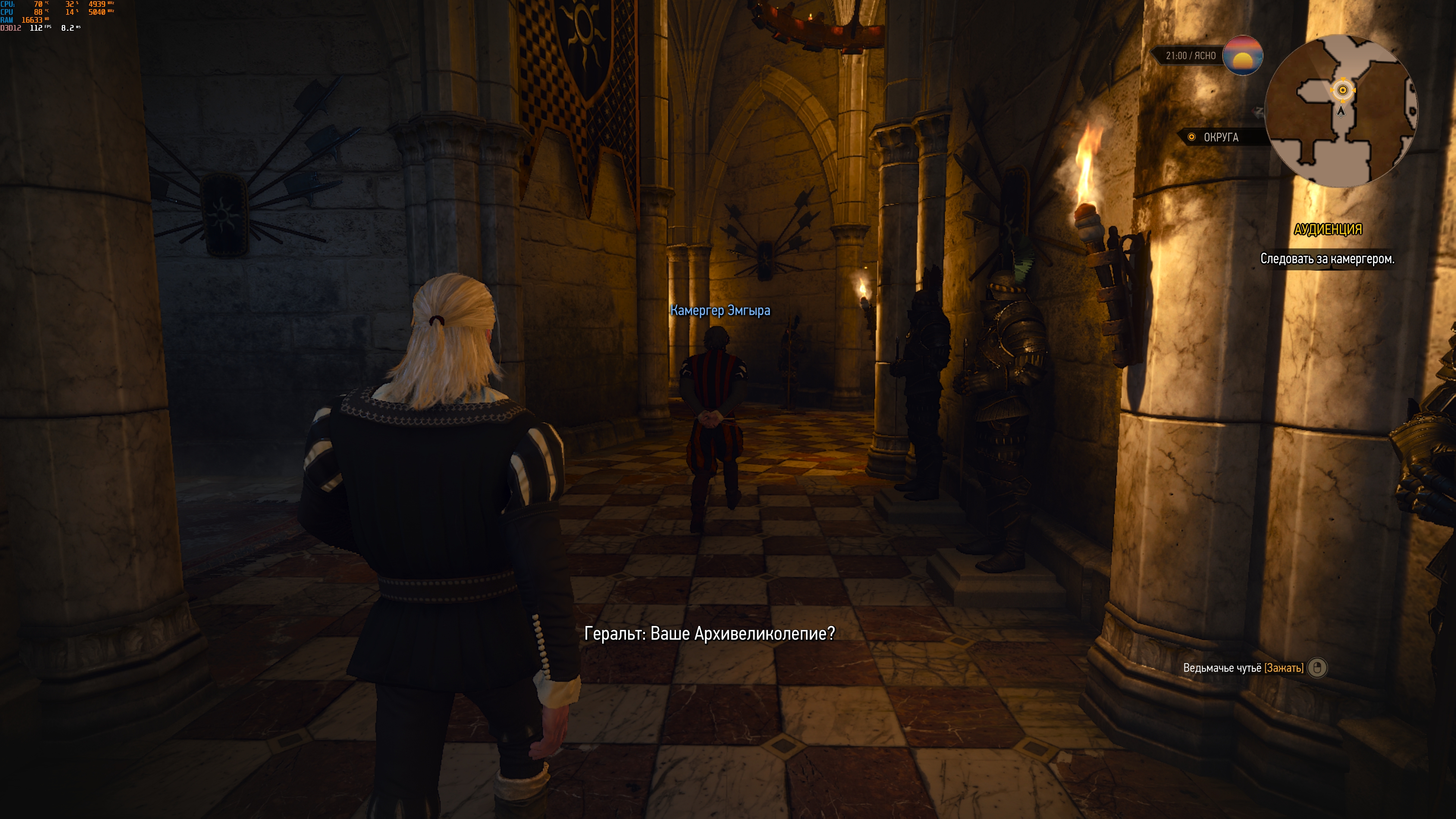
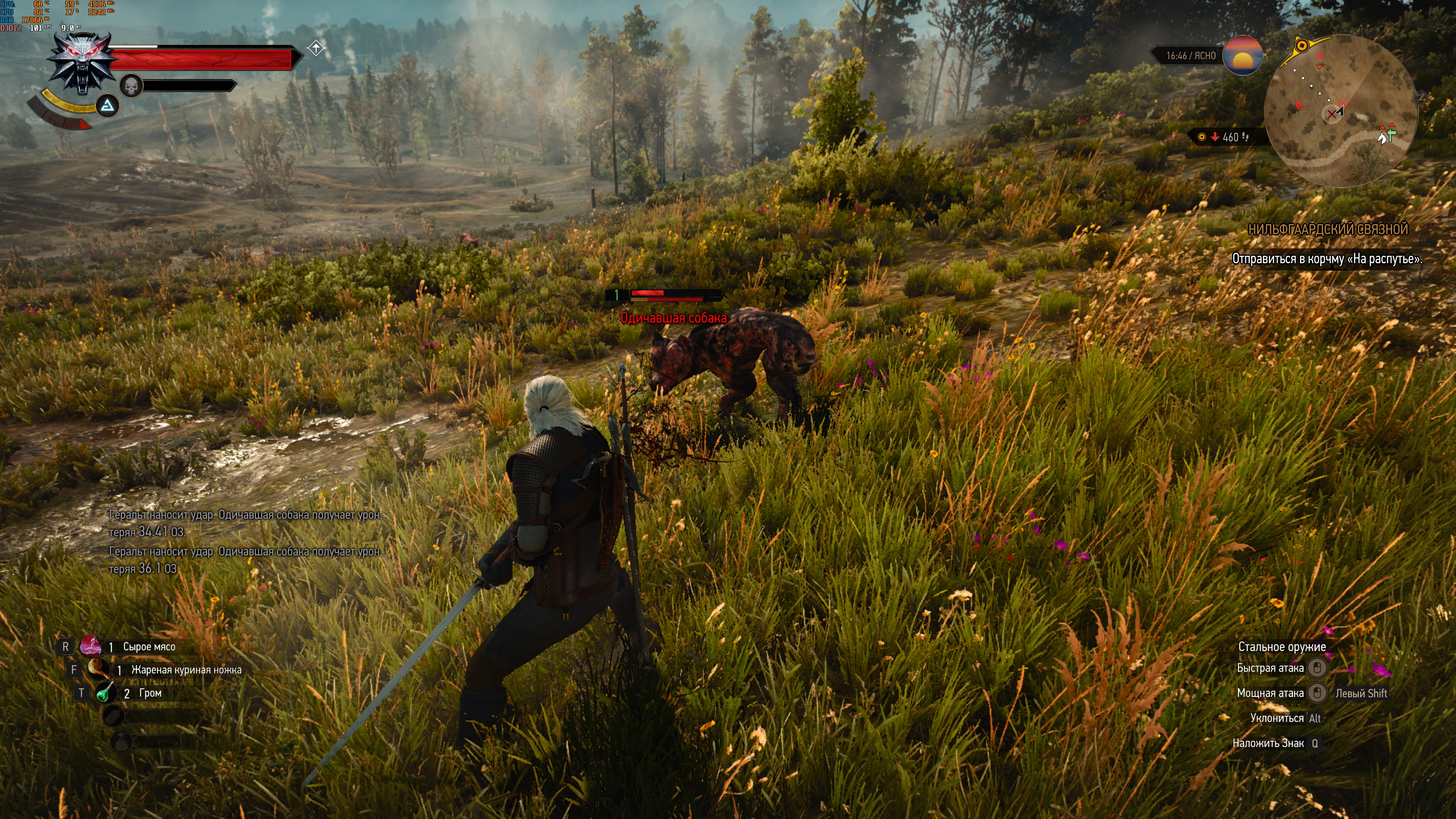
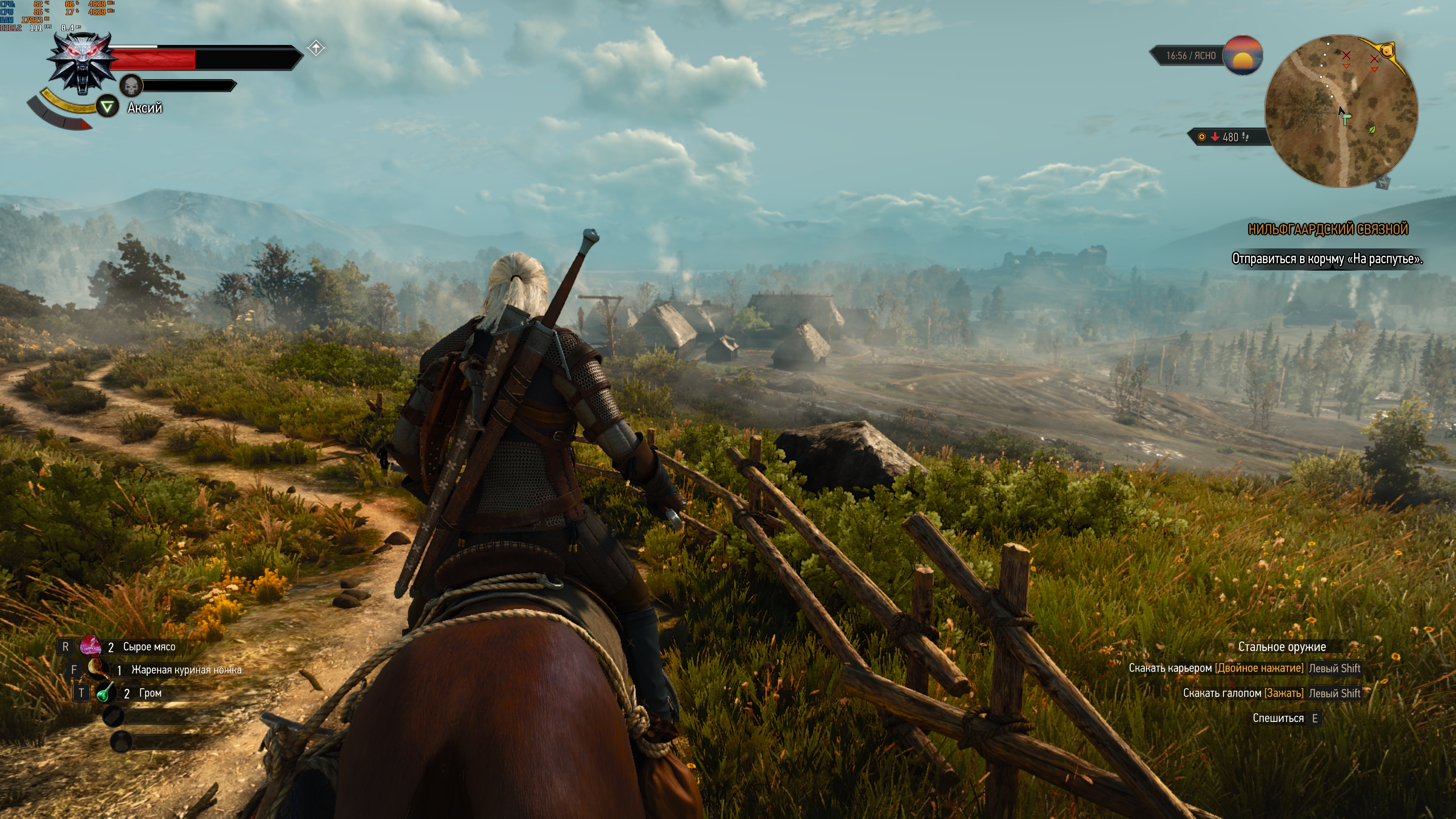
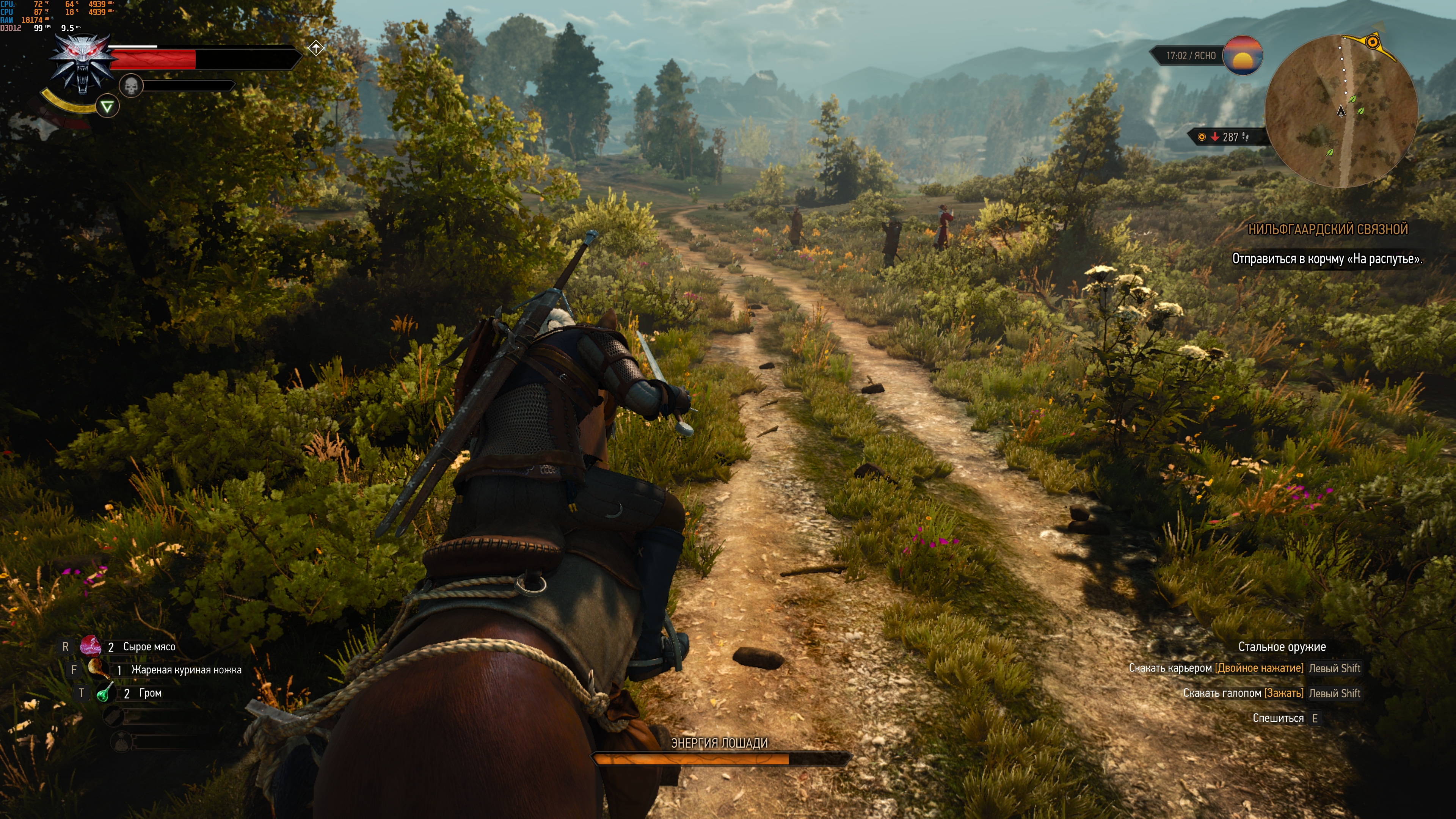
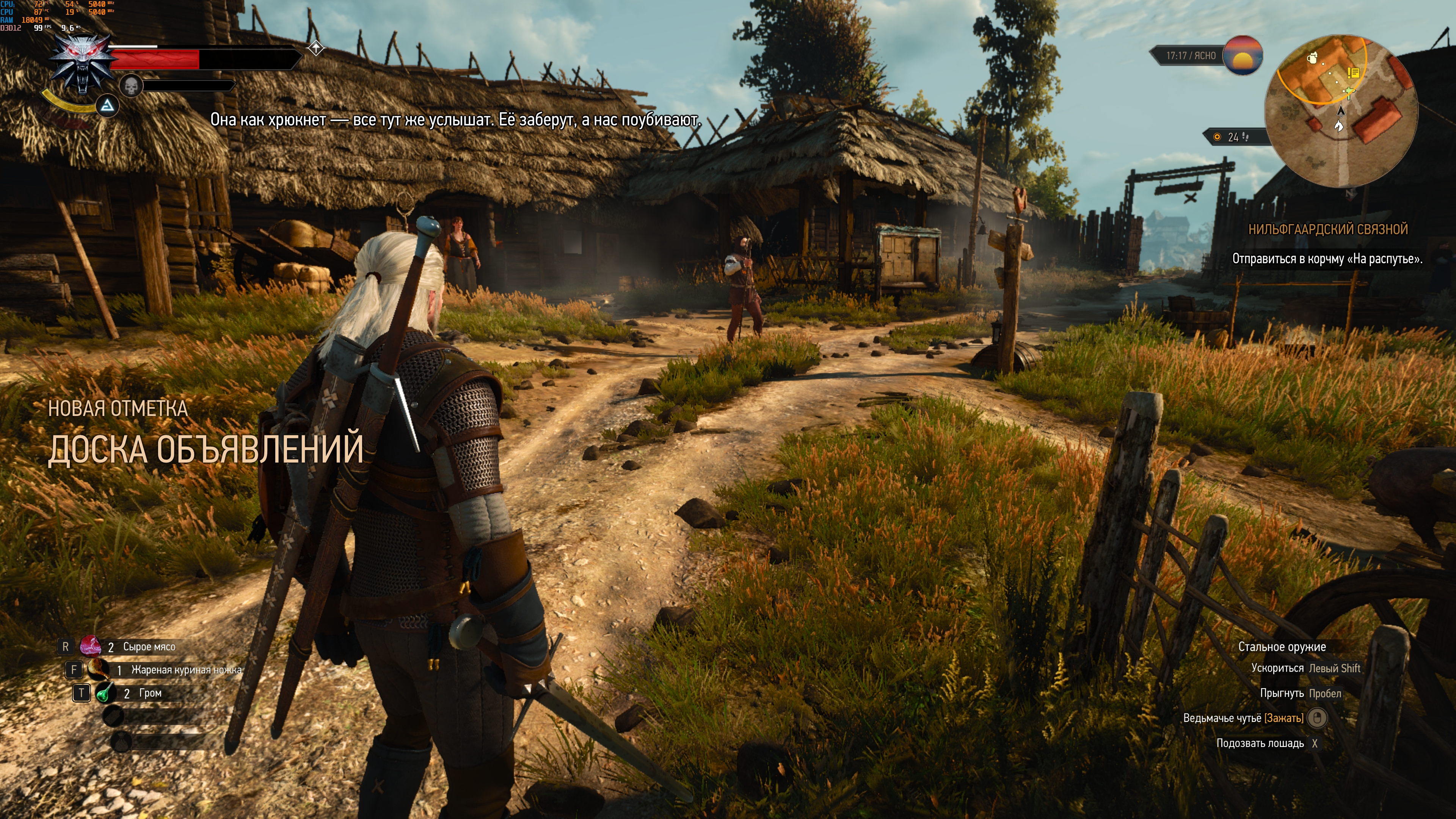
Witcher 3 (updated version). Maximum settings with tracing: 100-120 FPS.
</ img>
</ img>
</ img>
</ img>
</ img>
</ img>
</ img>






MSI Titan GT77 HX 13V usesaudio system, including four speakers of 2 W each. The laptop sounds really loud, the power reserve is enough even to “outshout” cooling system operating at maximum speed. Low frequencies are present. But, of course, you shouldn’t compare the sound quality with individual audio systems.
</ img>
</ img>


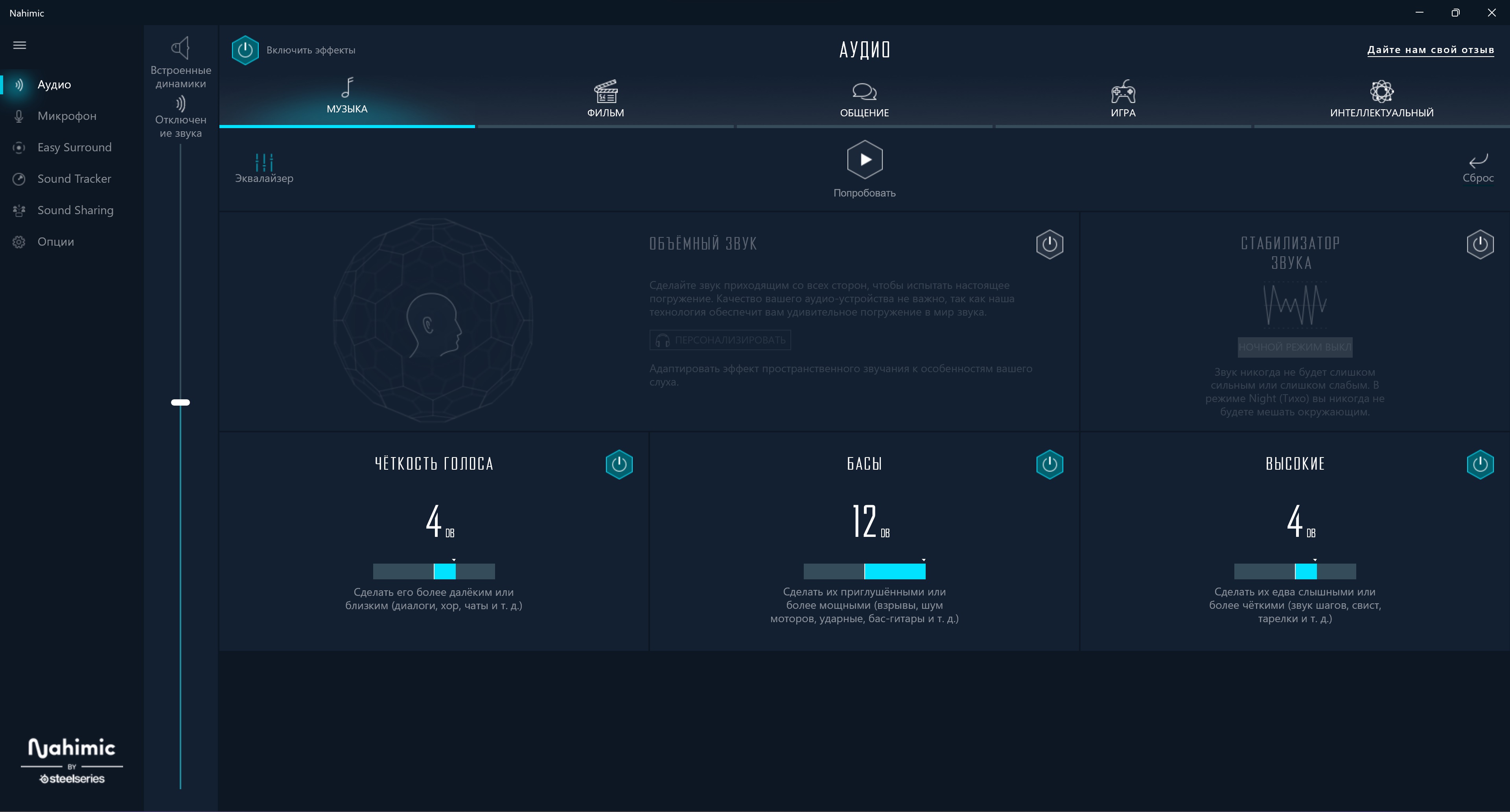
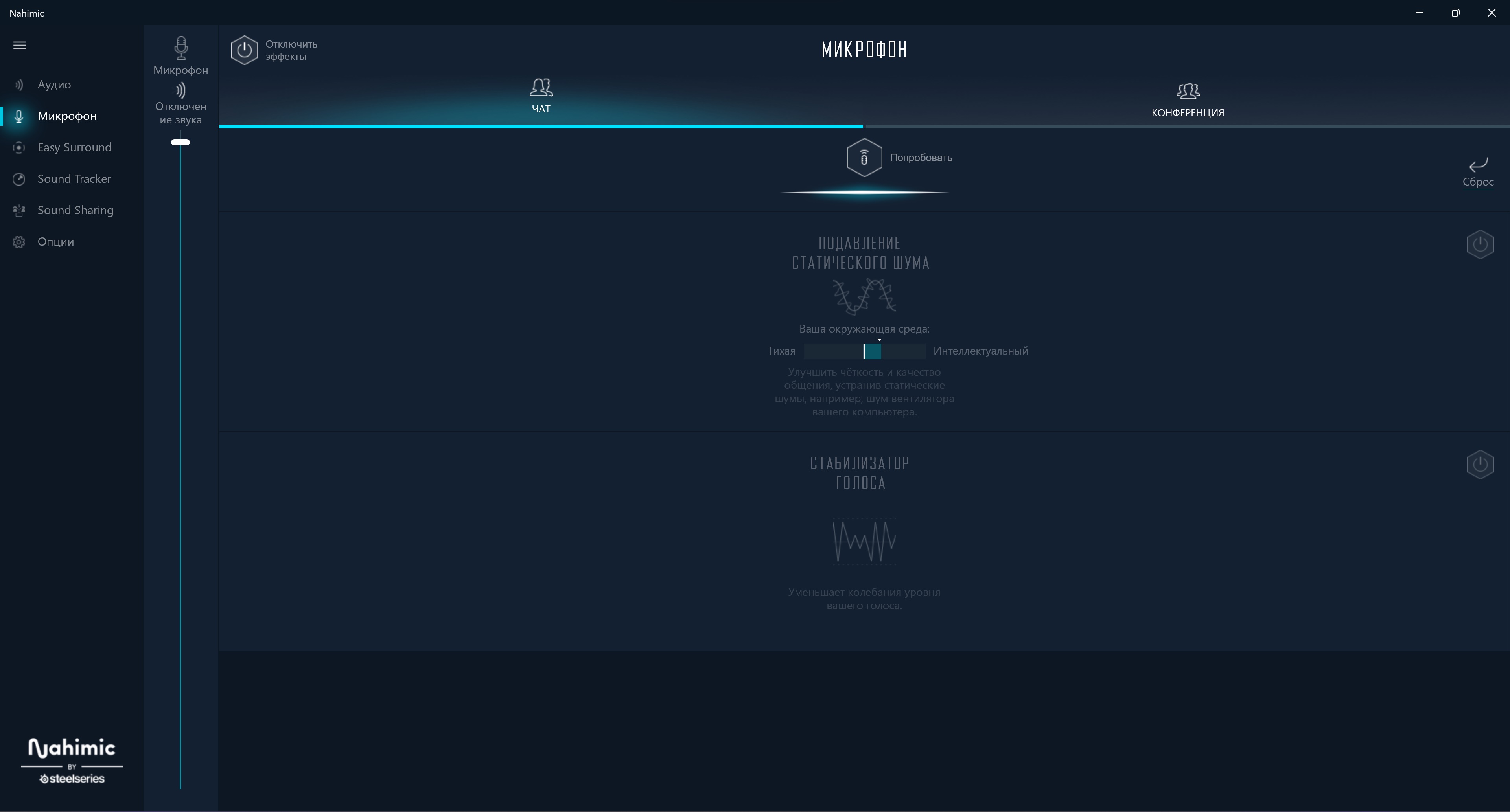
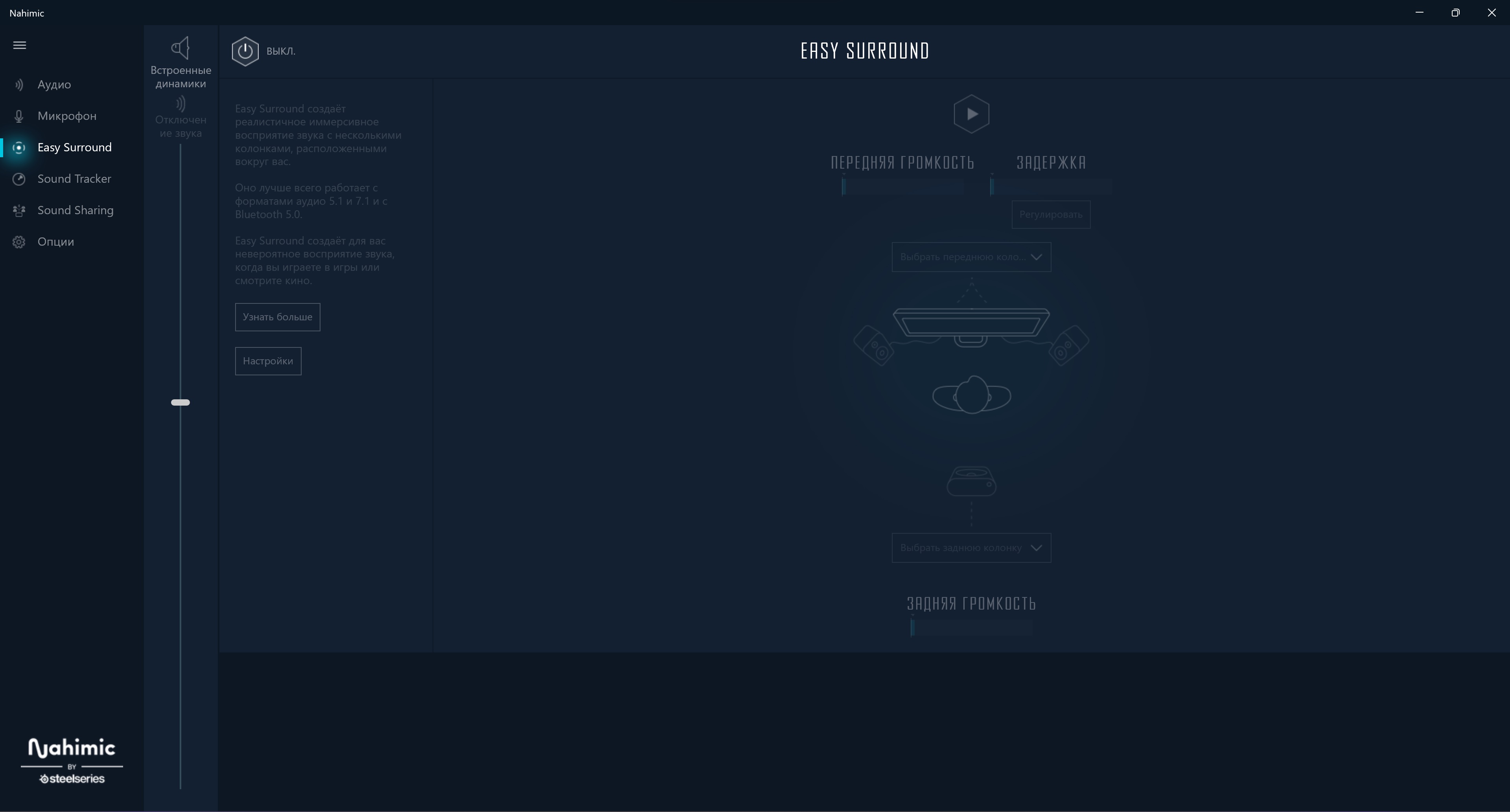
To customize the sound, the Nahimic application is used with settings presets for various scenarios, frequency control and other additional features.
</ img>
</ img>
</ img>



The laptop has a large 99 battery.9 Wh But, given the power of iron, you should not expect a record autonomy. In the FullHD video mode with a comfortable brightness (50%), it works for about 6 hours. With an increase in load, the operating time decreases sharply: the maximum load eats up the battery in a little more than an hour. Typical performance for a powerful gaming model. It takes a little less than 3 hours to fully charge from a complete 330 W power supply. At the same time, 80% is achieved in less than 2 hours, and then the process slows down significantly.
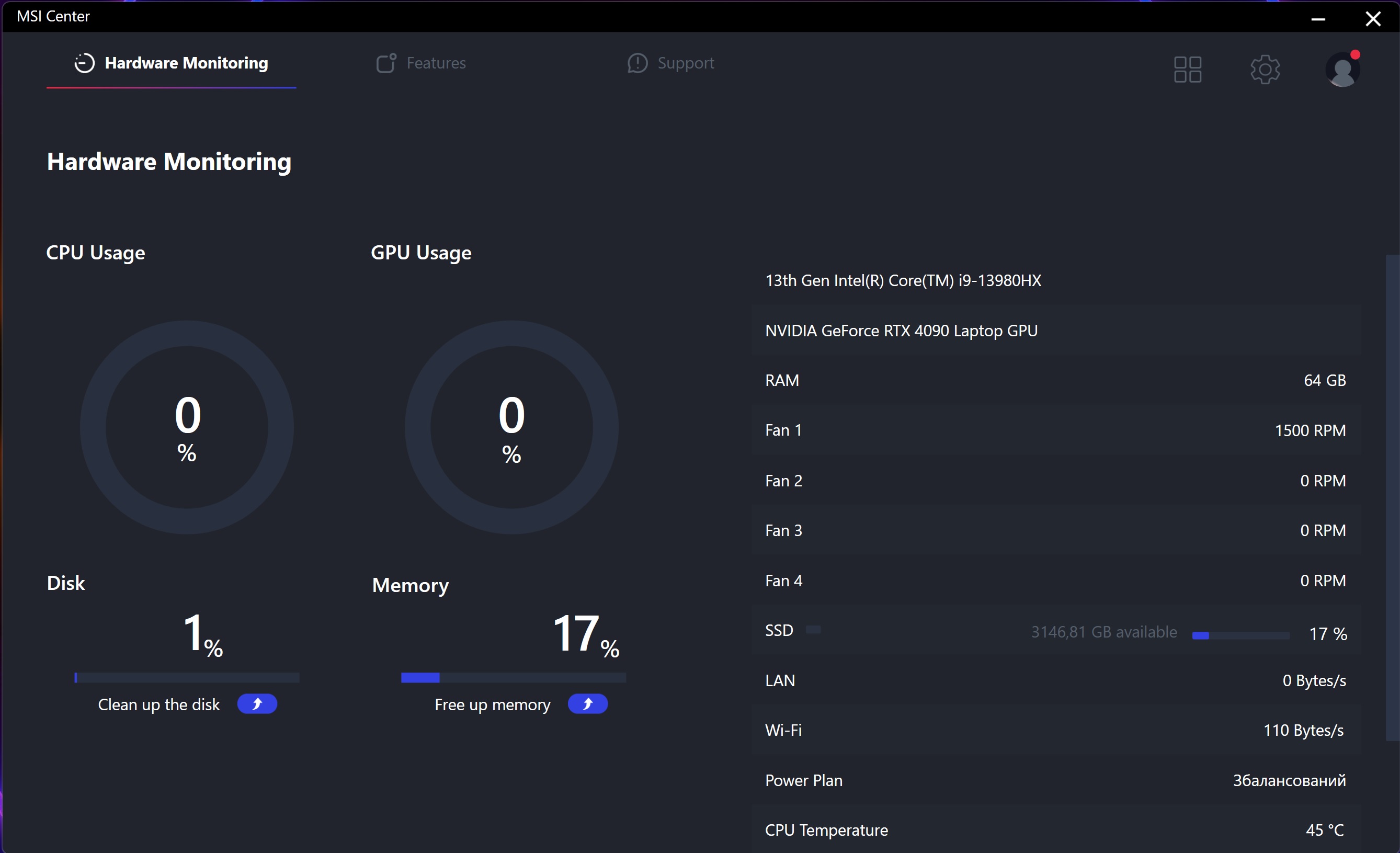
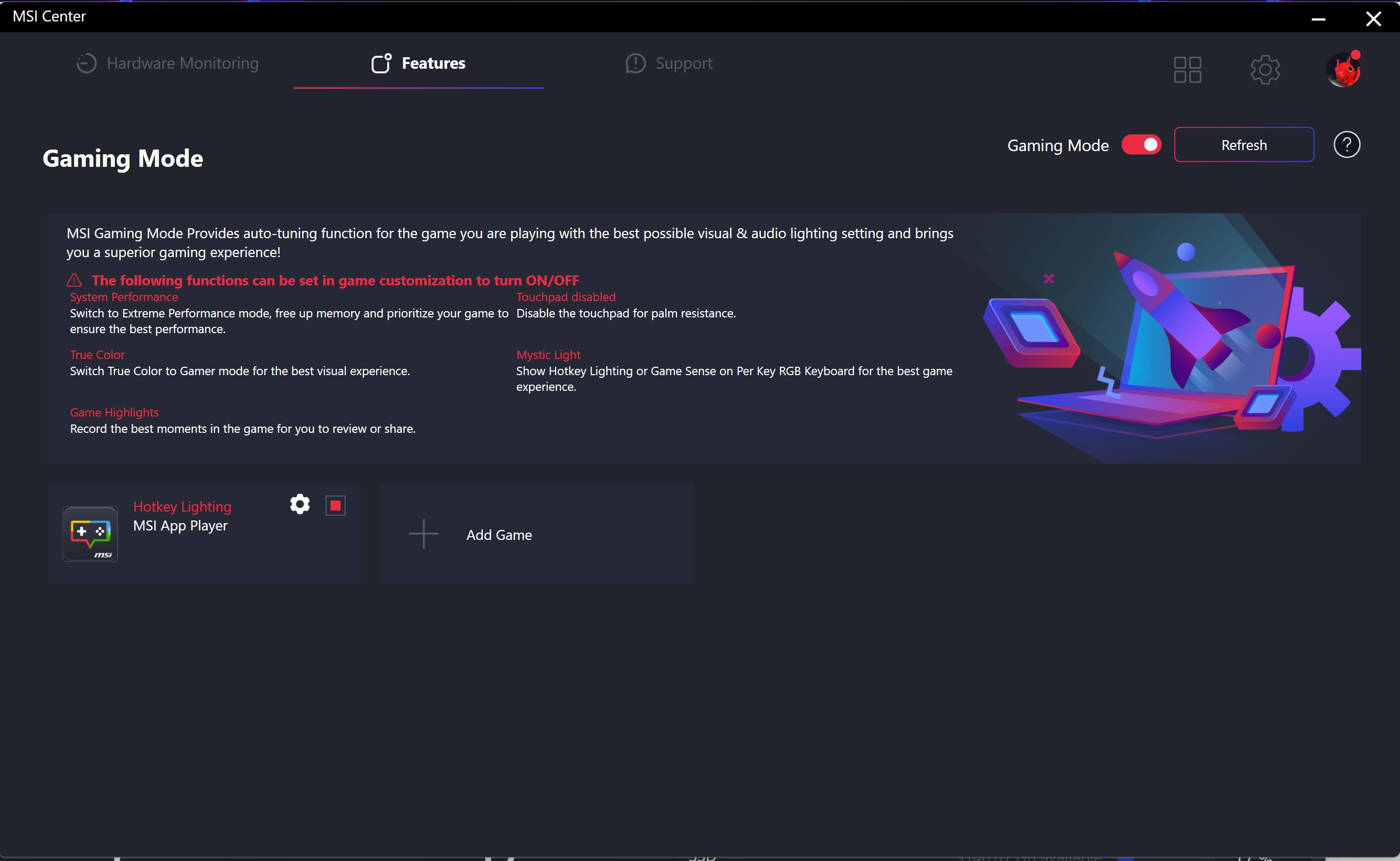
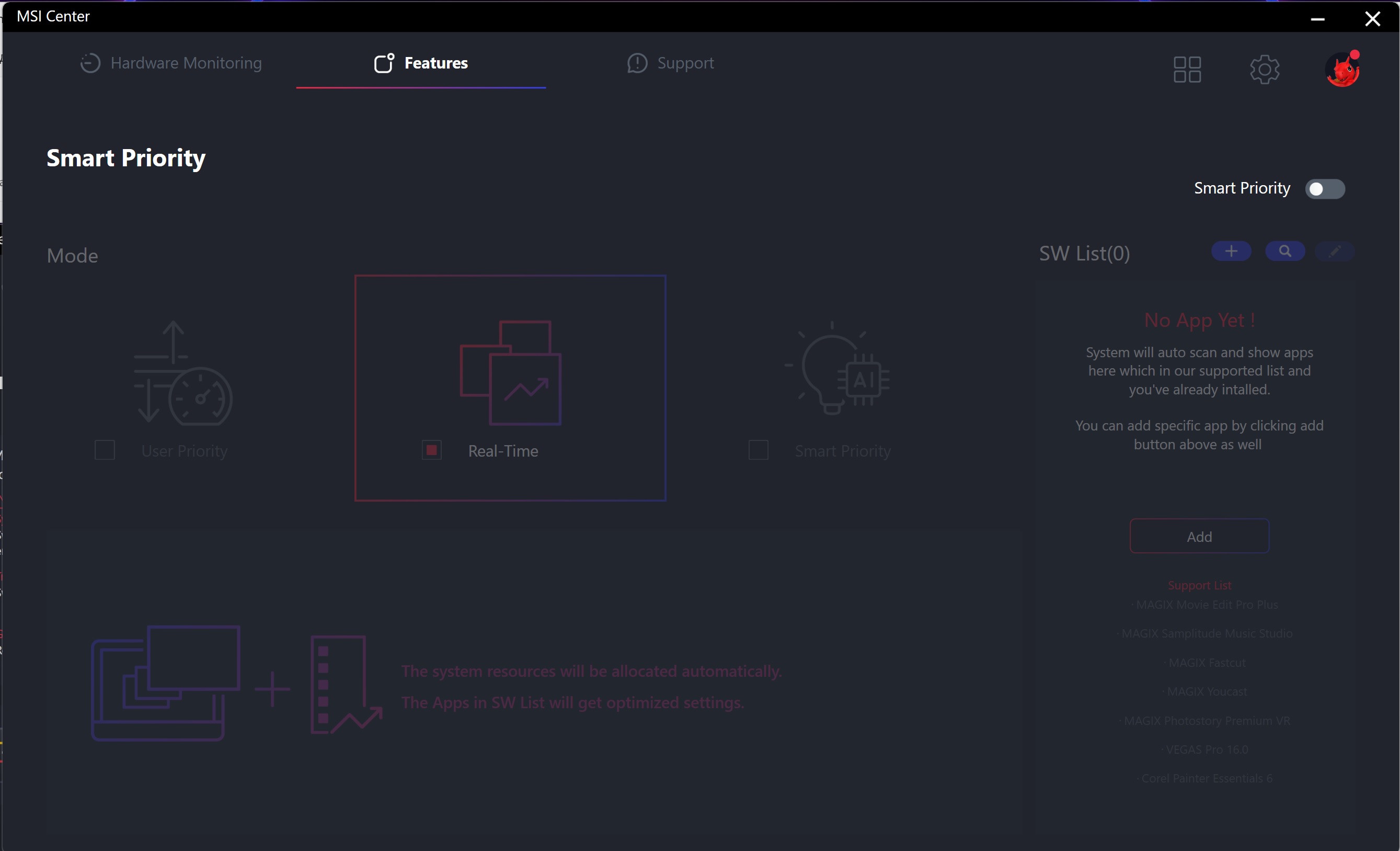
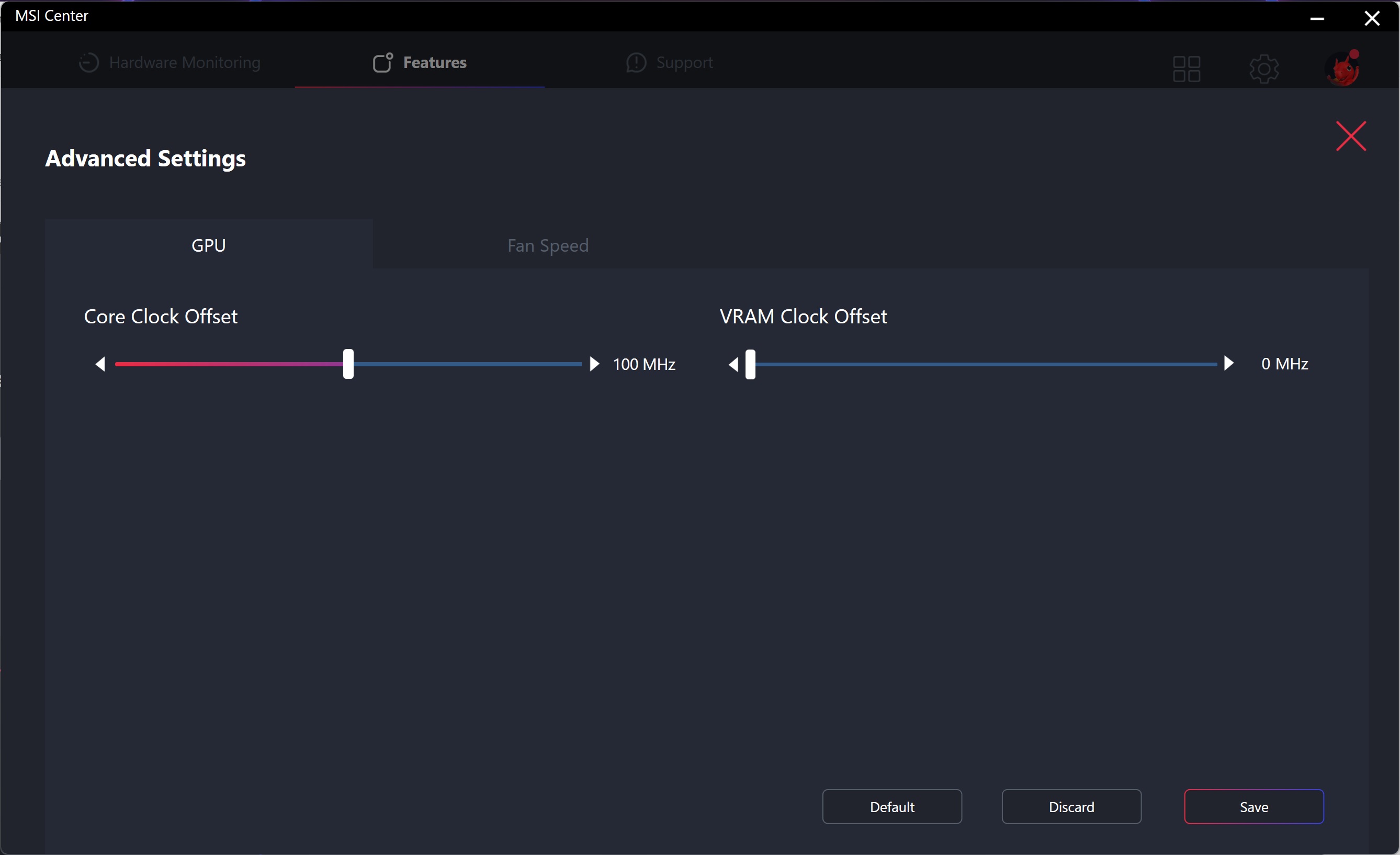
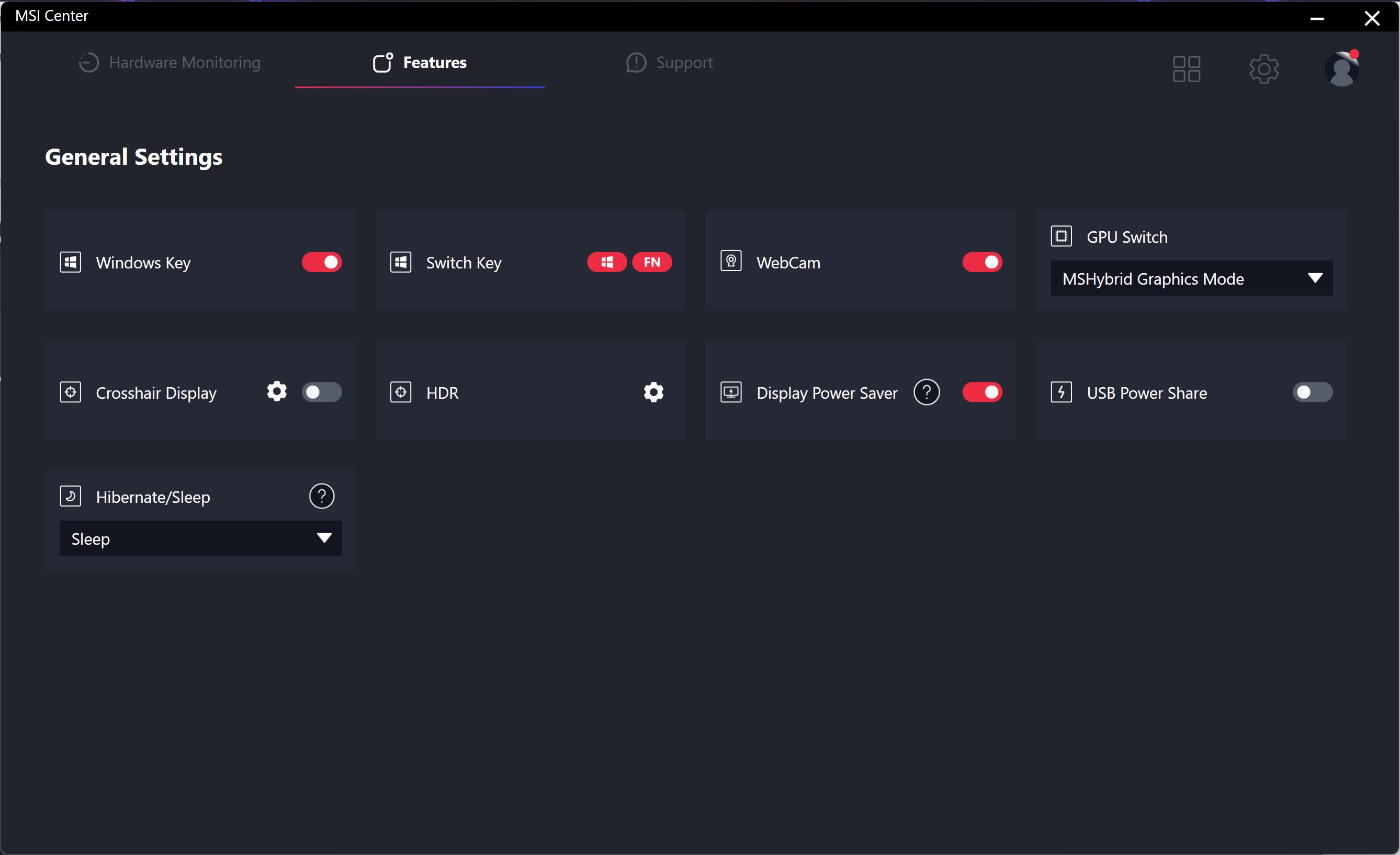
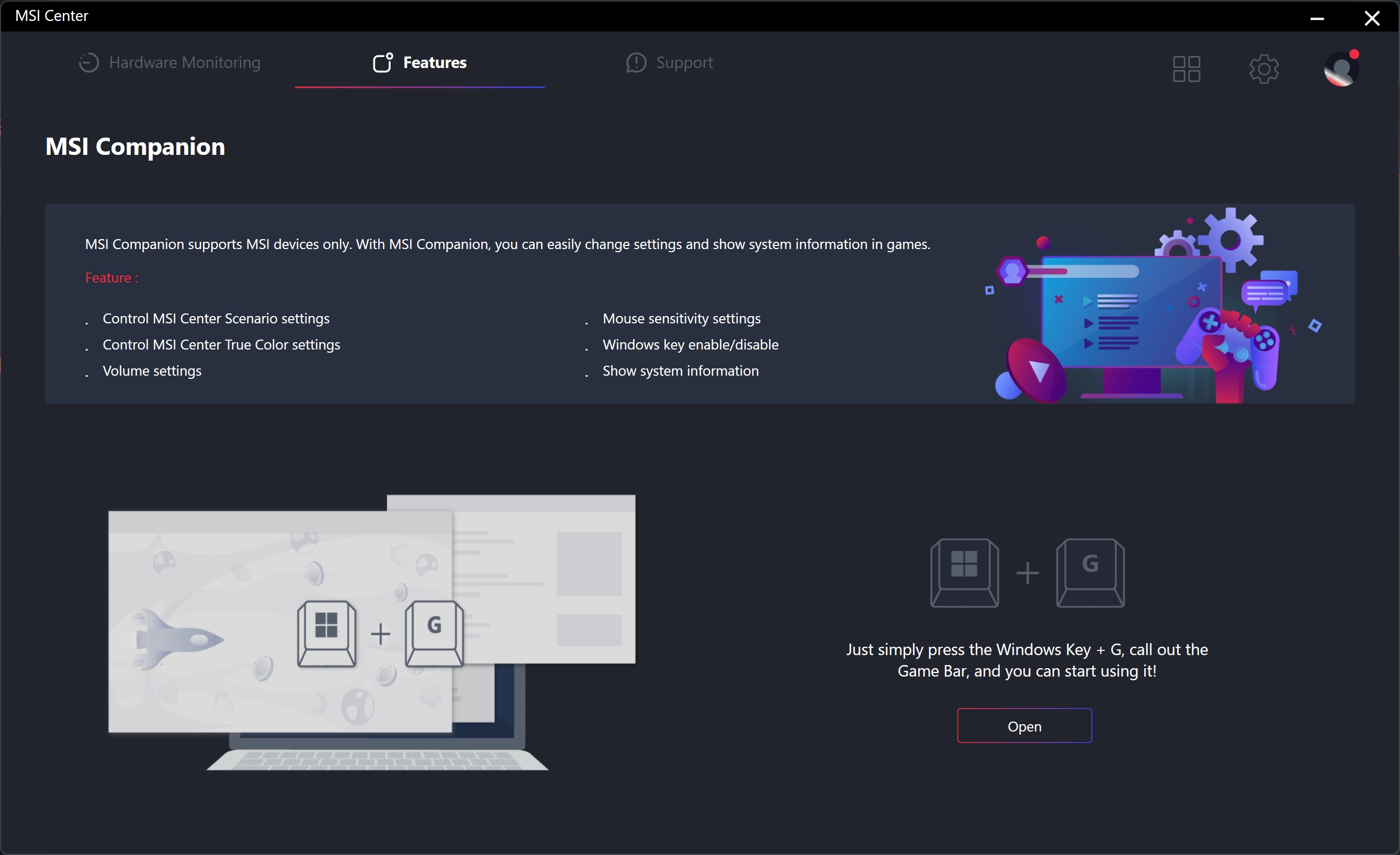
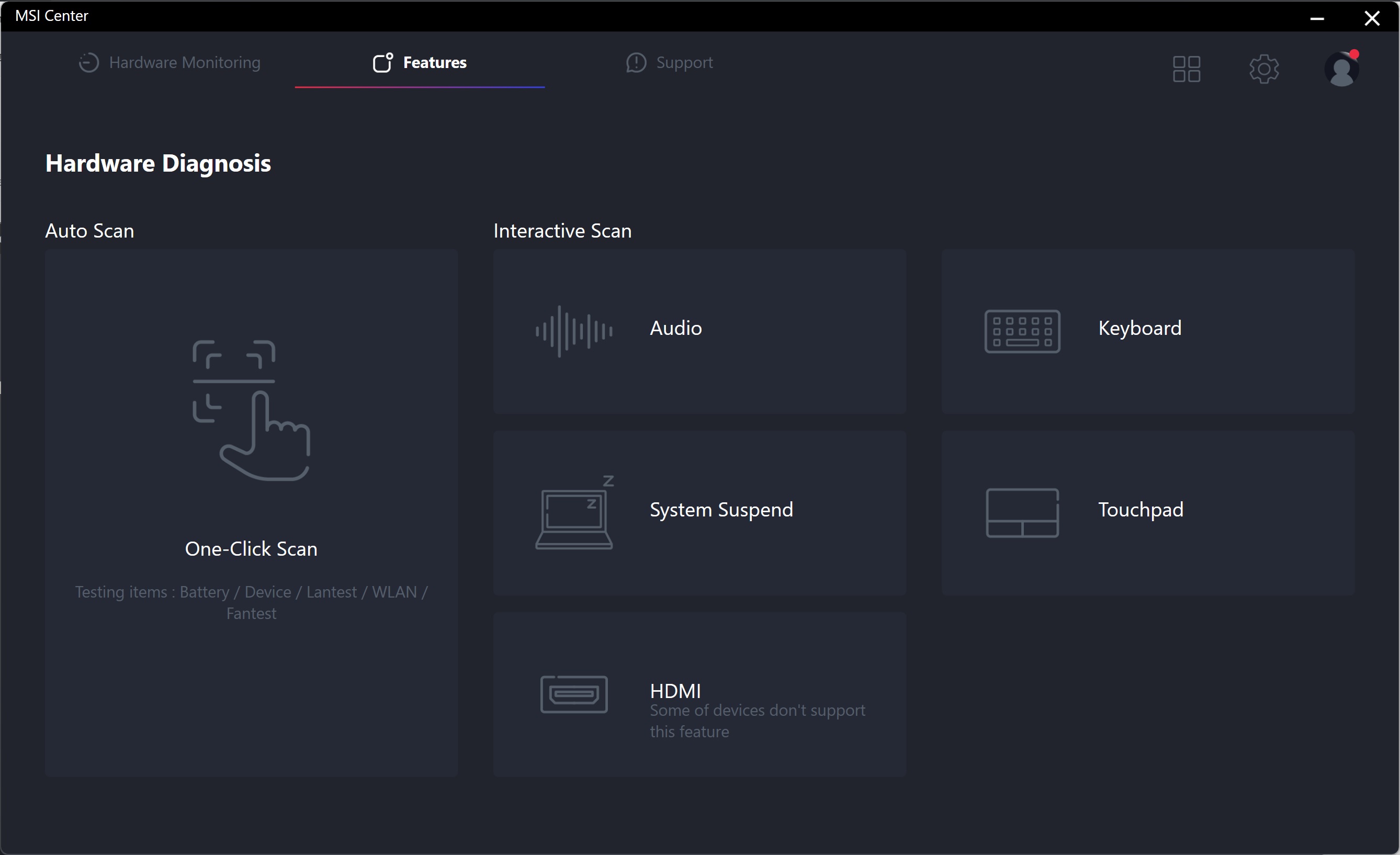
For the basic settings of the laptop, it is providedMSI Center application. It includes switching the operating modes of the video card (MUX Switch), performance scenarios, system monitoring and diagnostics, an emulator for Android games MSI App Player, analysis of wireless networks and much more.
</ img>
</ img>
</ img>
</ img>
</ img>
</ img>
</ img>
</ img>
</ img>
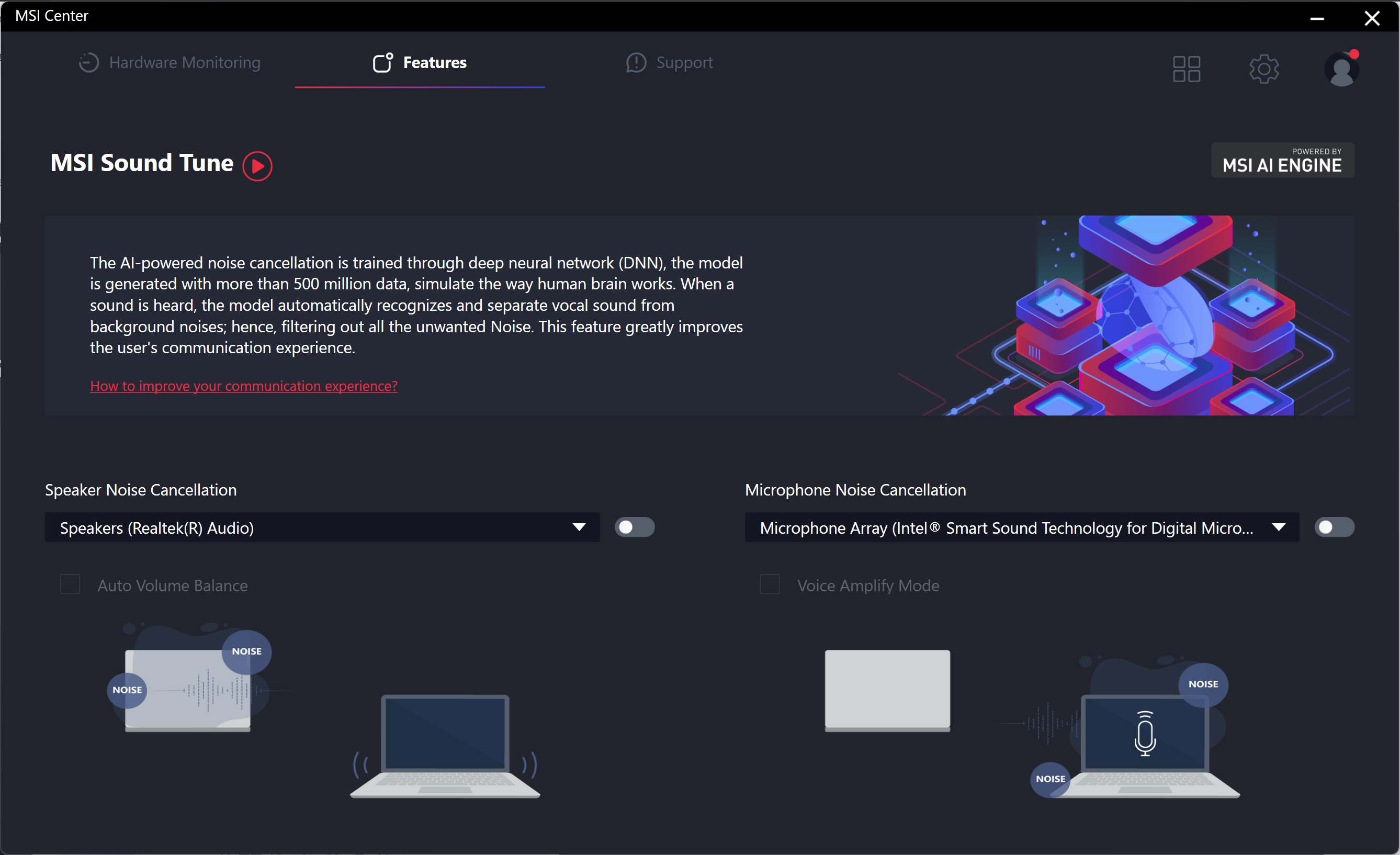
</ img>
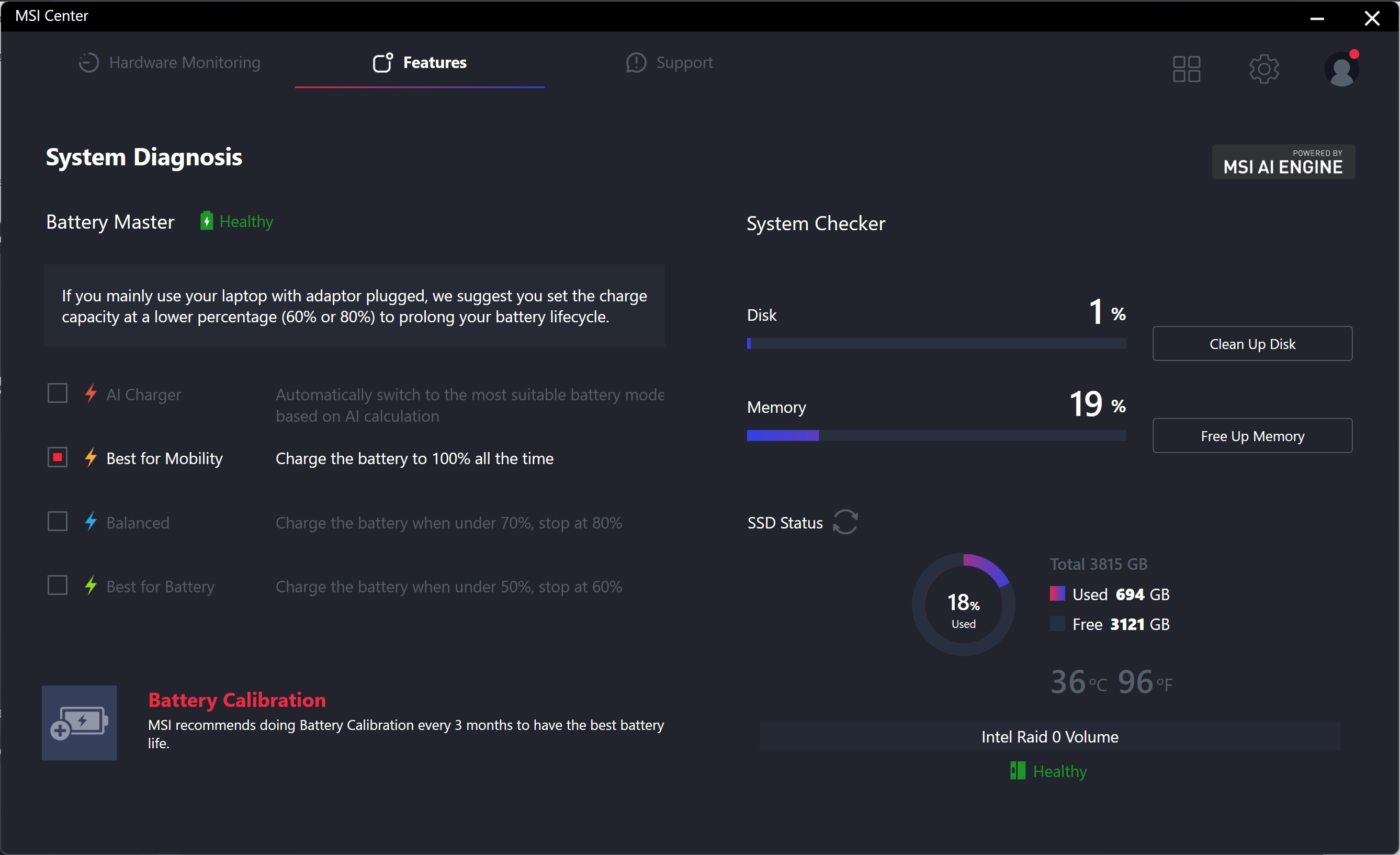
</ img>
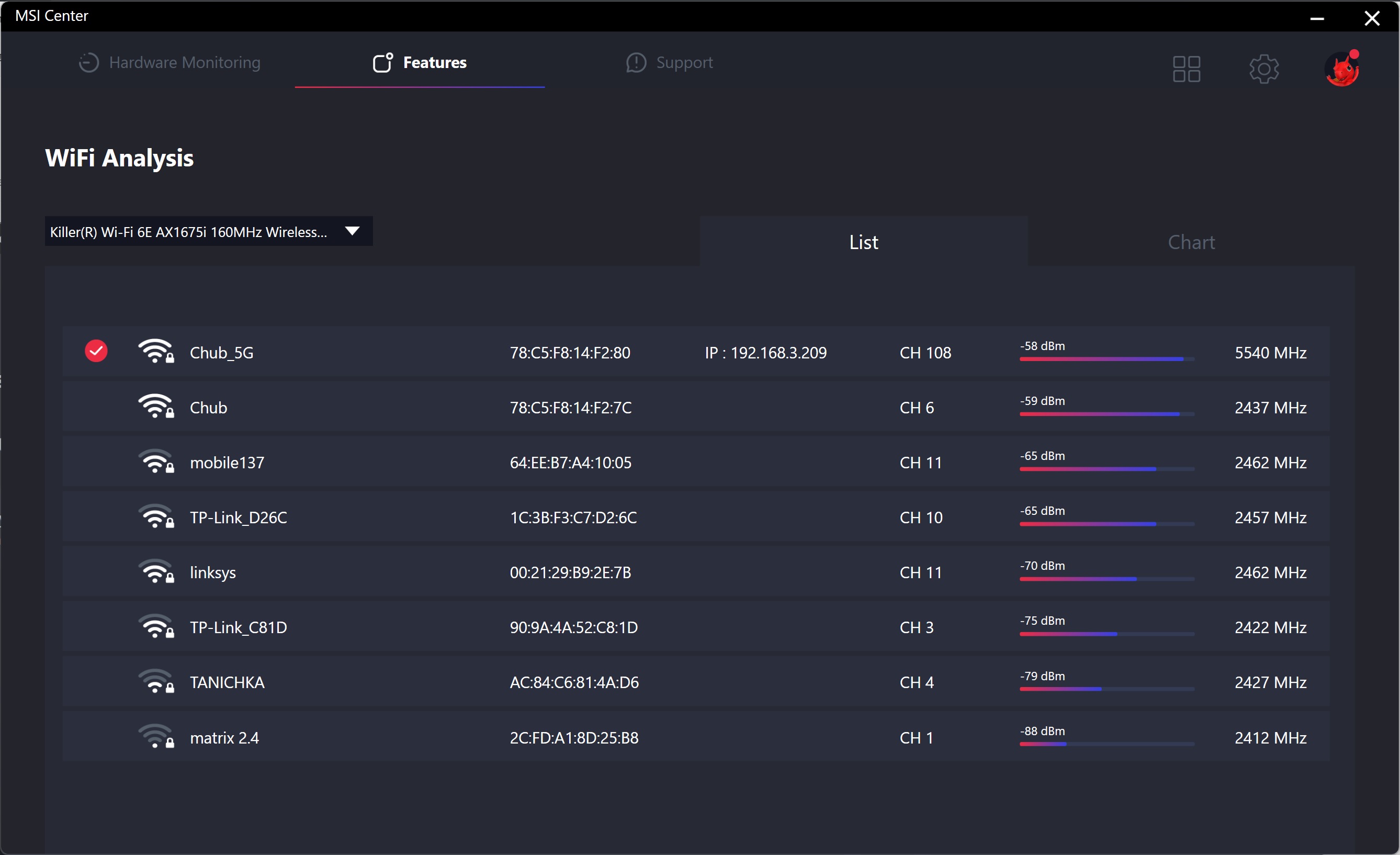
</ img>
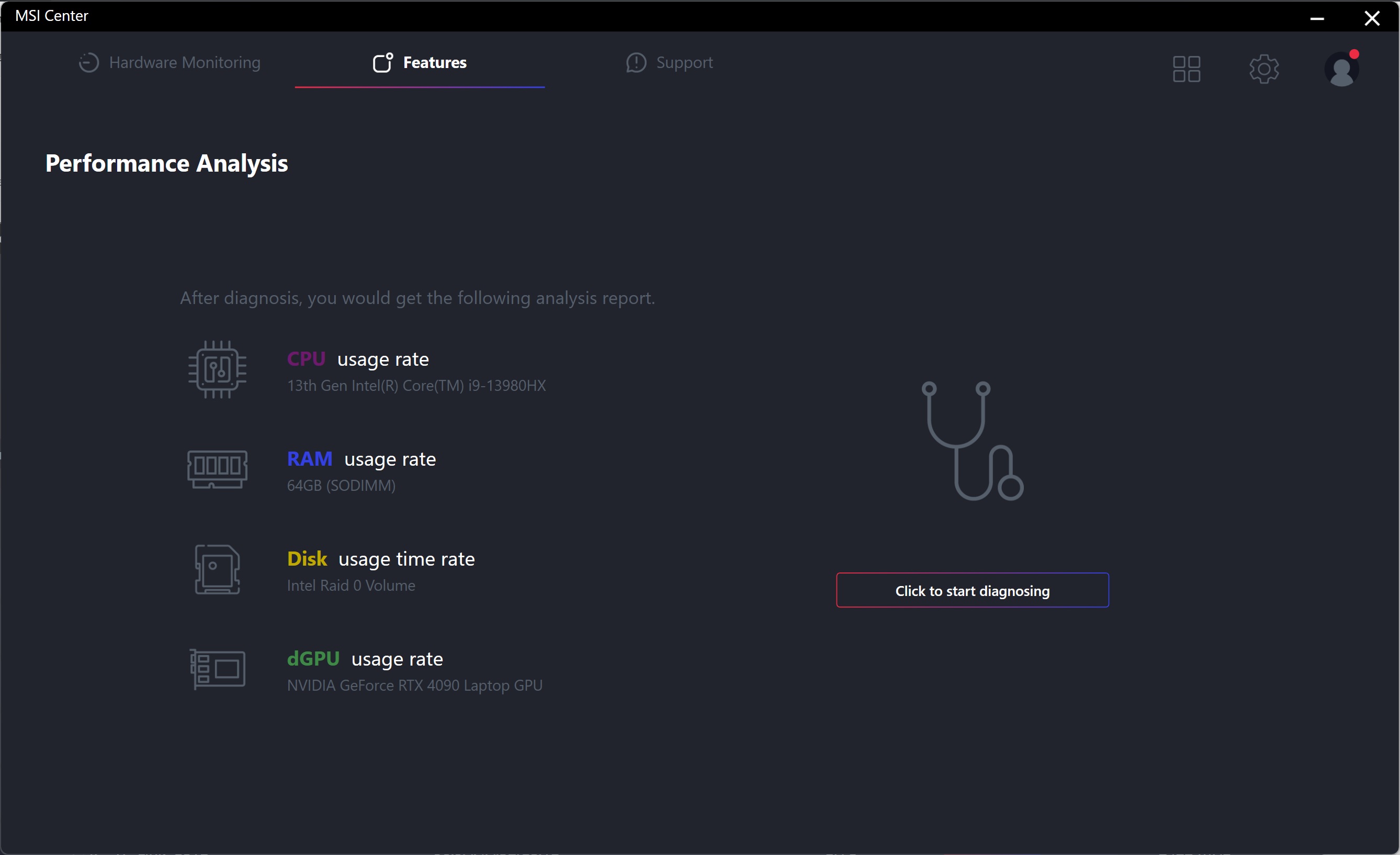
</ img>
</ img>














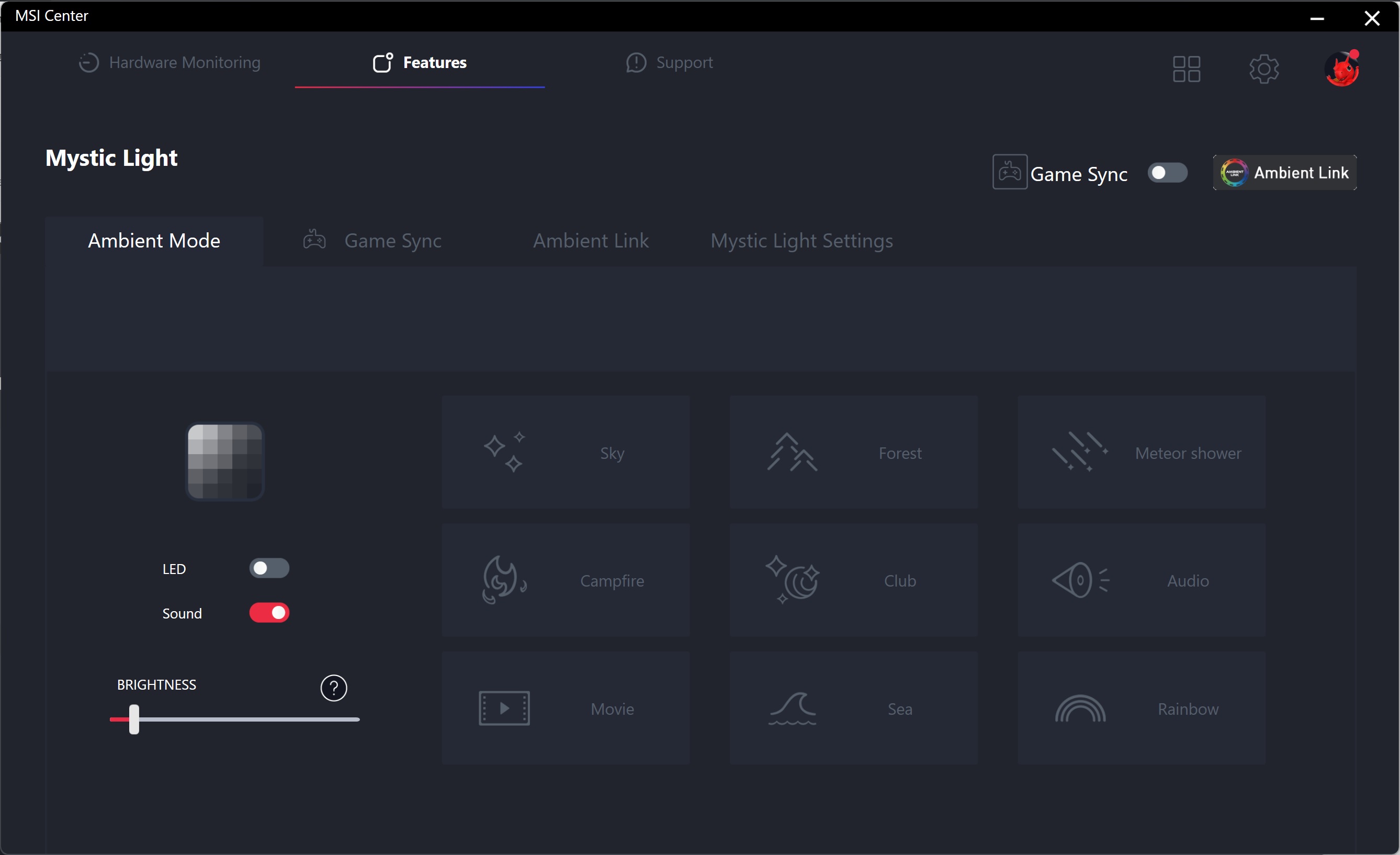
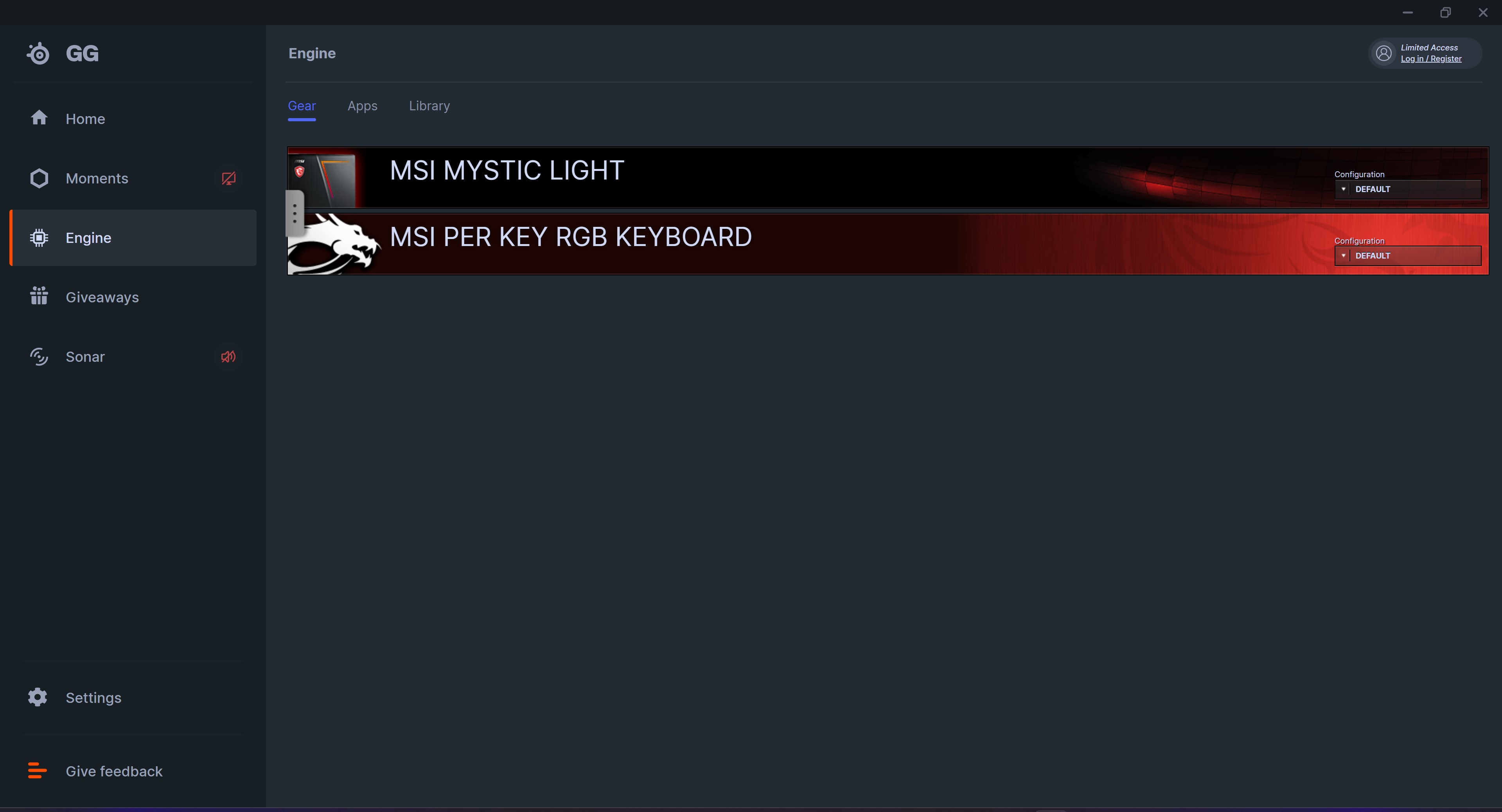
And to customize the backlight Mystic Light uses a separate app SteelSeries.
</ img>
</ img>
</ img>


in dry residue. Four things to know about the MSI Titan GT77 HX 13V.
- In MSI Titan GT77 HX 13V – The most powerful laptop you can buy right now.
- It features an excellent Mini LED screen with 4K resolution, 144Hz refresh rate and extreme brightness.
- The laptop uses a very comfortable low-profile mechanical keyboard designed by Cherry.
- RAID 0 SSD array delivers impressive performance.
Specifications MSI Titan GT77 HX 13V
Display
17.3 inches, 4K (3840×2160) 16:9, Mini LED, 144 Hz, HDR 1000
Dimensions
397x330x23 mm
Weight
3.3 kg
operating system
Windows 11 Pro
CPU
Intel Core i9-13980HX (2.2-5.6 GHz), 24 (8+16) cores, 32 threads, (Raptor Lake, Intel 7)
Ram
64 GB DDR5-4800 MHz
Graphics
nVidia GeForce RTX 4090 Laptop, 16 GB GDDR6, Intel UHD Graphics
Storage device
4 TB (2x2 TB SSD M.2 RAID 0)
Communications
Wi-Fi 802.11a/b/g/n/ac/ax 2x2, Bluetooth 5.3, 2.5G Ethernet
Connectors
HDMI 2.1, Mini-DisplayPort, 3x USB 3.2 Gen2 Type-A, USB Type-C (Thunderbolt 4, DisplayPort), USB Type-C (Thunderbolt 4, DisplayPort, Power Delivery), RJ-45, 3.5 mm audio jack
Optical drive
No
Battery
99.9 Wh
Audio system
2×2 W Speaker, 2×2 W Woofer
Webcam
720p
Additionally
Infrared camera, fingerprint scanner, camera shutter

</ img>
For those who want to know more:
- MSI Clutch GM31 Lightweight Wireless Review: Ultralight Wireless Gaming Mouse
- ASUS ROG Strix SCAR 16 (2023) review: total dominance on the virtual battlefield
- ASUS ROG Flow X16 Review: Powerful Convertible Gaming Laptop with Docking Station
- Lenovo Legion Slim 7: a crossover among gaming laptops
- MSI Clutch GM31 Lightweight review: lightweight gaming mouse with precise sensor