</ img>
Home video surveillance is not something complicated that requires expensive equipment or wall slitting
YI Dome Guard
Smart home camera with night mode and 360º rotation
This is an indoor video surveillance camera.It connects to a network via Wi-Fi or Ethernet, can record video to a memory card or cloud storage, detect motion in the frame and send notifications to a smartphone. It can rotate 360 degrees around itself and up and down. There is a night mode with IR illumination and a function to identify a person in the frame. Two-way voice communication is supported.
Buy on AliExpress
all-round view
5 reasons to buy YI Dome Guard
- high-quality FullHD video with night IR illumination;
- definition of movement in the frame and loud sounds around;
- the ability to rotate and tilt;
- convenient application for remote control;
- both wireless and wired network connection.
2 reasons not to buy YI Dome Guard
- incompatibility with Mi Home app
- inability to write to NAS or alternative storage
What is in the box?
The camera itself is packed in a small white box,microUSB cable about two meters long, power supply, round mounting plate and mounting kit for it (two screws and two dowels). There are instructions for use and branded brochures, including a discount coupon for buying a tariff plan in the YI Cloud cloud service.

</ img>
What does it look like?
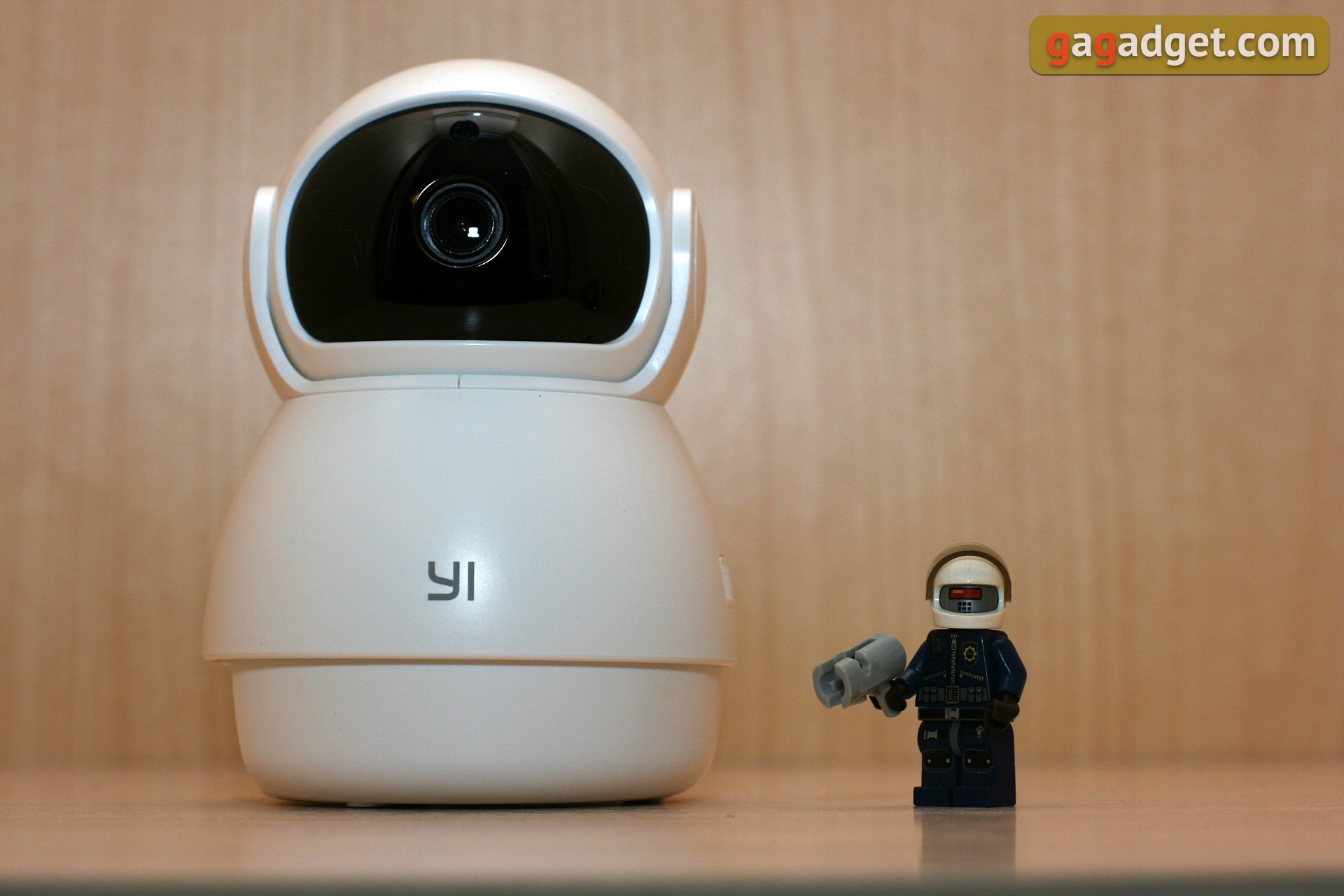
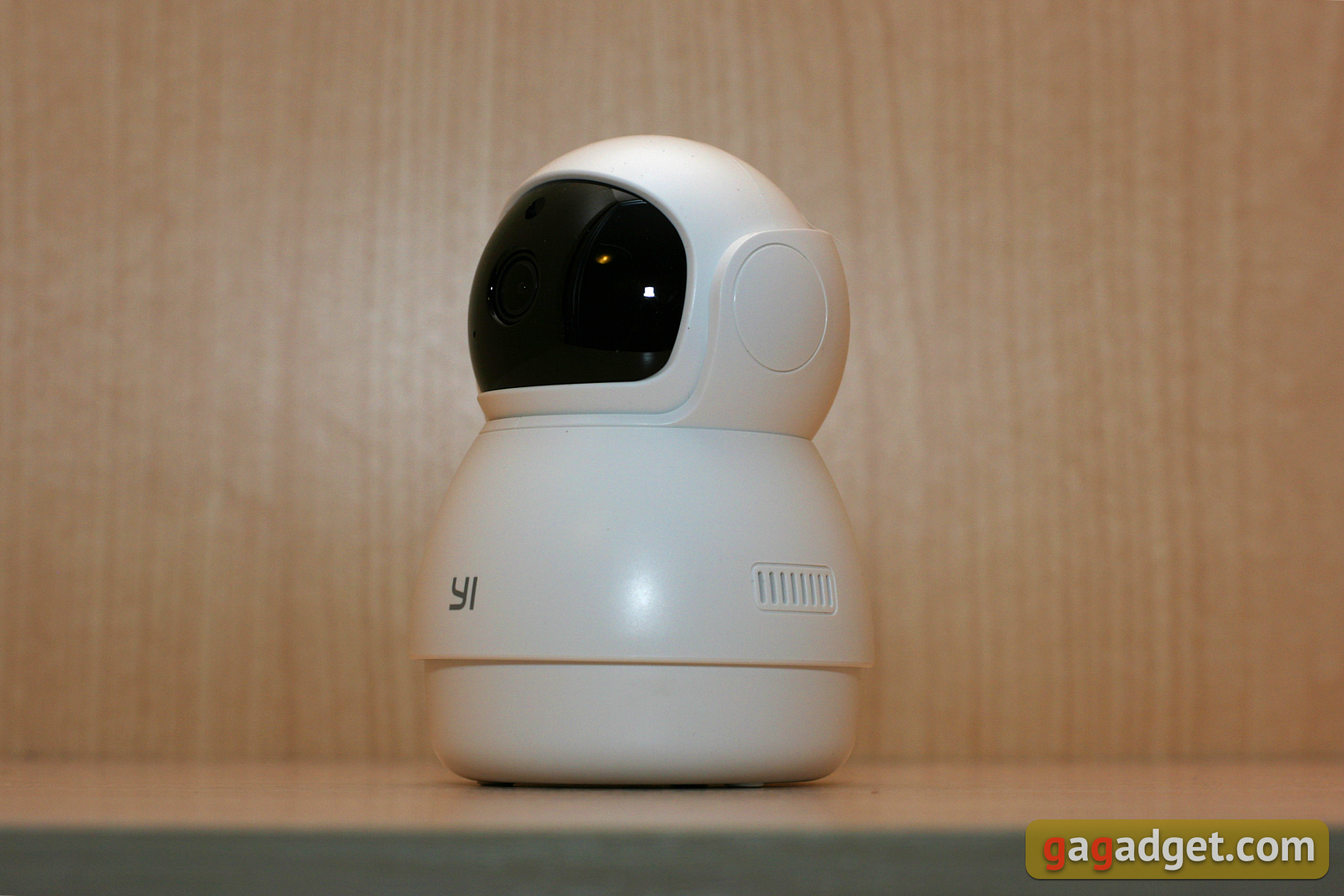
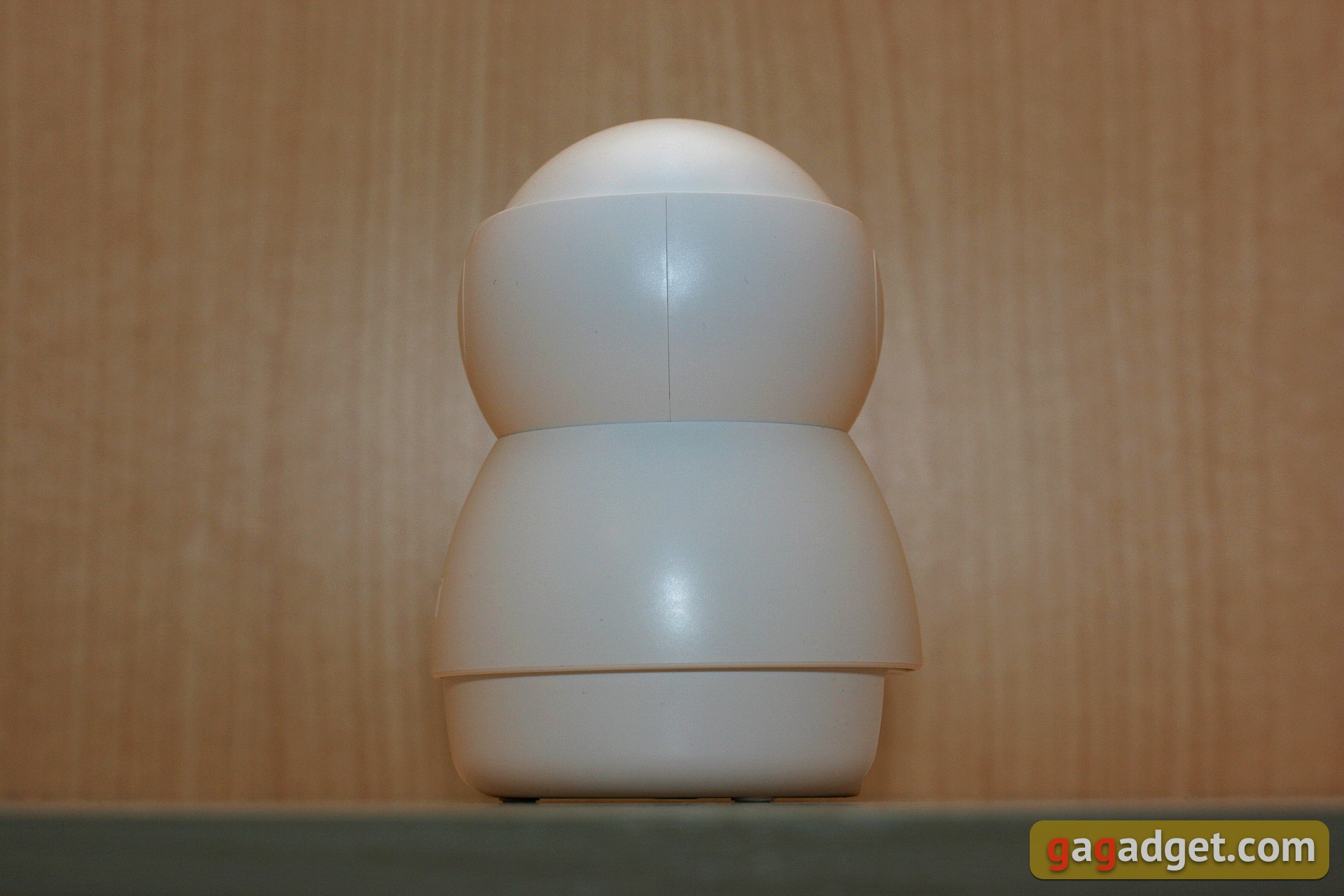
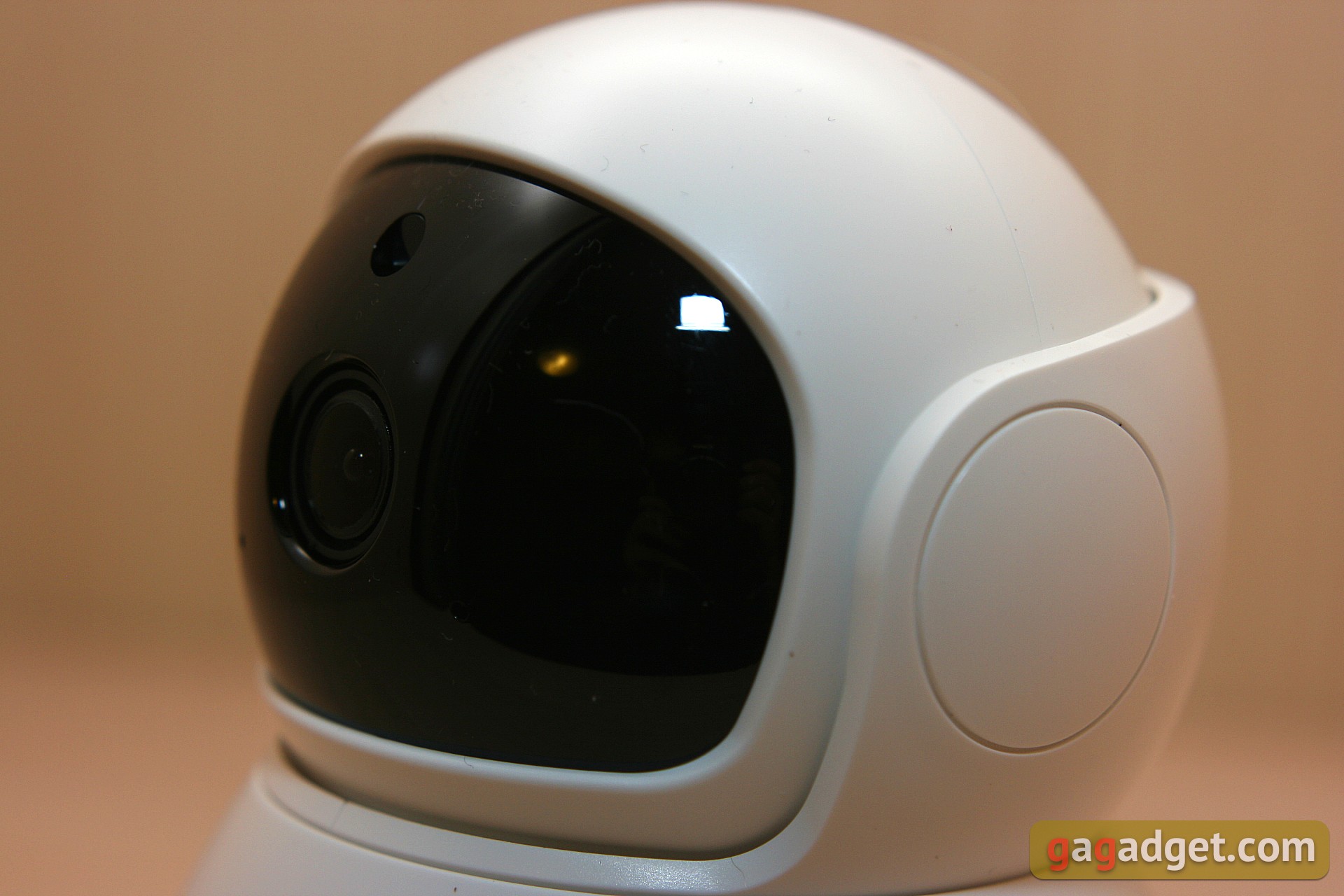
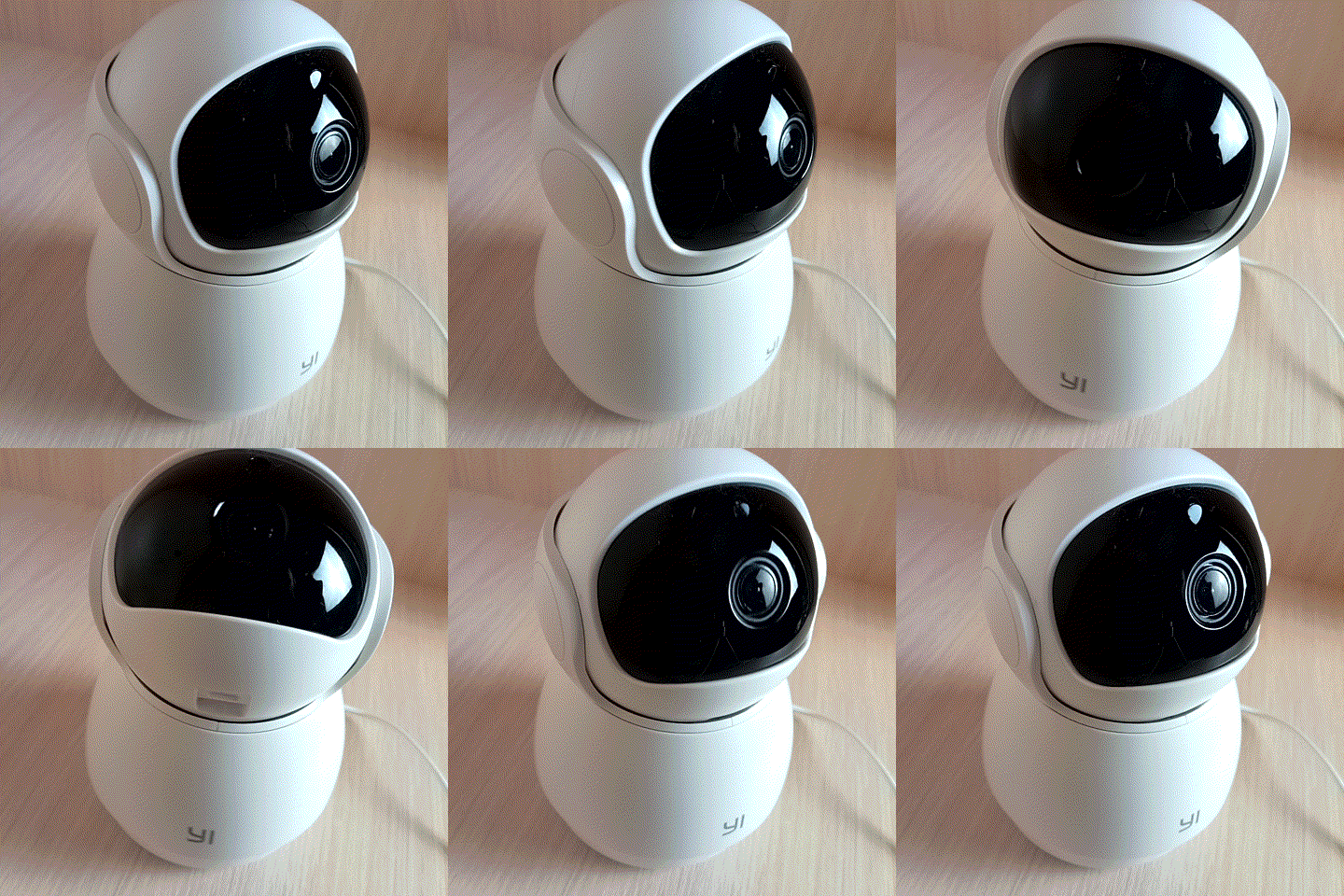
Looks like a tough guy.Like the bodybuilder brother of the robot Eva from Wall-e. You can conventionally divide the camera body into three parts: the base (fixed relative to the mount), the "body" that can rotate 355 degrees and the "head" that can rotate 67 degrees up and 17 degrees down. I will clarify: the trick of this camera is that the camera can make all these turns in the on state thanks to the built-in electric drives, which are controlled remotely.
</ img>
</ img>
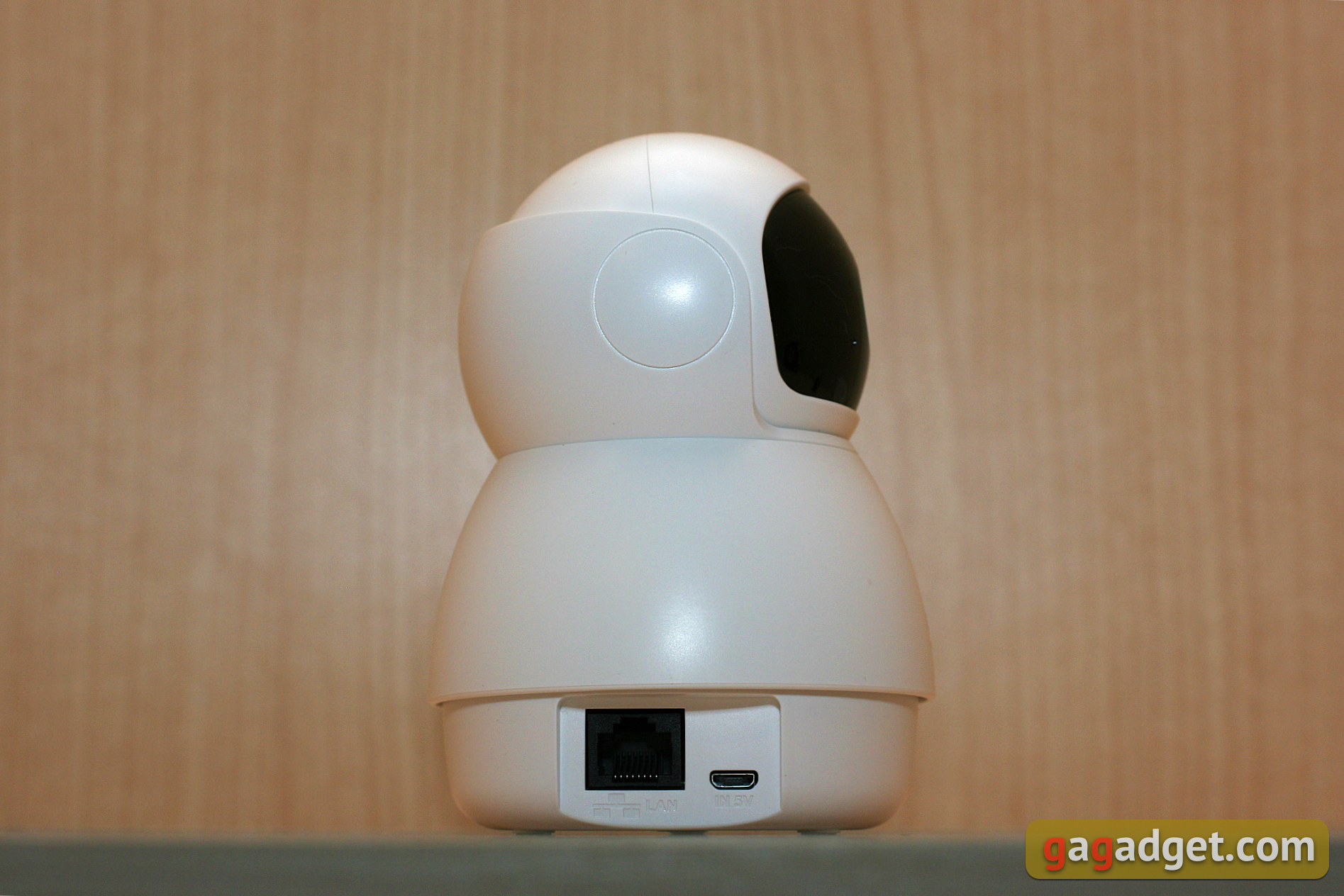
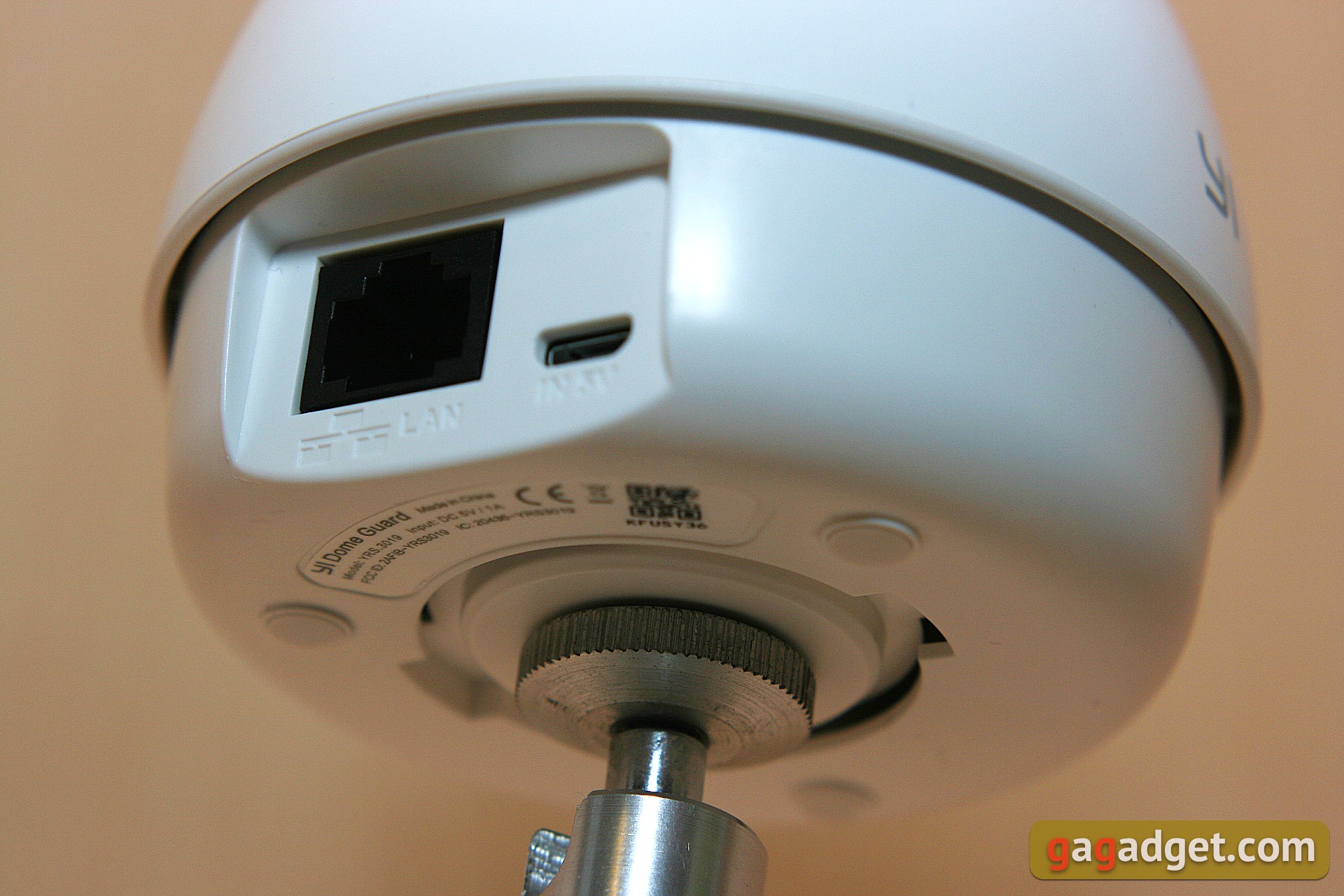
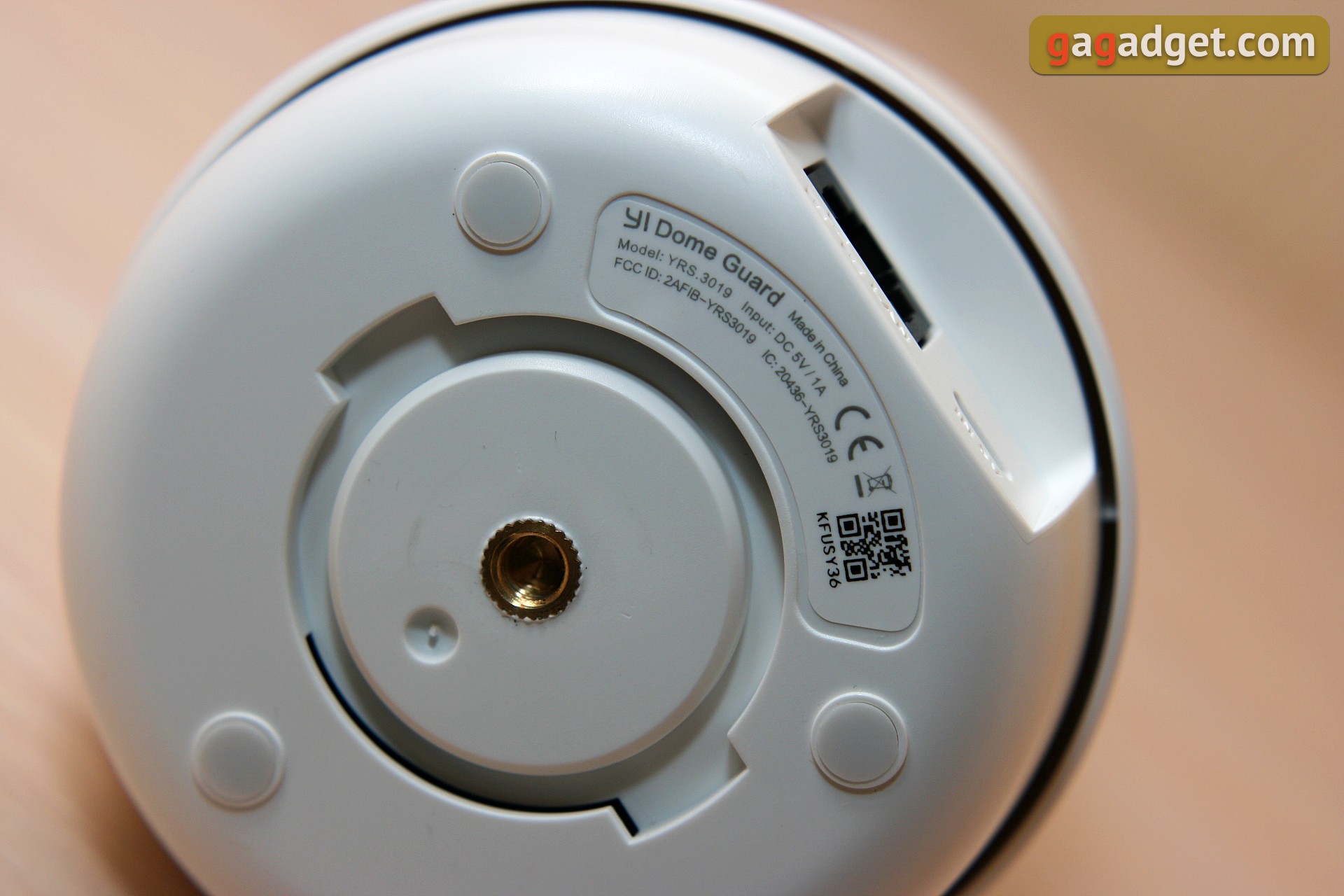
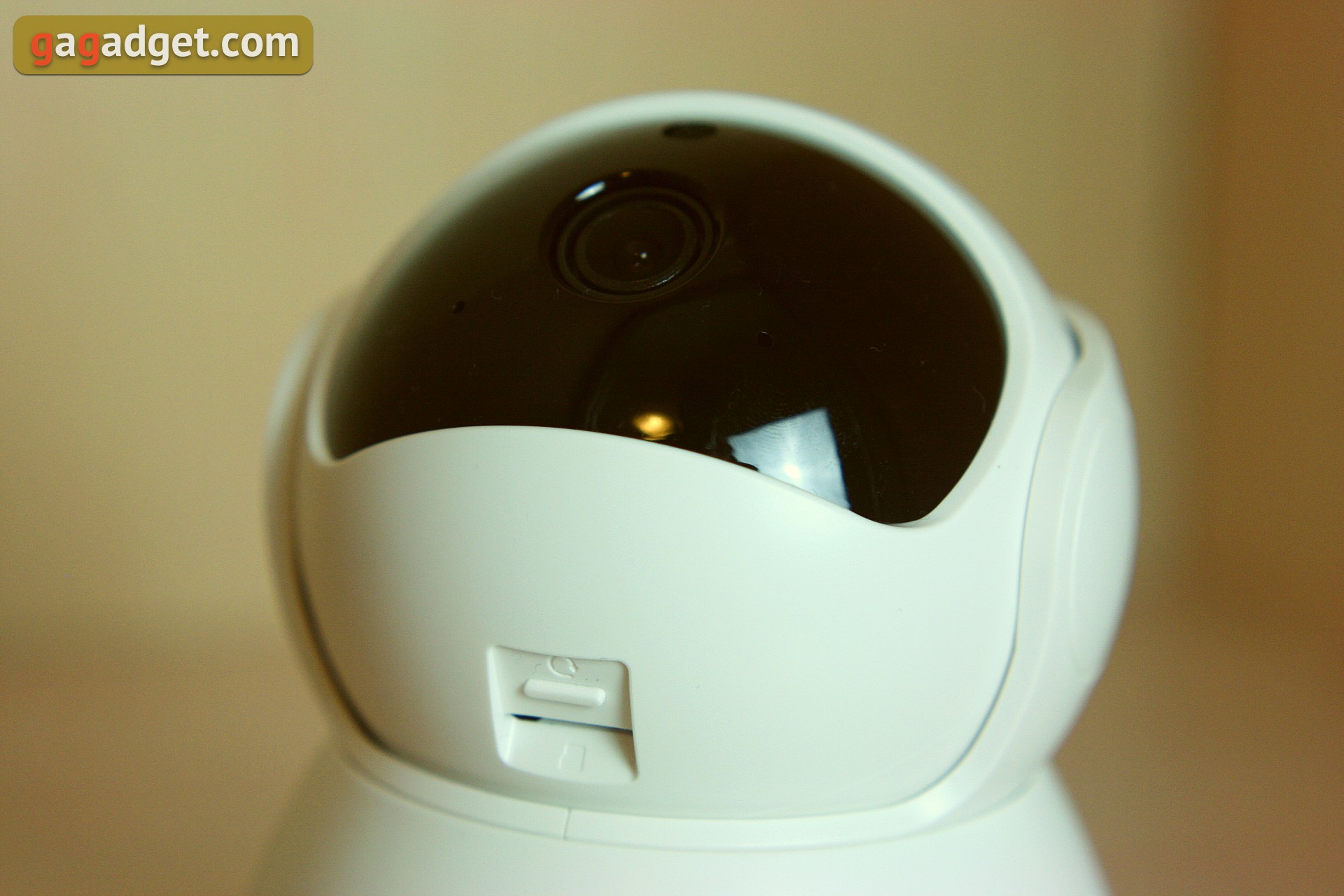
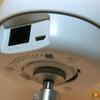
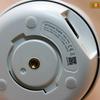
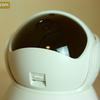
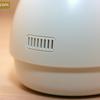
But we'll talk about this further, but for now let's return todesign and appearance. The black insert around the lens is glossy, everything else is made of white matte plastic. The slot for microSD memory cards and the reset button are hidden "on the chin", access to them appears in the maximally raised position of the "head". On the side of the fixed base there are power (microUSB) and Ethernet connectors, and on the bottom there is a circular recess for mounting and a standard thread for mounting on a tripod. The status LED located near the lens is recessed into the body and can only be seen from a slight angle.
</ img>
</ img>
</ img>
</ img>

</ img>

How to install and connect
First of all, the camera needs to be placed somewhere.You can, of course, simply place it on a table or other horizontal surface, but it is also possible to attach it to the ceiling or wall. To do this, we use a mounting kit: we screw a round plate to the desired surface, and instead of it we attach the camera, inserting it into the corresponding groove. An alternative mounting option is through a threaded tripod socket on the base. It is reliable, metal. Don't forget to supply power; for this, use a regular MicroUSB cable. The camera will transmit data via a wireless network (2.4 GHz) or via an Ethernet cable.
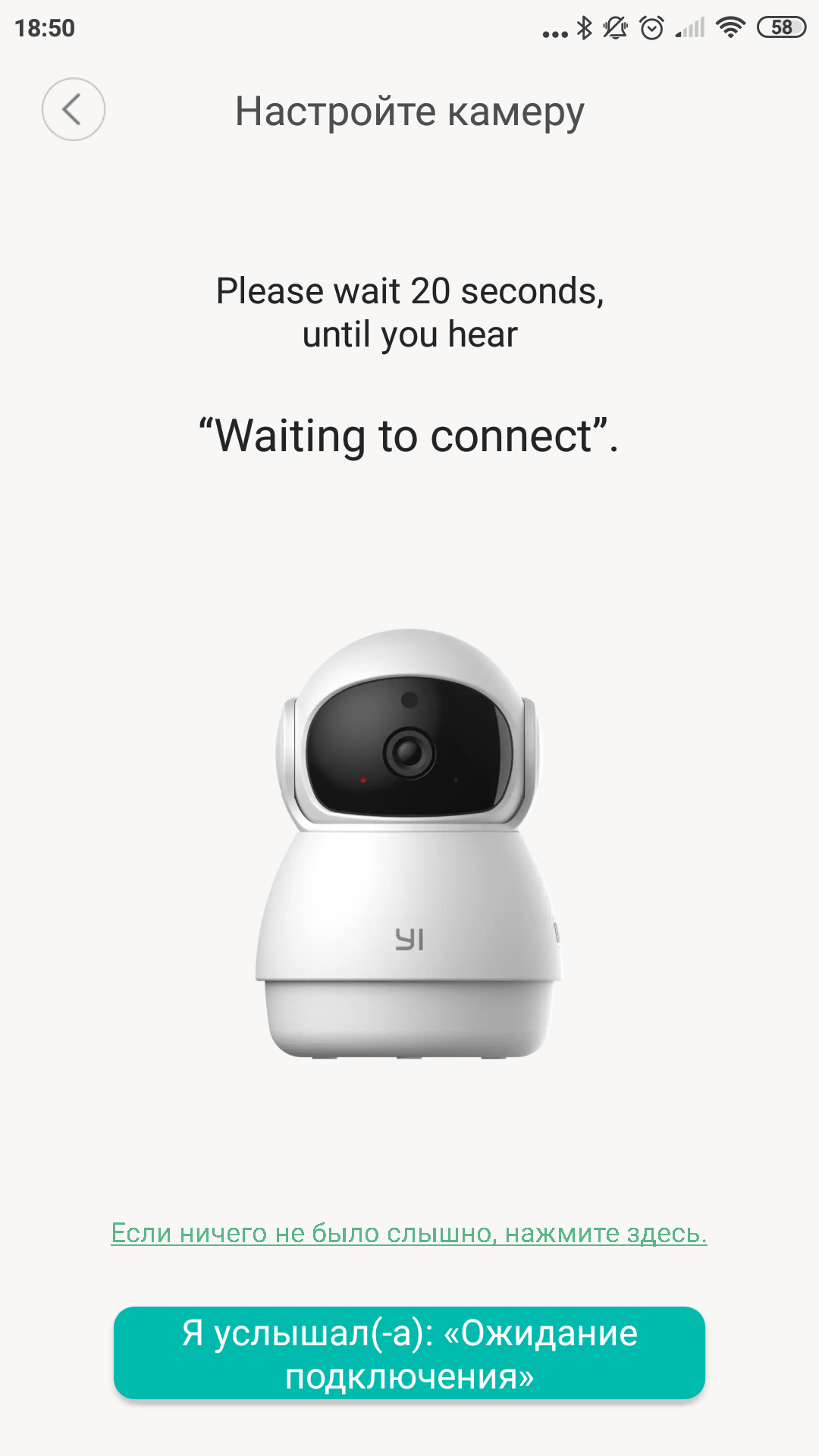
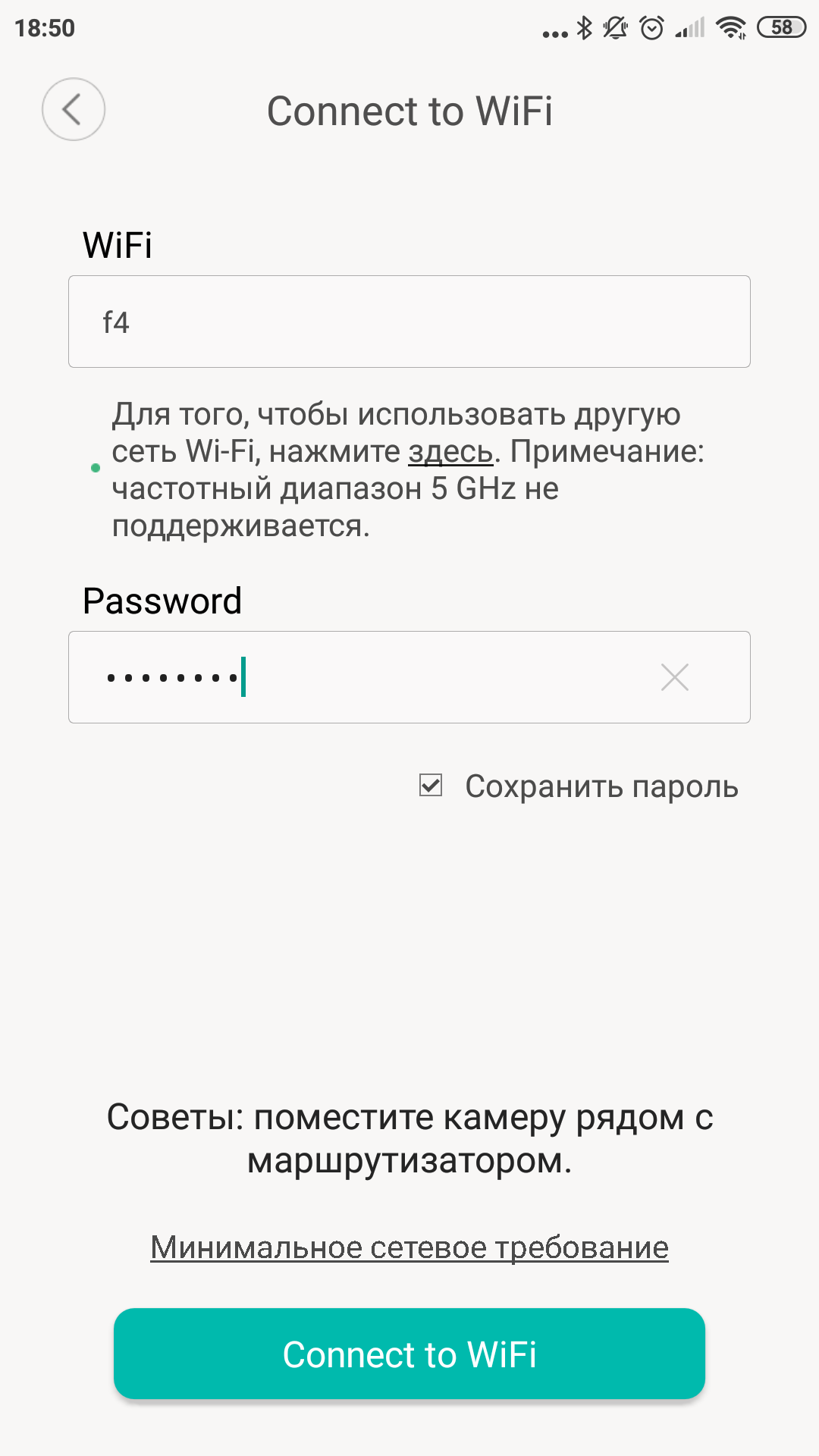
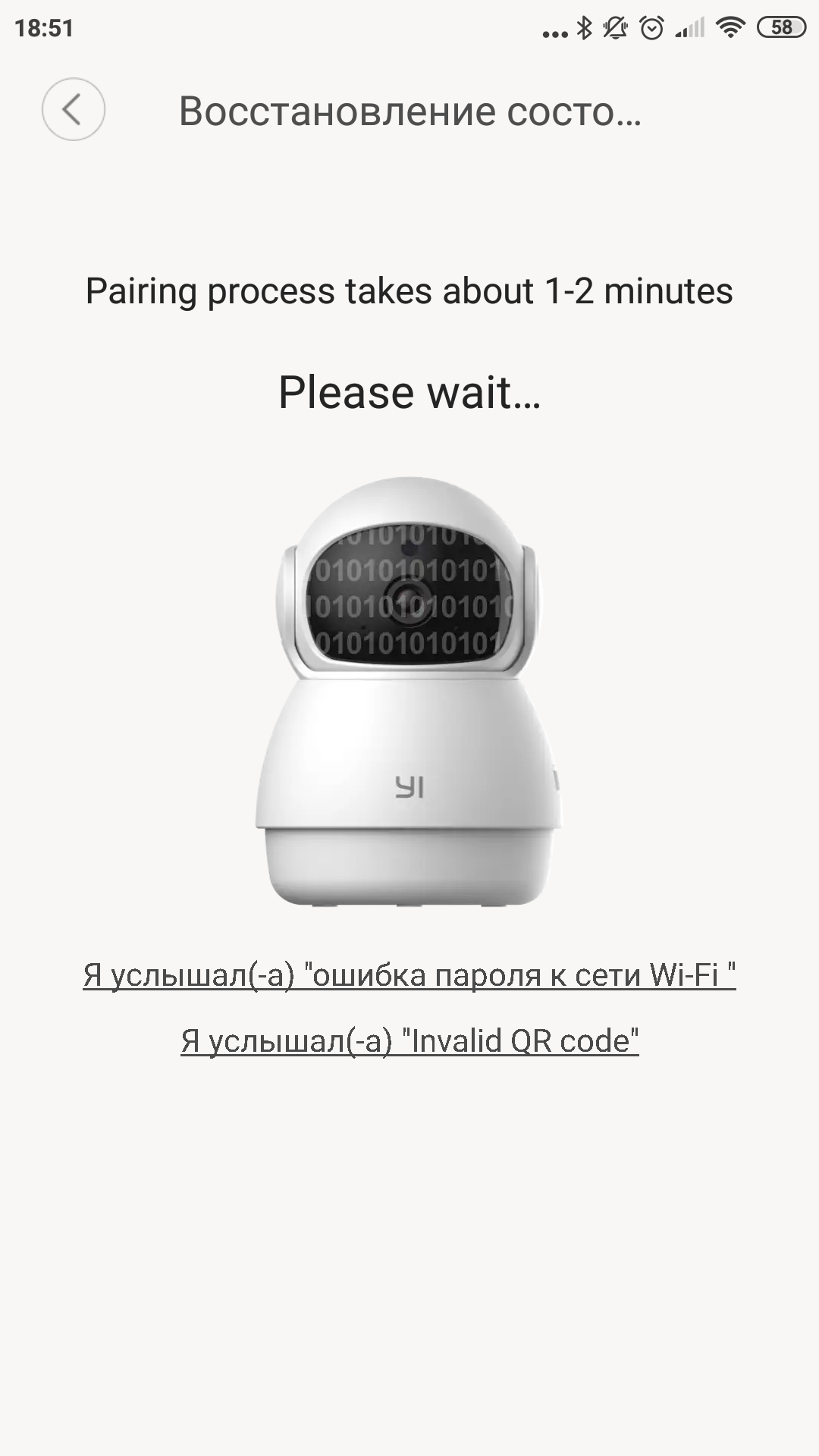
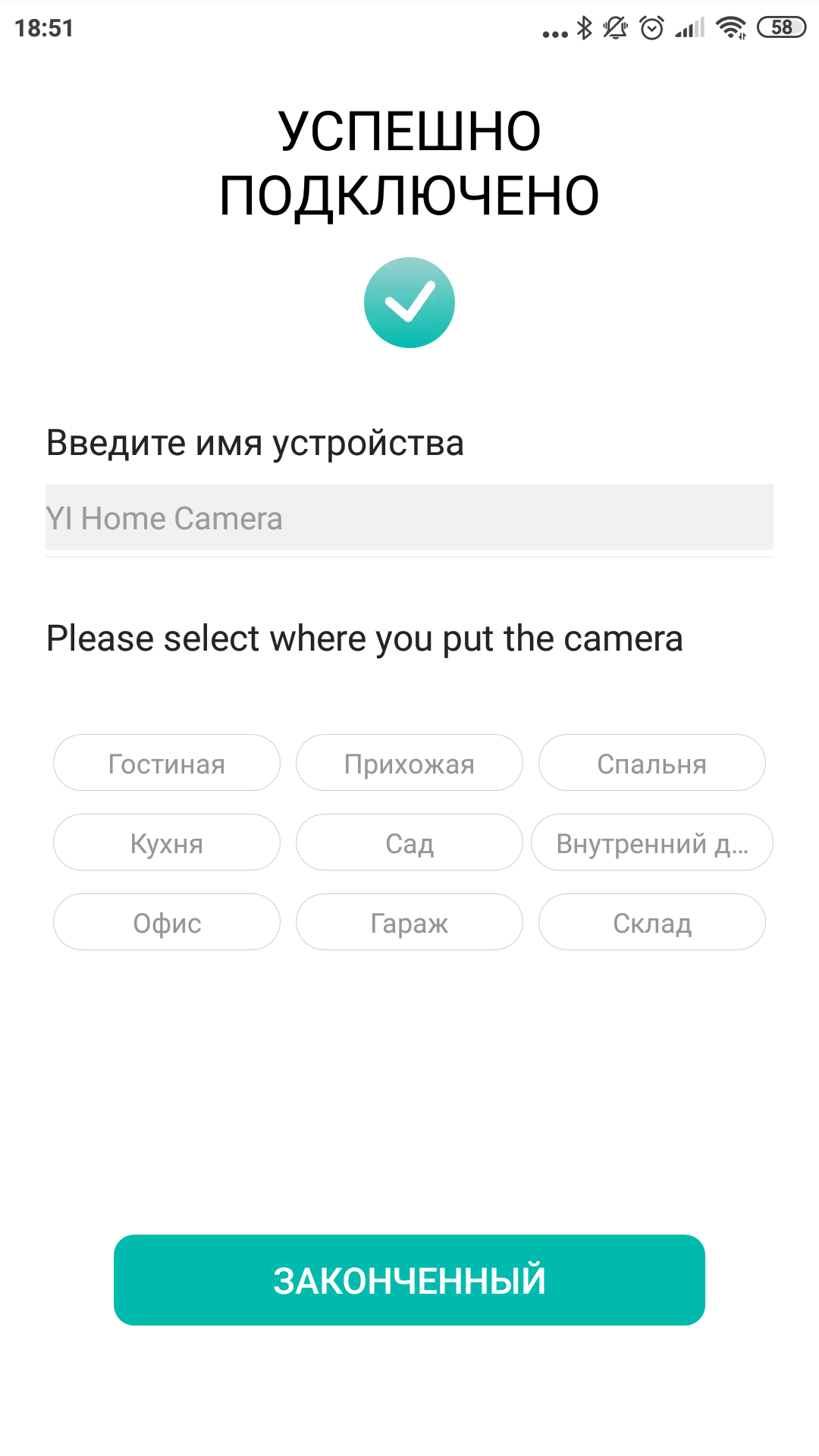
When you turn it on for the first time (there is no separate button,we just supply power and it turns on) the camera greets with the words “Welcome to YI home camera” and makes several movements, as if getting to know the situation. After that, it reports that it is ready to connect “Waiting to connect”. Well, let's connect. The YI Home application is used to operate the camera. Unfortunately, the popular Mi Home application, which is very similar in name, does not understand this camera. So, if you have all the smart things from the Xiaomi family installed there, it won’t be so convenient. The YI Home program requires your own Kami account; a regular Mi account will not work here. The similarity of the Mi and YI brands somehow sets up the expectation of tighter integration, but it often doesn’t exist, we have an example of this. But let's get back to the settings. Select the function of adding a new camera in the YI Home application, specify the password for the wireless network. To select a model, you can select our camera from the list of those available in the application, or you can simply scan the QR code on the device itself with your smartphone camera. Next, the connection wizard will offer the reverse procedure; now you will need to bring the smartphone to the camera so that it reads the QR code from its screen. This code contains the data to connect to your Wi-Fi. Having read it, the camera will connect, which it will immediately report to us in a cheerful voice.
</ img>
</ img>
</ img>
</ img>
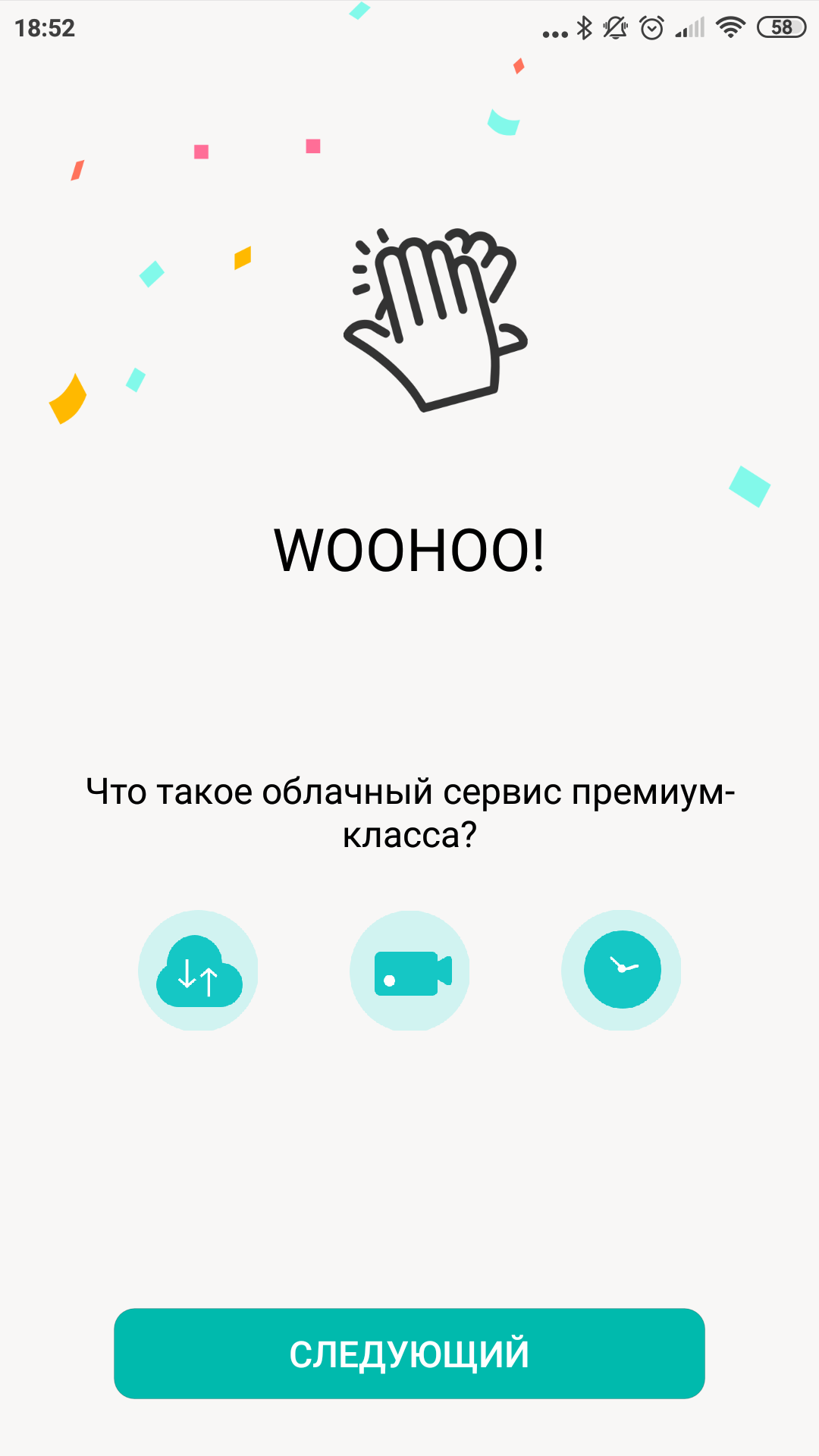
</ img>
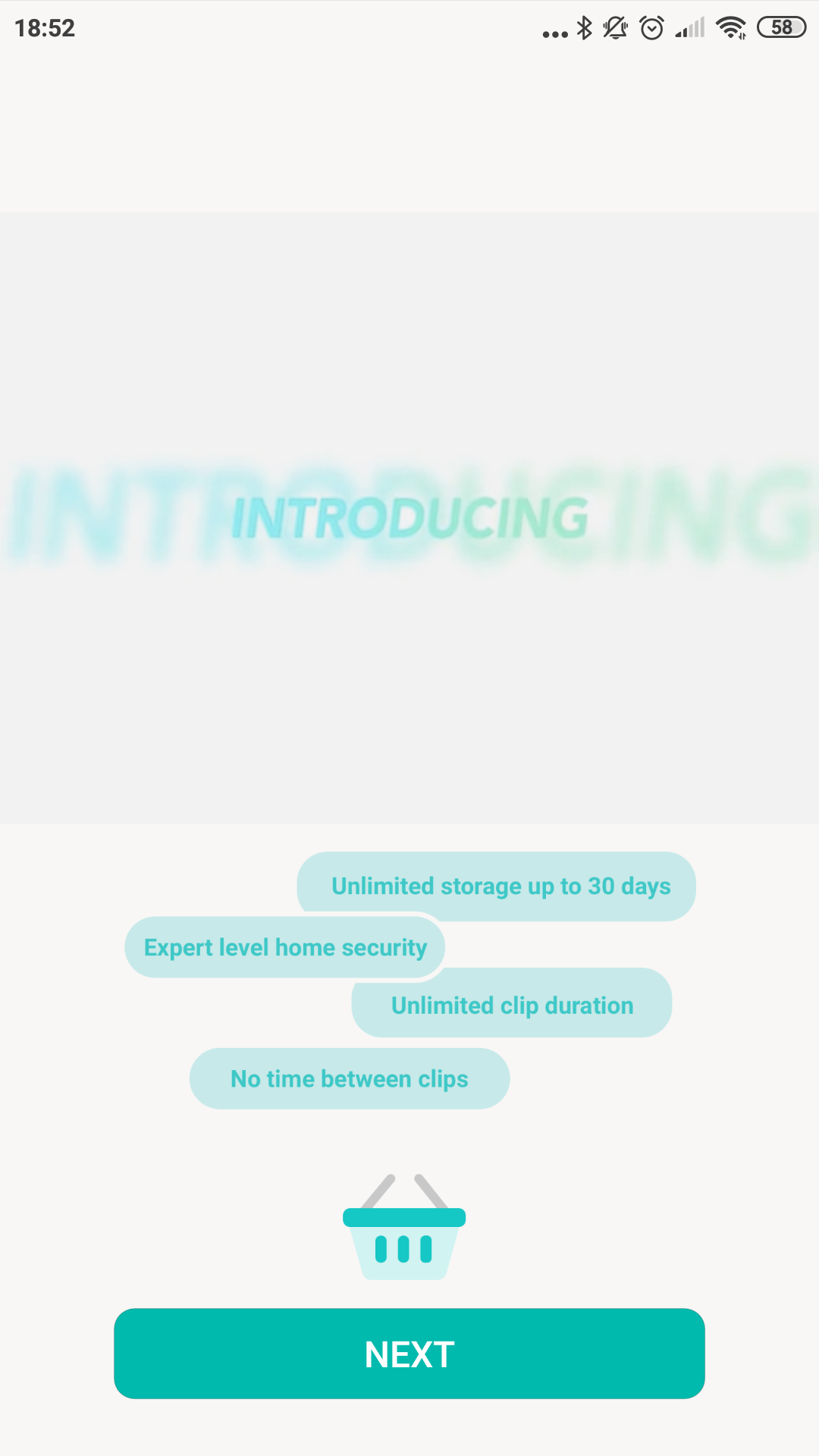
</ img>




By the way, YI Dome Guard also has an Ethernet connector,which you can use if for some reason you do not have Wi-Fi coverage. I did not have the opportunity to check support for the PoE standard, but it seems that it is not here, so it seems that it is impossible to do without a separate power cable. If I'm wrong, please correct me in the comments. By the way, the manufacturer does not recommend using more than 12 cameras on one wireless network, so if for some reason you have too many of them, then the possibility of a wired connection will no longer seem like a strange throwback.
What can?
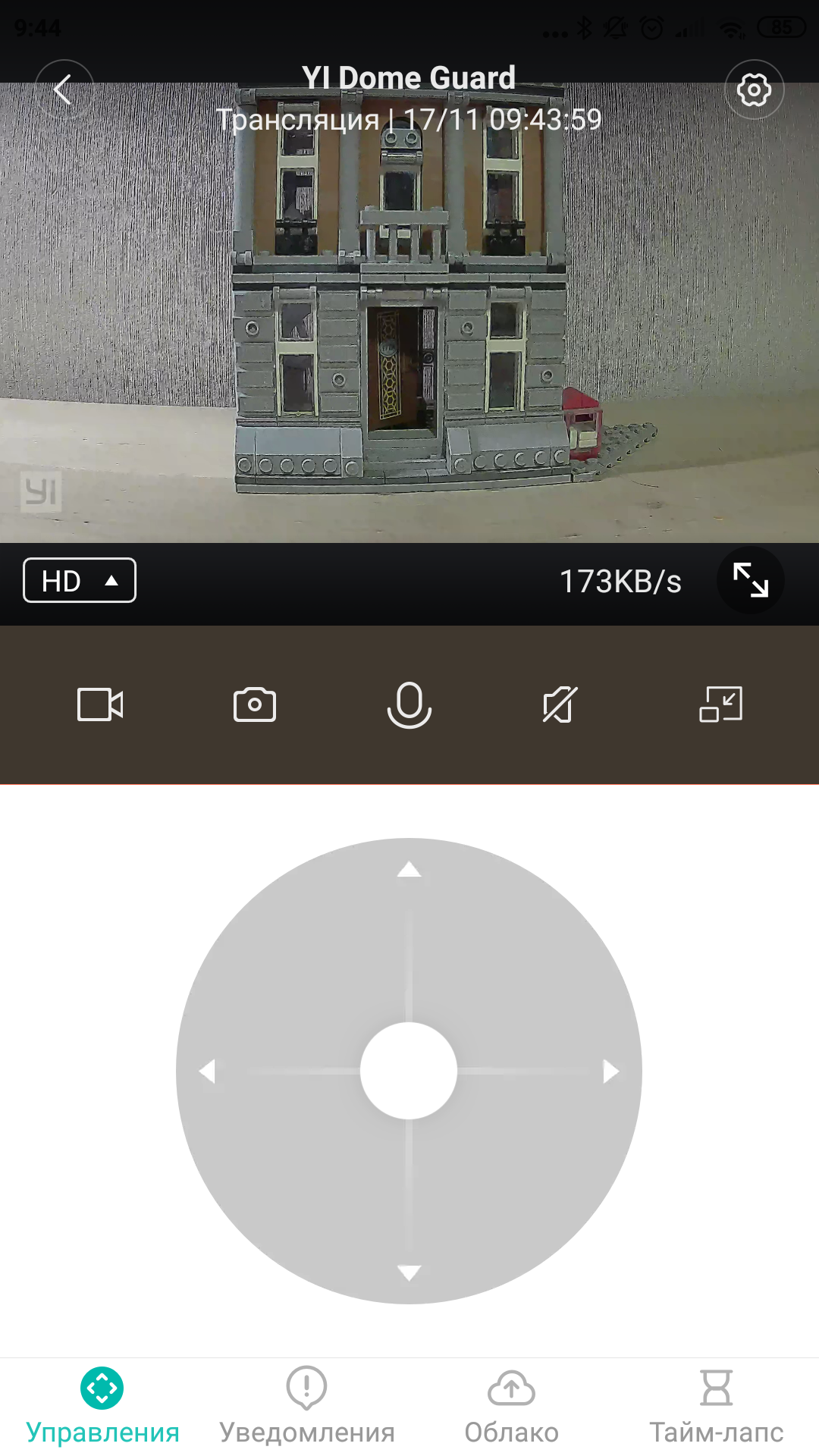
Probably, first of all, it would be worth saying thatshe knows how to shoot video, but this is already clear, so let’s go straight to the main feature: she can turn and tilt. Moreover, both at the wave of your finger and during independent “patrol”.
</ img>
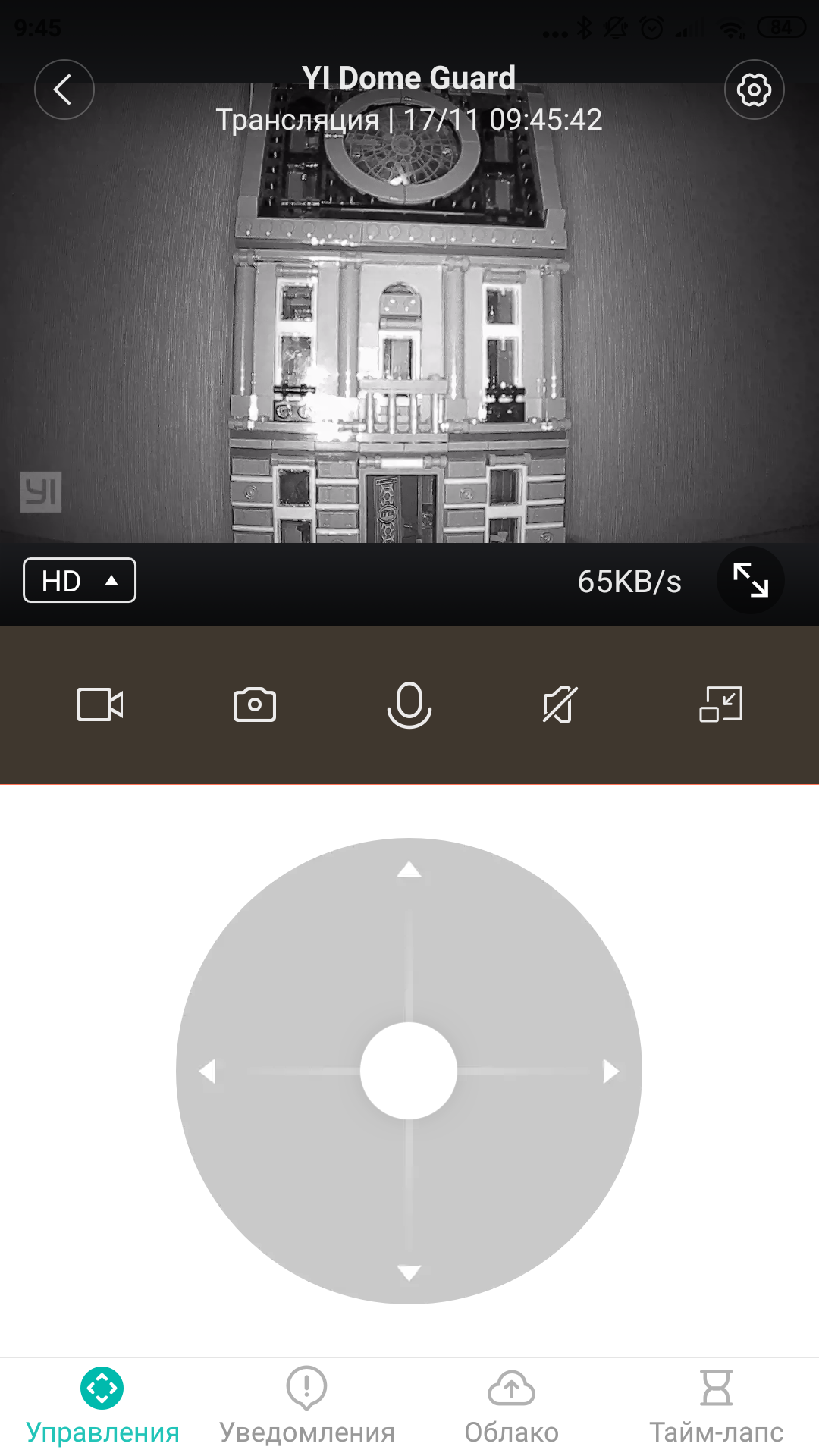
In the application you can view the image from the camera inreal-time mode and from there control the position of the camera in order to inspect all corners of your possessions. By the way, the first time you turn it on, the unusually narrow viewing angle catches your eye. The developers felt that if the camera can rotate, then it does not need to cover a large space at once. This solution also has a clear advantage: the increased focal length of the lens makes it possible to better see the fine details of the image. This is when compared to fixed cameras like the YI Home Camera 1080p.
</ img>
</ img>
</ img>

</ img>
</ img>
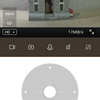
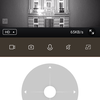
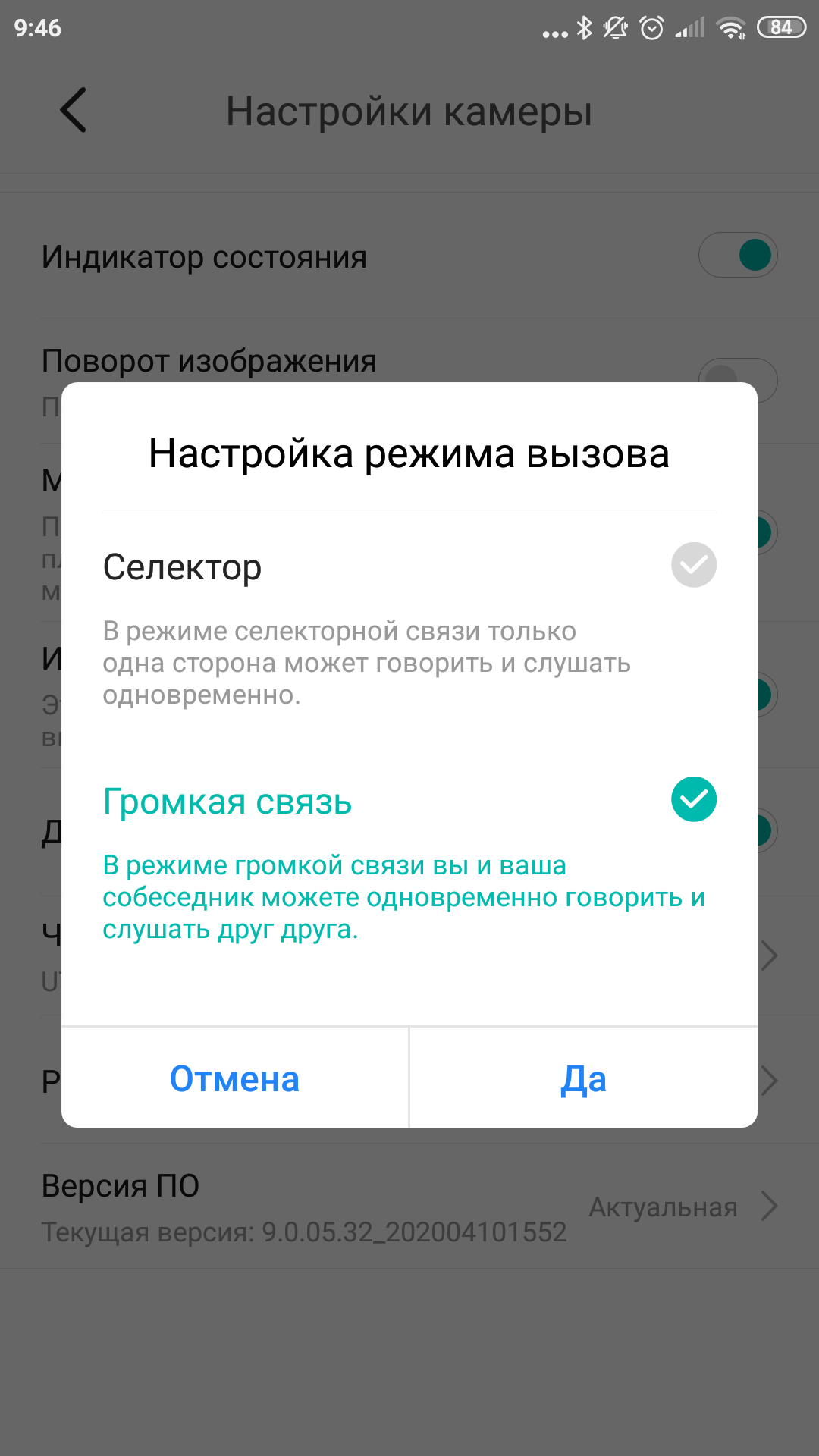
If you wish, you can not only watch and listen,but also to talk. The camera supports two modes: continuous communication and intercom. In the second case, you need to speak into the smartphone's microphone while holding down a button in the application so that you can be heard through the speaker on the camera. In the first case, you don’t have to hold anything back; the connection will be continuous. Thus, the camera can be used as a baby monitor. Or remotely remind unwary subordinates of what they should do during working hours. Or scare away thieves.
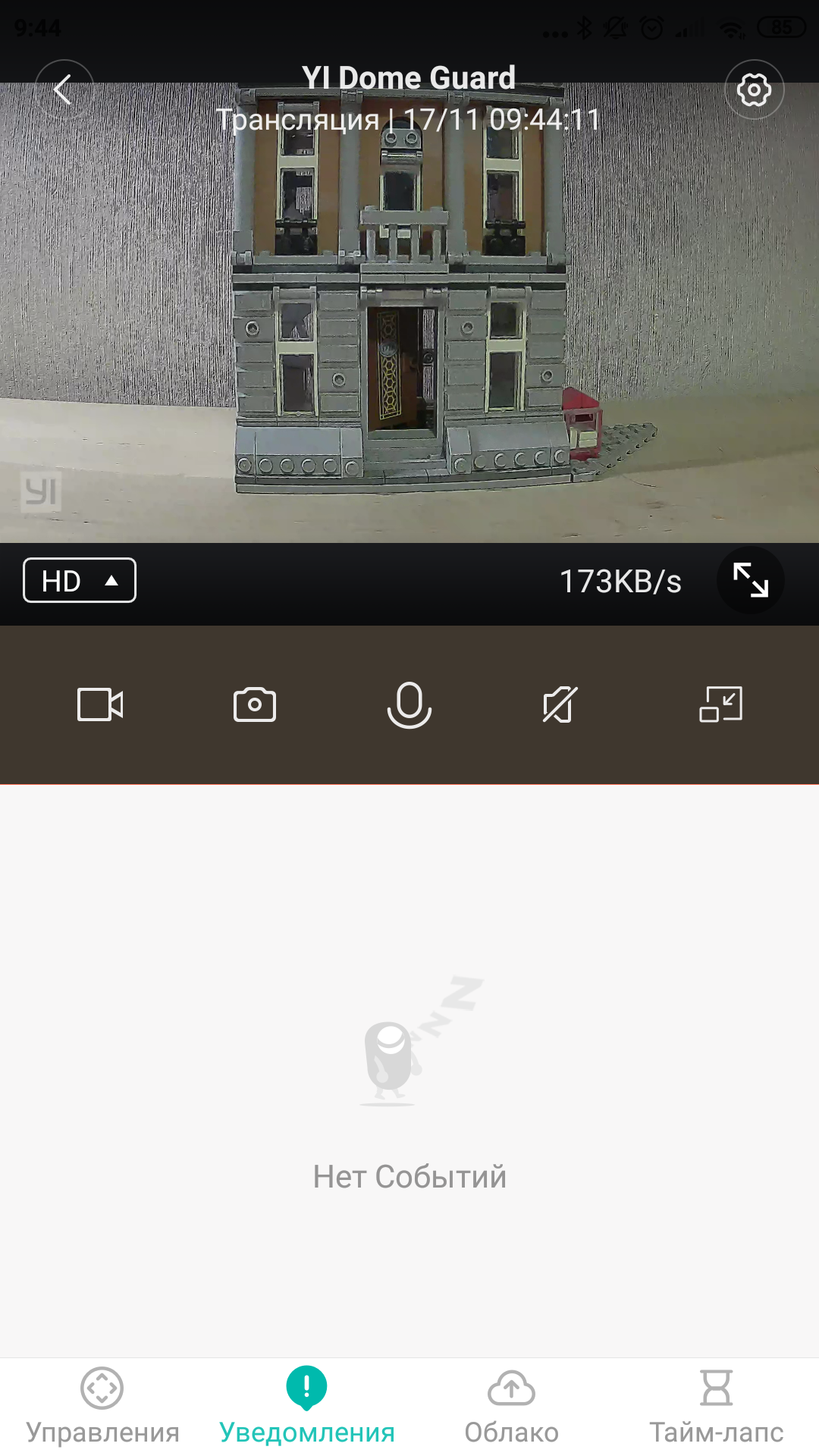
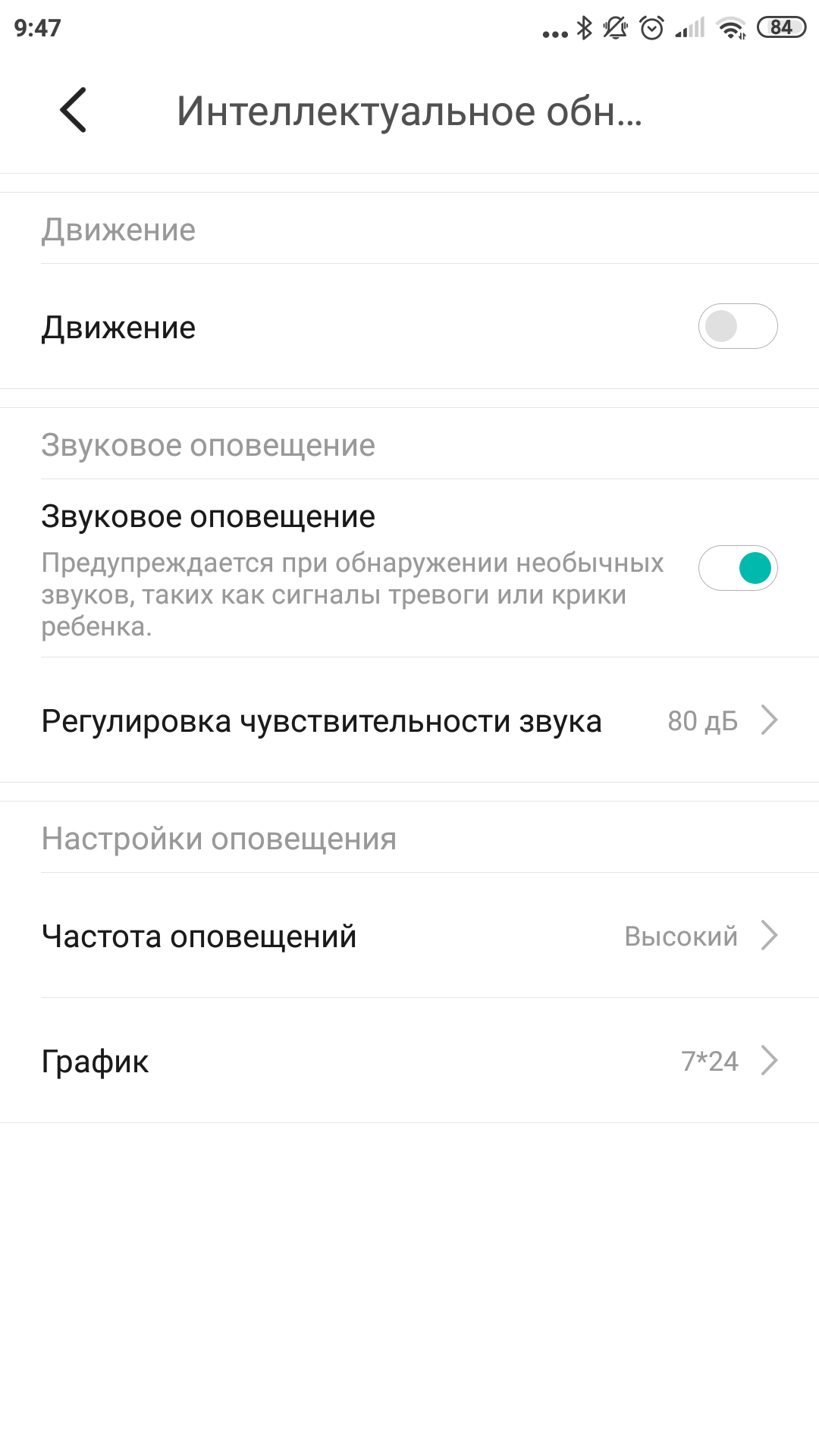
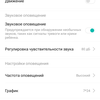
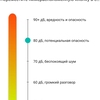
But this is if you look behind the camera in realtime. And if it just hangs from the ceiling, then it will attract your attention only on special occasions. Namely, when motion is detected in the frame or when a loud sound is detected. The threshold volume can be adjusted, as well as the sensitivity and active motion detection zone. When any of this works, the camera:
- starts recording to the memory card (if installed);
- will record a 6-second video to the cloud serviceYI Cloud (if you do not have a paid subscription there, otherwise the same will be saved there that would have been recorded on the memory card, that is, a longer video);
- will send a notification to the YI Home app. And you already decide what to do with it.
Notifications are also customizable, we'll talk about this further.
What settings are there?
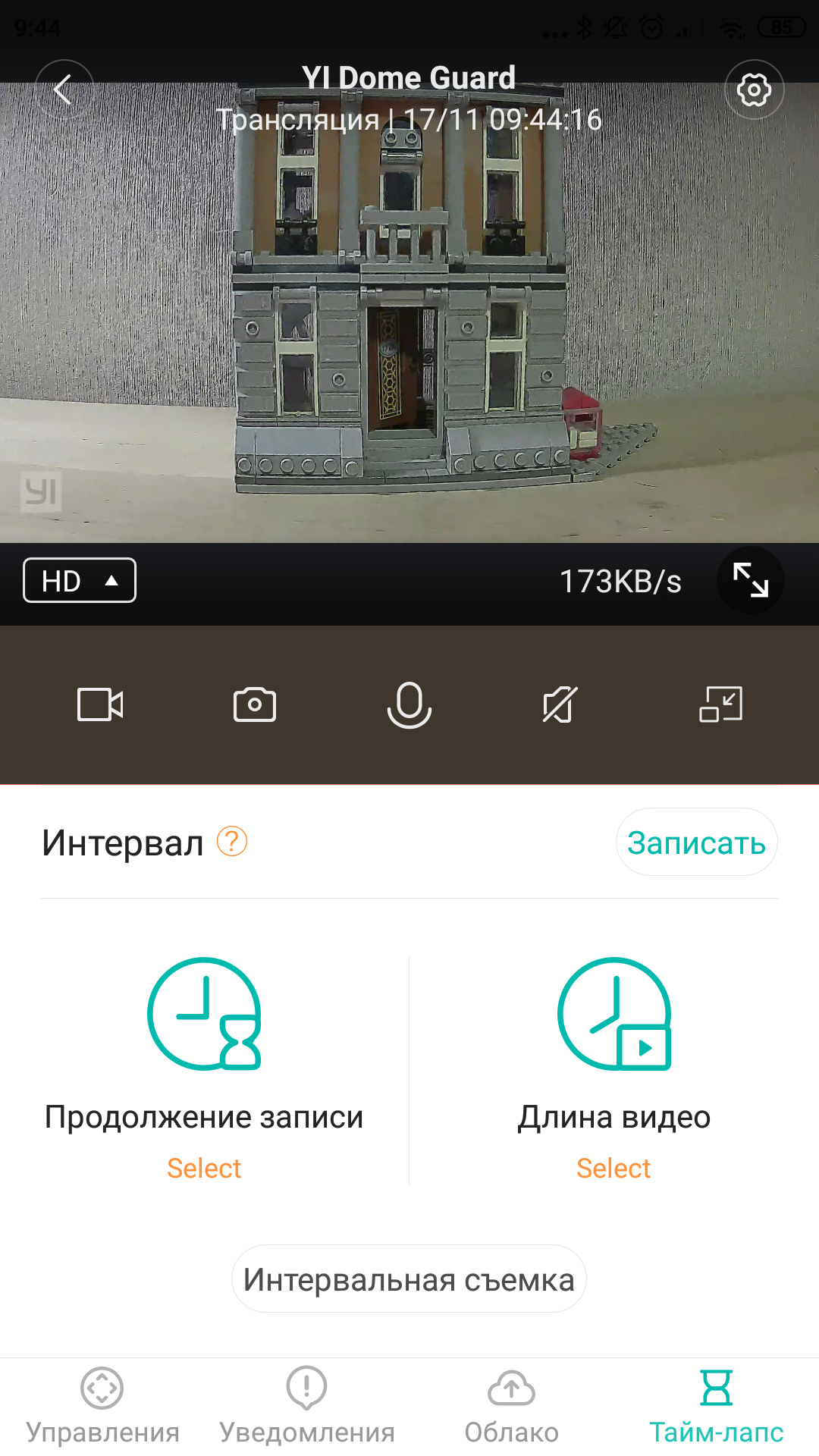
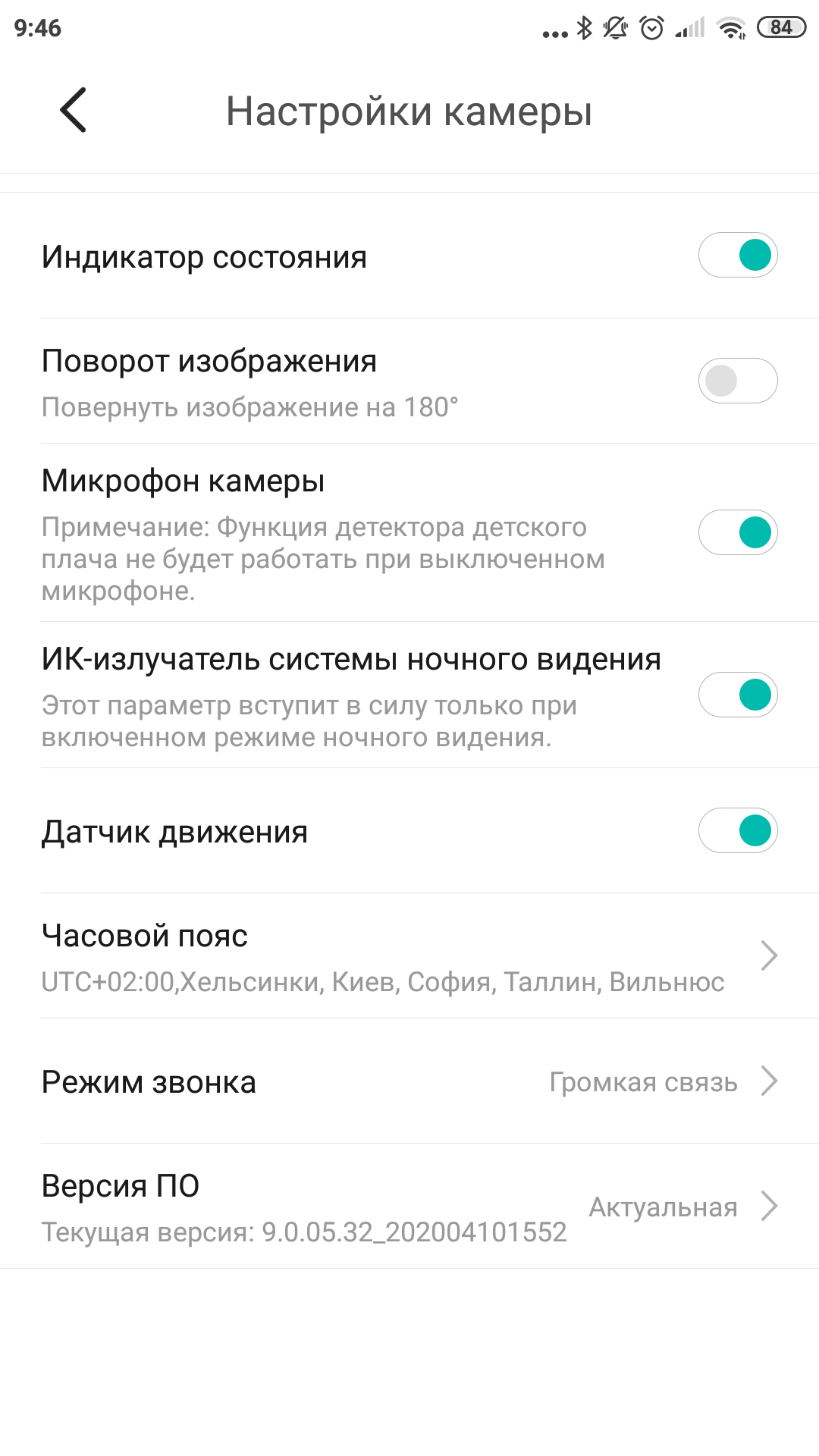
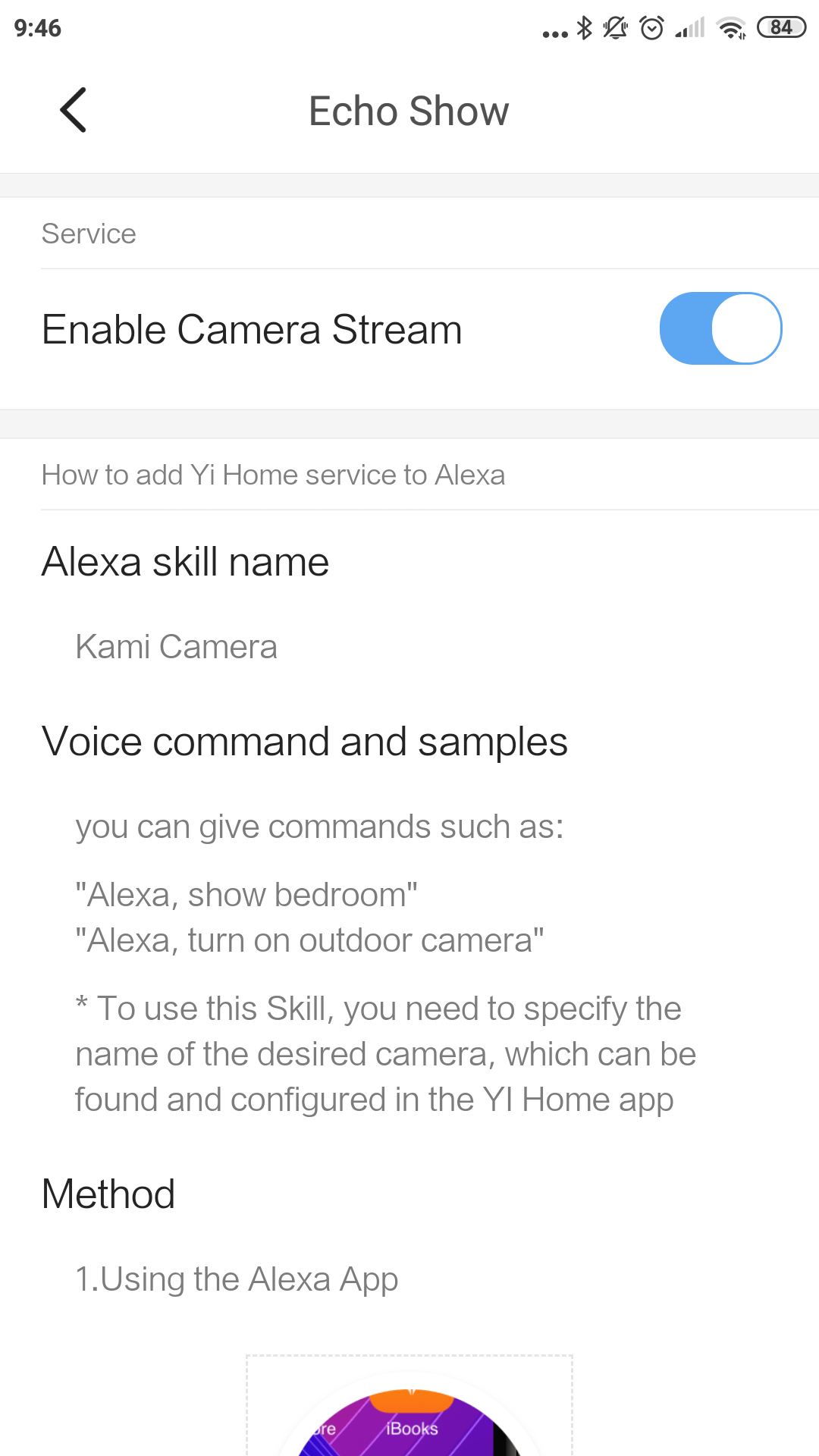
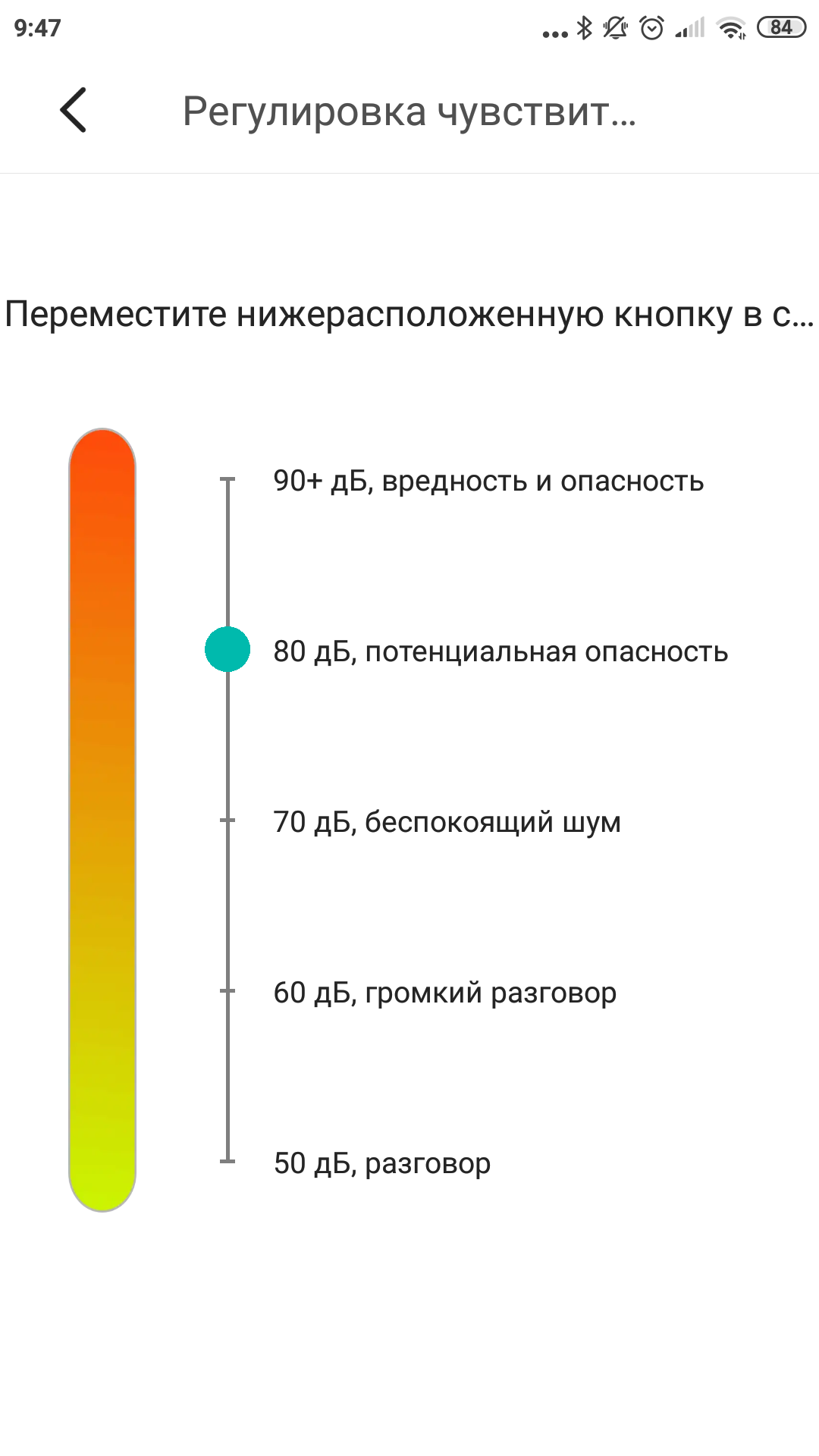
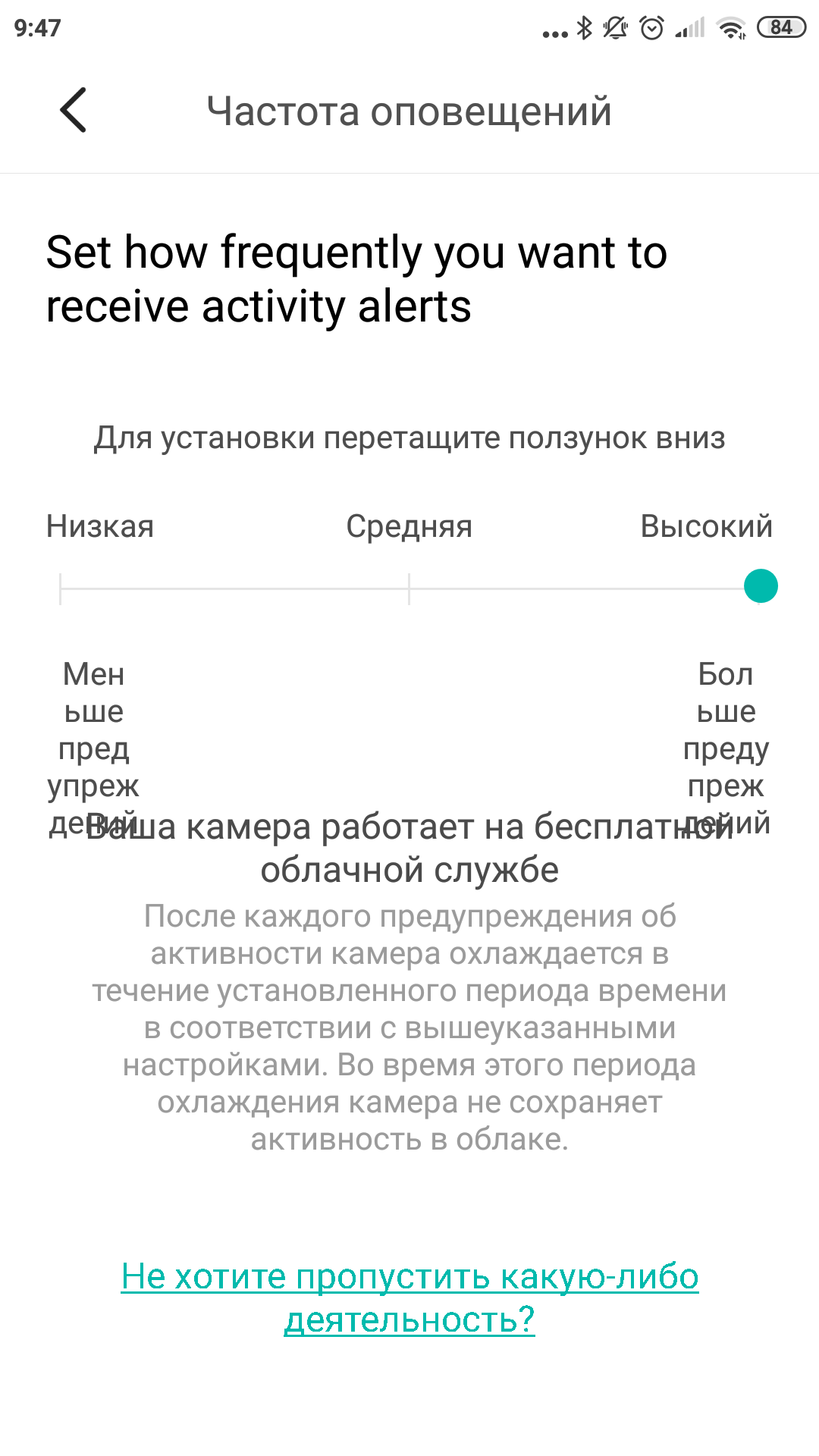
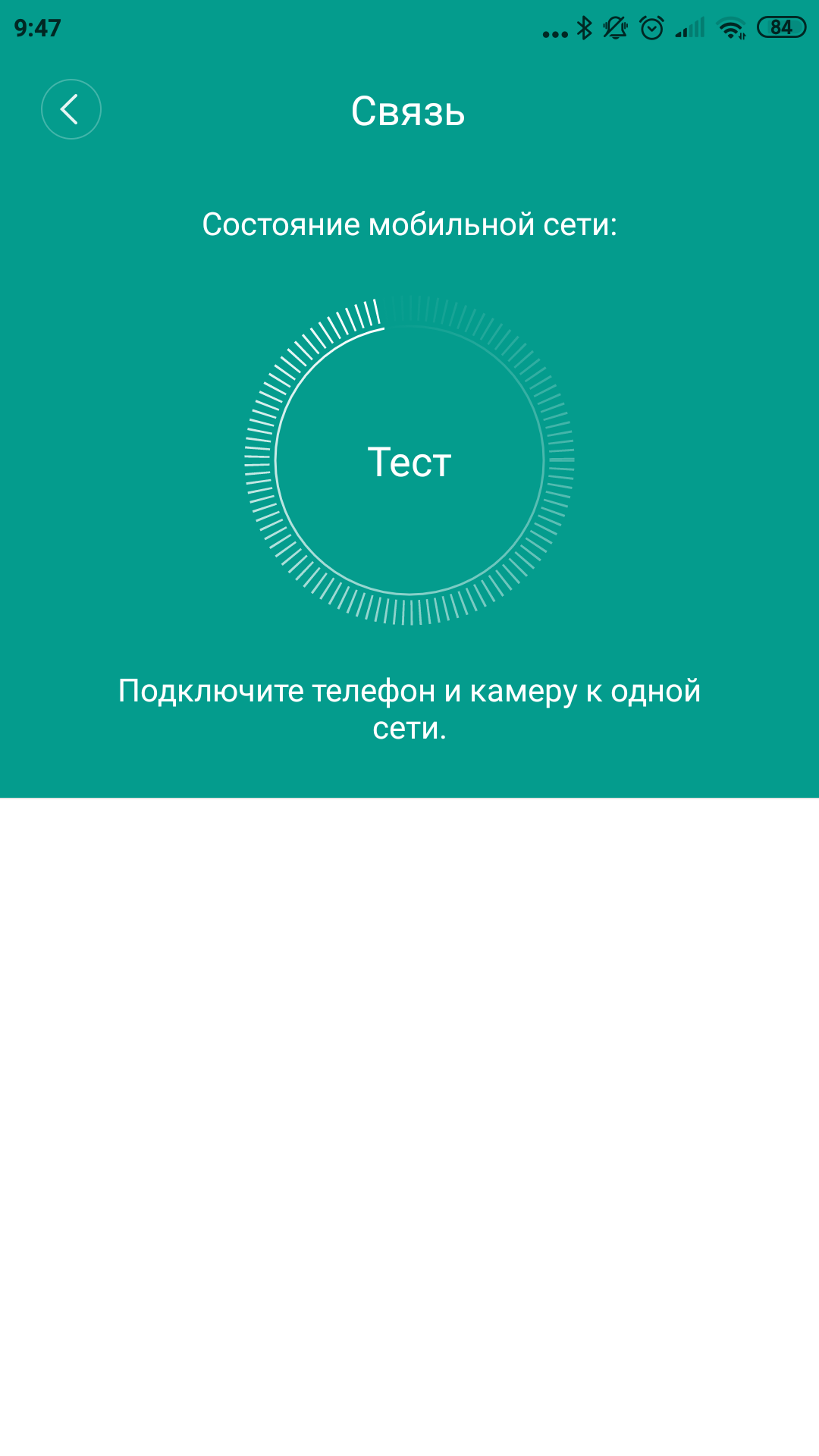
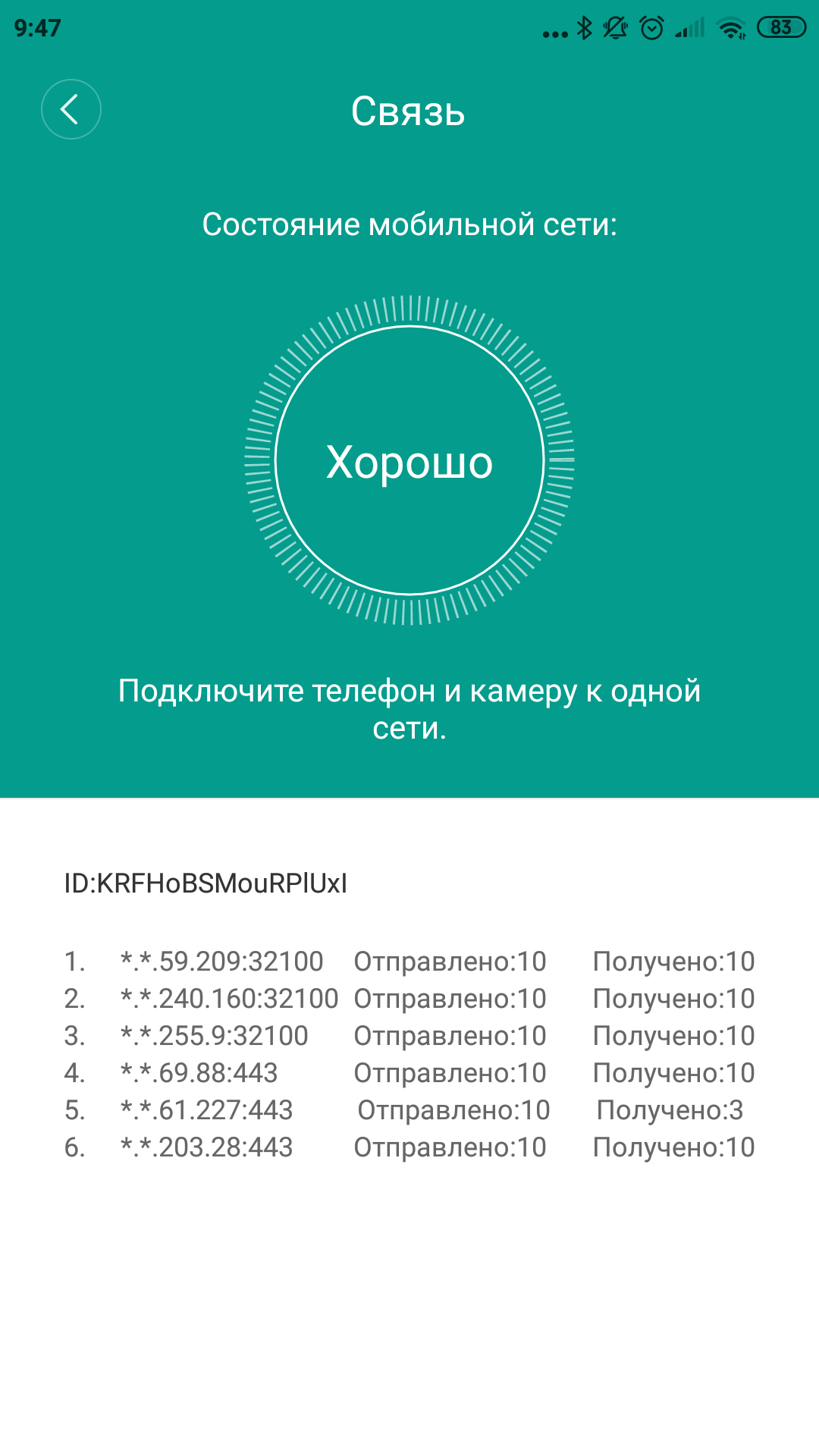
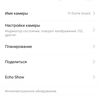
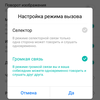
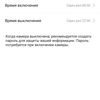
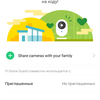
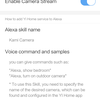
Since the controls on the camera itselfthere are none, everything that can be adjusted is adjusted in the YI Home app. You can give the camera a name and select the room where it is located (convenient for grouping cameras by location if there are many of them). It is possible to turn on and off the camera itself, microphone, motion sensor, night light and status LED. There is a schedule for the camera with scheduling of the time of automatic switching on and off. A separate section is devoted to the event detection settings. An event can be either movement in the frame (you can set the sensitivity), or sound (there is a threshold adjustment in decibels). As we already understood, when an event configured in this way occurs, the camera starts recording and sends you a notification. I promised to tell you more about them, I am telling you. You can customize the frequency and schedule of such notifications, from 24/7 to the exact days of the week and hours, more often or less often. You can also protect your camera with a PIN, share it with another app user, or set up integration with Amazon Alexa. There is even a built-in network connection test. As you can see, there are a bunch of options, but I'll clarify that they are typical for all YI cameras.
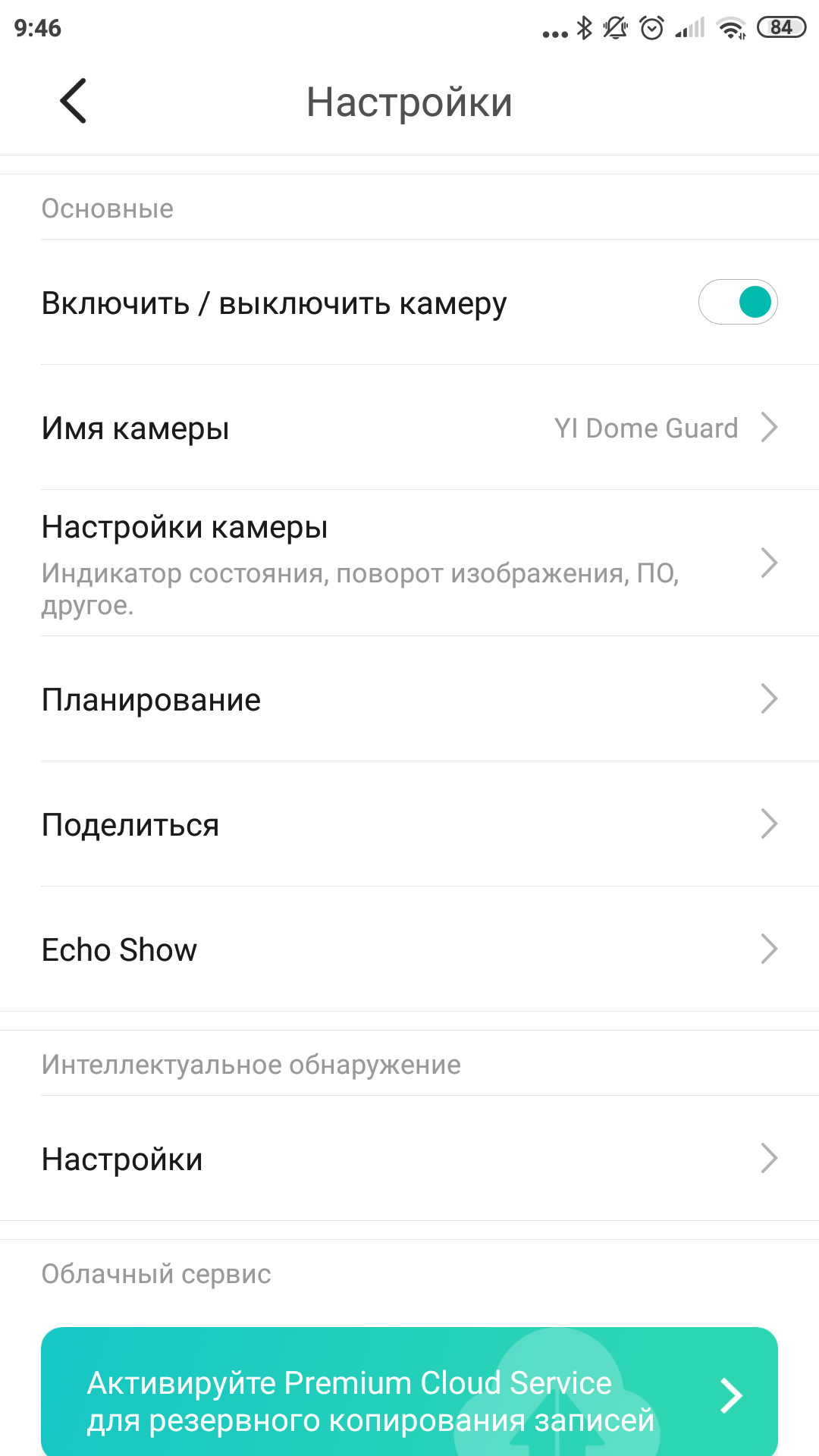
</ img>
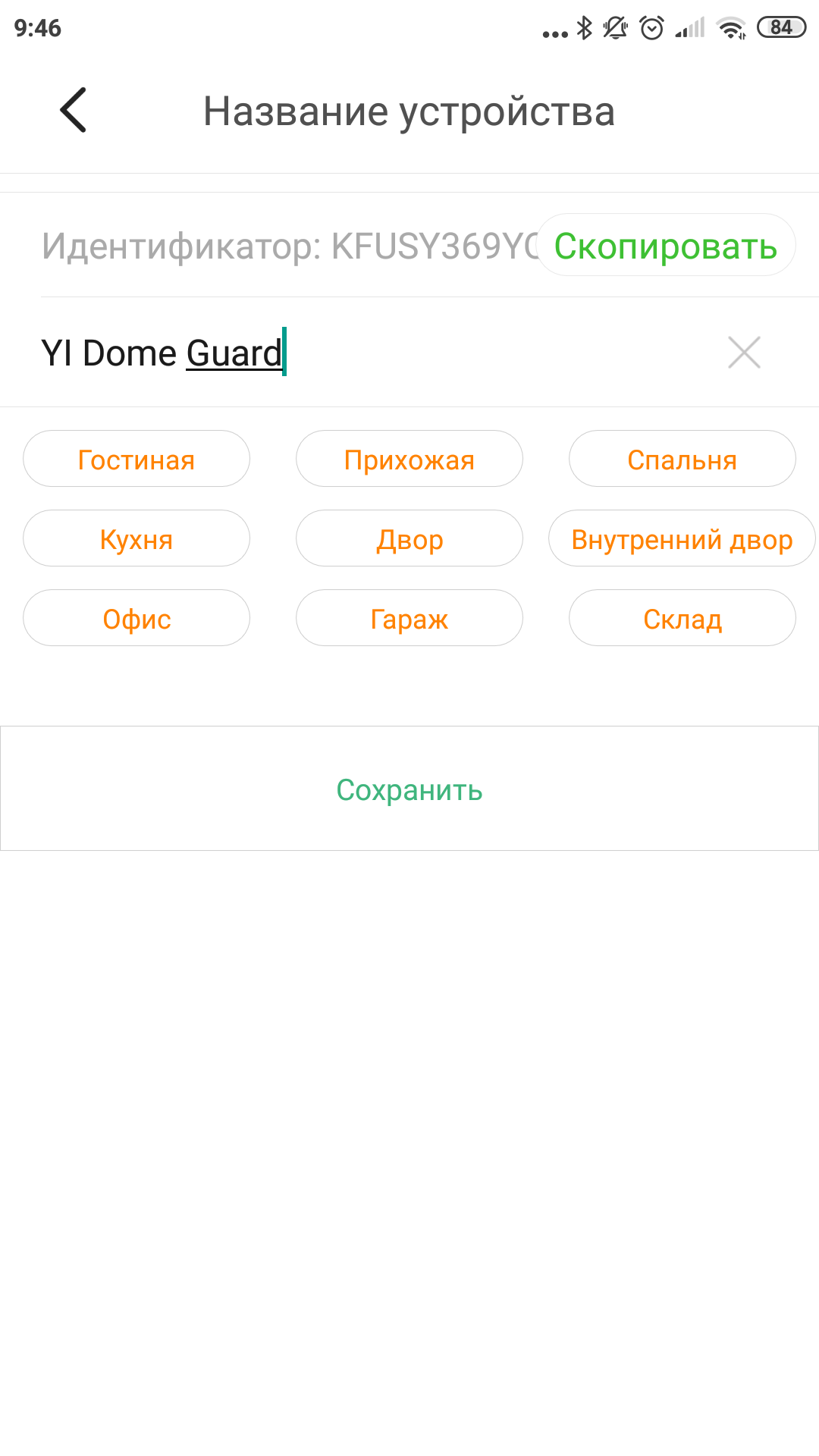
</ img>
</ img>
</ img>

</ img>

</ img>

</ img>
</ img>
</ img>
</ img>
</ img>

</ img>

</ img>
</ img>
</ img>





How is she doing?
YI Dome Guard does the job wellvideo surveillance thanks to the swivel design. It can be placed not in the corner, as is usually the case with fixed cameras, but in the middle of the room, on the ceiling, like a dome camera.
Rotation around its axis is possible only up toa certain point from where you need to turn the camera back. The total is a full revolution, but you can’t make several circles in one direction, you have to get used to it. When turning, the camera's electric drive is quiet, but, for example, the YI Dome Camera X turns even quieter. The status LED does not attract much attention, but nine infrared illumination diodes in night mode, of course, immediately indicate the presence of a camera.
If you take out the MicroSD card and examine itcontent, you can see that the video is divided into separate videos lasting no more than a minute. One second of video “weighs” on average about 0.22 MB, so more than an hour of video can be recorded on 1 gigabyte of memory. The videos themselves are not easy. Each contains three video tracks: 1920x1080 at 20 frames per second, 640x360 at 20 fps and again 640x360, but only 5 fps (H.264 codec). And one audio: AAC 16 kHz, 33 kbps mono. The files are arranged in folders with names like “2020Y10M24D13H”, and they themselves are named using a template like “58M00S60.mp4”. Thus, by combining the name of the folder and the file, you can set the exact start time of recording. This is important because the video itself does not have an overlay showing the current time. But there is a watermark with the YI logo.
The bottom line is that there are three things to remember about the YI Dome Guard camera:
- it connects via Wi-Fi or Ethernet and is controlled via the YI Home App;
- knows how to turn in all directions and follow moving objects;
- can save FullHD video to a smartphone, memory card or to the YI Cloud;