iOS developer Simalary's new free Replay jailbreak tweak adds snooze and shuffle buttons to
The Repeat and Shuffle buttons appear inthe “Running” window on the iPhone’s locked screen and in the Control Center. The random play button is displayed on the left side of the widget, the repeat button on the right.
Advertising
Advertising
If you increased the width of the music widget using the popular BetterCCXI tweak, all controls will be visible in the music widget in Control Center.


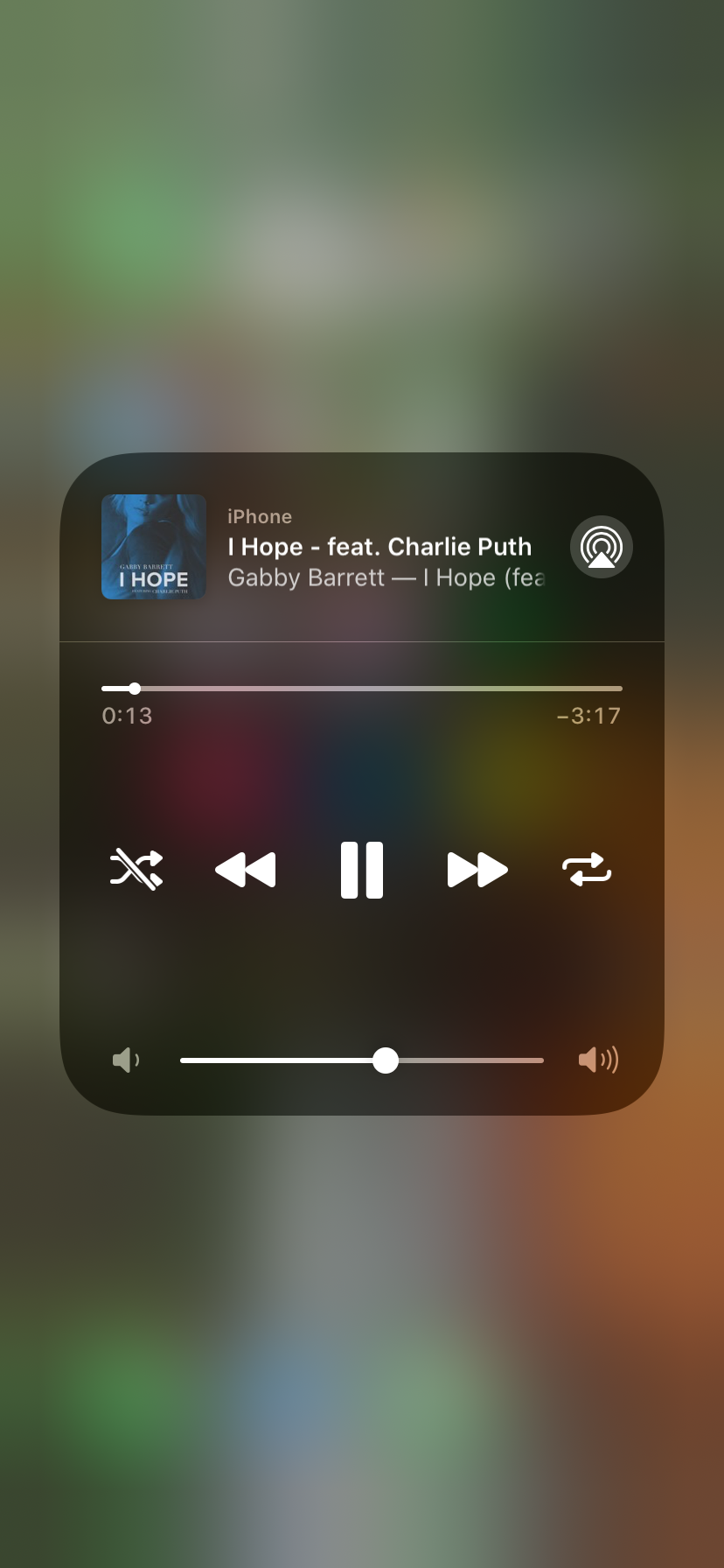

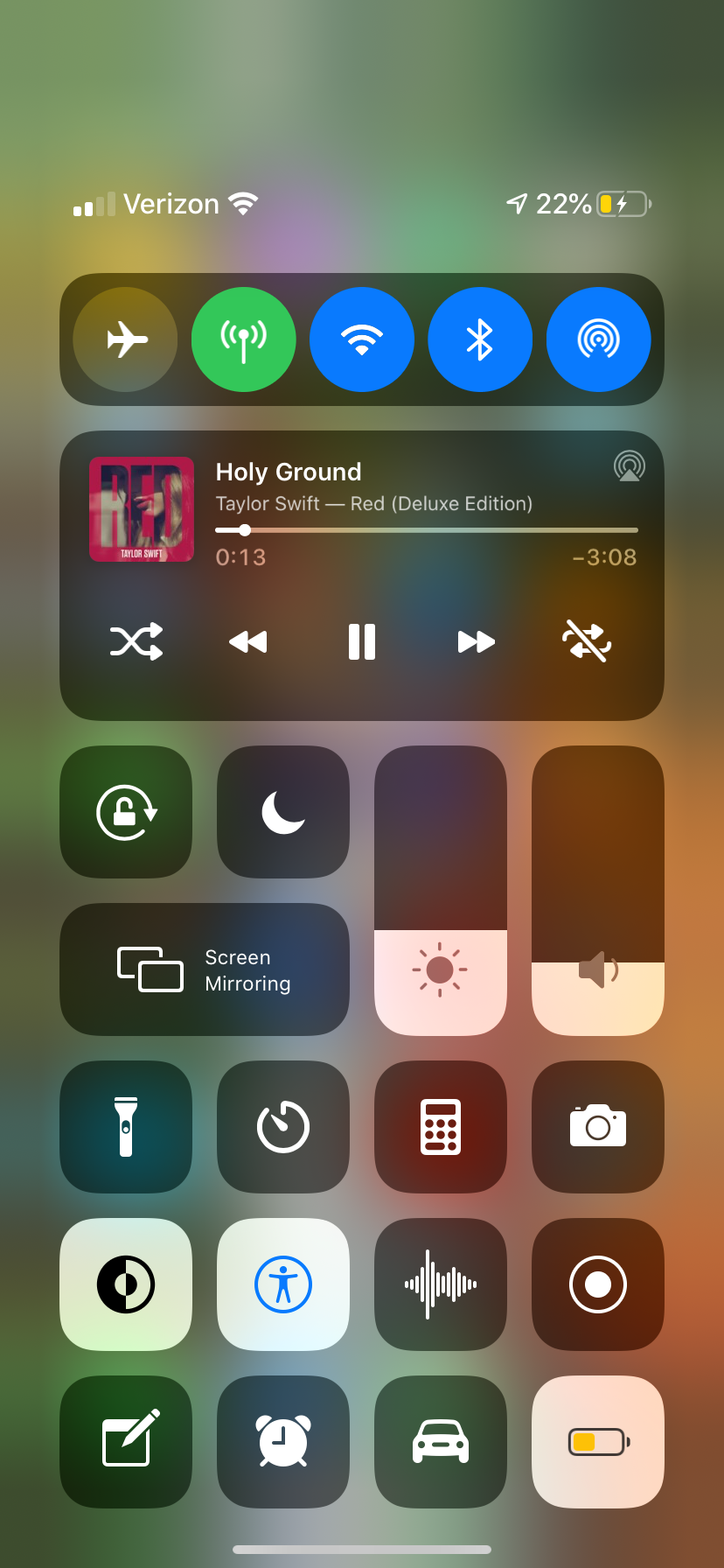

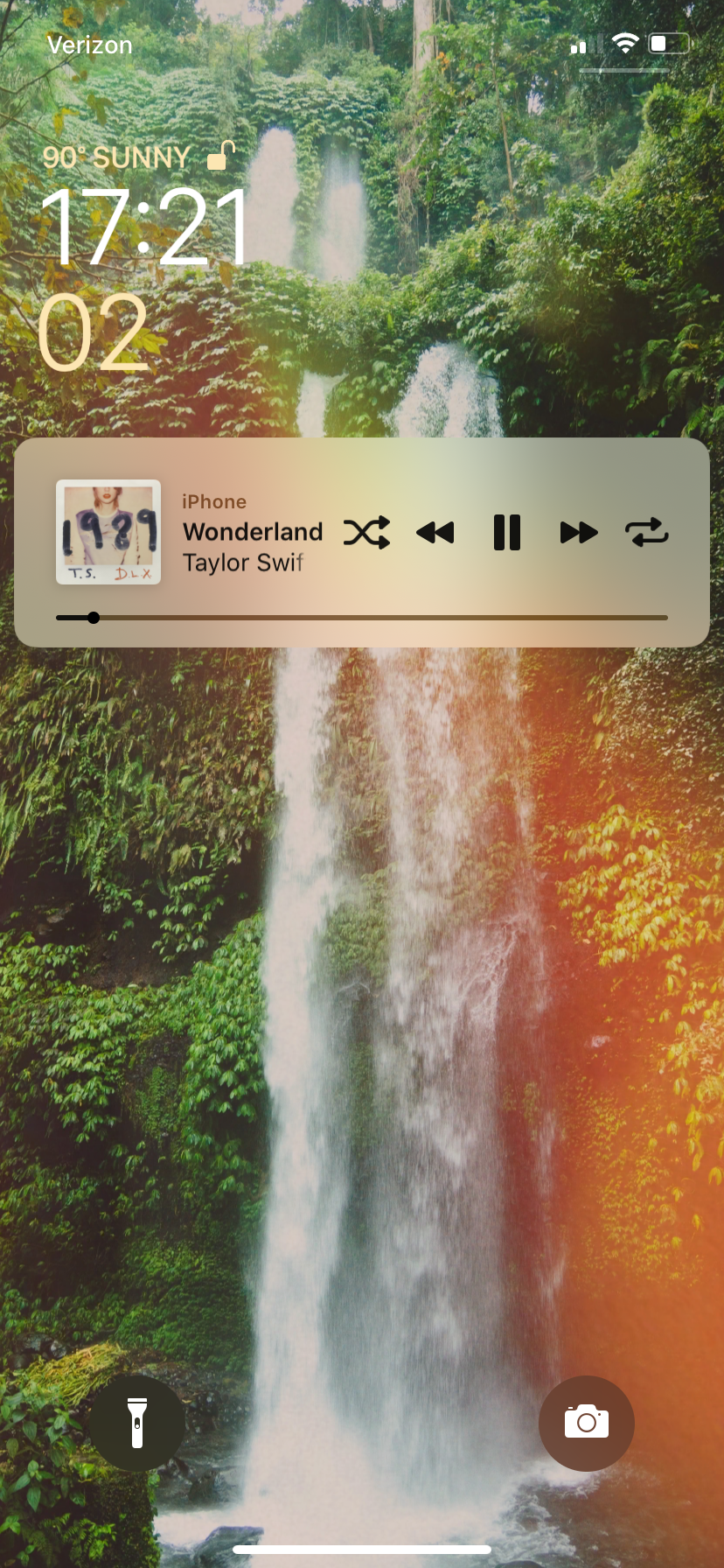

Replay does not require configuration. After installing the tweak, play elements are automatically added to the music widget interface. To remove the added music playback buttons, delete the tweak.
Tweak Replay is available for free in the Packix repository. It only supports jailbroken iOS 13 devices; it does not work with ColorFlow.