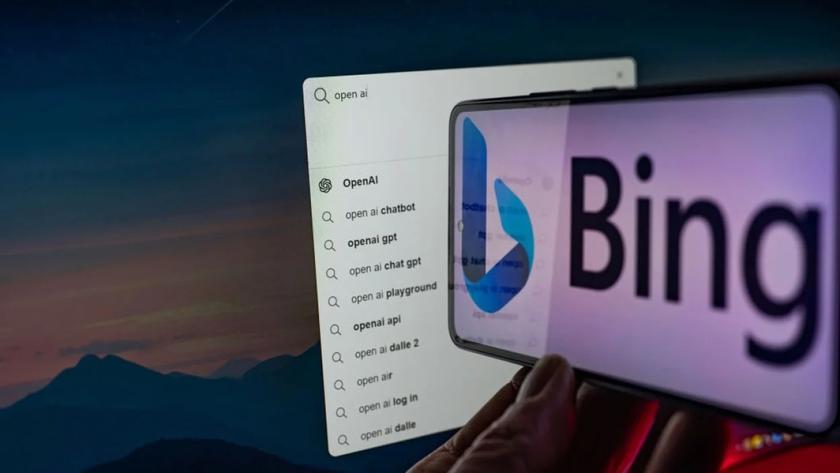
Microsoft is expanding Bing Voice capabilities to the desktop version of Edge. Thanks to this update
What is known
Like the mobile version of Edge, all you need to do ispress the microphone button in the Bing chat window and ask your question. Microsoft says the chatbot currently supports English, Japanese, French, German, and Mandarin, but the company is working on adding support for other languages.
Microsoft's decision to add voice mode to BingChat on the desktop is linked to the company's plan to end Cortana for Windows later this year. Instead of Cortana, which allowed users to use voice commands to perform various tasks, Microsoft is directing users to Bing and the AI-powered Copilot program it is building into Windows 11 as a more efficient alternative.
When Windows Copilot becomes available to everyone,it will be placed directly on the taskbar, where you can ask general questions, get answers, adjust PC settings and more. It will be a handy tool for quick access to information and computer management.