iOS version number 10.1 is the first large-scale update of the “ten”. This is also the first update
-
Portrait mode
The main new feature of iOS 10.1 is “Portrait Mode”, which was first demonstrated at the presentation dedicated to the release of the iPhone 7 Plus, and which, using the system’s software features, adds blurring effect to your photos, the so-called “bokeh”.
Advertising
Advertising
Portrait mode highlights the subjects in the foreground and blurs the background behind them. Access to this mode is provided by swipe left in the Camera application.
The Camera app will tell you howuse this feature. In particular, it will warn the user if the subject is too far or too close. When the subject is at the right point, you will see the bokeh effect live on the screen. Take a picture and the photo will be saved.
iPhone 7 Plus Portrait Mode Live Preview (iOS 10.1 developer beta 1) pic.twitter.com/fc5xSAaMkr
— Stu Maschwitz (@5tu) October 1, 2016
Advertising
Advertising
We encourage you to use this feature as often as possible. It is not perfect at work, but I saw what awesome photos were obtained from others when using this function.
When shooting in bokeh mode, the device alsosaves the photo in "normal" mode. Therefore, if you do not get a photo with a blurred background, then you will always have a regular photo on hand.
-
IMessage Effect Switch
As we found out after upgrading to iOS 10,users who have enabled the “Motion Reduction” option in the “Universal Access” panel have lost the ability to send, receive, and view effects in the iMessage application.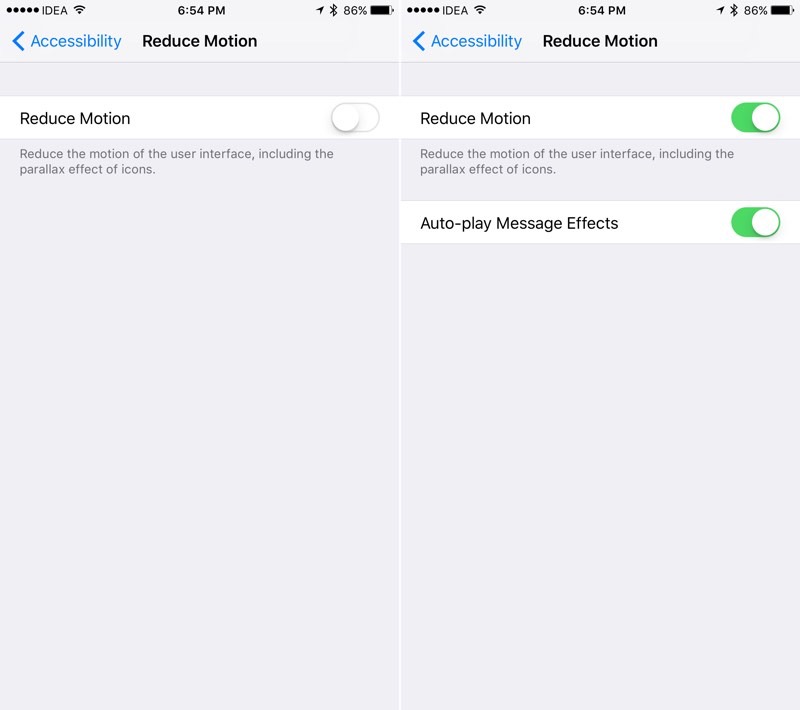

IOS version 10.1 adds a new switch that allows you to use effects in the iMessage application when the “Motion Reduction” mode is on.
The switch is located: "Settings» -> "Main» -> "Universal access» -> "Motion reduction". If the switch "Motion reduction"Is turned on, then under it you will see the switch" Message effects (auto play) ".
Advertising
Advertising
-
New iMessage app drawer interface.
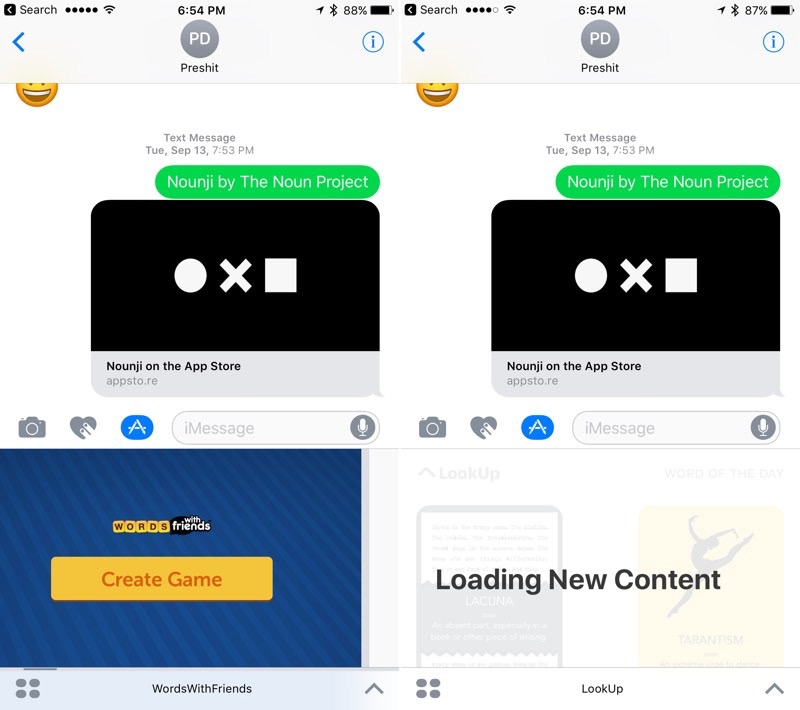

If you have more than 20 applications in your iMessage mailbox, then the view of the iMessage app drawer becomes ugly. The dots below are superimposed on the icons and it all looks not great.
Apple solved this problem by deleting points and setting the scroll wheel, which turns on when swiping between pages. It also means that the “Last” icon has also disappeared.
Read: Top 10 iMessage Apps for iOS 10
-
Ability to replay the effect in the message
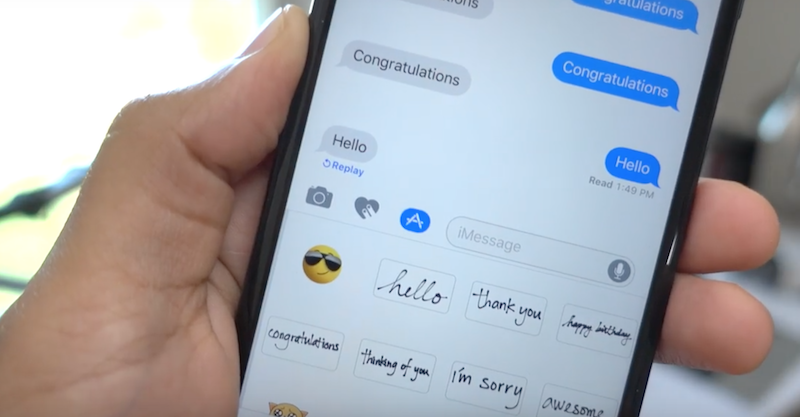
 Now in iOS 10.1, when you receive an iMessage message with an effect, you will see the Play button below. Now you can replay the effect of the message.
-
Now launching applications in the Notification Center really works
In iOS 10, this function did not always work andworked unstable, which was a real nightmare. Every time I tried to click on a notification while in the Notification Center, usually nothing happened. Or sometimes the corresponding application was launched, but the part that was not of interest to me, for example, not the corresponding conversation in iMessenger.
Now in iOS 10.1 everything works for me.
What did you find?