Limiting your workspace or creative time exclusively to your home or office is no longer an option today.
Tip # 1. A laptop should be more productive than you.
An idea or need for its implementation cancatch you anywhere. Therefore, even if there is no opportunity to recharge the laptop, its owner must be sure that the battery will last for the entire working day, regardless of what he will be doing - drawing, watching a TV series or filling out documents. For example, the developers of the HP ENVY x360 Convertible promise that the laptop can work offline for up to 8 hours.
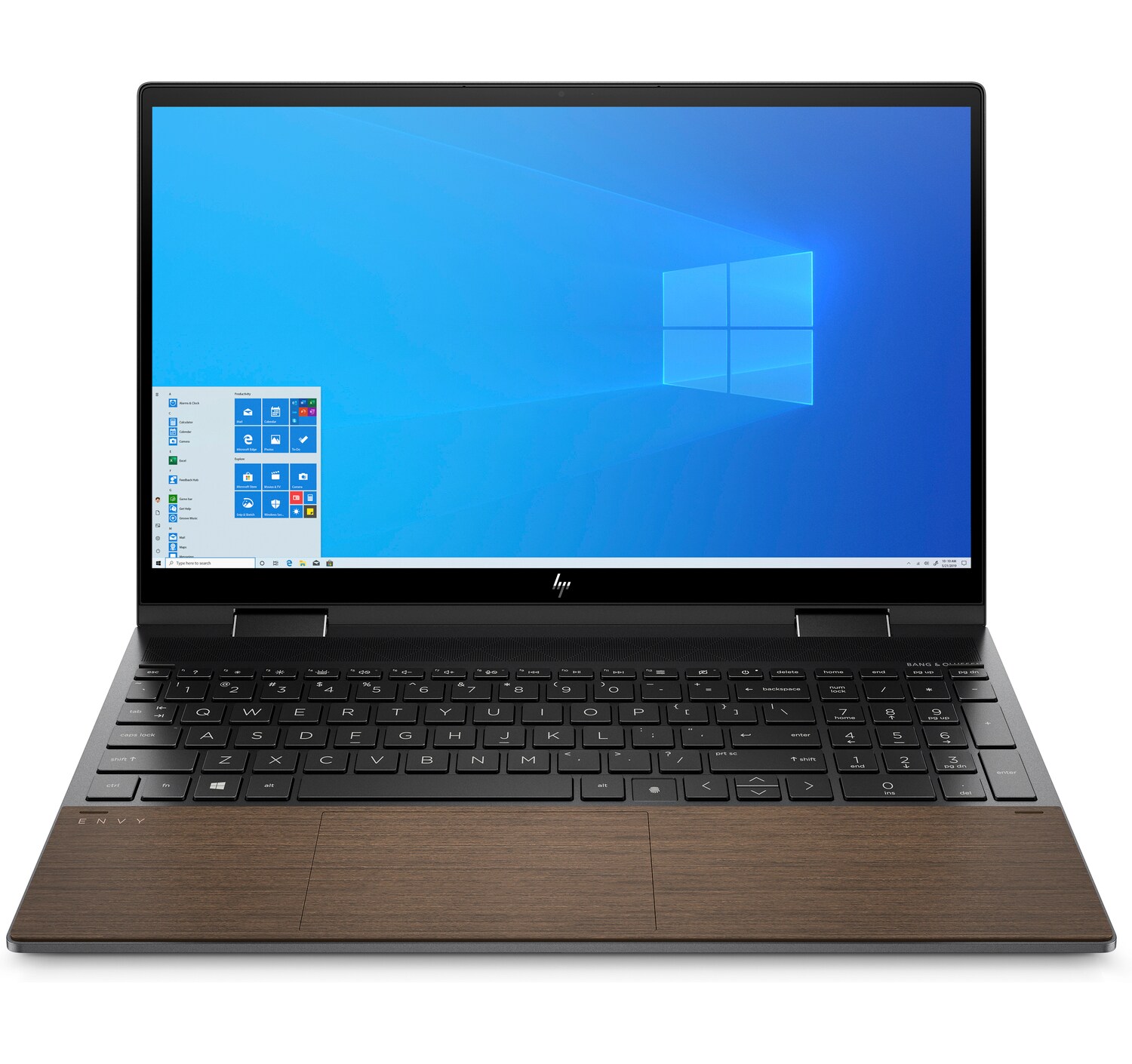
Authors of the review of the Tom's Hardware deviceconducted several tests that included web browsing, OpenGL and video streaming over Wi-Fi - for example, series on the Netflix platform. The device worked for 11 hours and 23 minutes.
Tip # 2. Using a laptop should be safe
During the pandemic, the media have repeatedly written aboutembarrassment that happened to people during video conferences: some forgot to turn off the camera, others - the microphone. The HP ENVY x360 Convertible has physical tools for this (not software): a dedicated camera shutter and a microphone mute button. Moreover, the closing of the camera shutter is noticeable visually: the hole in front of the camera is closed with a series of diagonal white lines, so it is difficult to confuse something and get into an unpleasant situation.
Well, do not forget to watch how, where and why youtransfer your data. Use only private, password-protected clouds or store on a removable hard drive. Do not give full access to the device when connected to shared Wi-Fi spaces. This is especially true for those who are used to working or being creative in cafes and airports.
Tip # 3: Choose your laptop so that you can use it even on the street
Remote workers today work on the street, duringgoing out into nature or simply living in rural conditions - far from the city and people, and for some - right on the beach. And the main thing here is to see something at all. Many laptops are completely powerless in the face of the sun and bright light. What should you pay attention to? For example, the lower-end Envy x360 15 models come with an IPS touchscreen with a brightness of 250 nits and a resolution of 1080p, while the upgraded models have a maximum brightness of 400 nits. And a wide viewing angle of 178° makes the image on the screen visually perceptible from any angle.
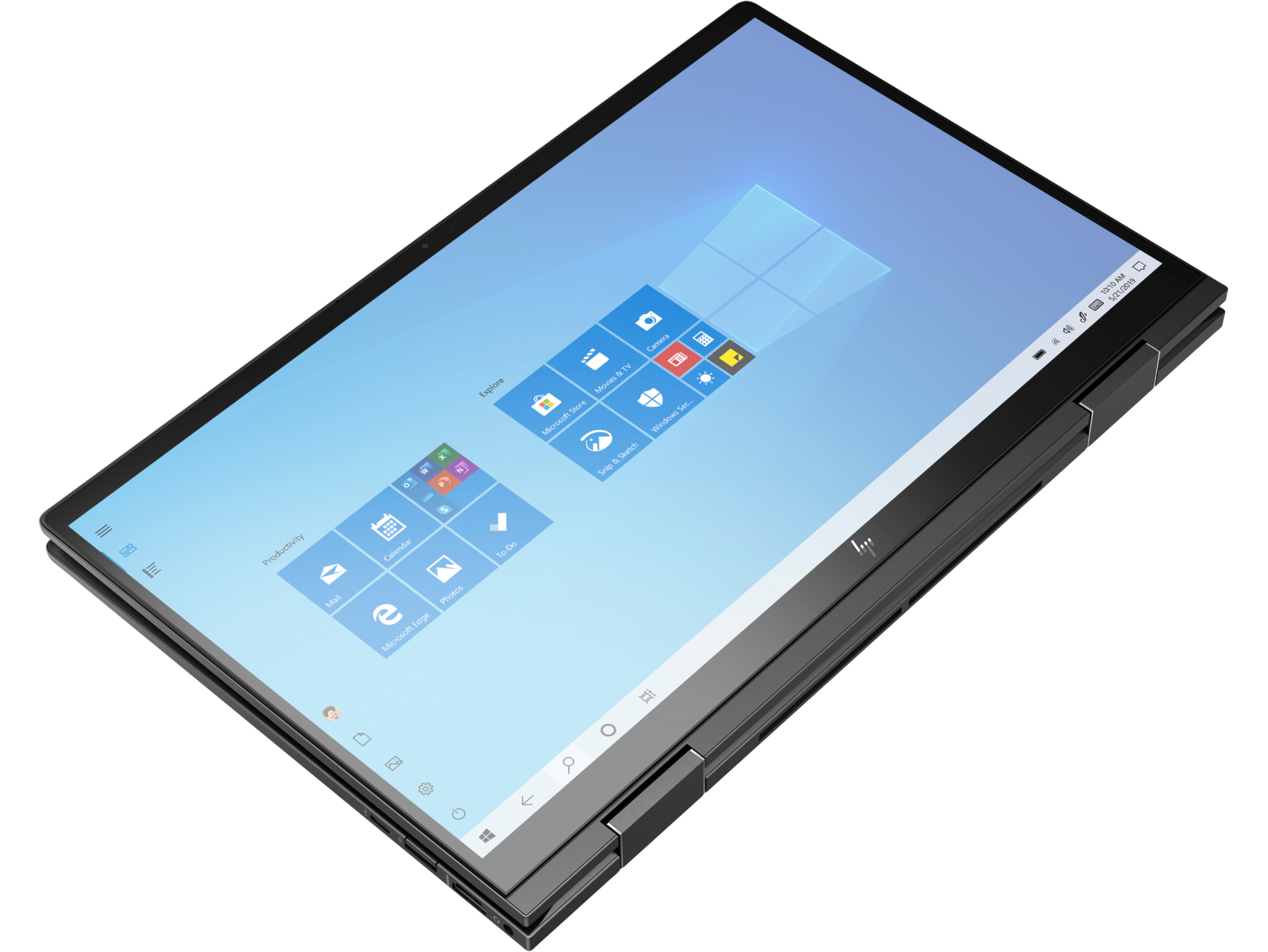
Although the panel that coversonly 77% of the wider DCI-P3 color gamut (199% of the smaller sRGB), not the brightest, there will be no problems using the laptop even in a room where the midday sun penetrates unpleasantly. The laptop is calibrated with Delta E color accuracy <2. Testing with the Datacolor SpyderX Pro colorimeter shows 100% sRGB, 76% AdobeRGB and 79% DCI-P3 color reproduction. Therefore, the device is quite suitable for those who, for example, do editing or simply like to watch movies with an excellent picture.
Tip # 4: You can draw on an airplane where there is no legroom, or write on the go
Tasks can be very different, but the device can be oneand the same. The versatility of a laptop has become especially important in the modern world, where a person can arrange his workspace anywhere. A freelancer or remote worker works in a cafe, during a long flight, and in a car. And if anyone has ever tried to open a laptop on an airplane, they will understand that this is not easy to do in conditions where even your legs can hardly fit into the narrow space between the rows.
Way out:A transformable laptop with hinges that open 360⁰ turns out to be indispensable in this situation - both for typing and for graphic work. Use the Envy x360's touchscreen and pen to work in Photoshop, draw, ink, or code. And the hinges hold the display securely in all positions, so you don't have to worry about moving the cover if you're, say, working in a moving vehicle.
Tip # 5. The laptop should not remind you of speeds and times
Often the user's options are limited tothat the laptop bought a few months ago is already irrevocably outdated, and updates of various applications run up against its "technical ceiling". This is especially true today, when in order to create content on social networks, a person needs a whole set of applications for working with graphics, text and their own ideas. Under the hood, the HP Envy x360 11th Gen Intel Core i5-1135G7 is paired with the integrated Intel Iris XE GPU to deliver crisp, vivid visuals to the screen.
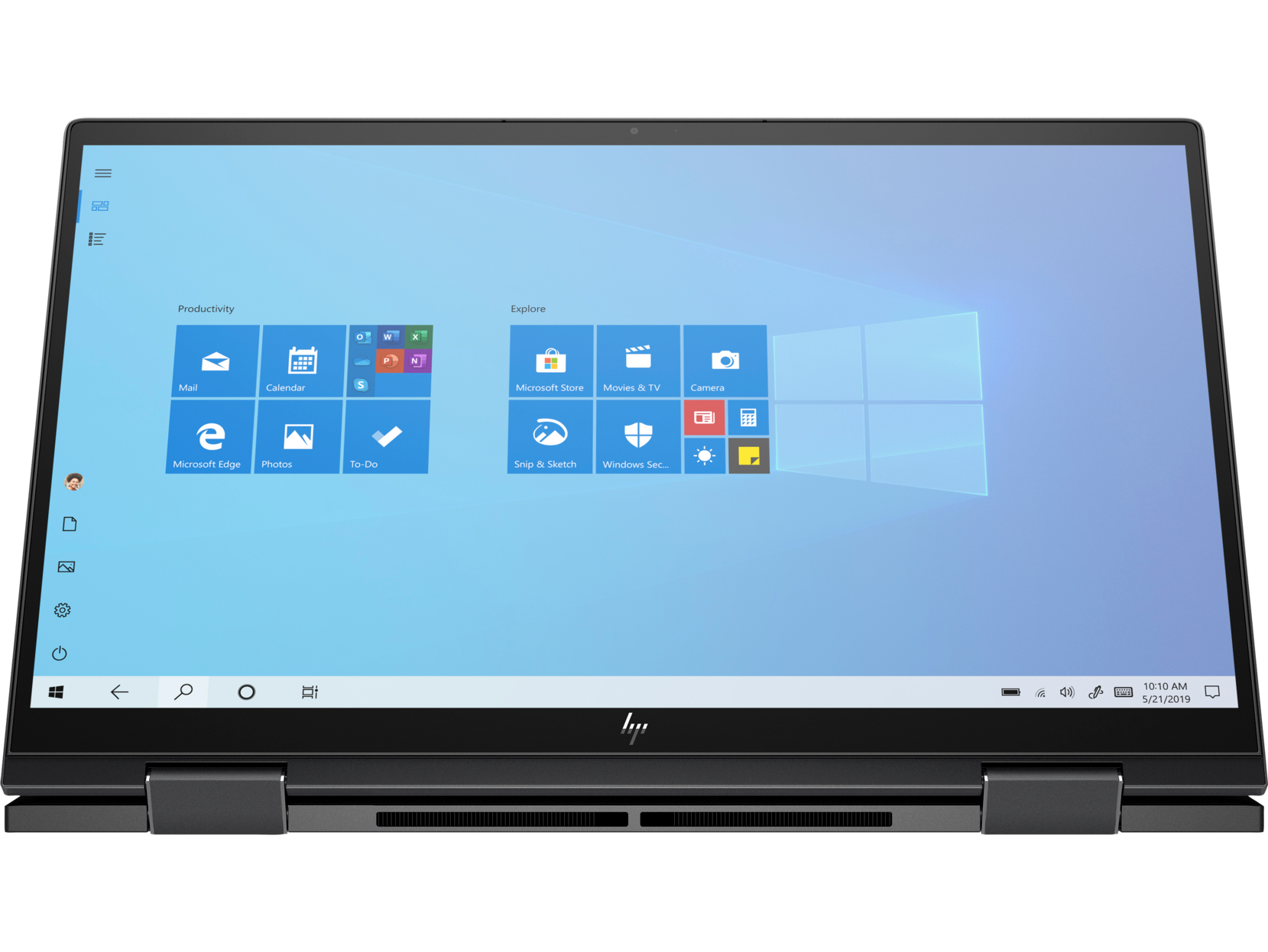
The processor includes 8 GB of RAMDDR4, 3,200 MHz and 512 GB PCIe NVMe M.2 SSD are enough for basic graphics editing, watching movies, playing games and programming. And the Intel EVO platform further improves overall device performance, cuts wake-up times to less than a second, and fully optimizes battery life. The latter is especially important for those who prefer to travel and stay connected everywhere.
When choosing a device, it is also important to considerhow much you need to simultaneously perform performance-intensive tasks and whether the laptop supports multithreading. For example, the HP Envy x360 is 50% faster than its closest competitor at transcoding a 4K video file to 1080p. For those who regularly post something to Instagram or YouTube, this will be a nice bonus.
Tip # 6: The operating system shouldn't bring surprises
Of course, this advice is not for open source fans.and Linux. But the improved version of Windows 10 pre-installed on the HP Envy x360 allows you to work on the device from the first day after purchase, and also complies with modern conditions of security and efficiency.
The laptop has a fingerprint scannerfor Windows Hello: Always works well and provides quick and easy sign-in. This is especially important for those who are used to leaving their laptop among colleagues or friends, as it will avoid embarrassment and unnecessary conversations. The device software also includes HP QuickDrop (for sharing files with a smartphone), HP Command Center, and trials for Adobe, Dropbox, ExpressVPN, LastPass, and McAfee software and utilities.
Tip # 7: Visual Ideas Are Important
In between work, you can edit photos and videos or just pass the time playing games.
High performance and energy efficientThe NVIDIA GeForce MX450 graphics adapter can really impress: the chipset performs approximately at the level of a GeForce GTX 1050 with 3 GB of memory. Of course, it will not run “heavy” games at maximum quality settings (cloud services will come to the rescue here), but it will allow you to comfortably run popular games at reduced settings.
Developers at NVIDIA note that such an adaptersuitable even for eSports projects. The GeForce MX450 is powered by the TU117 GPU with 896 active CUDA cores. Core frequencies - from 1,395 to 1,575 MHz, memory - 10 GHz.
Tip # 8. You can watch movies anywhere
Support graphics are equally important for thosewho is engaged in design or just likes to watch movies in good quality. Although the Iris Xe cannot be combined with external graphics into a coherent whole, for example, for rendering images, Intel notes that this GPU is suitable for content creators on laptops, where video encoding is important, not gaming performance. This factor should be taken into account when choosing a device for your needs: whether it be drawing, creating design sketches or creative tasks for creating content.
Tip # 9. A laptop should be stylish and right for you.
When we talk about a device that is always withitself, is always located nearby and should not contrast with a person’s appearance, design begins to play a significant role in the list of arguments “for” and “against” a particular gadget.
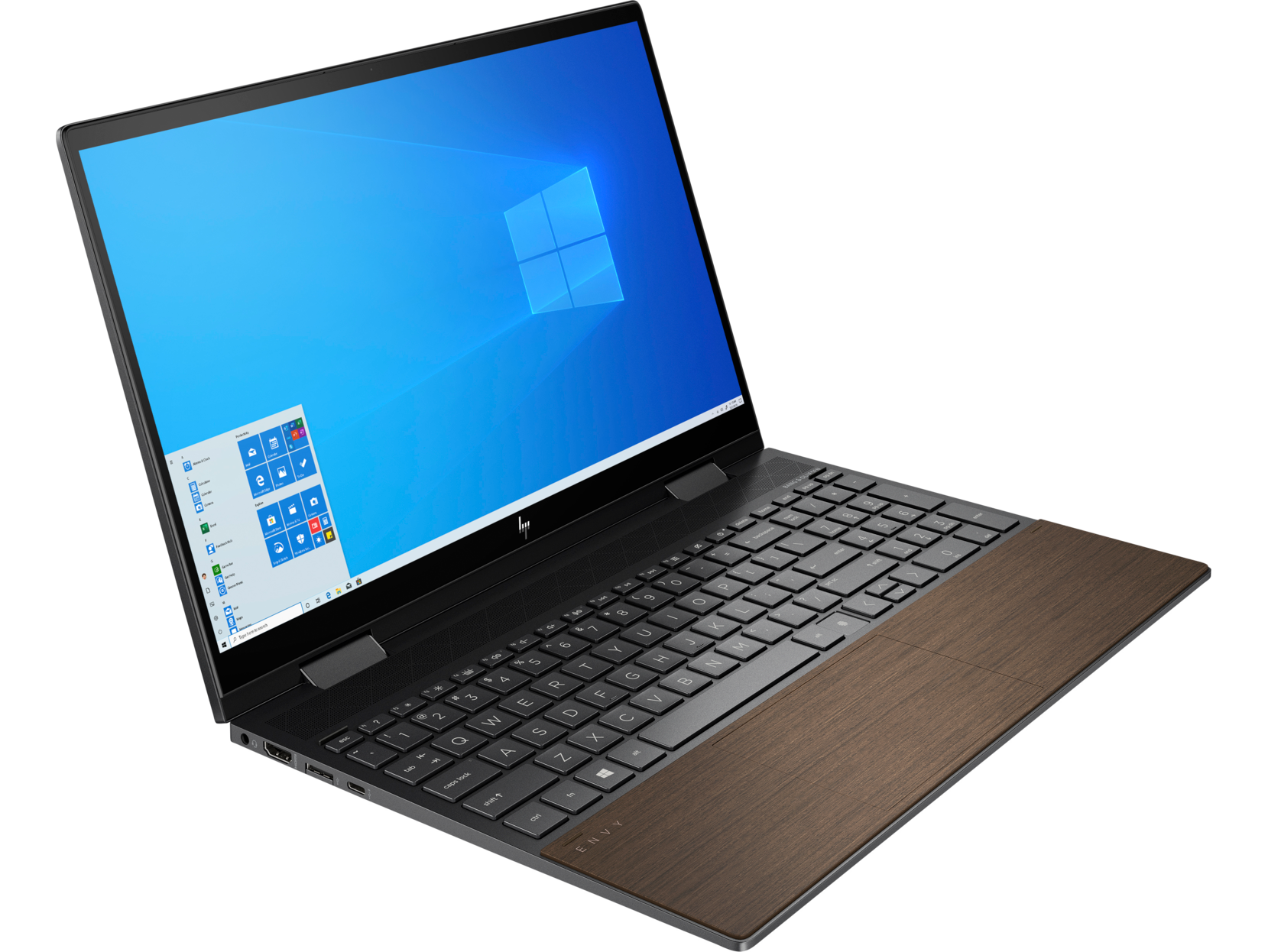
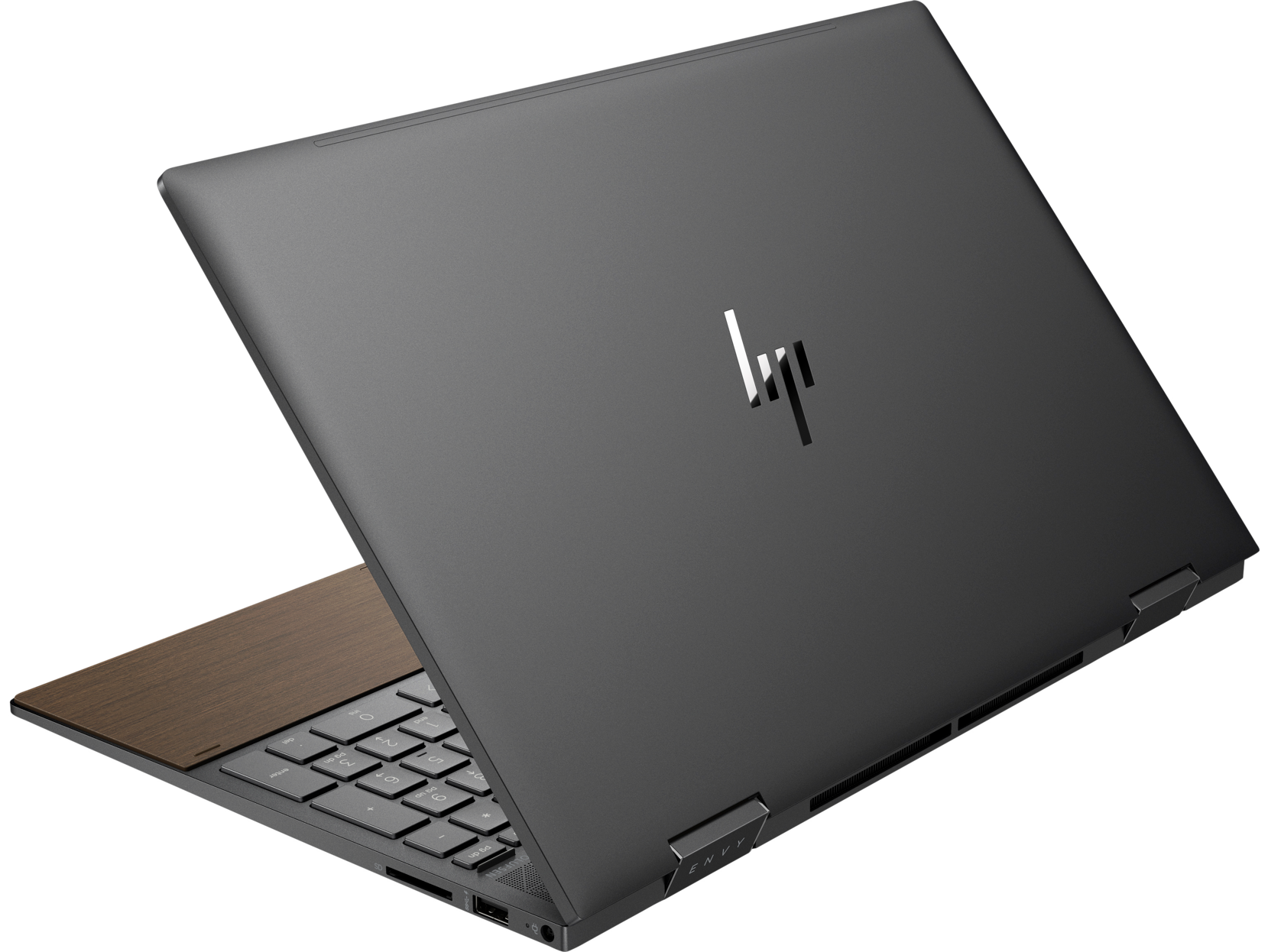
Even though the HP Envy x360 doesn't haveWith a premium gem-cut design like the Specter x360, it's still thinner and lighter - a bonus for students or those who are accustomed to creating absolutely everywhere, and therefore carry the device with them every day. The body is constructed from recycled aluminum for durability and environmental friendliness. The laptop is available in several color schemes Natural Silver and Nightfall Black. The reviews say that there are no fingerprints on the case, and the laconic design is suitable for coders and designers, students and office workers.
Envy Size in Aluminum Nightfall Blackis 35.8 x 23 x 1.89 cm, which is marginally less than the nearest 15.6-inch convertible models from competitors. Depending on the configuration, it weighs about 1.92 kg.
Tip # 10: Video conferencing shouldn't be stressful
Constant calls and online meetings have become like thisas commonplace as classic coffee breaks or cozy evenings with friends. But, of course, what is important for any user is how he looks during a performance or broadcast. And it’s not just about appearance - even if it’s a dress shirt over pajamas if the employee works from home. Image quality is important.
The Envy x360 15 webcam is good in terms ofcolor accuracy and low light performance. For dark or morning video calls, the Enhanced Lighting app is fine: it lets you use the display backlight as a basic lighting for your face. In fact, the bright stripes of light on the screen can create the effect of a selfie lamp.
A modern laptop is also a creativespace, and a means of entertainment, and a device for communication and the performance of both work and a wide variety of personal tasks. And although the market is ready to change quickly and offer users all the new models that meet their changing needs, the greatest interest remains with devices that can become personal assistants for owners. The laptop should be high-performance, thin, light, with long battery life and versatility in terms of applicability. And choosing such a device with the help of our advice will be easier and easier: just analyze all the arguments and understand how the laptop you have chosen meets modern requirements.
Read more:
Nebulae, comets and stellar nurseries: showing the best astrophotography of the year
Data from spy satellites helped to find out the cause of melting glaciers in Asia
Coronavirus in a cave: all about Chinese miners who suffered from strange pneumonia in 2012