Everyone loves life hacks, and Apple users just need to know all the tricks and tricks associated with
1. Synchronize and install applications withoutiTunes


Advertising
Advertising
Apple has removed the App Store section from iTunes 12.7, which means you will no longer be able to synchronize and install applications on your computer through iTunes if you do not roll back to the previous version. You can use iMazing for Mac or PC, which has a lot more features than iTunes. In it, you can restore each application individually from a copy. You can even make copies and export iMessages messages (which cannot be done in iTunes).
More details: How to sync apps on iPhone and iPad without iTunes
2. UseiPhonelike level

Advertising
Advertising
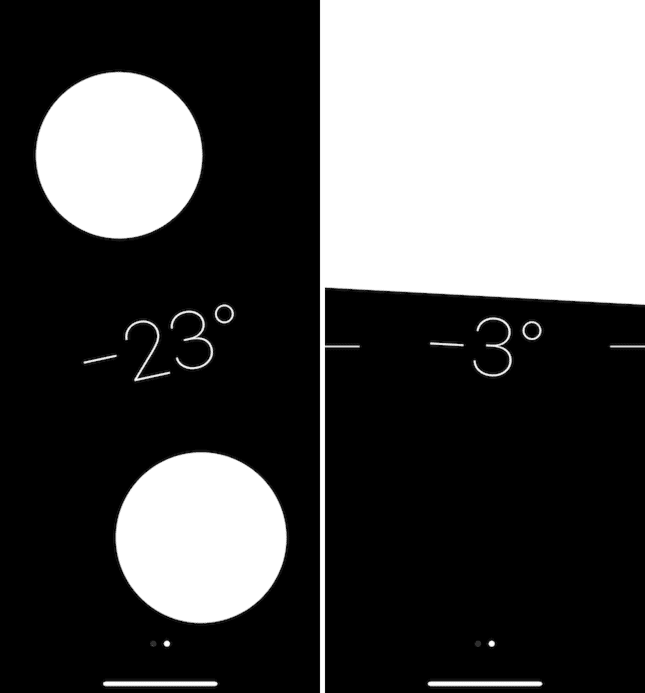
Open the Compass app and swipe left. The level tool opens.
3. Shake the phone to cancel


Accidentally deleted text? Just shake the phone, and a window pops up with the ability to undo the last action.
4. Use level at Camera
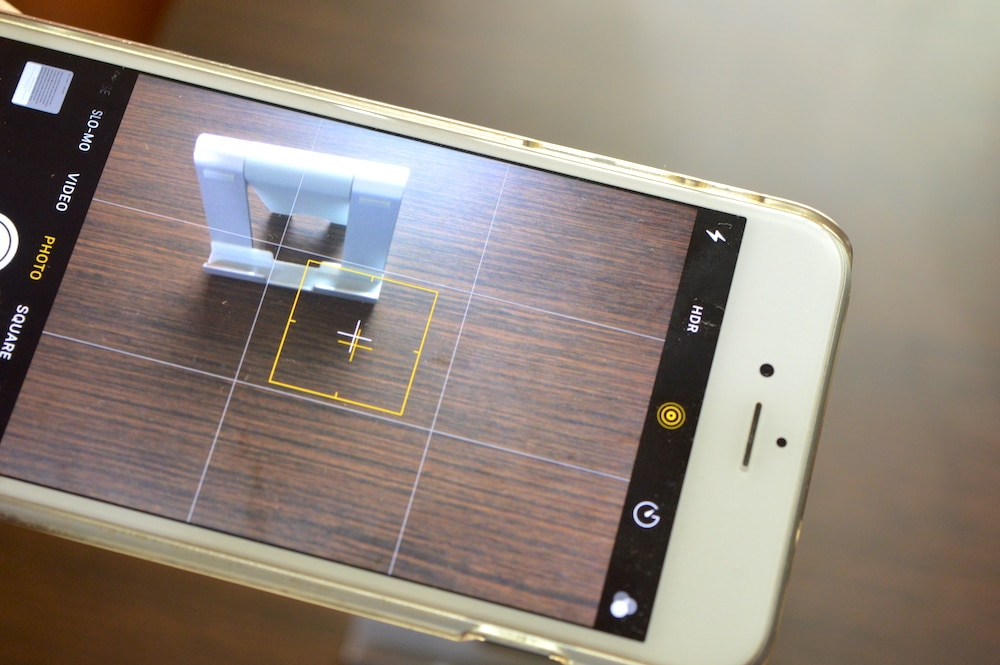

Go toSettings->Cameraand turn on theGrid. Now open the camera and you will see that the screendivided into 9 equal rectangles. If you point the camera at the ground or floor, two crosses will appear in the center of the screen - white and yellow. Move the phone so that the crosses combine into one. This will mean that the phone is perfectly parallel to the horizon.
5. Convenient access


Having trouble reaching the top of the screen on your Plus-size iPhone? Double tap the Home button and the entire screen will slide down. On iPhone X, you need to enable the function yourself.Settings->Main->Universal access.
Read more:How to use the Easy Access feature on iPhone X
6. Convert text to speech

Advertising
Advertising
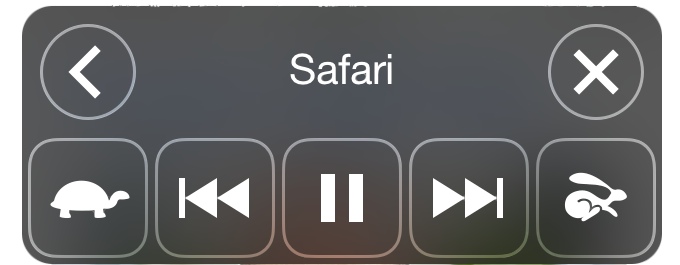
iOS can read any text out loud for you. Go toSettings->Main->Universal access->Speech. Enable featuresSpeakingAndScreen out loud. The next time you are too lazy to read a long article, just swipe down with two fingers on the screen and iOS will read aloud the entire contents of the screen.
7. Keep an eye on othersiphoneon distance
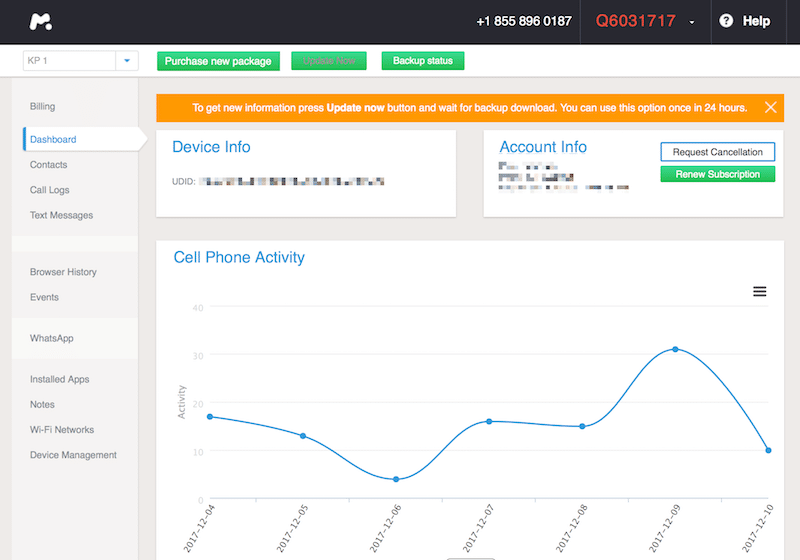

You can use the mSpy service todistance track activity of any iPhone. It will be very useful for those who have children. All that is needed is a login and password from an iCloud account tied to the device. You do not need to install anything on the phone itself.
8. Voice typing
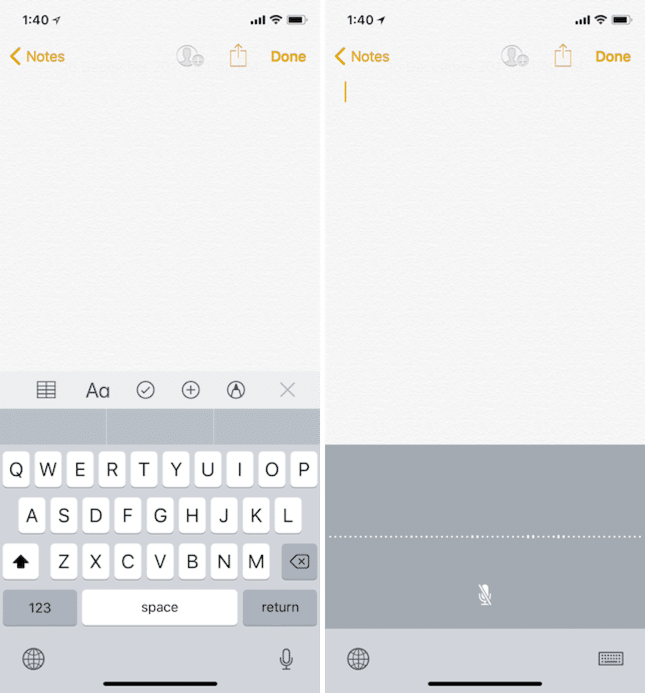

When you are too lazy to type, just click on the microphone icon on your keyboard and start talking. The system converts your speech into text.
9. Let'sSiri tasks


Siri is not the best answer to questions. This is not a Google Assistant. But Apple's virtual assistant does the job perfectly, especially in standard applications.
Ask Siri to call someone, send a message (even to WhatsApp), add something to the shopping list, set an alarm or turn off Bluetooth, and Siri will do it.
Read more:9 useful hidden features Siri
10. Text Replacement
Use the Text Replacement feature to turn abbreviations into full phrases. Go toSettings->Main->Keyboard->Text Replacementand click on the icon+". Enter the abbreviation and its decryption, and then click Save.
Read more:How to use AutoCorrect on iPhone and iPad, Mac
11. Turn keyboard at trackpad
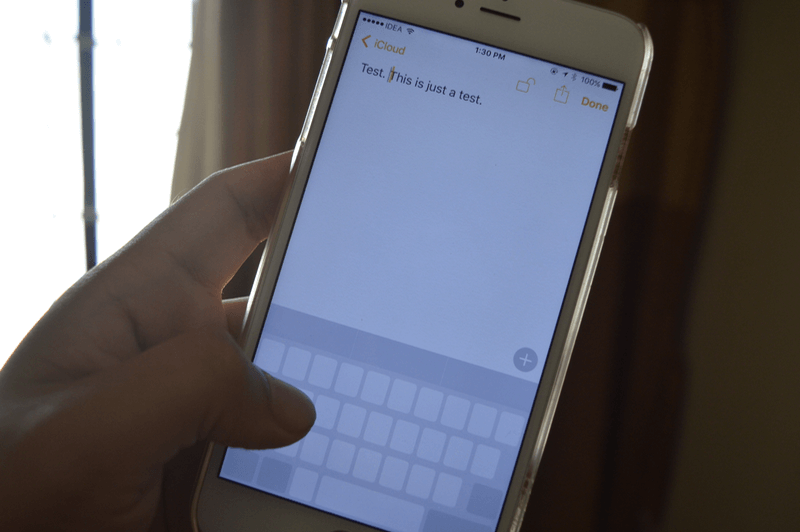

If you have an iPhone 6s or newer, then it has3D Touch technology. With its help, you can stronger than usual click on the screen for different actions. If you strongly click on the application icon, then its various actions will open.
One of the best uses of this feature is onthe keyboard. Press the keyboard hard and it will turn into a trackpad. Move it with your finger, and the cursor will move. Once again, strongly tap the screen, and you can select the text.
Read more:Full list of 3D Touch gestures on iPhone
12. Night mode
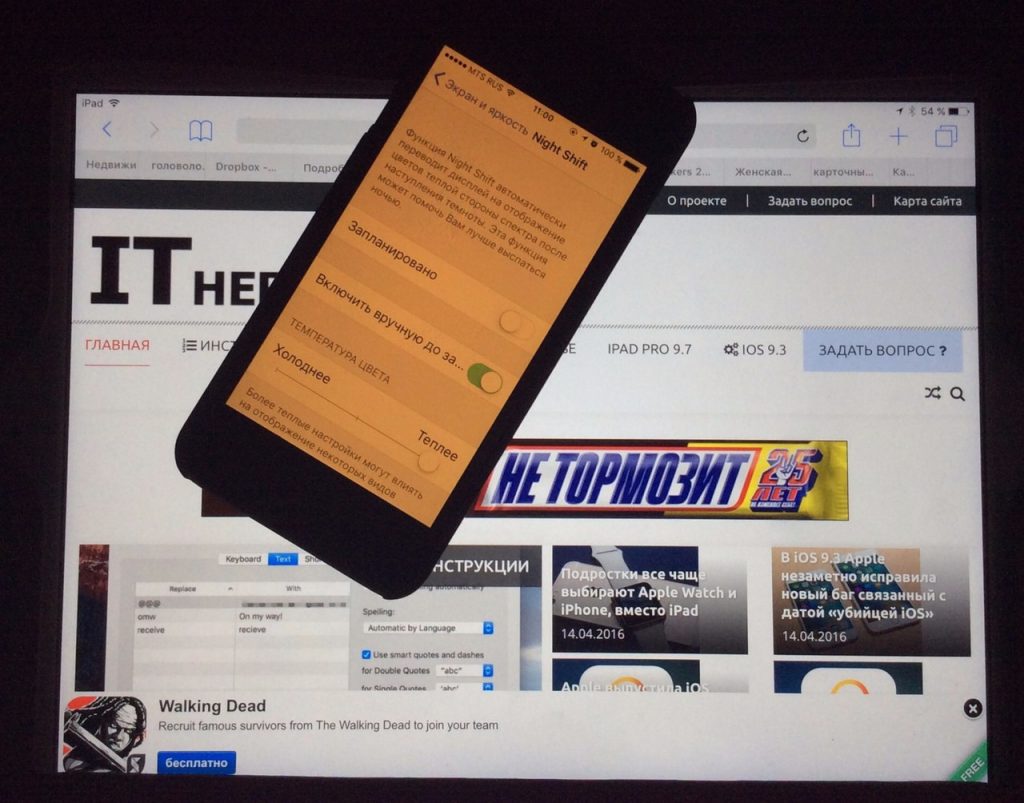

This feature gives the screen a yellow tint at night. It is especially useful for those who like to read on their phones at night. Go toSettings->Screen and brightness->Night modeand set the time to turn the function on and off.
Read more:How to set up Night Shift on your iPhone or iPad
13. Dark mode
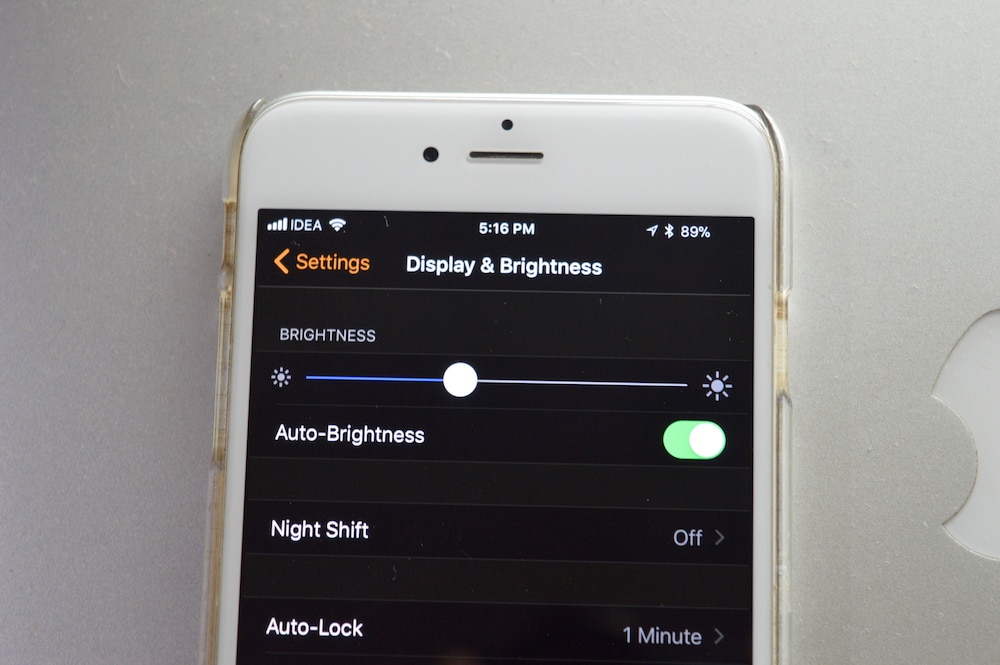

IOS 11 has the Smart Inversion feature, which is essentially a dark mode. It turns a white background into black, and black text into white. And she does not change the image, video, etc.
Turn it onSettings->Main->Universal access->Display adaptation->Color inversion->Smart inversion.
Read more:How to enable hidden dark mode on iPhone with iOS 11
14. Virtual buttonHome
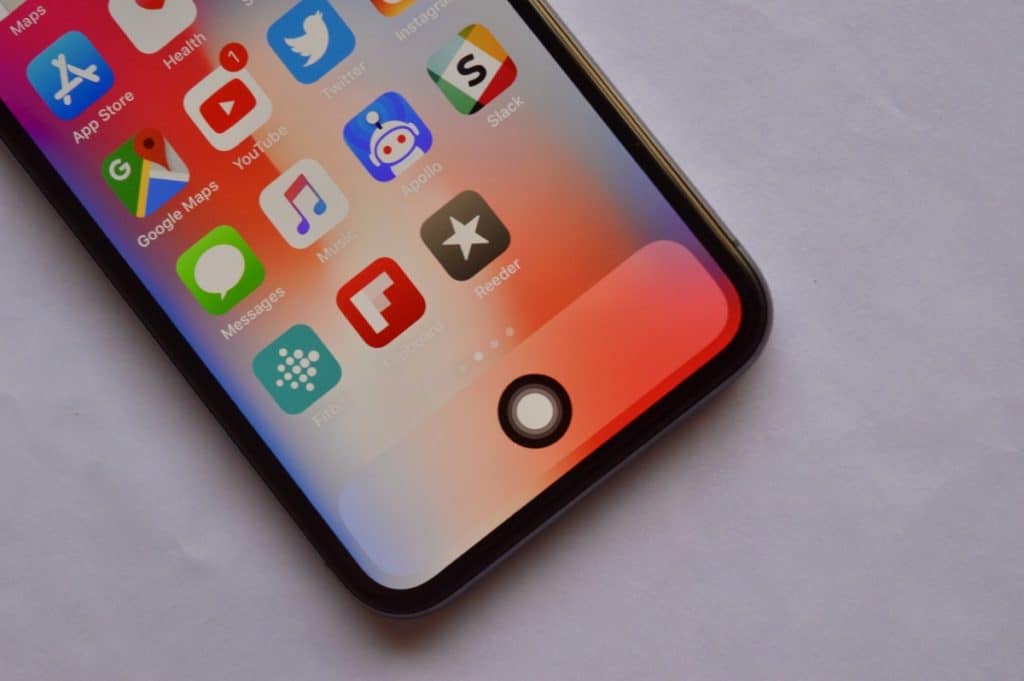

AssistiveTouch functionSettings->Main->Universal accesscan be used to install a virtual Home button on any iPhone. This feature is especially useful for iPhone X owners.
ActionsAssistiveTouchcan be customized.These include tap, double tap, press and 3D Touch. You can set them to: go to the home screen, open Control Center, activate Siri and much more. Once configured, you can use the virtual Home button like a regular one.
Read more:How to add a virtual Home button to iPhone X
15. Fast teams
IOS has many useful accessibility features. Among them there are commands for quick access to your favorite functions. Just press the Home button three times and a menu will open.
Go toSettings->Main->Universal access->Quick commandsand add the functions you need to the list.
Advertising
Advertising
JailbreakiPhone
The best life hack for the iPhone is jailbreak. Unfortunately, there is no public jailbreak for iOS 11 yet, but this may change soon. Security experts have already managed to jailbreak iPhone X with iOS 11.2.1.
If you have iOS 10.2 or lower, you can install Yalu jailbreak.
More details: How to jailbreak iOS 10.2 on iPhone or iPad using Yalu Jailbreak and Cydia Impactor [UPDATED]
Bonus 1:Customize Control Center
In iOS 11, you can choose your own Control Center icons. Go toSettings->Paragraph of management->Tune ale.of managementand you will find a list of icons that you can add. Among them are a remote control for Apple TV, a power saving mode, quick access to notes, screen recording, etc.
Read more:How to set up Control Center on iOS 11
Advertising
Advertising
Bonus 2:Record screen
iOS 11 also has a new screen recording feature. You can enable it inSettings->Command centre->Customize ale. of management. After that you can activate Recordingscreen by clicking on the icon in the Control Center. A countdown of 3 seconds appears, and then the screen starts recording. To stop her, click on the status bar. The video will appear in the Photos application.
Read more:How to record iPhone screen: 6 ways