If you've been using a Mac for a long time, you probably remember how in the 1990s you could set Mac OS as your wallpaper.
Why not install the same wallpaper on your new modern Mac?
Today we have collected for you some classic wallpaper with patterns from Mac OS System 7.5. Some of them look like old wallpapers for walls, there are wallpapers with a cat, printed circuit board, stars, etc.
Classic wallpaperMac OS
Mac OS 7 images are 64px 64px, but we've scaled them up to 128px 128px to look better on the new Retina screens.
Save the wallpaper you like, and then set it by selecting the “mosaic” option.
Pattern 1:


Stars:


Pattern 2:


Cats:


Pattern 3:


Pattern 4:
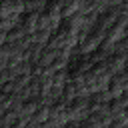

Printed circuit board:
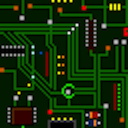

Pattern 5:
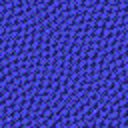

Pattern 6:


How to set tiled wallpaper
- Save the wallpaper you like.
- Open the Apple menu and go to System Preferences.
- Select Desktop and screen saver.
- Select the Desktop tab.
- Drag the PNG image onto the desktop preview panel.
- Now click on the additional menu next and select Mosaic.
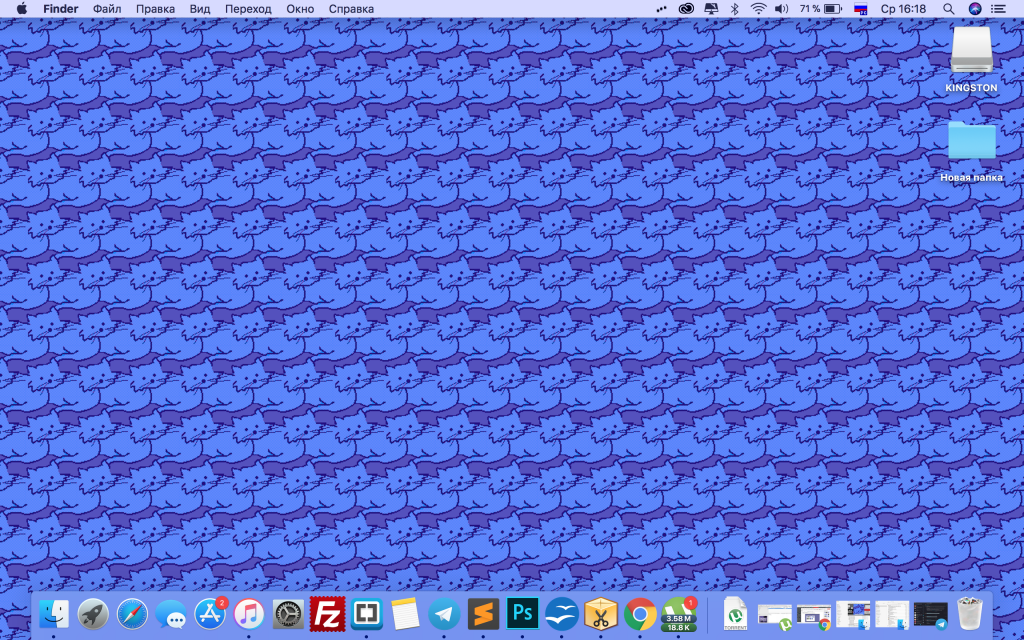

Looks pretty old school, right? You will love it if you are a lover of retro and feelings of nostalgia.