One of the reasons that your laptop began to discharge too quickly is – battery wear. And here's how
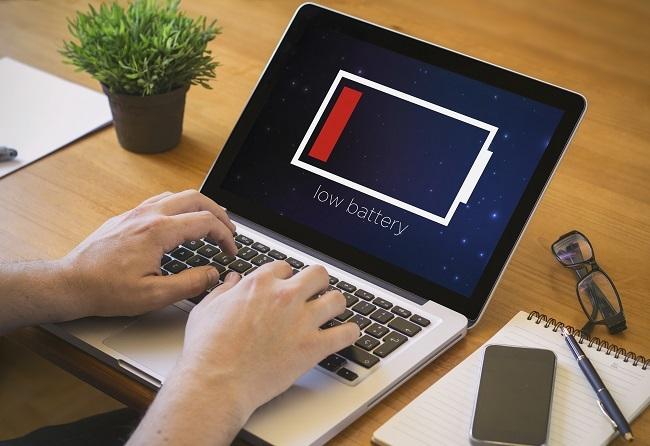
It is known that on average the amount of charge-dischargein the battery is 500-1000. After that, the battery begins to gradually lose its capacity. Unfortunately, it is impossible to avoid battery aging, but sometimes a laptop can be discharged due to the use of "heavy" applications.
However, there is one quick way to checkWhat is the condition of your laptop battery? To do this, first hold down the WIN and R keys, then type cmd in the command line and press Ctrl, Shift, Enter at the same time.
 eleven
Also, the command line can be launched through the Start menu or through the search (see below).

 12
12
After you get a black window, enter powercfg energy in it. Then press Enter.

 12
12
Then the system will be for some timeanalyze energy saving errors. The report can be viewed in the energy-report.html file. Simply copy the link highlighted in red below and paste it into your browser.
 eleven
In this report, in addition to many otherinformation, there is data on the estimated capacity of the battery and its last full charge. If these numbers match, then your battery is fine. If not, then it has started to wear out.
 eleven
To calculate wear as a percentage you need to knowbasic battery capacity (indicated by the manufacturer) and the value of the last full charge. For example, the first number – 5000, second – 45 510. Therefore, you need to do the following: (50000 – 45510)/50000 = 0.0898*100 = 8.98. Rounding will result in 9%.
Additional battery health information can also be obtained by typing powercfg /batteryreport at the command line.


 fourteen