</ img>
Acer systematically updates its laptop lines every year, this also applies to gaming models. And it usually changes
- What is it?
- What is interesting about the Acer Predator Helios 300?
- What is in the box?
- What with the look and design?
- How convenient is it to use?
- How good is the screen?
- What about performance and autonomy?
- In the dry residue
What is it?
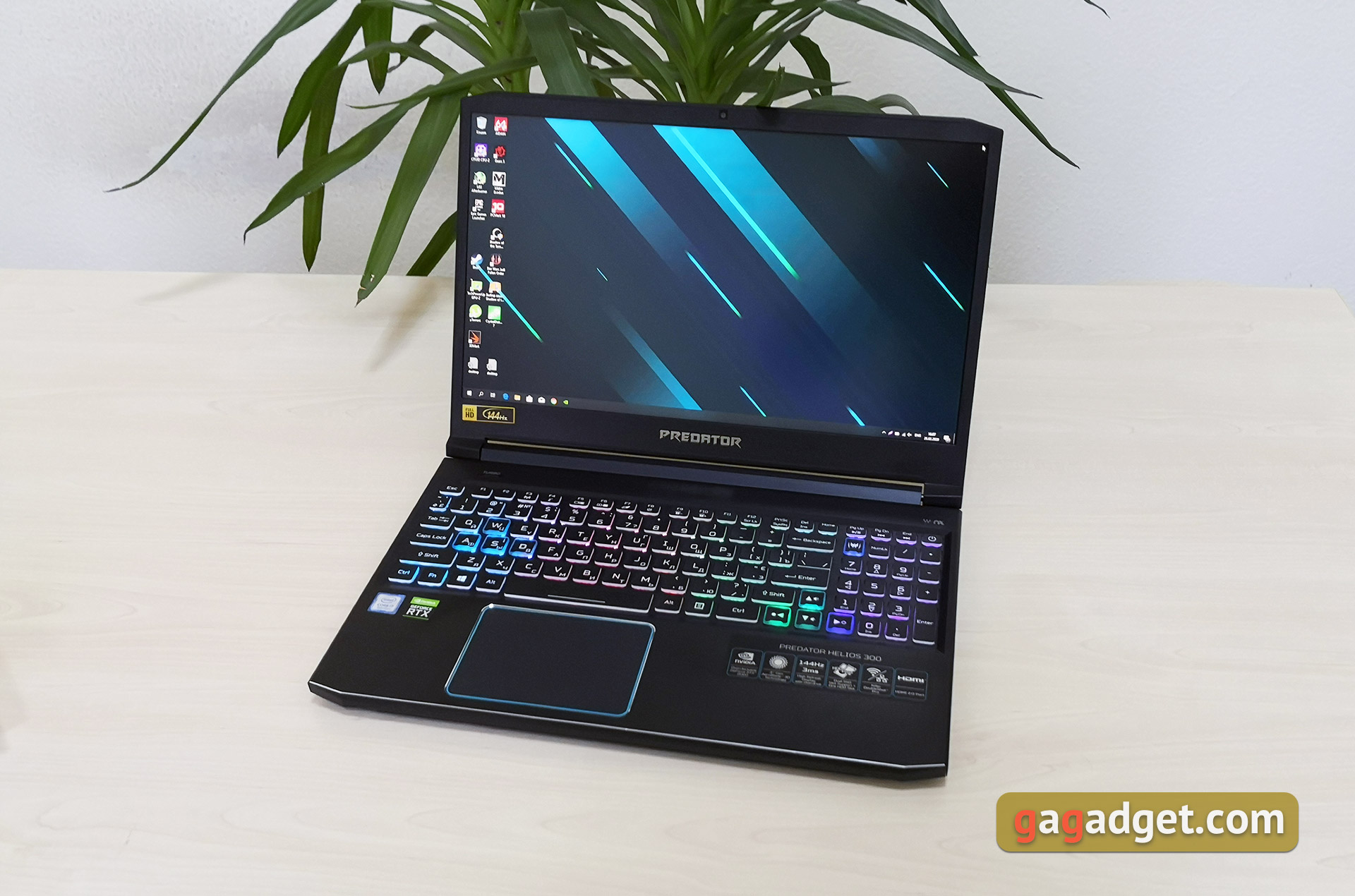
Acer Predator Helios 300 is a gaming laptop with 15.A 6-inch IPS display, a six-core ninth-generation Intel Core processor, 16 GB of RAM, a discrete NVIDIA GeForce RTX 2060 graphics card and two drives: 256 GB SSD and 1 TB HDD.
</ p>What is interesting about the Acer Predator Helios 300?

</ img>
Acer Predator Helios 300 launches in bunchvarious configurations. What came to us for review was not the top-end, but very productive, which uses a powerful 6-core Intel Core i7-9750H processor with a clock frequency of 2.6-4.5 GHz with integrated graphics Intel UHD Graphics 630, 16 GB of DDR4 RAM with a frequency of 2666 MHz , and the graphics are handled by the NVIDIA GeForce RTX 2060 accelerator with 6 GB of GDDR6 memory on board and support for real-time ray tracing. For data storage, a fast 256 GB NVMe SSD drive and a 1 TB hard drive are provided. To cool the internals, a system is used that includes two fans (one of which is the 4th generation AeroBlade 3D). The laptop has a 15.6-inch IPS screen with a resolution of 1920x1080 and a maximum refresh rate of 144 Hz and a pixel response time of 3 ms (GtG).
</ p>What is included?
The set is absolutely standard, without any bonuses. Acer Predator Helios 300 comes in a medium-sized black box, inside there is a laptop, power supply, power cable and documentation.

</ img>
What with the look and design?
</ img>
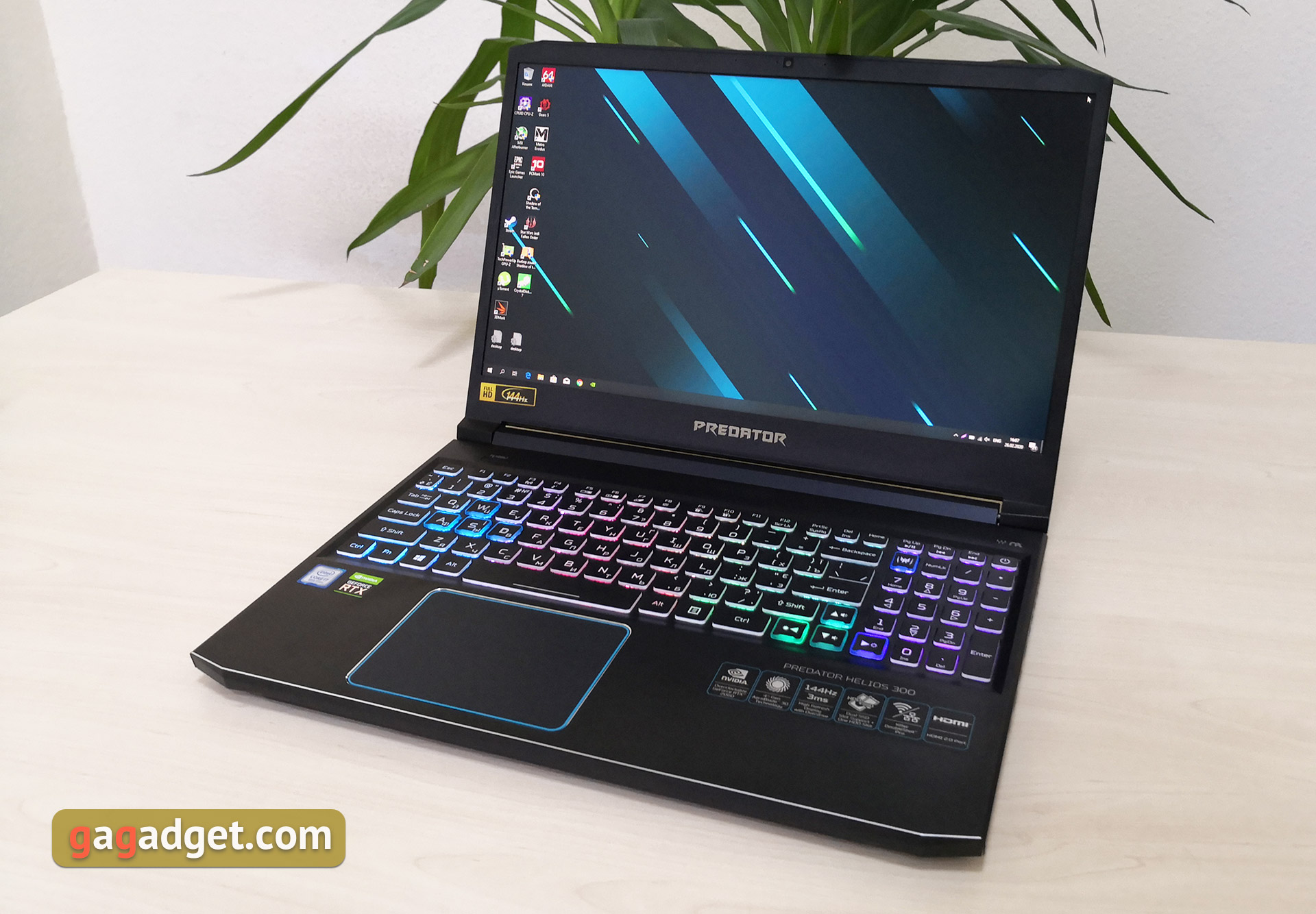
The laptop case is made of metal and plastic: the top cover and working surface are made of anodized aluminum, the lower part and the frame around the screen are plastic. Primary colors - beautiful black with a bluish tint and blue accents. Chopped aggressive lines give the gaming positioning of the laptop, but the color combination is not as hackneyed as black and red. The top cover has a pair of blue accents and a backlit Predator logo.
</ img>
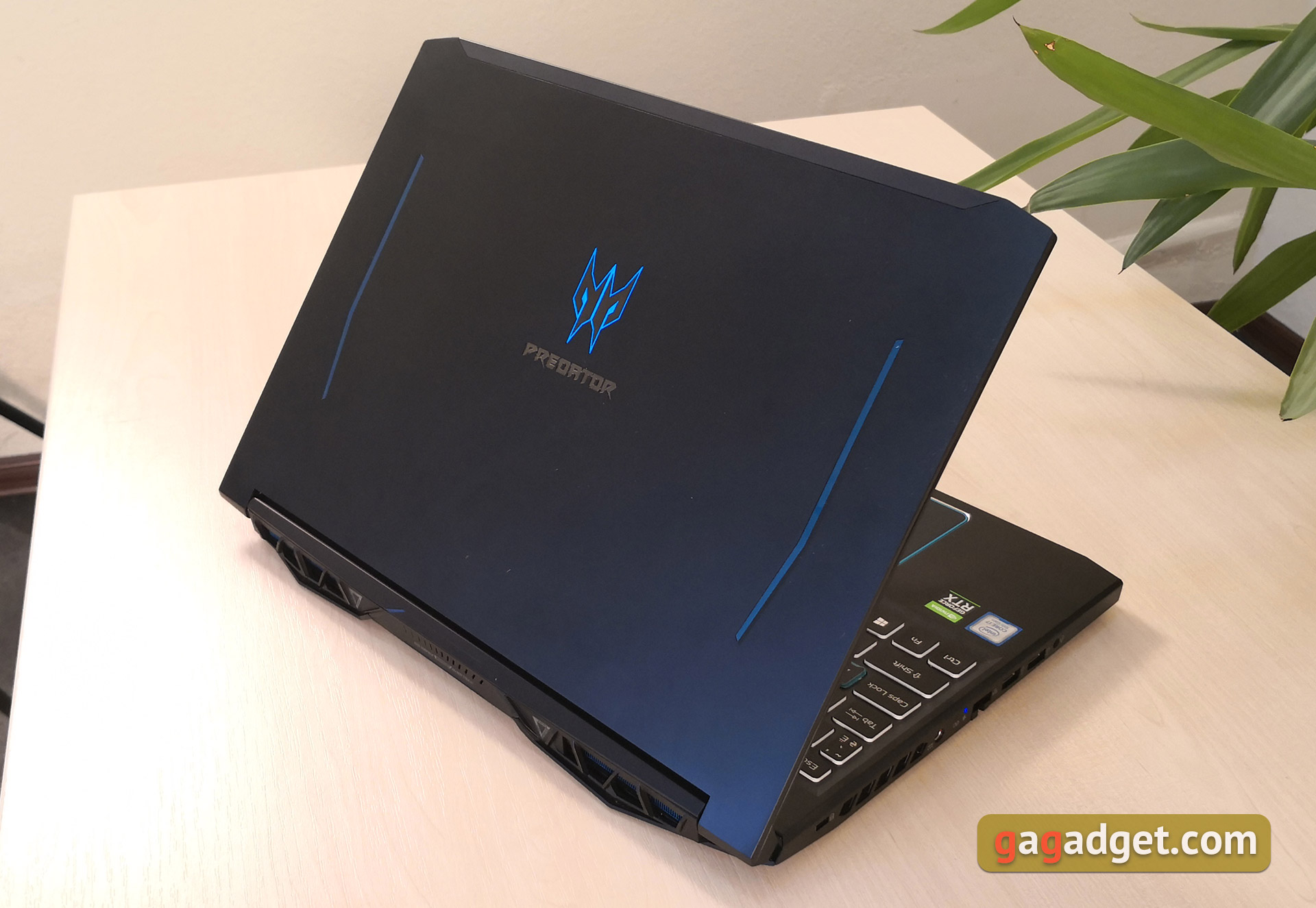
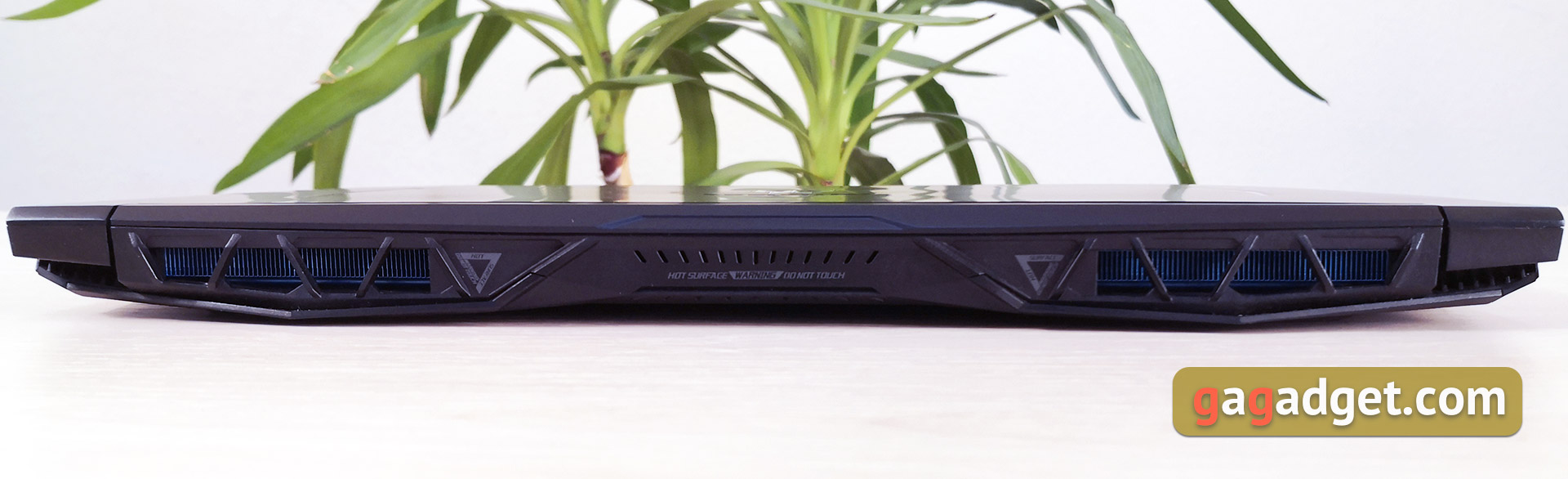
At the back of the laptop are large openings of the cooling system with a blue protective net and warning signs in places that heat up most under load.
</ img>
Acer Predator Helios 300 - far from the mosta compact laptop and everything is okay with connectors. On the left there is a Kensington lock slot, air vents, a port for connecting a power supply, a pair of LED indicators, a sliding RJ-45, two full-size USB 3 connectors and a combined 3.5 mm jack:

</ img>
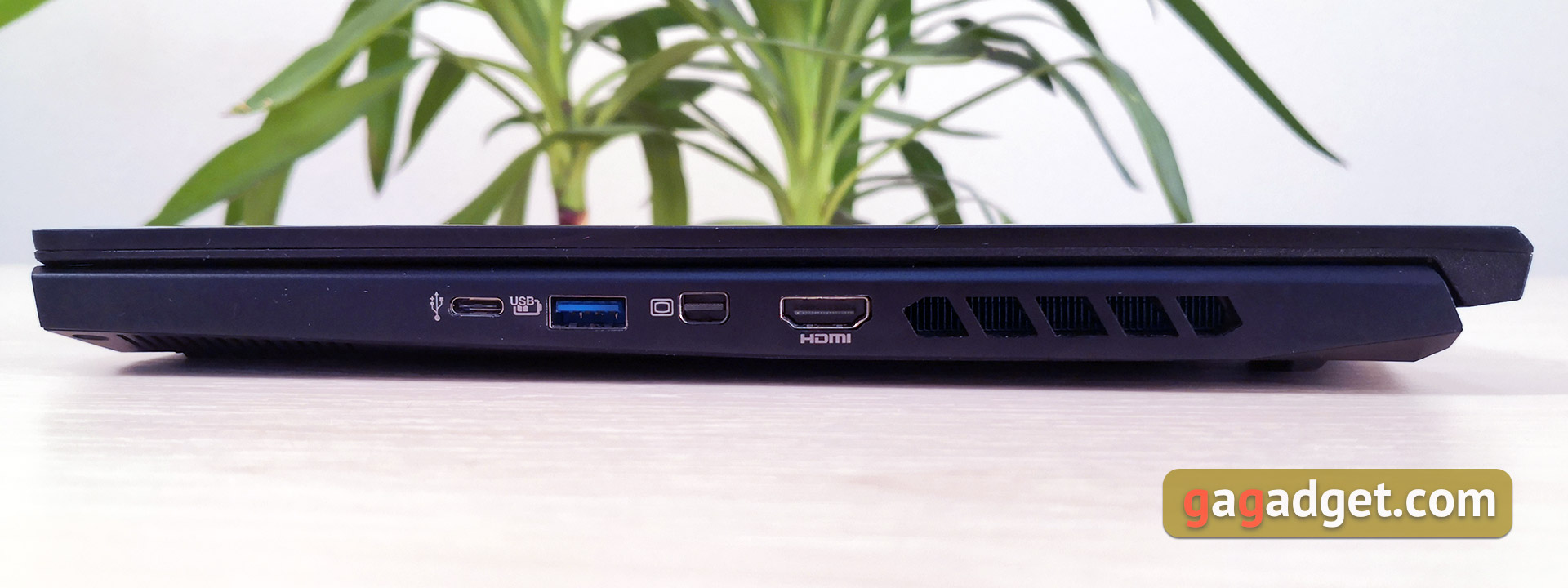
On the right side there is USB Type-C, one moreFull size USB 3, Mini DisplayPort, HDMI and air vents. A controversial decision is the location of the video outputs. When connecting an external monitor, the cable may interfere a little with the mouse. A card reader would also be nice. Considering the performance, the laptop is quite suitable for photo and video processing:
</ img>
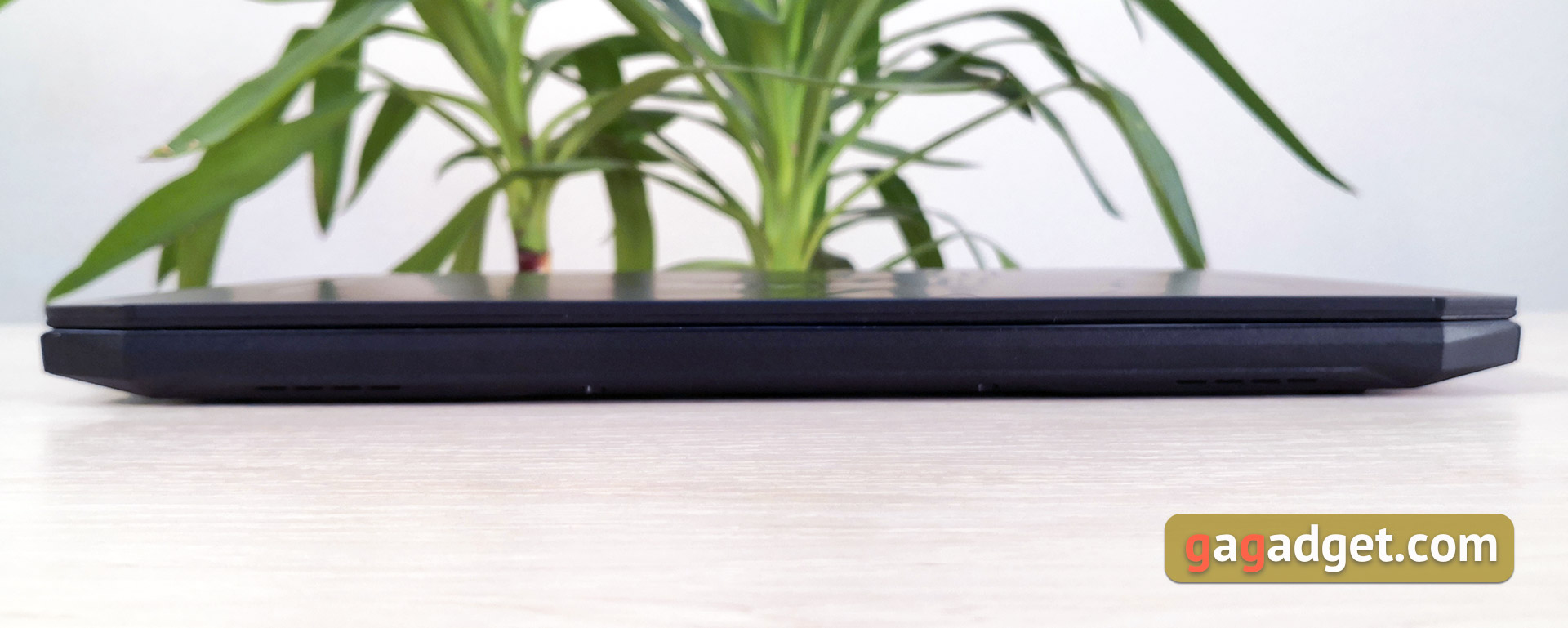
There is nothing interesting in front, just a cutout to pry off the lid with your finger:
</ img>
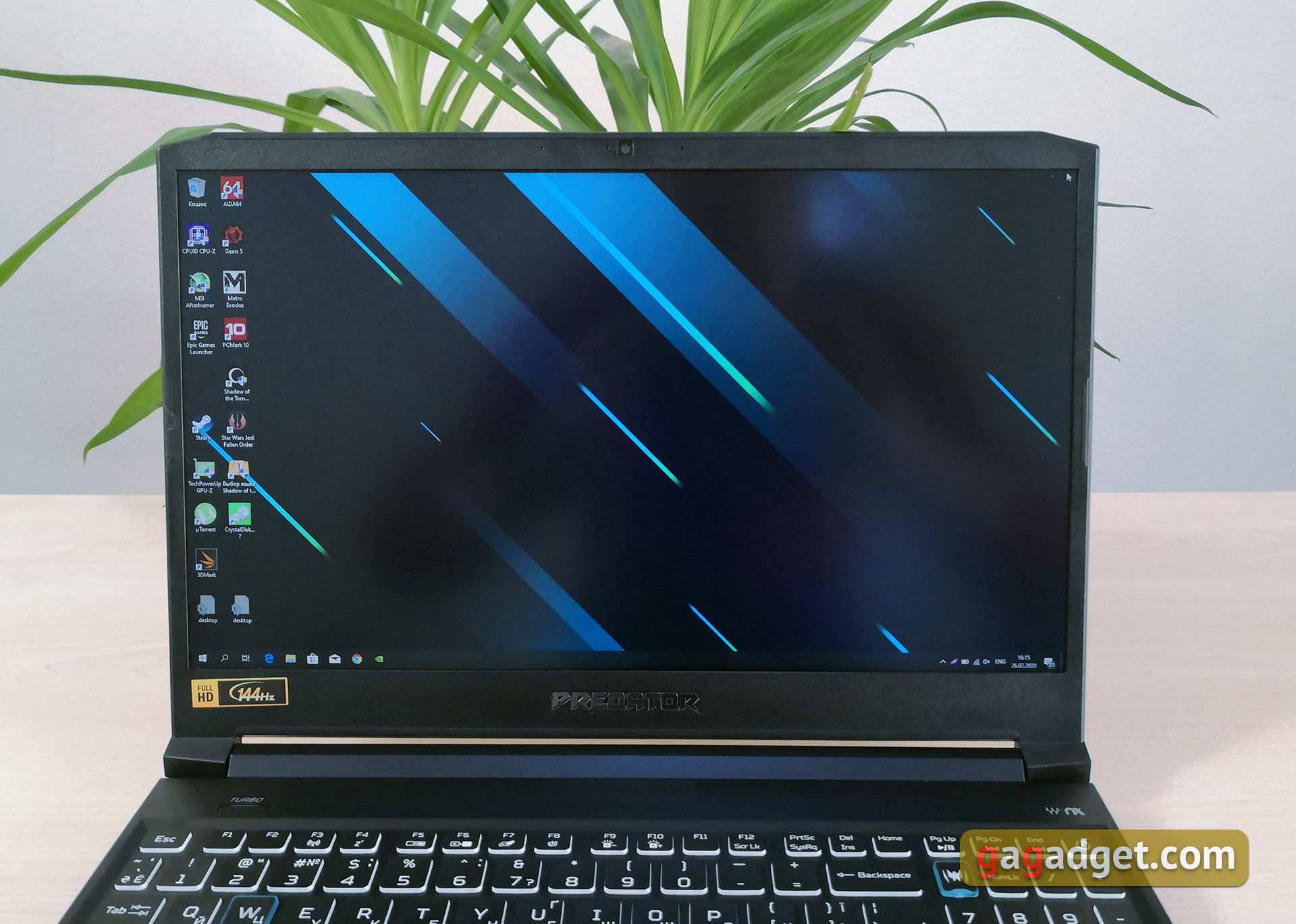
The bezels around the perimeter of the screen are not the thinnest, althoughthey have indeed been reduced significantly compared to the previous generation Helios 300. Above the screen is a webcam with LED indicator and microphones. Below the screen is the logo of the Predator line.
</ img>
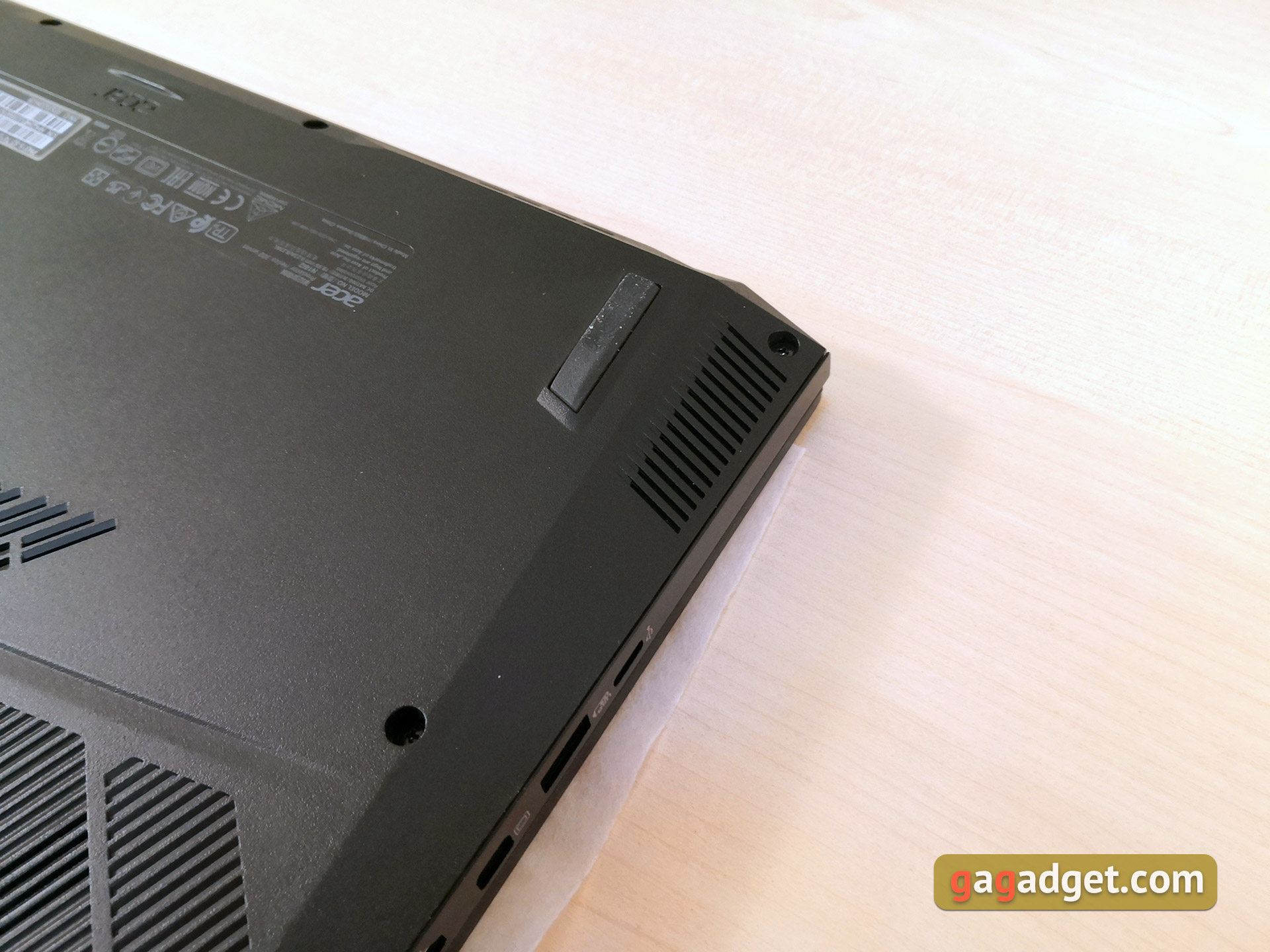
On the bottom there is an impressive amountholes for cold air intake, four massive rubberized legs for stability and a couple more triangular designations for “hot” laptop locations:

</ img>
Acer Predator Helios 300 can not be calledcompact: dimensions are 361x254x23 mm, and the laptop weighs 2.4 kg. But in a backpack it can be worn without problems, and in terms of dimensions it fits into the average compartment for a 15.6-inch laptop.
</ p>How convenient is it to use?
</ img>
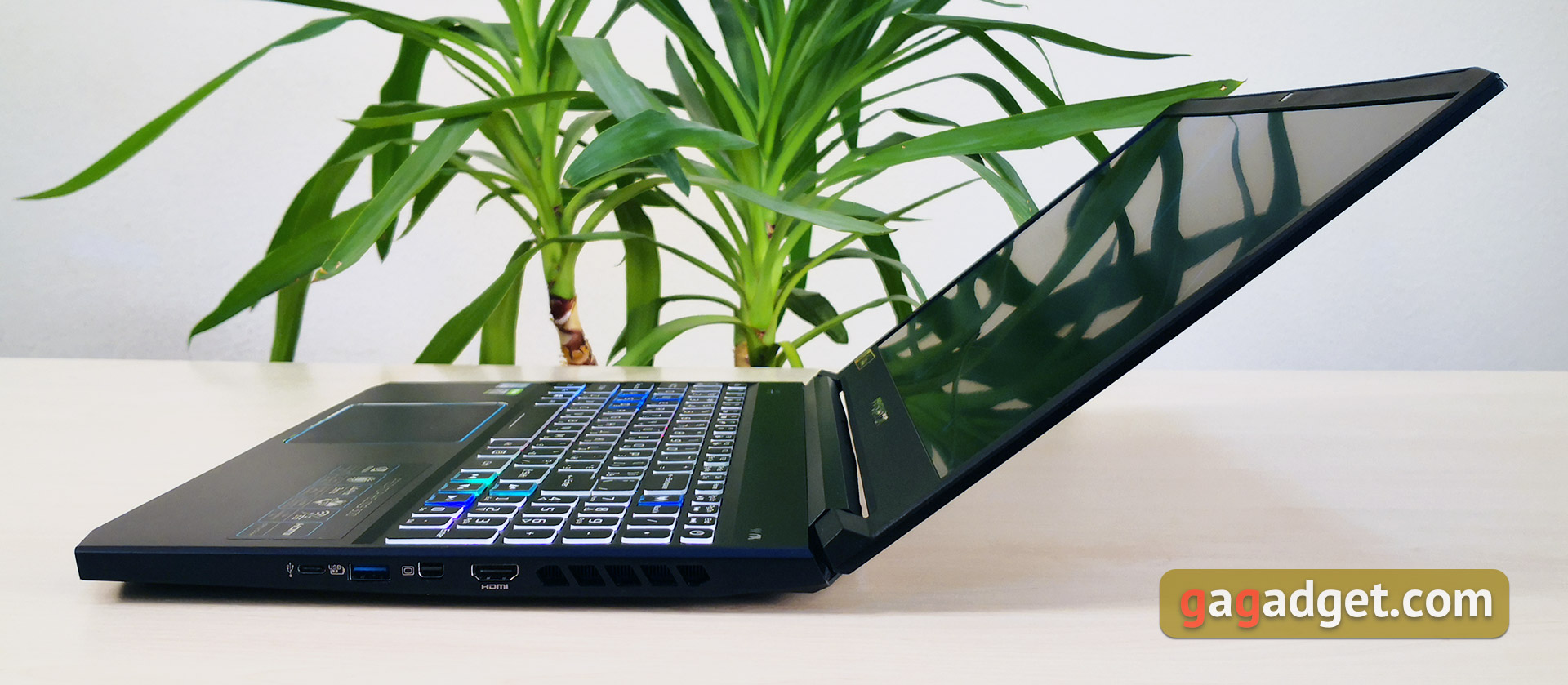
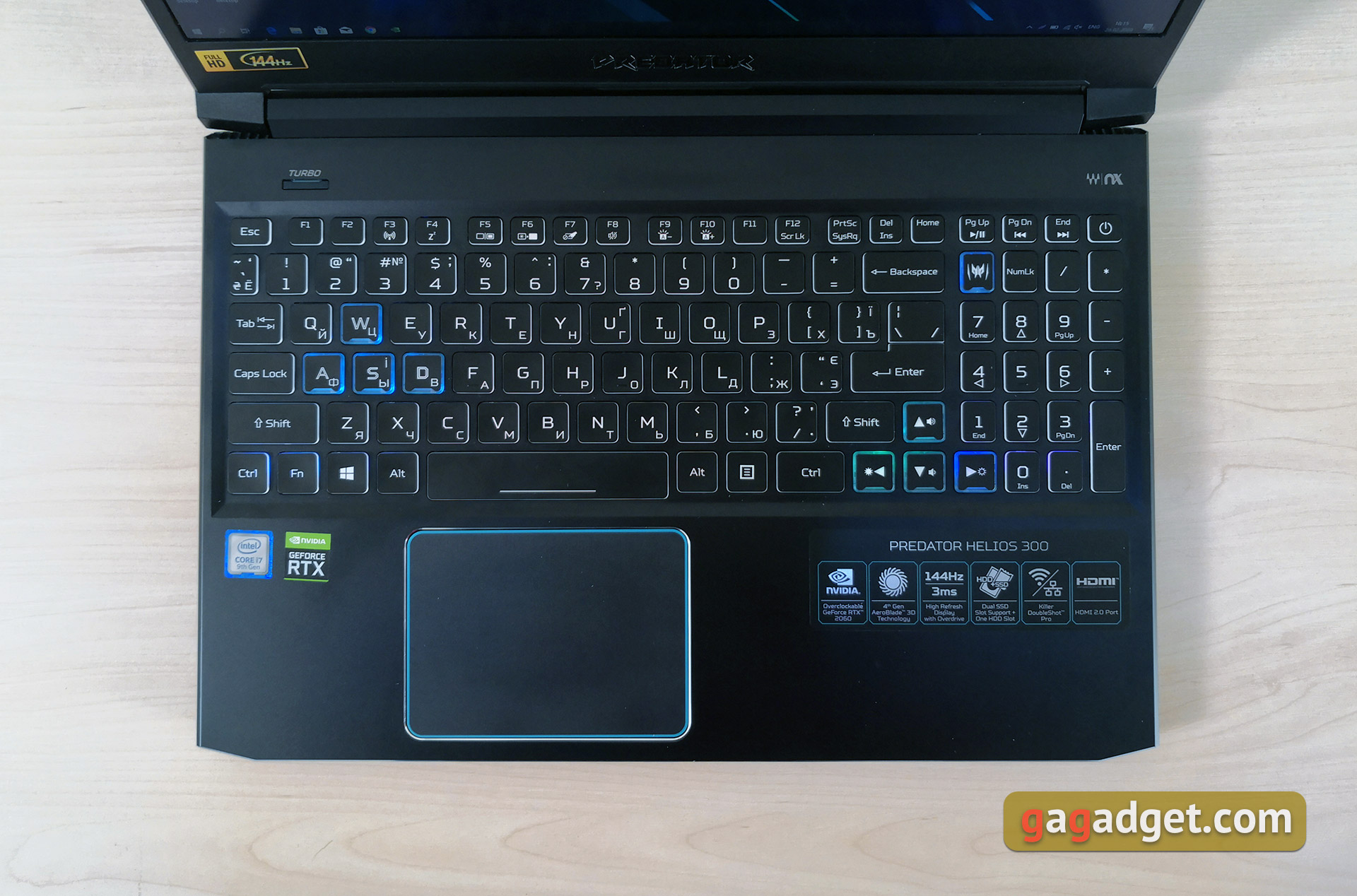
The laptop opens to approximately 145°, displayIt is fixed well, although this is not so critical in gaming models, which are clearly “on the go” will not be used. As mentioned above, the working surface is metal and does not bend during operation. The keyboard layout is identical to other Acer gaming models. For example, Nitro 5. This is a full-size keyboard with an additional number pad and a few small nuances. The arrows are not separated from the general block of buttons, the right Shift is slightly shorter in length. Num Lock is shifted to the right, and in its place is a button to launch the proprietary Predator Sense software. On the left side, above the keyboard block, there is a Turbo button to activate the enhanced performance mode:
</ img>
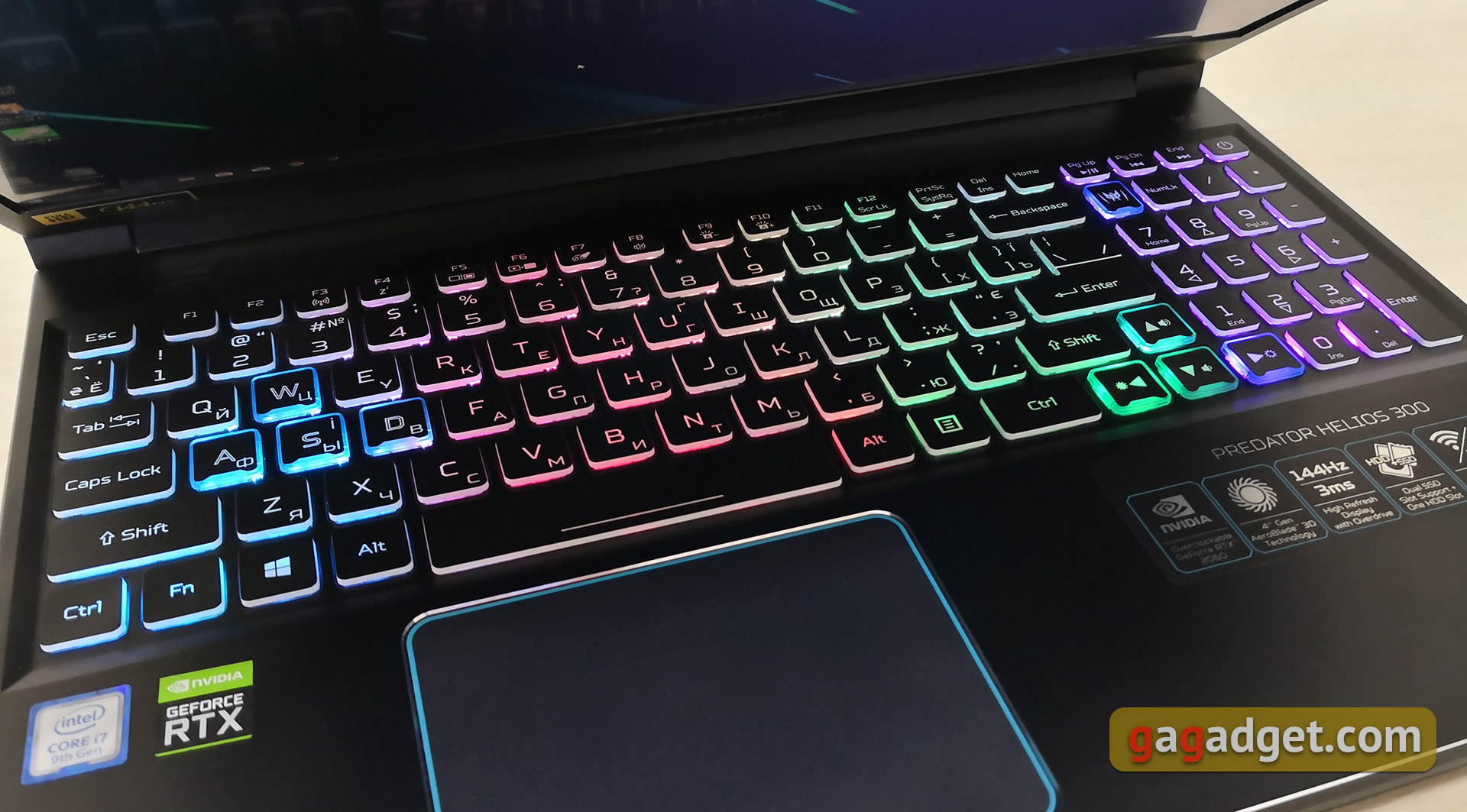
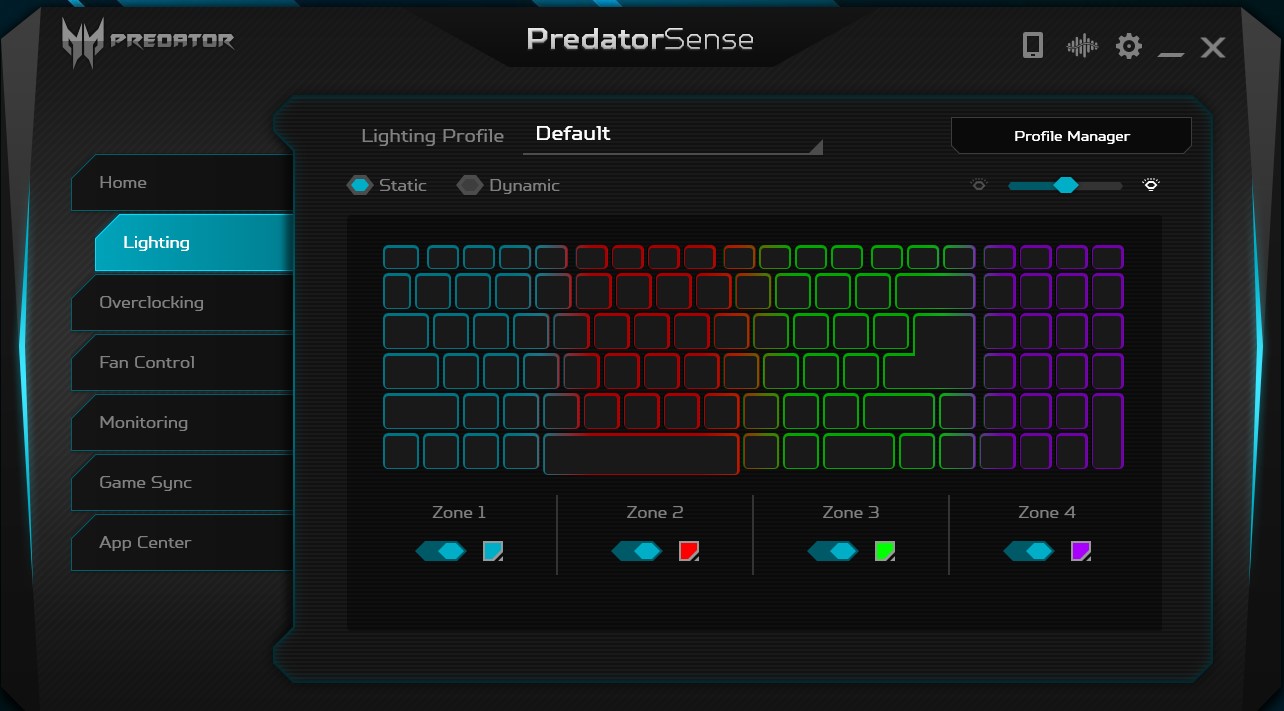
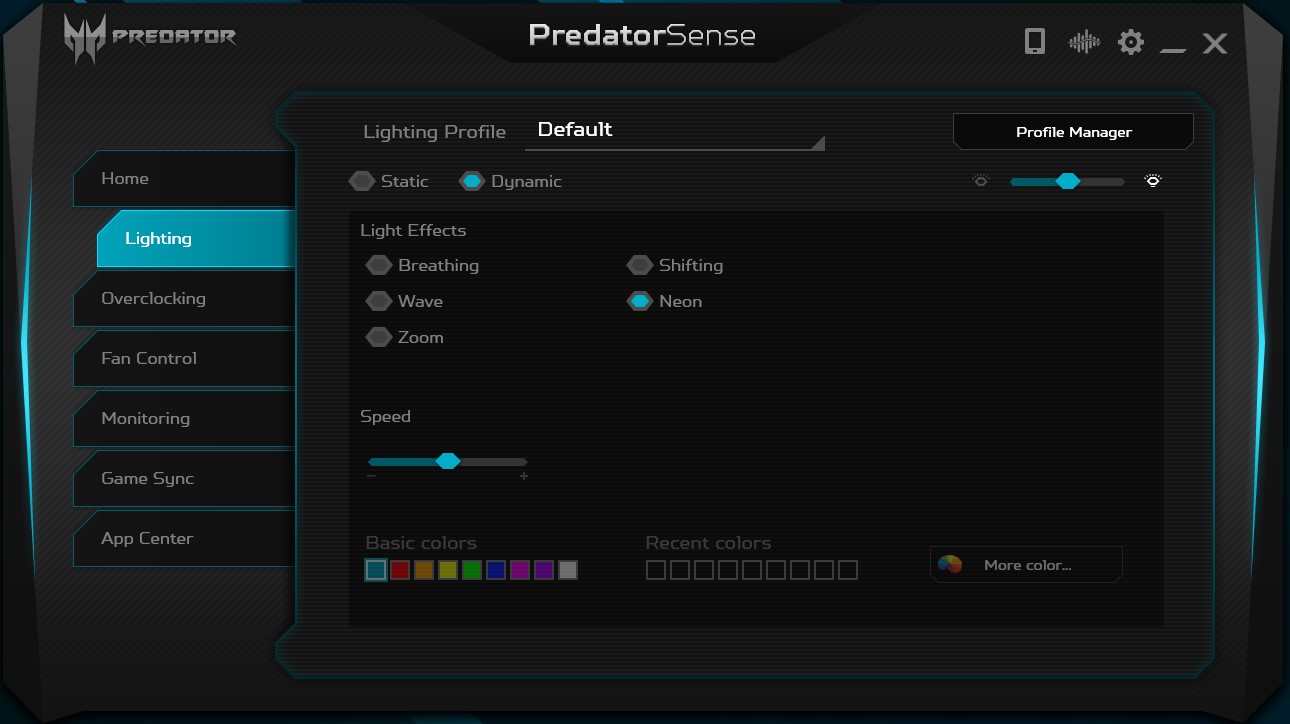
The keys are comfortable, with a pleasant informative move andsuccessful inter-button distance. WASD and arrows are marked with additional engraving and have a slightly concave shape. The keyboard is equipped with RGB-backlight with four customizable zones and all sorts of effects:
</ img>
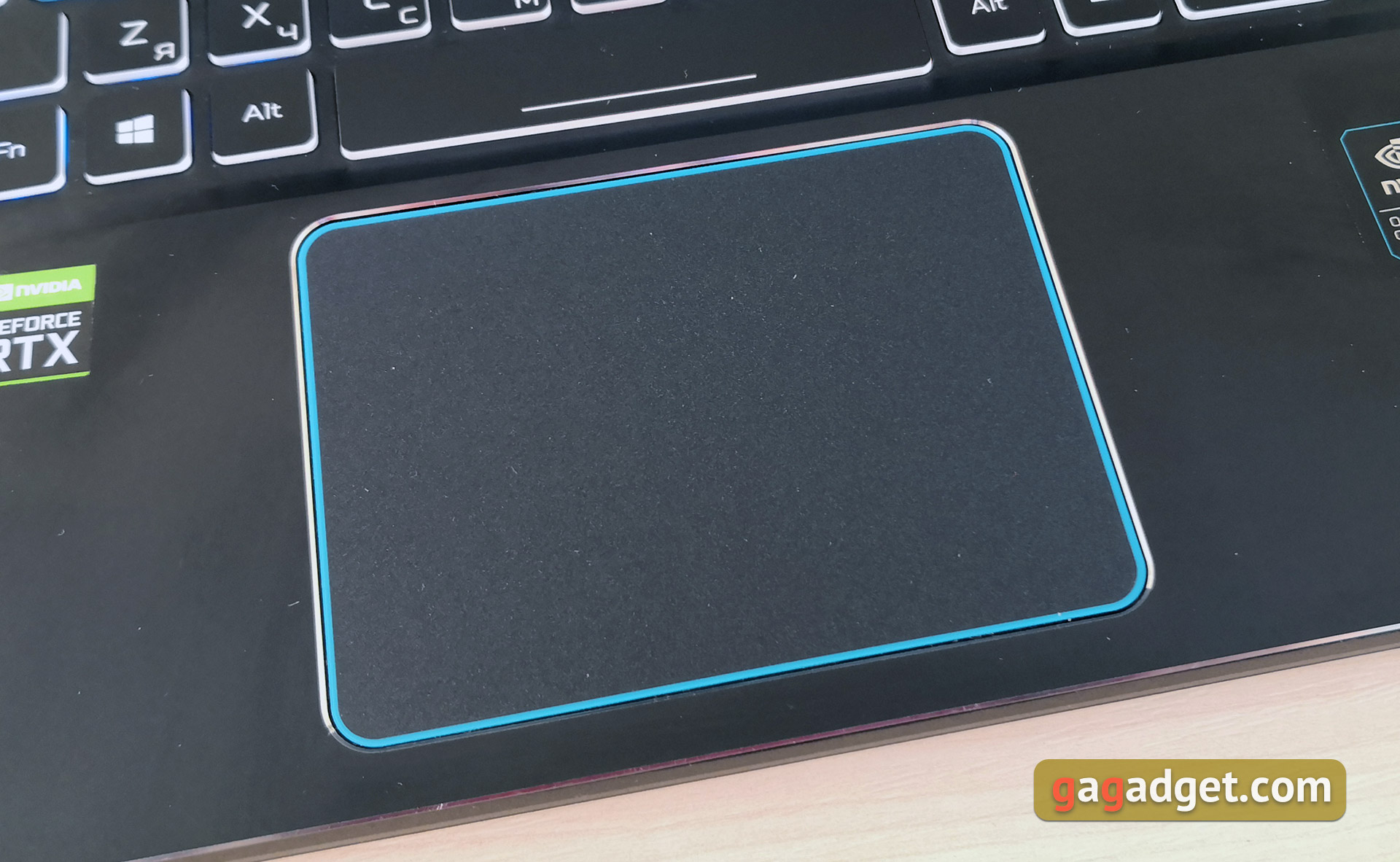
The touchpad is solid, the buttons are not separated. It is medium in size, for basic operations it is more than enough. But this is still a gaming laptop, so it will mainly be used with a mouse.
</ img>
Of the minor complaints about the design, it is worth mentioningblowing hot air out from the sides. It’s not critical, at a distance of about 10 cm you can’t feel it anymore, but it’s worth taking into account. And the aforementioned video outputs on the right side.
</ p>How good is the screen?
The Acer Predator Helios 300 has an IPS screen with15.6-inch diagonal, 1920x1080 resolution, matte finish, maximum refresh rate of 144 Hz and 3 ms pixel response time. There is no G-Sync support, but with such a maximum refresh rate this is not at all critical. The screen itself is of very good quality: nice colors, decent viewing angles and sufficient brightness. The screen performed well in games. High-performance hardware ensures high frame rates in most games, which, combined with a fast matrix, gives a very smooth picture without blurring or tearing.

</ img>
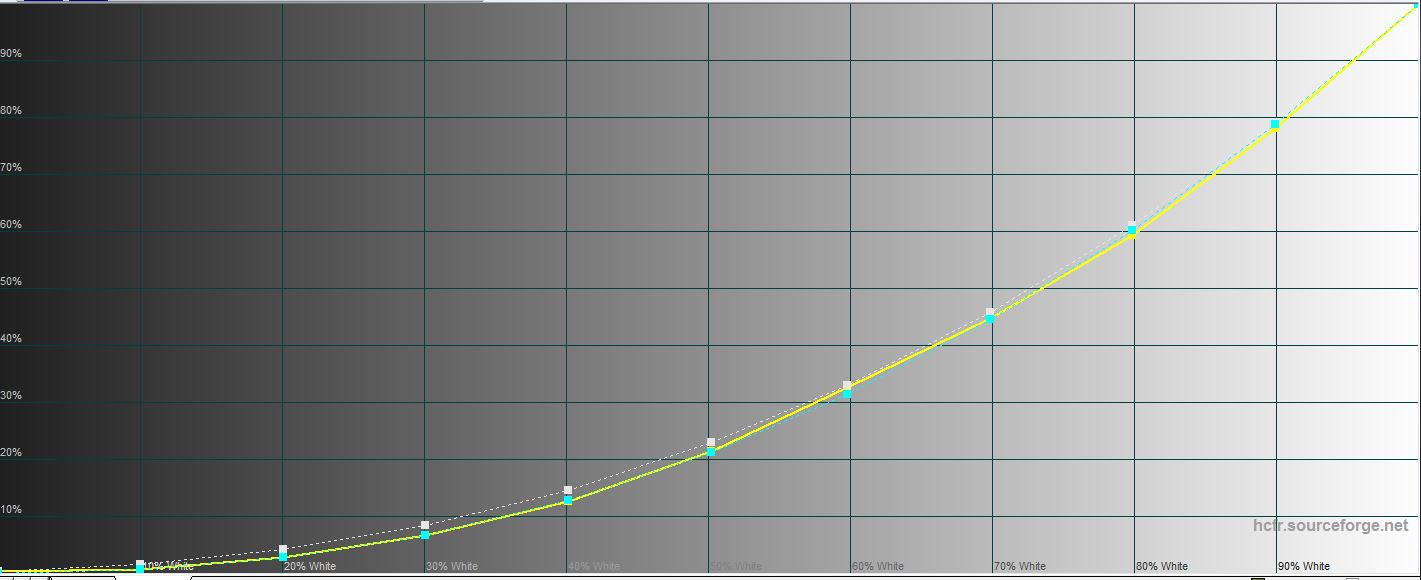
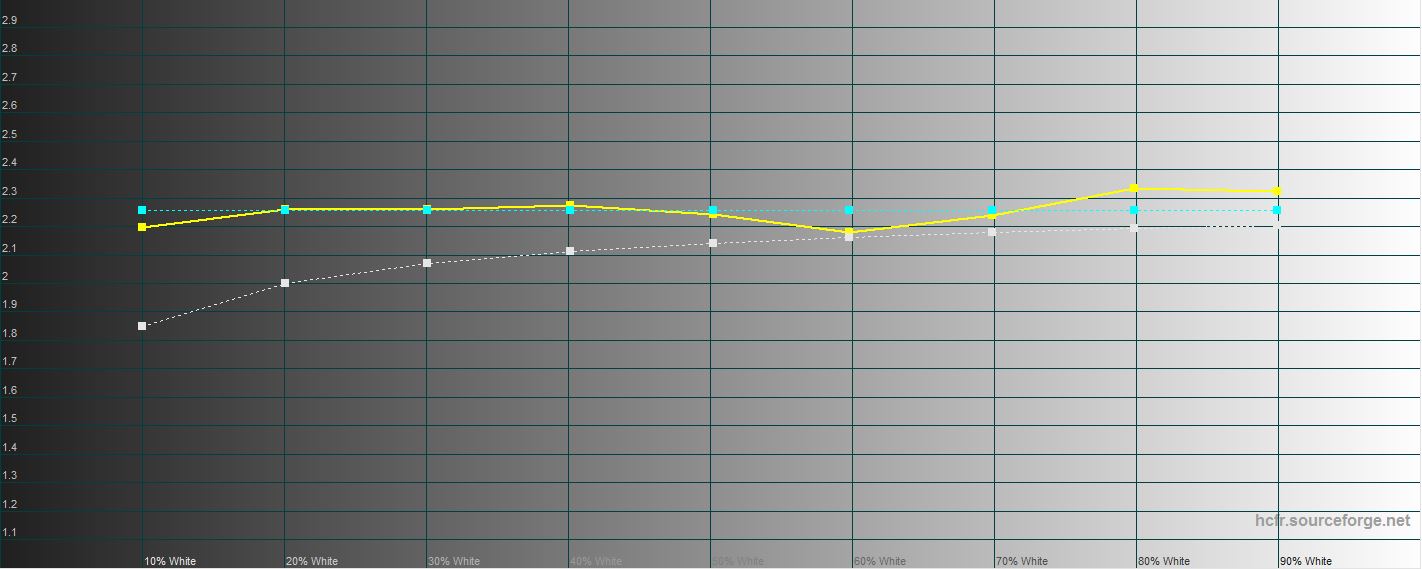
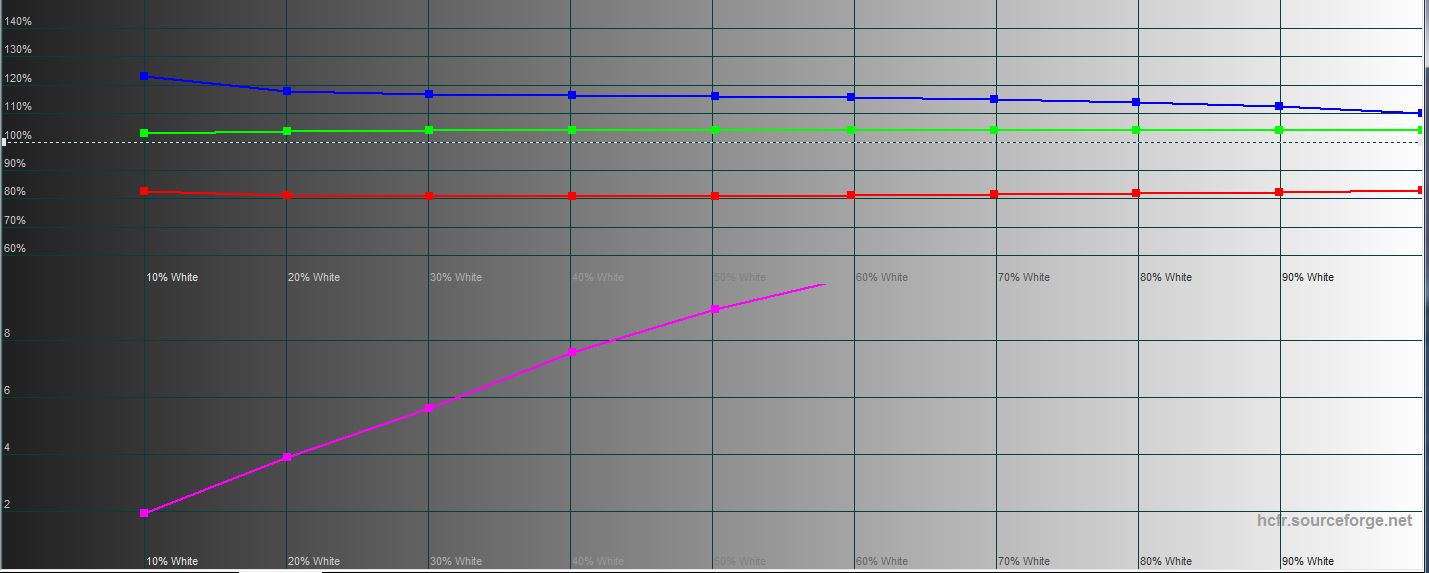
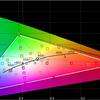
According to the measurement results, the maximum brightnessis 273.056 cd/m2, black field brightness is 0.361 cd/m2 and contrast ratio is 756:1. The color rendition is very sensible, especially considering that this is a gaming model: the screen shifts quite a bit into cool shades. I'm glad that Acer decided not to skimp on the matrix: the color gamut of the display is close to sRGB.
</ img>
</ img>
</ img>

</ img>

</ img>


What about performance and autonomy?

</ img>
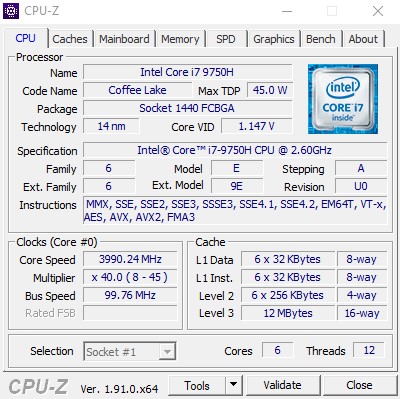
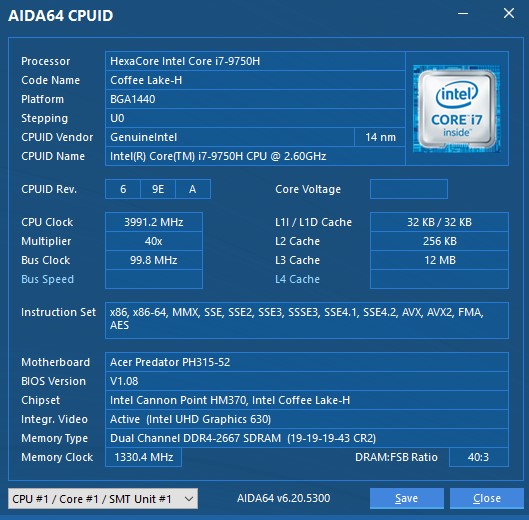
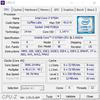
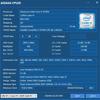
We had a very balanced reviewerconfig Acer Predator Helios 300. It is equipped with a sixth-generation six-core Intel Core i7-9750H processor. Clock frequency is 2.6 GHz and Turbo Boost up to 4.5 GHz. Typer Threading supports 12 threads. There is built-in Intel UHD Graphics 630. Our configuration has 16 GB DDR4 2666 RAM, 2 8 GB sticks, operating in dual-channel mode. The maximum volume is 32 GB. The laptop is equipped with Wi-Fi 802.11ac modules, Bluetooth 5.0 and a gigabit Ethernet port.
</ img>
</ img>
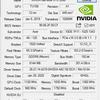
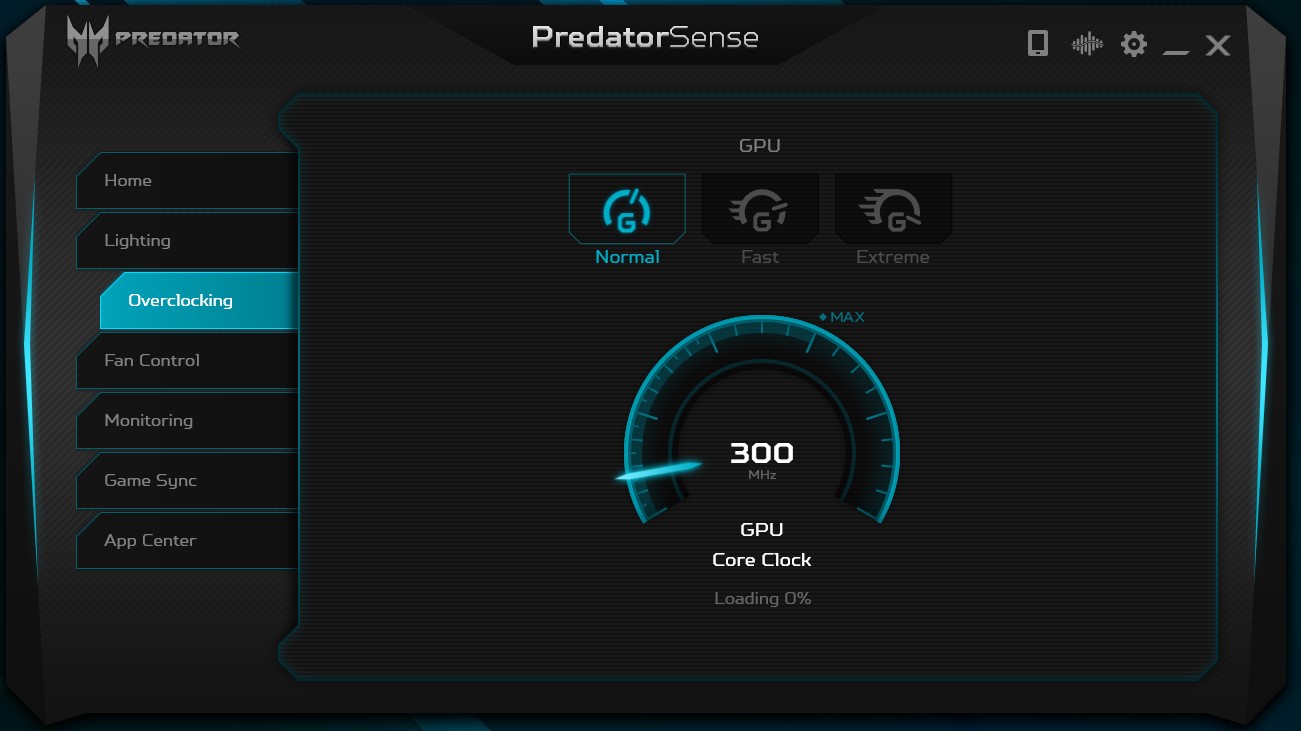
Graphics are handled by a discrete NVIDIA graphics card.GeForce RTX 2060 with 6 GB GDDR6 based on Turing architecture. The video card is based on a 12-nanometer TU106 chip. The graphics card supports Real-Time Ray Tracing (RTRT) and Deep Learning Super Sampling (DLSS). This is a laptop version with frequencies of 960 – 1200 (Boost) MHz. The laptop supports overclocking the video card to 1120 – 1360 (Boost) MHz.

</ img>

</ img>
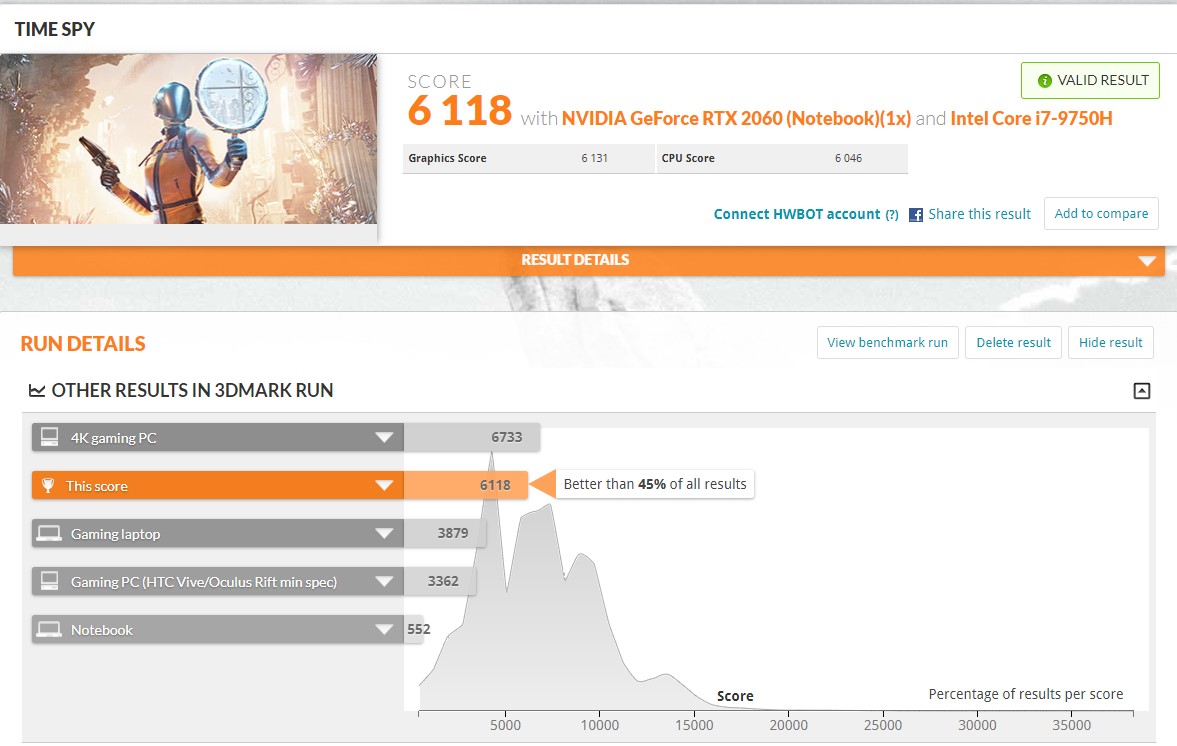
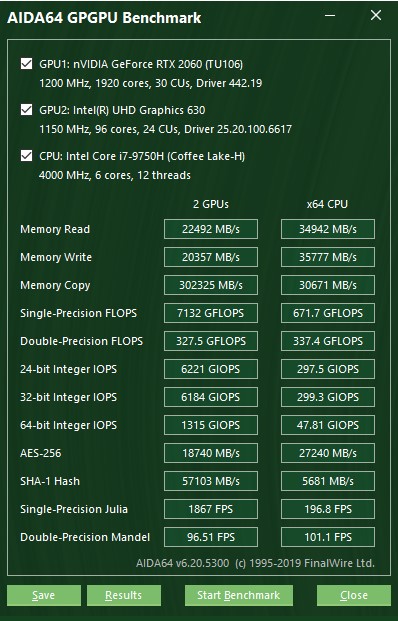
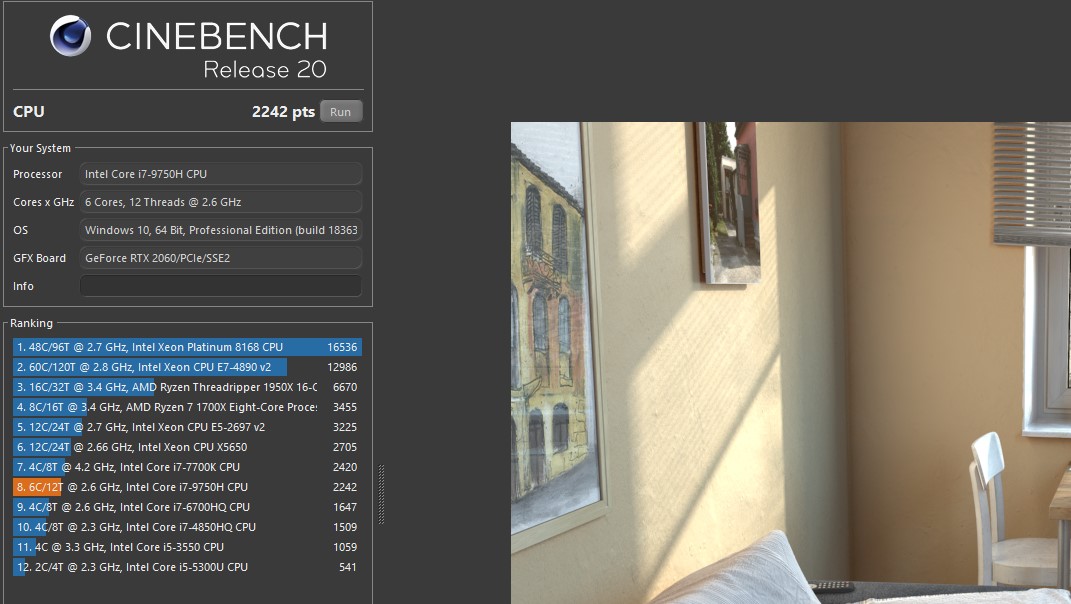
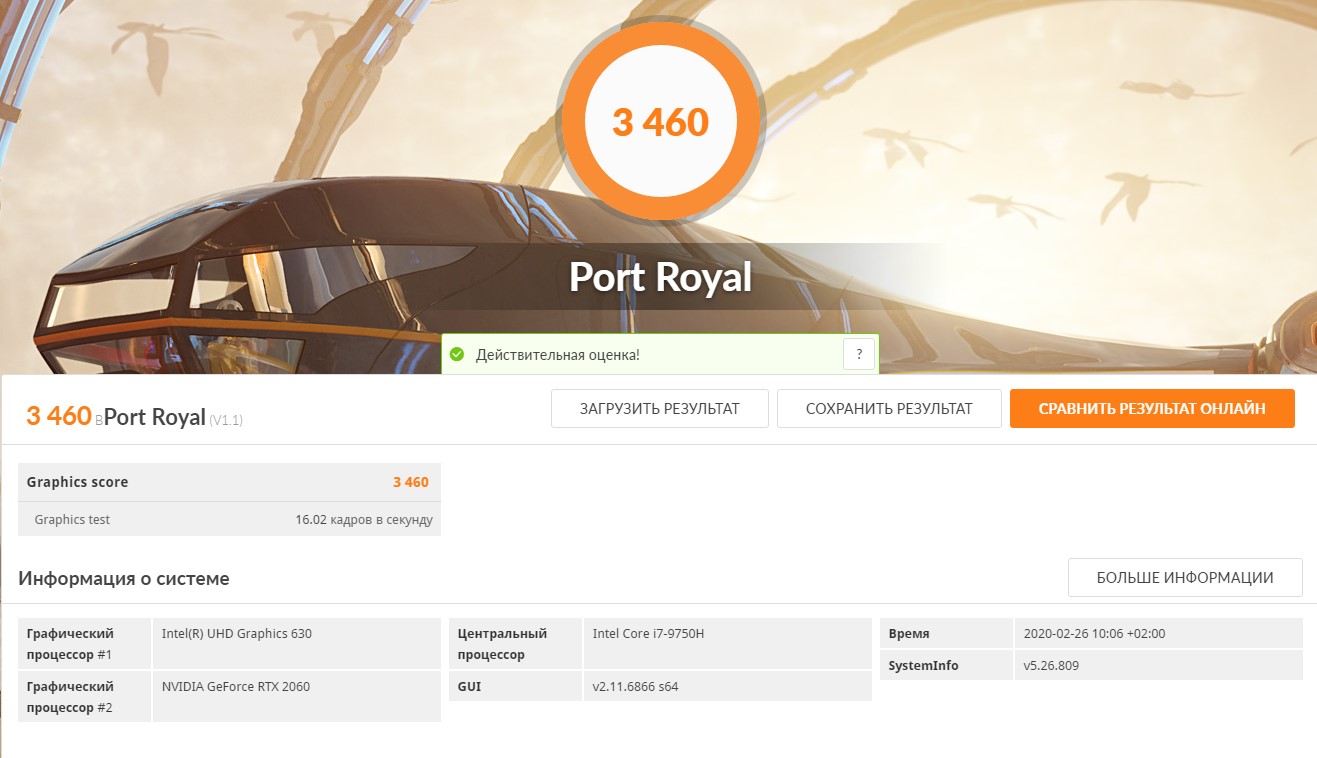
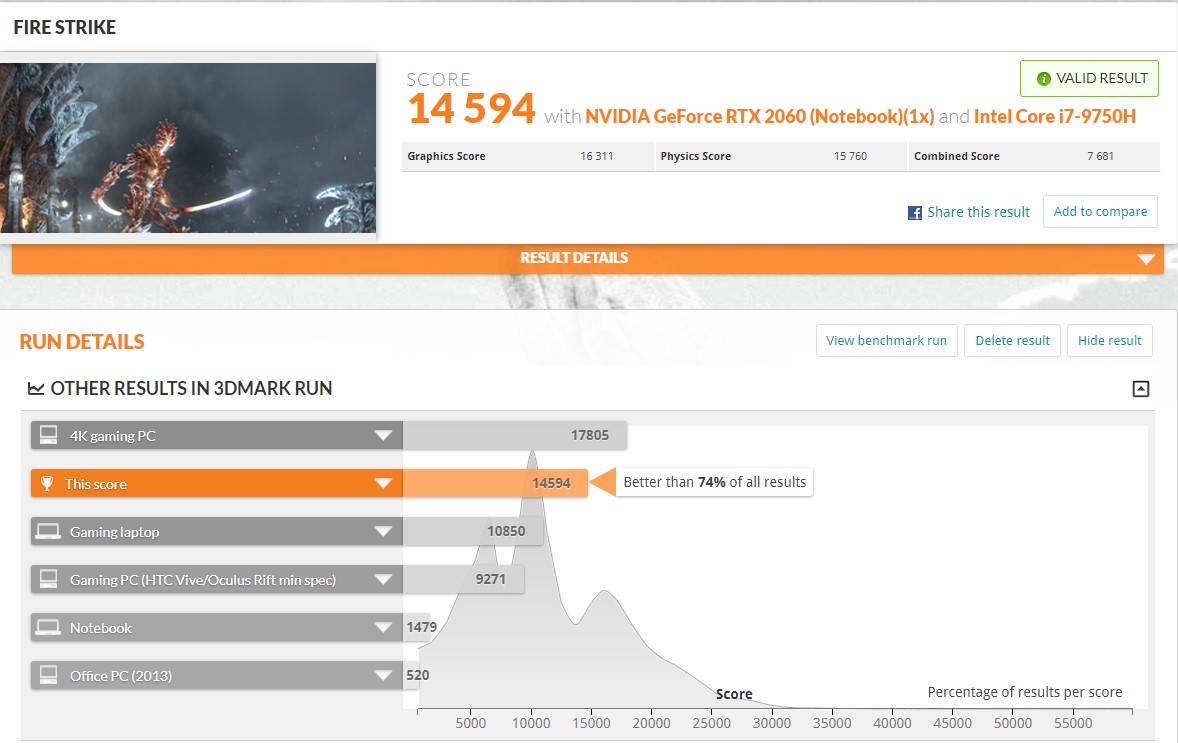
In performance tests, the laptop demonstrates high results, which is quite expected with this configuration:

</ img>
</ img>

</ img>
</ img>
</ img>

</ img>
</ img>

</ img>

</ img>
</ img>

</ img>

</ img>








The cooling system is efficient and copes withyour task. In overclocking mode “Extreme” the insides of the laptop do not heat up above 80°, of course, the system works stably and does not throttle. But, at the same time, the CO operates in maximum performance mode. It makes a very noticeable noise in this mode and shouts over the built-in acoustics. The only important point is that under extreme loads it is worth manually turning on the maximum performance of the CO: the automatic mode does not always correctly assess the load. Hot air is blown out to the back and a little to the sides. The case gets noticeably warm above the keyboard. At the same time, the keyboard itself remains cold.
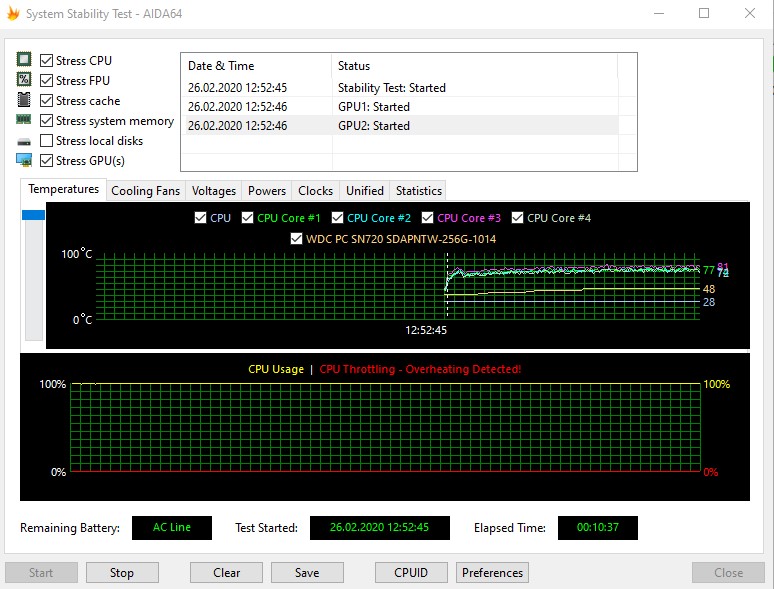
</ img>
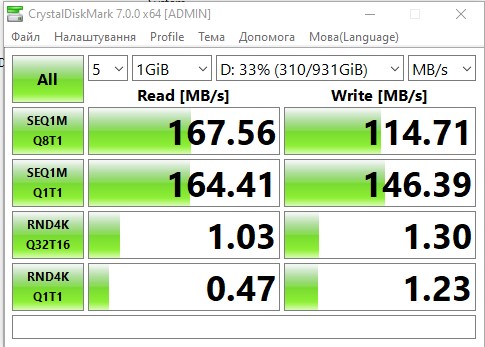
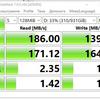
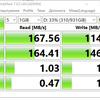
The drive uses a combination of a fast M.2 SSD WD format with 256 GB PCI Express Gen3 x4 interface and a 1 TB Seagate hard drive. Another M.2 slot is free.

</ img>
The speed of the SSD drive is veryimpressive, as you would expect: 2800 MB/s, and when writing - 1600 MB/s. The speed performance of the hard drive is quite expected and after the SSD it is not impressive at all. But HDDs are quite good as storage.

</ img>

</ img>

</ img>

</ img>
</ img>

</ img>


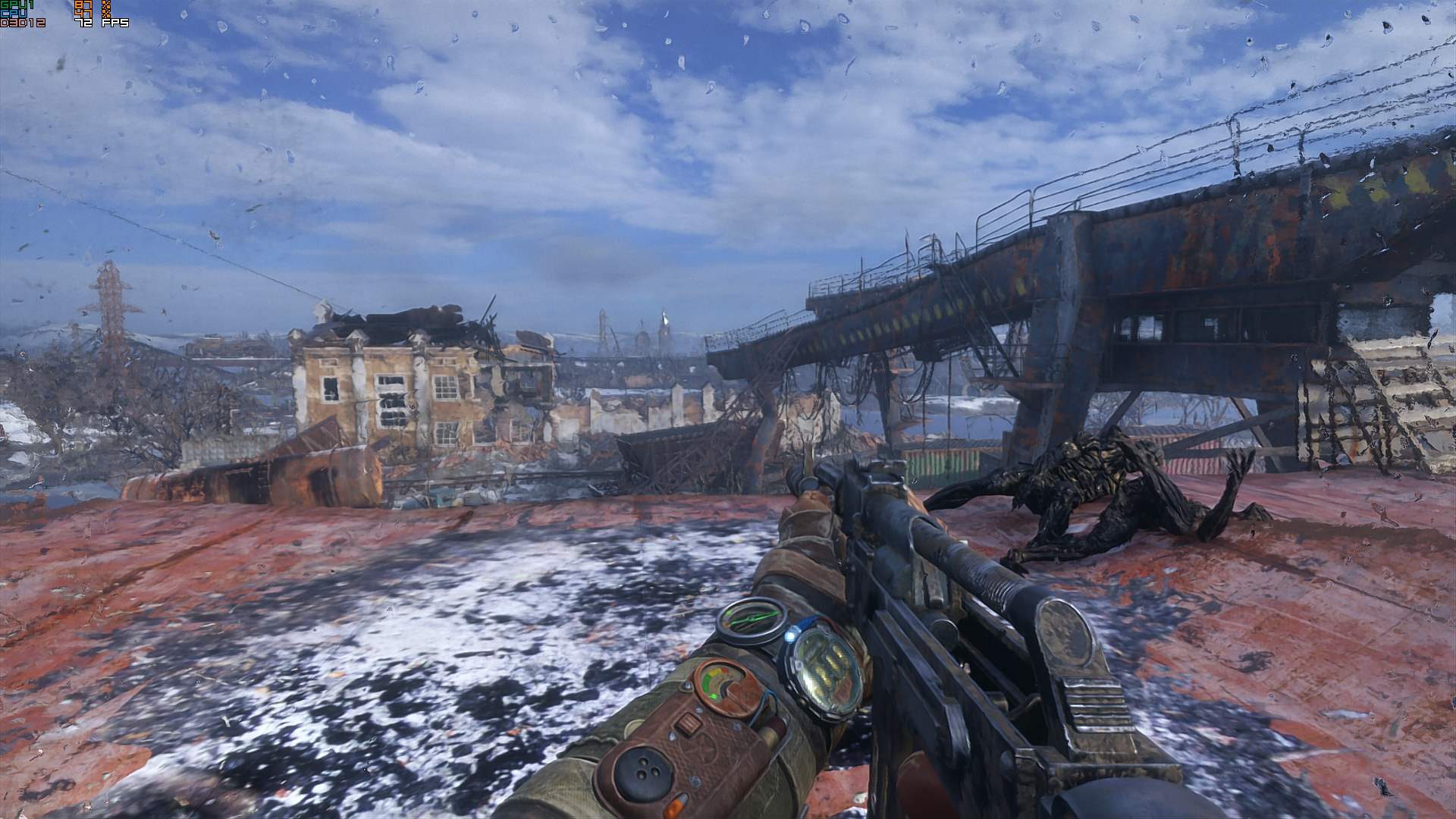
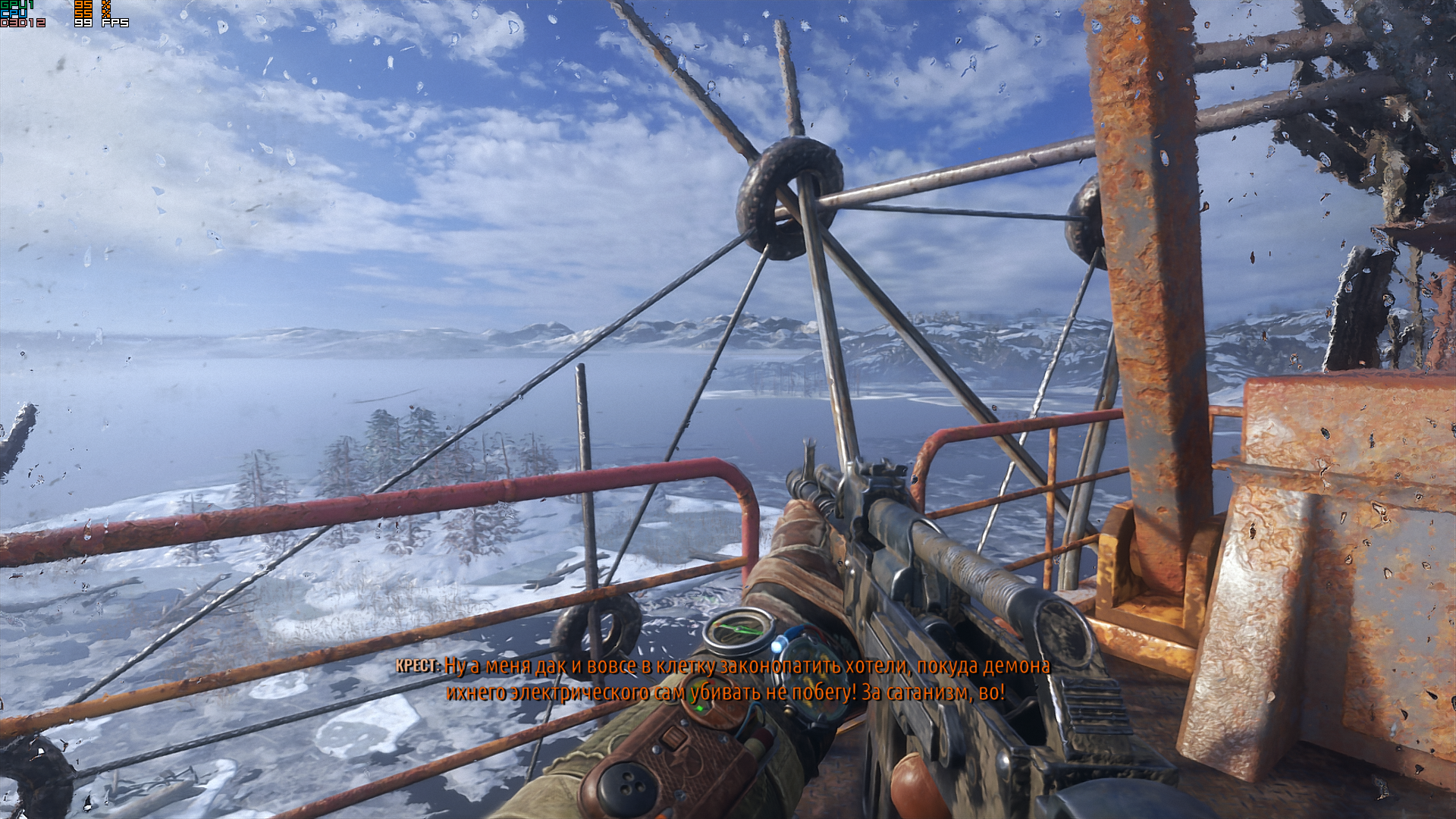
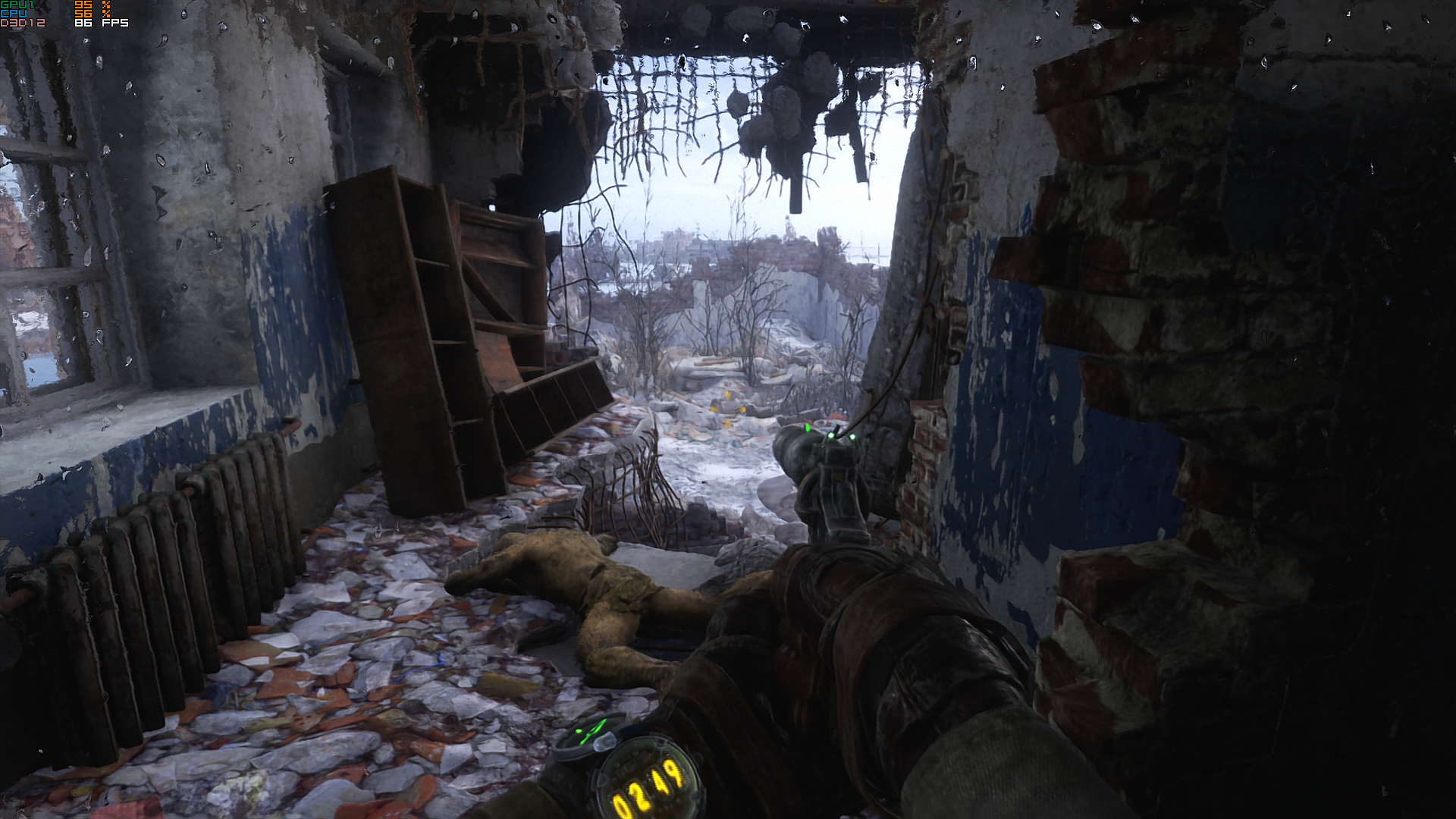
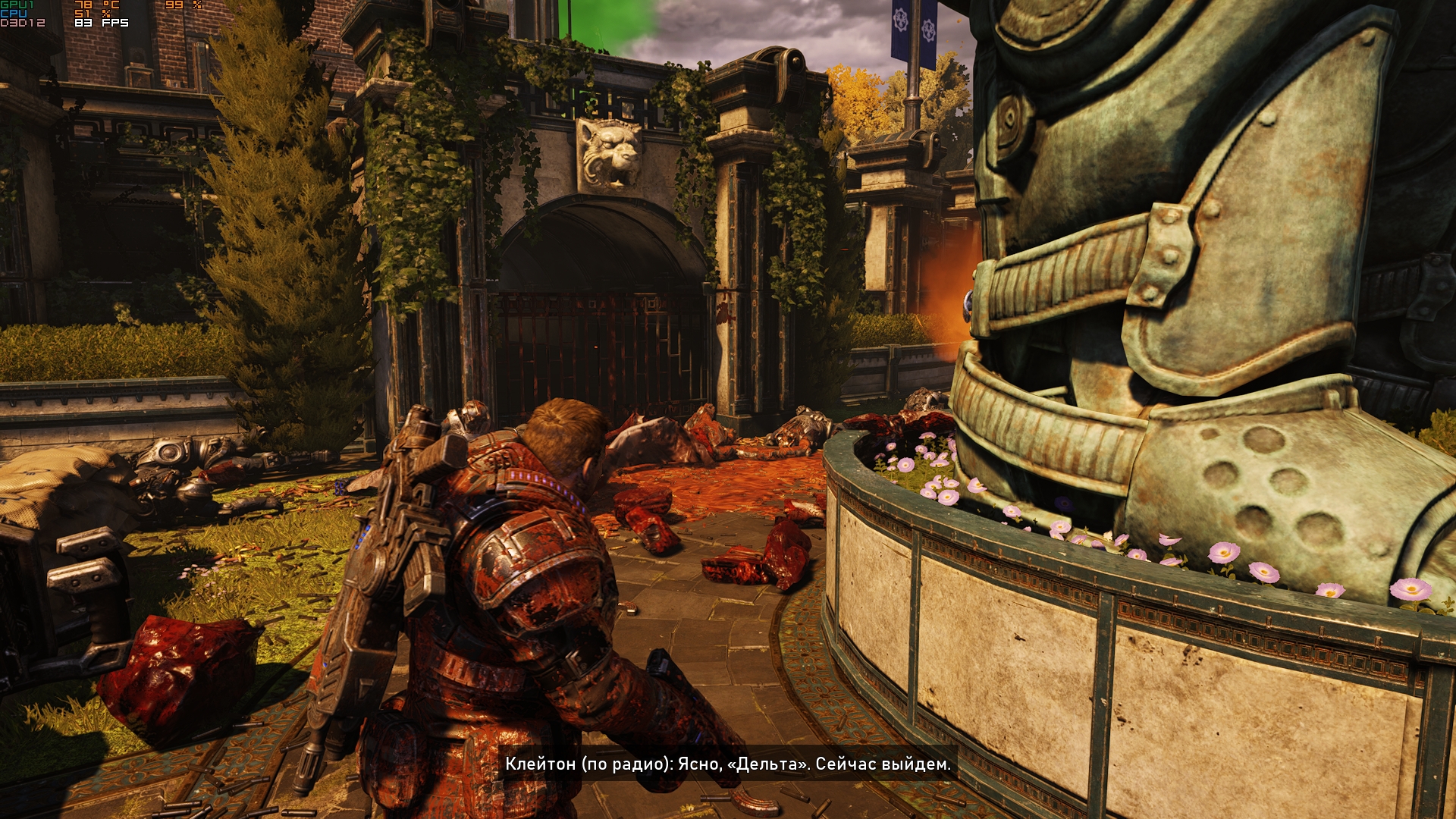
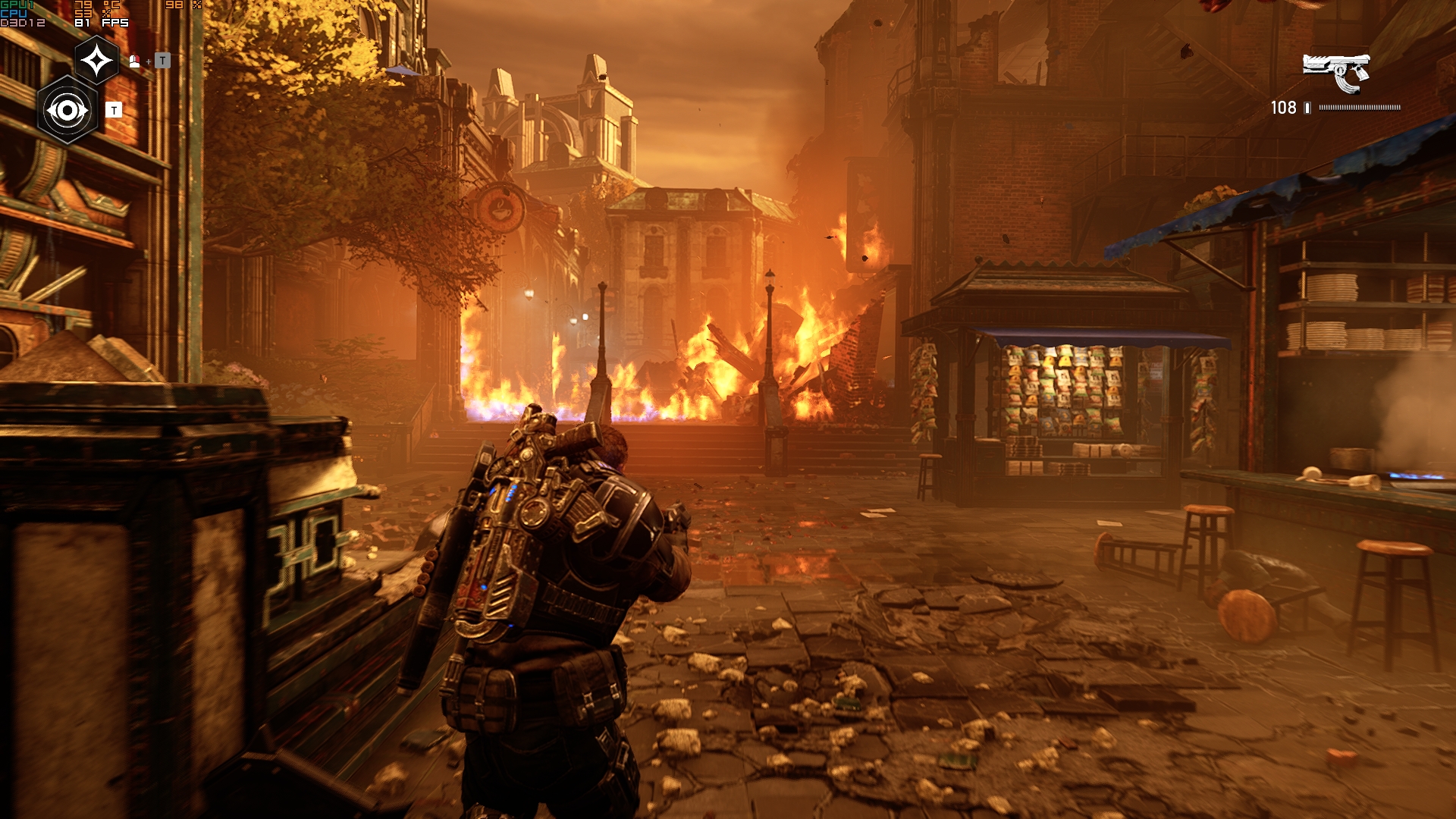
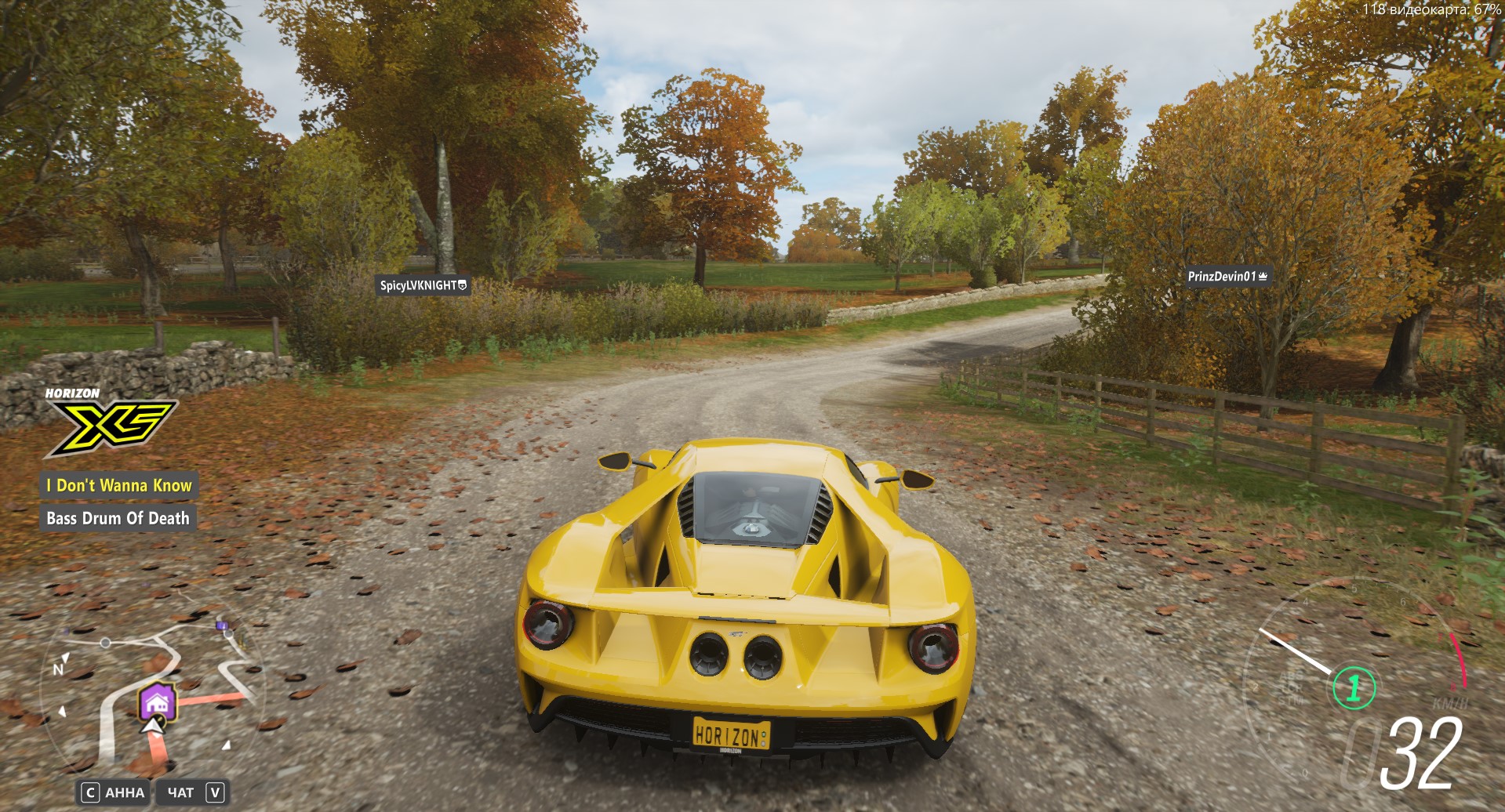
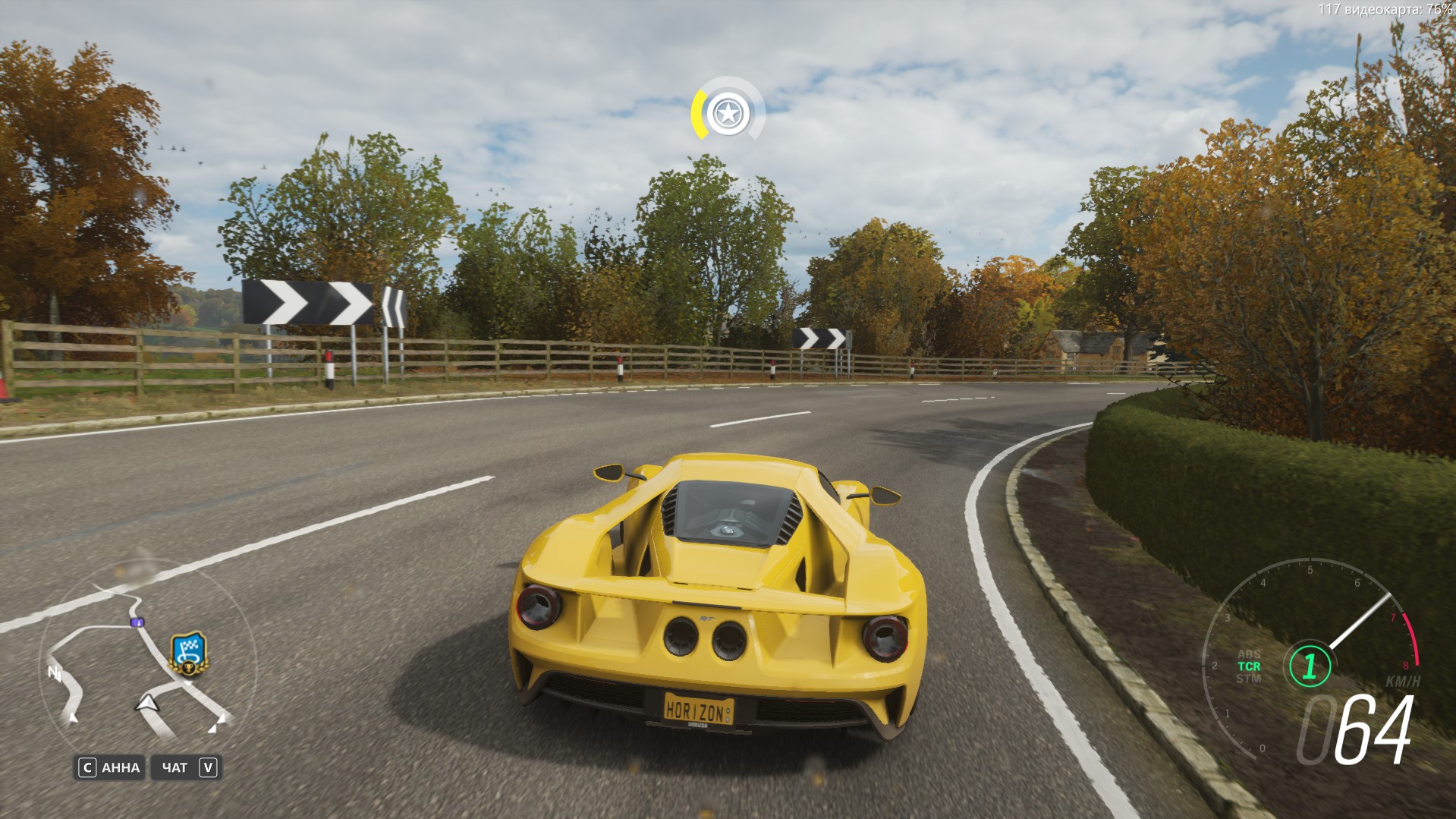
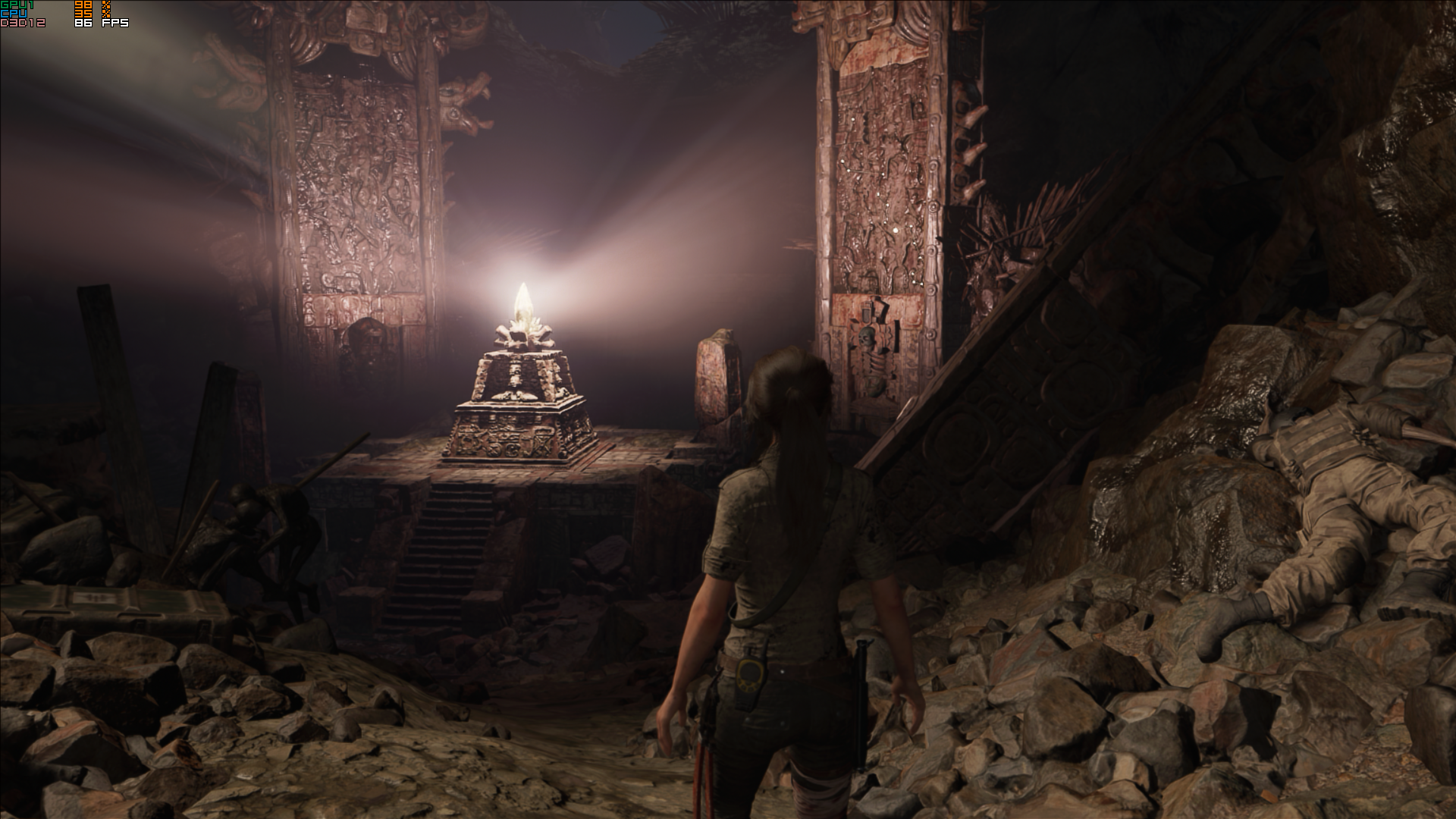
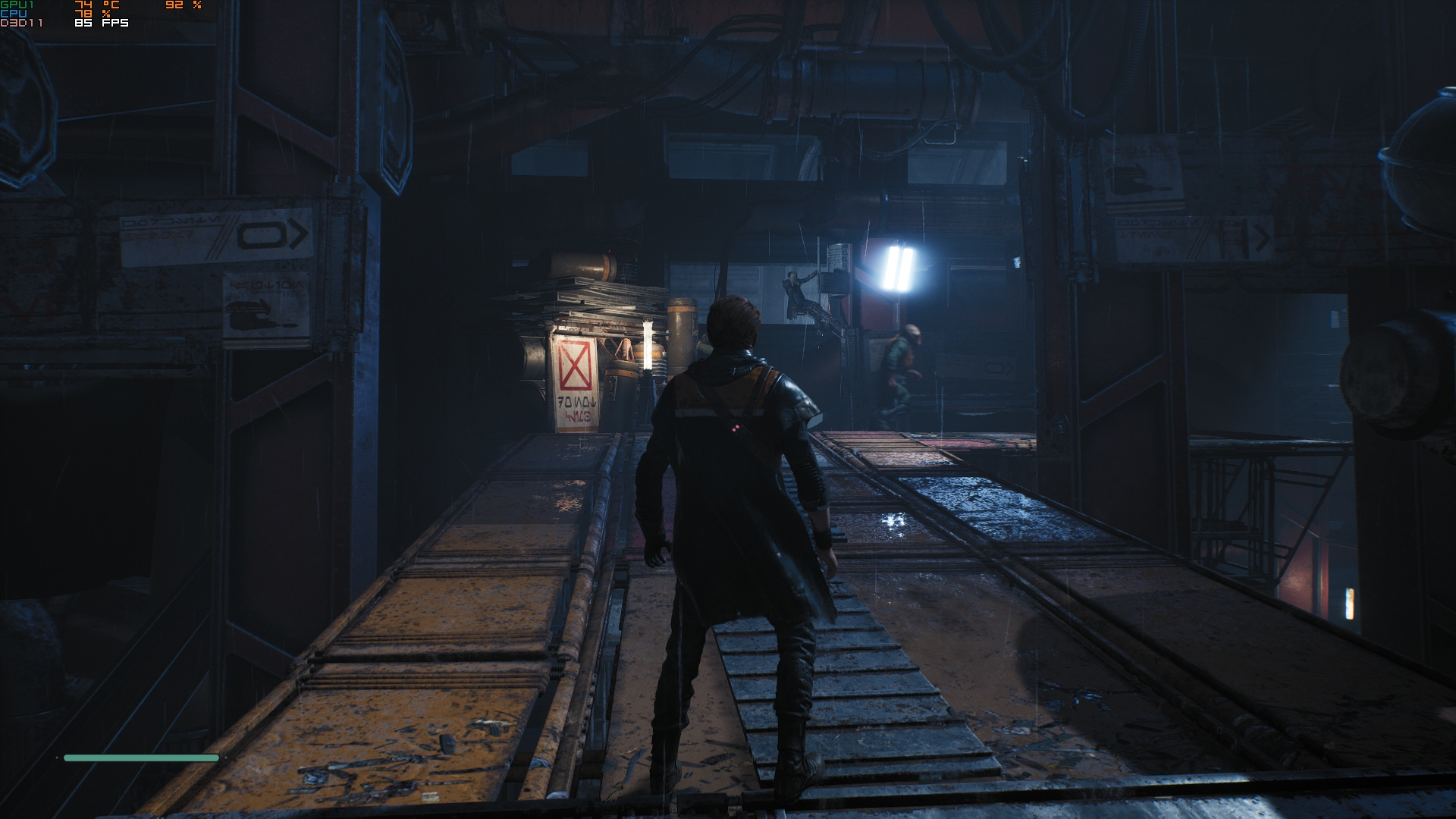
The laptop copes well with games:you can safely turn all the settings to maximum and get an FPS of at least 70-80 frames per second. If you want FPS closer to the capabilities of the matrix, lower the settings a little. At maximum graphics settings, the frame rate in Forza Horizon 4 did not drop below 110 FPS. Star Wars Jedi: Fallen Order - fluctuated around the 80 FPS mark. Gears5 - similar. The spread in Shadow of the Tomb Raider is slightly larger: from 70 to 100 FPS. Metro Exodus is about the same.



</ img>
</ img>
</ img>
</ img>
</ img>




</ img>

</ img>
















The laptop uses a 58 Wh battery.The battery life of the laptop was a pleasant surprise (considering the class of the device): under maximum load with maximum brightness, the laptop lasted just over 1 hour. In “office” In energy-saving mode with a Wi-Fi connection, the laptop lasts about 4.5 hours.
</ img>
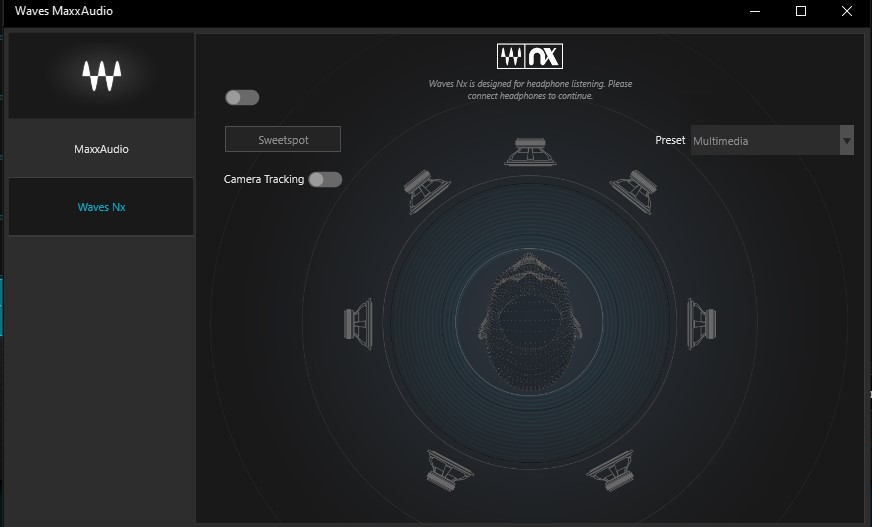
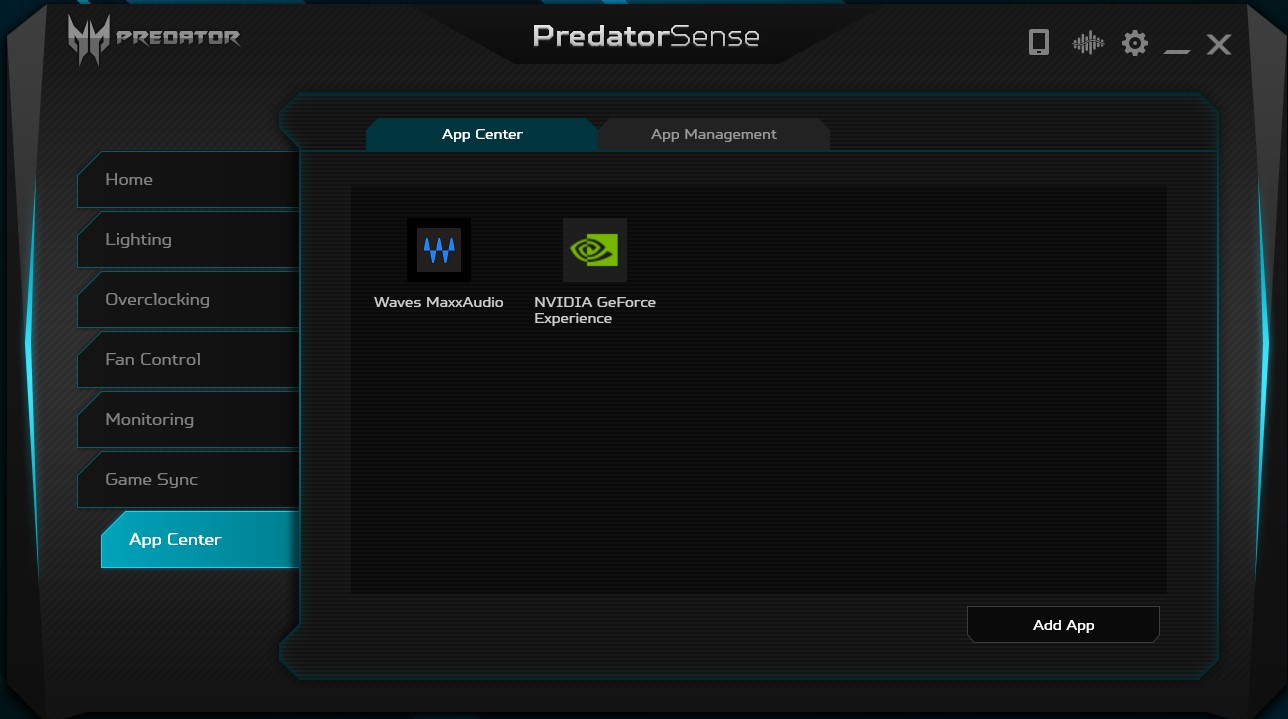
The audio system consists of two speakers, whichare located below, on sloping platforms. In theory, this should have a positive effect on the reflection of sound from the table. But, in practice, during active gaming the speakers are barely audible and it is advisable to use headphones. For watching videos, the audio system is enough as long as the CO is in “calm” mode. To configure the sound there is a utility called Waves MaxxAudio. In addition to standard equalizers and other things, it has support for Waves Nx virtual surround sound.

</ img>
</ img>


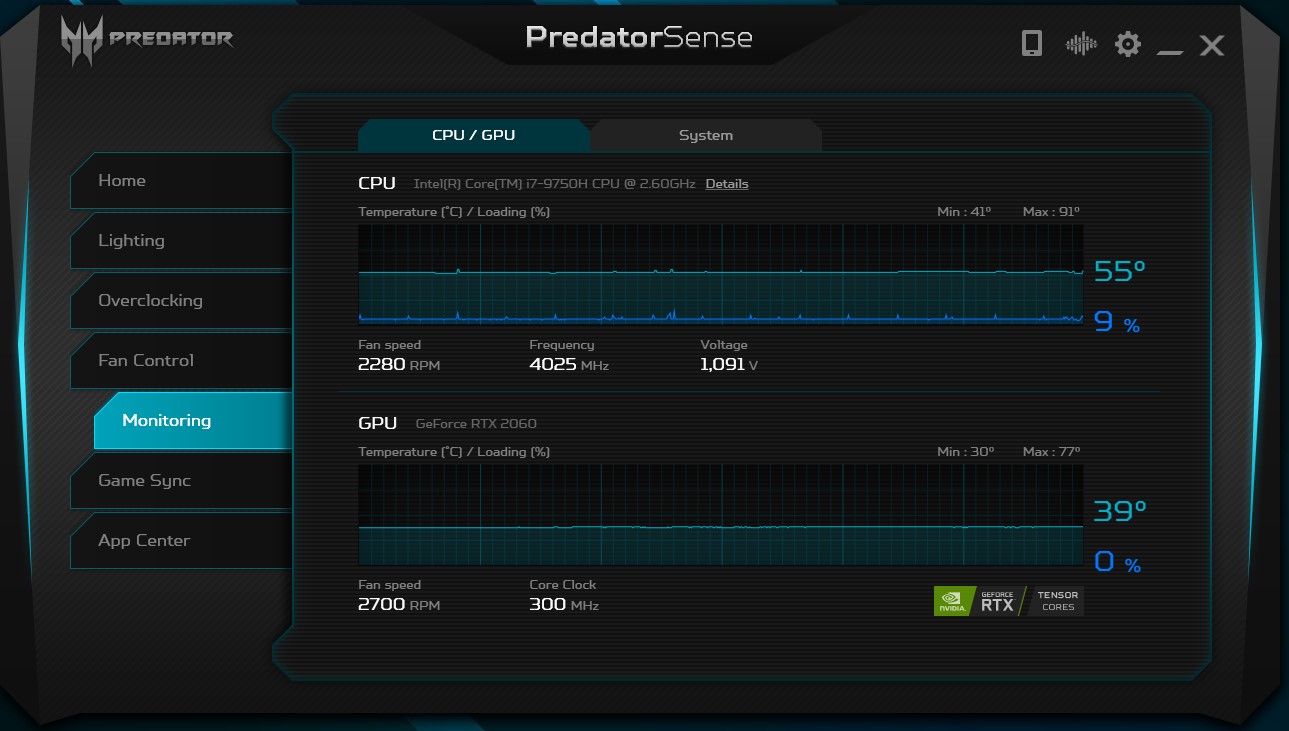
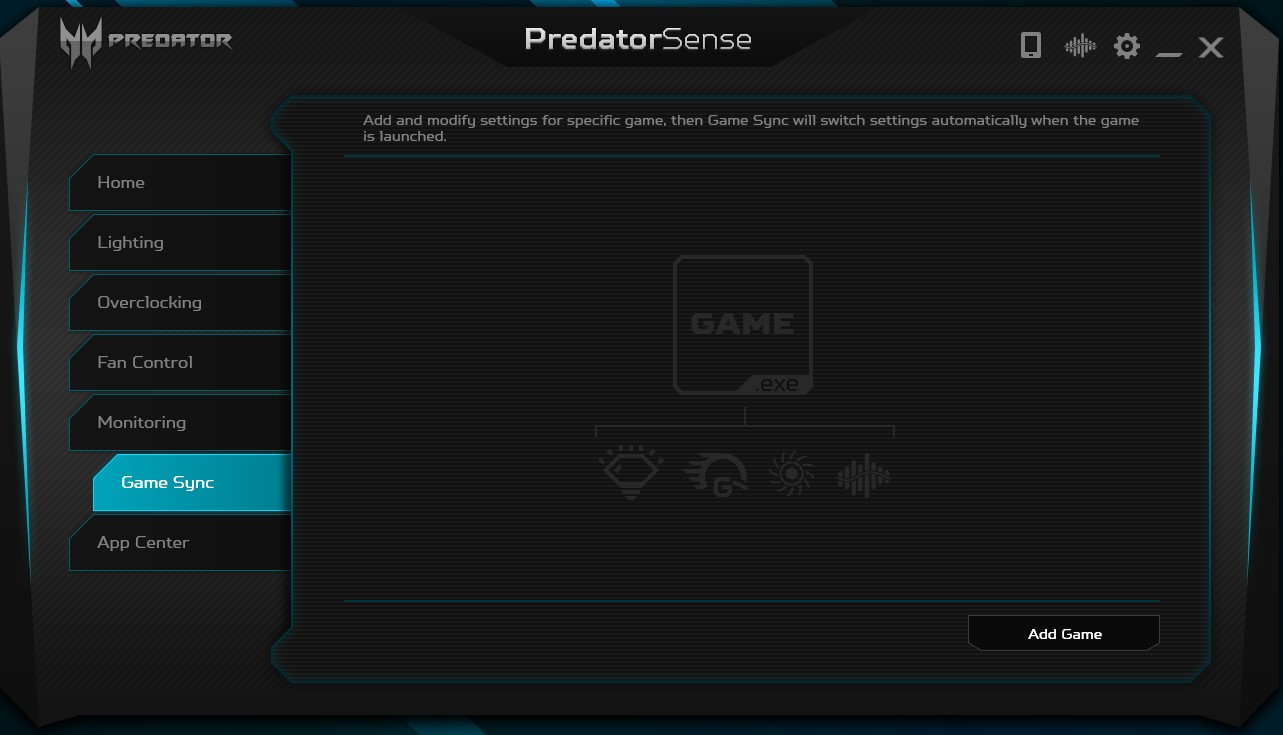
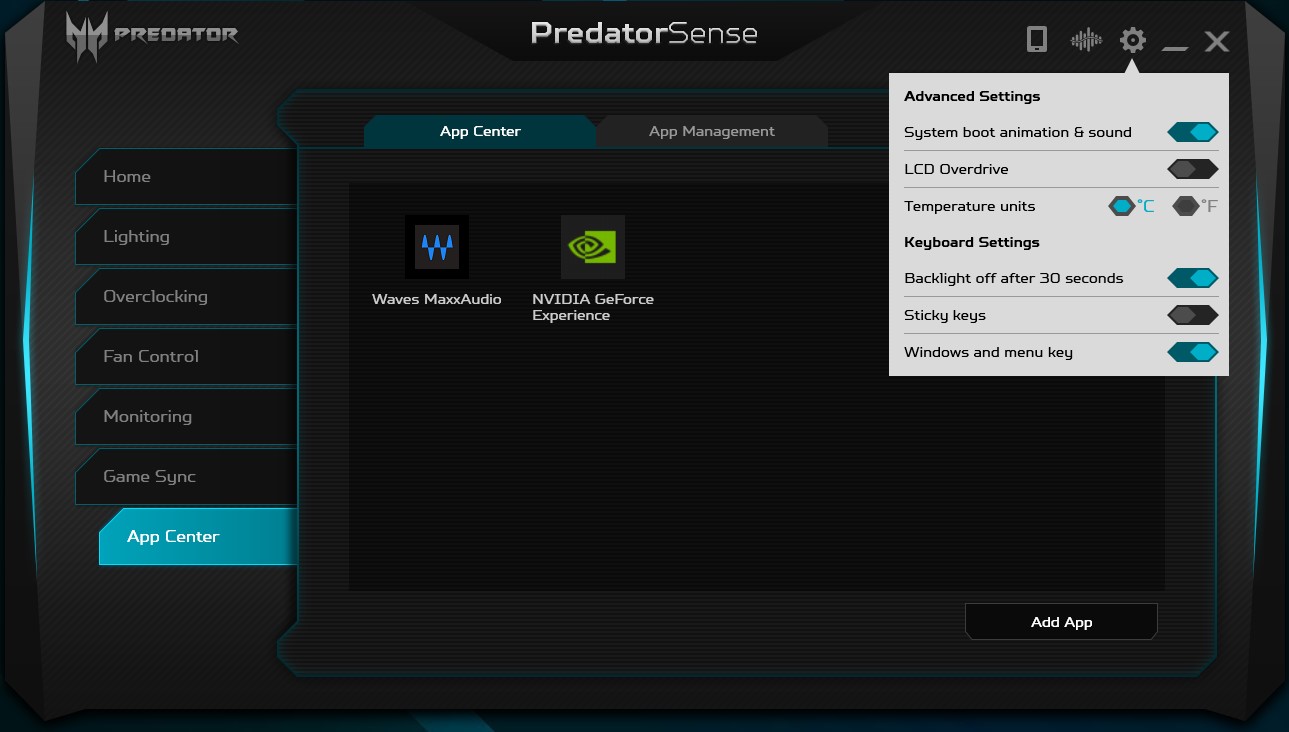
All laptop settings are made in the Predator Sense app. Including keyboard backlighting, overclocking, CO operating modes, system monitoring, setting profiles for individual games, and so on:

</ img>
</ img>
</ img>
</ img>

</ img>
</ img>
</ img>
</ img>
</ img>









In the dry residue
In all respects, the Acer Predator Helios 300 canIt’s safe to call it a very successful gaming laptop. It combines all the elements necessary for this. The performance is enough to play any modern games at maximum graphics settings. The laptop has a 15.6-inch screen, which boasts not only a high refresh rate of 144 Hz, but also a high-quality picture. Among the advantages, it is worth noting a comfortable full-size keyboard with RGB backlighting, an effective (albeit very noisy) cooling system and a pleasant design combined with good assembly and materials. In addition to the aforementioned very noisy cooling system, the only controversial issues that can be mentioned are the poor location of the video outputs and the absence of a card reader. We reviewed the configuration of the Acer Predator Helios 300 PH315-52-741U, now its cost is slightly less48 000 UAH
</ p>5 reasons to buy the Acer Predator Helios 300:
- high performance;
- fast and high-quality display;
- efficient cooling system;
- comfortable keyboard with RGB-backlight;
- nice appearance and materials.
2 reasons not to buy the Acer Predator Helios 300:
- СО features: high noise level and not always correctly working automation;
- controversial arrangement of video outputs and lack of a card reader.
Acer Predator Helios 300
Powerful 15.6-inch gaming laptop with Intel Core i7 processor, NVIDIA GeForce RTX 2060 graphics card, 16 GB of RAM and a combination of SSD + HDD for data storage
Rozetka
KTC
Comfy
Eldorado

We recommend
SpecificationsAcer Predator Helios 300
Display
15.6 inches, 1920x1080, IPS, 144 Hz, matte anti-glare coating
Dimensions
361.4×254.2×23.15 mm
Weight
2.4 kg
operating system
Without OS
CPU
Intel Core i7-9750H (2.6-4.5 GHz), 6 cores, 12 threads, 2.8-3.8 GHz (Coffee Lake, 14 nm)
Ram
16GB DDR4-2666
Graphics
nVidia GeForce RTX2060, 6 GB GDDR6, Intel UHD Graphics 630
Storage device
SSD 256 GB (M.2) PCIe 3.0 x4, 1 TB HDD
Communications
Wi-Fi 802.11a/b/g/n/ac, Bluetooth 5.0, Gigabit Ethernet
Connectors
3xUSB 3.0, 1xUSB Type-C, 1xHDMI, 1xminiDisplay Port, RJ-45, Kensington Lock, 3.5 mm audio
Optical drive
No
Battery
58 Wh

For those that want to know more:
- Review of the gaming laptop Acer Nitro 5 AN515-54: inexpensive and powerful
- Acer Predator Helios 300 review: a balanced gaming “predator”
- Review ASUS ROG Zephyrus G: compact gaming laptop with AMD and GeForce
- Lenovo Legion Y530 review: a rigorous gaming laptop
- Acer Predator Triton 500 review: gaming notebook with RTX 2080 Max-Q in a compact, lightweight case