Combining technologies
Big Sur marks the end of the era of traditional Mac software in many
It will be the first macOS to integrate traditionalIntel Macs, which have been in use since 2004, and the all-new Apple Silicon Macs released this week, which run on their own ARM-based M1 processors, similar to the A14 chip used in the iPhone. and iPad.
Vibrant colors, more transparency, and iPhone-like icons
Big Sur is more like an iPad than ever before. The menu line has become semi-transparent, the dock has also changed and has become "floating", the entire interface is imitatediPadOS: Even app icons, which are now rectangular (semi-square, semi-circle), look likelike icons on the iPhone, but with a little more depth and detail in their design.
As a result, the icons of standard applications are largerresemble iOS service icons, but "retained the Mac identity," as Apple noted at WWDC 2020. Toolbars and app sidebars look cleaner, and button backlights are turned off until they're in use.
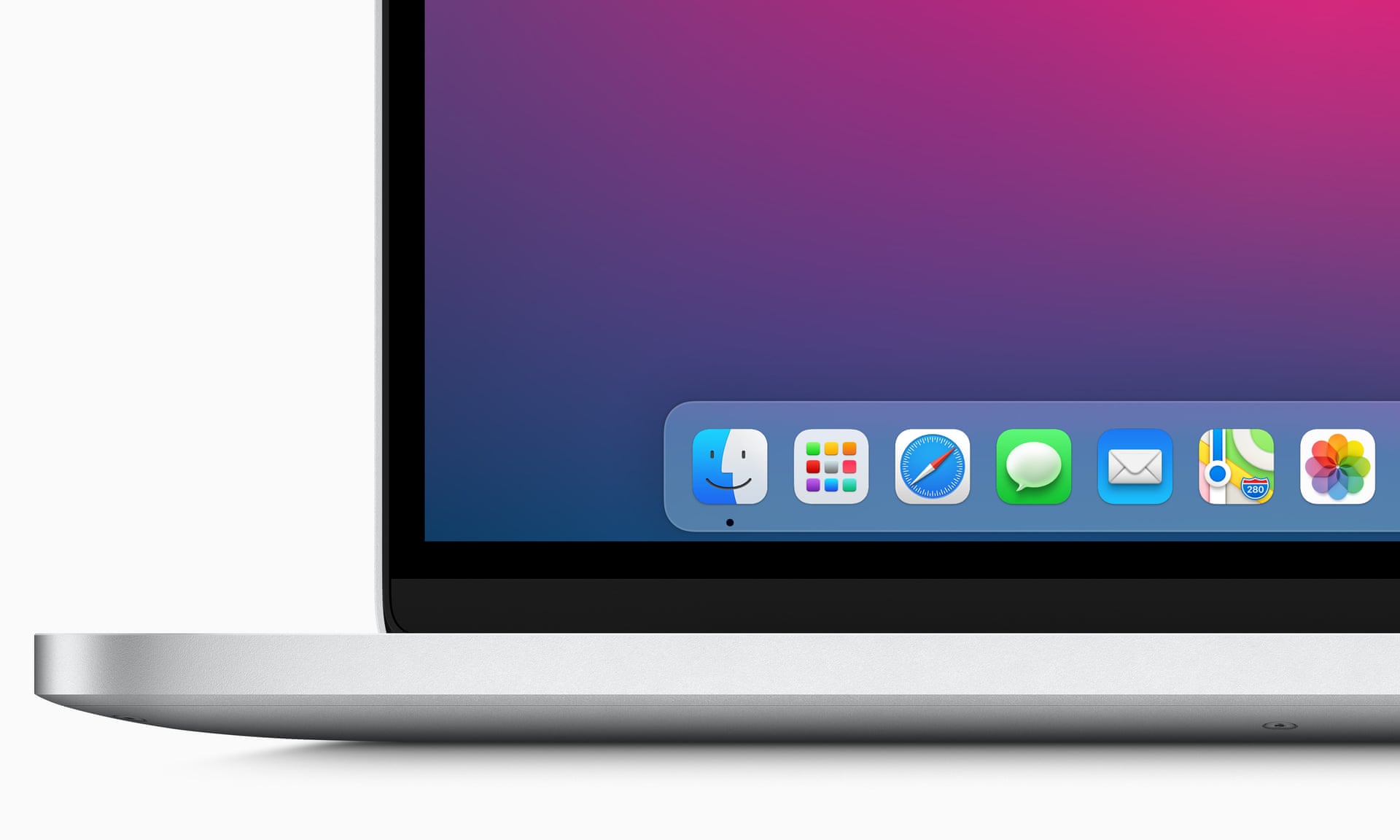 The new rectangular icons are located on the new flat, translucent dock, which now matches that of iPadOS 14. Photo: Apple
The default color scheme for the interface is nowvery colorful, regardless of whether the computer is in light or dark mode. Apps look cleaner with more toolbar icons and full-height sidebars that look the same as in iPadOS 14.
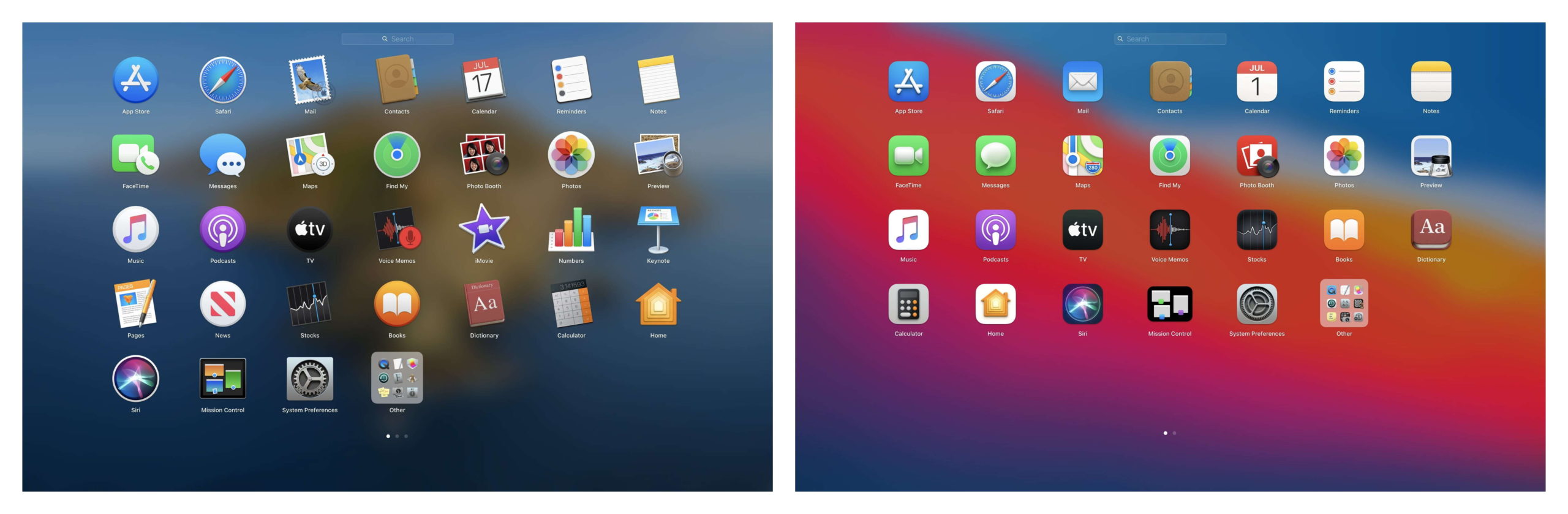
The new design is fresher and more colorfulcompared to previous versions of macOS. IOS applications can run alongside Mac applications on new Apple Silicon Macs and appear as part of a single system. But much of Big Sur works the same way as previous versions, with the same features in the same places as before, while maintaining a familiar feel for anyone who has used macOS before. Still, the iPad won't replace the Mac.
Command centre
The top menu bar has become translucent, the spacing between the buttons has increased. The design of the buttons in the line has changed and a new one has appeared - to call the "Control Center". It works the same as it does on iOS.
Inspired by iPhone and iPad, macOS has quick access to system functions such as wireless connections, music and volume controls, display brightness and keyboard backlighting, and Do Not Disturb.This set of settings and toggles helpsMost settings can be expanded to show more options.
It's a useful add-on that brings a lot of quick controls together in one place.
 The Control Center drops out of the menu bar to reveal a set of quick settings and switches. Photo: Apple
Notification Center has also been updated with iOS-like notification cards as they arrive.It combines incoming messages from apps with widgets in a single window.They can be grouped or expanded. Notifications are grouped by app, and a long press on them can trigger additional actions, such asListen to music or reply to a message in a messenger without opening the app.
New unified widgets are also presented,launched with iOS 14. They replace traditional macOS widgets, and although most of them work the same way. Some of them are more interactive, and such as the calculator have been removed.
Messages, maps and photos
The Messages app on Mac has finally been brought to the level of the mobile and iPad version.Users of Apple's iMessage system get new effects, notes, pinned messages, new group messaging features, including WhatsApp-style @mentions and Slack-style inline replies, and easier gif messaging.
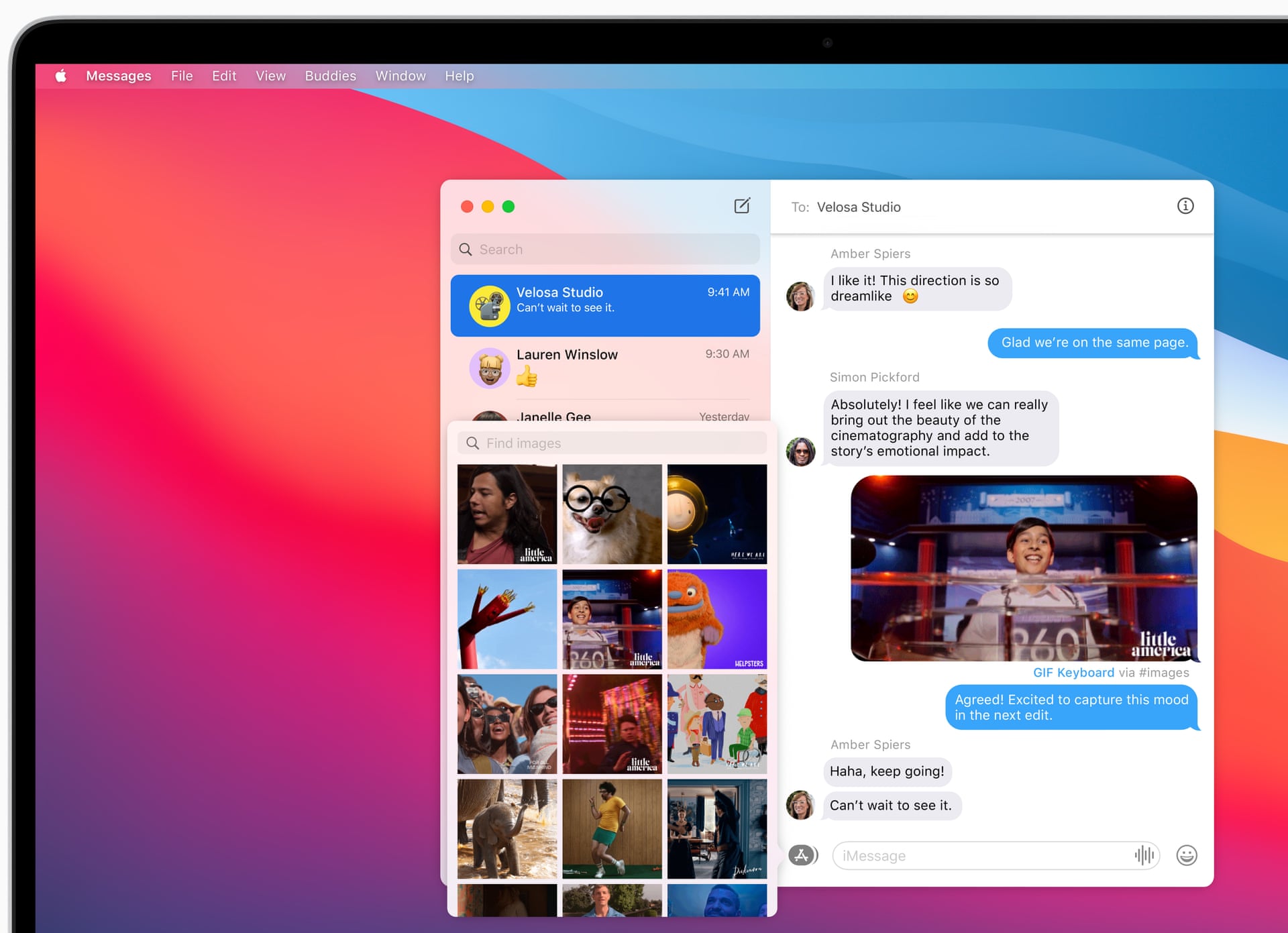 The Messages app now has an integrated GIF search and new group messaging features. Photo: Apple
Apple Maps are also consistent with the version foriPad, which made them more functional. The app has also been ported from iOS 14. You can now plan routes on your Mac and send them to iOS. There are guidebooks with cafes, shops and places of interest. Some cities can be viewed in 3D panoramas mode (previously it was only in iOS). Plans for airports and shopping centers have emerged.
New tools have been added to the Photos appretouching. All the same tools are available for video editing as for snapshots. It also became possible to add signatures in the properties of the media file.
Updated Safari
Safari also suffered a fairly largeprocessing. It looks a little different: icon symbols are now displayed on tabs by default, making it easier to understand which site is open, and new preview popups appear when you hover over the tab. There are tons of new options to customize your start page with features like Bookmarks, Reading List, Siri Suggestions, iCloud Tabs that sync tabs across devices, and a new privacy report.
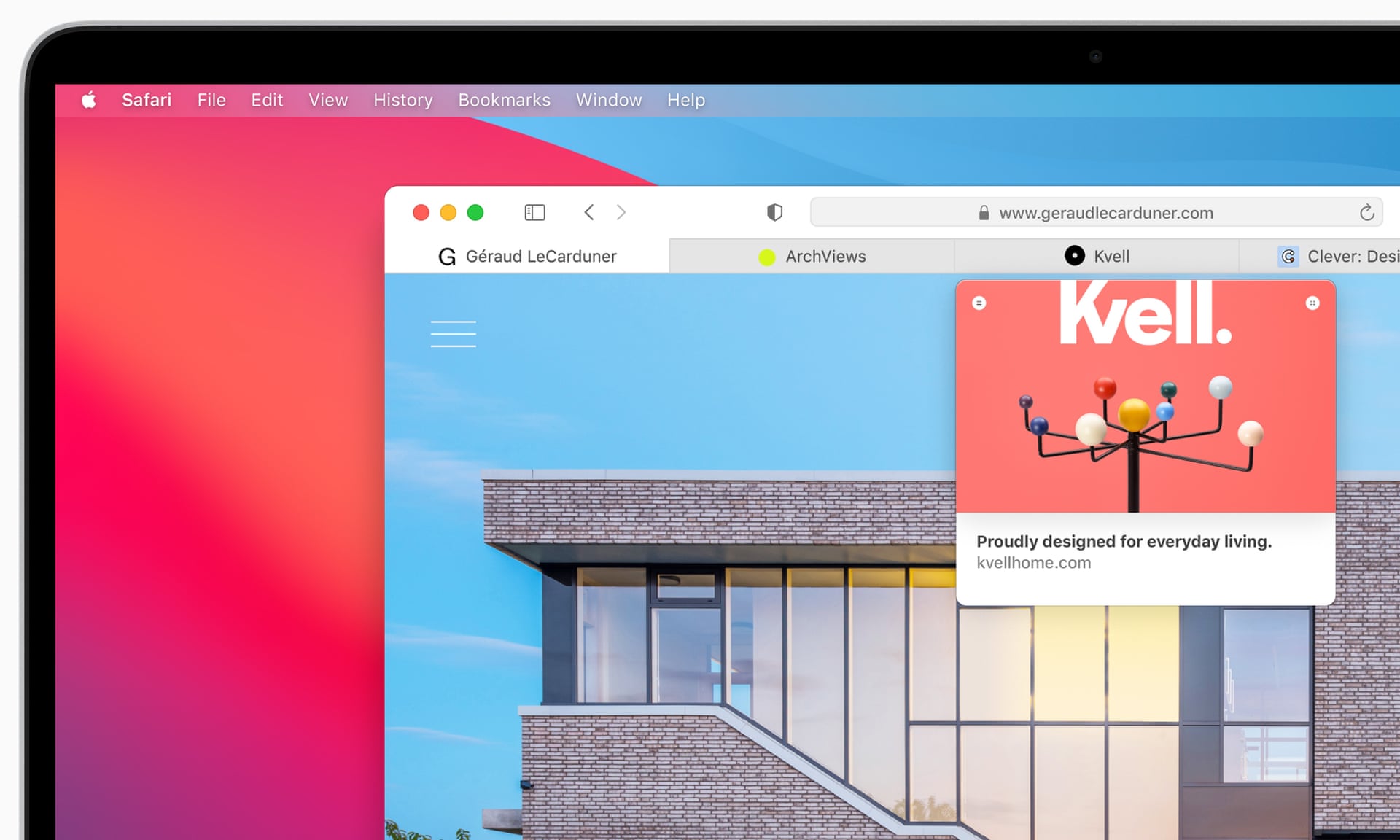 Safari gets tabbed icons by default and displays a small preview of the site when you hover over a tab. Photo: Apple
But the two biggest changes are the additionChrome-style extensions and the aforementioned privacy report, which shows all the trackers on any given website and how many have tracked your online movements in the last 30 days. The report is certainly instructive and another tool in the privacy arsenal.
There are not many extensions since they were placed inMac App Store, but for those clinging to Chrome for a particular extension, there might be less reason to keep using it. You can choose when the extension runs, permanently, or only on certain sites, for greater privacy protection.
Finally, Apple's new translation service is part of Safari, which supports seven languages and works similarly to Google's translation features in Chrome.
What's the bottom line?
Overall, macOS 11 Big Sur combines very wellvisual design of iPhone and iPad with Mac functionality, which is a great starting point for both new Apple Silicon-based Macs and older Intel Macs.
13-inch MacBook Pro performance with2020 Intel processor is comparable to previous versions of macOS. This is encouraging, but the real test will be its performance on Apple's new Silicon Macs, especially compared to traditional Intel computers.
Big Sur may look different at firstdownload, and some may hate brighter colors, increased use of transparency and rectangle icons, but it basically works the same as previous versions of macOS, but with a few helpful additions that you can safely ignore if you don't. needed.
MacOS Big Sur will run on MacBook Pro and Air from 2013, iMac and Mac mini from 2014, iMac Pro from 2017 and later, and Mac Pro from 2013.
Read also
Hidden gene responsible for pandemic found in genome of coronavirus
The Doomsday glacier turned out to be more dangerous than scientists thought. We tell the main thing
It turned out that the universe is heating up. Temperature has increased 10 times in 10 billion years