</ img>
ASUS had a strong start to the year and presented a bunch of new devices at CES 2021, including several new gaming ones
Fast passage:
- What is the ASUS ROG Flow X13?
- What about the design features of the ASUS ROG Flow X13?
- And what about the characteristics?
- What are your first impressions of using the ASUS ROG Flow X13?
What is the ASUS ROG Flow X13?
The so-called “gaming ultrabooks”have been around for years, but are still very niche devices. When releasing such devices, manufacturers have to make certain compromises. And really “game” Performance can only be obtained by connecting an external video card: the compact form factor itself does not allow installing a powerful graphics accelerator inside. Mostly inside there are either integrated graphics or basic discrete video cards.
</ img>
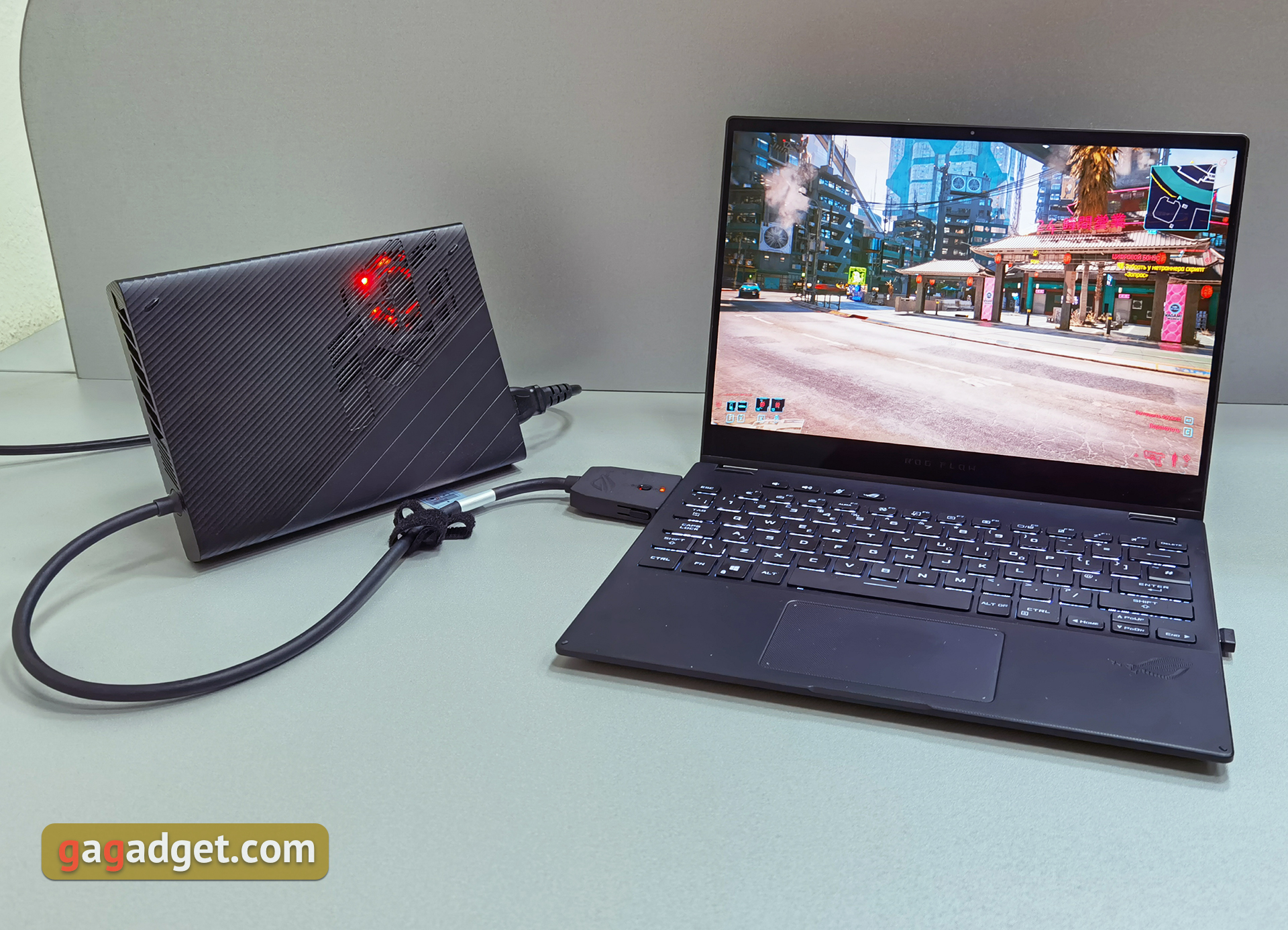
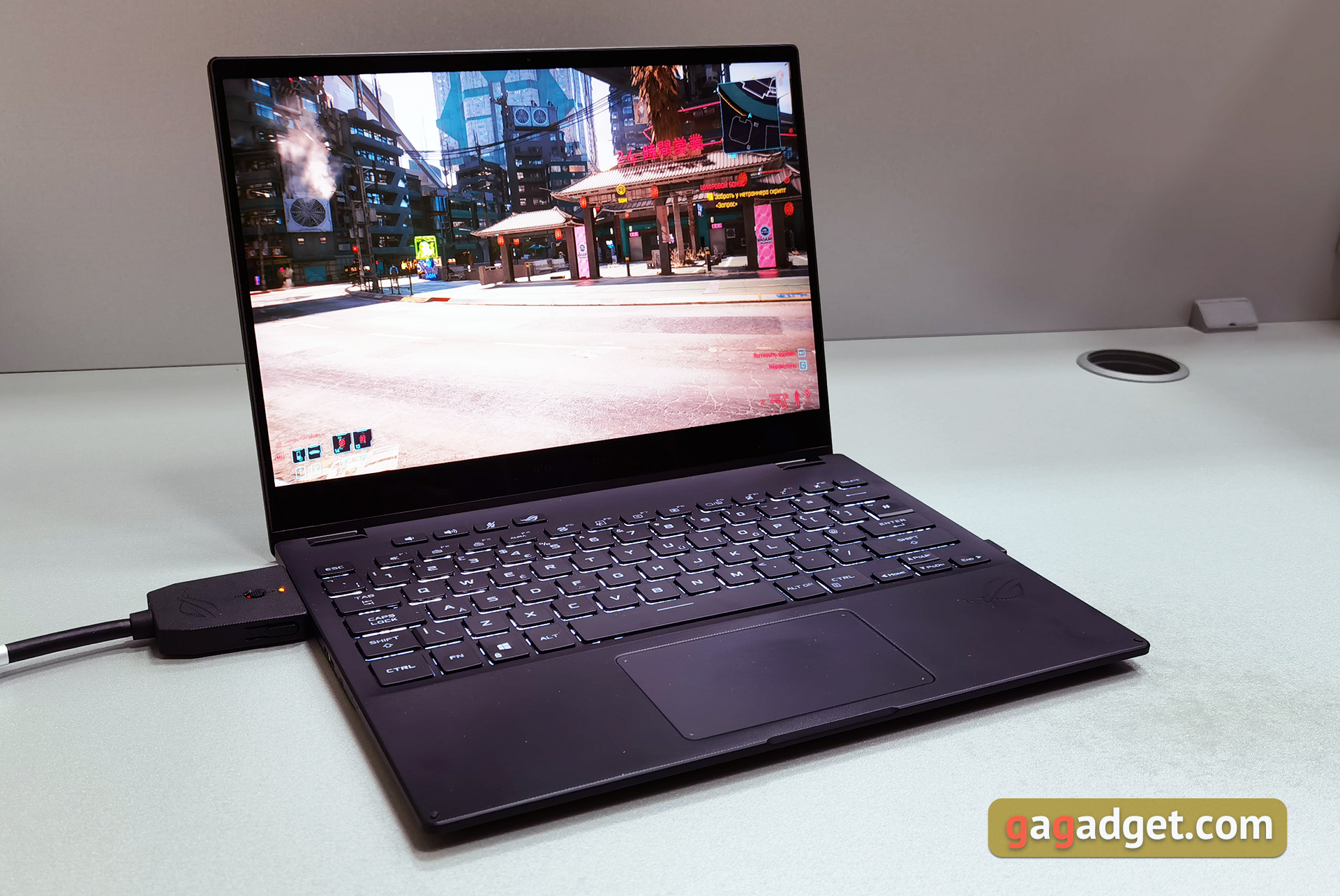
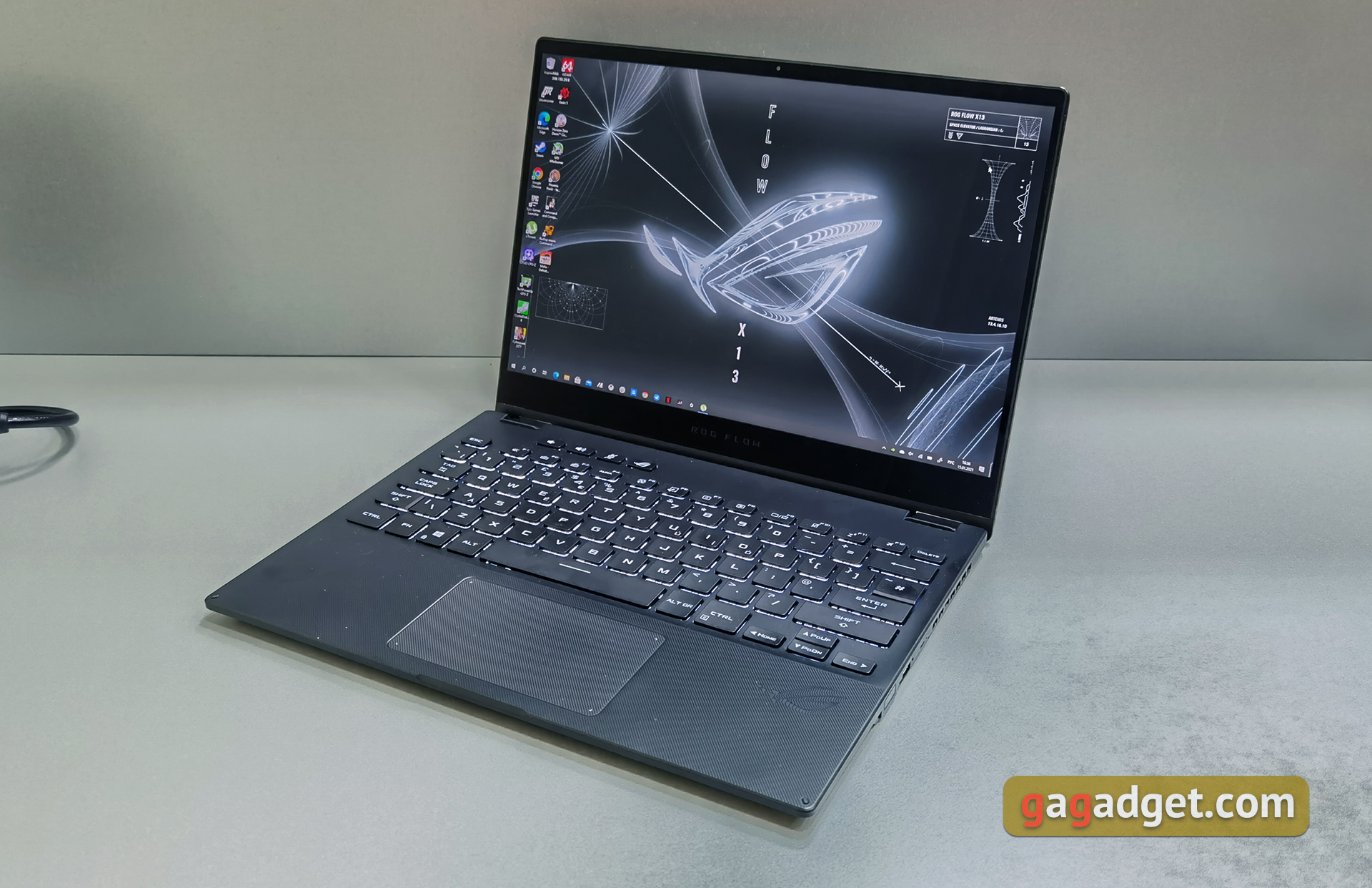
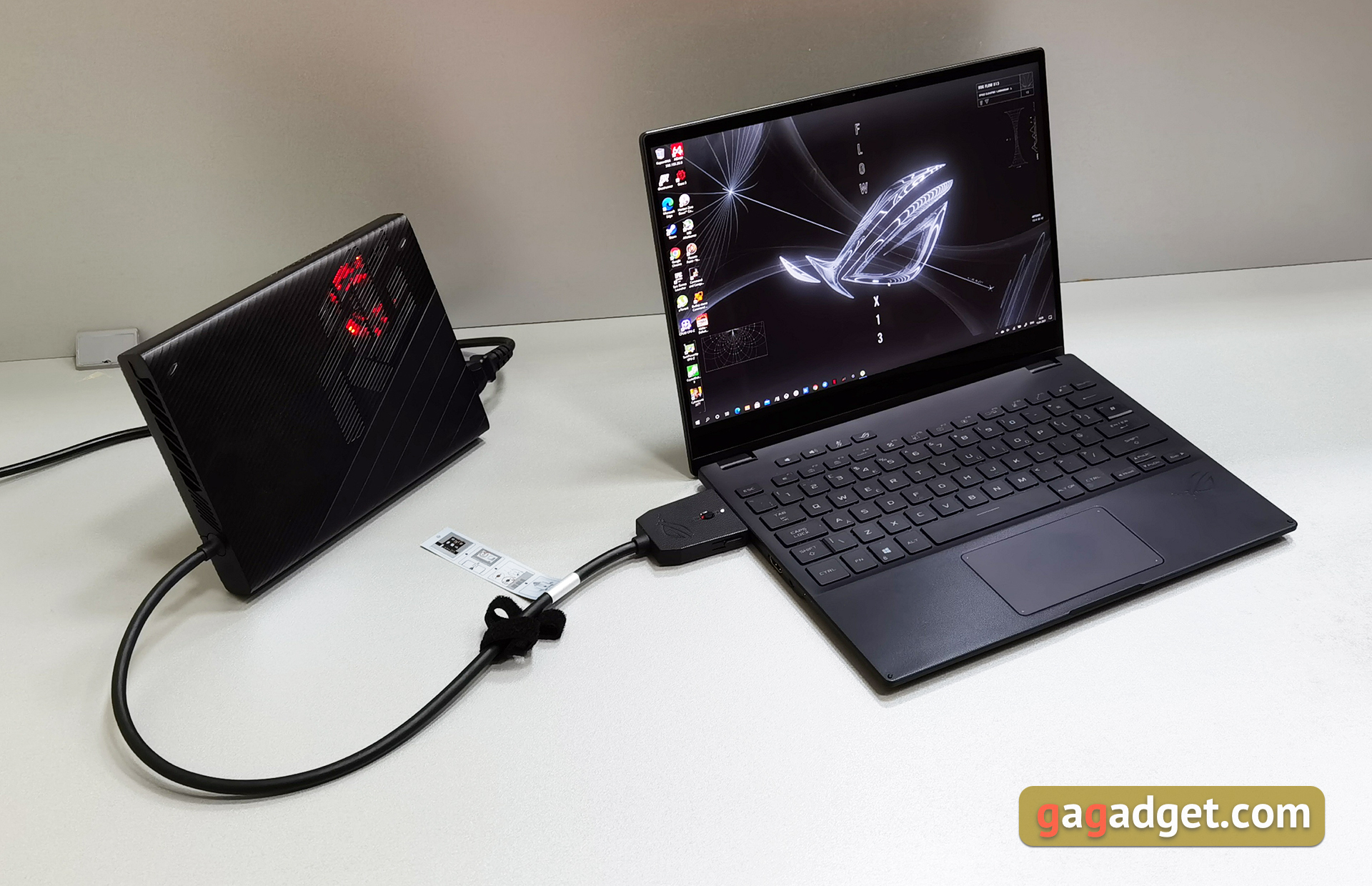
The approach in ASUS ROG Flow X13 is similar, but ASUStried to make the laptop as versatile as possible, suitable for both games and work. This also applies to the rather austere appearance, and the 16:10 screen, which in some cases is more practical for work, and the convertible form factor with a touch display. At the same time, a very good video card fits inside, and with the help of an external video dock you can get a really powerful gaming laptop.
</ p>What about the design features of the ASUS ROG Flow X13?
</ img>
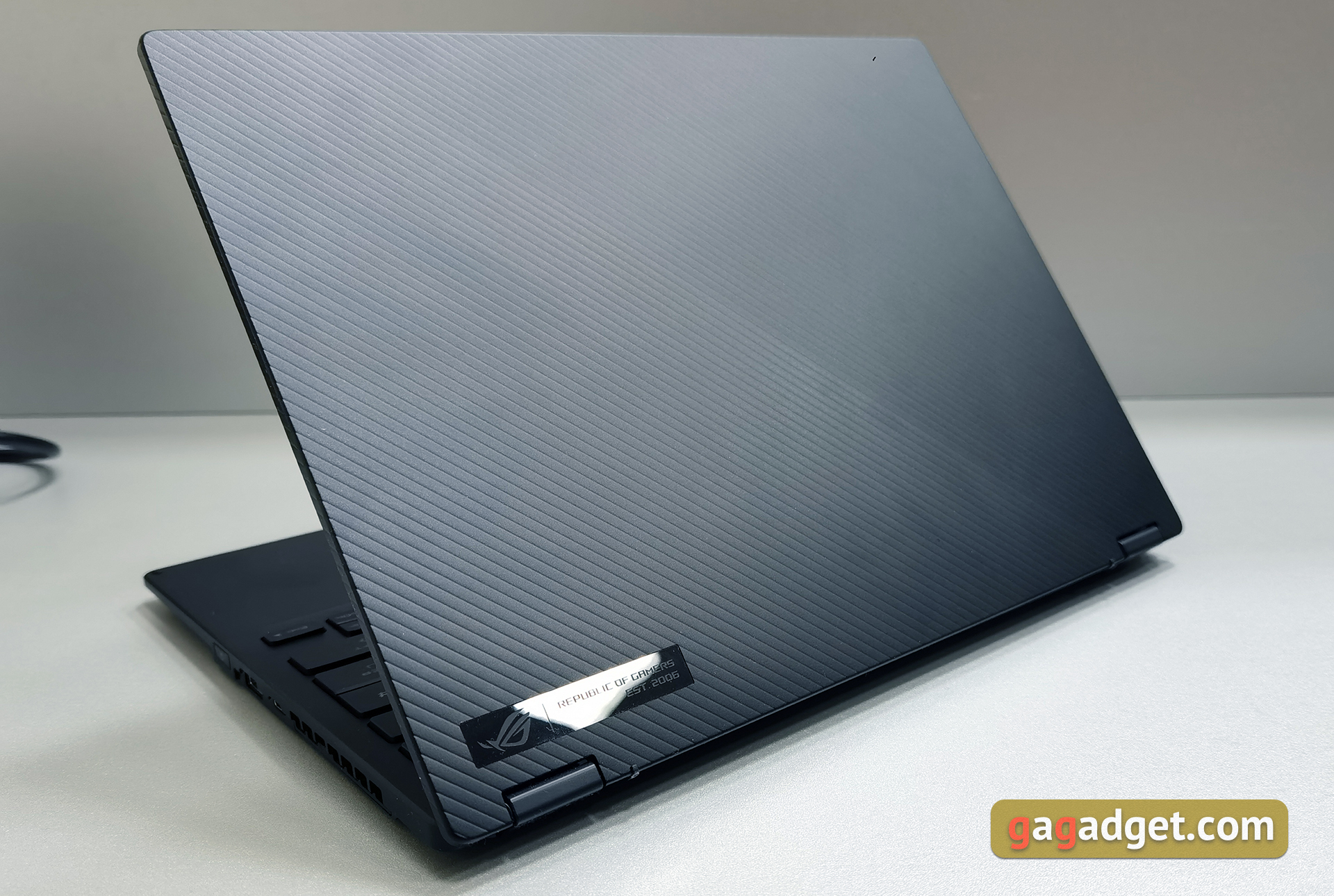
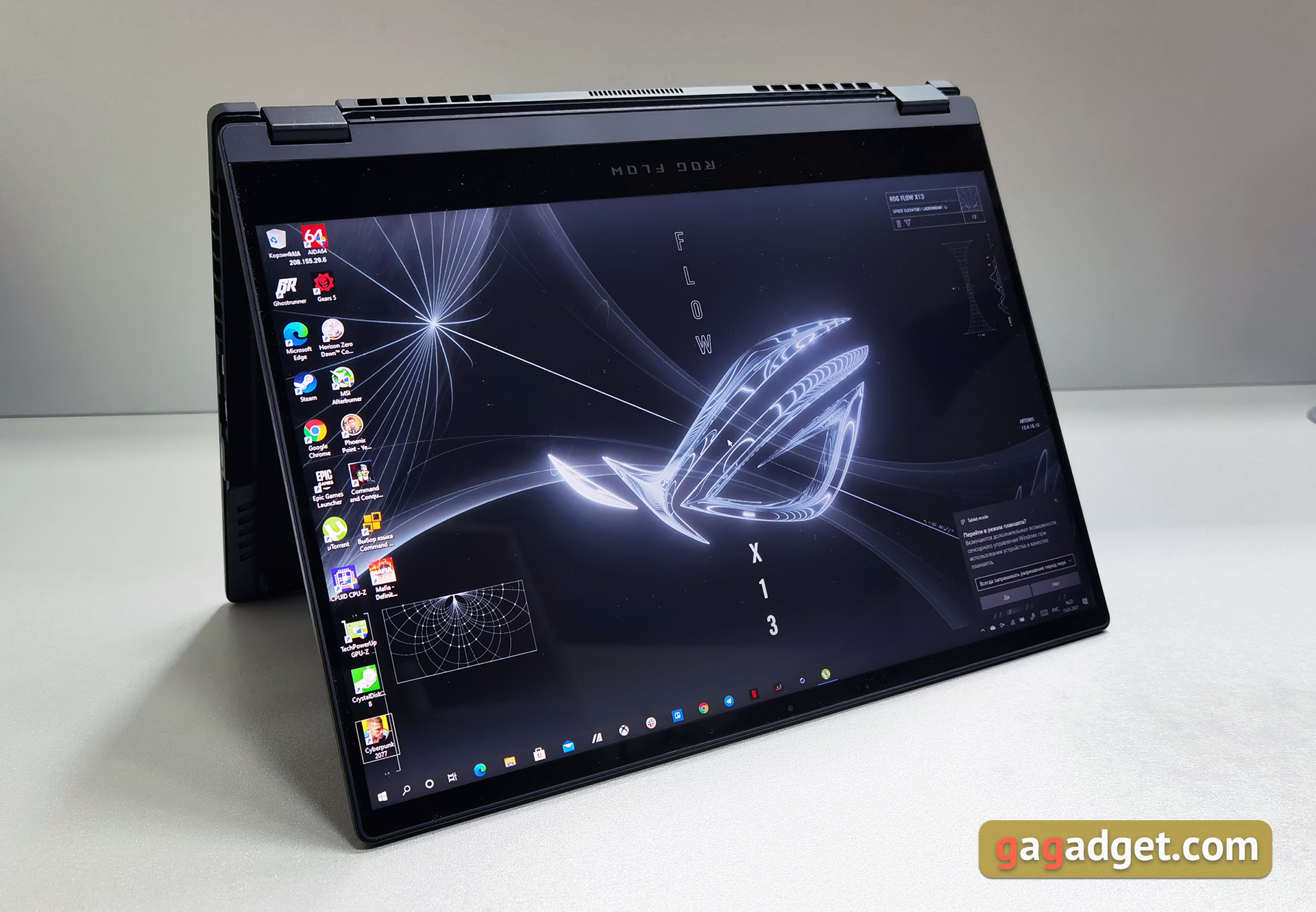
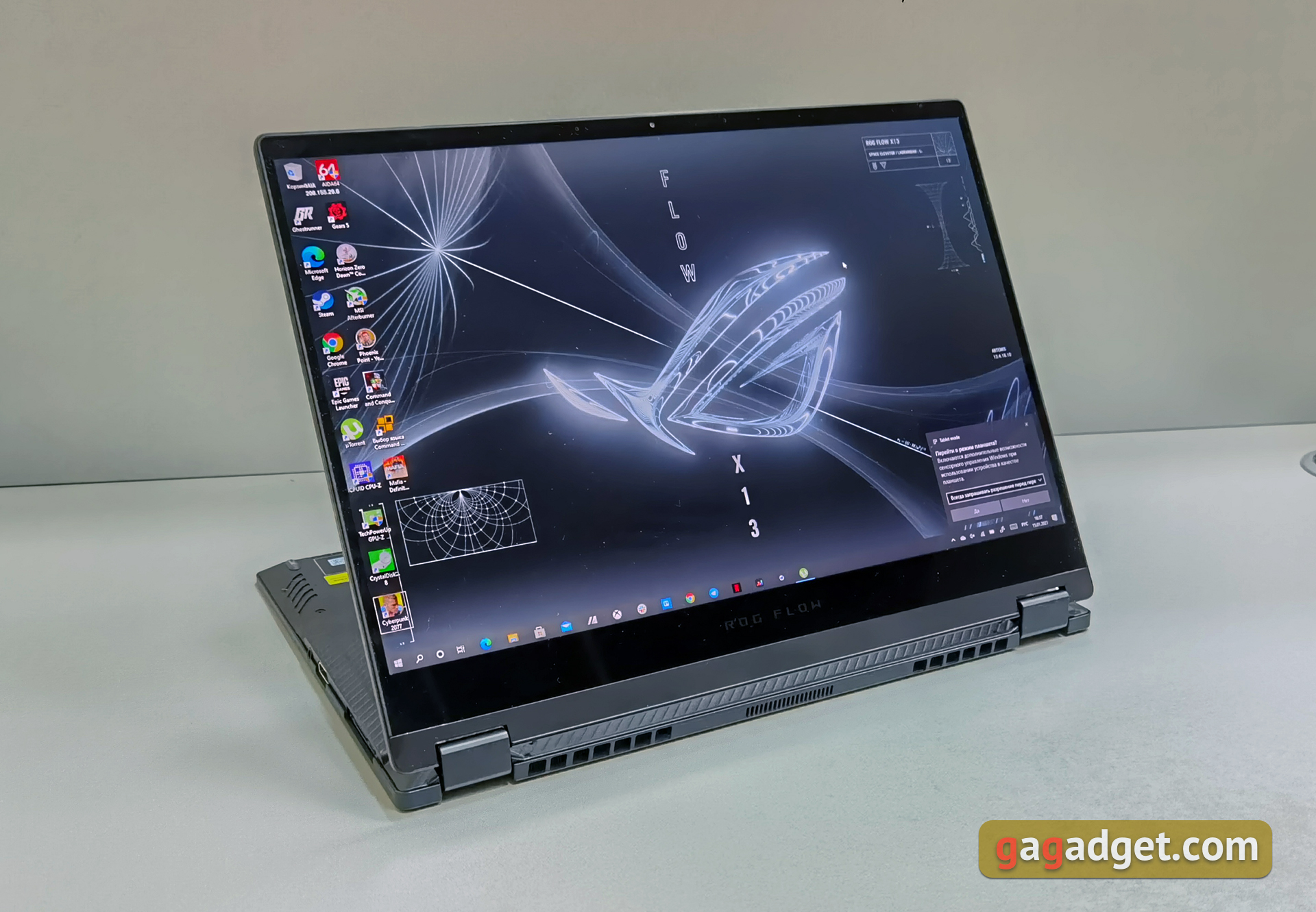
At first glance it is difficult to say that ASUS ROGFlow X13 is a gaming model. It looks like a modern ultraportable laptop. Black stylish case without any lights or other “gaming” elements, thickness 16 mm, weight 1.35 kg. The entire top cover is decorated with diagonal stripes; the only decoration is a small glossy rectangle with the ROG line logo in the lower corner. The materials feel very pleasant, but the lid still collects a little fingerprints.
</ img>
The body is made of magnesium alloy, which allowsmake the body strong enough, yet lightweight. The surfaces practically do not sag. The lid can rotate 360°, so the laptop can be used in different modes. At the same time, an ErgoLift hinge is used, which lifts the back of the working surface during use in a “laptop” mode.
</ img>
</ img>
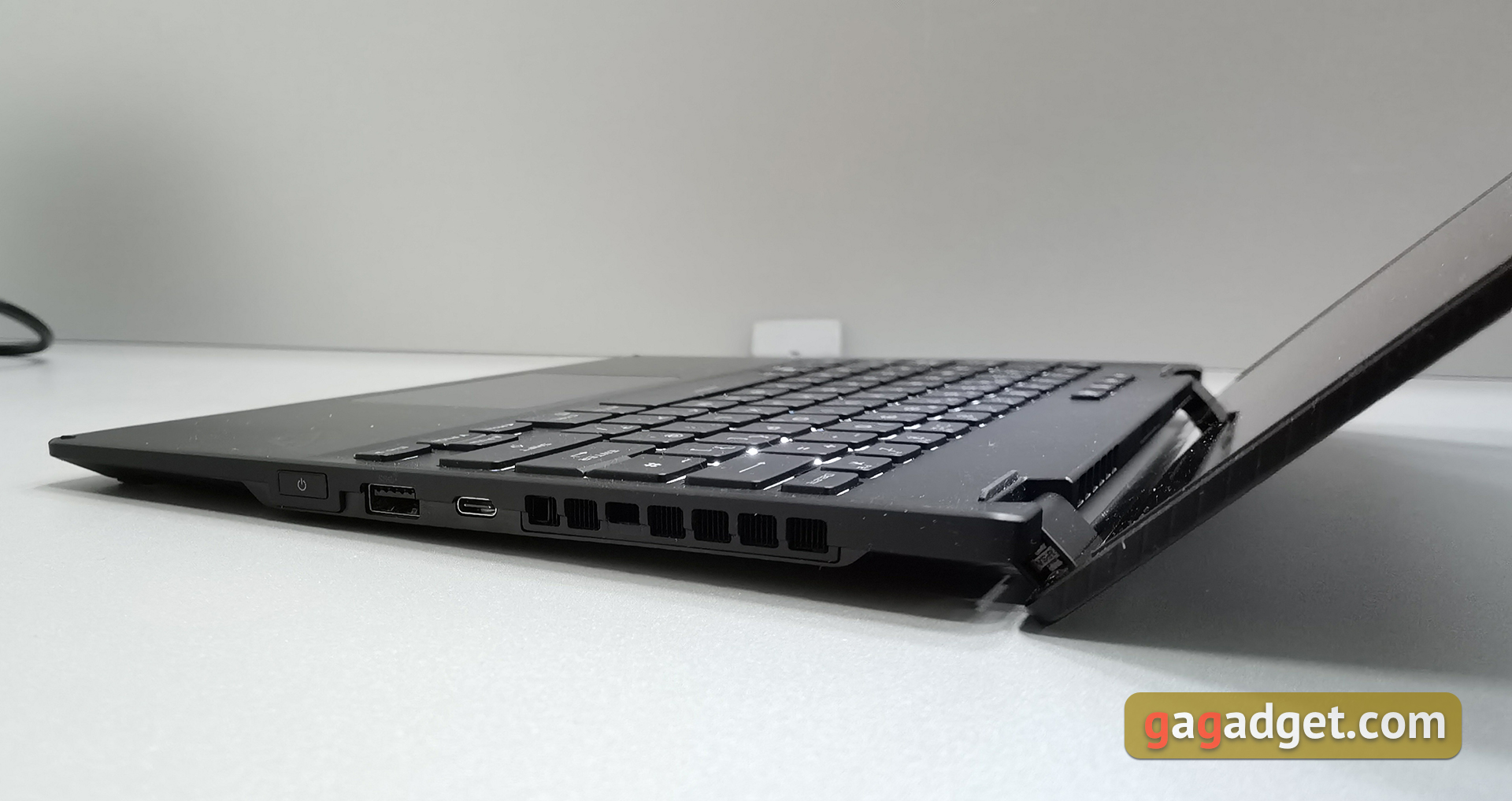
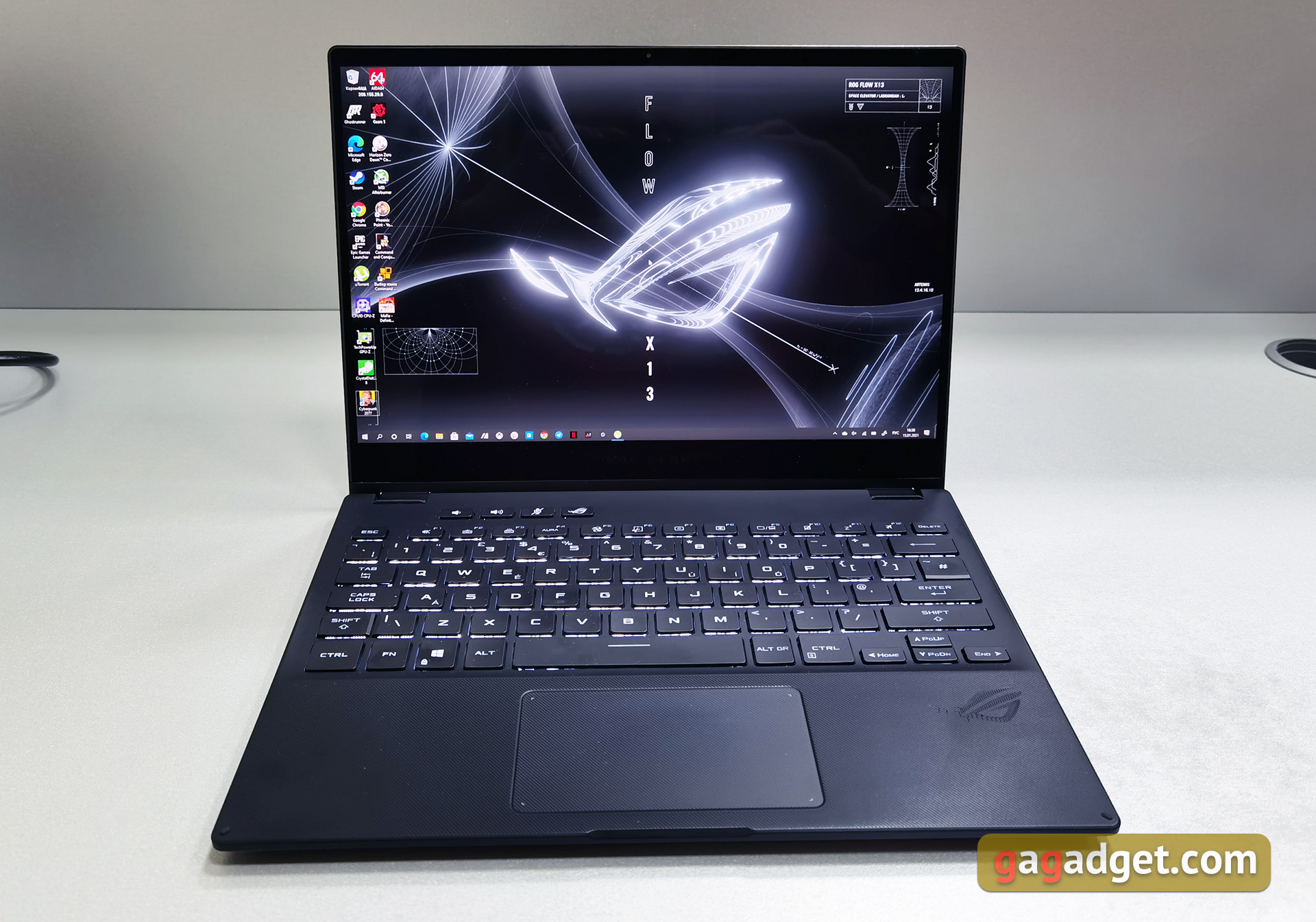
The keyboard in a laptop is close tostandard layout and occupies almost the entire width. There is backlighting and several additional buttons. The ports include USB 3.2 Gen 2 Type-A, two 2x USB 3.2 Gen 2 Type-C with support for DisplayPort and power delivery, HDMI 2.0b, 3.5 mm audio jack and ROG XG Mobile for connecting an external video card. It consists of USB 3.2 Gen 2 Type-C and a proprietary PCIe 3.0 x8 connector.
</ img>

</ img>

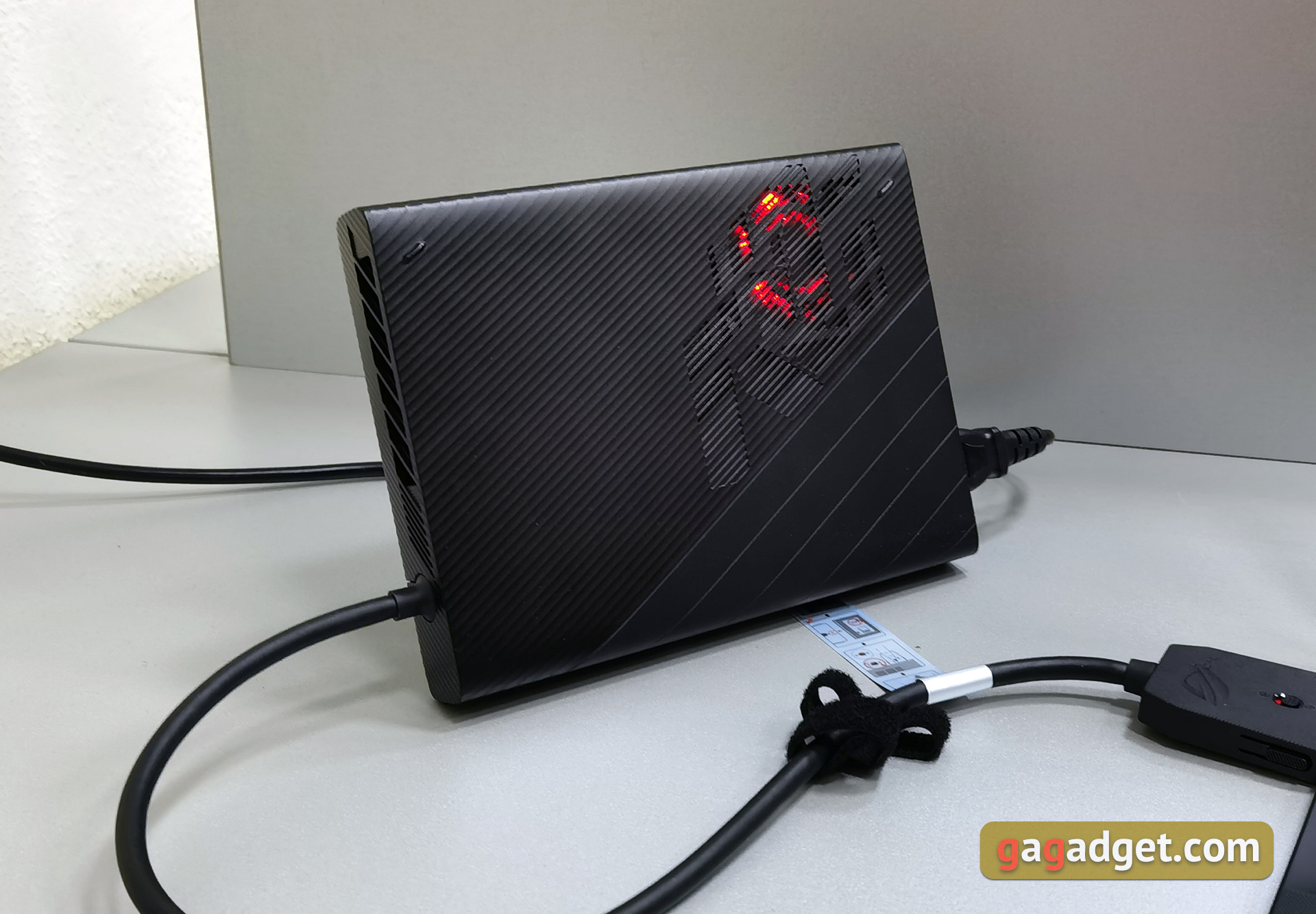
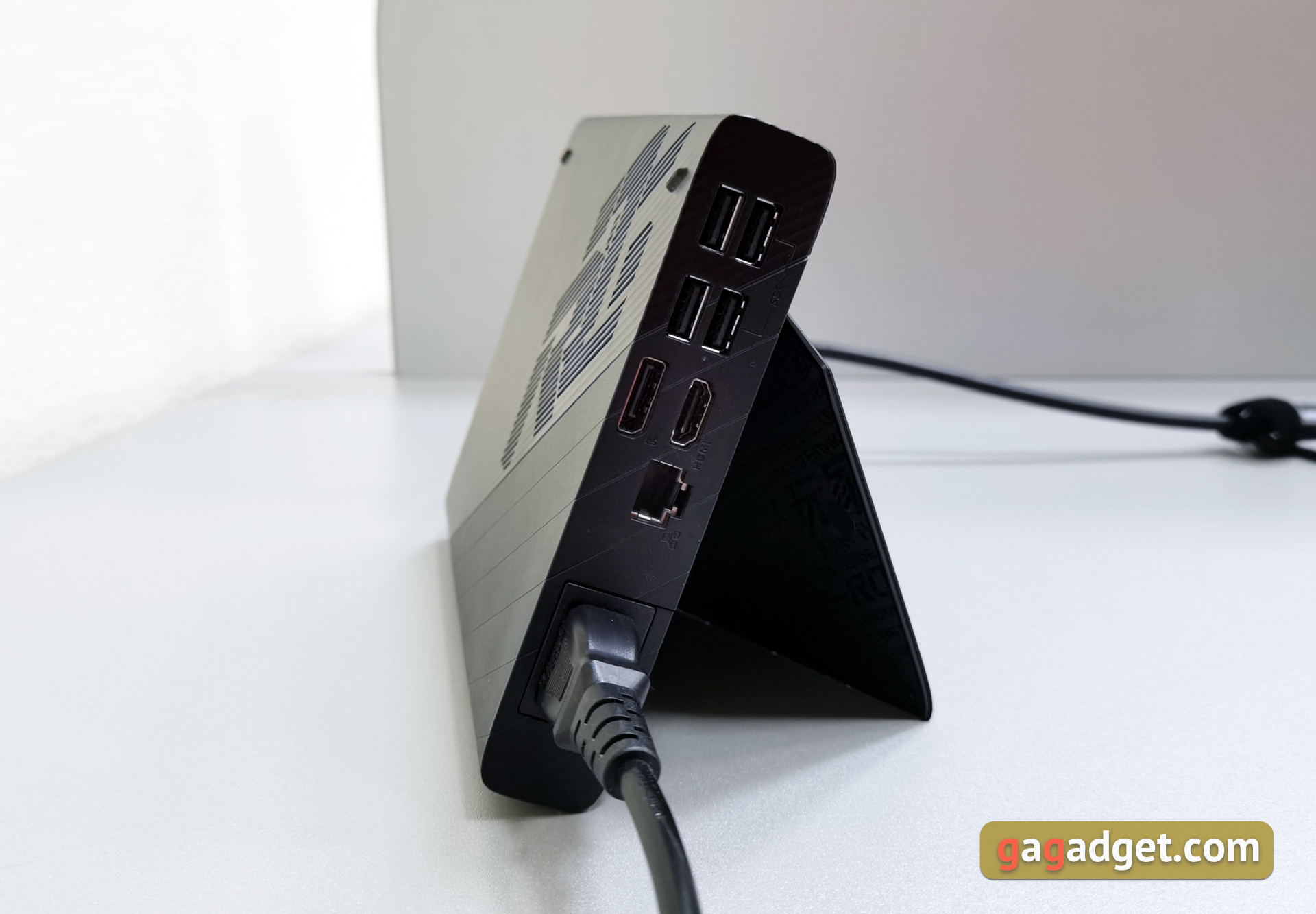
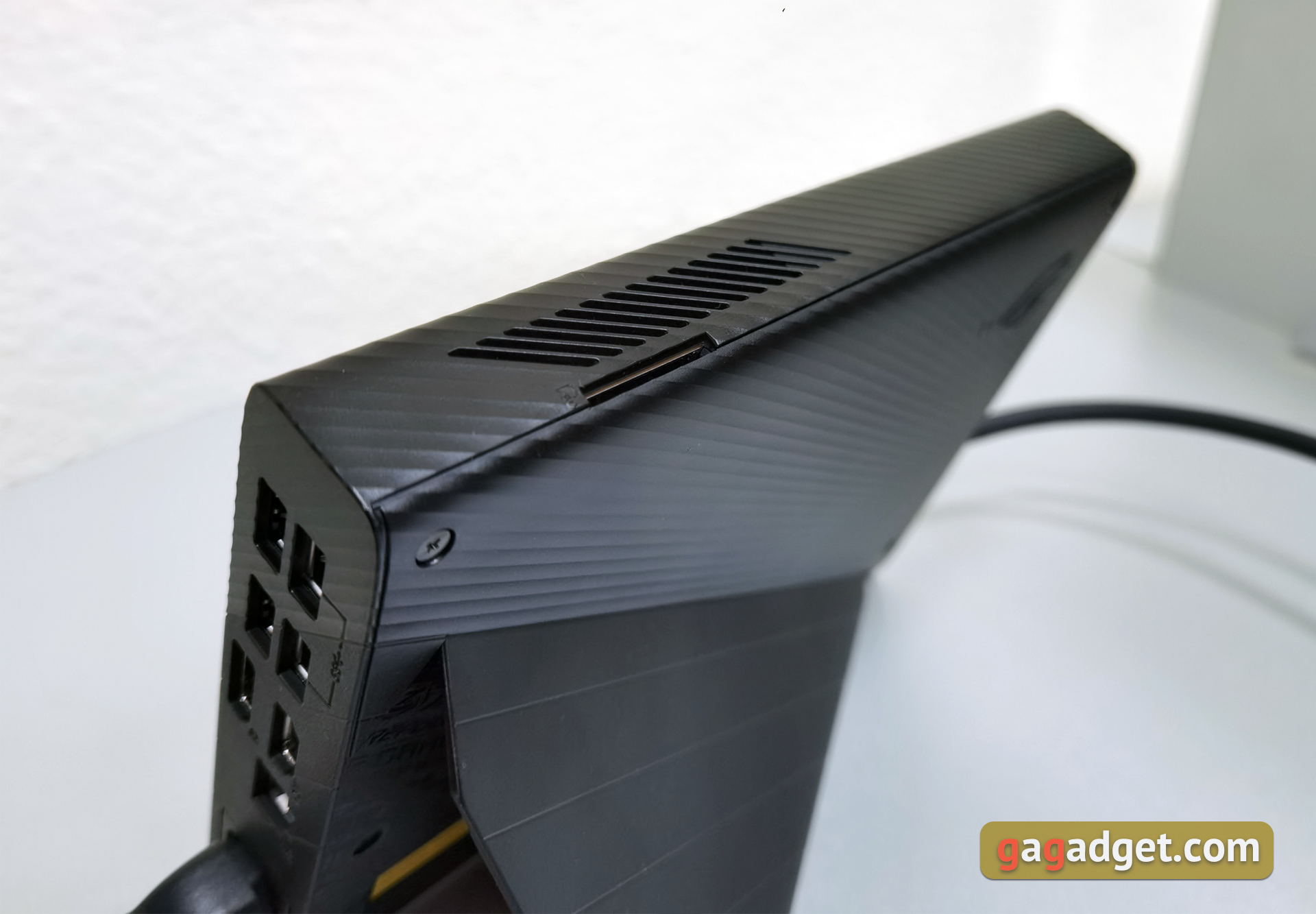
The ROG XG Mobile external graphics card dock hasquite compact dimensions and weight: 208x155x29.6 mm, 1 kg, which became possible thanks to the use of a mobile version of the video card. ROG XG Mobile is much more compact than standard external pockets with desktop video cards inside. The folding stand allows you to place the dock slightly at an angle relative to the vertical. The dock has 4 USB 3.2 Gen 1 Type-A ports, HDMI 2.0a, DisplayPort 1.4, Gigabit Ethernet (10/100/1000 Mbps) and an SD card reader. There is a cooling fan with a red backlight, and everything (including the laptop) is powered by a 280 W power supply built into the dock.
</ img>
</ img>
</ img>


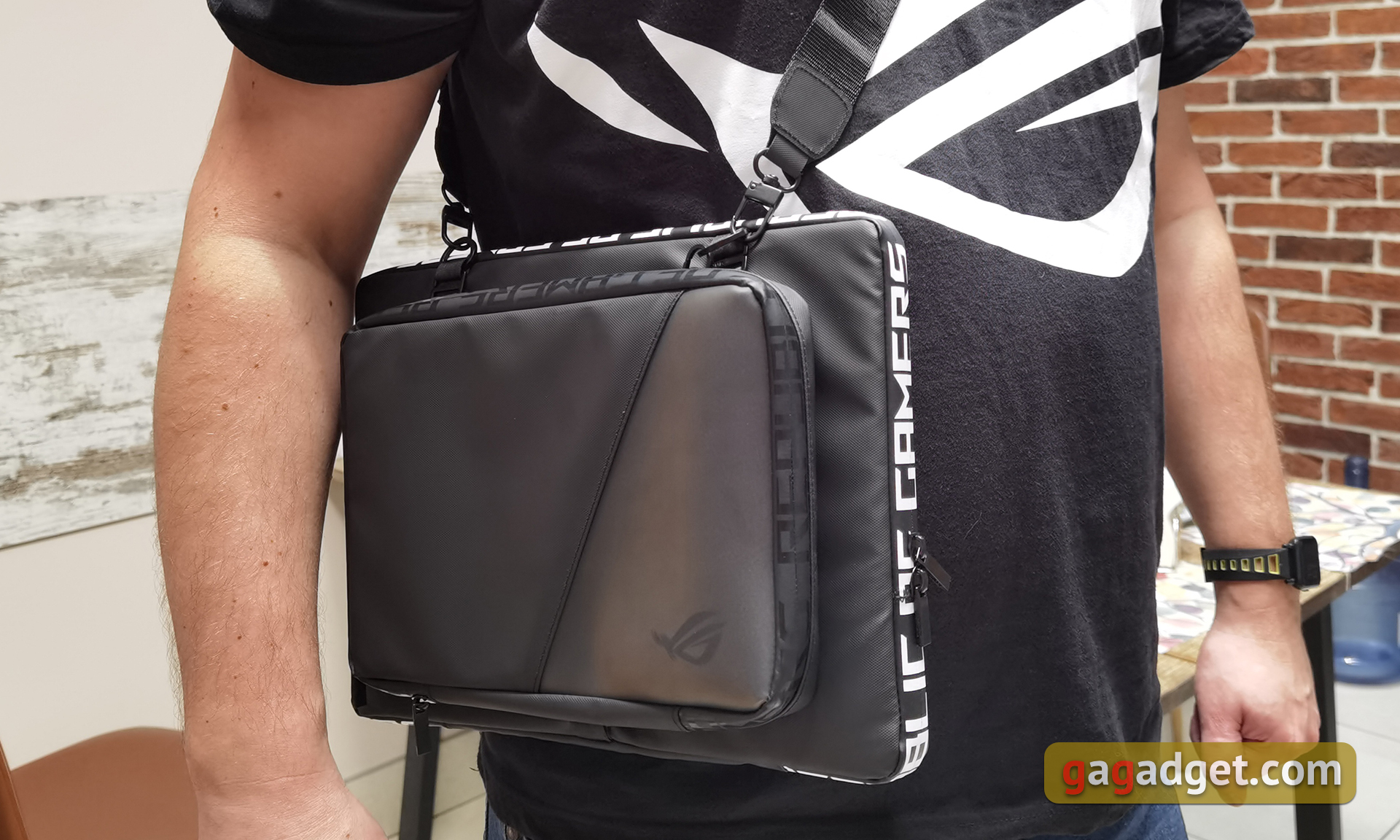
To transport all this, ASUS has provided two separate interesting cases that can be connected together.
</ img>
And what about the characteristics?

</ img>
The laptop has a 13.4-inch touchscreenIPS display with 16:10 aspect ratio in UHD (3840x2400), 60 Hz with 116% sRGB coverage, Pantone Validated or FullHD (1920x1200), 120 Hz, 100% sRGB, Pantone Validated. The last option is more interesting if you use the laptop primarily for games. Inside there are new AMD processors, there will be options with Ryzen 9 5980HS, Ryzen 9 5900HS and Ryzen 7 5800HS, which are built on the new Zen 3 architecture. We visited the Ryzen 9 5900HS with a bass frequency of 3.1 GHz, boost up to 4.5 GHz, 16 MB cache and TDP 35 W.
</ img>
The laptop can have 16 or 32 GB installedLPDDR4X-4266 RAM, which operates in dual-channel mode. The drives used are M.2 2230 PCIe 3.0 x4 SSD drives with a capacity of 512 GB or 1 TB. Wireless interfaces: Wi-Fi 6 (802.11ax) and Bluetooth 5.1. Now let's move on to the graphics accelerators, of which formally there are already three (taking into account the dock): built-in Radeon and GeForce GTX 1650 with 4 GB of GDDR6 video memory with the Dynamic Boost function, of course, with a connected 100 W power supply. All internals are cooled by flat heat pipes and two fans, and liquid metal is used as a thermal interface. Inside the ROG XG Mobile, mobile versions of the NVIDIA GeForce RTX 3070 with 8 GB of GDDR6 video memory, or the GeForce RTX 3080 with 16 GB can be installed. The cooling system includes a radiator, an evaporation chamber and a fan.
</ img>
Regarding normal useultraportable laptop, the ASUS ROG Flow X13 is powered by a 62 Wh battery, which should be enough for 10 hours of video. The kit includes a 100 W power supply with a Type-C connector, which charges the laptop up to 50% in just 30 minutes. The laptop also supports Power Delivery and charging from power banks.
</ p>What are your first impressions of using the ASUS ROG Flow X13?
First impression of ASUS ROG Flow X13it turned out to be very positive. Yes, the laptop will not become a mass product, on the other hand, the use cases are clearly visible and understandable. During working hours, this is a compact and lightweight ultraportable laptop with very powerful hardware. And when you get home from work, the laptop connects to the ROG XG Mobile and turns into a gaming PC. Quite versatile, convenient and portable. This is especially important if you periodically move from place to place. In terms of performance, the laptop has no problems: in the full review we will provide performance test results and screenshots of FPS games. For now, perhaps, it’s only worth mentioning that almost all modern games run at a very comfortable frame rate at maximum graphics settings.