Content
- Video review
- Specifications
- Appearance and equipment
- Display, sound and
Web camera
- Keyboard and touchpad
- Software
- Performance and Benchmarks
- Autonomy
- findings
The ASUS Republic Of Gamers (ROG) lineup is alreadynot the first year pleases users with excellent solutions. Today we will talk about the ASUS ROG Strix Scar 17 (2022) - a gaming laptop with enviable specifications, chic multimedia capabilities and a couple of non-standard chips.
Powerful Gaming Laptops 2022:
ROG Strix SCAR 17
ROG Strix SCAR 15
Video review
Technical characteristics
 |
Specifications ASUS ROG Strix Scar 17 G733ZW-LL093W |
|---|---|
| Device type | Notebook |
| operating system | Windows 11 Home |
| CPU | Intel Core i9-12900H 2.5GHz (24MB cache, up to 5.0GHz, 14 cores: 6 high performance and 8 energy efficient) TDP 45W |
| GPU | Integrated: Intel(R) Iris(R) Xe Graphics Discrete: NVIDIA GeForce RTX 3070 Ti Notebook 8GB GDDR6 up to 1469MHz TDP 125W + 25W with Dynamic Boost. |
| Ram | 32 GB (16 × 2) DDR5-4800 SO-DIMM x 2 |
| ROM | 2 TB M.2 NVMe PCIe 4.0 SSD |
| Screen | 17.3″, 16:9, 2560 x 1440 pixels, IPS, up to 300 nits, 100% DCI-P3, 240 Hz, 3ms, anti-glare coating, display multiplexer, DV HDR |
| Keyboard | Numeric block Individual RGB lighting per key |
| Wireless interfaces | WiFi: a/b/g/n/ac/ax(6), 2.4/5GHz, RangeBoost Bluetooth: 5.2 |
| Speakers | Four Dolby Atmos, Hi-Res |
| Webcam | Not |
| Battery | 90 Wh |
| Charging | Included: Power supply 280 W (20 V, 14 A), proprietary Supported: USB-C, PD, up to 100W |
| Interfaces | 1 x USB-C 3.2 Gen2 (DisplayPort / PD / G-SYNC) 1× Thunderbolt 4/DisplayPort 2 x USB-A 3.2 Gen1 1 x HDMI 2.1 1 x 3.5mm combo mini jack 1× 2.5G LAN |
| BY | Armor Crate MyAsus |
| Dimensions and weight | 39.5 x 28.2 x 2.34 ~ 2.83cm 2.9 kg |
| Special features | Keychain Armor Caps Aura Light Strip Aura Sync Logo Aura Sync Edge backlight |
Appearance and equipment
The delivery set includes the laptop itself, an adapterbrick-format meals, a Keystone keychain, two Armor Caps and a premium service card. The power supply is large and weighty, but perhaps there could be no other: 280 W, after all.
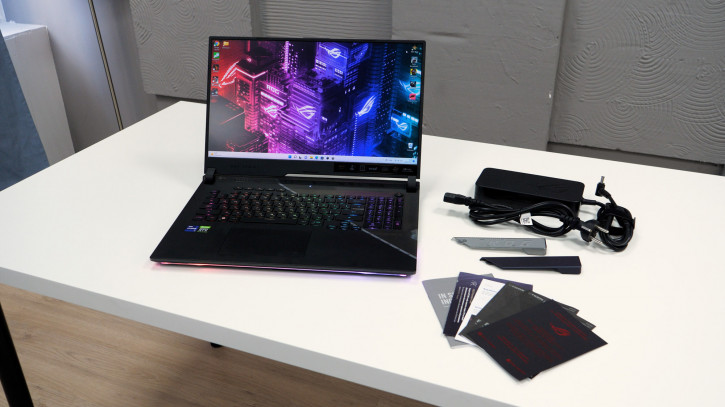
Armor Cap are small patch panels forcorps. I would say that there is not much value in this (the complete pair looks a bit boring), if not for one “but” - you can print your own version on a 3D printer! Here you can really give the device a pinch of individuality.
Keystone is a small chip withmagnet that can be conveniently carried in a carabiner keychain. With the Armory Crate proprietary software, the user can set up various scenarios related to inserting and removing the Keystone from the slot. For example, you can use Keystone to go to the Windows lock screen when you eject, launch an application, or access Shadow Drive - a hidden file storage.
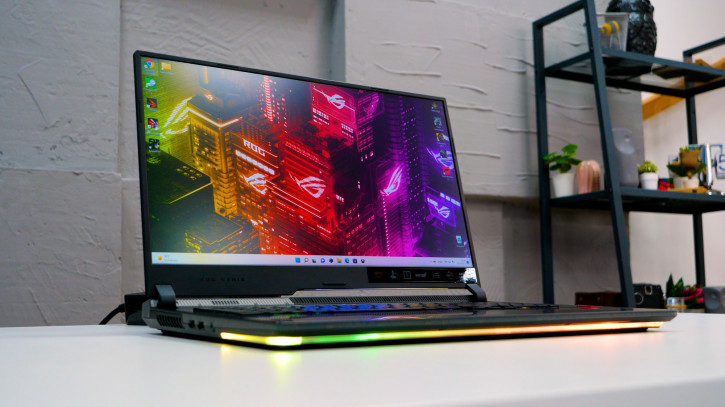
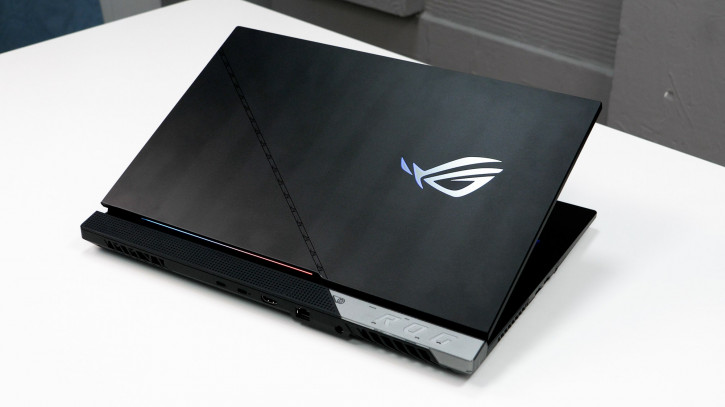
Modern gaming laptops are already much smaller thanearlier, they resemble a star cruiser multiplied by a Christmas tree, but in some places the similarity still remains. I propose to evaluate the appearance of ASUS ROG Strix Scar 17 from the photo, but I will focus on the details:
- The only aluminum part of the case is the lid, the rest is plastic. There are no complaints about him, he collects prints reluctantly (but he does).
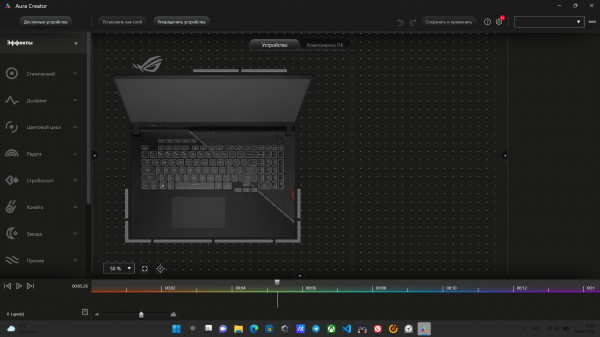
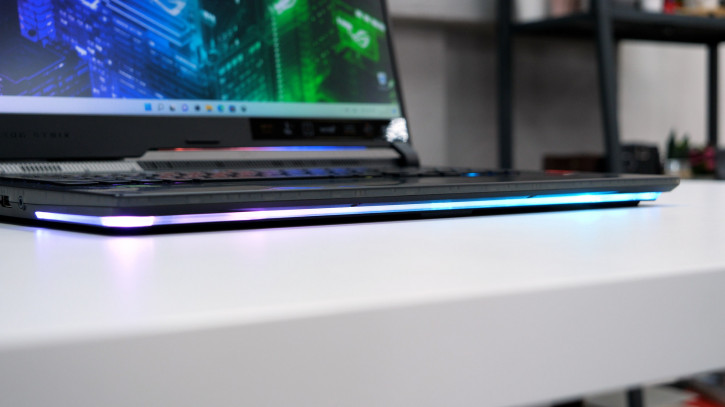
- The laptop is equipped with a proprietary RGB systemAura lights. In the Armory Crate application, those who wish can customize the color of the illumination of each button, the logo on the back panel and the light line at the bottom of the case. If you get the appropriate peripherals, you can synchronize the backlights of different devices, as well as put an Aura-friendly screensaver. In this case, you get the maximum PRO-ELITE-GAMER-XXX-machine.
- Impressive dimensions and weight under 3 kilograms (andif you also add a power supply, then it turns out even more) leave their mark on the mobile operation of a laptop. This is not a device that can be easily and carelessly dragged from corner to corner. Except for fitness. However, this cannot be called a minus: such a feature of the Strix series aimed at extreme loads. For those looking for a smaller footprint, ROG offers the Zephyrus line.
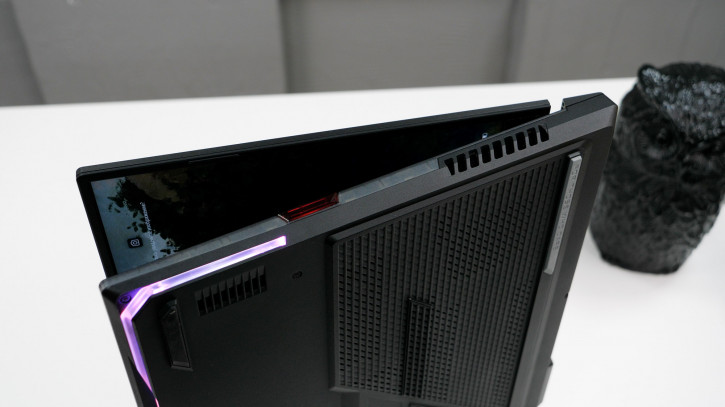
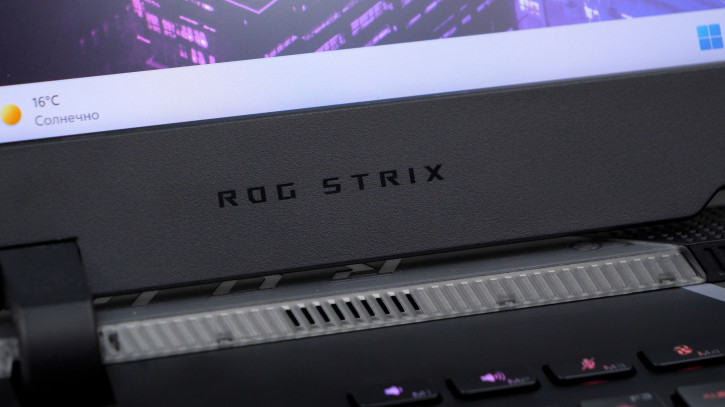
- Part of the top panel is made of translucent plastic, which allows you to look a little into the inside of the laptop.
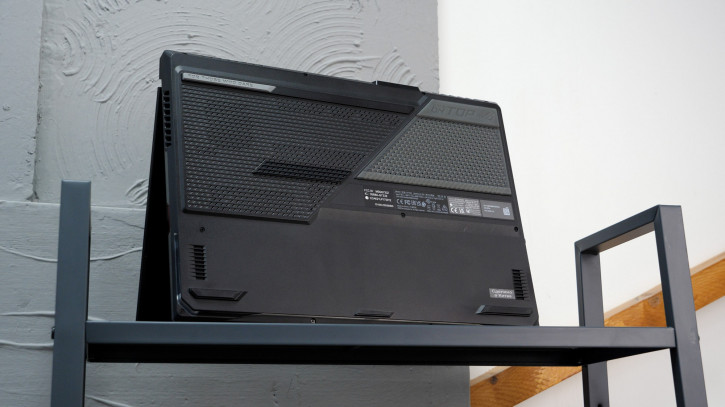
At the bottom there was a place for rubber legs, ventilation holes and a decorative grille.
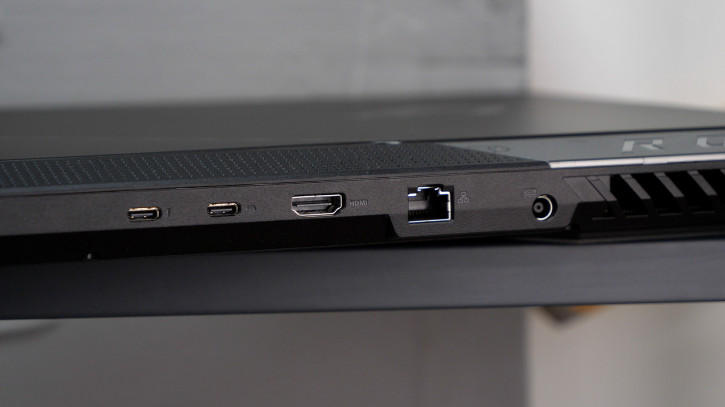
The following connectors are located on the ends:
- 1 x USB-C 3.2 Gen2 (DisplayPort / PD / G-SYNC)
- 1× Thunderbolt 4/DisplayPort
- 2 x USB-A 3.2 Gen1
- 1 x HDMI 2.1
- 1 x 3.5mm combo mini jack
- 1× LAN
- 1× proprietary power port
USB-C, Thunderbolt, HDMI, LAN and a power port are mounted in the rear end, which made it possible to offload the “useful” sides to the right and left of the laptop.
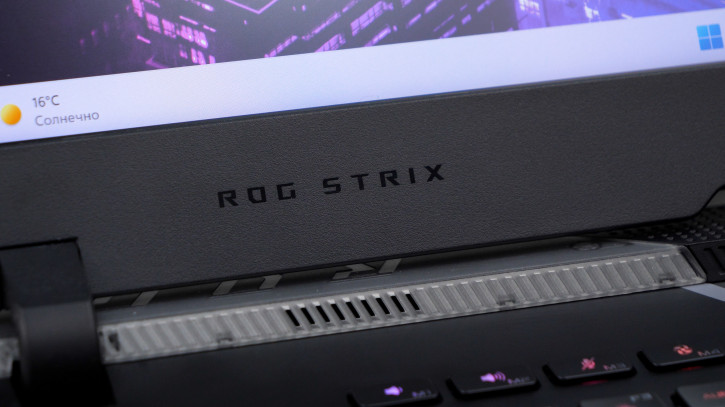
The lid opens to ≈140°, whichenough for comfortable work on the table. You can also work from your knees and lying down, but only in ECO mode, which disables the discrete video card (more on this in the software and performance sections). Otherwise, it may be uncomfortable due to heat.
Display, sound and Web camera
ASUS ROG Strix Scar 17 uses asthe display is large, 17.3” IPS-matrix with a resolution of 2560 x 1440 pixels. The picture is juicy: there is support for the DCI-P3 color space. The anti-reflective coating is excellent at blocking reflections.
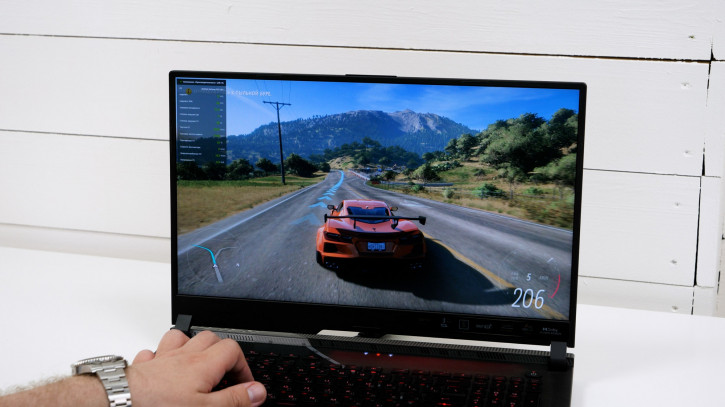
An important game feature that will be appreciated by those whofar from gaming, is the 240Hz refresh rate. You quickly get used to smooth animations and scrolling, and after a week or two the standard 60 Hz seems “brake”.
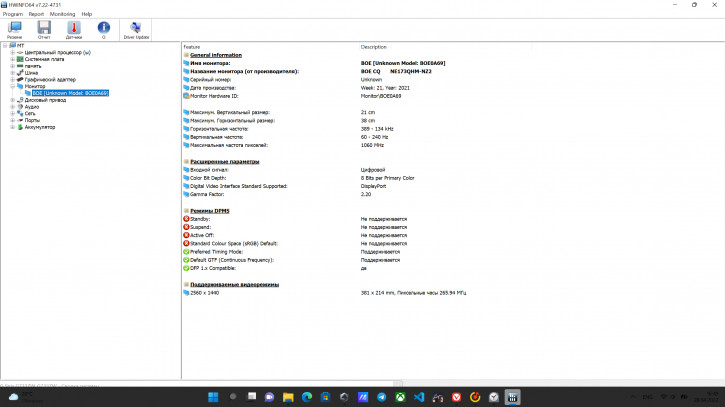
HWINFO: installed matrix information
As many as four speakers are mounted in the case: two low-frequency speakers at the bottom and two high-frequency speakers at the top. Together they sound like a solid mobile speaker.

As for the Web camera… She's gone.It is difficult to understand what motivated ASUS when cutting out the camera from the laptop during pandemics and the popularization of remote work, but the fact is: if necessary, you will have to look for an external solution. By the way, on the laptop page the company offers a whole range of peripherals: a headset, a mouse, a backpack, a 100-W USB-C power supply andcamera… Hm.
Keyboard and touchpad
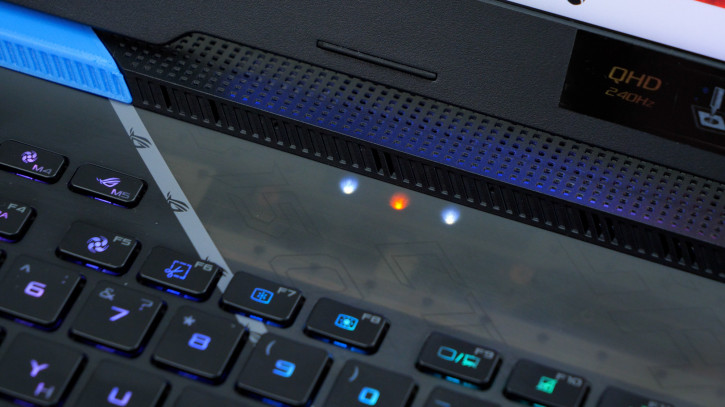
ASUS ROG Strix Scar 17 offers a keyboard withdigital block, a number of functional and five programmable keys. Although it really makes sense to reprogram only the M4. Just because a centimeter away from it is a duplicate F5. In general, there are a lot of keys, they have a pleasant stroke, scissor type, pressing depth of 1.8 mm. I did not experience any problems with printing for a week and a half of operation. In addition, the keyboard device uses Overstroke technology, which registers pressing at half the height. A trifle, but nice.
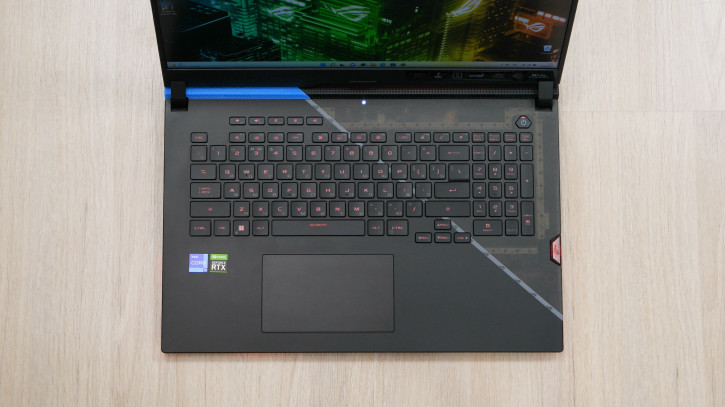
The touchpad supports gestures, is large enough and comfortable in daily tasks.
Software
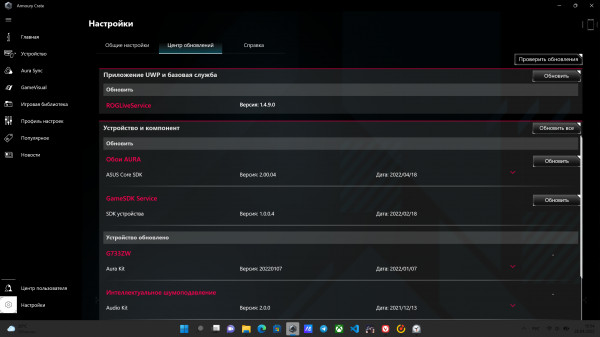
The laptop comes with Windows 11.Of the pre-installed programs, special attention should be paid to MyAsus and Armory Crate. The first is a proprietary control center where you can update drivers, set typical laptop parameters such as charge threshold, etc.
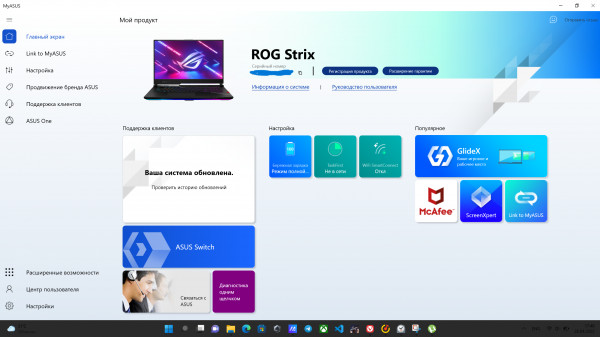

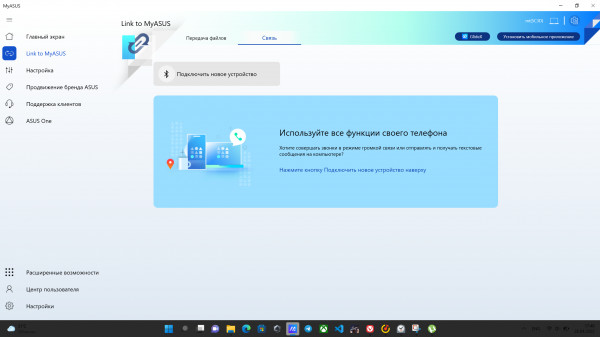
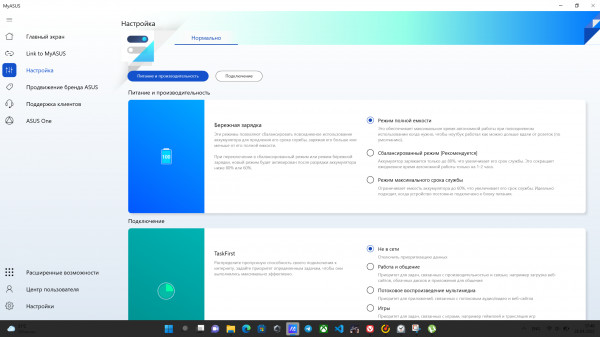
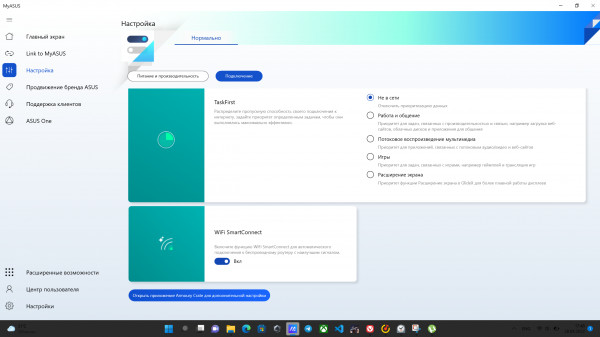
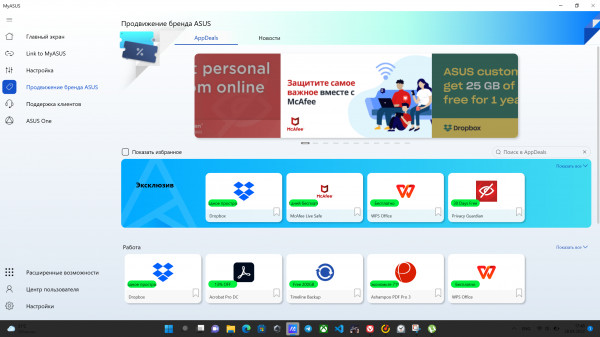
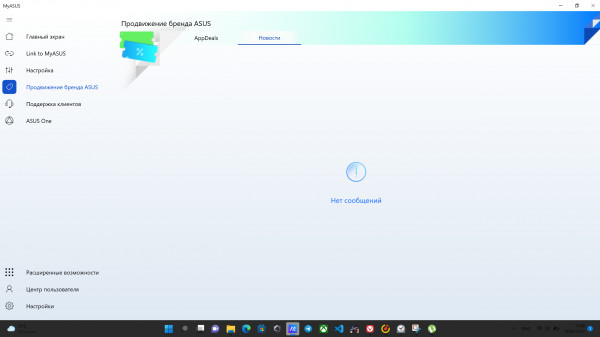
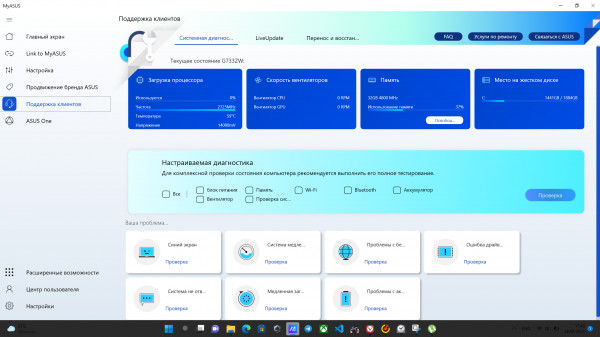
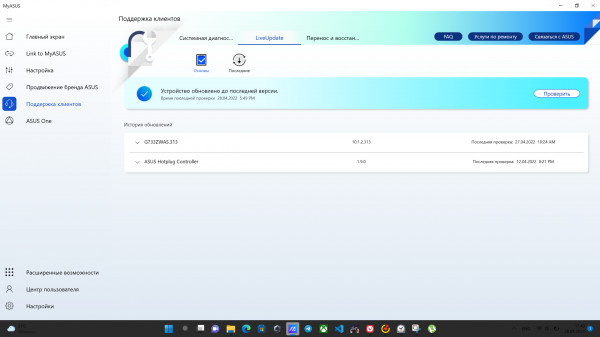
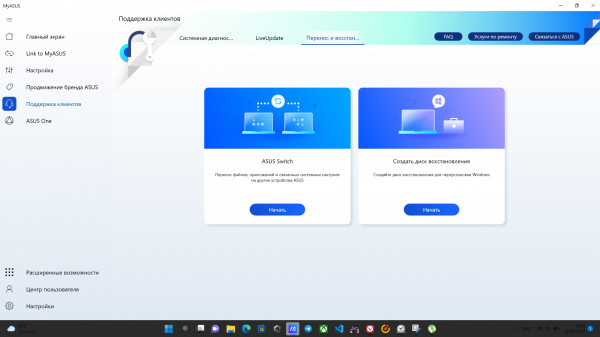
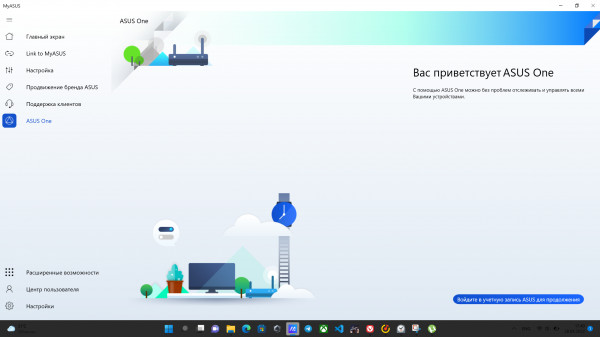
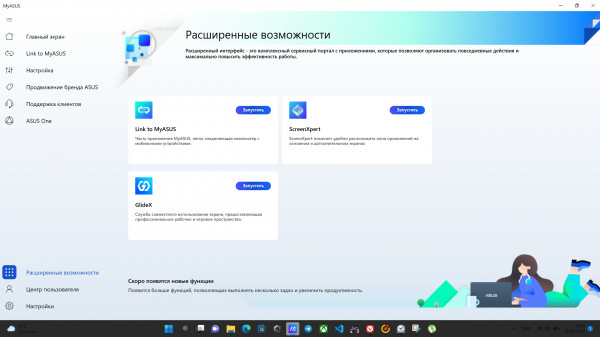

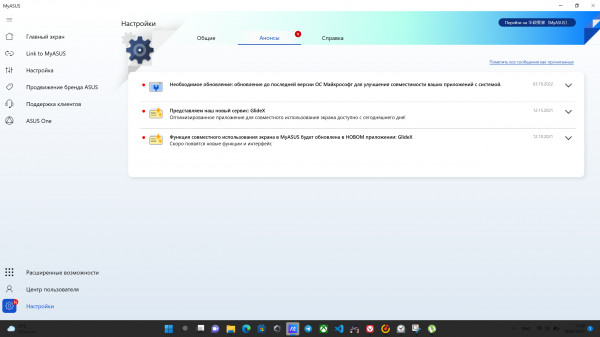
MyAsus
Armory Crate acts as the hublaptop power management, its power consumption, Aura-backlight, Keystone setting, etc. We have already mentioned some of them above, so we will focus only on power. There are five performance options:
- Windows - System settings are used.
- Quiet - Limits power and reduces the intensity of the fans to a complete stop.
- Efficiency - balances between performance and noise.
- Turbo (only available when powered from the mains) - maximum performance and intensity of the coolers.
- Manual - allows the user to configure the fan behavior and power consumption scenario.
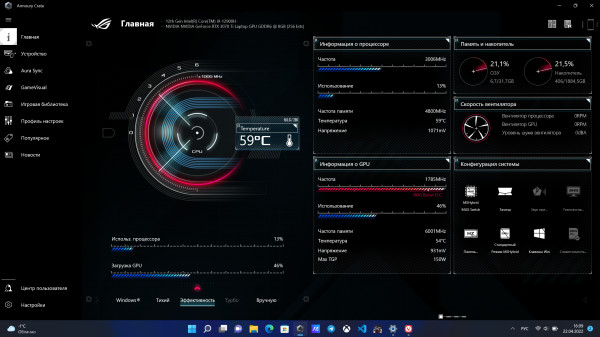
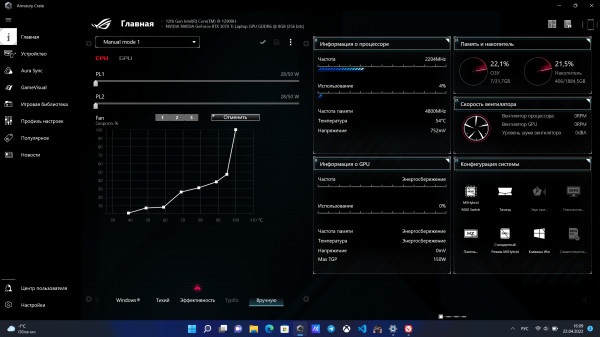
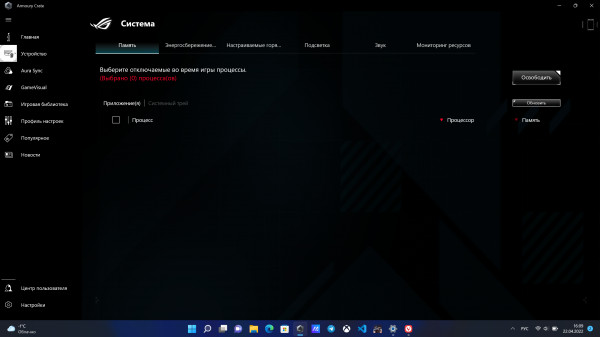

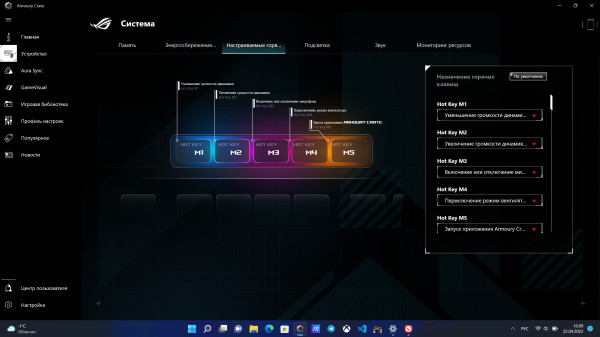
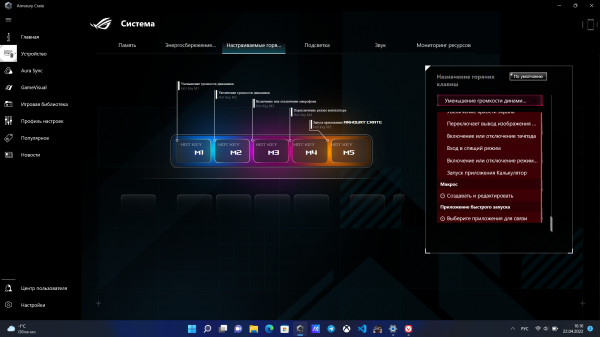
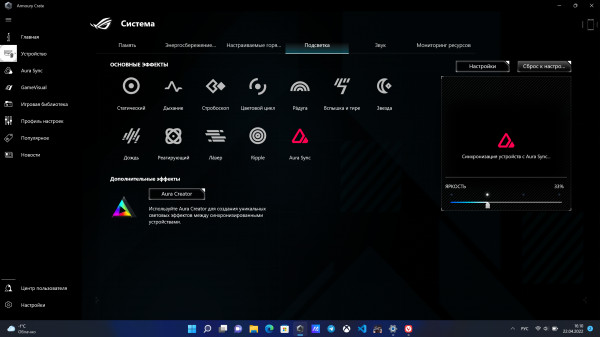
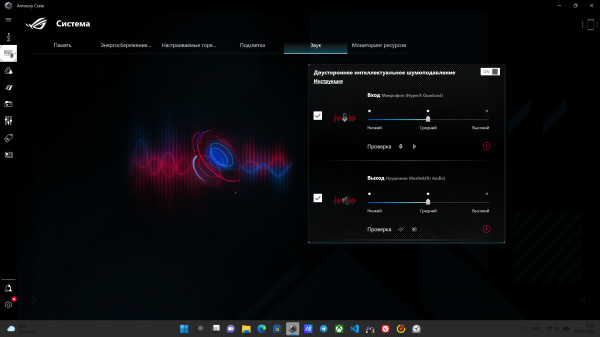
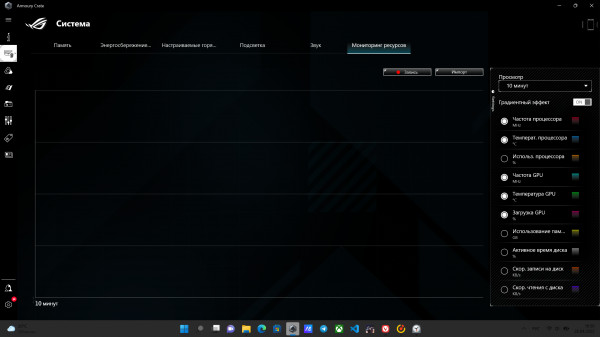
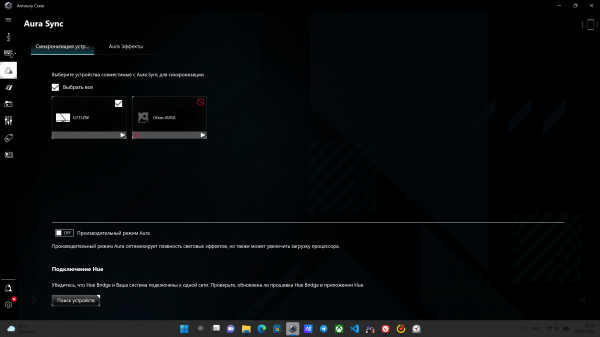
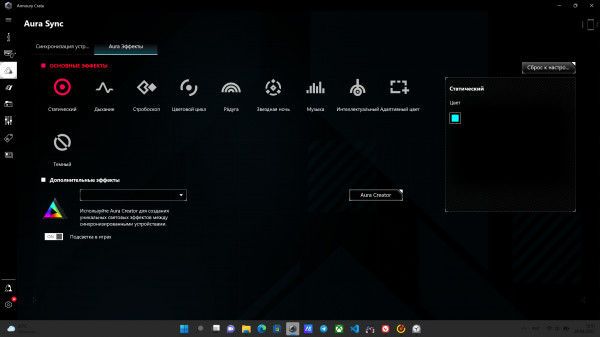
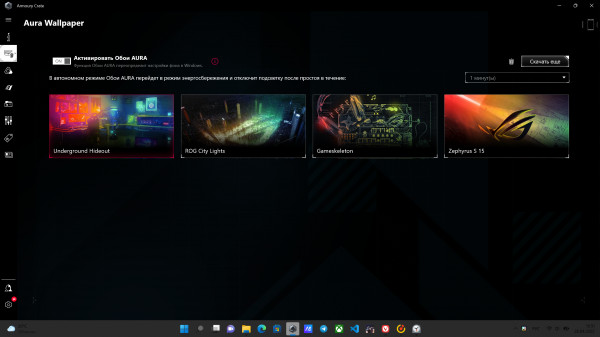
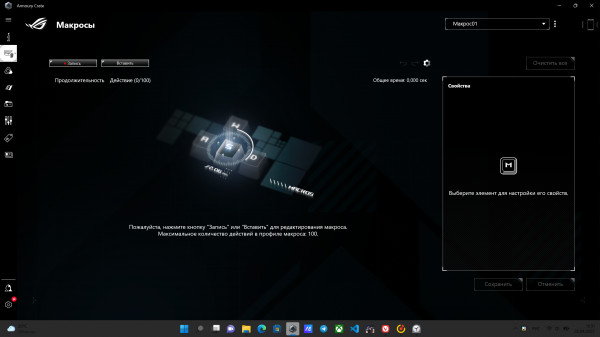
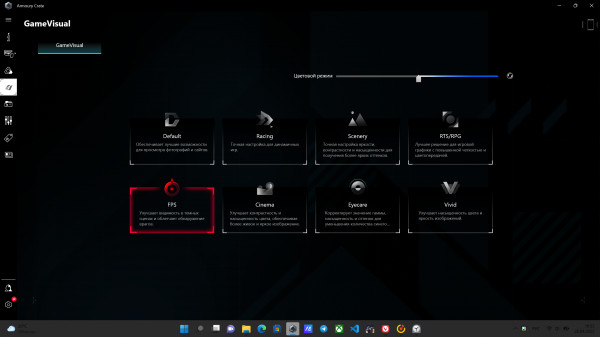
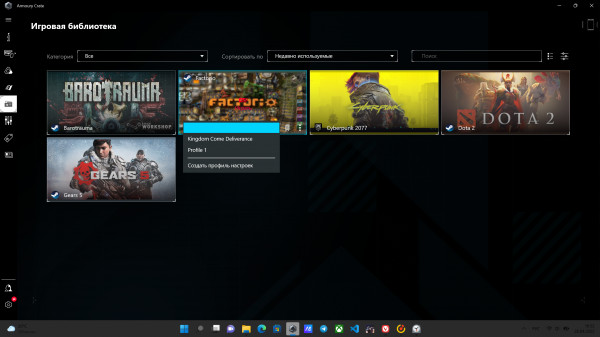
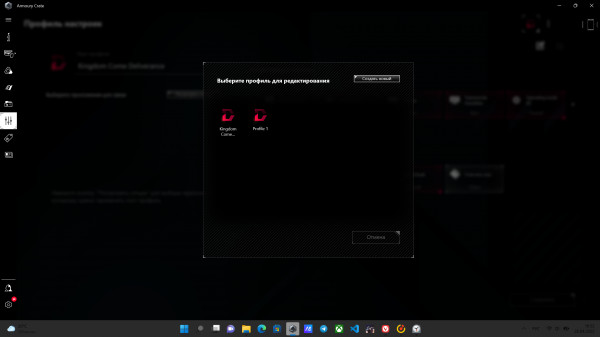

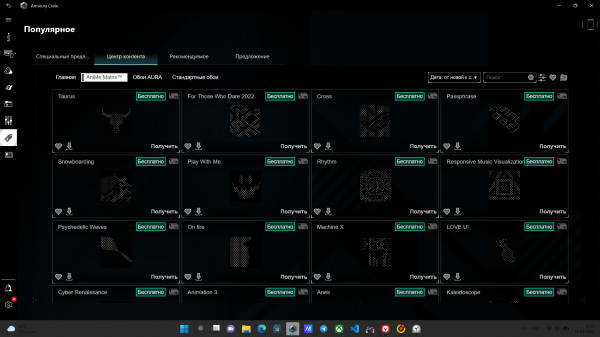
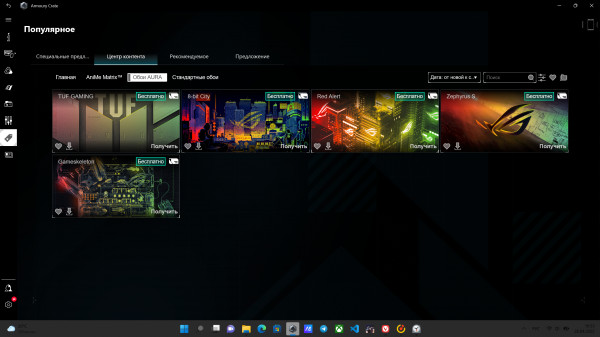
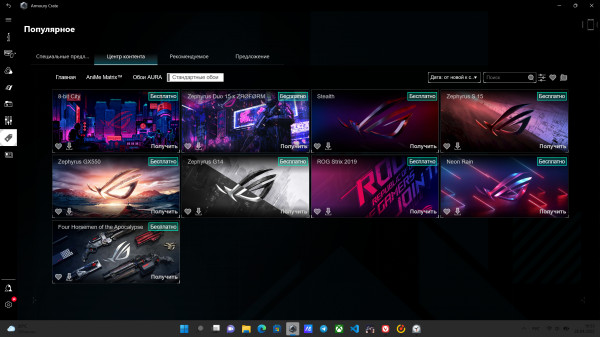
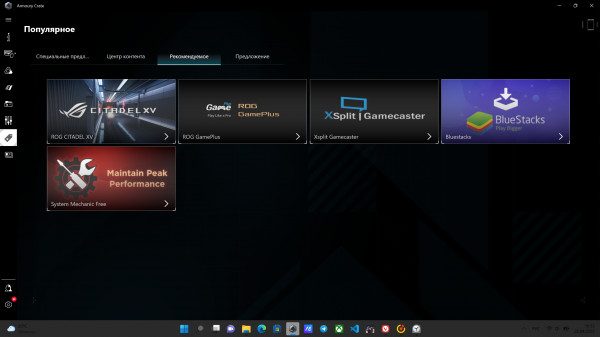
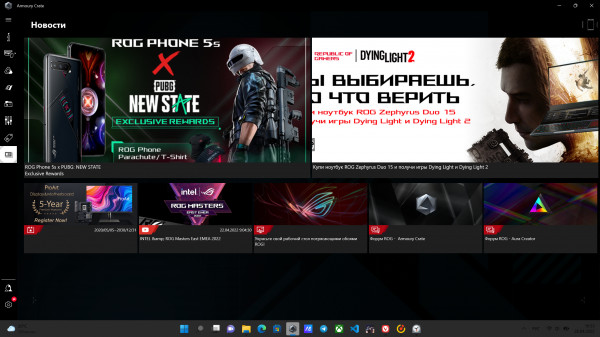

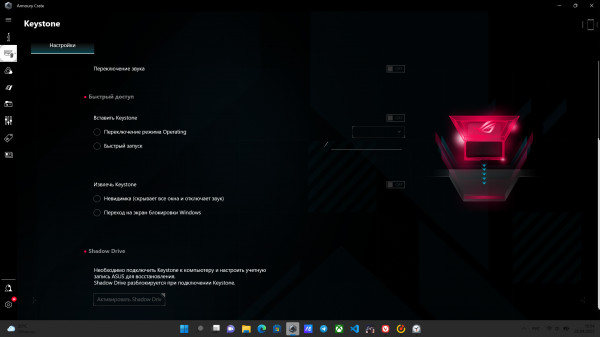
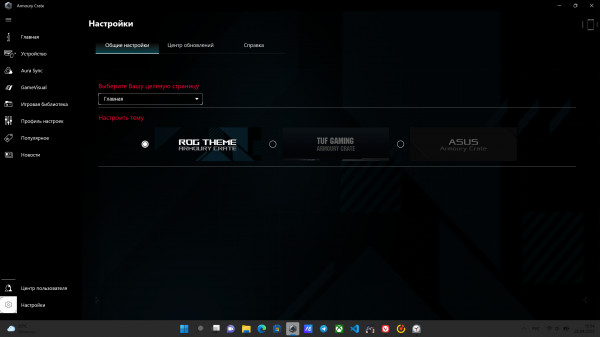
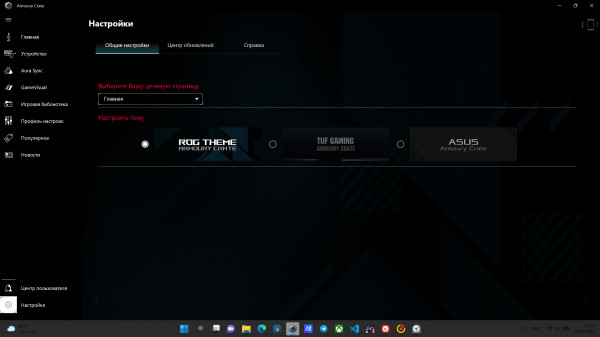
ArmoryCrate
In addition, power consumption can be controlled by limiting the display refresh rate and switching graphics card usage modes. There are three such modes:
- Standard - the discrete card is used only in resource-intensive tasks.
- Eco - the discrete card is completely disabled (already disappears from the device manager).
- Optimized - the discrete card is automatically disabled in offline mode and is used in resource-intensive tasks when working from the network.
Performance and tests
ROG Strix Scar 17 series laptop lineupincludes a number of devices differing in hardware and recommended price. Within the framework of this text, we are talking about the G733ZW-LL093W model with the following characteristics:
- Processor: Intel Core i9-12900H 2.5GHz (24MB cache, up to 5.0GHz, 14 cores: 6 high performance and 8 energy efficient), TDP 45W.
- Integrated Graphics: Intel(R) Iris(R) Xe Graphics.
- Discrete Graphics: NVIDIA GeForce RTX 3070 Ti for Notebooks, 8GB GDDR6, up to 1469MHz, TDP 125W + 25W with Dynamic Boost.
- RAM: 32 GB (16 × 2) DDR5-4800 SO-DIMM x 2
- Storage: 2TB M.2 NVMe PCIe 4.0 SSD
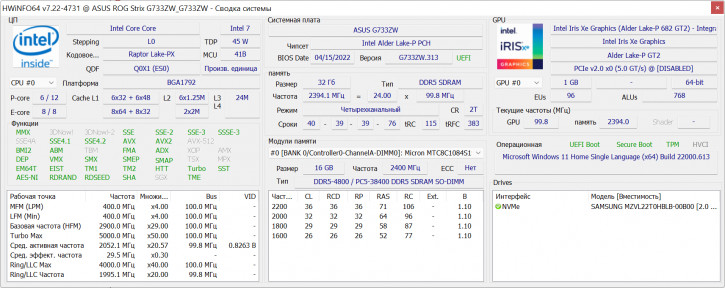
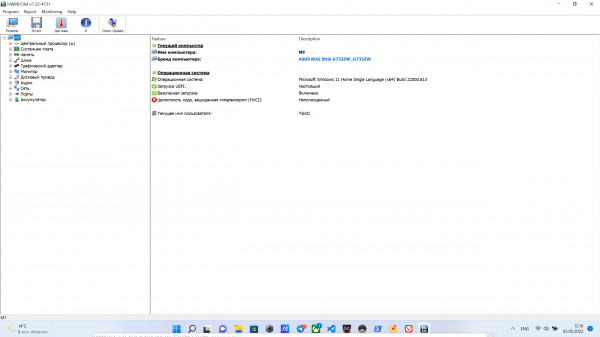
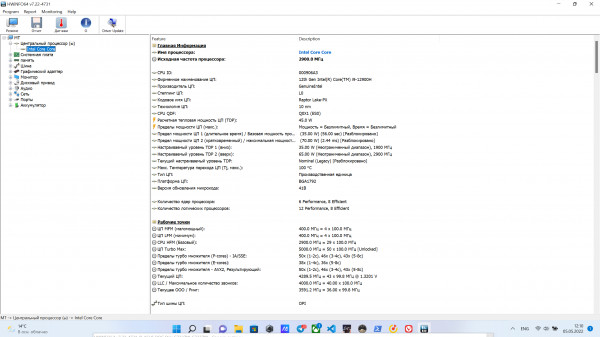

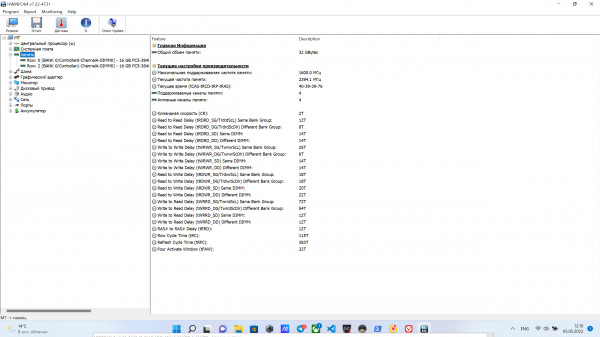
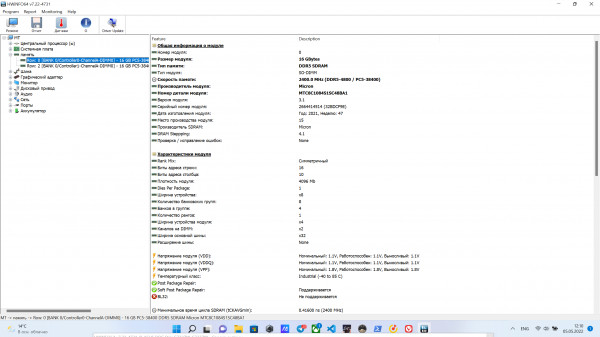
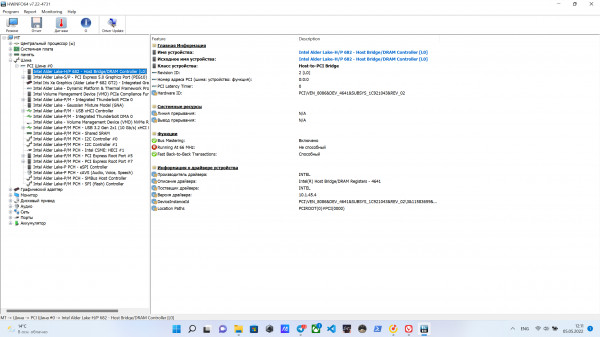
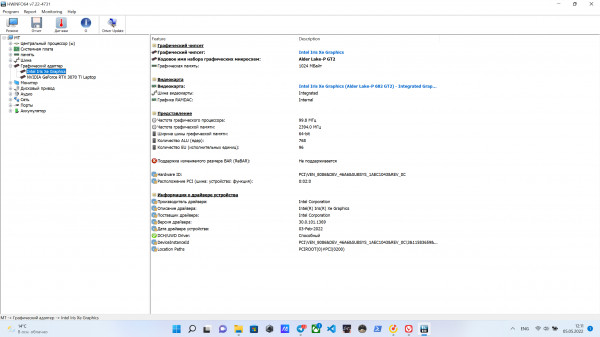
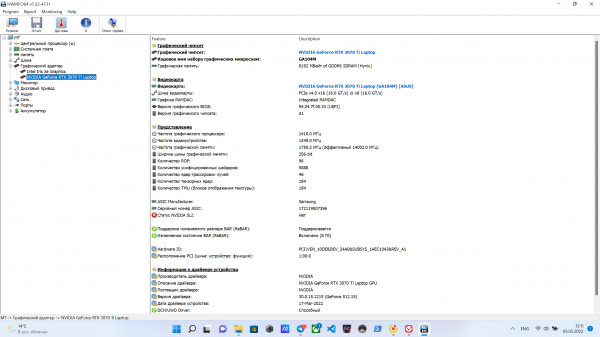
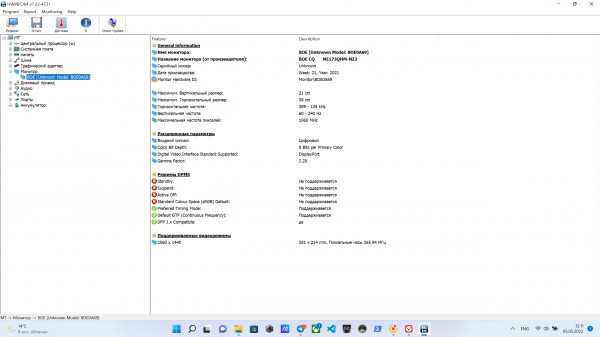
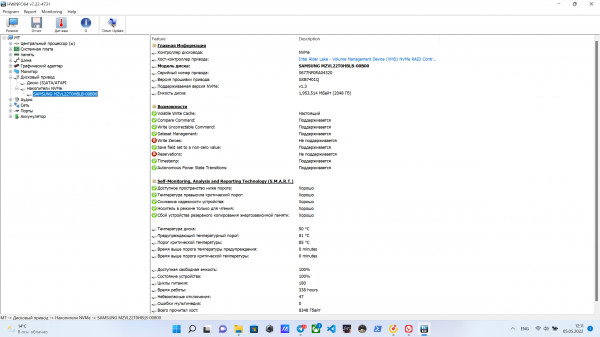
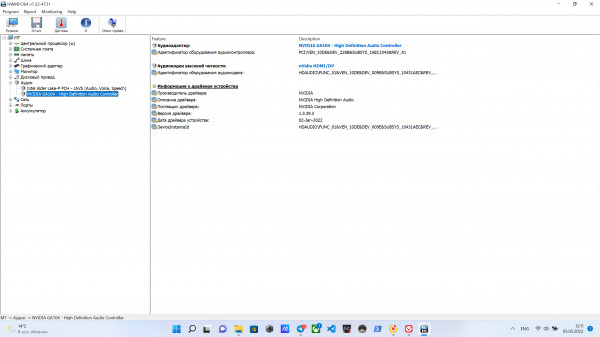
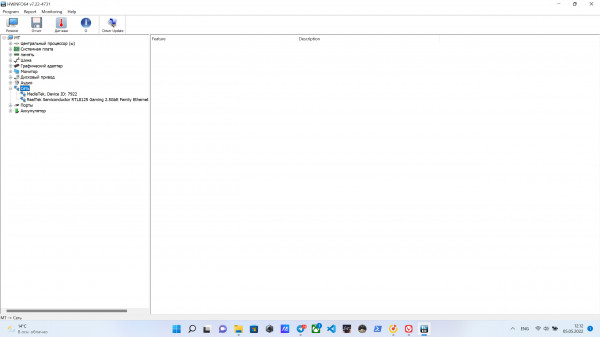
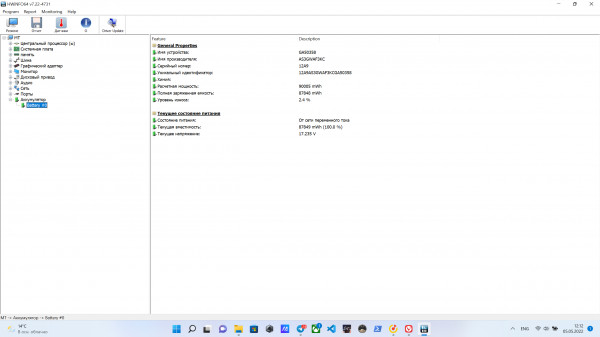
General information about HWiNFO64 components
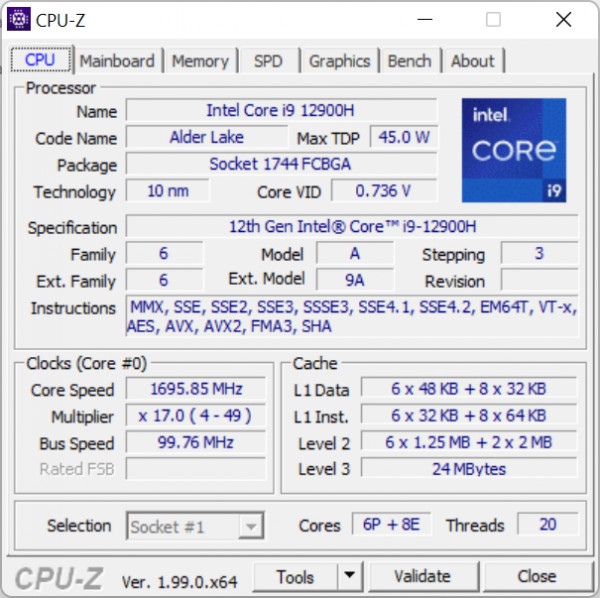
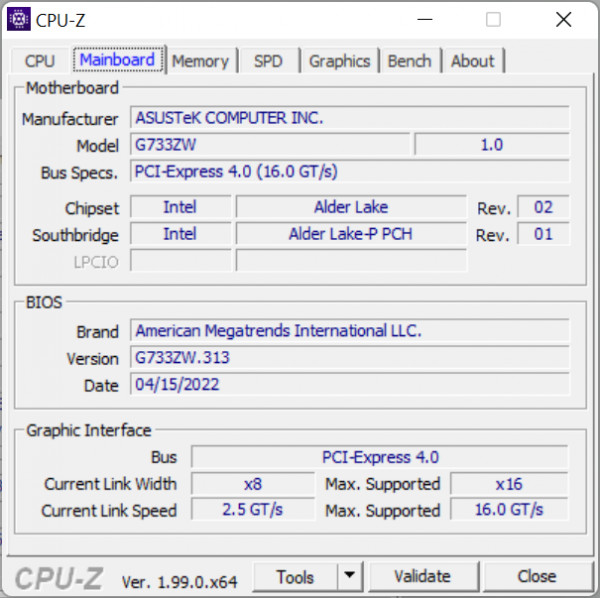
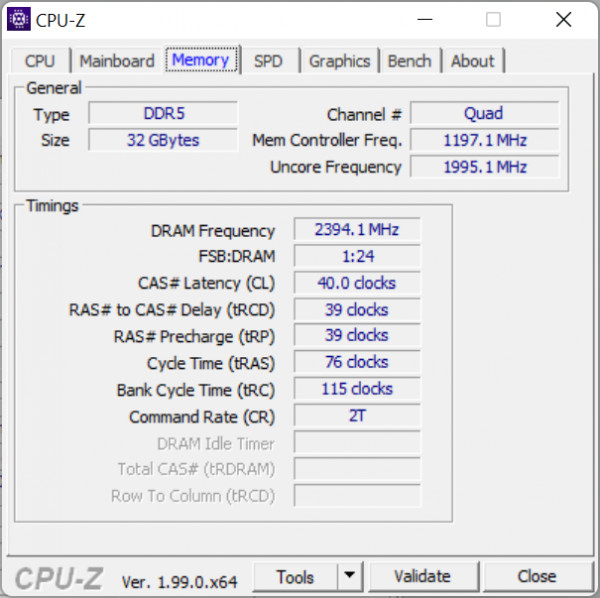
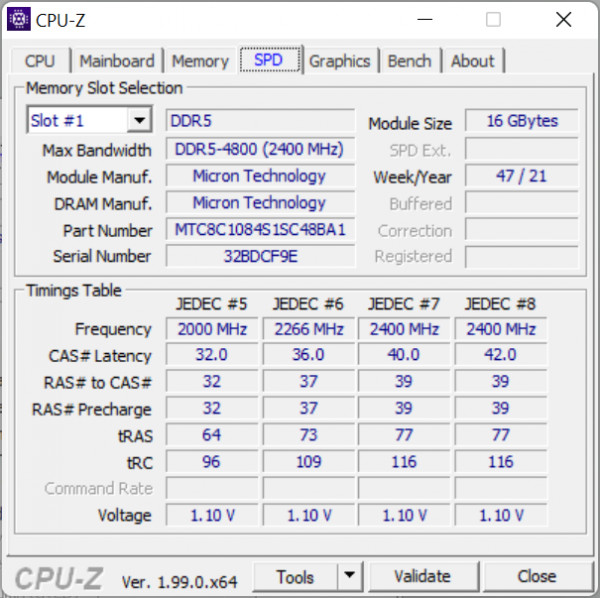
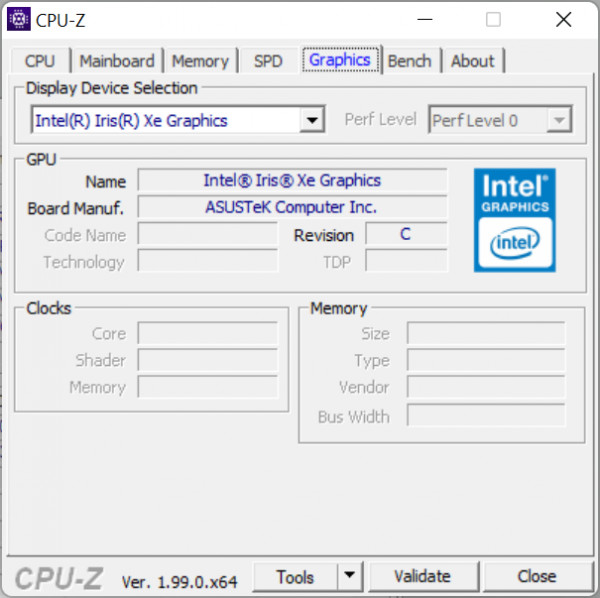
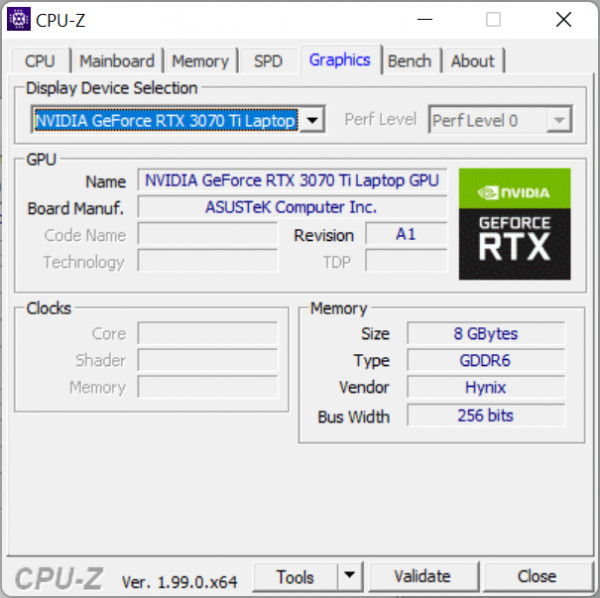
General information about CPU-Z components
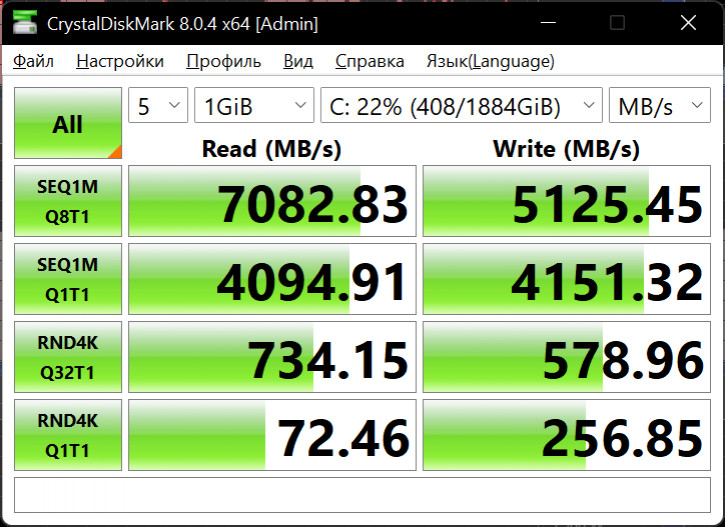
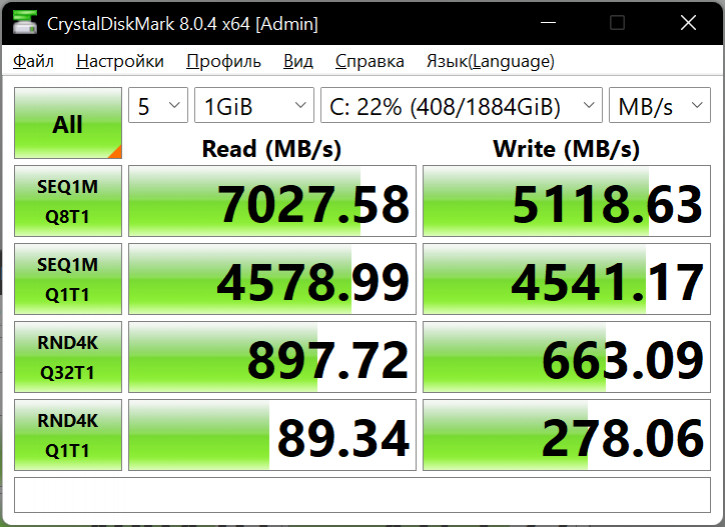
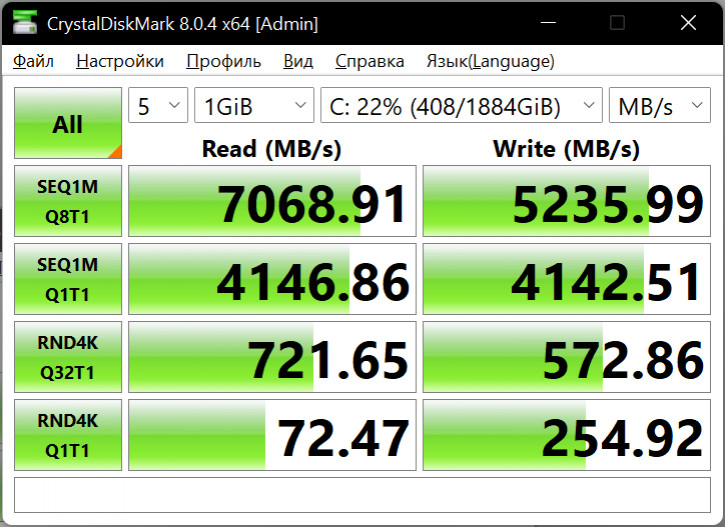
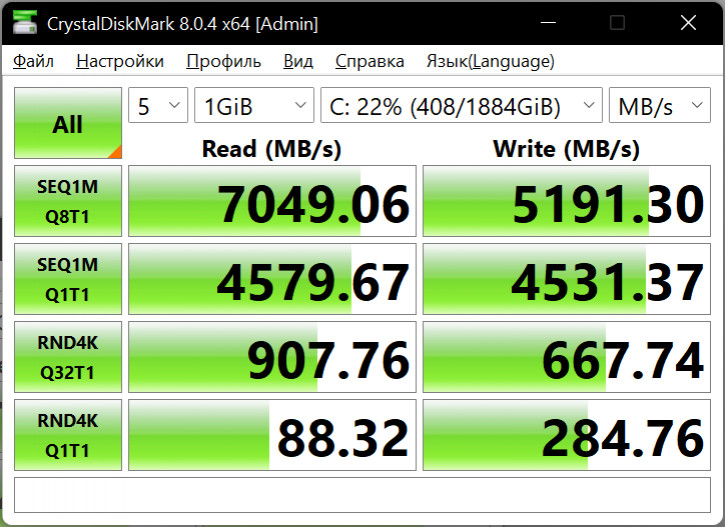
CrystalDiskMark: SSD read and write speed*
*Screenshot order:
- mains, quiet
- from the network, efficiency
- offline, efficiency
- mains, turbo
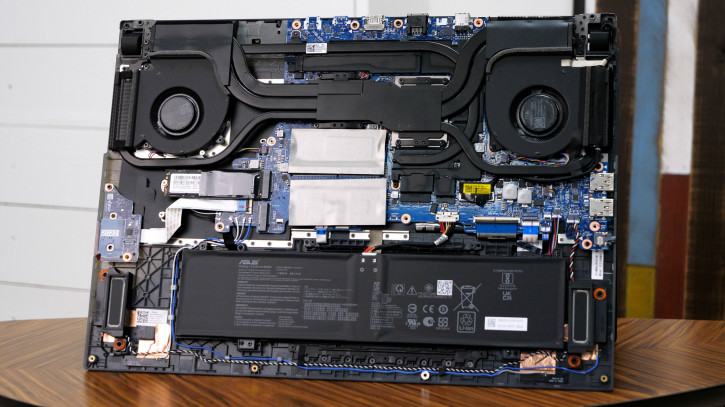
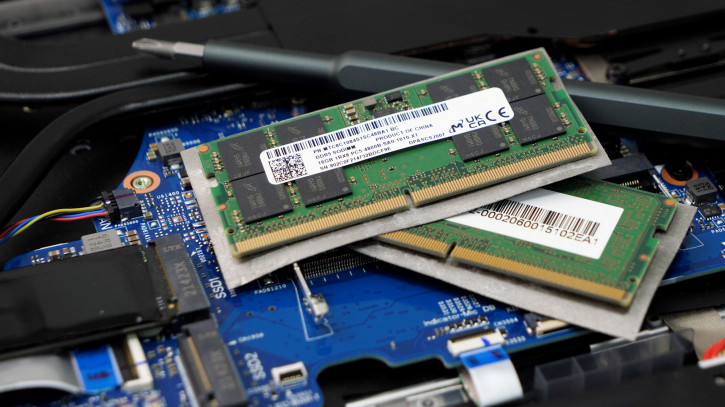
Inside the case, the presence of a free M.2 (used for ROM) and removable SO-DIMM RAM format. Let the majority have enough of the available volumes, but the possibility of an upgrade cannot but rejoice.
The cooling system includes a pair of fans,a pile of heat pipes and liquid metal instead of thermal paste. Air is taken in from the bottom, and the output is on the sides and rear. On the one hand, the more intense and better the heat dissipation, the better, however, when using an external mouse, it is not very pleasant to feel the flow of hot air on your hand. The volume of the cooling operation directly depends on the selected control mode and floats from complete silence (in quiet mode, the fans can stop completely) to about 46 dB in turbo mode. In office tasks, in the mode, the efficiency is recorded at about 26 dB, which ensures a comfortable workflow.

Performance also depends on the mode. For clarity, we took measurements using the Unigine Superposition graphic benchmark as an example. The screenshots below are presented in the following order:
- From the network, Turbo – CPU 44 W, GPU 142 W.
- Offline, Efficiency – CPU 38 W, GPU 106 W.
- Off grid, Quiet – CPU 18 W, GPU 67 W.
- Autonomous, Efficient – CPU 14 W, GPU – 67 W.
- Plugged in, Turbo, 1080p Extreme
- Offline, Turbo, 8K Optimized
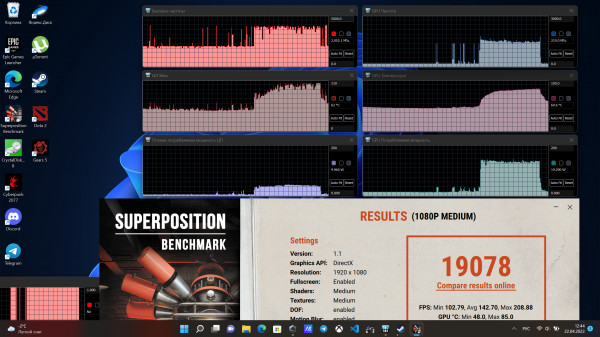
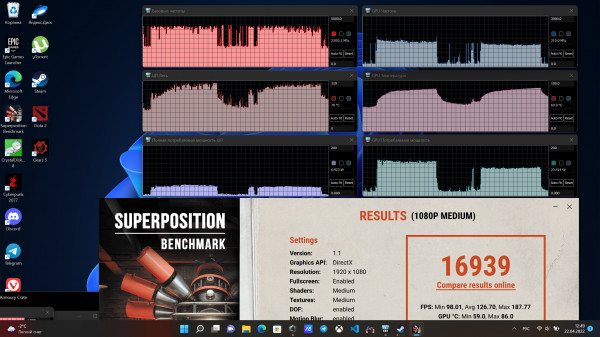
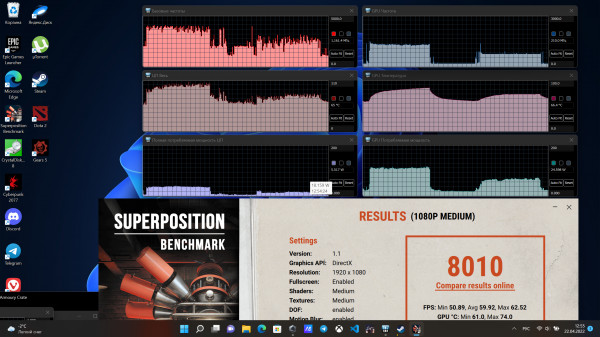

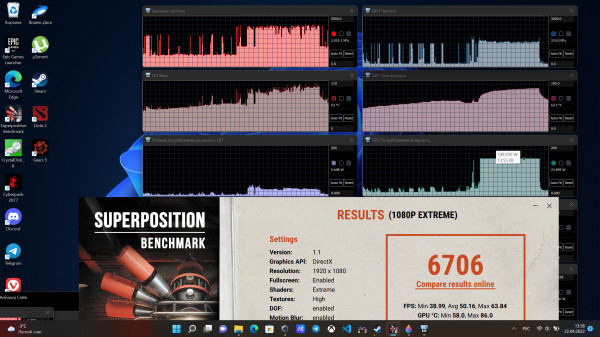

Graphic benchmark Unigine Superposition
Computing power is the responsibility of modern andPowerful Intel Core i9-12900H chipset. Obvious areas of application are simultaneous work in several programs, rendering, professional packages, etc. As part of the video review, we drove a 4K project in Adobe Premiere and were pleasantly surprised by the fast operation of the system (link with timecode).

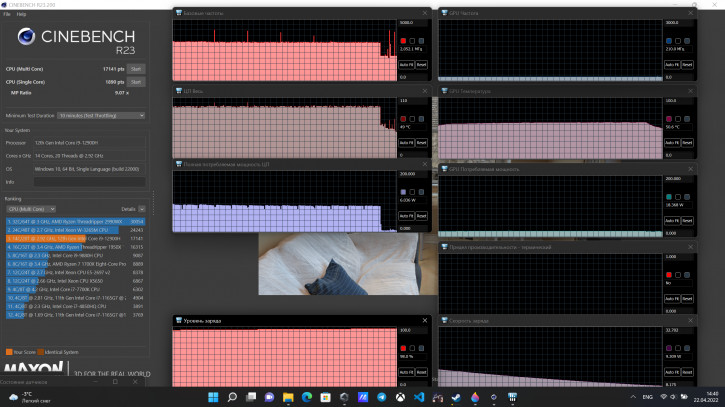
Finally, the main question for a gaming laptop: how much fps can you expect in modern games? The results of our measurements in Turbo mode and native 2K resolution came out as follows:
- Dota 2, ultra - 190-200 fps.
- Death Stranding, ultra - 95-100 fps when walking around the world, drops up to 70 fps in heavy scenes. Enabling DLSS gives a dozen extra frames.
- Cyberpunk Benchmark, ray tracing: ultra, texture resolution: high - average fps around 37. With DLSS - 55.5 fps.
- Escape From Tarkov, ultra - 53-60 fps.
- The gameplay of Elden Ring, Ghoswire Tokyo, Crysis Remastered and Forza Horizon 5 can be seen in our video review (link with timecode).
Autonomy
Gaming laptops rarely boastlong autonomy, but if you work on the built-in video card, you can get quite a good time. Our measurements showed the following discharge numbers (ECO mode disables the discrete graphics card):
- 60 minutes YouTube (Wi-Fi, 50% brightness, 1080p,ECO, quiet) - 12%
- 60 minutes in browser (50% brightness, Wi-Fi, quiet, battery saver) - 29%
- 60 minutes in the browser (50% brightness, Wi-Fi,ECO, battery saving) - 21%
- 30 minutes Dota (70% brightness, Wi-Fi,ECO, low graphics, 100% scale, 60 fps) - 18%
- 15 minutes Cyberpunk 2077 (60% brightness, Efficiency mode, low graphics + DLSS performance) - 25% | 20-45 fps, 24 W CPU, 30 W – GPU. Without DLSS about 15-30 fps.
Conclusions
ASUS ROG Stix Scar 17 (2022) is a great choice foranyone who is looking for significant power, regardless of whether the tasks are gaming or professional. The laptop successfully copes with modern games in 2K resolution, and with editing 4K projects in Adobe Premiere. There is nothing to say about performance in less resource-intensive tasks!

Large 2K display with increased frequencyupdates and intelligent speakers provide excellent conditions for both watching video and working. It is also important to note the support for modern wireless protocols, a solid set of high-quality interfaces and the presence of proprietary utilities for monitoring device performance.
True, it was not without nuances.The absence of a webcam seems to be a noticeable omission in modern realities, the absence of a fingerprint scanner is puzzling, and the Keystone chip, although it looks interesting, will turn out to be a little-useful toy for most. Finally, with all the perturbations in exchange rates, the price of the ASUS ROG Stix Scar 17 can be an unpleasant surprise. However, two points should be kept in mind here: firstly, the cost of components does not stand still, and assembling a similar PC for a lower price is no longer as easy as it used to be, and secondly, ASUS offers several variations, among which are less ultimate, but more affordable solutions.
Powerful Gaming Laptops 2022:
ROG Strix SCAR 17
ROG Strix SCAR 15
© Dmitry Pivnev.