</ img>
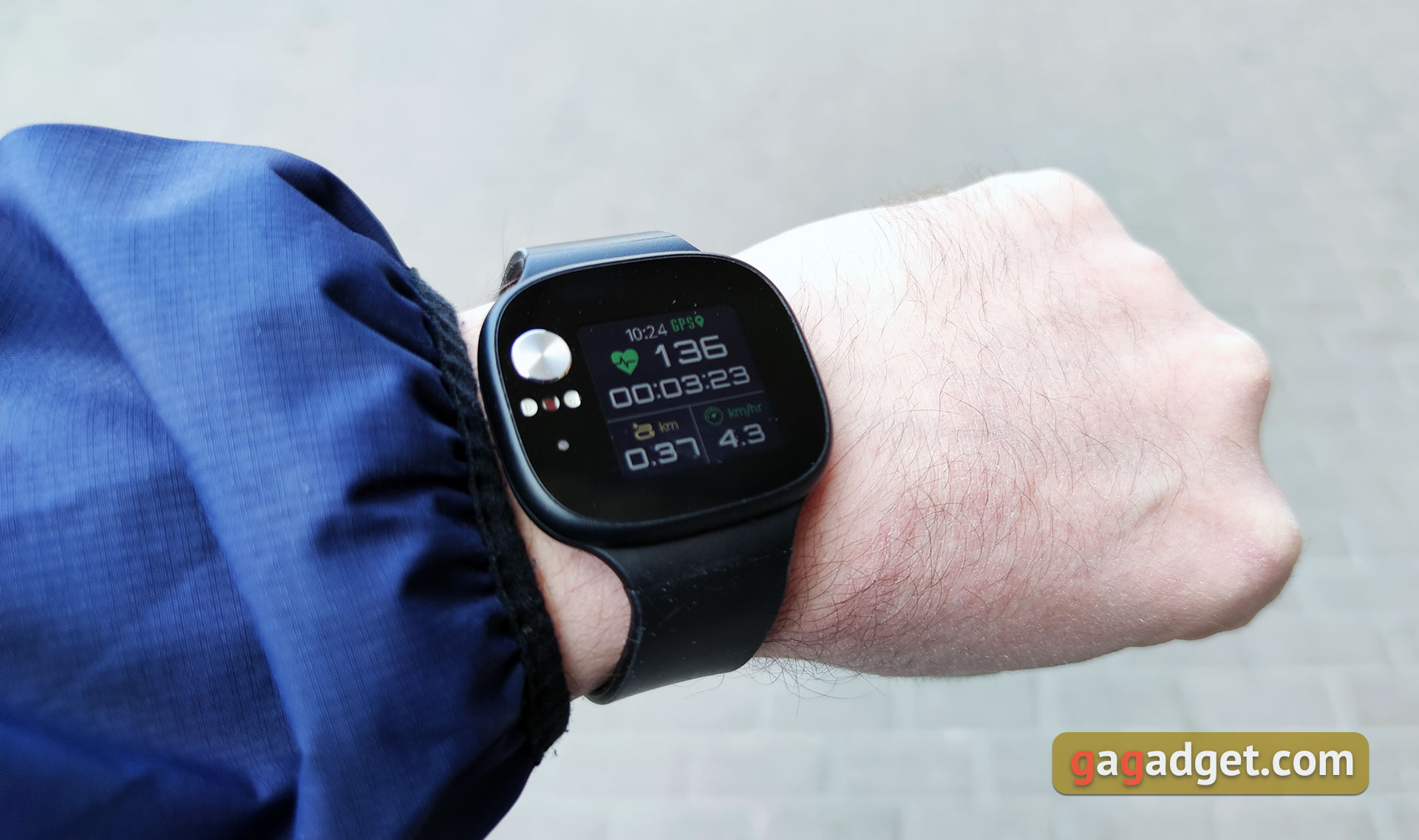
Most manufacturers now focus on design and design when developing their smartwatches.
- What is interesting about ASUS VivoWatch BP?
- What is in the box?
- What does the ASUS VivoWatch BP look like?
- What about the screen and hardware stuffing?
- What about charging and battery?
- What with interface and features?
- In the dry residue
What is interesting about ASUS VivoWatch BP?
</ img>
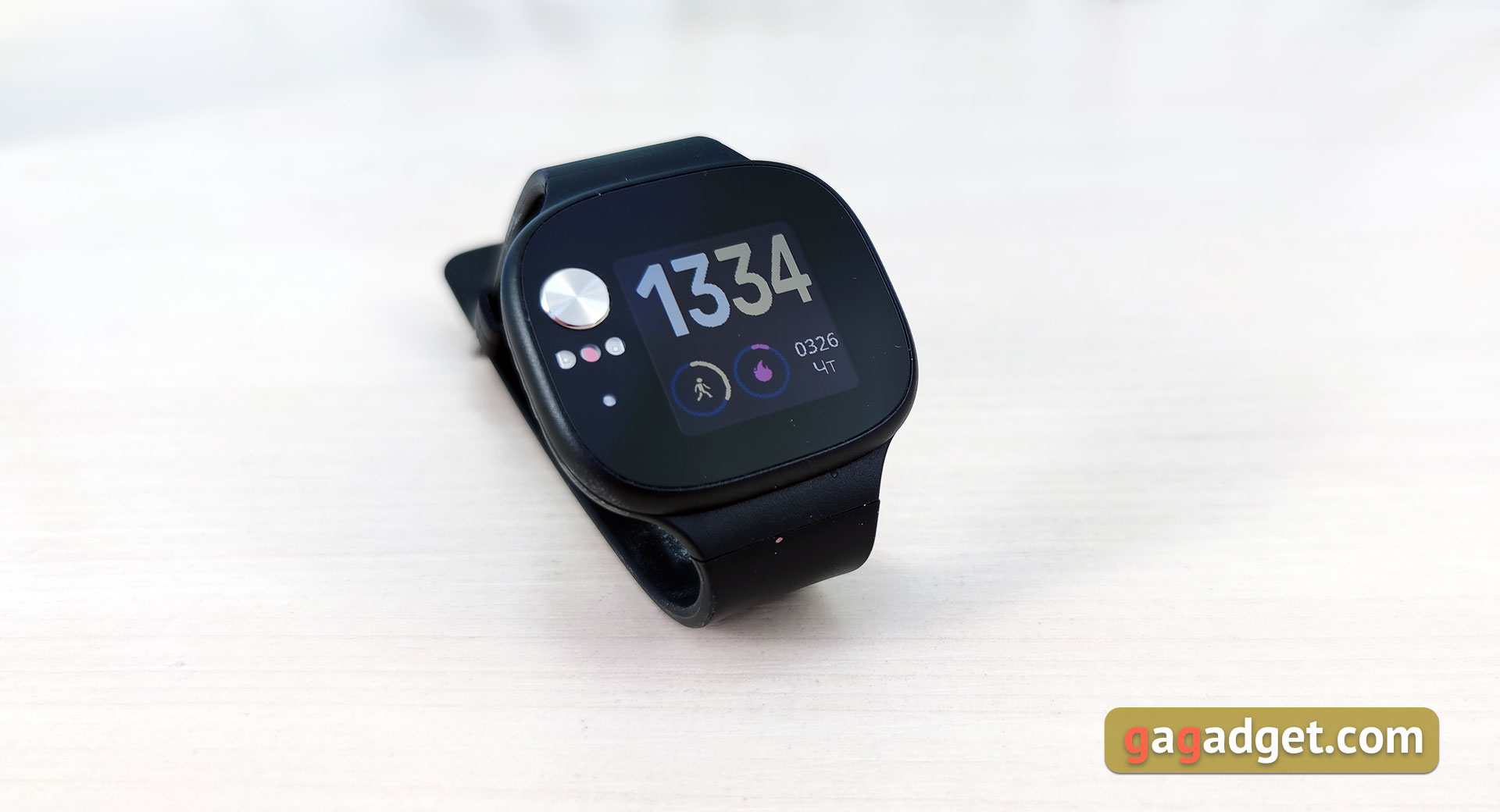
Of course, ASUS VivoWatch BP has alla standard set of modern wearable fitness gadgets: the watch can count steps, calories, measure pulse, track sleep and receive notifications. But what’s more interesting is that the watch can track blood pressure trends using built-in ECG and PPG sensors, analyze the general condition of the body based on a number of criteria, and give general advice on exercises and activities (HealthAI function). In addition, there is a built-in GPS module for plotting routes for outdoor activities. They promise that the watch can work up to 28 days on a single charge. There is IP67 splash protection.
</ p>What is in the box?
</ img>
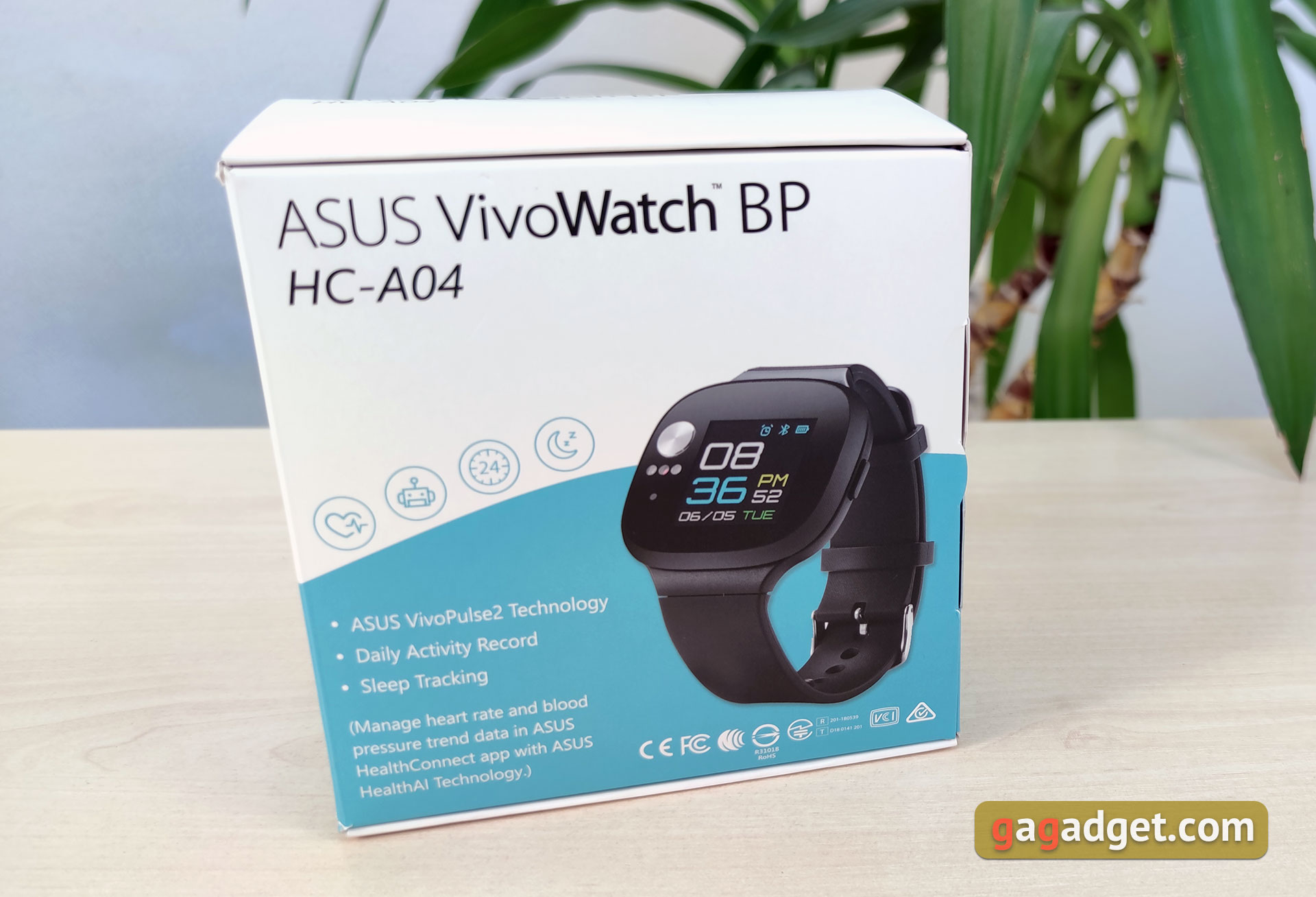
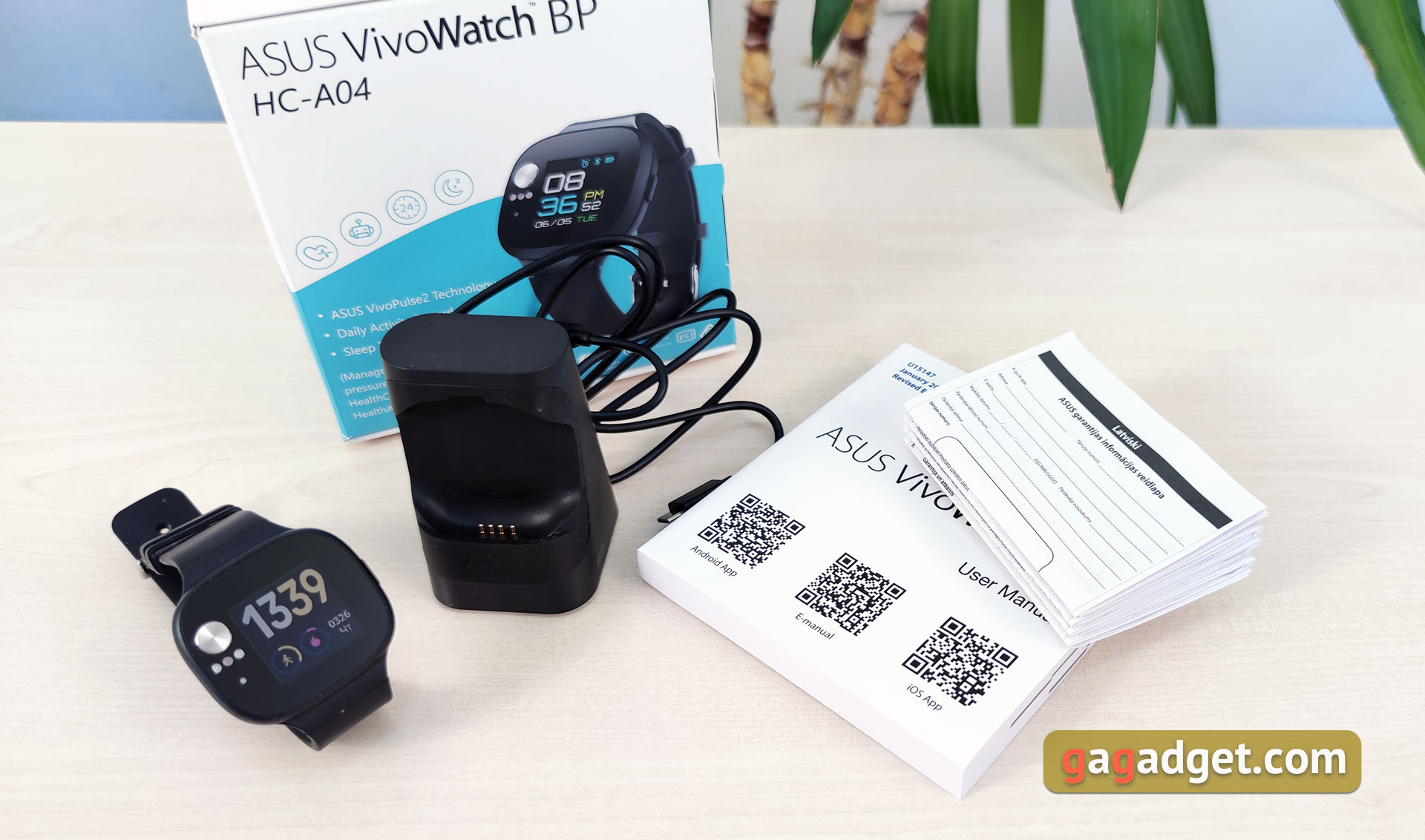
ASUS VivoWatch BP comes in a cardboard boxa medium-sized box in light colors, without any special design flourishes. Only the most necessary information. Inside there is a clock, an impressively sized charging dock, a MicroUSB cable and documentation.
</ img>
What does the ASUS VivoWatch BP look like?
</ img>
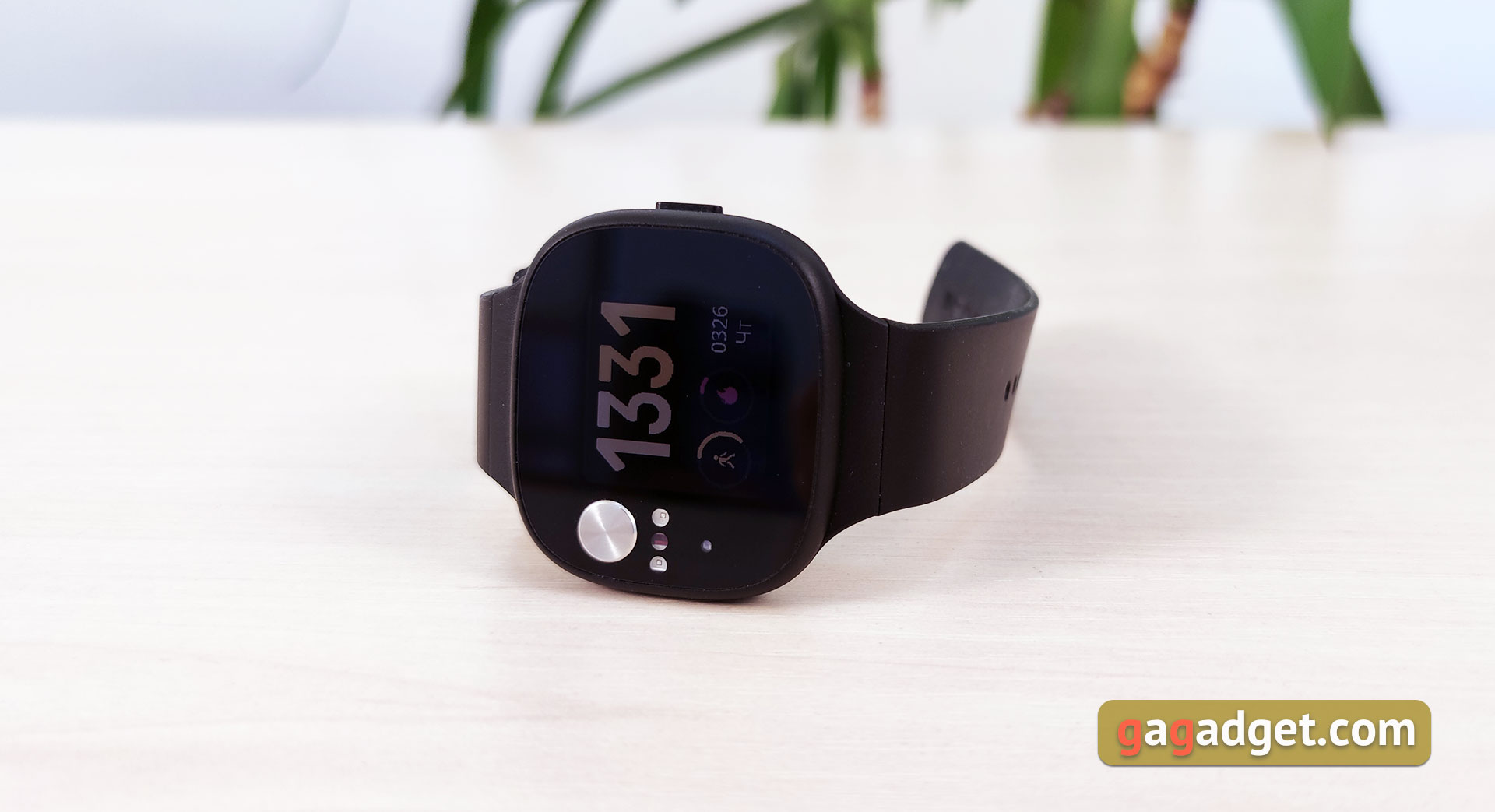
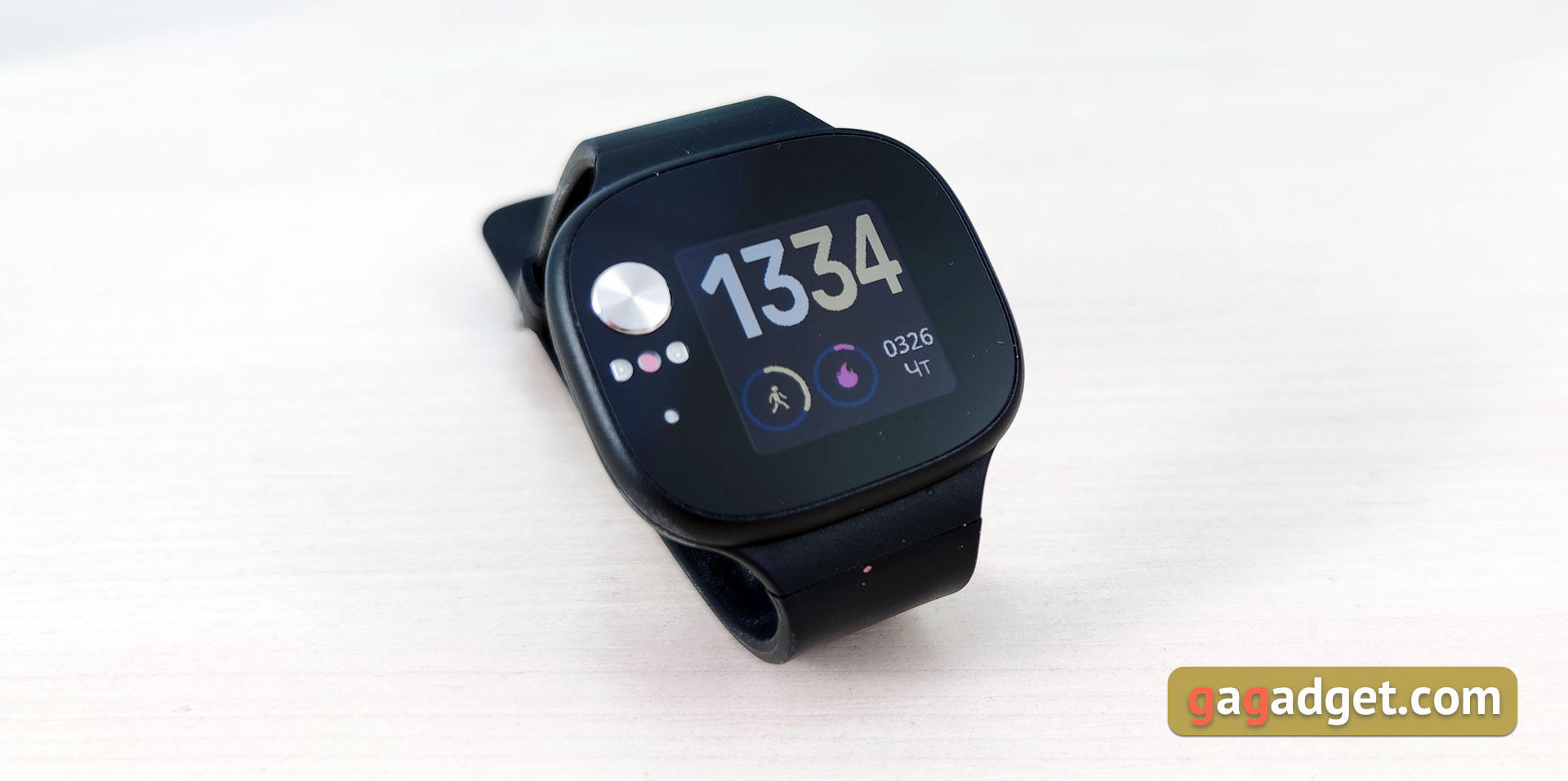
ASUS VivoWatch BP cannot be called stylishaccessory”, as most modern smartwatches are usually positioned. They look very amateurish. They are made primarily of matte plastic and have an oblong shape with rounded corners. The entire front panel is covered with glass, but the touch screen occupies a relatively small part of the surface.
</ img>
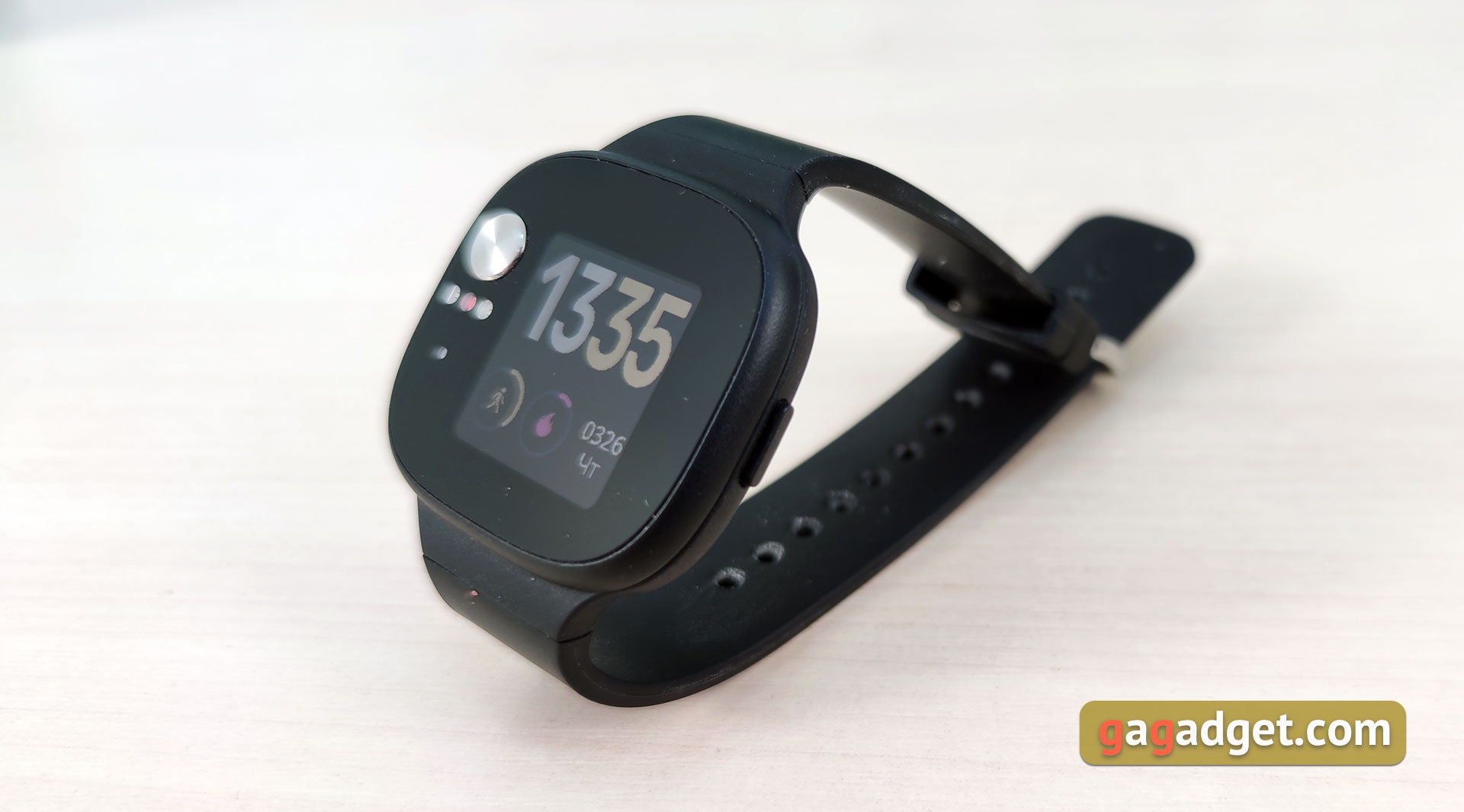
To the left of the screen there is a roundmetal electrode ECG. It protrudes slightly above the surface. Just below are sensors for photoplethysmogram (photocells). This whole design will work together with similar sensors on the back of the watch.
</ img>
On the right side is the only mechanical button to activate the display.
</ img>
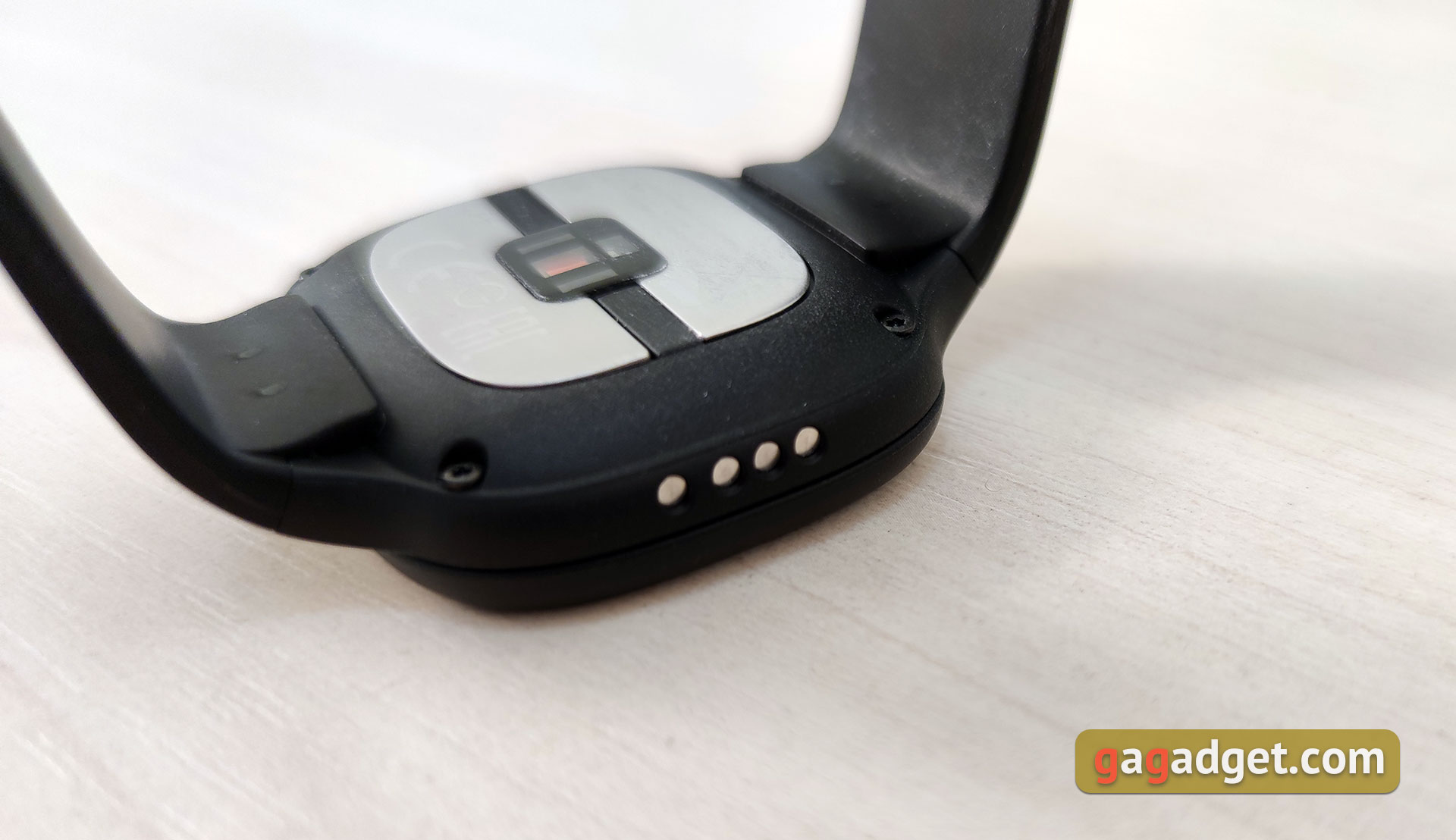
On the opposite side there are contact pads for connecting to a charging dock.
</ img>
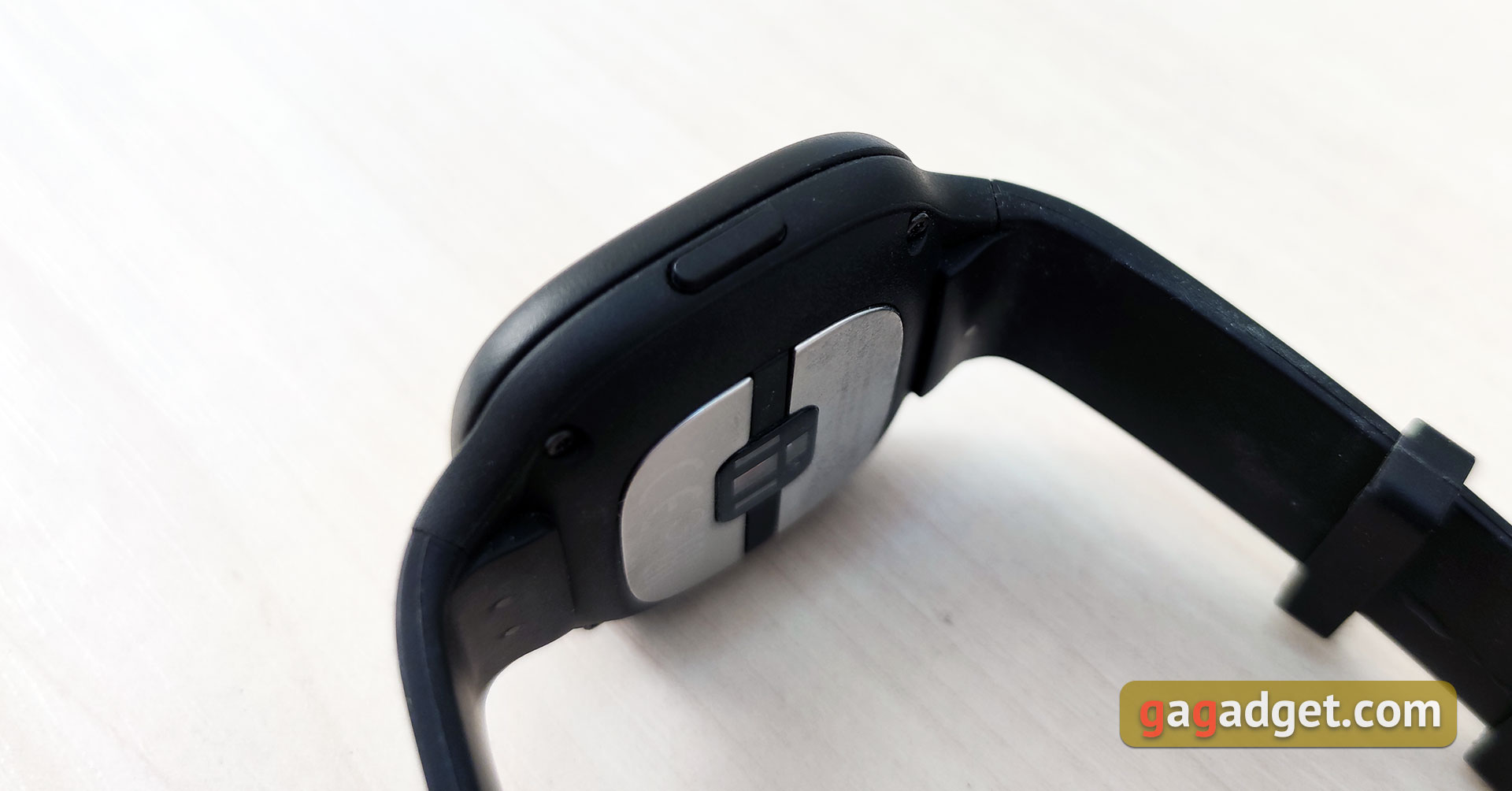
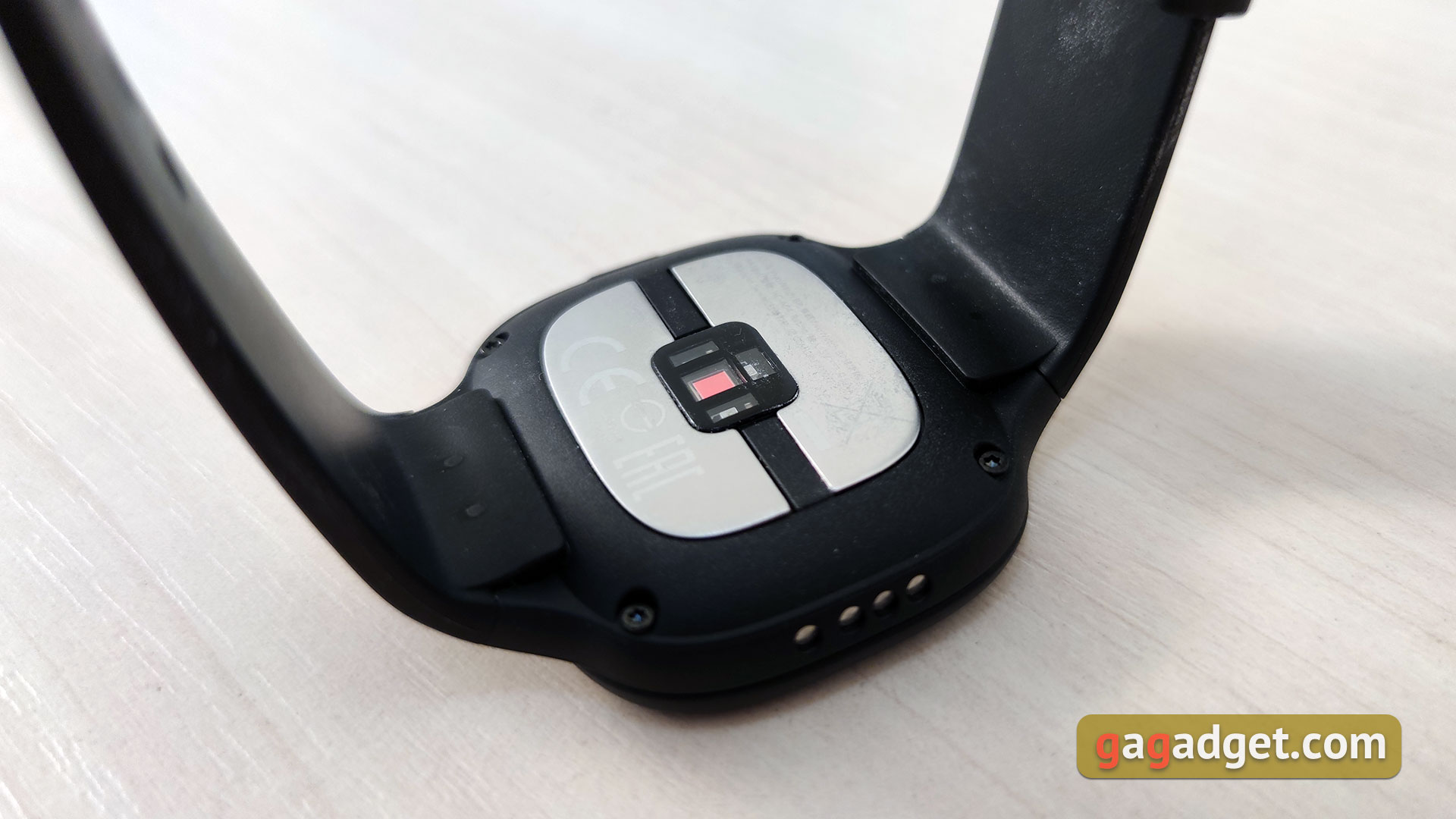
On the reverse side there are two large metalplates that are responsible for measuring ECG. And in the middle, between the plates, there is an optical PPG sensor for measuring pulse, as in most modern “smart” hours.
</ img>
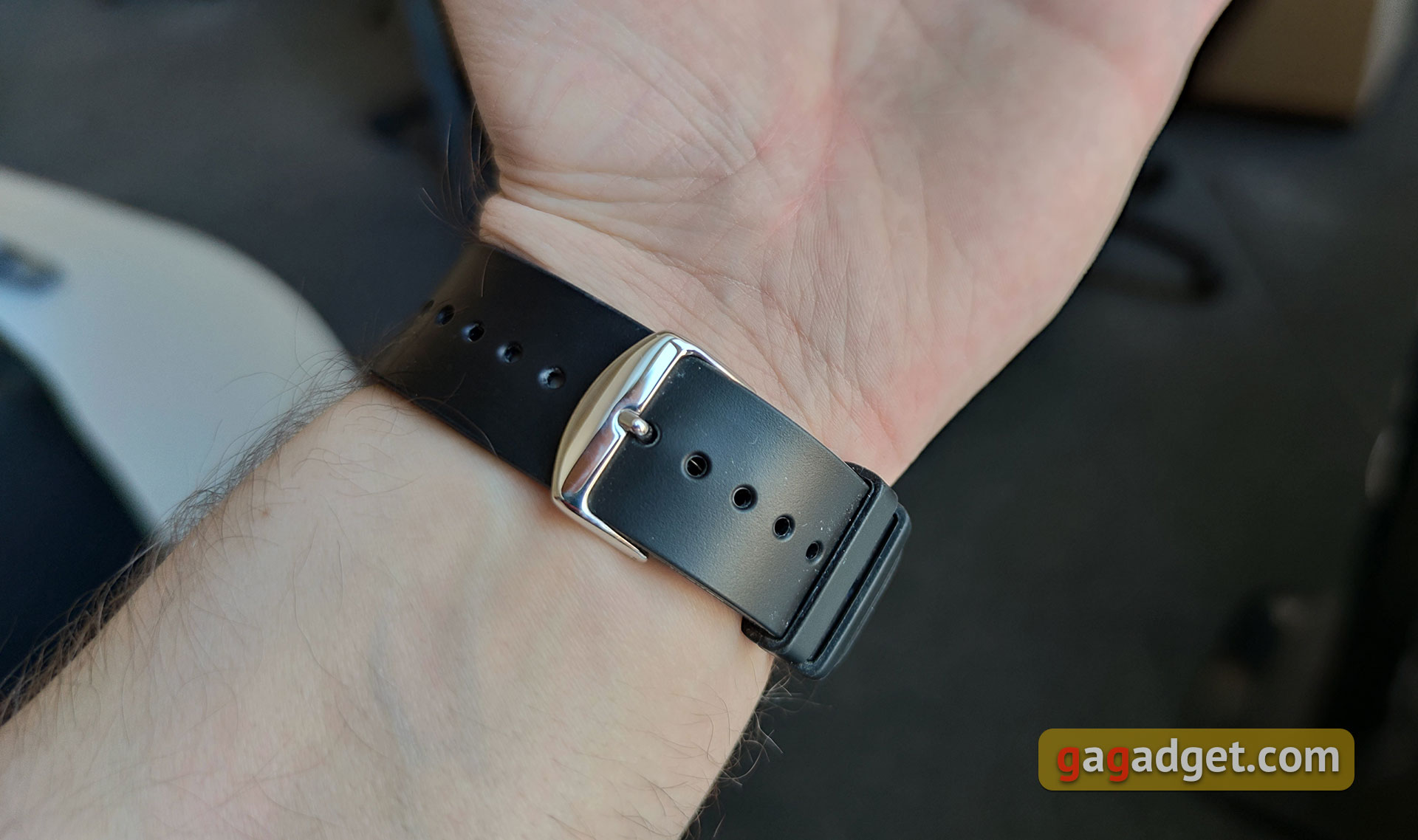
The strap is made of medical grade silicone and haswidth 20 mm. I won't confirm it, but it looks like it can't be replaced. In any case, if such a procedure is possible, it will most likely be through a service center. A standard fastener is used in the form of a “buckle” with holes. There are many of them and the range of adjustment is large. I think it's suitable for any hand.
</ img>
ASUS VivoWatch BP thin and light (only 45 g) andcomfortable, comfortable to wear. Their degree of protection is only IP67, so they are not afraid of splashing water and light rain. You can't swim in them. And, I suspect, it’s not worth taking a shower either. It’s somehow difficult to evaluate them based on their appearance: ASUS did not pursue the goal of making them beautiful. They look a little strange, but are not too conspicuous due to the black color of the body.
</ p>What about the screen and hardware stuffing?
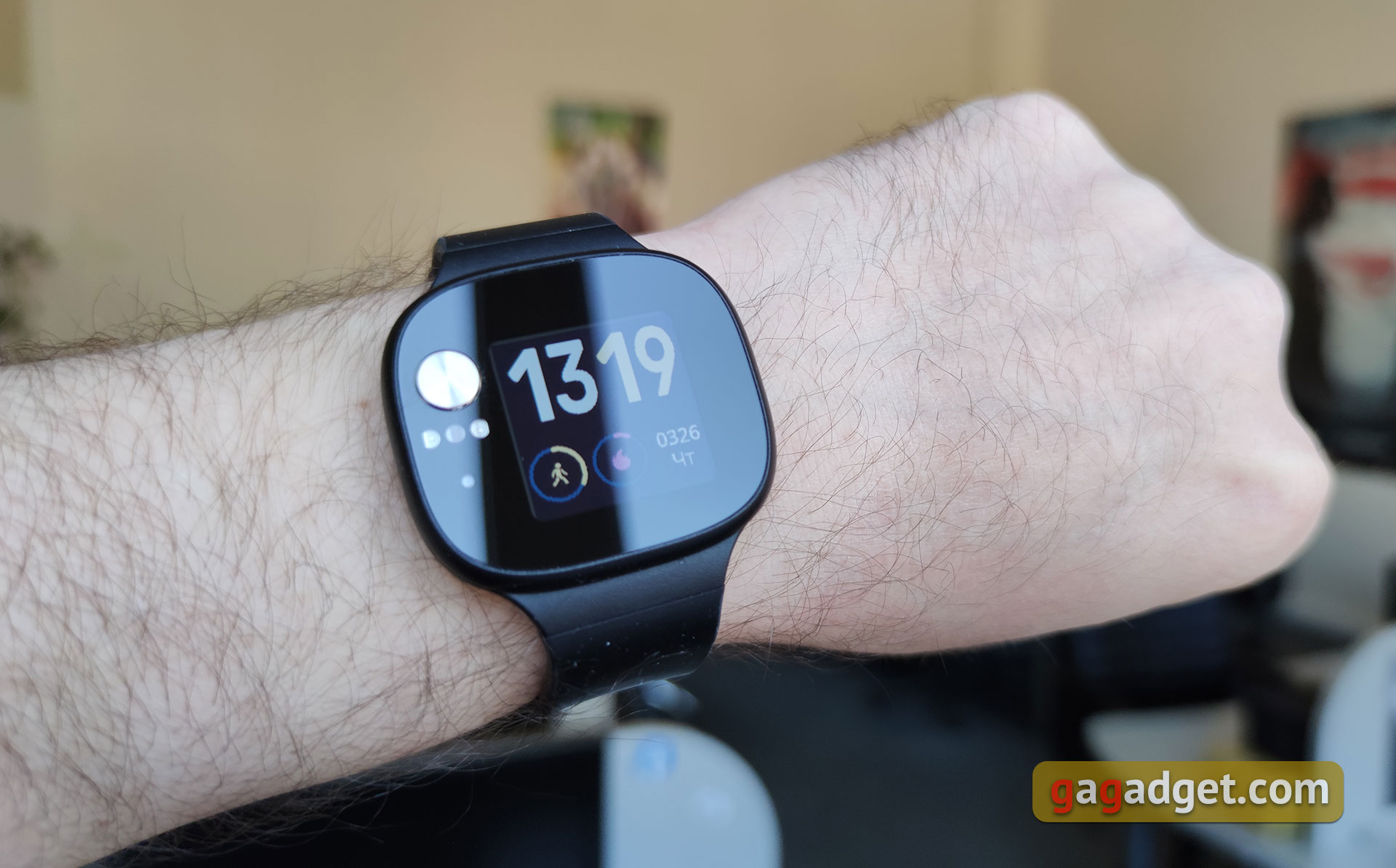
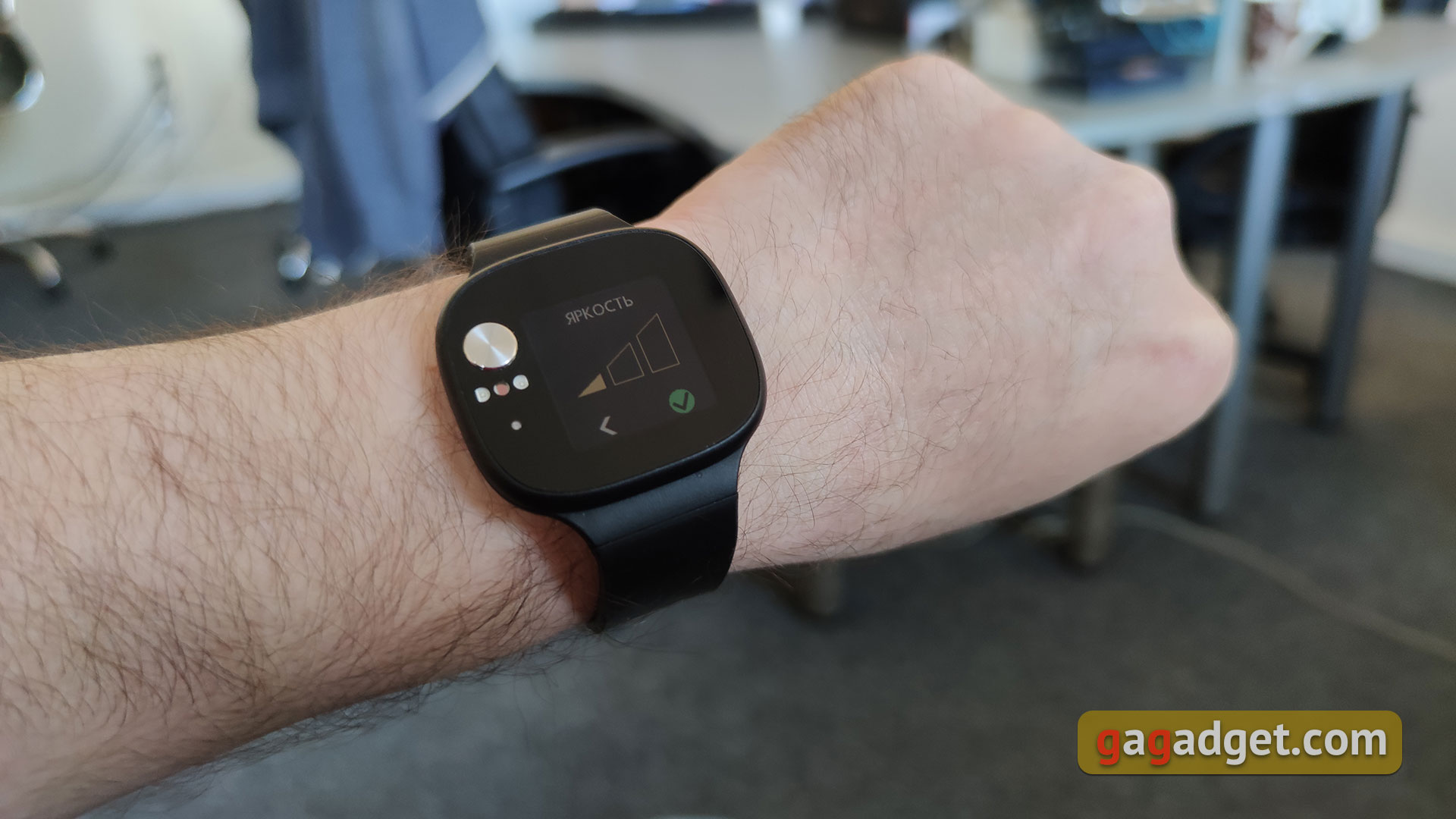
This is perhaps the shortest and most boring sectionof this review: ASUS VivoWatch BP has practically no additional functions, so there is no need for any productive hardware. Moreover, ASUS does not provide detailed information. The watch uses a square color display with a diagonal of 1.26 inches, the type is LCD. This is a color transflective screen, that is, in bright light it is predominantly reflective, and backlighting is only needed in the dark. The brightness can be adjusted. Its main advantage is very high energy efficiency.
</ img>
The clock runs on a proprietary OS, so we are not talking about any gigahertz or gigabytes. Wireless modules, interfaces and sensors include Bluetooth 4.2, GPS, accelerometer, ECG and PPG sensors.
</ p>What about charging and battery?
One of the important advantages of watches is theirautonomy. ASUS does not talk about battery capacity, but promises 28 days of operation. Of course, this indicator can vary significantly depending on the frequency of use of GPS and so on. But, in any case, it will be extremely difficult to land them in less than 2 weeks.
</ img>
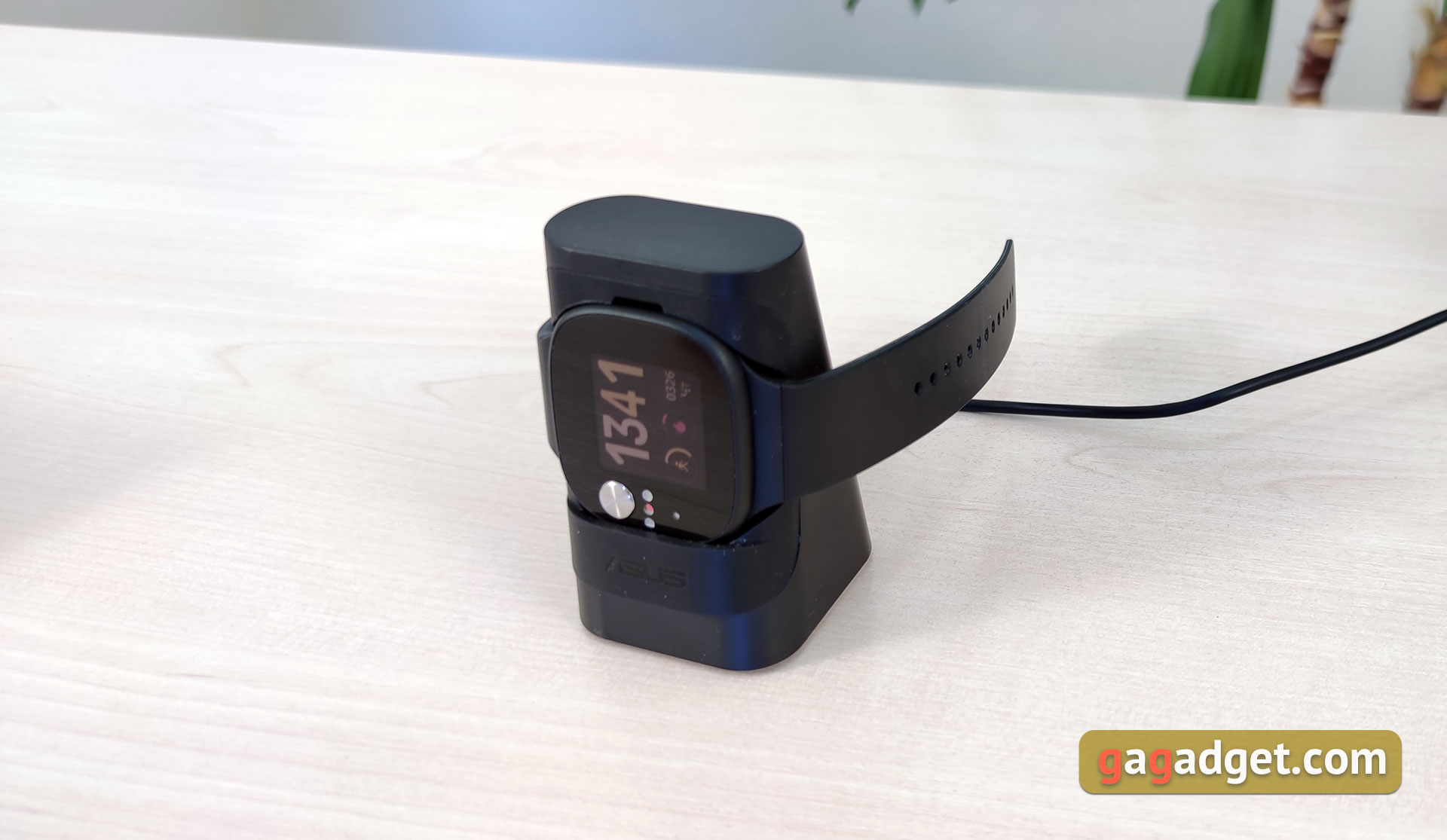
The gadget is charging from the docking station of a very unusual shape. Charging occurs quickly, according to personal feelings, an hour and a half.
</ p>What with interface and features?
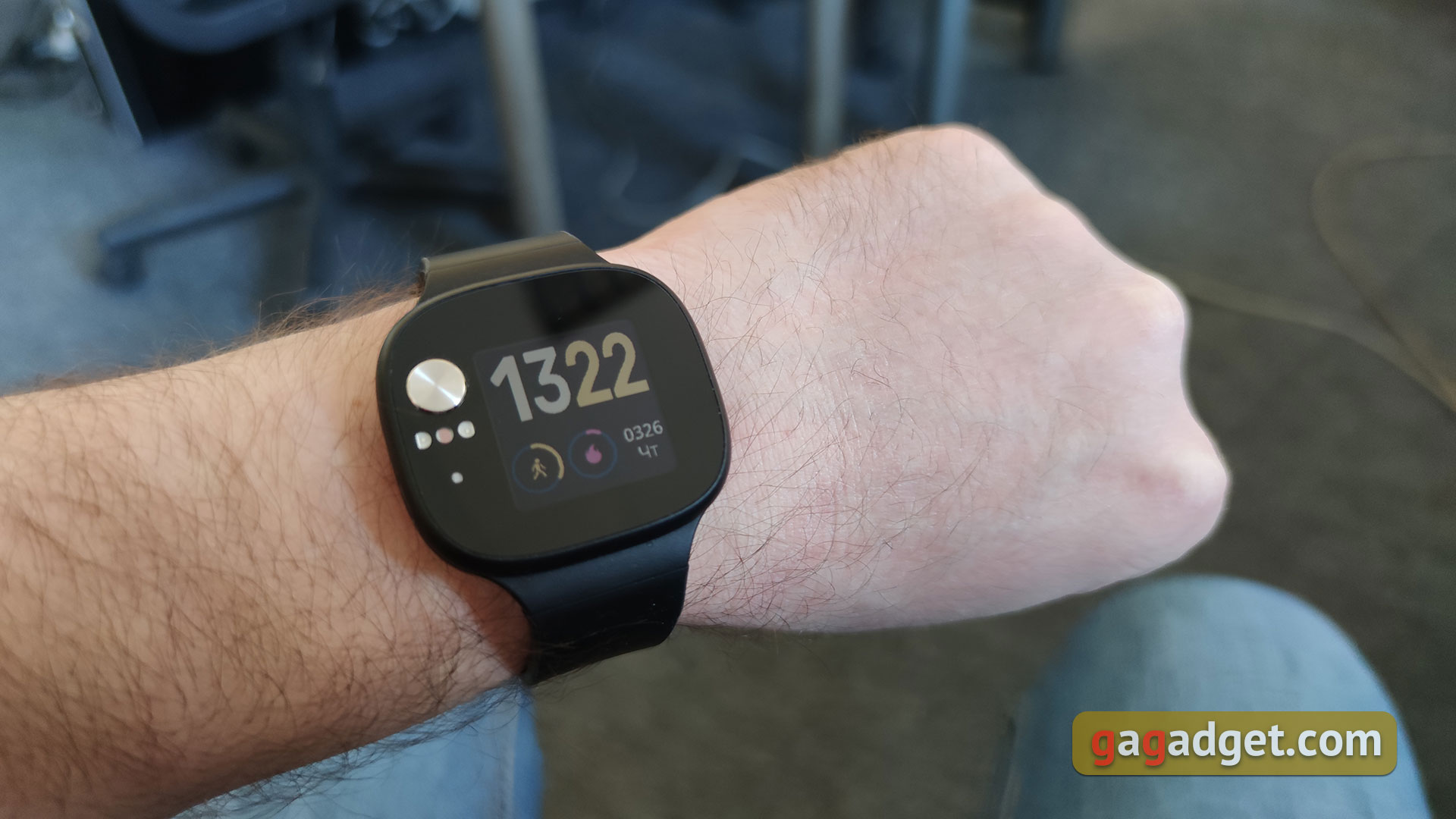
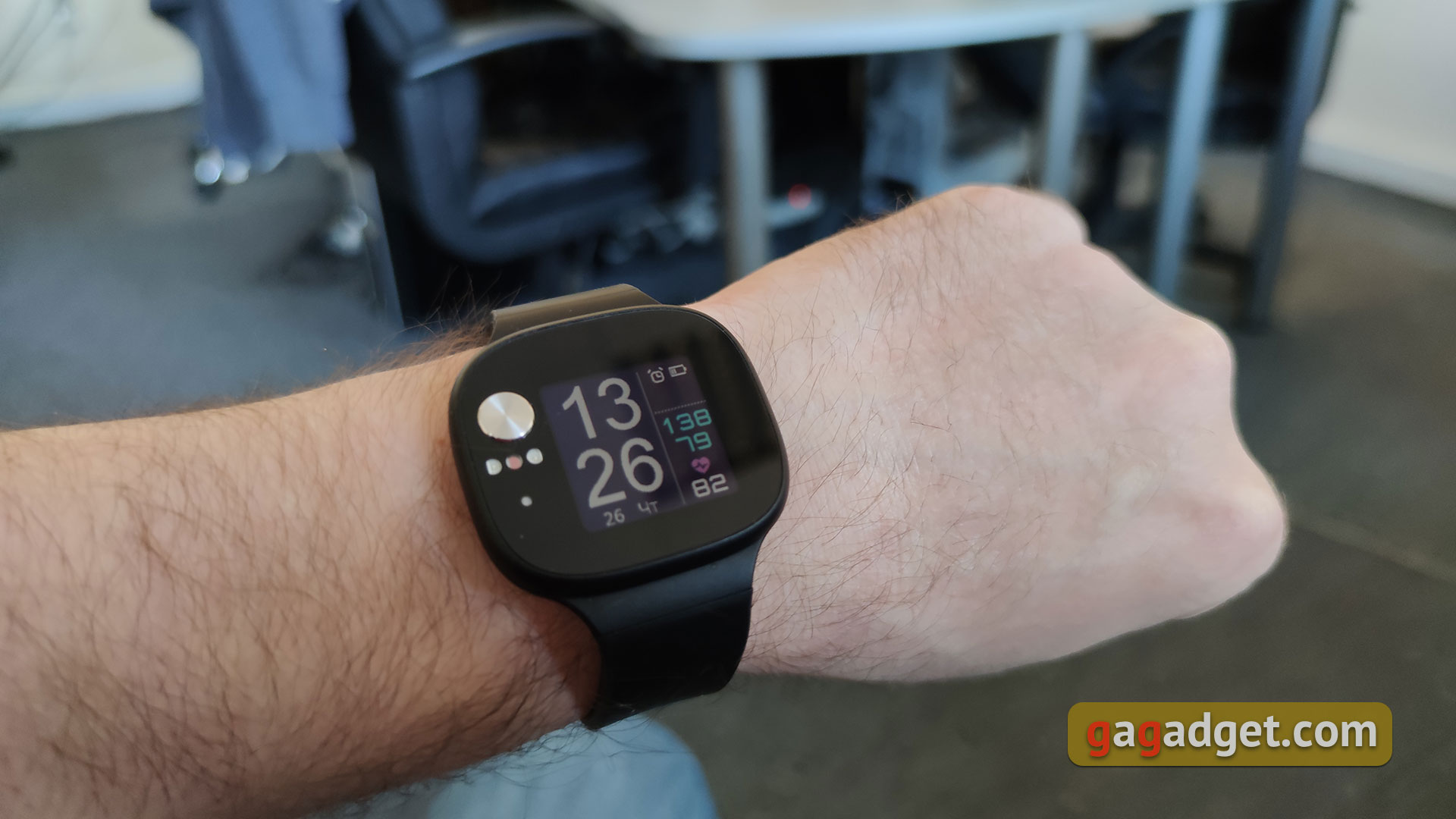
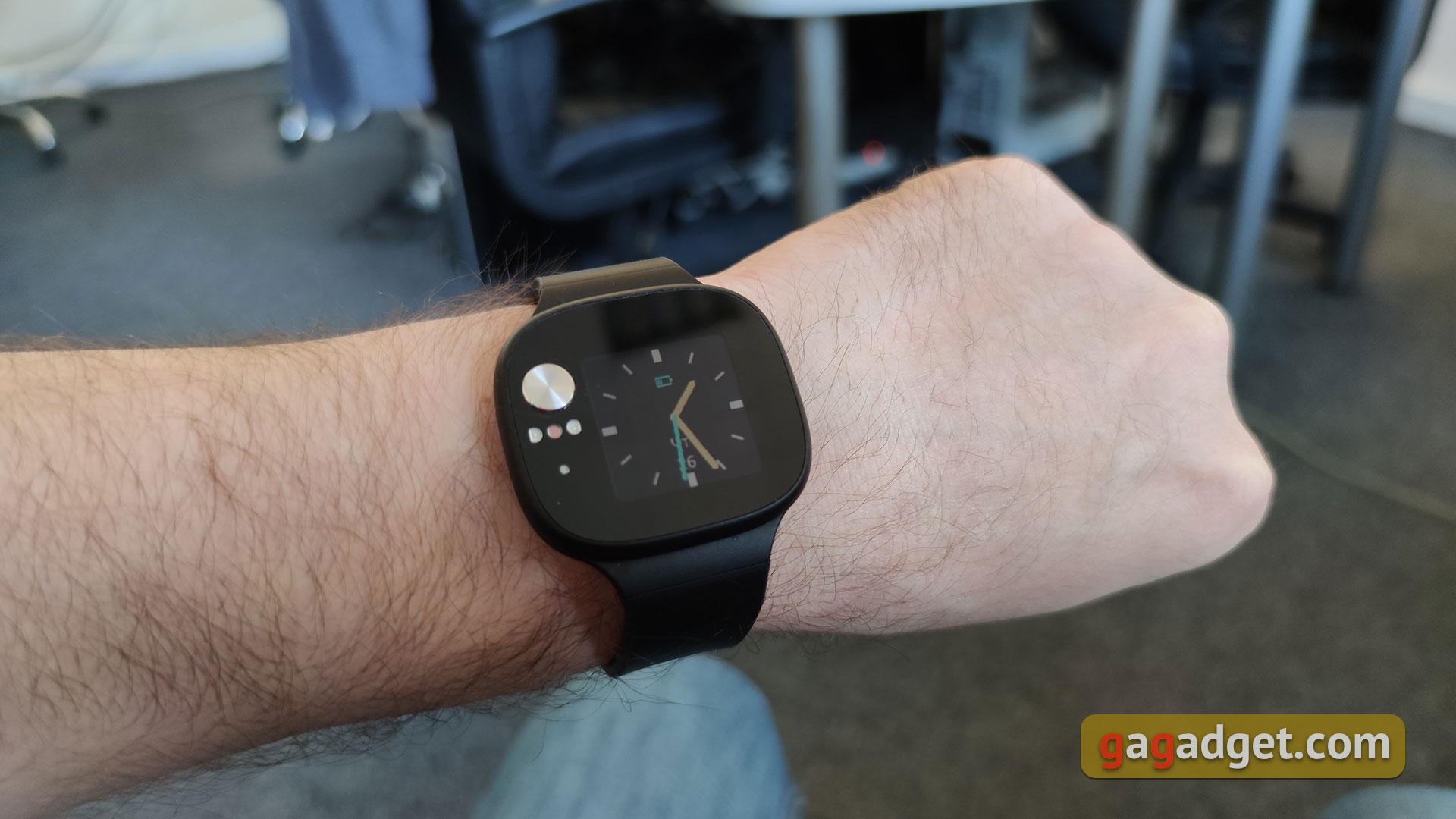
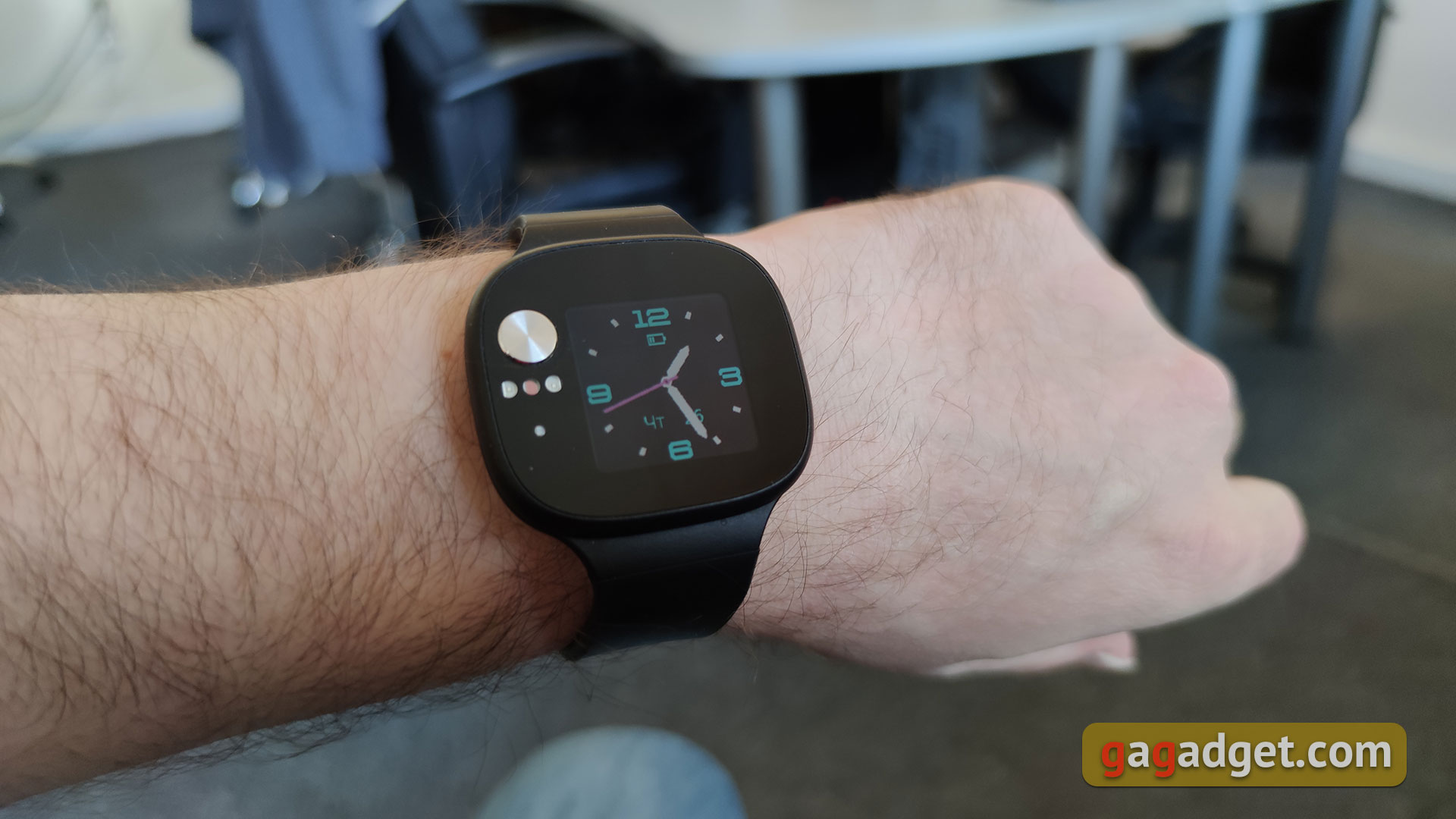
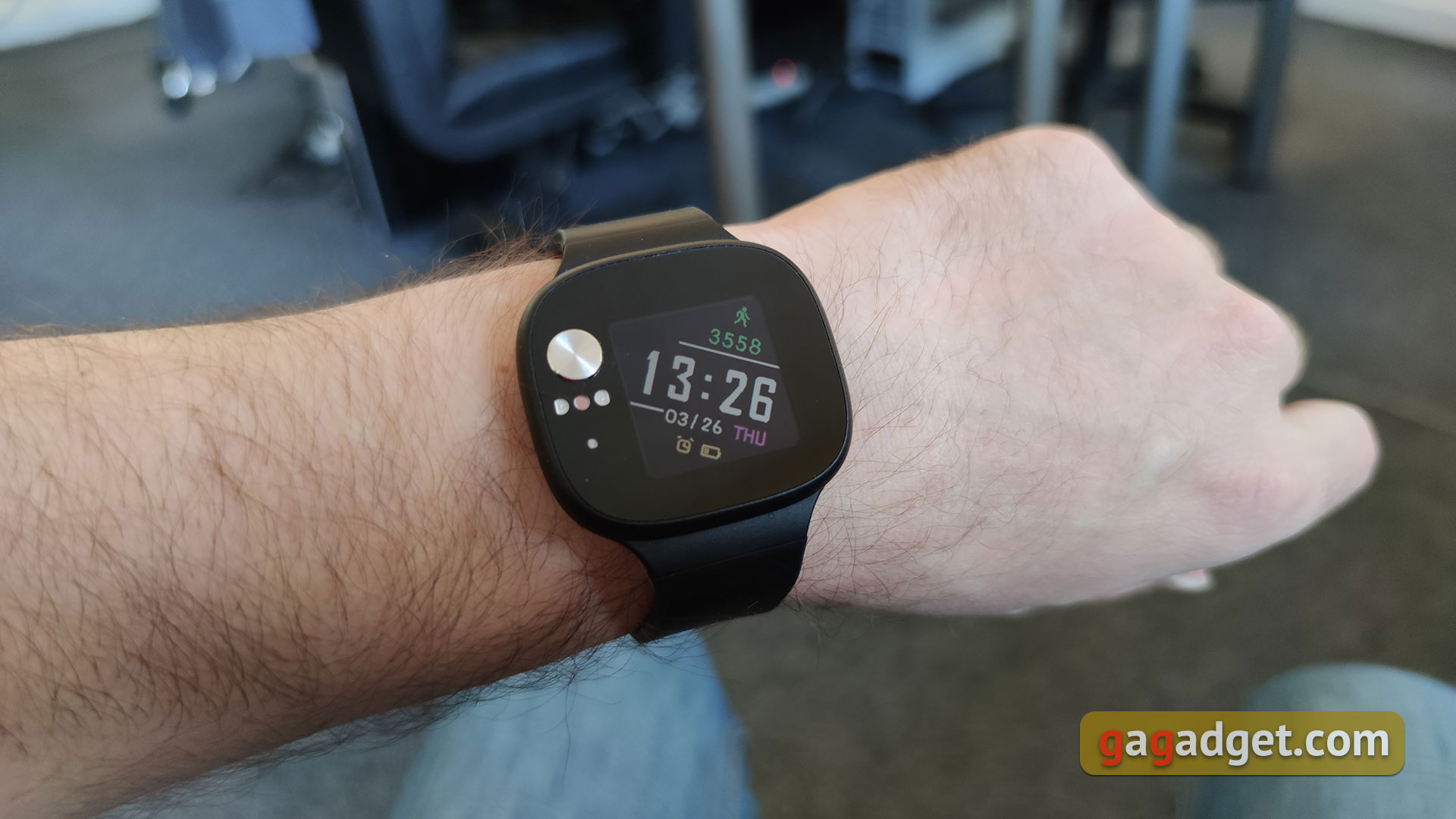
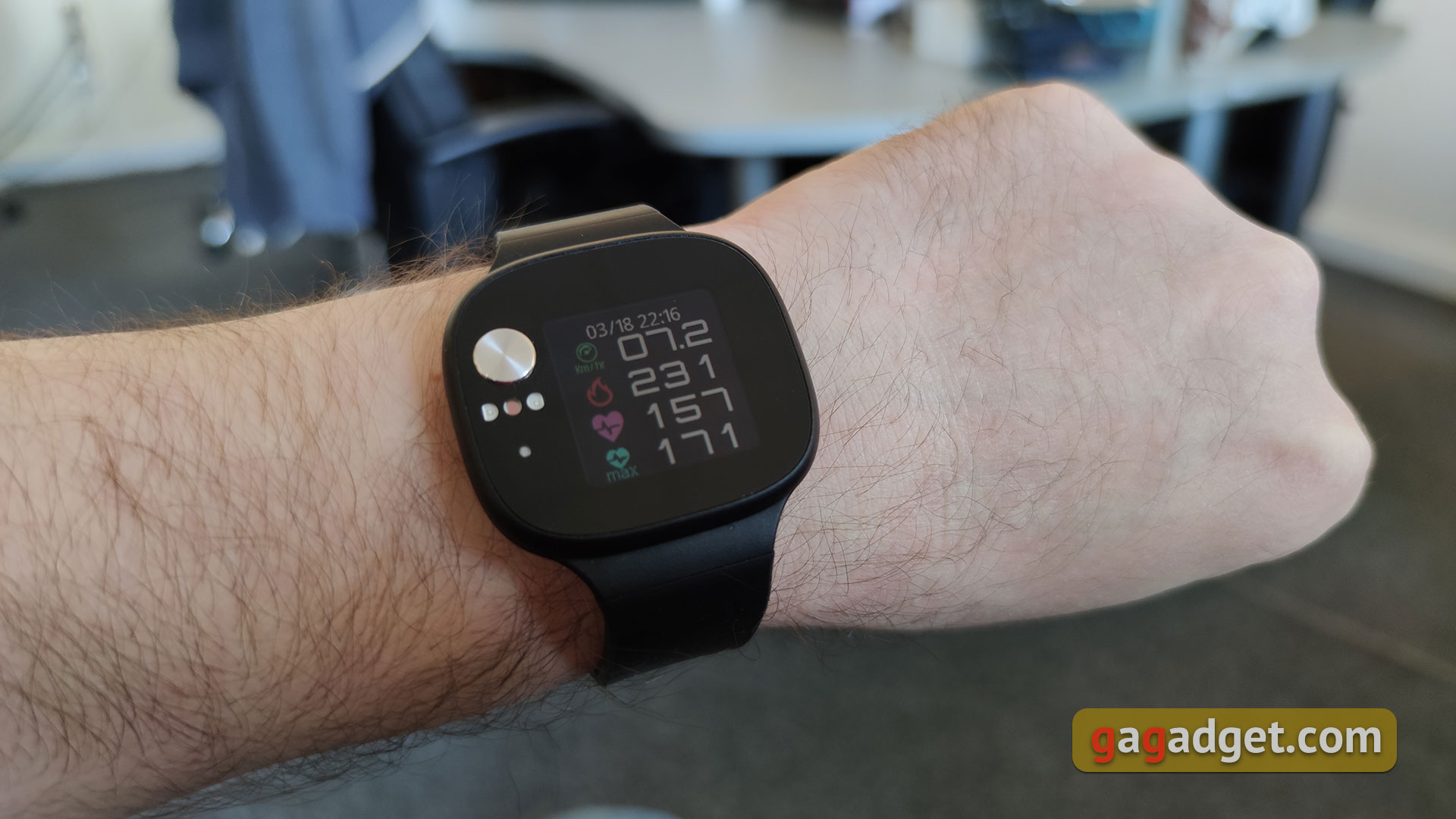
To get started, let's figure out the interface of the watch itself. Functions are turned over by horizontal movements, vertical - additional pieces within individual functions. The main screen is a watch in different variations. There are five of them, they change in vertical movements and differ in appearance (digital, arrow), as well as additional information displayed. For example, steps, calories, heart rate, battery charge and so on.
</ img>
</ img>
</ img>
</ img>
</ img>
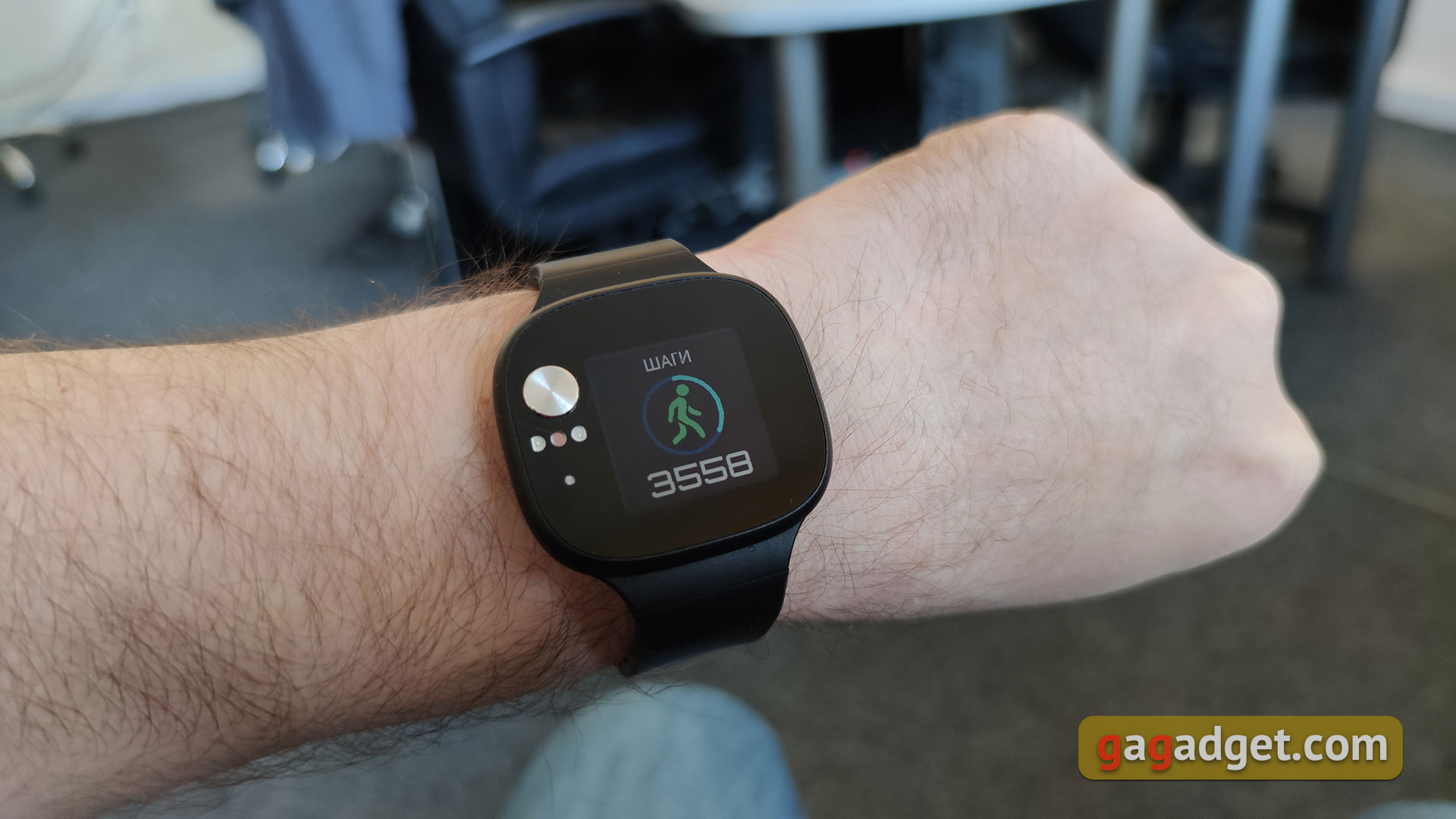
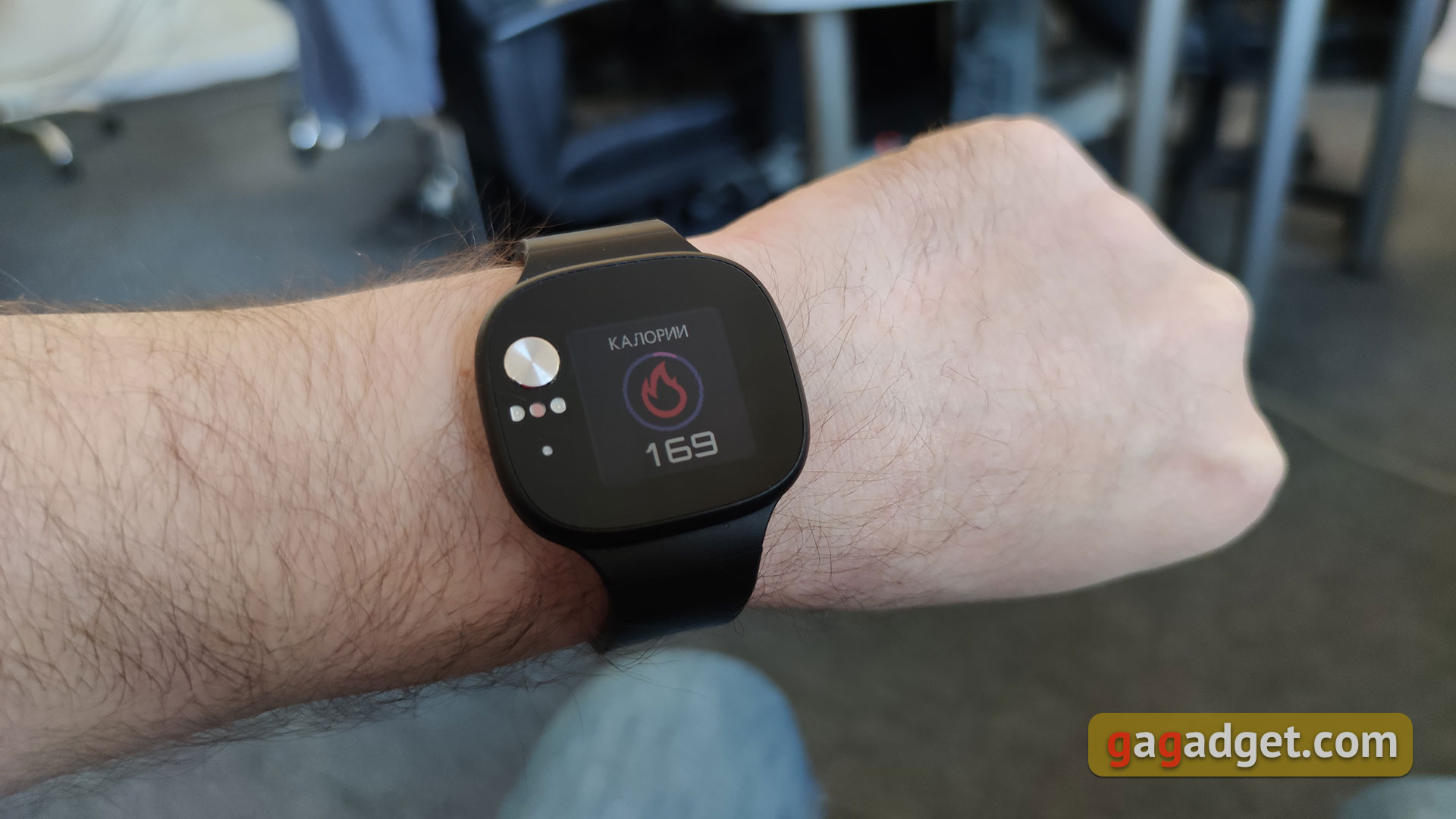
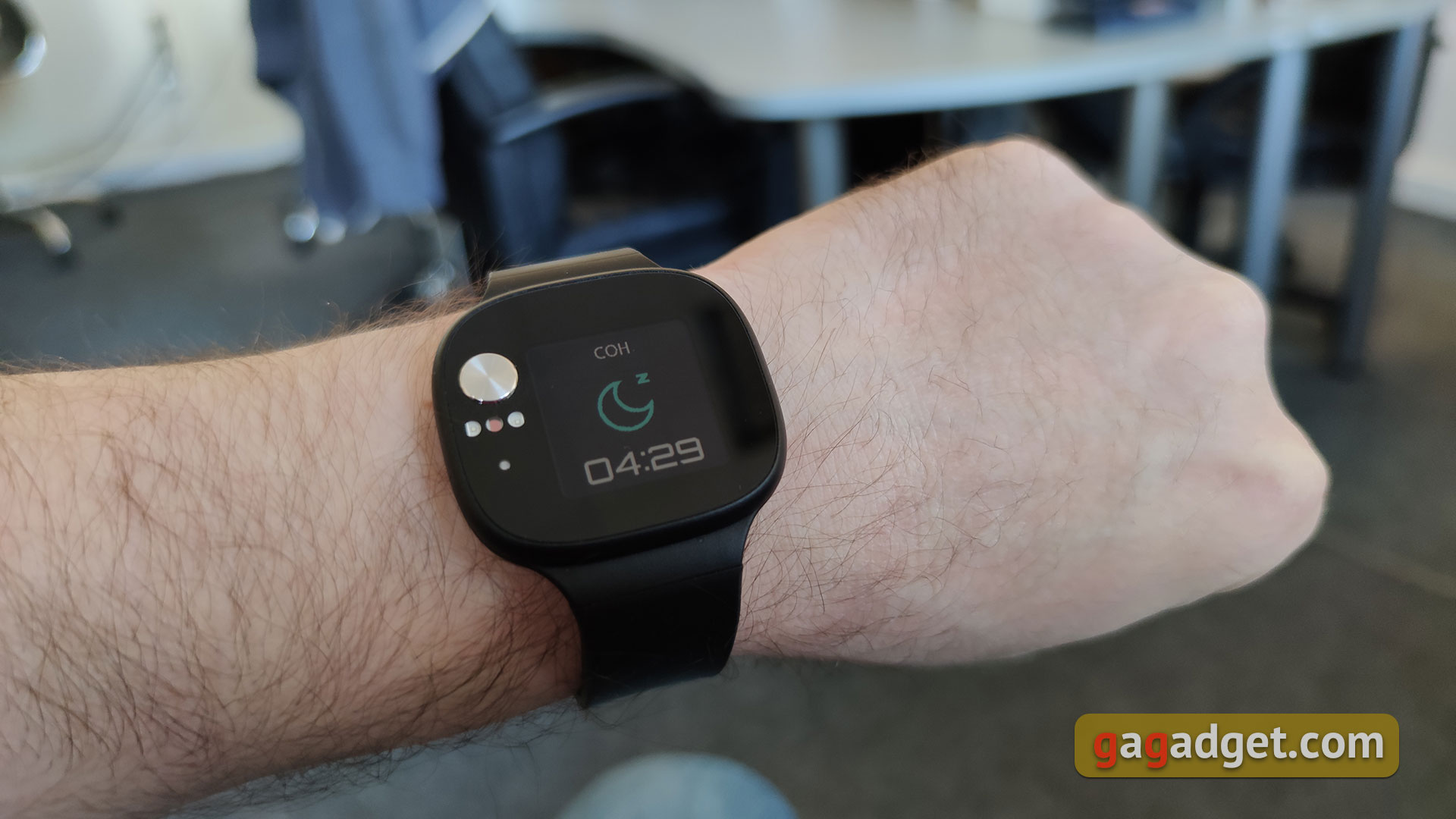
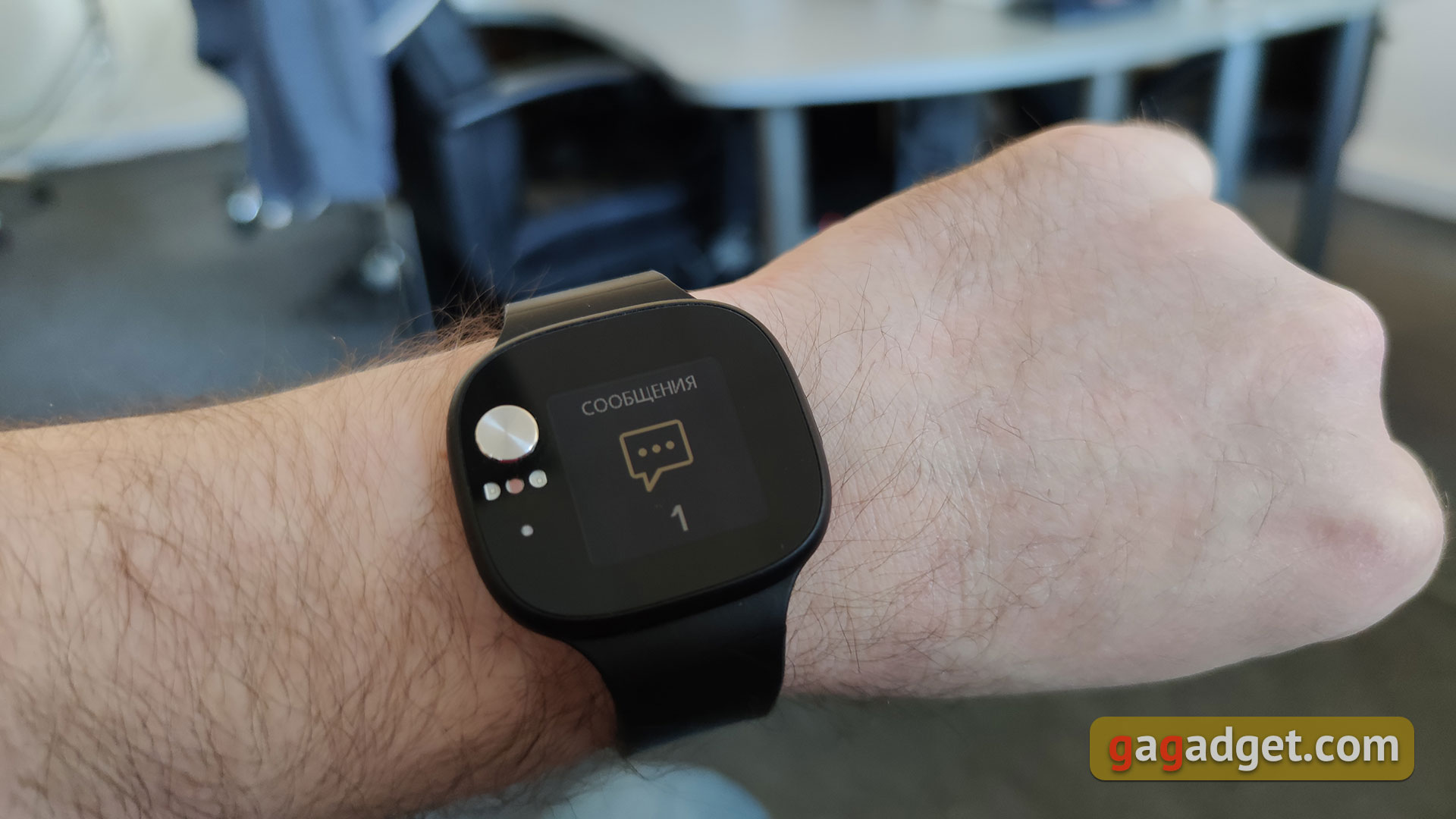
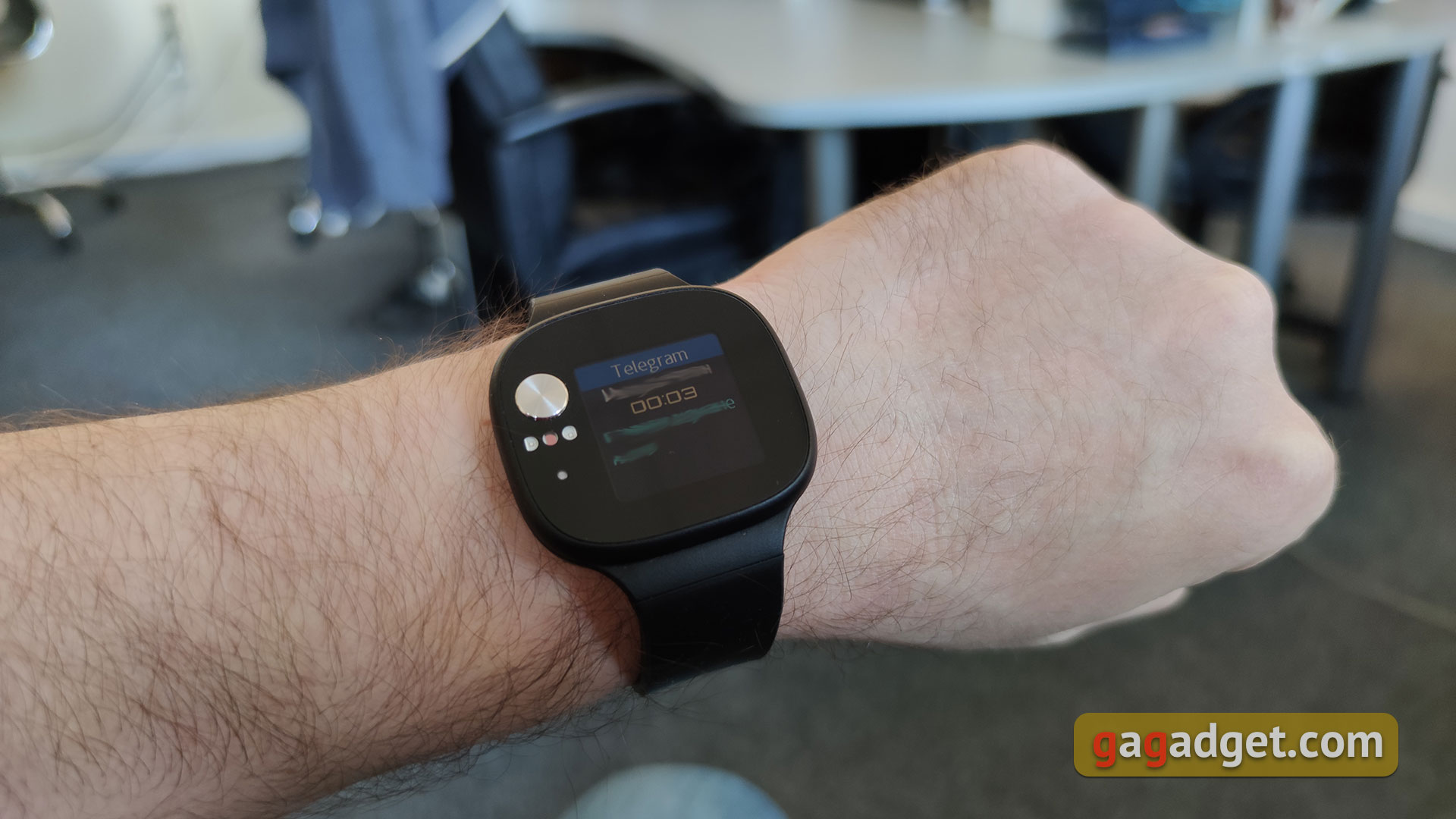
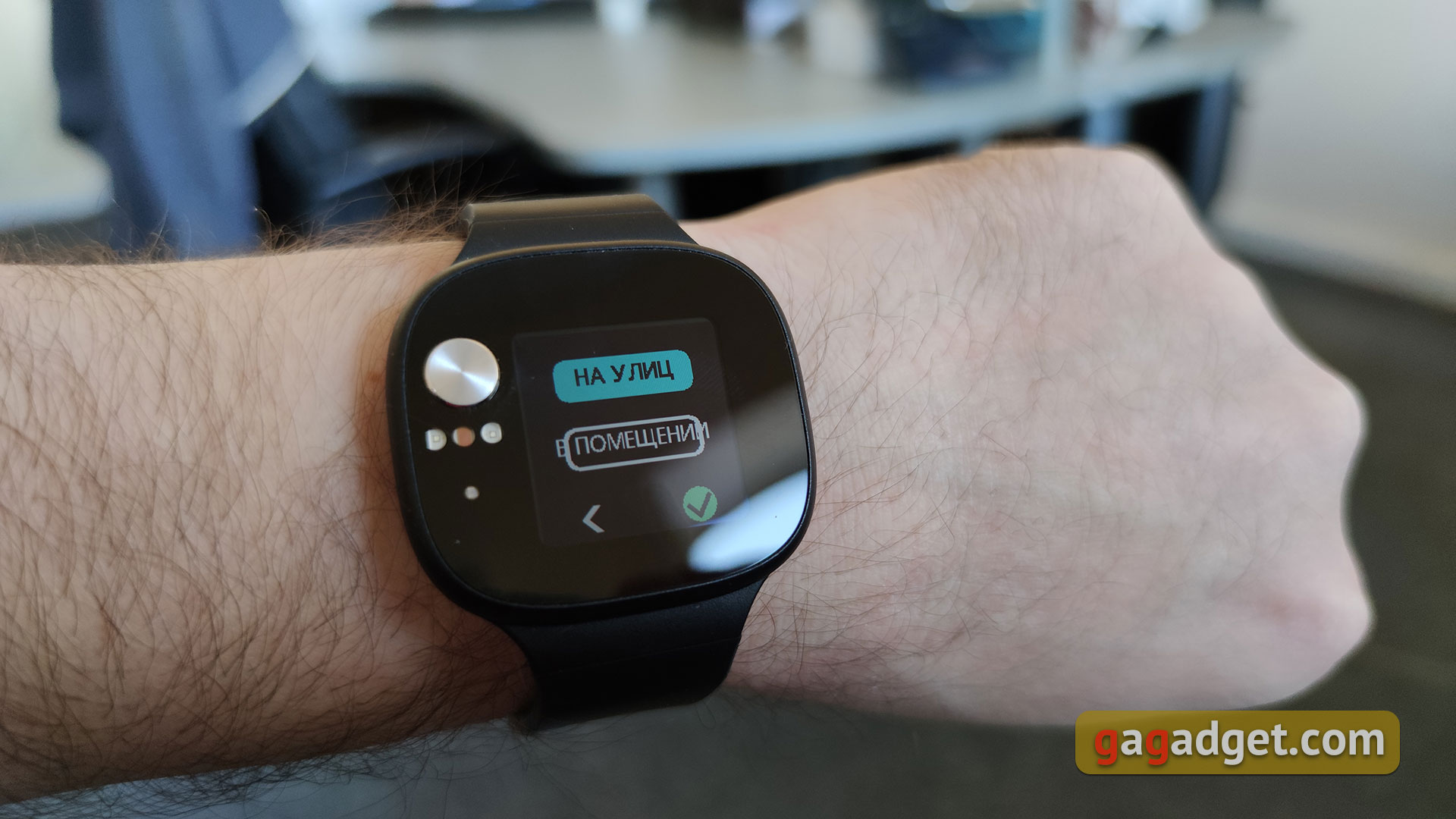
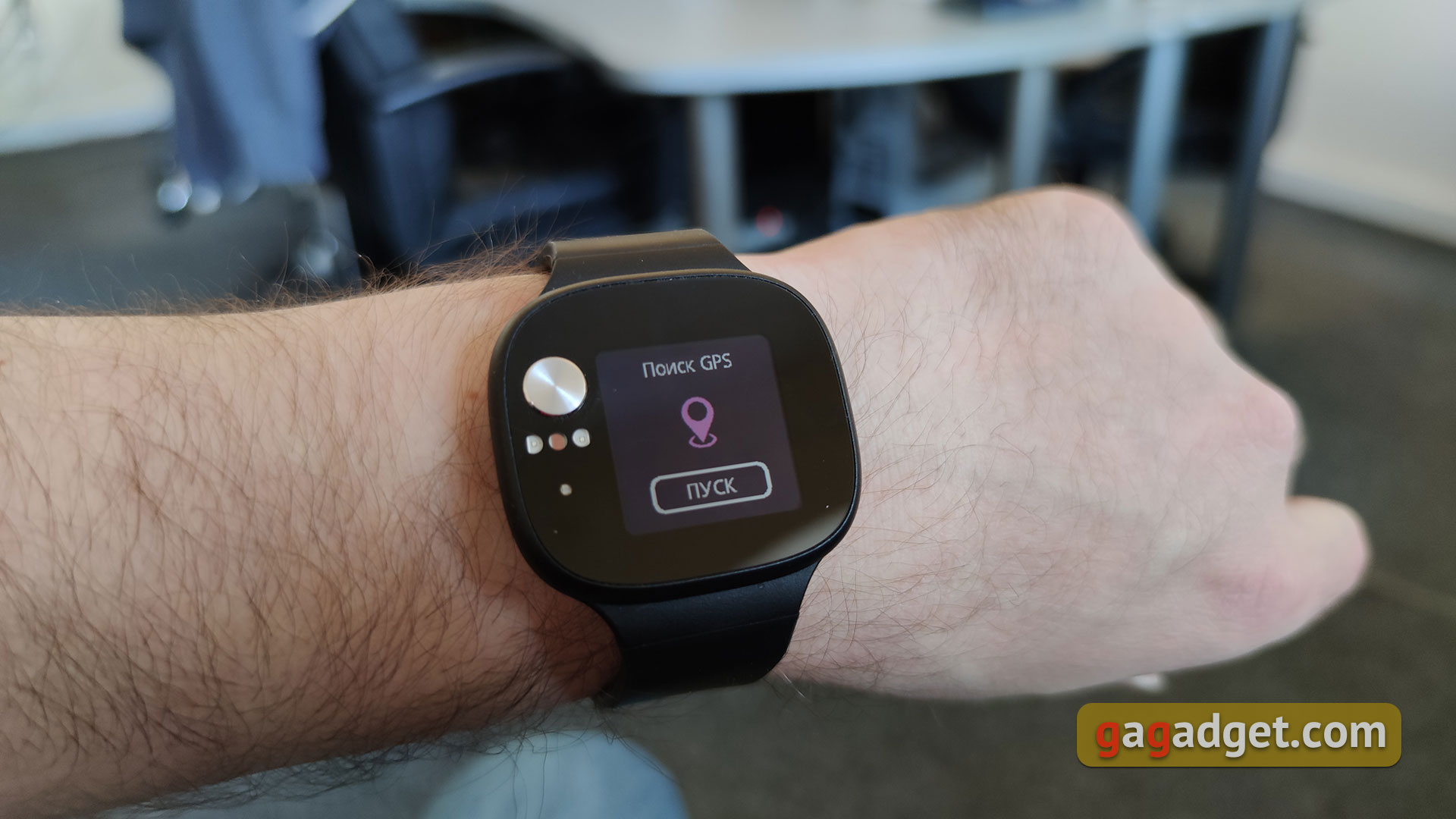
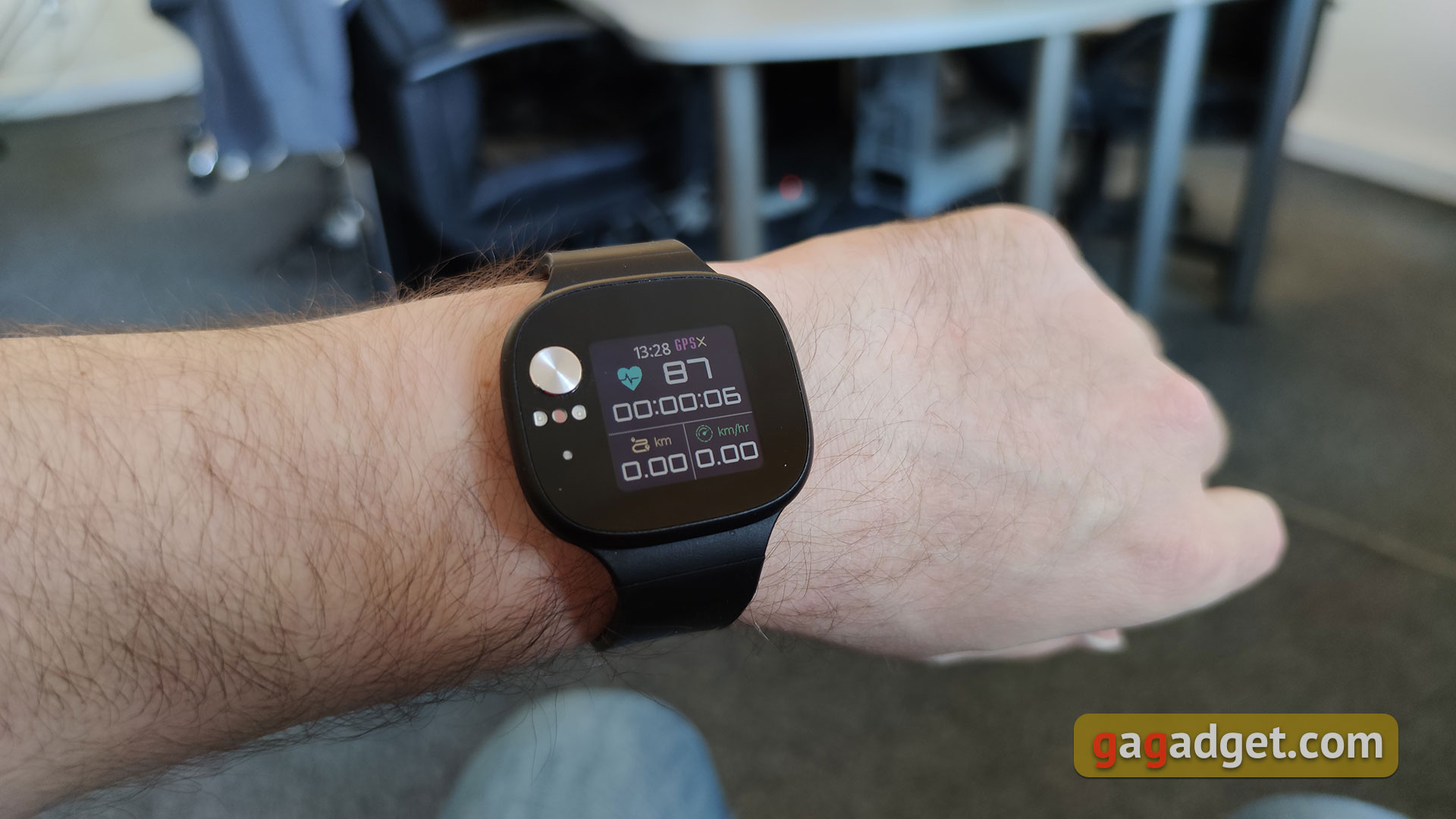
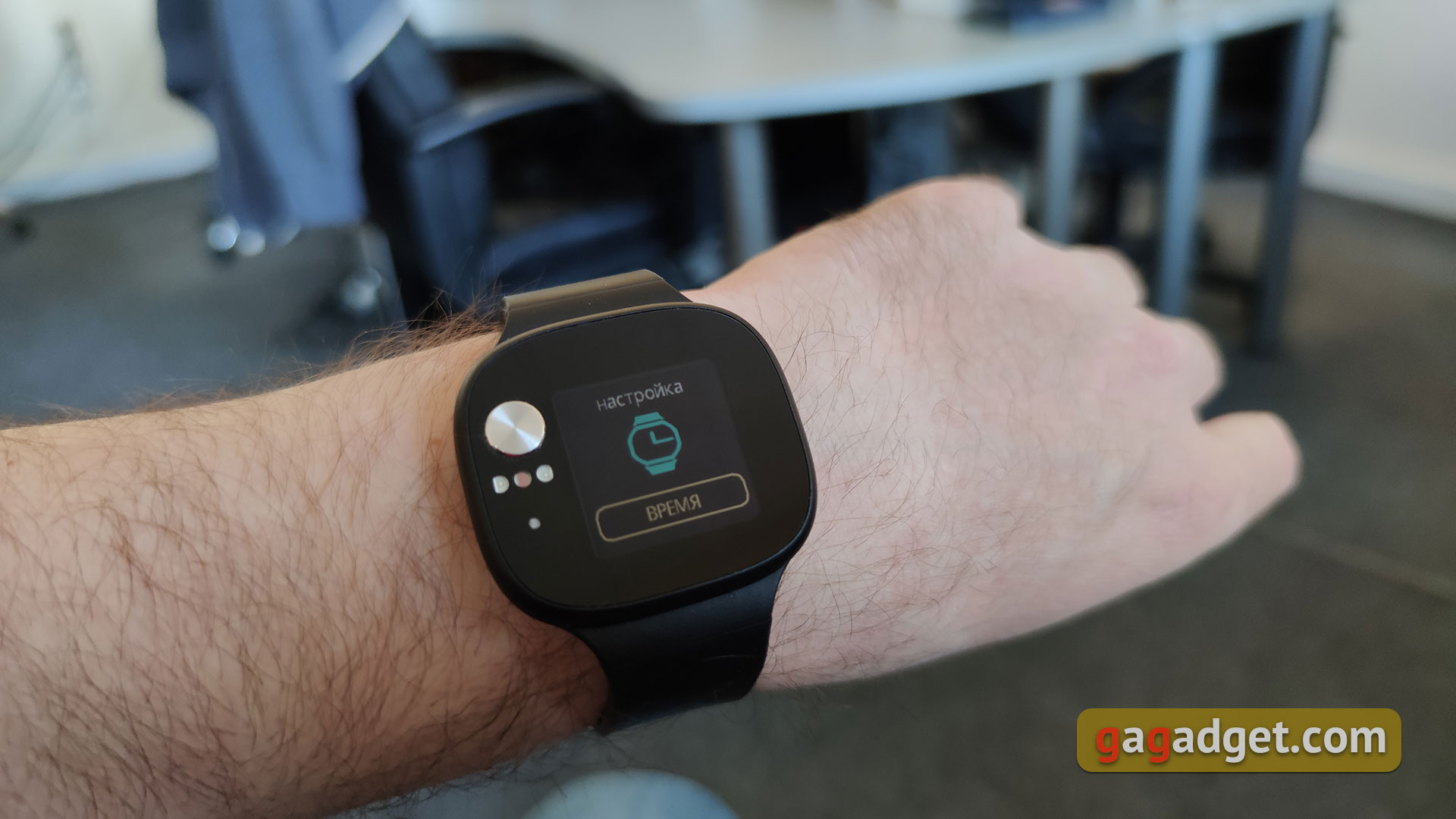
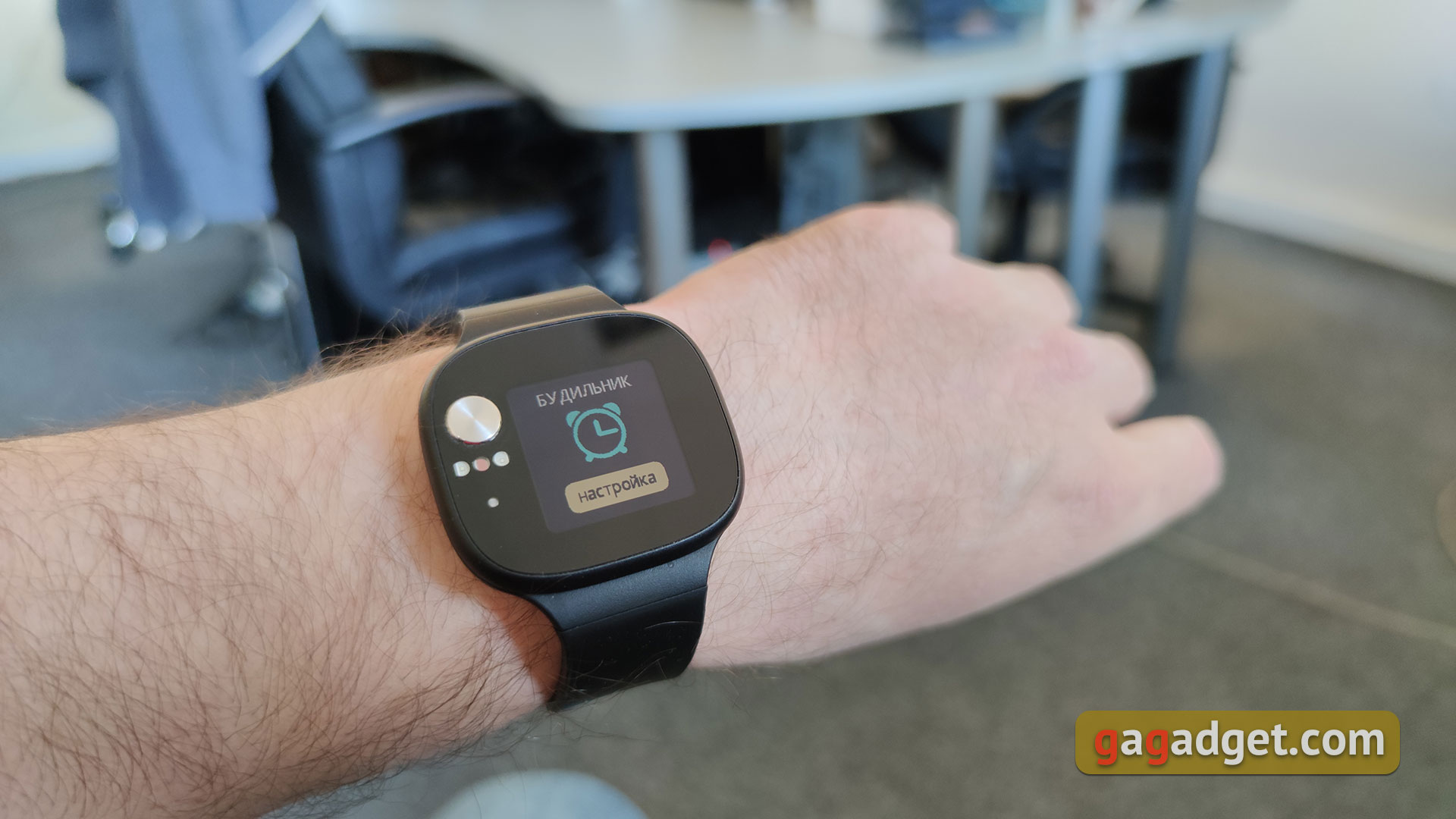
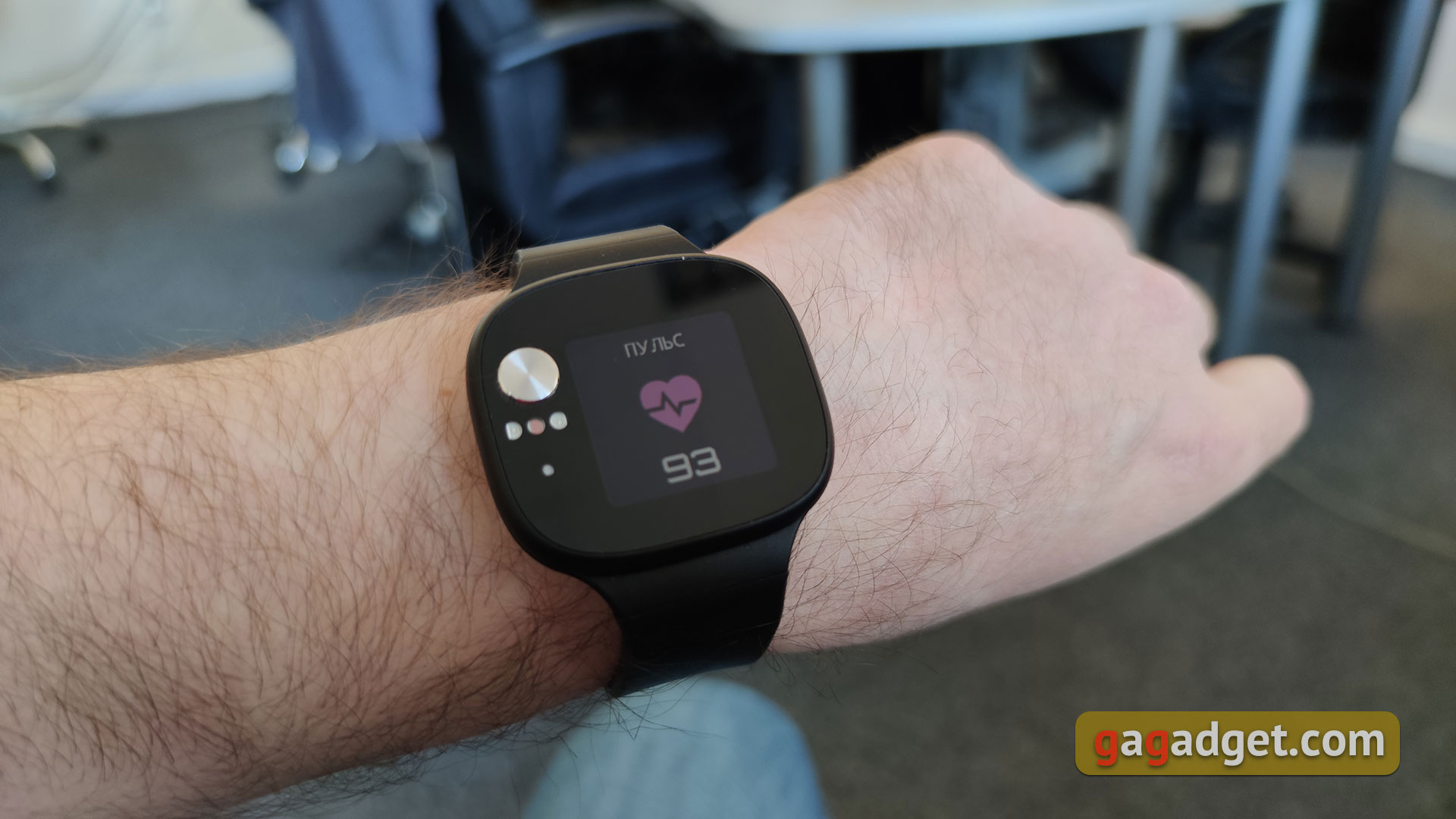
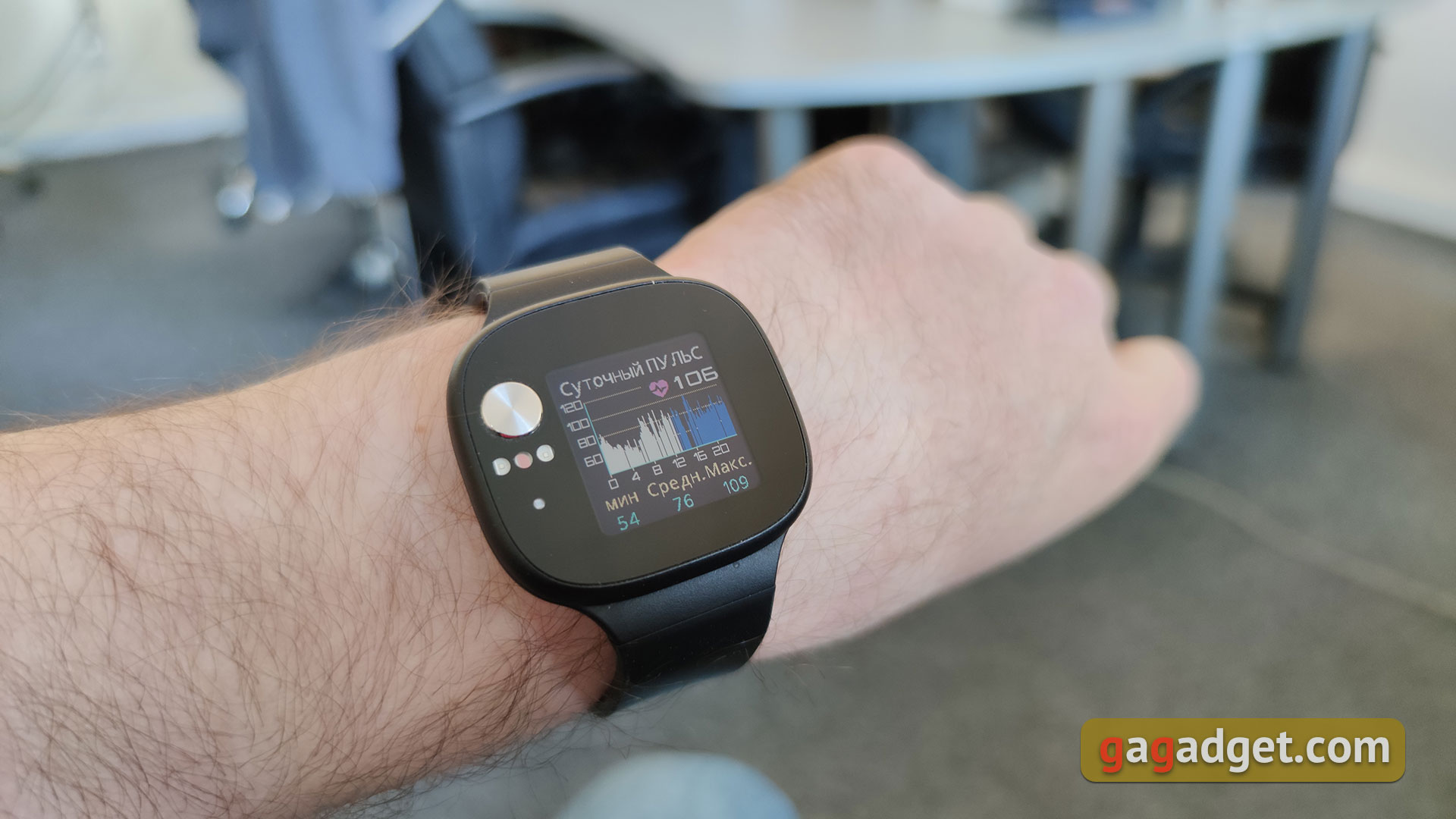
Swipe from right to left to openfunctional tabs: steps (and calories, if you swipe vertically, a touch displays a chart by the hour), sleep for the current day (and the “comfortable sleep” indicator, it’s hard to say what it is), messages (you can’t reply), starting exercises (there is a choice between outdoor and indoor activities, as well as information on steps, calories, etc.), a section with settings (including brightness, language, goals and reference materials), a section with an alarm clock, timer and stopwatch, heart rate monitor and blood pressure measurement. According to personal measurements, the heart rate monitor has very good accuracy, the error does not exceed 5%.
</ img>

</ img>
</ img>
</ img>
</ img>
</ img>

</ img>
</ img>

</ img>
</ img>
</ img>
</ img>
</ img>
</ img>
</ img>
</ img>
</ img>
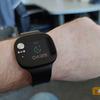
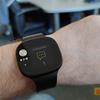
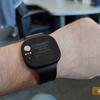
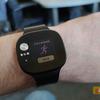
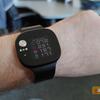
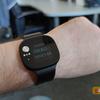
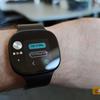
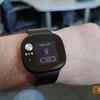
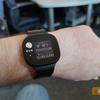
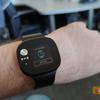

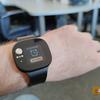
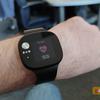
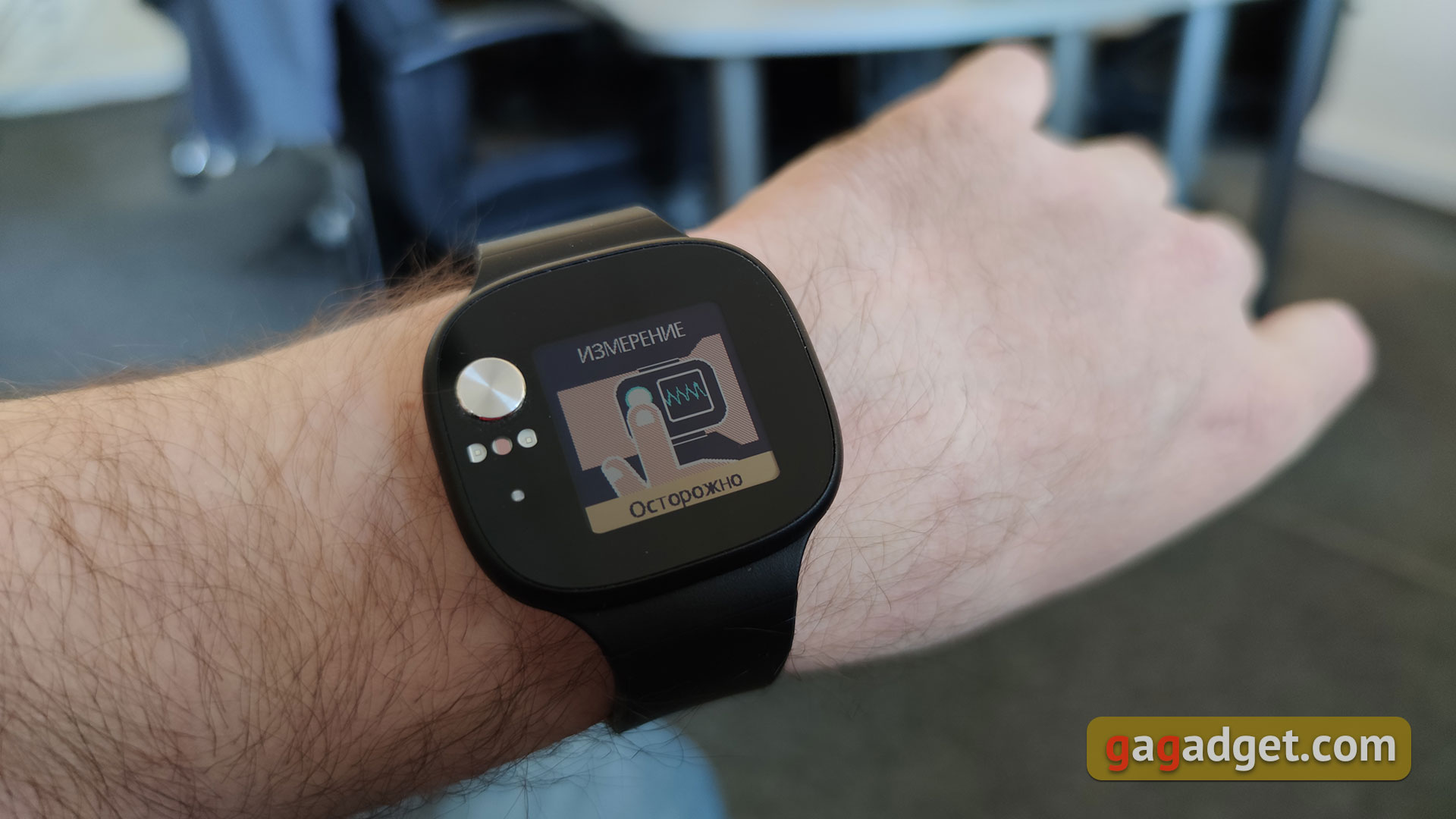
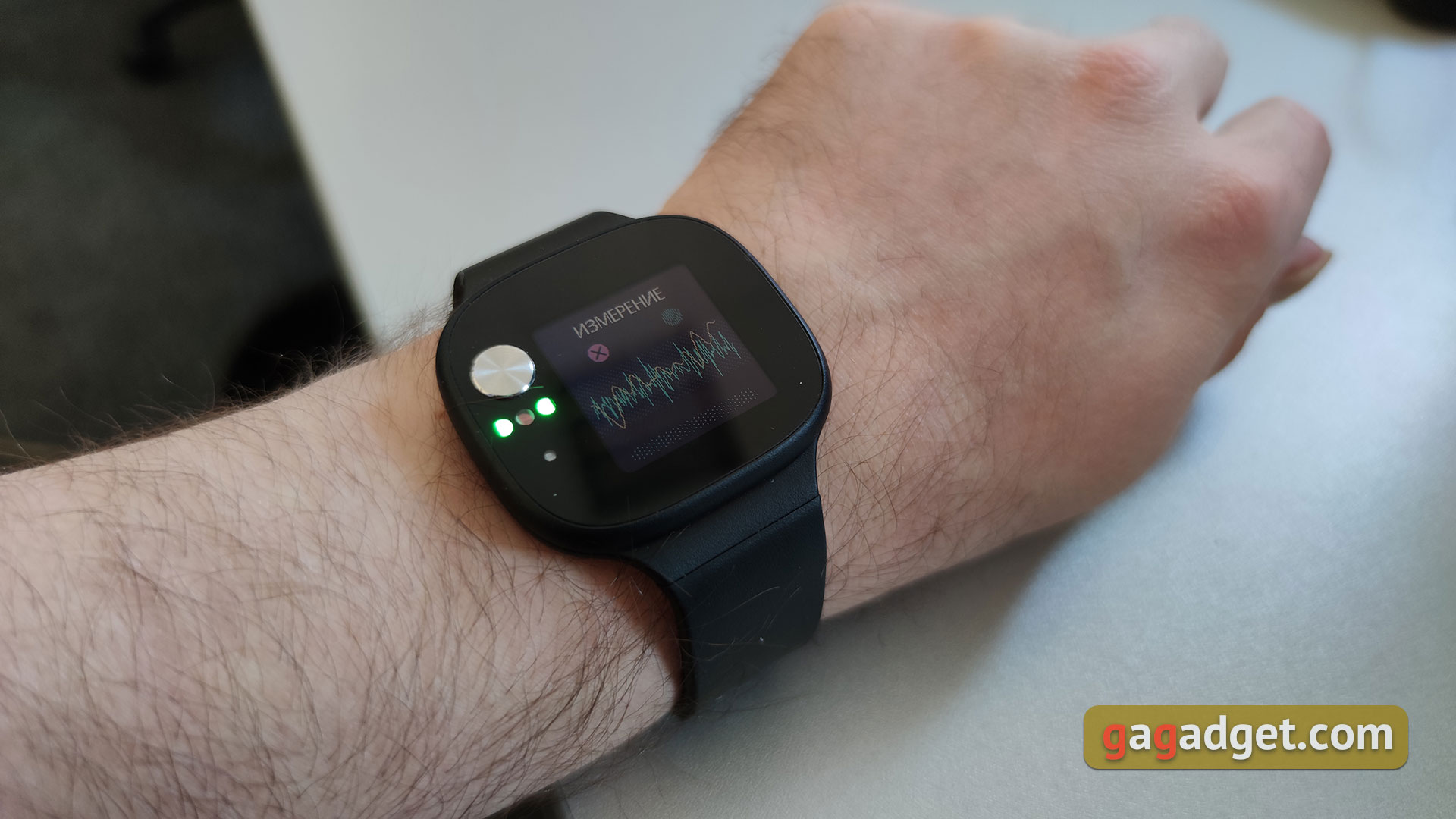
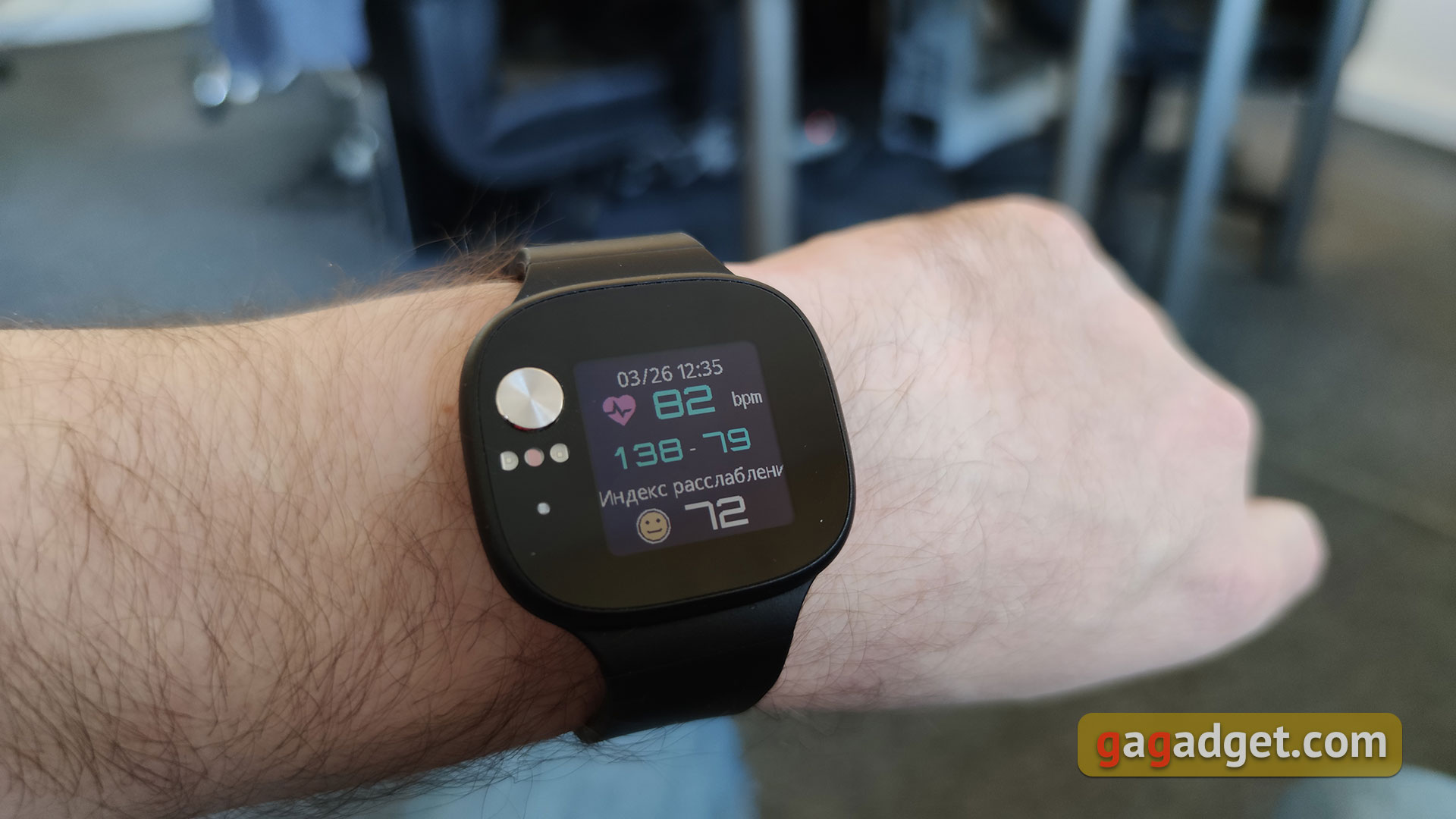
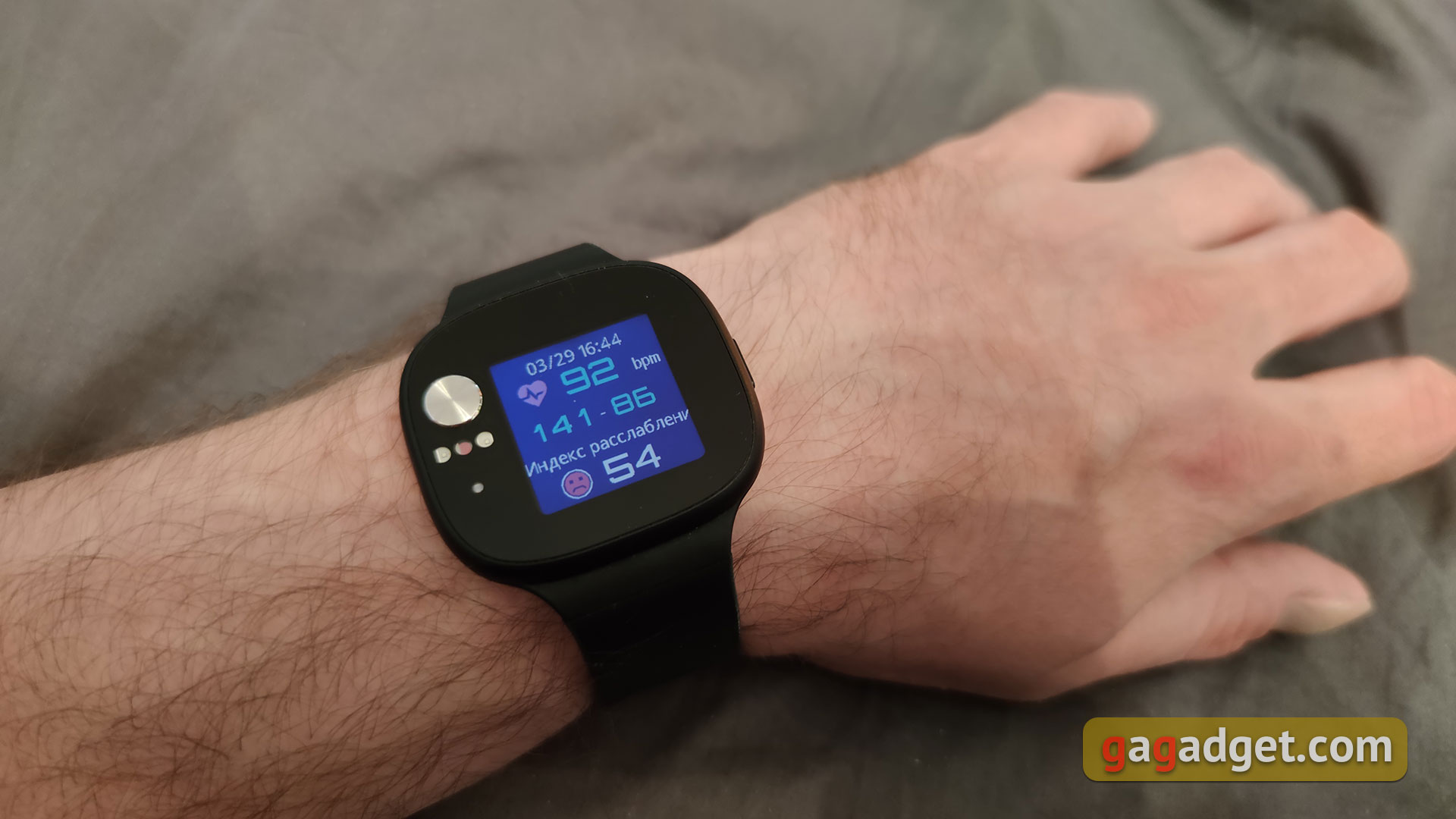
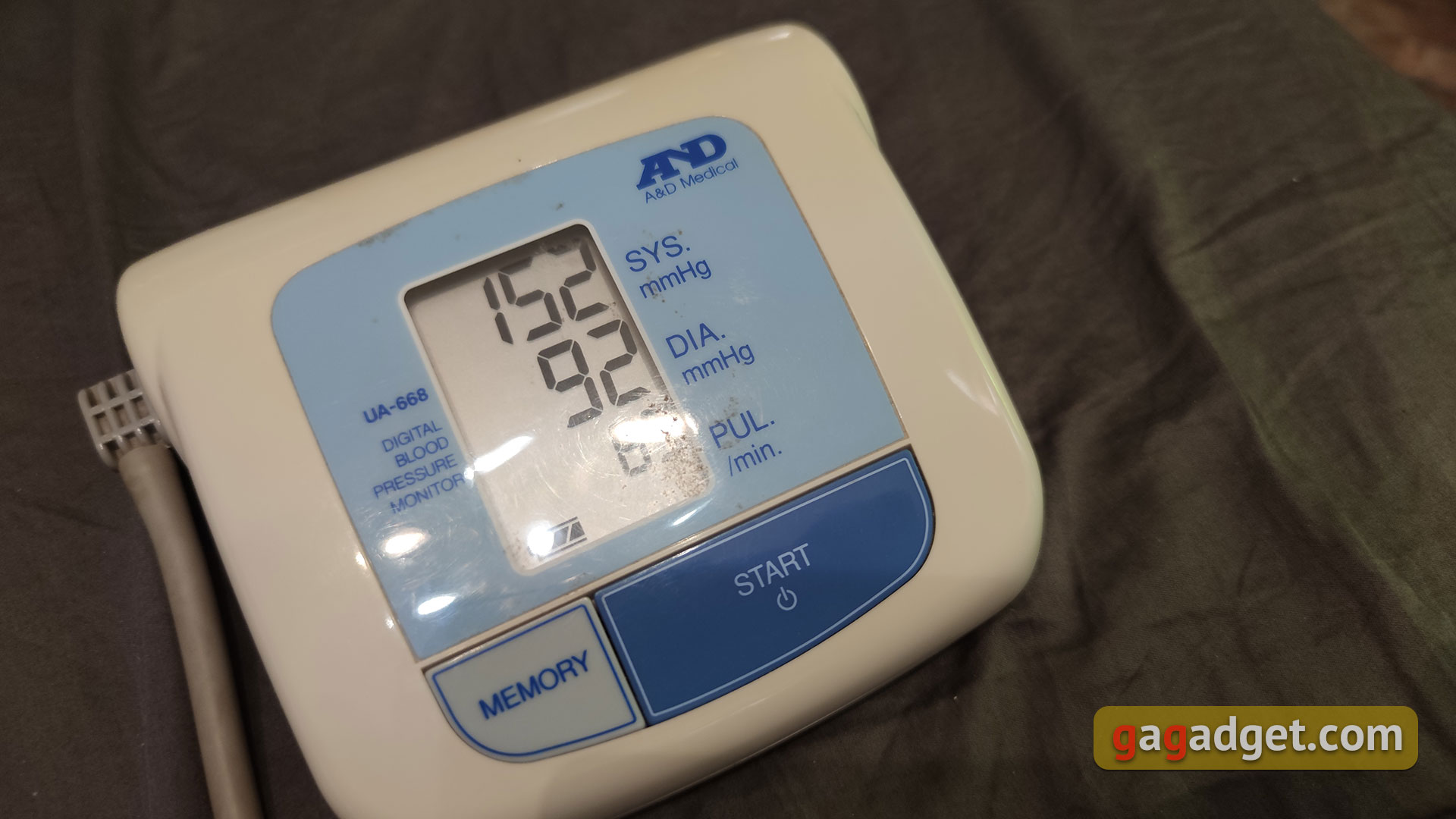
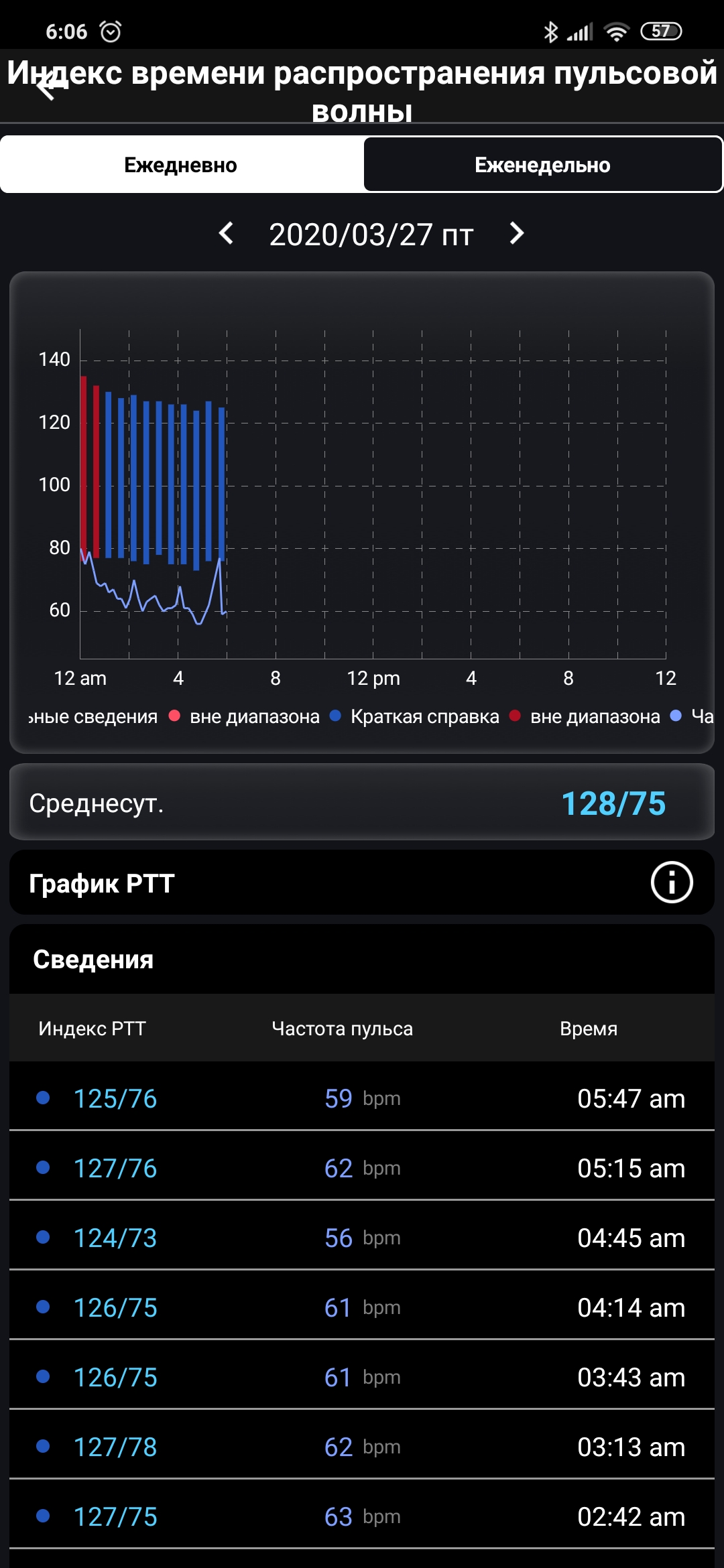
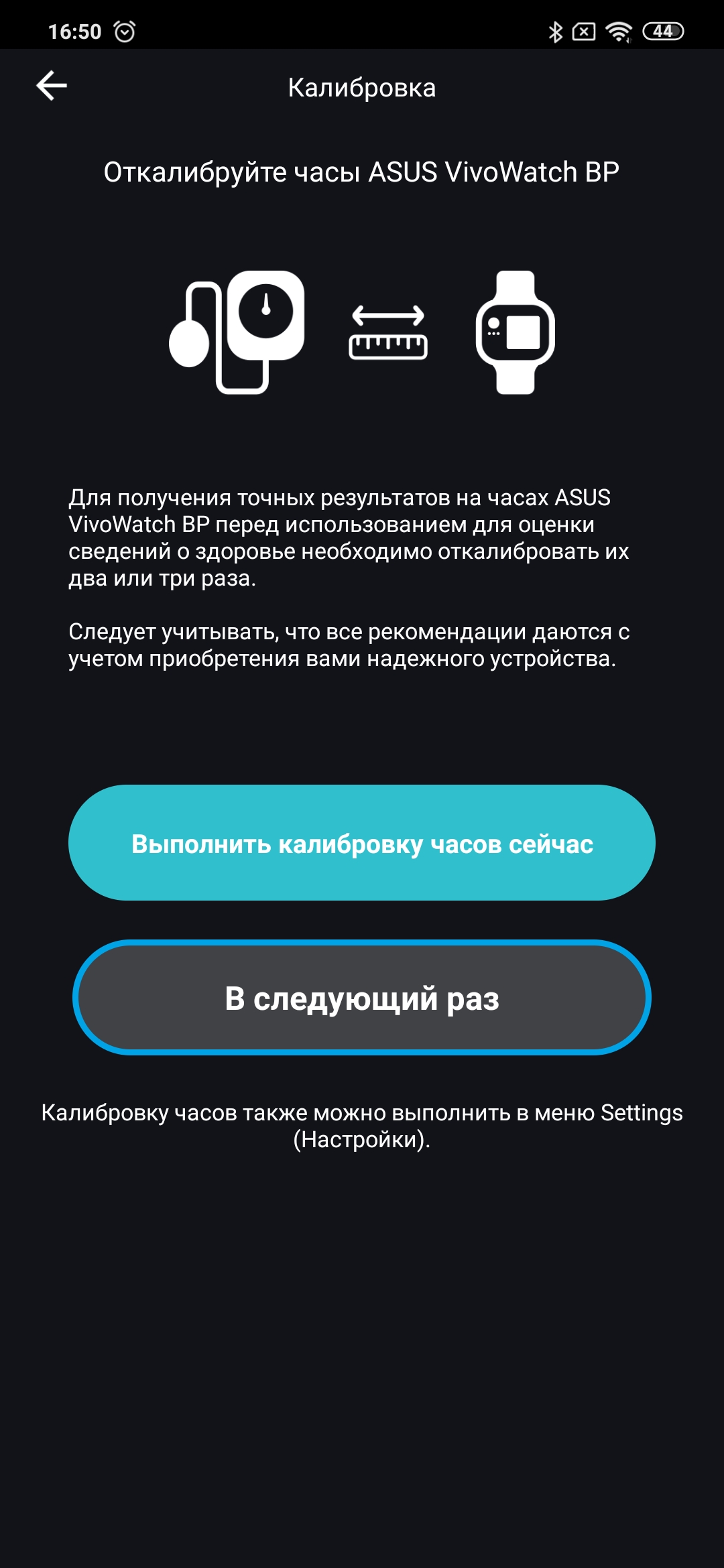
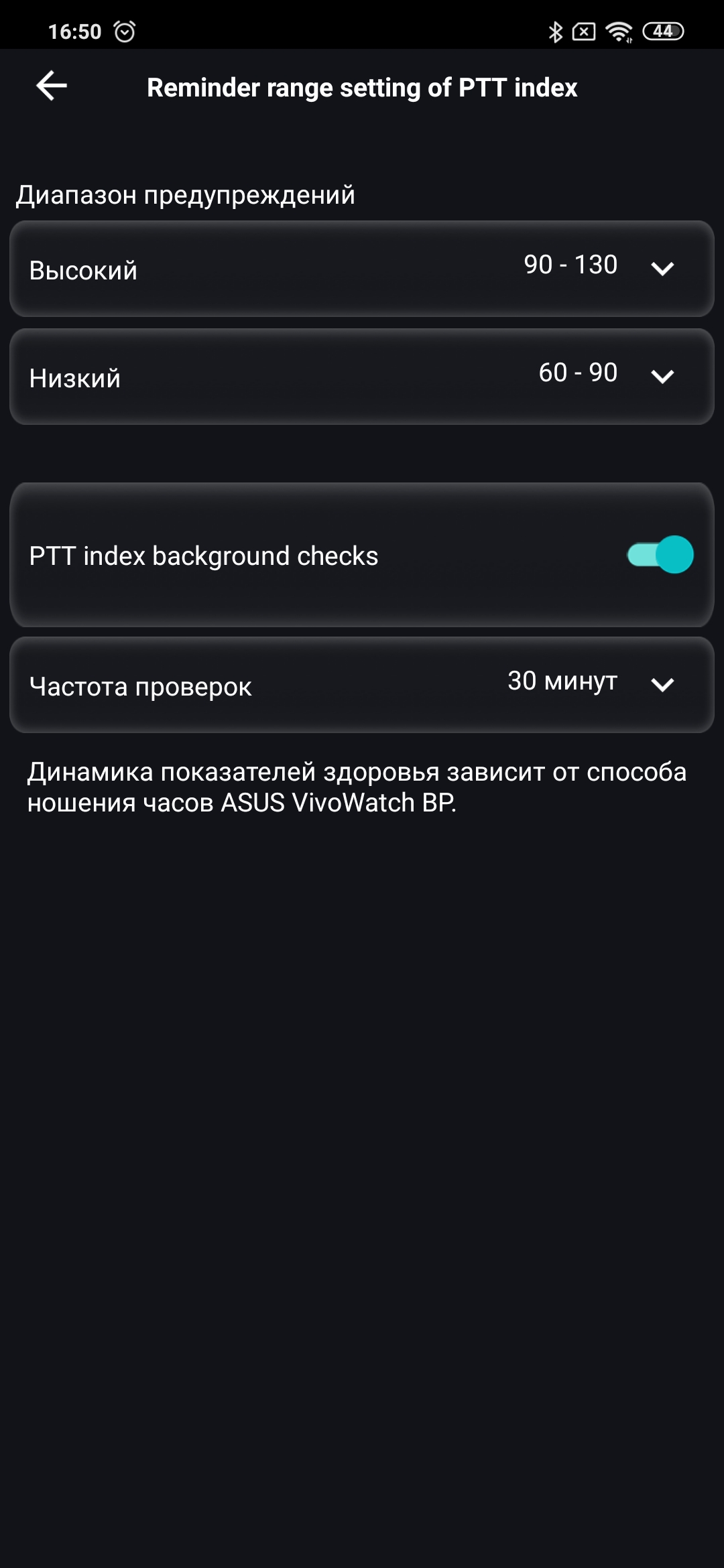
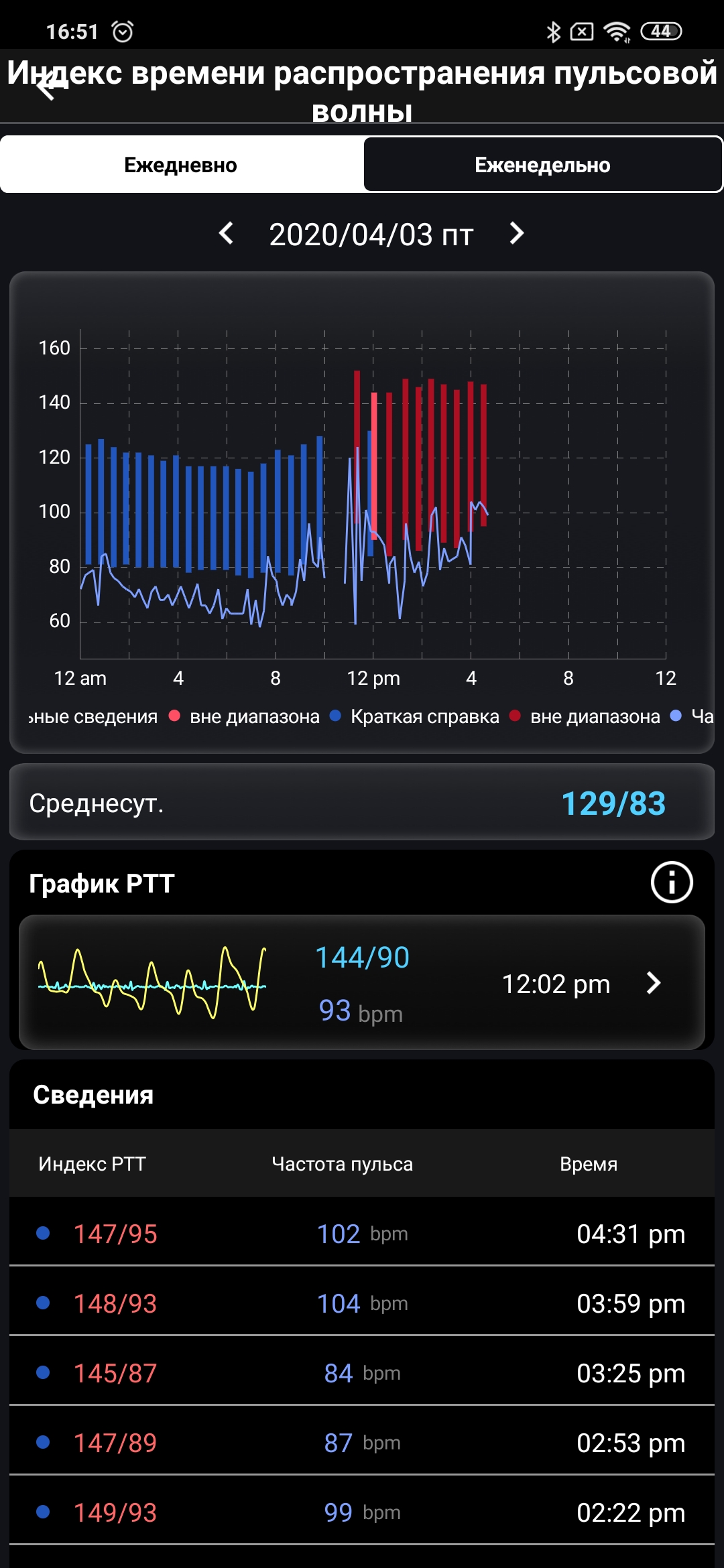
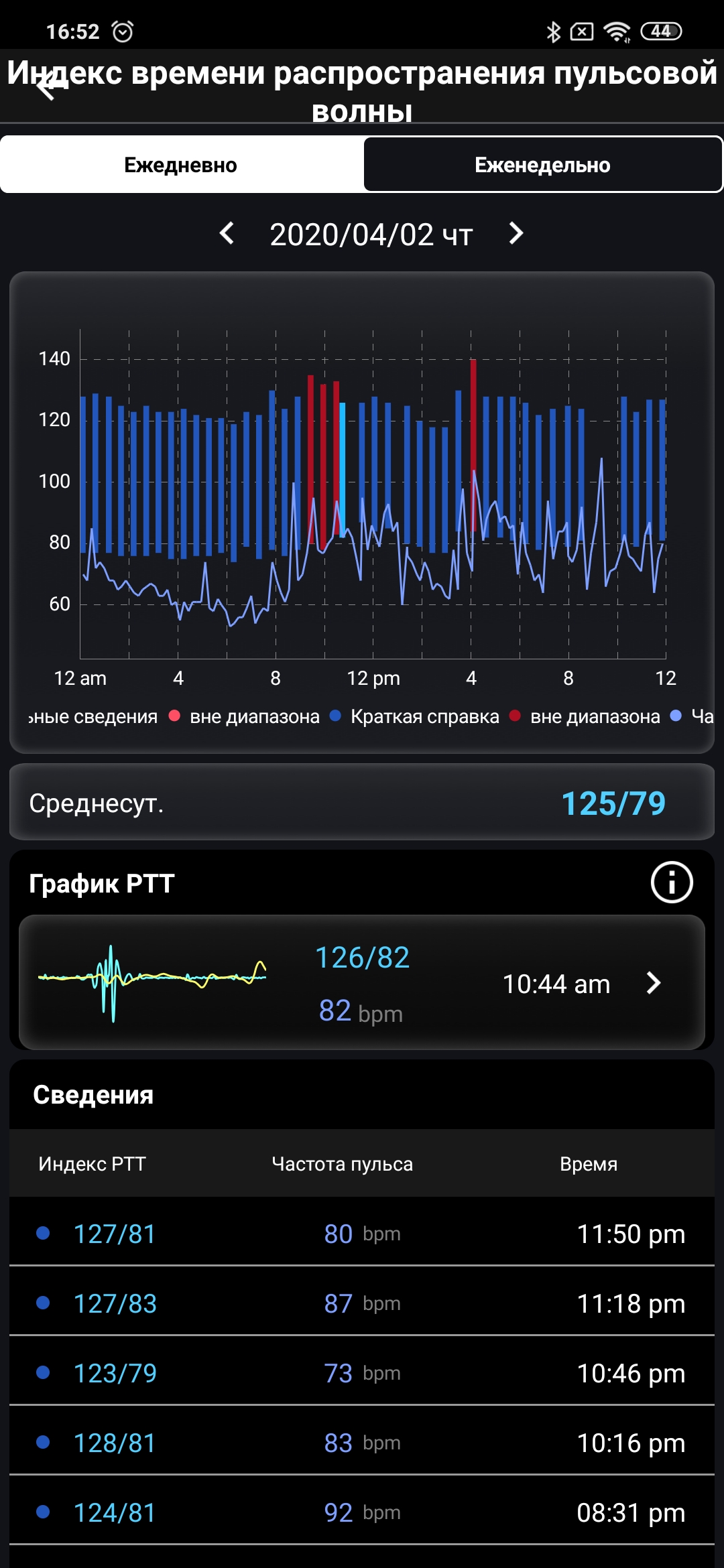
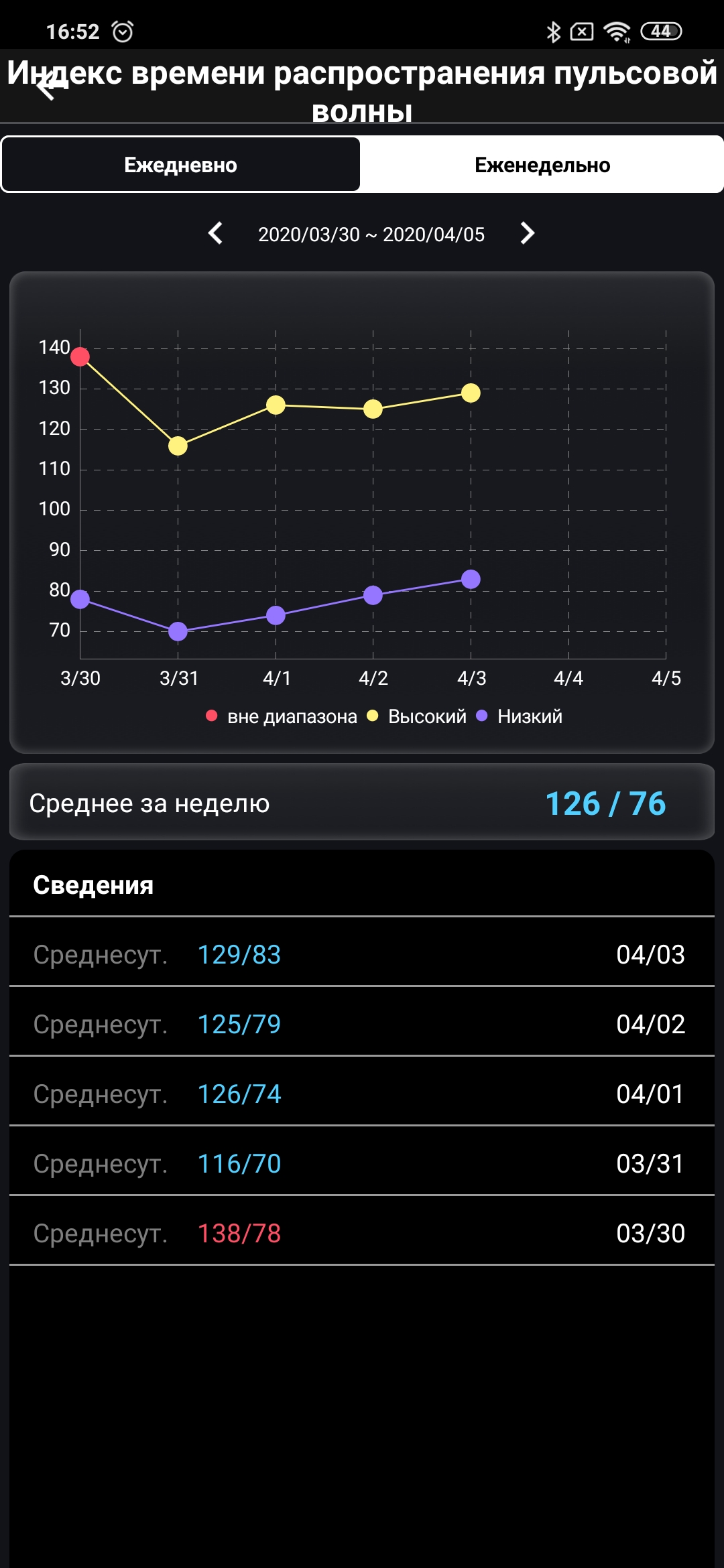
Of course, the most interesting is the measurementpressure and PTT index (pulse transition time for measuring the speed of blood flow in the human body, determining the emotional state). It’s worth answering one important question right away: no, the ASUS VivoWatch BP is not a compact wrist blood pressure monitor. Moreover, for adequate operation, the watch needs calibration using a stationary tonometer. You need to take several measurements and enter them manually into the application. And to maintain accuracy, such calibrations will need to be repeated from time to time. And yet, of course, there will still be an error.

</ img>
</ img>
</ img>
</ img>
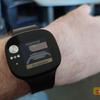
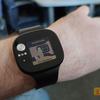
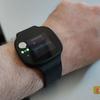
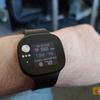
So why is this necessary?The answer is written by ASUS itself on its website: for round-the-clock monitoring of blood pressure trends and analysis of the body’s condition. To put it simply: to understand what happens if you have problems with blood pressure and your health has worsened, but you don’t have a tonometer at hand. The accuracy range is 7-8 percent. Although I believe that the accuracy can be improved by more regular calibration (I only had the opportunity to make one run with several measurements):
</ img>
</ img>
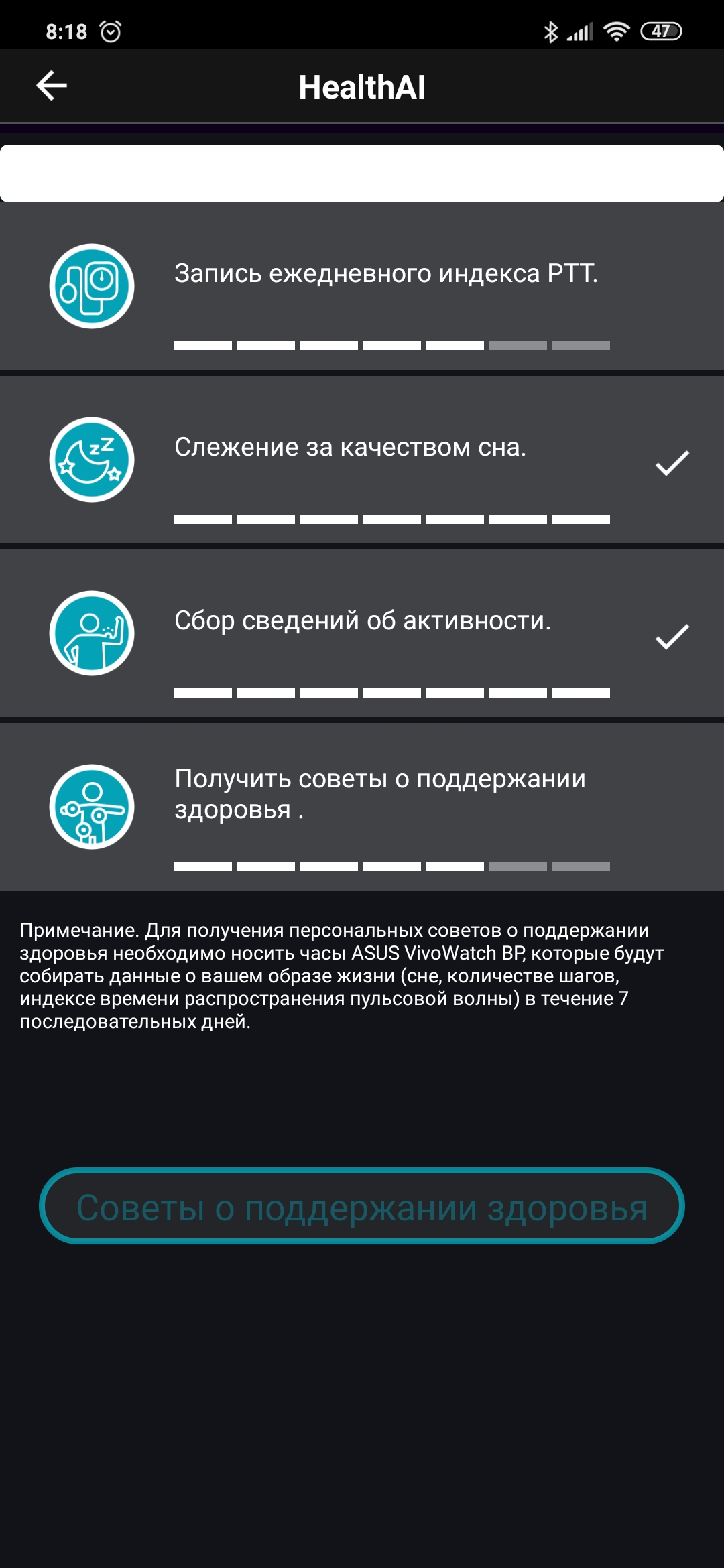
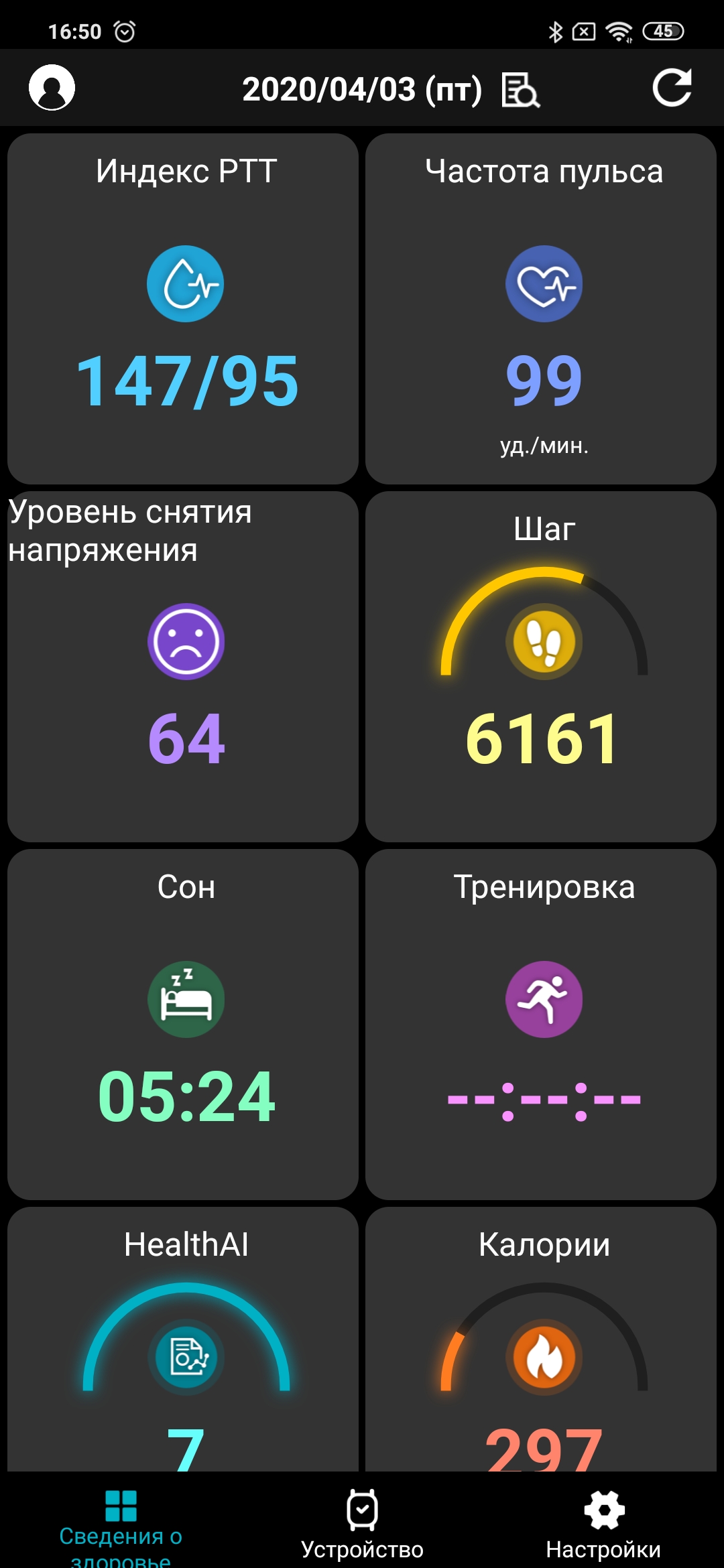
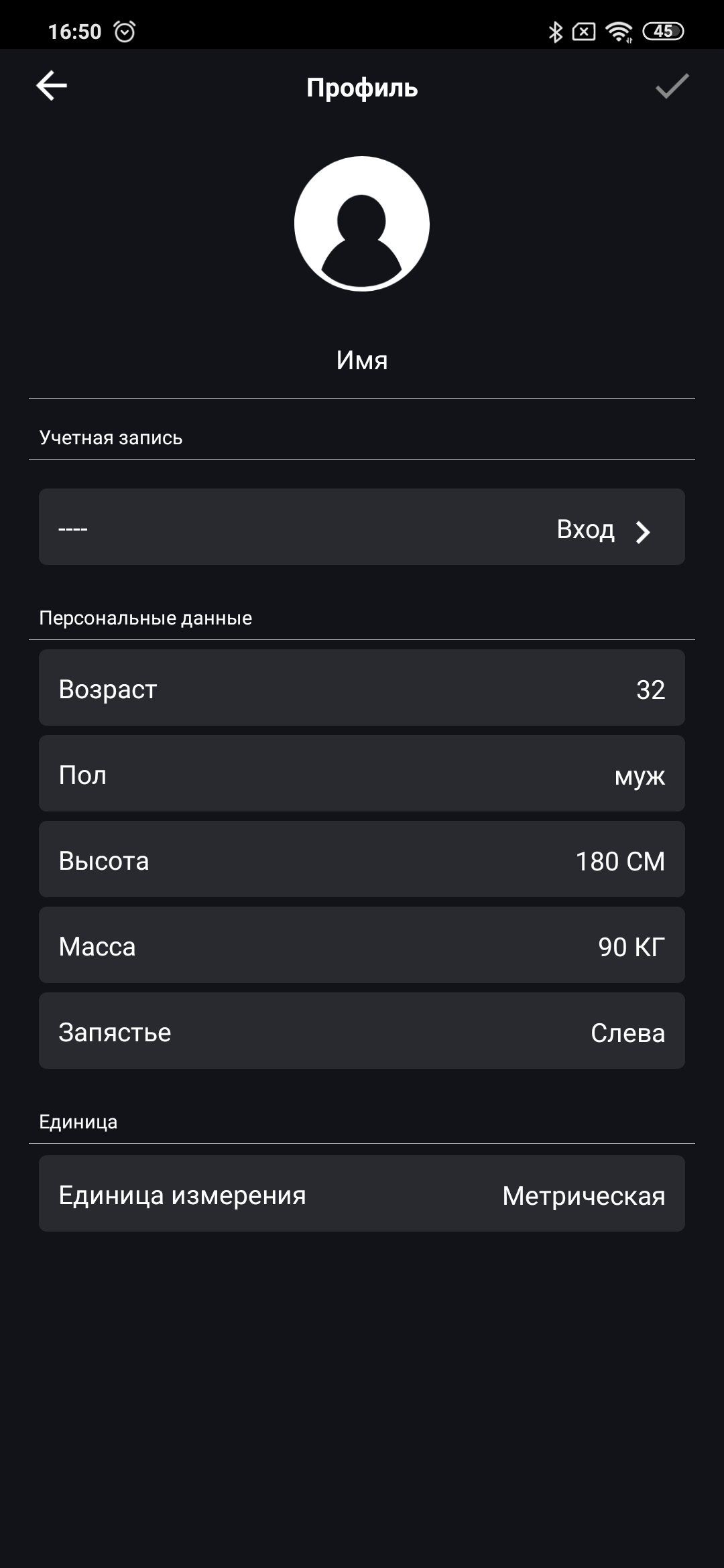
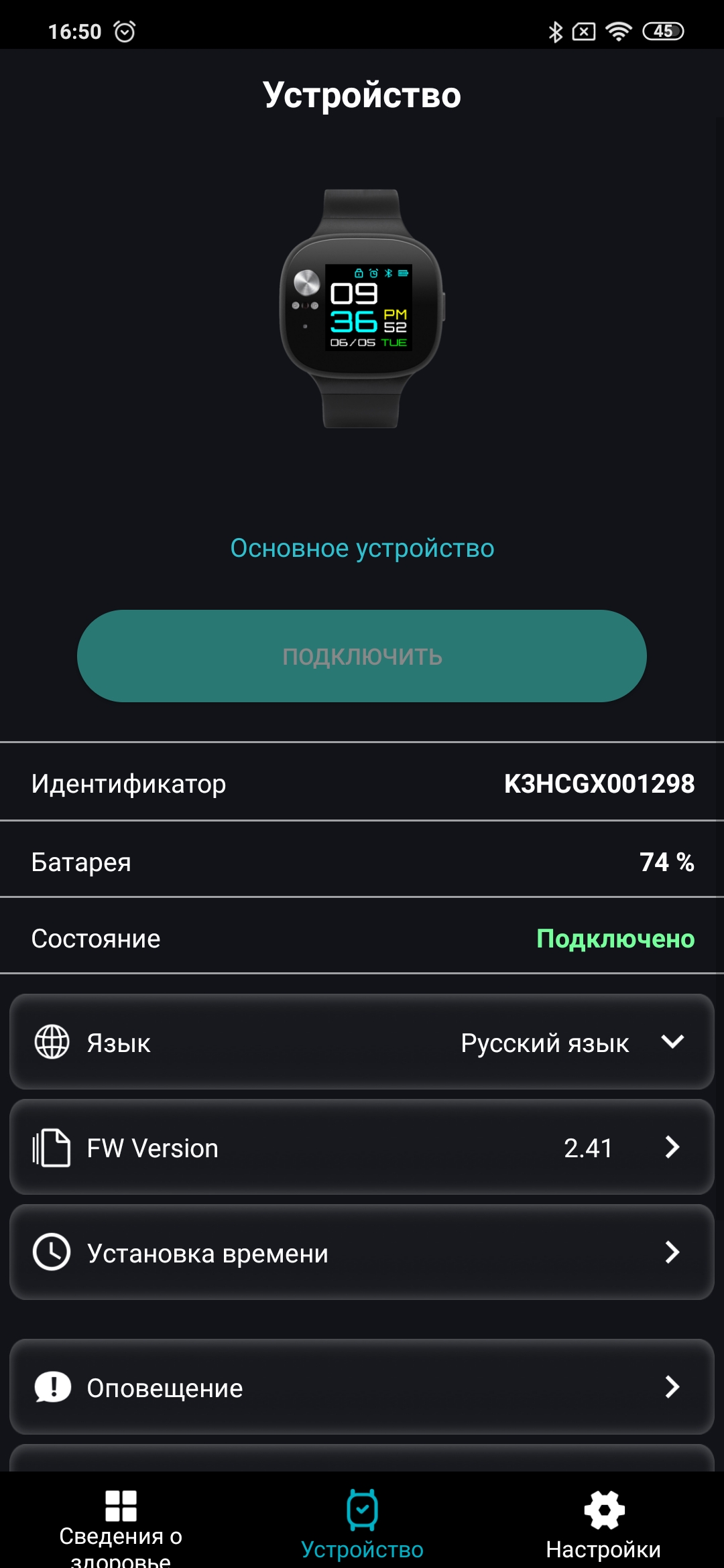
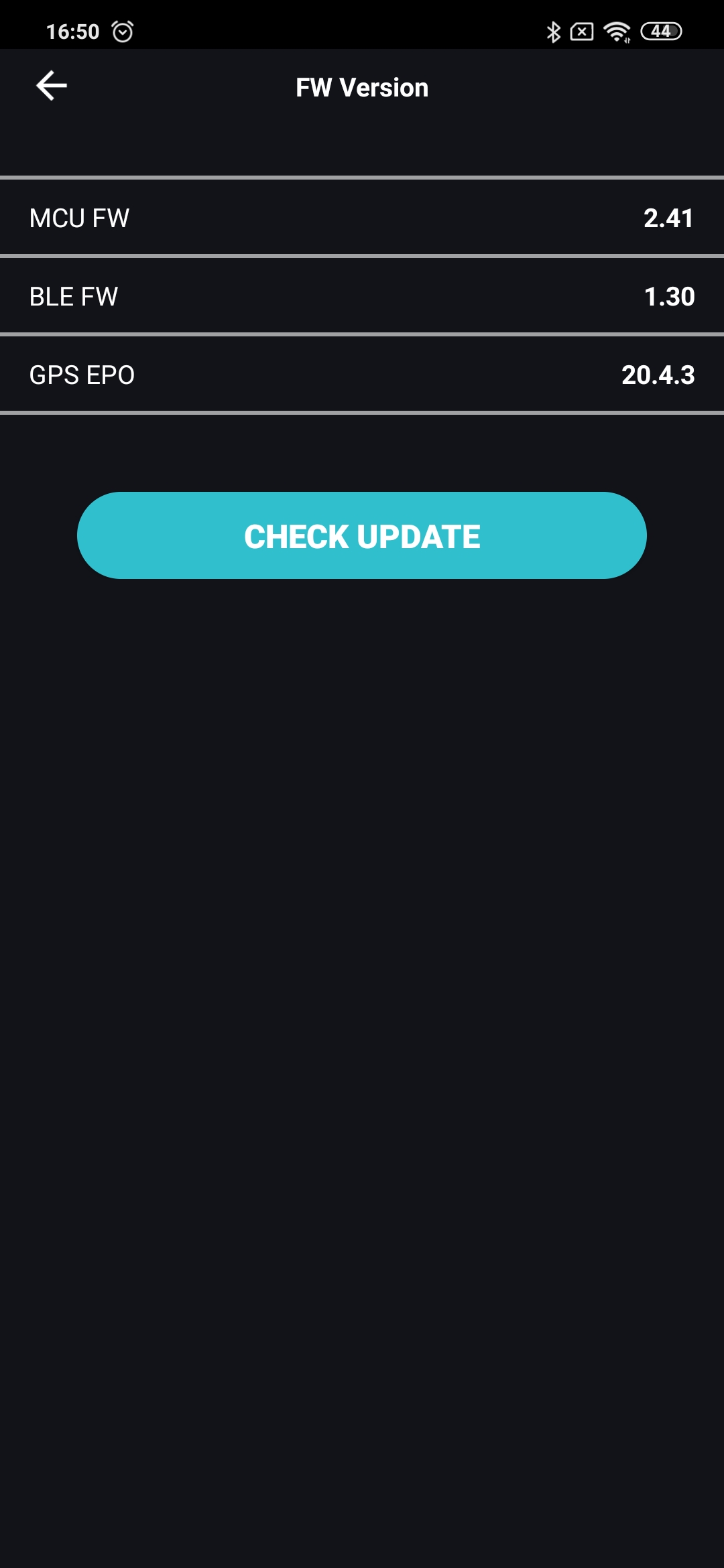
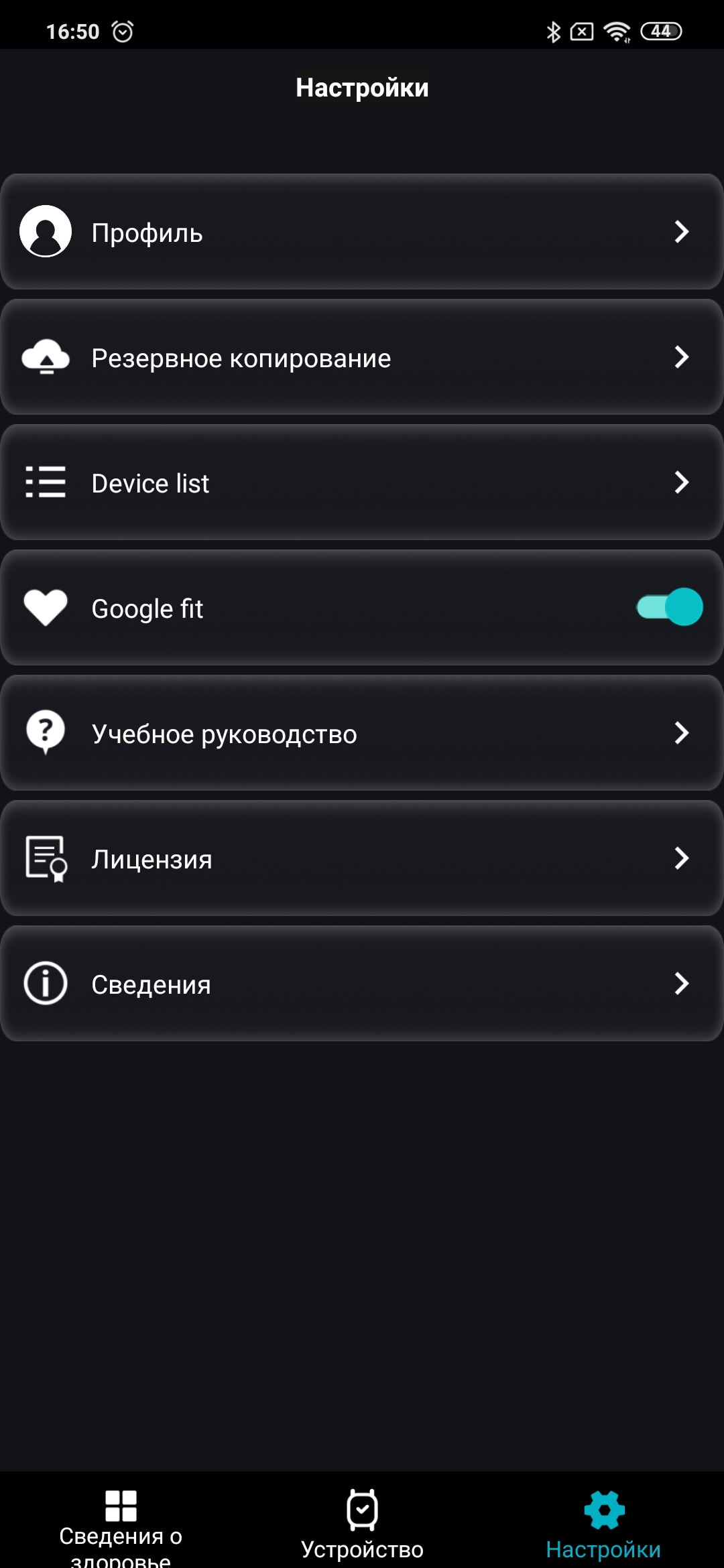
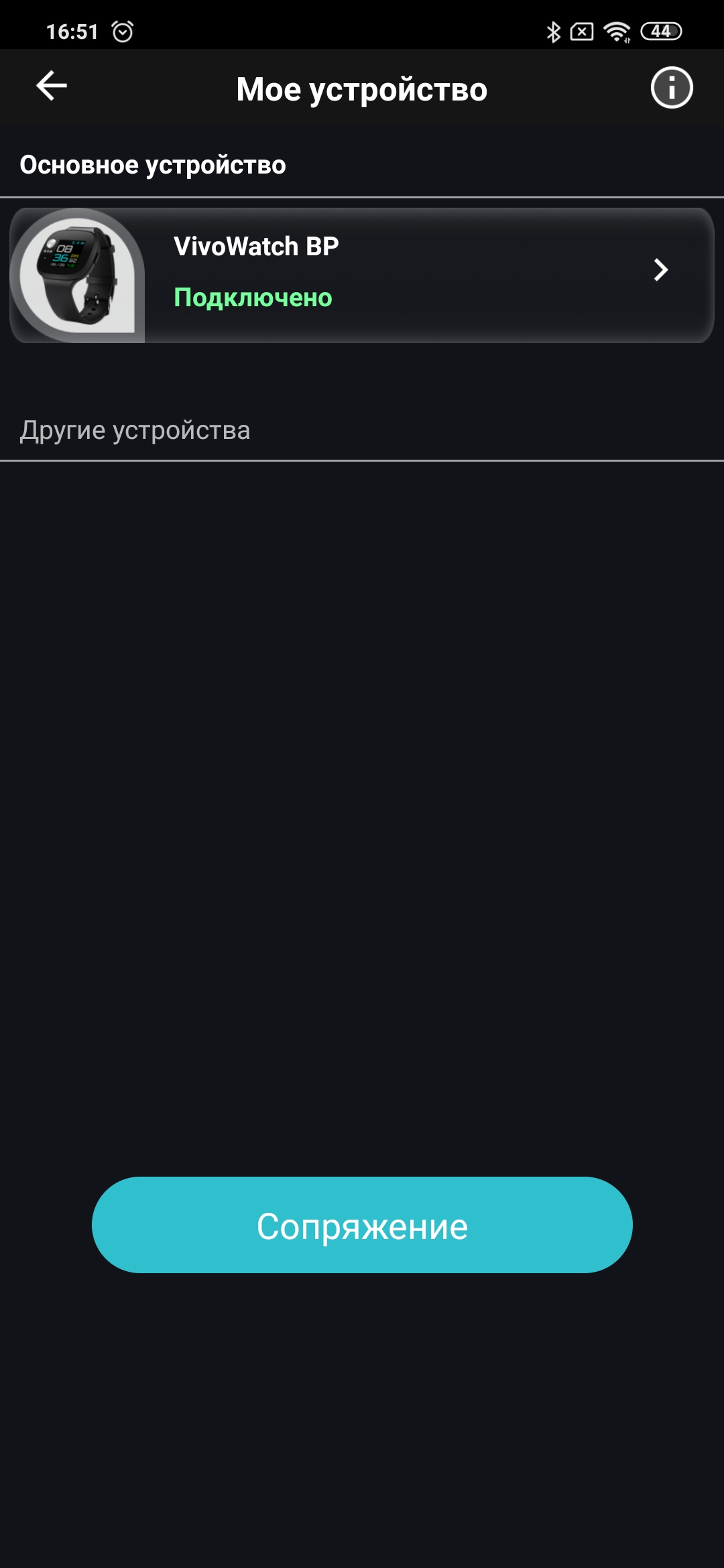
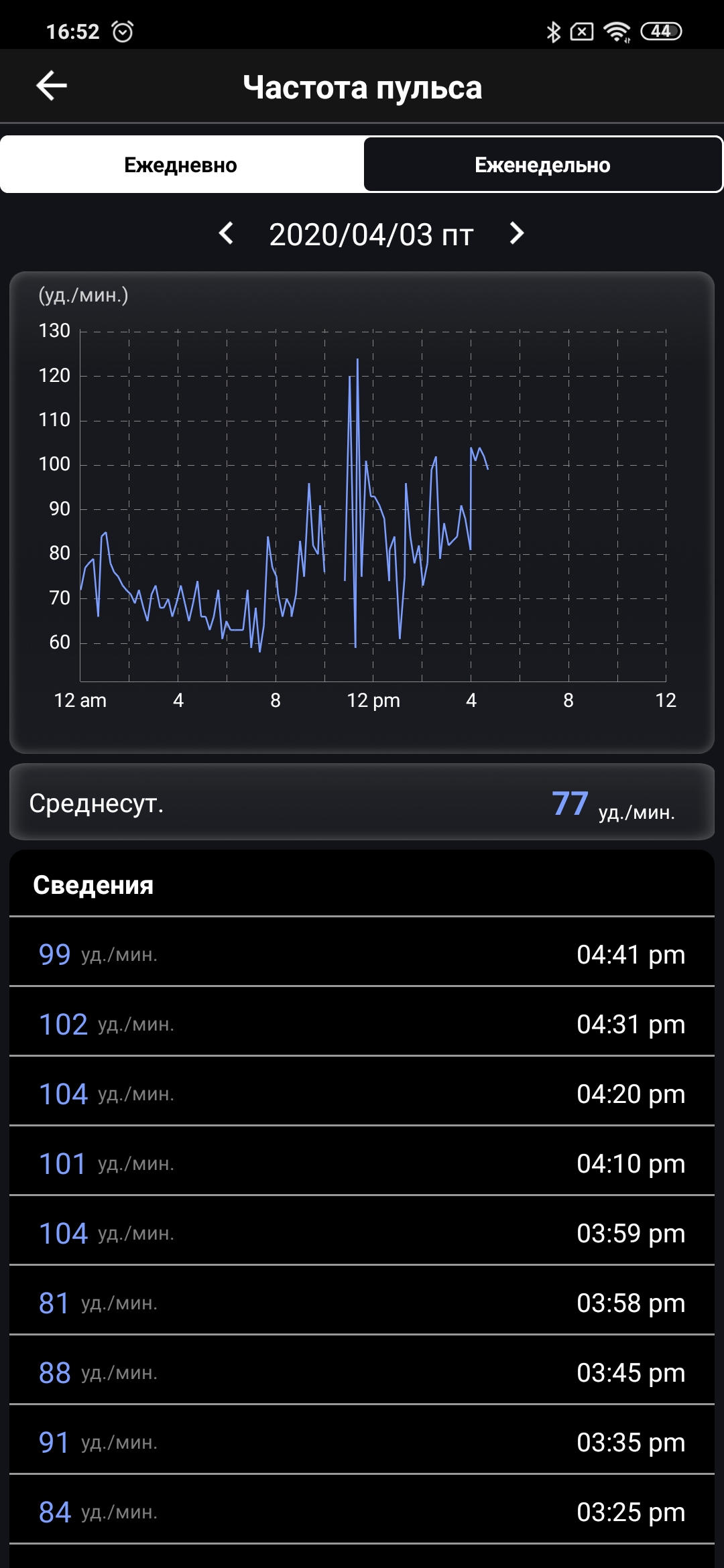
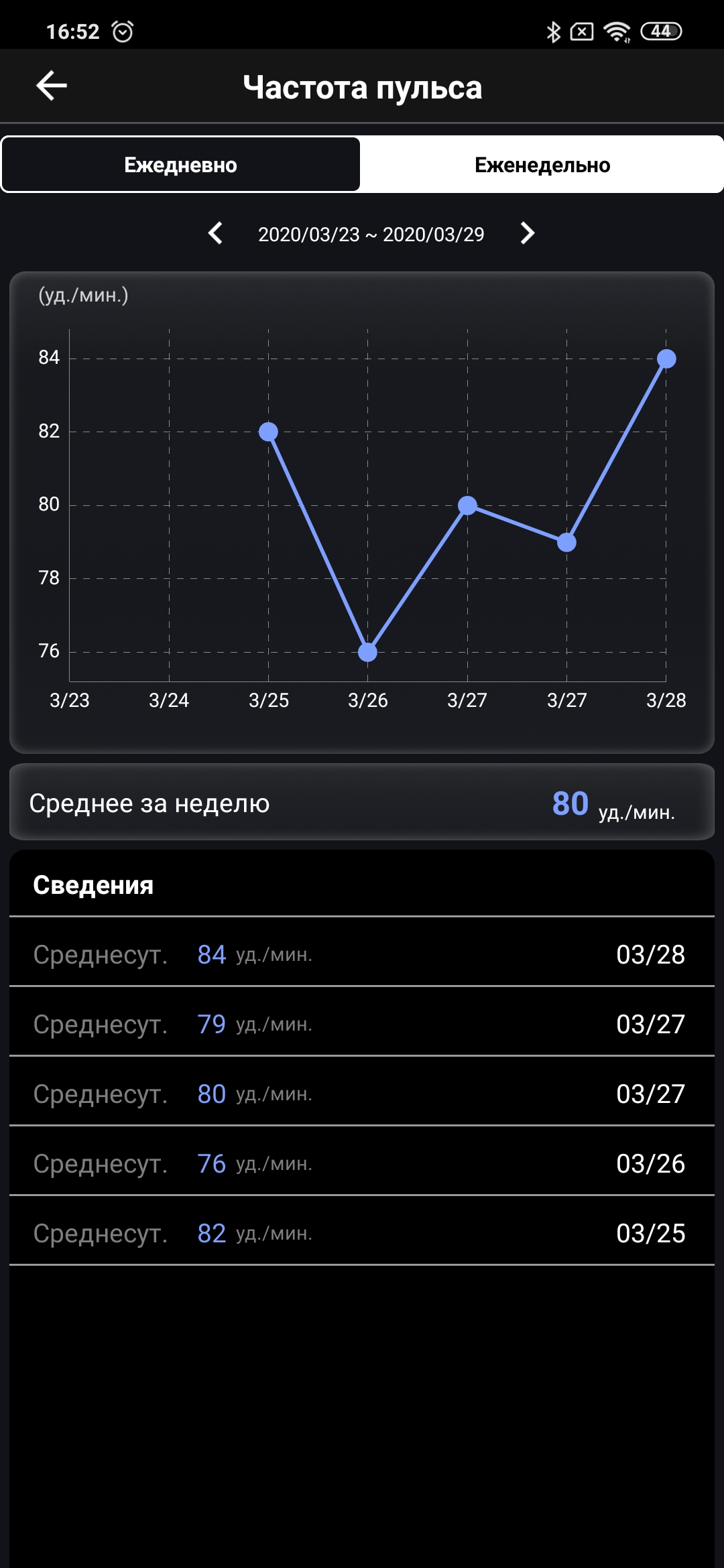
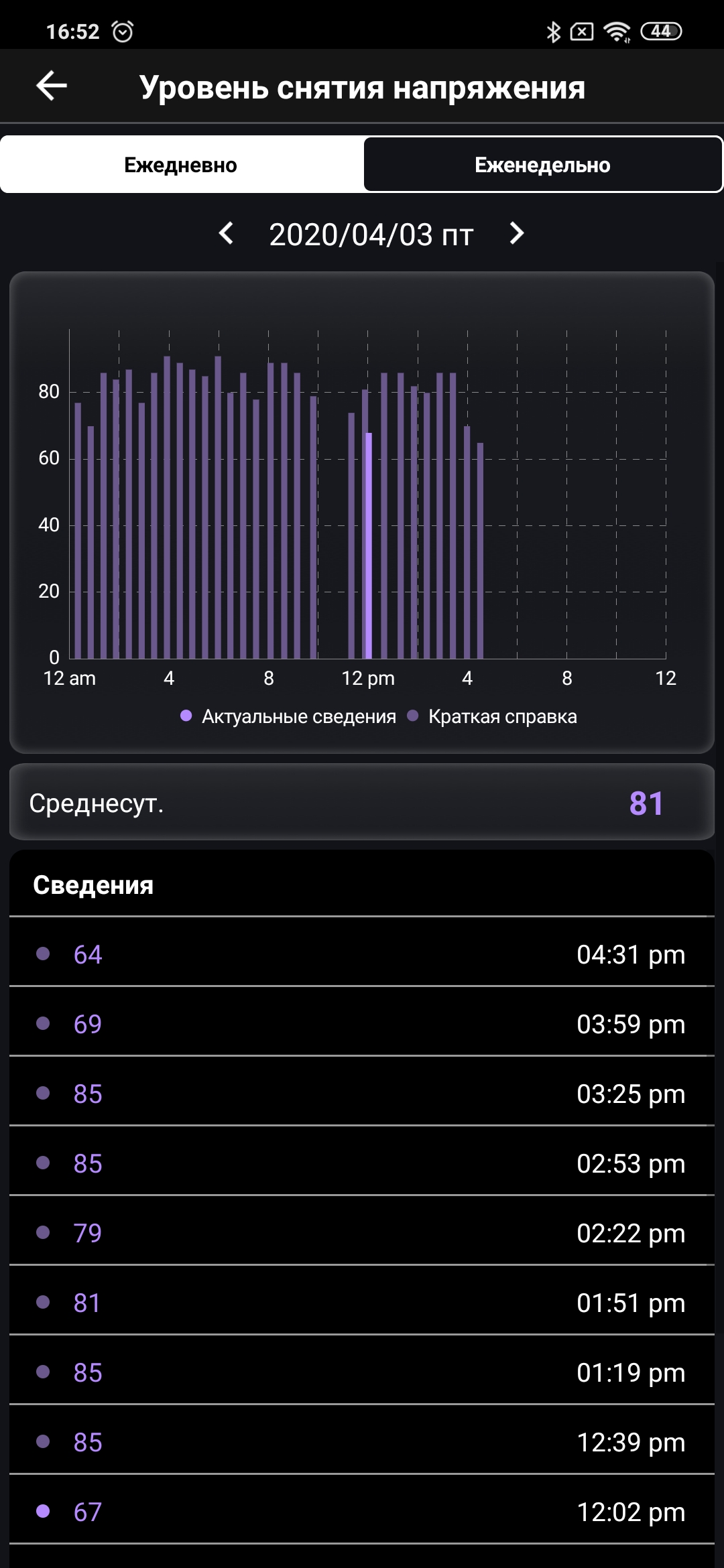
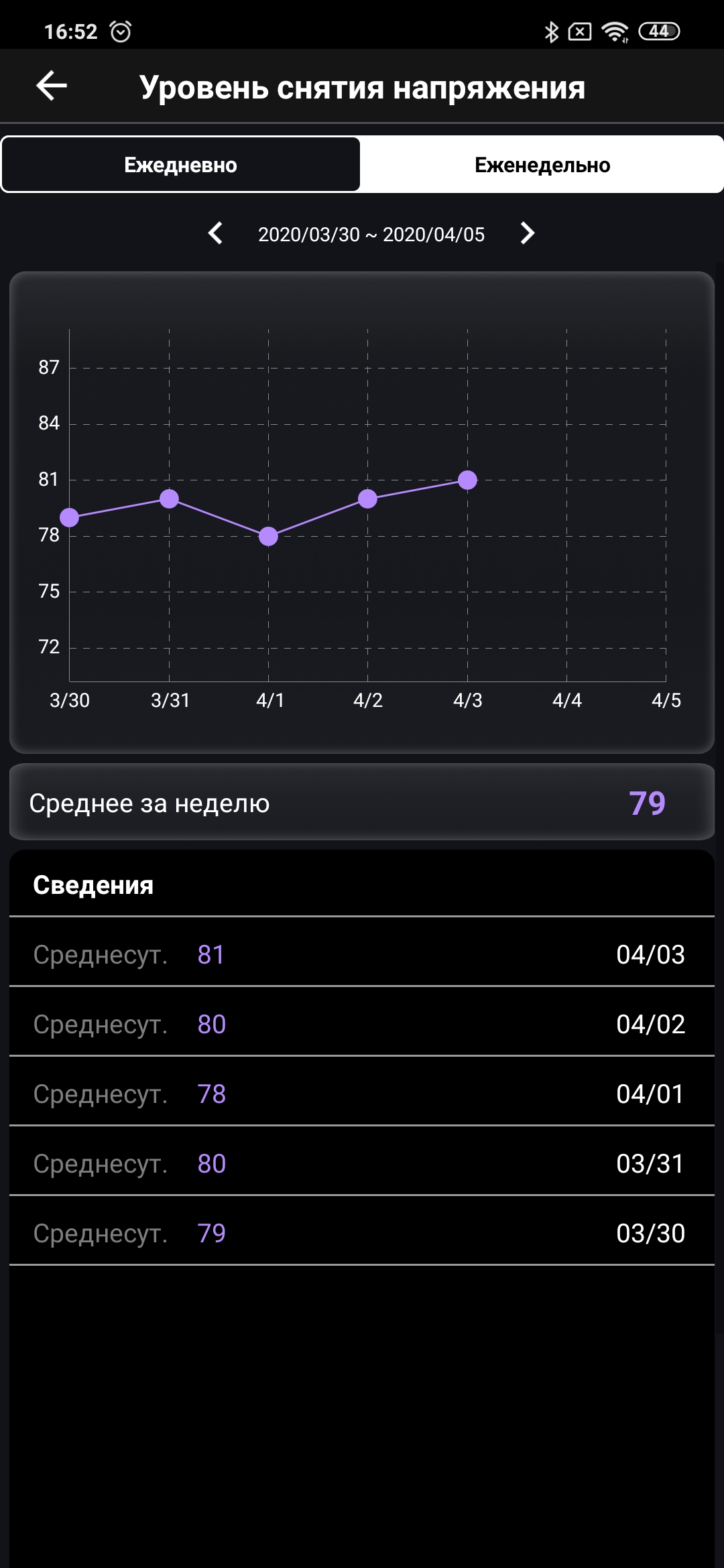
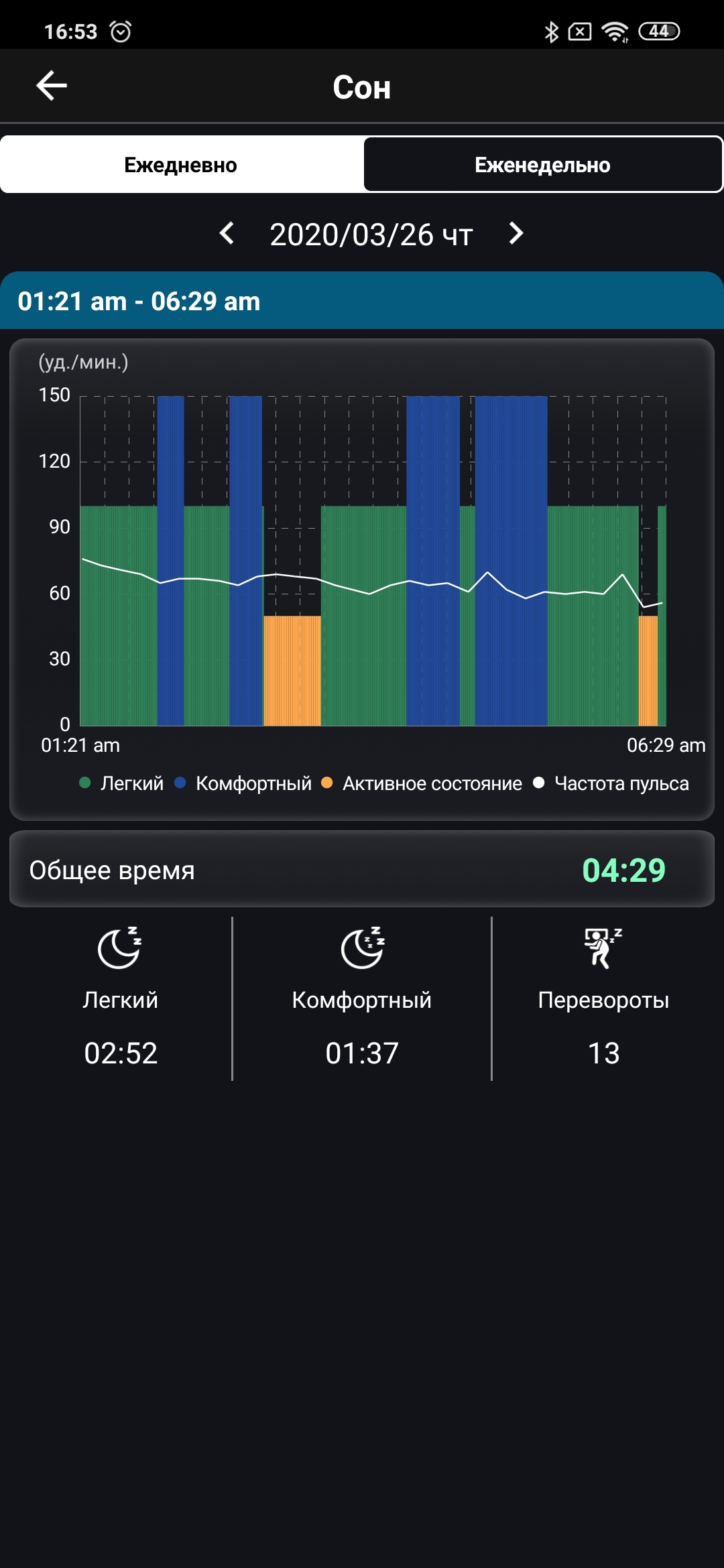
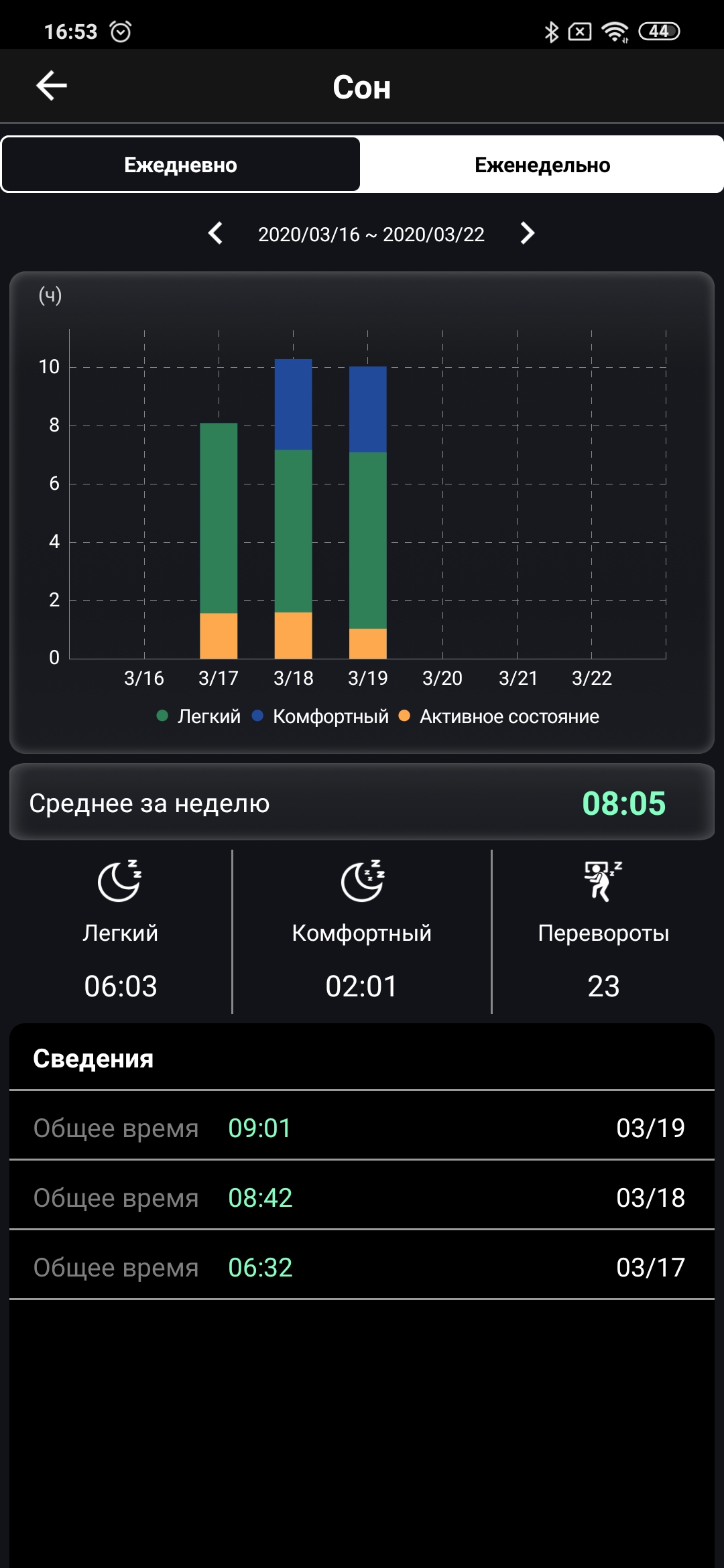
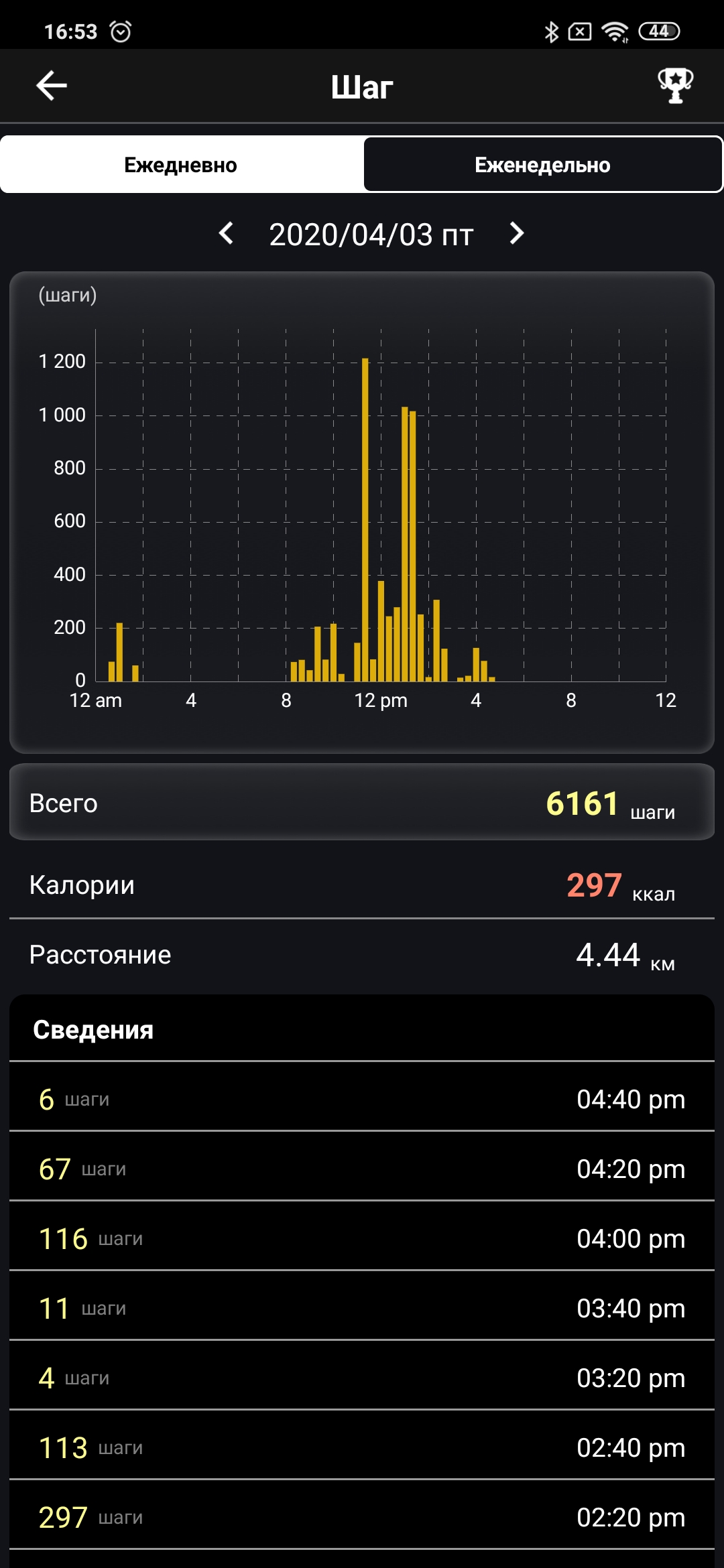
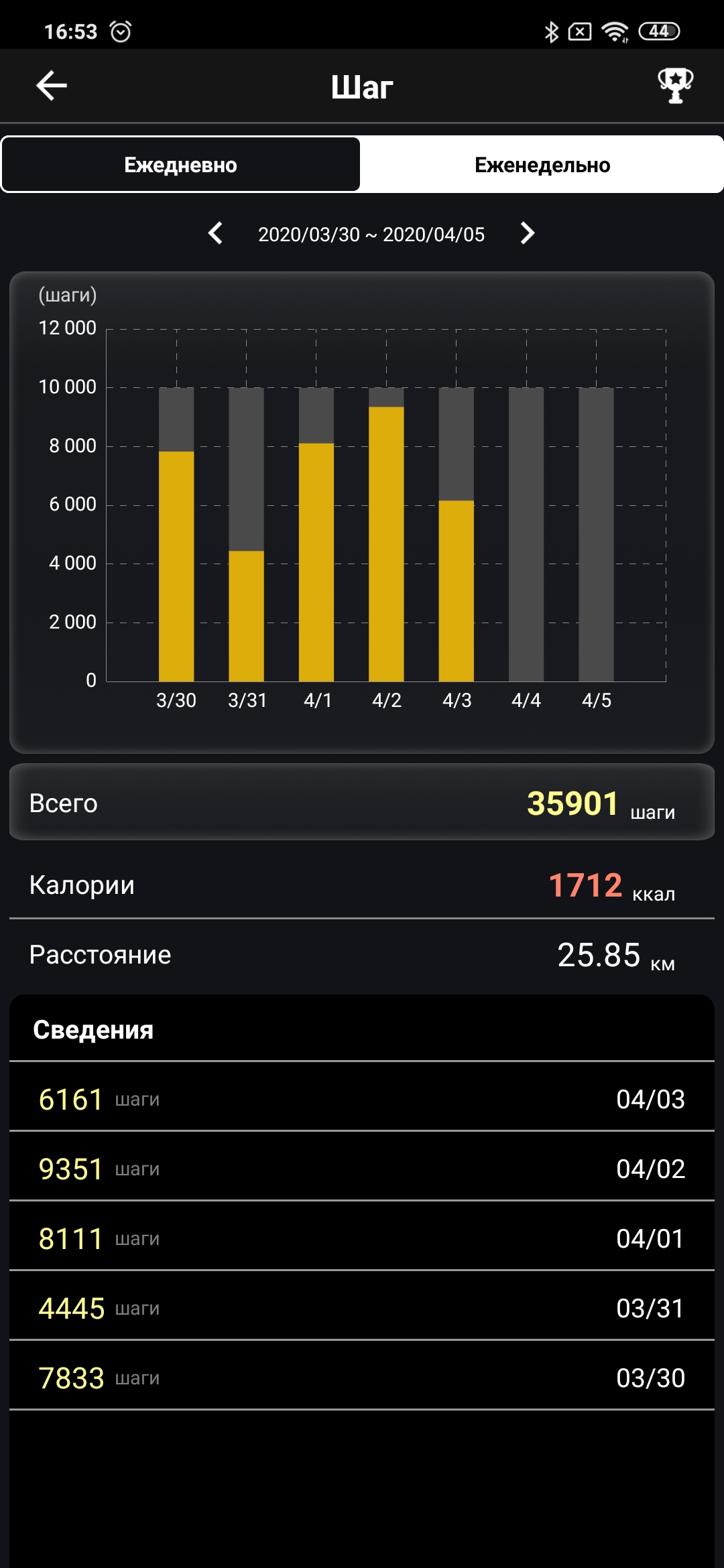
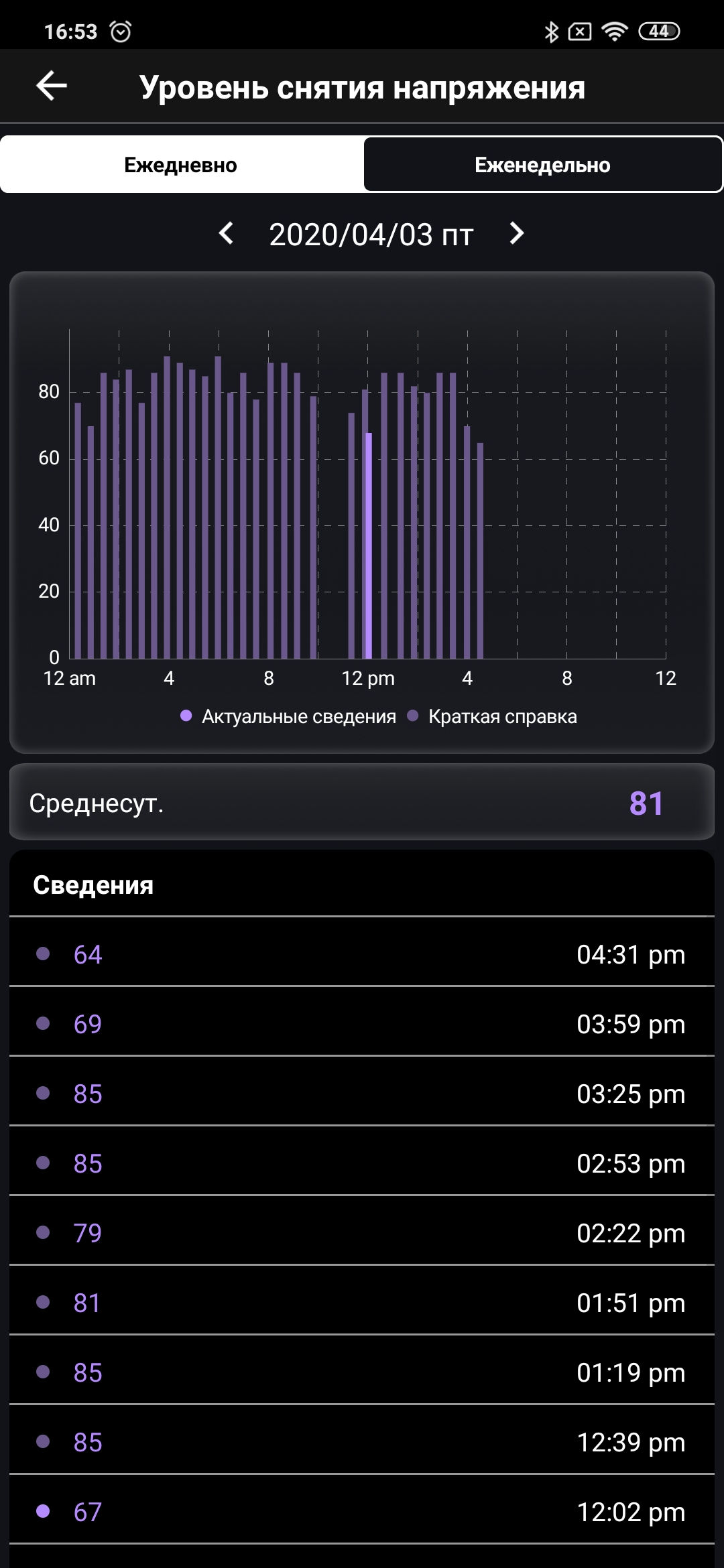
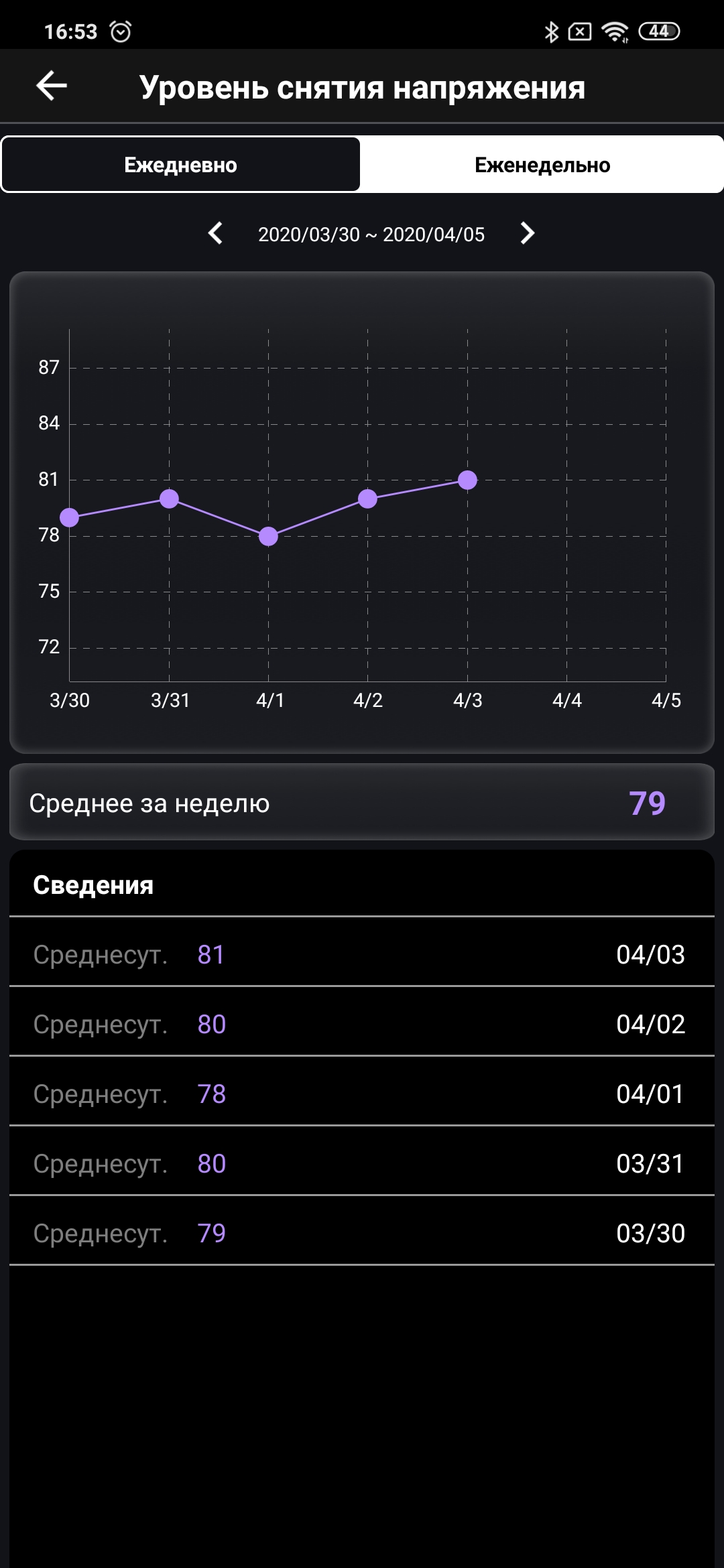
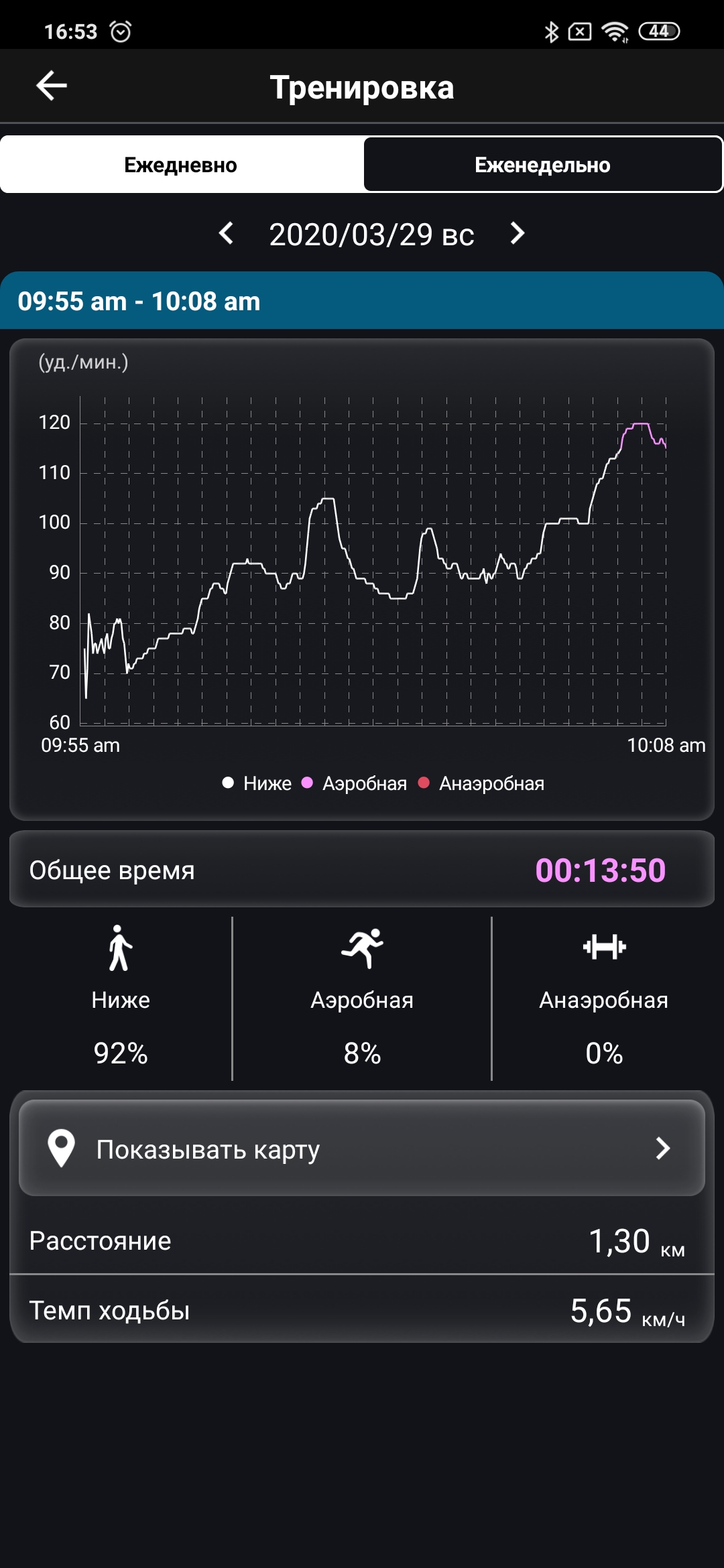
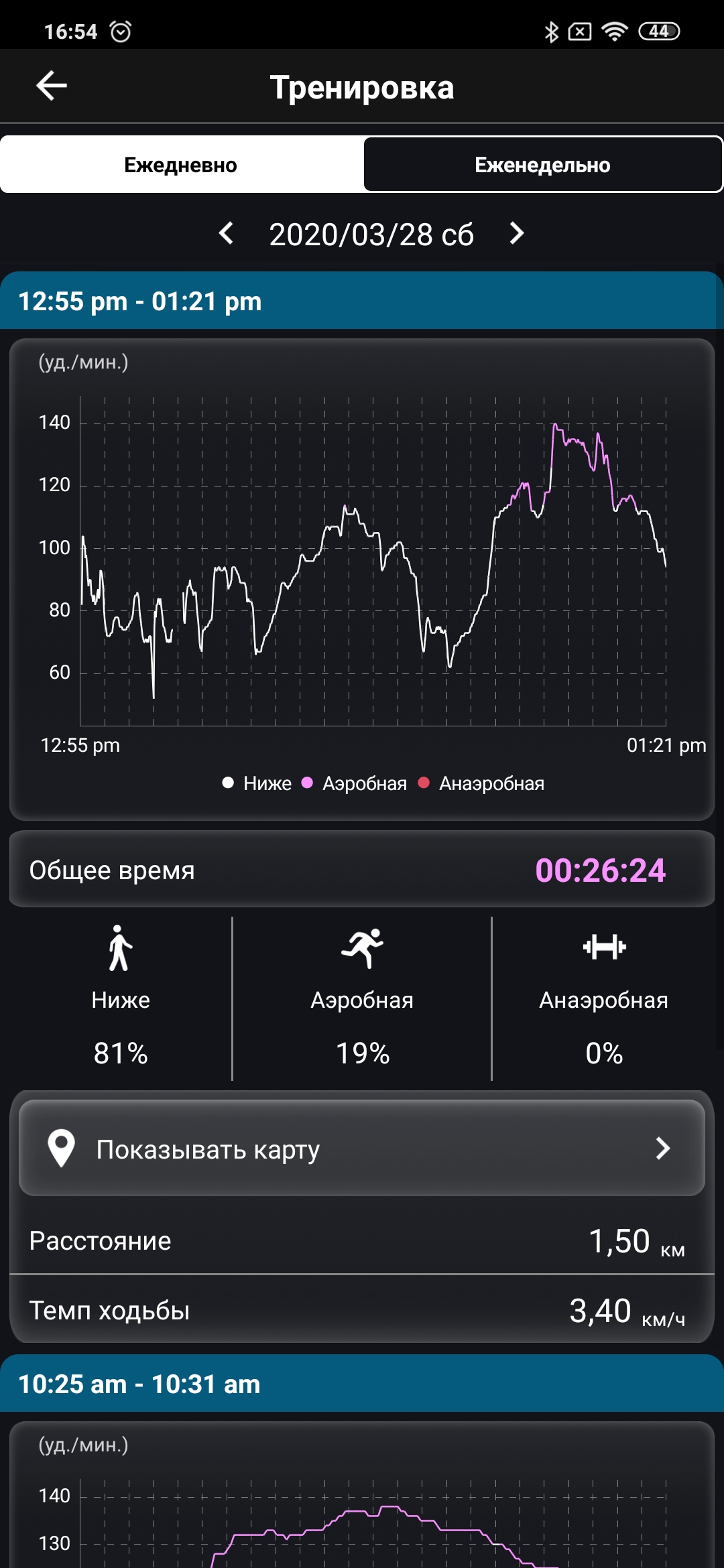
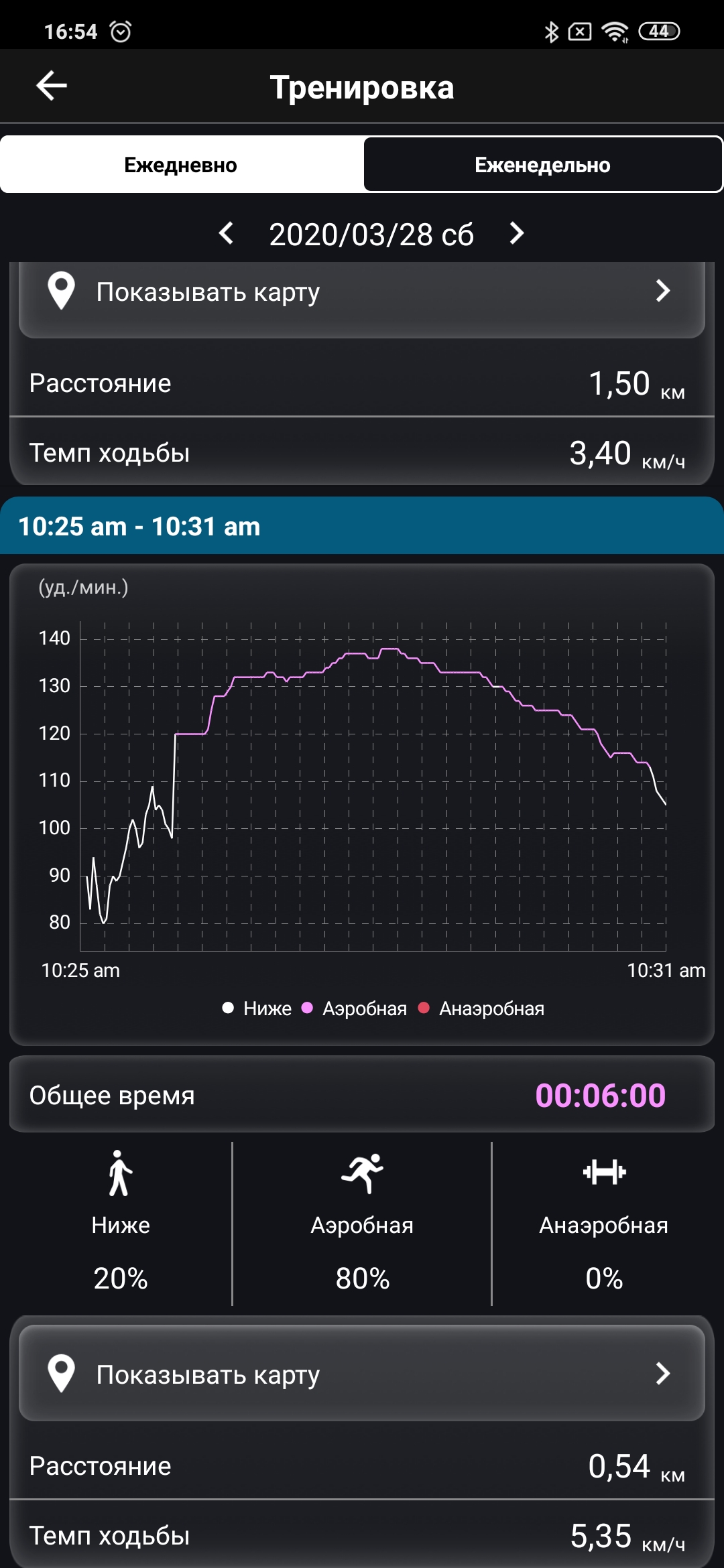
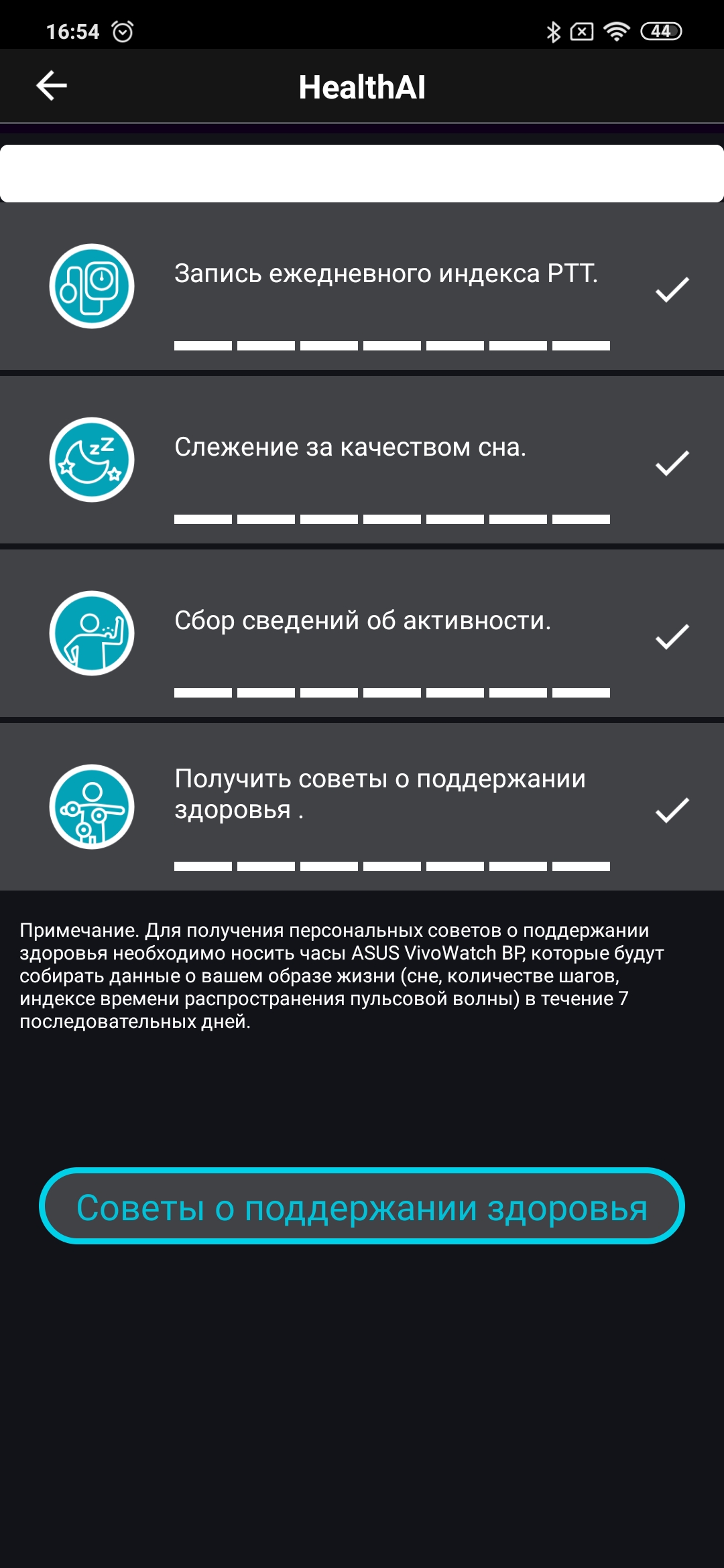
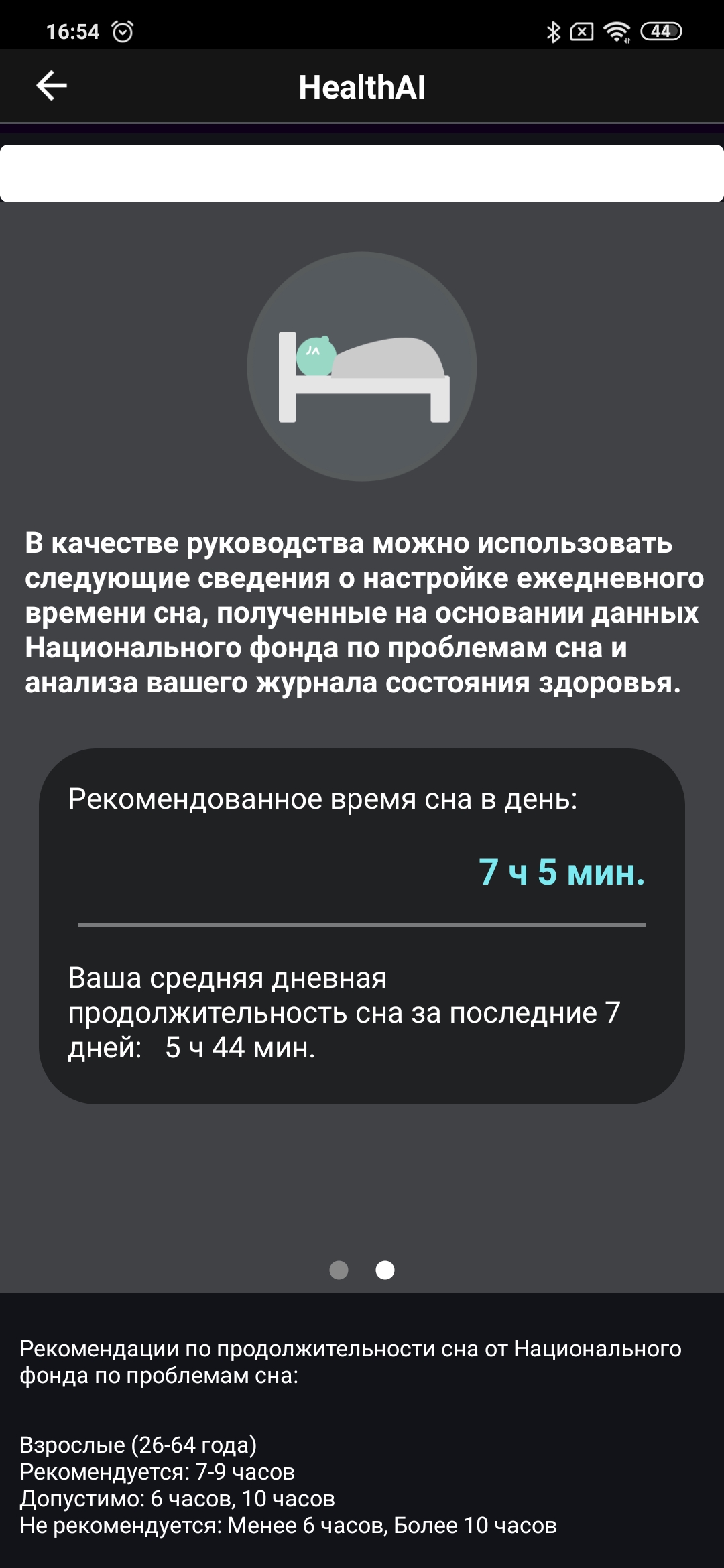
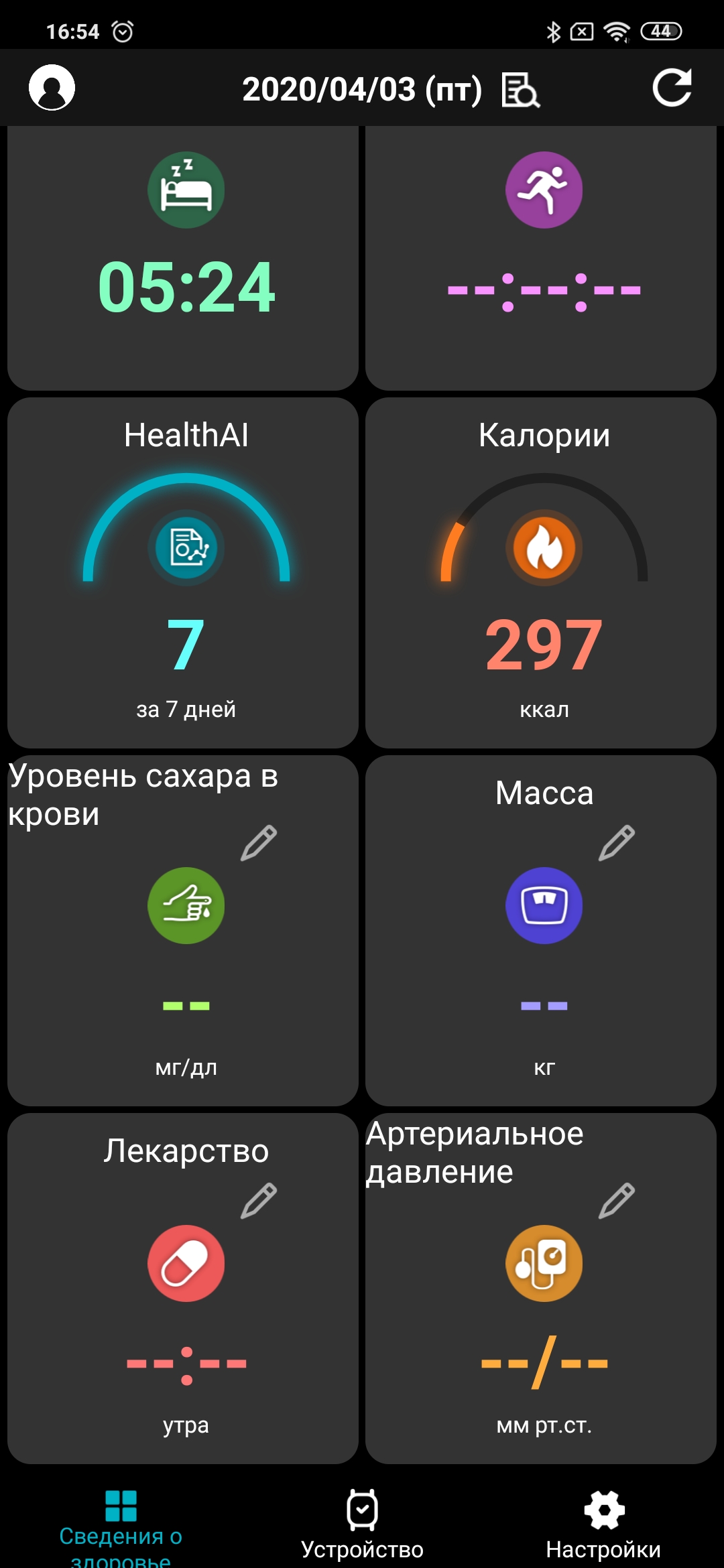
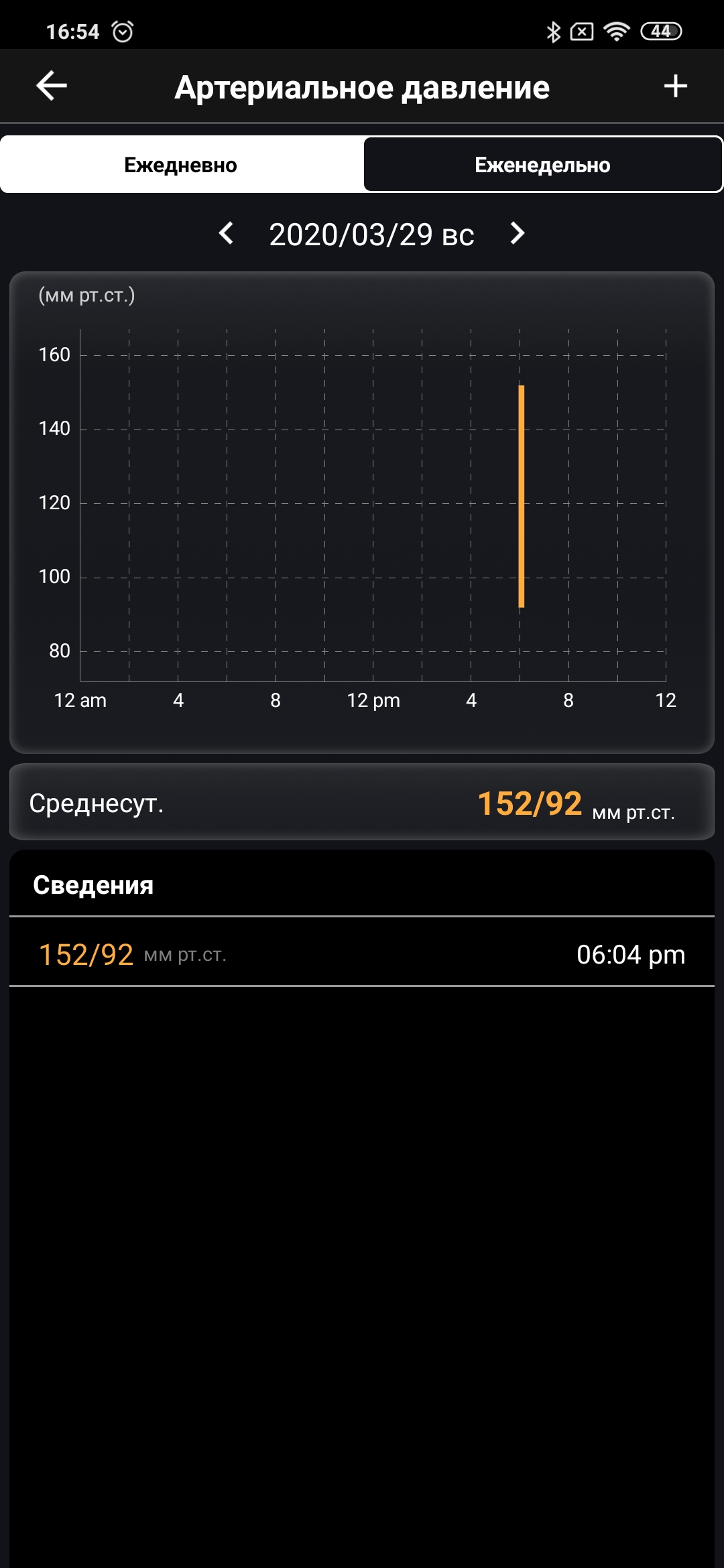
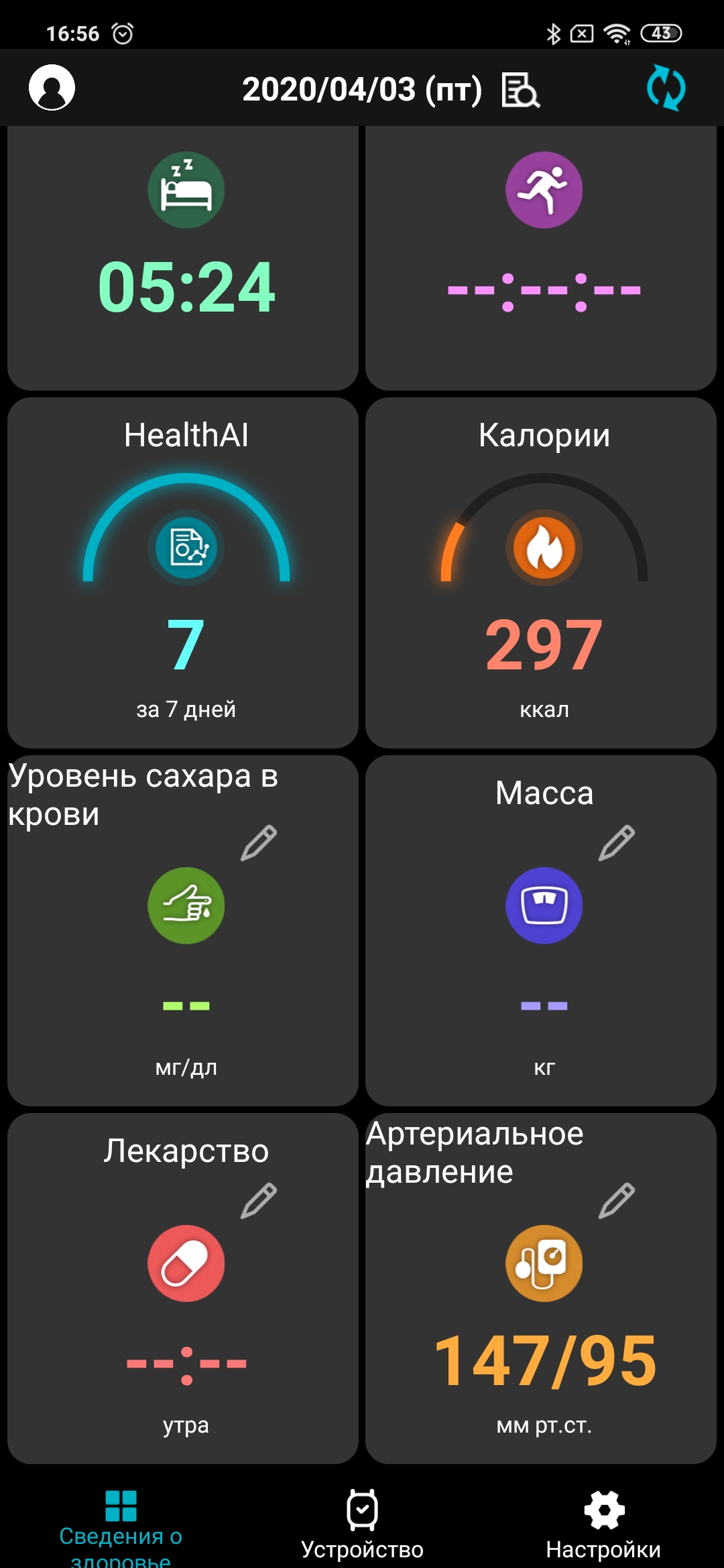
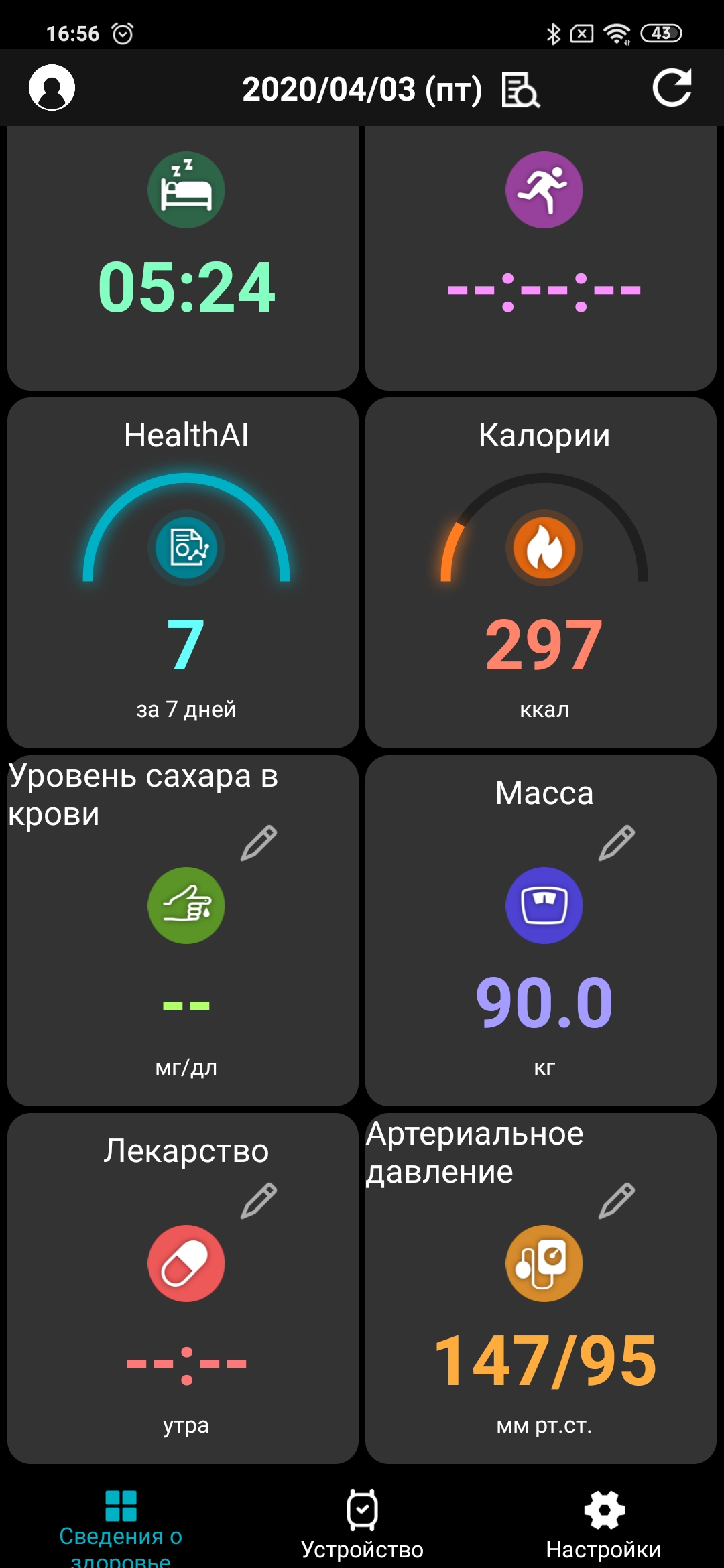
For full work with the watch it is usedAsus HealthConnect app (available for both Android and iOS). It looks quite laconic, one might say. There are main 3 tabs (at the bottom): health information, device and settings. Health information is presented in the form of square widget blocks; by clicking on each one you can get more detailed information with graphs by day and week. There is a separate item “Stress relief level”, which is calculated along with pressure, but it is difficult to say what practical use it will have. In the exercises section you can see maps with your routes. There are a number of indicators that are entered manually, including blood sugar level, of course, weight, age, gender. You can also keep a separate schedule with reminders for taking medications. There is a thing called HealthIA, which, based on all indicators, gives recommendations on activity and sleep (you need to use it for at least a week to get the data).
</ img>
</ img>
</ img>
</ img>
</ img>

</ img>
</ img>
</ img>
</ img>
</ img>
</ img>
</ img>
</ img>
</ img>
</ img>
</ img>
</ img>
</ img>
</ img>
</ img>
</ img>
</ img>
</ img>
</ img>
</ img>
</ img>
</ img>

</ img>
</ img>

</ img>
</ img>
</ img>
</ img>
</ img>
</ img>

</ img>

</ img>
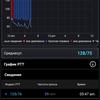

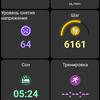
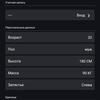
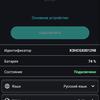
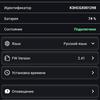





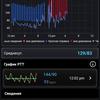
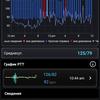


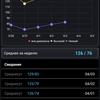

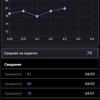
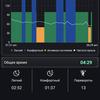
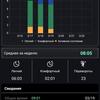
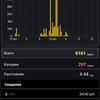
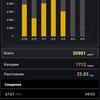
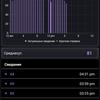
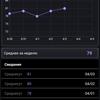
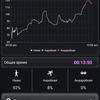
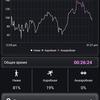
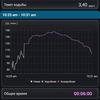
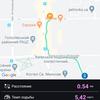

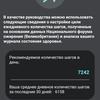

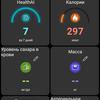
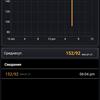
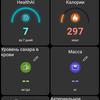
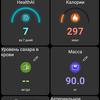

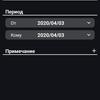
The application also updatesfirmware, language settings and other things. The application is not the most “friendly”, but you can figure it out. Its only problem is that sometimes there are strange things with synchronization and the data is not transferred the first time.
</ p>In the dry residue
Asus VivoWatch BP is a rather niche gadget:it's hard to recommend to someone who's just looking for “smart” watch with heart rate monitor. Rather, the target audience is biased towards people who are more closely monitoring their health. For example, athletes, people with problematic health and the elderly (this is directly indicated on the official ASUS website). Asus VivoWatch BP is not a stylish accessory, but rather a tool for constant monitoring of heart rate, blood pressure, sports activities, medication tips, and so on. They cope with these goals, and this is helped by the long battery life and the easy-to-use interface of the watch itself (the application is another story). The watch will be on sale soon for6000 UAH
5 reasons to buy ASUS VivoWatch BP:
- convenient design;
- extremely simple clock interface;
- the presence of ECG and FPG sensors;
- GPS module
- long battery life.
2 reasons not to buy ASUS VivoWatch BP:
- you need more functional and more stylish “smart” watch;
- Not the most convenient branded application.
ASUS VivoWatch BP
"Smart" watch with GPS, full standarda set of fitness functions, monitoring pressure changes, a transflective color screen, IP67 protection and long battery life.
Hello
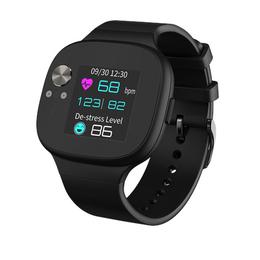
Technical specifications ASUS VivoWatch BP
Display
color transflective, 1.26 inches
Dimensions
48x42x12 mm
Weight
45g (with strap)
operating system
proprietary
Sensors
accelerometer, ECG, PPG, GPS
Communications
Bluetooth
Degree of protection
IP67
Autonomy
up to 28 days