ASUS Zenbook 14X OLED (UX3404VA) is a rather unusual laptop that may be of interest to those who need a powerful
5 reasons to buy ASUS Zenbook 14X OLED (UX3404VA):
- powerful Intel 13th generation Raptor Lake H-series processor:
- efficient cooling system;
- Gorgeous OLED display with a resolution of 2880x1800 and a refresh rate of 120 Hz;
- comfortable keyboard and touchpad;
- Compact metal housing certified to military standard MIL-STD-810H.
2 reasons not to buy ASUS Zenbook 14X OLED (UX3404VA):
- high price;
- stamped body.
Fast passage:
- What is included?
- What does ASUS Zenbook 14X OLED (UX3404VA) look like?
- Is it convenient to use a laptop?
- How good is the screen?
- What about performance, battery life and sound?
- In the dry residue
What is included?
</ img>
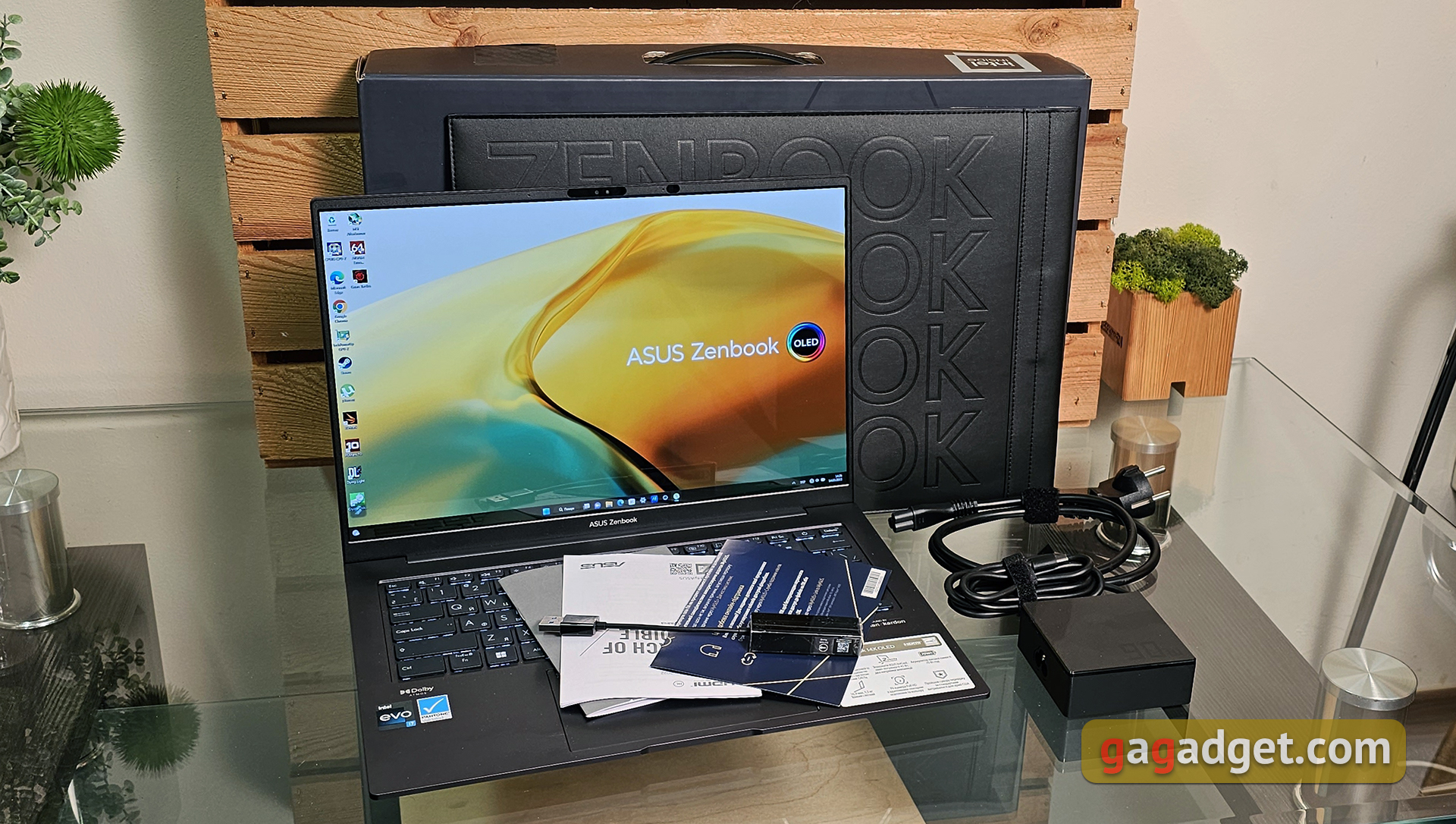
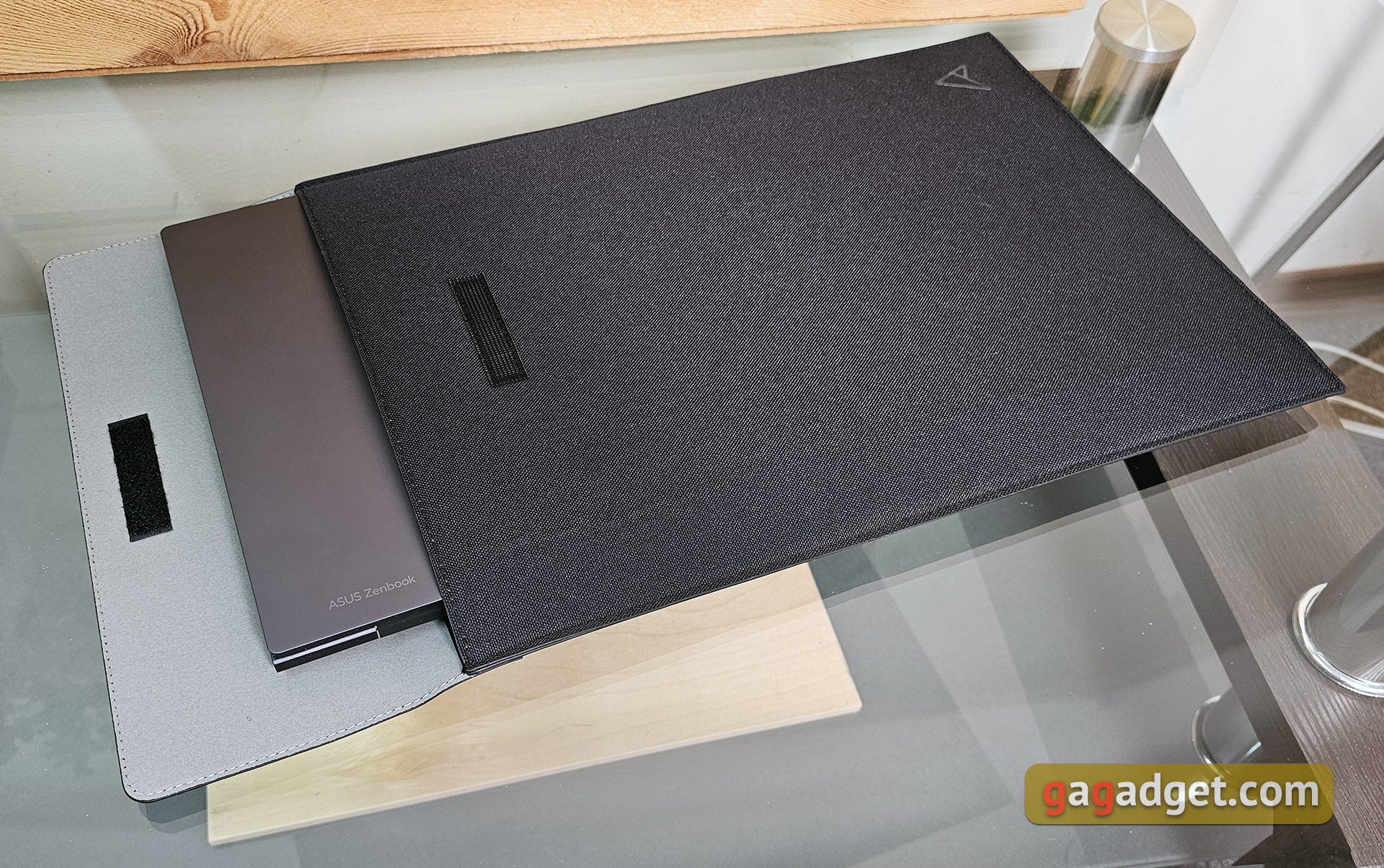
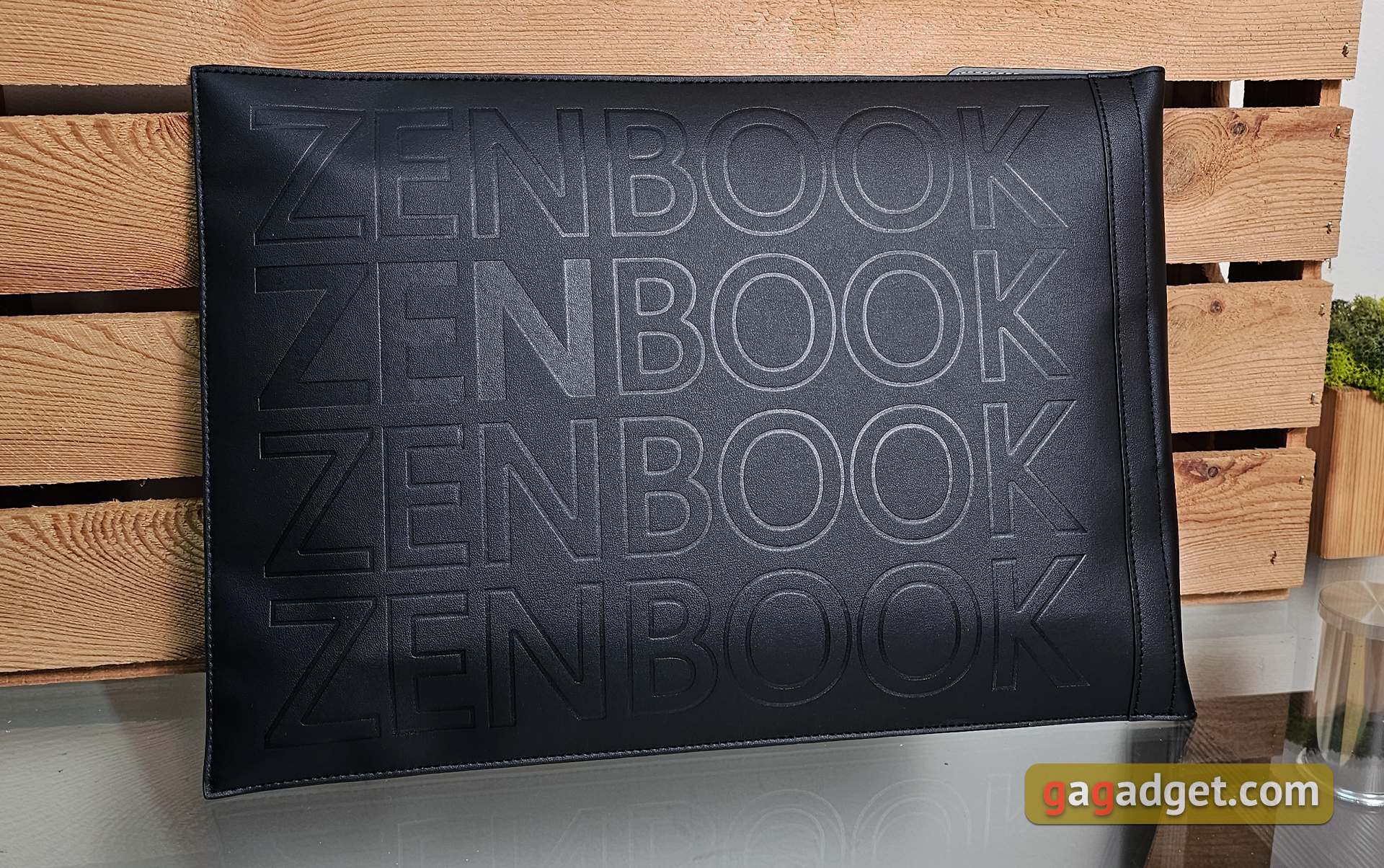
ASUS Zenbook 14X OLED (UX3404VA) packed inthe usual gray box for the line. The set is pretty good, as always. In addition to a laptop, a 90 W power supply with a power cable and documentation, there is an adapter from USB to RJ-45 network and a very nice envelope case:
</ img>
</ img>

What does ASUS Zenbook 14X OLED (UX3404VA) look like?
</ img>
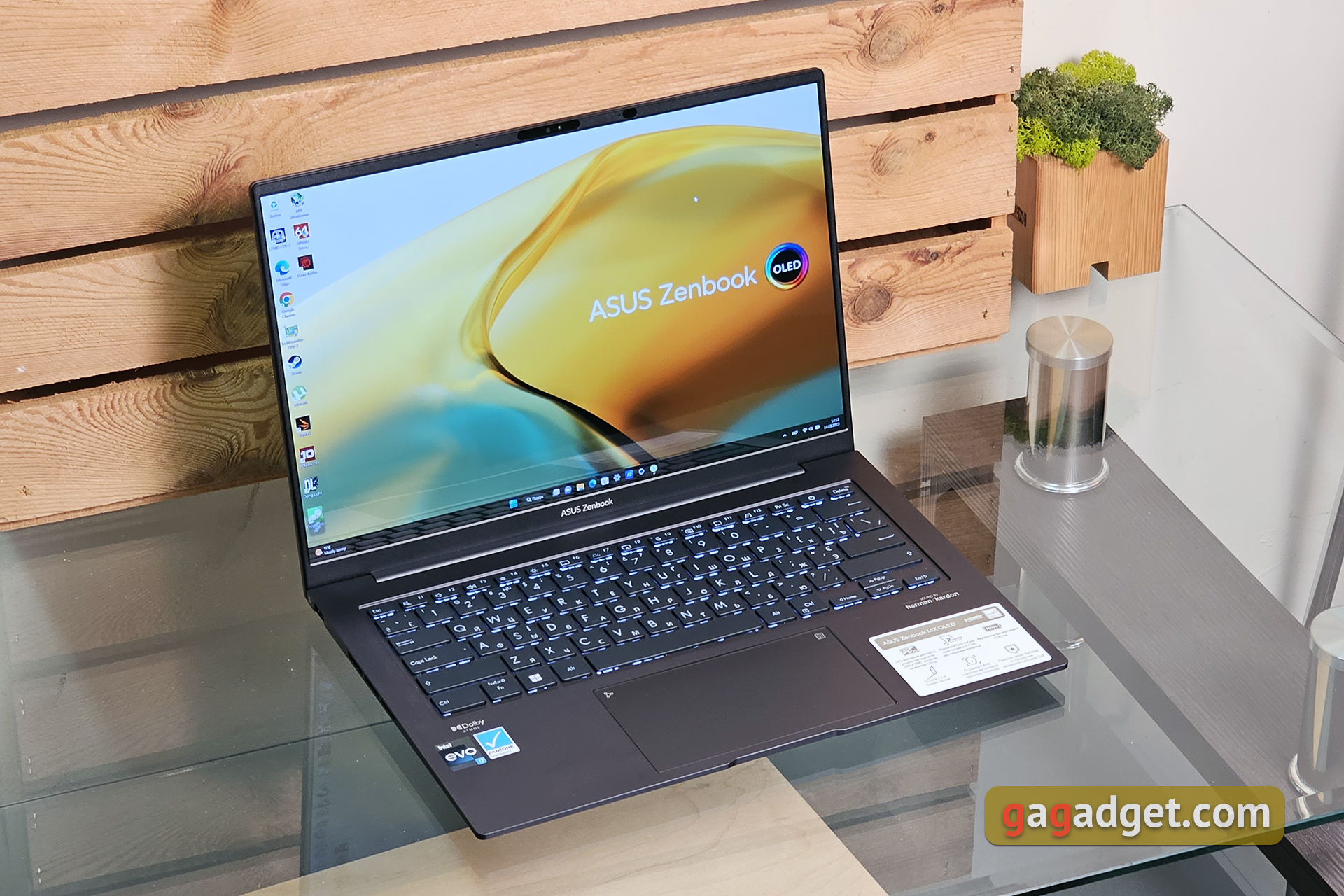
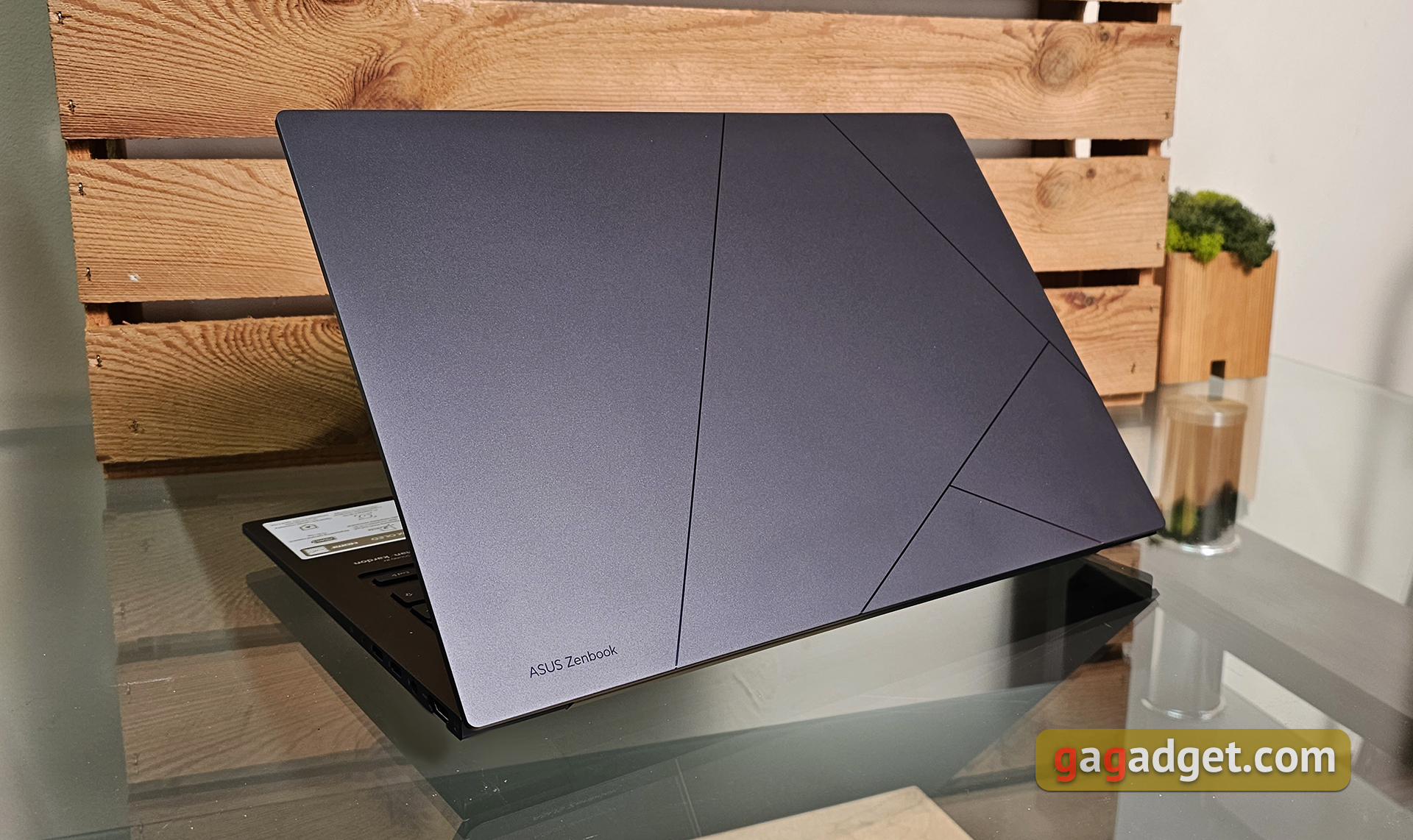
ASUS has updated the design of its Zenbooks, we recentlyThe review was ASUS Zenbook 14 OLED (UX3402). Today's model ASUS Zenbook 14X OLED (UX3404VA) has a very similar appearance and design, the main differences are inside. The laptop is made almost entirely of aluminum, with only the frame around the screen being plastic. Therefore, the weight cannot be called minimal, but it feels expensive and reliable in your hands. The top cover has a pattern in the form of lines that fold into the new ASUS logo. In the lower left corner – small inscription ASUS Zenbook. In our case, the laptop is dark gray. The lid has a matte finish that is pleasant to the touch, but very easily soiled. Fingerprints are very noticeable on it, so idealists will also have to take microfiber with them for wiping. There is also an interesting beige (Sandstone Beige) option with a ceramic coating.
</ img>
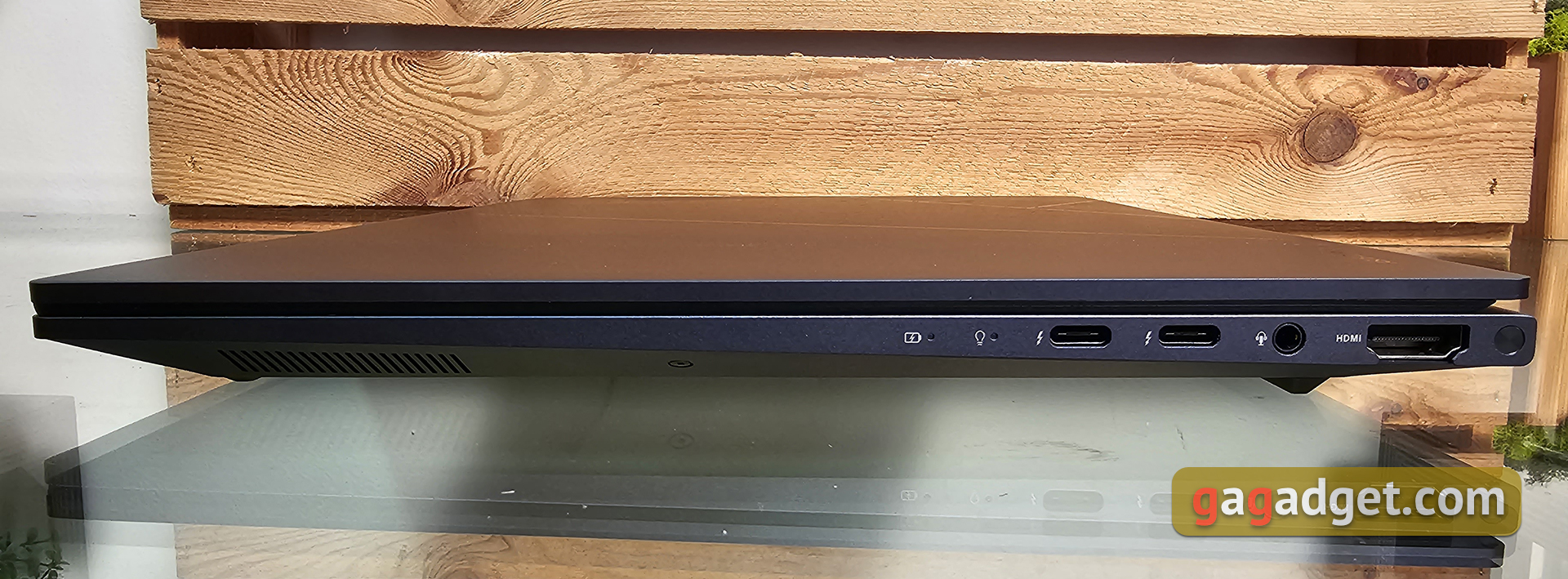
There are not very many connectors, but quite enough,as for a compact ultraportable model. On the right side there are two Thunderbolt 4 with support for DisplayPort and Power Delivery, a 3.5 mm combo audio jack and HDMI 2.0b. A little to the left – two LED operation indicators.
</ img>
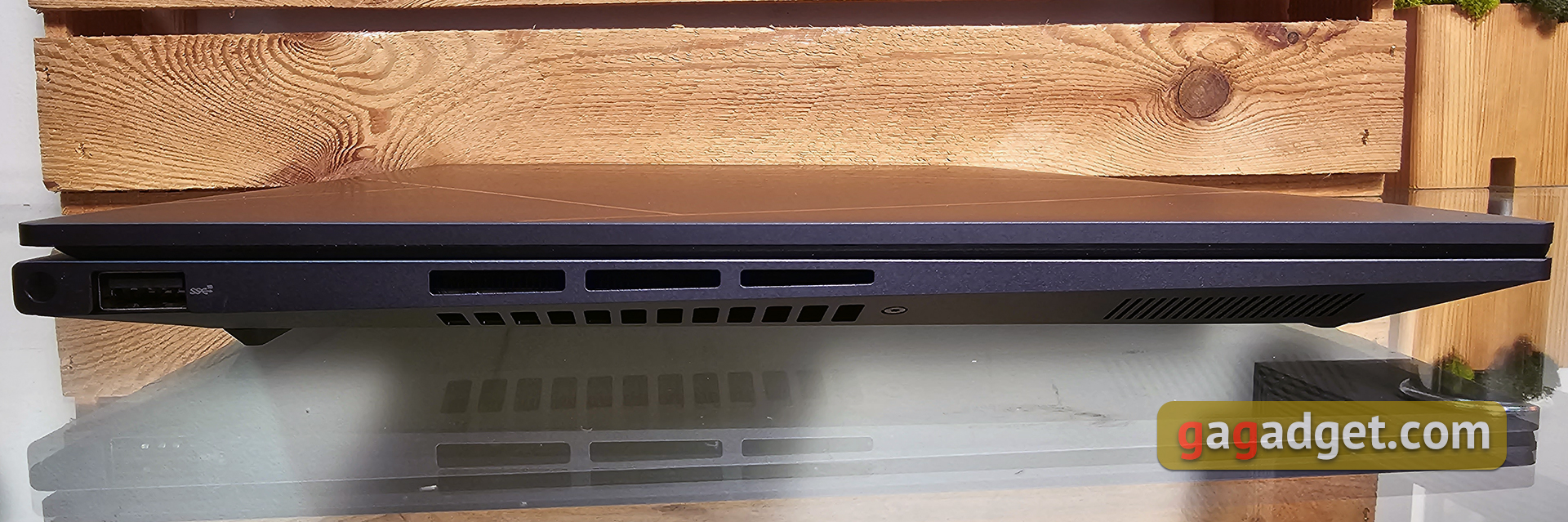
Left – the only full-size USB Type-A 3.2 Gen 2 and ventilation holes:
</ img>
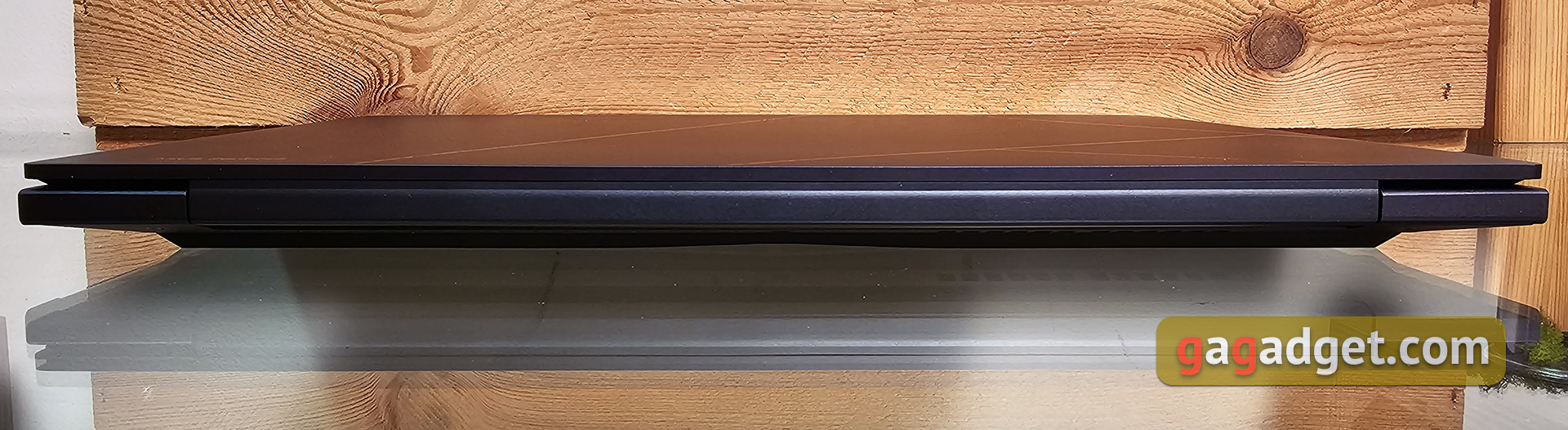
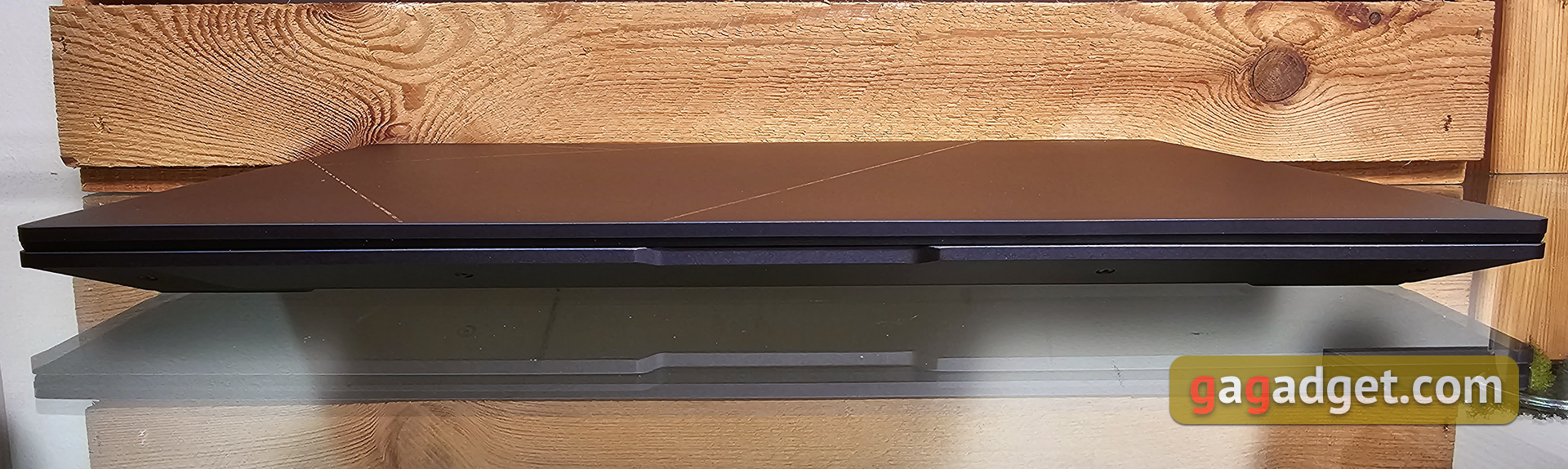
Rear – only a wide hinge that takes up most of the width of the laptop. Front – the usual cutout on the lid. There are no more functional elements.
</ img>
</ img>
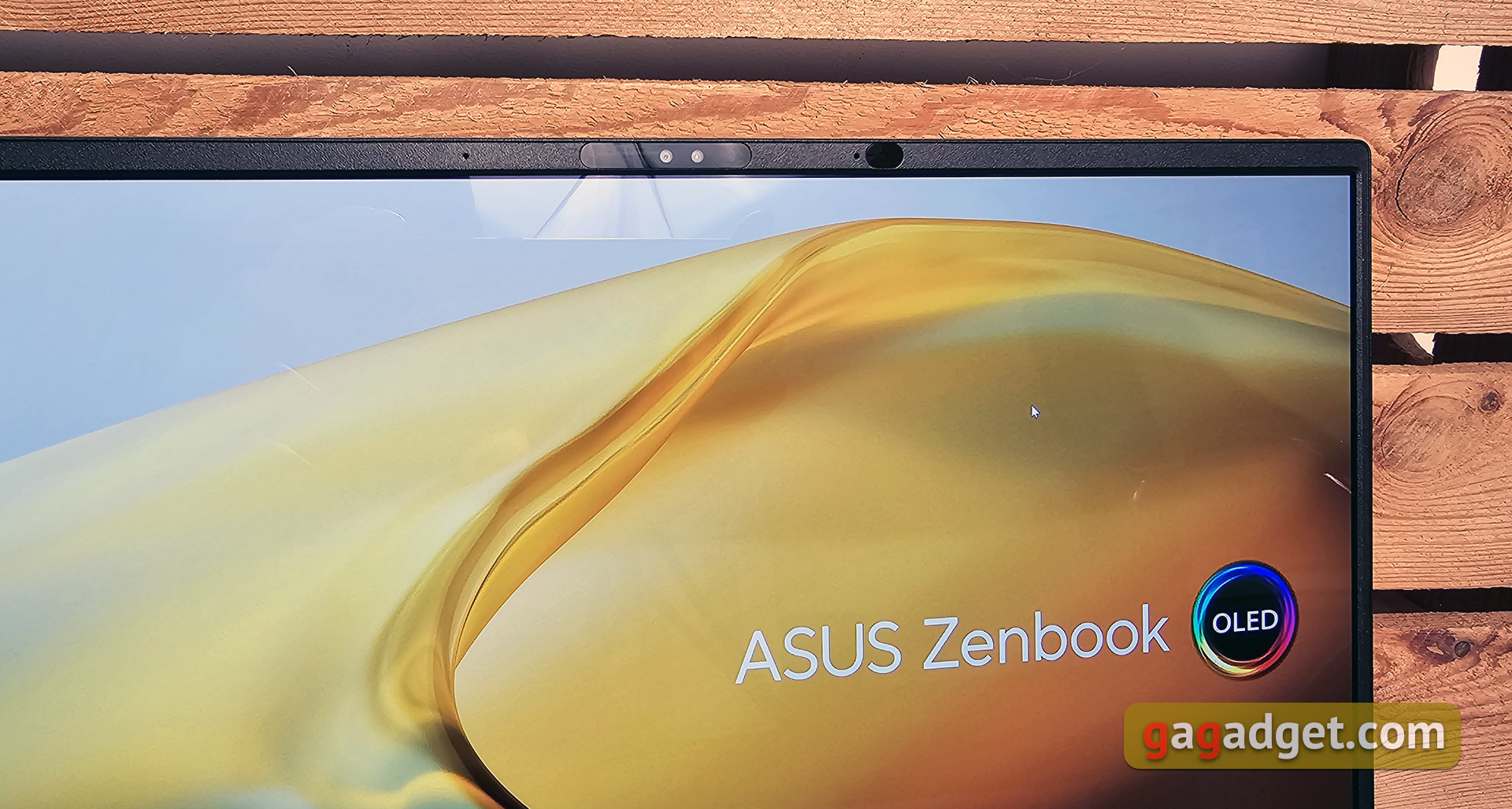
The frames around the perimeter of the screen are thin, especiallylateral. The screen occupies 89% of the entire surface area. Above the screen – webcam with indicator, infrared camera for owner identification, two microphones, light sensor for automatic brightness adjustment and RGB sensor for automatic adjustment of display color temperature. The webcam has FullHD resolution and supports a set of ASUS AiSense image enhancement features. There is background blur, lighting correction, gaze direction correction, motion tracking, filters and ASUS 3D Noise Reduction (3DNR) real-time three-dimensional noise reduction technology.
</ img>
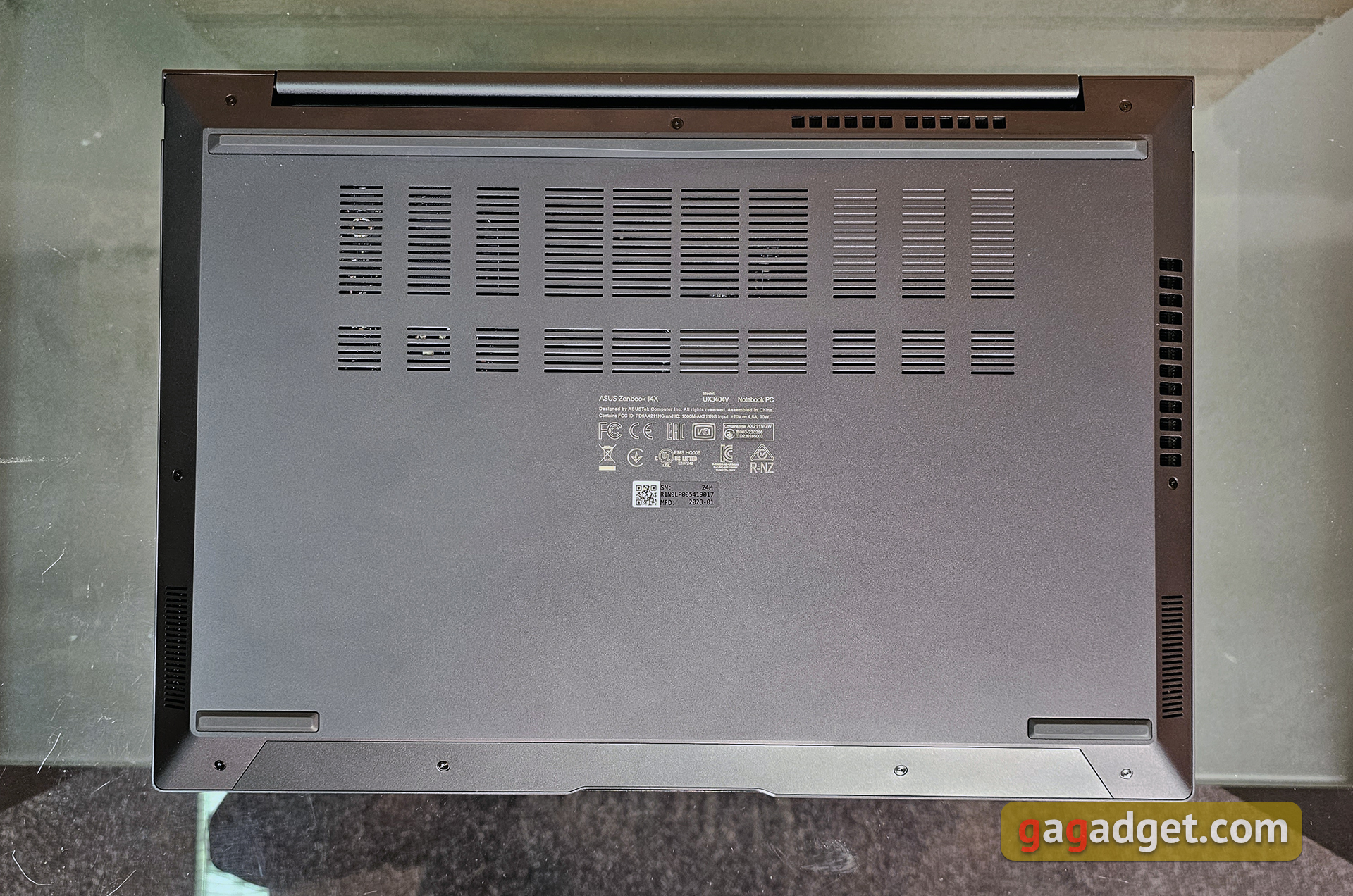
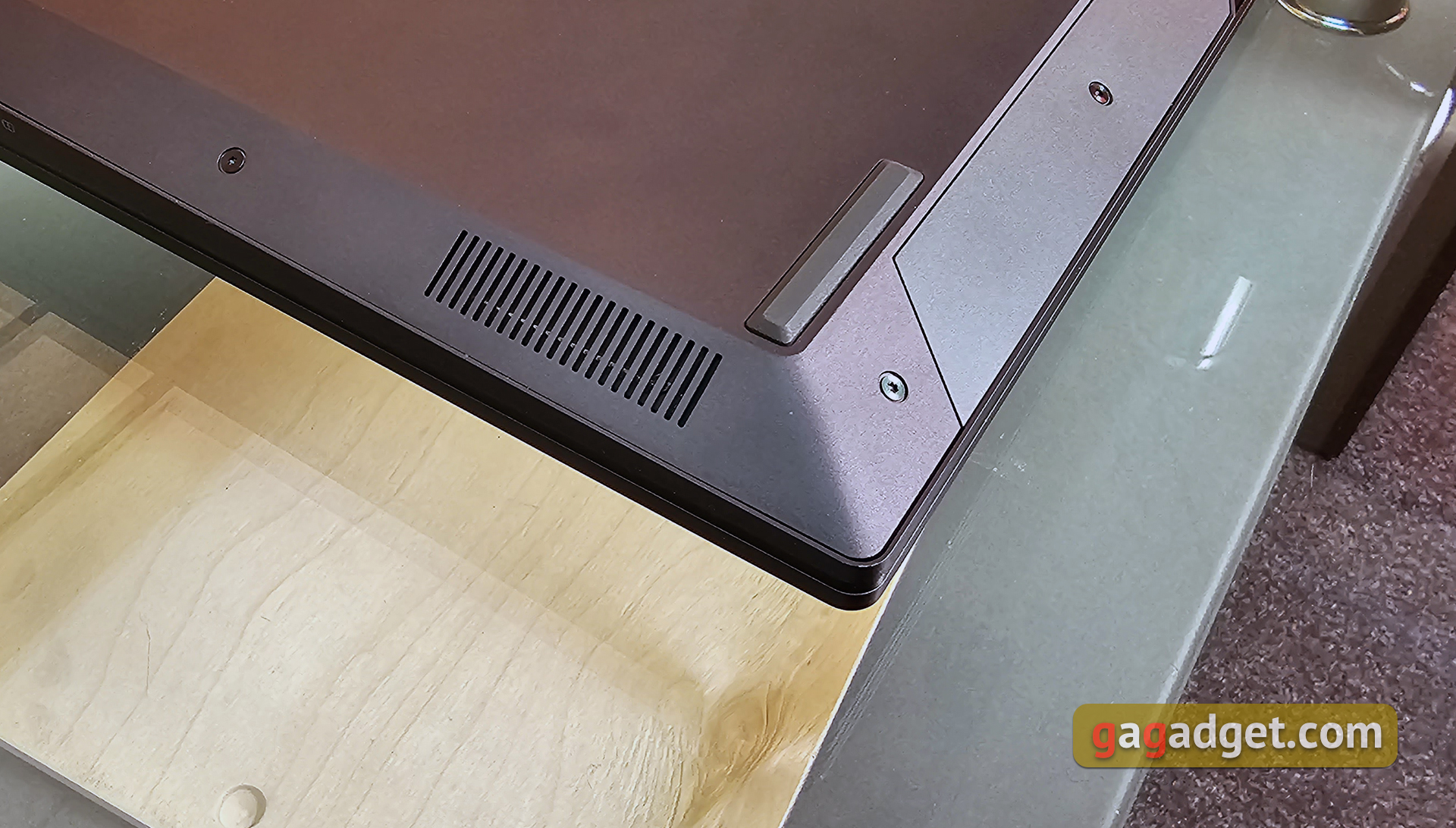
Bottom – a large number of ventilationholes and rubber feet. On the beveled side edges – stereo speakers. The bottom cover can be removed by unscrewing 9 screws. This may be necessary to clean the cooling system or replace the SSD. The RAM is soldered onto the board, so you won’t be able to increase its capacity.
</ img>
The laptop has dimensions of 321.8×225.6×16.9 mm, and weight – 1.56 kg. Yes, there are lighter and more compact models, but it's worth remembering that inside is a 13th generation Intel Core H-series processor and a discrete graphics card in some configurations. The laptop has a nice appearance and materials, but the top cover is easily soiled. Like the vast majority of current models in the line, ASUS Zenbook 14X OLED meets the requirements of the American military standard MIL-STD-810H and theoretically withstands more severe conditions of use.
</ p>Is it convenient to use a laptop?
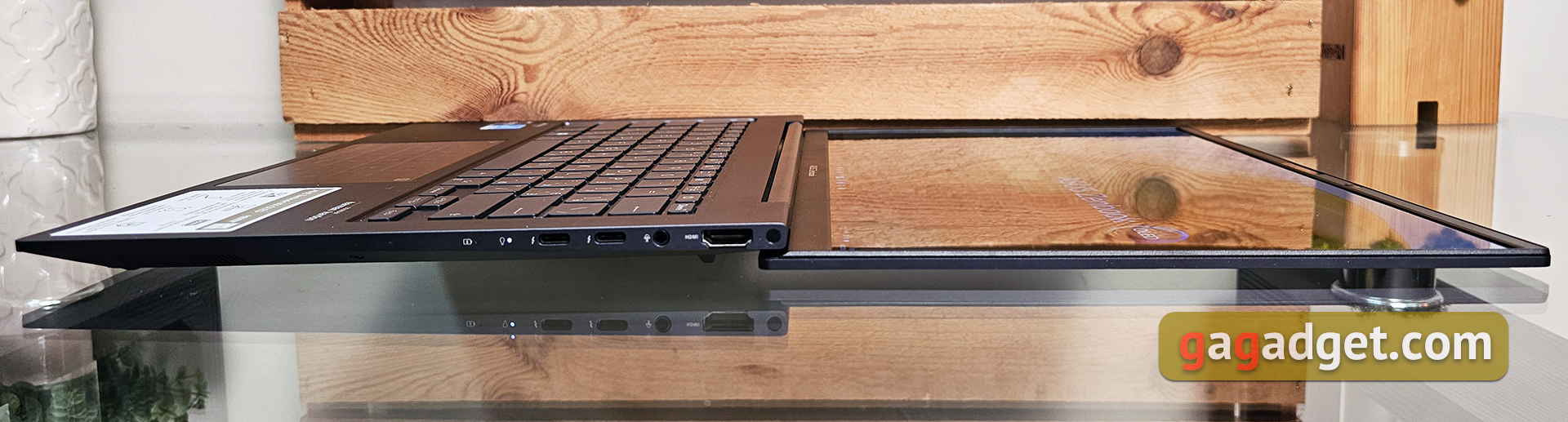
Unlike many models in the line, ASUSZenbook 14X OLED does not use the ErgoLift hinge. Instead, the work surface and keyboard are placed at a slight angle thanks to the taller rear rubber foot. The hinge is convenient: it fixes the display well in the desired position and allows you to open the laptop with one hand. Maximum opening angle – 180°.
</ img>
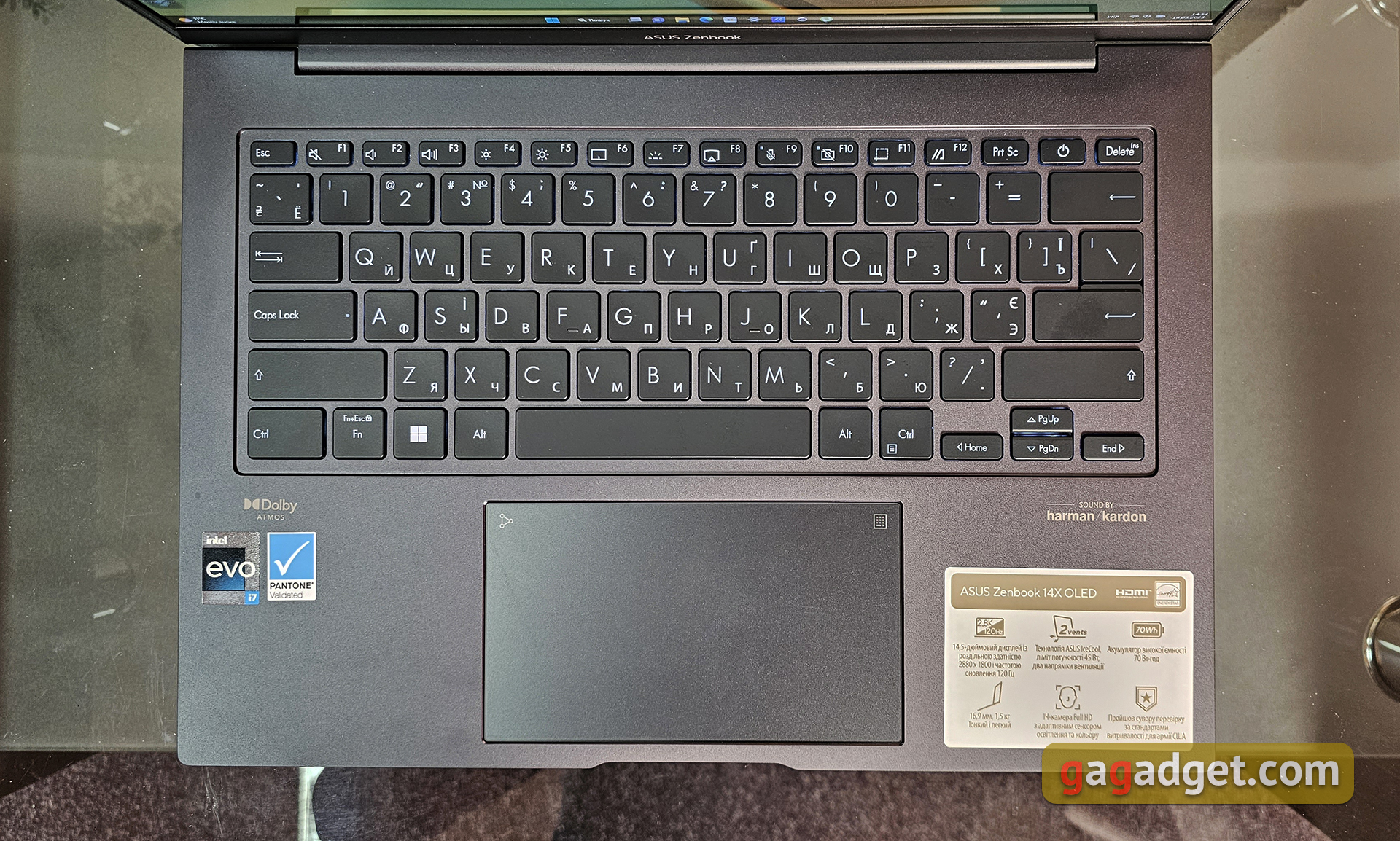
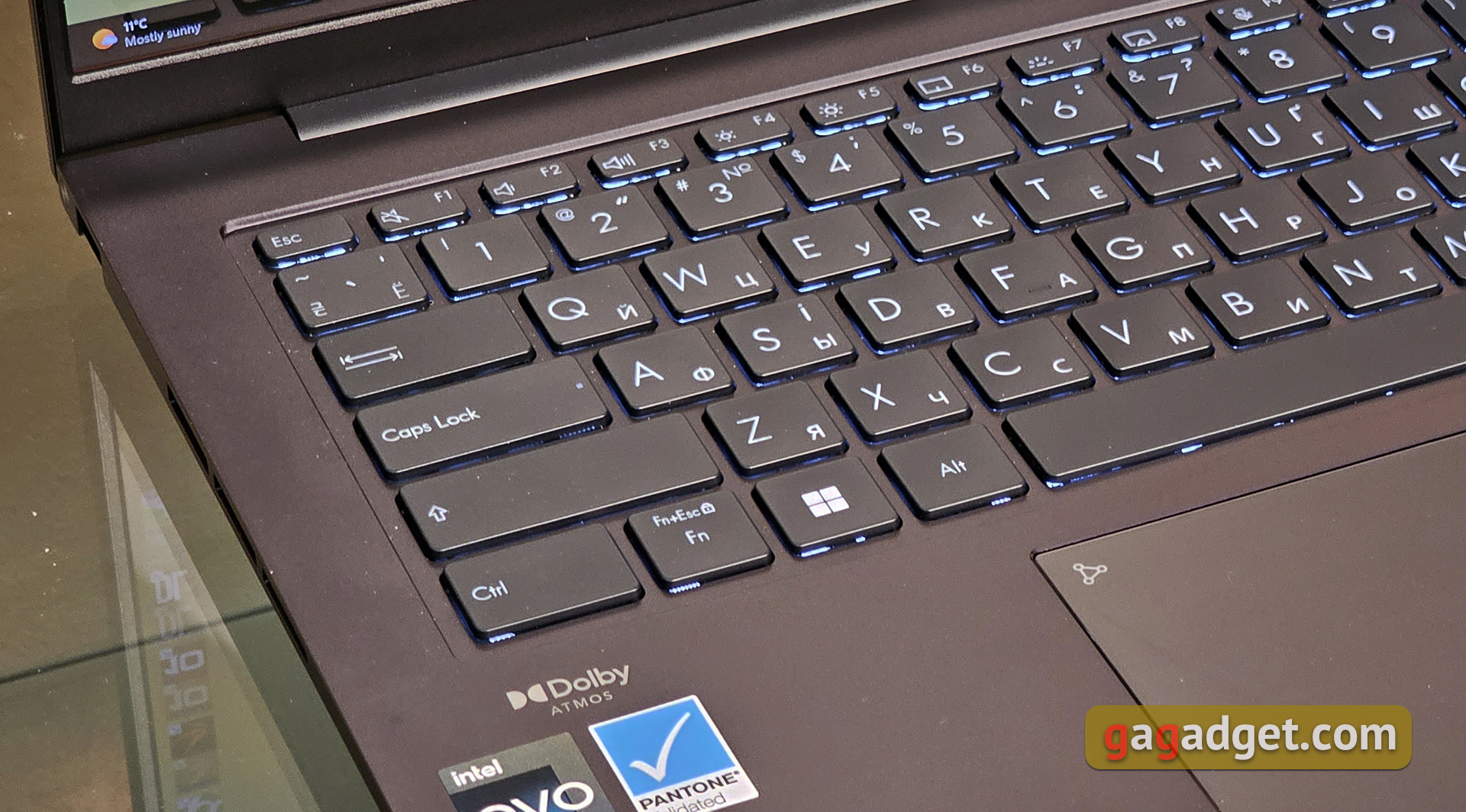
The keyboard layout is almost standard, typicalfor ultraportable ASUS models. It does not have an additional number pad, and the top row and arrow block are reduced in size. The only not entirely familiar solution – The top row ends not with the power button, but with the Delete button, which should prevent the laptop from accidentally shutting down. The Shift buttons are long, Home, End, PgUp and PgDn are duplicated with arrows through Fn. Therefore, getting used to the keyboard takes a minimum of time.
</ img>
ASUS Zenbook 14X OLED (UX3404VA) usesErgoSense keyboard: key spacing is 19.05 mm, the surface is concave by 0.2 mm, and the total travel is 1.4 mm. In this case, the pressed button protrudes 0.1 mm above the working surface. The actuation force is 25-34 g, and the maximum pressing force is – 62 g. The keyboard is very comfortable: the clicks are quite soft, but informative. There is a white backlight with three brightness levels.
</ img>
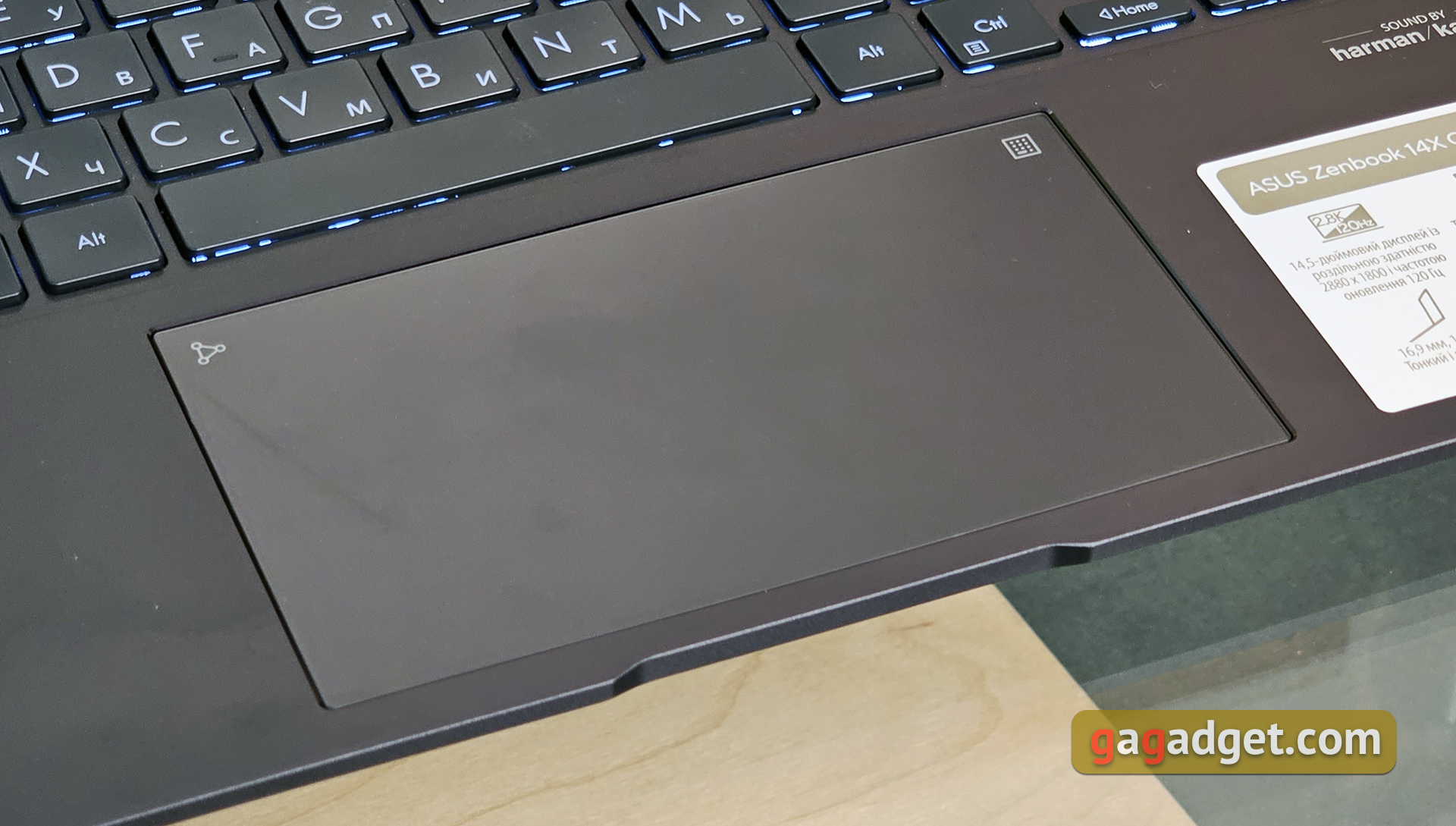
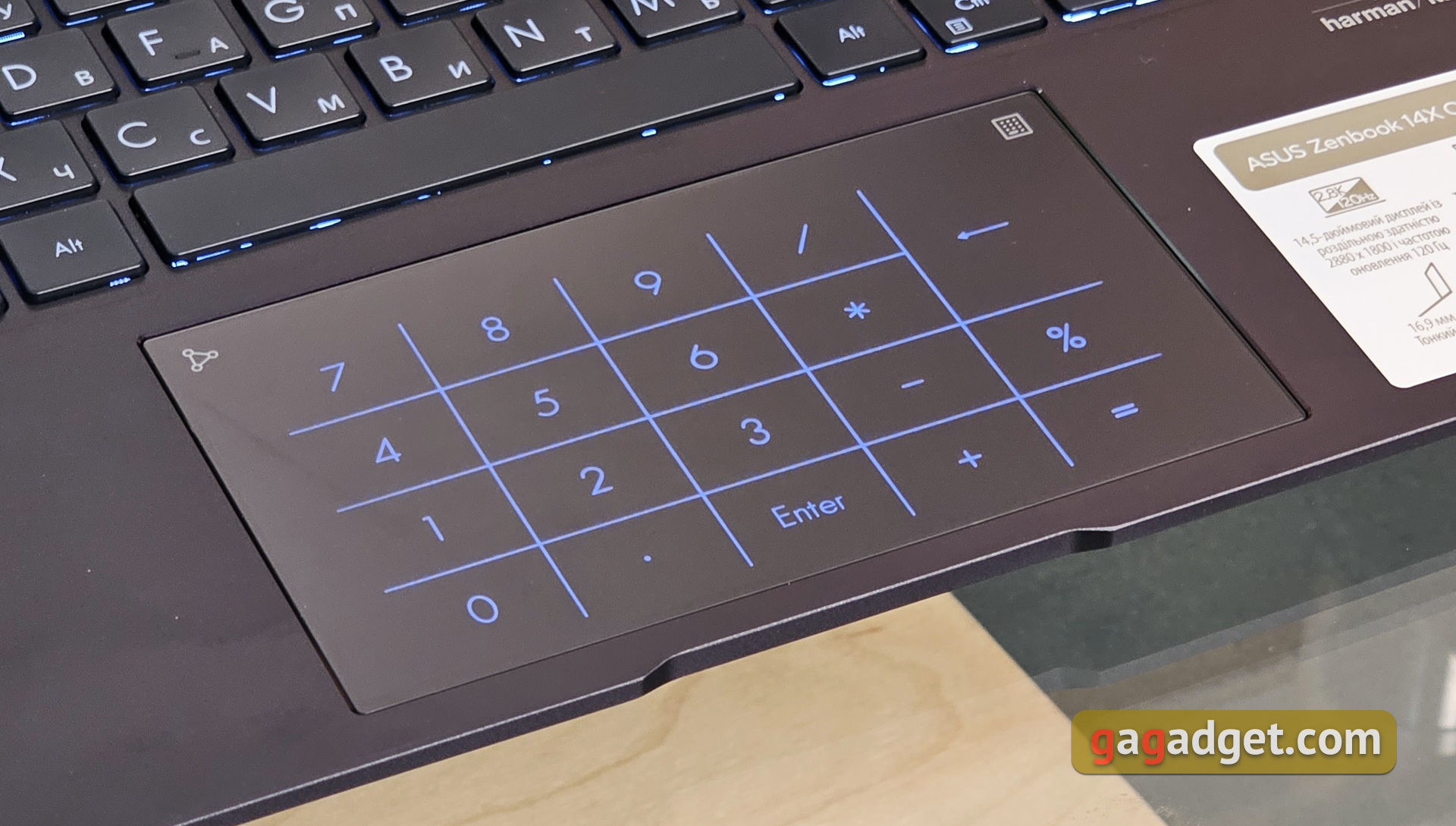
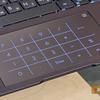
The touchpad is glass, with a very pleasant matte finish.coated. It has a fairly large size and good sensitivity. As with many other Zenbooks, NumberPad 2.0 is used: the touchpad is combined with a touch-sensitive number pad, which is activated by a touch button in the upper right corner. At the same time, in the digital pad mode, the touchpad can also be used for its intended purpose. There is a brightness adjustment and the ability to quickly launch the calculator by moving from the touch button in the upper left corner in any direction.
</ img>
</ img>
How good is the screen?
</ img>
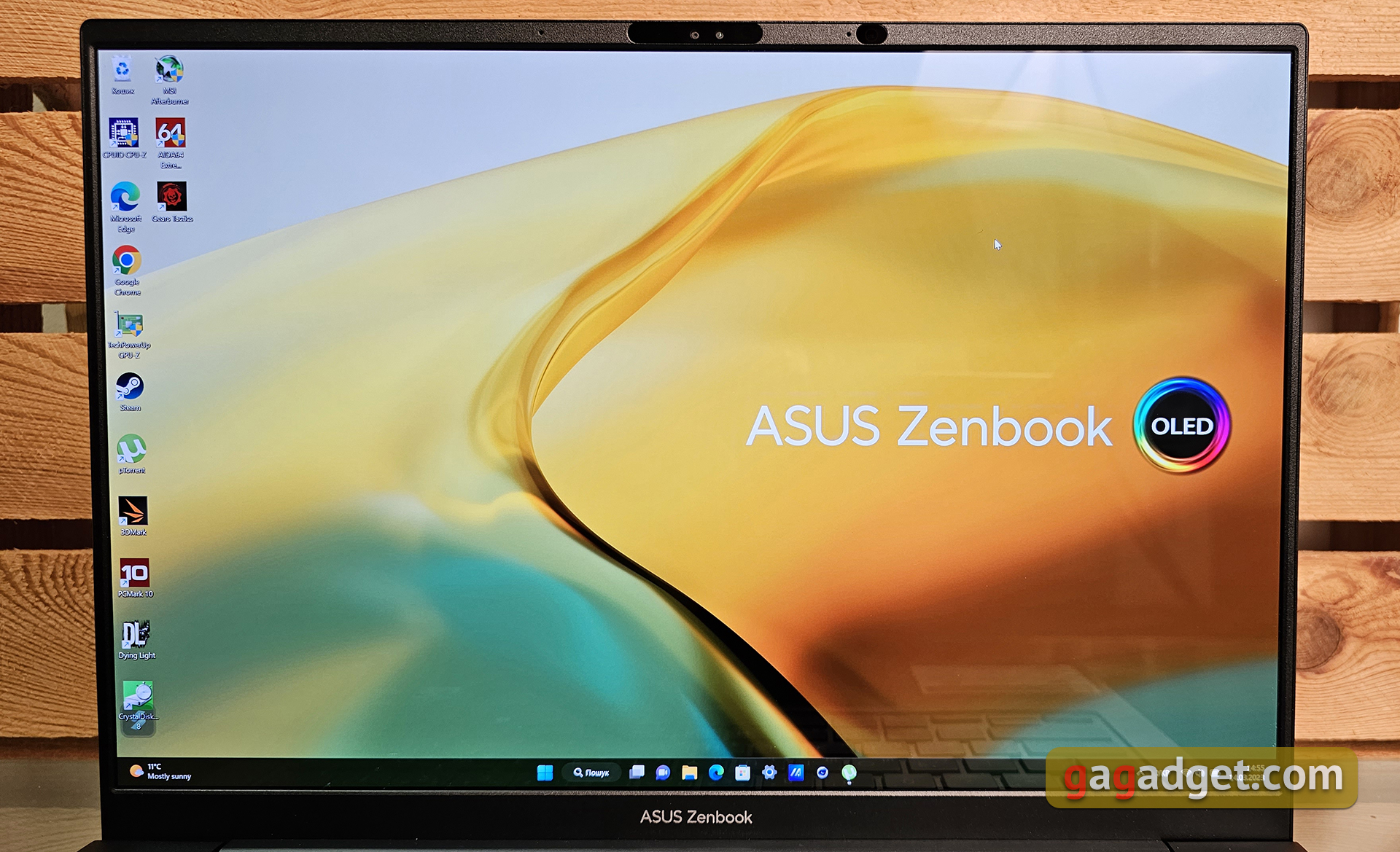
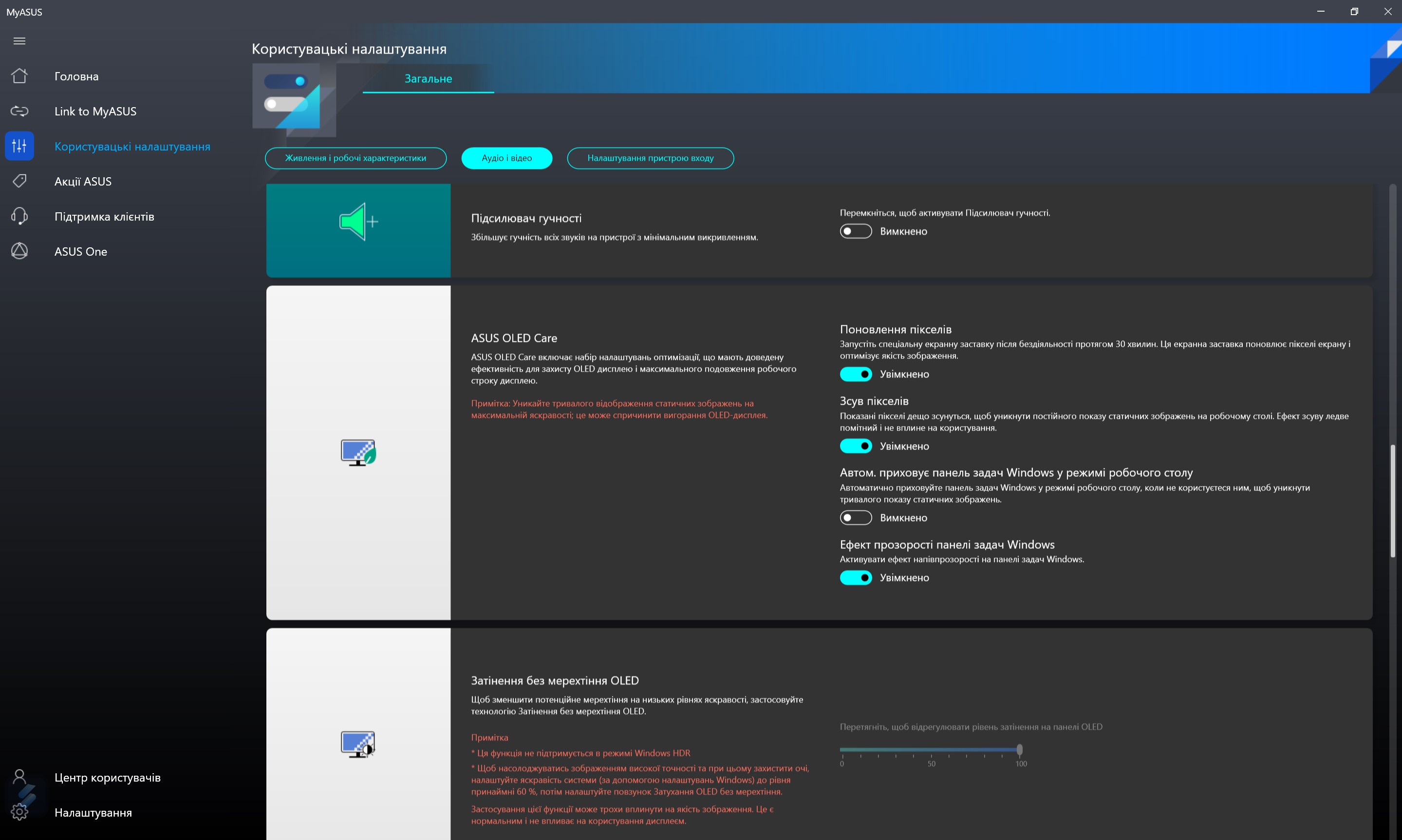
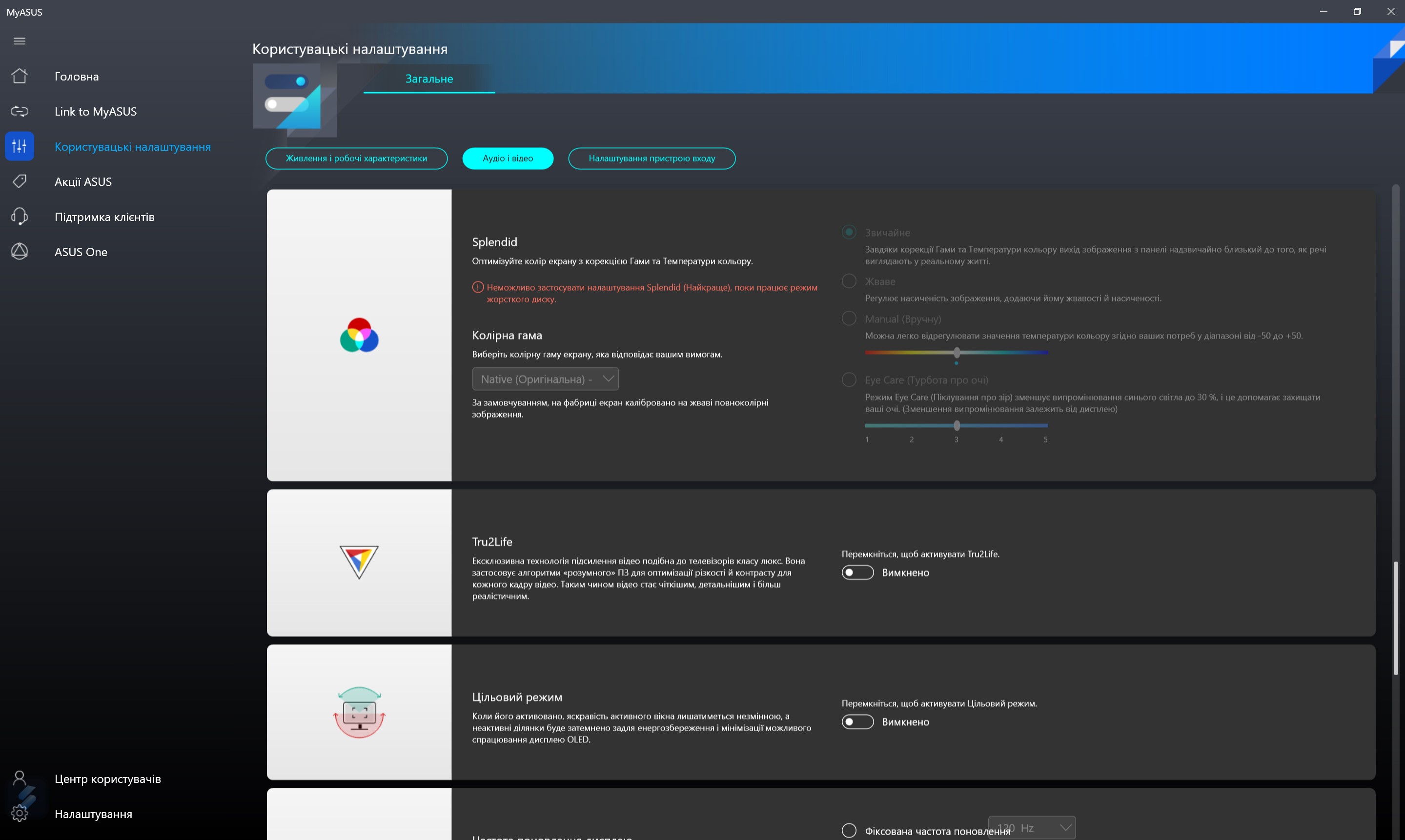
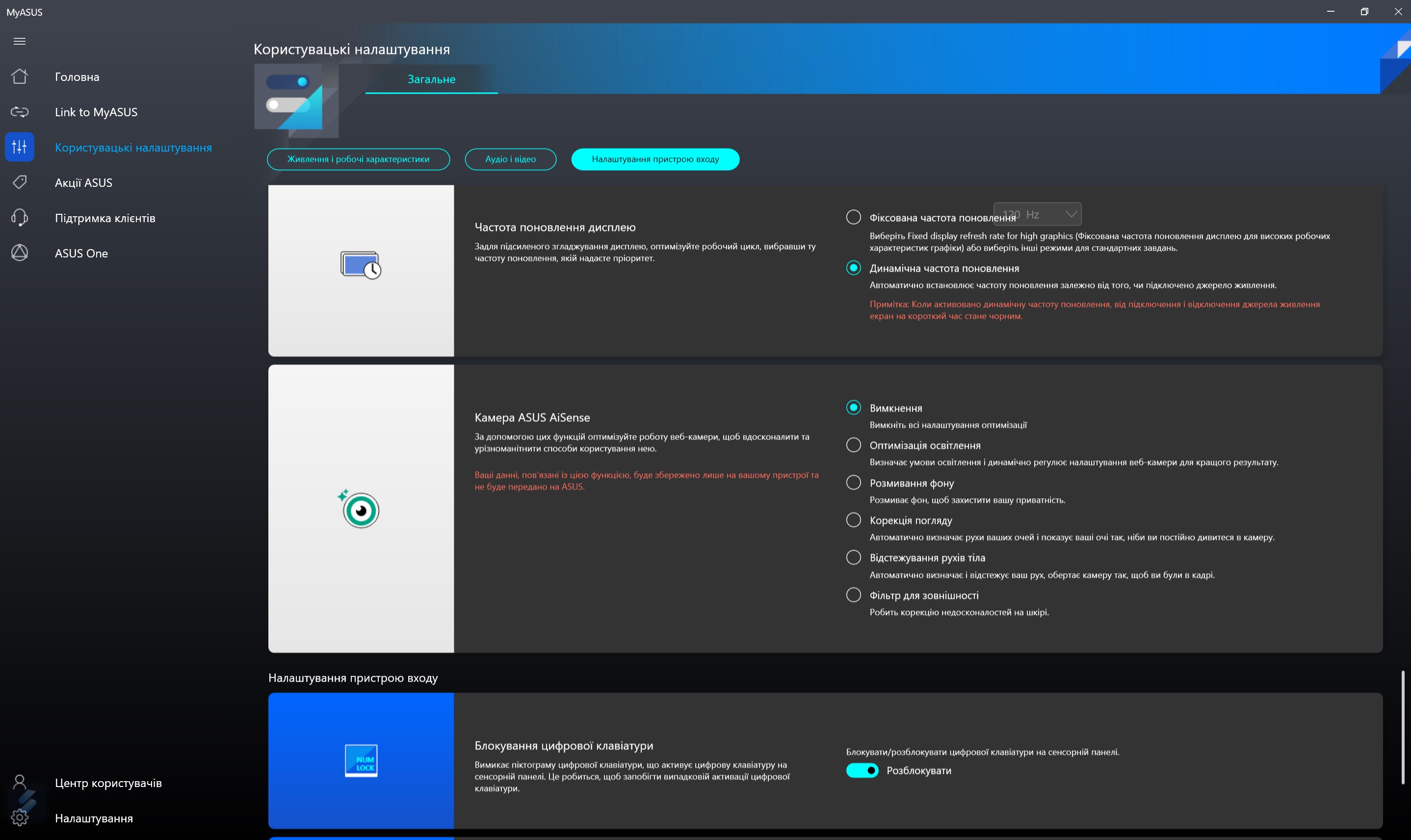
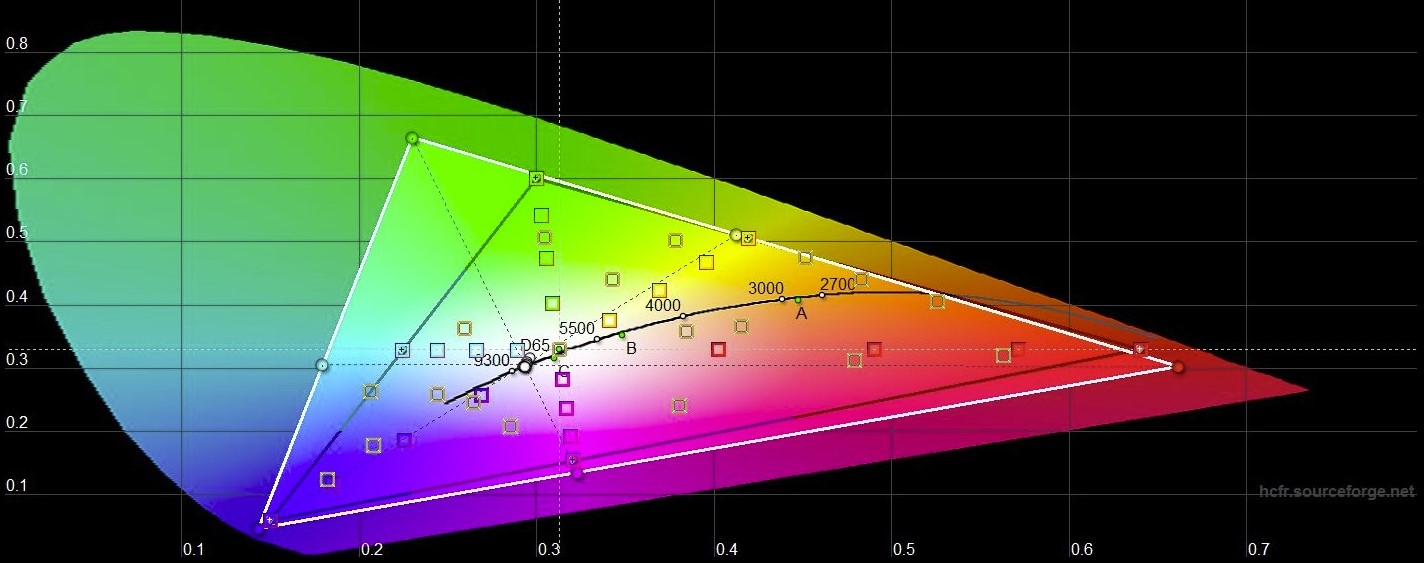
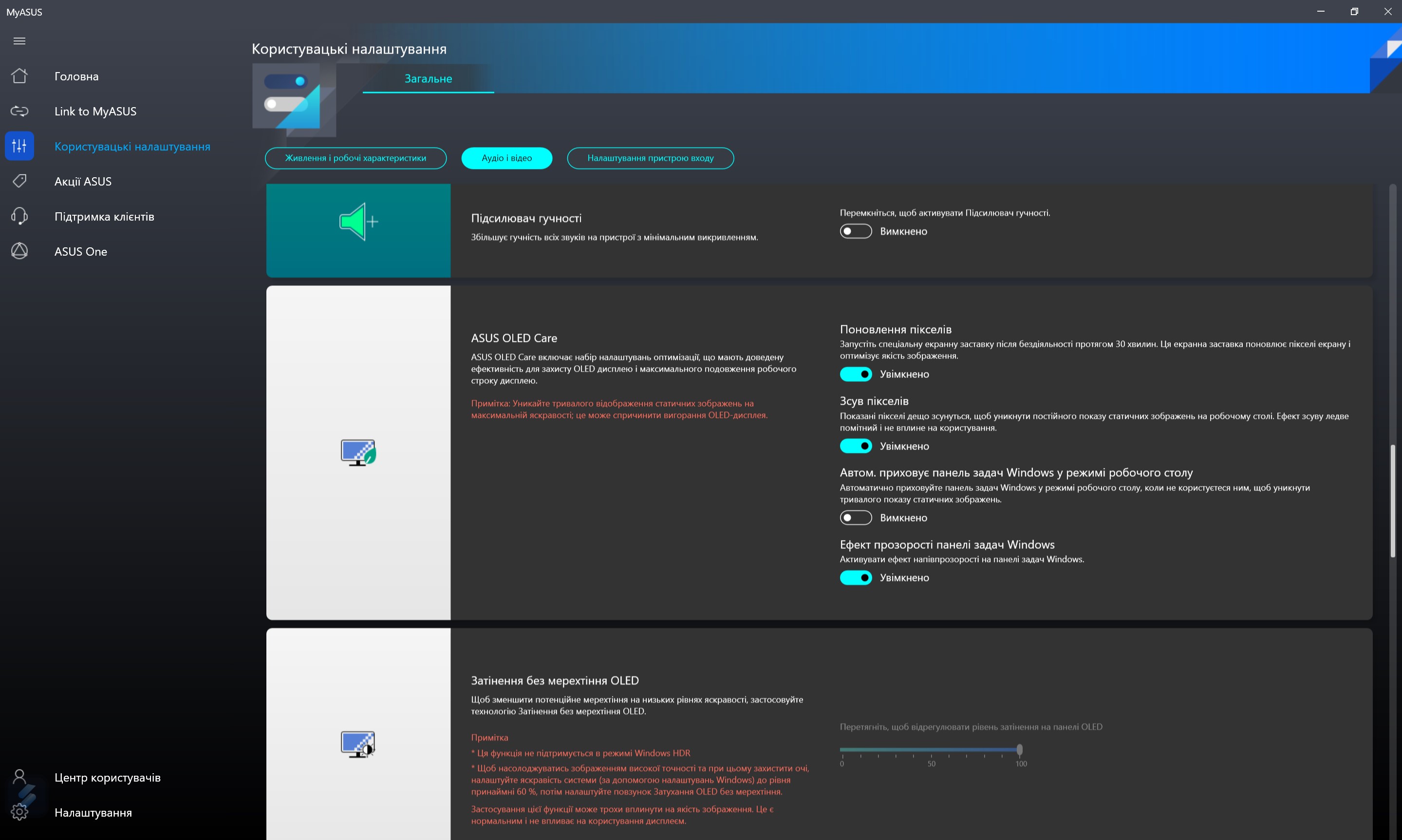
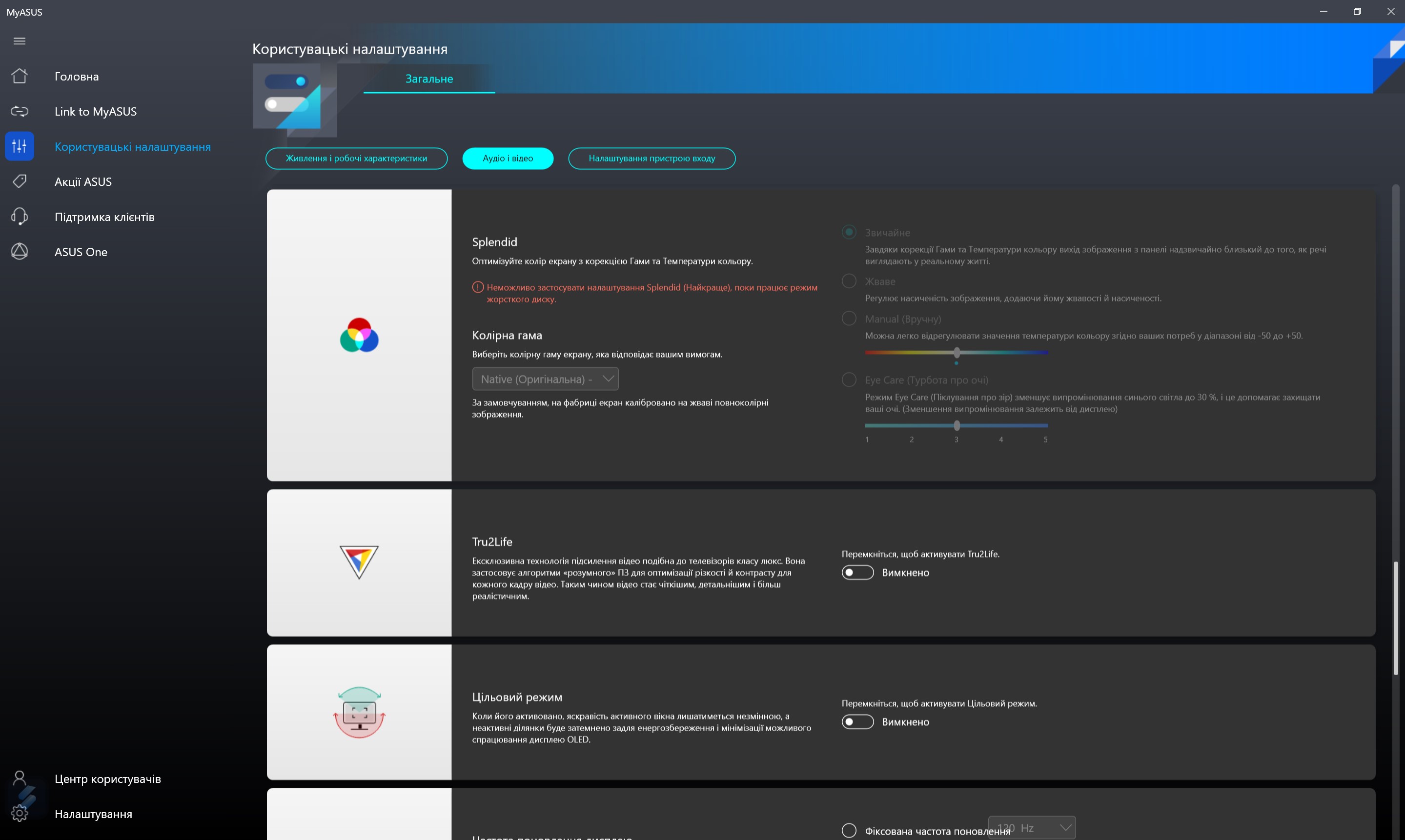
OLED screens are gradually becoming the norm forlaptops. ASUS Zenbook 14X OLED (UX3404VA) also has a 14-inch OLED display with a resolution of 2.8K (2880x1800), an aspect ratio of 16:10, a refresh rate of 120 Hz and a pixel response time of 0.2 ms. The coating is glossy, but it is not as reflective as the protective glass in touch models. They promise a color gamut of 100% of the DCI-P3 color space, there is PANTONE Validated certification, the maximum brightness in SDR mode is 400 cd/m2, and the peak brightness in HDR mode – 600 cd/m2. In addition to the usual Splendid color mode settings, the MyAsus app has many settings aimed at extending the life of the OLED display: pixel shift, hiding the taskbar, screen saver, eliminating flicker at low brightness and choosing a refresh rate.
</ img>
</ img>
</ img>
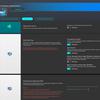
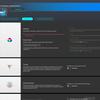
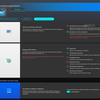
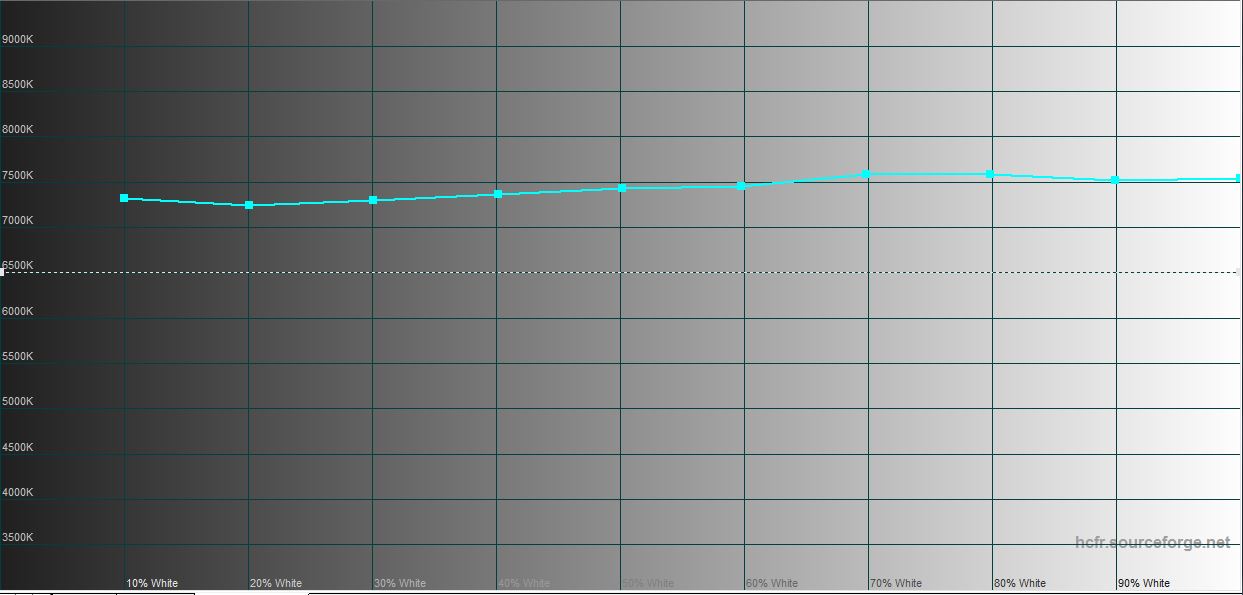
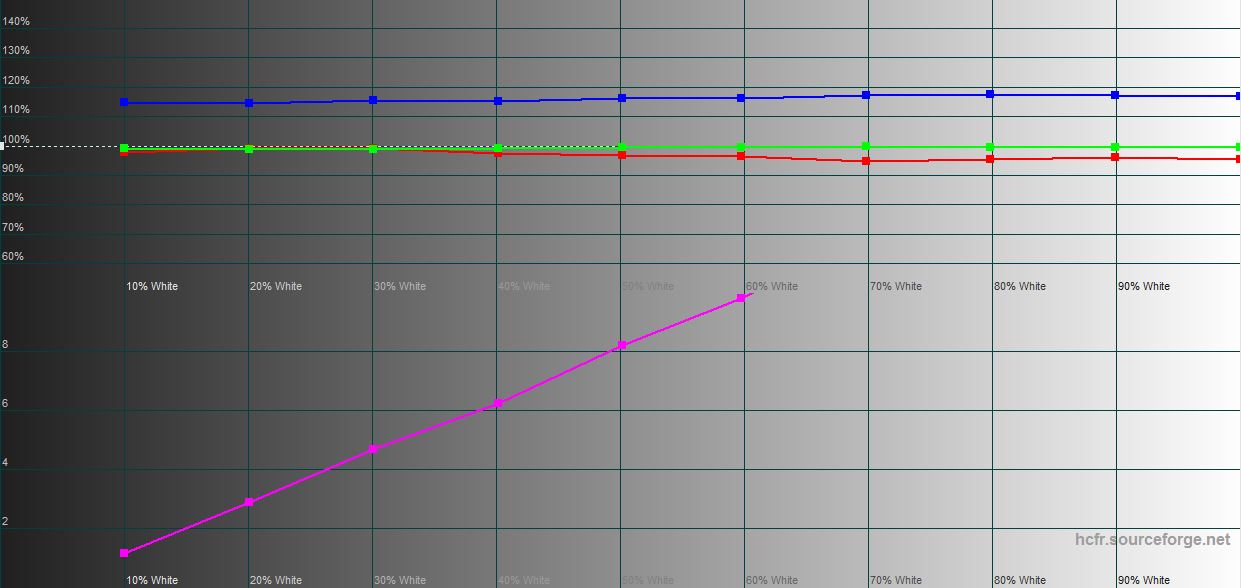
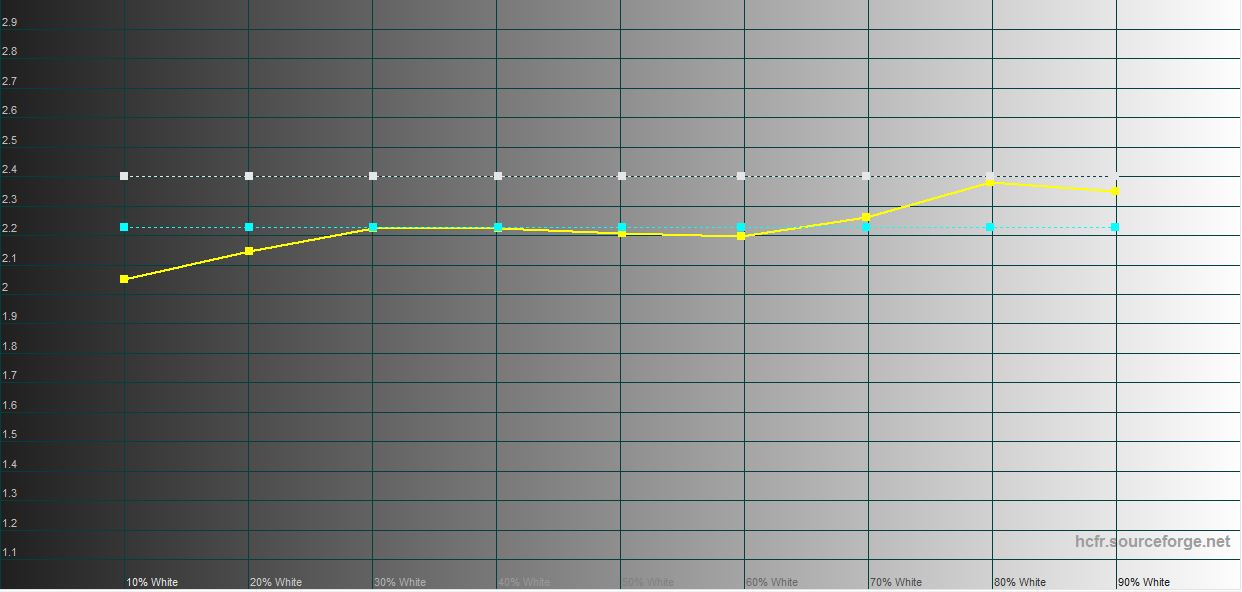
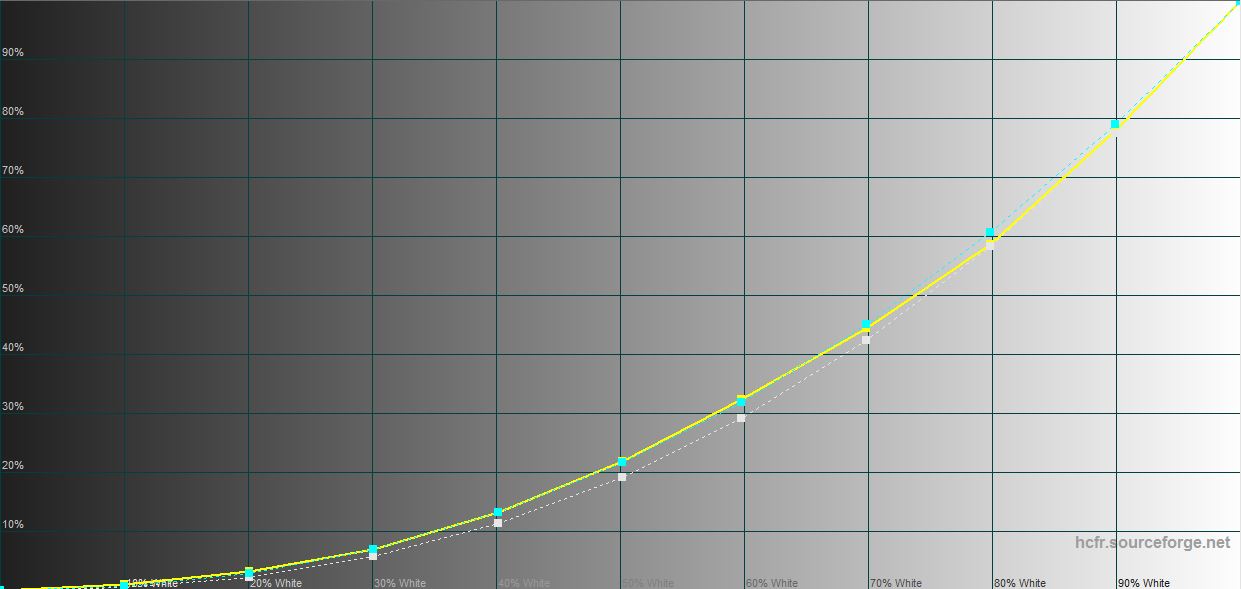
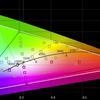
Measurements with a colorimeter showed that the maximum brightness in SDR mode is very close to the declared value: 387.707 cd/m². The color gamut of the screen is much wider than sRGB.
</ img>
</ img>
</ img>
</ img>
</ img>

What about performance, battery life and sound?
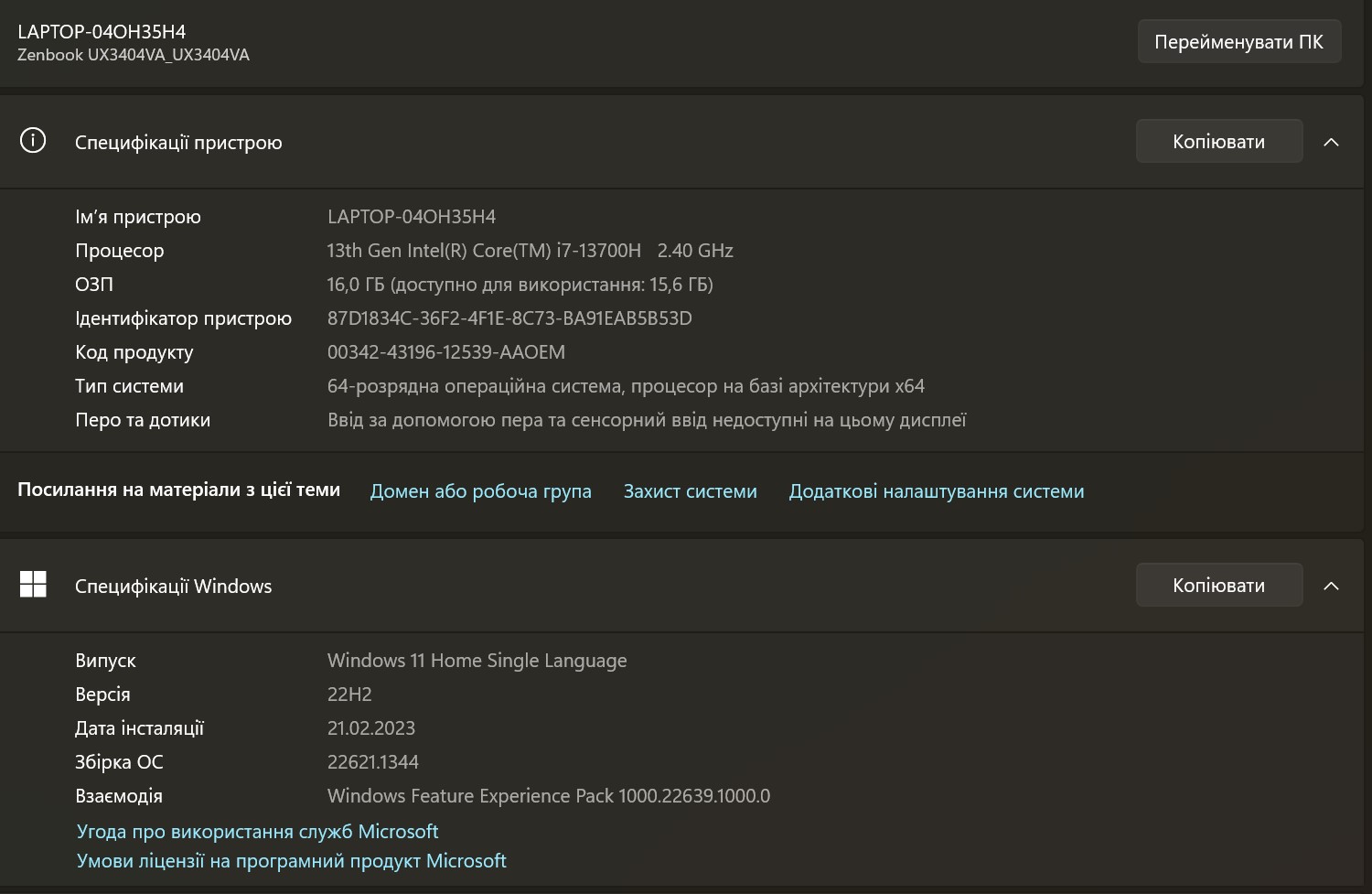
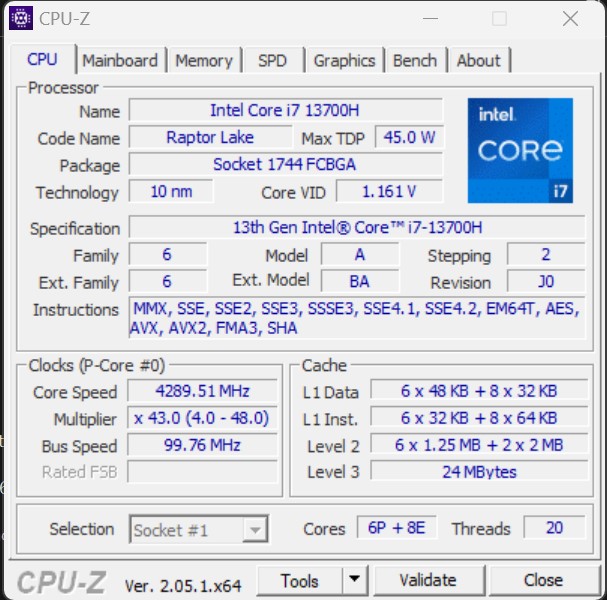
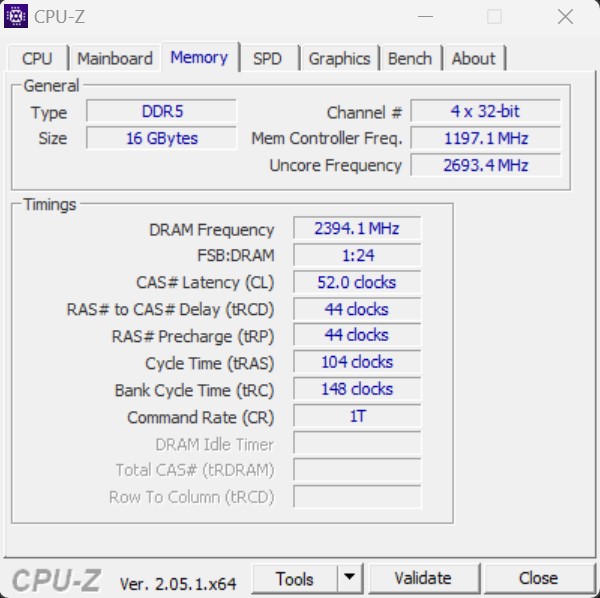
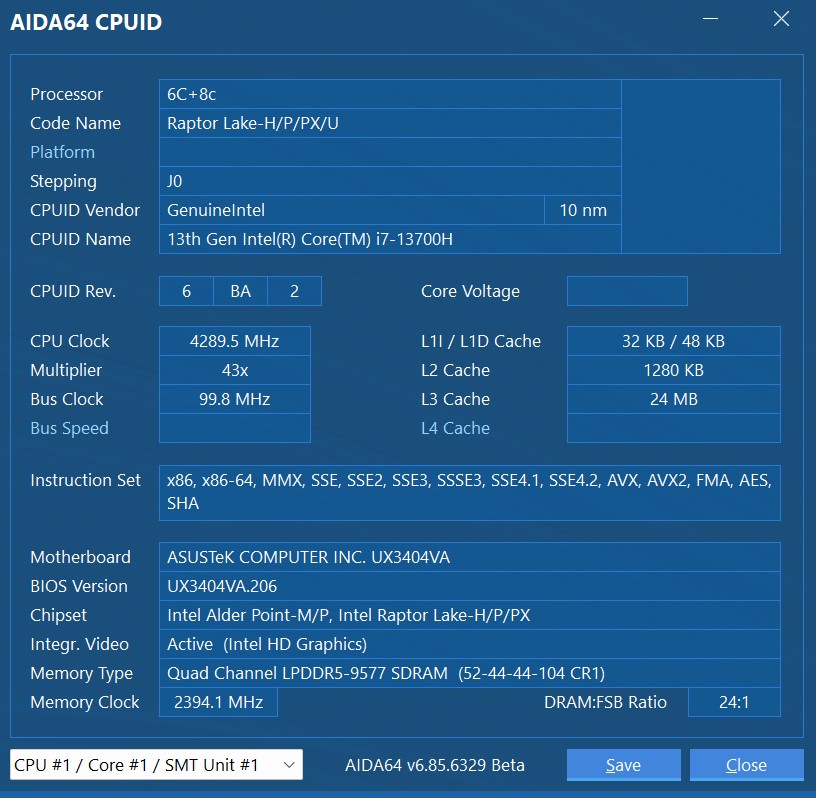
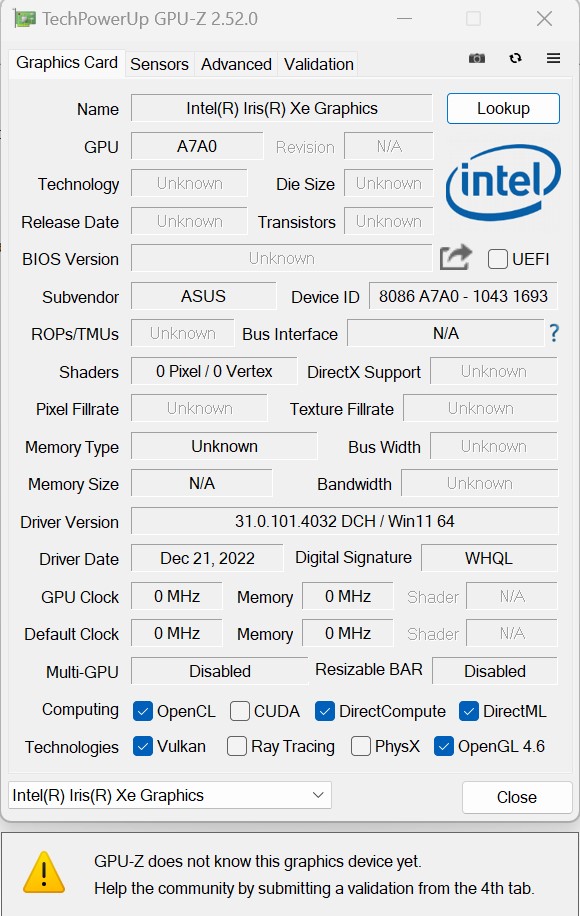
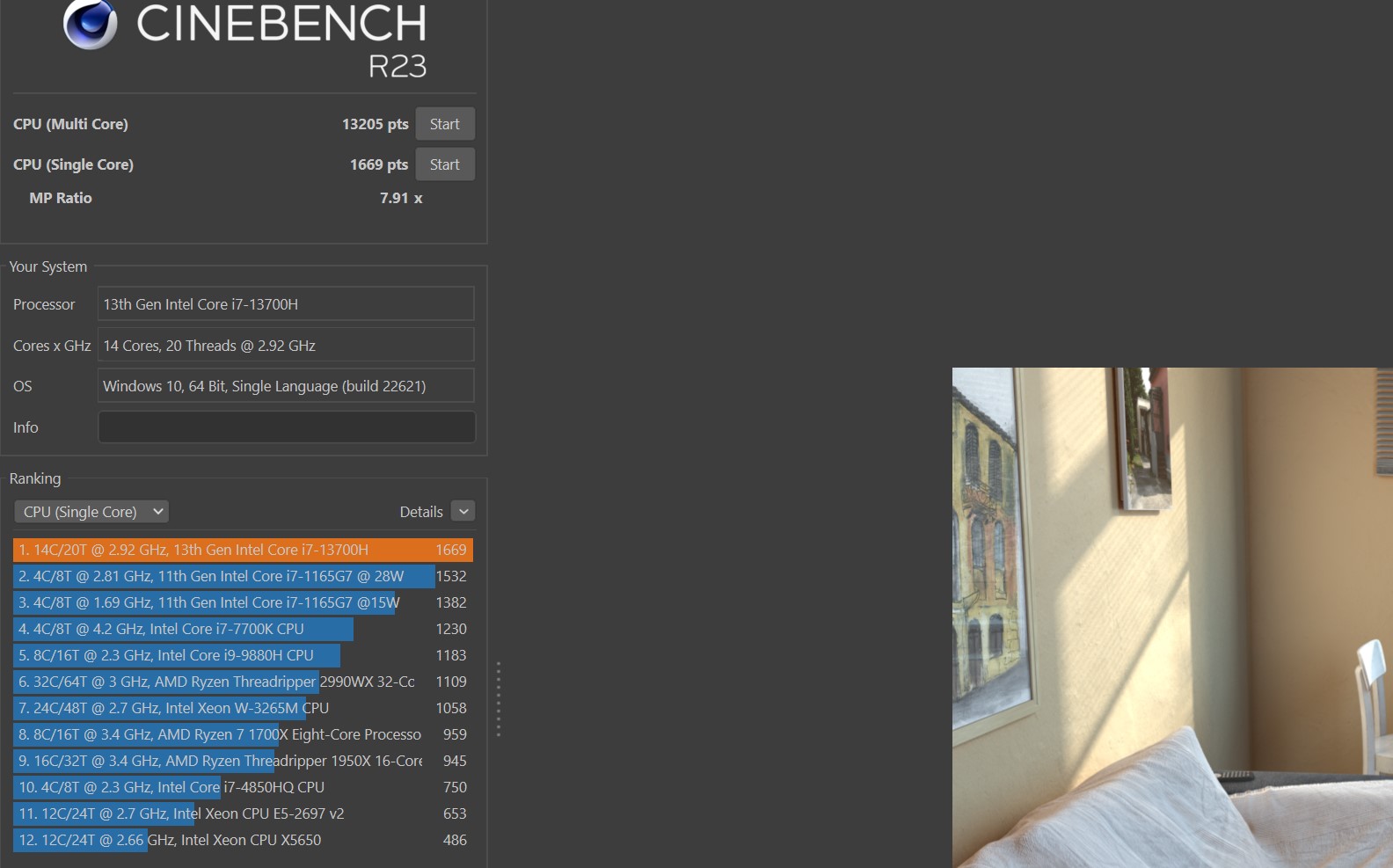
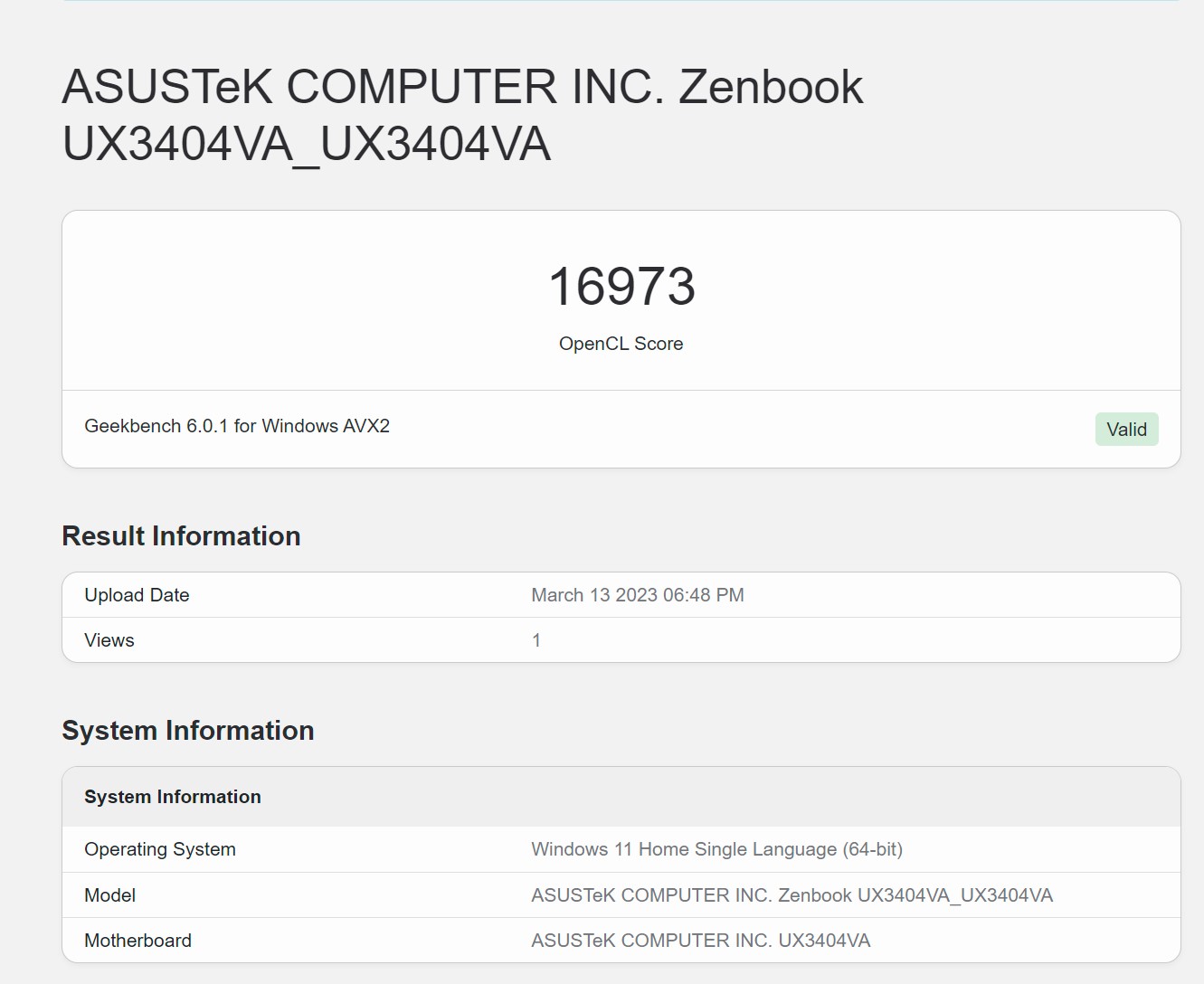
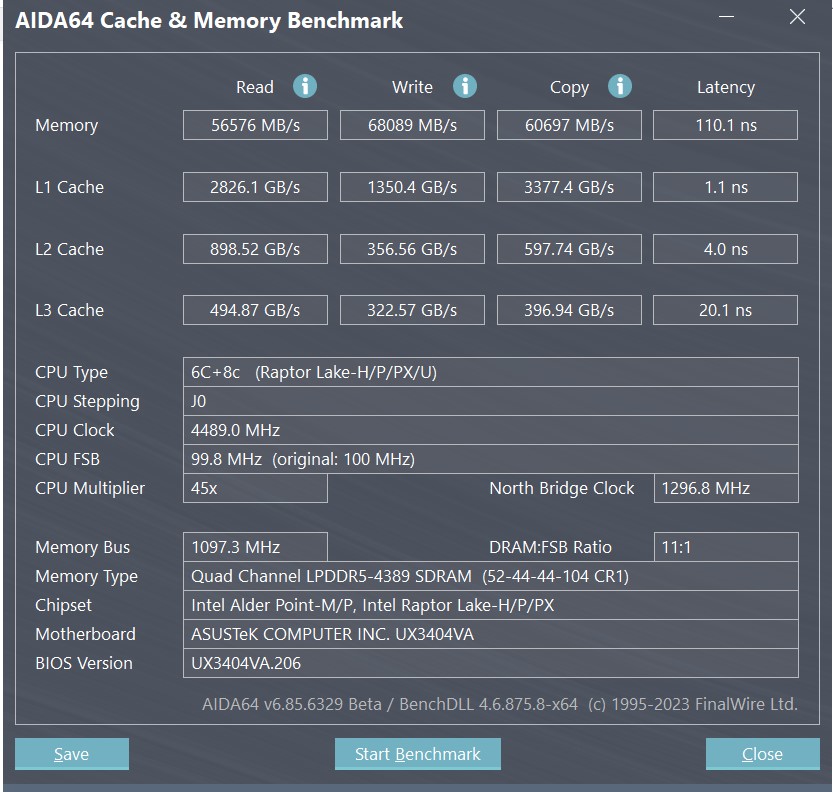
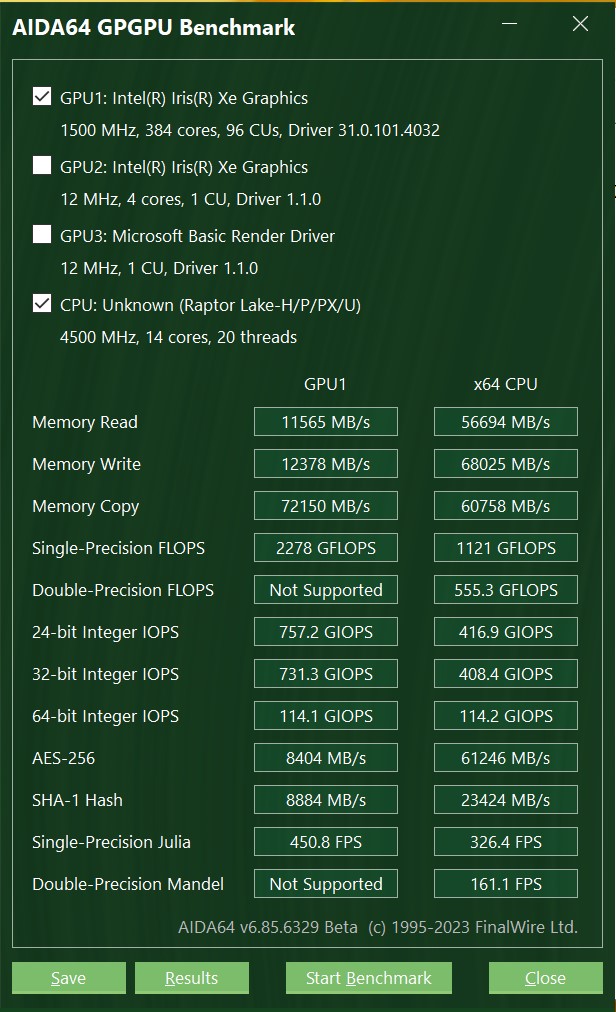
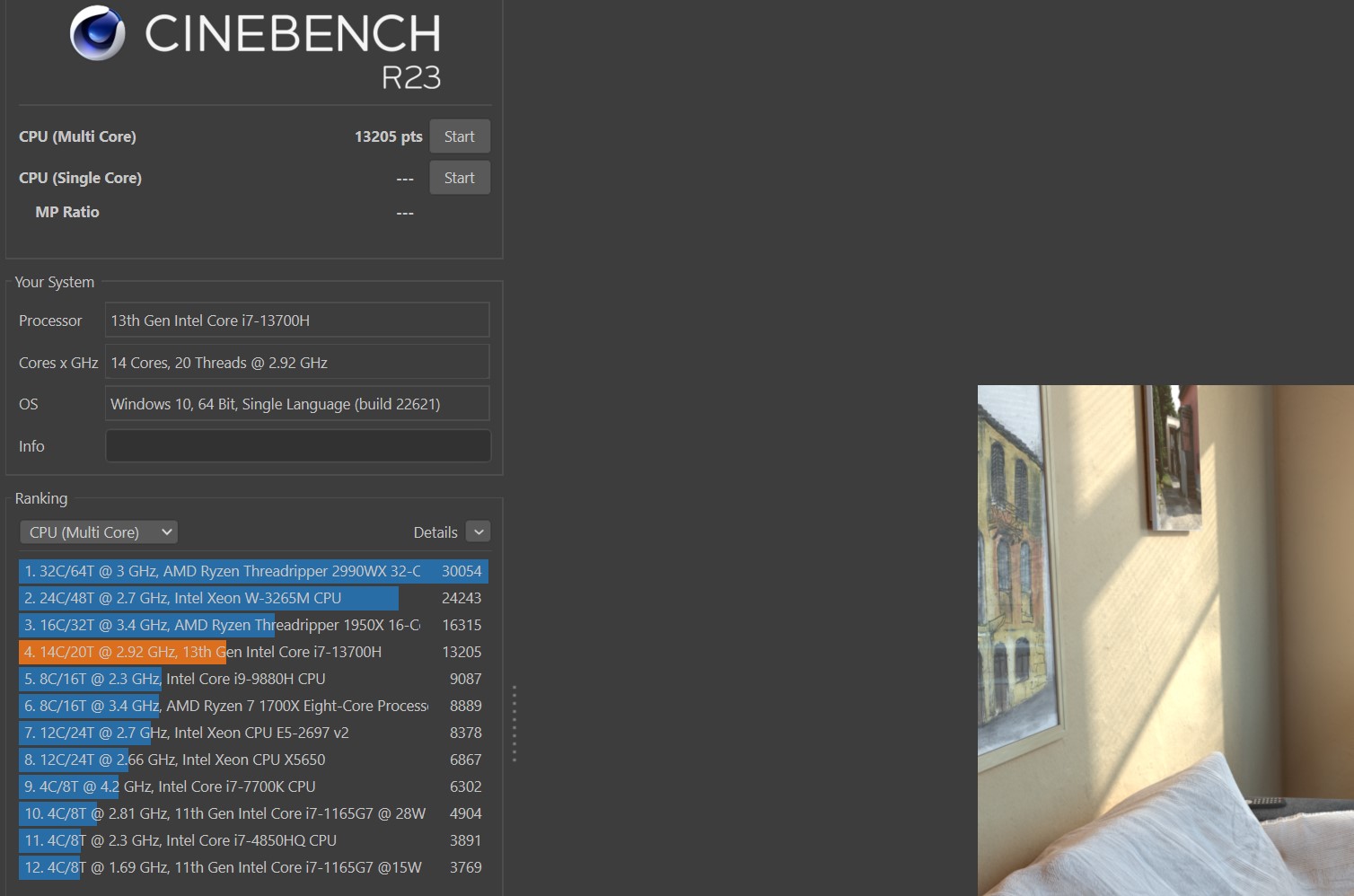
The most interesting thing is inside the laptop.It received the new 13th generation Intel Raptor Lake processor. In our case it is – Intel Core i7-13700H. Typically, H-series processors are used in more “massive” portable workstations and gaming laptops, and ultraportable models like the ASUS Zenbook 14X OLED (UX3404VA) receive less powerful energy-efficient processors of the U or P series. The Intel Core i7-13700H is manufactured using the Intel 7 process technology, has a TDP of 45 W and a cache of 24 MB. The core configuration is similar to last year's processors of the corresponding level. Namely: 6 productive cores with a frequency of 2.4-5 GHz and 8 energy-efficient cores of 1.8-3.7 GHz. There is support for multi-threaded computing: up to 20 threads. RAM – 16 GB LPDDR5-4800. It is soldered onto the board, so it will not be possible to increase the volume. In this configuration there is no discrete video card, only the built-in Intel Iris Xe. It has 96 execution units, the maximum frequency can reach 1500 MHz. There is a more powerful laptop configuration with Intel Core i9, NVIDIA GeForce RTX 3050 Laptop 4 GB graphics and 32 GB RAM. Wireless interfaces: Wi-Fi 6E (802.11ax) and Bluetooth 5.2.
</ img>
</ img>
</ img>
</ img>
</ img>
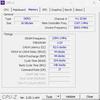
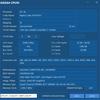
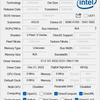
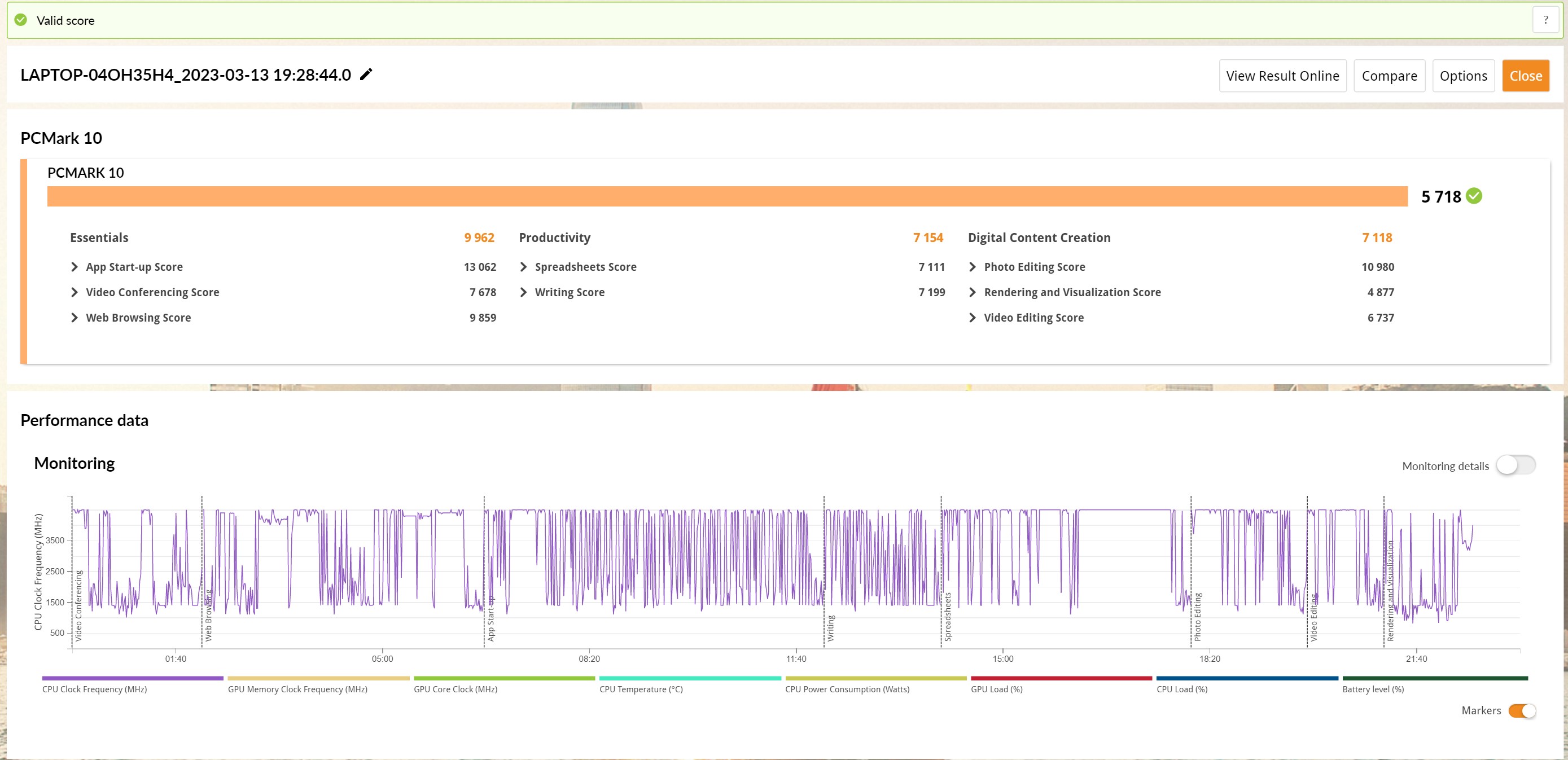
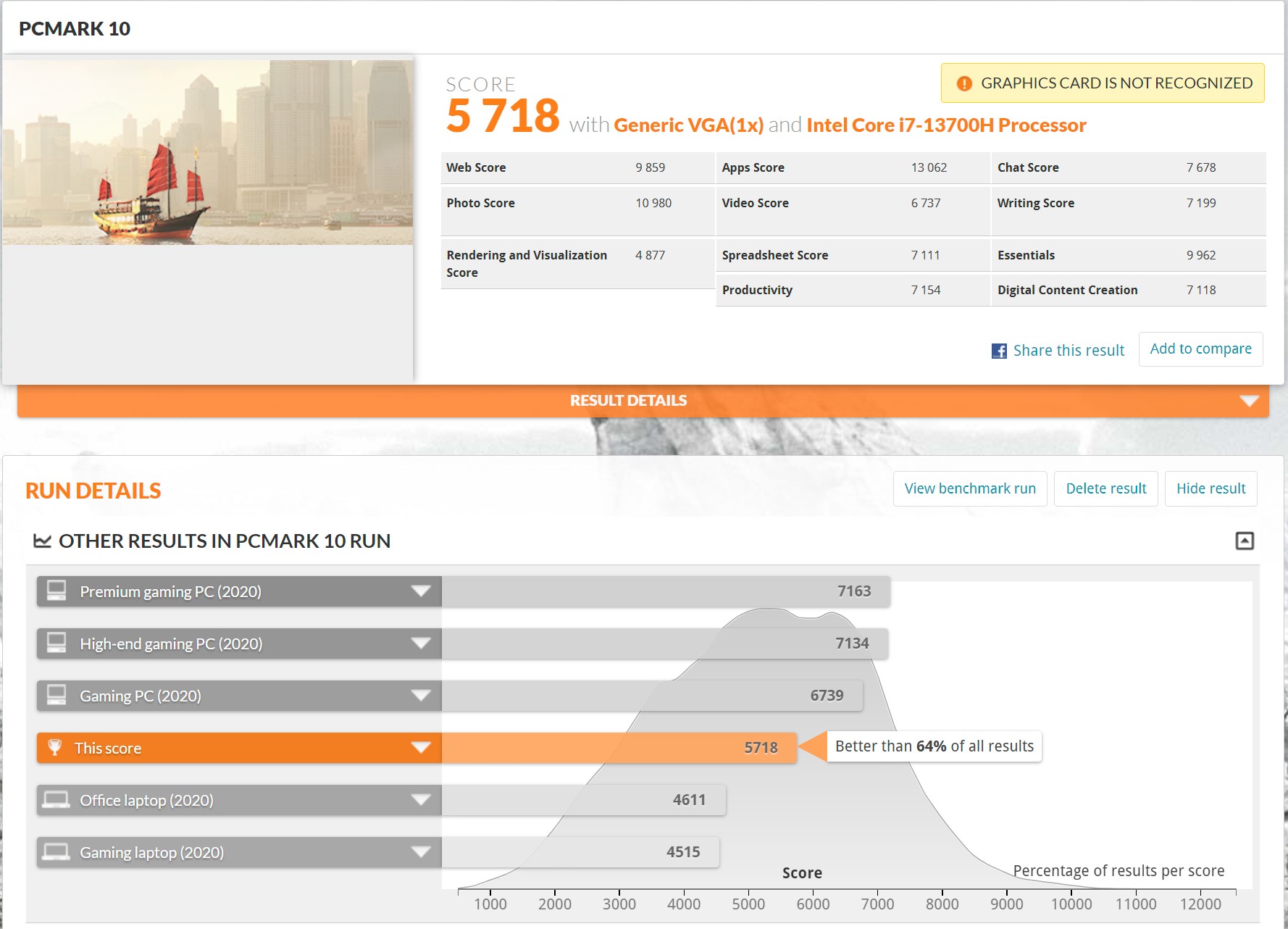
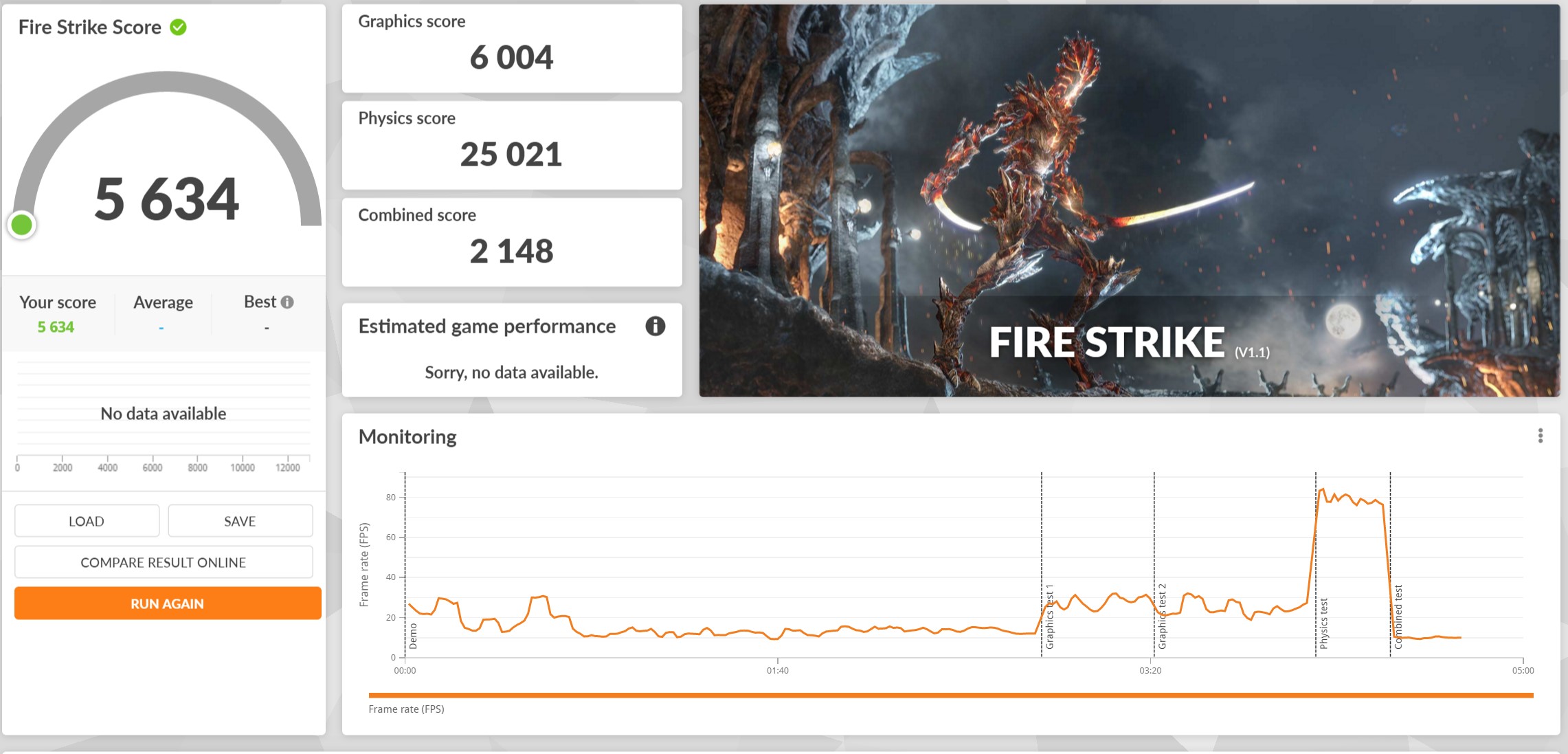
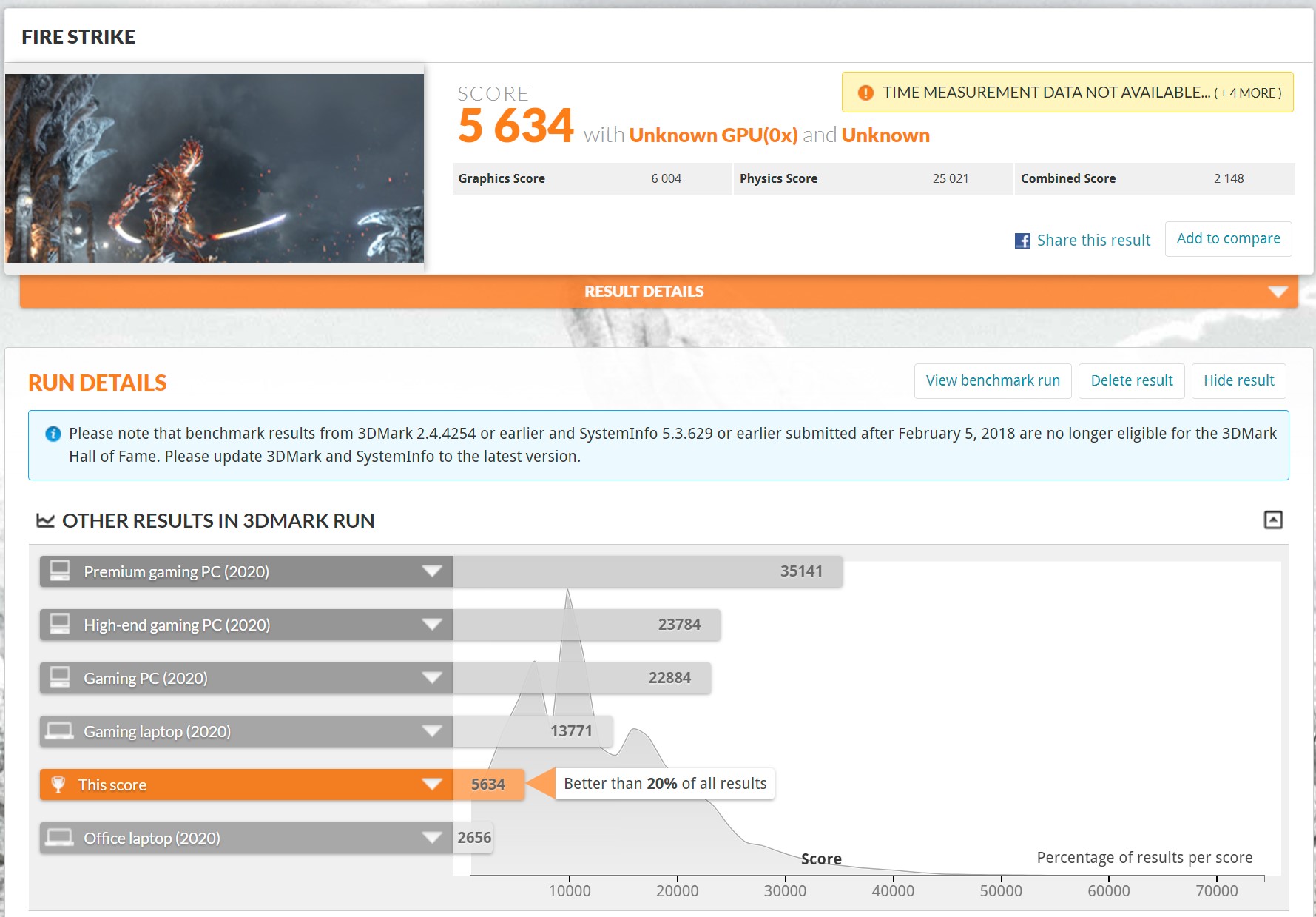
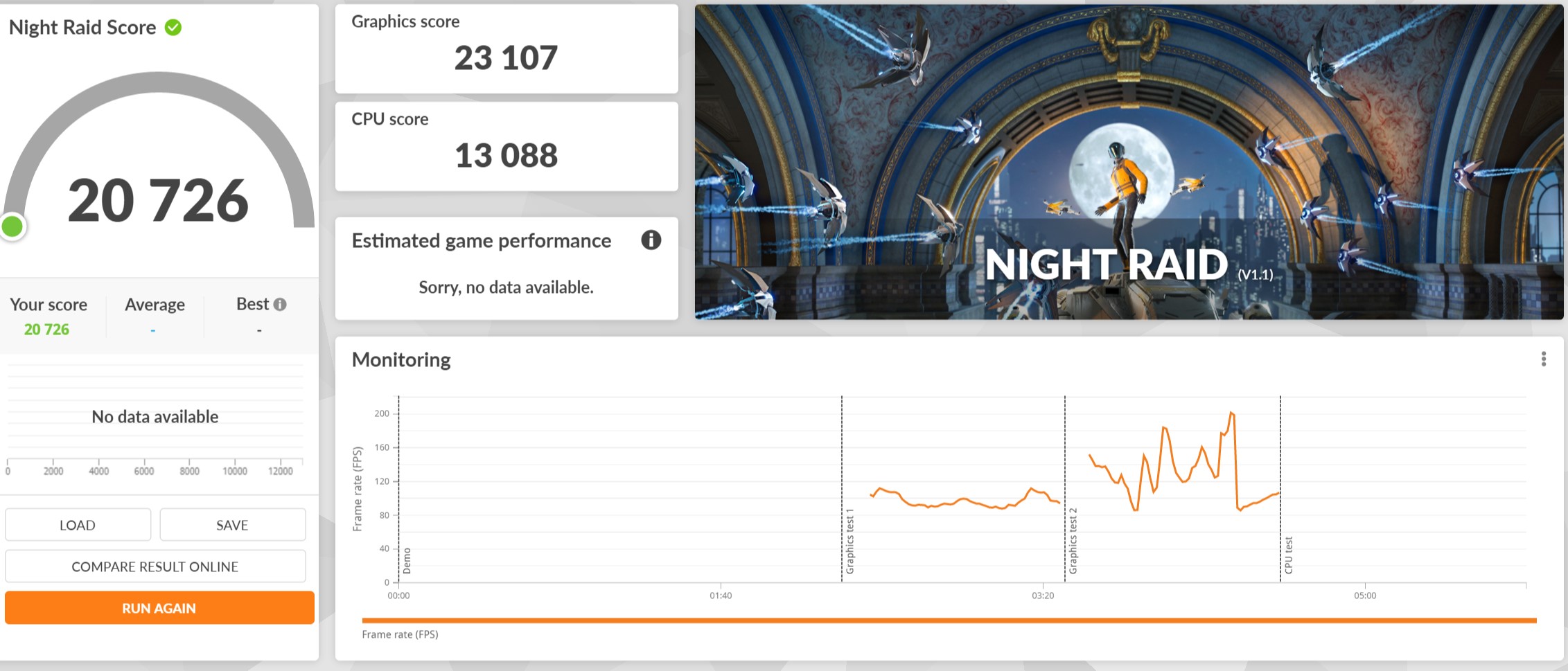
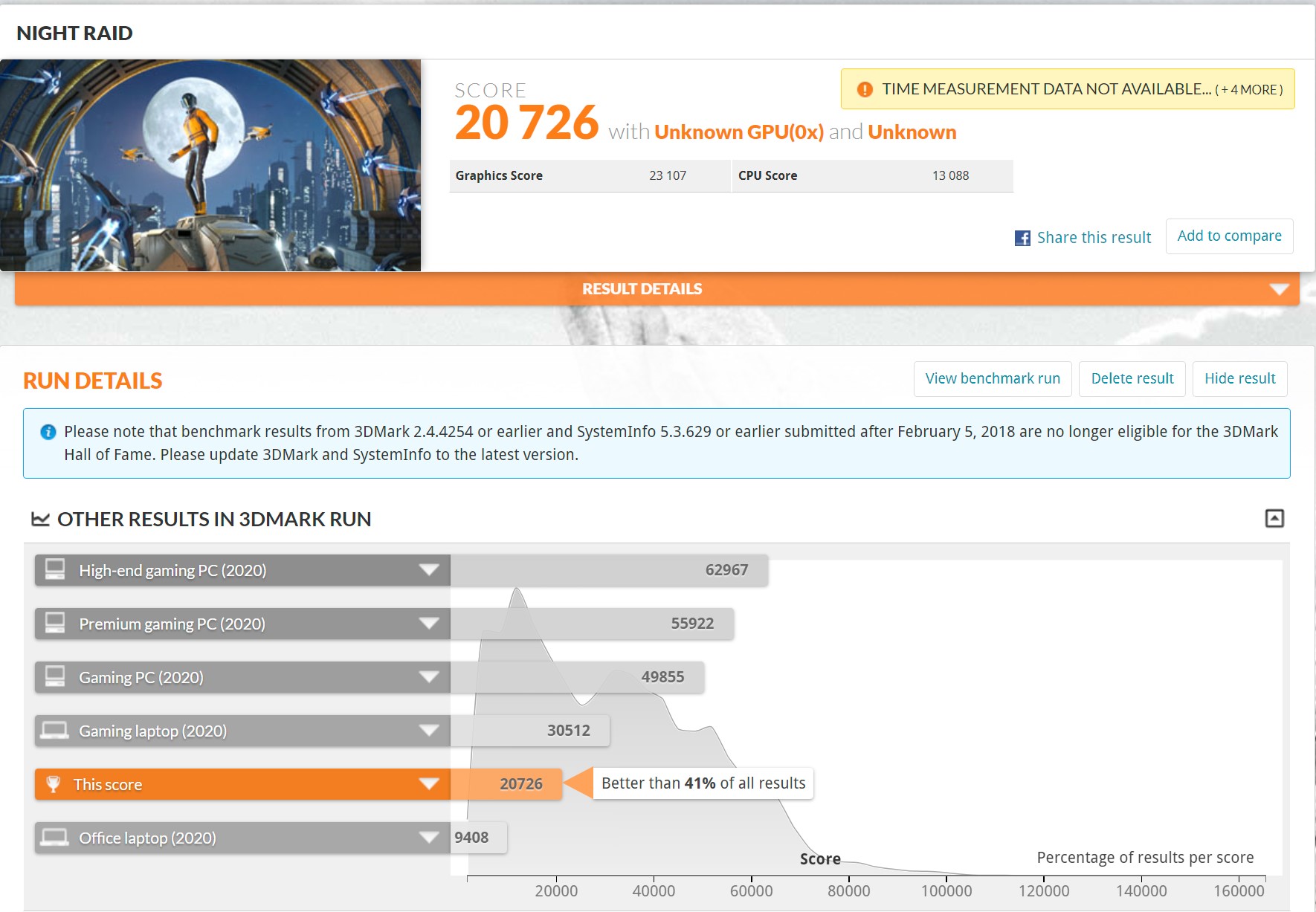
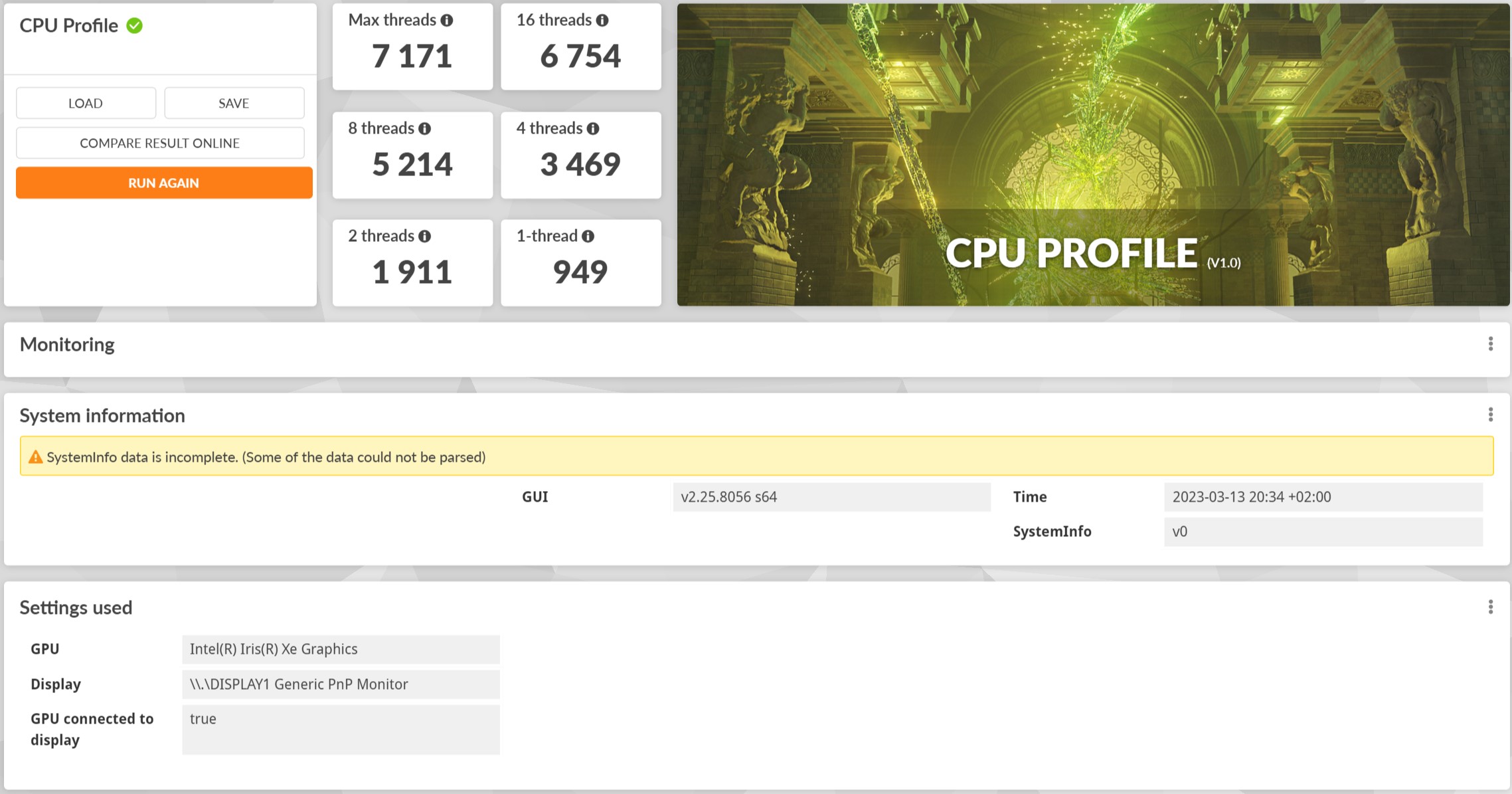
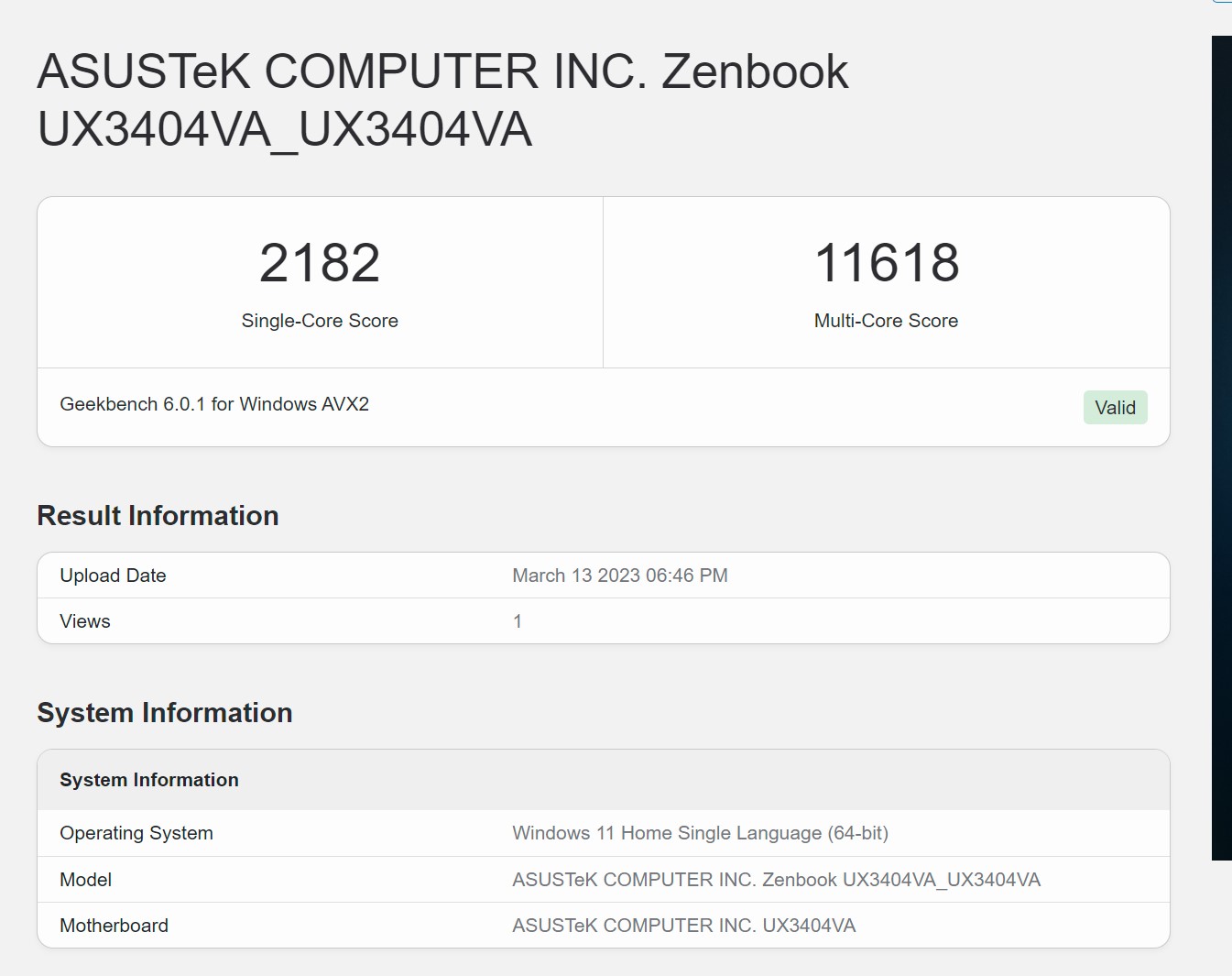
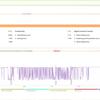
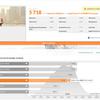
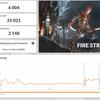
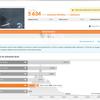
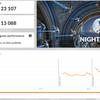
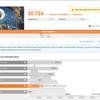
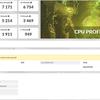
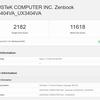
ASUS Zenbook 14X OLED (UX3404VA) has a highperformance that is sufficient for the vast majority of work tasks, including editing and basic video editing. But for more serious graphics tasks, it is still worth looking at models with discrete graphics. The results in benchmarks are appropriate: high in processor tests and very moderate in graphic ones.
</ img>
</ img>
</ img>
</ img>
</ img>
</ img>
</ img>
</ img>
</ img>
</ img>
</ img>
</ img>
</ img>

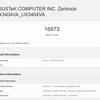
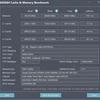
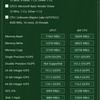

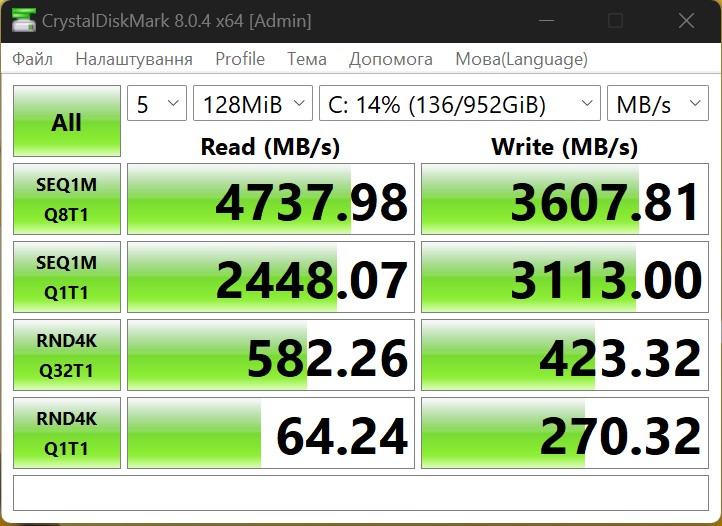
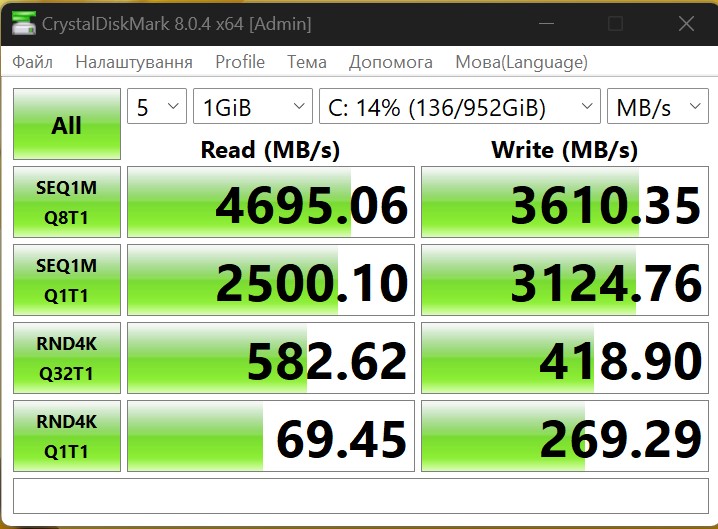
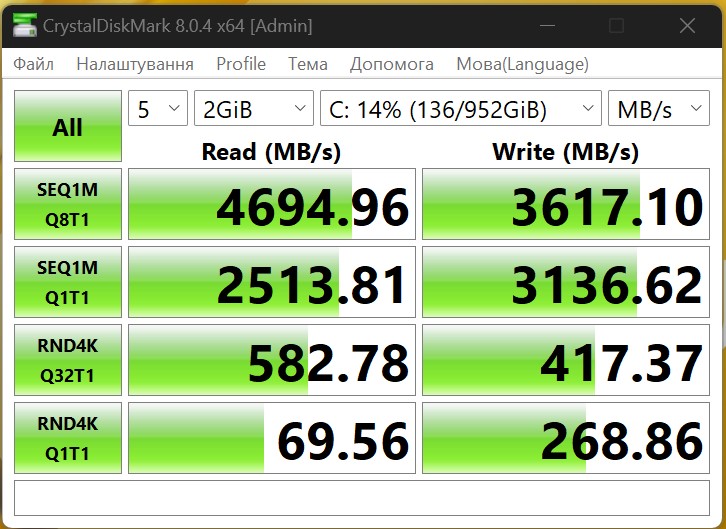
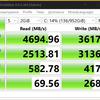
The drive uses a Micron 2400 SSD with a PCI-E 4.0 4x interface for 1 TB. On the official website, the manufacturer promises a read speed of up to 4500 MB/s and a write speed of up to 3600 MB/s.

</ img>
Real figures correspond to the declared ones. The read speed can reach 4700MB/s and the write speed 3600MB/s:
</ img>
</ img>
</ img>
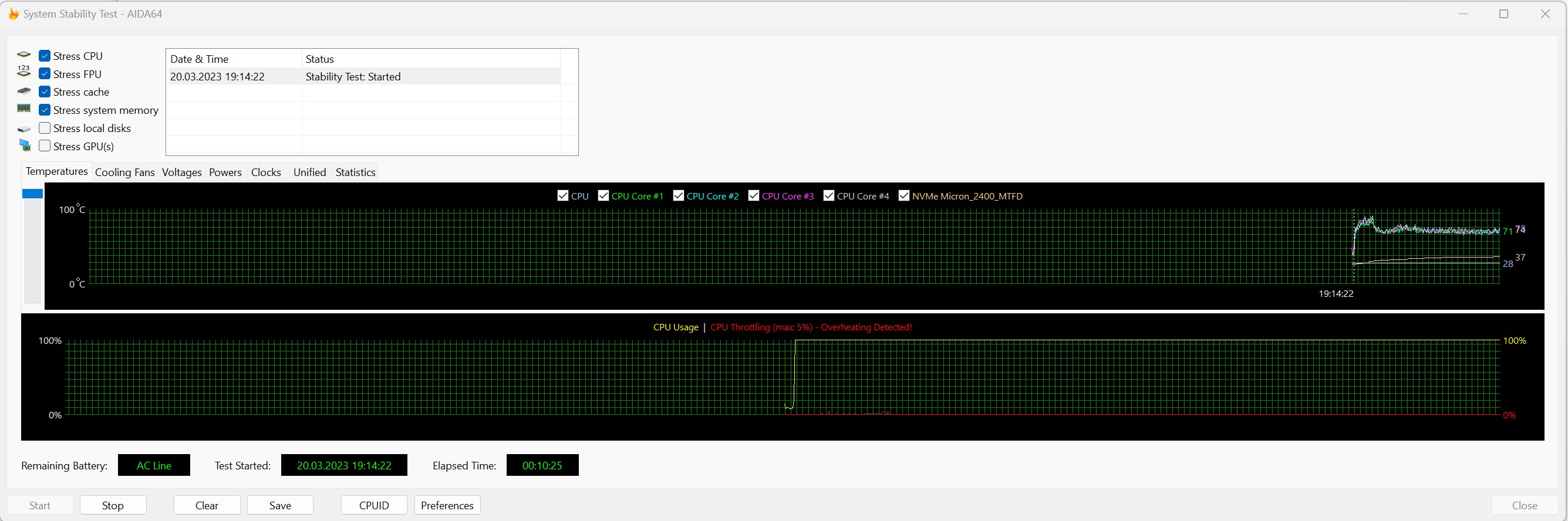
The ASUS IceCool cooling system includestwo heat pipes and a fan. At minimal loads, it goes into passive mode, the laptop works completely silently. At maximum loads, the operation of the fan is audible, but it works quietly. The case almost does not heat up, only the area above the keyboard becomes warm. At the beginning of the AIDA64 test, the system heats up to about 85°C and can reduce performance by 5%. After the cooling system adapts to the load, the temperature of the components stays at 70-75°, the laptop works stably.
</ img>
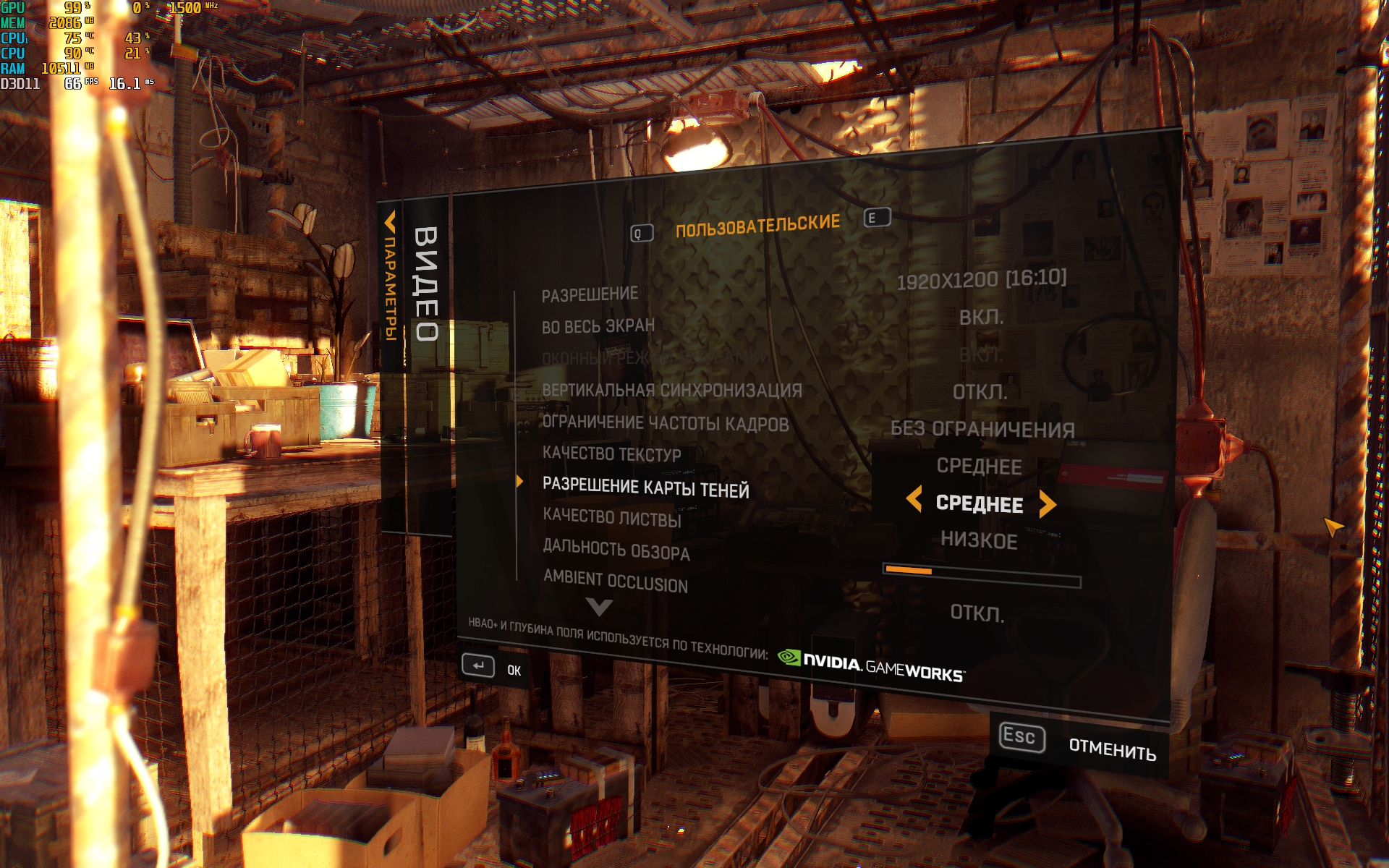
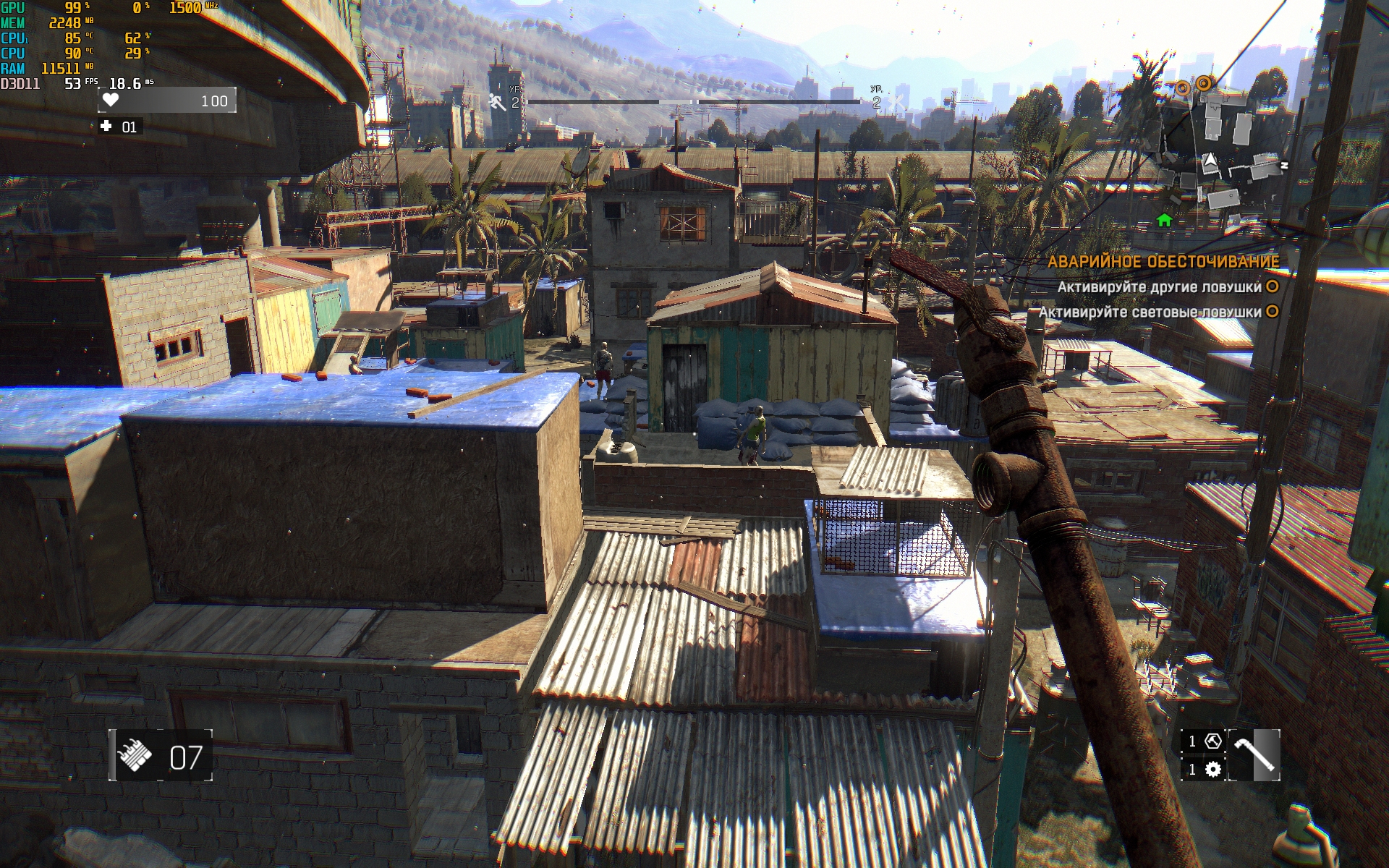
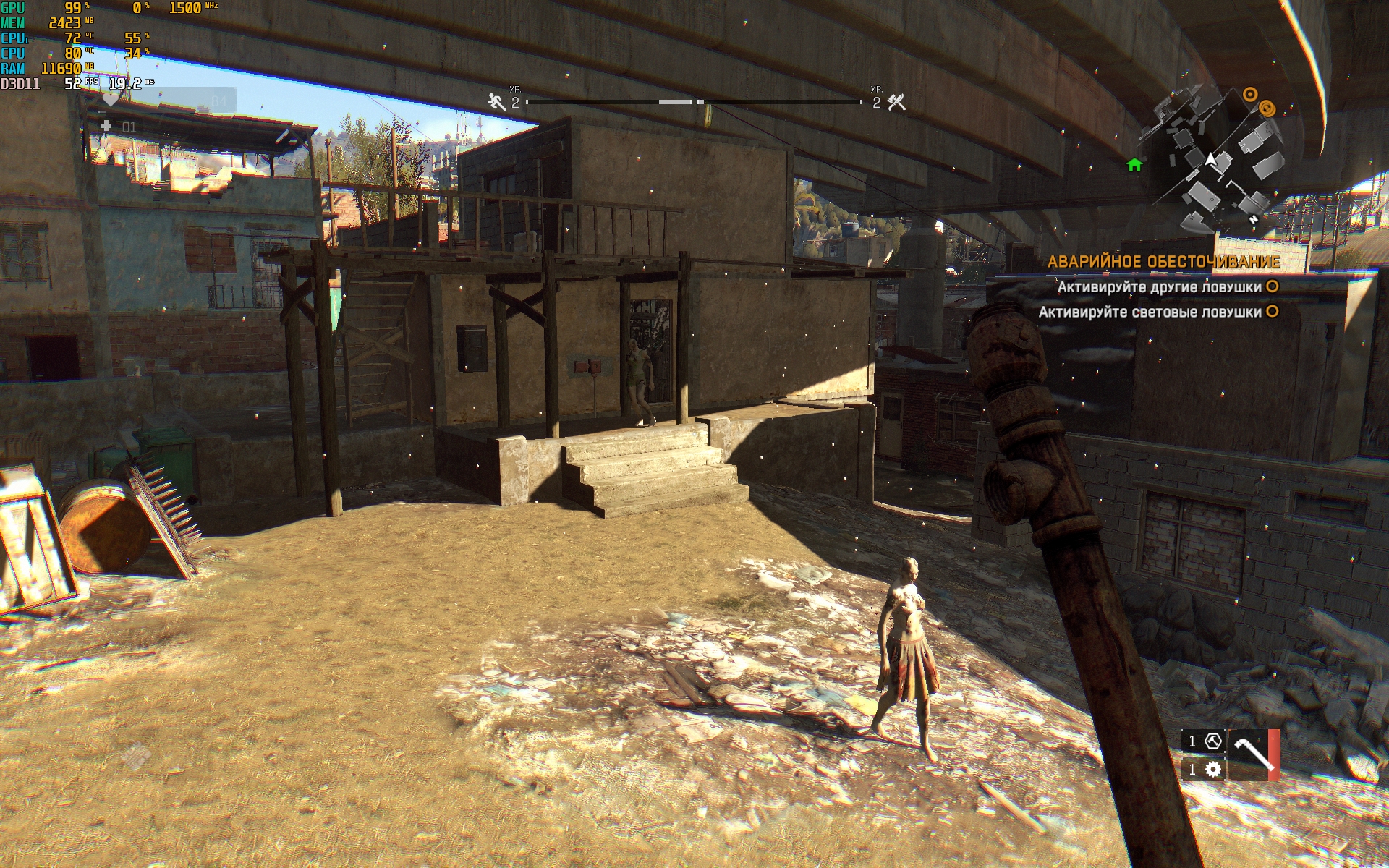
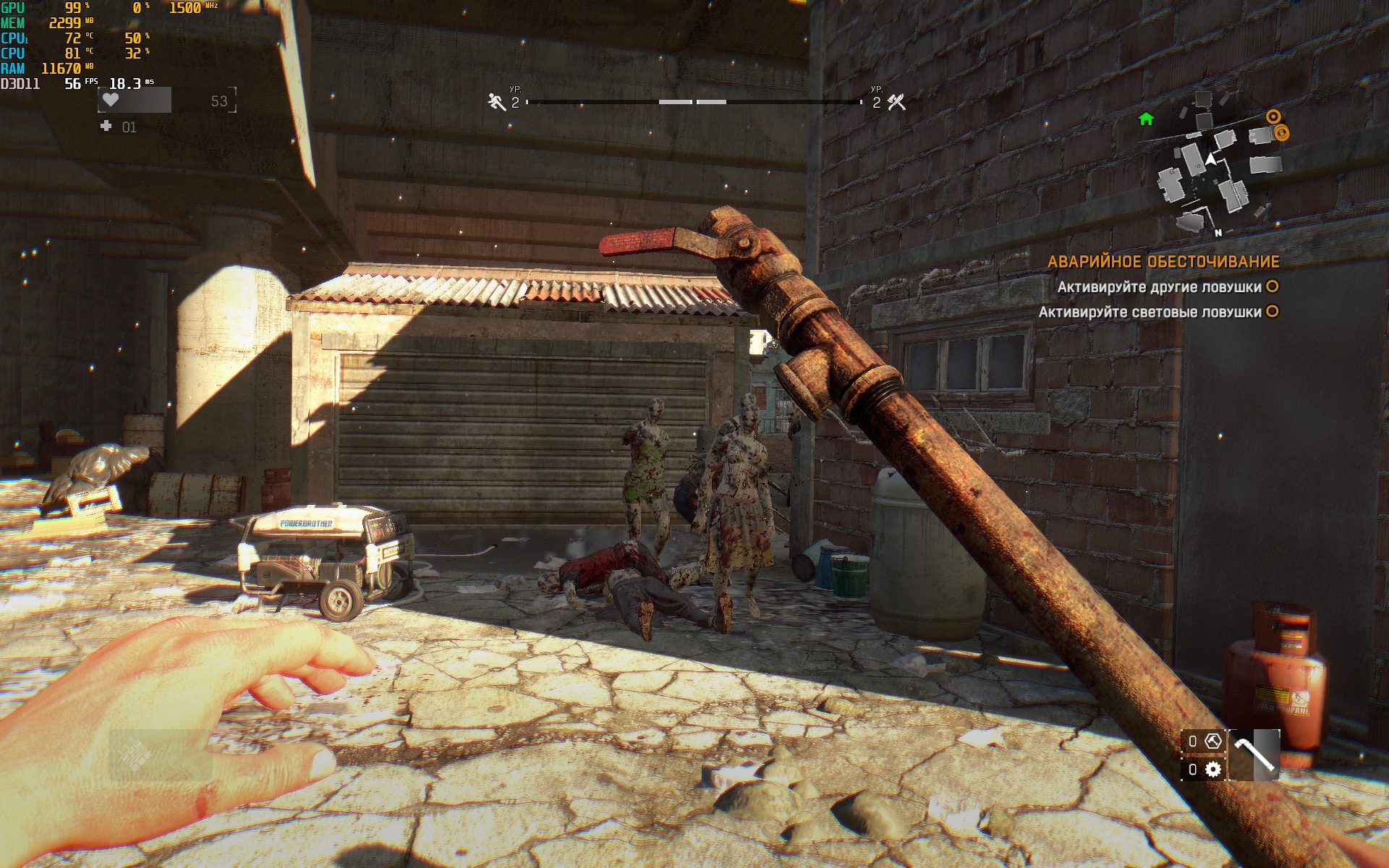
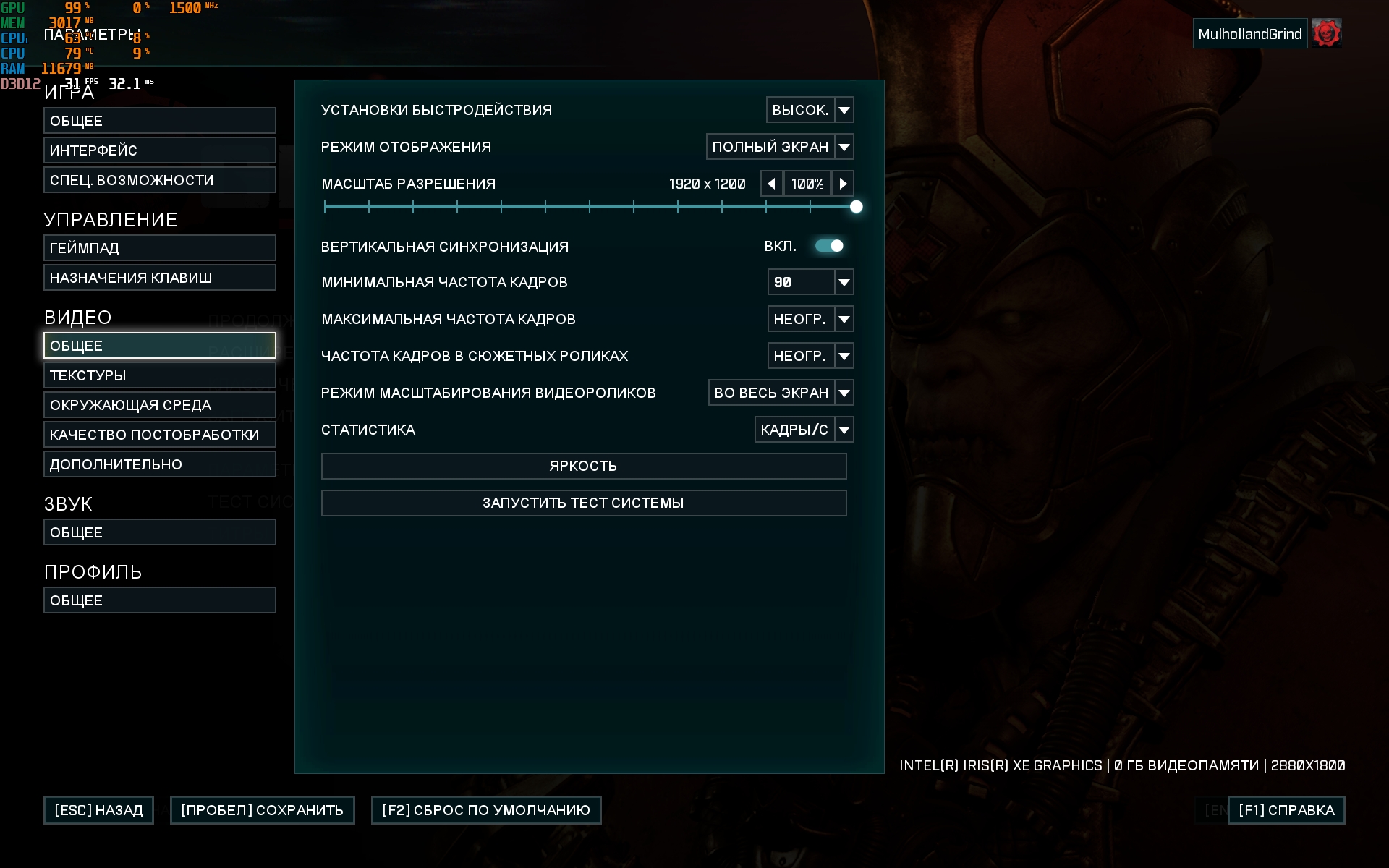
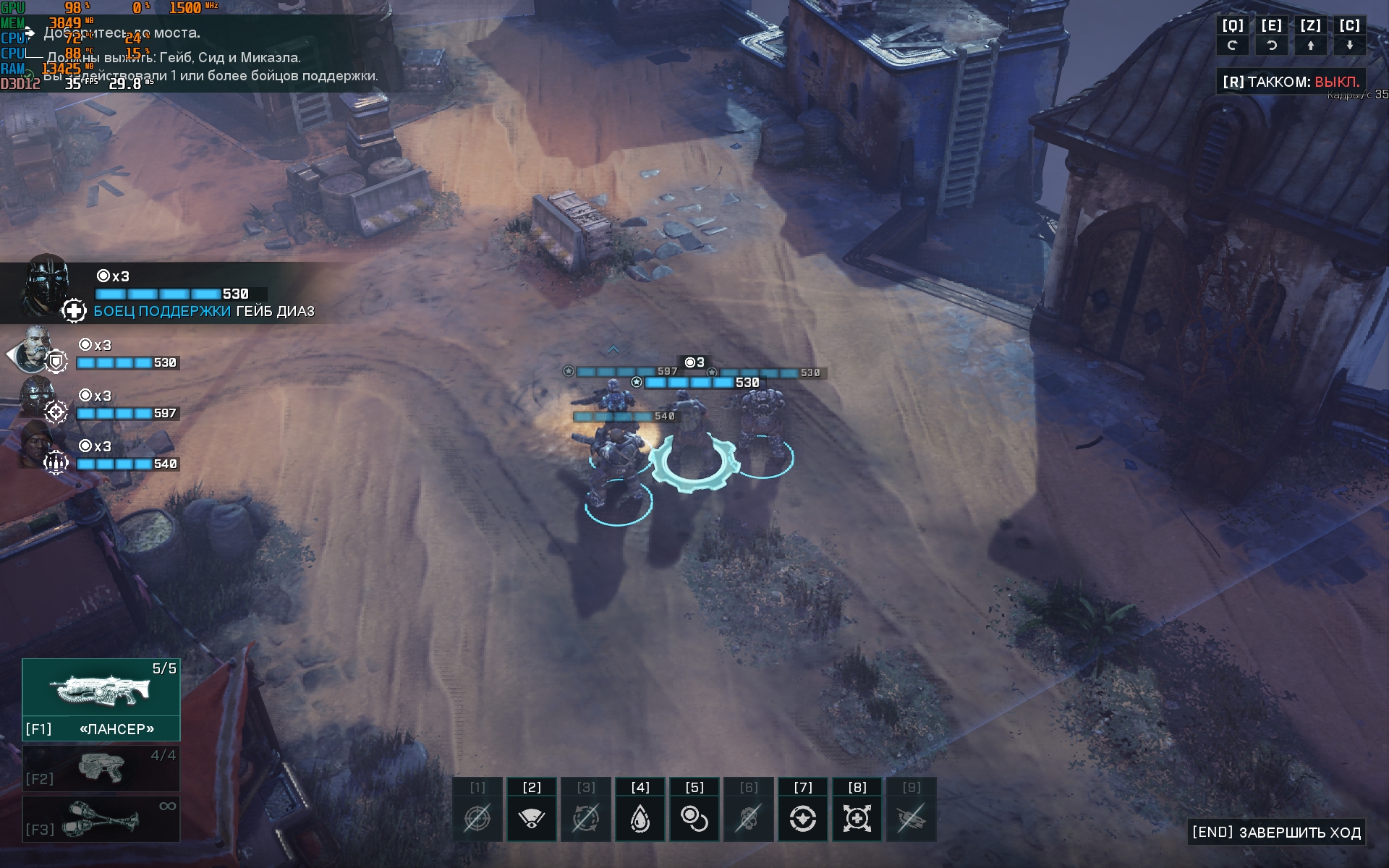
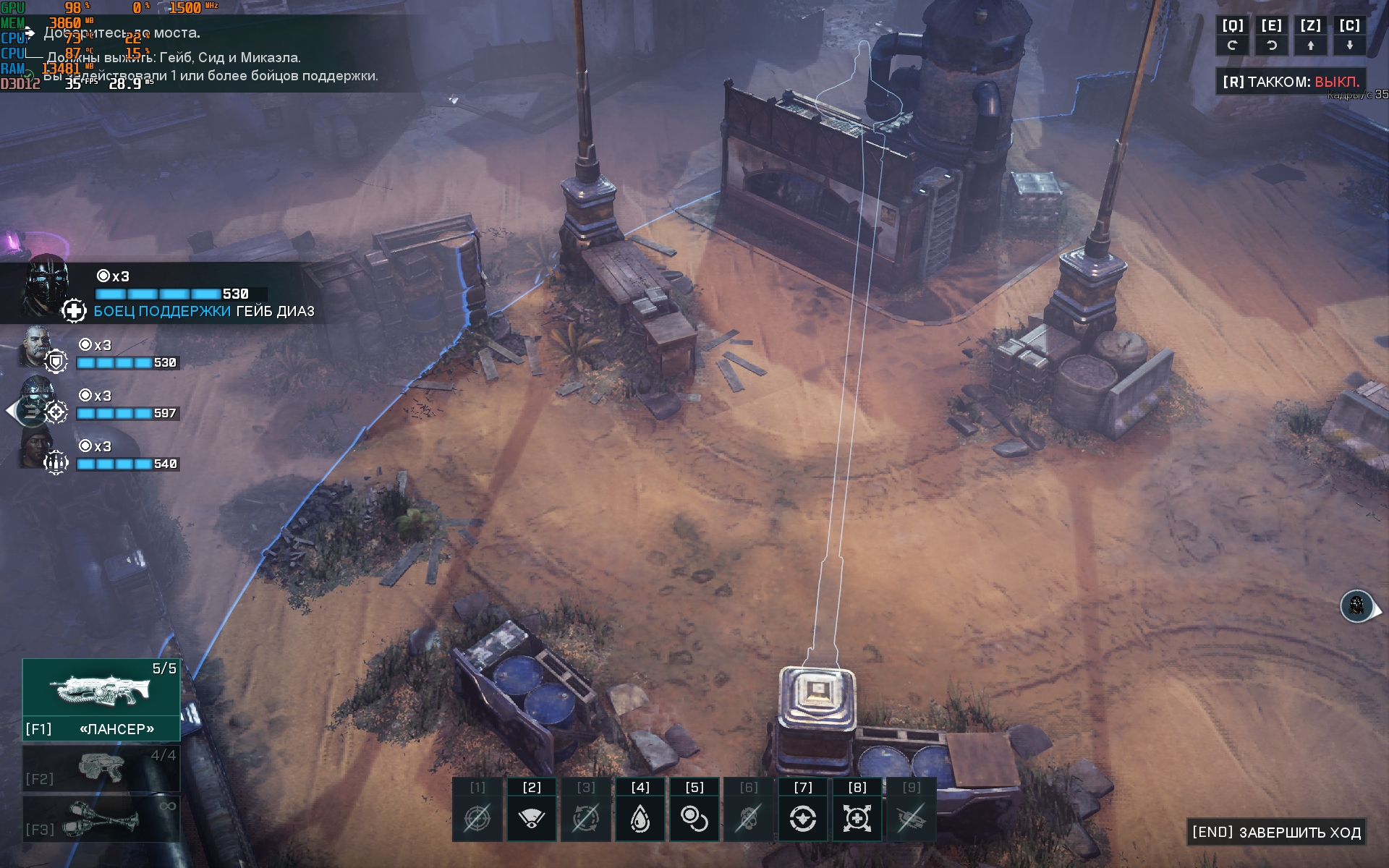
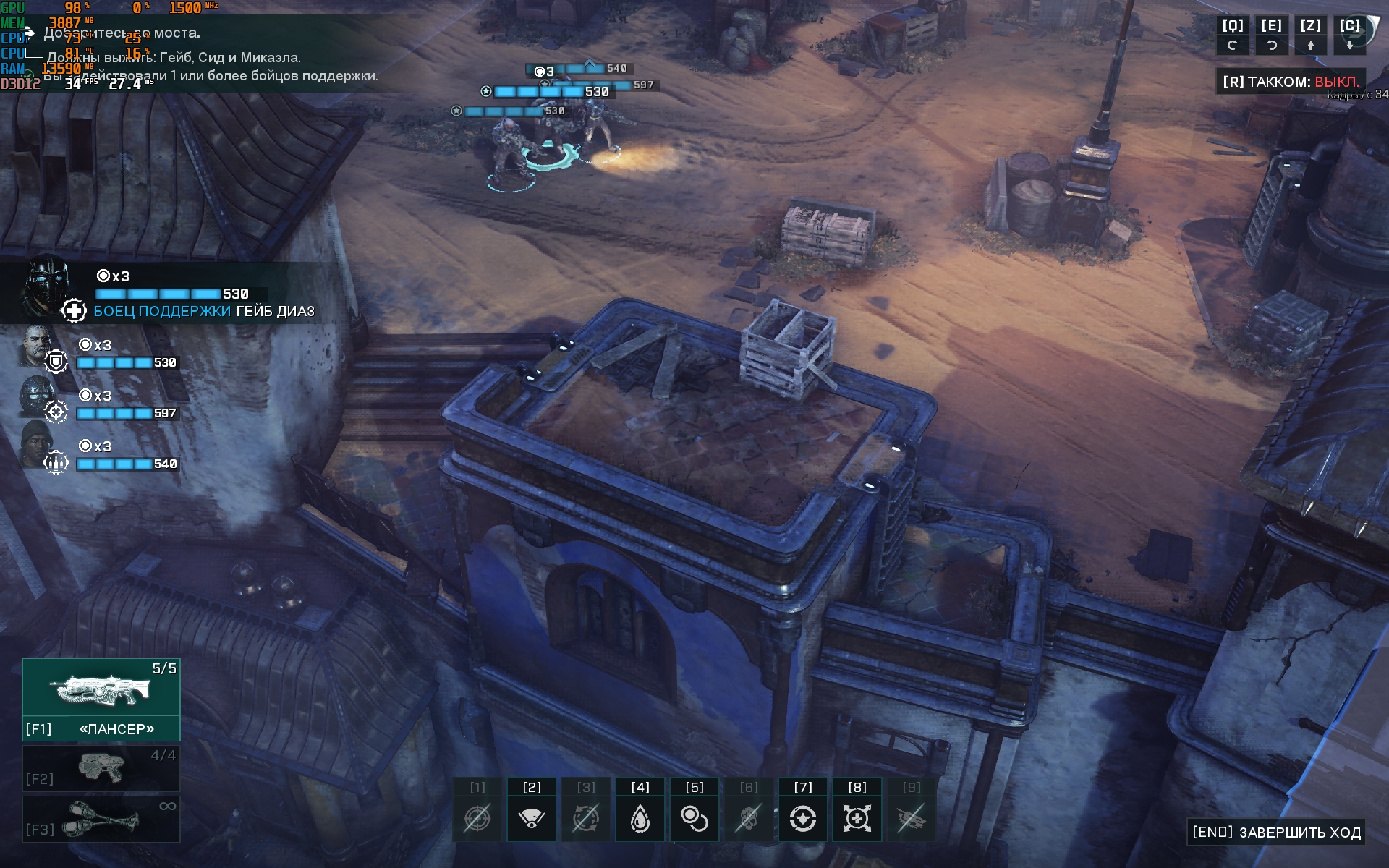
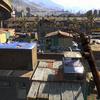
ASUS Zenbook 14X OLED (UX3404VA) is not intendedfor games, but you can play not the most demanding games. Gears Tactics on high settings with a resolution of 1920x1200 runs at a frame rate of 30-35 FPS. Dying Light on medium settings with a resolution of 1920x1200 – 50-65 FPS.
</ img>
</ img>

</ img>
</ img>
</ img>
</ img>
</ img>
</ img>
</ img>







ASUS Zenbook 14 OLED (UX3402) is equipped witha three-cell battery of 70 Wh, which theoretically should be enough for 10 hours of operation. Of course, in an energy-efficient mode with low brightness. In real use with 50% brightness, Wi-Fi connection, browsing, documents and Photoshop, the laptop lasts approximately 6.5 hours. In addition to fast charging from the included power supply, the USB-C Easy Charge function is supported: the laptop can be charged from any Type-C power source, including Powerbank.
</ img>
Stereo speakers are on the side bevelsbody at an angle to the surface. The quality and volume of sound is very good, given the dimensions of the laptop. For movies and videos, they are quite enough. For music, the amount of low frequencies may seem insufficient.
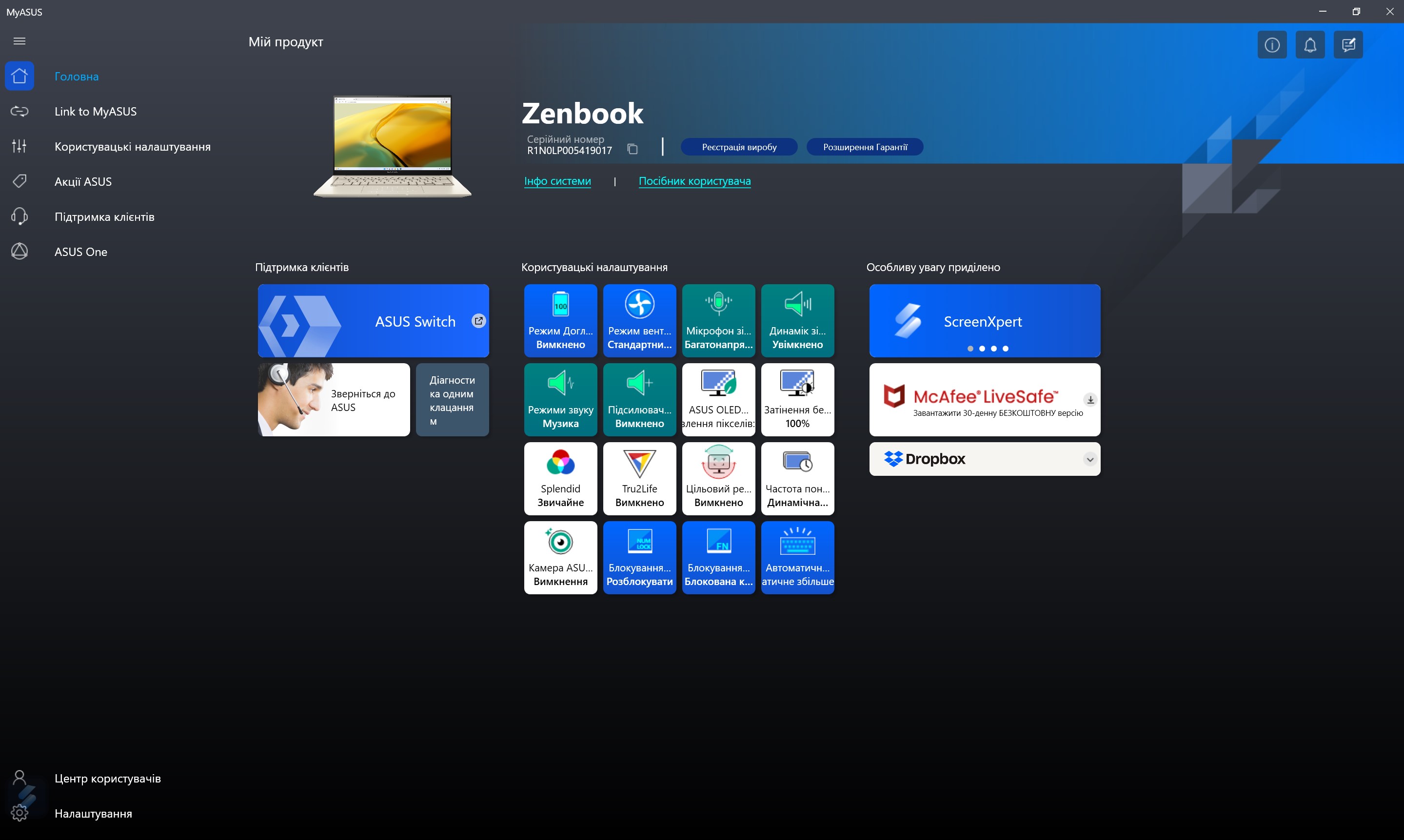
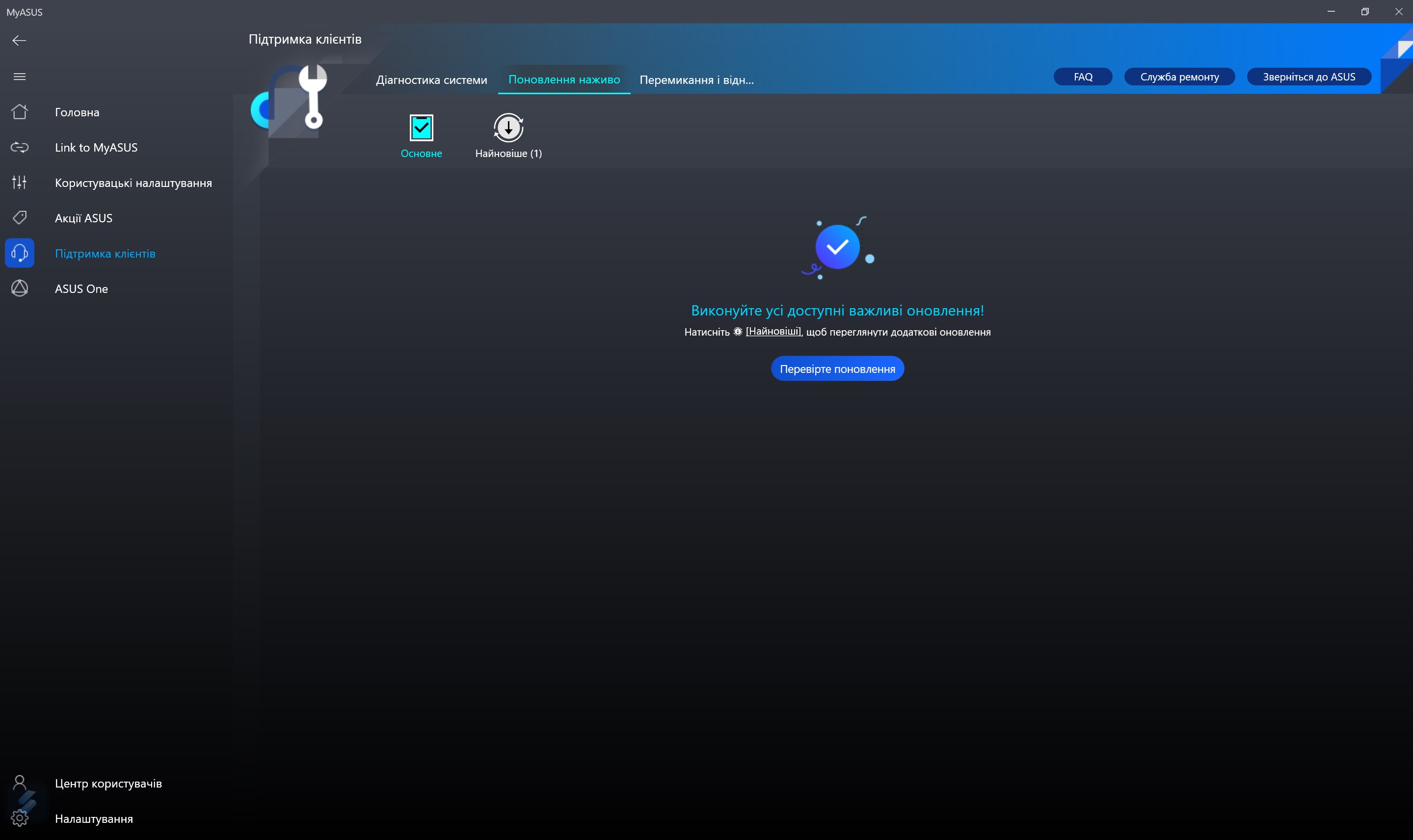
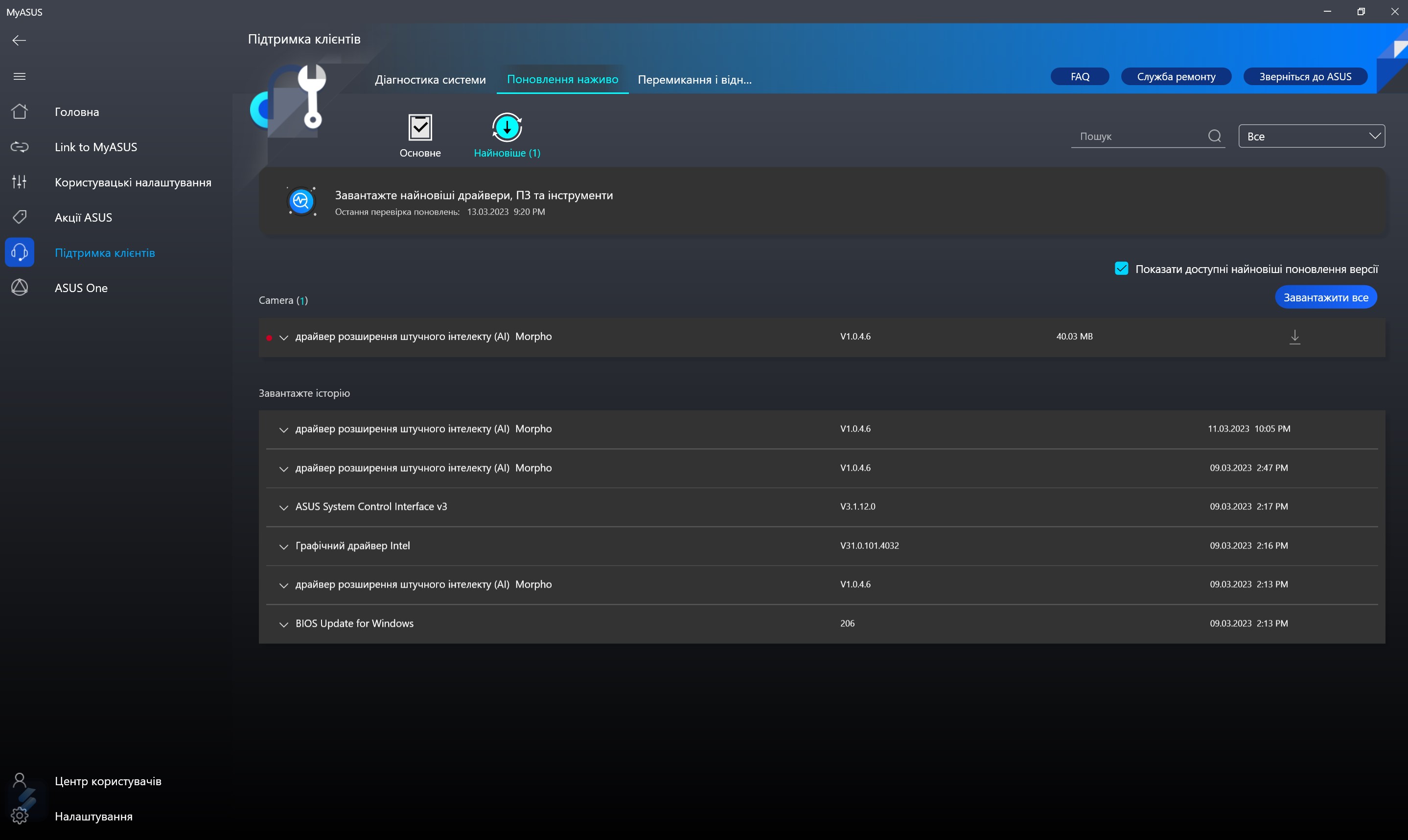
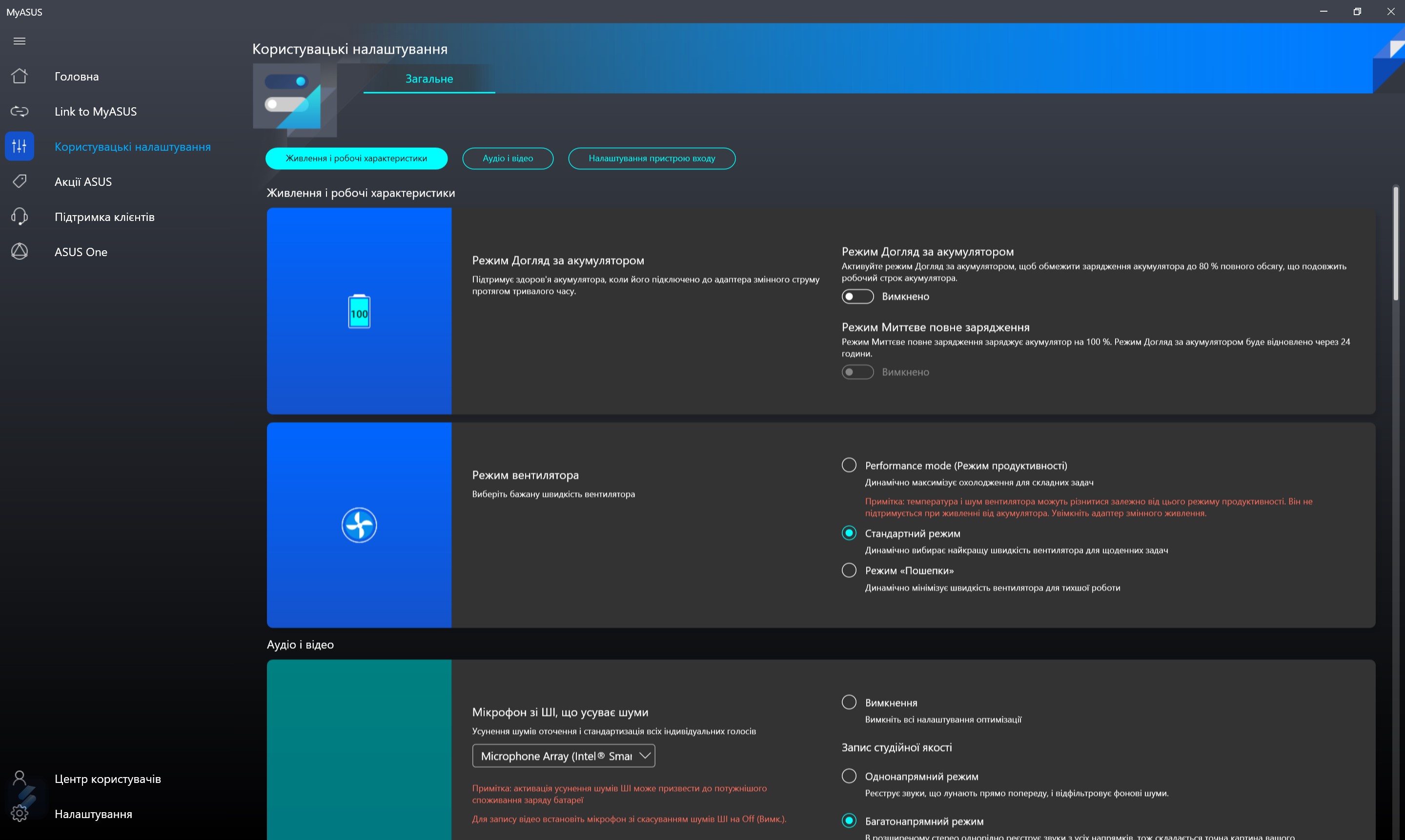
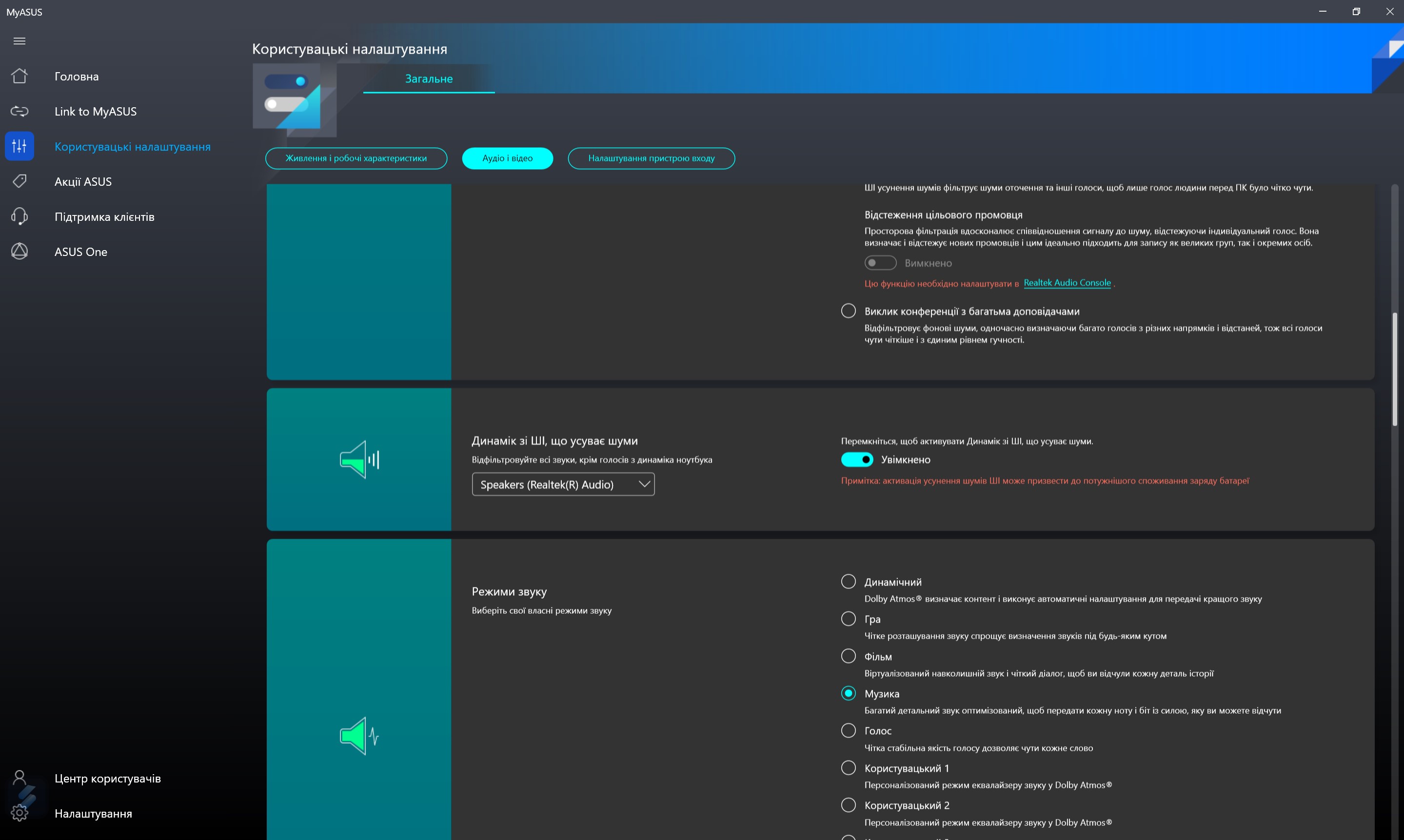
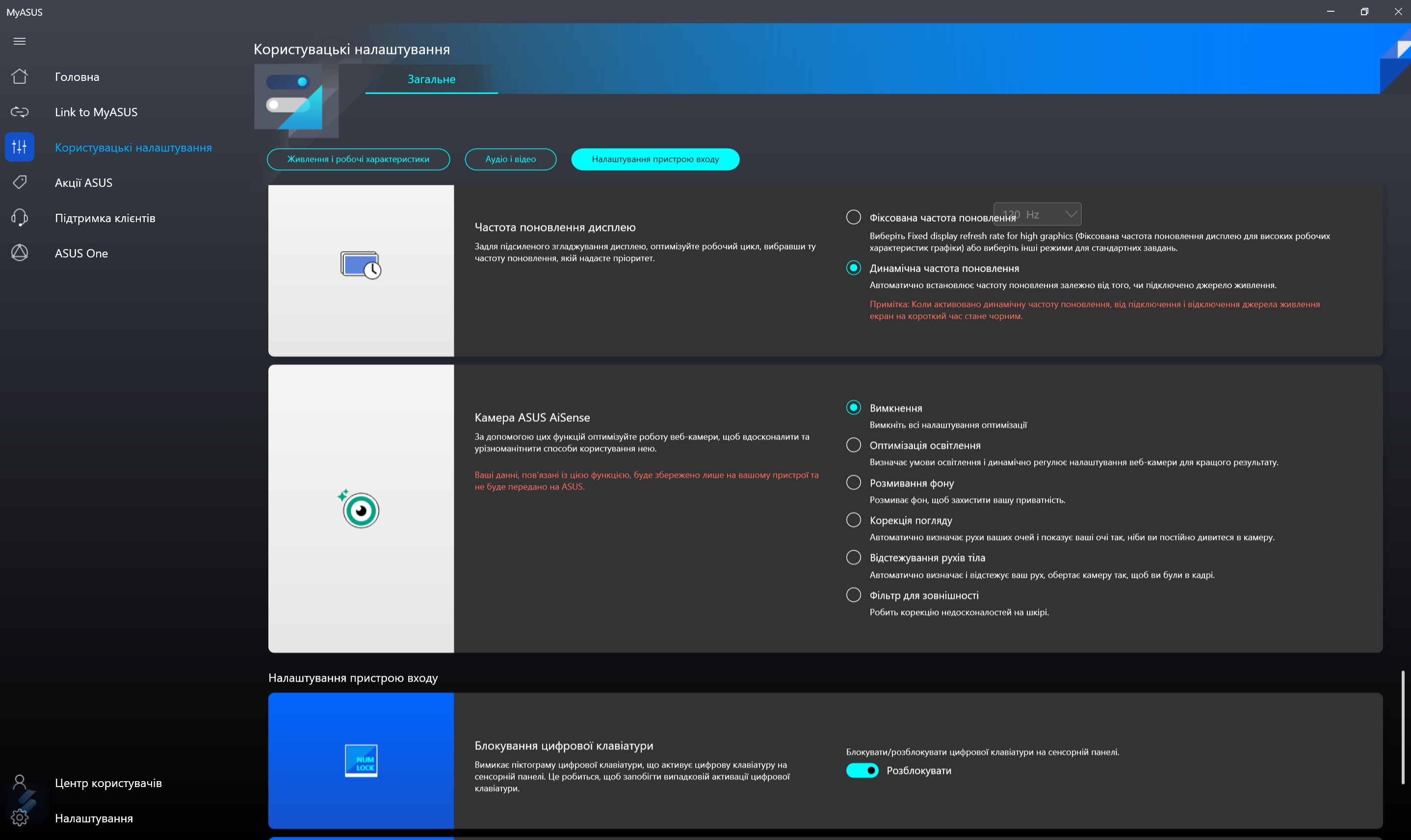
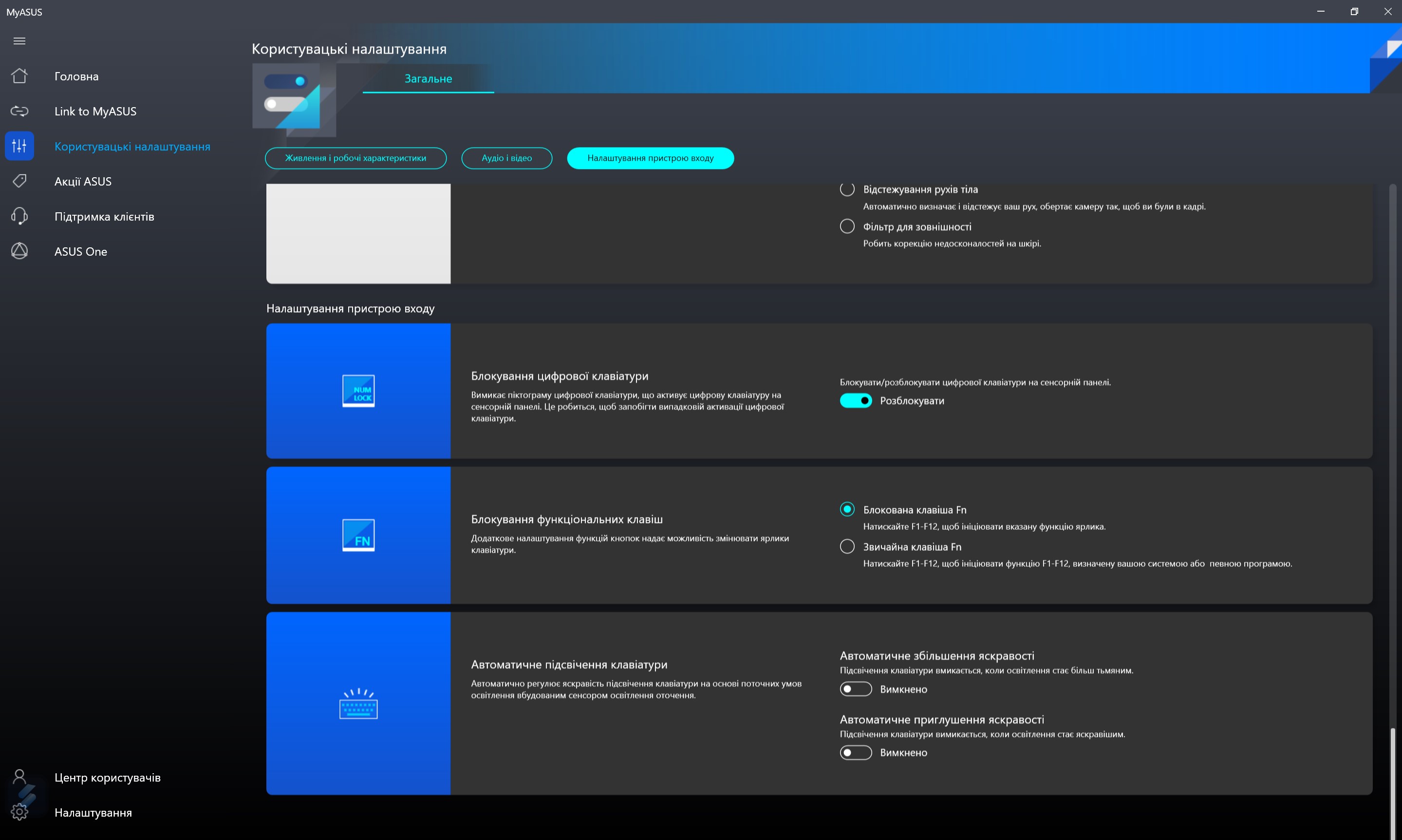
The MyASUS app is used in all ASUS laptops. It is responsible for updating, monitoring the system, switching charging modes, setting the operation of the functional row of keys and AI noise reduction.
</ img>
</ img>
</ img>
</ img>
</ img>
</ img>
</ img>
</ img>
</ img>





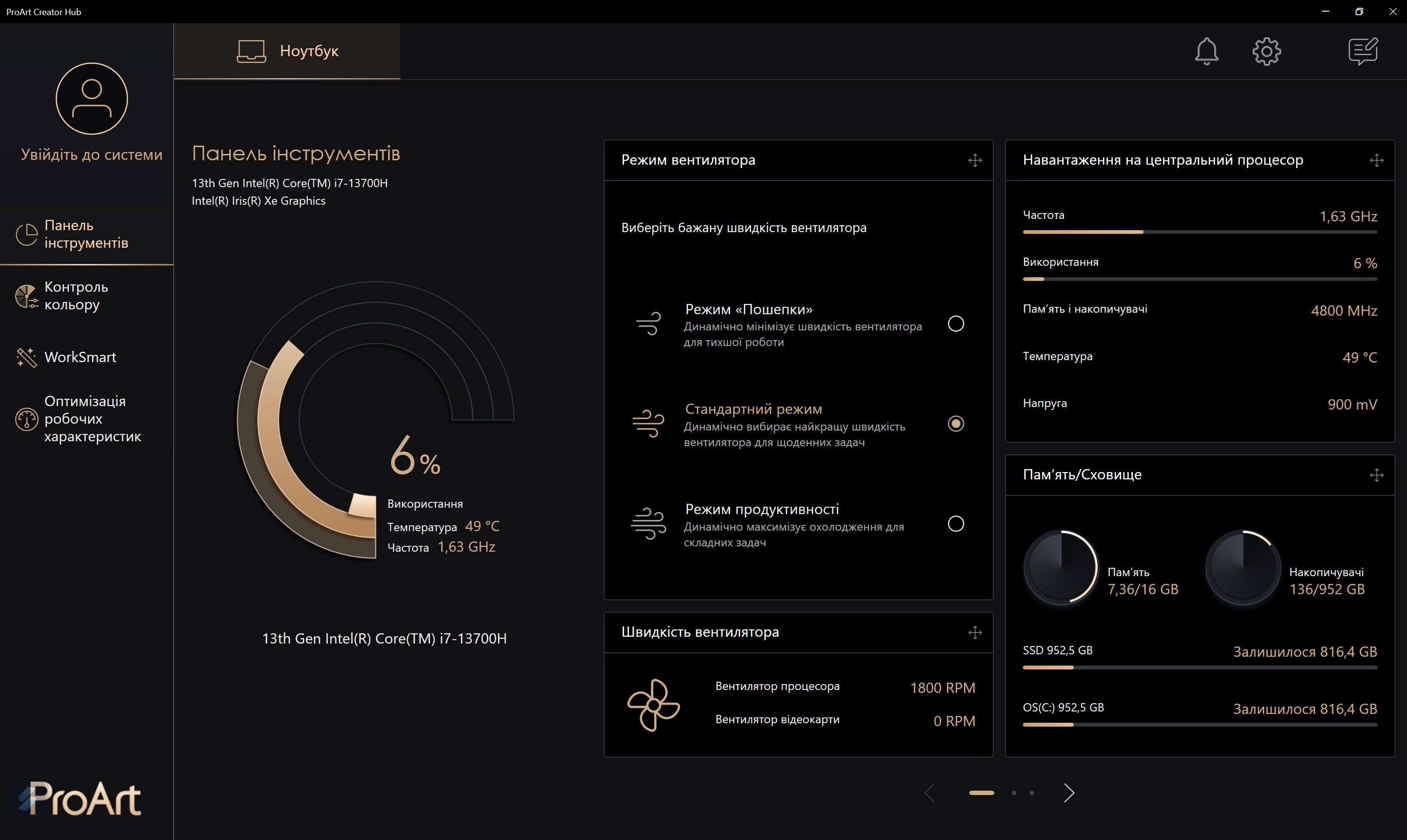
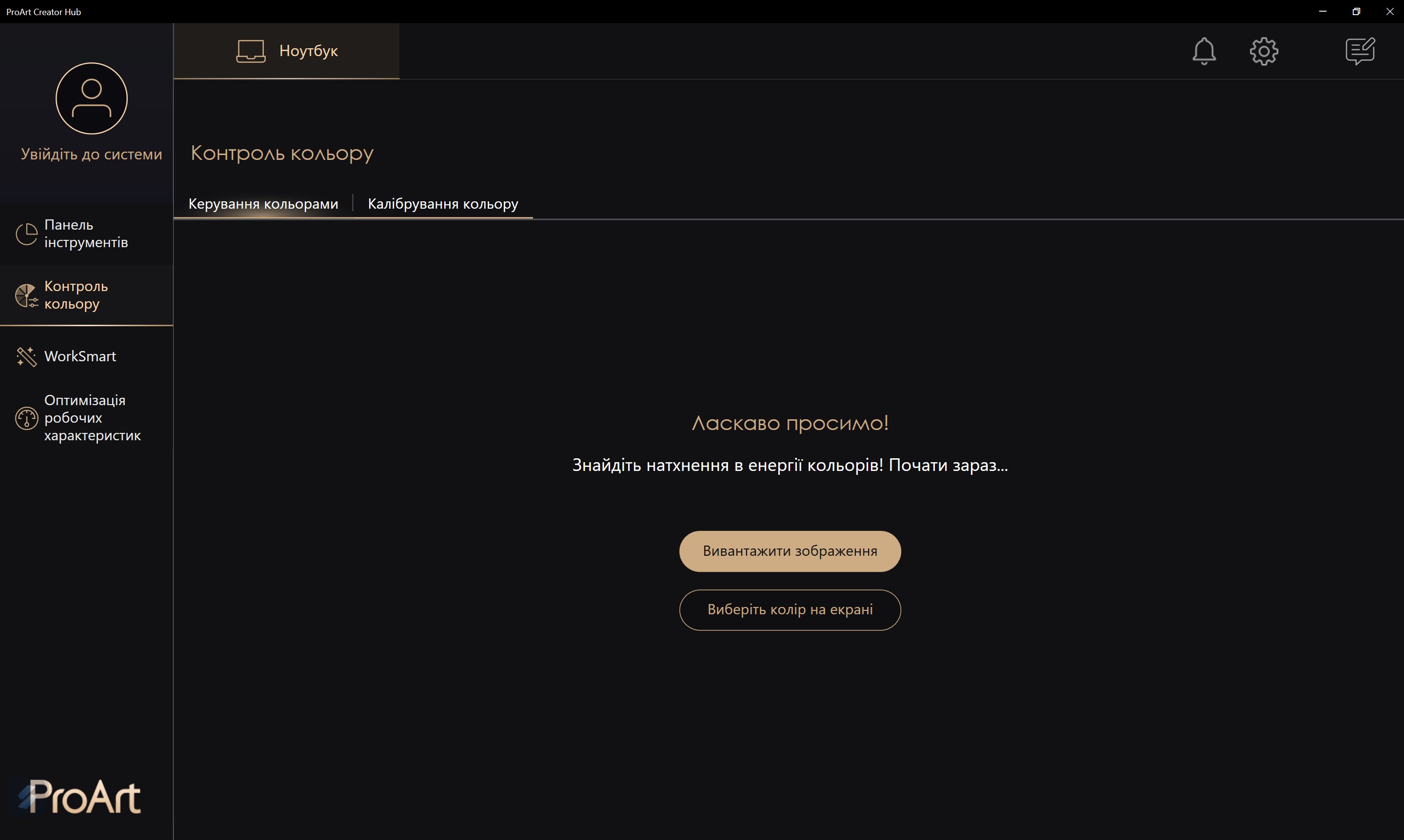
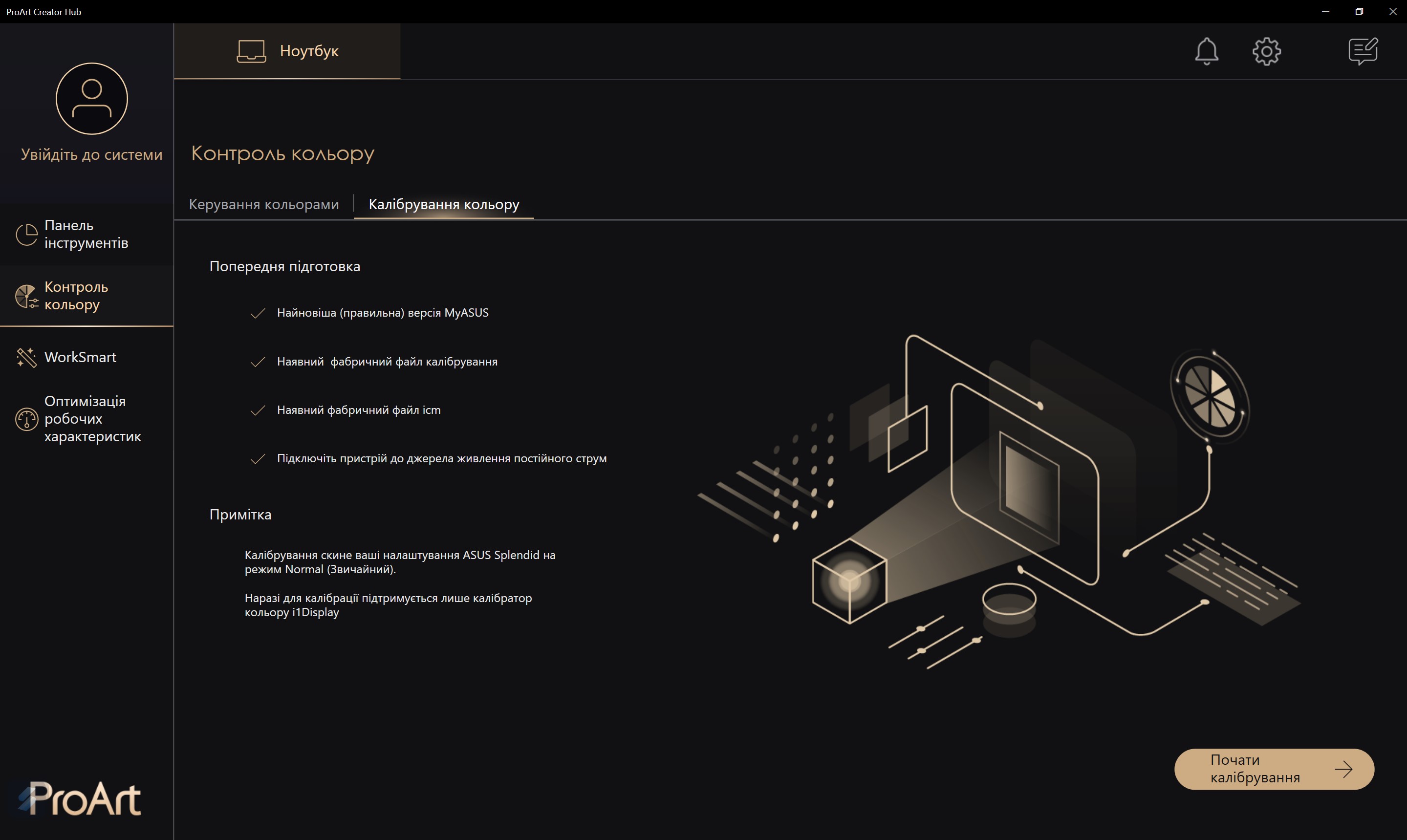
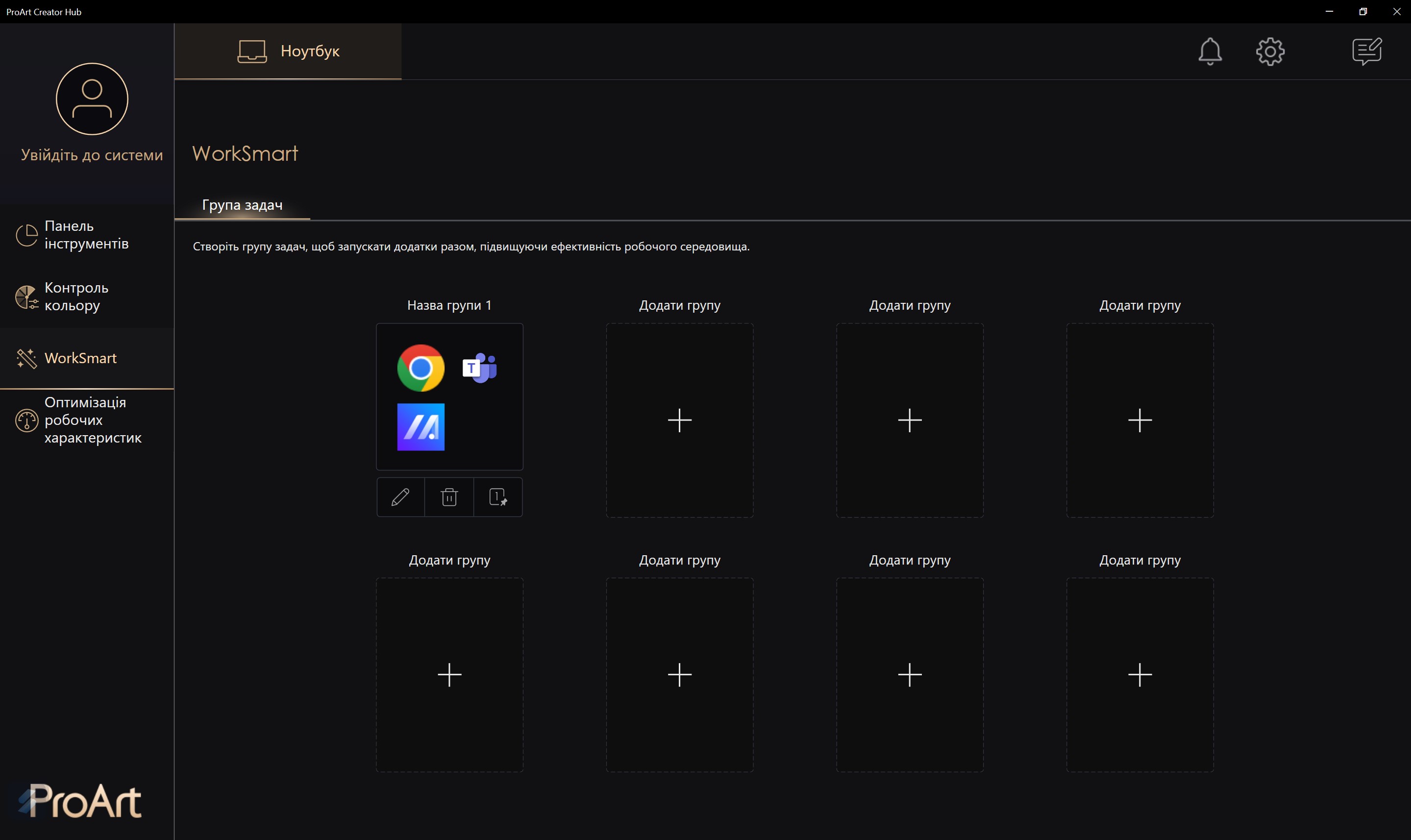
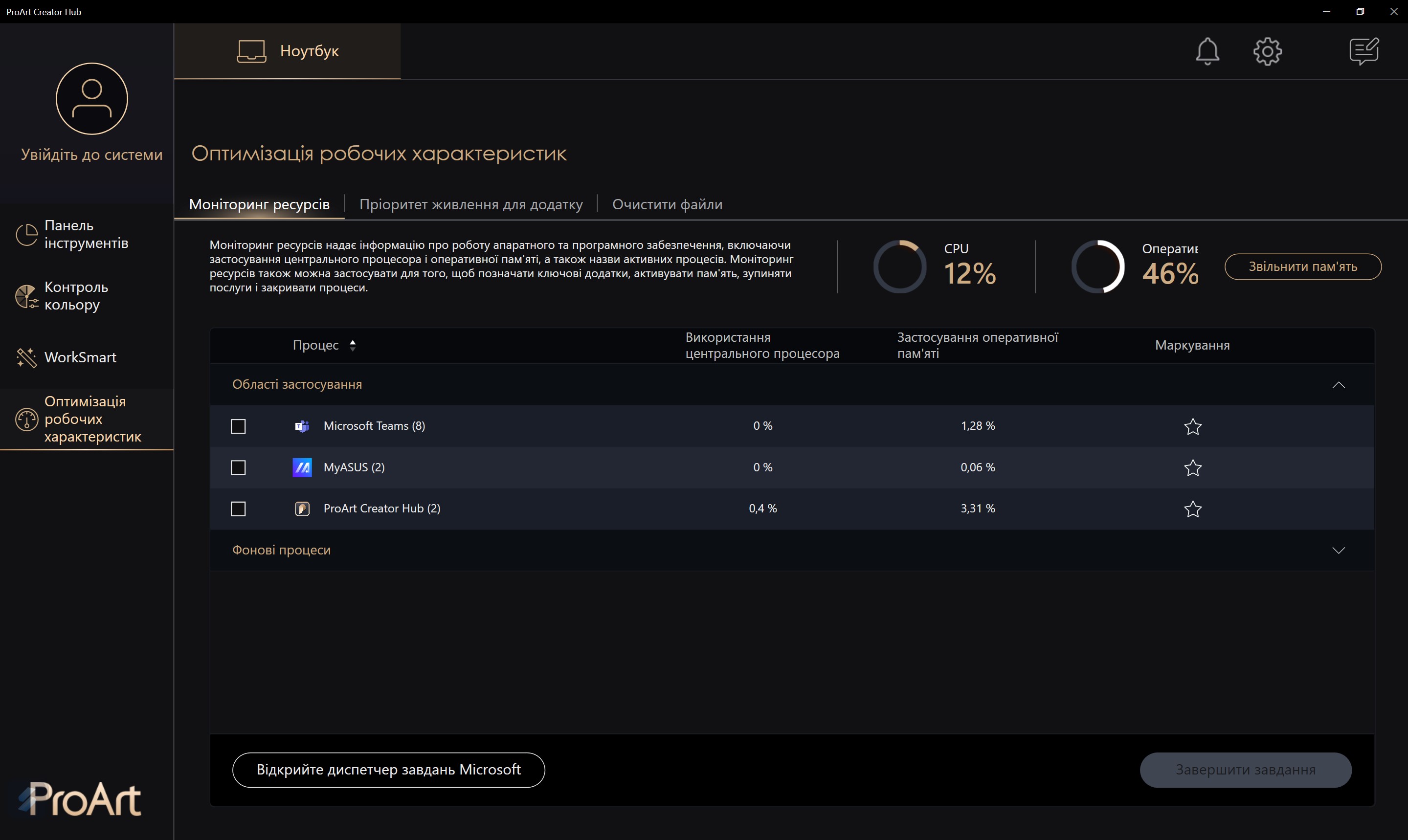
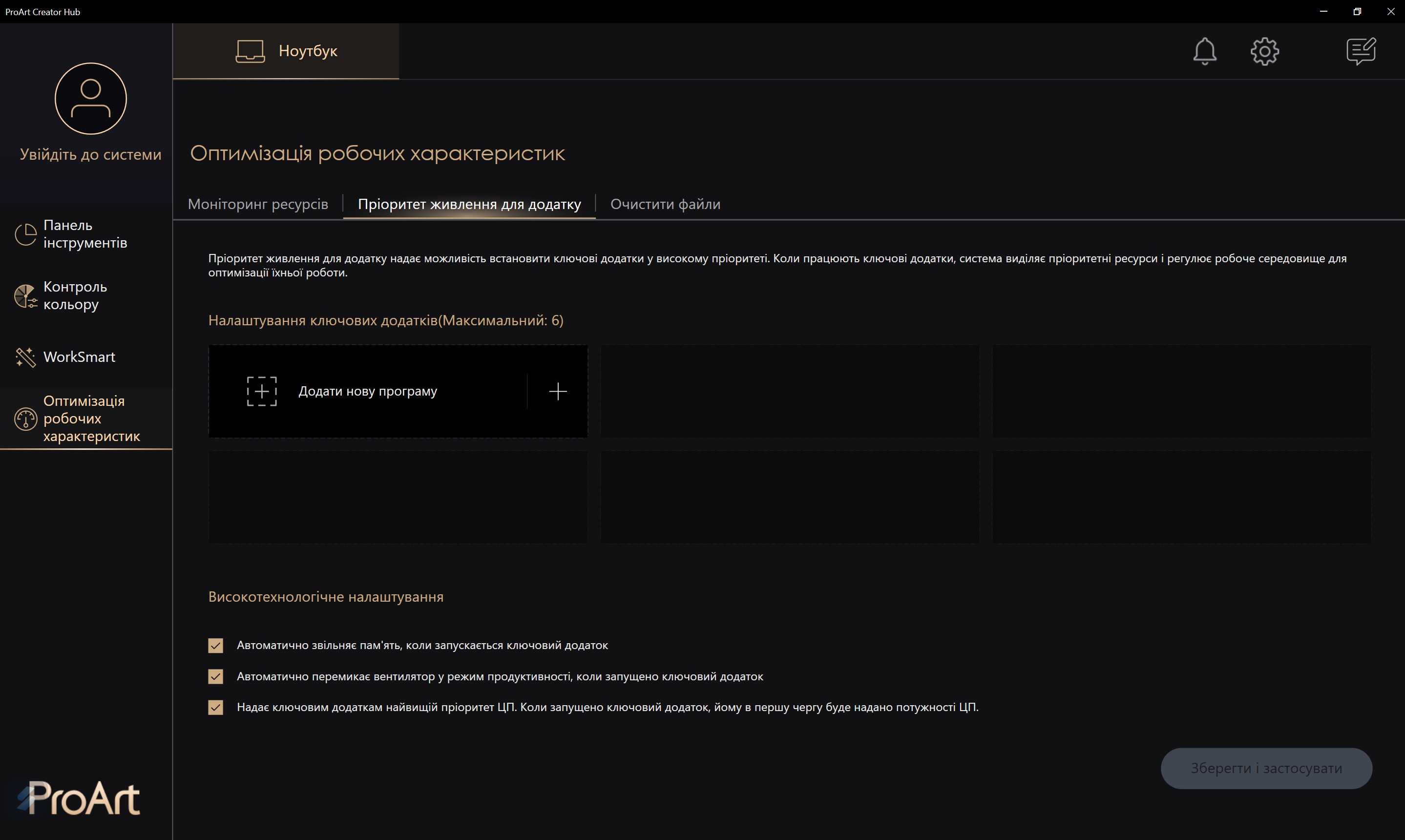
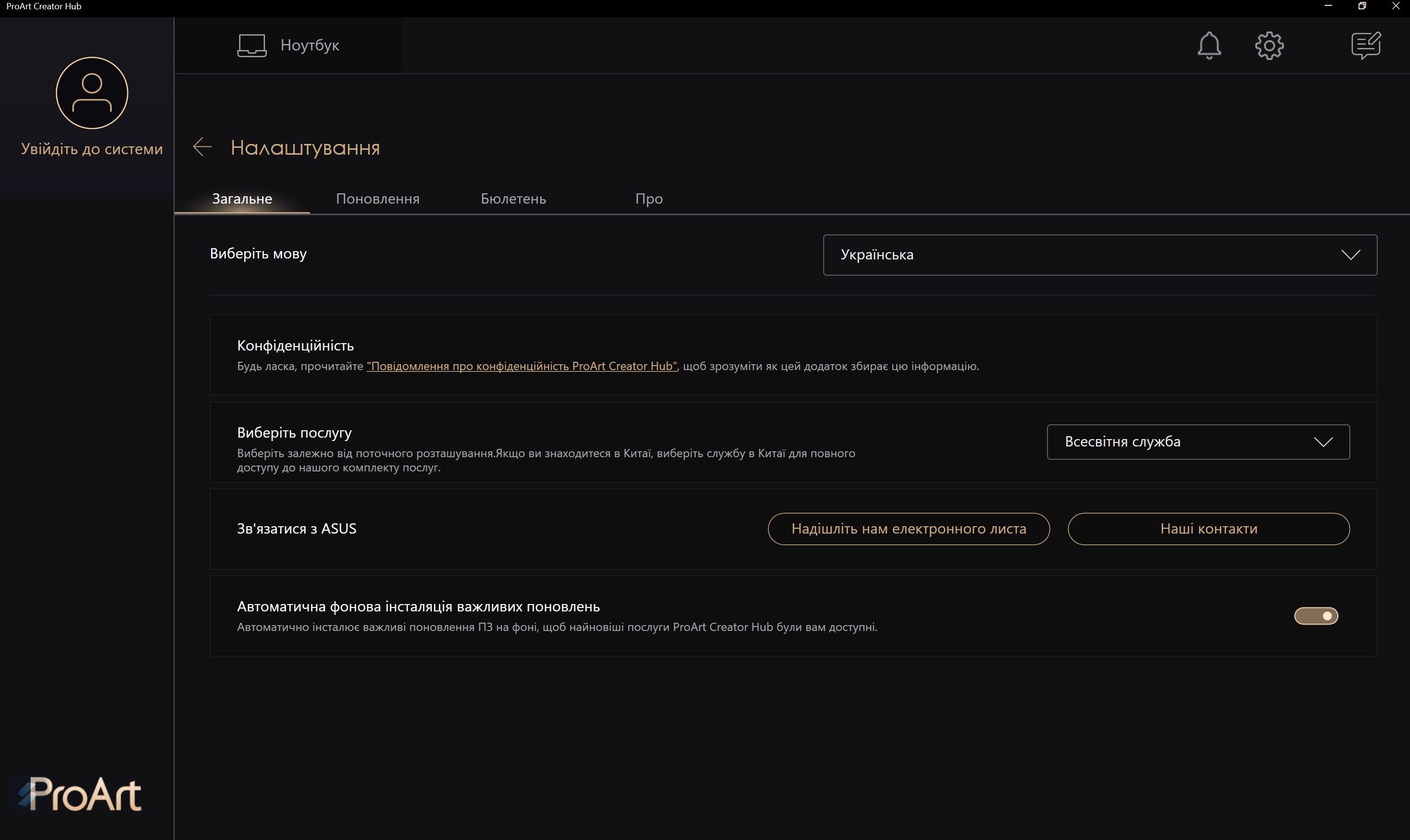
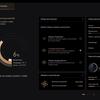
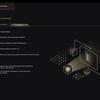
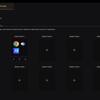
There is also a ProArt Creator Hub.In it, you can select the performance mode, monitor the system load, calibrate the screen if you have the right calibrator model, make application groups for quick simultaneous launch, and the like.
</ img>
</ img>
</ img>
</ img>
</ img>
</ img>
</ img>



in dry residue. Three things to know about the ASUS Zenbook 14X OLED (UX3404VA).
- ASUS Zenbook 14X OLED (UX3404VA) – ultraportable laptop with a powerful 45W TDP Intel Core i7-13700H processor inside.
- Equipped with a stunning 145-inch OLED screen with a resolution of 2880×1800 and a refresh rate of 120Hz.
- Equipped with a comfortable keyboard and touchpad.
Specifications ASUS Zenbook 14X OLED (UX3404VA)
Display
14.5 inches, 2880×1800, 16:10, OLED, 120 Hz
Dimensions
321.8×225.6×16.9 mm
Weight
1.56 kg
operating system
Microsoft Windows 11 Pro 64-bit
CPU
Intel Core i7-13700H (Raptor Lake, Intel 7), 14 cores/20 threads, 2.4-5.0 GHz
Ram
16 GB LPDDR5-4800
Graphics
Intel Iris Xe
Storage device
SSD 1 TB NVMe PCIe 4.0 x4
Communications
Wi-Fi 6E(802.11ax) (Dual band) 2*2 + Bluetooth 5.2
Connectors
2xThunderbolt 4 (with support for DisplayPort and Power Delivery), USB 3.2 Gen 2 Type-A, HDMI 2.0b, 3.5mm audio
Camera
FullHD
Battery
70 Wh, 3-cell