ASUS Zenbook Pro 14 Duo OLED – This is a compact, portable laptop workstation with plenty of power
ASUS ZenBook Pro 14 Duo OLED
Powerful Dual Display Laptop
Powerful metal laptop with 14.5-inch OLED 2880x1800 touchscreen display with a refresh rate of 120 Hz and an additional 12.7-inch IPS display. The laptop features 12 Gen Intel i7 and i9 processors, 32GB of RAM, nVidia GeForce RTX 3050 Ti Laptop discrete graphics, and a fast 2TB PCIe 4.0 x4 SSD.
Telemart
Socket
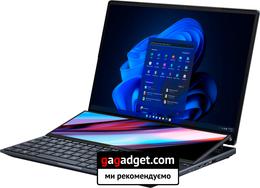
5 reasons to buy ASUS ZenBook Pro 14 Duo OLED:
- Gorgeous bright OLED screen with 120Hz refresh rate
- high performance;
- efficient cooling system;
- additional screen with a lot of possibilities of use;
- spectacular appearance and quality materials.
2 reasons not to buy ASUS ZenBook Pro 14 Duo OLED:
- non-standard keyboard and touchpad take time to get used to and additional space on the table;
- high price.
Fast passage:
- What is in the box?
- What about the appearance and design of ASUS ZenBook Pro 14 Duo OLED?
- How comfortable is the ASUS ZenBook Pro 14 Duo OLED to use?
- How can the secondary display be used?
- How good are the screens?
- What about performance and autonomy?
- In the dry residue
What is included?
</ img>
</ img>

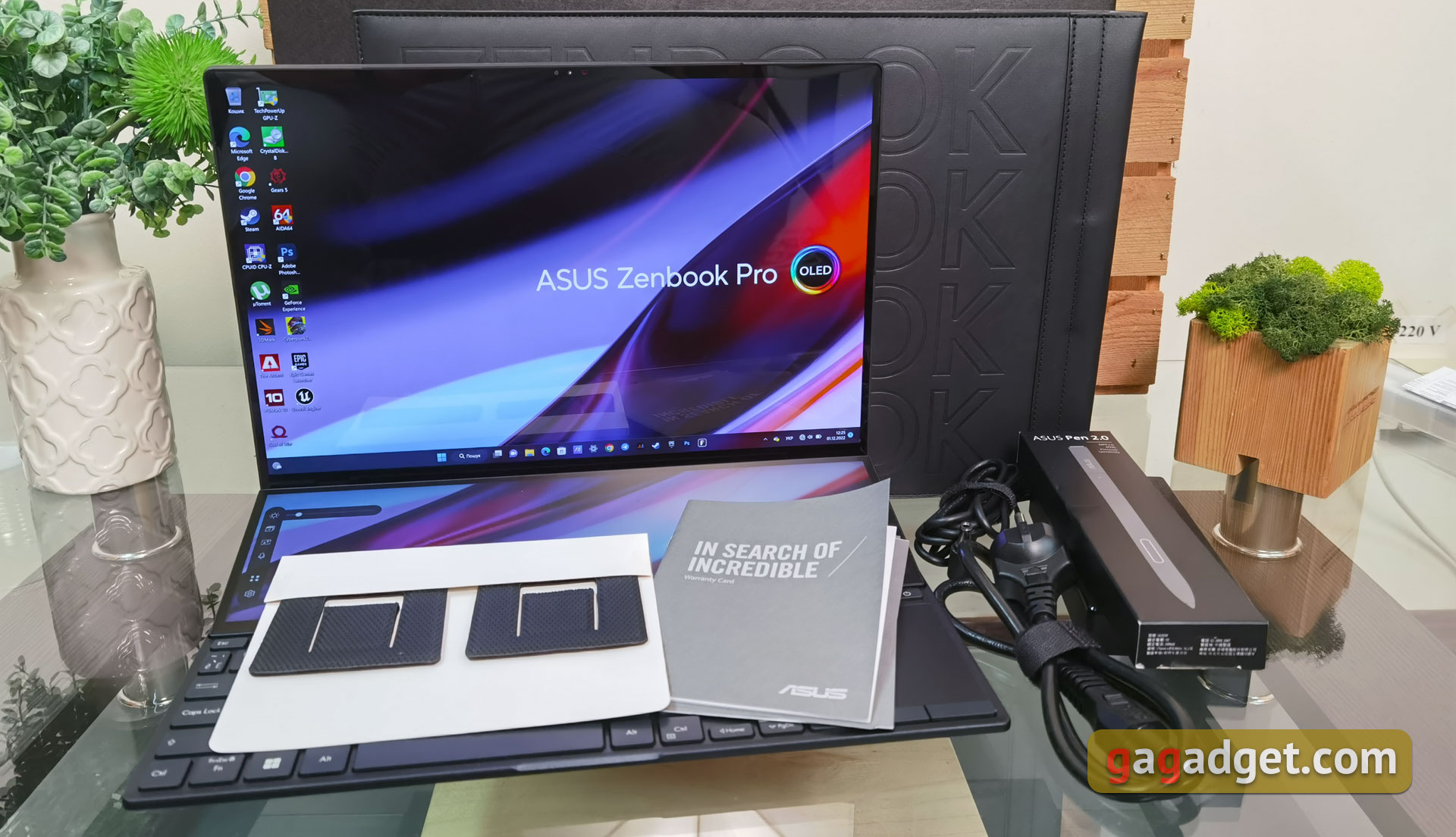
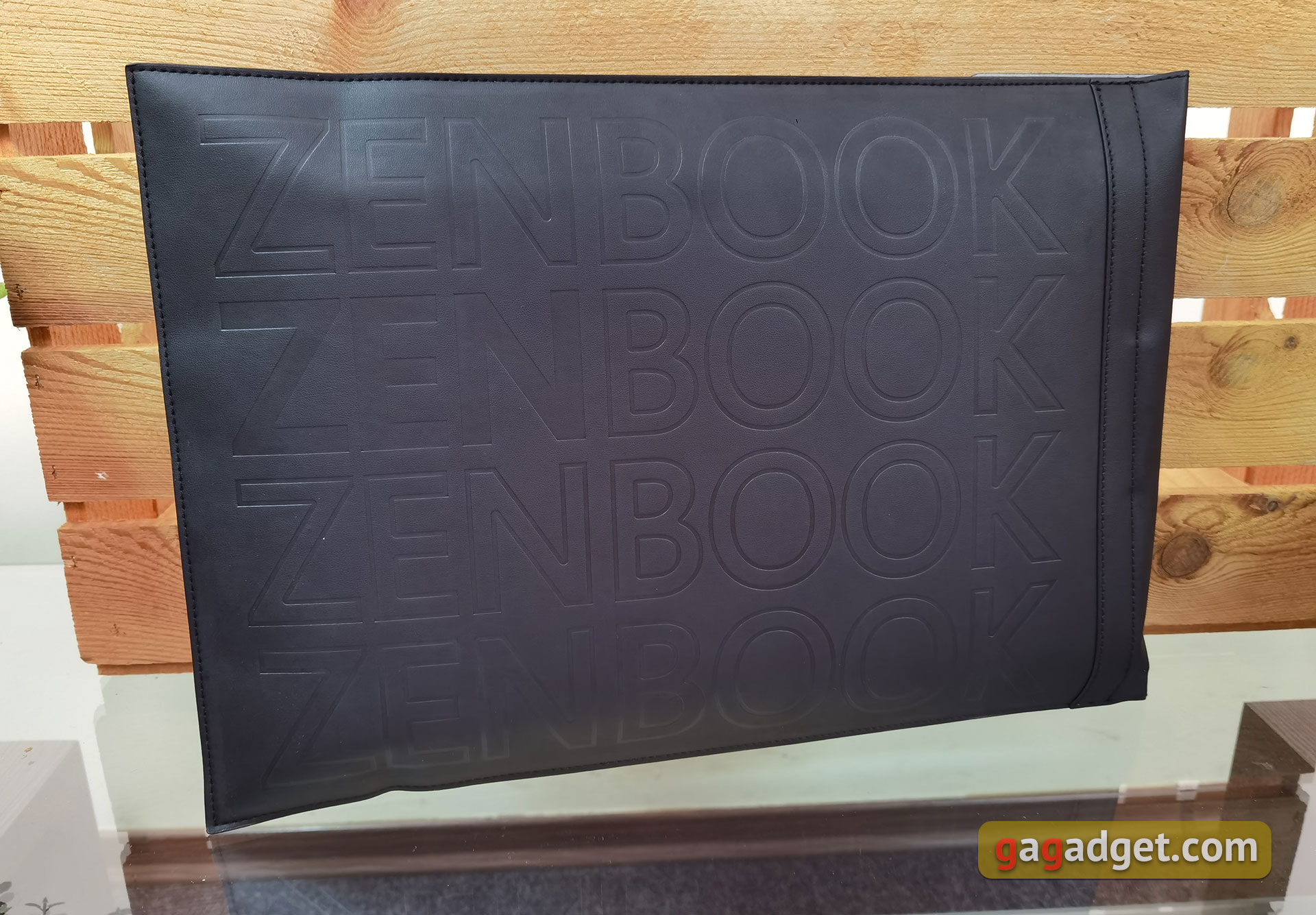
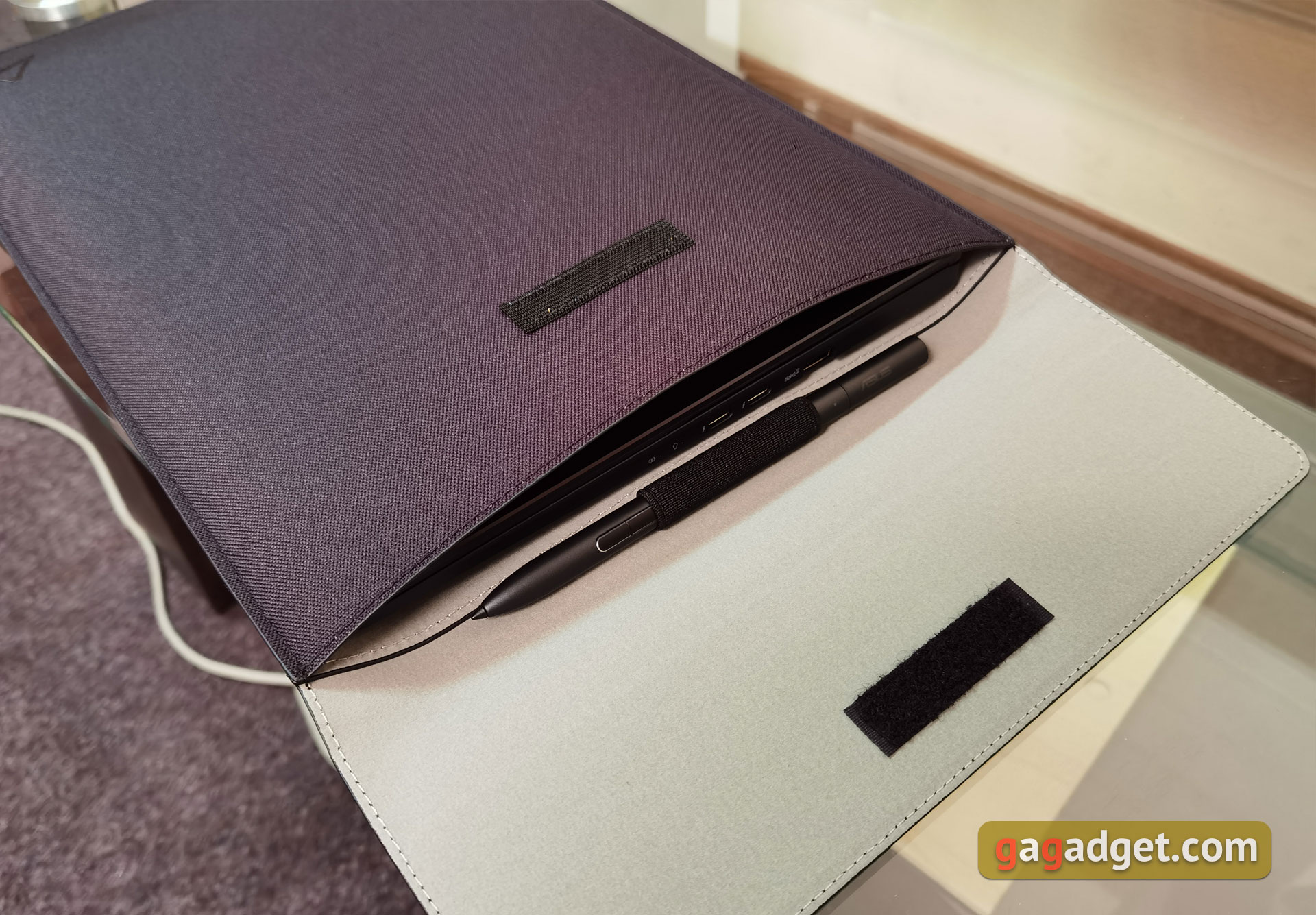
ASUS ZenBook Pro 14 Duo OLED, like almost everythingThe rest of the company's laptops are packed in two boxes. Included – the laptop itself, a 180 W power supply, a power cable, a Velcro cover, a stylus, documentation and one more not entirely familiar element. This – additional legs that can be glued to the bottom of the laptop. With their help, you can make an even greater angle of inclination relative to the horizontal surface. Black case with embossed Zenbook lettering. There is a place inside to transport the stylus.
</ img>
</ img>
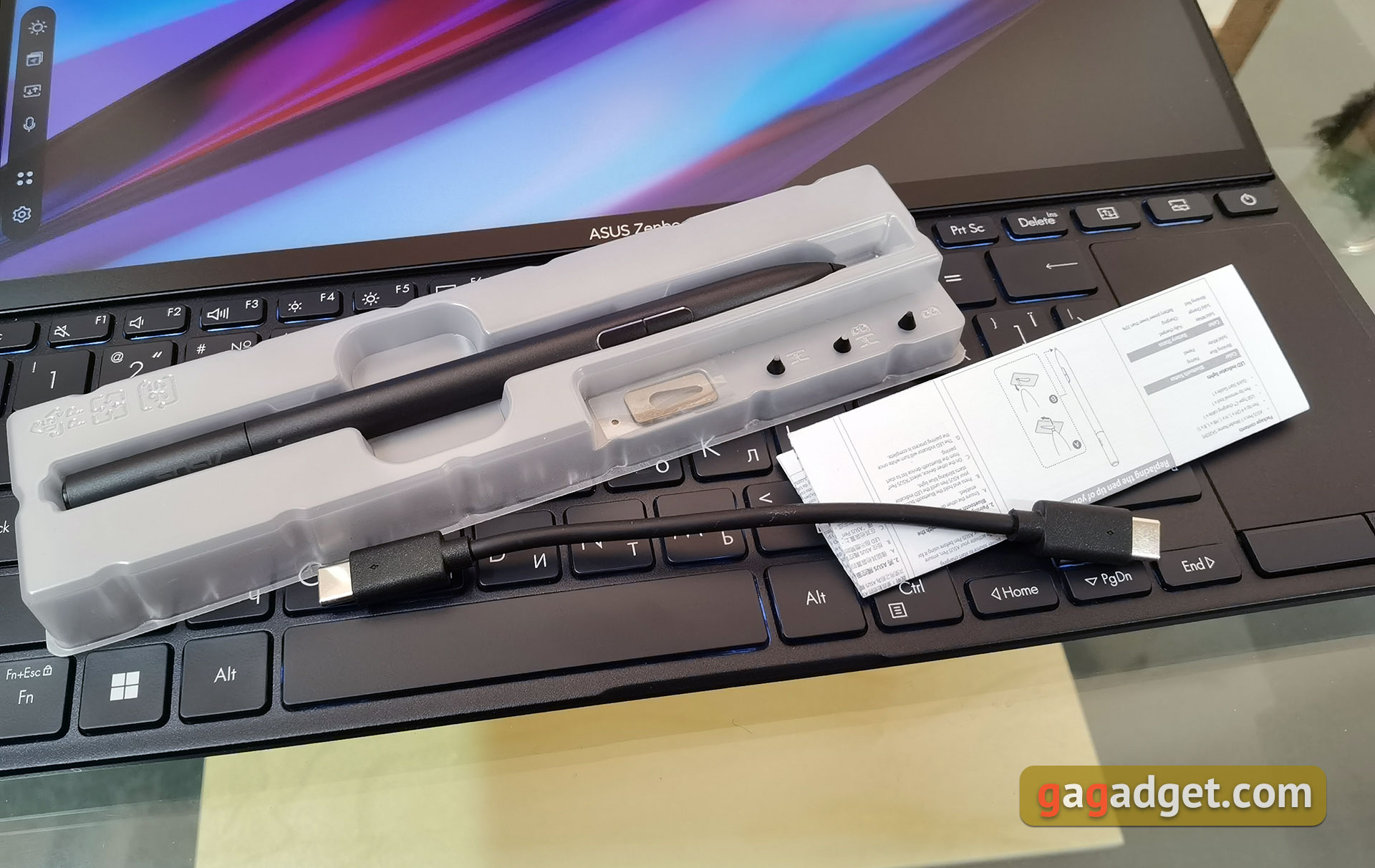
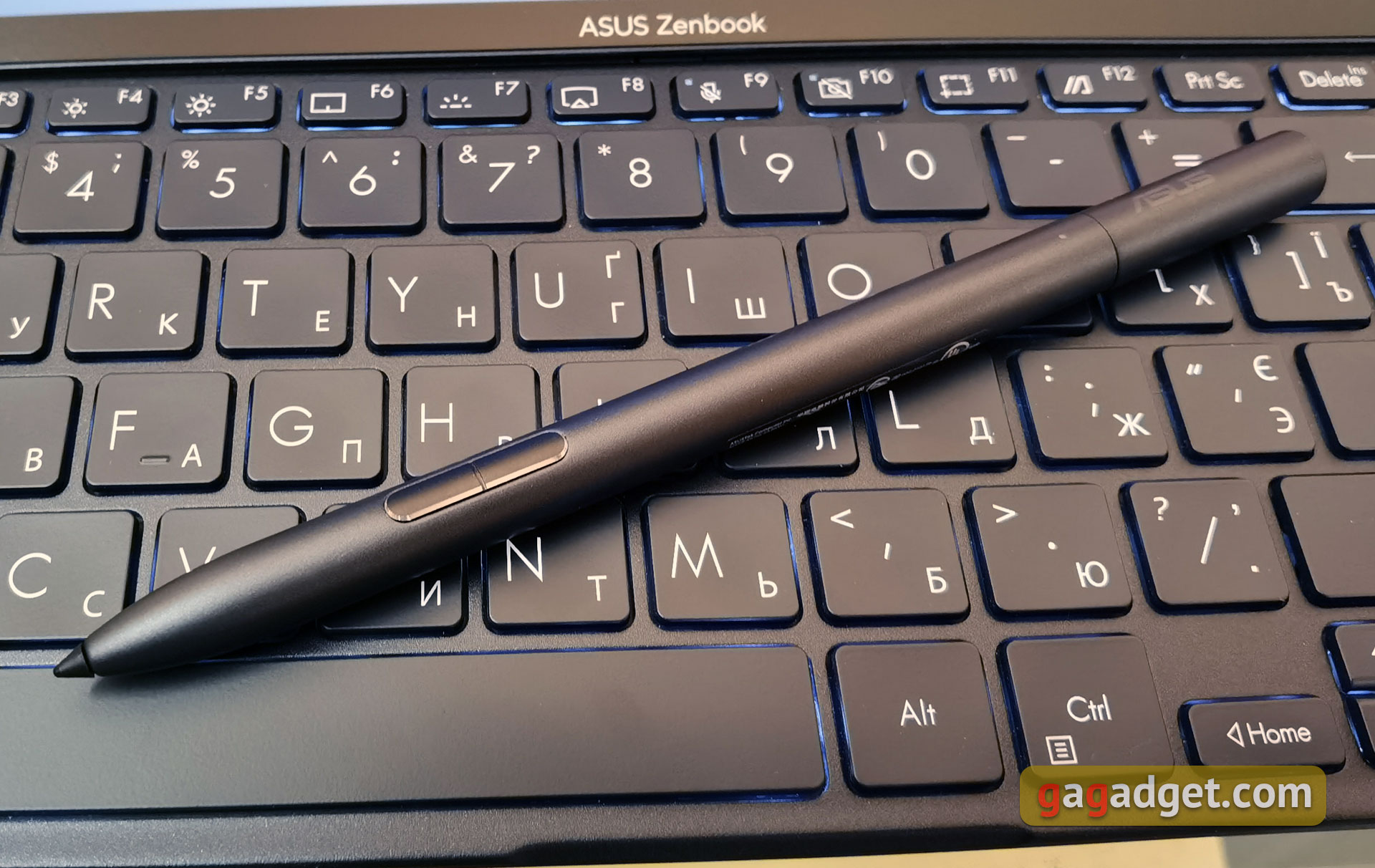
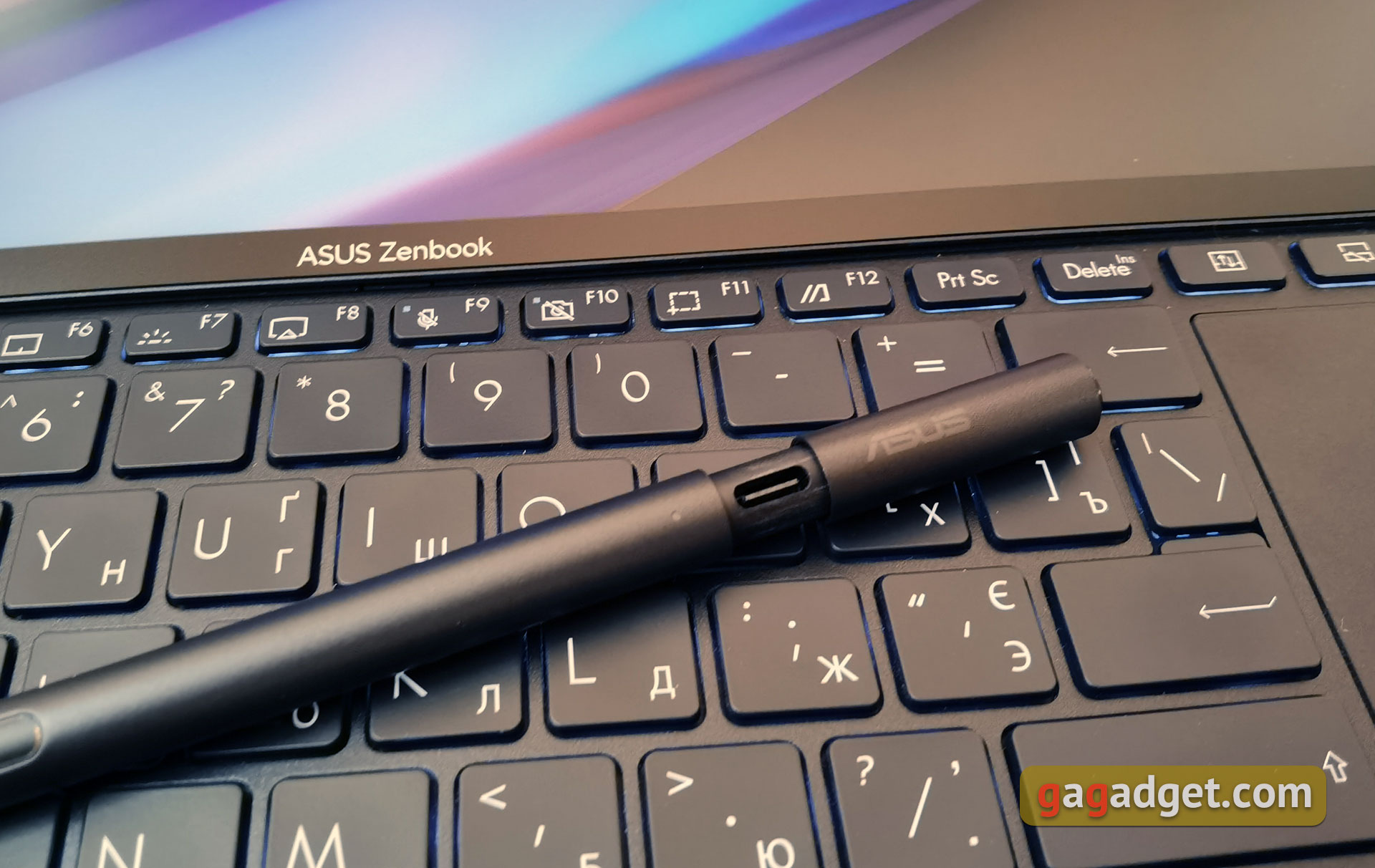
Complete stylus ASUS Pen 2.0 works with both the primary and secondary displays. Recognized 4096 degrees of depression and tilt angle. It also comes with interchangeable tips to match the different hardness options of the 2H, H, HB, B pencils. The stylus has two physical buttons and a sliding design with a Type-C connector for charging.
</ img>
</ img>
</ img>
What about the appearance and design of ASUS ZenBook Pro 14 Duo OLED?
</ img>
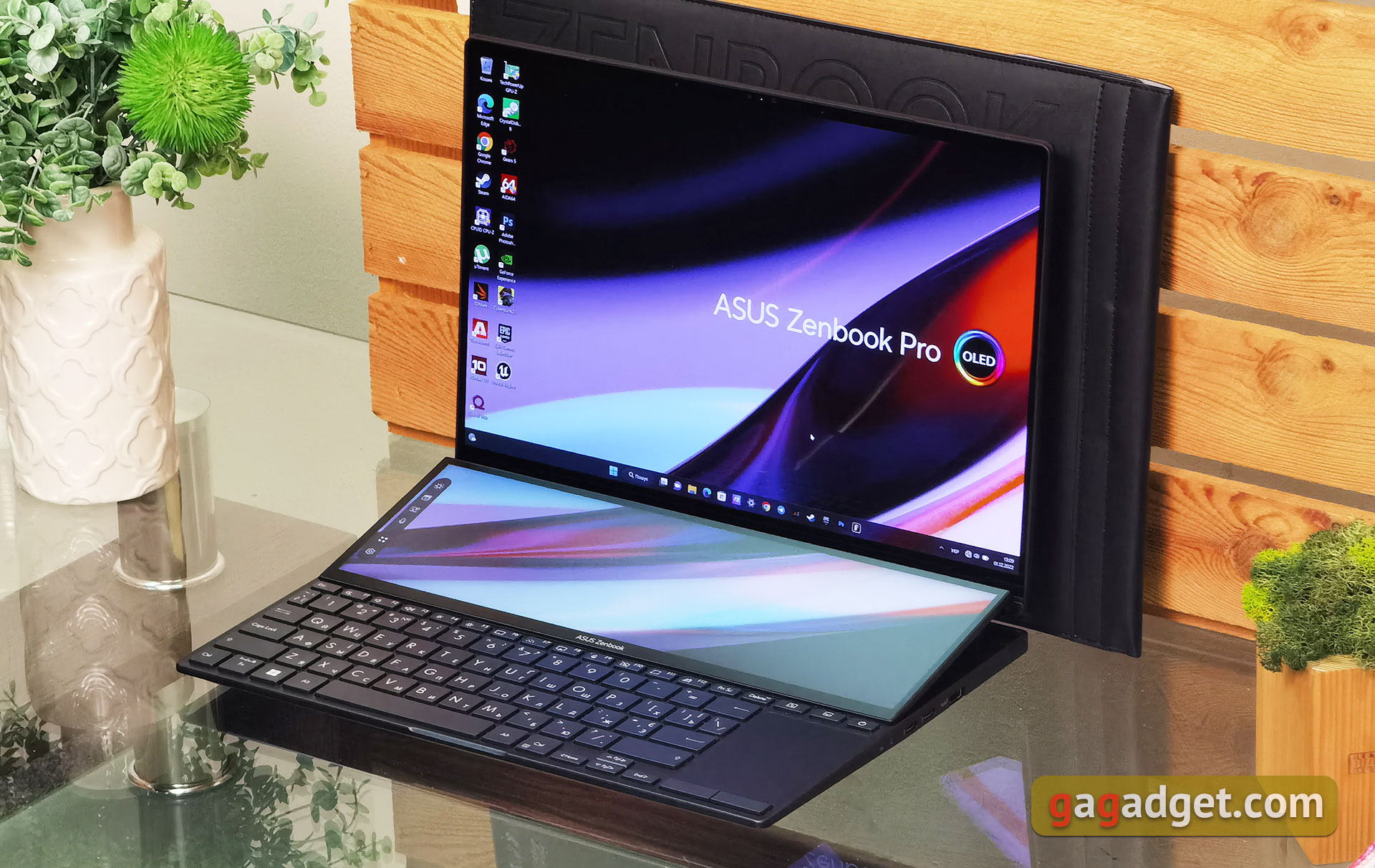
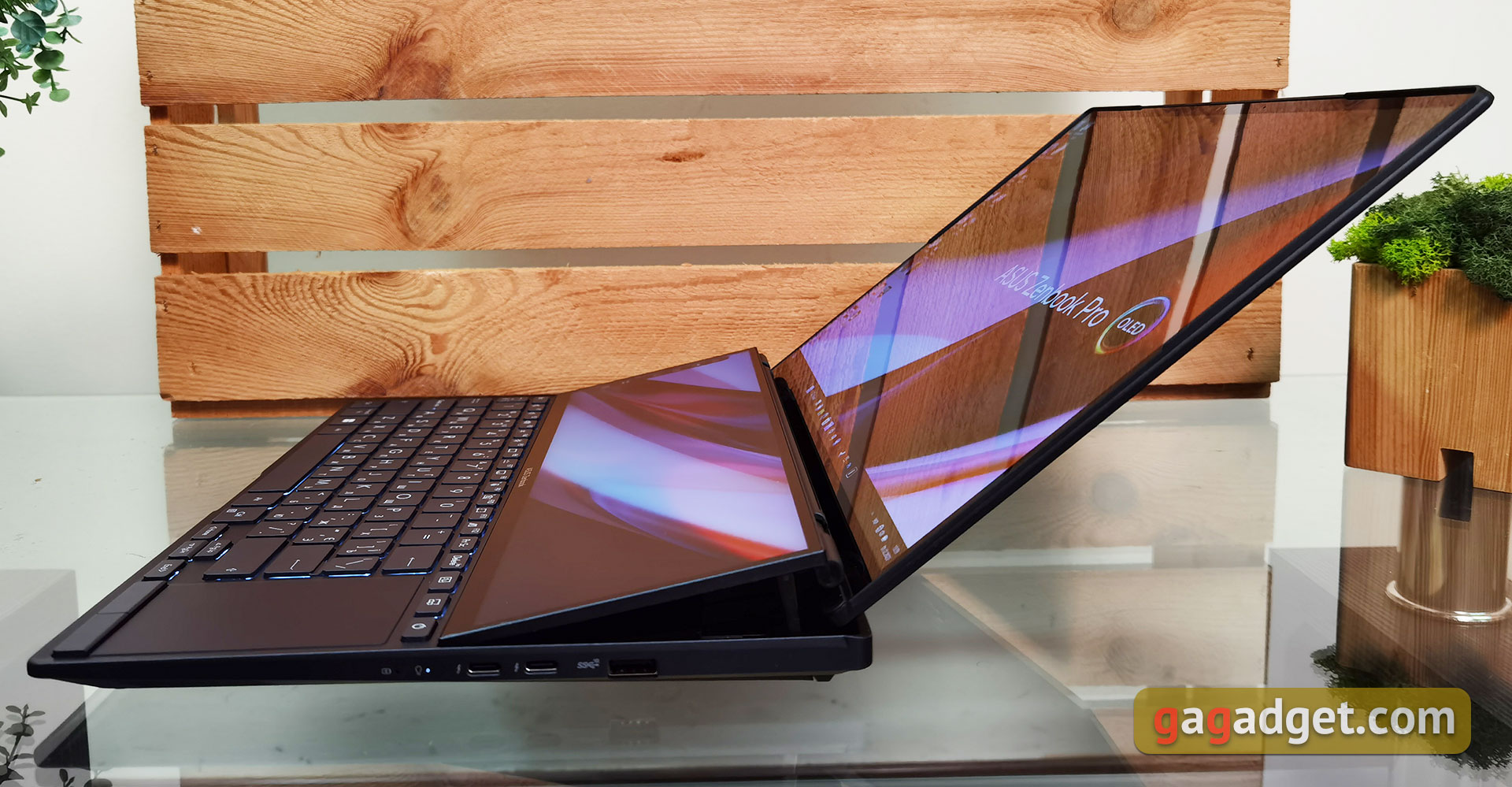
ASUS ZenBook Pro 14 Duo OLED – not farthe first model with such an additional ScreenPad Plus screen. The first such model appeared back in 2019. Since then, the design has been refined in some areas, but overall it looks familiar. The upper half of the working surface is occupied by an additional large display of the same width as the main one. When opened, it rises slightly for a more comfortable angle of inclination, as well as better ventilation of the fairly powerful iron inside. At the same time, the keyboard is shifted to the front edge of the working surface, and the touchpad – on right. You can display any information on the additional display and generally use it as an additional monitor. And software improvements allow you to display a toolbar in some applications.
</ img>
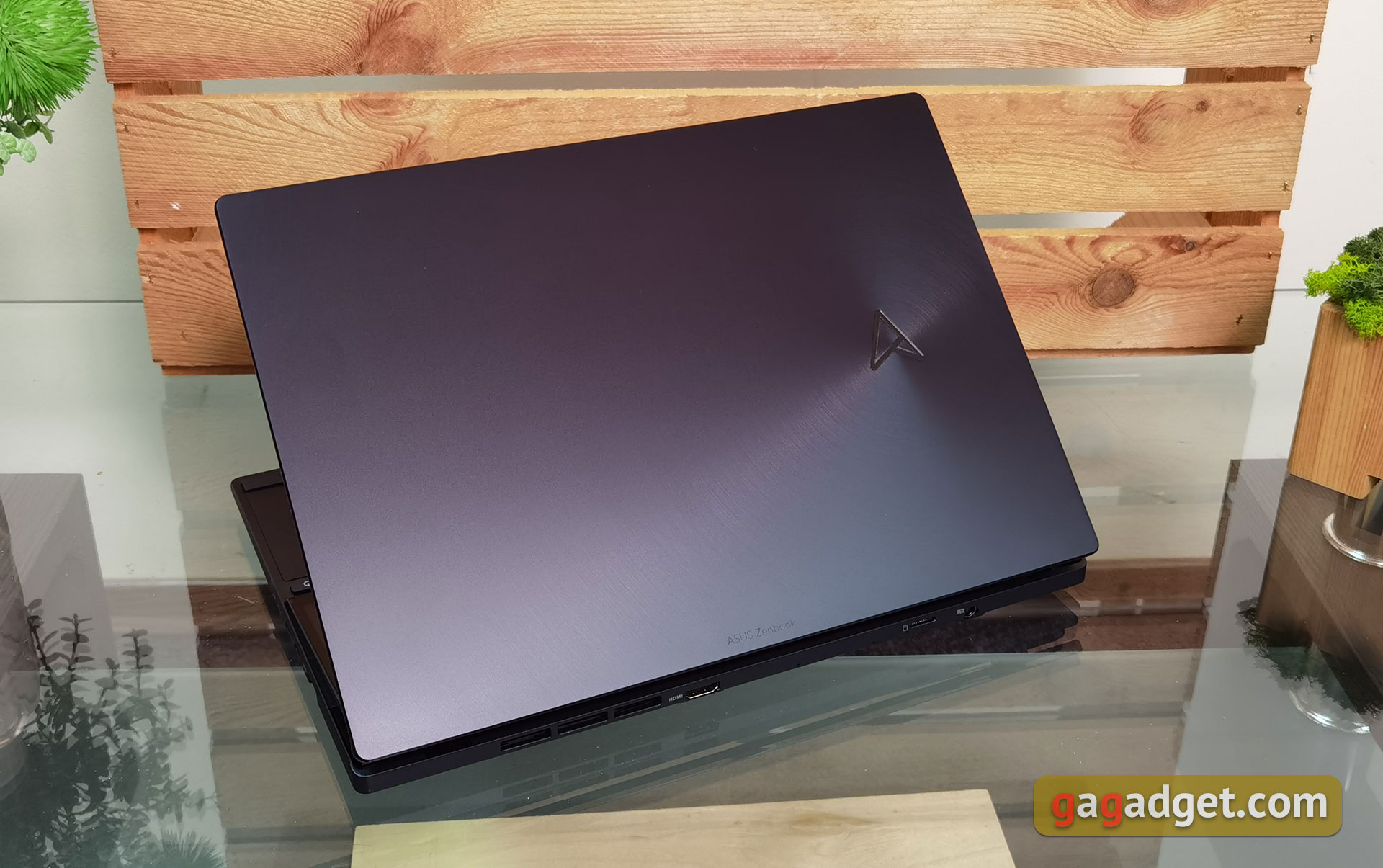
The entire body of ASUS ZenBook Pro 14 Duo OLEDmade of metal. ASUS calls the color Tech Black, visually – rather dark grey. On the lid there are concentric circles familiar from the ZenBook line, but instead of the Asus inscription there is now a new triangular logo. The company claims that the cover has a special anti-fingerprint coating. In general, yes, the situation has improved compared to models of previous years, but still it has not yet been possible to completely get rid of fingerprints.
</ img>
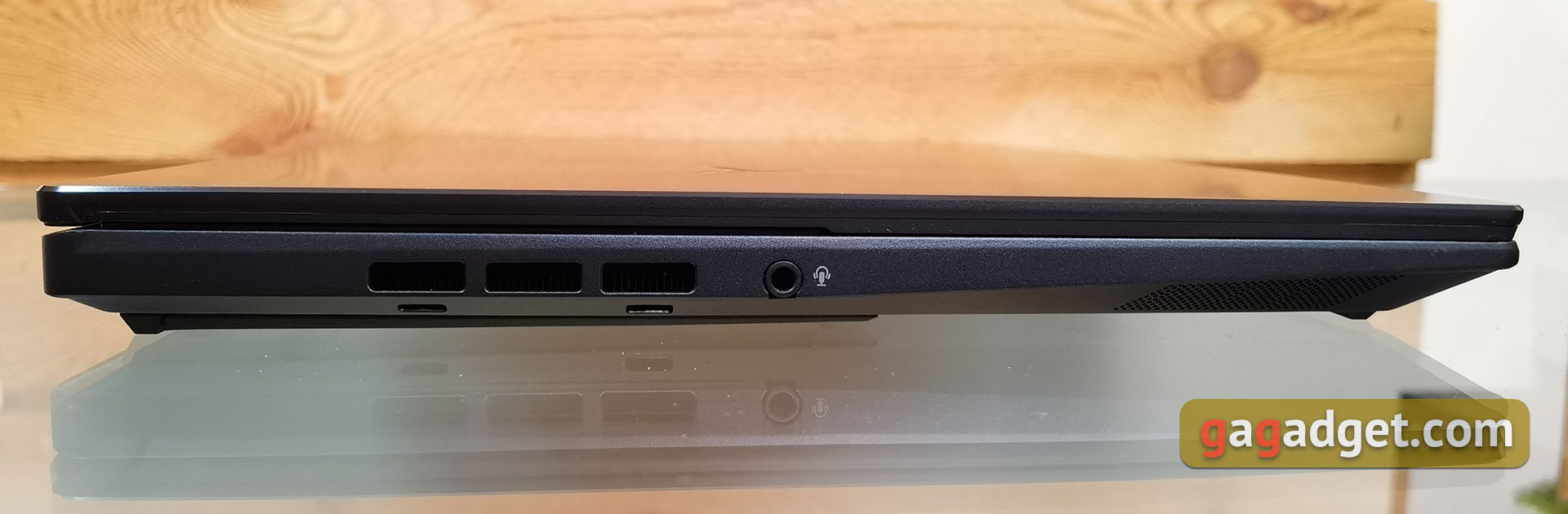
On the left, there are only ventilation holes and a combined 3.5mm headphone jack.
</ img>
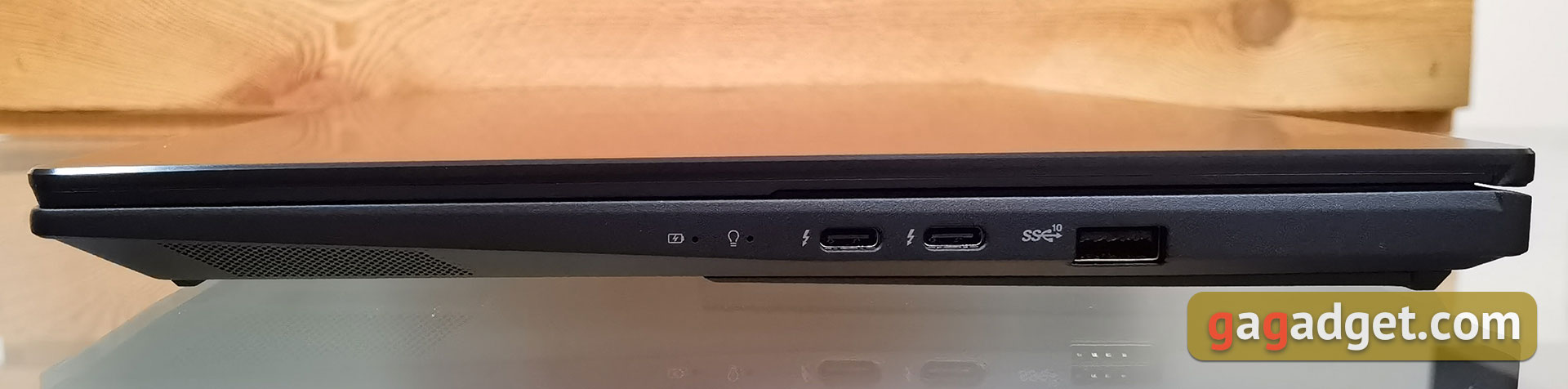
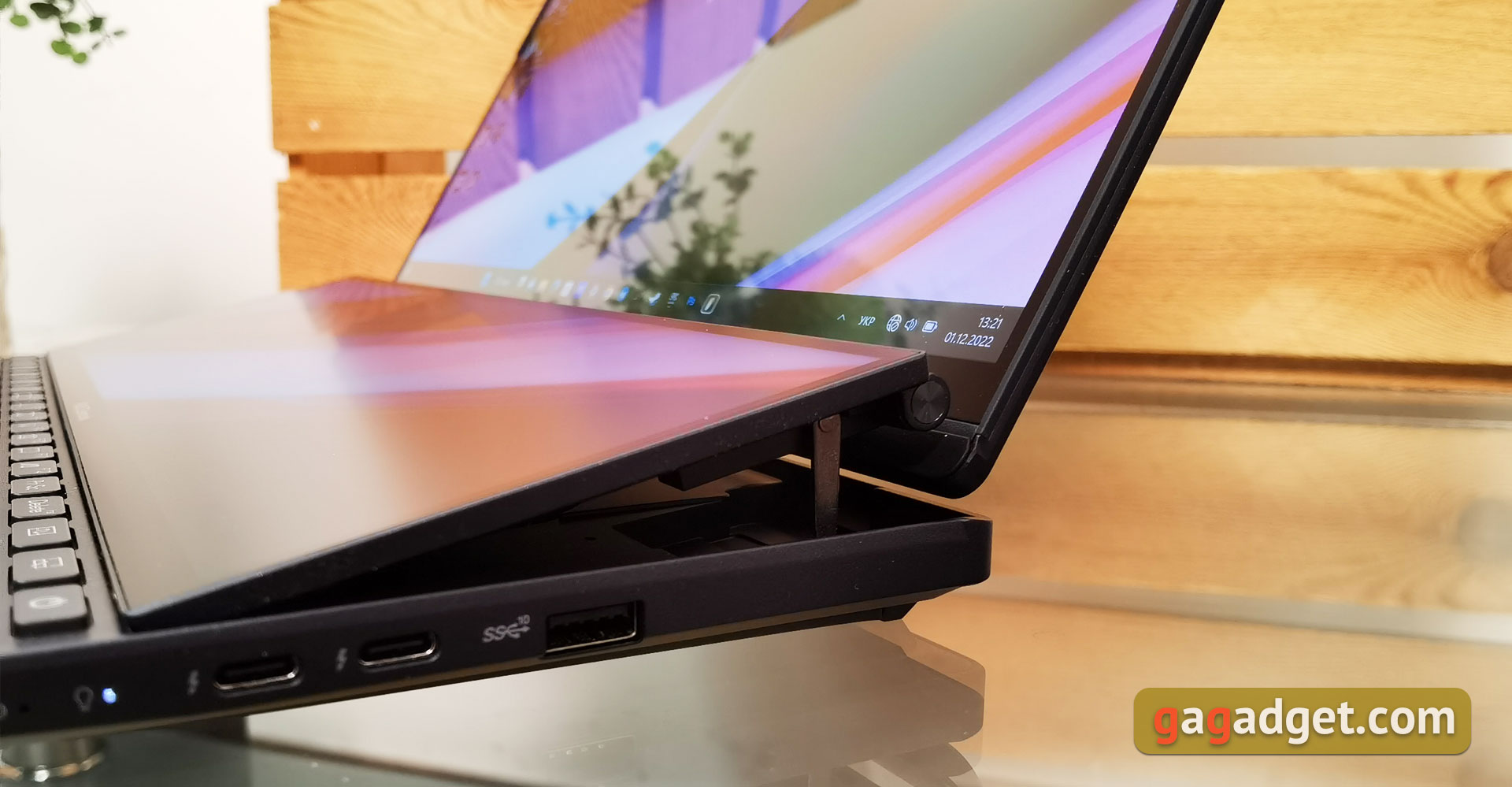
Right – status indicators, 1 full-size USB 3.2 Gen 2 Type-A port, 2 Thunderbolt 4 ports with power and image output support.
</ img>
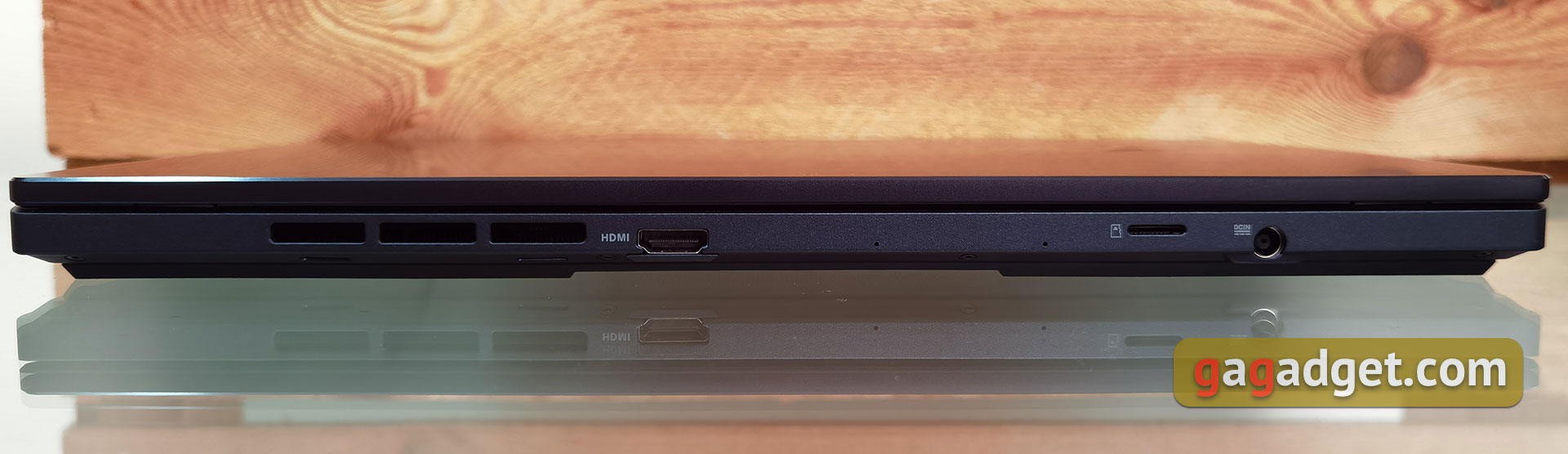
Some of the connectors are located on the back, namely: HDMI 2.1, high-speed card readerMicroSD Express 7.1 and power jack.To the left are the holes for ventilation.All in all, a pretty good set of ports, as for a 14.5-inch laptop.But there are a couple of controversial points.But the connectors on the back aren't always handy when there's limited space on the desk, especially considering that there should still be room on the front of the laptop for palms, since the keyboard is on the edge of the work surface.And the SD card reader might have been more appropriate for some users: until nowA lot of professional cameras use standard SD cameras, but again, the internal layout doesn't allowinstall it.
</ img>
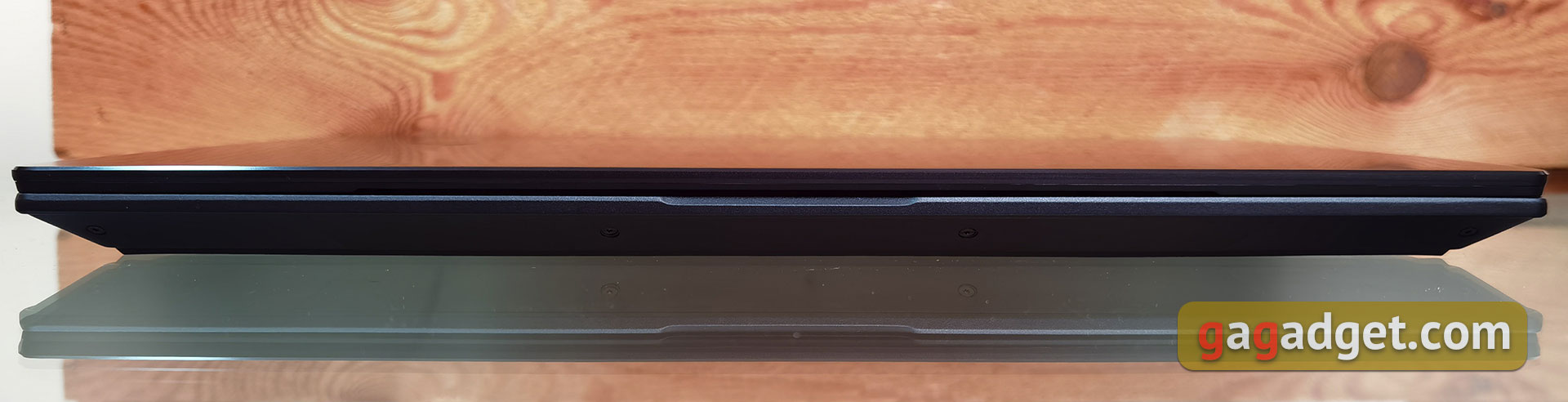
The front is traditionally nothing interesting except for the cutout for lifting the lid.
</ img>
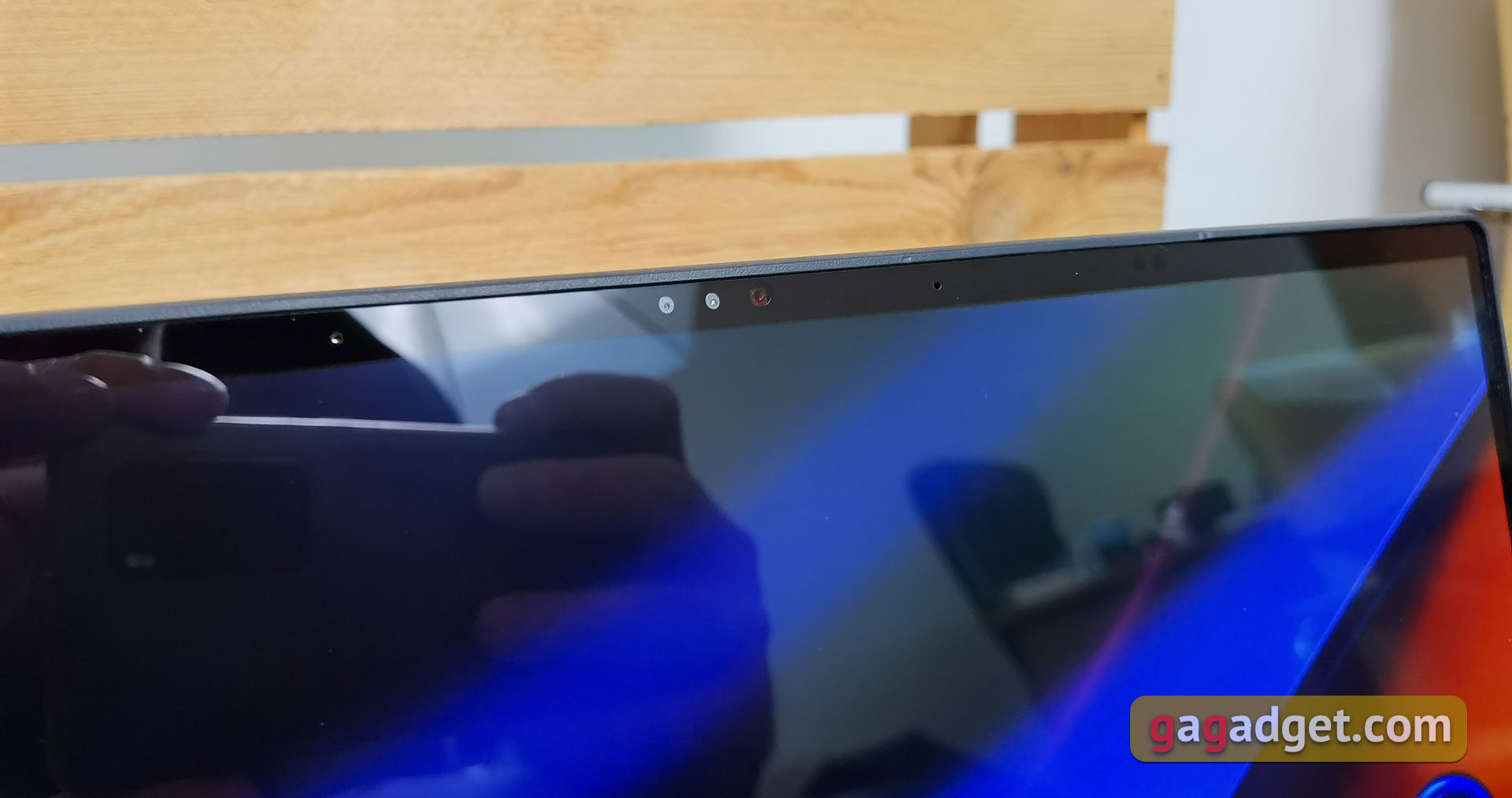
Above the display is a whole set of different things.In the middle – webcam, infrared camera and indicator of their operation. On the sides – two microphones. And a little to the right – a light intensity sensor, an RGB sensor to automatically adjust the color temperature of the screen according to the ambient light, and a ToF sensor, thanks to which the laptop can automatically lock/unlock depending on whether the owner of the laptop is nearby.
</ img>
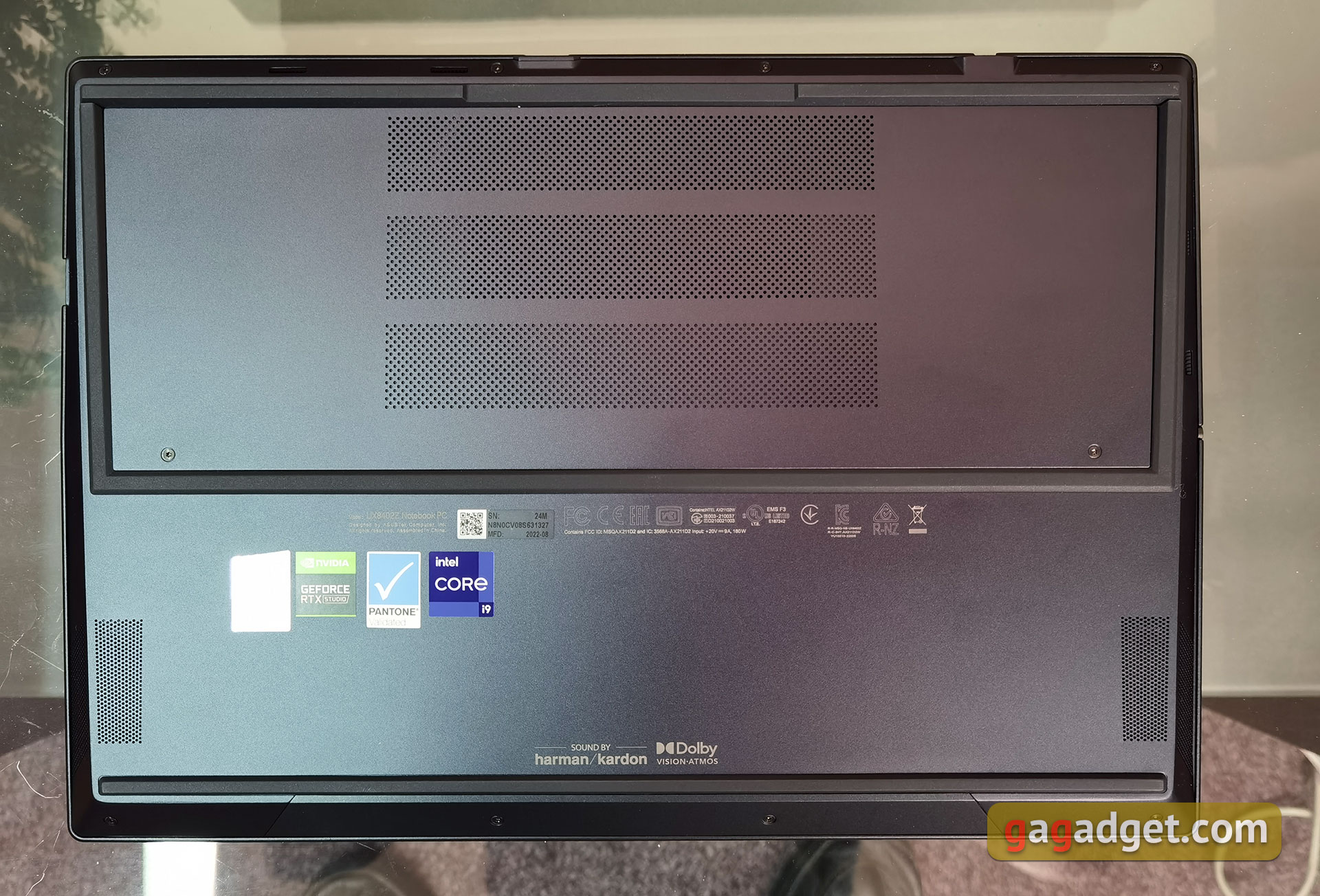
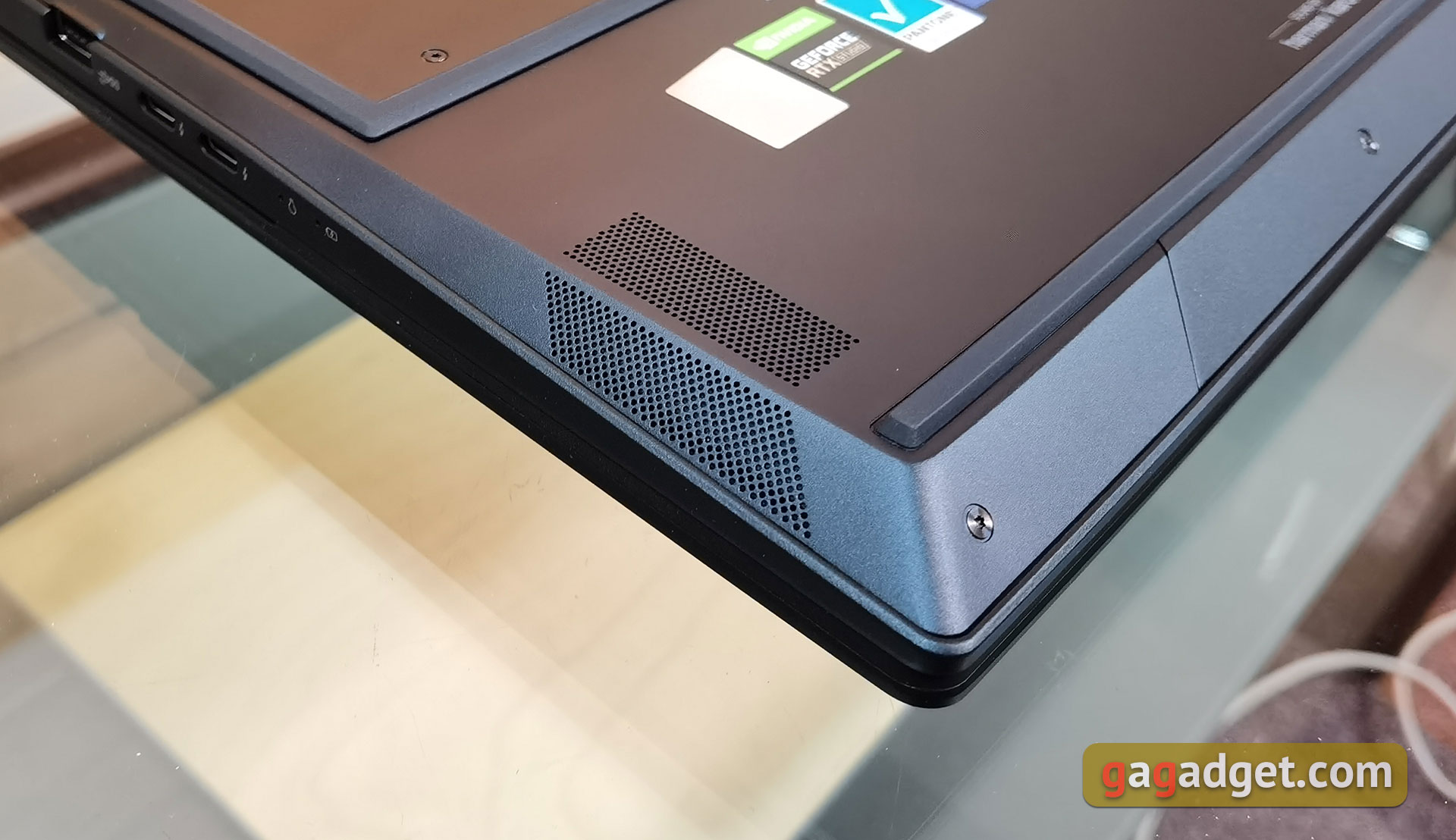
At the bottom, there are massive rubber strips for better grip on the table surface, ventilation holes and speakers.
</ img>
The ASUS ZenBook Pro 14 Duo OLED has dimensions of 323.5×224.7×19.6 mm and a weight of 1.7 kg, so there won't be any problems with transportation.Some design features have already been mentioned above, some of them will be discussed later.As for the quality of construction and materials, everything is very good, as always in top-of-the-line ZenBooks.
</ p>How comfortable is the ASUS ZenBook Pro 14 Duo OLED to use?
</ img>
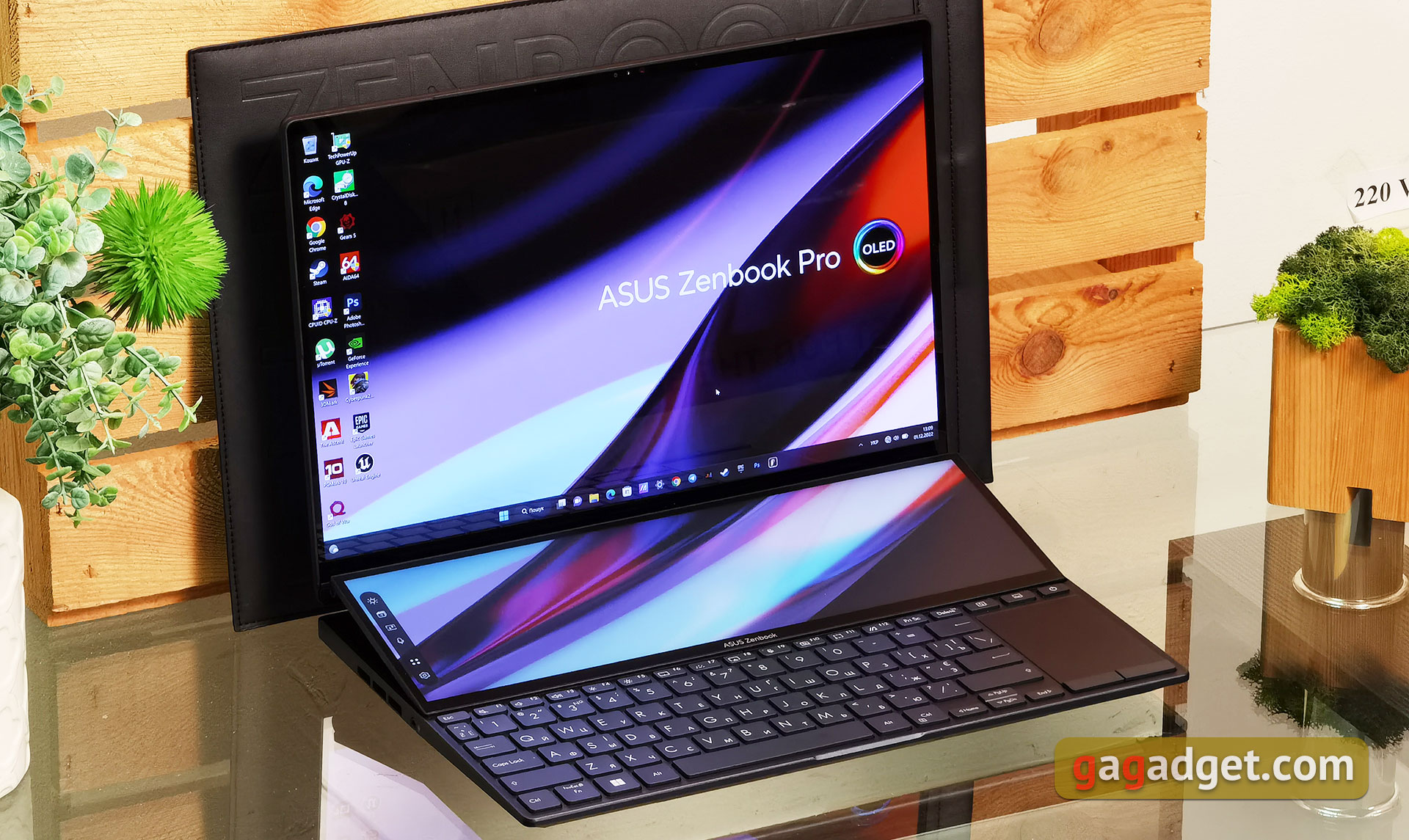
Unusual design ASUS ZenBook Pro 14 DuoOLED will take some getting used to. When open, the entire upper part of the working surface is occupied by an additional touch screen ScreenPad Plus, which is placed at a slight angle. Therefore, the keyboard is directly in front of the user. The laptop can be opened to approximately 145°. Hinges allow you to open the laptop with one hand and securely fix the display in the desired position. A slightly raised secondary screen opens up additional ventilation holes. At the same time, a rather interesting design is used, which was called AAS Ultra: the main display unit is attached to the additional, and not to the main part of the laptop.
</ img>
</ img>
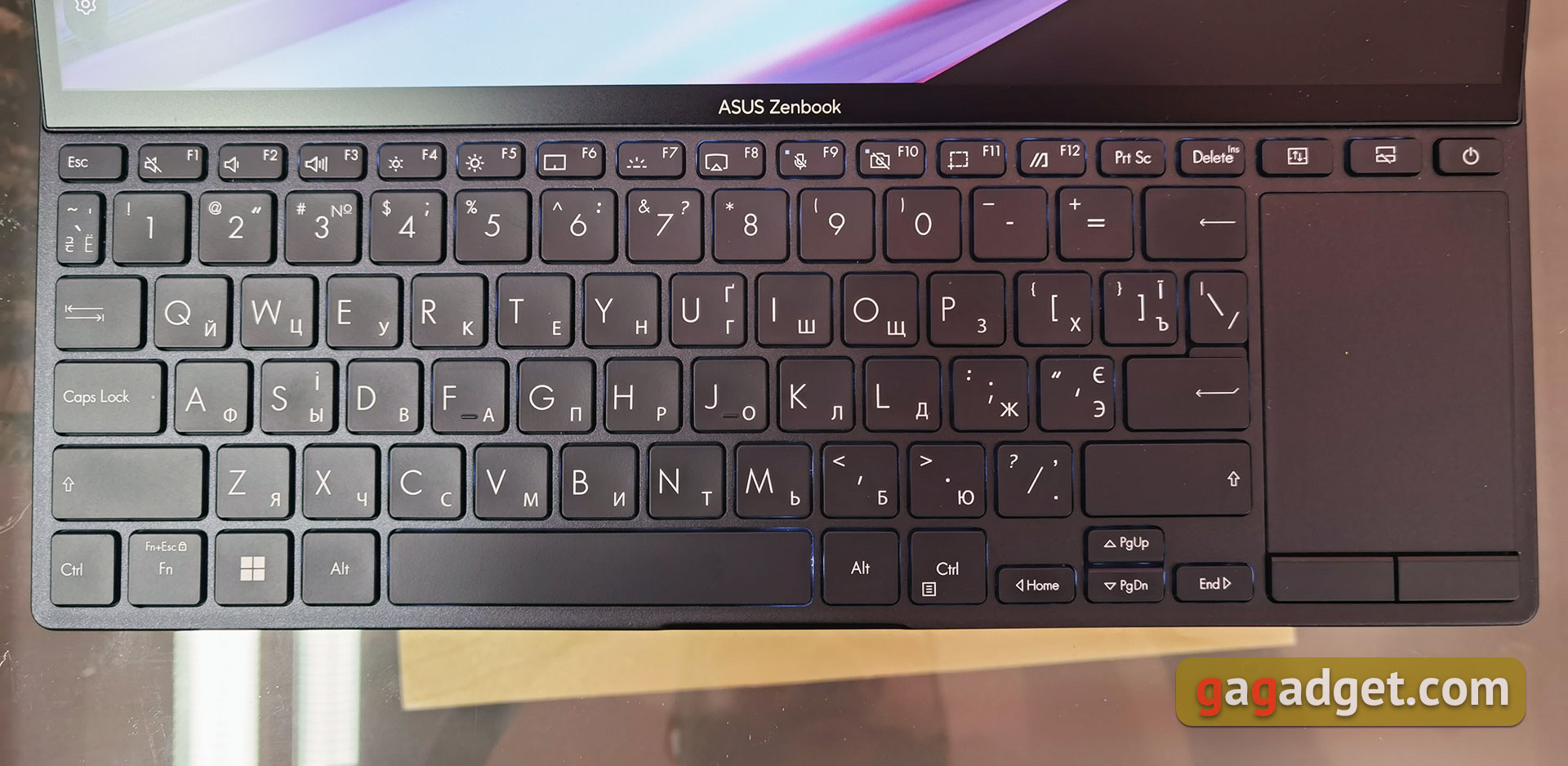
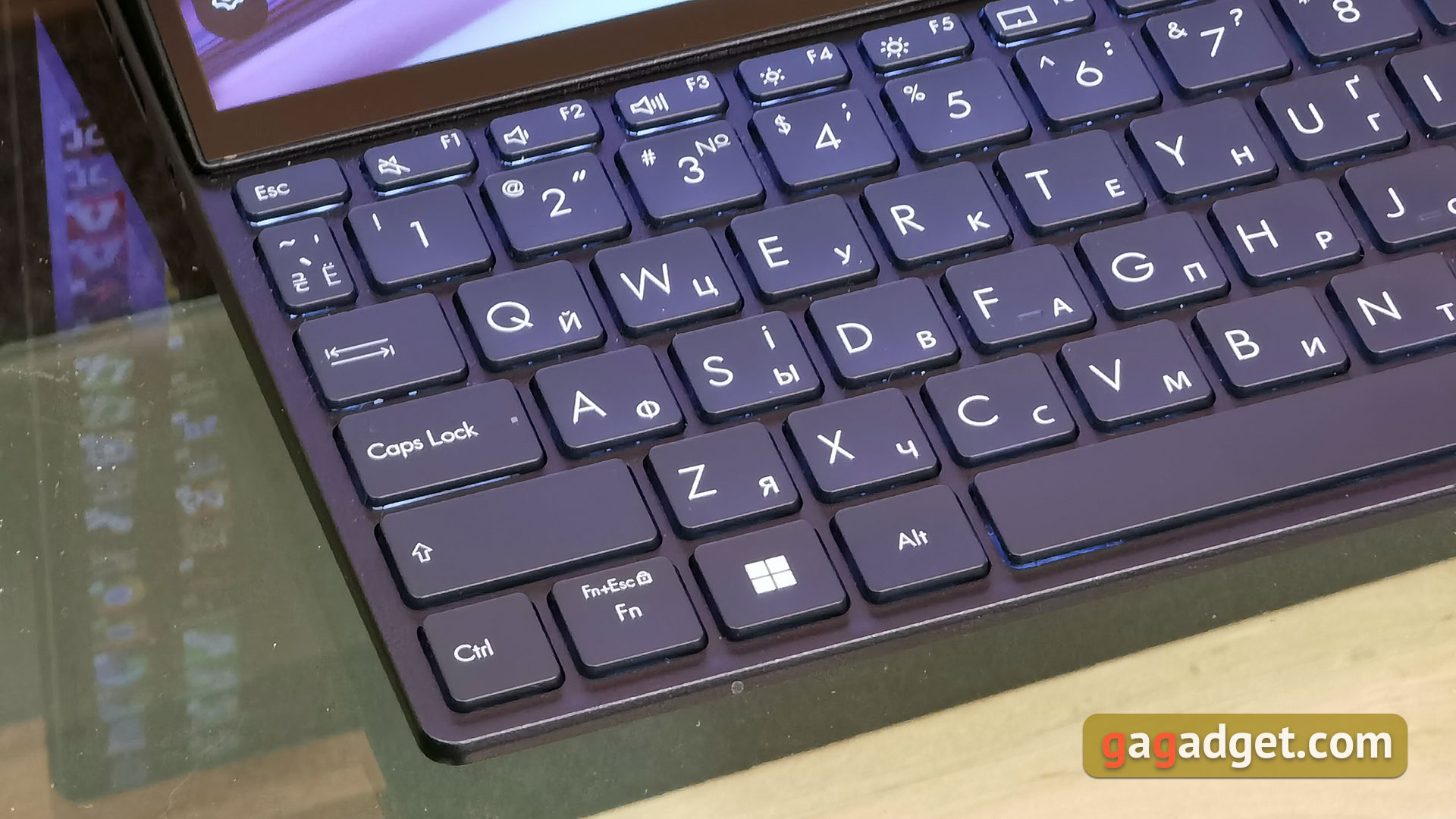
If you don't take into account the unusual position of the keyboard, then the layout itself is quite familiar, as for ultrabooks.There is no additional numeric keypad, the top row of keys, as well as the arrow block haveThey are combined with Home, End, PgUp, PgDown via Fn.Between Delete and the power button in the top row, there are two additional buttons.The first is responsible for moving applications between screens, the second is responsible for disabling it.Both Shift, Enter, Backspace, and "~" are a bit shorter than usual.
</ img>
The buttons have a small indentation 0.2mm and a total travel of 1.4mm, the travel is very pleasant and informative enough. After getting used to the position and layout, typing becomes very comfortable and you can get really high typing speed. There is a white backlight with several levels of brightness.
</ img>
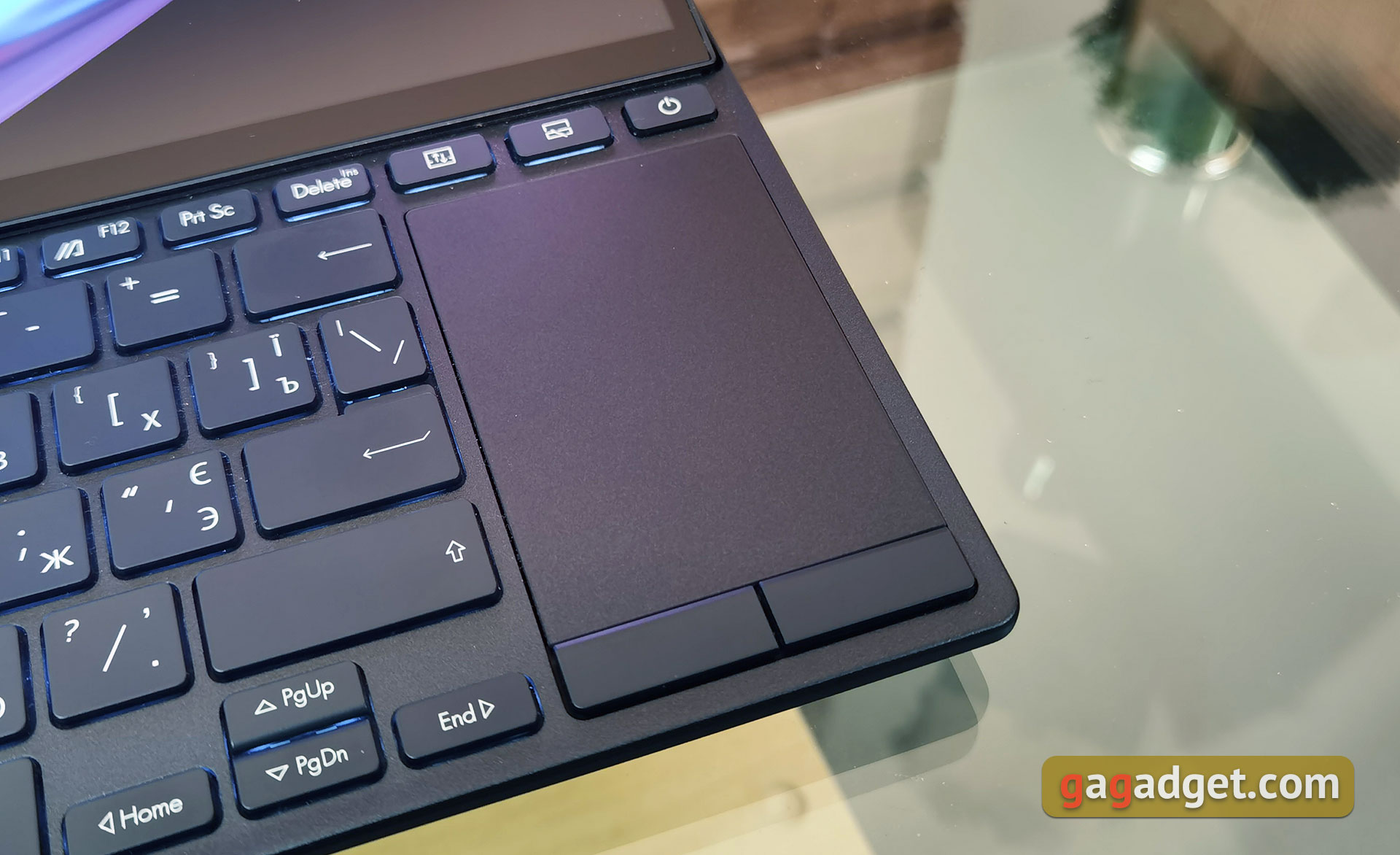
The touchpad is placed on the right, and it is small and has a vertical orientation.Therefore, it is difficult to say that it is quite comfortable, even considering the remarkable sensitivity and very pleasant surface.For basic tasks: a browser, minimal typing – it is enough.But to work with Adobe, DaVinci Resolve, and something similar, the mouse will bevery important.
</ img>
How can the secondary display be used?
</ img>
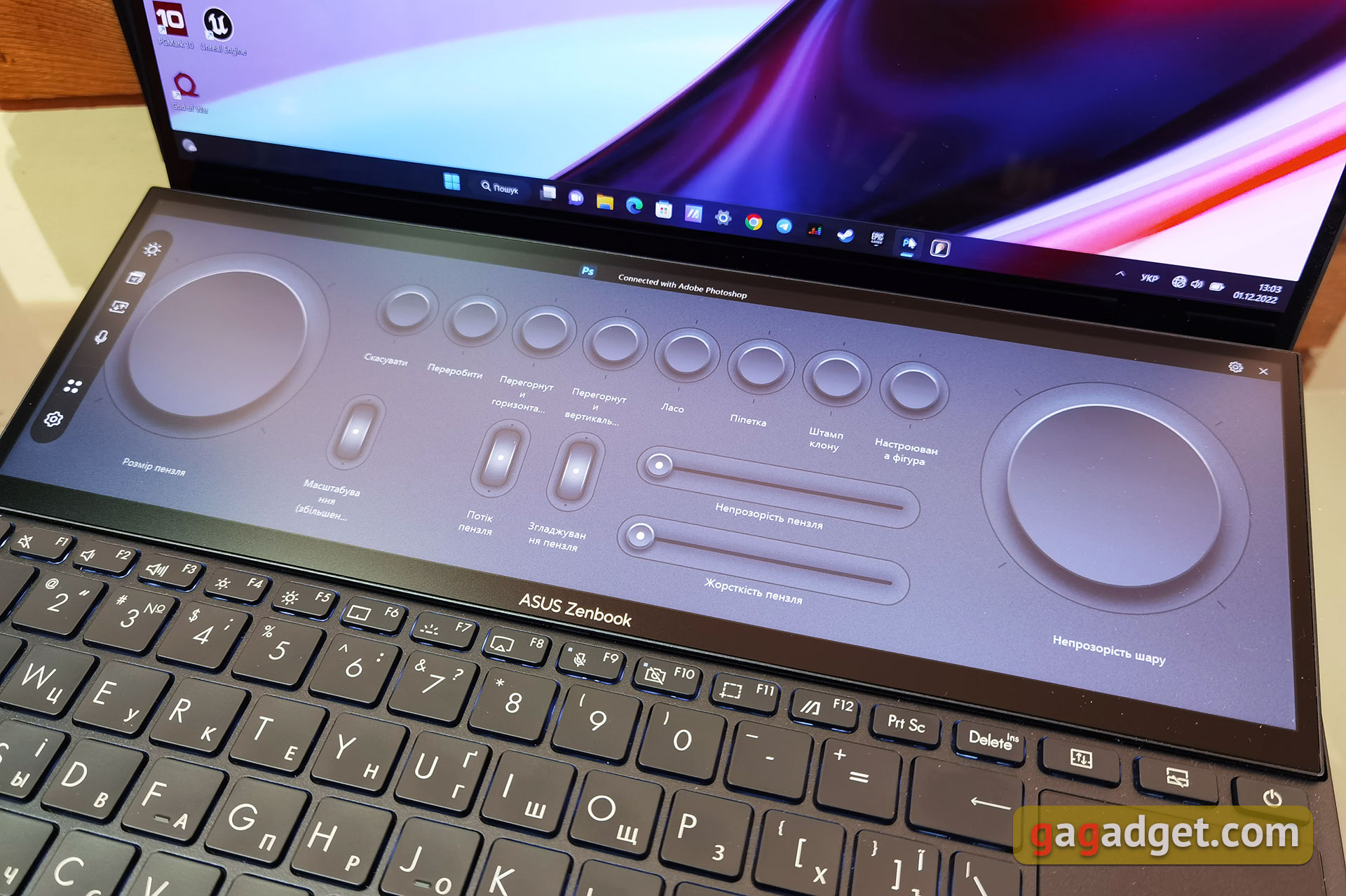
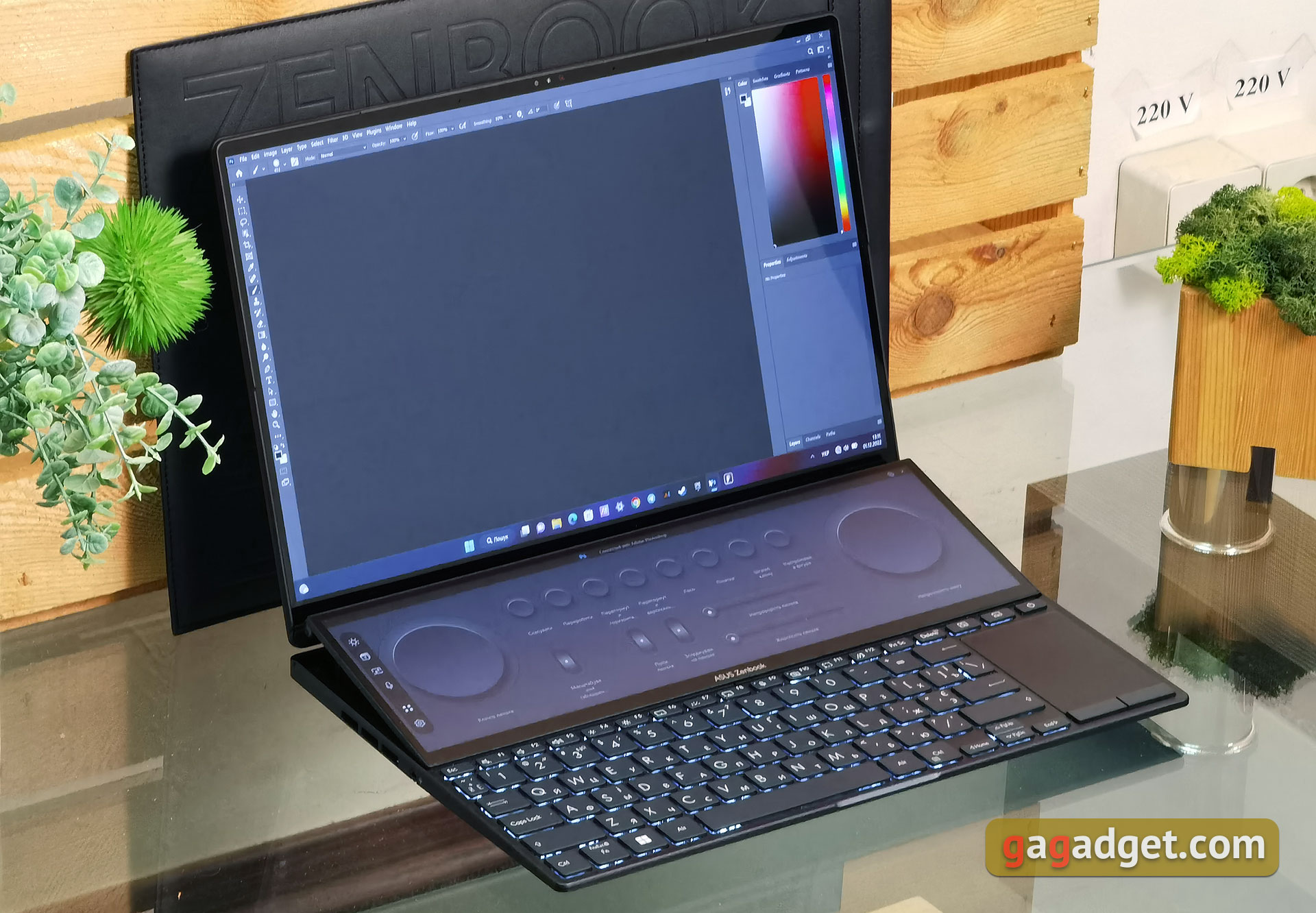
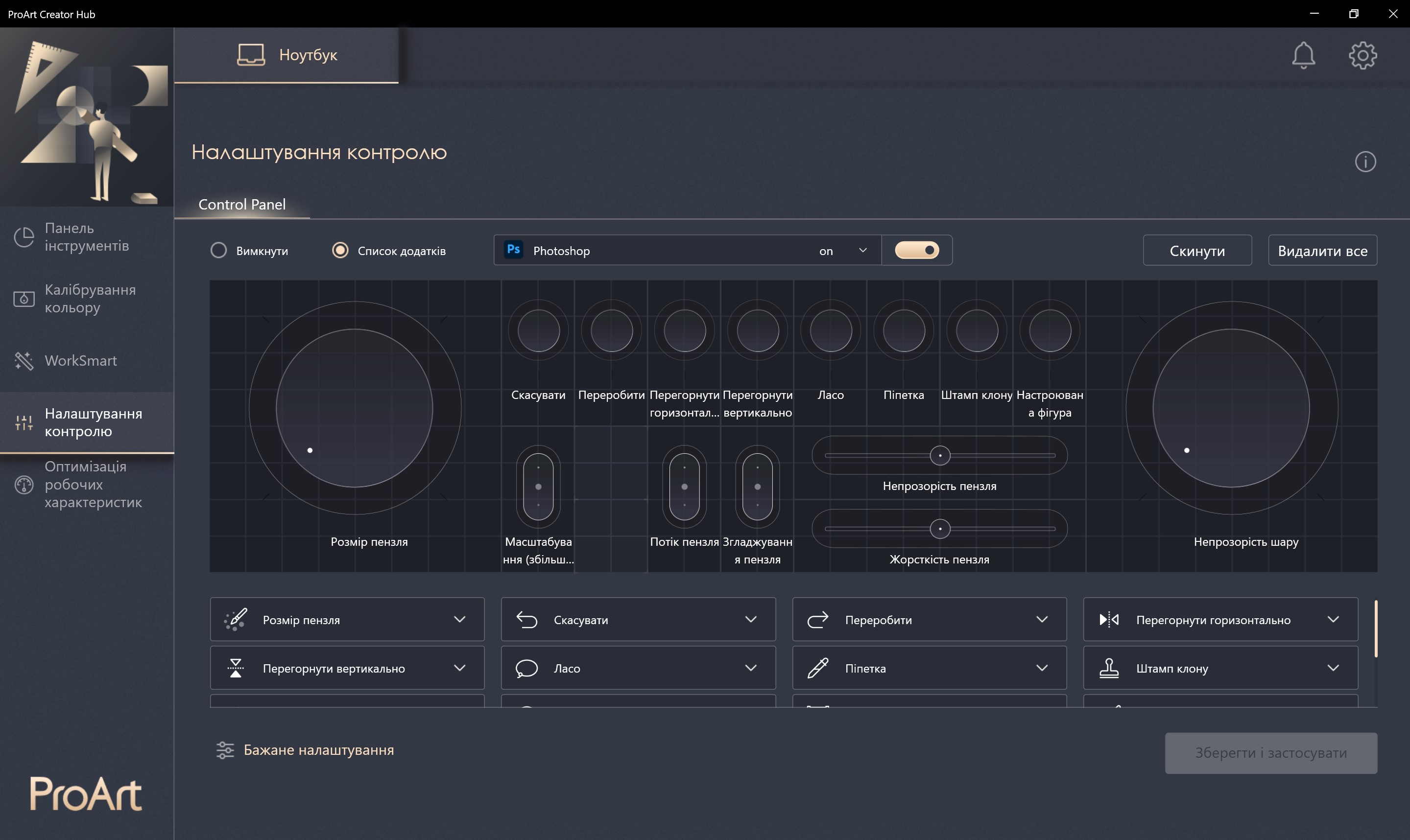
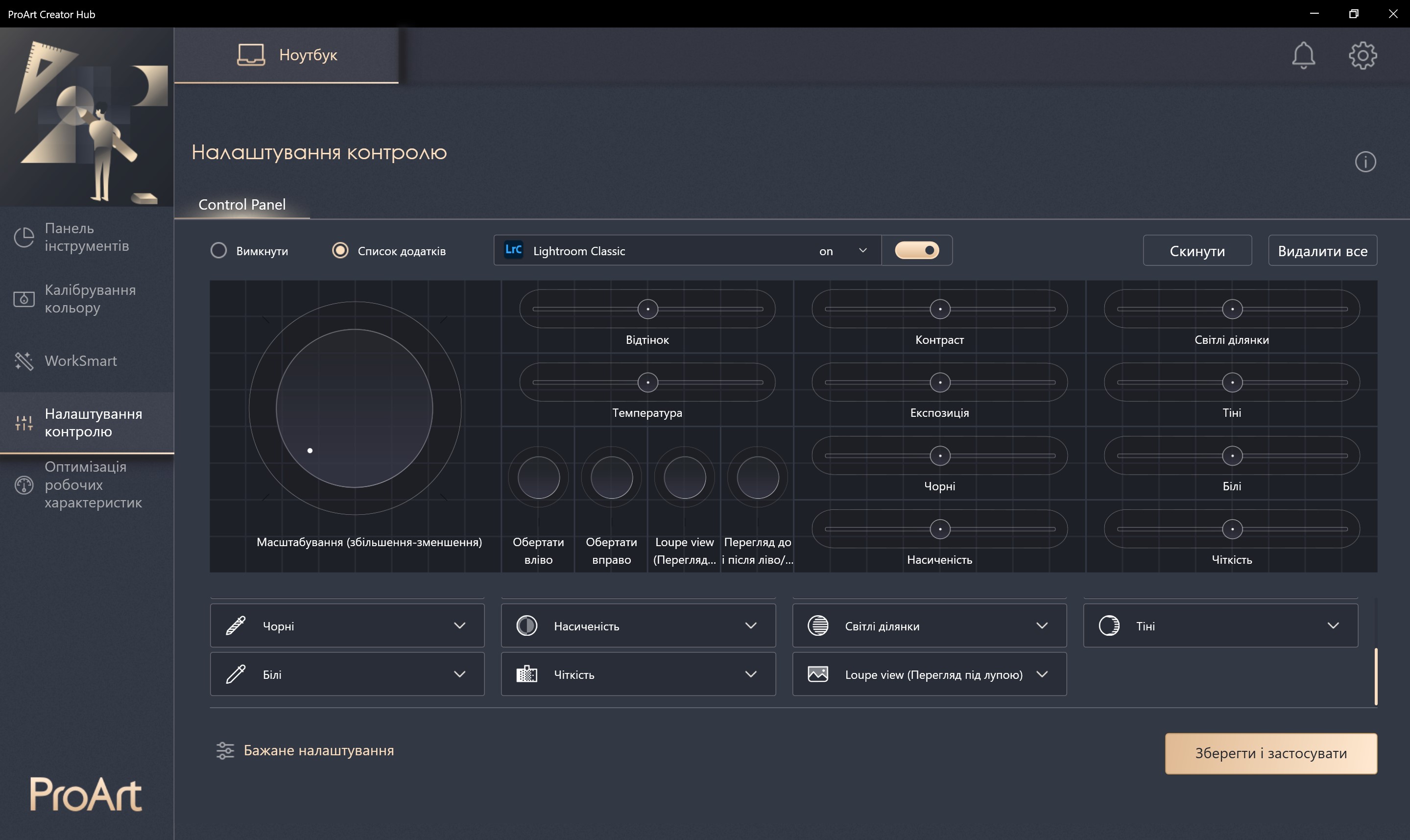
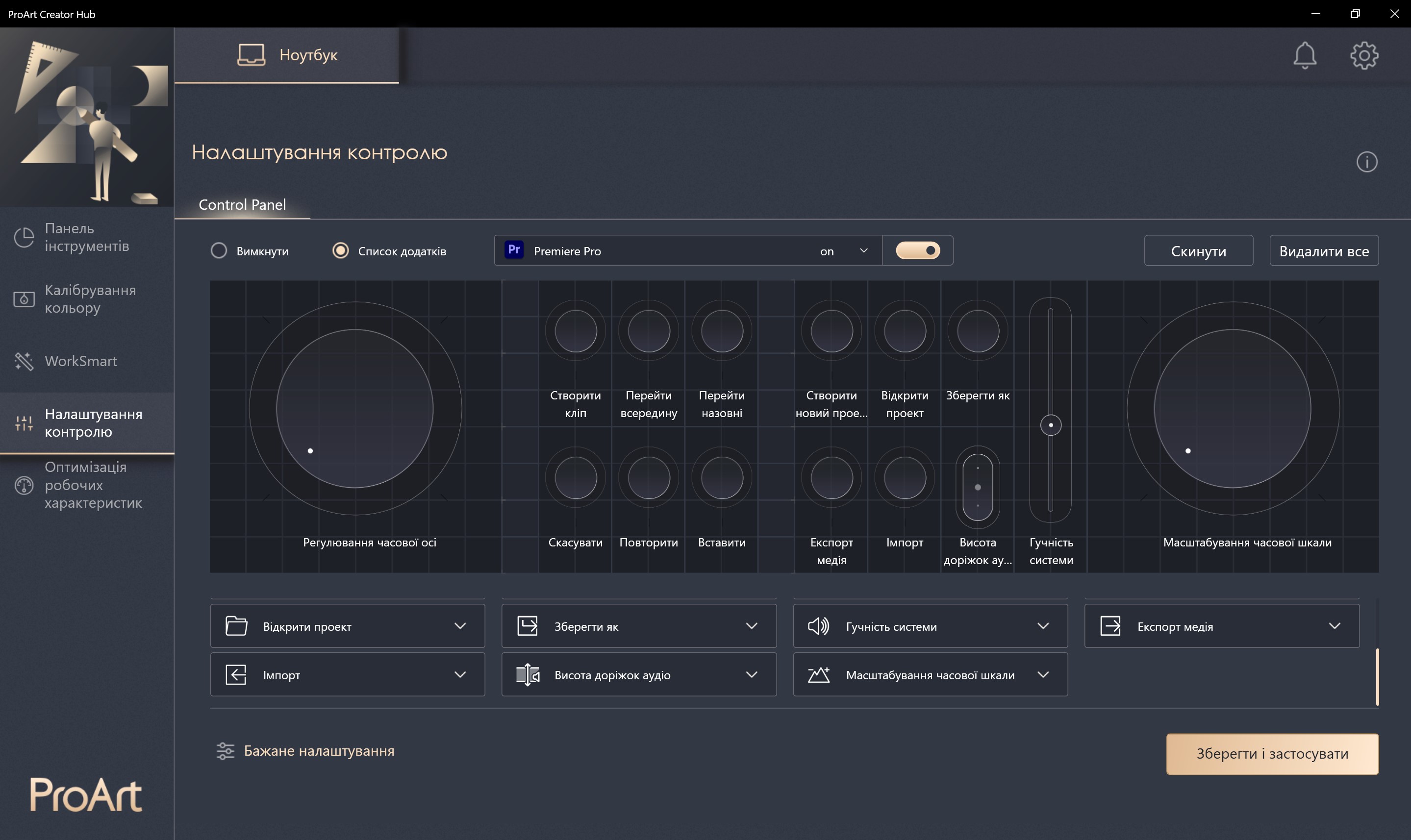
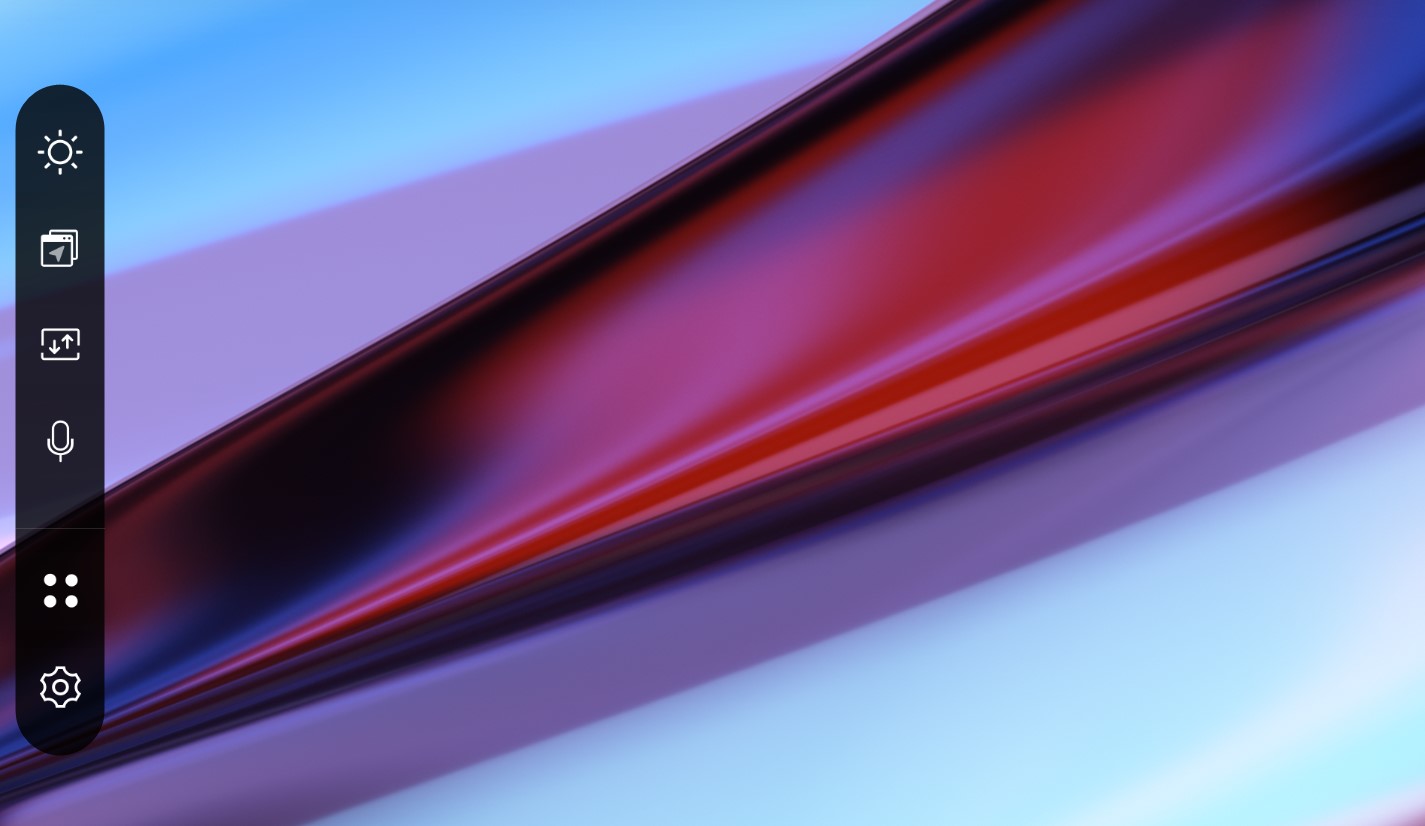
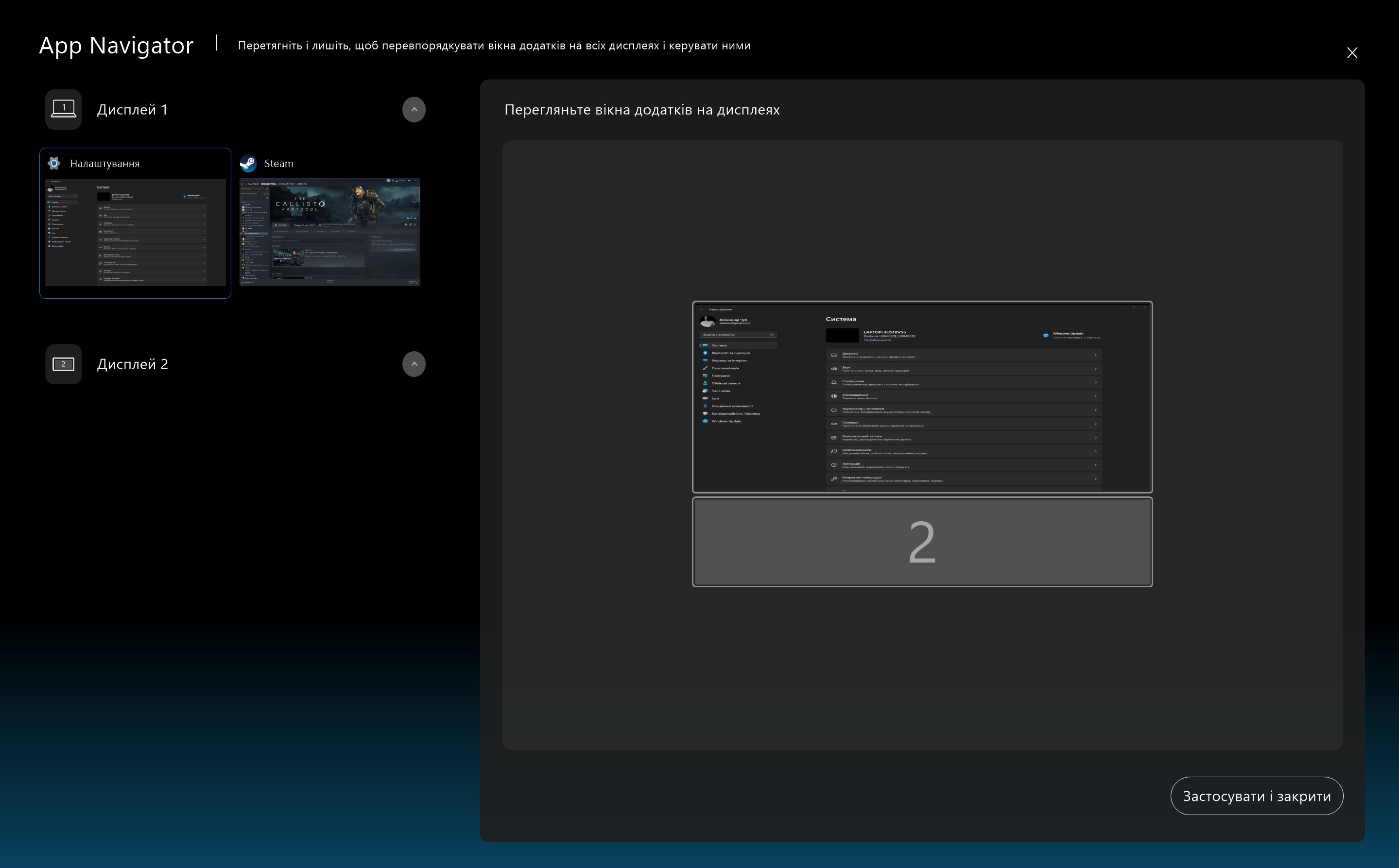
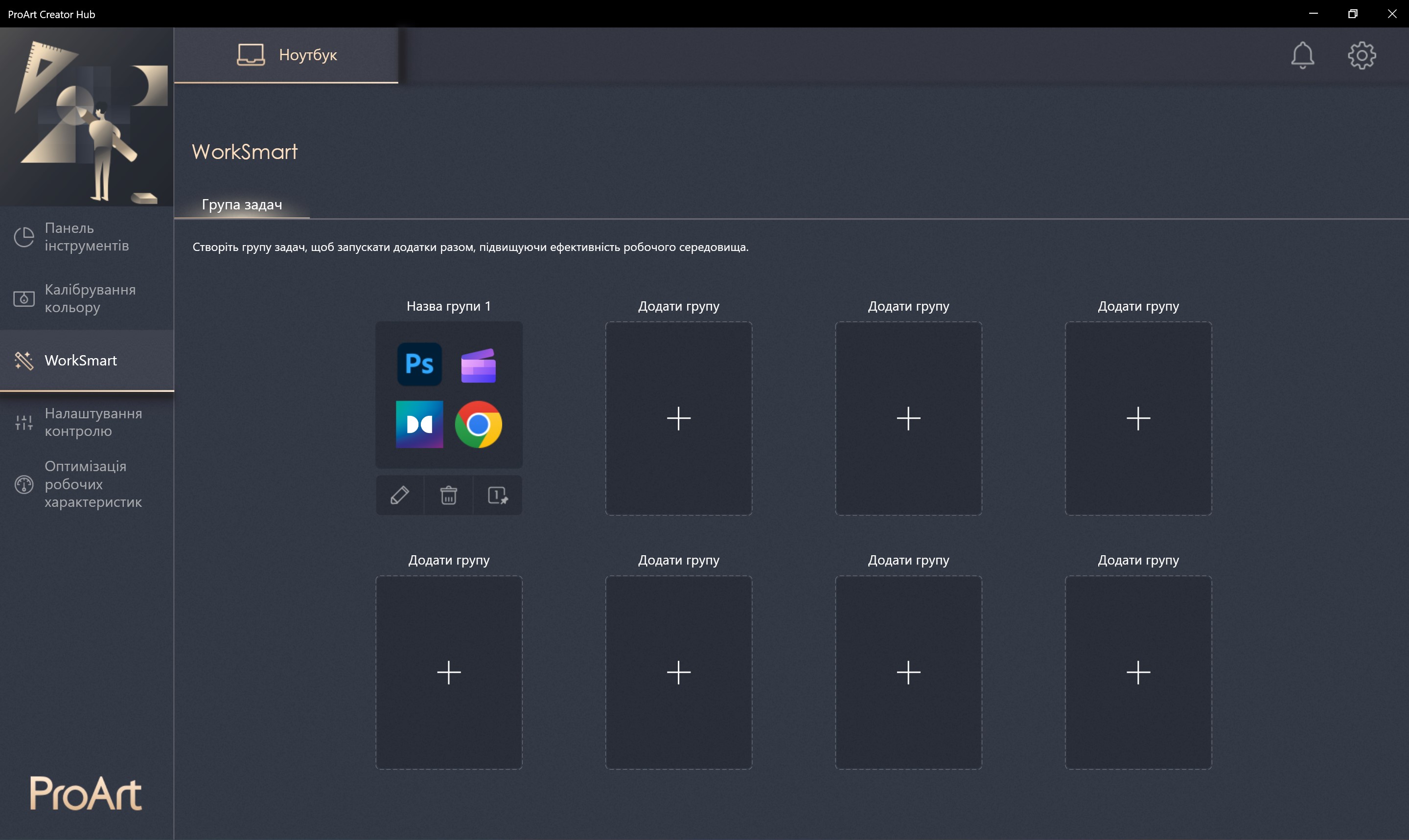
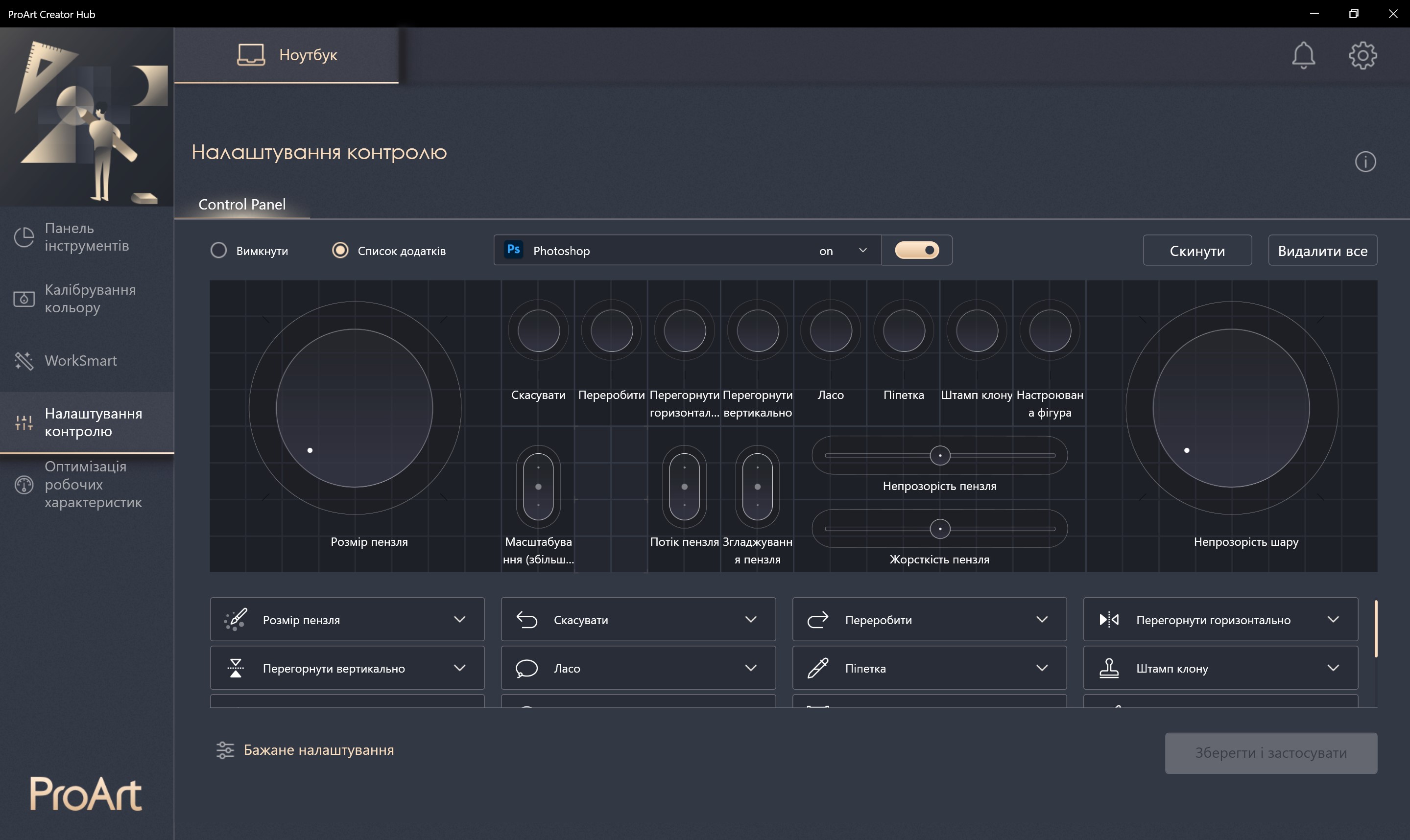
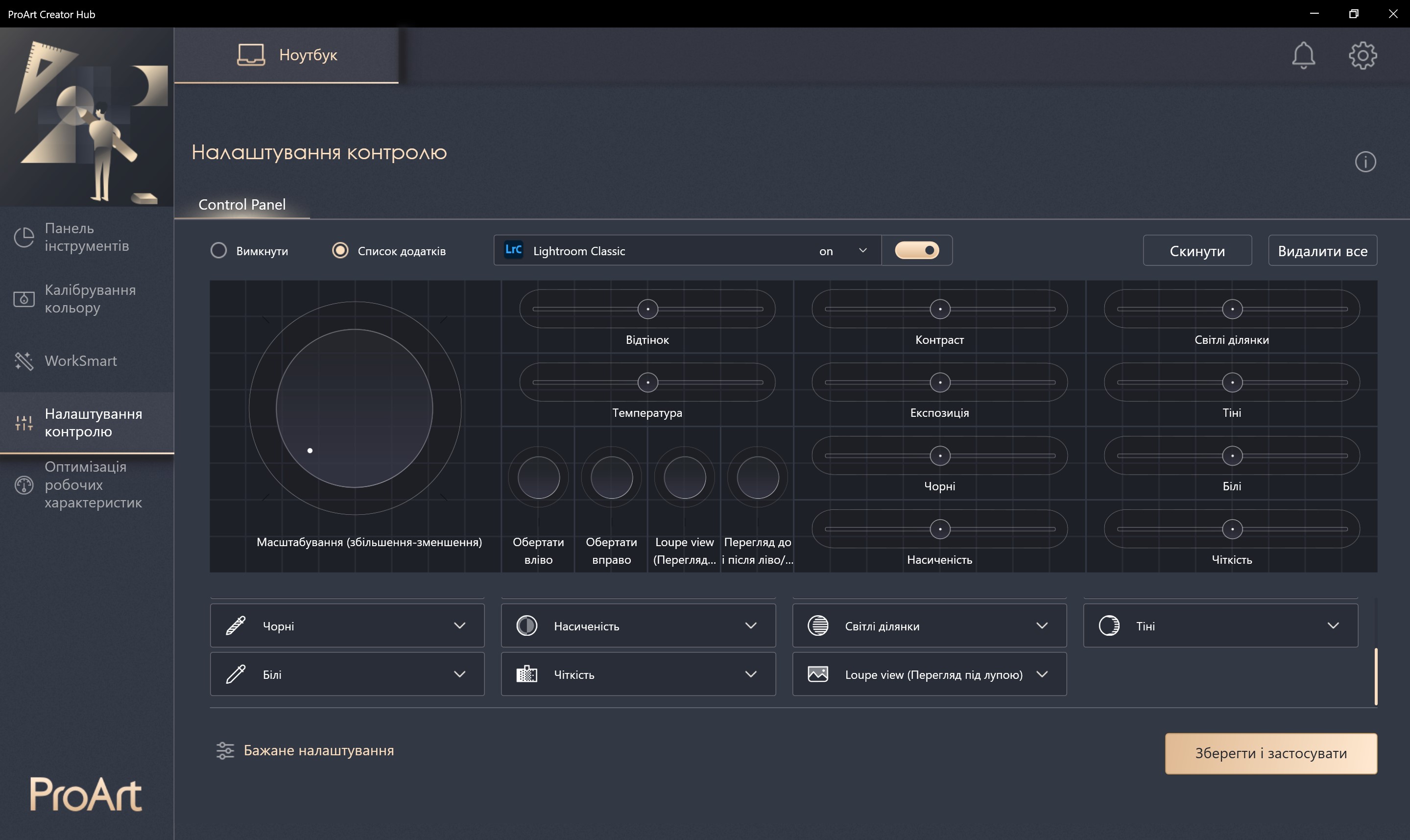
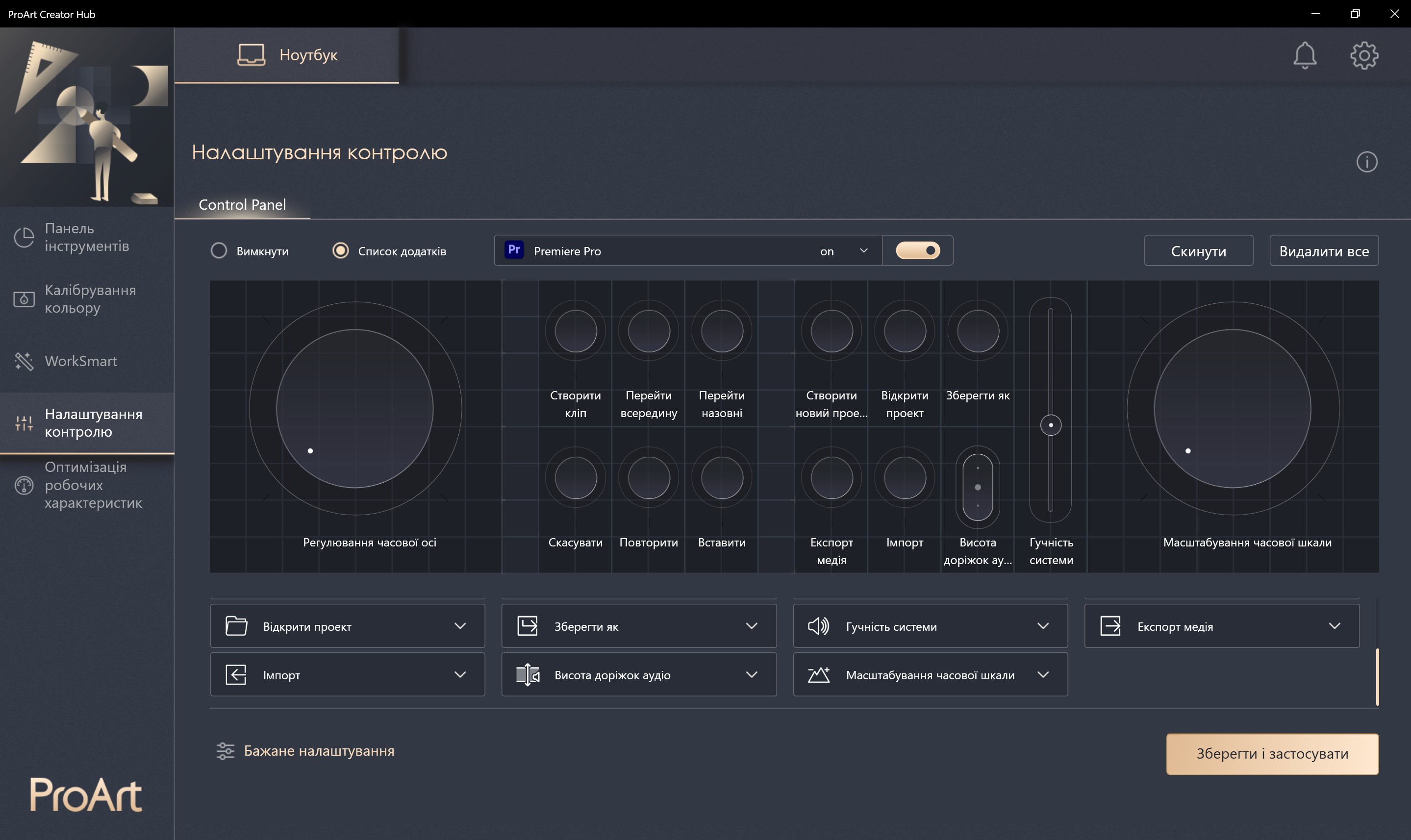
ScreenPad Plus has a lot of possible use cases, first of all, it is an additional display on which individual applications can be placed.For example, a music player, a messenger.And secondly, in the ProArt Creator Hub app, you can customize toolbars for all the latest Adobe apps.They can be customized according to your needs, the launch occurs automatically with the launch of applications.Unfortunately, so far only Adobe.There is hope that later there will appear, for example, DaVinci Resolve, Ableton and other applications that look logical on such a laptop.
</ img>
</ img>
</ img>
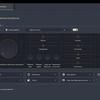
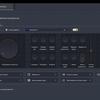
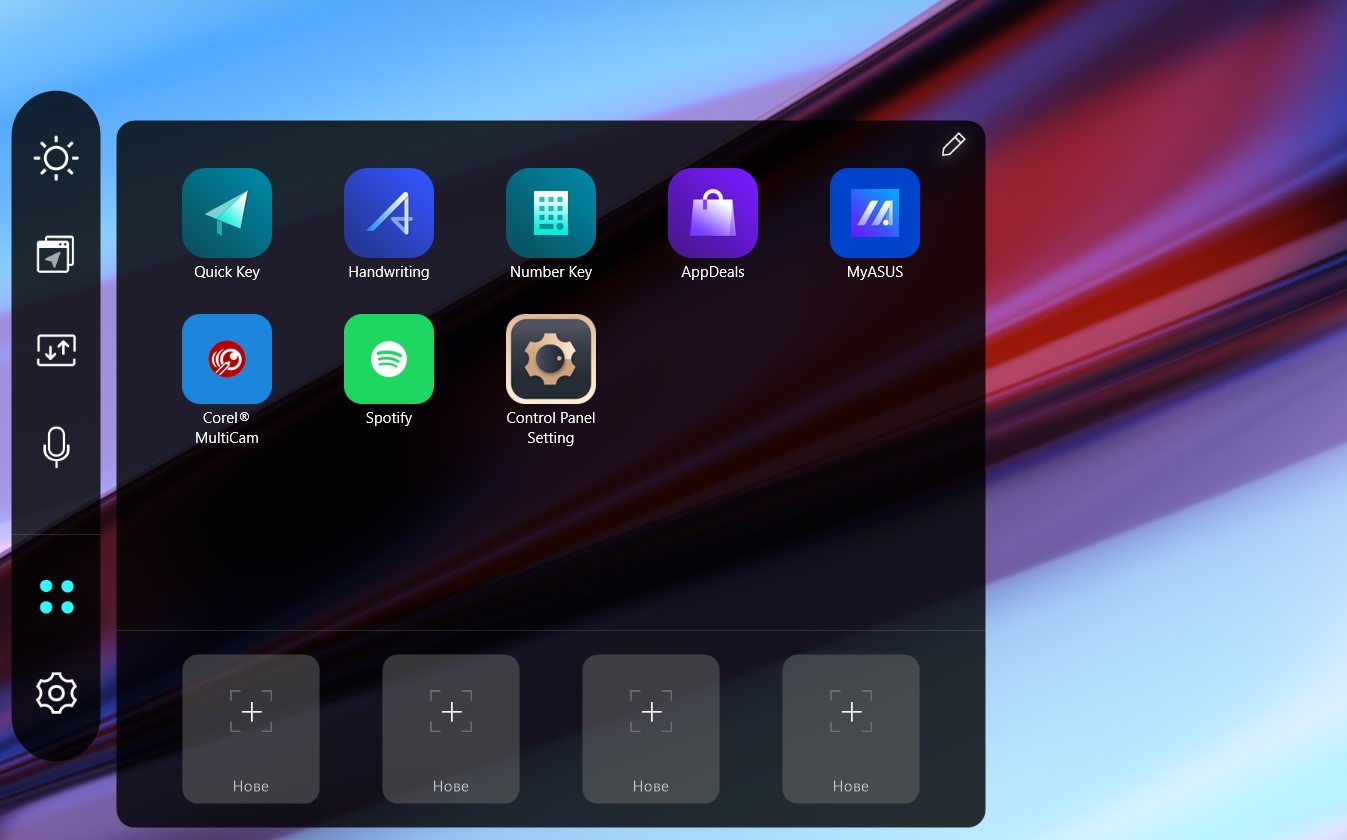
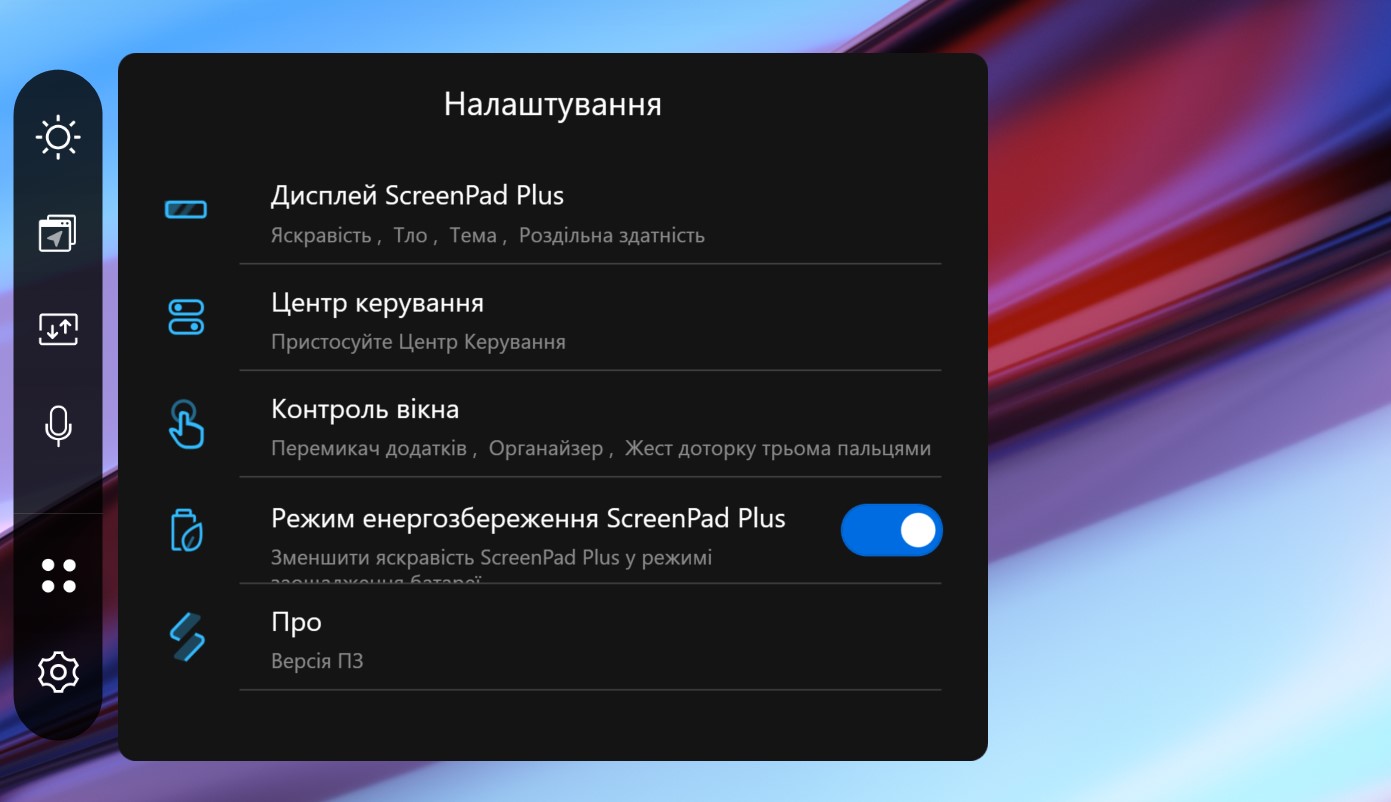
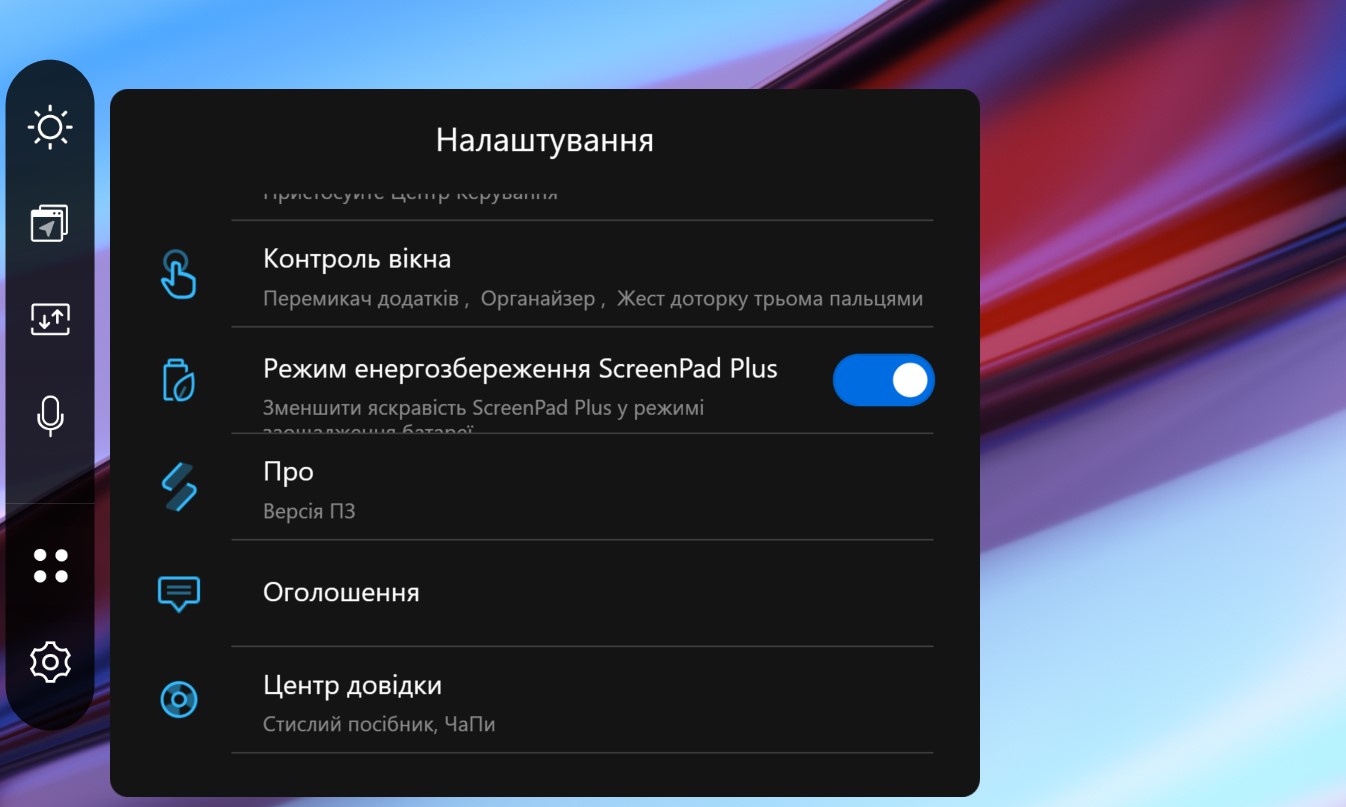
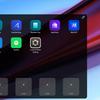
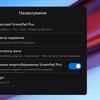
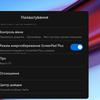
For ScreenPad Plus settings, there is a correspondingscreenexpert app. In it, you can adjust the brightness, background, energy-efficient mode of the additional screen. Quickly launch certain programs or groups of programs.
</ img>
</ img>
</ img>
</ img>
</ img>

How good are the screens?
</ img>
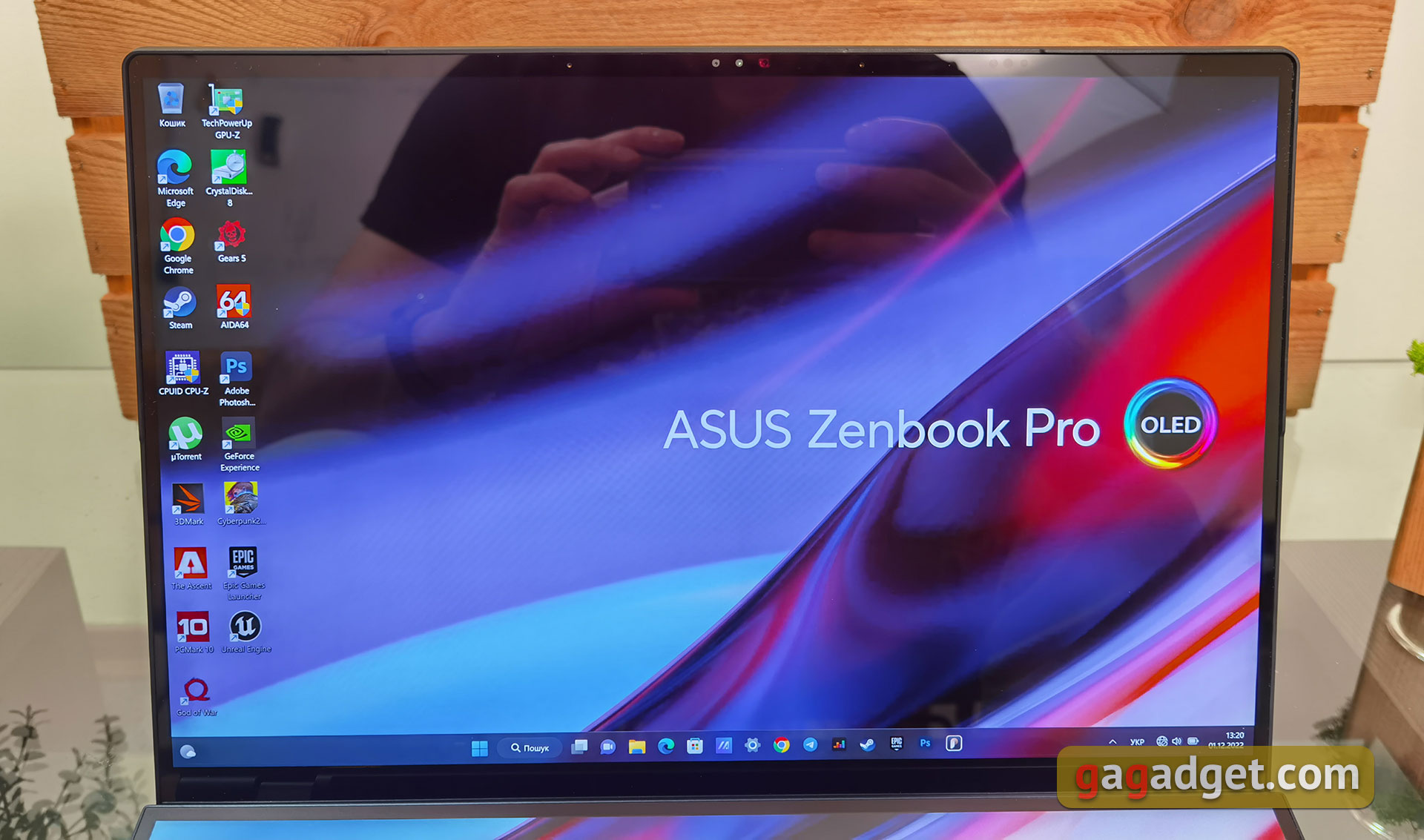
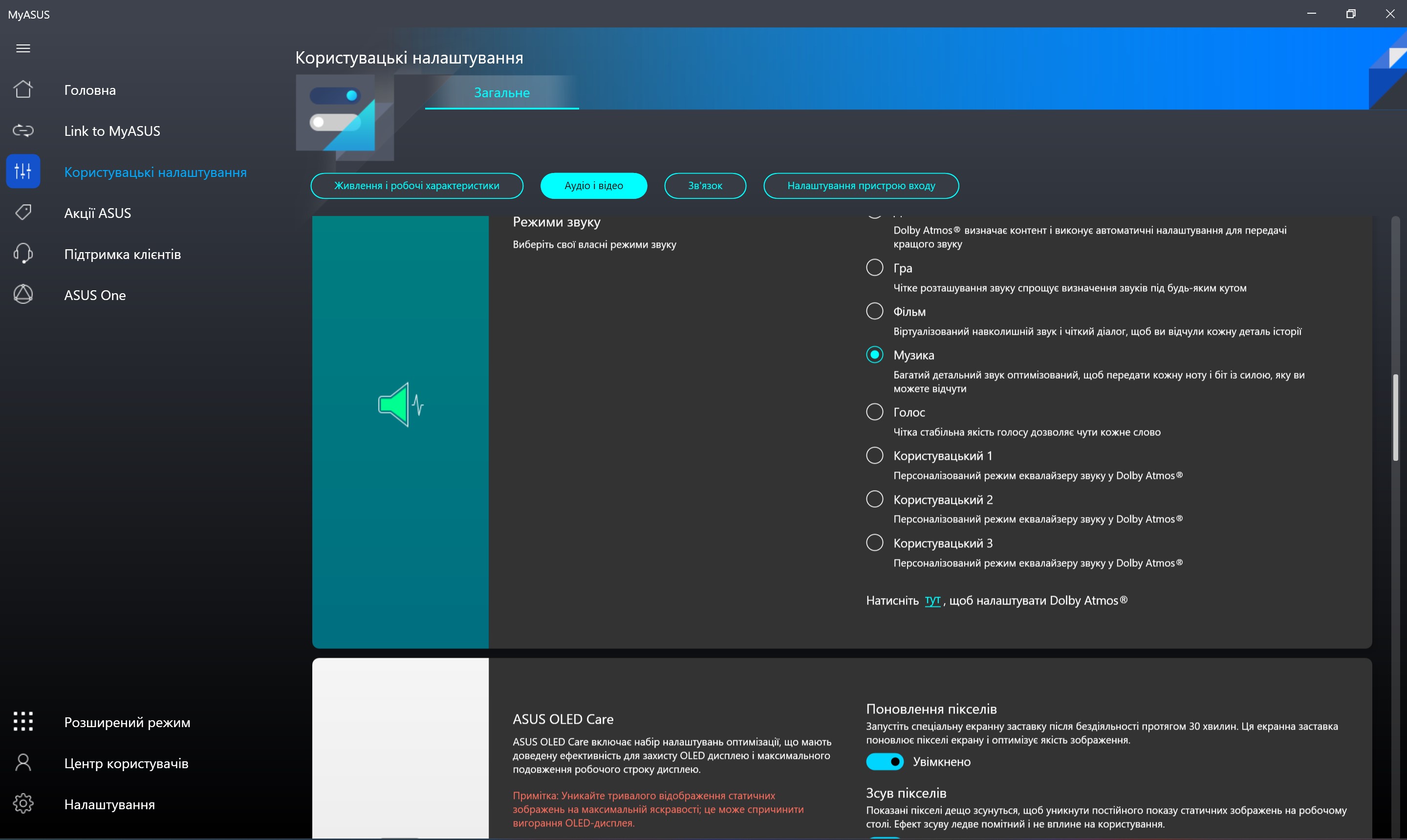
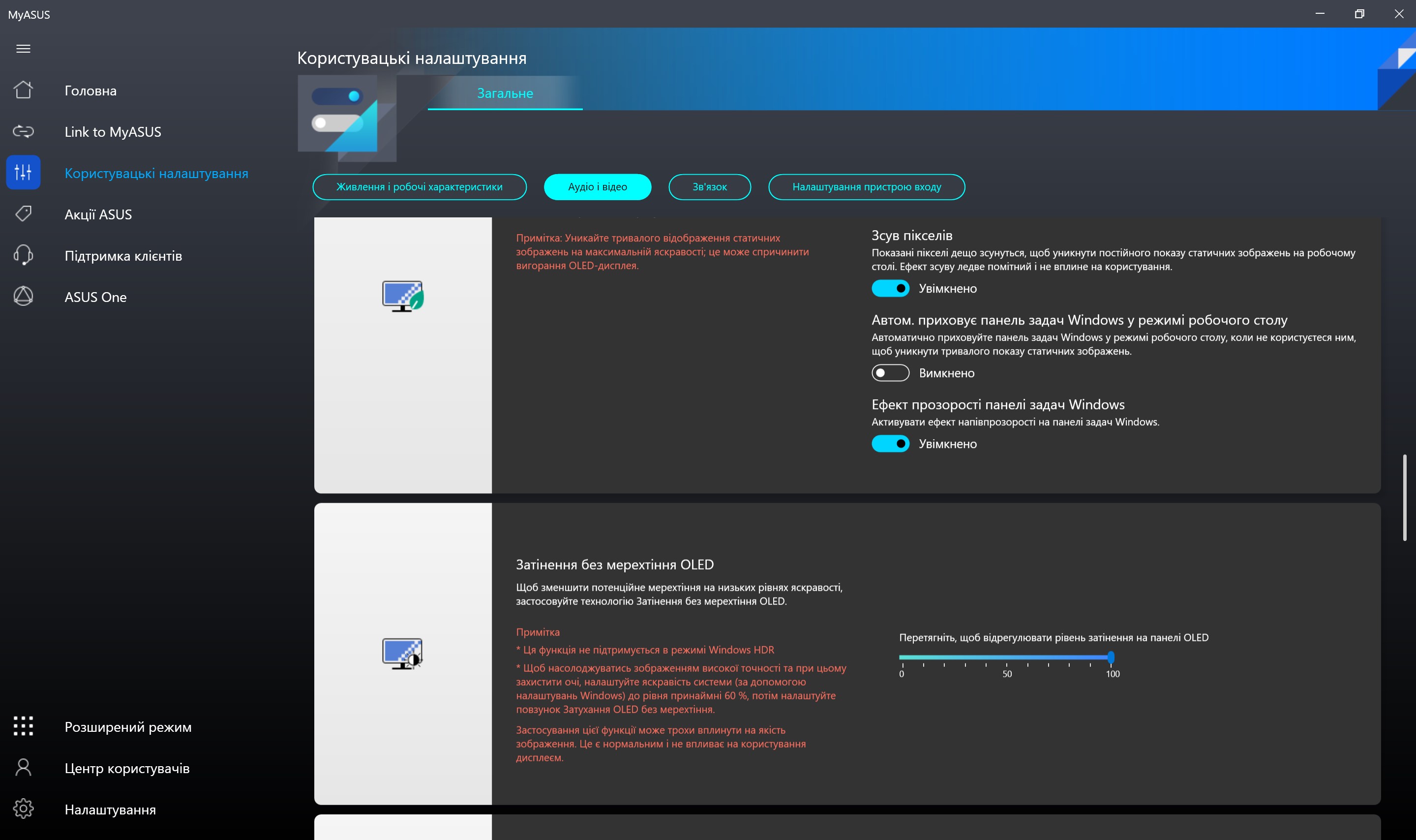
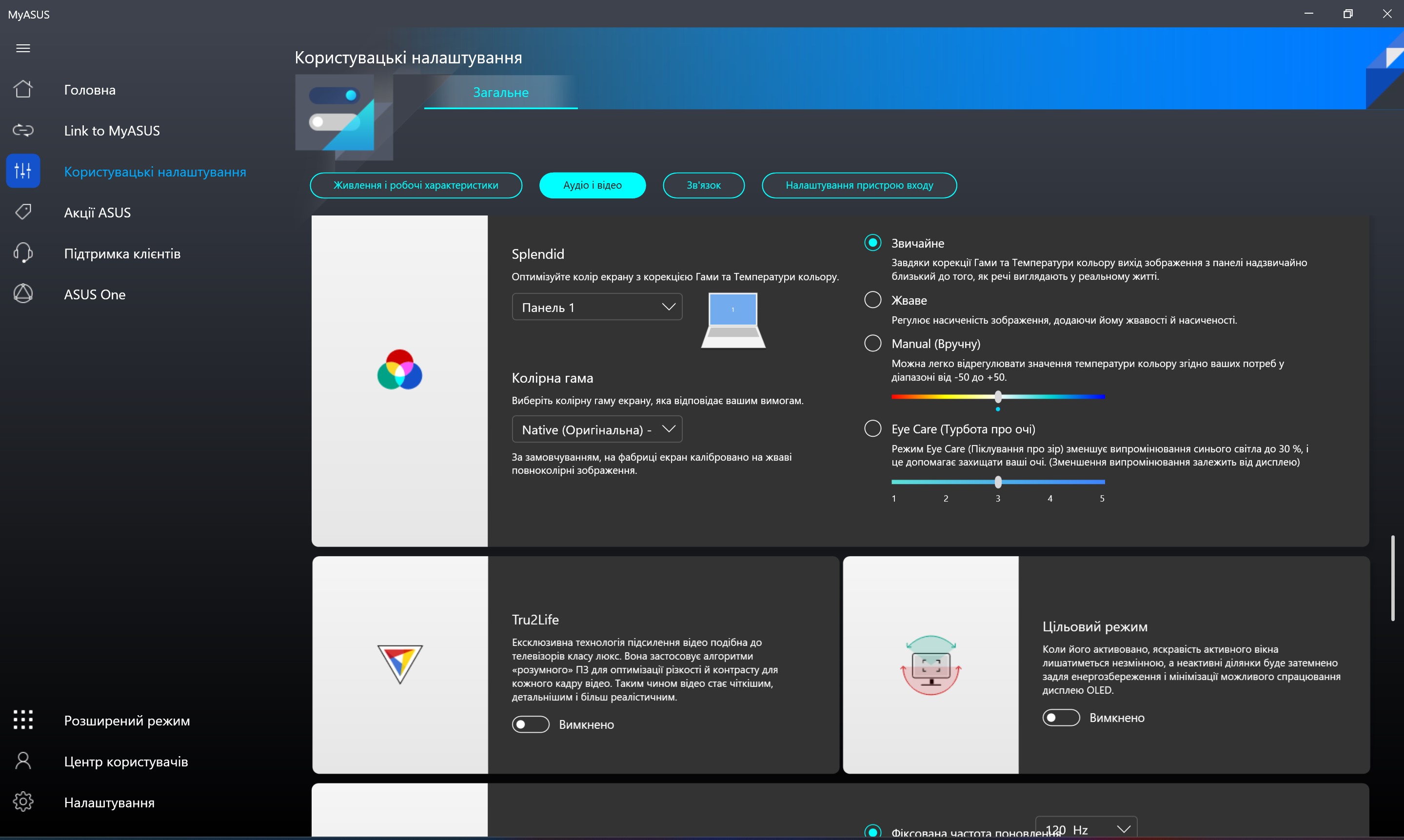
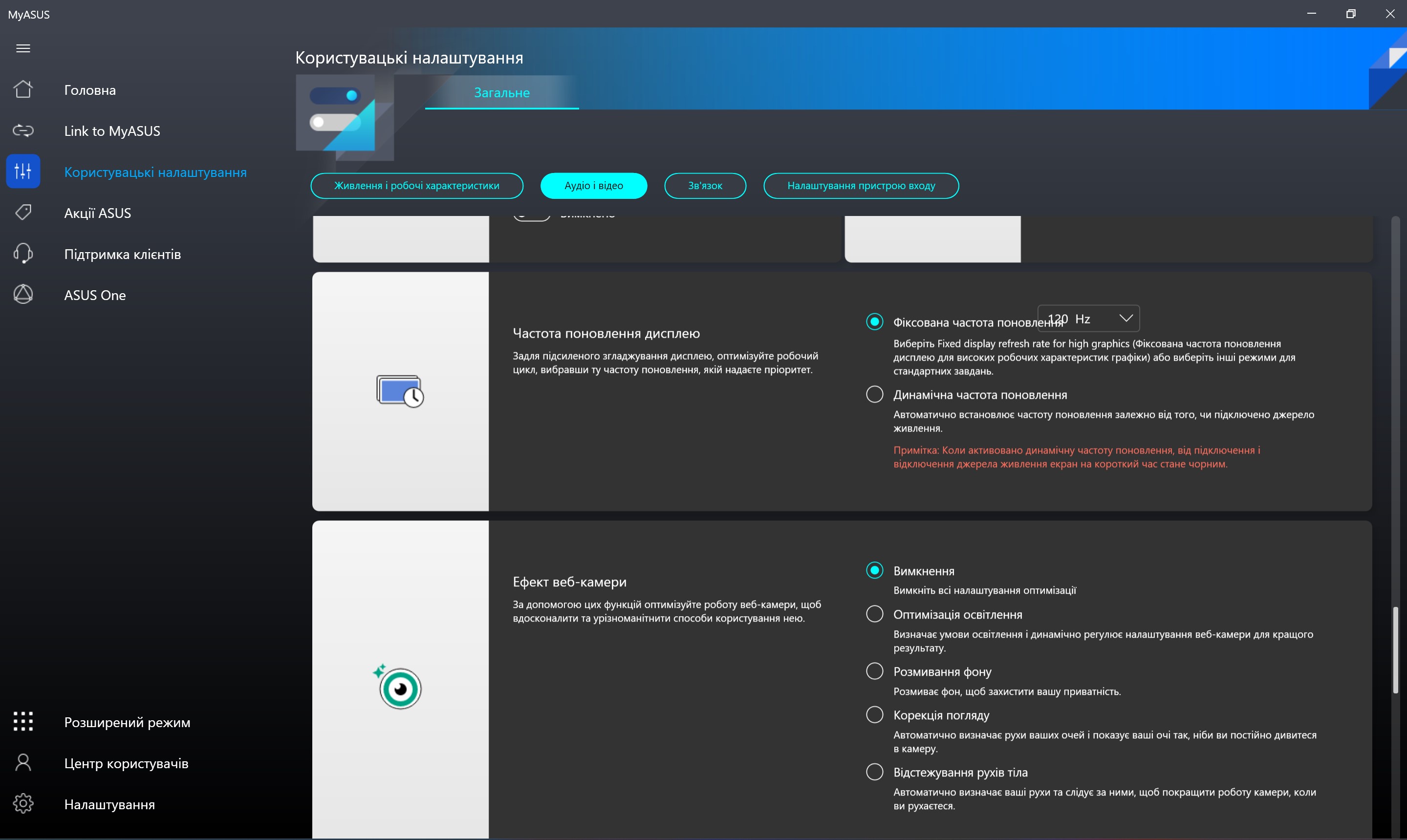
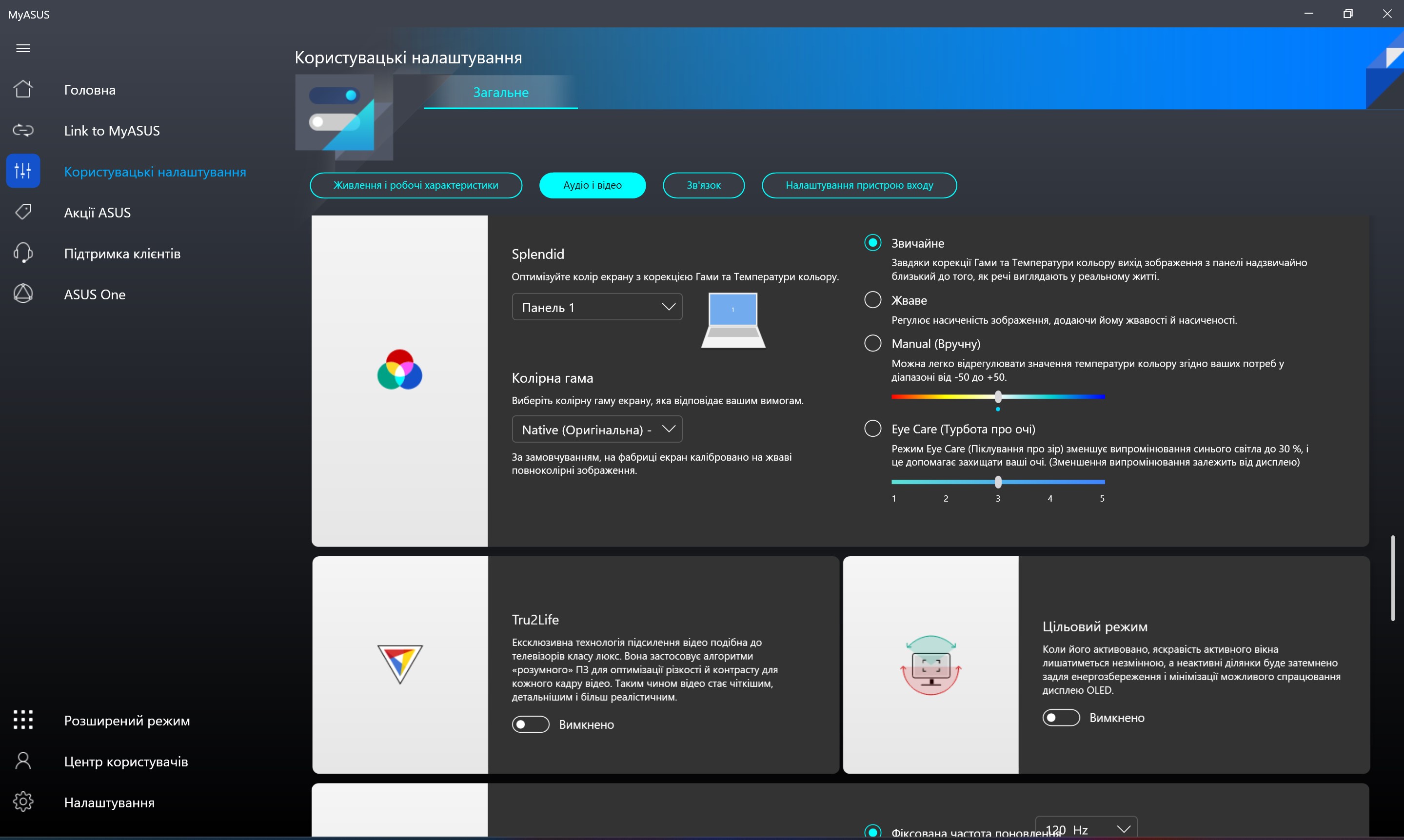
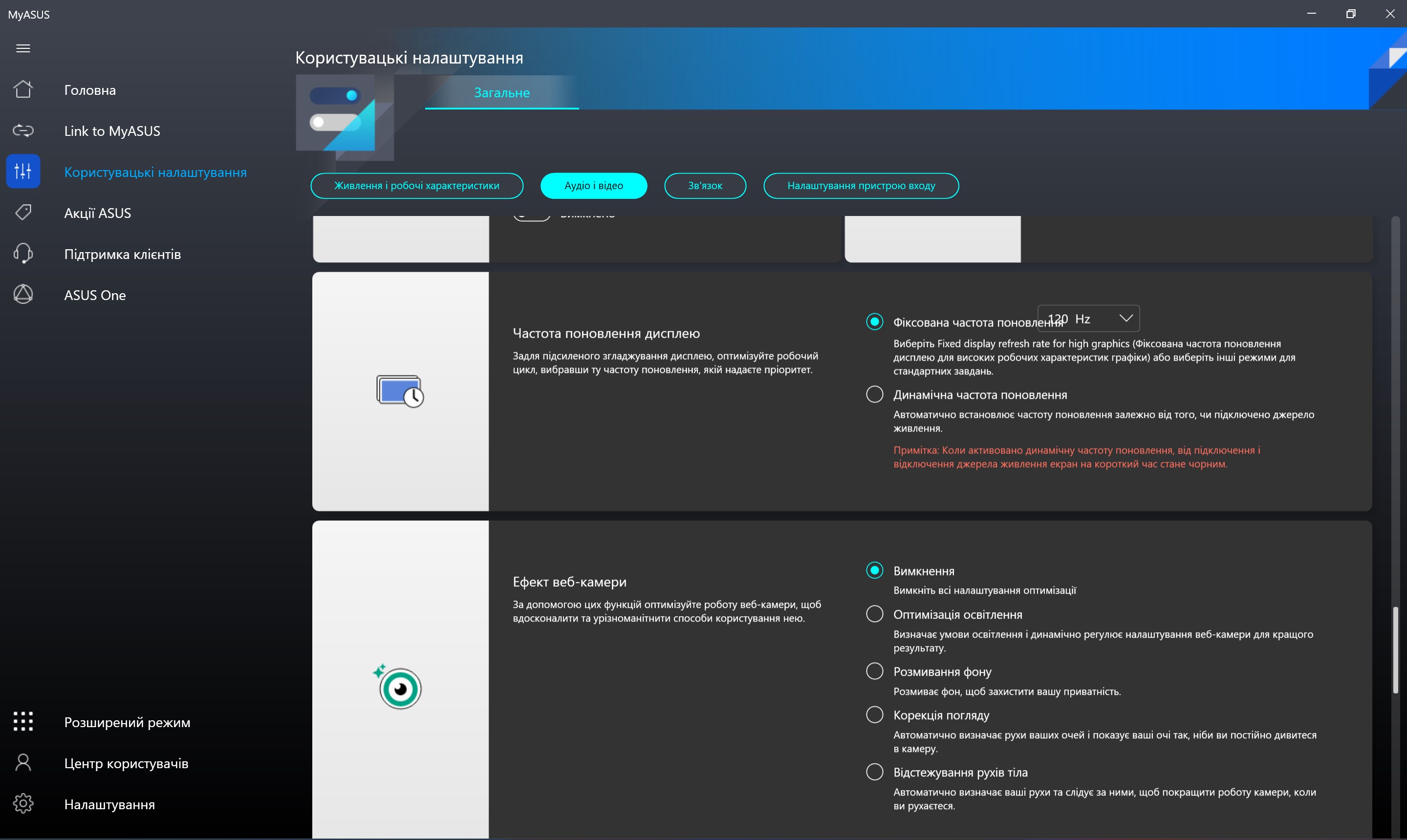
One of the advantages of ASUS ZenBook Pro 14 Duo OLEDis its main display. This is a 14.5-inch OLED touchscreen with a resolution of 2.8K (2880x1800), aspect ratio 16:10, response time 0.2 ms, refresh rate 120 Hz. They promise 100% DCI-P3 color gamut, PANTONE Validated certification, and maximum brightness in HDR mode is 550 cd/m2. In our case, we use a Samsung ATNA45AF01-0 matrix, which claims a maximum of 360 cd/m2. The settings have a whole range of useful functions for the display. Splendid display modes, color temperature adjustment, a set of tools to maximize OLED panel life, DC Dimming and refresh rate selection.
</ img>
</ img>
</ img>
</ img>
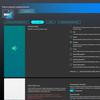
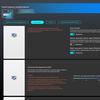
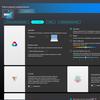
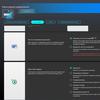
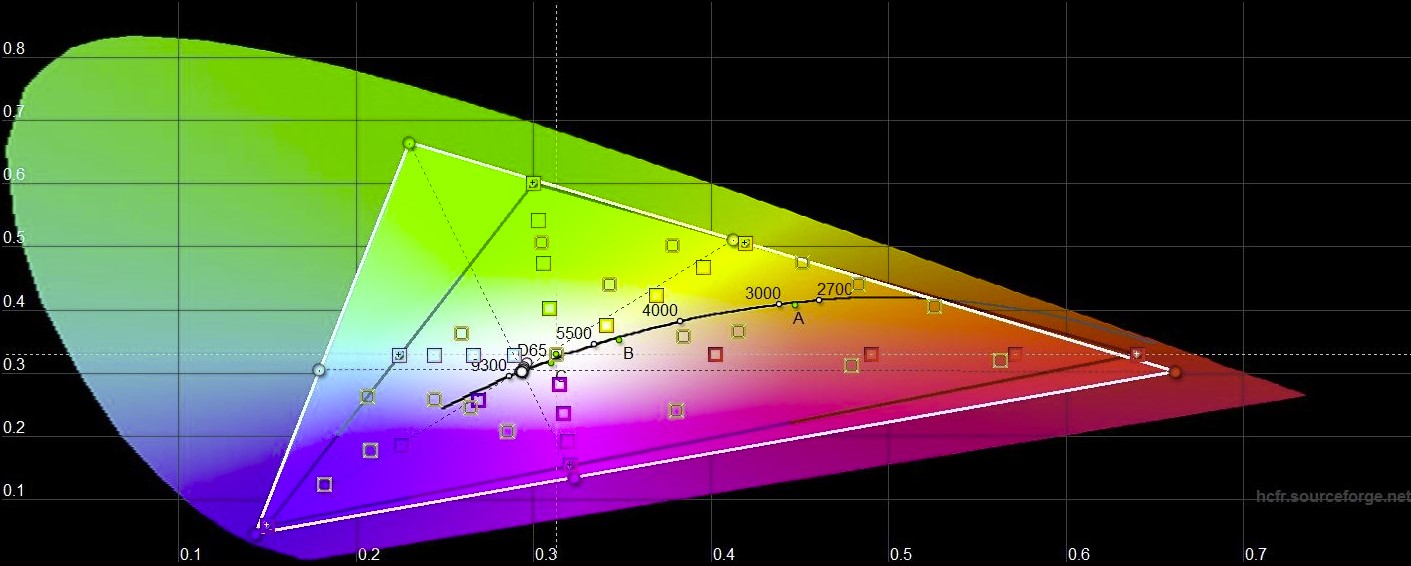
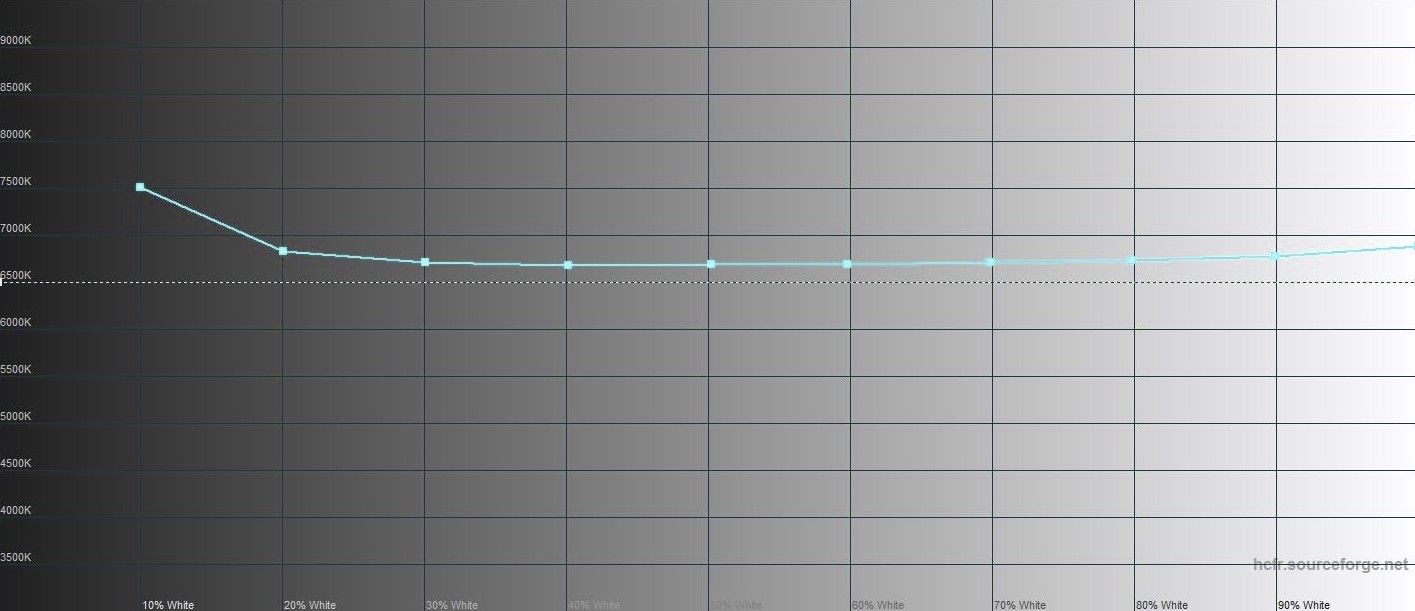
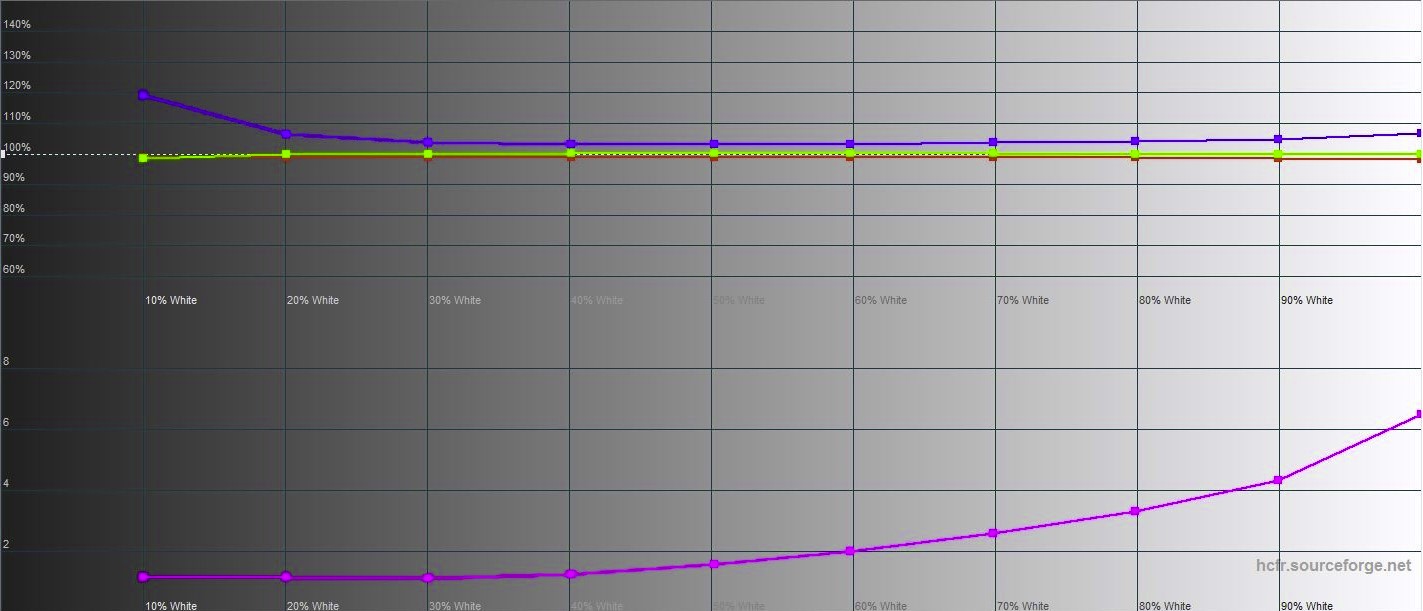
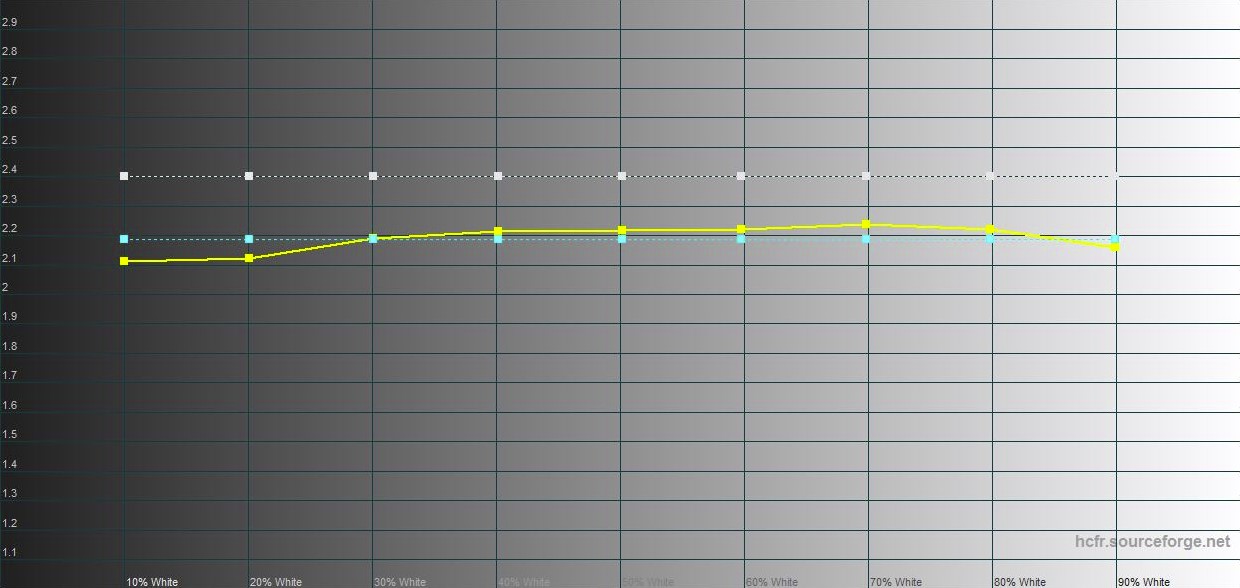
Visually, the main screen has excellentImage quality: very deep blacks, rich colors, maximum viewing angles and a fairly smooth picture in dynamic scenes. The maximum brightness was 346.99 cd/m2 (which is close to the declared value). The color space coverage is much wider than sRGB, and the color rendition is very close to the reference values:
</ img>
</ img>
</ img>
</ img>
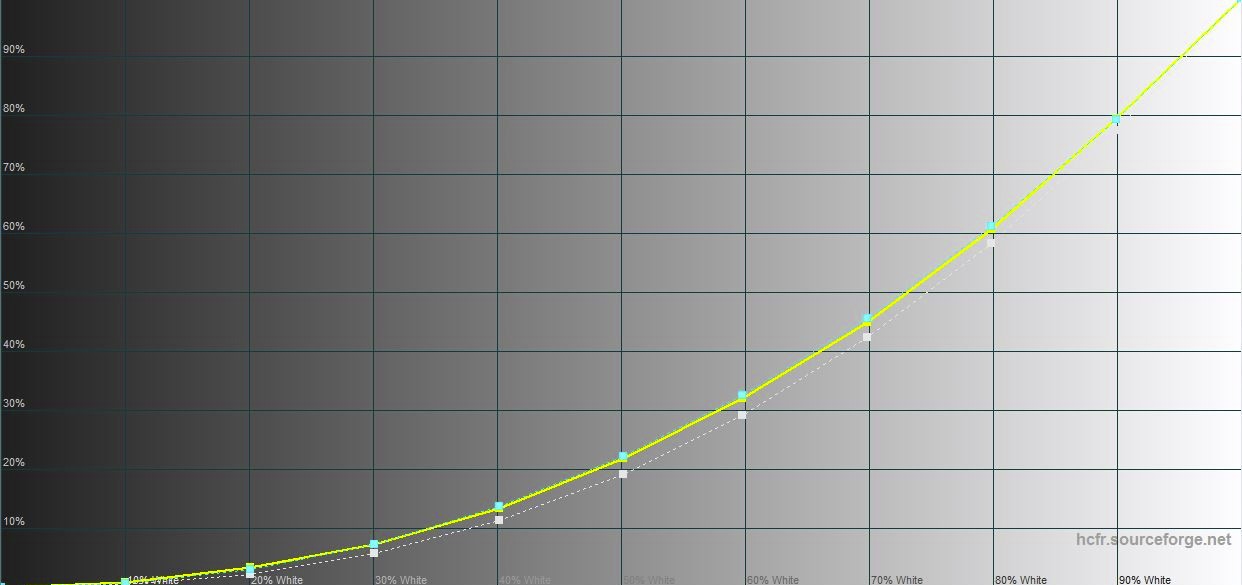
</ img>




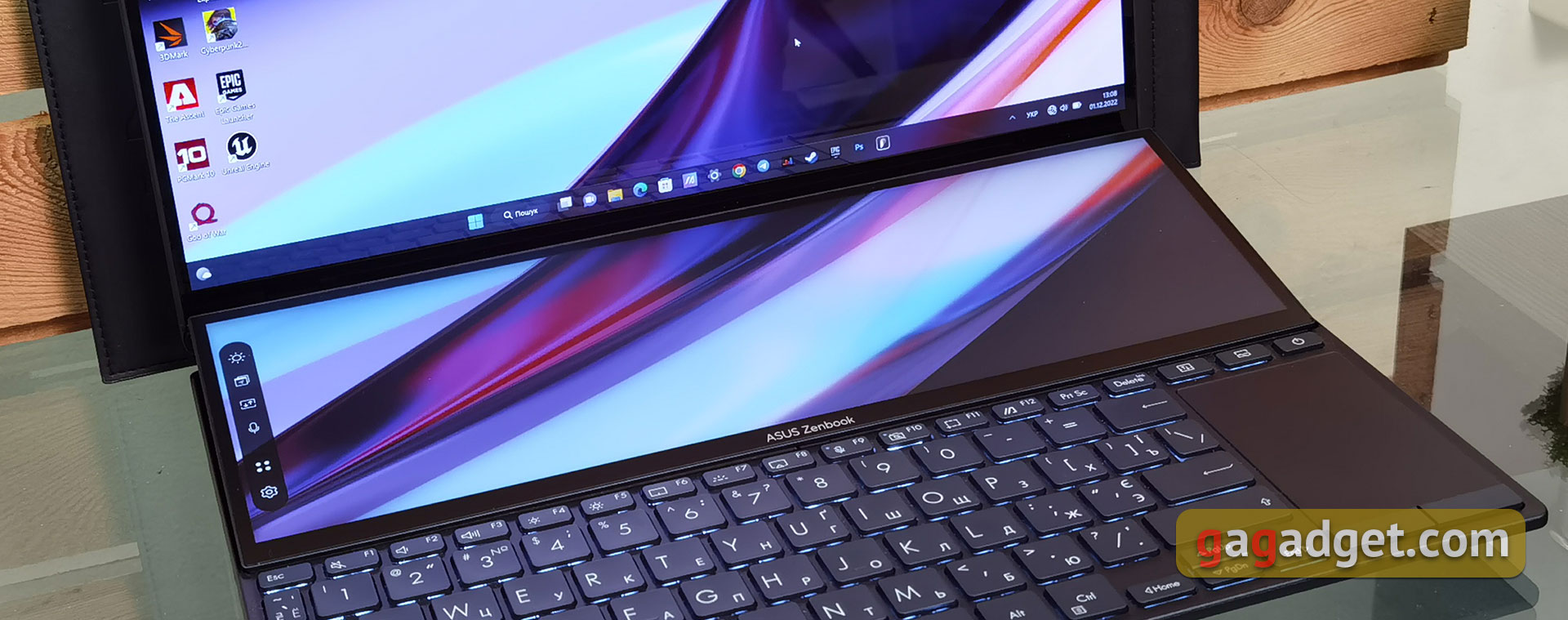
The secondary display uses 12.7-inch IPS-matrix with a resolution of 2880x864 pixels and an aspect ratio of 32:10. It is also touch sensitive and supports a 120Hz refresh rate. But visually, of course, it differs from the main one. It has a matte finish, and perhaps because of this, a crystalline effect is visible at some angles. But in general, there are no questions about its quality: very wide viewing angles, a large supply of brightness, pleasant color reproduction.
</ img>
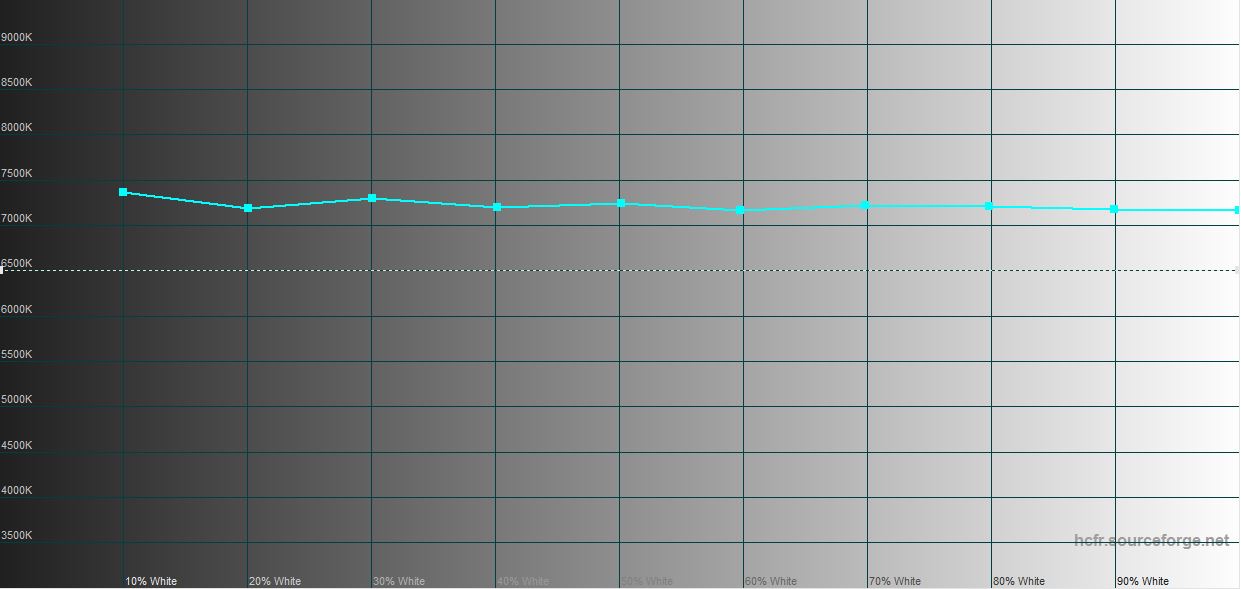
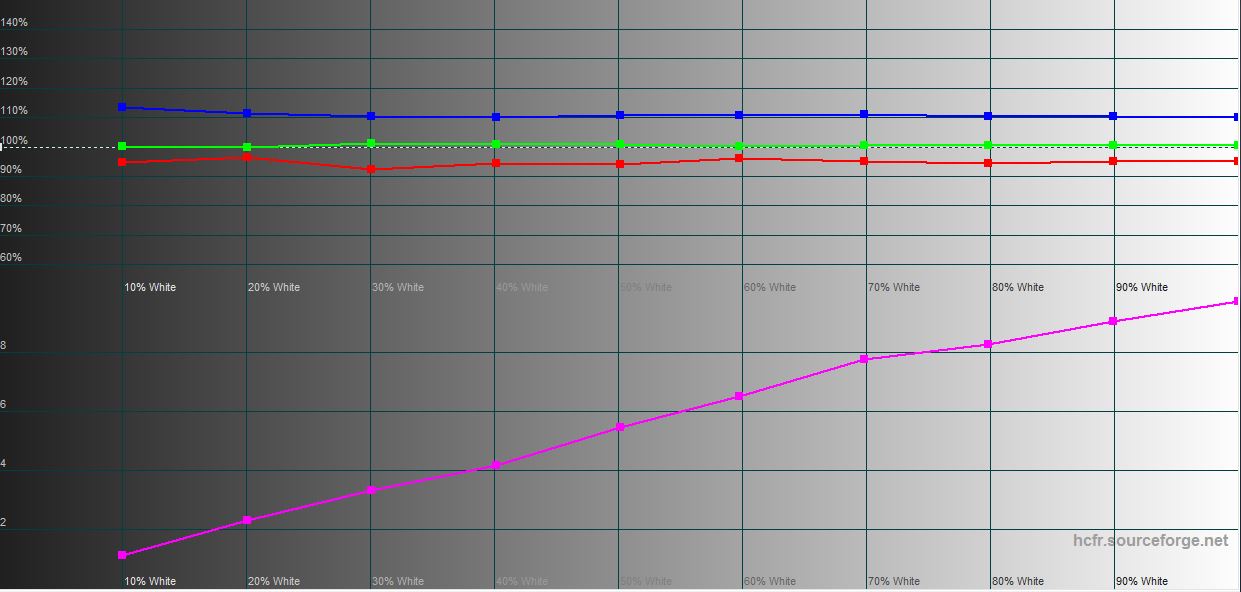
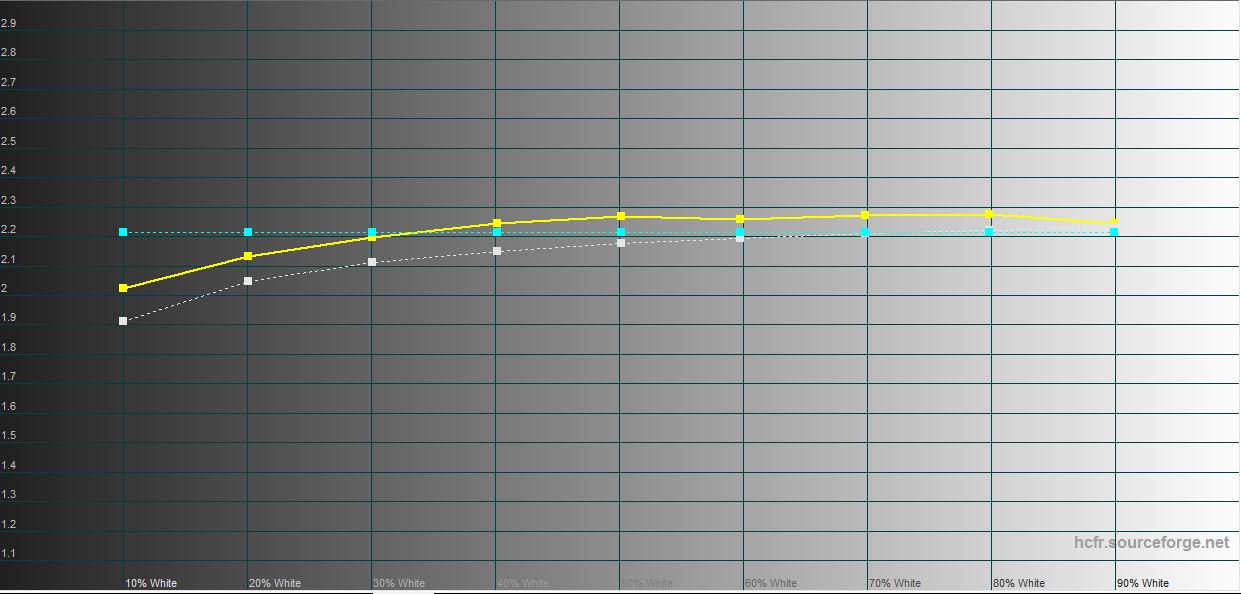
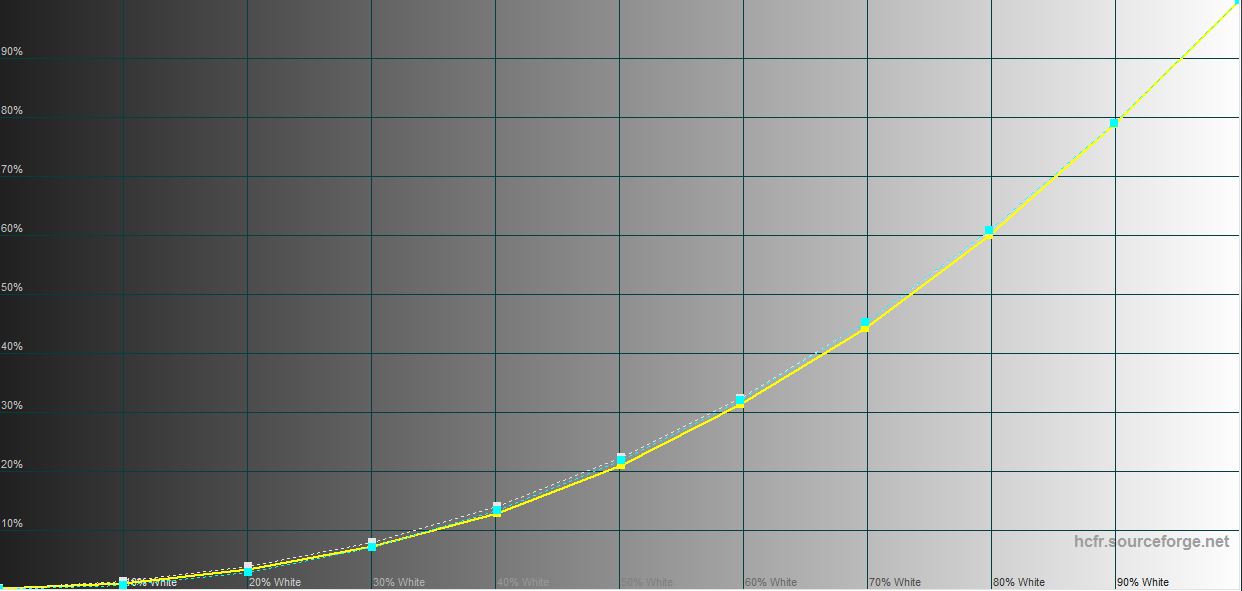
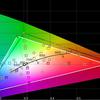
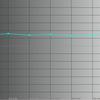
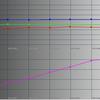
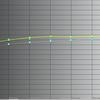
The maximum brightness is 525.399 cd/m2, black field brightness – 0.594 cd/m2, and static contrast – 885:1. The color space coverage is close to sRGB, the color display is also very good:
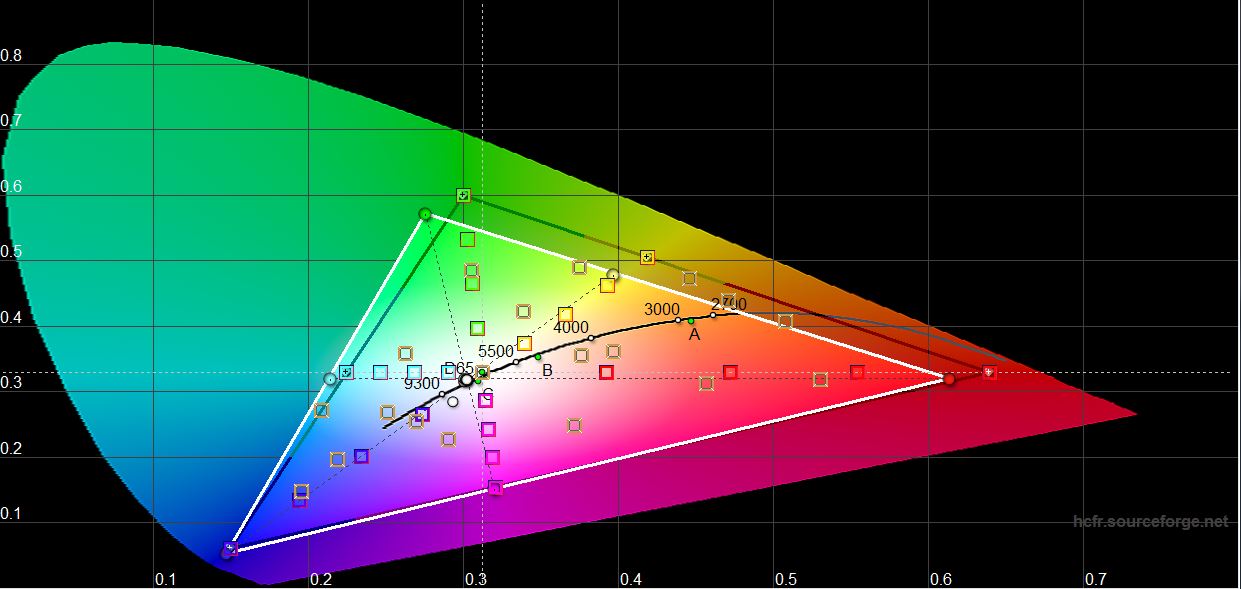
</ img>
</ img>
</ img>
</ img>
</ img>

What about performance and autonomy?
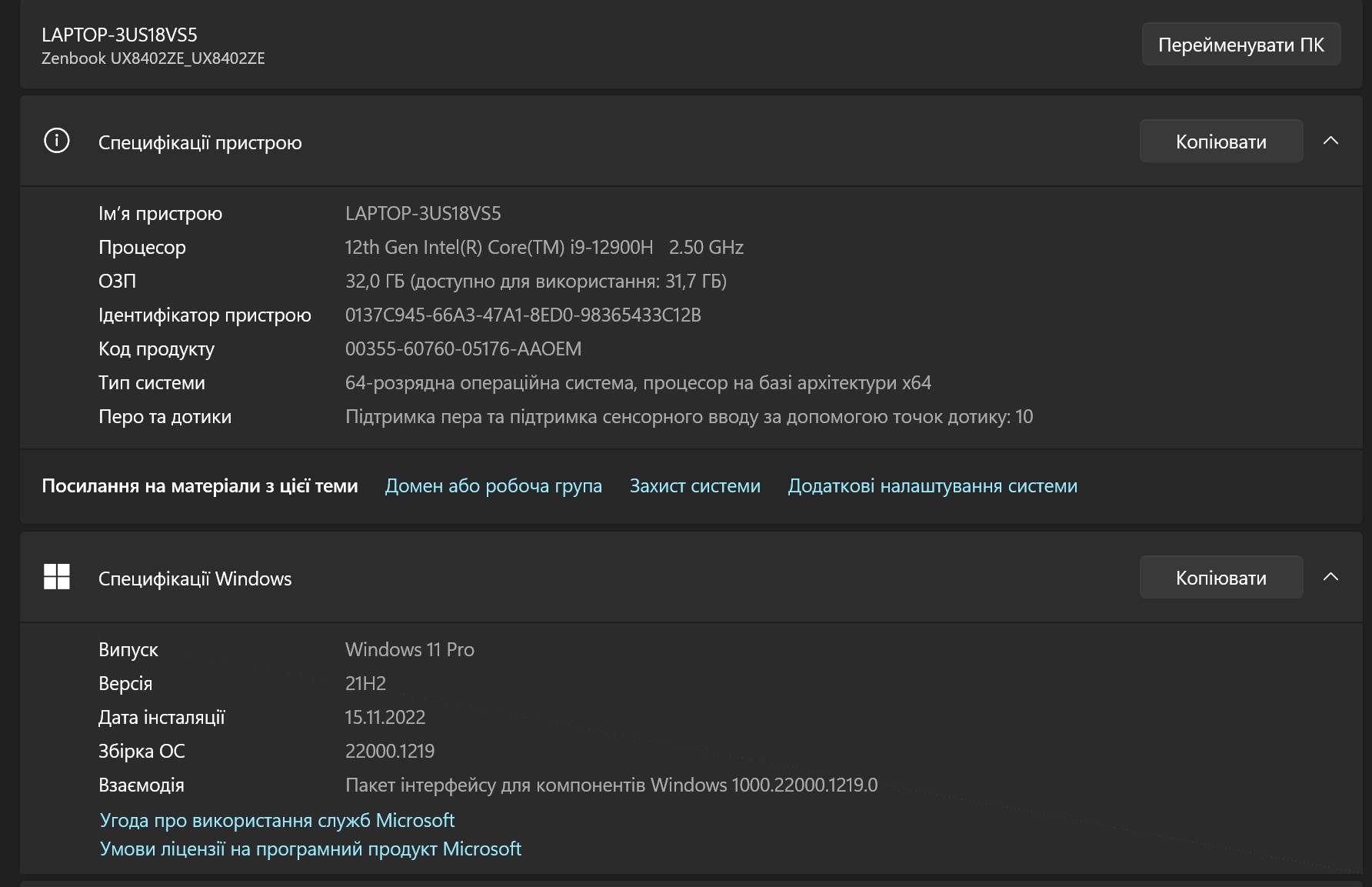
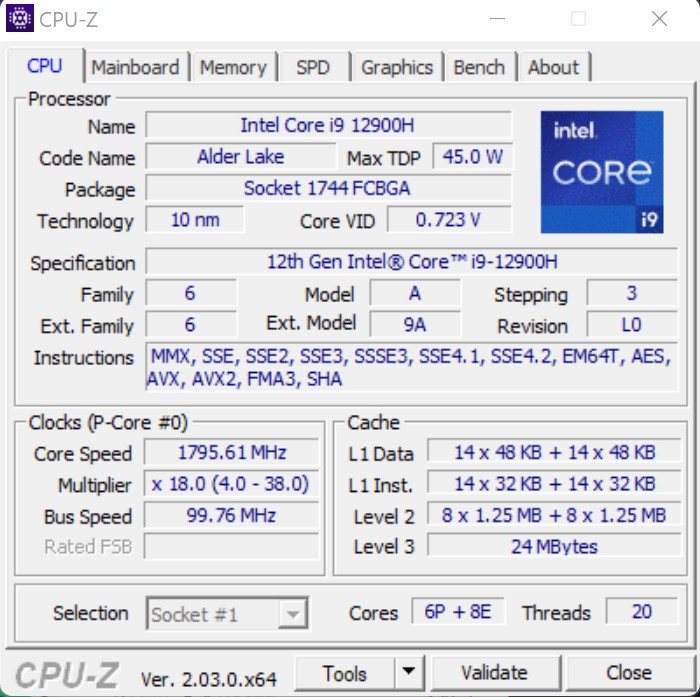
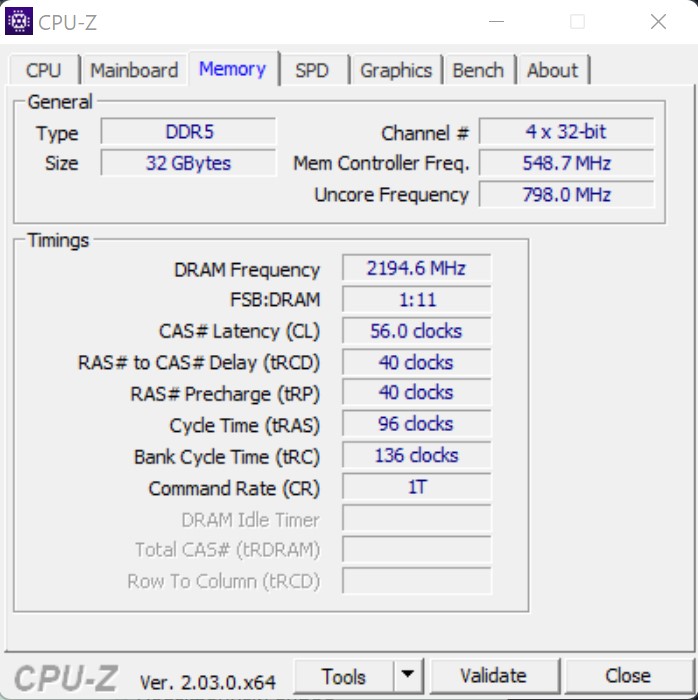
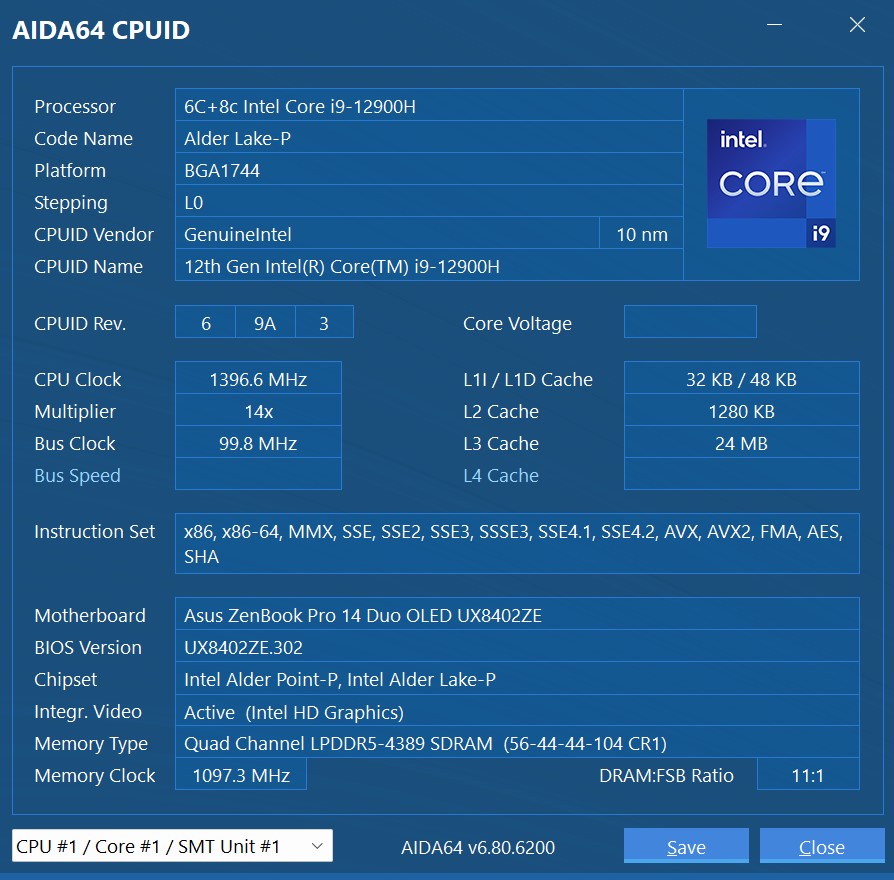
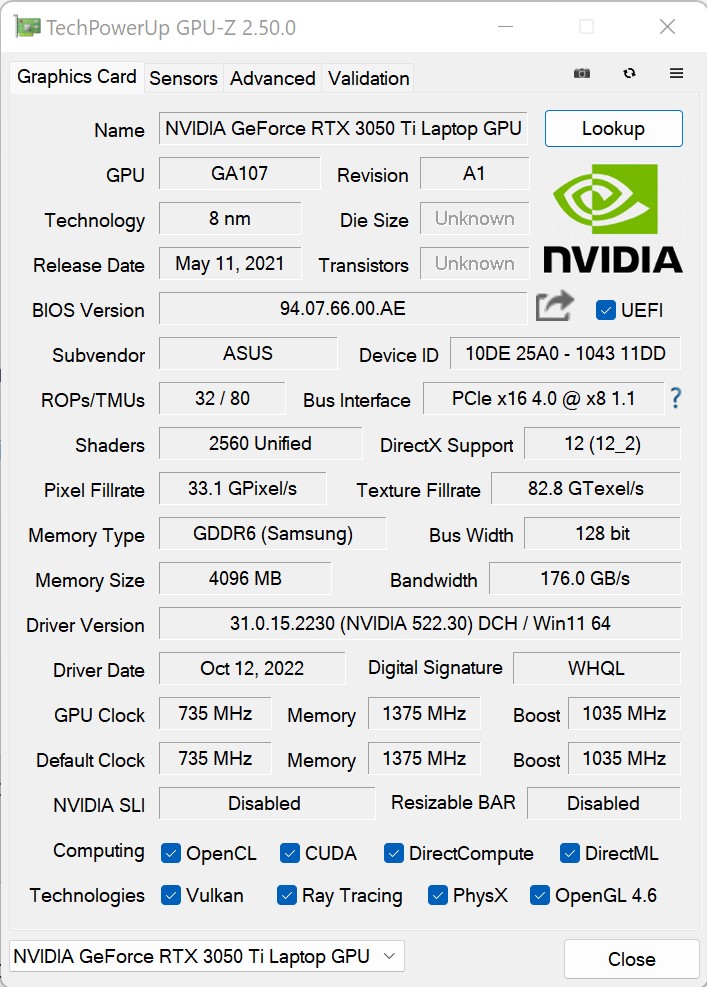
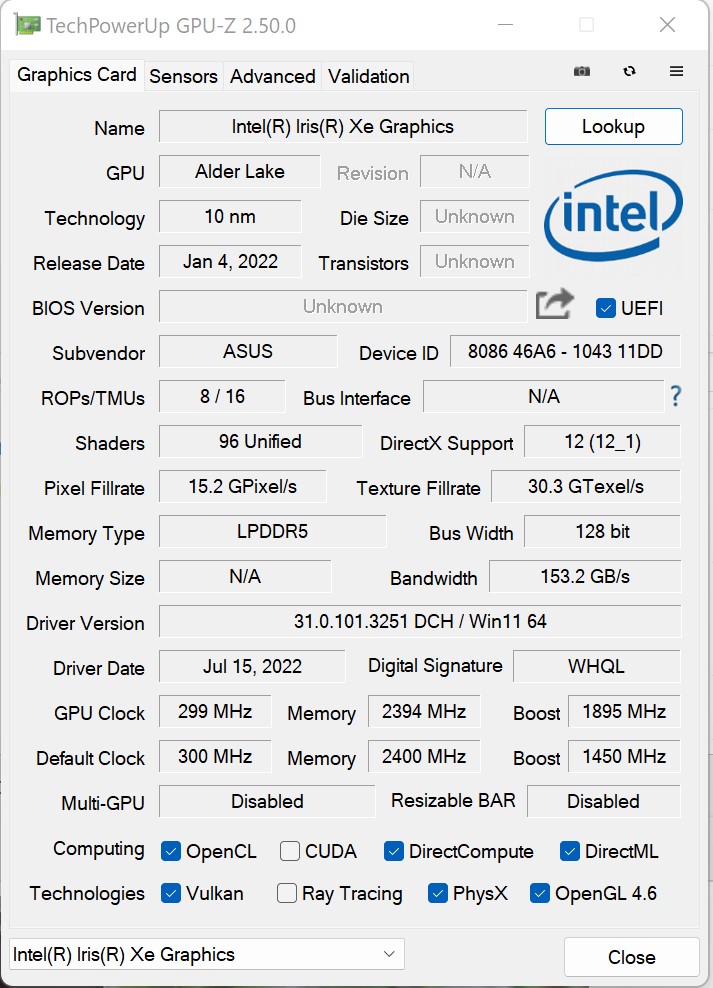
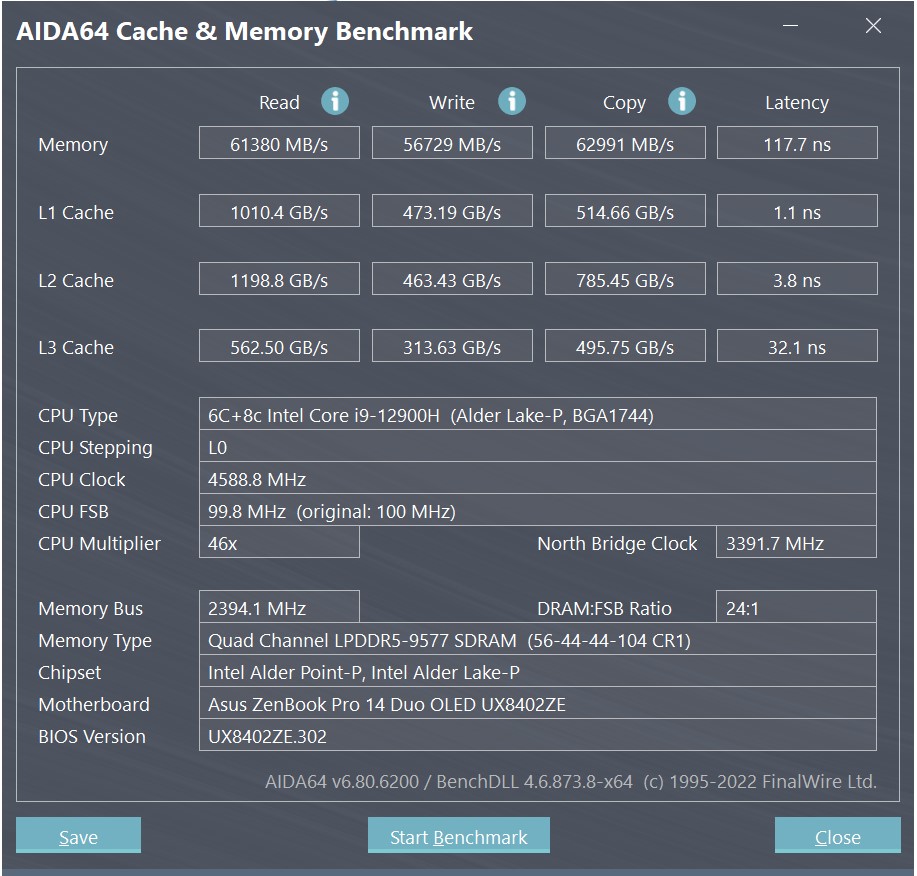
ASUS ZenBook Pro 14 Duo OLED available withCore i7 and i9 Intel 12th generation Alder Lake-P processors. Our configuration has an Intel Core i9-12900H installed. It is produced using a 10nm process technology, has 6 productive cores and 8 energy-efficient ones. Powerful cores support Hyper Threading, allowing the processor to process up to 20 threads simultaneously. Frequency of productive cores – from 2.5 to 5 GHz and 1.8 – 3.8 GHz for energy efficient ones. L3 cache – 24 MB. Intel Iris Xe with 96 computing units and a frequency of up to 1.45 GHz is used as integrated graphics. And as a discrete video accelerator, NVIDIA GeForce RTX 3050 Ti Laptop is used with an overclocking frequency of up to 1035 MHz with 4 GB of GDDR6 video memory. The total TDP level of the processor and video card can reach 85 W. RAM – 32 GB LPDDR5, operates in dual-channel mode. It is soldered onto the board; it will not be possible to increase the volume. Wireless interfaces: Bluetooth 5.2 and fast Wi-Fi 6E (802.11ax) (Dual band) 2x2.
</ img>
</ img>
</ img>
</ img>
</ img>
</ img>
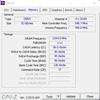
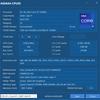

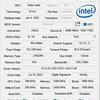
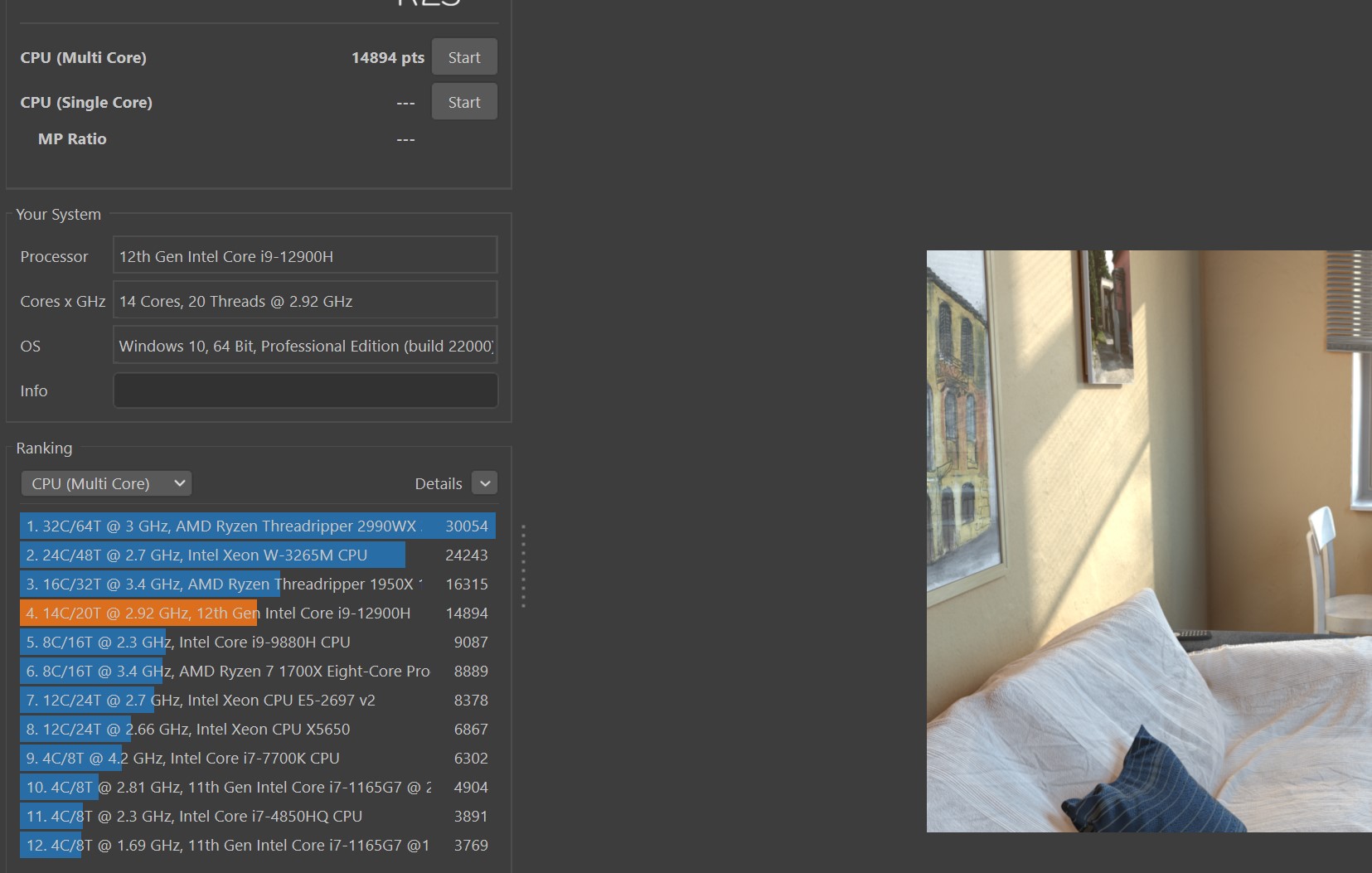
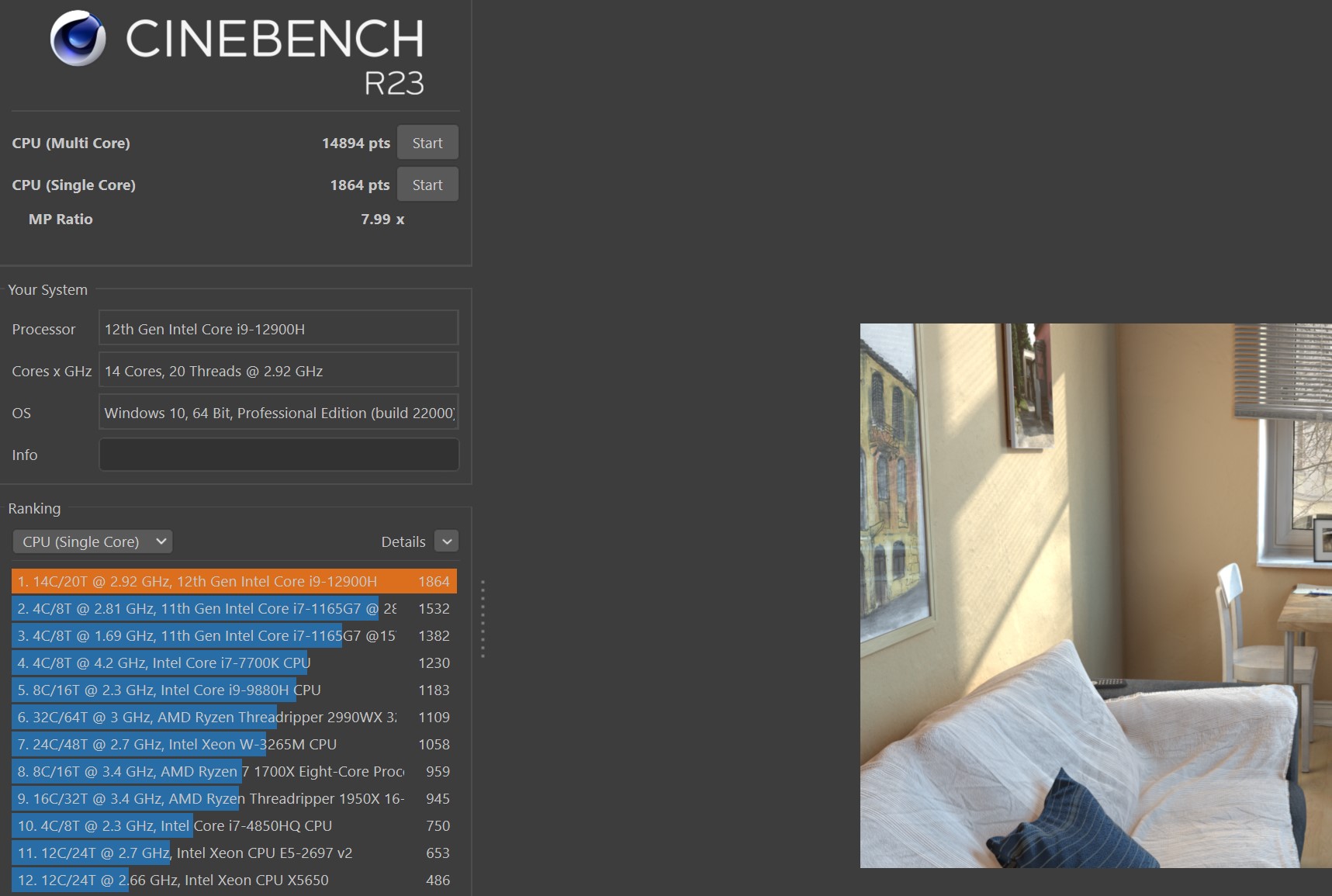
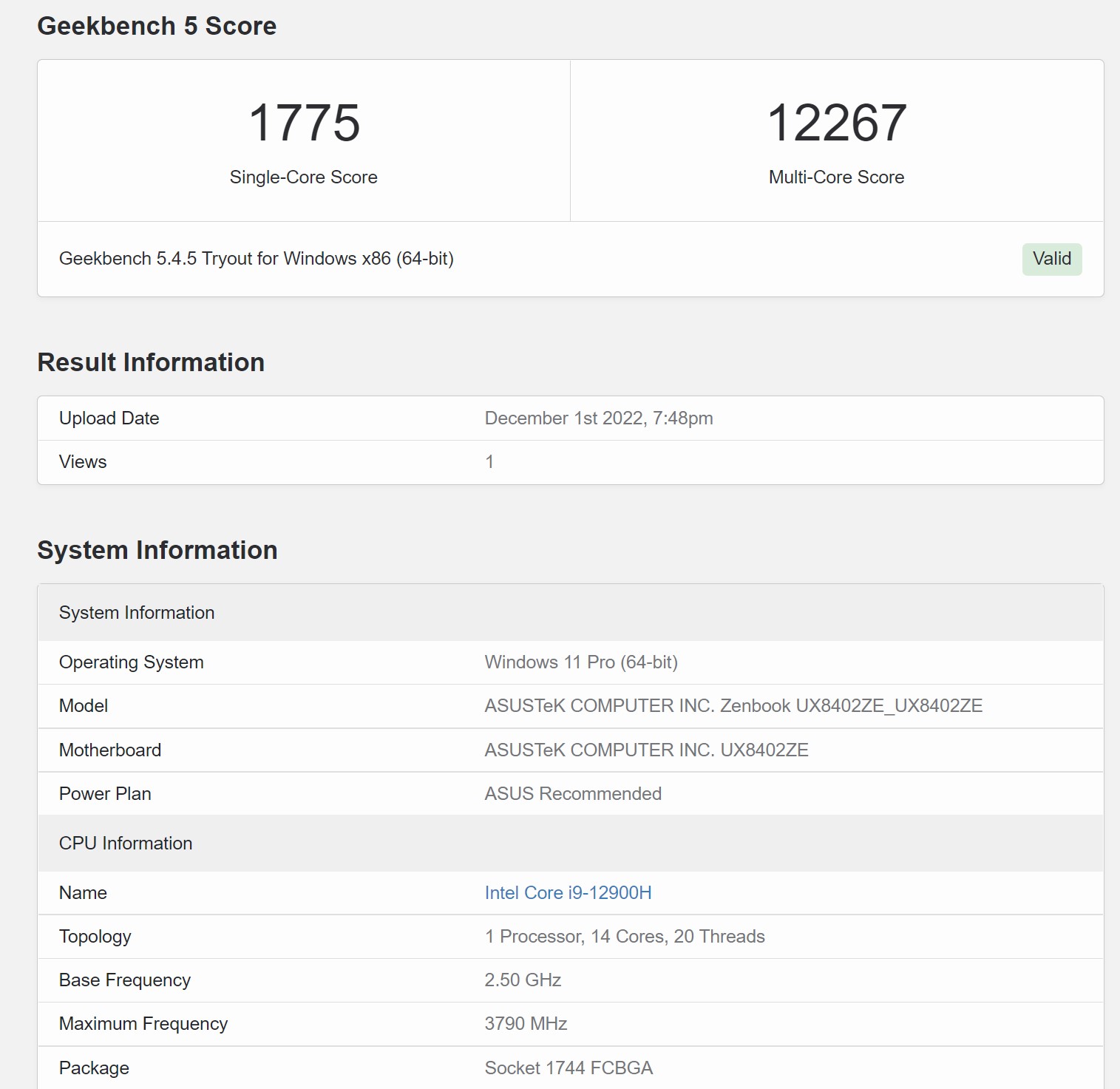
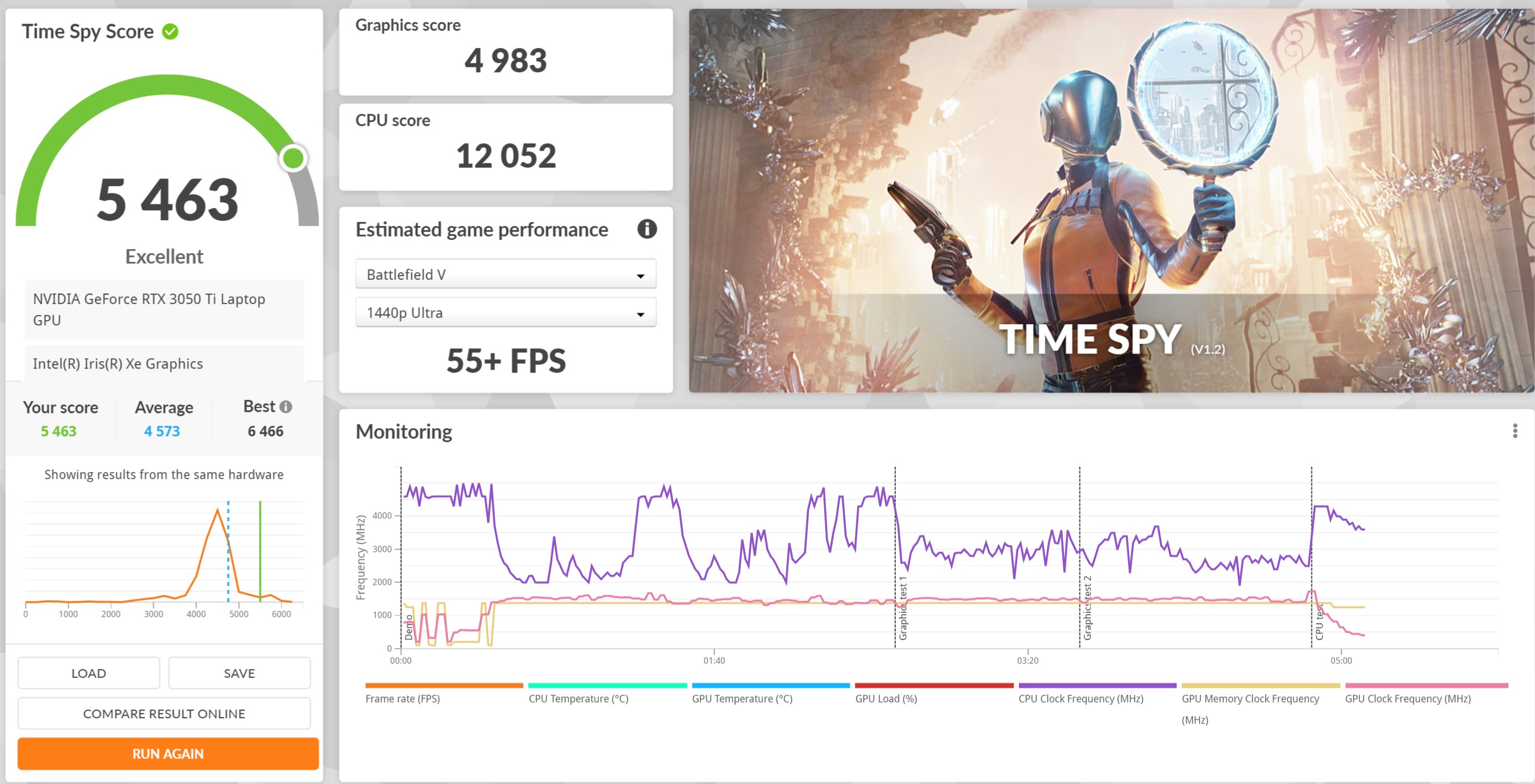
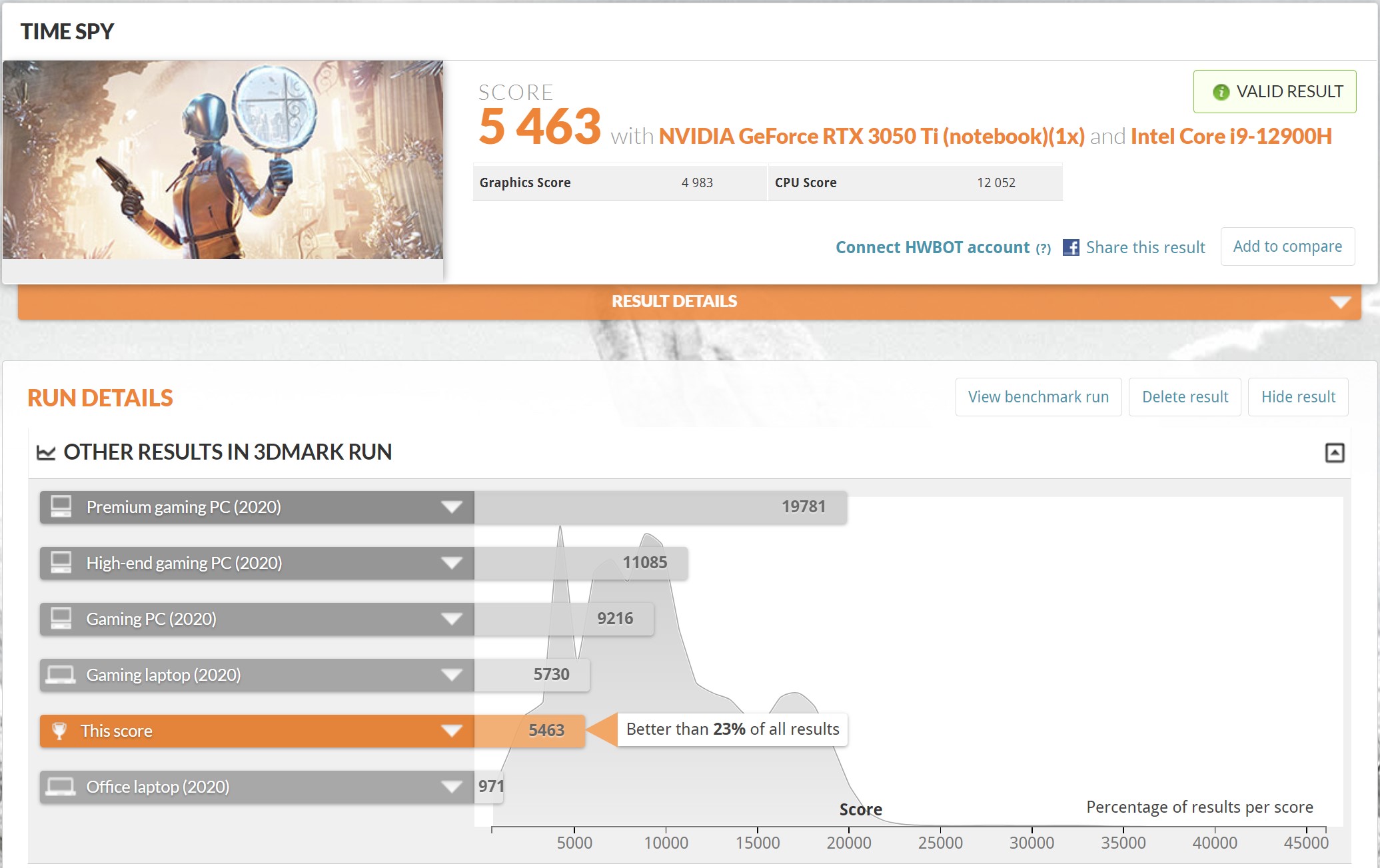
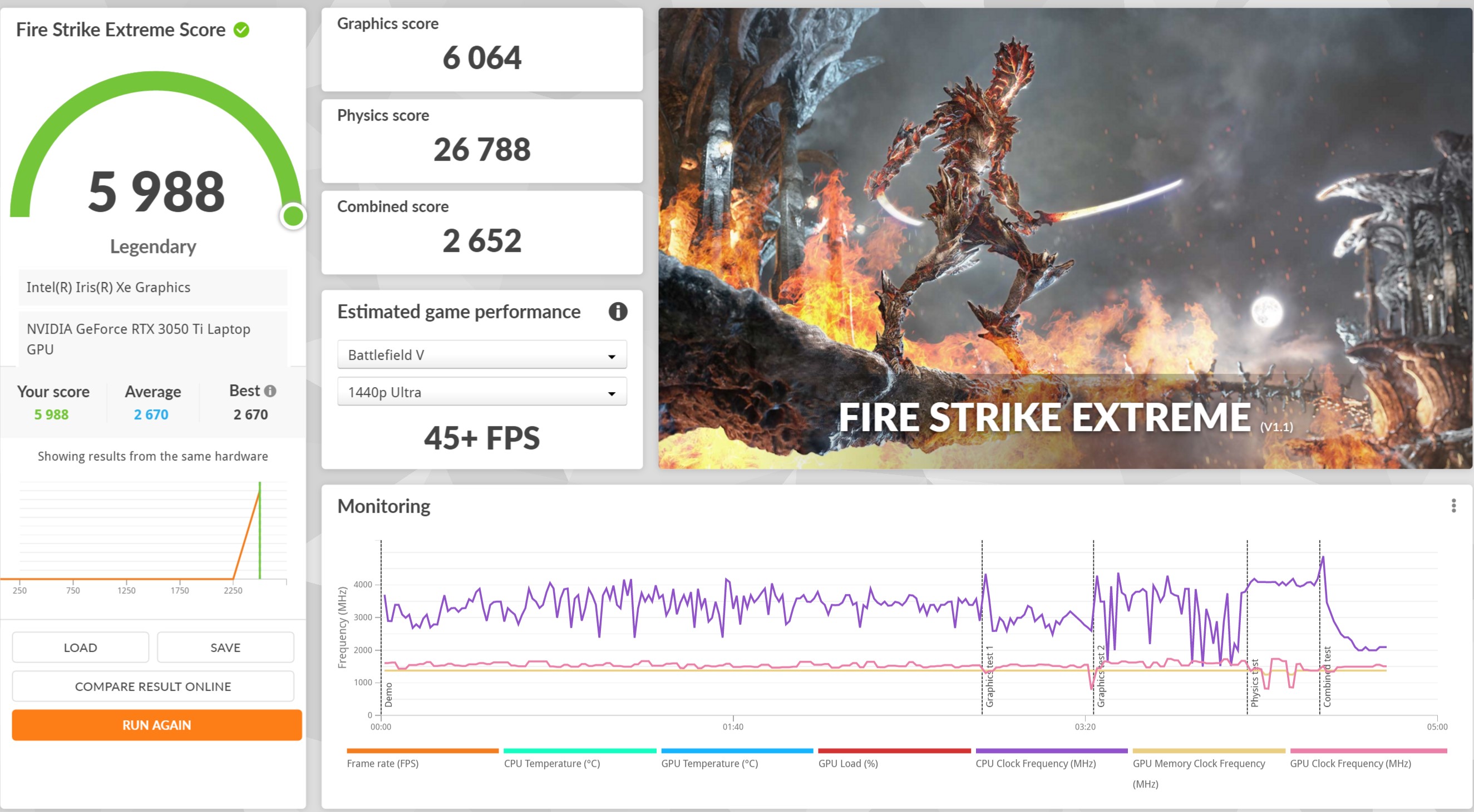
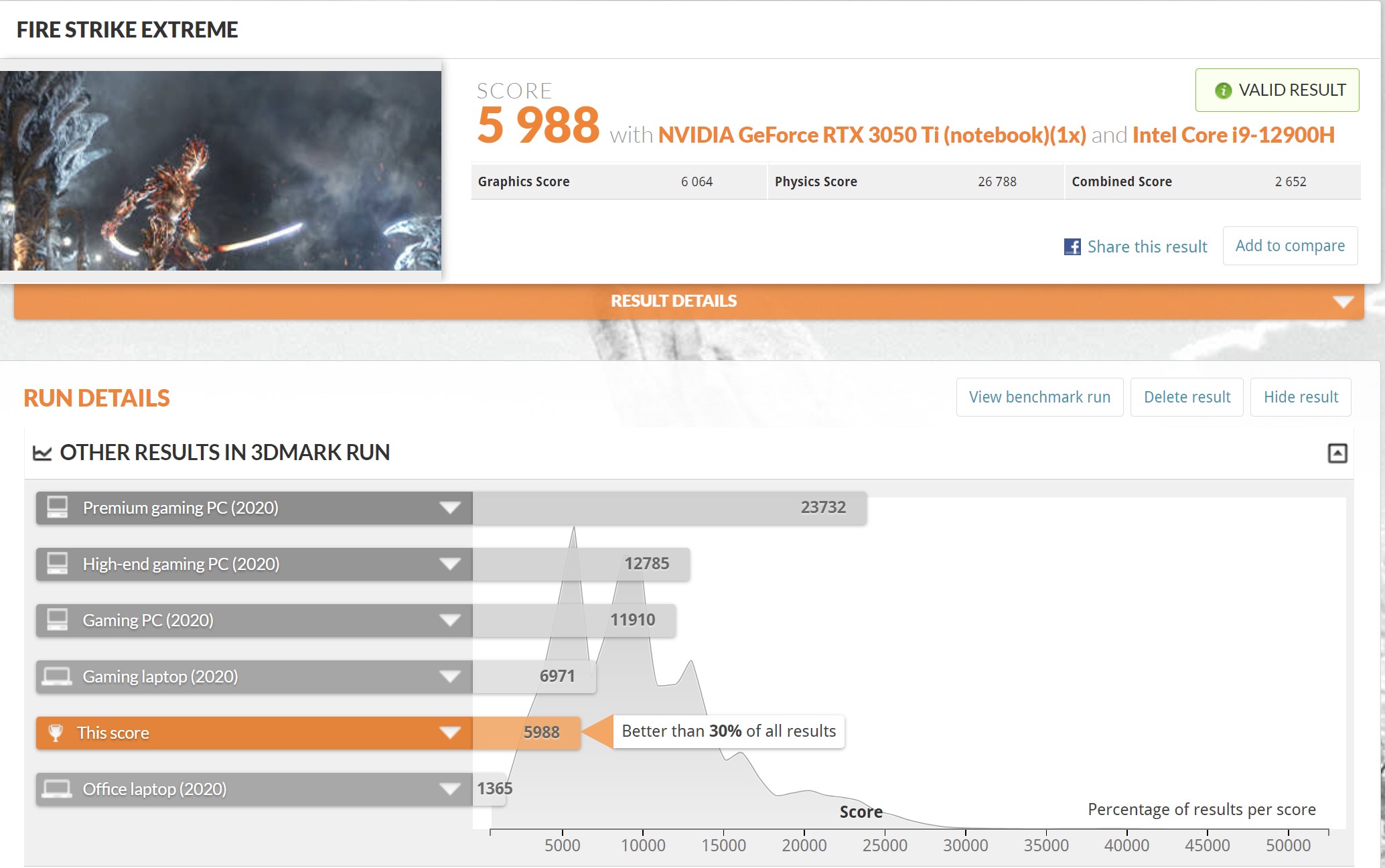
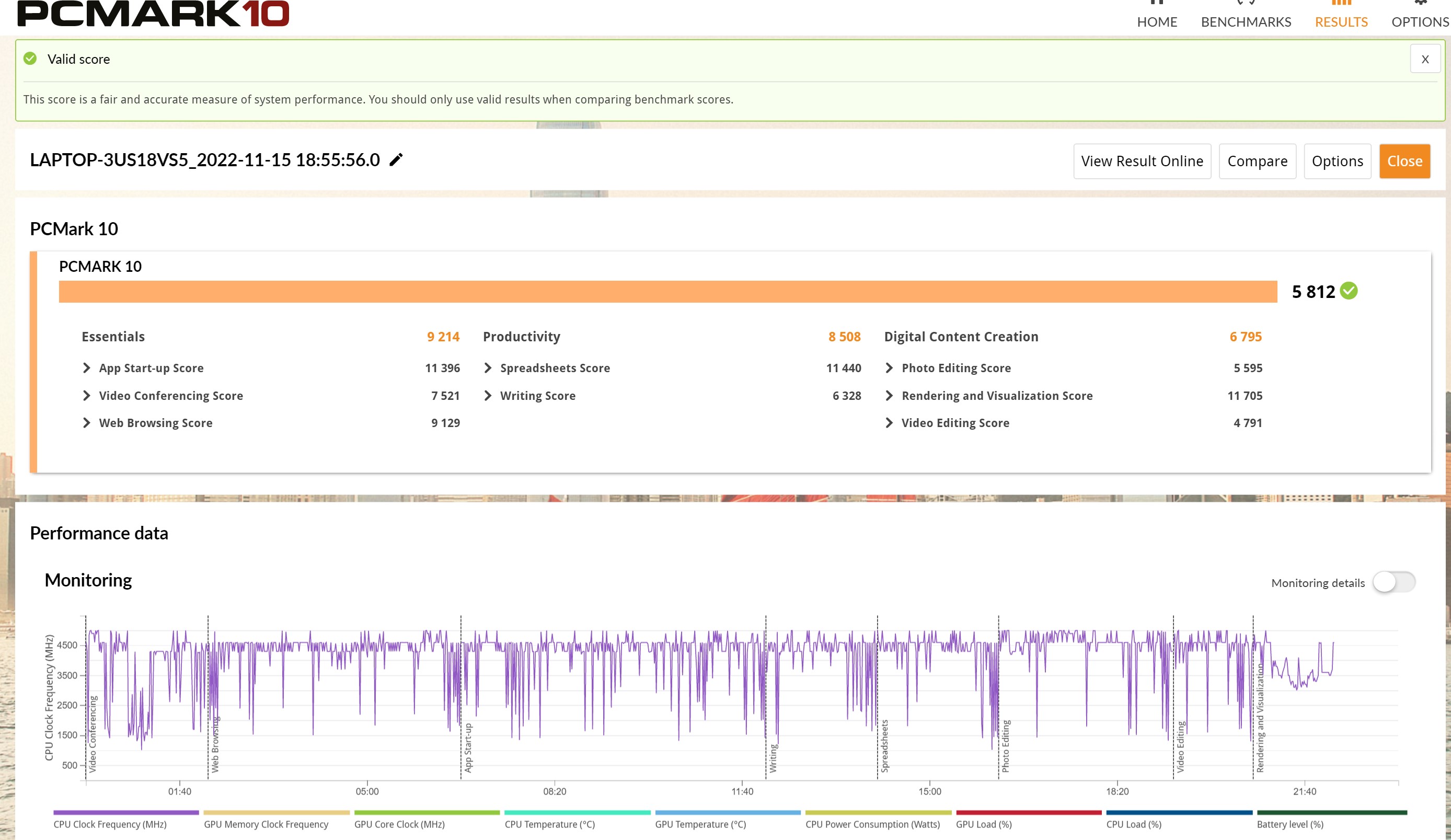
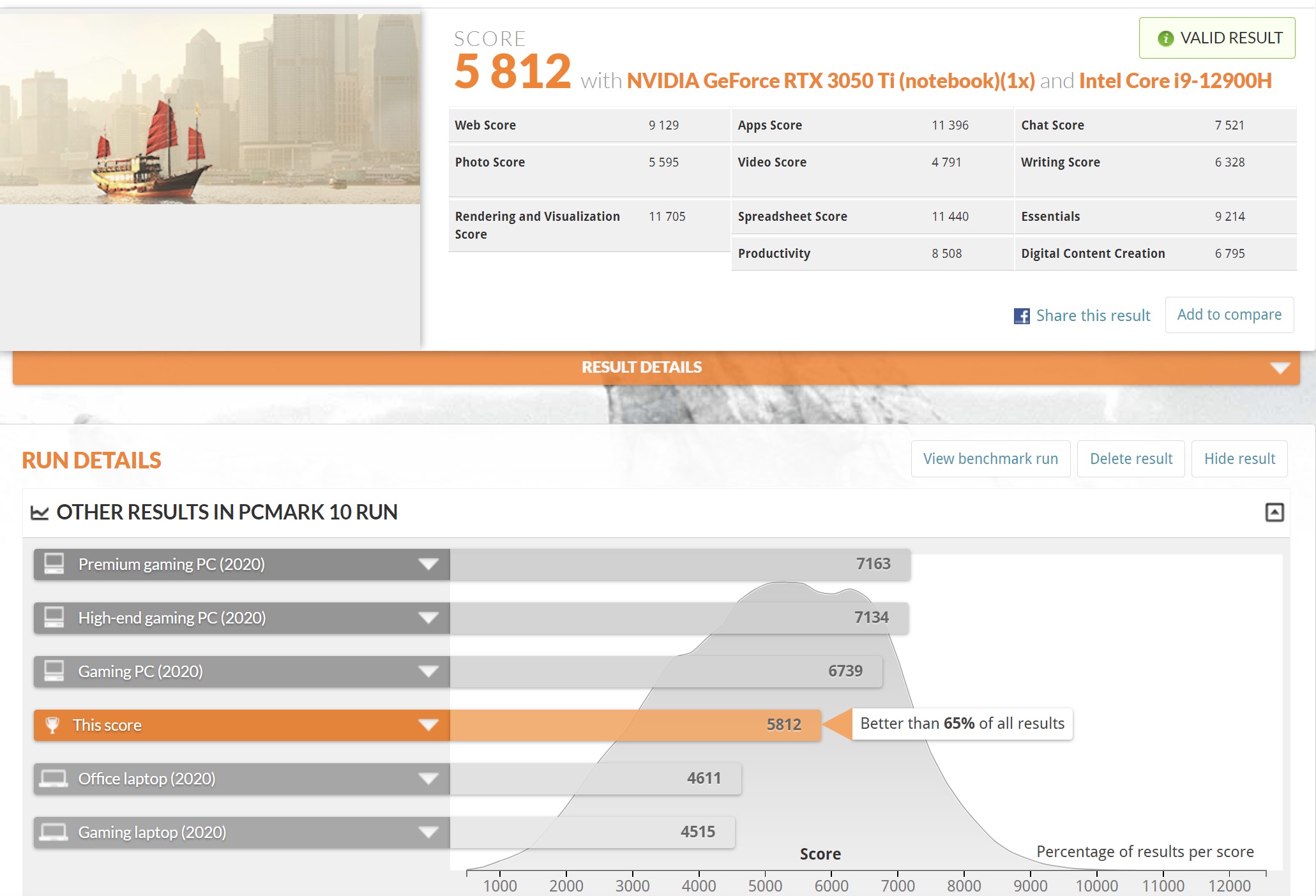
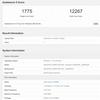
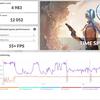
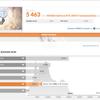
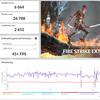
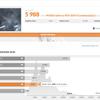
Laptop performance is quite highlevel: it is enough not only to work with the browser and documents, but also for photo processing, video editing and audio recording. Actually, this is what the laptop is designed for in the first place. In synthetic tests, ASUS ZenBook Pro 14 Duo OLED demonstrates high results in processor tests. In graphic – not so much, but the RTX 3050 Ti Laptop can hardly be called a gaming video card:
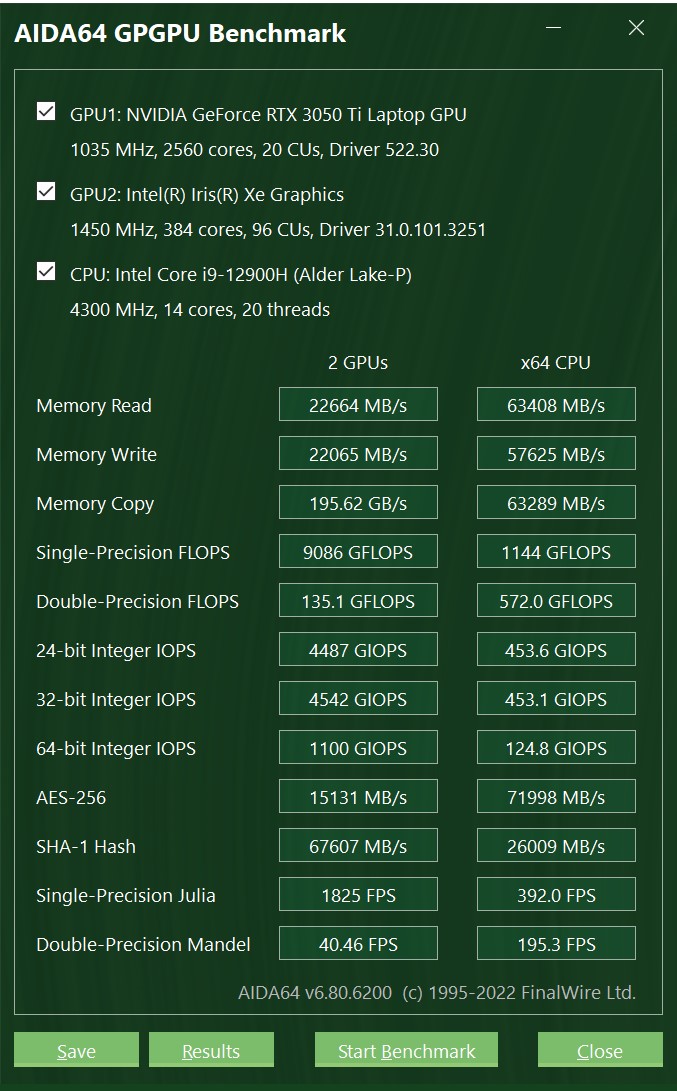
</ img>
</ img>
</ img>
</ img>
</ img>
</ img>
</ img>
</ img>
</ img>
</ img>
</ img>


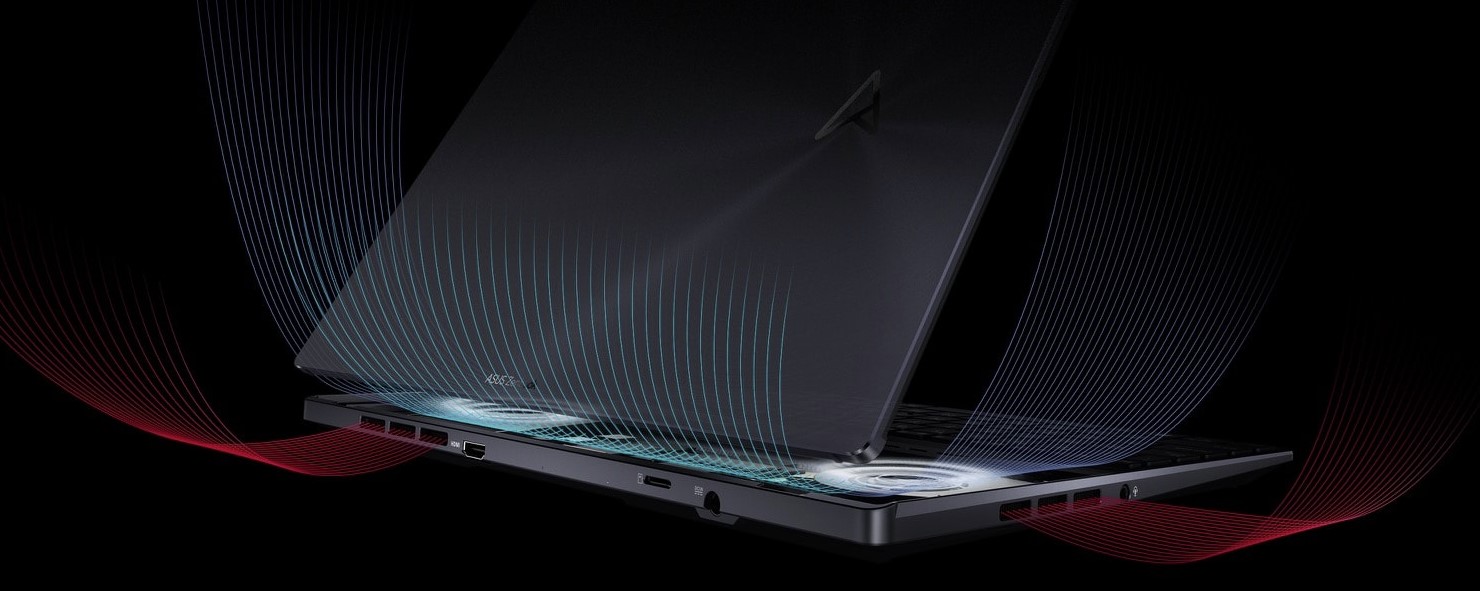
The laptop is cool enoughplenty of ventilation holes and cooling system ASUS IceCool Plus. It consists of two IceBlade fans, each with 97 shaped blades. They cool two 8mm heatpipes connected to the CPU and GPU.
</ img>
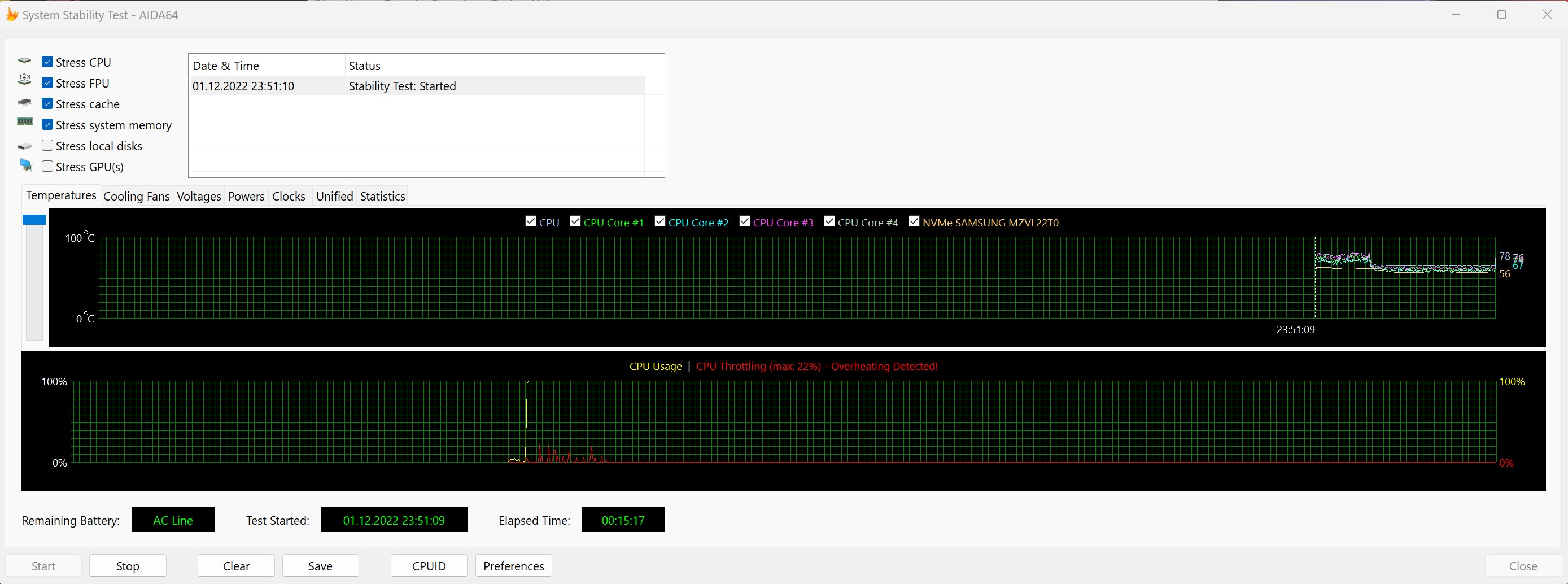
The laptop is really stablehigh loads. The first minute (during the adaptation of the cooling system) there is throttling up to 20%, then the temperature of all internal components is kept at about 60 ° and there are no performance problems. At the same time, the noise of the fans is audible, but it cannot be said that it is very loud. When working with documents or a browser, the cooling system is not audible at all. The case is almost not heated, the laptop can be kept on your lap while working.
</ img>
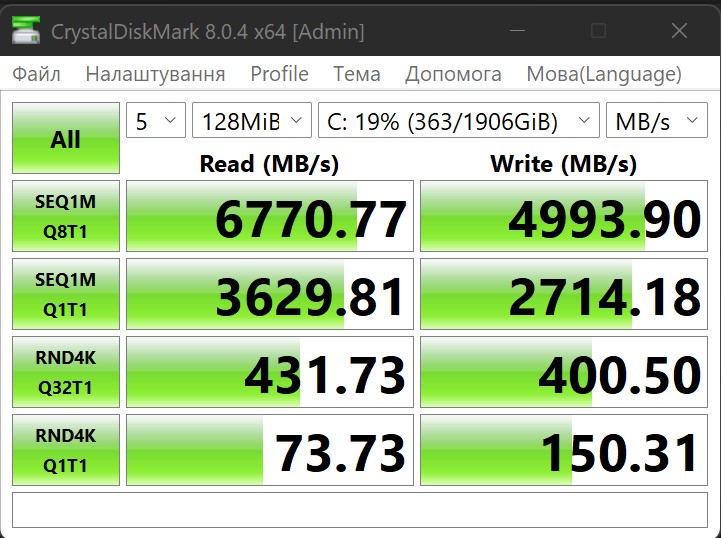
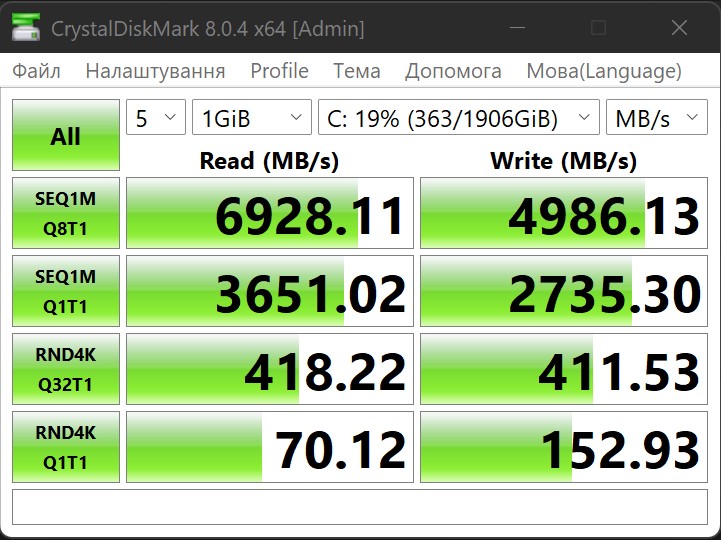
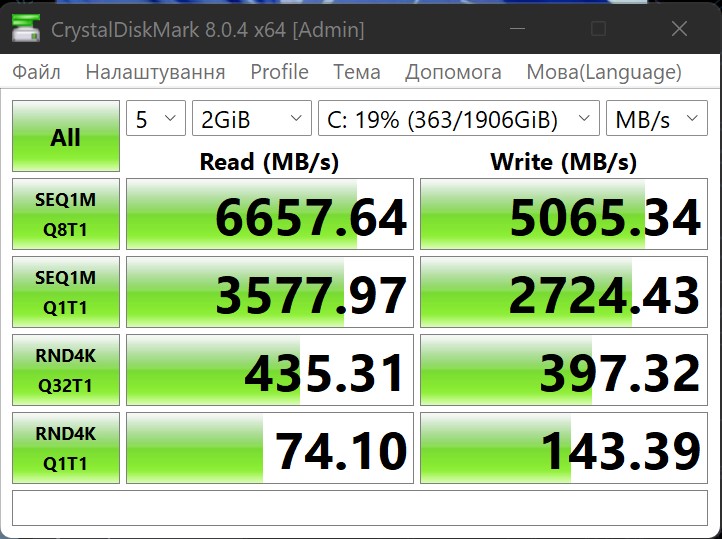
The drive used is an M.2 PCIe Gen4 x4 NVMe SSD, model Samsung PM9A1, 2TB. Up to 7000 MB/s read speed and up to 5200 MB/s write speed are stated.

</ img>
Actual speeds are slightly lower, but overall this is a very fast SSD:
</ img>
</ img>
</ img>
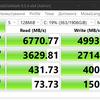
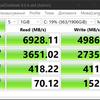
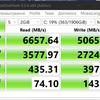
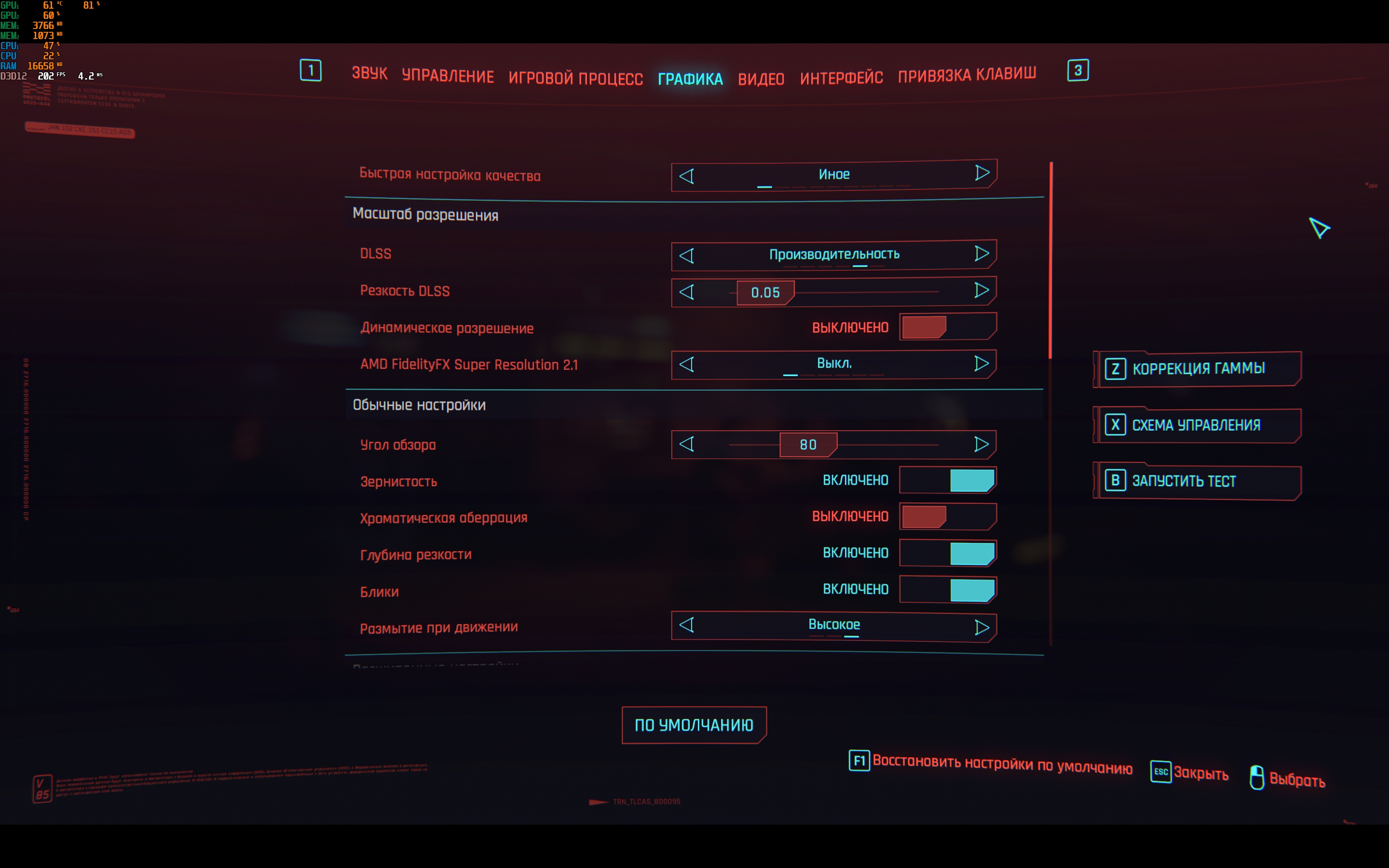
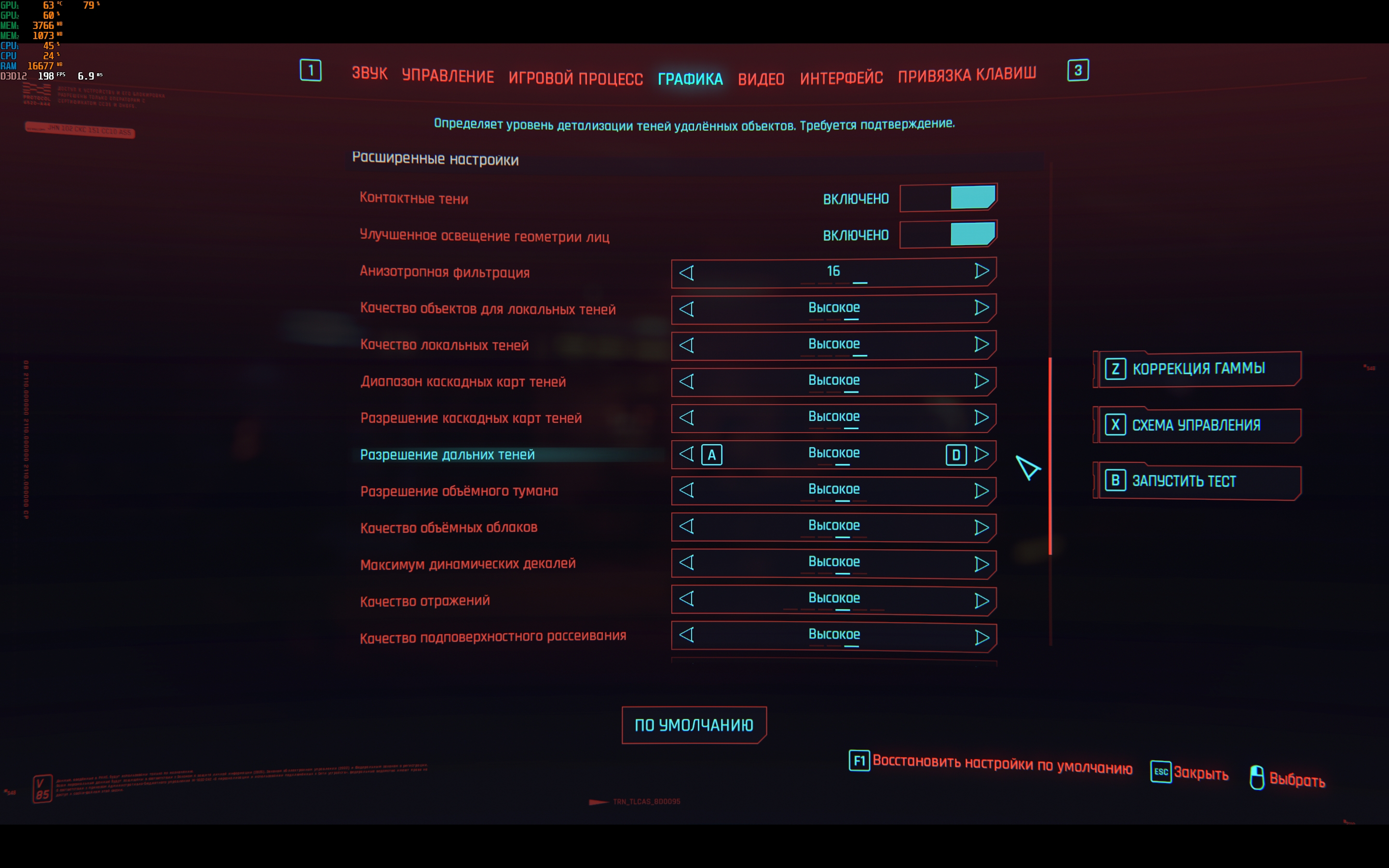
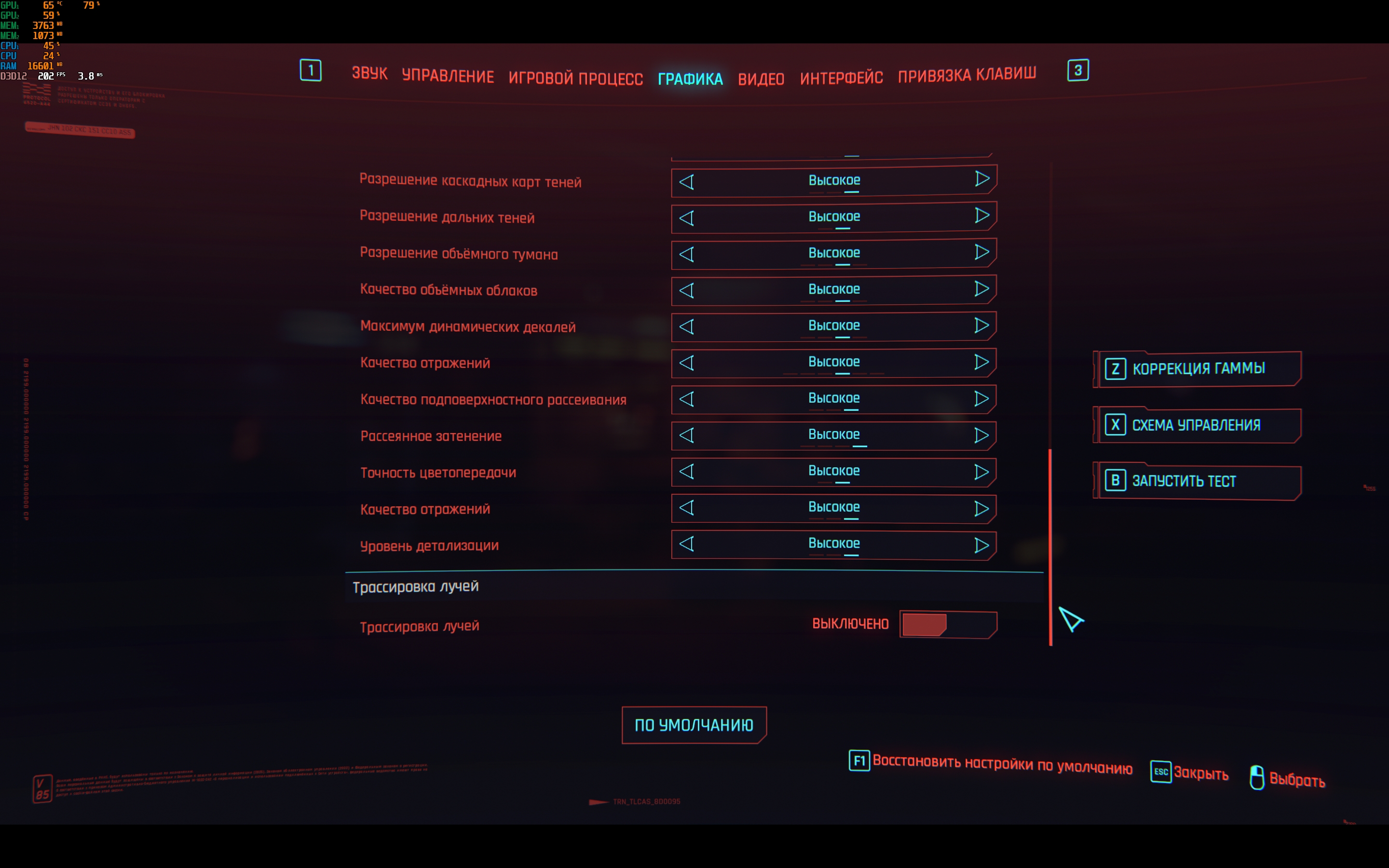
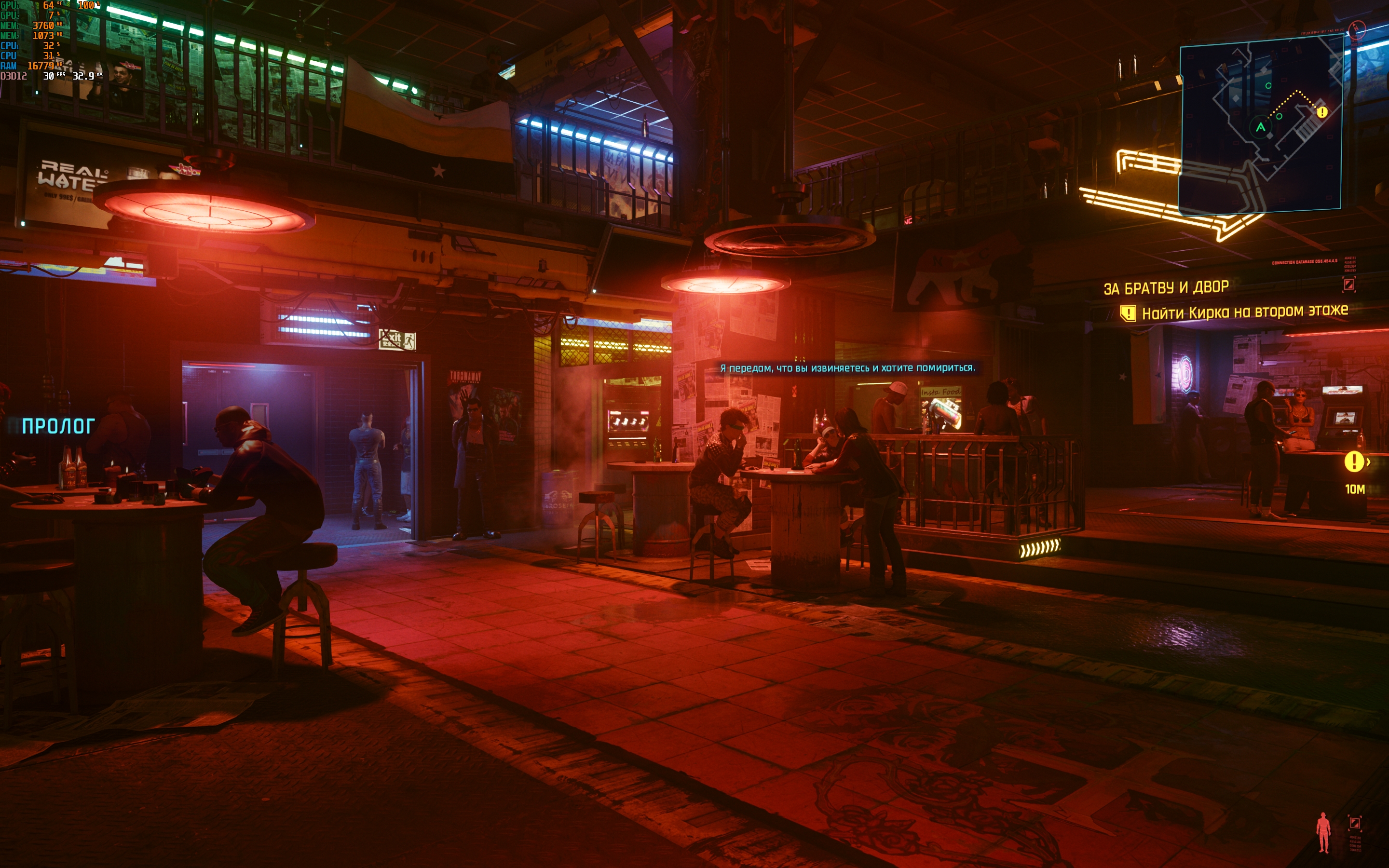
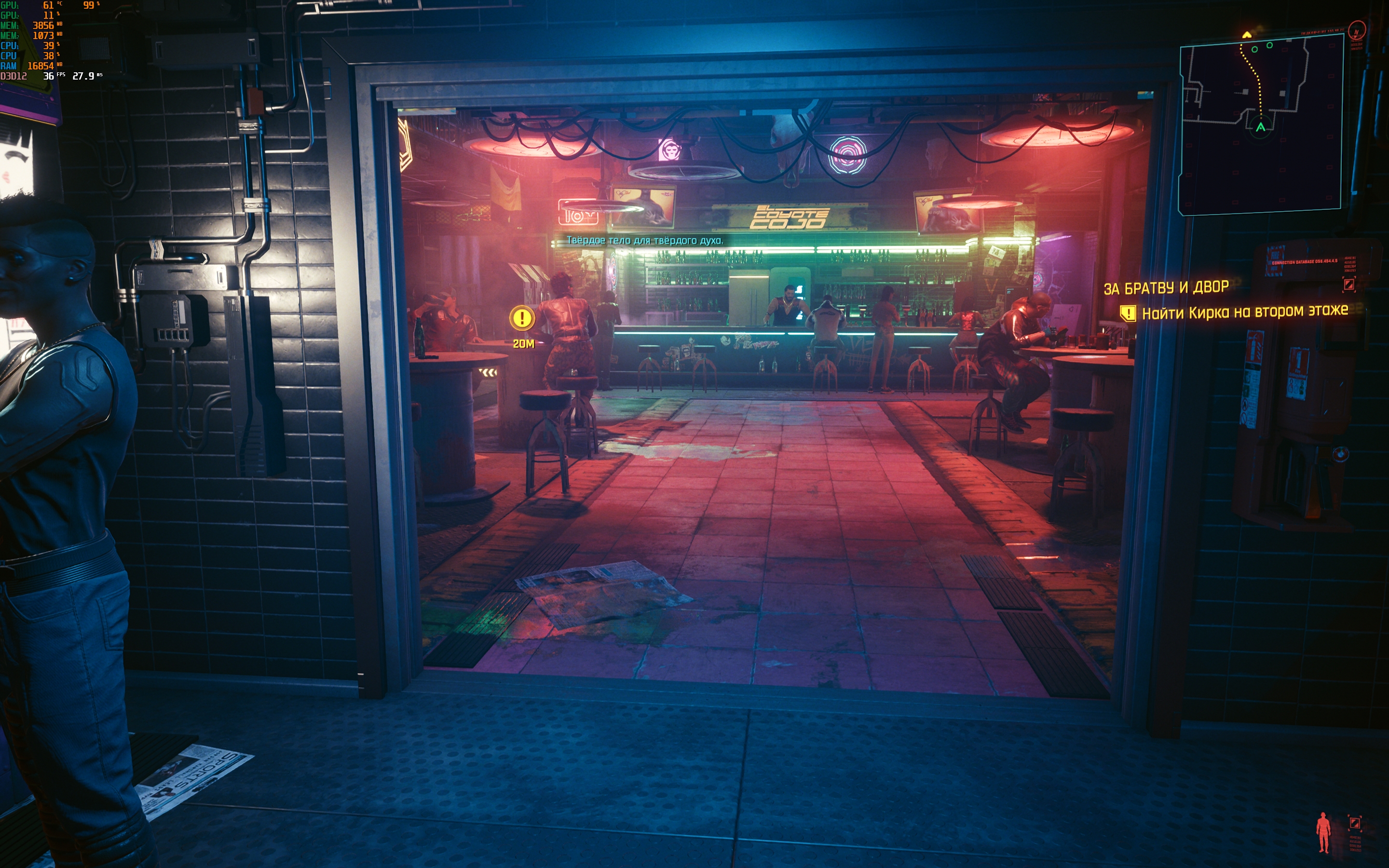
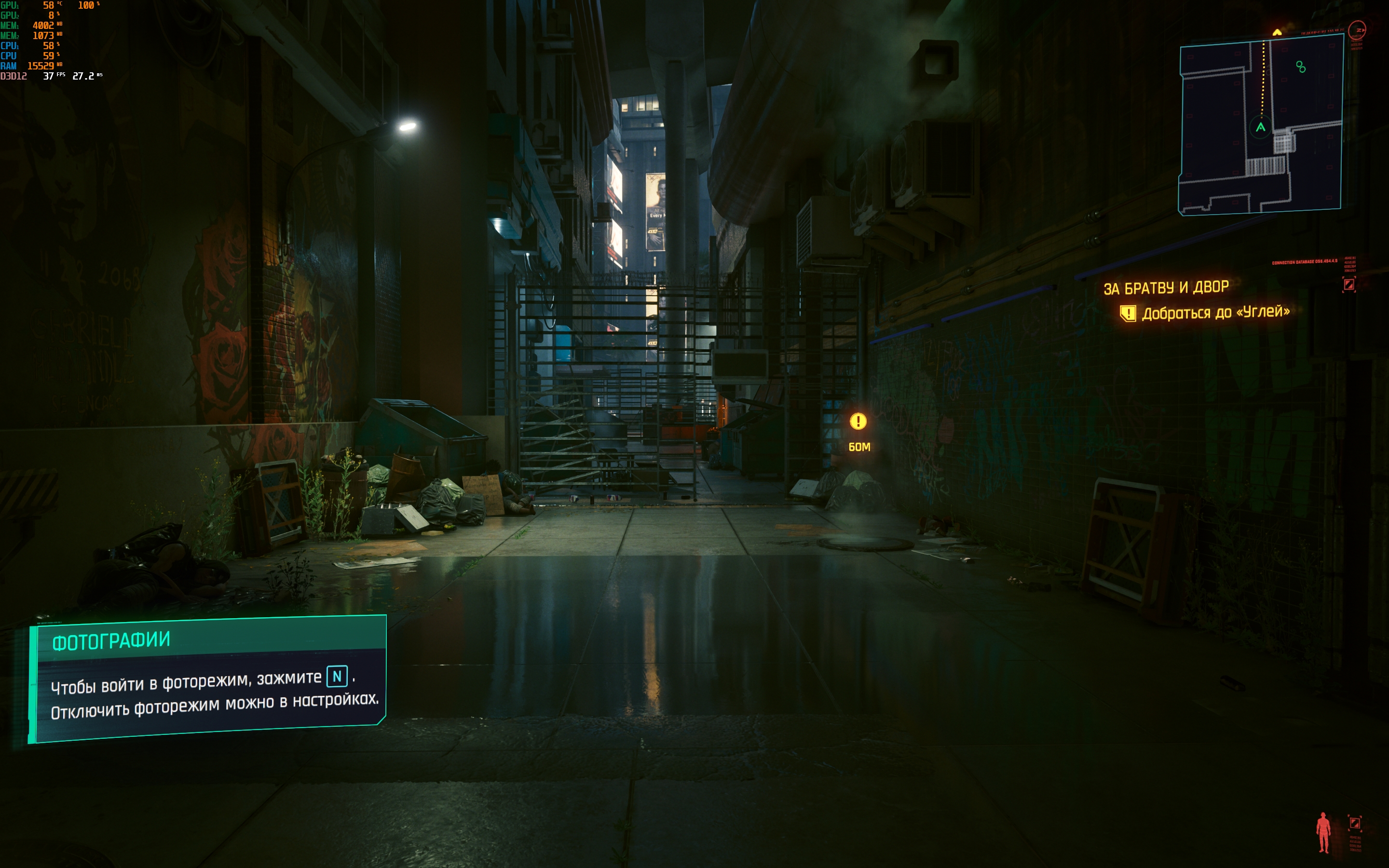
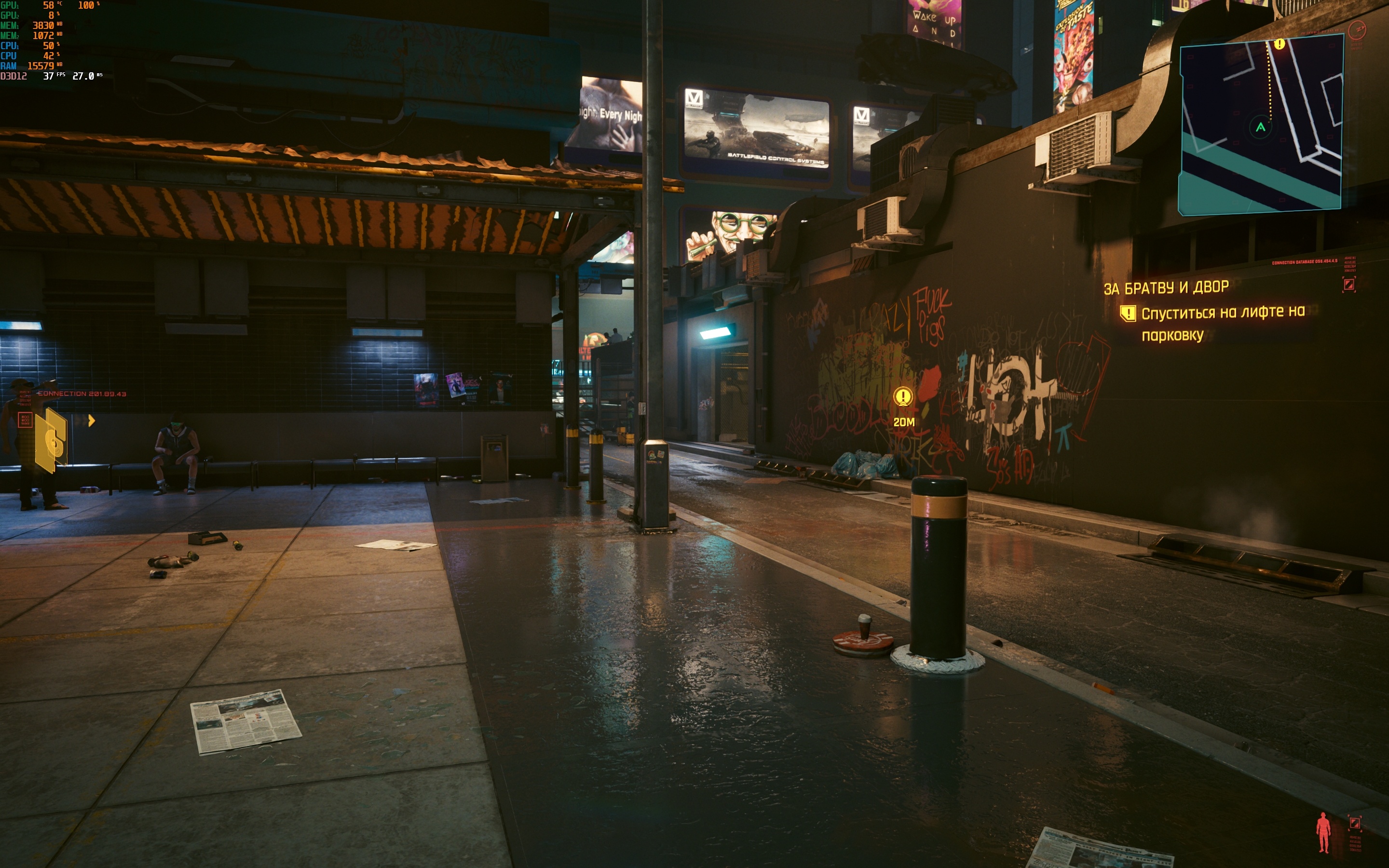
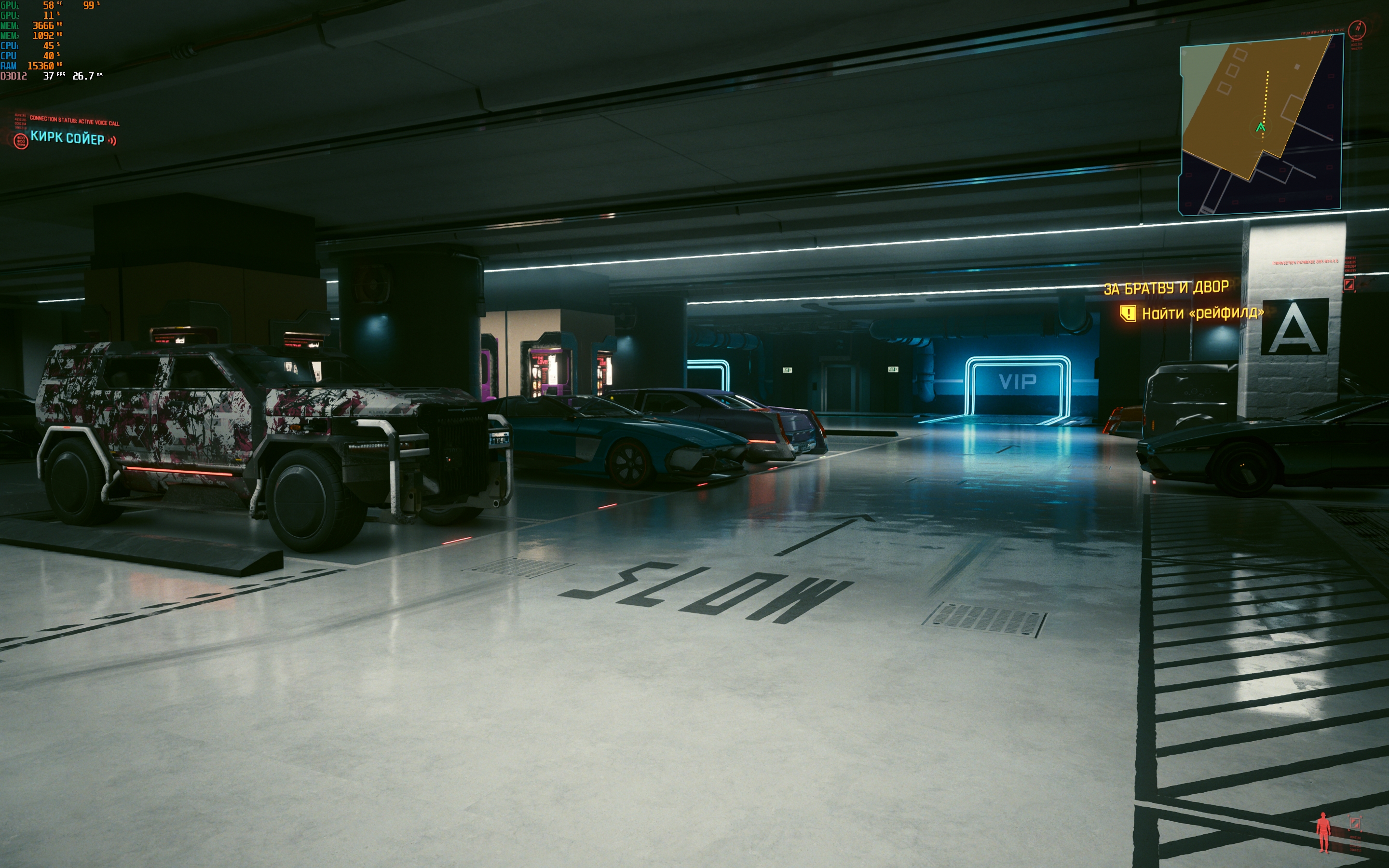
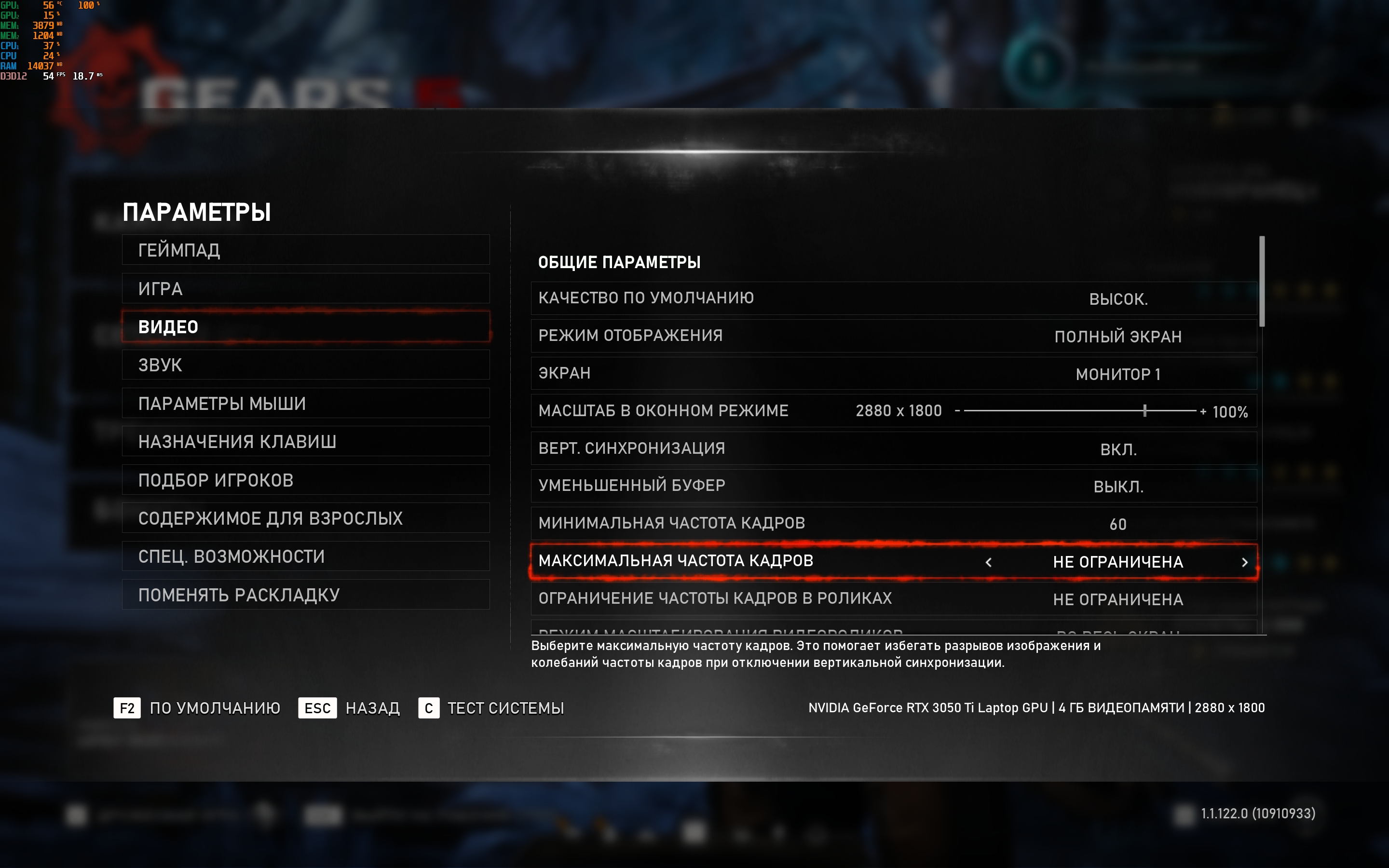
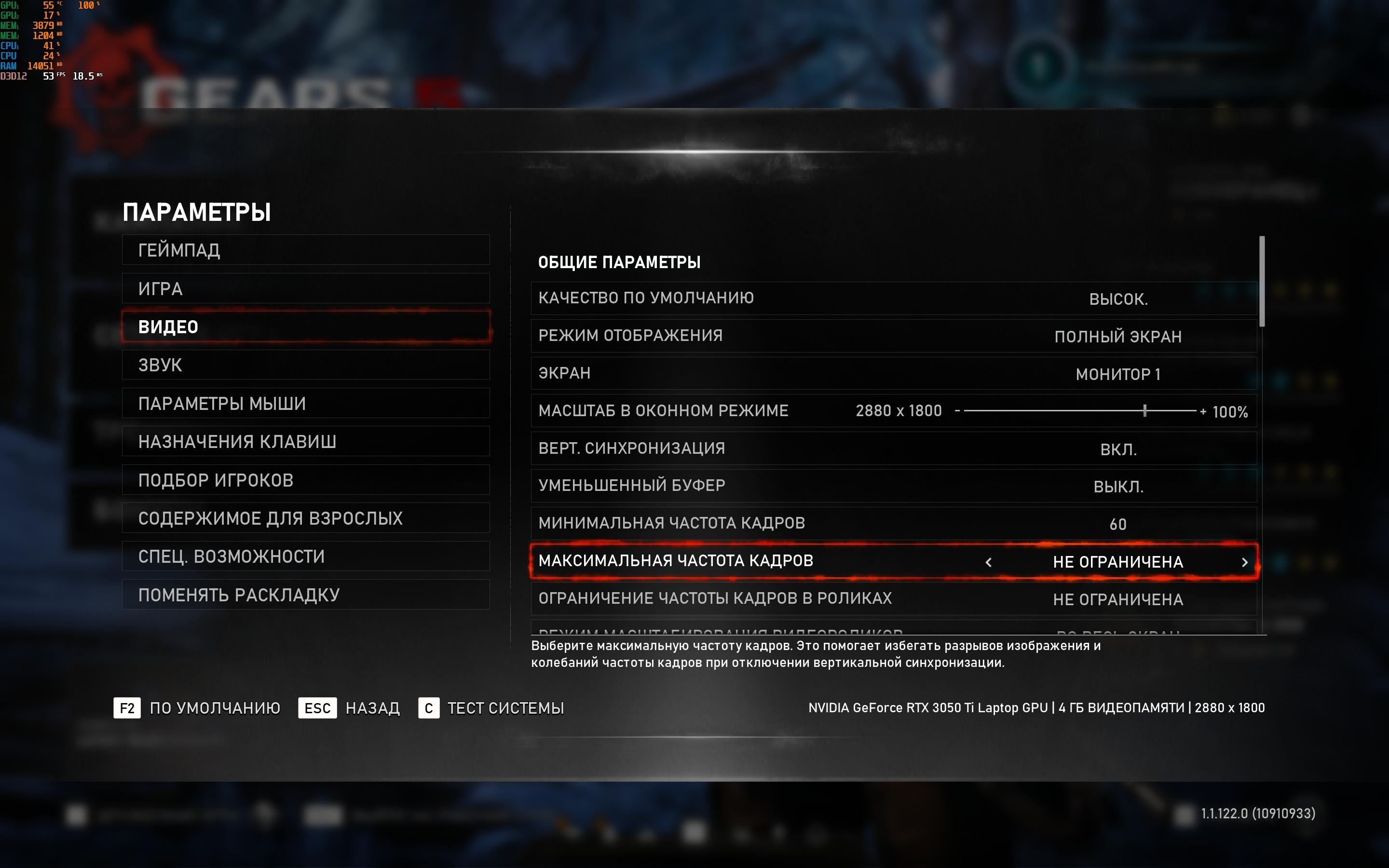
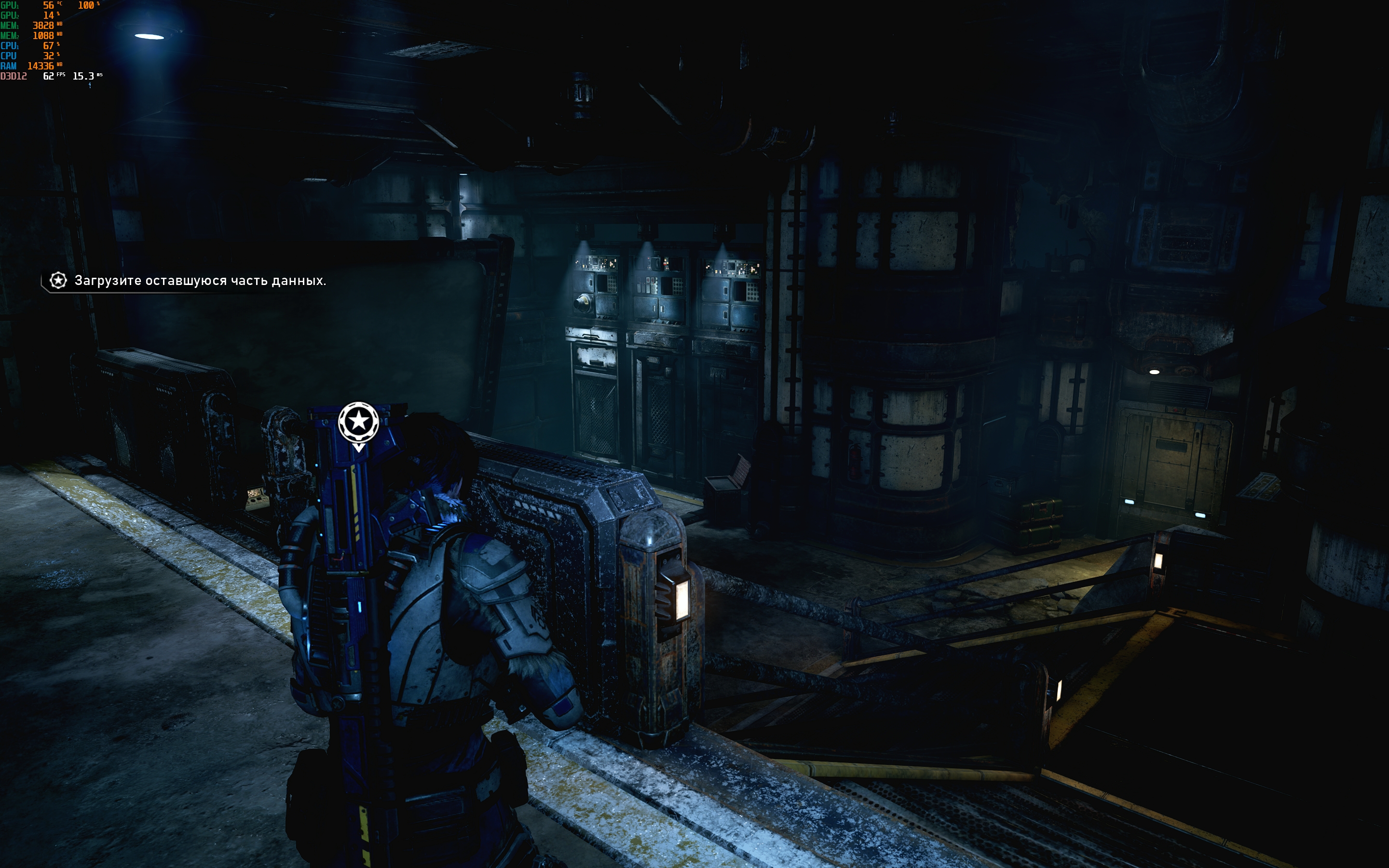
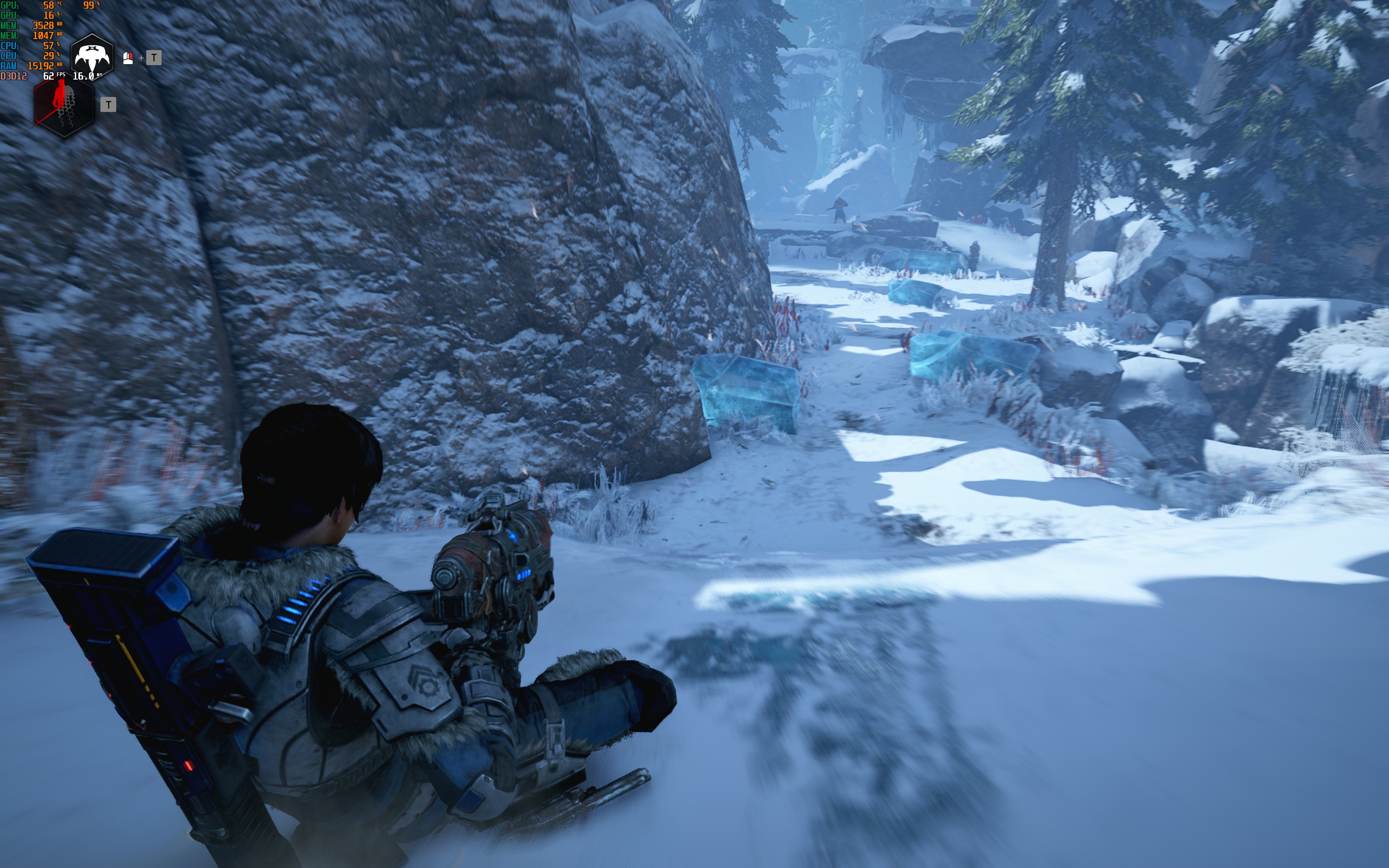
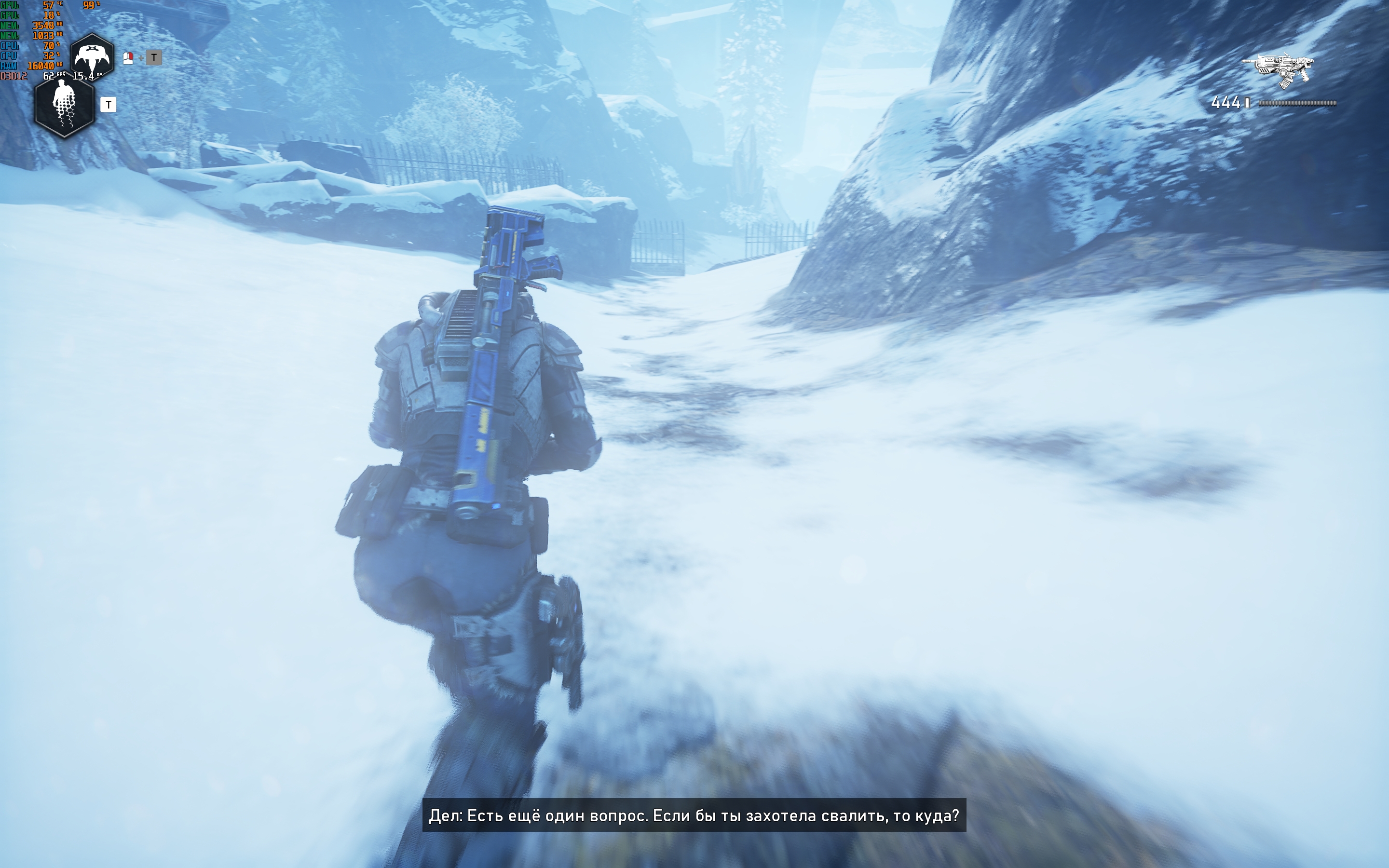
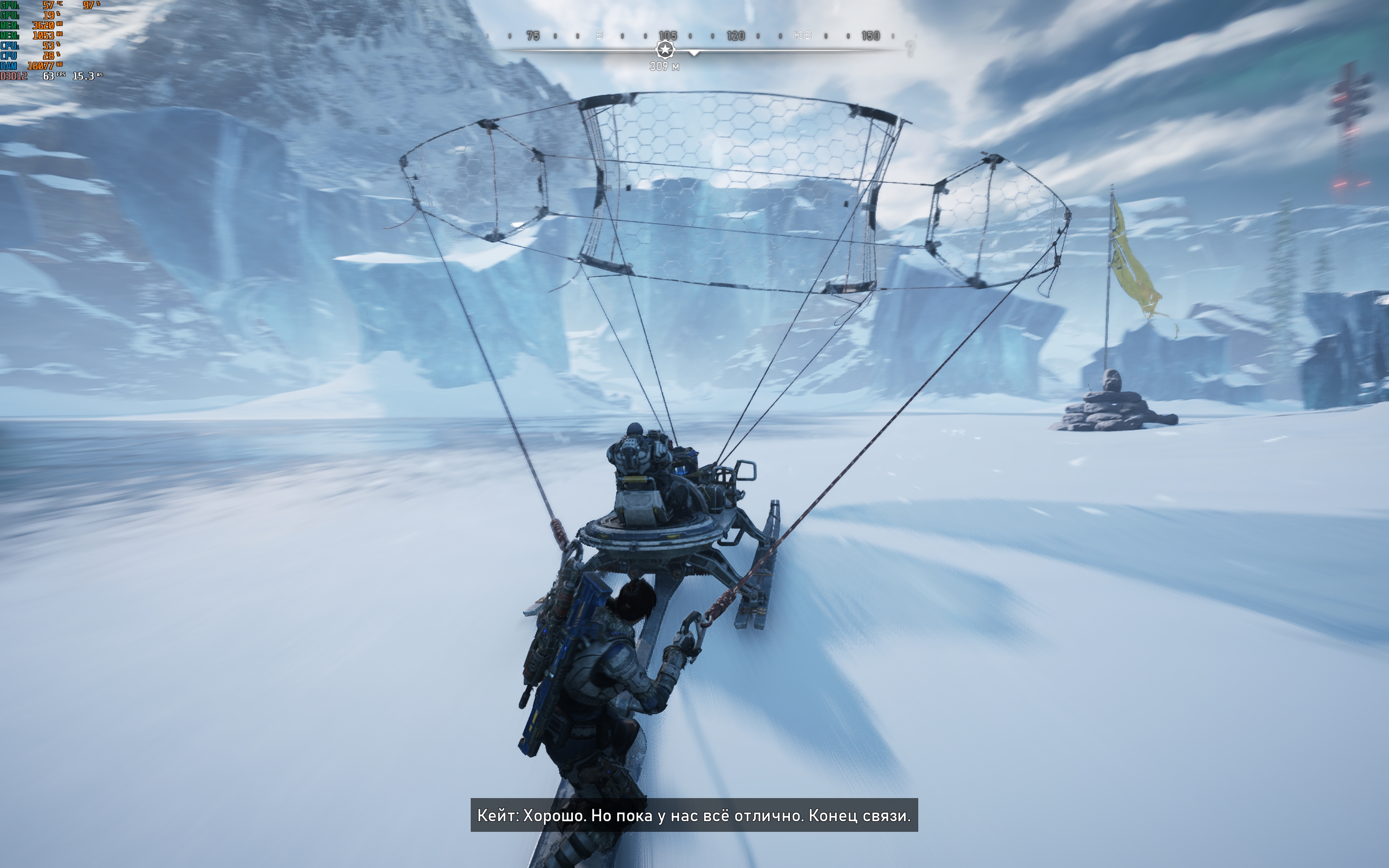
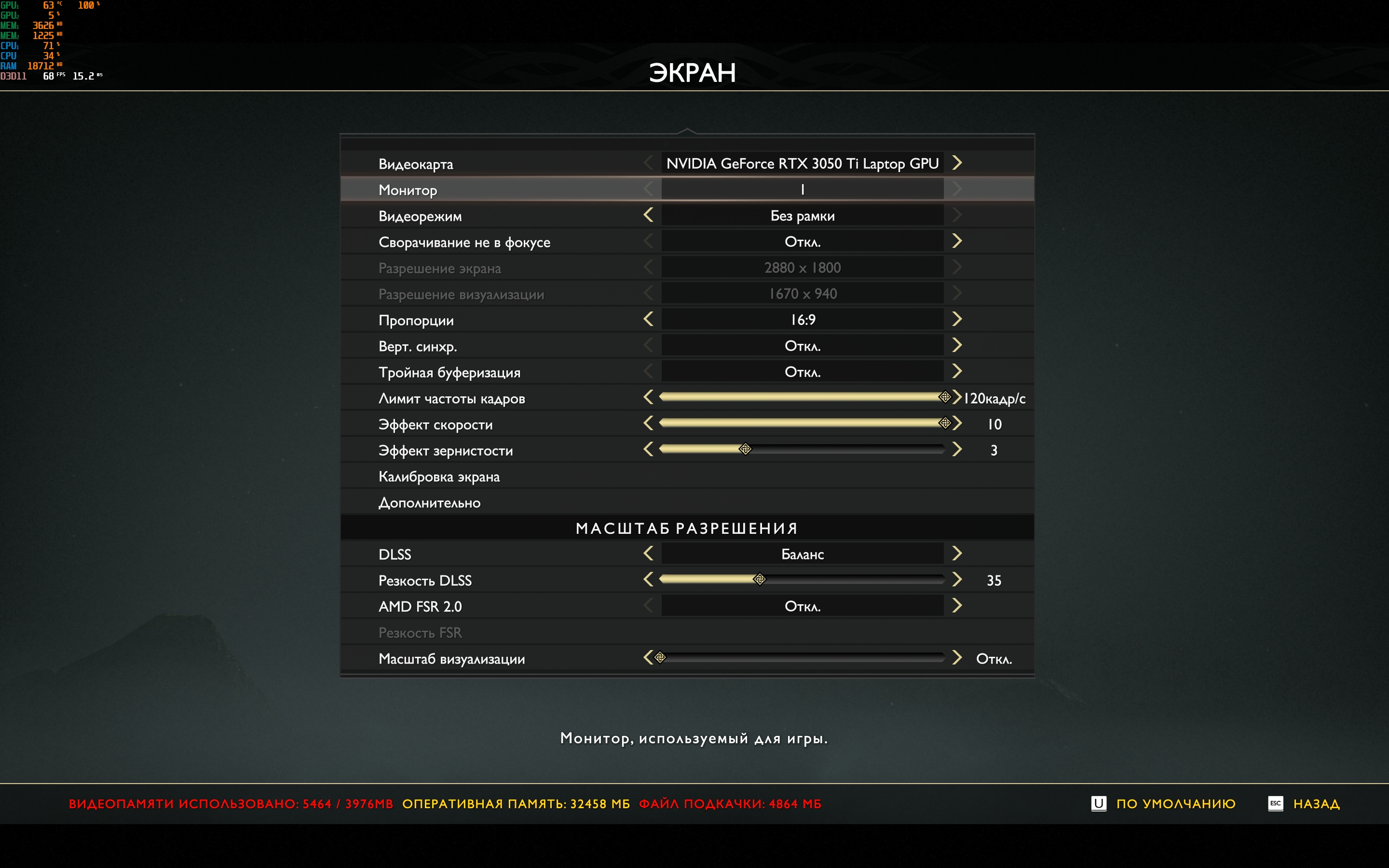
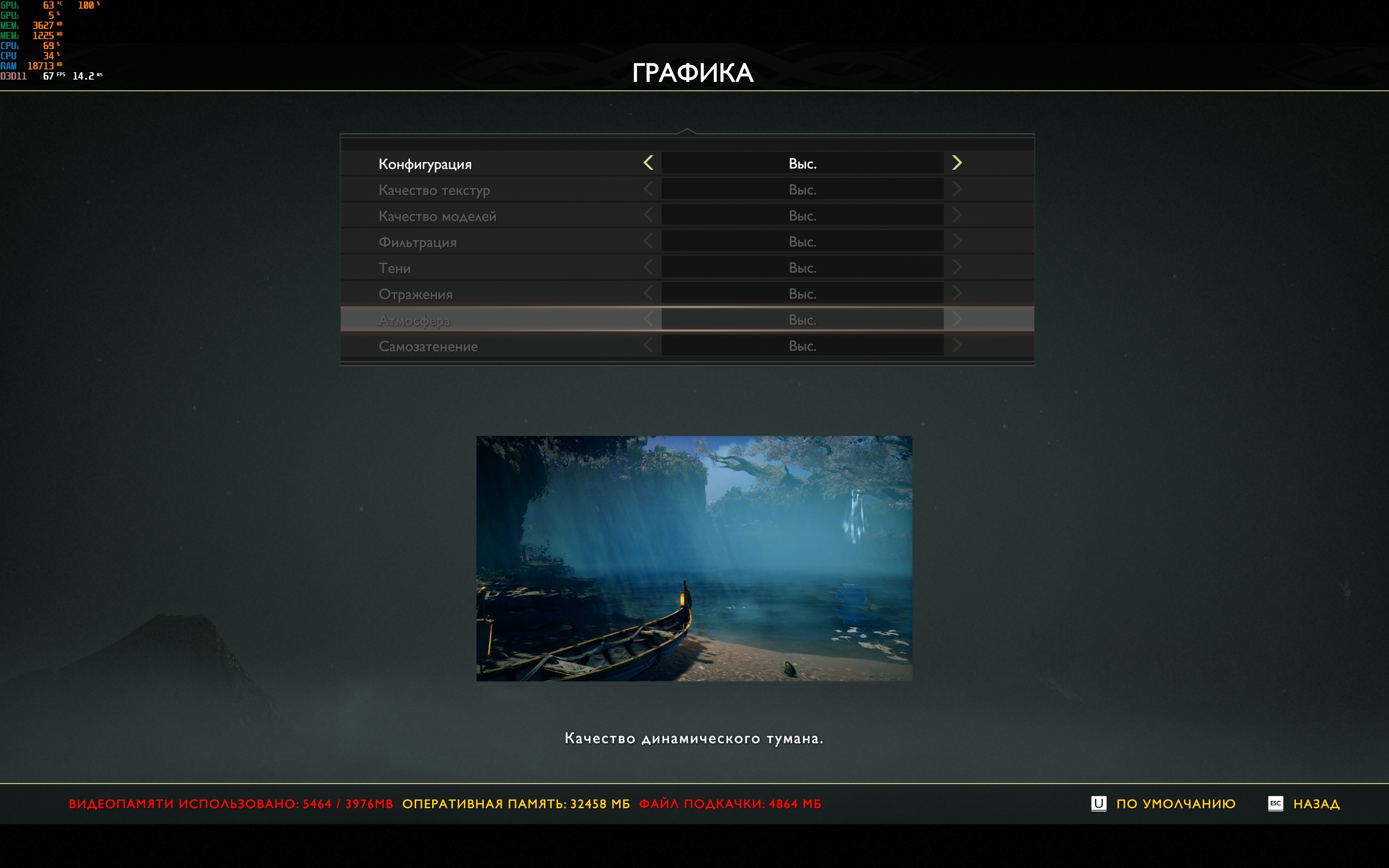
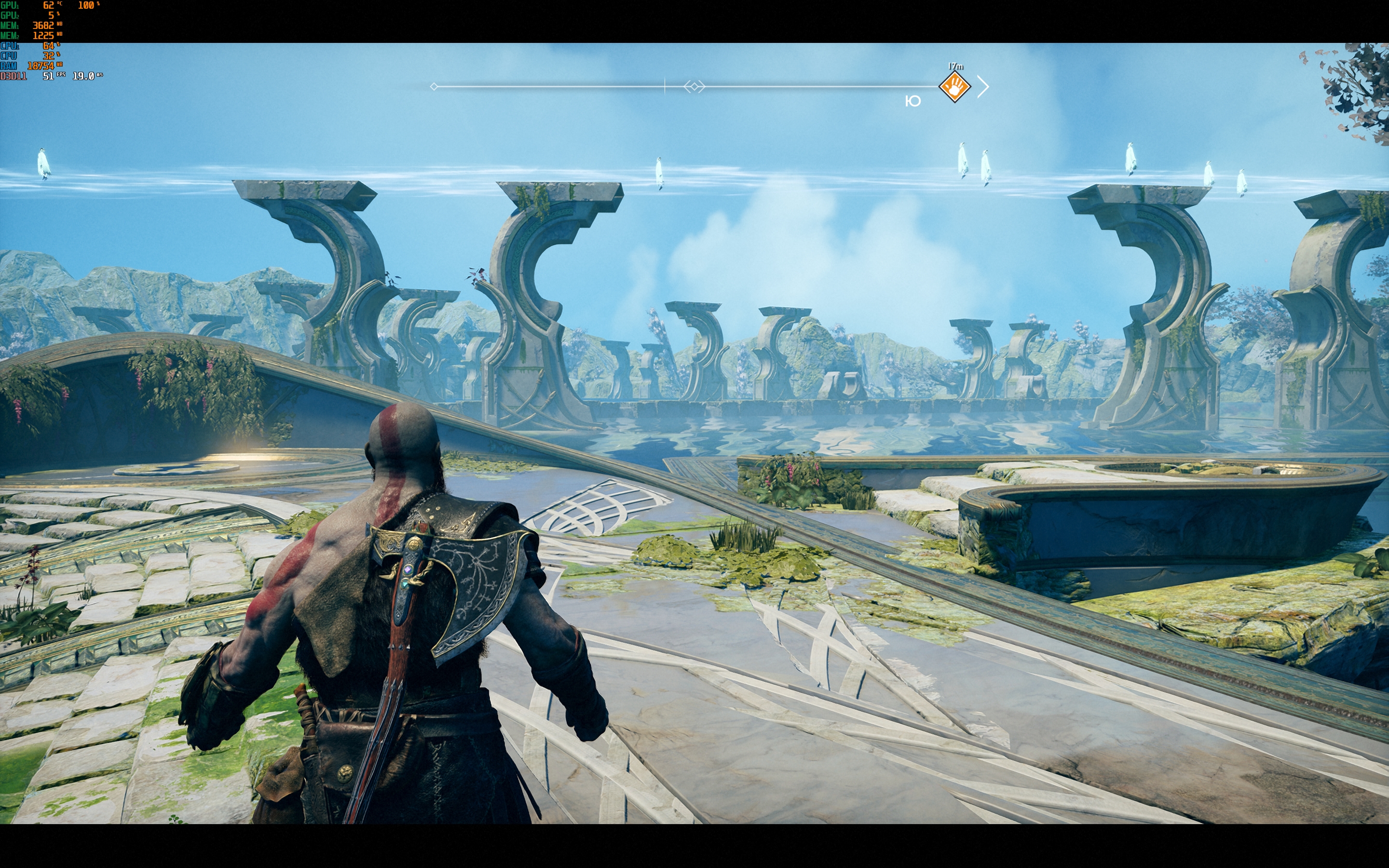
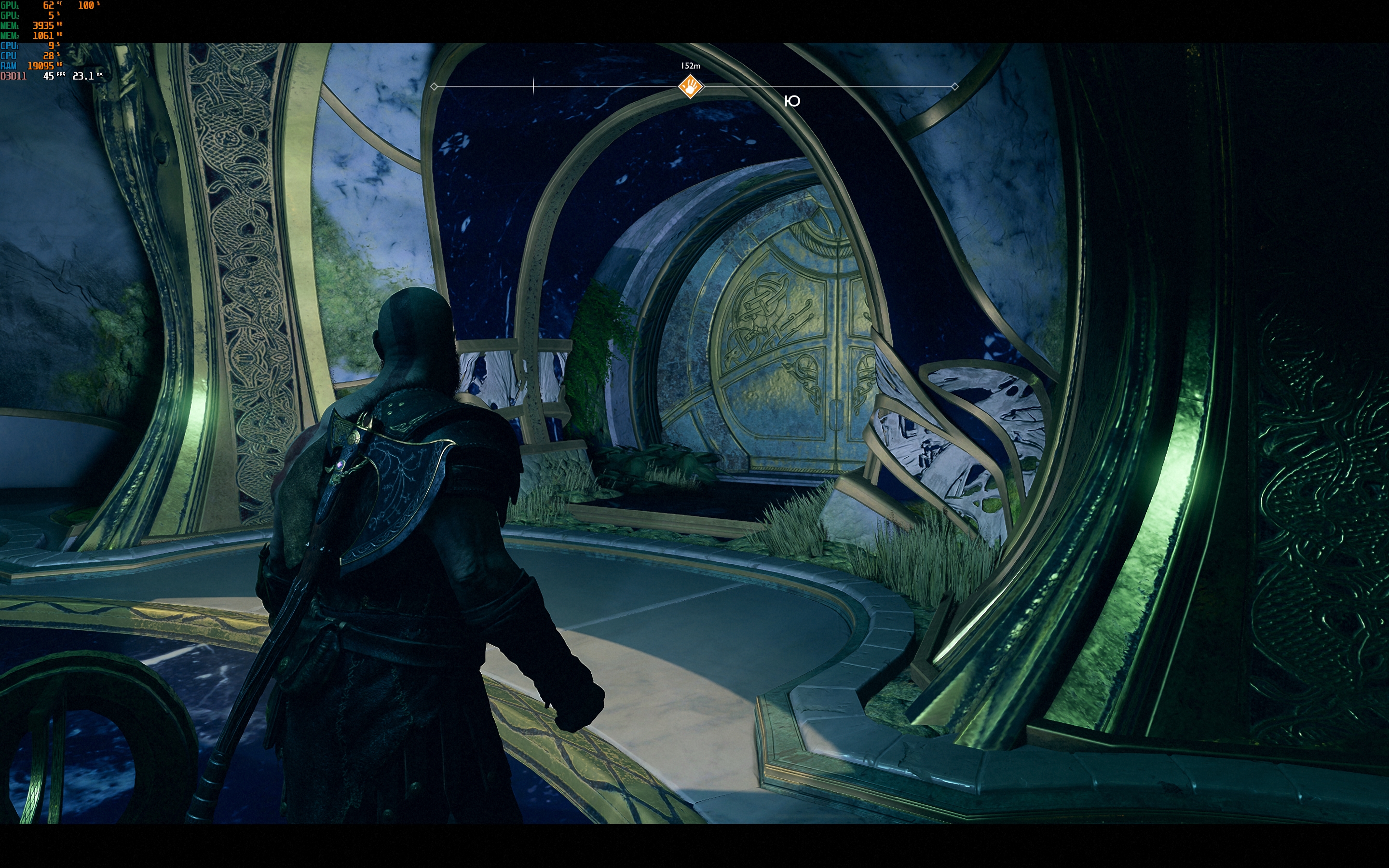
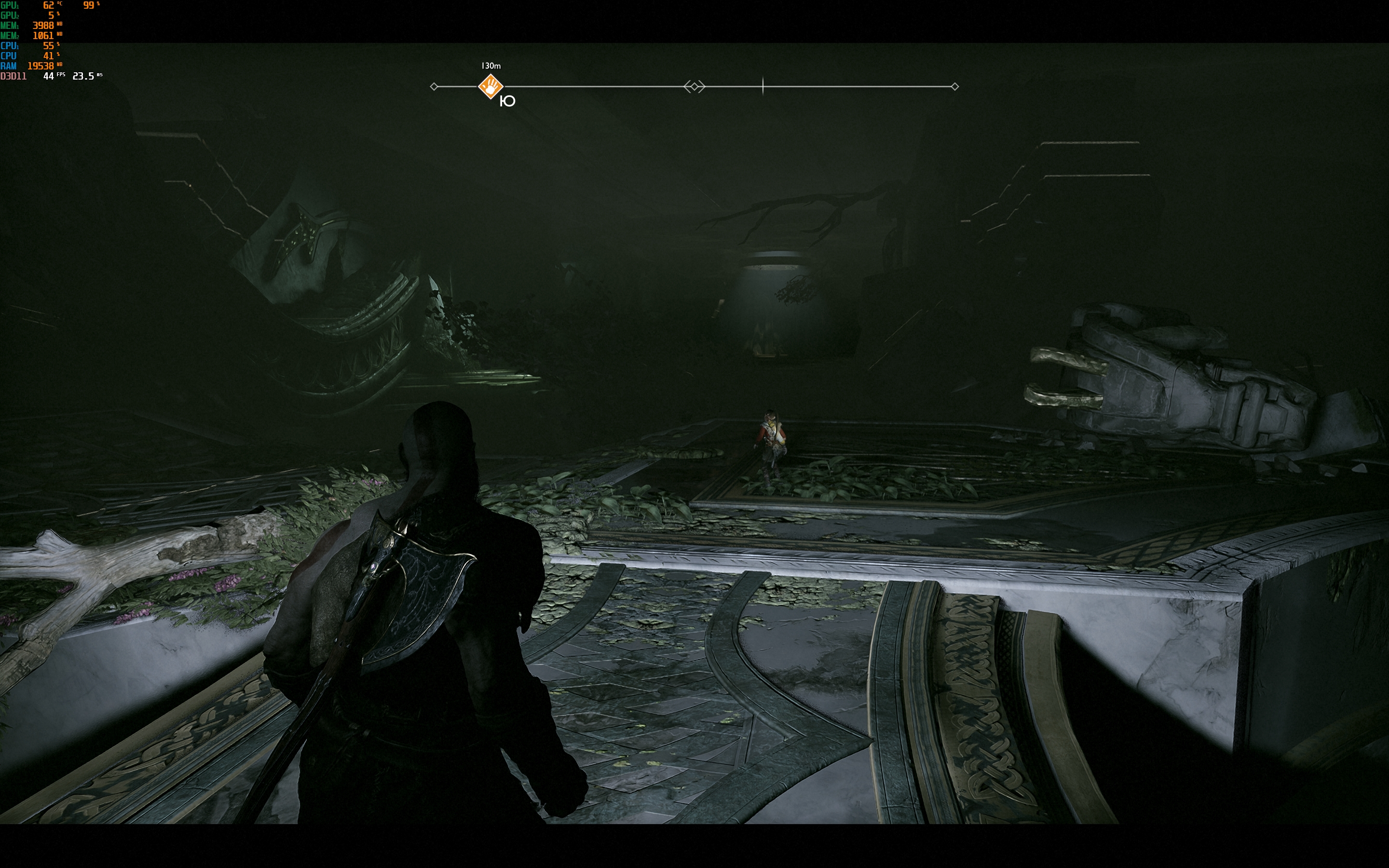
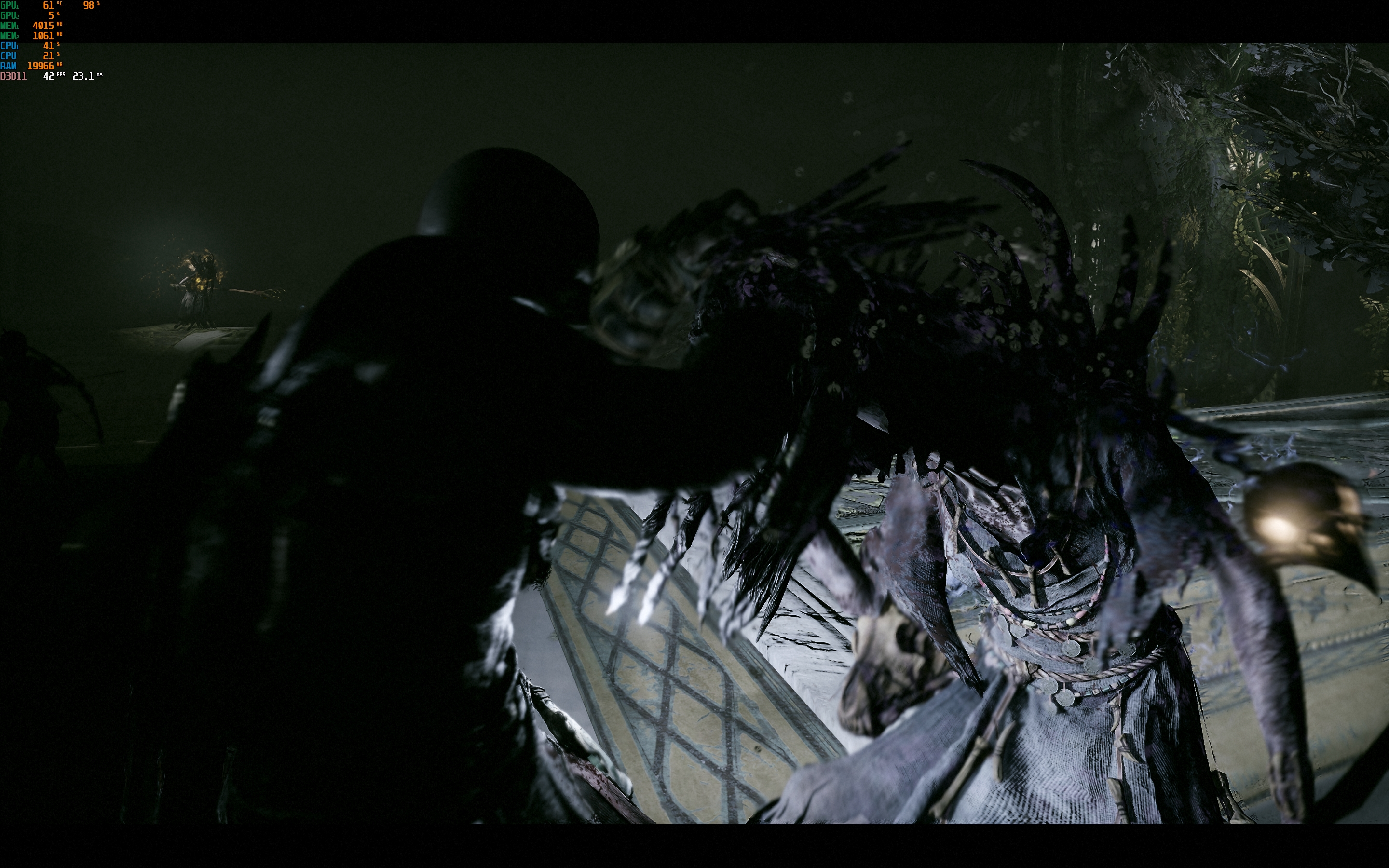
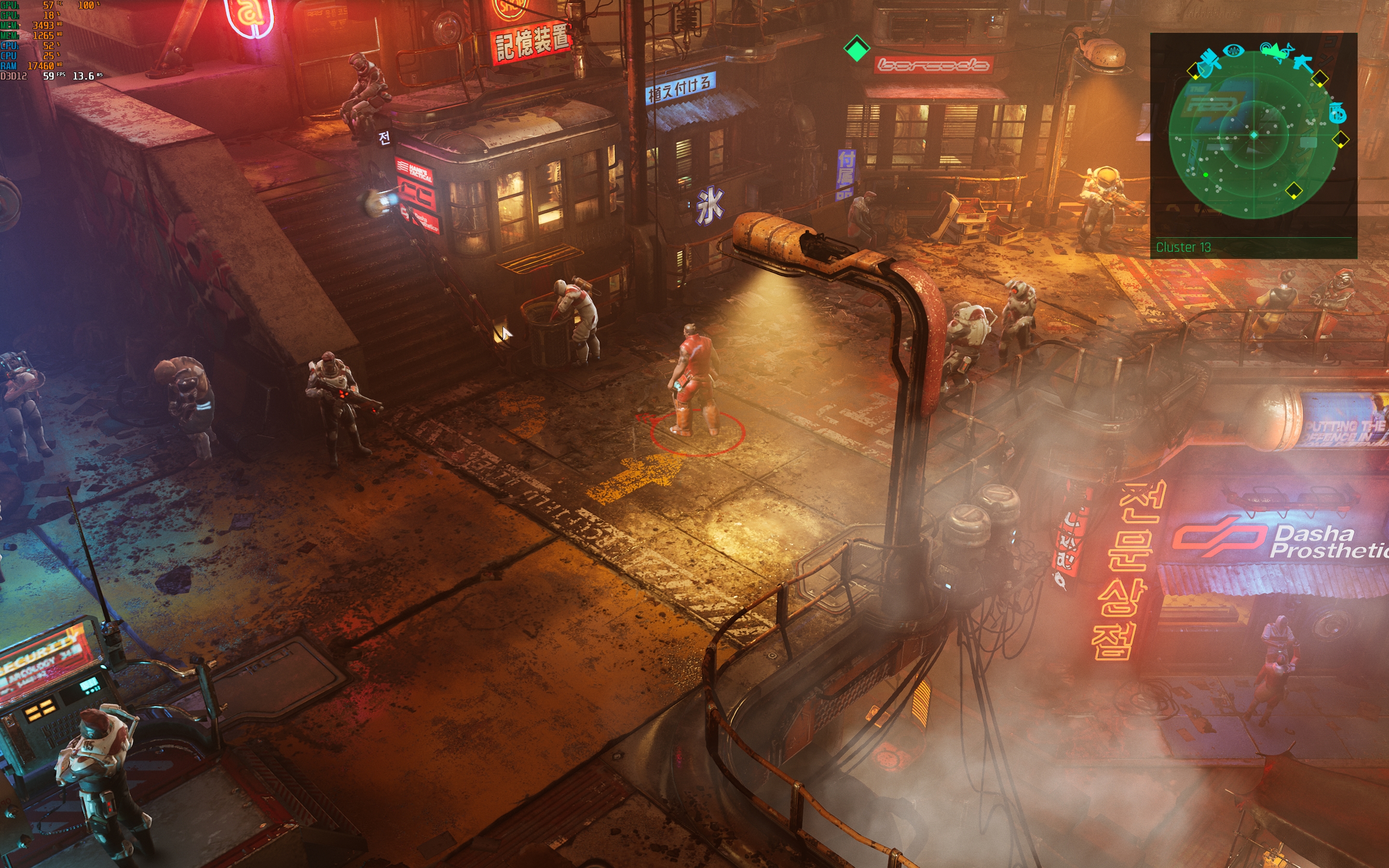
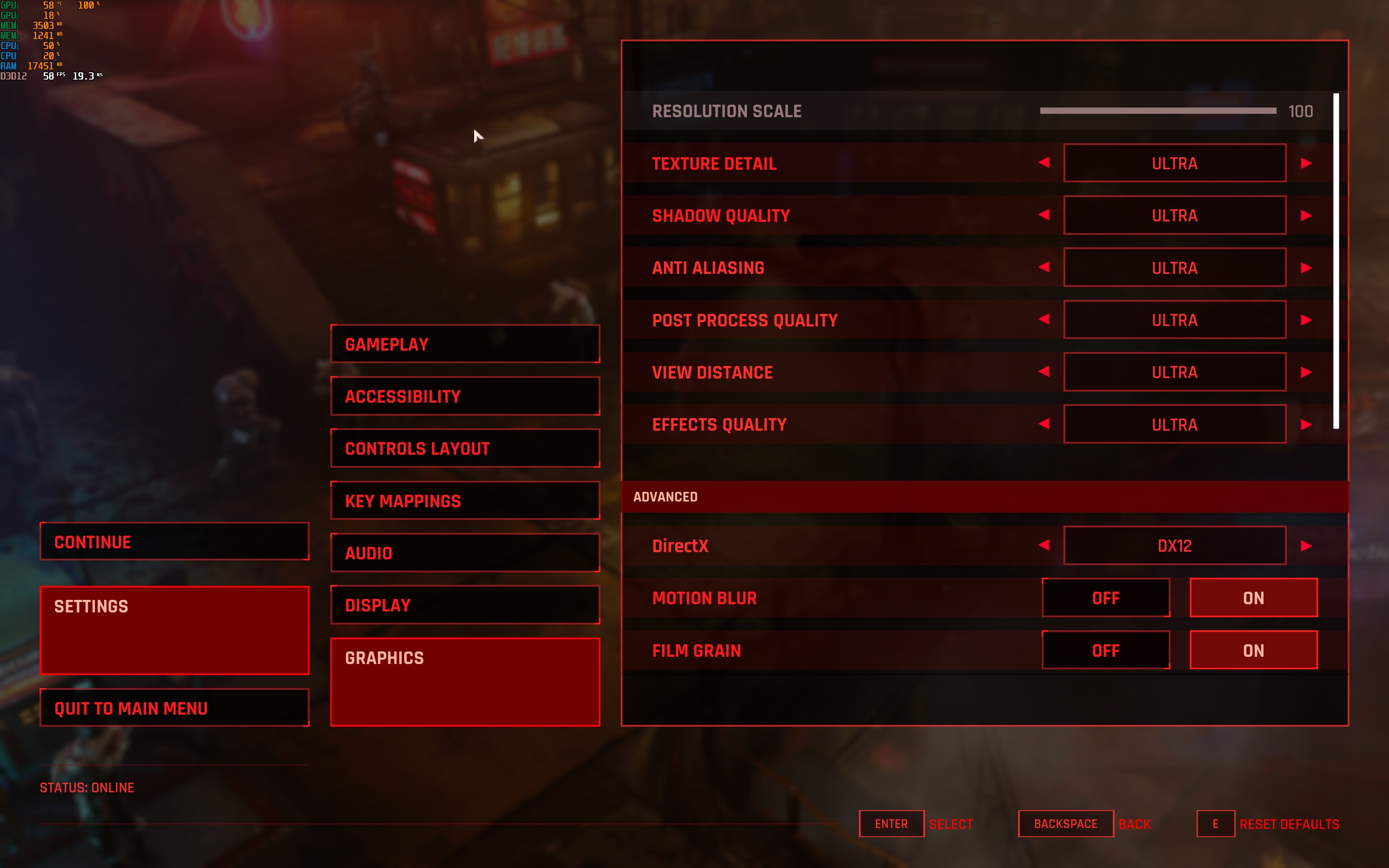
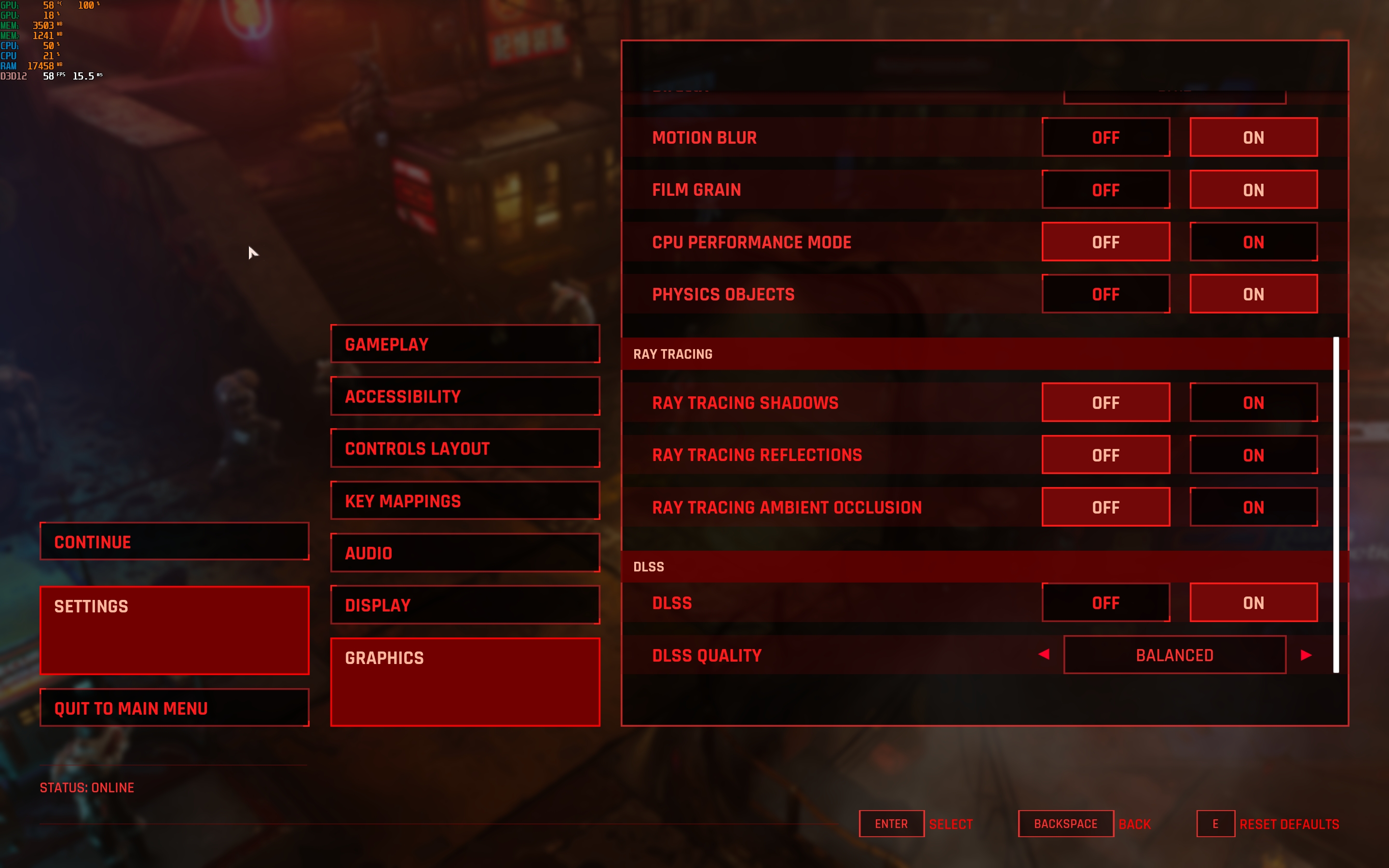
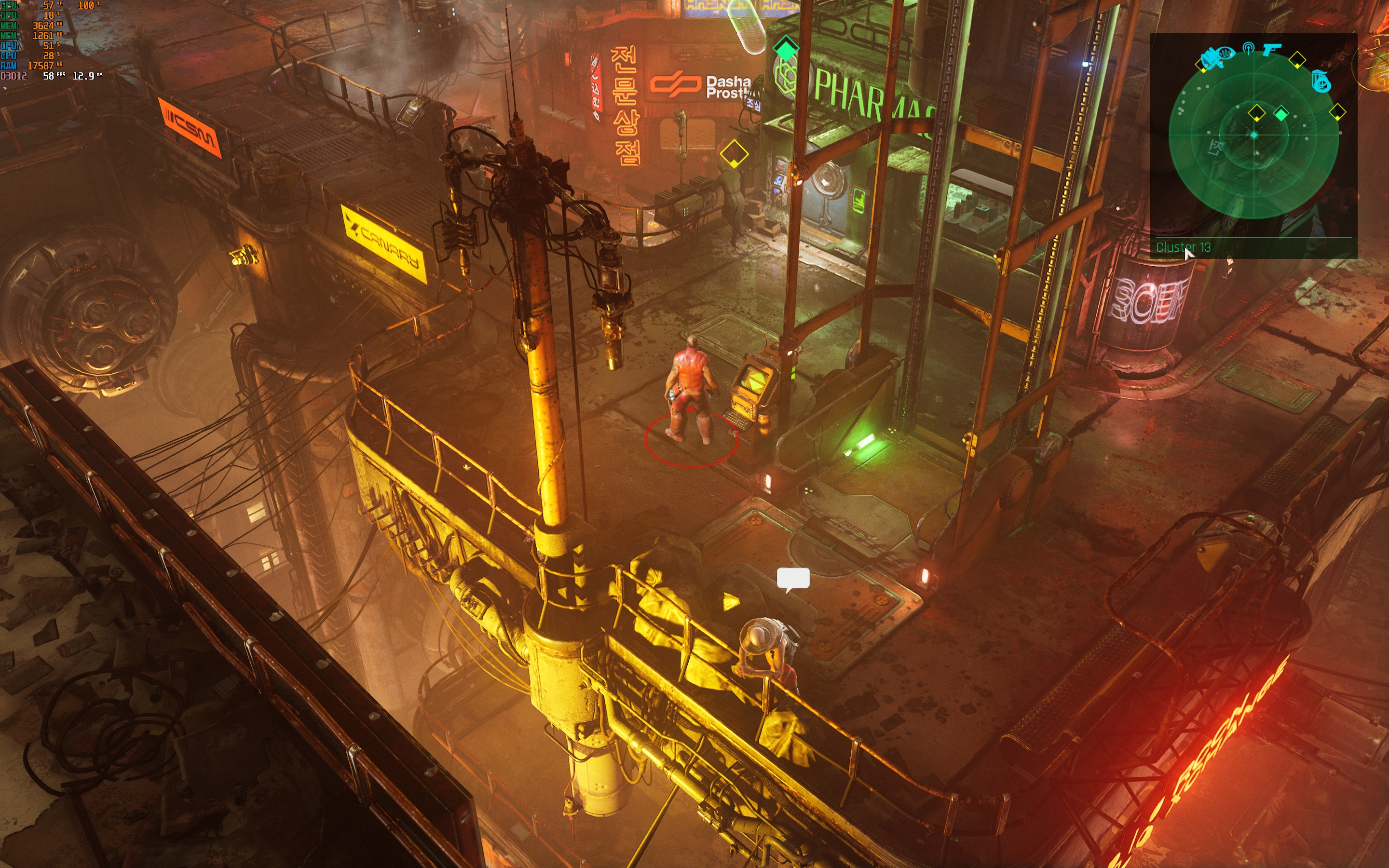
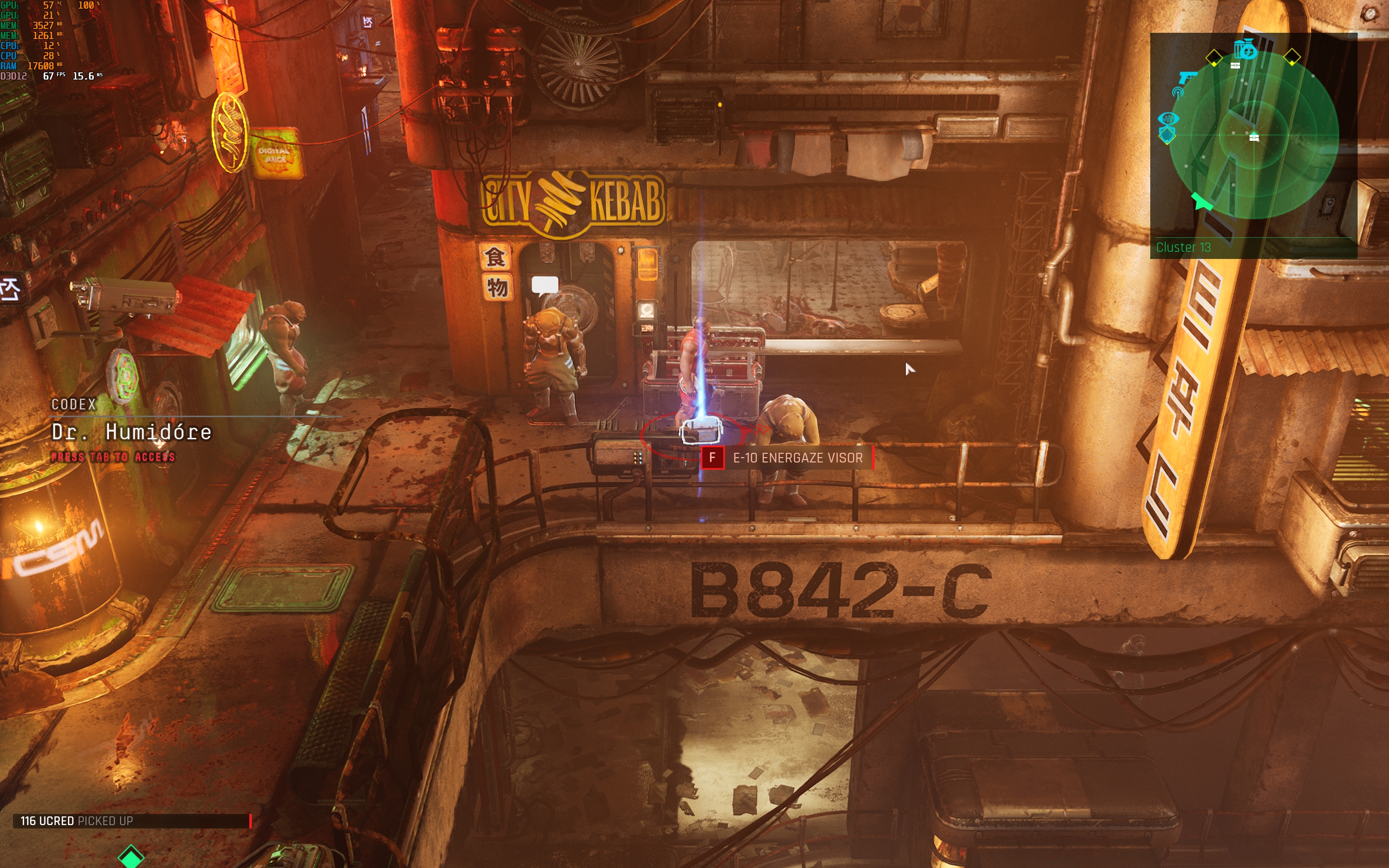
ASUS ZenBook Pro 14 Duo OLED – not gaminglaptop, but the power is enough to play modern games, albeit not at maximum settings. In Cyberpunk 2077 at high settings without ray tracing with DLSS performance mode you can get 30-40 60 FPS. Gears 5, high settings: about 60 FPS. God of War, high settings, DLSS in balance mode: 40-50 FPS. The Ascent, ultra settings, no ray tracing, DLSS in balance mode: about 60 FPS.
</ img>
</ img>
</ img>
</ img>
</ img>
</ img>
</ img>
</ img>
</ img>
</ img>
</ img>
</ img>
</ img>
</ img>
</ img>
</ img>
</ img>
</ img>
</ img>
</ img>
</ img>
</ img>
</ img>
</ img>
</ img>





















ASUS ZenBook Pro 14 Duo OLED installed76 Wh battery. Promise up to 9.5 hours of work. The included 180W power supply allows you to use the laptop at maximum performance, but charging is also supported with a 100W Type-C PSU. With an average level of performance, comfortable display brightness, working with a browser and documents, connecting via Wi-Fi, as well as playing music online, the laptop lasted just over 6 hours, which is very good, considering the Core i9 inside.
ASUS ZenBook Pro 14 Duo OLED stereo speakersturned out to be surprisingly high quality, as for a laptop. They are loud and of sufficient quality sound, although low frequencies are still lacking. A proprietary SmartAmp amplifier is used, which (according to ASUS) allows you to achieve a volume increase of 350% without distortion.
</ img>
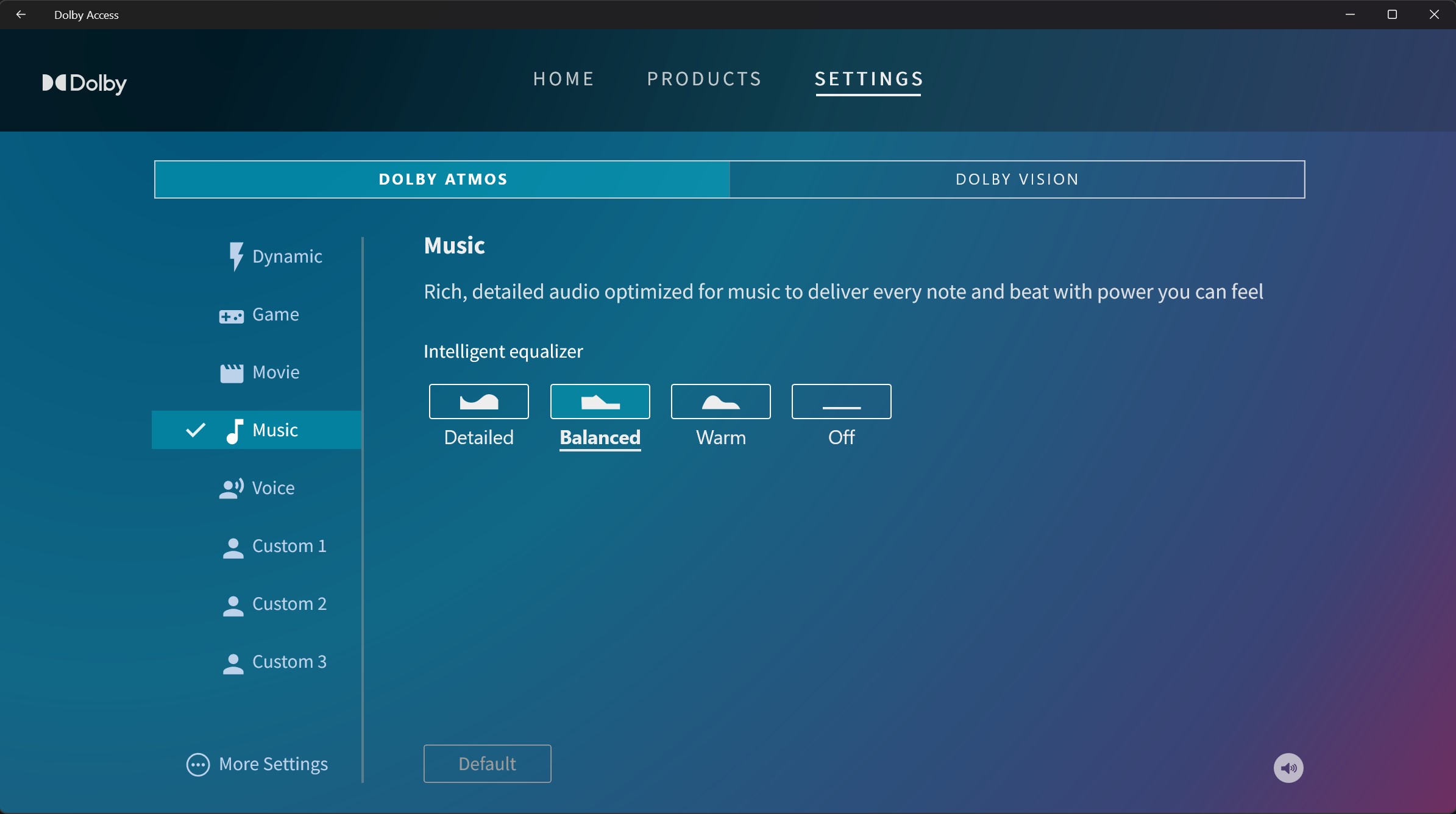
To customize the sound, there is the Dolby Atmos application with presets and an equalizer:
</ img>
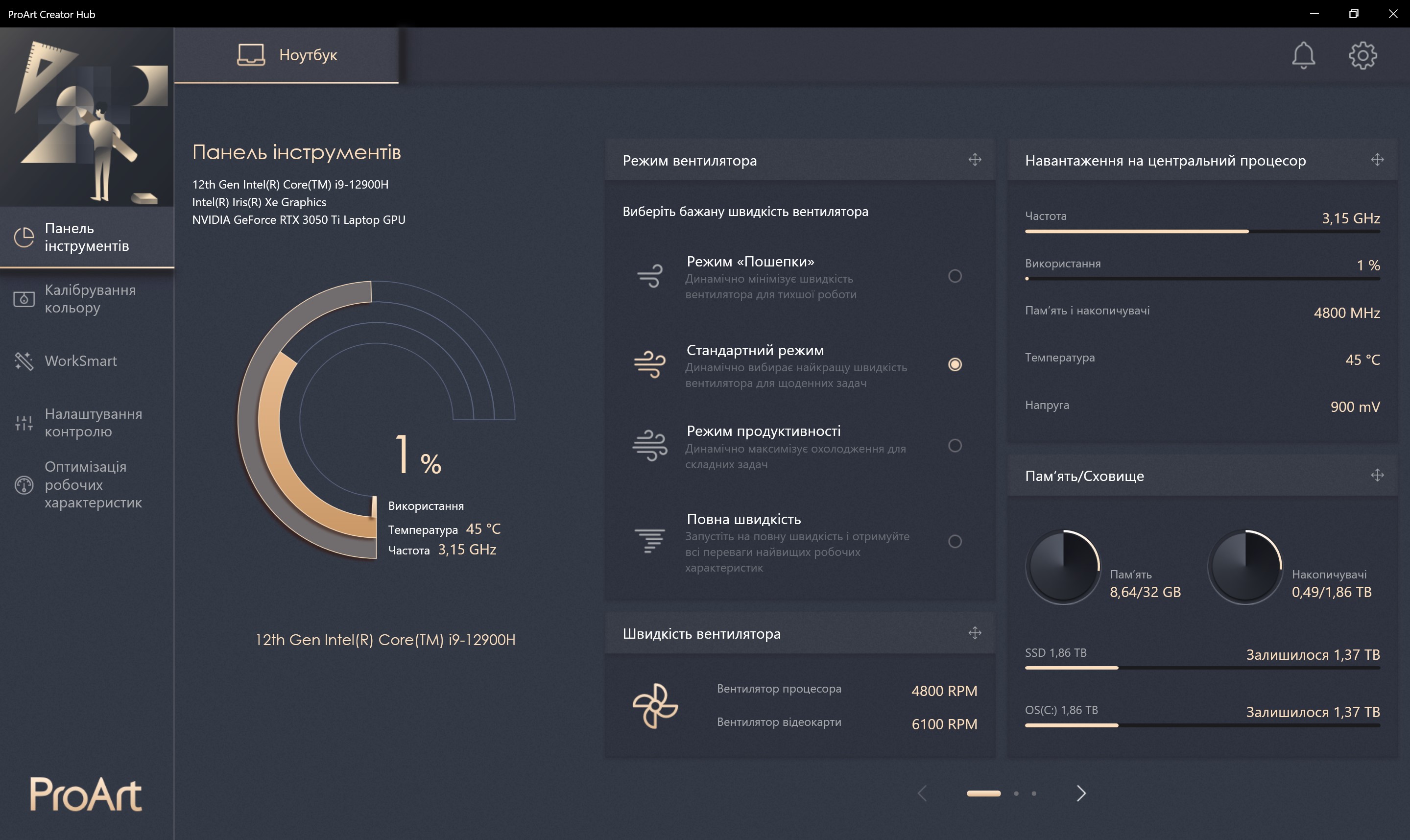
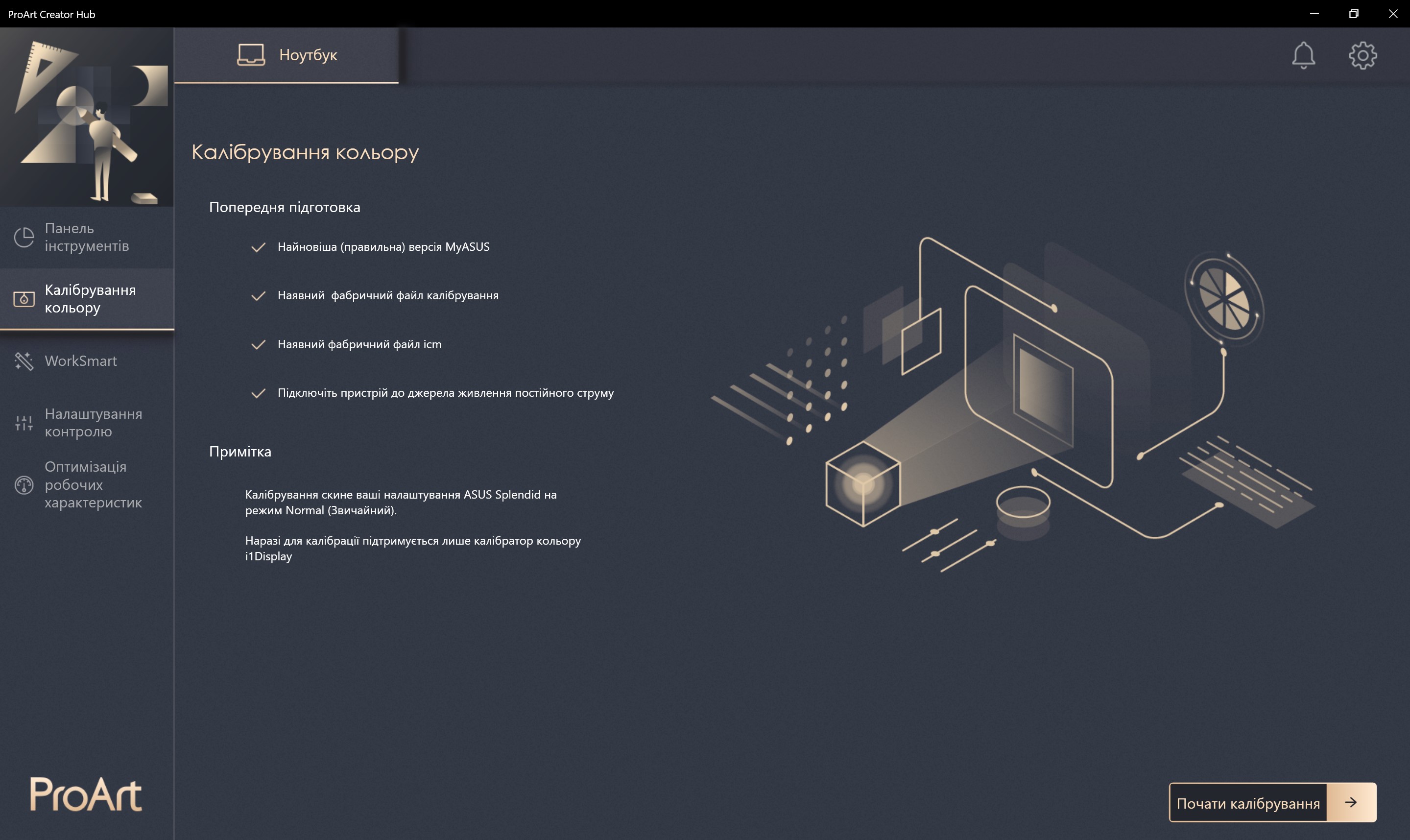
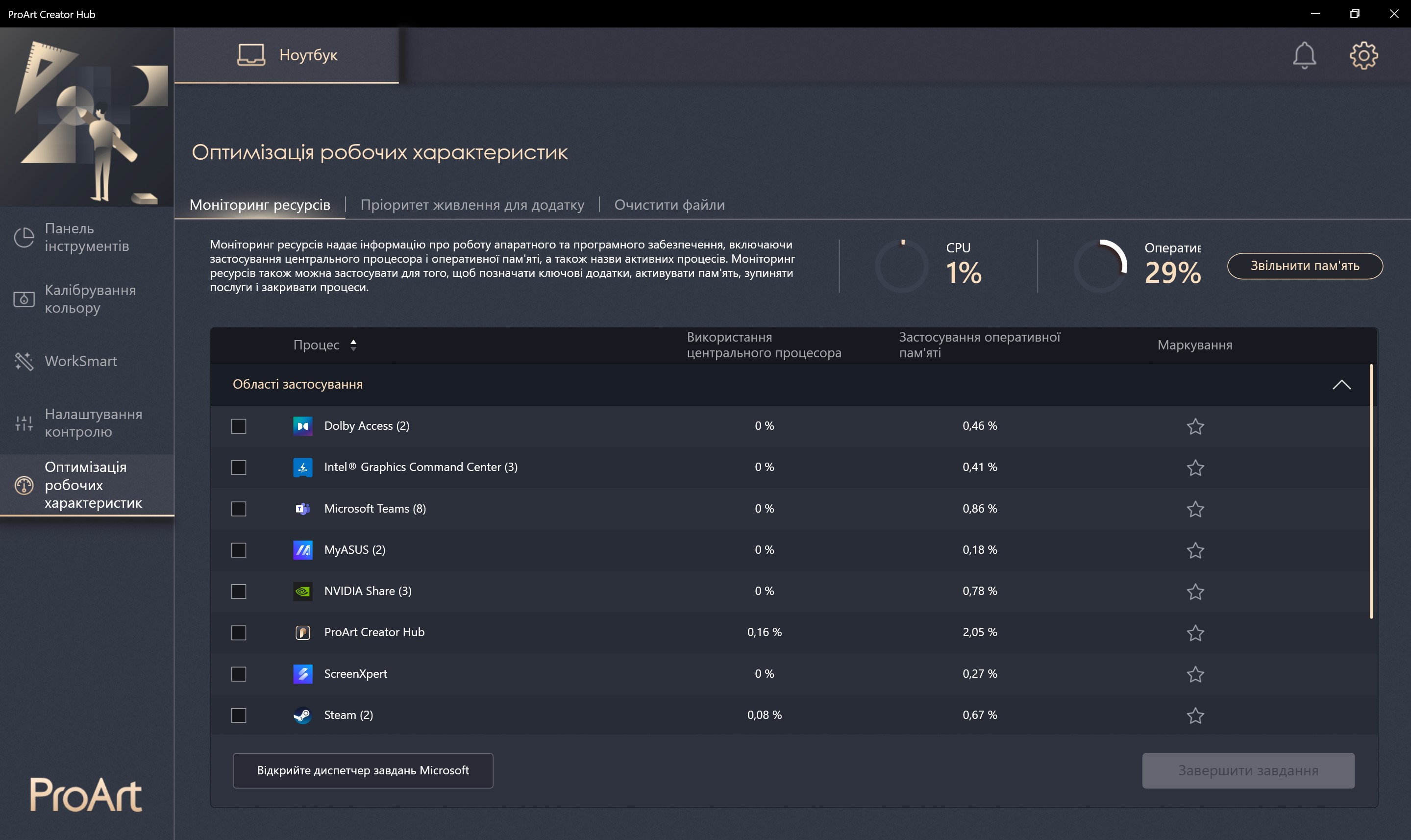
Of the useful applications, there is the ProArt Creator Hub, owhich we wrote above. In addition to the settings for the additional screen panels, you can select the performance mode, monitor the system load, go to screen calibration (this requires a calibrator of a certain model), create application groups for quick simultaneous launch, and set priorities for various applications.
</ img>
</ img>
</ img>
</ img>
</ img>
</ img>
</ img>


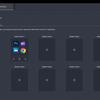
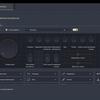
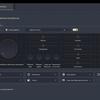
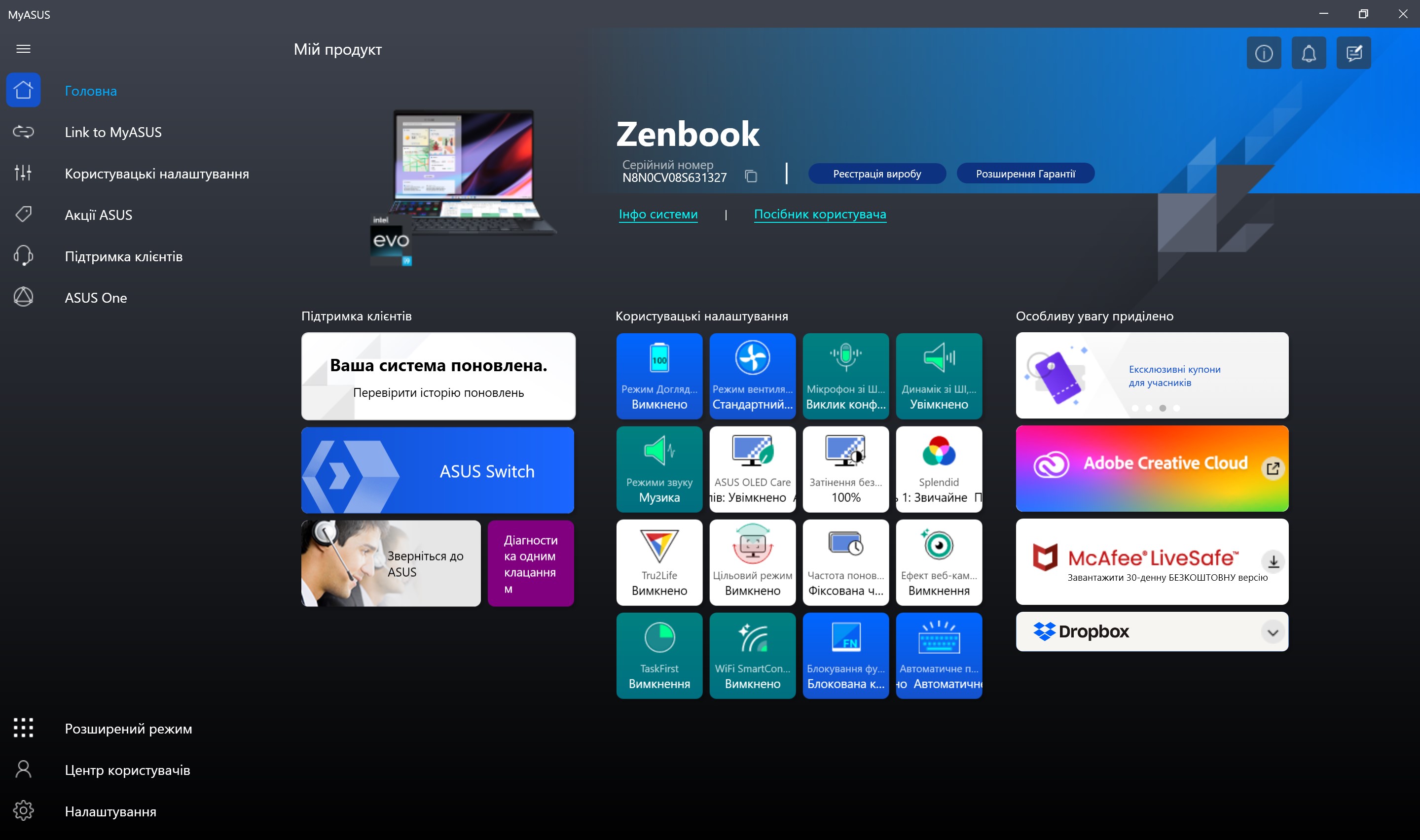
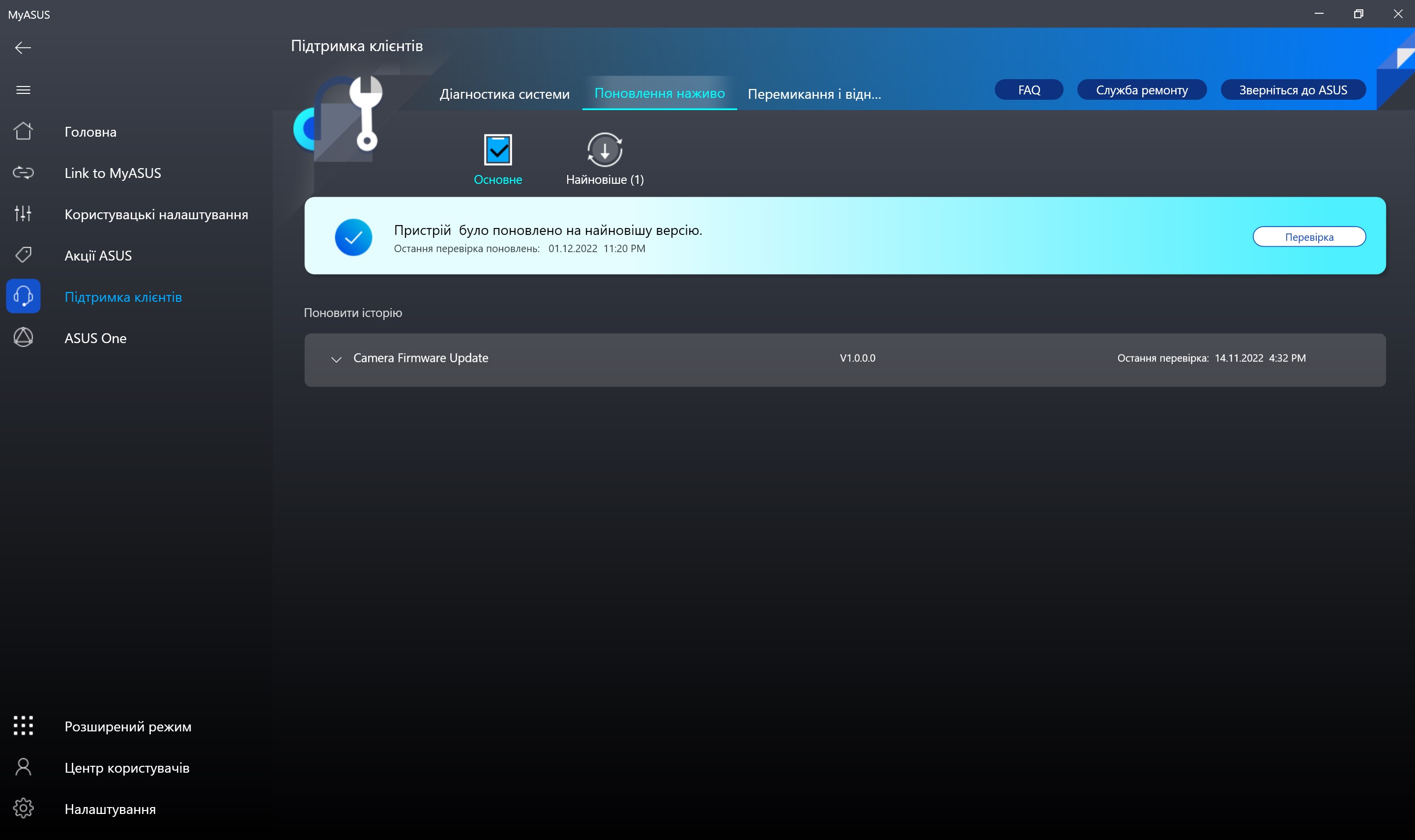
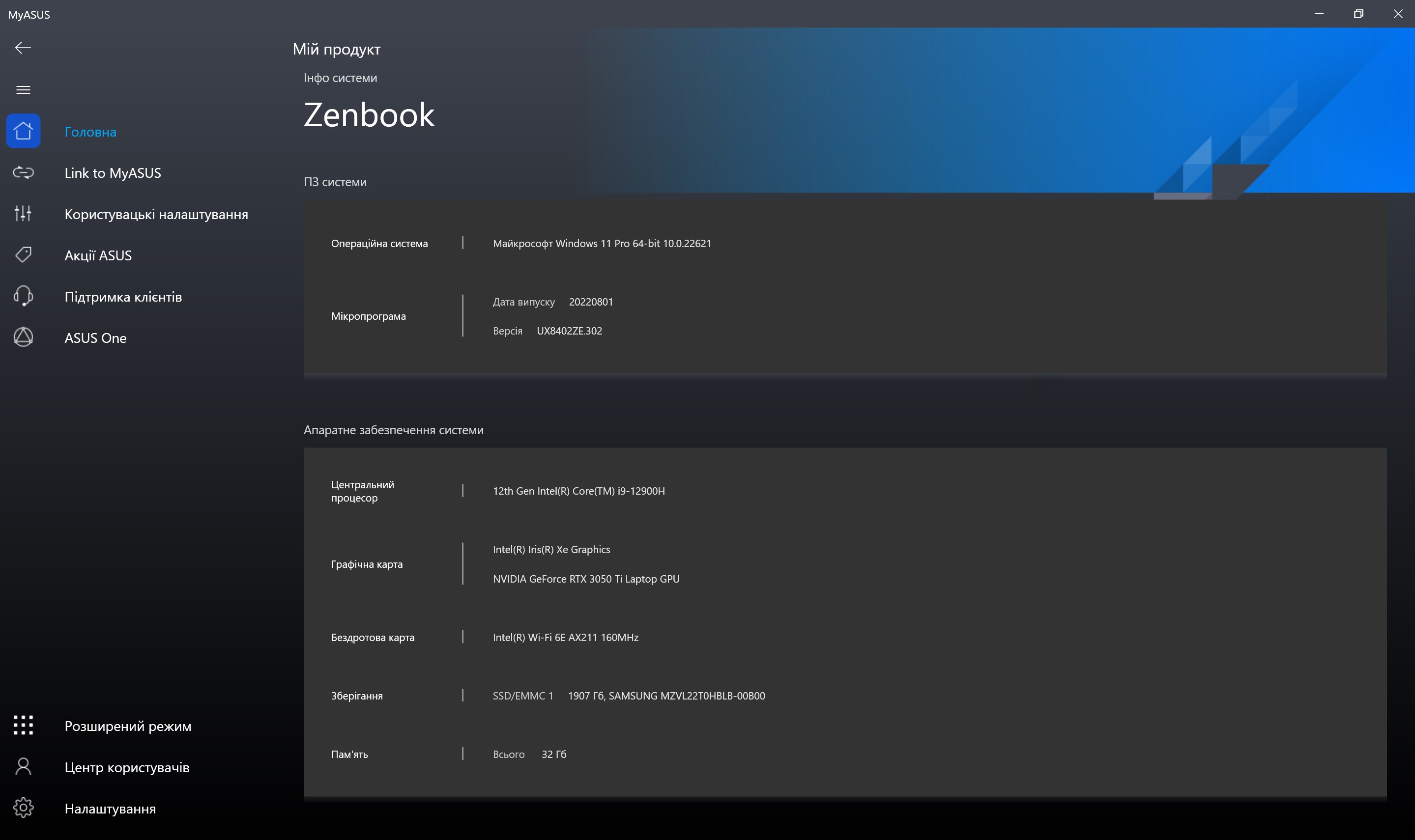
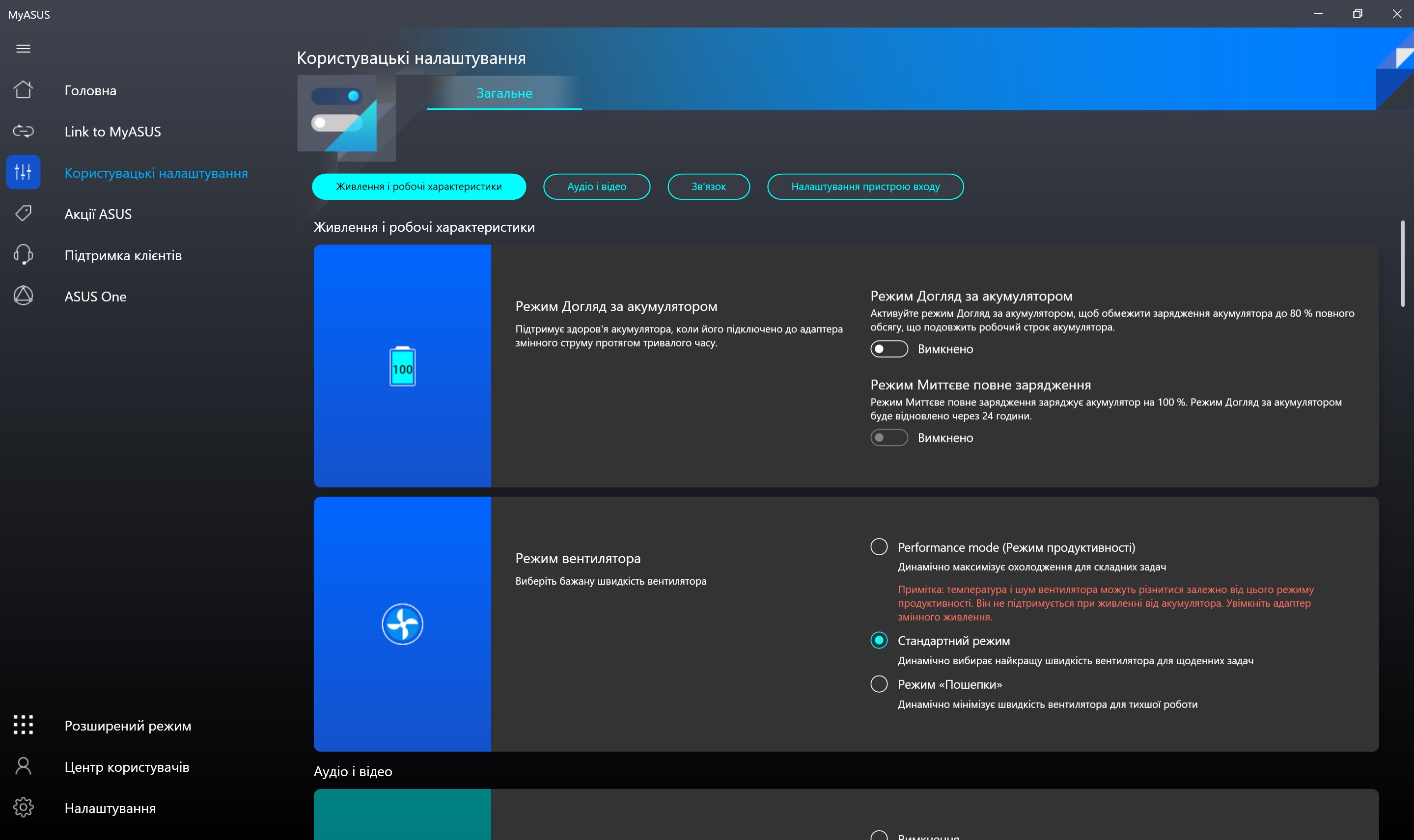
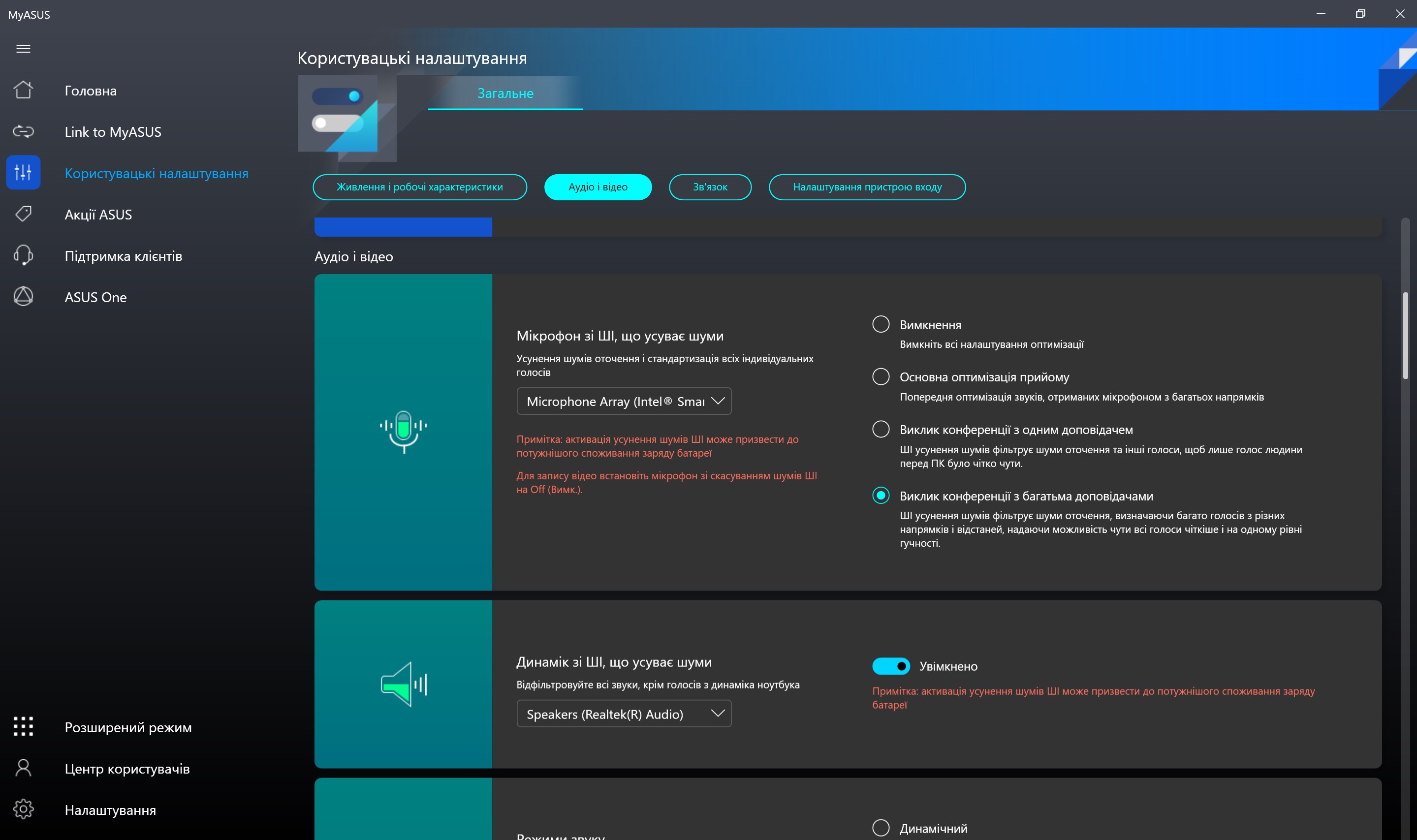
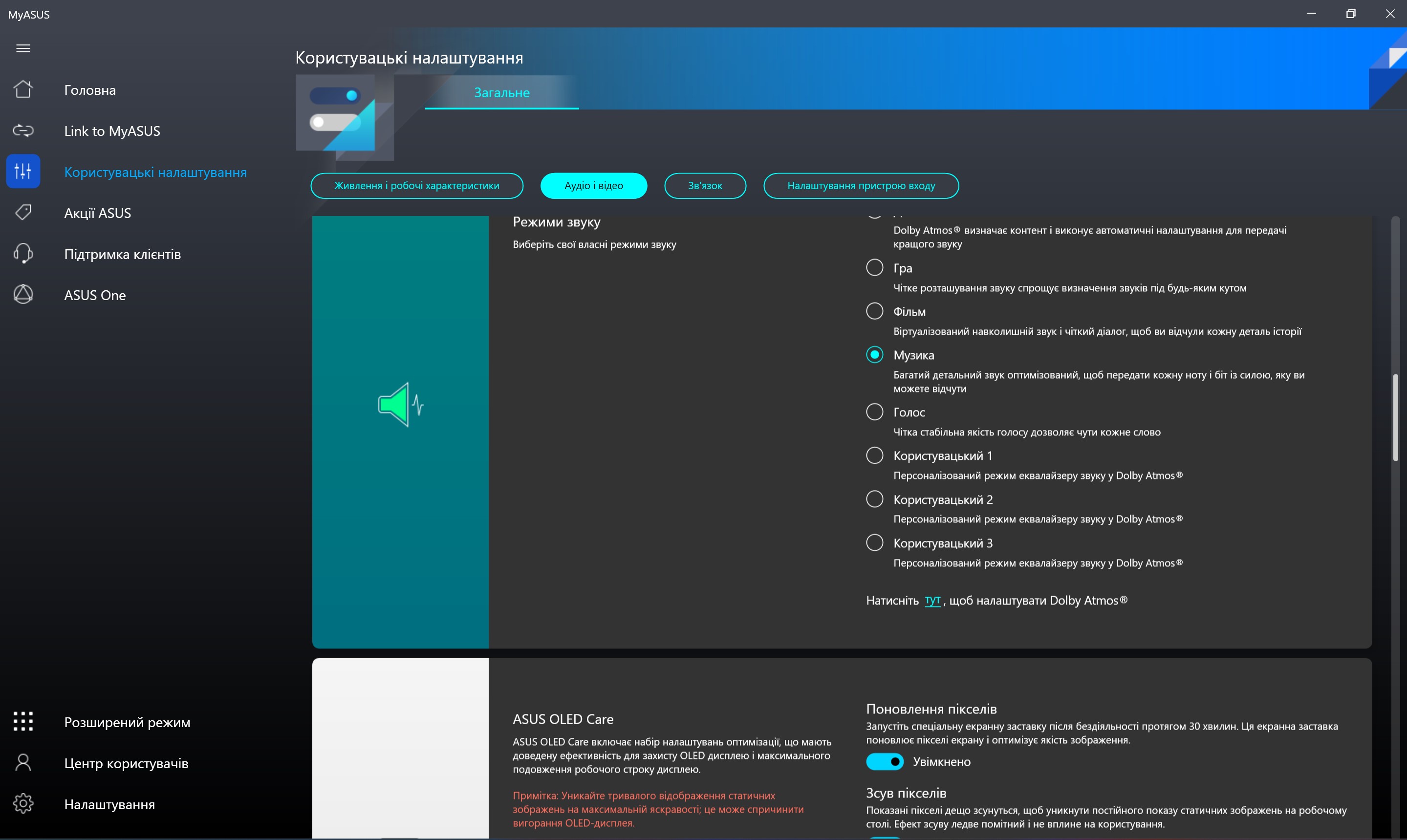
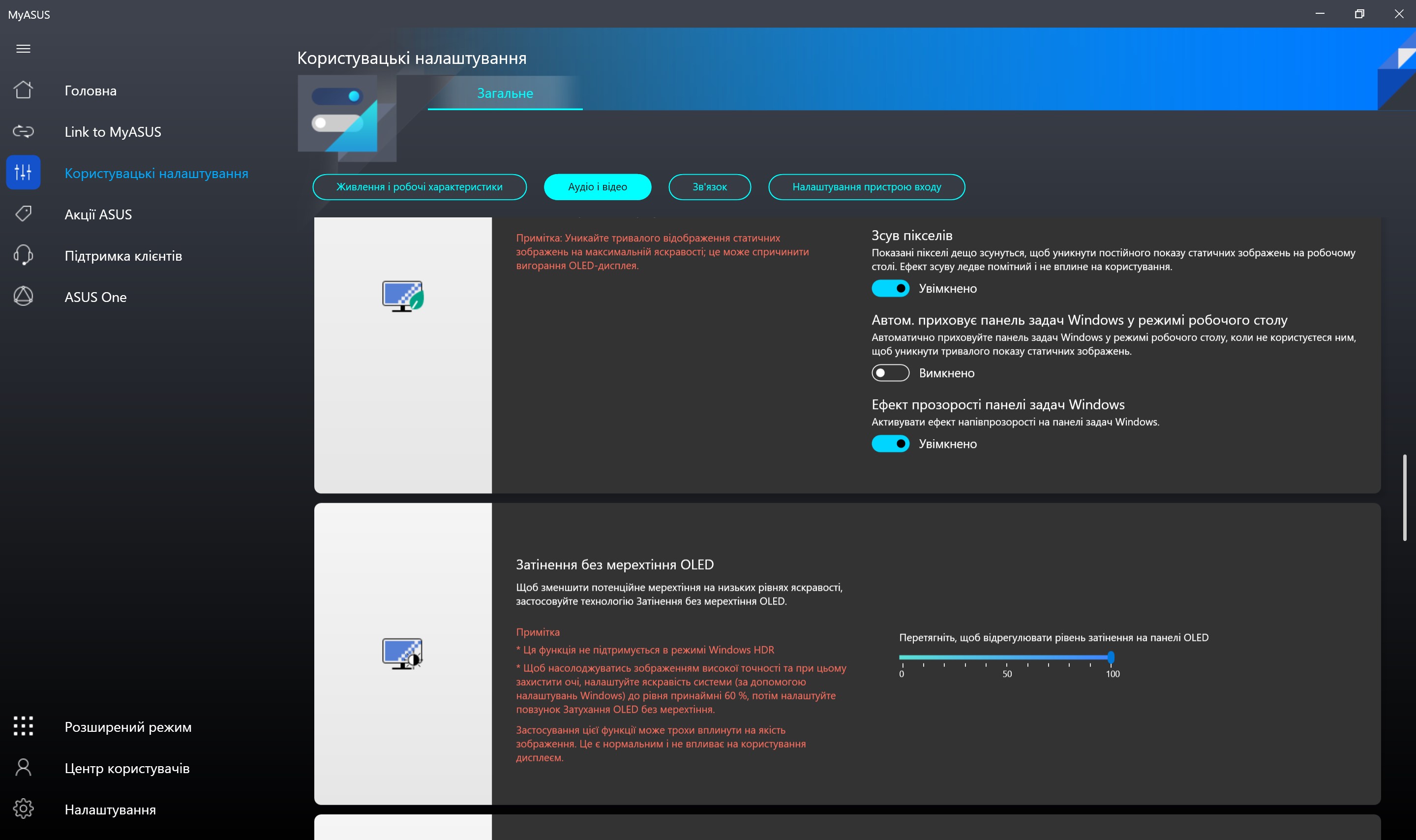
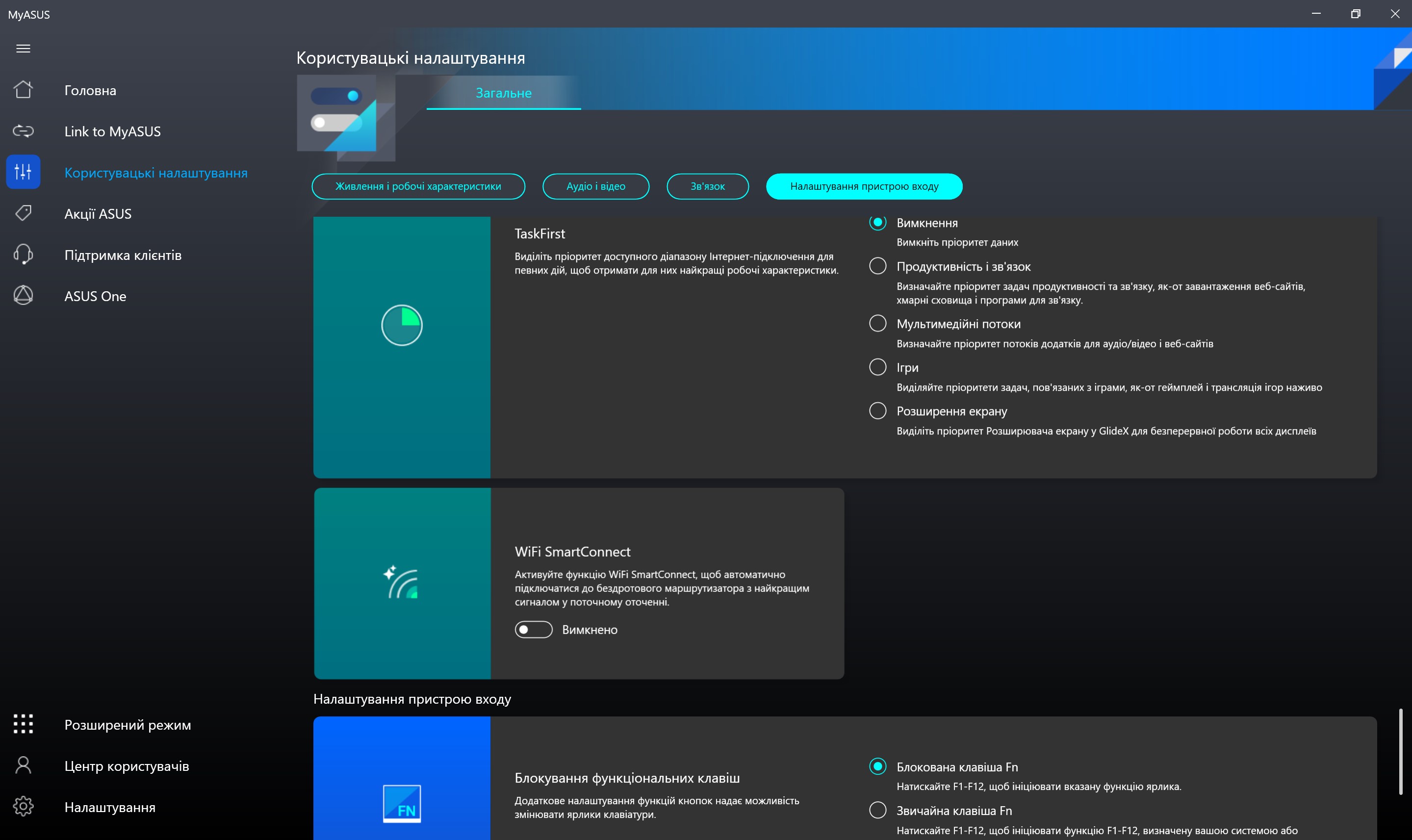
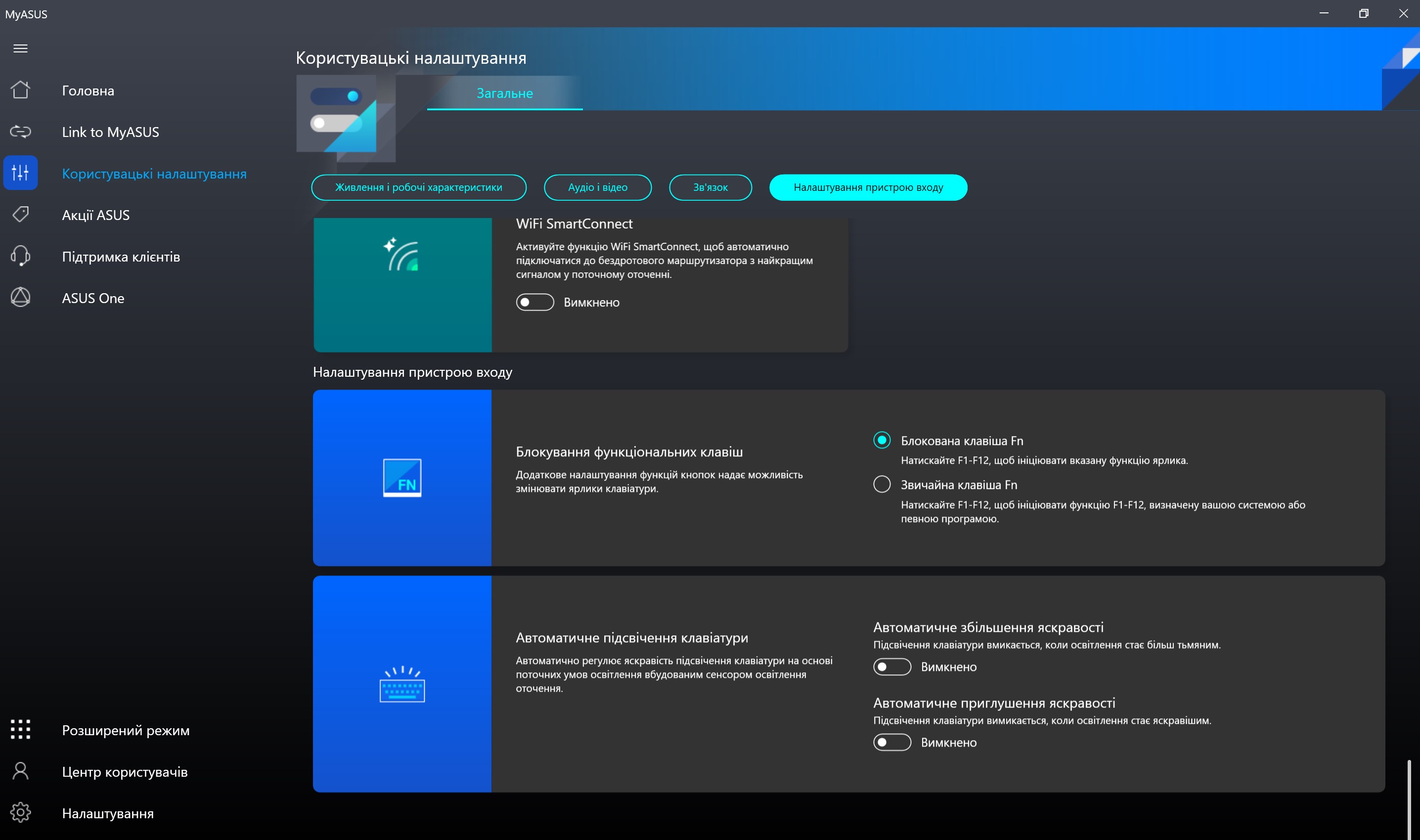
There is also the MyAsus program, familiar to all laptops of the company, for updating the system, selecting charging modes, displaying the display, turning on noise reduction and much more.
</ img>
</ img>
</ img>
</ img>
</ img>
</ img>
</ img>
</ img>
</ img>
</ img>
</ img>


in dry residue. Three things to know about the ASUS Zenbook Pro 14 Duo OLED (UX8402).
- ASUS ZenBook Pro 14 Duo OLED – compact metal ultrabook with two 120 Hz displays.
- Inside is a powerful Intel Core i9 processor and a GeForce RTX 3050 Ti discrete graphics card.
- The keyboard and touchpad are non-standard and take some time to get used to.
Specifications ASUS Zenbook Pro 14 Duo OLED (UX8402)
Display
14.5 inches, 2880x1440 (16:10), OLED, 120 Hz, touch, Gorilla Glass; additional: 12.7 inches, 2880x864 (32:10), IPS, 120 Hz, touch, matte
Dimensions
323.5×224.7×19.6 mm
Weight
1.7 kg
operating system
Windows 11 Pro
CPU
Intel Core i9-12900H (2.5-5.0 GHz), 14 (6+8) cores, 16 threads, (Alder Lake-P, 10 nm)
Ram
32 GB LPDDR5
Graphics
nVidia GeForce RTX 3050 Ti Laptop, 4 GB GDDR6, Intel Iris Xe
Storage device
SSD 2 TB (M.2)
Communications
Wi-Fi 802.11a/b/g/n/ac/ax, Bluetooth 5.2
Connectors
1xHDMI 2.1, 1xUSB 3.2 Gen 2 Type-A, 2xThunderbolt 4 (DisplayPort, power delivery), 3.5 mm audio, MicroSD
Optical drive
No
Battery
76 Wtg
For those who want to know more:
- ASUS ROG Strix SCAR 17 SE review: Cyberpunk 2022
- ASUS ROG Flow Z13 (2022): The most powerful gaming tablet
- ASUS ExpertBook B5 Review: Reliable Business Laptop with Impressive Battery Life
- ASUS ROG Zephyrus S GX502GW: powerful gaming laptop with GeForce RTX 2070 weighing just 2kg
- ASUS ROG Zephyrus G: compact gaming laptop with AMD and GeForce