News for fans of custom fonts: BytaFont, an application that allows you to install third-party fonts on your iPhone
BytaFont 3 supports Swap Mode for iOS 9 andnew font saturation values. If you love to customize fonts, it doesn't matter, across the entire iOS interface or in individual applications, then BytaFont is for you.
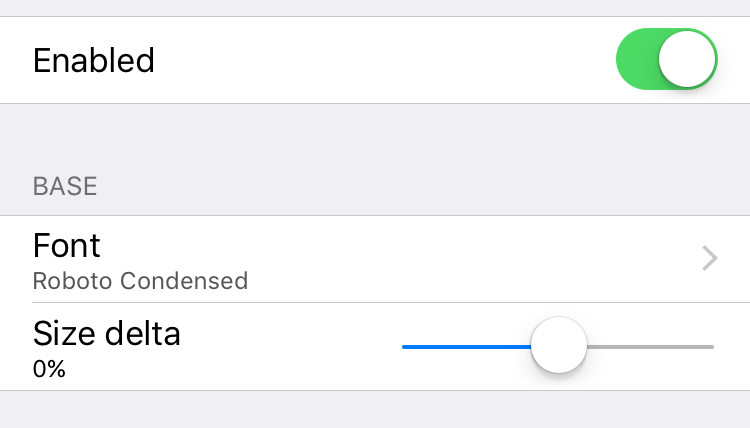

BytaFont 3 Changelog:
- Swap Mode for iOS 9
- New possible saturations: Semibold, Heavy, and Black
- Removed Cydget support: Tweak Mode can be used to customize the lock screen
Mentioned in the Tweak Mode changelog - this is a separate jailbreak tweak designed to configure fonts without changing system files. Like BytaFont, it is distributed for free.
After installing BytaFont 3 you will find a newicon on your home screen. You can customize fonts on your device through the Tweak Mode or Swap Mode tabs in the application. Cydia has a huge number of different fonts that you can install via BytaFont. Fonts are given a separate category in Cydia; you can search for them in Sources > All Sources.
BytaFont 3 weighs 1.6 MB and is available for free at BigBoss repo. If you are a lover of beautiful fonts, download this application and share your opinion about it in the comments.