Backing up your iPhone regularly is important, but doing it through iTunes is difficult and inconvenient. In addition, the program
You may not think about this on a daily basislife, but your iPhone stores a ton of important and irreplaceable information: from personal photos to Health app data, business contacts, messages and documents. And don't forget about dozens of applications and hundreds of songs! If you didn’t make a backup and something happens to your phone, it will all go to waste and you will have to part with your personal information and download all the programs again.
Advertising
Advertising
iTunes and iCloud
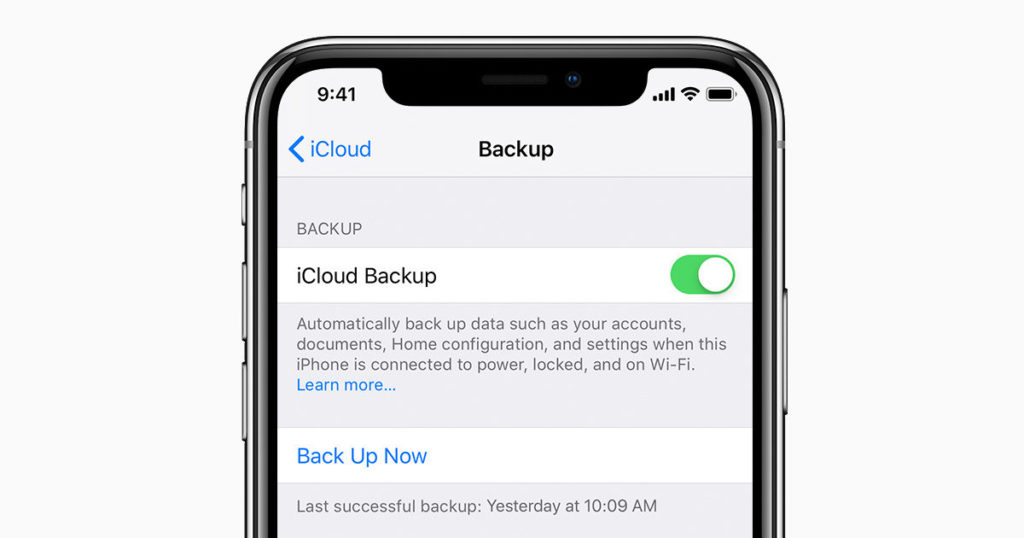
Apple offers two backup methods:via iTunes (data stored on Mac or PC) or iCloud (data stored in the cloud). If something happens to your device, you can restore the data that was on it when you made the last copy. This also makes it easier to set up your new phone: just transfer all the data from your old phone to it and don't waste time on a bunch of settings. Just a couple of clicks – and now even the usual screensaver is already on the new device.
However, it’s easier said than done: not all iPhone users make backups regularly, and the reason lies in the inconvenient software. iTunes is free to use, but frankly, using it is not always comfortable. The main reason for dissatisfaction is that the program can only do a full backup of the data, which can take (and usually takes) a lot of time and space on the selected medium.

Advertising
Advertising
iCloud, as the name suggests preservesdata in the Apple cloud, and this solves the problem of space on your computer (especially if you have an iPhone with 128 or 256 GB). Nevertheless, you will have to pay for a place in iCloud: only 5 GB is available for free, which is incredibly small by the standards of modern smartphones. And, recall, you won’t be able to make a selective backup, so you’ll have to pay anyway.
DearMob iPhone Manager
Of course, Apple is interested in all of usWe used iTunes and iCloud for backup, but this does not mean that there are no alternatives and you cannot contact them if something does not suit you in Apple services. In this article, we will consider the capabilities of DearMob iPhone Manager, which has a number of advantages compared to the default backup methods.
DearMob offers a number of tools that are notin Apple programs. Perhaps the most important of them is partial backup. Moreover, here you can select not only the categories of files that you want to save, but also the files themselves - photos, videos, contacts and messages. If you already have some of your files saved on your computer, then why would you waste space saving them again?
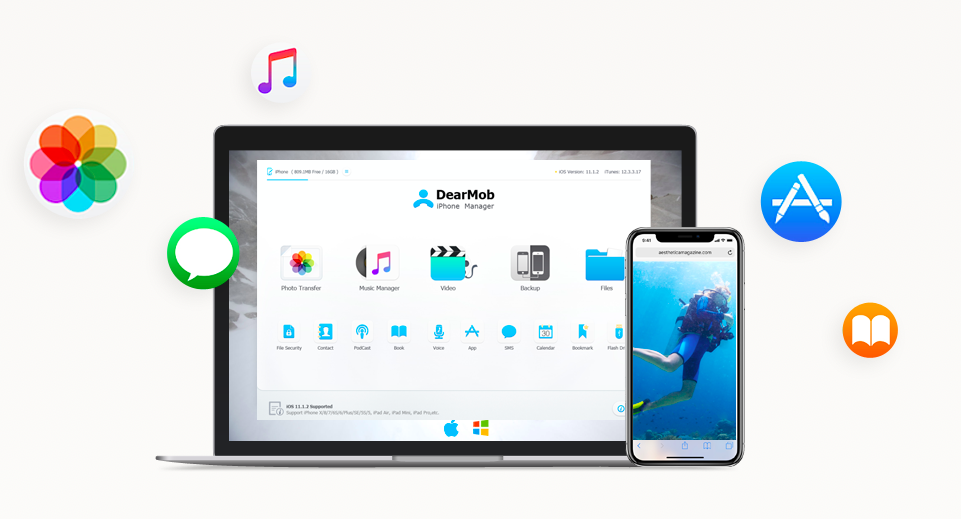

The utility supports a large number of formatsand has a built-in converter, which allows you, for example, to backup HEIC photos in .JPG, which can be opened on any computer. Similarly, ePub can be converted to TXT, and contacts in HTML can be transferred to XML. DearMob also provides the ability to remove DRM file protection.
Another important advantage: you do not need to connect to Wi-Fi or log in to Apple ID to perform a backup. This ensures that your personal data does not fall into the wrong hands.
How to make a full backup
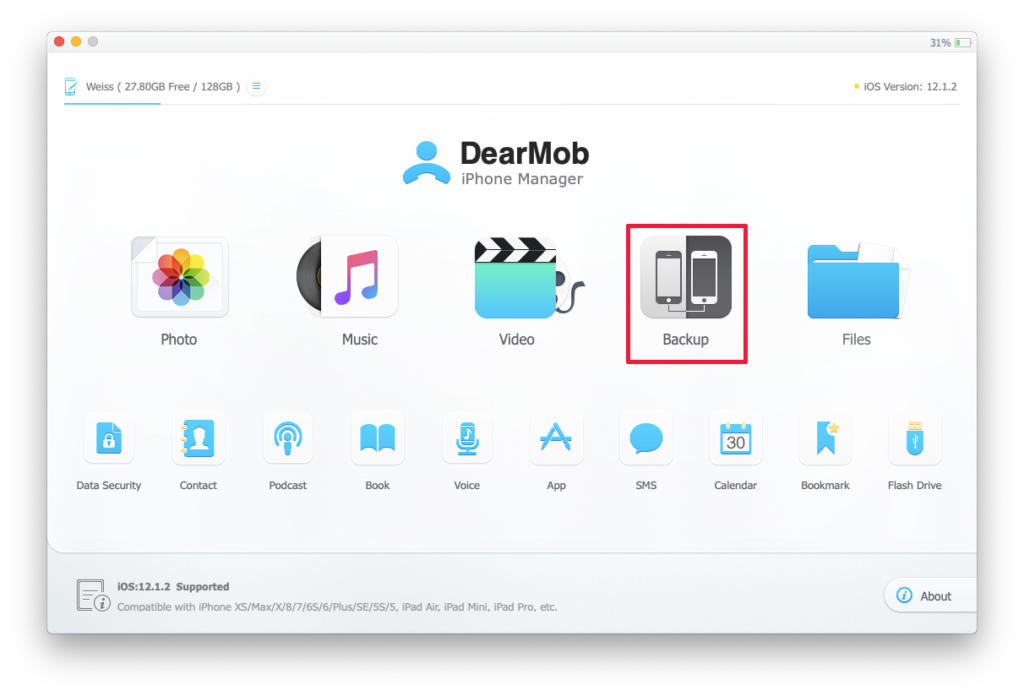
Connect your iPhone to your computer via USB and open DearMob iPhone Manager. On the launch pad, clickBackup.

Check the box next toEncrypt your backupto protect the backup file with a password. Click the buttonBack up nowto start the backup recording.
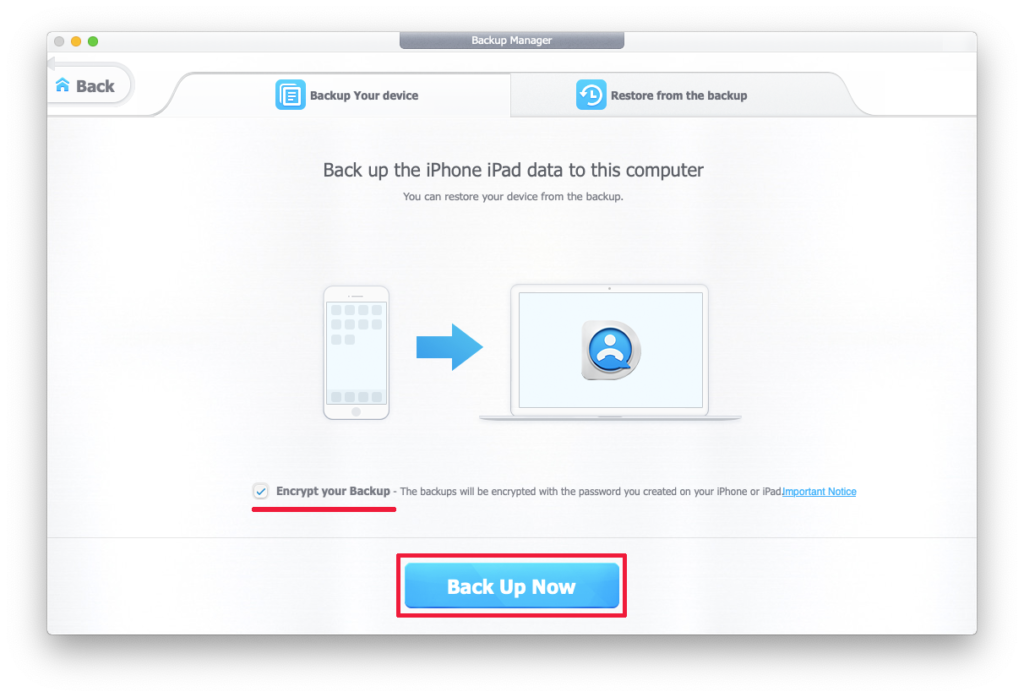

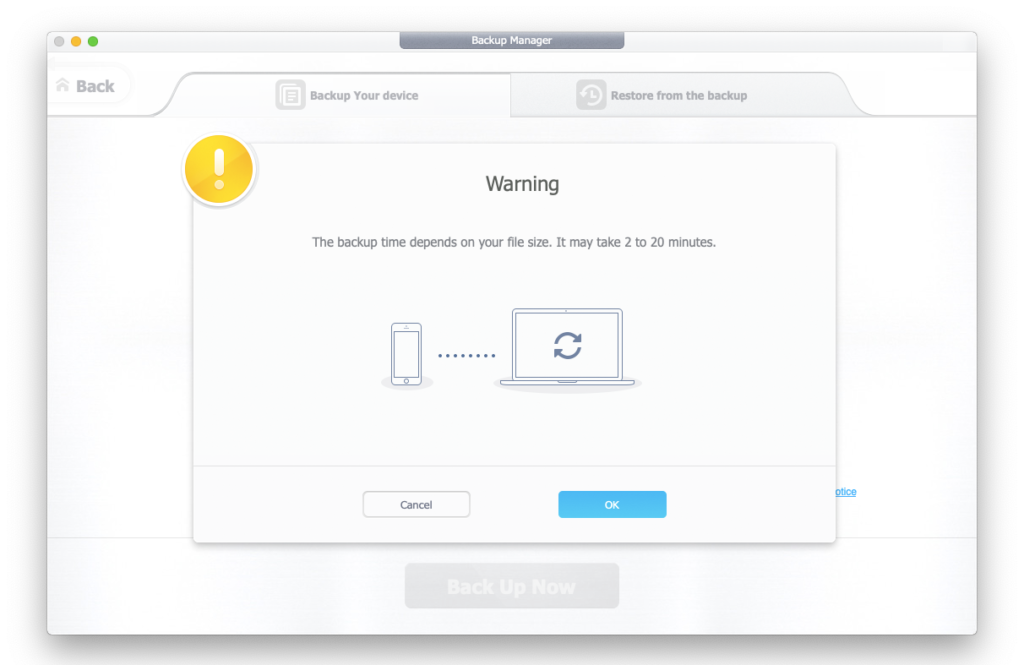
Backup iPhone without iTunes has begun! Before disconnecting the smartphone from USB, wait for the recording to finish (it may take 2 to 20 minutes).
Advertising
Advertising

How to make a partial backup
To backup photos on the start page, open the tabPhoto.


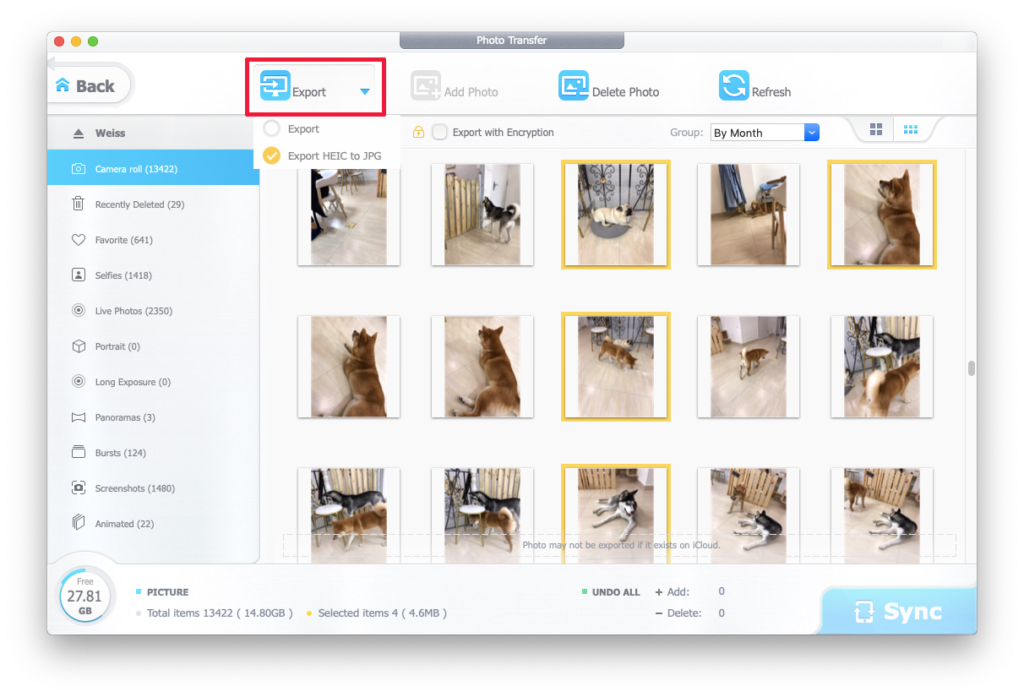
Select all the files you want and clickExportto save them to your computer. Click on the triangular icon next toExportto select in which format to export:
- Export– original format.
- Export HEIC to JPG– All files are saved in the original format, and HEIC is converted to JPG.

Advertising
Advertising
Done! All photos are now in the selected folder. Similarly, you can export videos, music, and files (Pages and Numbers).
How to get DearMob iPhone Manager for free
Now the developers are holding a drawing for license keys. To get your free copy of the program, follow this link and click on the blue buttonDownload free. You will download an archive that will contain an installation file and a text file with a license key. If you have a Mac, click on the lineOr get a free license for Mac >For loading.
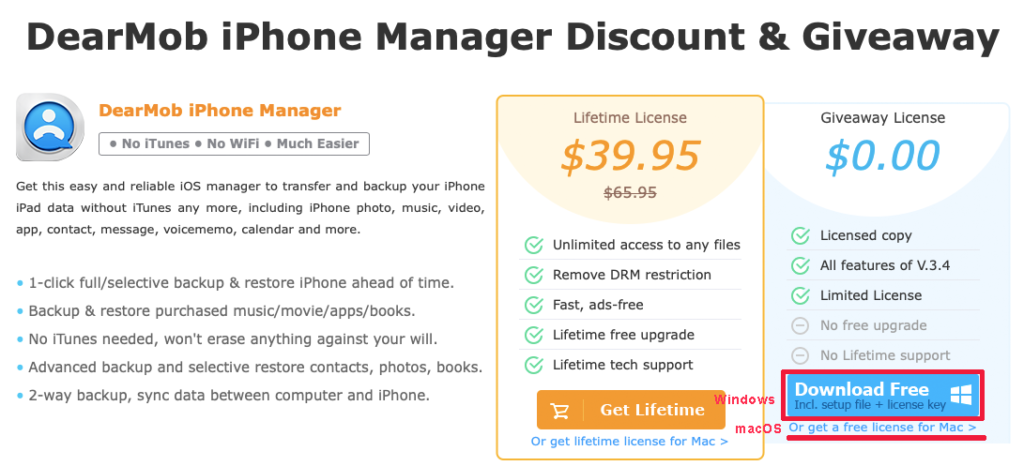

In addition, at the time of the draw completethe version of the program is available at a 40% discount ($ 39.95 instead of $ 65.95). The full version differs from the free version in that you can receive all program updates and technical support.