You've probably already heard about the release of a new jailbreak tool, checkra1n. It is based on the checkm8 exploit,
Advertising
Advertising
However, many users report problems putting the device into DFU mode and installing the jailbreak in general. Most often, Error 20 occurs, or the jailbreak does not work at all.
Bugs are present since this is a public beta version of the tool. However, as it turned out, most of the problems can be fixed in two simple steps:
- Use a USB-A / Lightning cable, not a USB-C / Lightning cable, to connect the device to a computer.
- Enter the device into DFU mode when the instructions appear on the screen, and not in advance.
The checkra1n team has officially announced thatYou cannot use the USB-C / Lightning cable when installing the tool. It seems that it is preventing the device from entering DFU mode. The problem for Apple’s cables is especially relevant, but it can also occur with third-party cables.
Advertising
Advertising
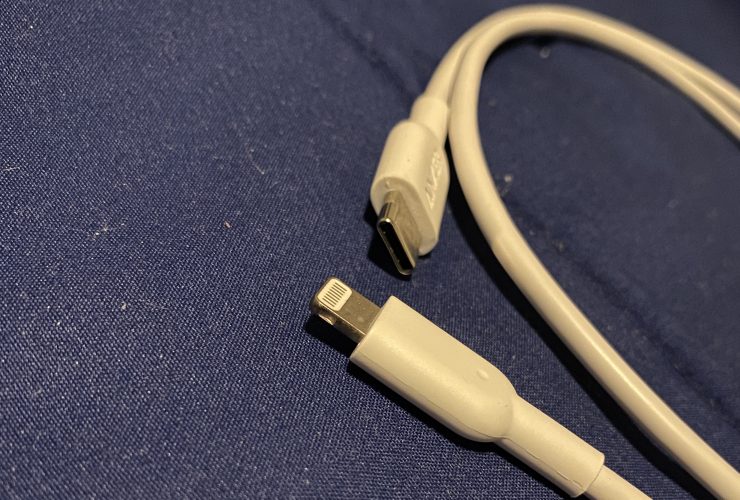

If you use a USB-A / Lightning cable, the problems should go away.
Many for some reason enter their devices into DFU mode in advance, but this is not necessary. It is because of this that problems arise.
The checkra1n team even updated the instruction to enter DFU mode, making it clearer. Now everything should work out the first time.


If you have problems installing the jailbreak, we recommend that you follow the two tips above and try again.
Remember that checkra1n is everythingBeta still, so bugs cannot be avoided. We advise you to wait until the final version. If you can’t wait, we have checkra1n jailbreak installation instructions.