The printer as a device is almost 70 years old. But to understand how the most popular office device has changed,
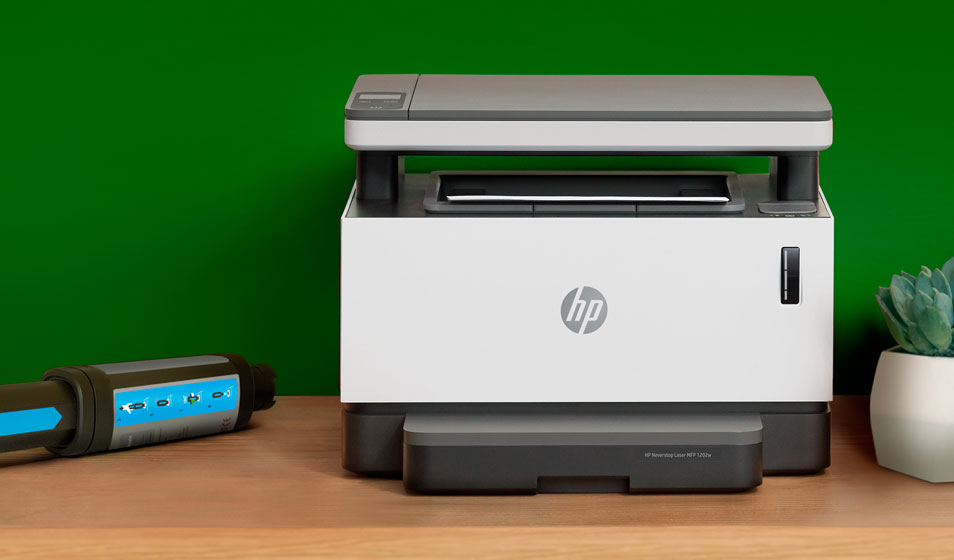
No more cartridges
The main trouble that can happen withprinter in the middle of a working day or while printing an important and urgent document - this is an empty cartridge. This story always repeats itself in the same way: no one thought that the ink was about to run out, you need to call a specialist or go to the nearest service to refill toner. Of course, there is no spare cartridge, which means that the work is forced to stop. Of course, the employer suffers losses, the employees languish from uselessness. Someone is sent to a nearby copy center, where they have to print a huge array of documents (from all over the office), and even for fabulous money.
HP solved this problem radically. The corporation removed the cartridge from the printer altogether; now it is completely unnecessary. The first-of-its-kind HP Neverstop Laser no longer requires the hassle of cartridge replacement and refilling. It uses a smart refill to refill ink. No specialists or services are required for refueling. And the time that an employee of any qualification will spend on refueling will be only 15 seconds. You just need to shake the filling device, fix it and press the piston. The printer is immediately ready to print 2,500 pages. Another advantage of this “painless” refueling method is the absence of dirt. You can fearlessly refuel the printer even next to food or valuable documents, which, as a rule, often coexist in office chaos.
High print speed
The first devices that were created in the middleof the last century, of course, had a printing speed that is not comparable with modern "descendants". For example, the printer created for the Univac computer in 1953 was then called high-speed. But here it should be especially noted that we are talking about the context of that time. The printing device could produce 600 lines per minute with 120 characters each. Today, a huge line of impatiently waiting clerks would form near such a printer in any office. That's all - because, despite the general digitalization, the volume of paper workflow has only grown, all digital originals are necessarily printed, as a rule, in several copies.
According to various surveys and reports, for onea working day less than 10 sheets are printed by about 20% of employees. 11-50 sheets - 61% of employees, 51-100 sheets - 12% of employees, more than 100 sheets - 7% of employees. 70% of respondents use one side of the sheet, ≈50% of survey participants are not worried about the number of printed pages (according to VTsIOM). 40% of printouts could be printed in duplex and b / w (Nuance Communications data).
It's not hard to guess how big it will bea queue near a 50s printer with that kind of workload, even in an office with 15 employees. Fortunately, thanks to the development of printing technology and computing devices, printing speed during this time has grown much more than the speed of flying machines, for example. Thus, the new line of HP Neverstop Laser printers can print up to 20 pages per minute.
By the way, the world record for typing speed is alsoowned by HP. The corporation even registered it in the Guinness Book of Records in 2013. The champion was the entire HP Officejet Pro X series, powered by proprietary HP PageWide Technology with a color printing speed of 70 pages per minute.
Cheaper, even cheaper
In 1980, Hewlett-Packard independentlydeveloped a technology called "thermal inkjet printing", and already in 1984 the ThinkJet solution appeared on the market - the first commercially successful and relatively inexpensive inkjet printer that provides good print quality and resolution.
And in 1984, Hewlett-Packard beganlaunch a series of affordable LaserJet printers that provided the then excellent 300 dpi resolution. In 1992, HP released its LaserJet 4 printer for slightly less than $ 1,000 and a resolution of 600 dpi. We can say that this moment became a turning point - laser printers began to gain popularity and conquer the office printing market.
Almost 40 years have passed, the cost of modernprinting devices remained approximately at the same level, but any owner should understand that buying a car does not mean buying gasoline for it. Refilling remains a significant expense given the printer load and can become an important item for a company that is trying to optimize its expenses. First of all, it is difficult to track whether an employee is typing something for himself, and constant edits lead to documents being printed several times. Therefore, it is important to choose a printer that is not only optimal in price at the procurement stage, but also becomes a profitable investment in future maintenance.
HP Neverstop Laser already has astarting toner supply for 5,000 pages. Thus, immediately after the purchase, you do not need to think about the need for refueling soon. It features a new line and low cost of the filling device. With a capacity of 2,500 pages, it will cost the owner of the laser printer only 790 rubles, which, when compared with traditional cartridges, seems like a mere trifle in the company's annual budget. Costs are minimized and efficiency is increased — this is what sets the future apart from generations of the past who work in the paradigms of the past.
No wires and office slavery
The Internet of Things has made the modern world wheremore mobile than he was before. We carry smart devices with us, send gigabytes of data to and from our smartphone every day, work on the road, on vacation, and even while lying in the bathroom. The office paradigm “It is convenient only in the office” has long outlived its usefulness. Especially given the modern context - the massive transition to a remote mode of operation. Under these conditions, of course, you can send the desired document by e-mail, then the employee in the office will download it and only then print it.
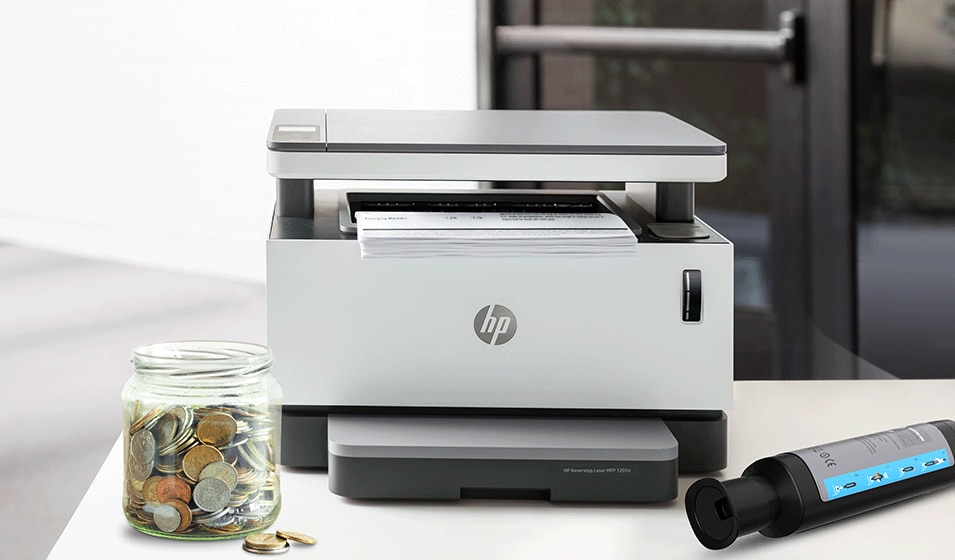
But the creators of the HP Neverstop Laser have their own visionmobile printing. With your smartphone and software - the HP Smart Mobile App - you can print, scan or copy any document in the office, at home, anywhere. It is enough to have access to the Internet and a printer connected to the network. No extra staff is required. You can be in a meeting via Zoom, and a printer in the room with other participants will print the documents that you want to show them. Moreover, a significant part of people are used to reading important things from paper, and not from the display. Moreover, it is also security. Contracts can then be redone electronically, but a paper copy will retain all of the options.
See also:
On the threatening Earth asteroid Apophis noticed a dangerous phenomenon. What's happening?
Scientists have found out why children are the most dangerous carriers of COVID-19
What the Parker Solar Probe discovered when it flew as close to the Sun as possible