If you've already created a Memoji on your iPhone, it's worth making your character more festive by adding
Advertising
Advertising
How to add a New Year's cap toMemoji
- Open the Messages app on your iPhone, and then open some kind of dialogue.
- Touch the monkey icon in the application bar at the bottom of the screen.
- Choose your Memoji or create a new Memoji.
- Press the button (...) and select “Change”.
- Find the headgear section, scroll down and select the white New Year's cap.
- Now scroll up and select the section with flowers. Here you can paint the cap in traditional red or any other color.


- Click Finish to save your Memoji.
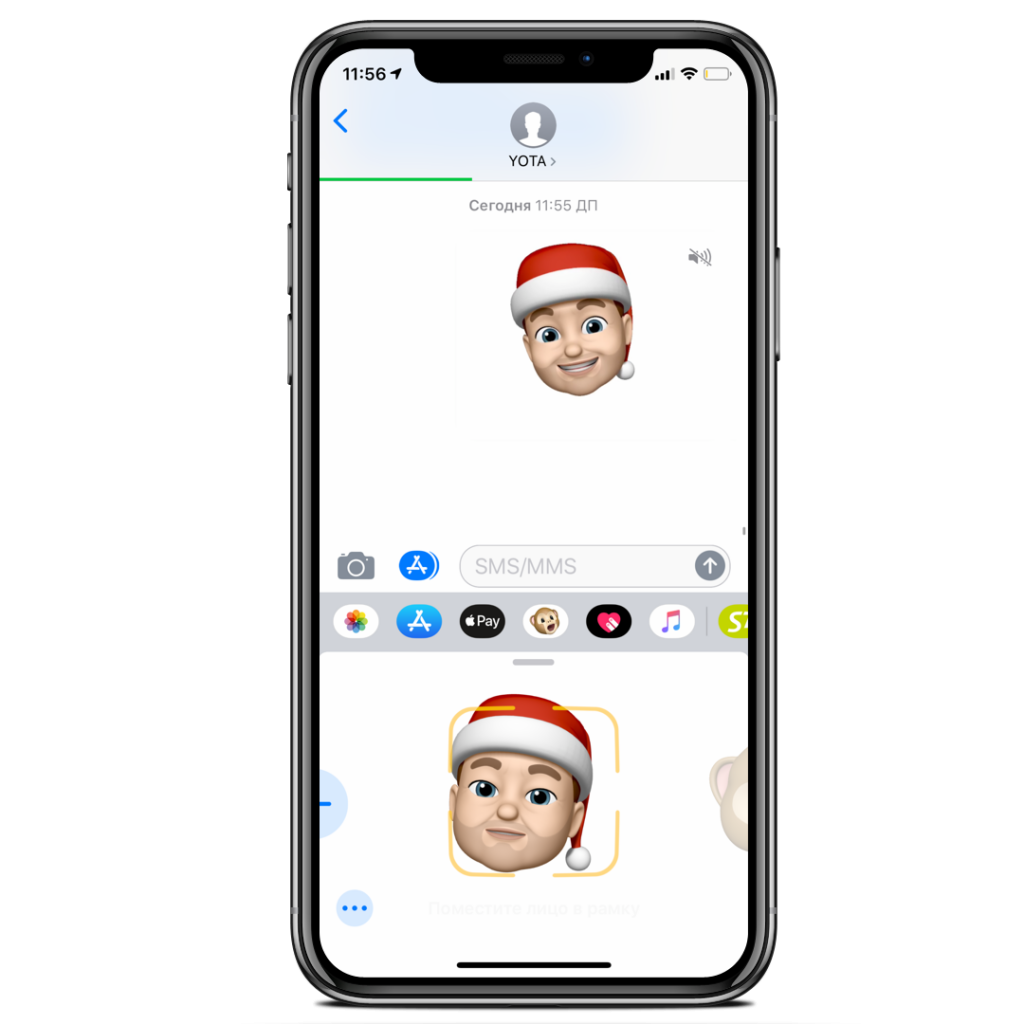

Now you can use your festive Memoji like any other.


You can send it to your friends, record videos with it, turn Memoji into gifs or just admire your character.
Recall that to use Memoji and Animoji, you need an iPhone XS, XS Max, XR, X with iOS 12 and newer.
We hope you already have a festive mood! And if not, create it using holiday wallpapers.