In February 2018, Google introduced augmented reality stickers for the Google Camera app on smartphones
Advertising
Advertising
The feature has been especially interesting recently, as many people get bored at home during quarantine. With it, you can show your children what wild animals look like. Read how to do this below.
How to use Google 3D animals on iPhone
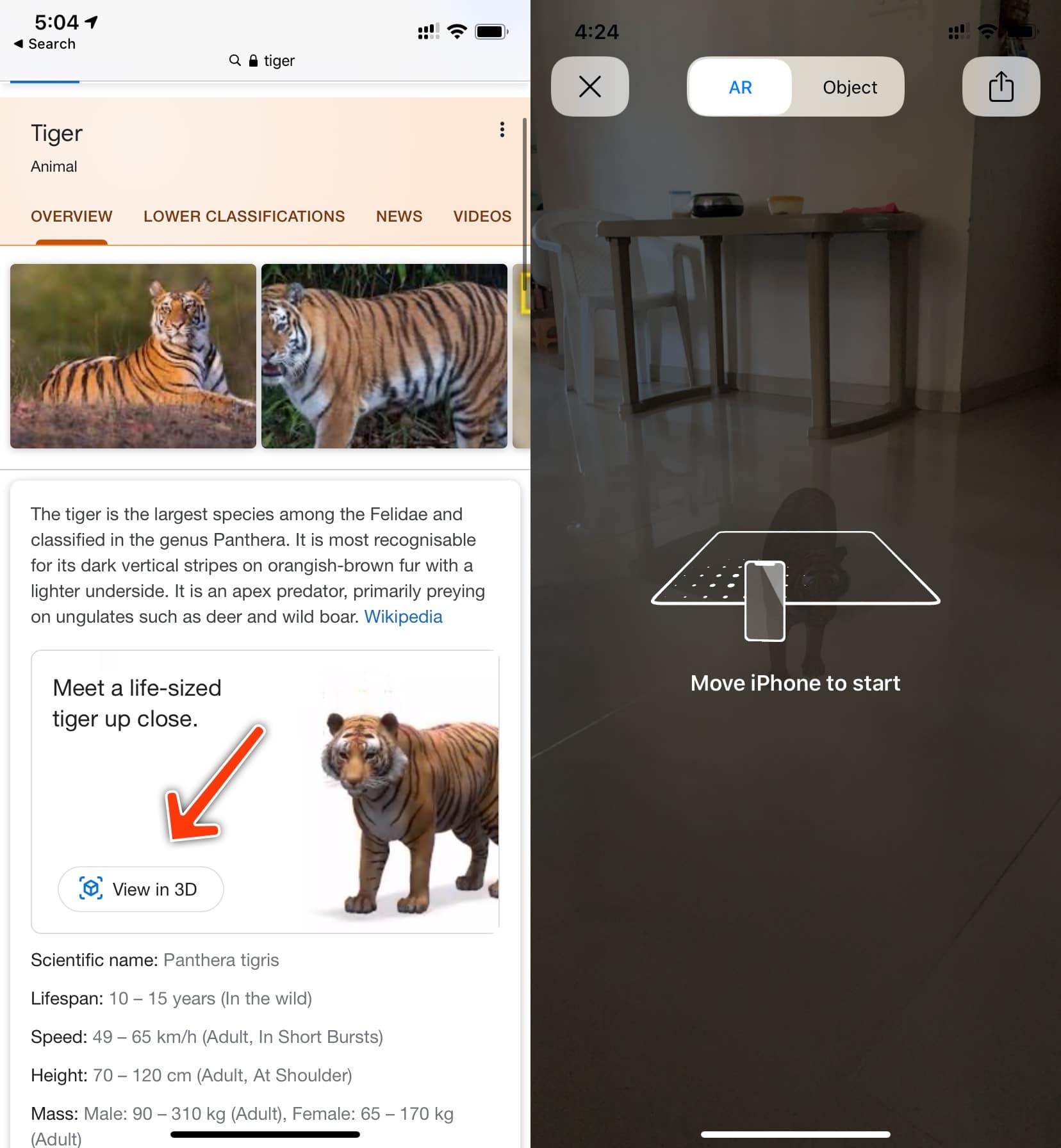
The feature can be activated through any browser. Open the sitegoogle.comin your browser on your iPhone. Now enter the name of the animal that interests you in the search. Among the results, find the Wikipedia section and select the “View in 3D” option.

Advertising
Advertising
The application will request access to the camera. Give it to the animal model to download to the device. After that, through the camera you will see a life-sized animal right in your room!
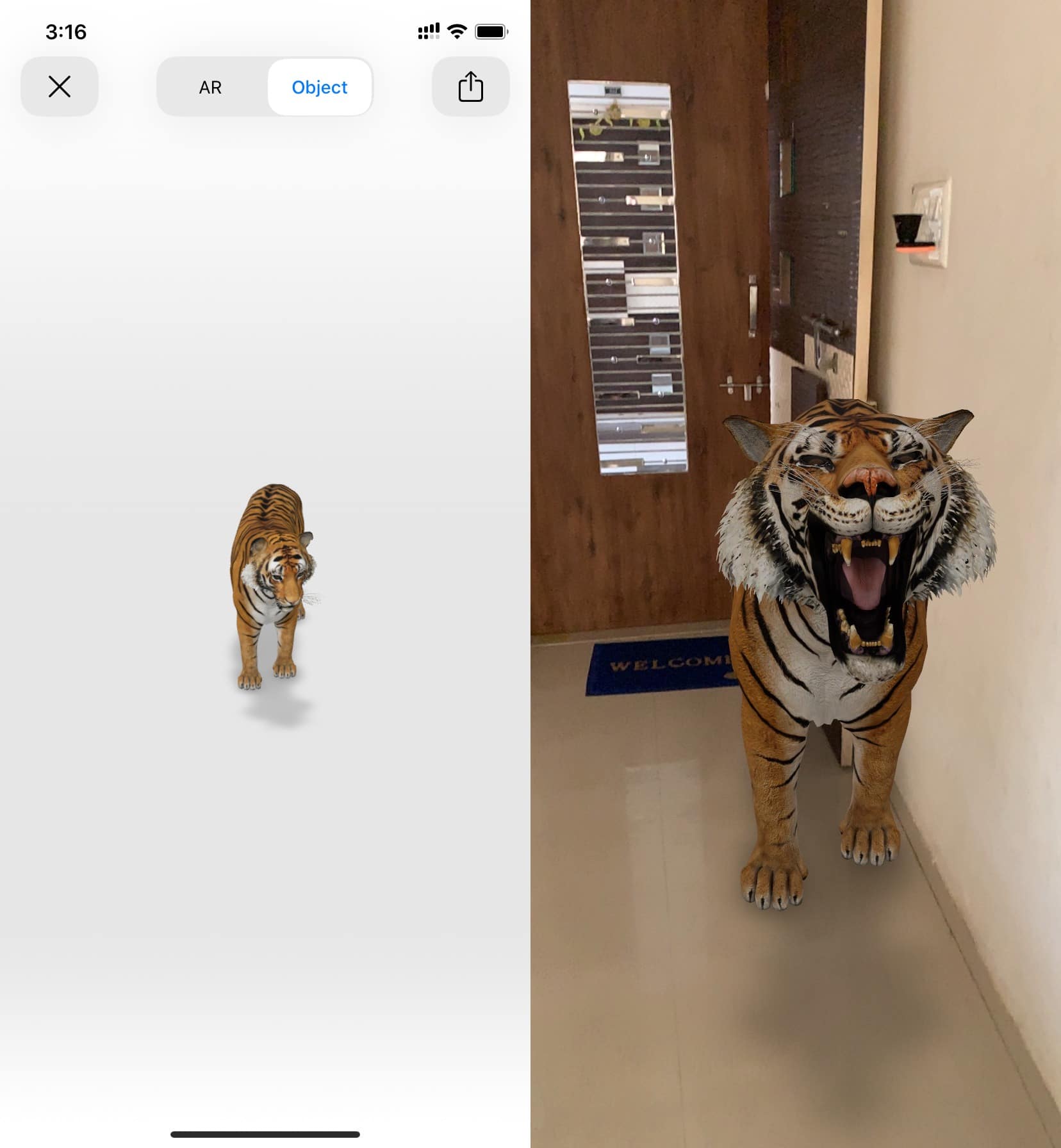

Available virtual animals
Google has a whole list of virtual animals that can be added to the real world.
- a lion
- Tiger
- Cheetah
- Duck
- Wolf
- Goat
- Brown bear
- Horse
- Turtle
- Cat
- Dog
- Octopus
- Eagle
- Alligator
There are many more animals, the list is simply endless. Just type in the name of the animal in the search, and you will probably immediately see its model.
Supported devices
The function works only on devices with augmented reality. Your iPhone must have iOS 11 or later. Other devices require Android 7.0+.
Most iPhone owners are already using iOS 13. The latest publicly available version of the system is now iOS 13.4.