The Magic Keyboard for iPad Pro has backlit keys, making typing in the dark easier
In most cases, the Magic Keyboard backlight brightness is exactly what it should be. Unfortunately, you can’t completely turn off the backlight.
A number of function keys, like on a MacBook, are not on the Magic Keyboard. Using these keys on laptops, you can change the volume and brightness of the backlight. On the iPad, the brightness changes through Settings.
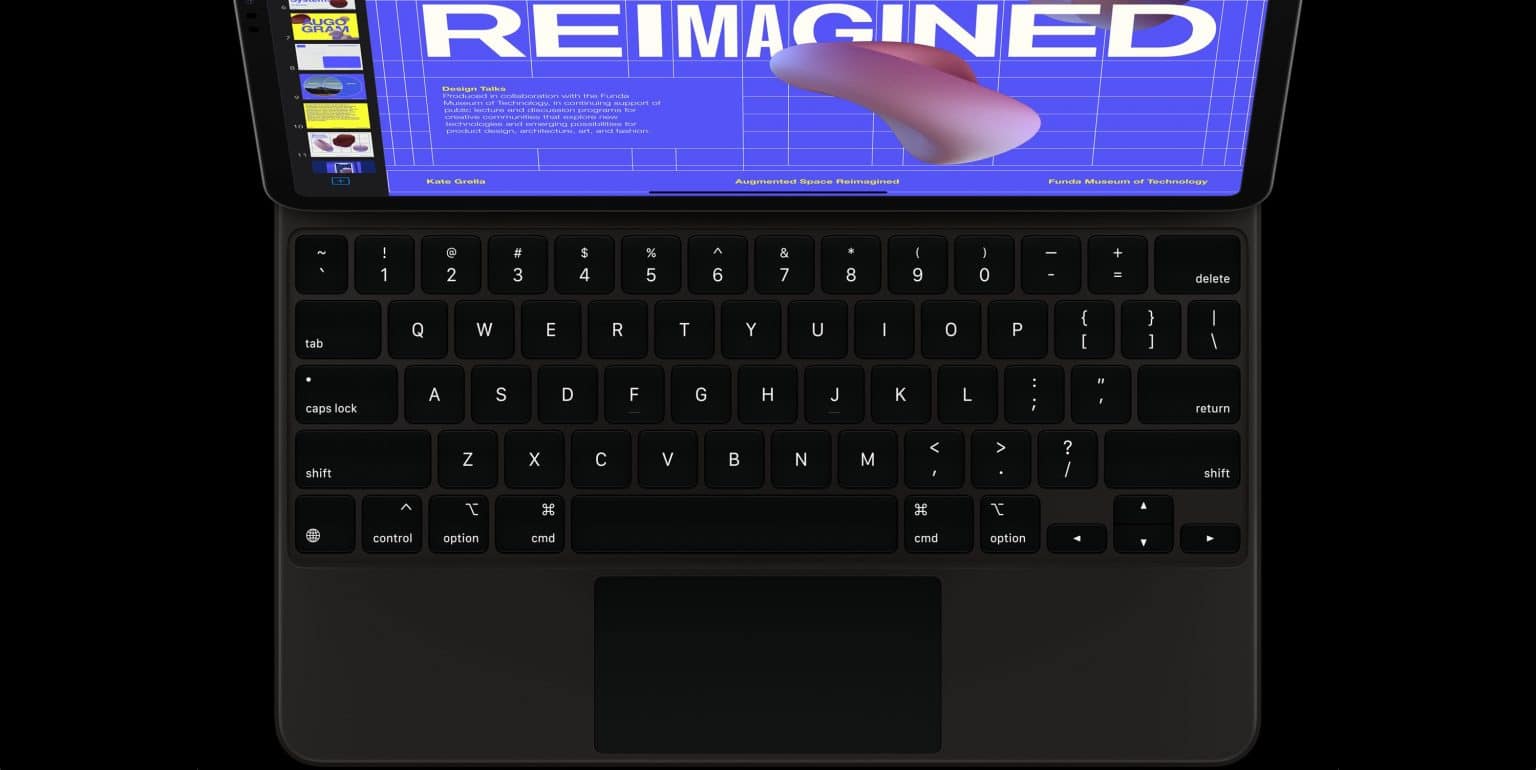
 The backlight helps to type in the dark, but interferes with watching movies.
Using Siri or through the Control Center, you cannot change the brightness of the Magic Keyboard, although it would be very convenient.
Also read: How to turn off keyboard backlight on Mac automatically
Below we will tell you how to change the brightness of the Magic Keyboard backlight.
How to adjust the brightness of the Magic Keyboard backlight
- Open the applicationSettingson your iPad.
- Select sectionMain.
- Select a section hereKeyboards.
- Select an itemPhysical keyboard.
- Set up your slider hereKeyboard brightness. Pull the slider to the right to make the backlight brighter, or to the left to darken it.
The “Physical Keyboard” section in Settings is only available if the keyboard is actually connected to your iPad. When the accessory is disconnected, the section disappears.
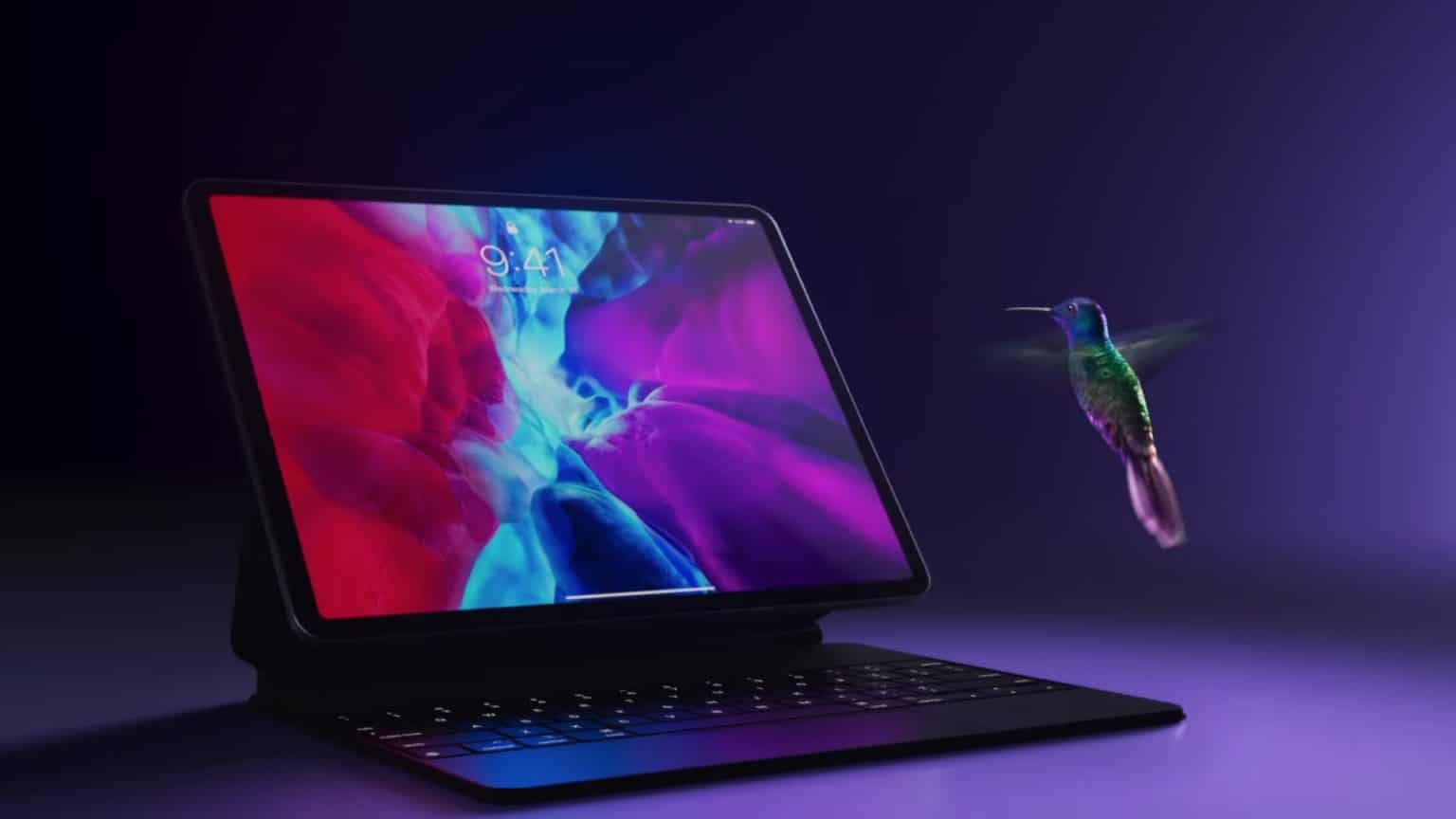

You can buy Magic Keyboard from Apple. Magic Keyboard is suitable for iPad Pro 2018-2020.