Siri is a convenient personal assistant that can be activated with the phrase “Hey Siri,” but I don’t like the function
how disable"Hi, Siri »
Open the applicationSettingson your iPhone or iPad and follow the steps below.
one)ClickSiri and Search.
2)Click on the switch next toListen to "Hello,Siri".
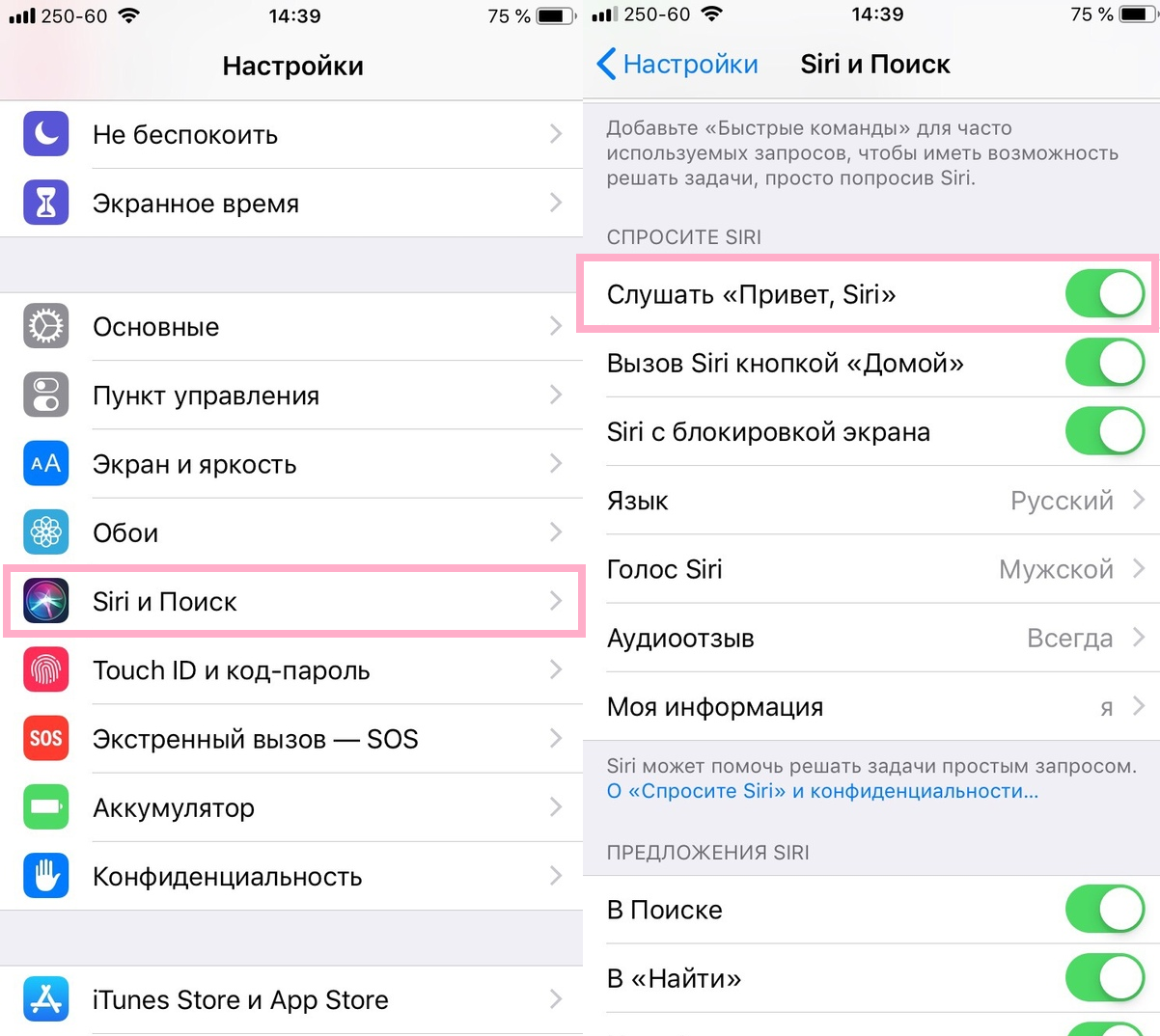

After that, you can still activateSiri side button or Home button, depending on which device you have. If you don’t need a personal assistant at all, you can disable the function completely.
Hello Siri is very convenient, but not everyone likes it. If you are one of these people, now you can just turn it off.