Download music from videos, popular songs from TikTok 2020, new releases, and other audio - many people face this
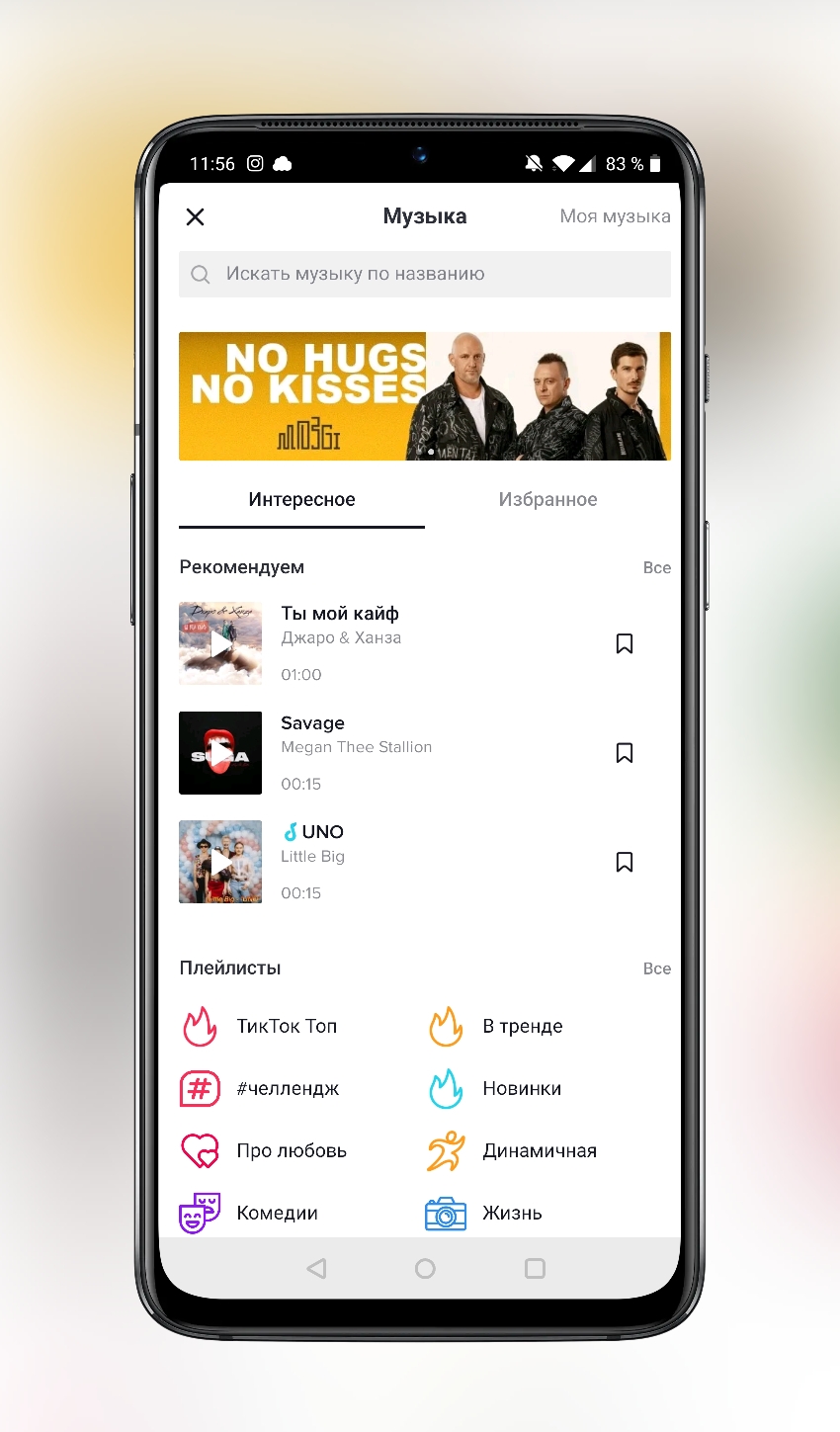
Read also — Tik Tok App: How to Use and Make Videos
Download music from TickTock video
There are several problem scenarios when youI want to download music from Tik Tok to my iPhone or Android phone. For example, you liked some kind of video, and you urgently wanted to download a song from a TikTok video. In this case, we suggest that you use these recommendations described below. Everything you need — This is a Telegram bot. Who doesn’t yet have the Telegram messenger on their phone, download it.
-
- So, we go from the phone to the bot link -https://teleg.run/ttsavebot(@ttsavebot) and immediately get into the bot’s channel. Button «START», then select the desired language.
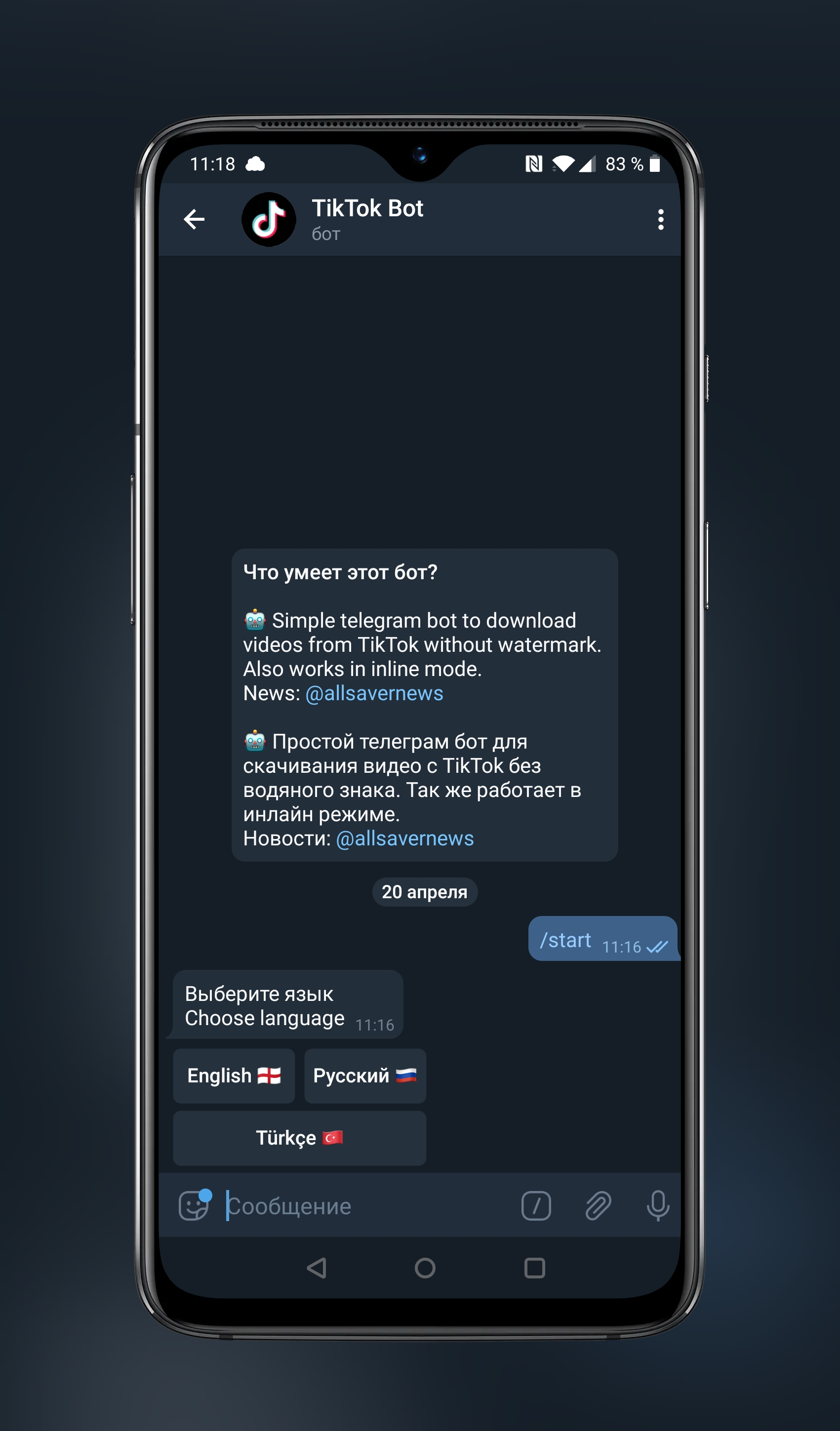
- Now sent him a link to a video from Tick Tok, from which you want to download a song (music).
- Almost immediately the bot will send you two files in a response message — video and audio track (song from TikTok video).
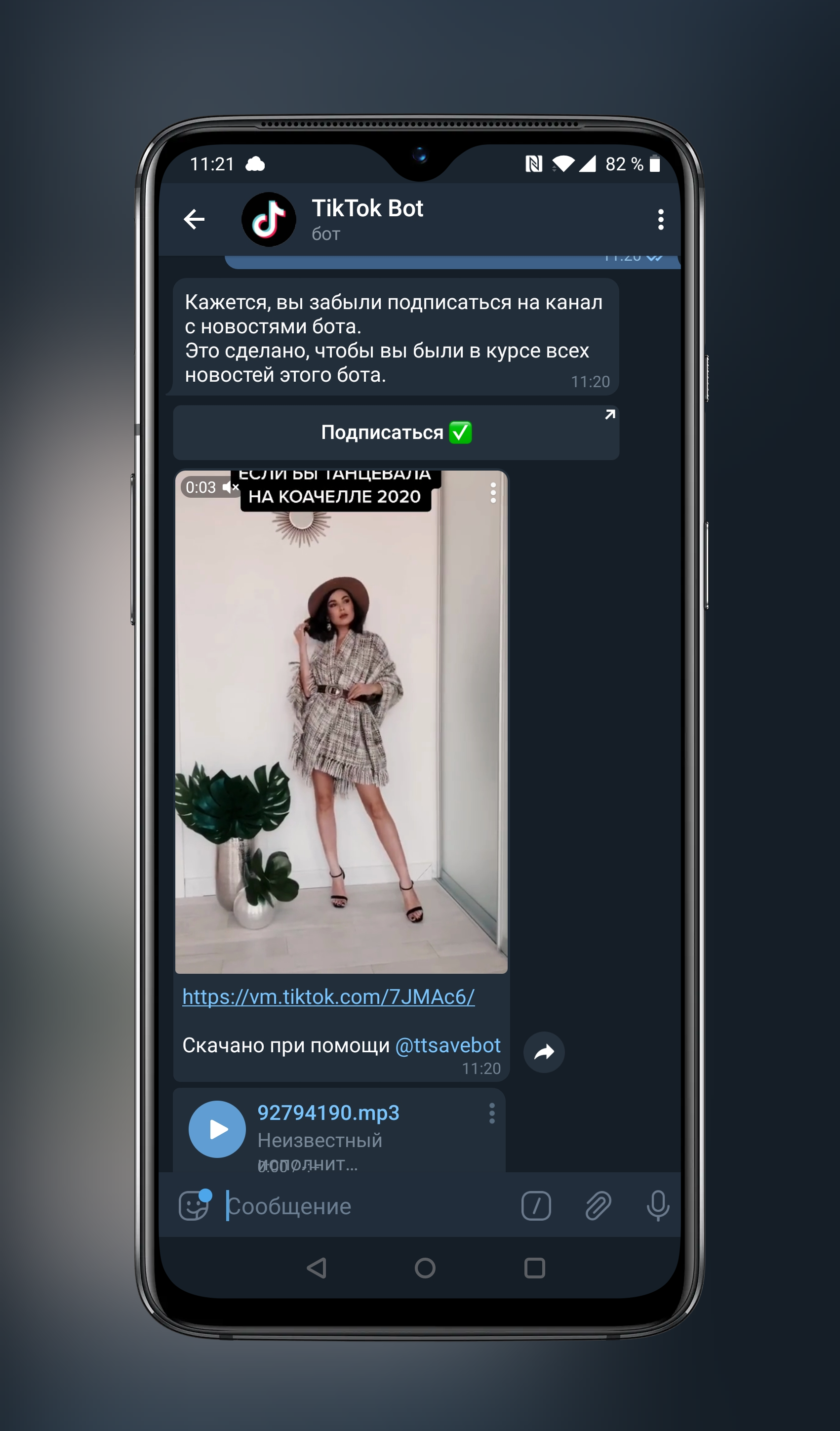
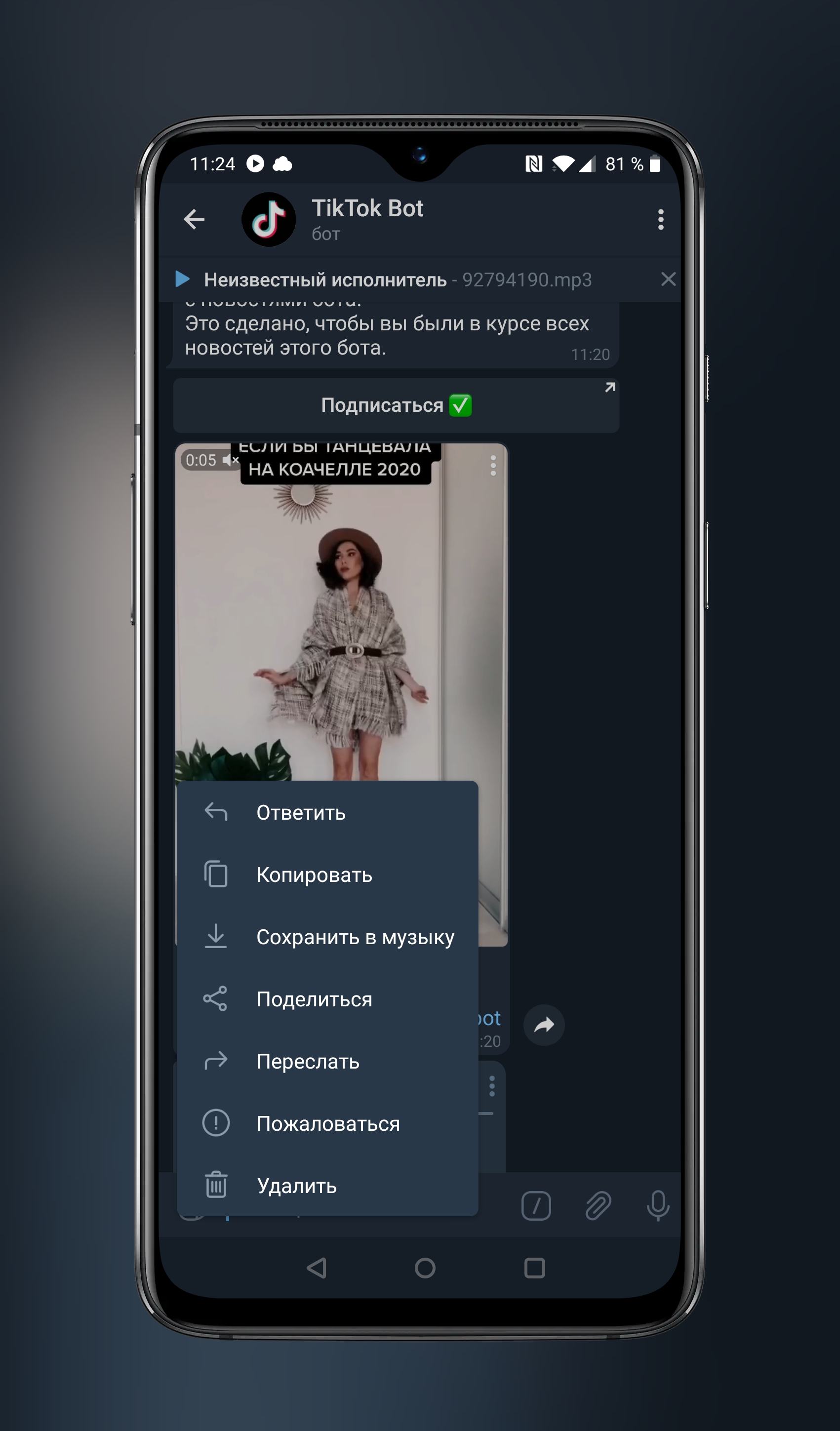
- If you want to download a song from TikTok video to your Android phone, then just click on the button"..."next to the audio track, and then “Save to Music.”
 If you want to download music from TikTok videos to iPhone, this algorithm does not always work. Apparently due to Apple's restrictions.
- So, we go from the phone to the bot link -https://teleg.run/ttsavebot(@ttsavebot) and immediately get into the bot’s channel. Button «START», then select the desired language.
Read also — How to broadcast live on Tik Tok
Download popular songs of TikTok 2020
If you want to download popular songs,playlists from the TickTock 2020 application, unfortunately, this cannot be done from the application itself. There are several options for the development of situations. Or you just remember the name and artist of the desired track and search in any search engine and download.
Or the second option — on the Internet there isa huge number of sites that daily update current playlists from TikTok, forming them in the same sections. Choose any one and download from there any song you need, or the entire section of popular songs at once.