Swipe keyboard on iPhone running iOS 13 — a long-awaited innovation that greatly simplifies input
How to enable / disable
We had to introduce swipe keyboards on the iPhonewait a long time, provided that on Android devices this feature has been working for several years. At first, Apple did not support third-party keyboards at all before iOS 8. Then users were already so accustomed to the apple input method that they simply did not want to leave the convenient cursor control and preferred the original keyboard. Now everything has changed, but with some caveat.
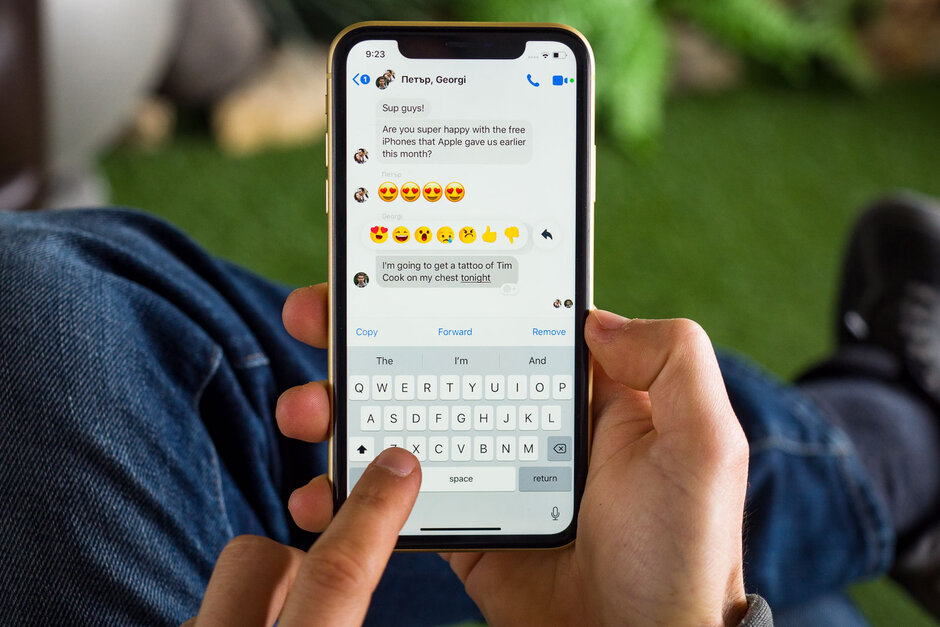
With the release of iOS 13, Apple introduced the so-called"Slide to Type" function. Essentially, it works just like the good old Swype keyboard, released in 2013: you swipe your finger across the keyboard over the letters you want to press, and artificial intelligence magically figures out what word you're trying to type. This makes typing with one hand much easier, which is why this method has so many fans.
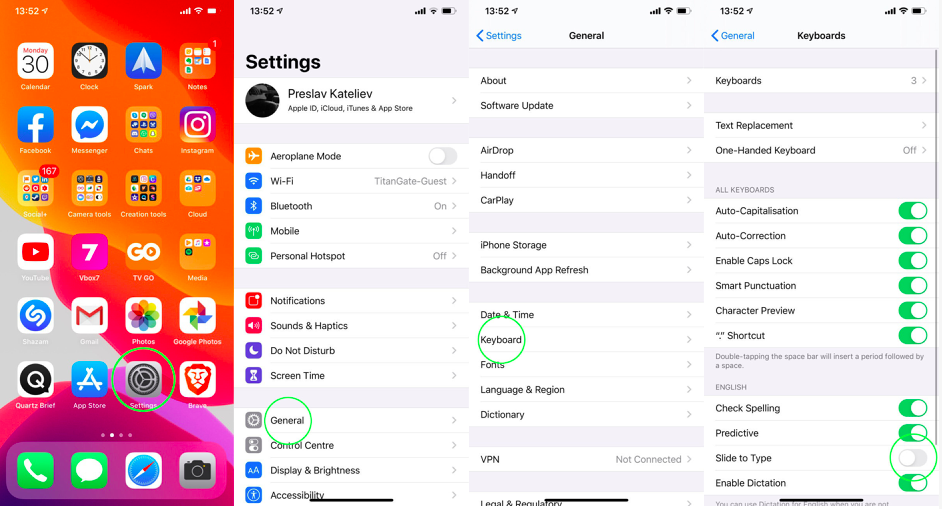
Apple calls this feature “Slide to Type.” On iOS 13, it is enabled by default. If you want to disable or re-enable it, follow these steps:
- Go to Settings -> Basic -> Keyboard.
- Find the “Slide to Type” switch: turn it on or off depending on your preference.
Swipe keyboard does not work
And now about the biggest nuance.The swipe keyboard on iOS 13 doesn't currently support all languages, at least not yet. And Russian is not one of the supported languages. Therefore, for Russian users this function is still useless, unless, of course, you communicate in English, Spanish, Italian, German, Portuguese, Simplified Chinese or French. The function is active for these languages.