In some apps, like mail, lists, or social media, small red icons with the number of
But there are applications in which such iconsonly interfere. It can be games with notifications about restored lives or applications with wallpapers in which new images have appeared. In any case, the red icons on the icons can be disabled.
Advertising
Advertising
How to disable red notification icons
one)Go toSettingsand select a sectionNotifications. You can immediately see which notifications are active in each application, right under its name.
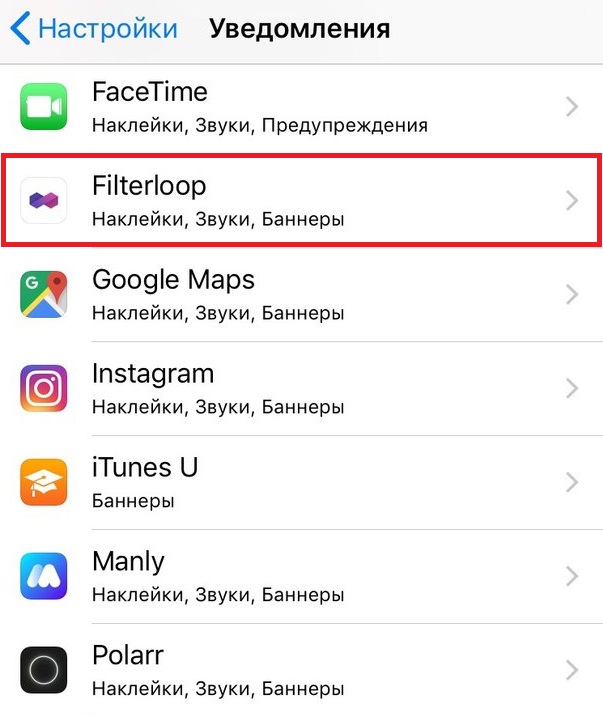

2)Select the app you want to turn off notifications in.
3)Click on the toggle next toBadge stickerso that it turns white.


That's all!
In the settings, you can also turn off all application notifications or just some.
You can turn off Sounds, On a locked screen, Show in history, Show banners. You can also choose temporary or permanent banners.
Make out the mess
By turning off the red notification icons on the application icons, you will make your home screen tidy and it will become easier to notice really important notifications.