On the IT-HERE YouTube channel, the specialist named the main ways to install the SberBank Online application on any
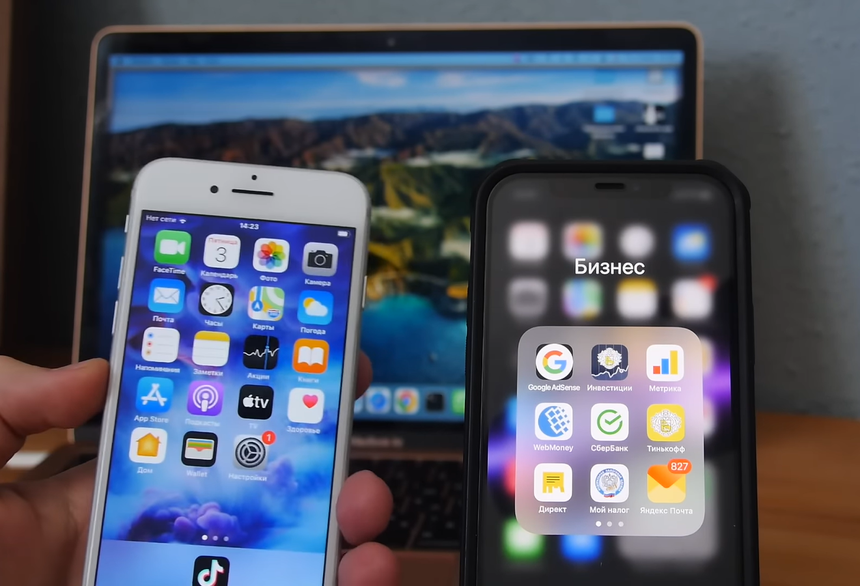
According to IT-HERE's leading YouTube channel,There are three working ways to install Sberbank Online on an iPhone. As you know, this application has been removed from the AppStore, so you can no longer download and install it from there.
- Through a device where SberBank Online is already installedIn addition to this device, you will need a computerand iMazing (available for free on both Windows and MacOS).At the same time, it is important that the versions of iOS on both iPhones are similar: for example, iOS 15 and iOS 14.You need to connect your smartphone with the app installed to your PC and open iMazing on your computer.Next, select the device you need, go to "Application Management", the "Media Library" tab and enter "Sberbank" in the search.Once you've found the app, right-click on it and select "Upload to Library" and then "Export" in the same list and save the file to "Downloads".Next, you need to disconnect this device from the PC and connect the one on which you want to install the application.
In the same way, you need to go to the iMazing program, select the connected device, and go to "Application Management".Then, at the bottom of the window, to the right of the "Delete" button, click on the arrow, and after that, click on "Install File . IPA».After installation, SberBank Online will appear on your iPhone.But you will also need to ask the owner of the phone from which you downloaded the app to enter their login details, as the linked app will beWith this smartphone, not yours.

-
Via AltStore.
-
Via Sideloadly.
These methods are considered more complex. Moreover, the application will work for you in this case only for a week and every seven days you will have to reconnect the iPhone to the computer in order to reinstall it.