If you want, you can make your notifications on your Apple Watch private.Confidentiality will be
Advertising
Advertising
Default Notifications on Apple Watchare displayed in full expanded form. As soon as you raise your wrist, a notification will appear on the watch display. Thus, it is very convenient to quickly check your messages.
Most users are satisfied with this situation, but Apple also added the ability to keep their notifications on smart watches strictly confidential. Below we will tell you how to achieve this.
How to Make Notifications onApple Watch confidential
one)Open the appApple Watchon your iPhone.
2)Select a tabMy watch.
3)SelectNotifications.
four)Click on the toggle next toConfidentiality.
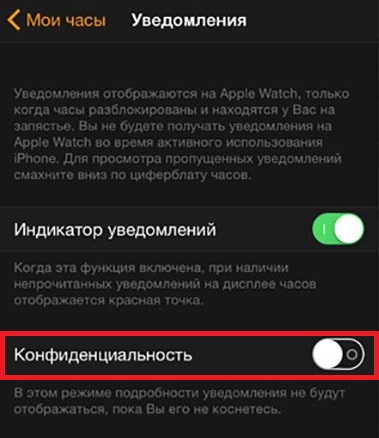

The description of the function says: "In this mode, the notification details will not be displayed until you touch it."
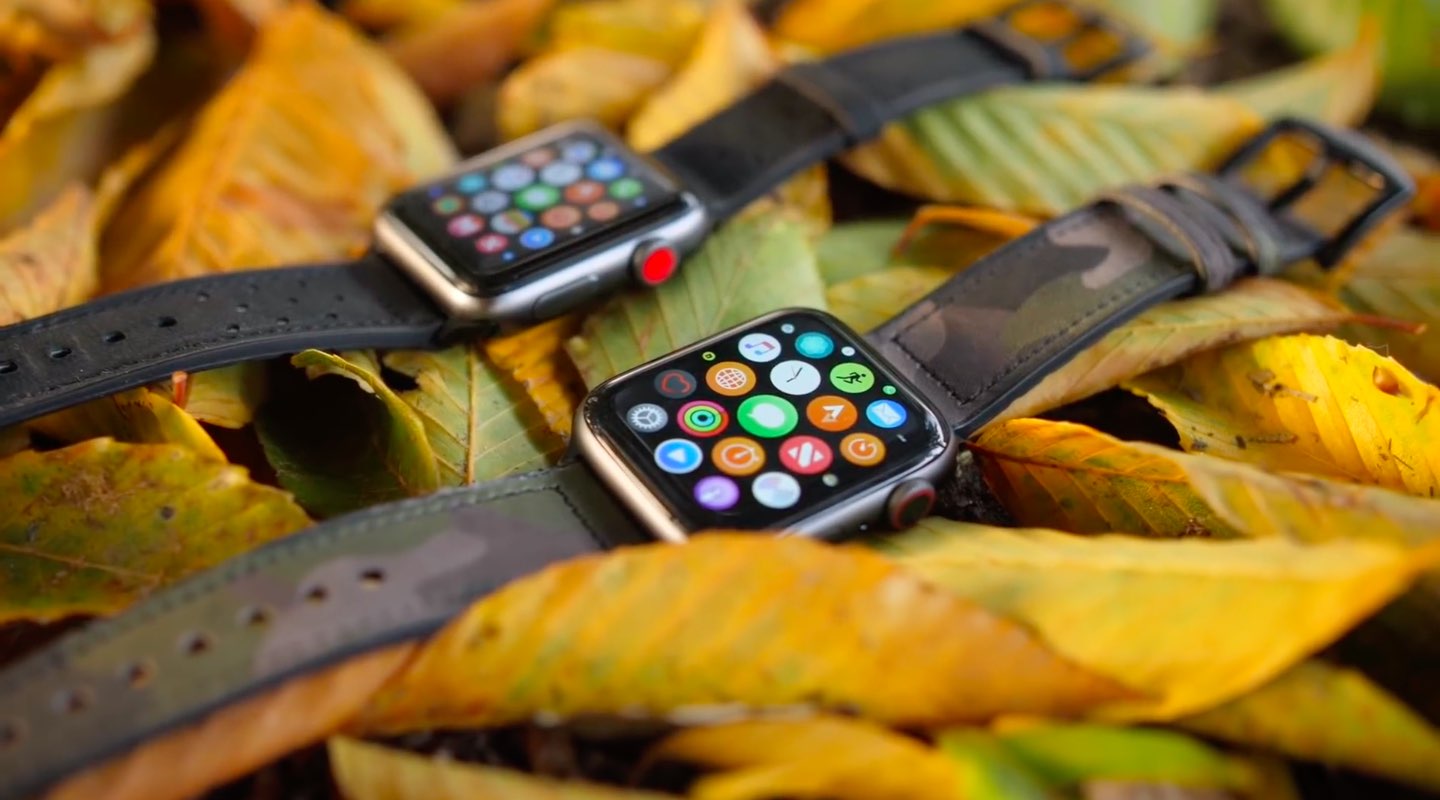

Notifications will still appear on the watch,but you will see only the icon and the name of the application. The contents of the notification will be hidden until you touch it. If you prefer to see the entire notification immediately, disable the option.
Also read: How to open Control Center and Notification Center from applications on Apple Watch
This option will definitely appeal to those who are very worried about their privacy. Now, your message is definitely not read by anyone but yourself.