There's a new Noise app on Apple Watch that lets you measure the noise levels around you, as well as
The application is part of the watchOS 6 update, which so far is only available as a beta for developers. It will be released publicly with the final update in the fall of 2019.
Why measure noise?
Here is the answer from Apple itself:
Noise can reach such a level that it willadversely affect your hearing, but you won’t even notice it. The Noise application will detect when a level reaches a dangerous level, and will notify you about it so that you can protect yourself.
Whether or not to follow the advice of the application is up to you. Unfortunately, hearing loss occurs gradually over long periods of time. You do not notice it until it is too late. Good hearing is necessary in order to remain independent in old age.
The Noise app uses the built-in microphone ina smart watch to periodically measure noise levels throughout the day. You can also measure the noise level at any time, which is very useful if you are often in a noisy environment.
How to Measure Noise on the Apple Watch
By default, Apple Watch will notify you abouthazardous noise level if it does not calm down after three minutes or reaches 90 decibels. When this happens, you will feel a vibration on your wrist and you will see a notification on the watch.
You can touch the notification to open the application itself and find out more details.


If you are in an environment with a noise of 90 decibels four hours a week, your hearing will be significantly impaired.
You can also measure the noise level at any time as follows:
one)Press the Digital Crown to open the Home screen, then launch the Noise app. You can also add it to your Dock for quick access or open it with Siri.
2)When the noise level changes, the indicator on the screen also changes. In the application, the noise level is marked as normal or high.
If you are somewhere on a construction site, and the application has notified you that the noise level is too high, it is better to leave it as soon as possible. The same applies to sporting events, concerts, etc.
You can also wear noise-canceling headphones to protect your hearing. Do not forget that too loud music in the headphones negatively affects your hearing.
By default, the app alerts you when the noise level reaches 90 decibels. This indicator can be changed.
one)Open the appApple Watchon your iPhone.
2)Select a tabMy watch.
3)From the list, selectNoise.
four)Turn off the switch next toEnvironmental Sound Measurements.
five)Select fieldNoise Thresholdand change the indicator to one of the available ones:
- Off
- 80 decibel
- 85 decibels
- 90 decibels
- 95 decibels
- 100 decibels
If you will be in a setting with a levelnoise of 90 decibels for half an hour a day, this can lead to temporary hearing loss. If the noise level exceeds 100 decibels, just 10 minutes a day is enough.


WatchOS 6 also has an extension for the dial, with which you can quickly open the Noise application and measure the noise level in real time.
How does noise analysis work?
You can view a detailed analysis in the Health app on the iPhone with a new hearing section. Here you will find more information about the noise level in your surroundings.


In the application Noise on a smart watch, not all information is available. In addition, the Health app allows you to share information about your health.
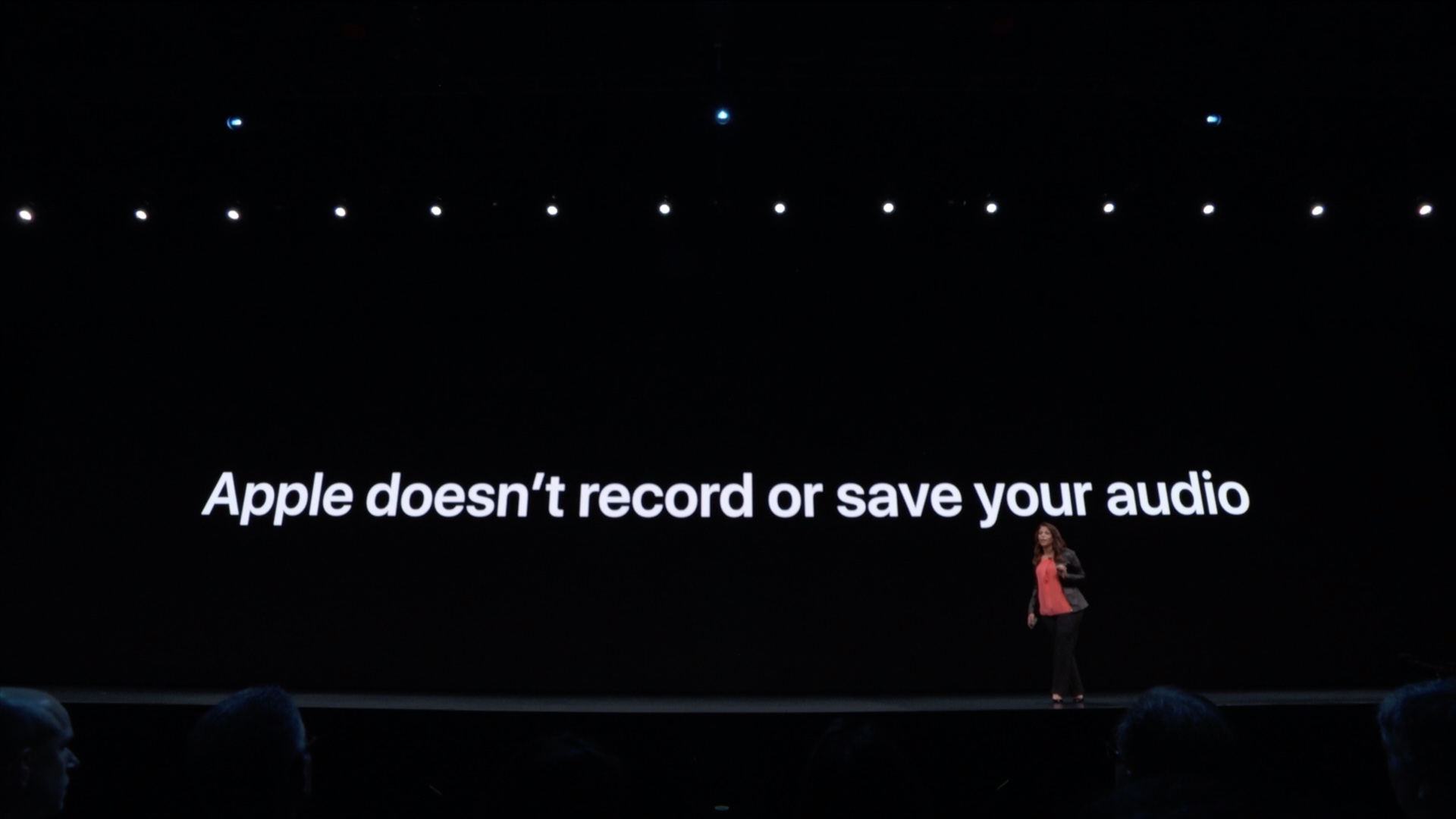
The Noise application does not record or store audio. The system performs all the analysis on the device, audio is not recorded and is not sent to the cloud.
In addition, wind or water noise can affect measurement accuracy.

All Health application data is securely encrypted on your device. If you have synchronization turned on, then they are encrypted on iCloud.
Like watchOS 5, watchOS 6 is supported by everyonesmartwatch models other than the original Series 0. watchOS 6 is compatible with Series 1, Series 2, Series 3 and Series 4 models, but not all new features are available on older models.